It will be necessary to isolate the separate sections and model the rings at a slight angle:
and then adjust each so as to model the 3D appearance.
Or, I’ve found that when Boolean operations don’t work, “Trim Vectors” affords more control:
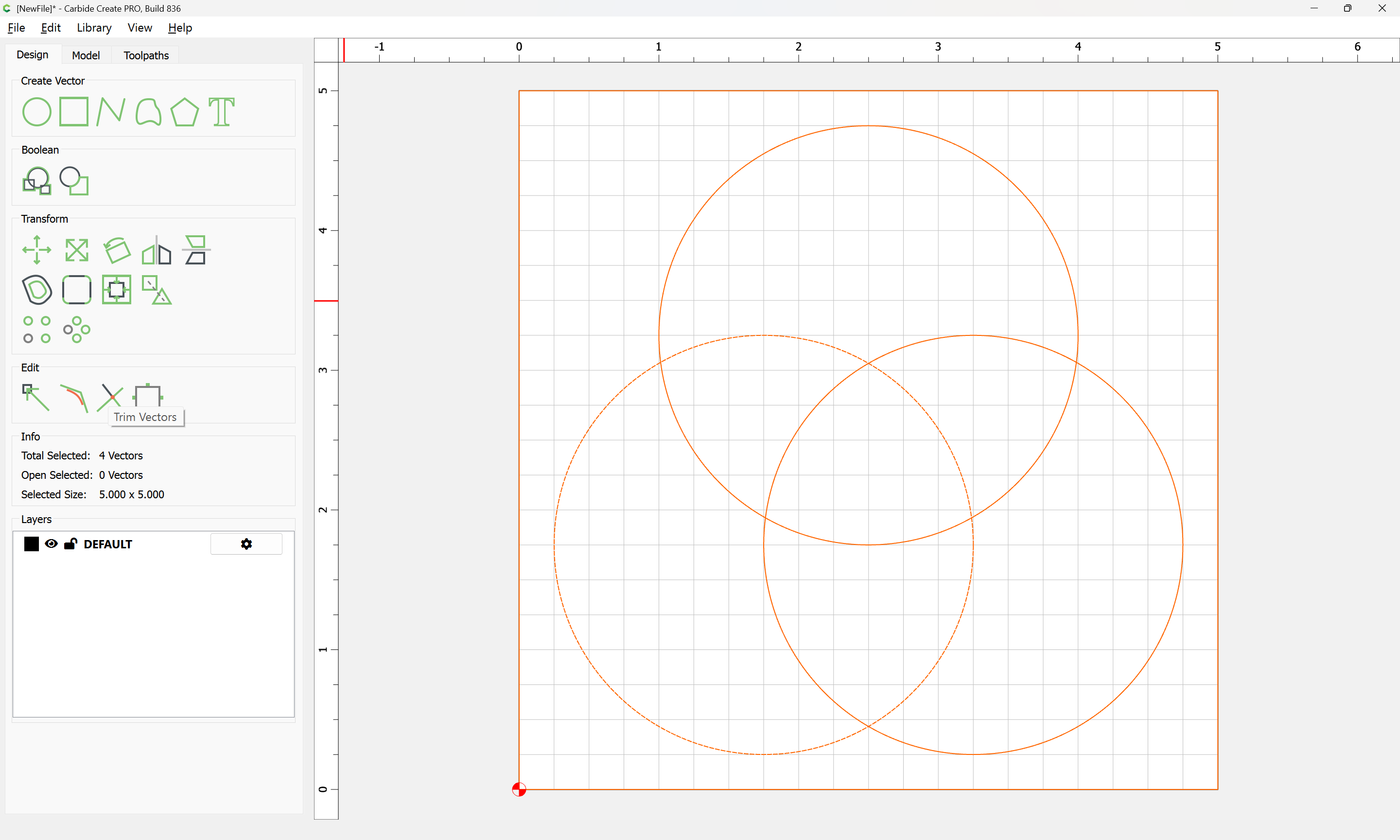
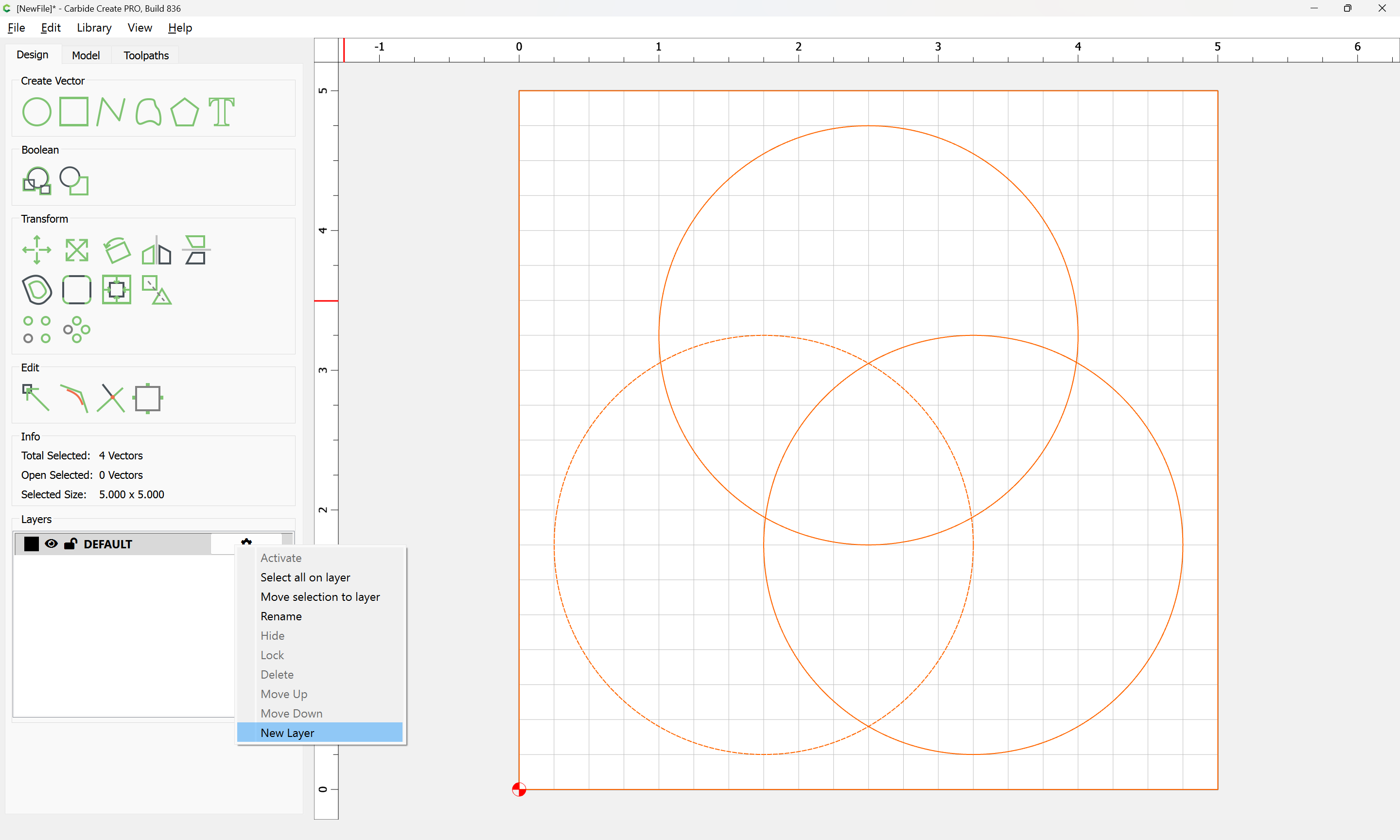
Since it removes geometry, store a duplicate of the geometry on a reference layer:
OK
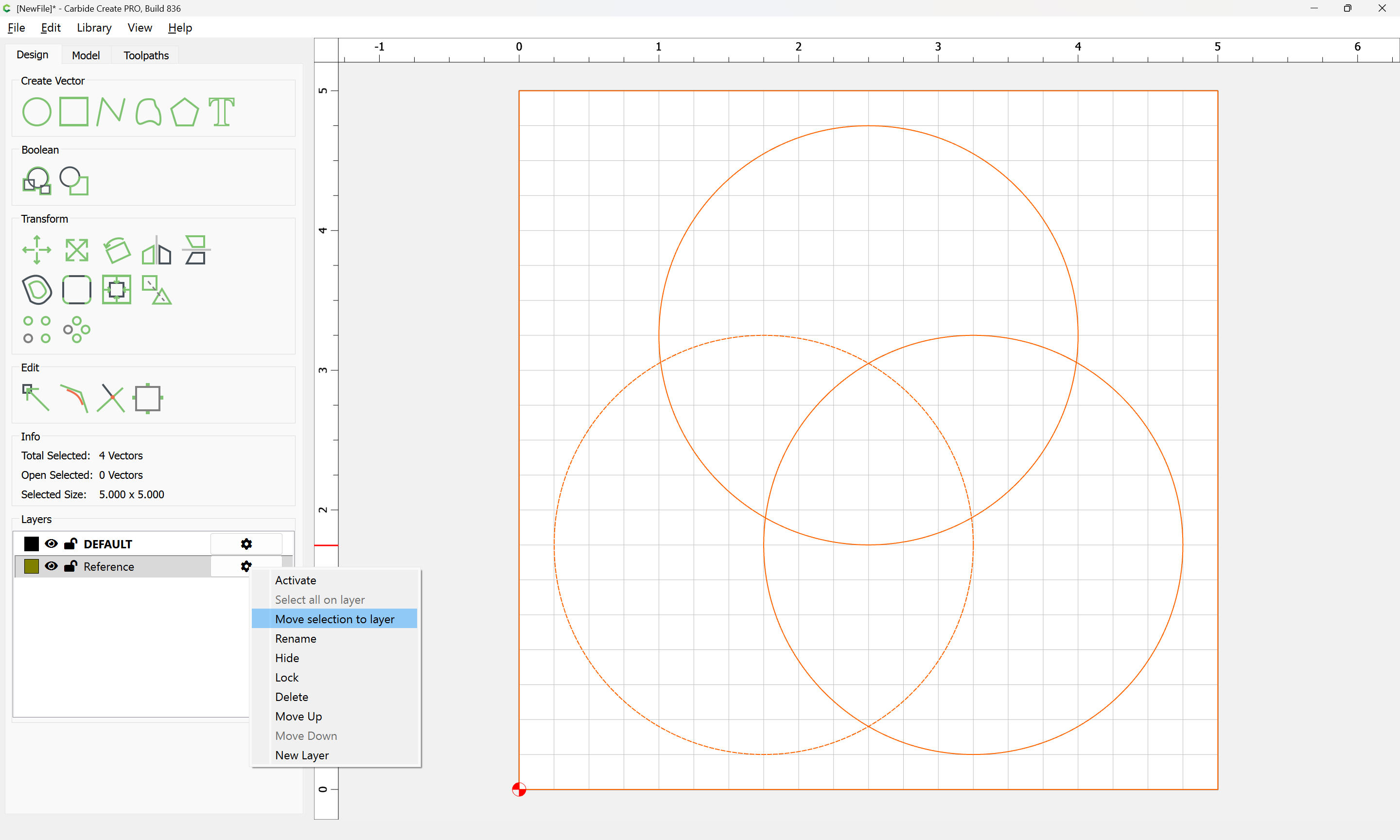
and lock the layer:
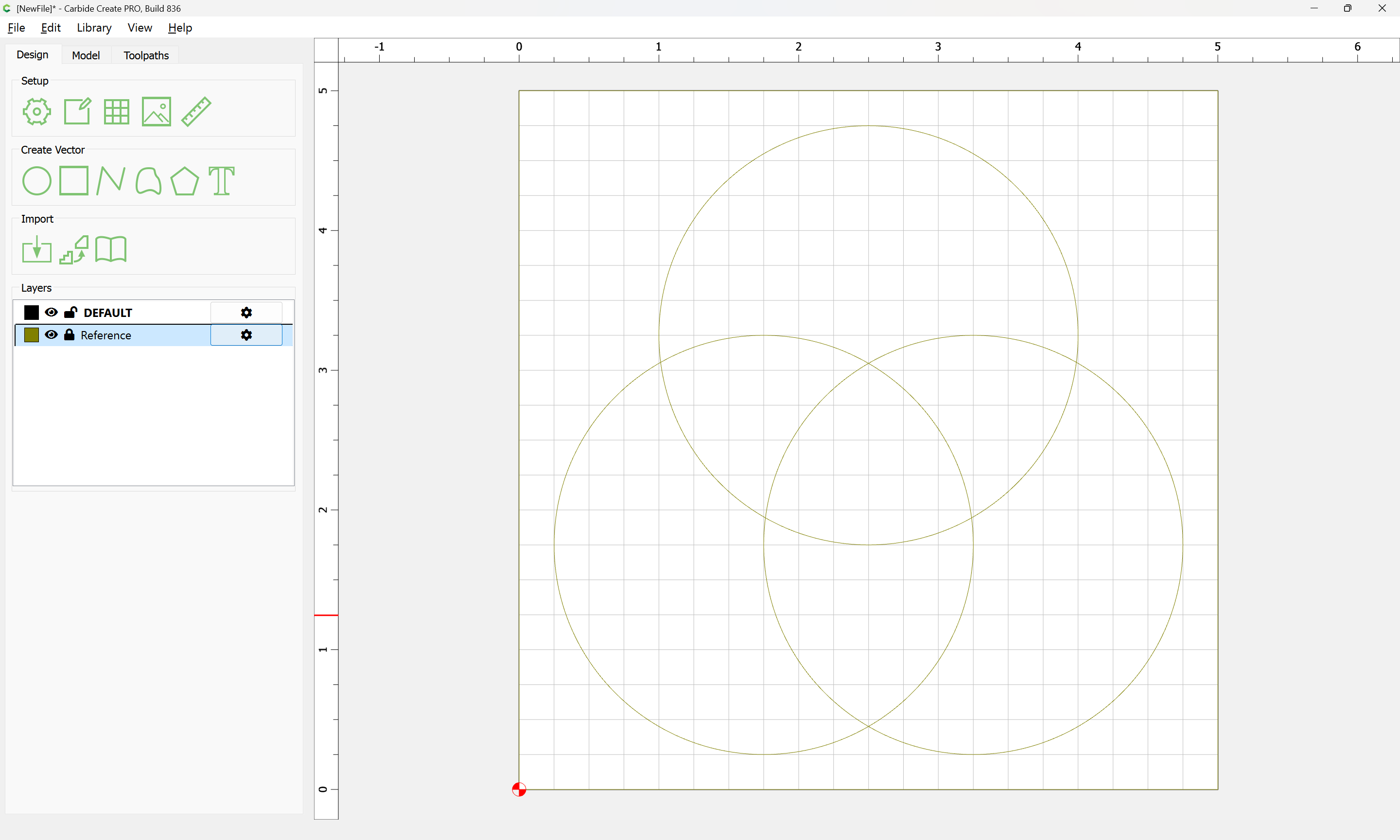
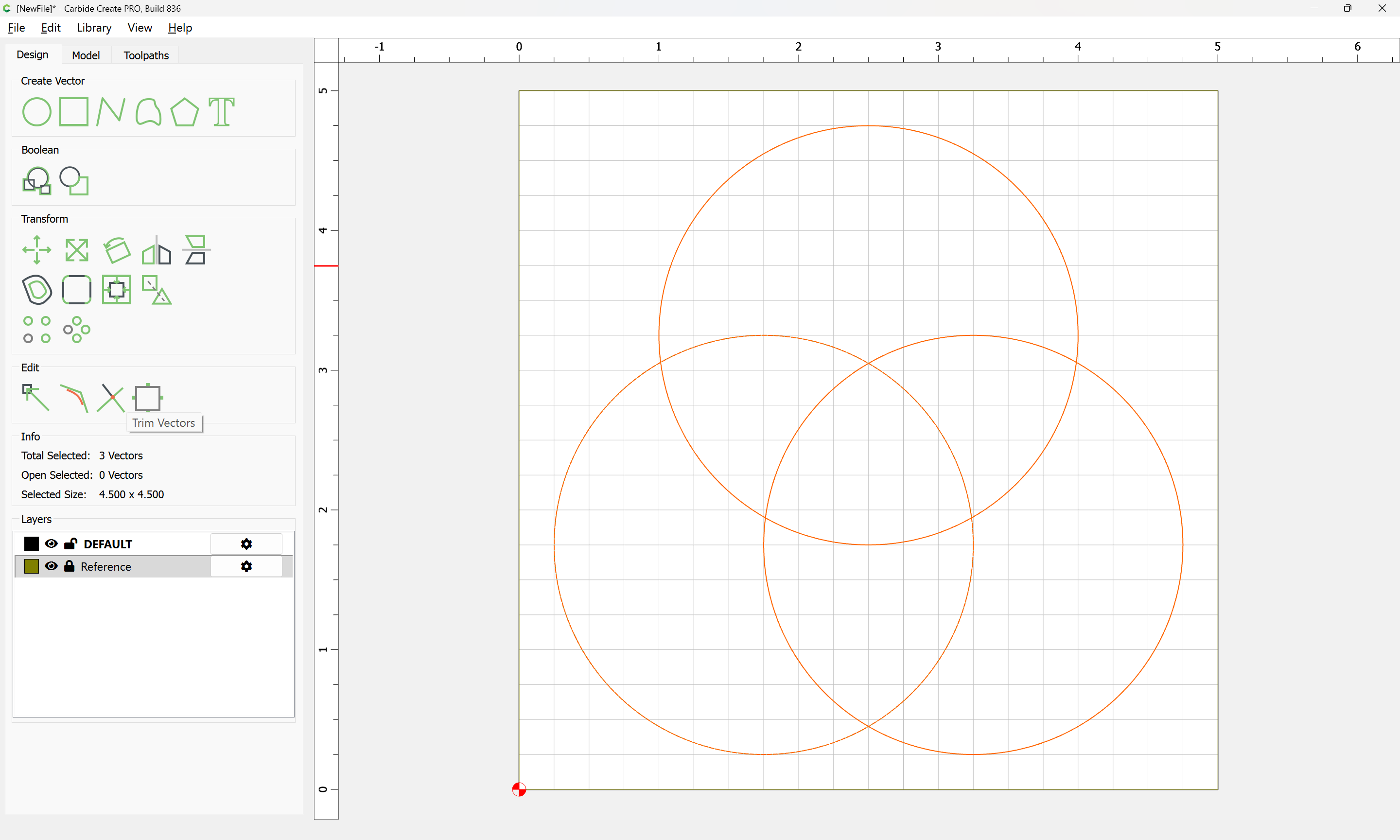
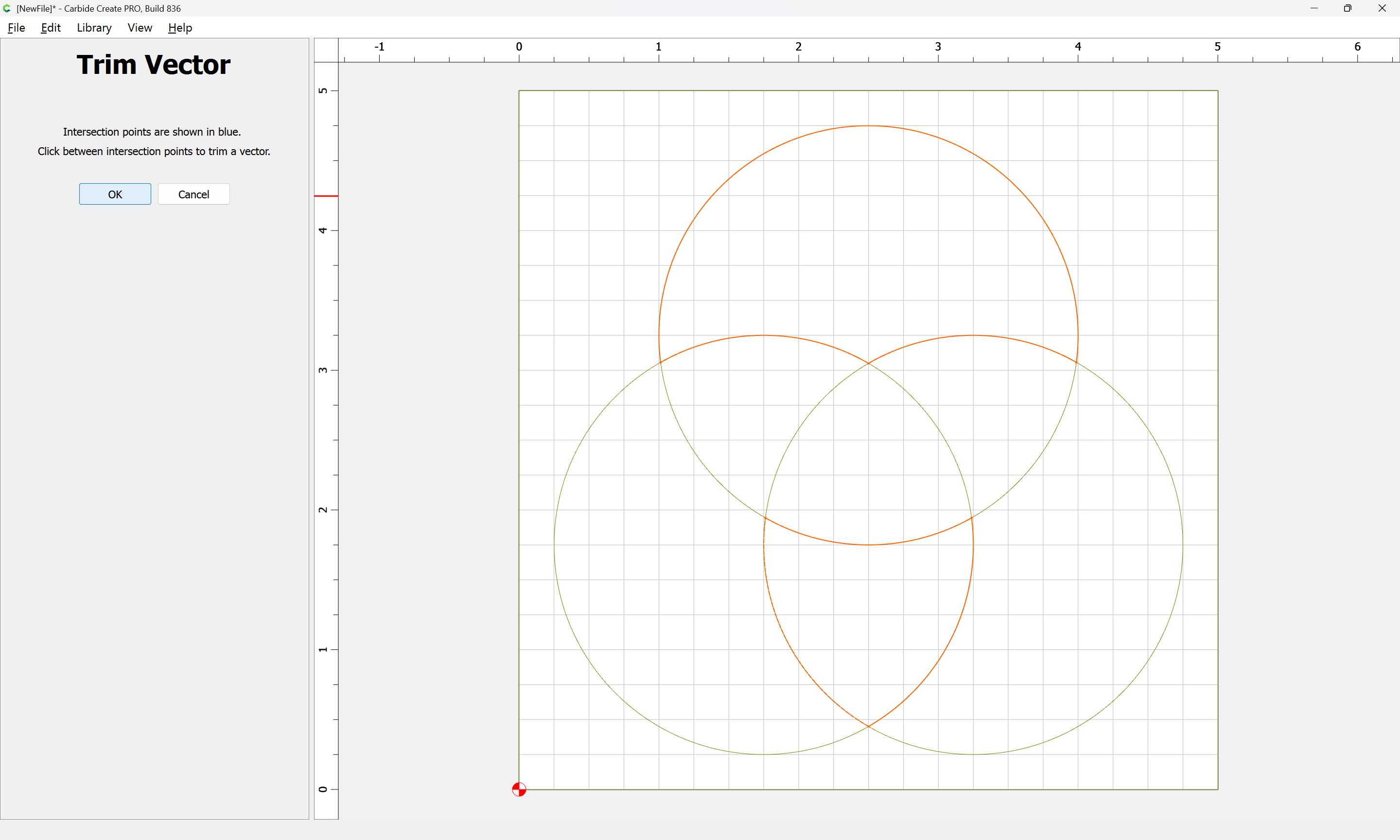
Then select the original geometry and choose Trim Vectors
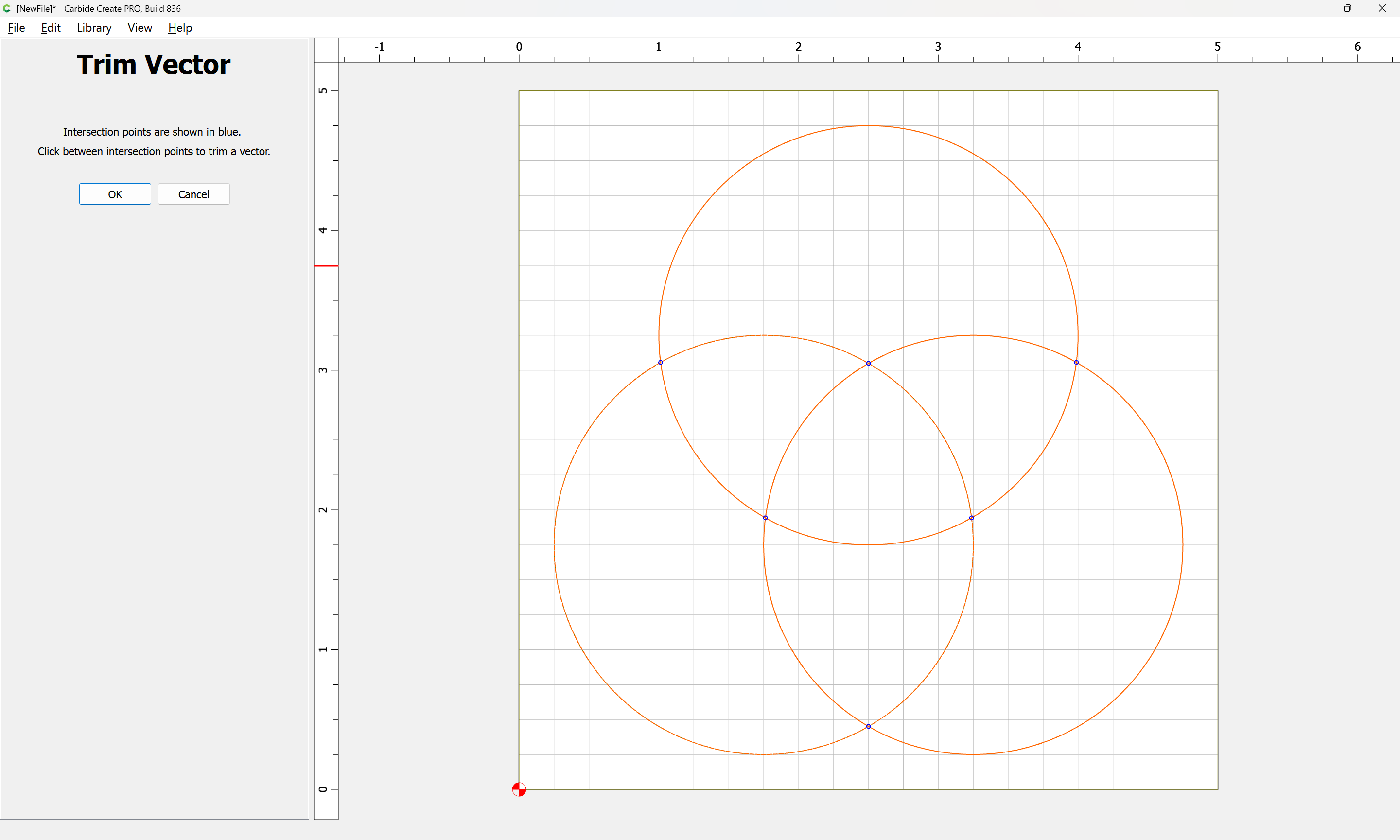
and create one of each shape of overlapping region:
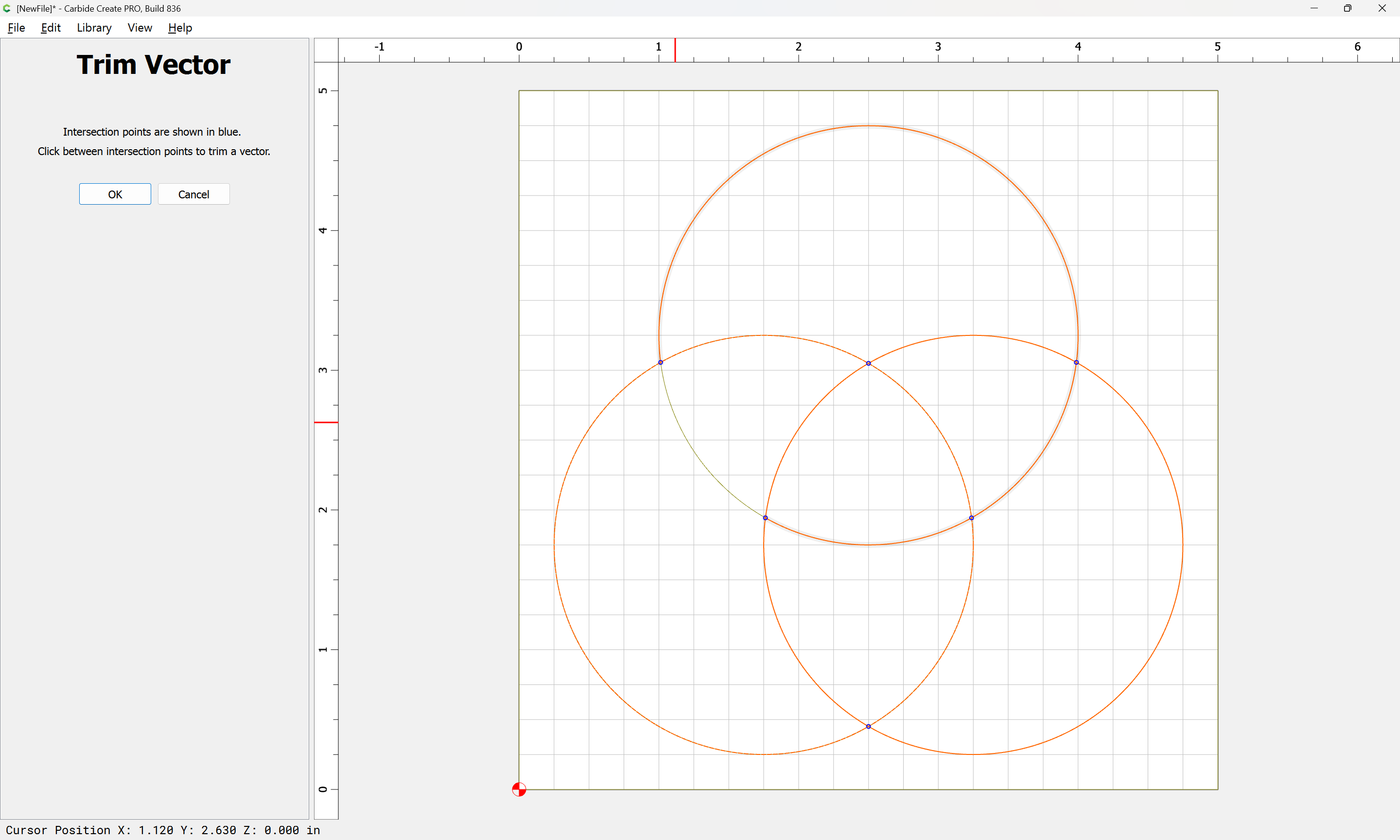
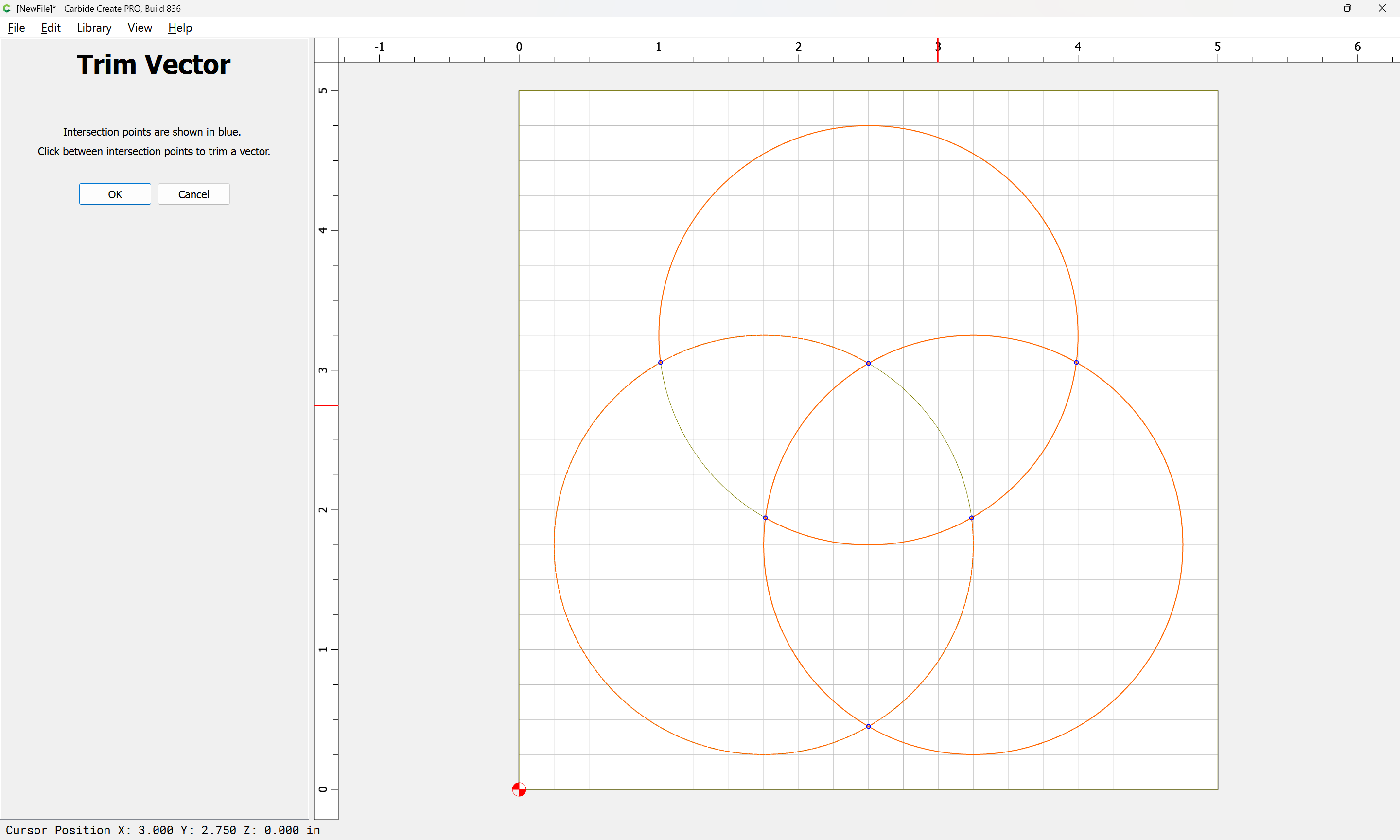
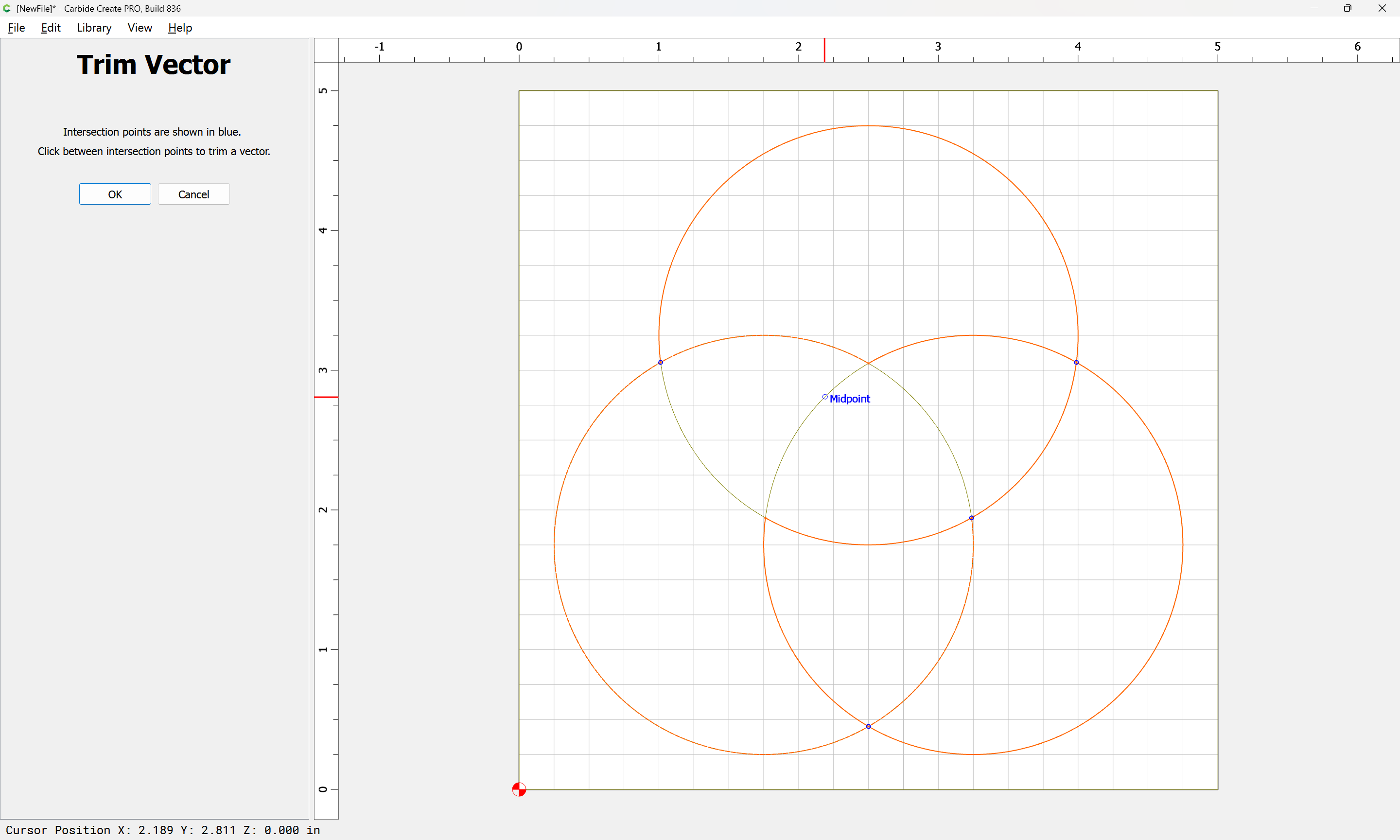
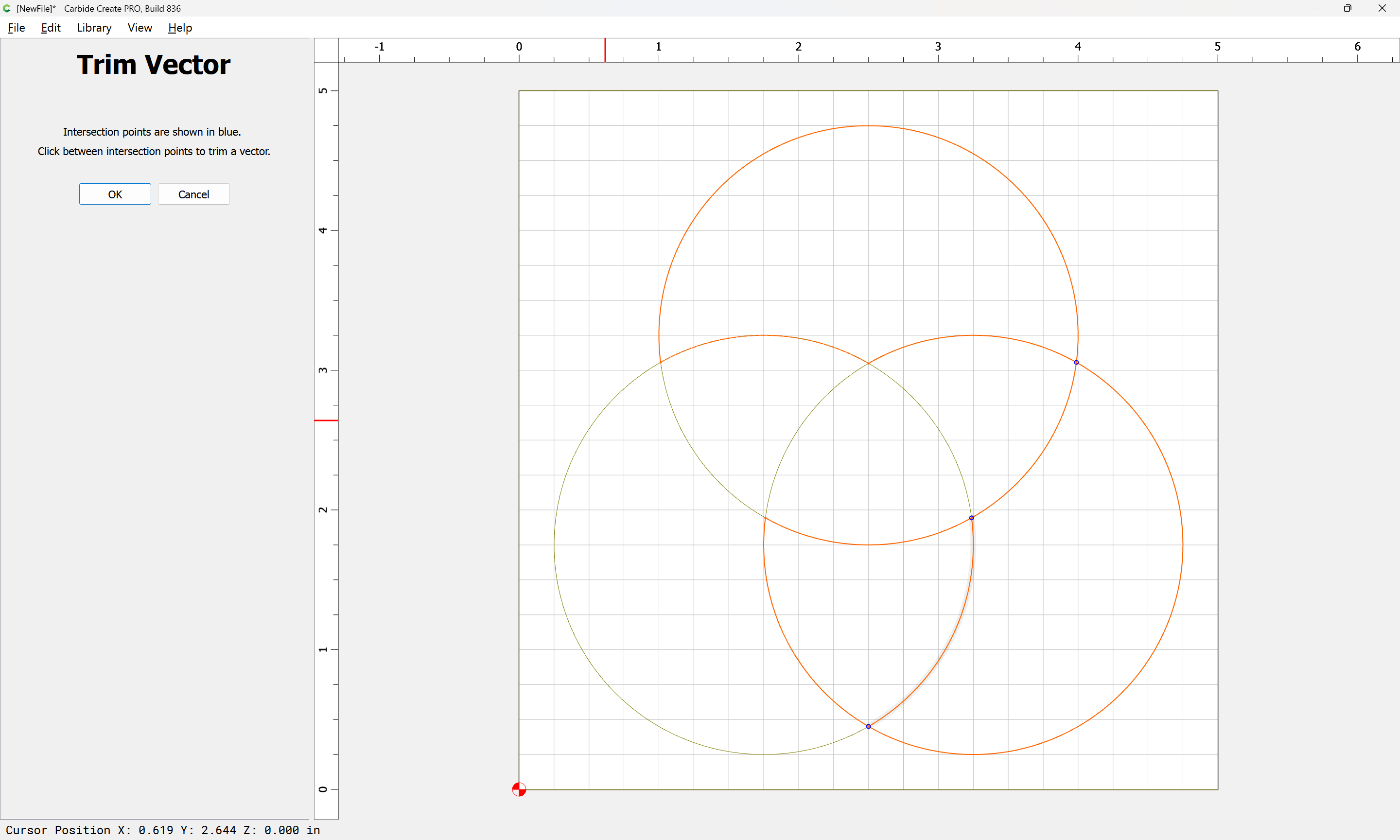
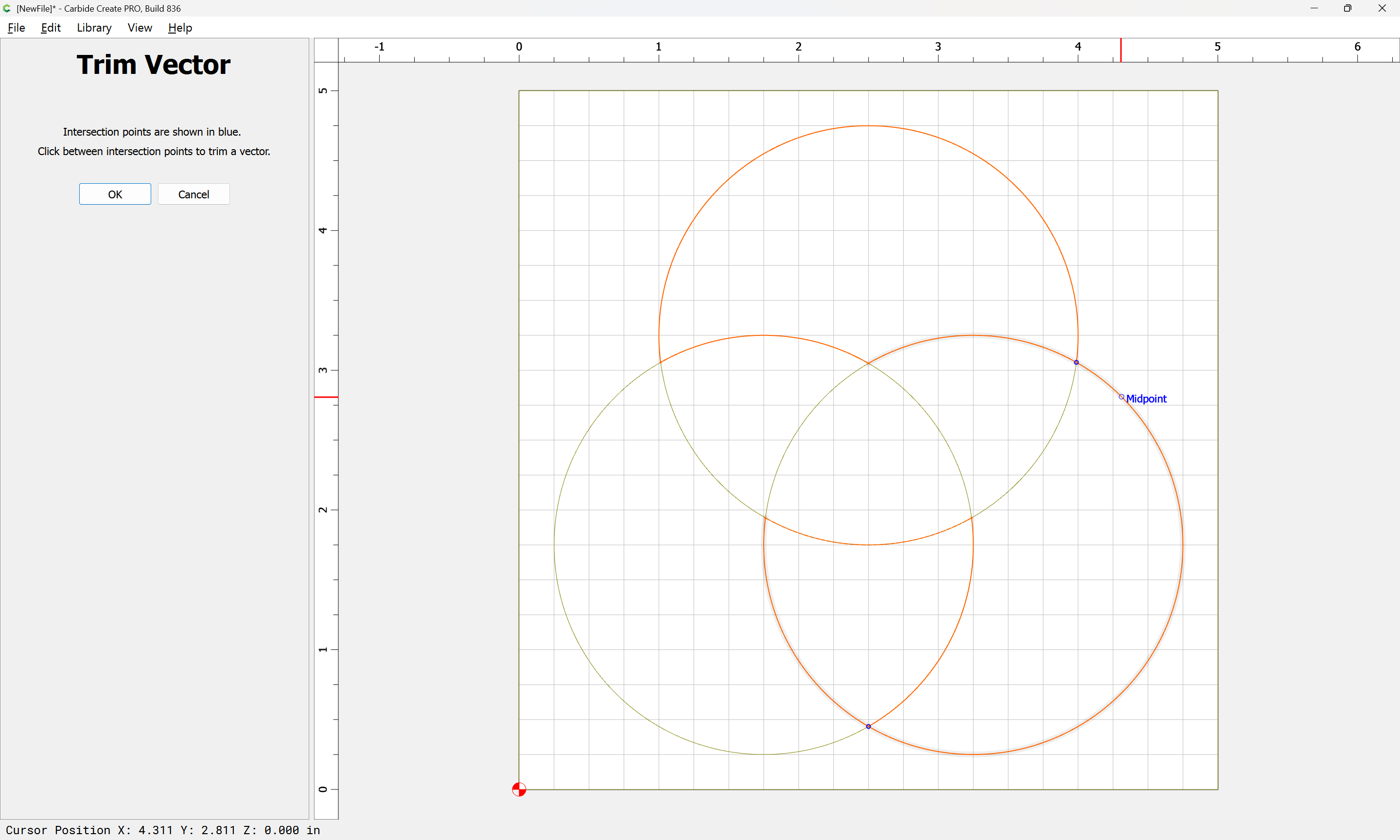
Until one arrives at:
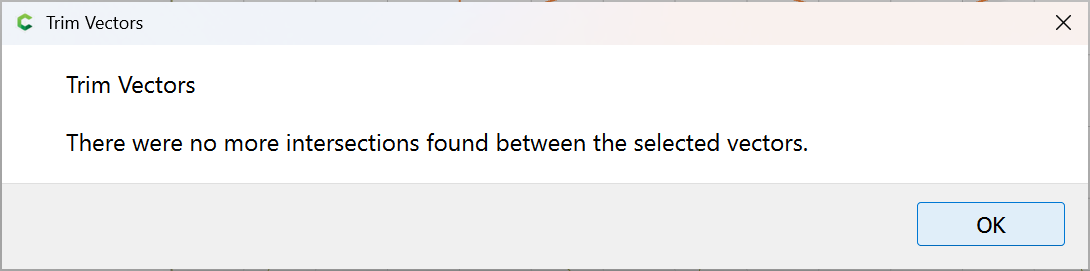
OK
OK
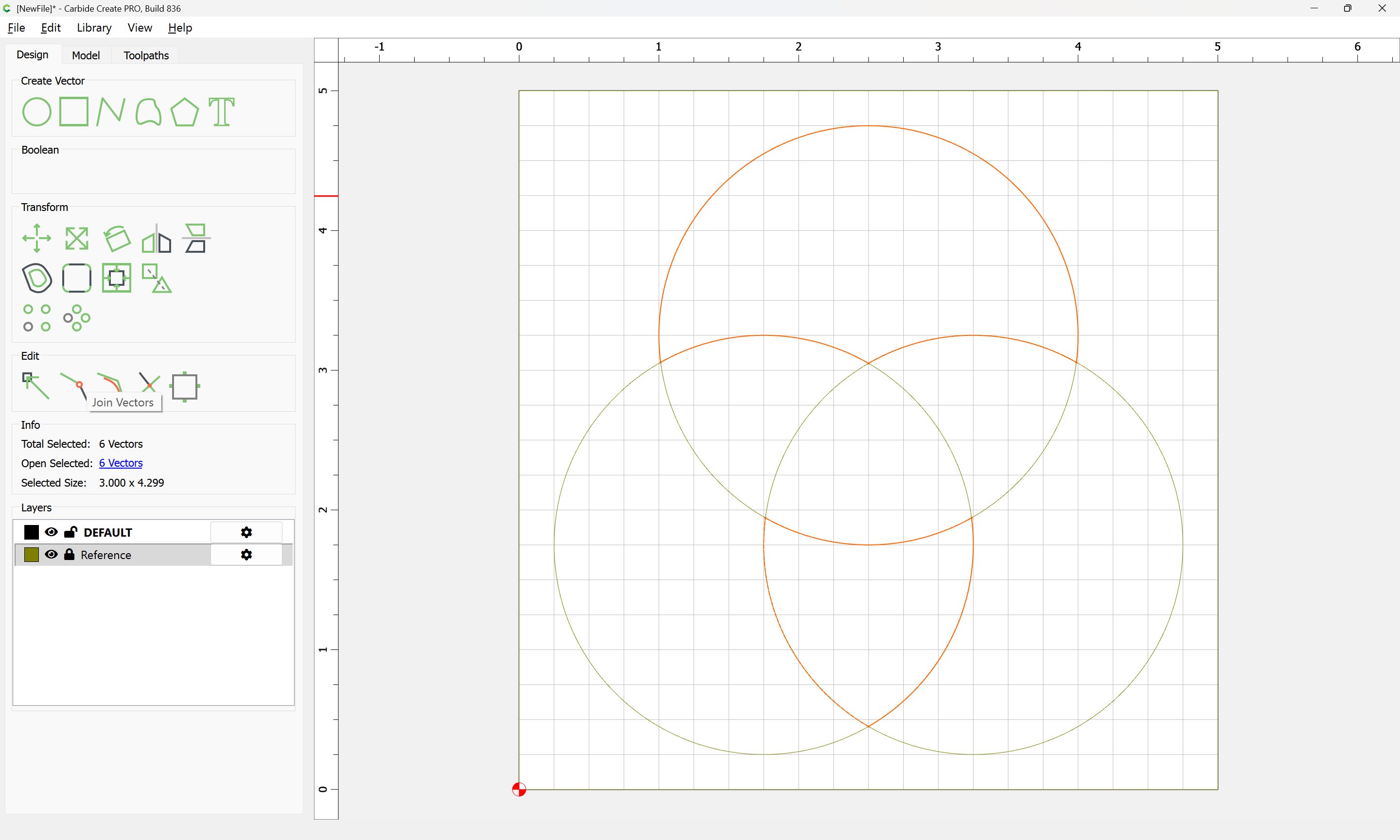
Use Join Vectors to close the shapes:

Yes
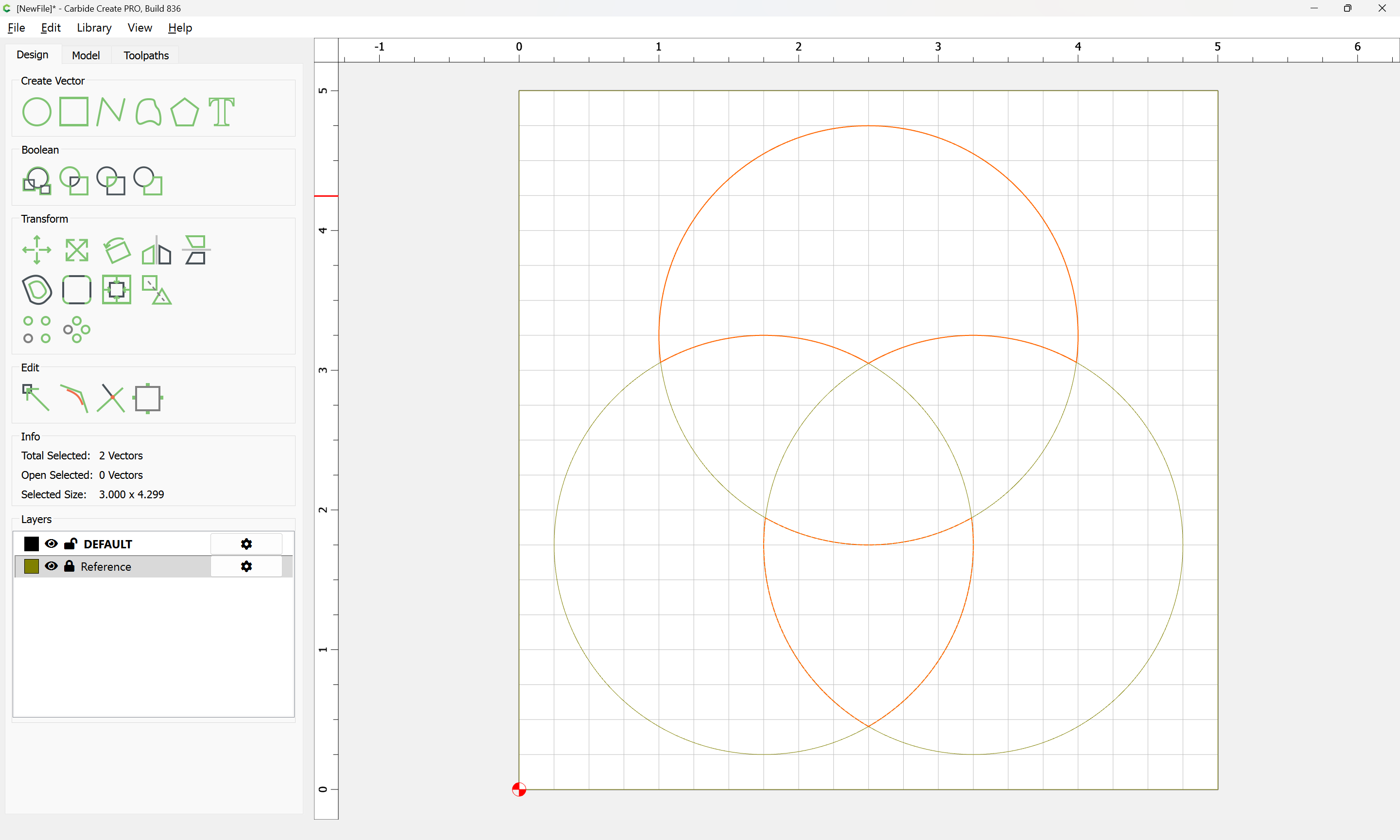
Copy and paste each twice:
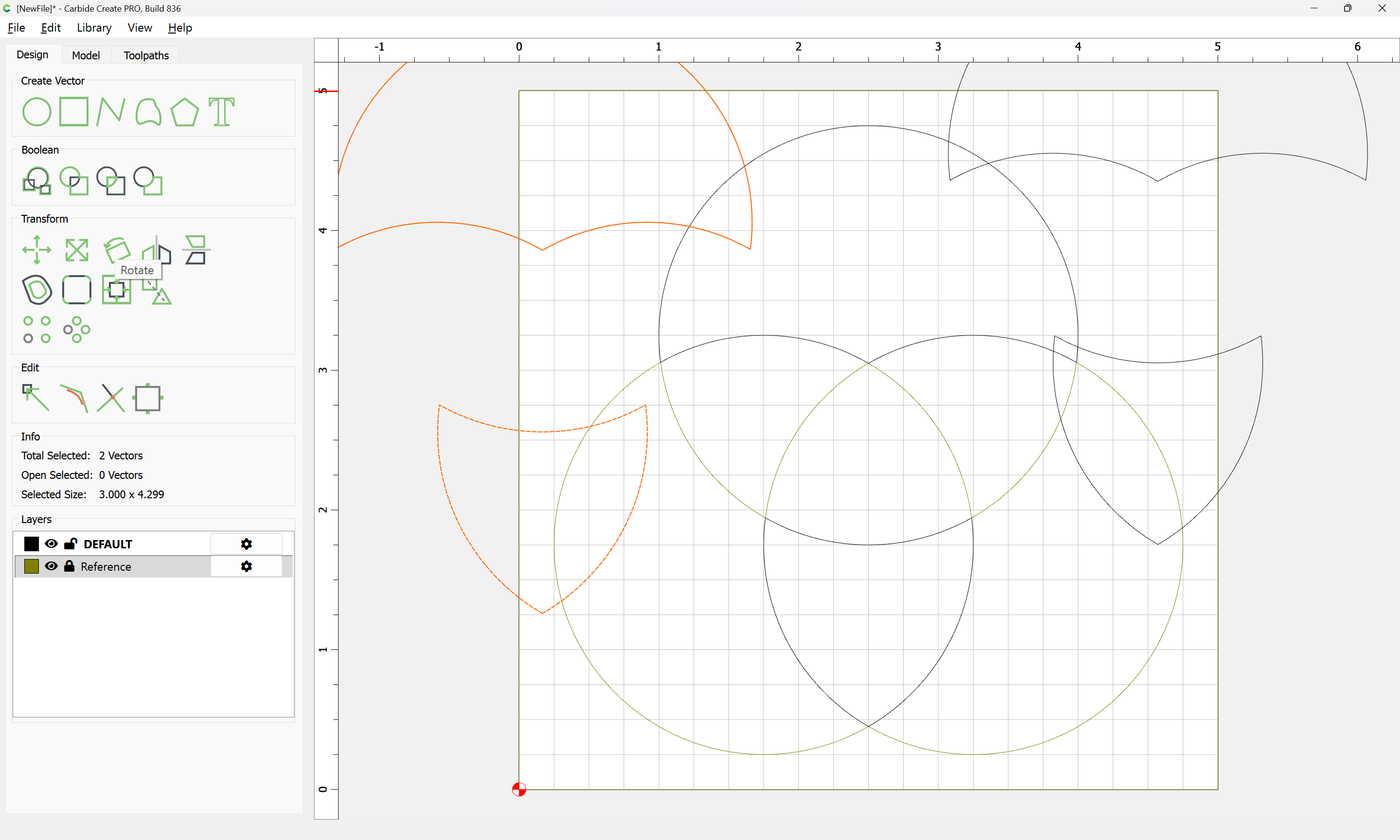
Then rotate each copy 120 degrees in one direction or the other:
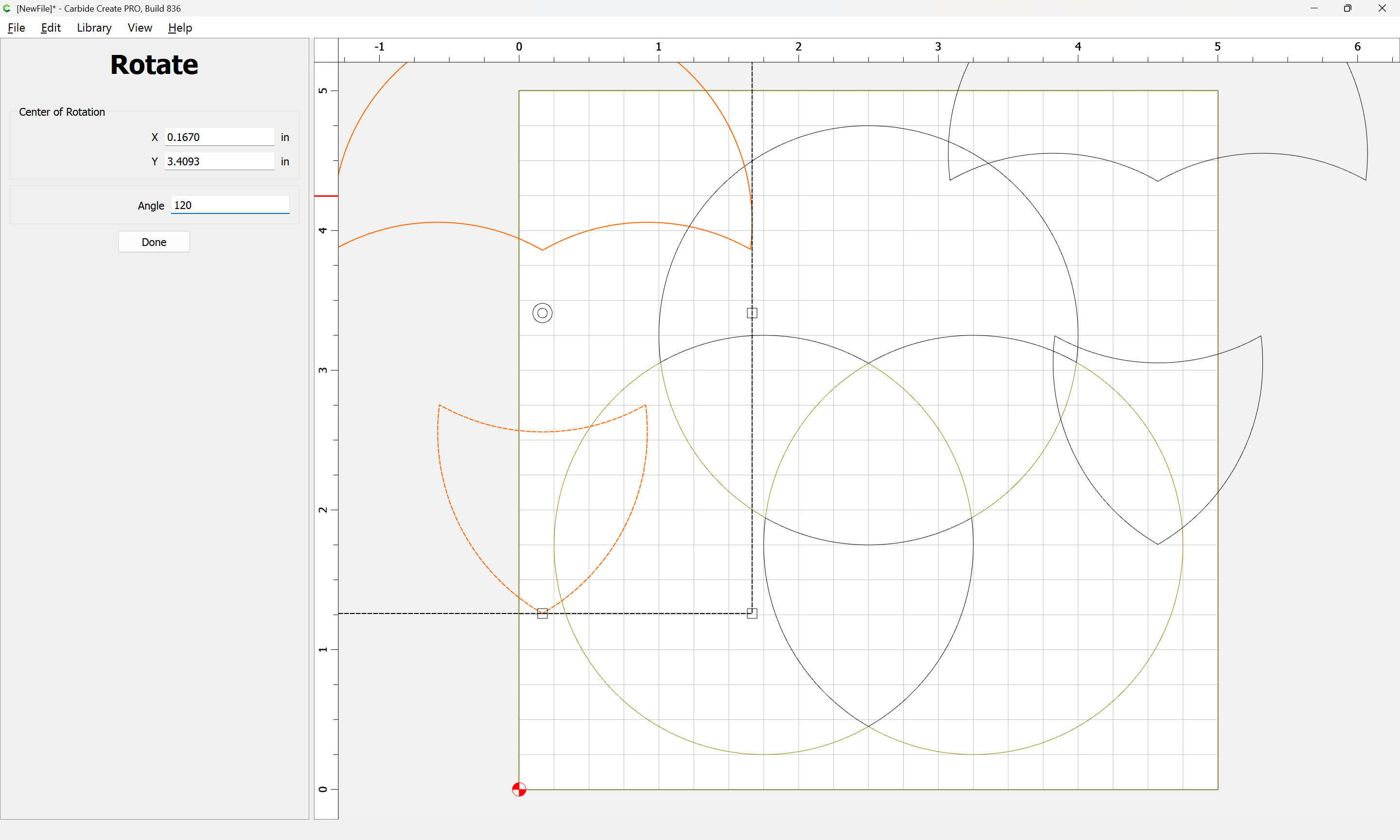
(or one could make one copy, rotate it, then copy it again and Mirror Horizontal the copy of the copy)
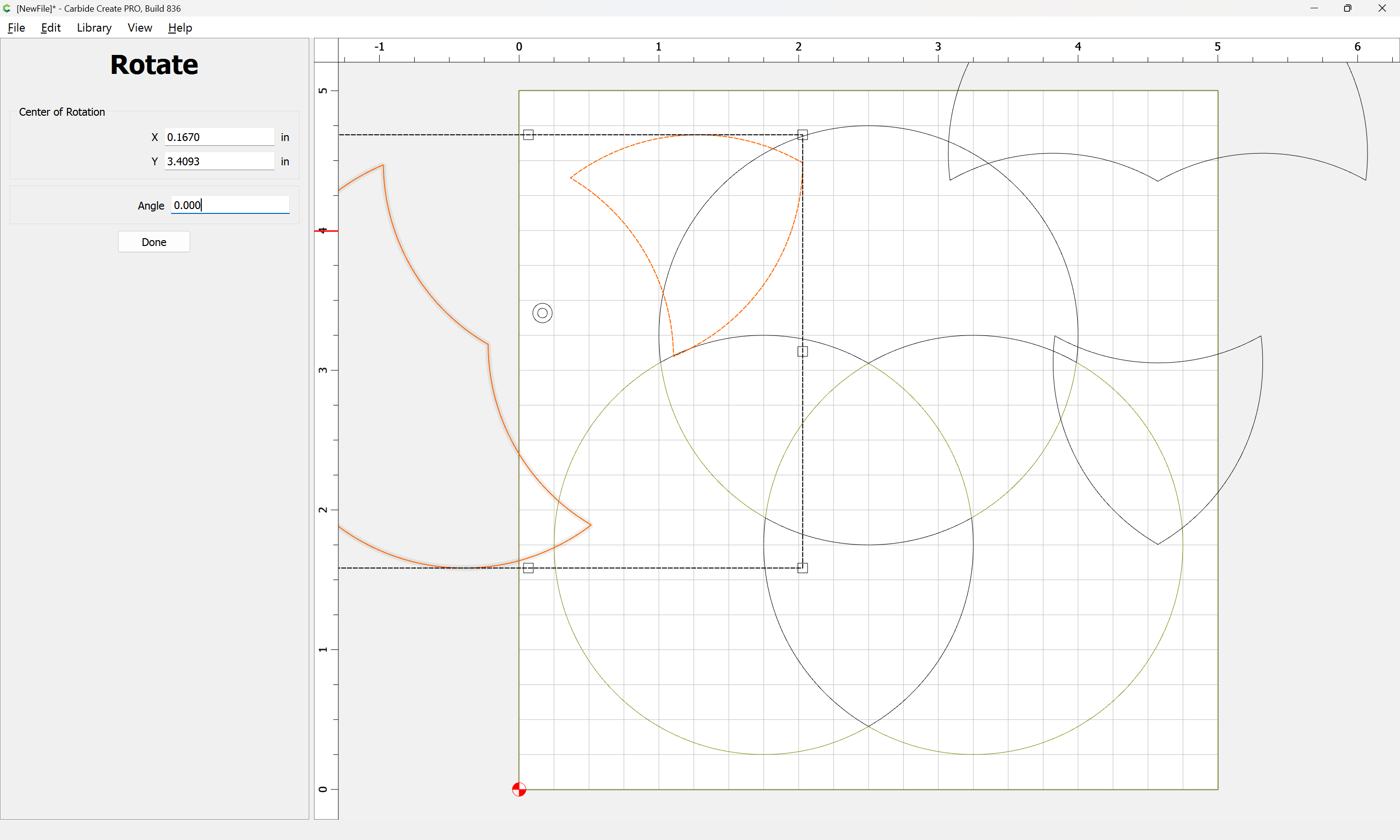
Done
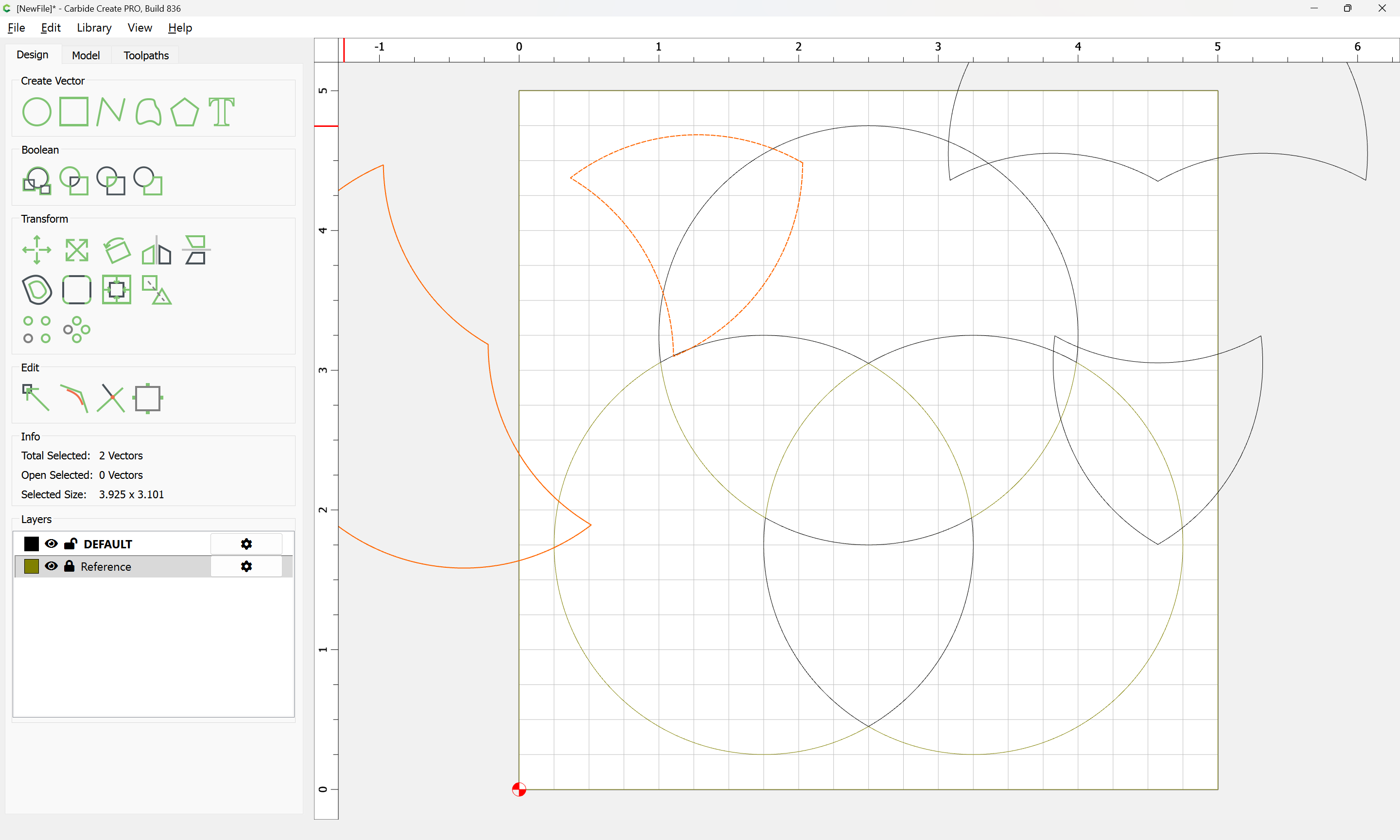
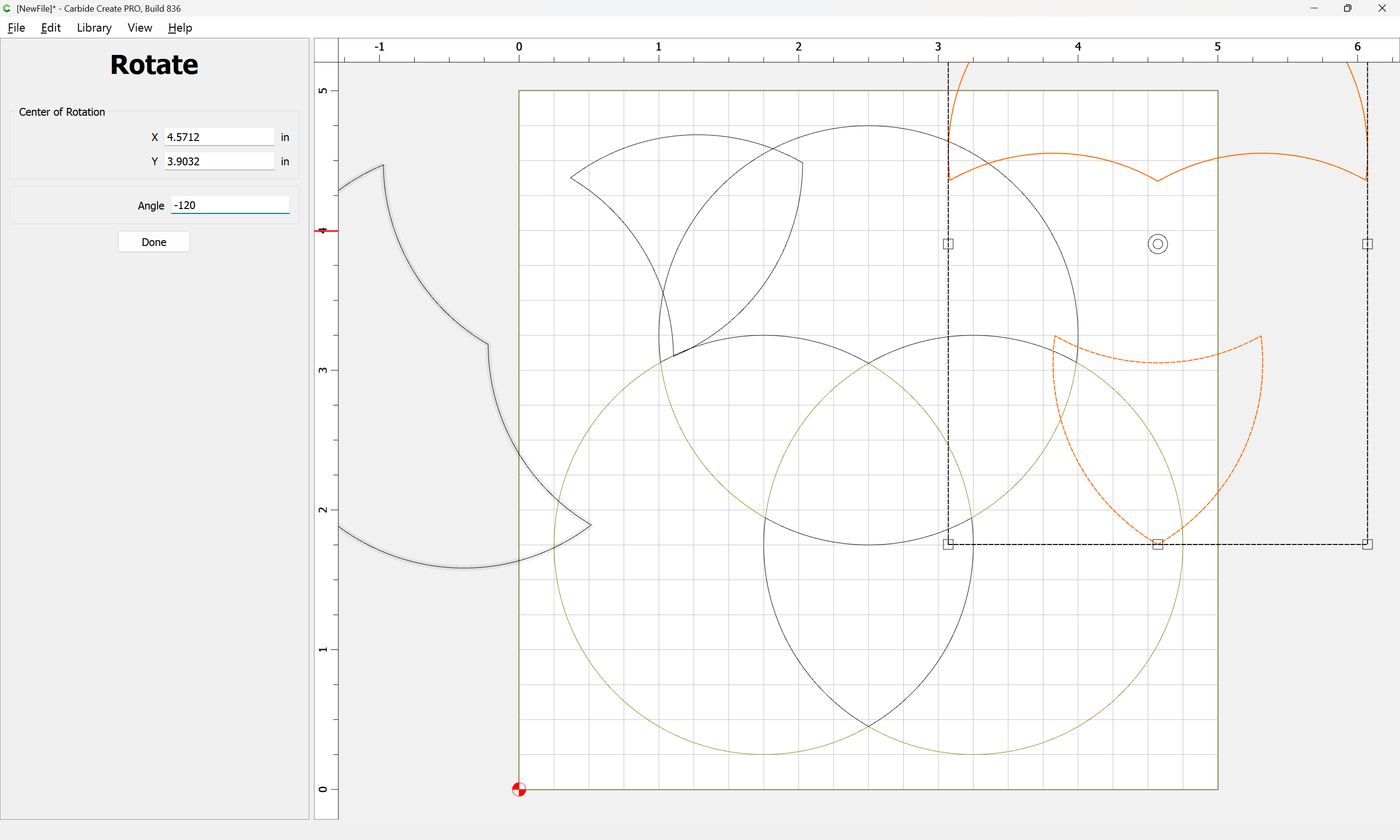
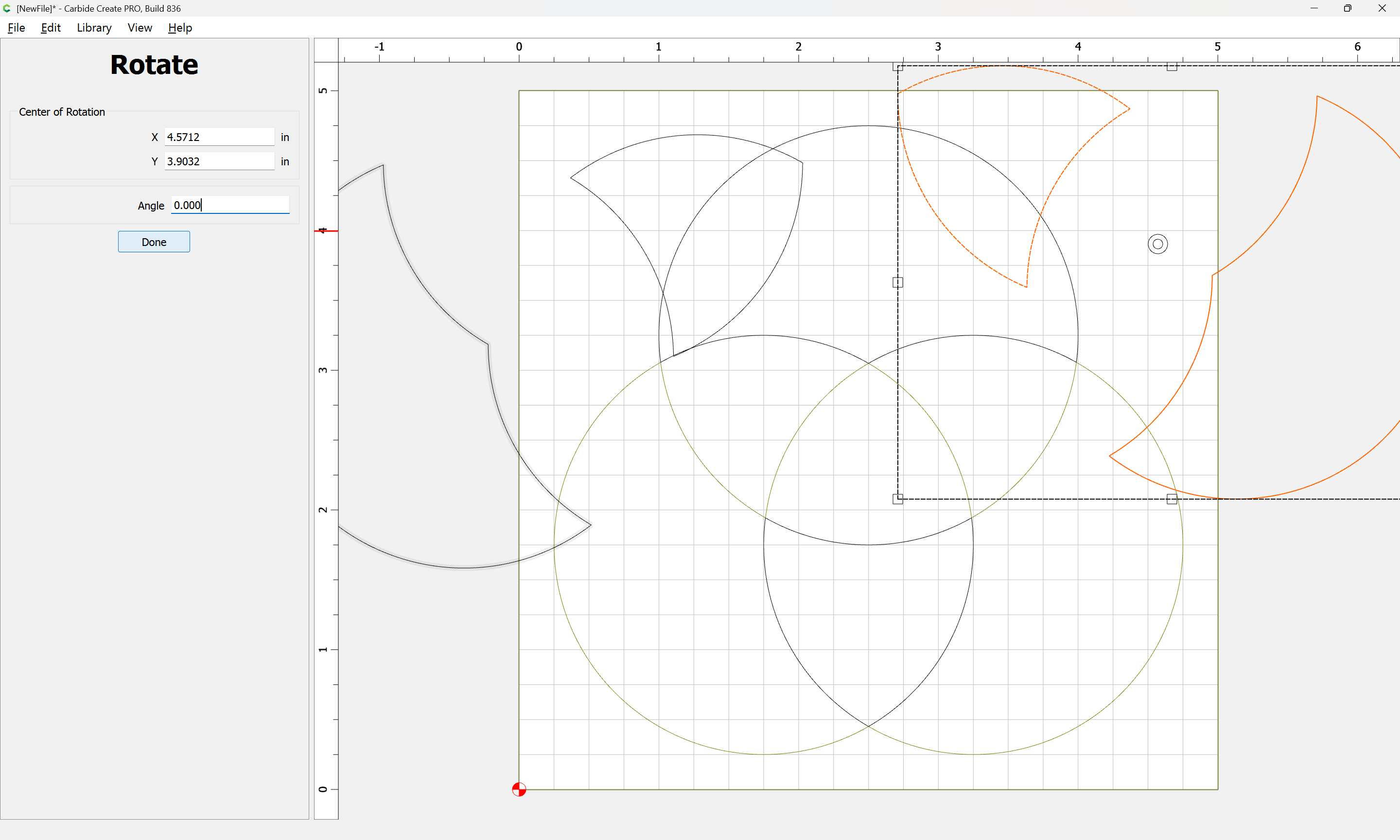
Done

Drag each pair of elements into registration with the original:
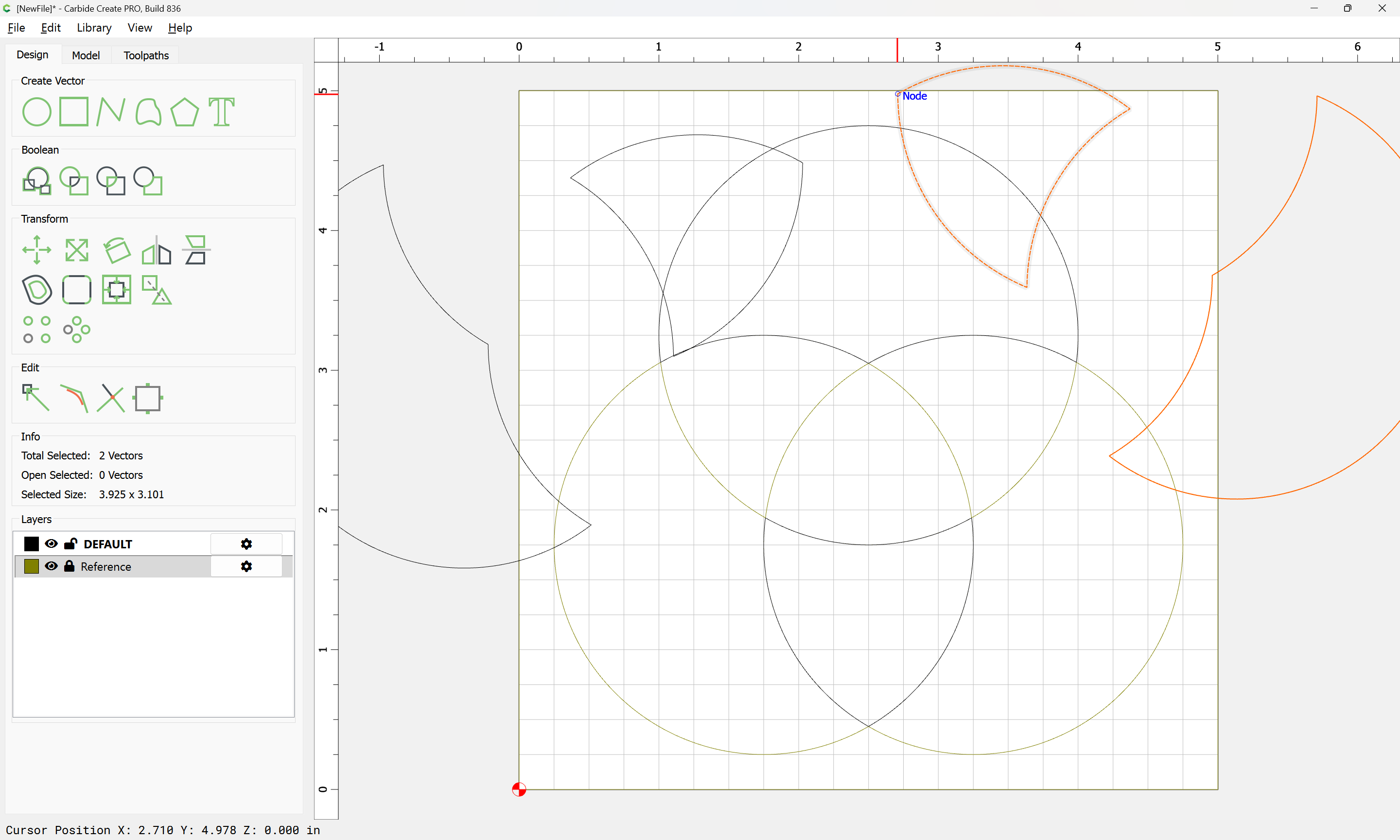
(which would work if one had a symmetrical arrangement of circles — recreating that using such…)
If one had started with:
h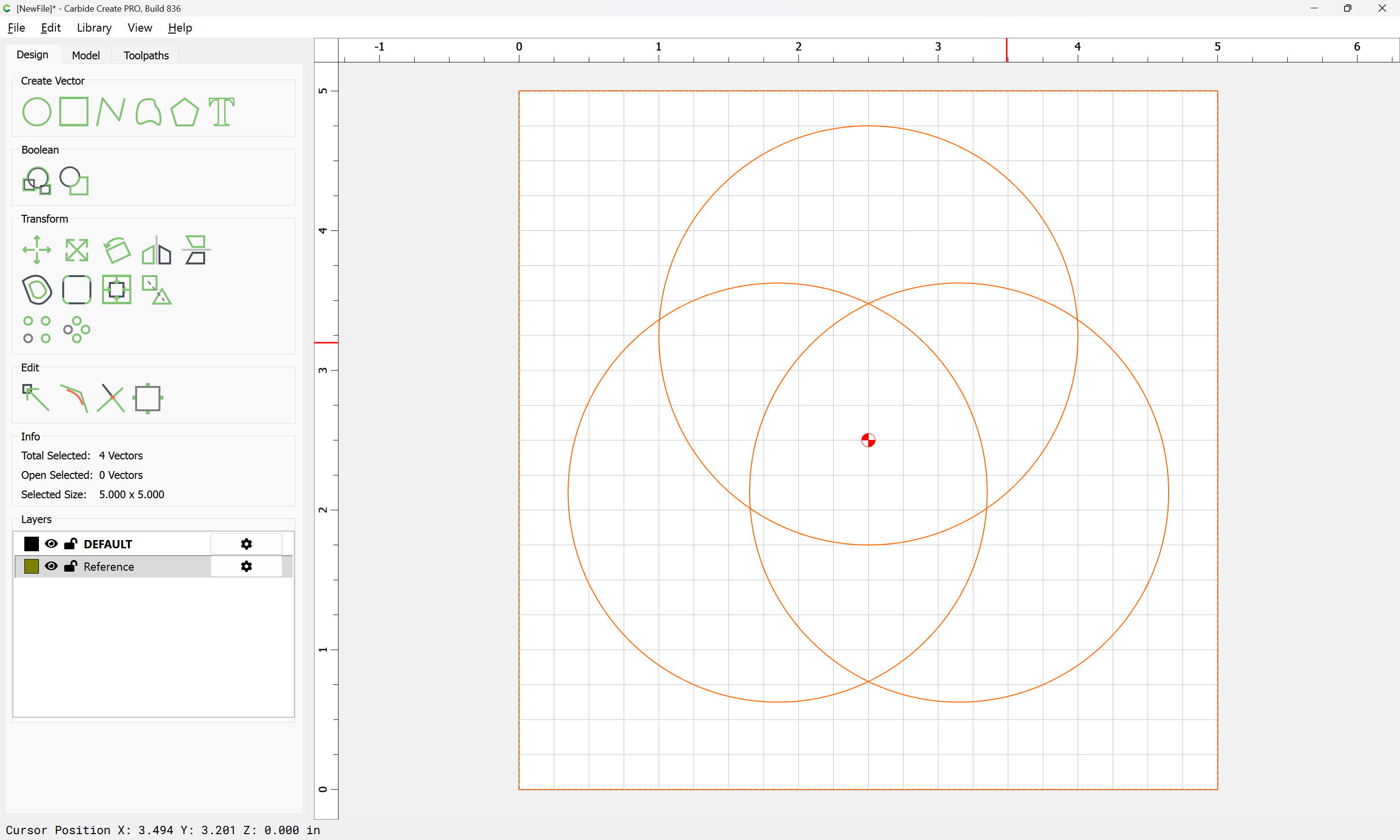
Then the above would have worked to arrive at:
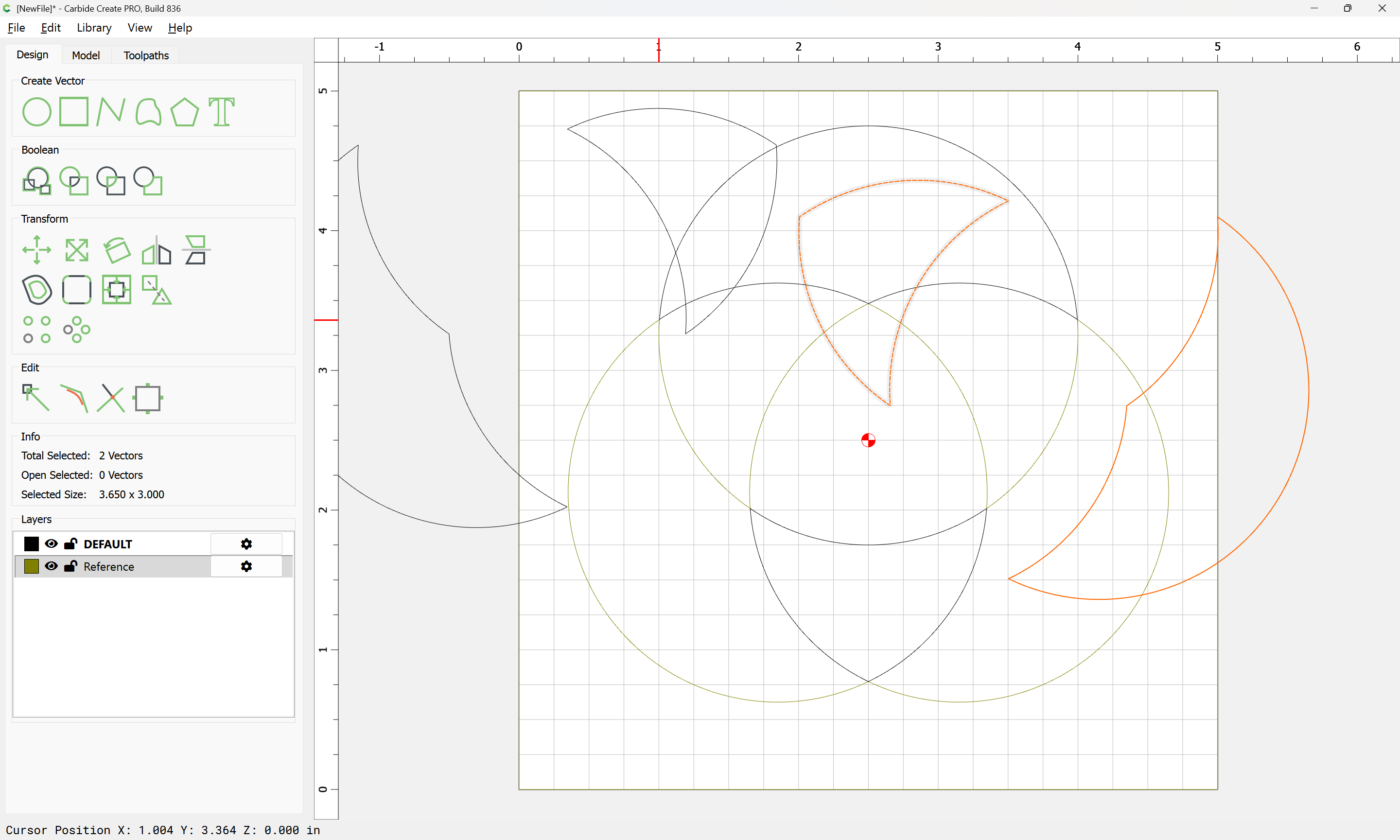
which works as expected:
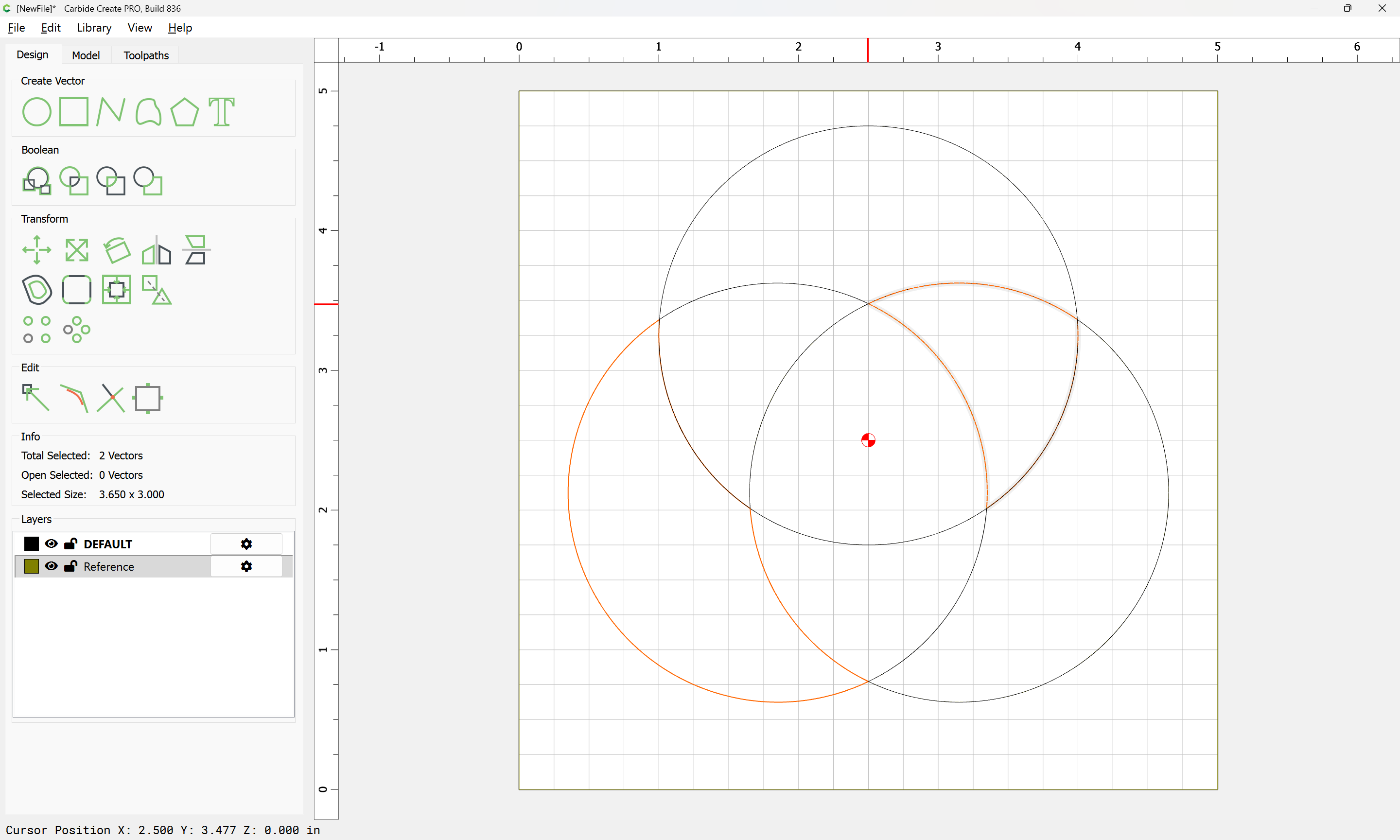
Attached as a v8 file:
Venn diagram_v8.c2d (52 KB)
Or, one can just directly draw:
If the above is not helpful, uploading the current effort and a sketch/diagram should allow us to assist.