baldedbear
June 18, 2023, 4:44pm
1
Toolpath Completed USMC.c2d (1.2 MB)
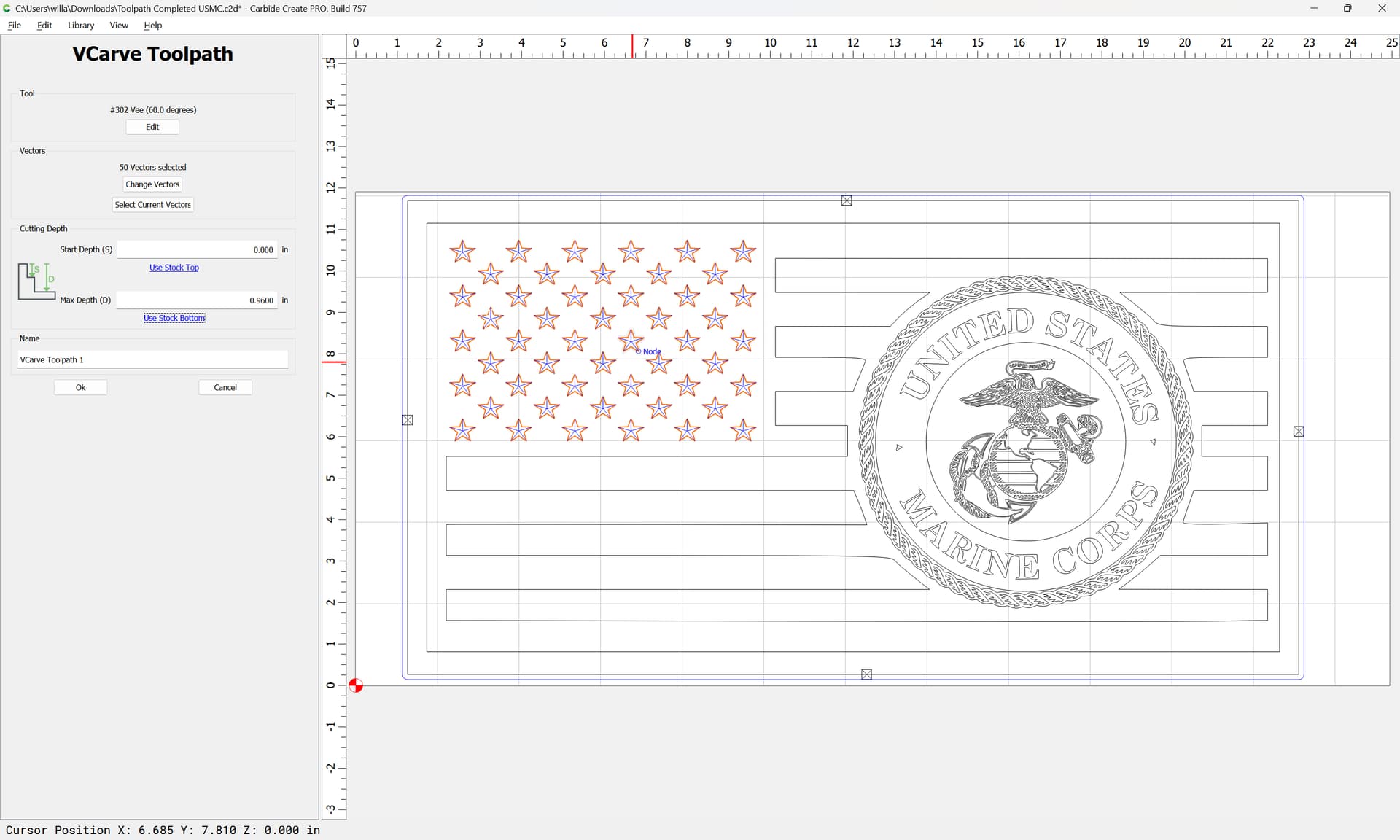
What is the best bit to use for intricate details such as the rope and eagle is the USMC file?
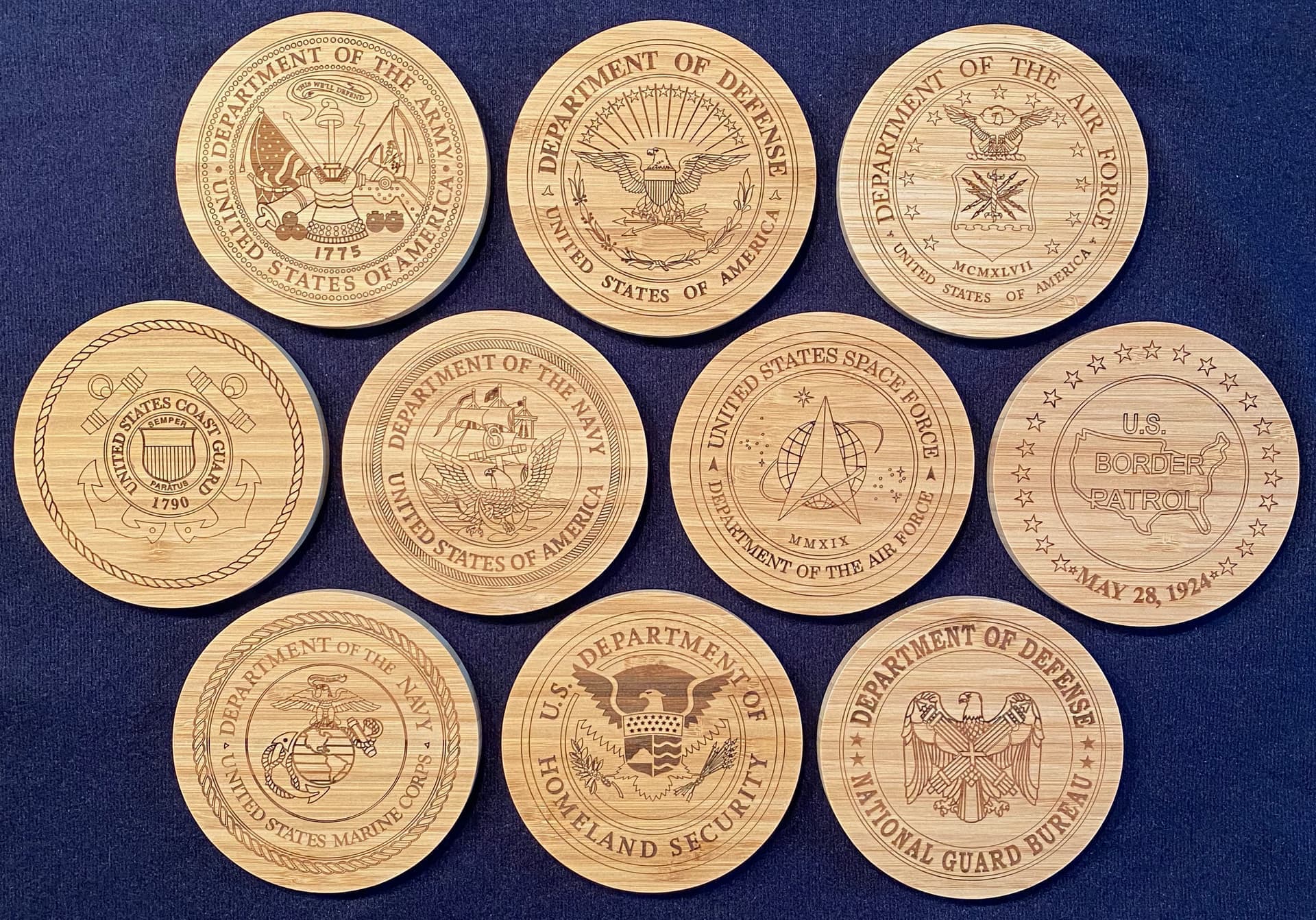
I know you’re looking for advice on which endmill to use, but a laser is an alternate solution. These were done with a JTech 7W laser attachment.
1 Like
Ed.E
June 18, 2023, 6:09pm
3
How about a tapered ball nose instead of a v bit something like a R.25MM?Toolpath Completed USMC.c2d (1.5 MB)
Varty5
June 18, 2023, 7:31pm
4
Nice work. Have you done and photography with the laser as well?
MadHatter
June 18, 2023, 7:50pm
5
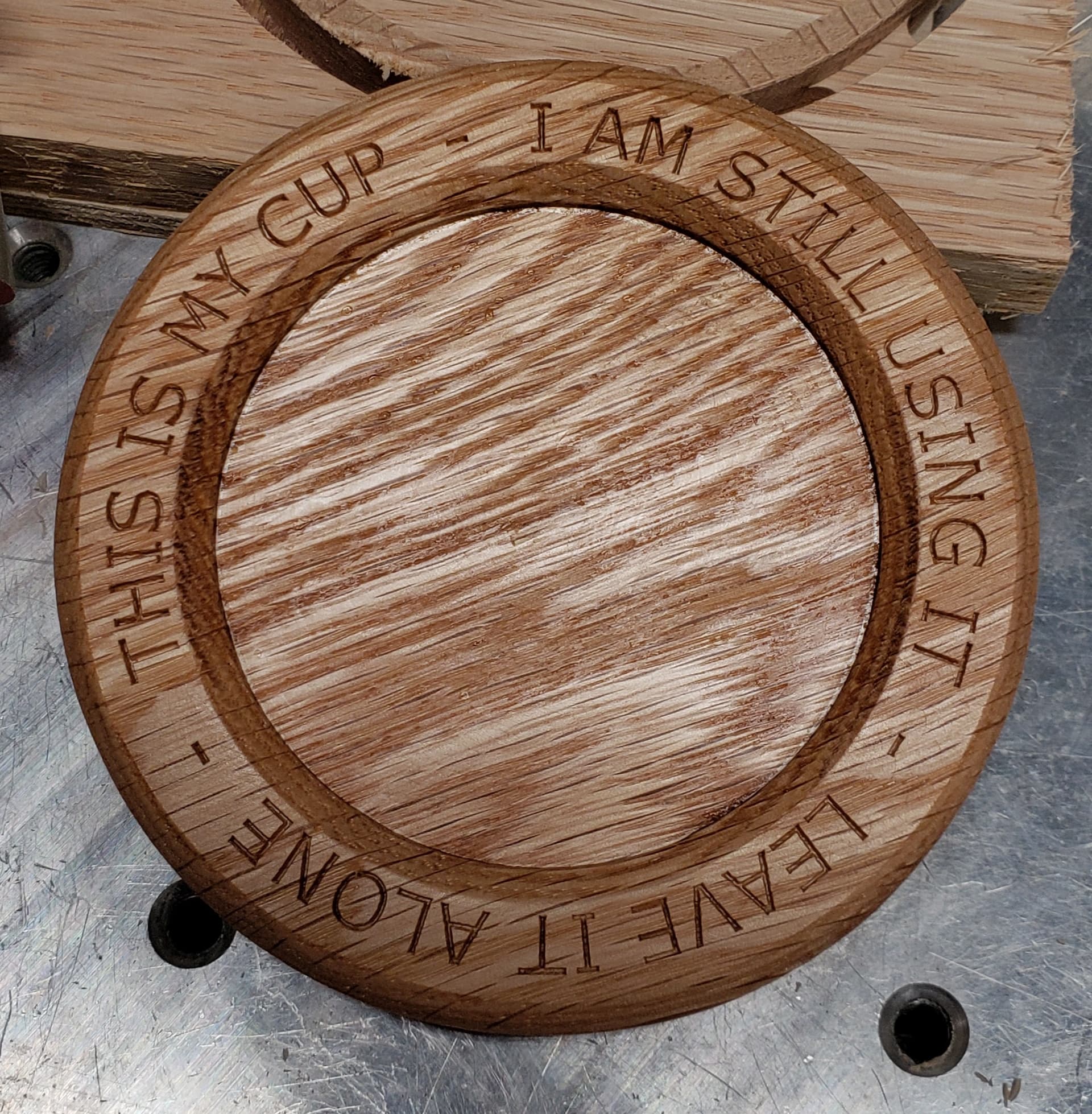
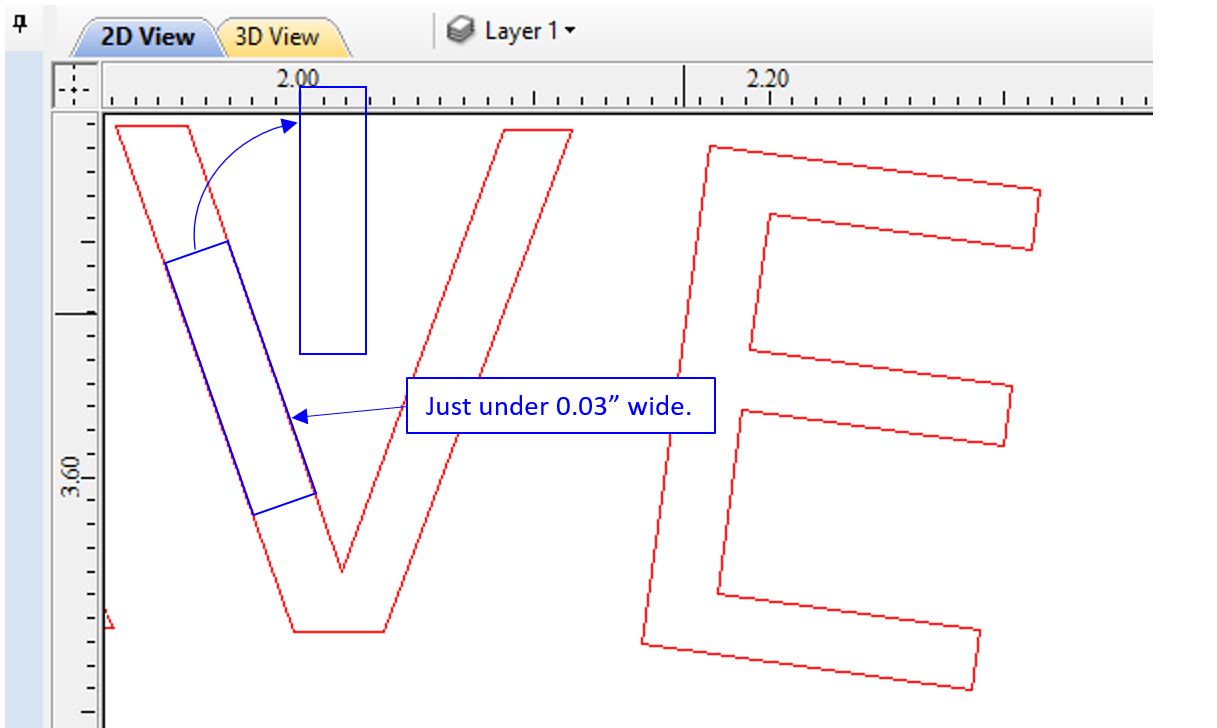
You should try a narrower V-bit, like 30°. The text on this coaster was cut with a 30° V-bit.
The line segments of the text are just under 0.03" wide.
mhotchin
June 18, 2023, 8:03pm
6
You say you “programming for a shallow cut”. If you are using a pocket, switch to a VCarve, and use a V bit with a smaller angle.
1 Like
WillAdams
June 18, 2023, 9:57pm
7
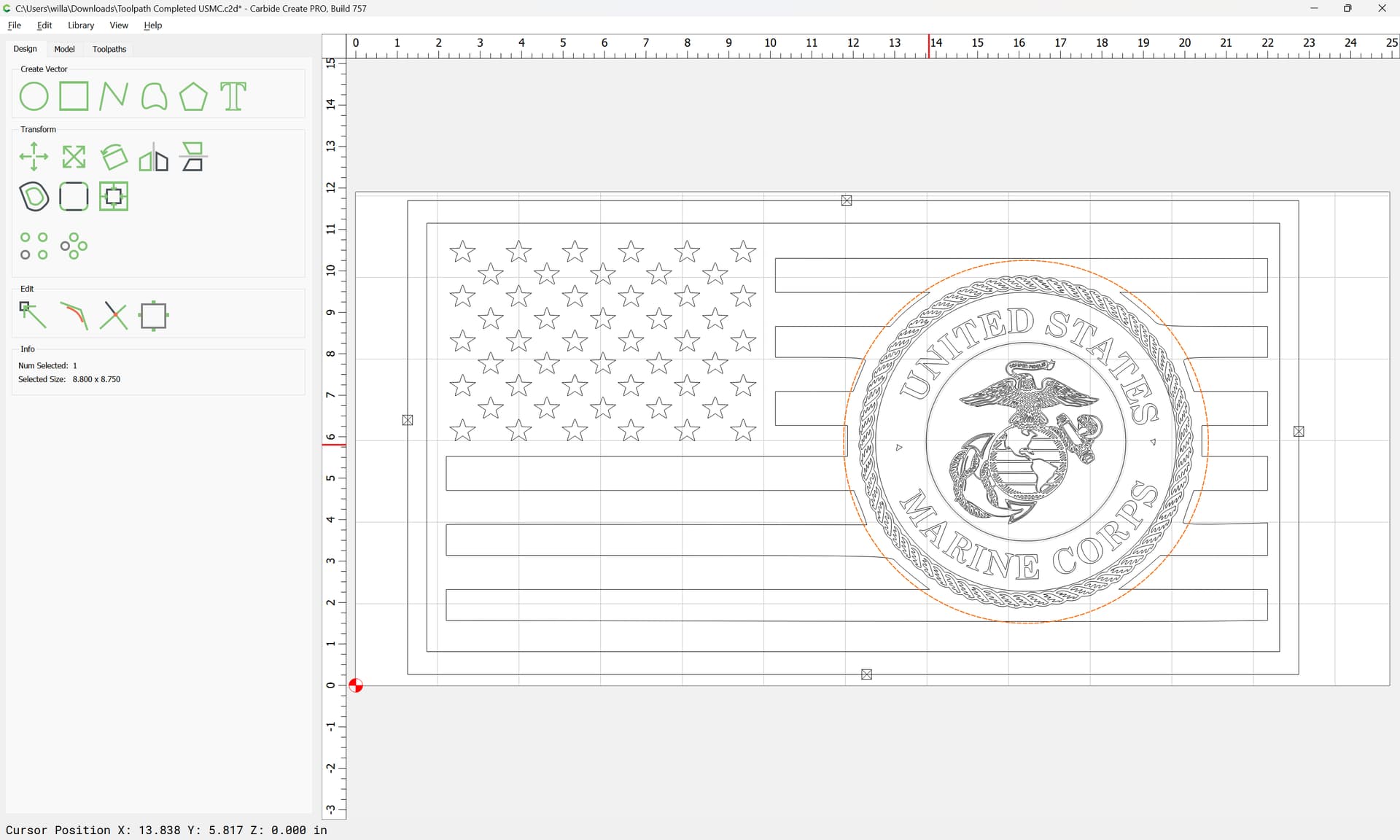
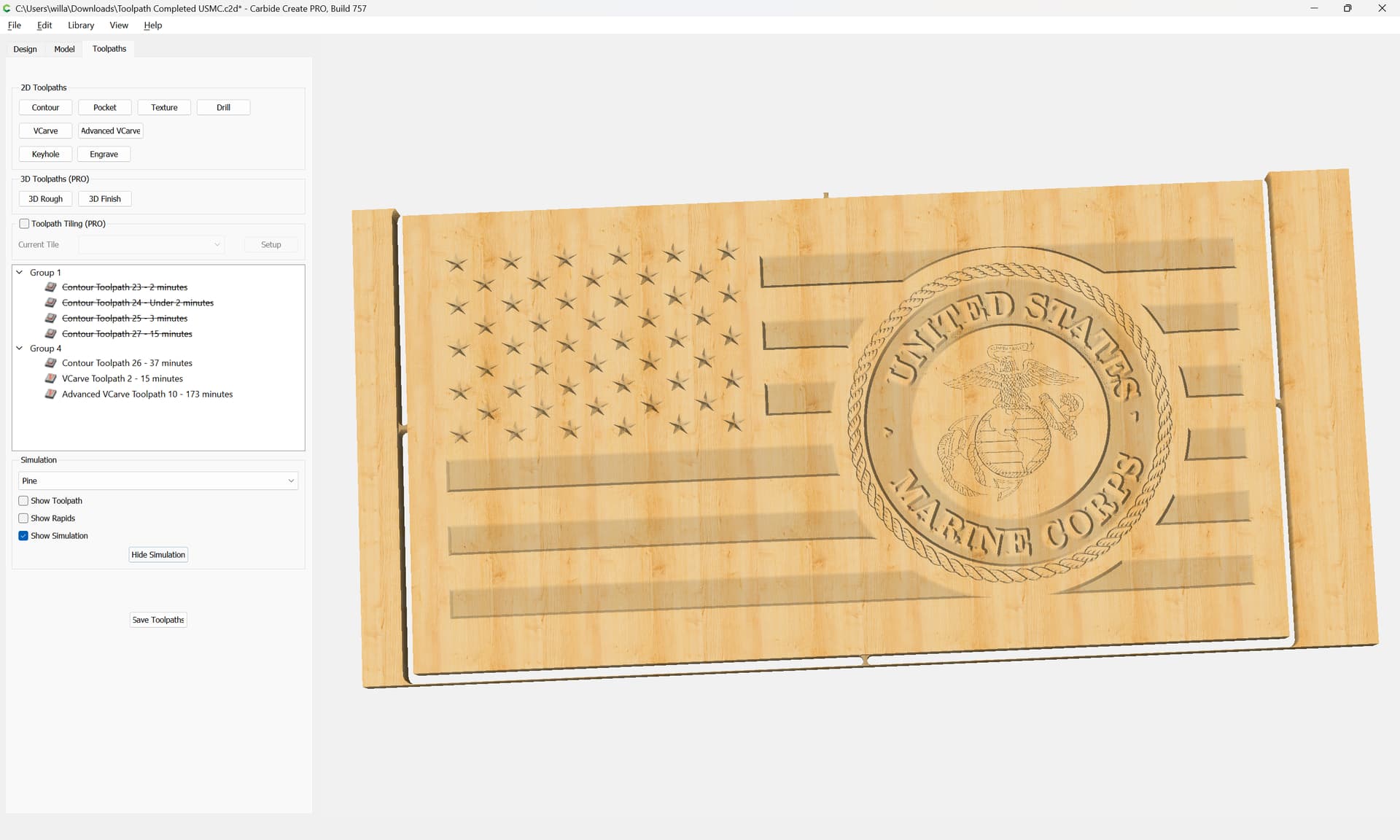
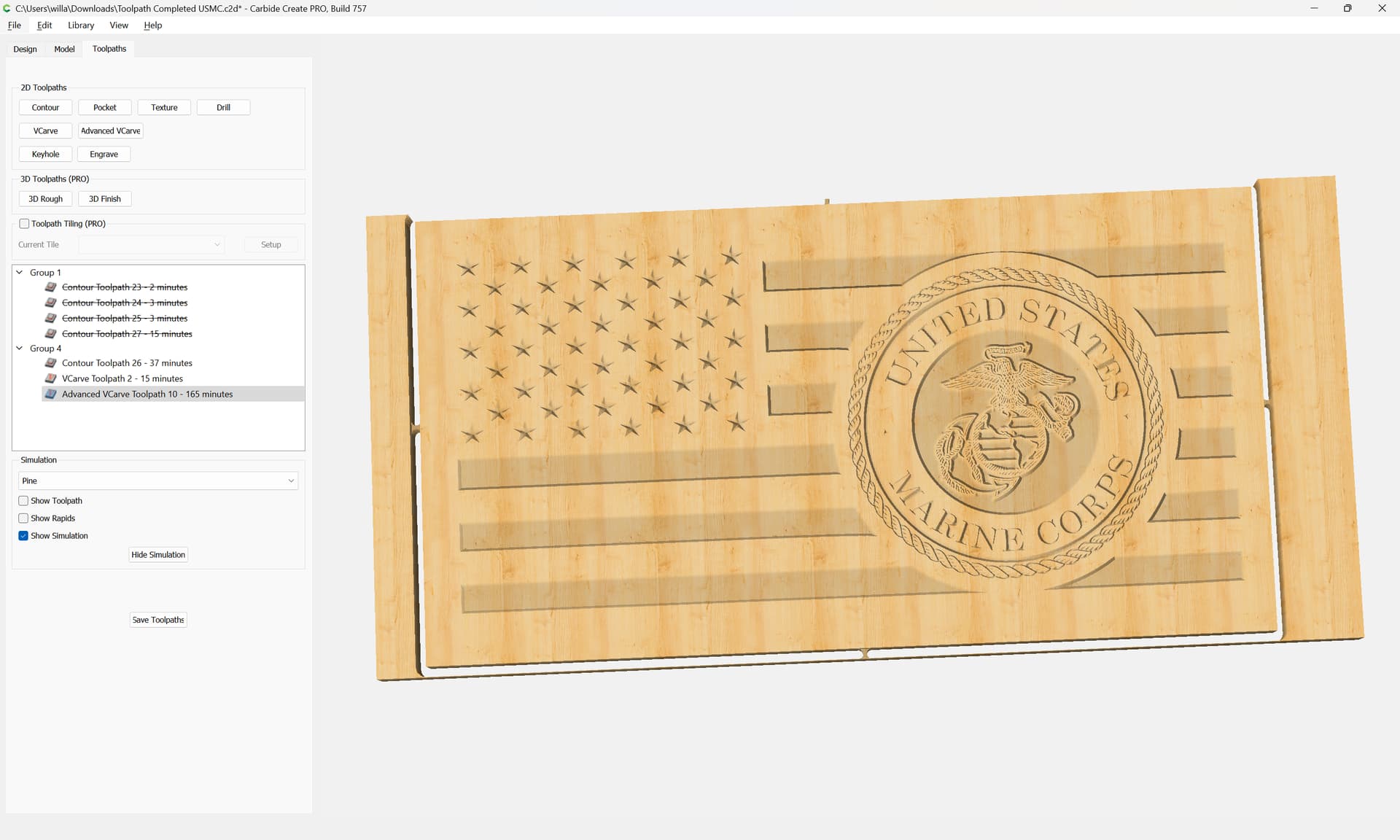
Use V carving for details.
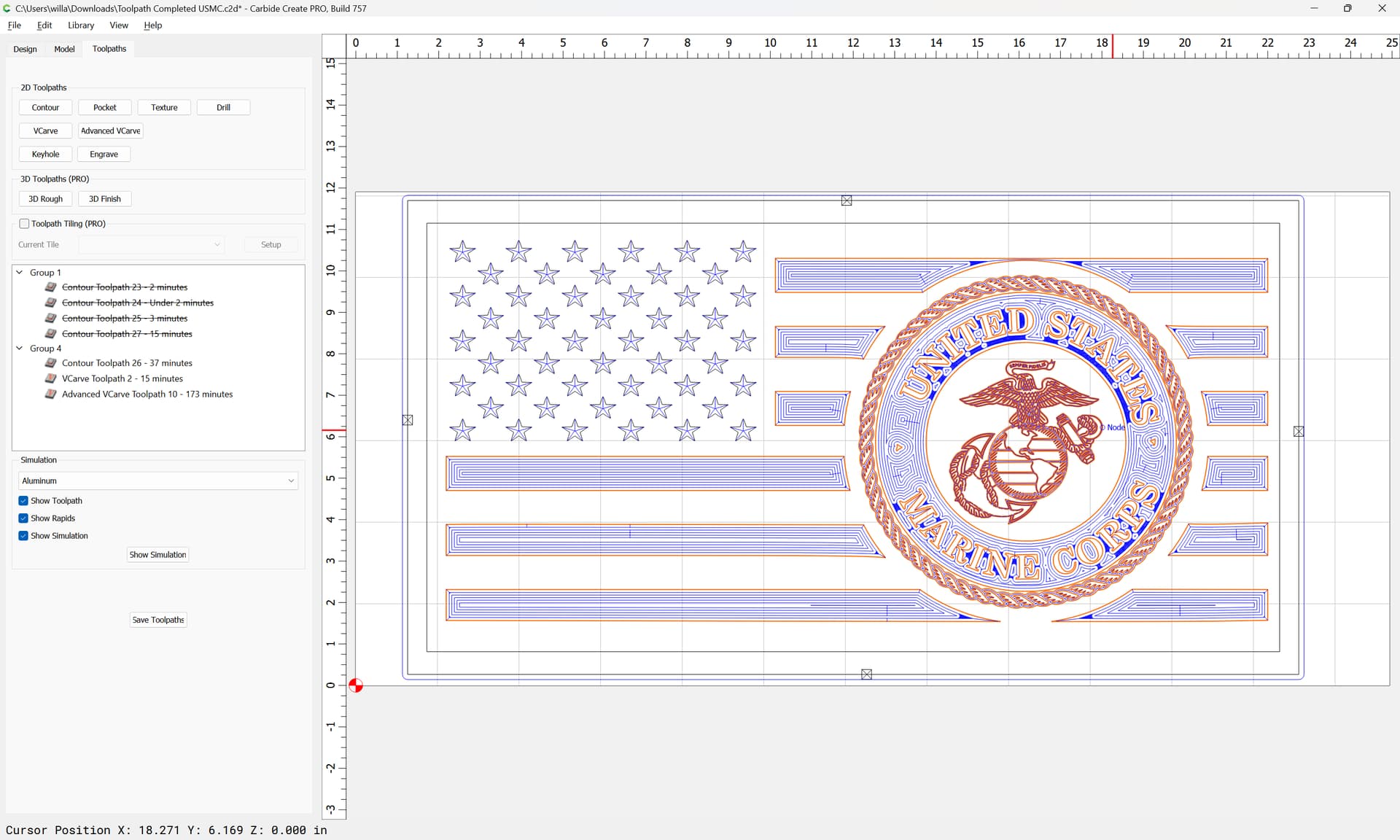
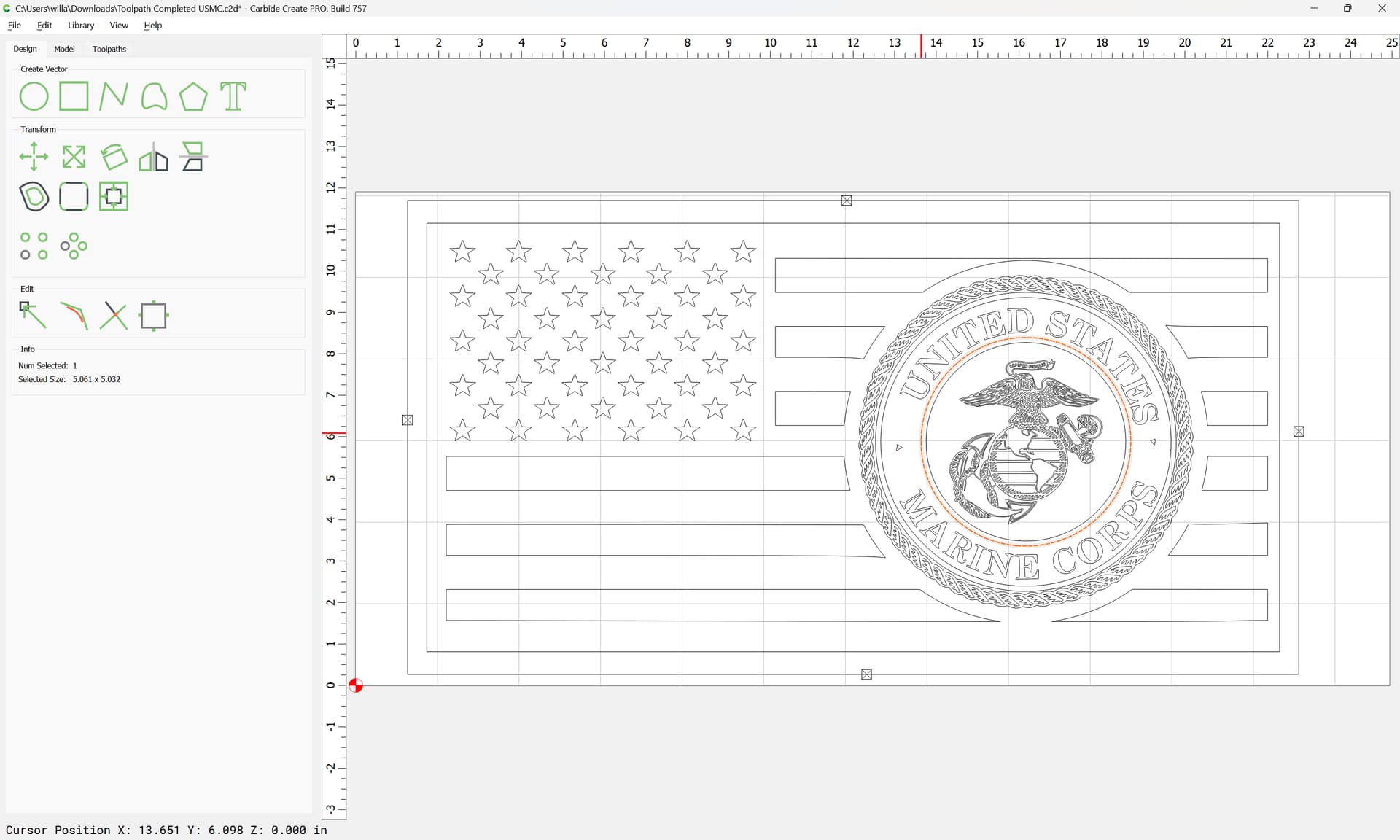
Allow the stars to be cut as deeply as necessary:
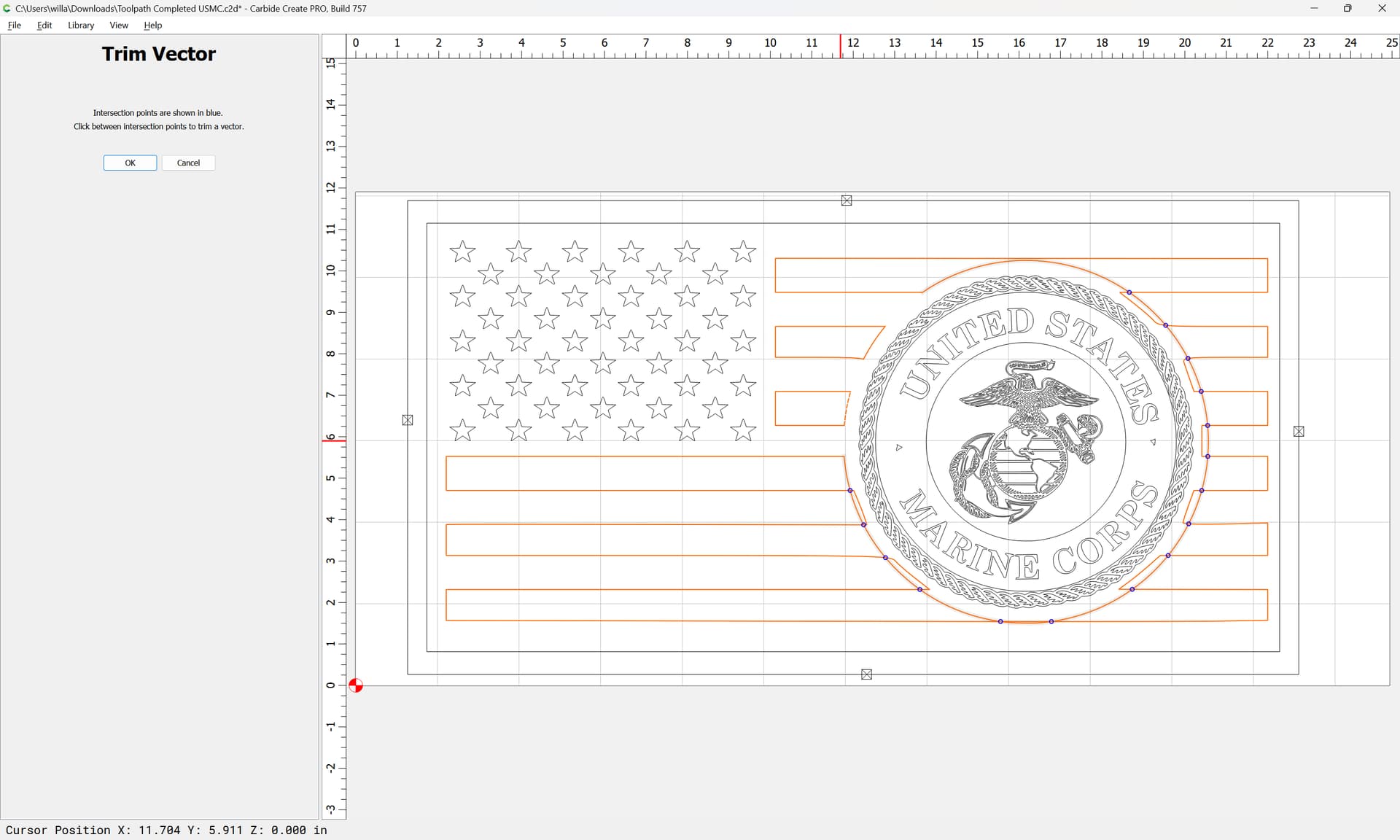
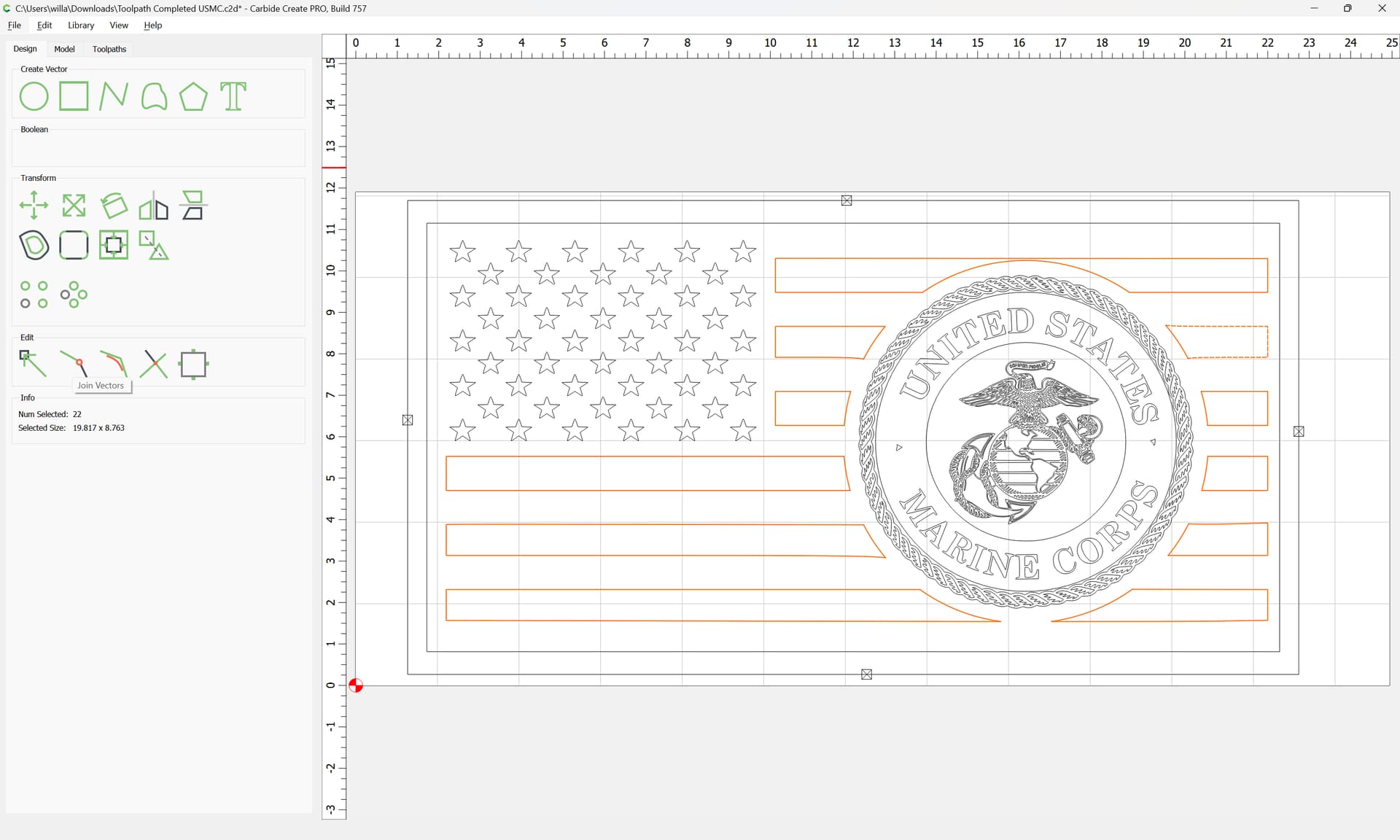
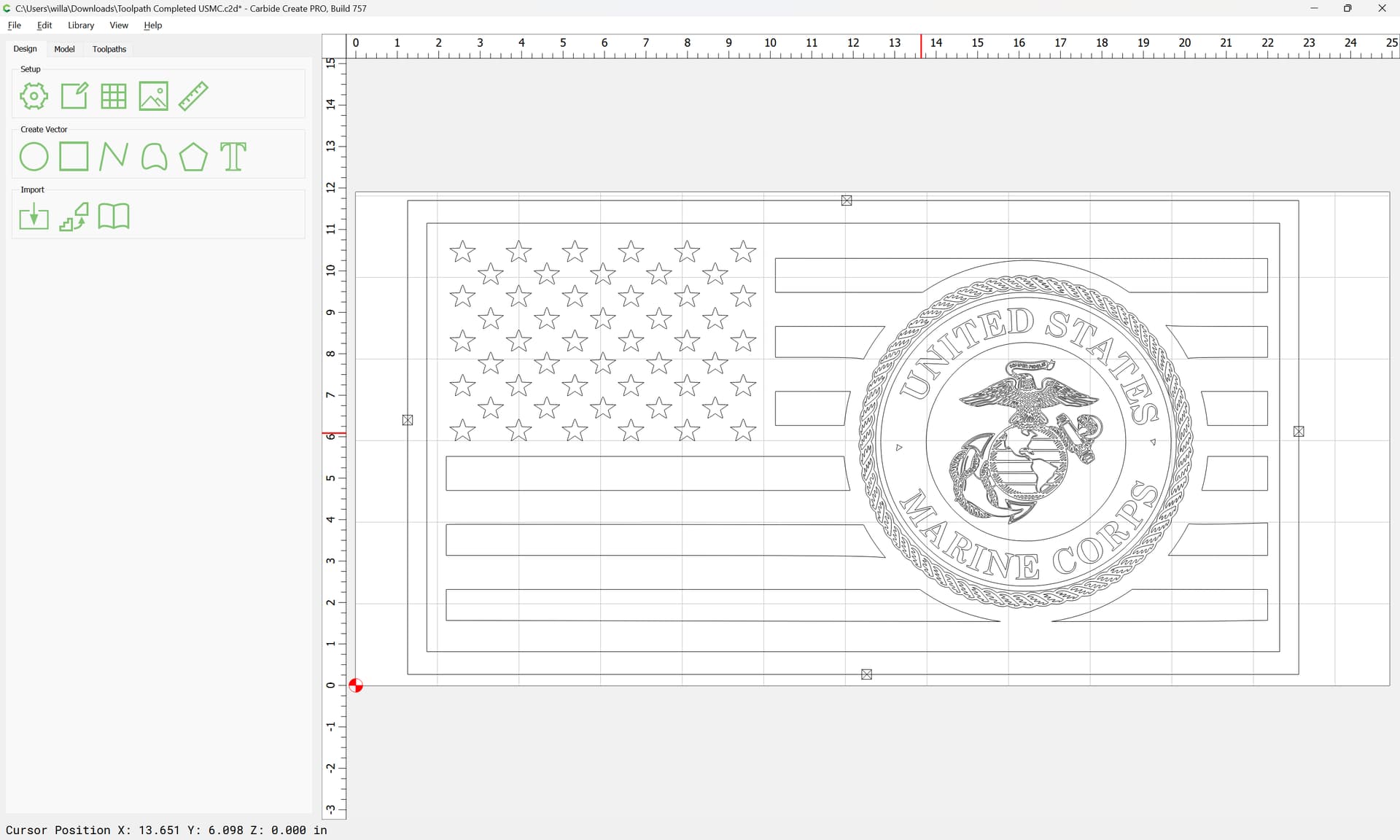
Use Advanced V carving for the balance of the design, with as acute a tool as you have, but I would recommend leaving space separate from the stripes:
Join Vectors
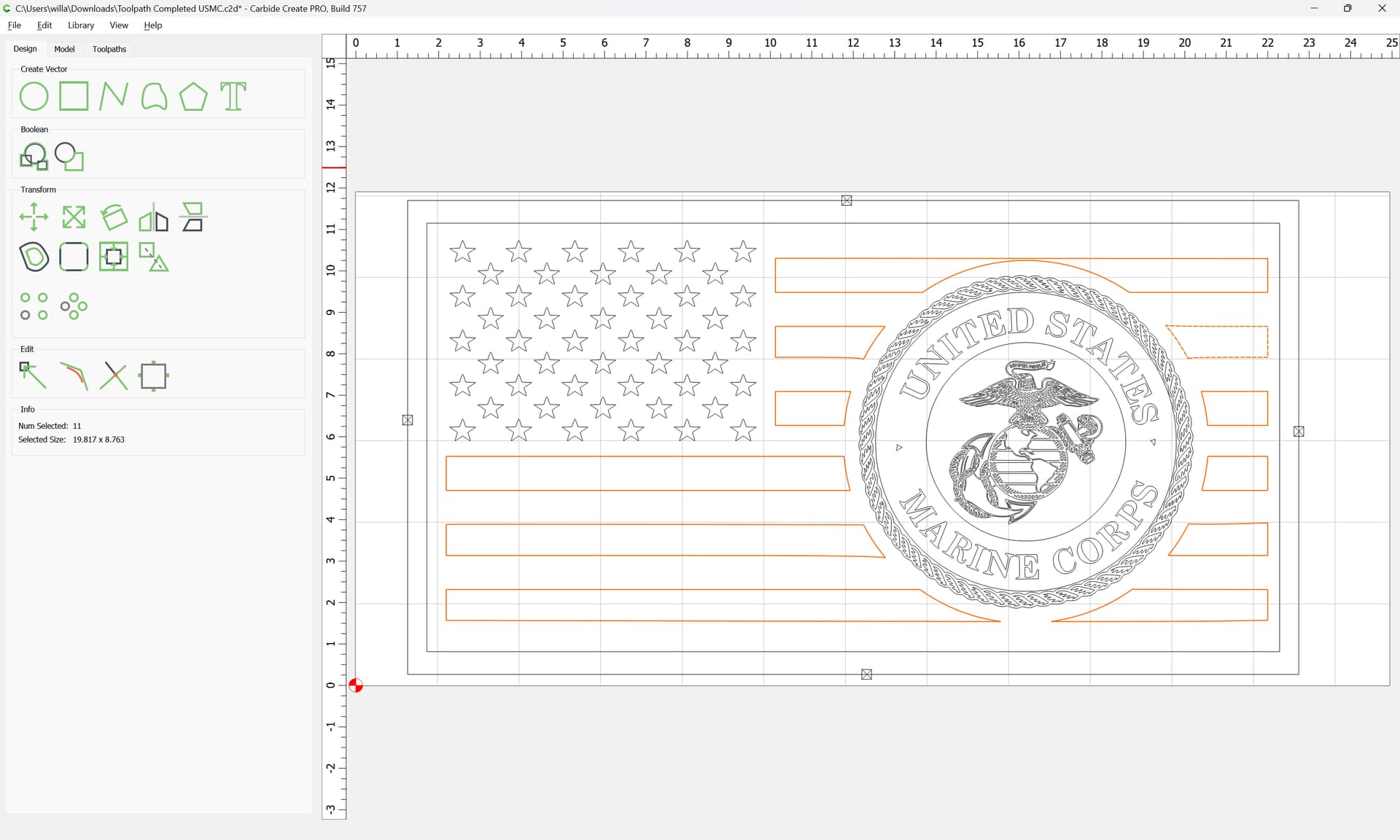
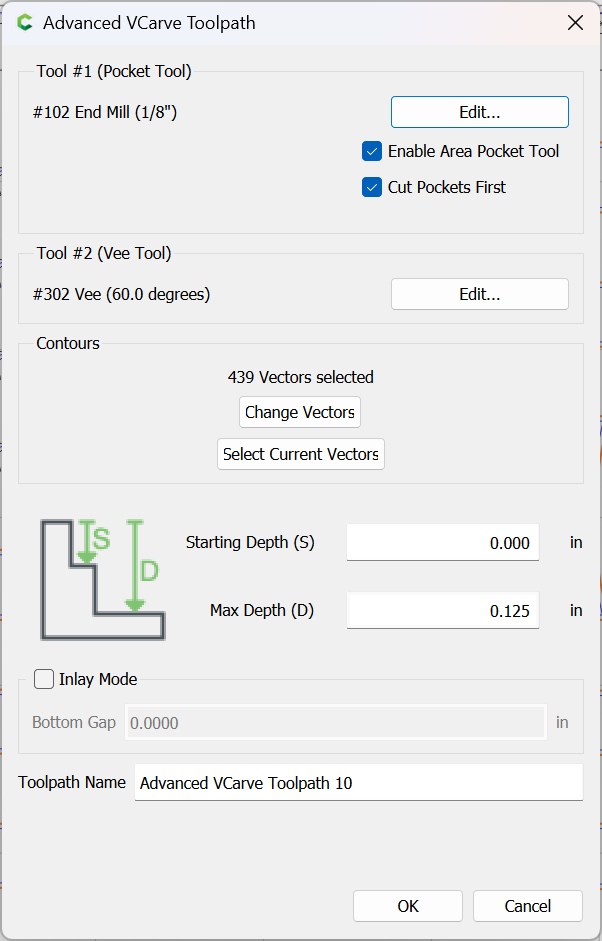
Then assign an Advanced V carving:
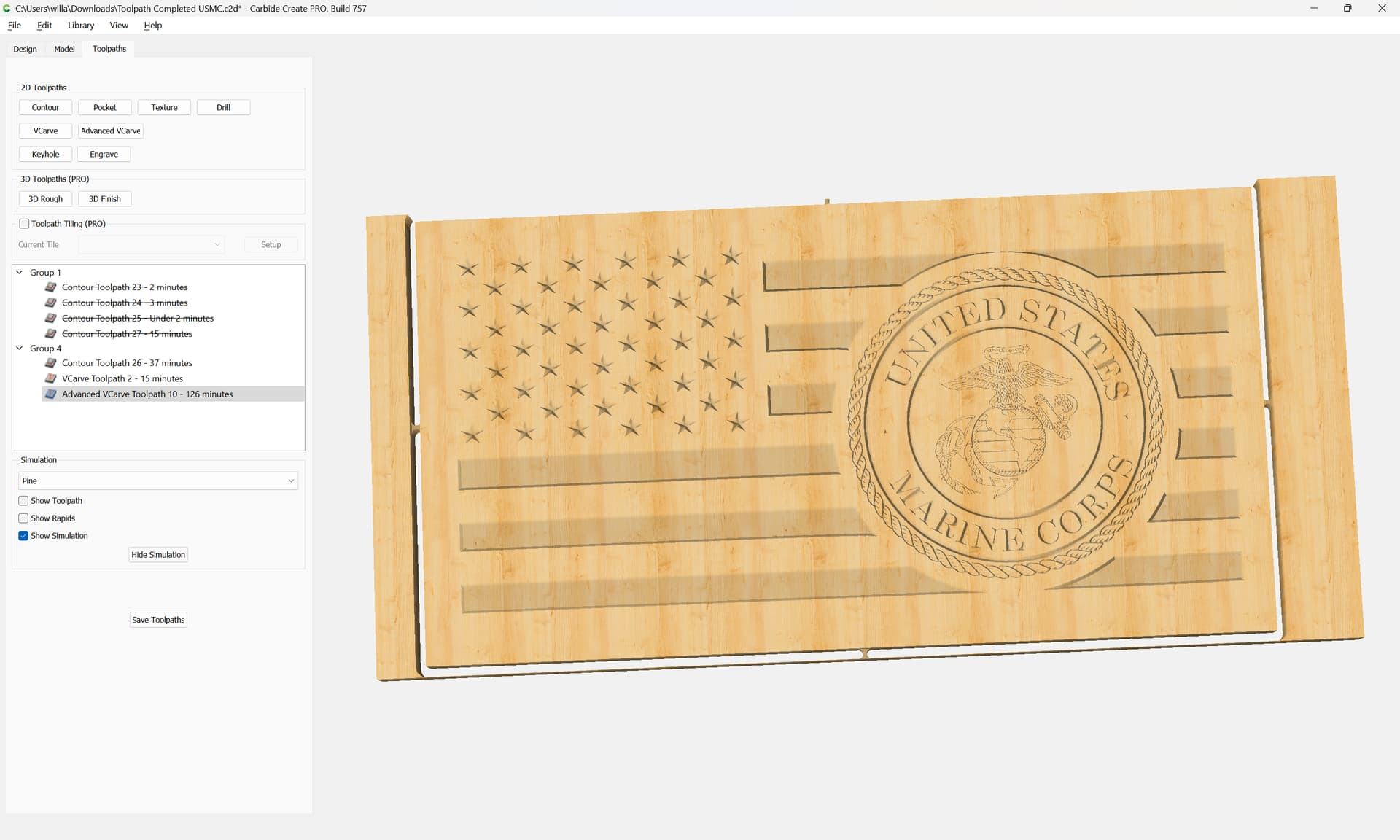
If you want the text and the logo incised add two more circles:
If you want the text incised and the logo to stand proud remove one:
Please find it attached as a v7 file.
Toolpath Completed USMC_v7.c2d (1.3 MB)
4 Likes
baldedbear
June 23, 2023, 9:17pm
8
Thank you Will, I will give this a shot and let you know how it turns out.
system
July 18, 2023, 4:44pm
9
This topic was automatically closed after 30 days. New replies are no longer allowed.