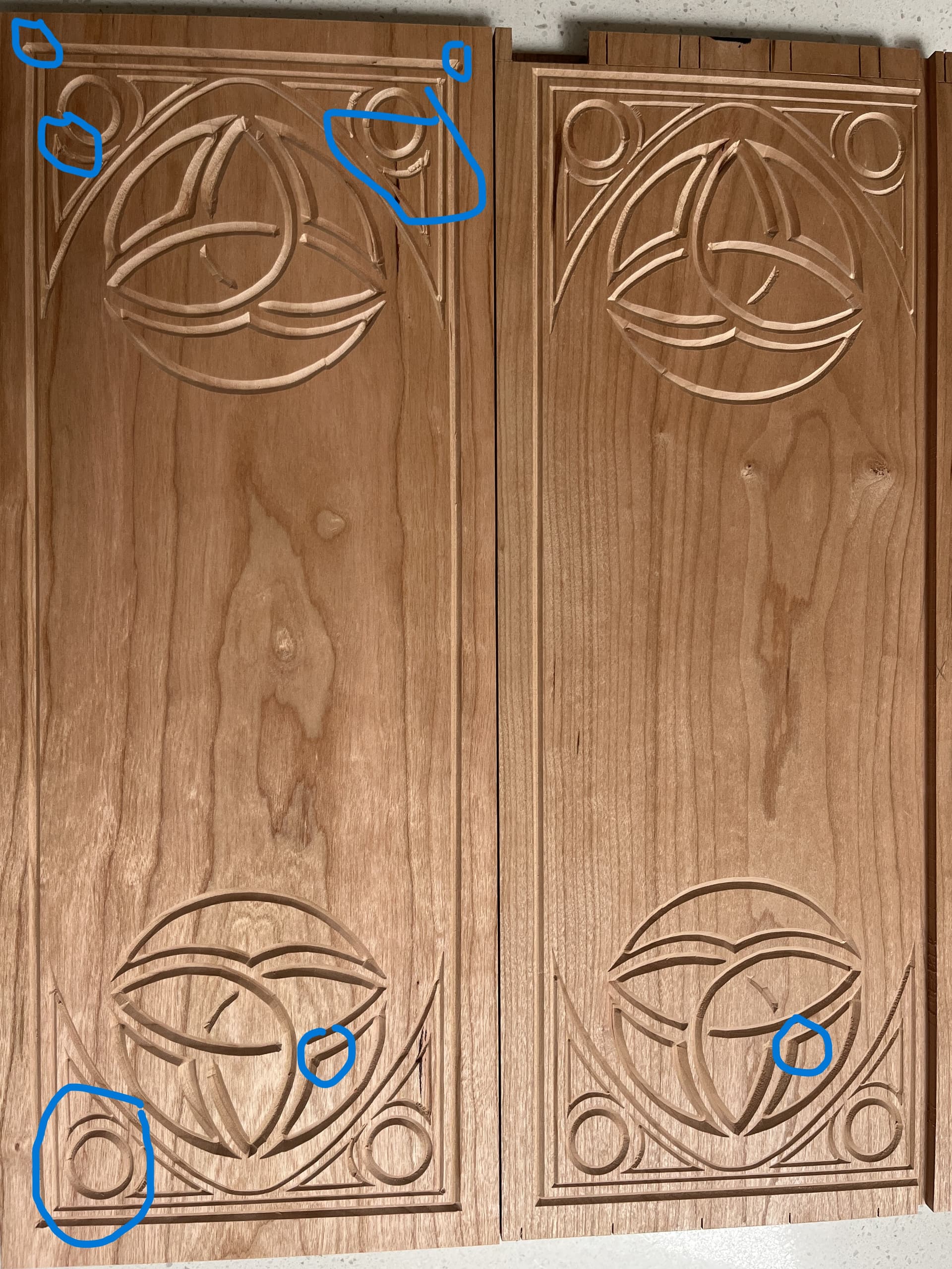
So, I set this easy Vcarve. Test cut ran just fine. Piece on the right in picture. After finishing the joinery of the final piece, I Turned on machine, re-initialized, set zero, installed bit, started project. Everything was same, same. But what came out is pure junk, left piece. 2 days of work making the drawer is now trash.
Lines aren’t straight, the circle is not round and so on. It looks like it was drunk.
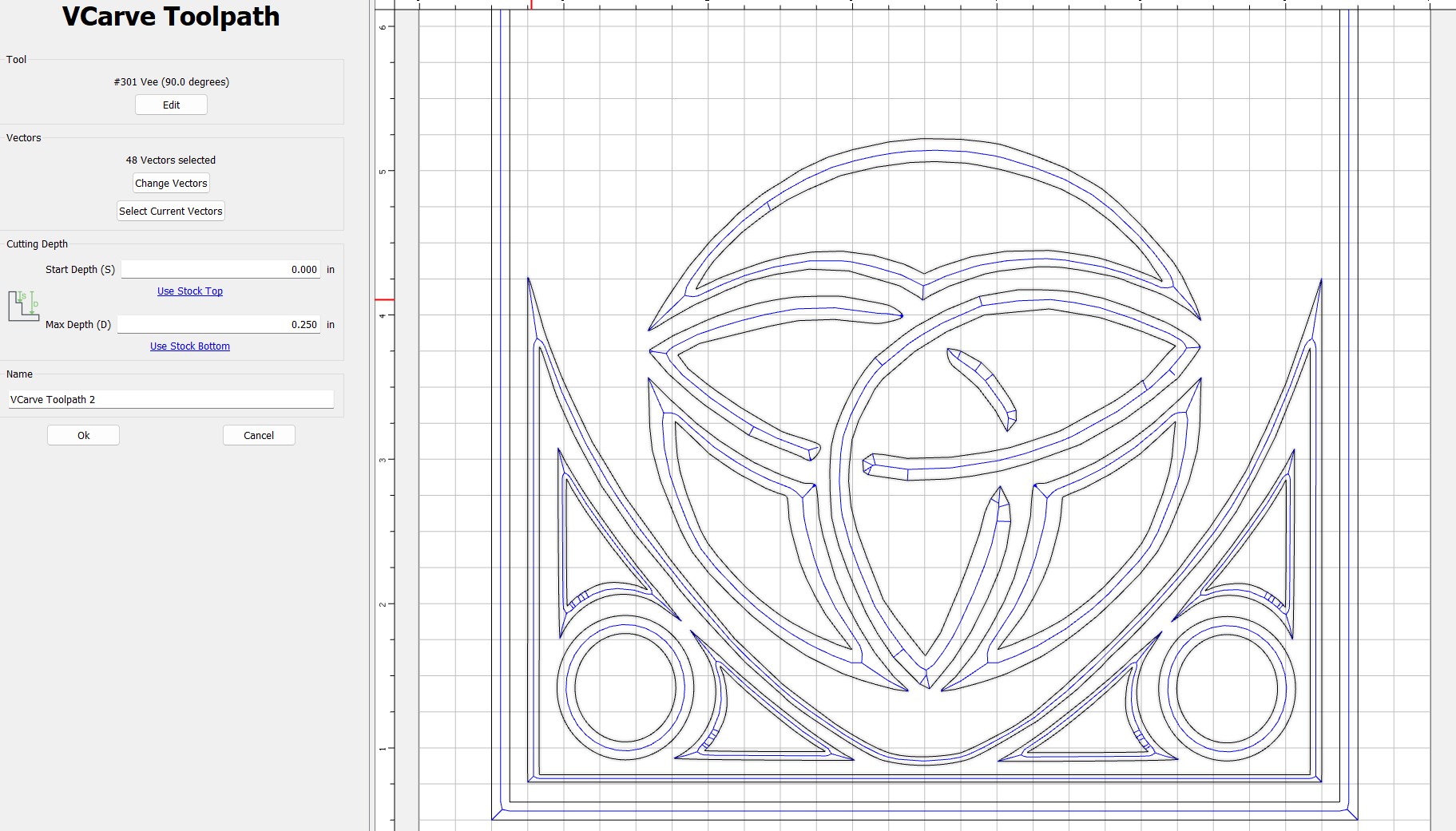
I think I might have figured it out. I made a couple tiny tweaks to the drawing and saved it, but I did not rerun the toolpath. This may have cause it to stagger like a drunk. I will rerun it again tomorrow and see what happens.
I did give the machine a good once over and everything appears to be in good order and tight.
It looks like a case of either the belts not being tight, or a pulley on the stepper motor being loose. Either of those will cause slop, and the machine to not start and finish in exactly the same spot.
Alternately, could be a loose set of V-wheels, the bottom ones would need to be tightened.
Low probability, but worth mentioning:
The spindle mount, or Z-axis could be loose. Grab everything and give it a little shake/tug, make sure you don’t hear any clicking.
There could also be damage in a section of the belt that may cause something to slip, but because it’s in one spot, it’s not always noticed.
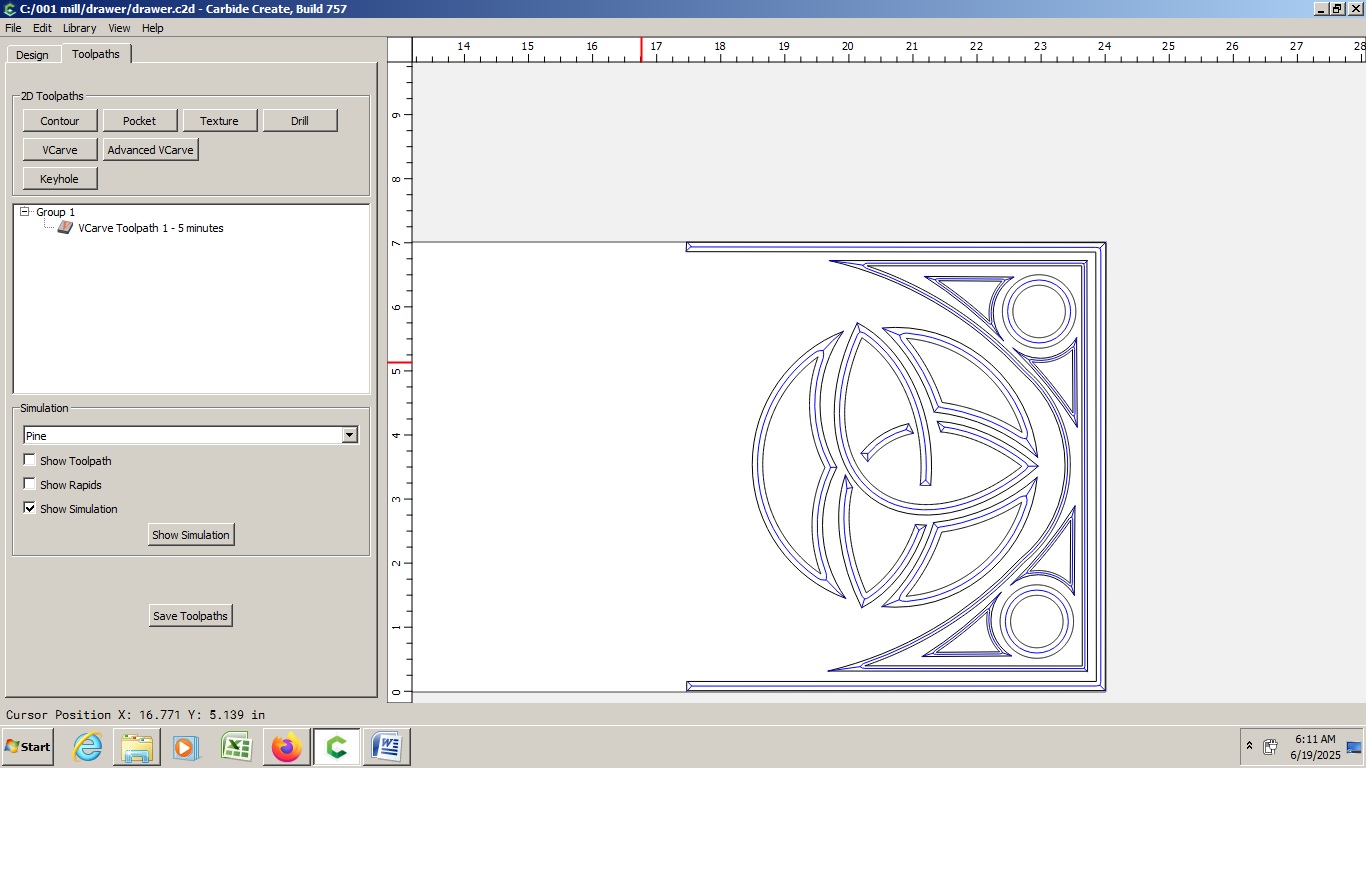
Once the mechanical issues are resolved, the v carve will still have inconsistencies due to the quality of the drawing. There are many artifacts that might be removed by redrawing. If you can post the c2d file and/or the source image, I can attempt to redraw it. I see some free evenings and welcome the challenge. Cheers.
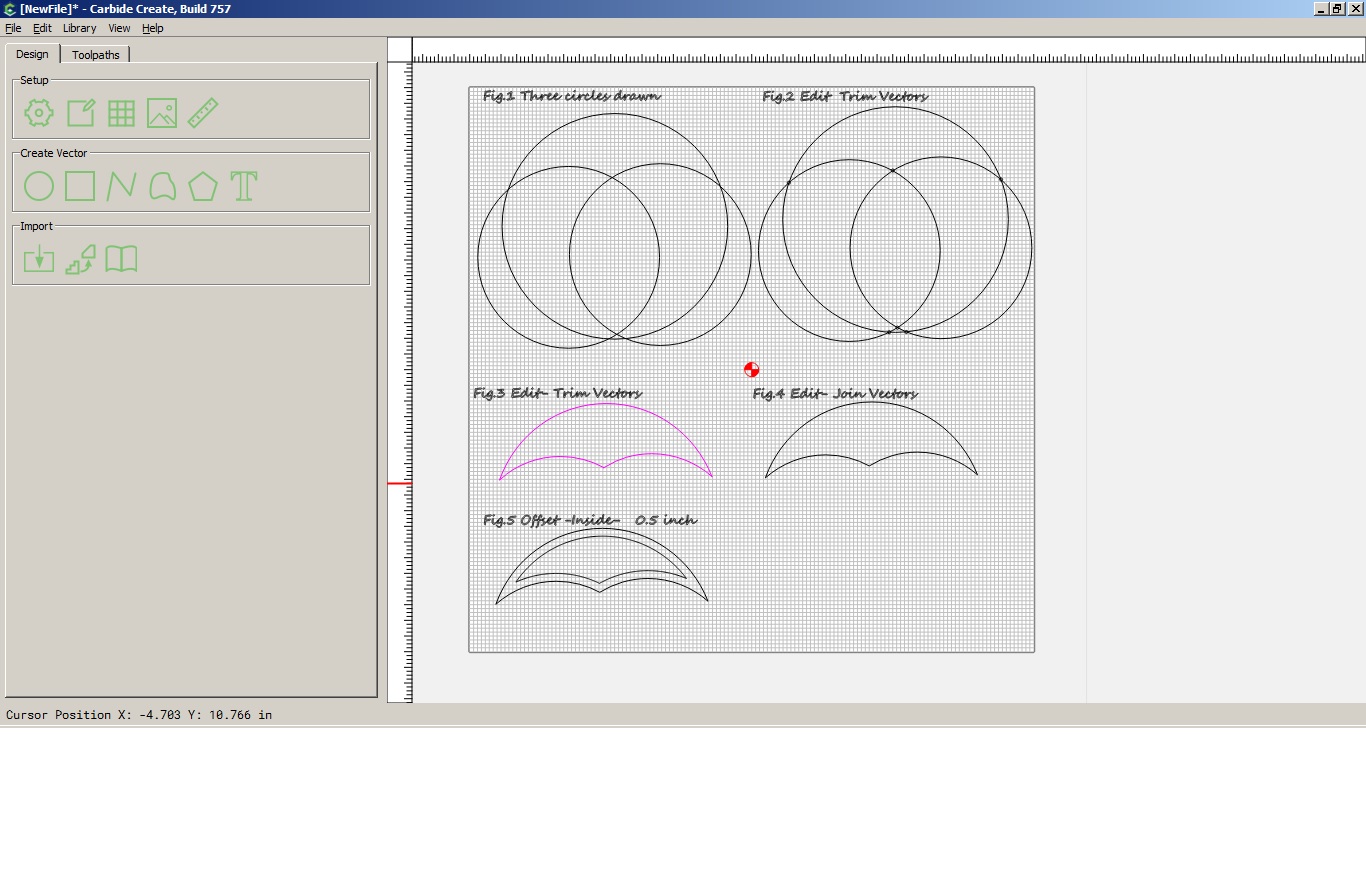
I loaded your image and then drew circles / lines etc for one section at a time, using the image as a guide. Then lots of use of the Edit menu. Not fast but I woke up at 4 am and messed with it until about 6am when I went back to bed, hence inaccuracies. It is probably adequate, but I tend to be a perfectionist for this type of stuff. This is not representative of the work I do. This represents a potential starting point.
I want to say YES. I’m guessing too many Old Fashioneds before it started working that day. And then as it was getting frustrated, went old school and had 2 shots of Tequilla.
Unfortunately that’s all the input I have on this subject as it looks like you’ve gotten some wise(r) advice from the more experienced crew in this community.