I am using the most recent version of Carbide Motion and Carbide Create. I am having an issue in jobs where it asks me to change bits. Unfortunately, there are two text windows that ask to adjust the speed, and adjust the bit. Unfortunately, this locks out carbide motion and it does not allow me to bit touch prove the z axis. It locks out the Jog menu.
This has big impacts on the accuracy of cuts and the initial plunge will tend to be really rough on the motor because the bit was set too low. The other end can happen as well where the first few passes do not cut because the bit was previosly set much higher.
Tool changes should be done w/ the BitSetter. If you don’t have one, probe the corner, then change the tool, then probe for Z after repositioning the unit.
I have the bit touch probe v.1 I am unable to access the Jog screen. It’s stuck in the Job Screen, specifically the prompt to change the bit, but I can’t move into other parts of the carbide motion program.
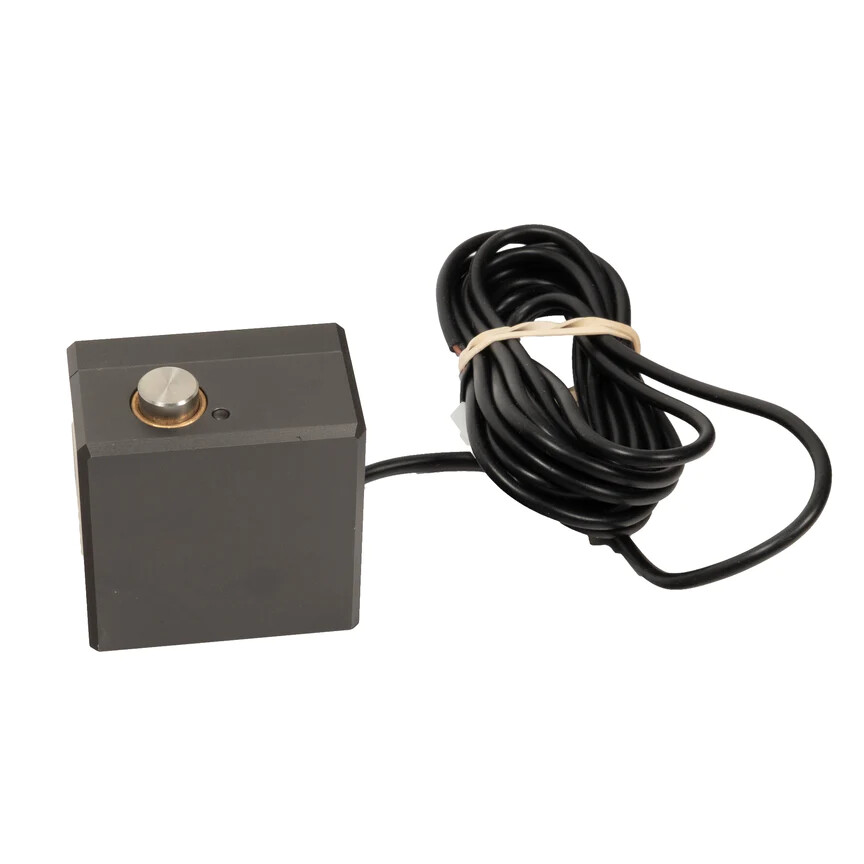
I think what Will is asking is do you have a BitSetter. The BitZero I think is what you are referring to as the “bit touch probe”. So make sure you understand what accessories you have.
If you only have a BitZero v1 and no BitSetter then you create your individual tool paths. Lets say you have two tool paths. You disable one of the tool paths and then save the gcode of the single toolpath with a unique name. Then you disable the tool path you just saved and enable the other toolpath and save that with a unique name.
Then you set up your job and zero X Y and Z either manually or with your BitZero. Then you run the first gcode file and it will run and the router will move to the rear and wait. At that point move your router to the front and change your bit as required for the second toolpath. Then you will only need to set the Z zero because X and Y are already set. You can set Z zero with the BitZero or with the paper method. Then run your second gcode file.
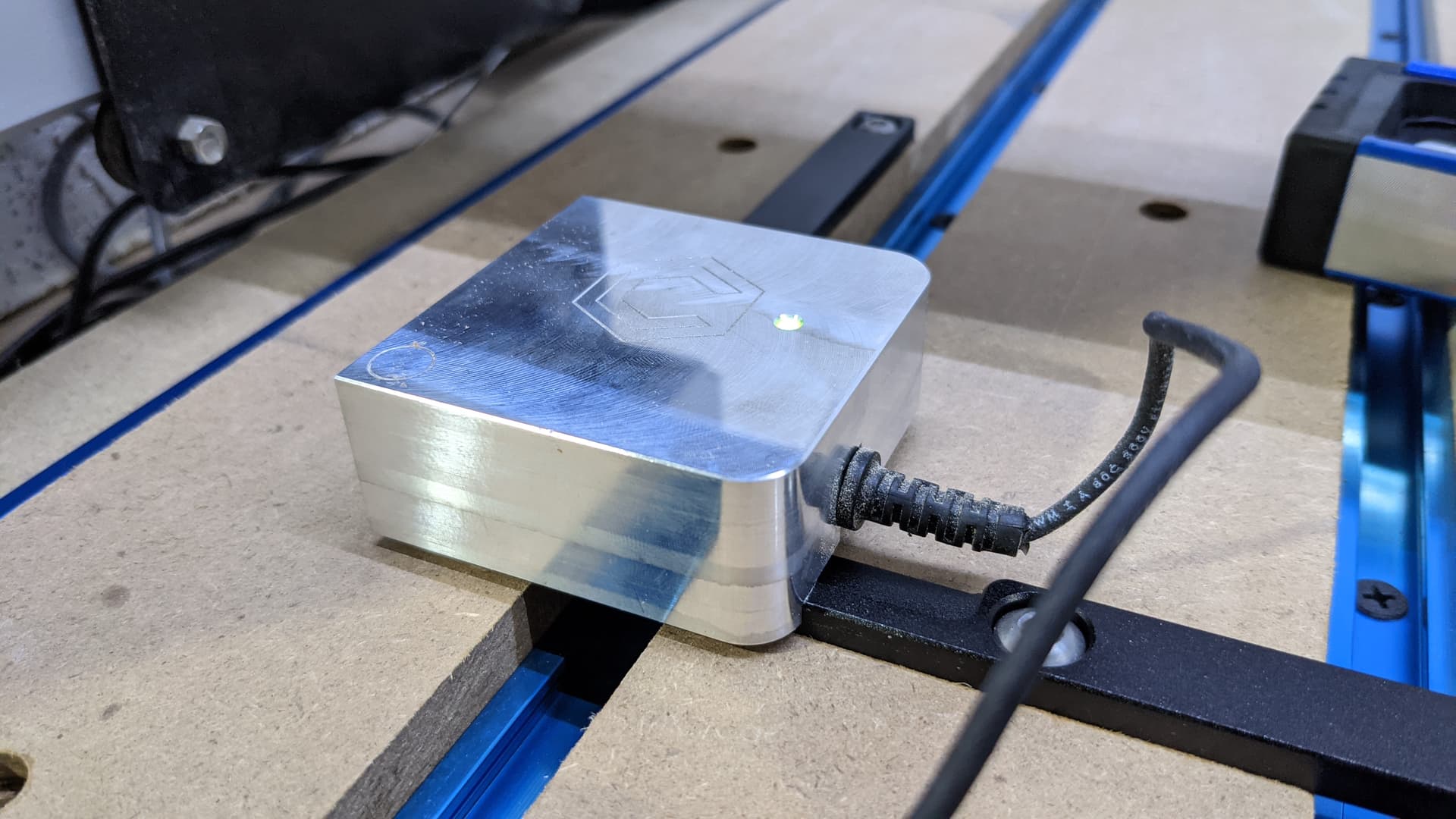
If you have a BitSetter you would save all your toolpaths in a single gcode file. Then the gcode will be run in the order you have them in the toolpath list. If a bit change is required the router will move the front center and the software will prompt you to install the proper bit. Then the router moves to the BitSetter and probes setting the bit to the z zero originally set. The gcode runs and finally when all gcode is run the router parks at the rear.
So hopefully I have cleared up the apples and oranges so we are talking about the same thing.