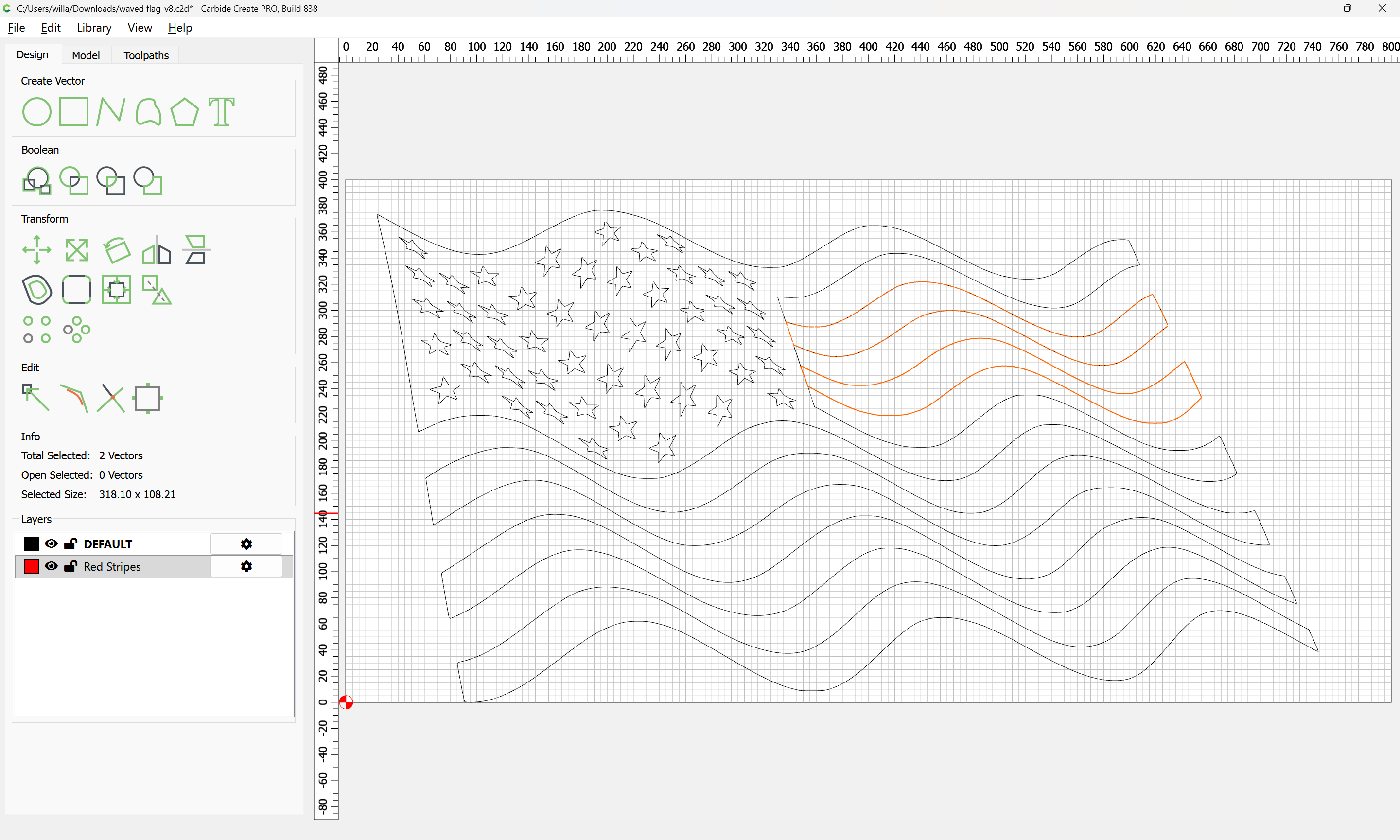
Join lines- how to?

is always an issue for me, in QCAD and in CC.
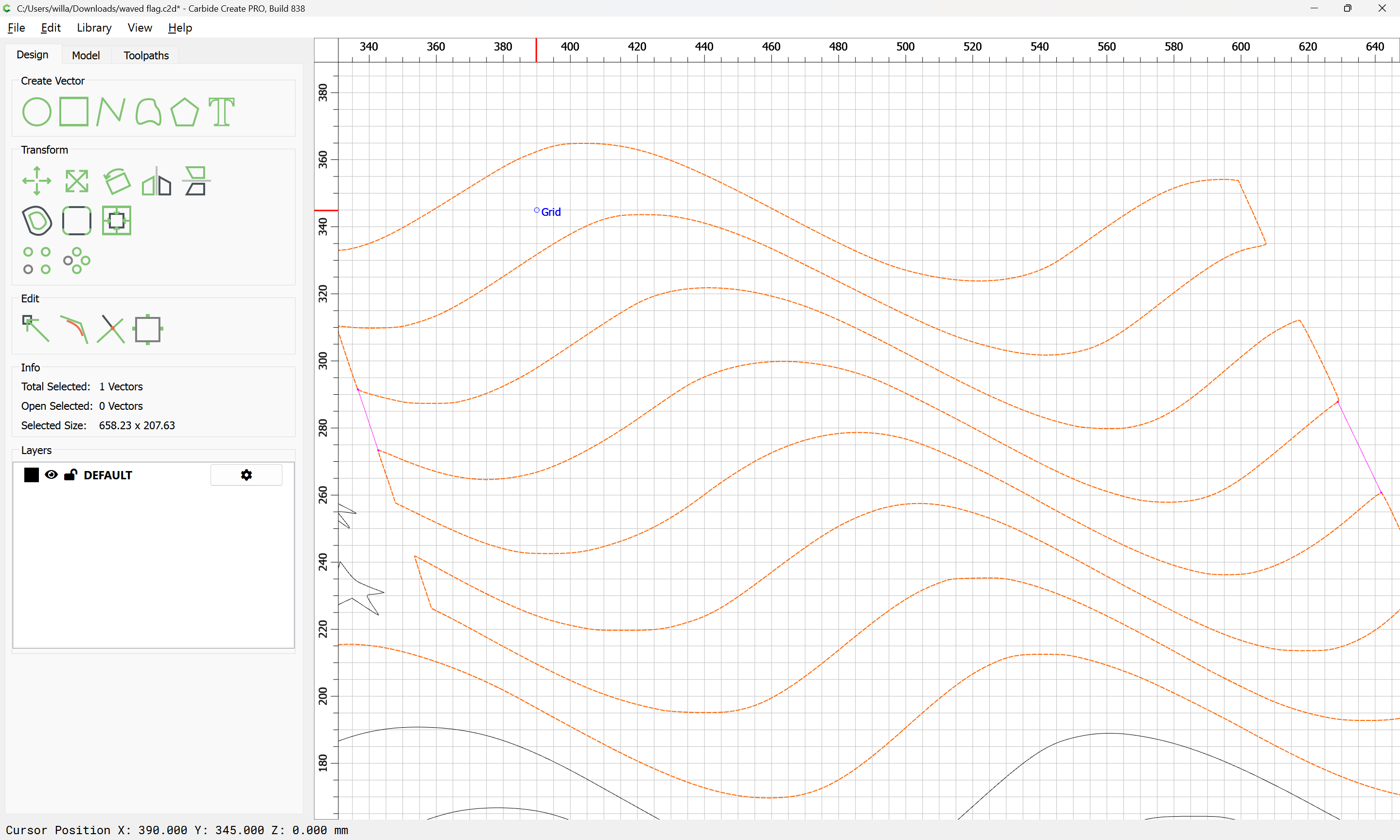
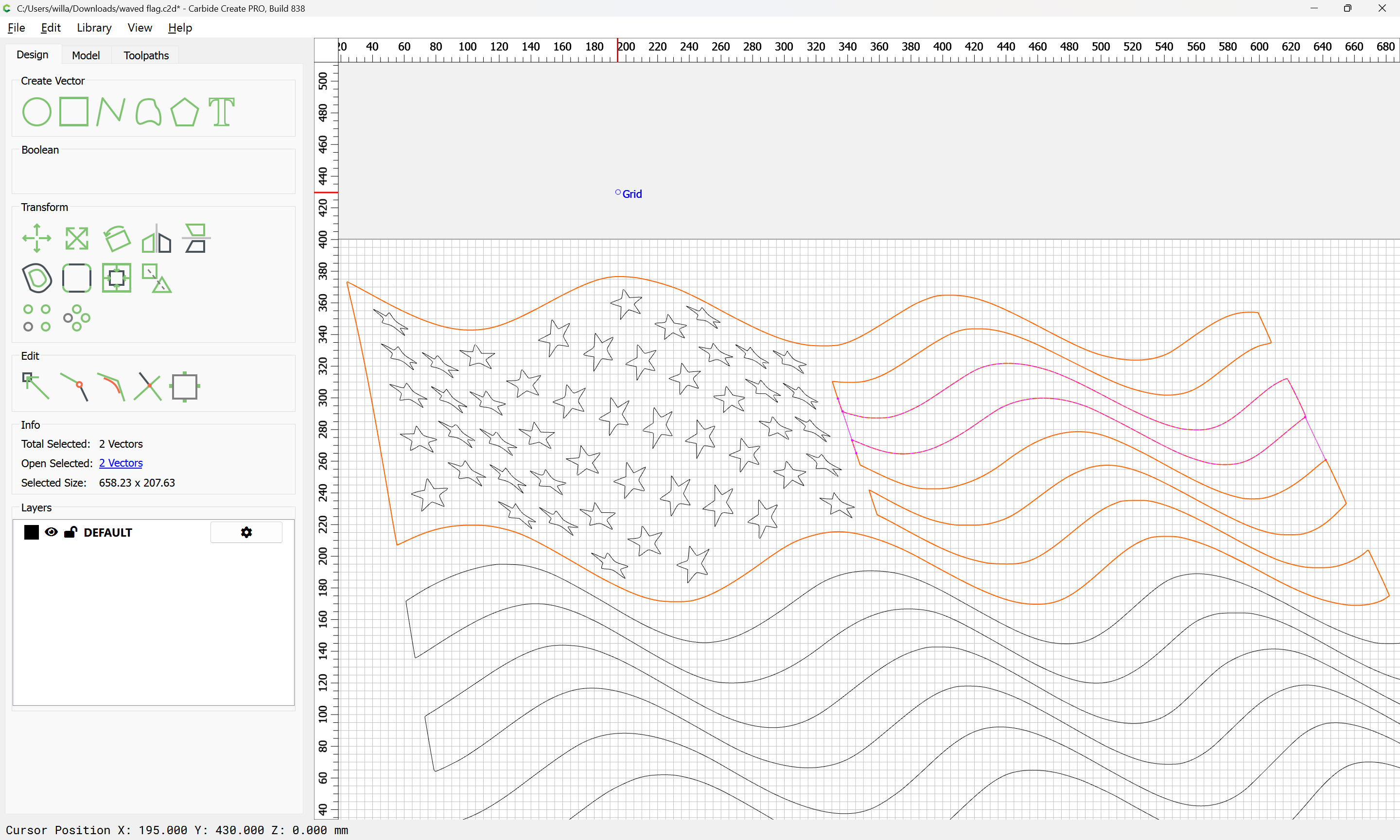
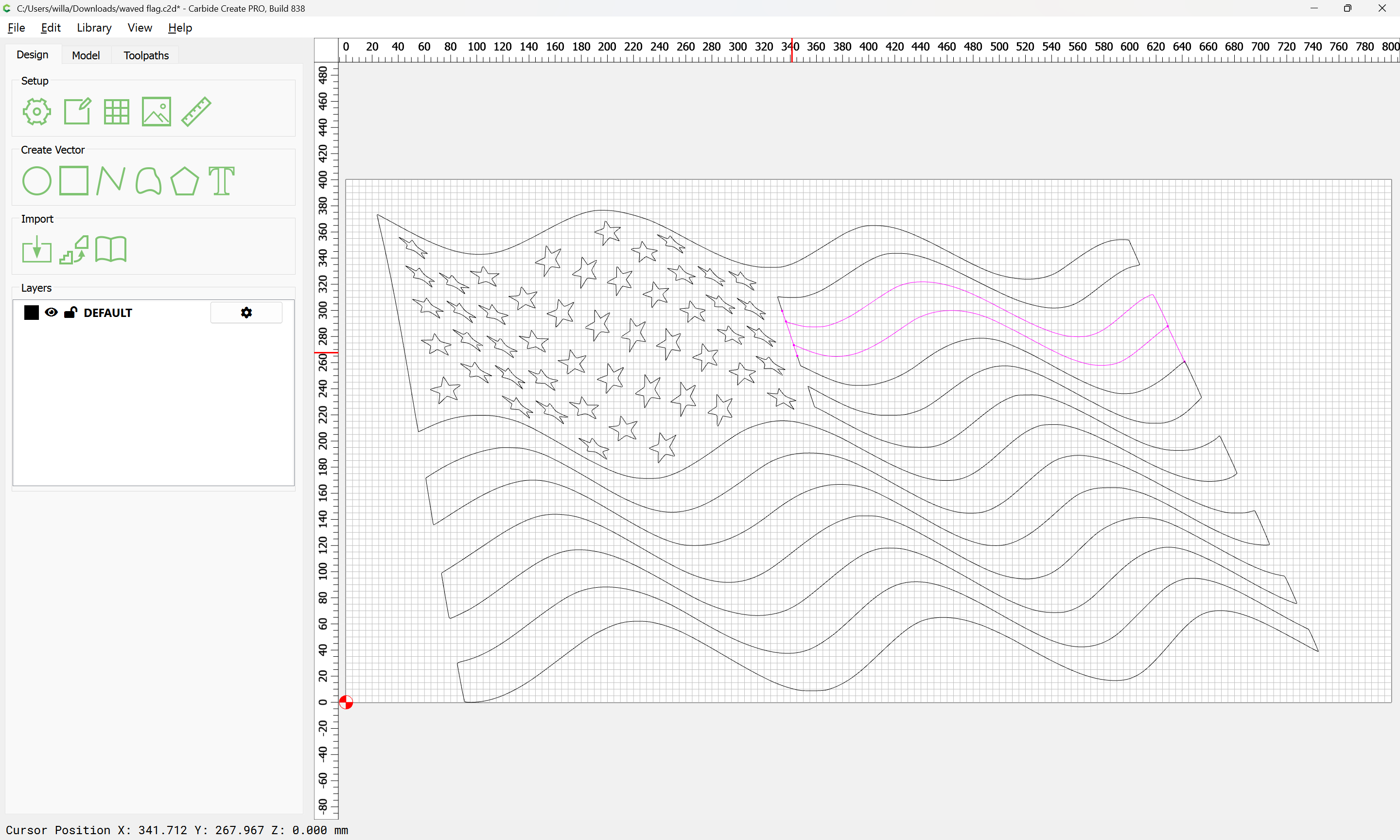
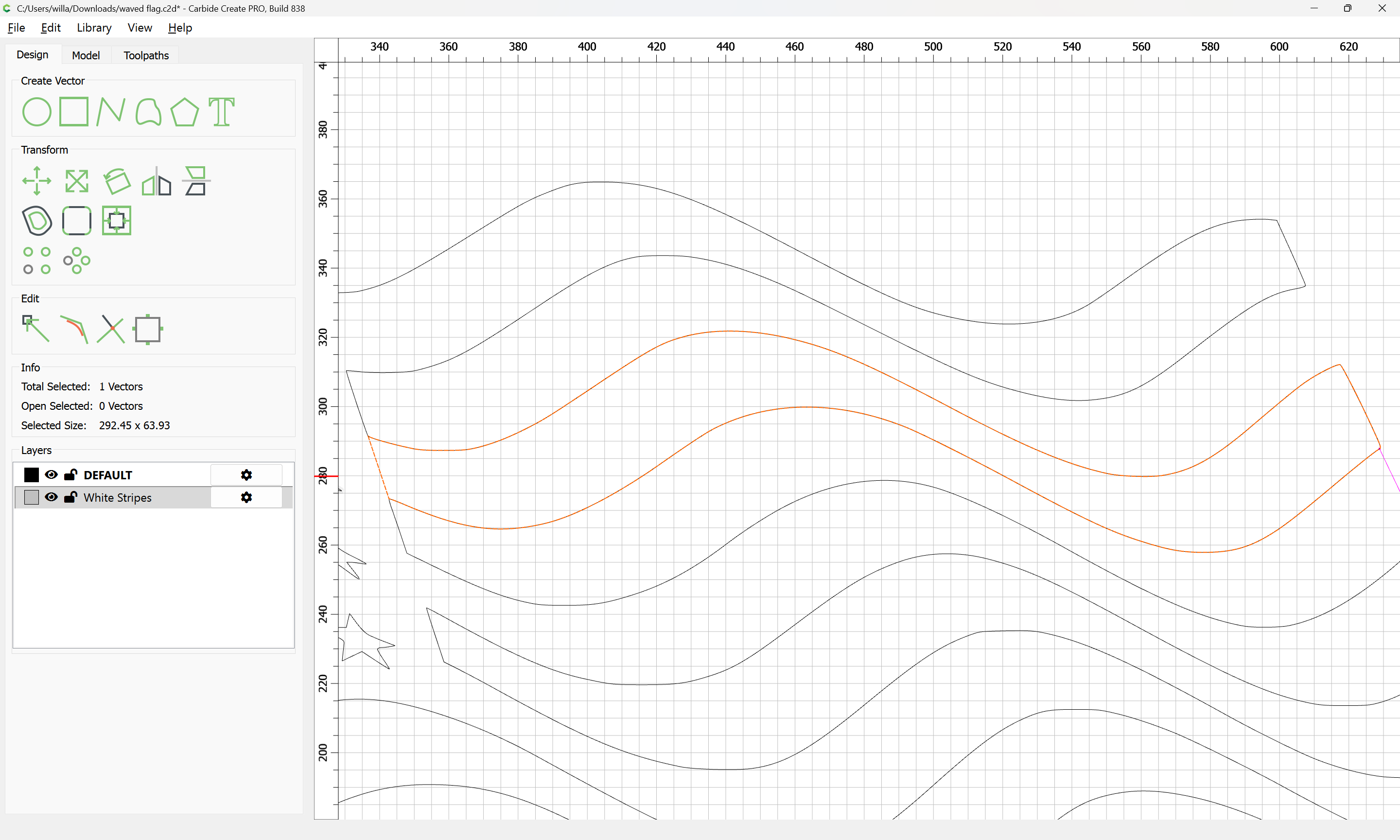
So this project here should get some lines between the stripes like the red one:


waved flag.c2d (212 KB)
I am convinced, I draw the line snapping on nodes, and after selecting vectors CC shows me still a distance (why, if snapped?), and does not close. But that is almost the same with QCAD, draw → polyline → from selection only sometimes accidentally works, although I cannot see -and QCAD does not find- any gaps. So that must be a problem understanding things between my ears.
Anyone please educate me, what I do wrong?

In order to create a closed path defining a region, one needs geometry all the way around it.

If one has islands within another region to one side or another of an area which one wishes to close off, then one can’t just draw in lines at the ends, one needs to duplicate those portions and cut them to be open, remove what is not wanted, and then select all the open geometry which defines the region which one wishes to close and then Join Vectors.

1 Like

Given a file:

And one wishes to create a closed region for the area defined by that line

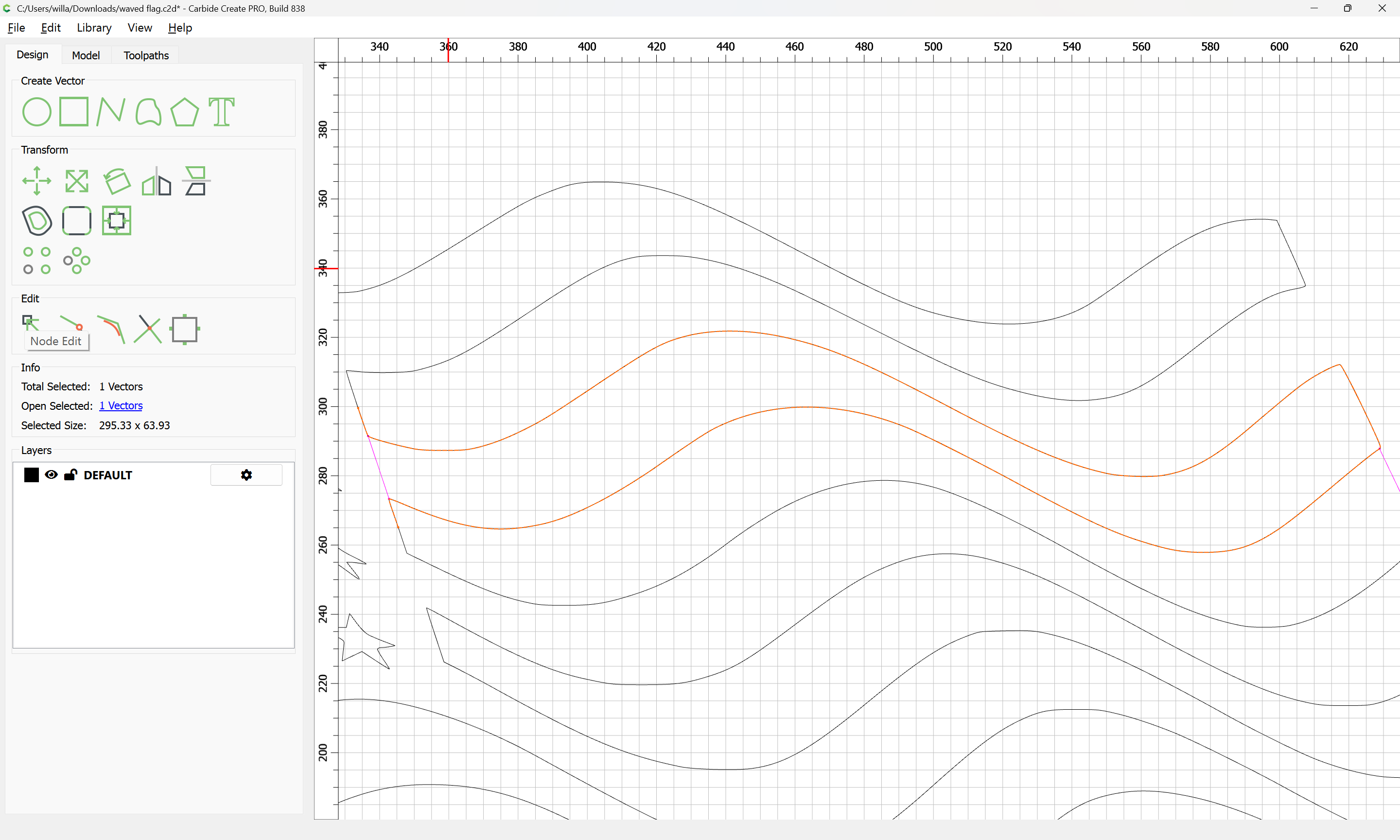
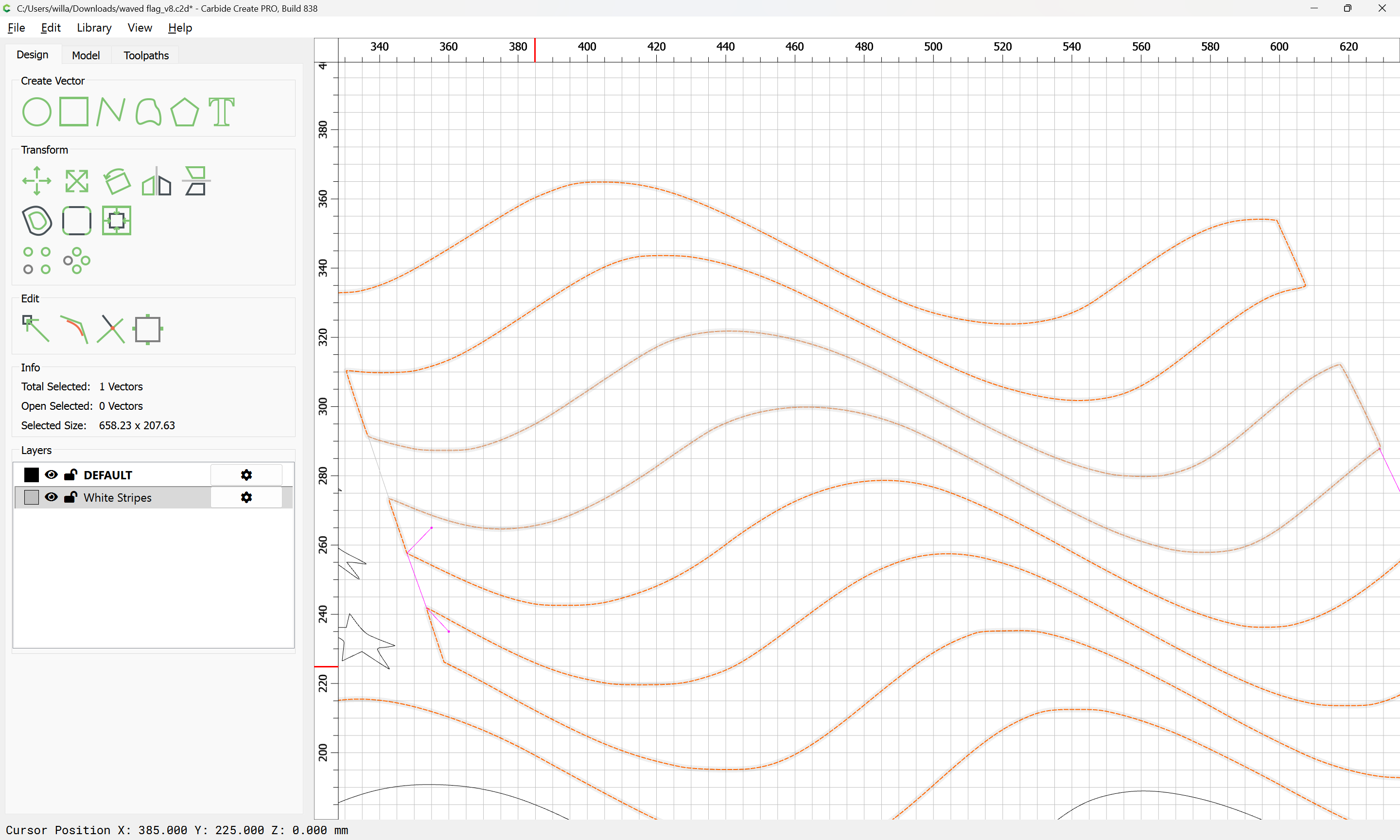
One must select the geometry which defines the balance of the region:

copy-paste it to duplicate it in place:

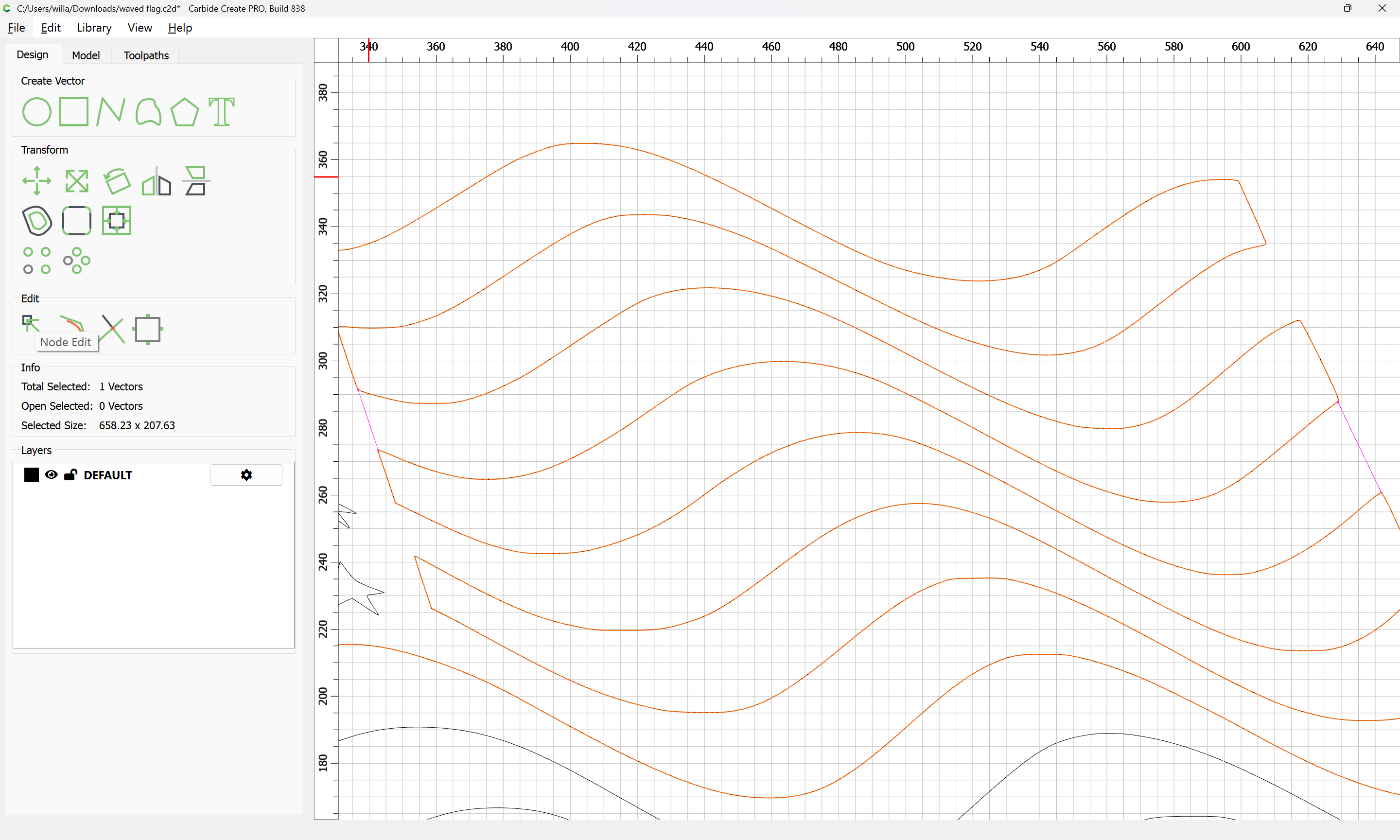
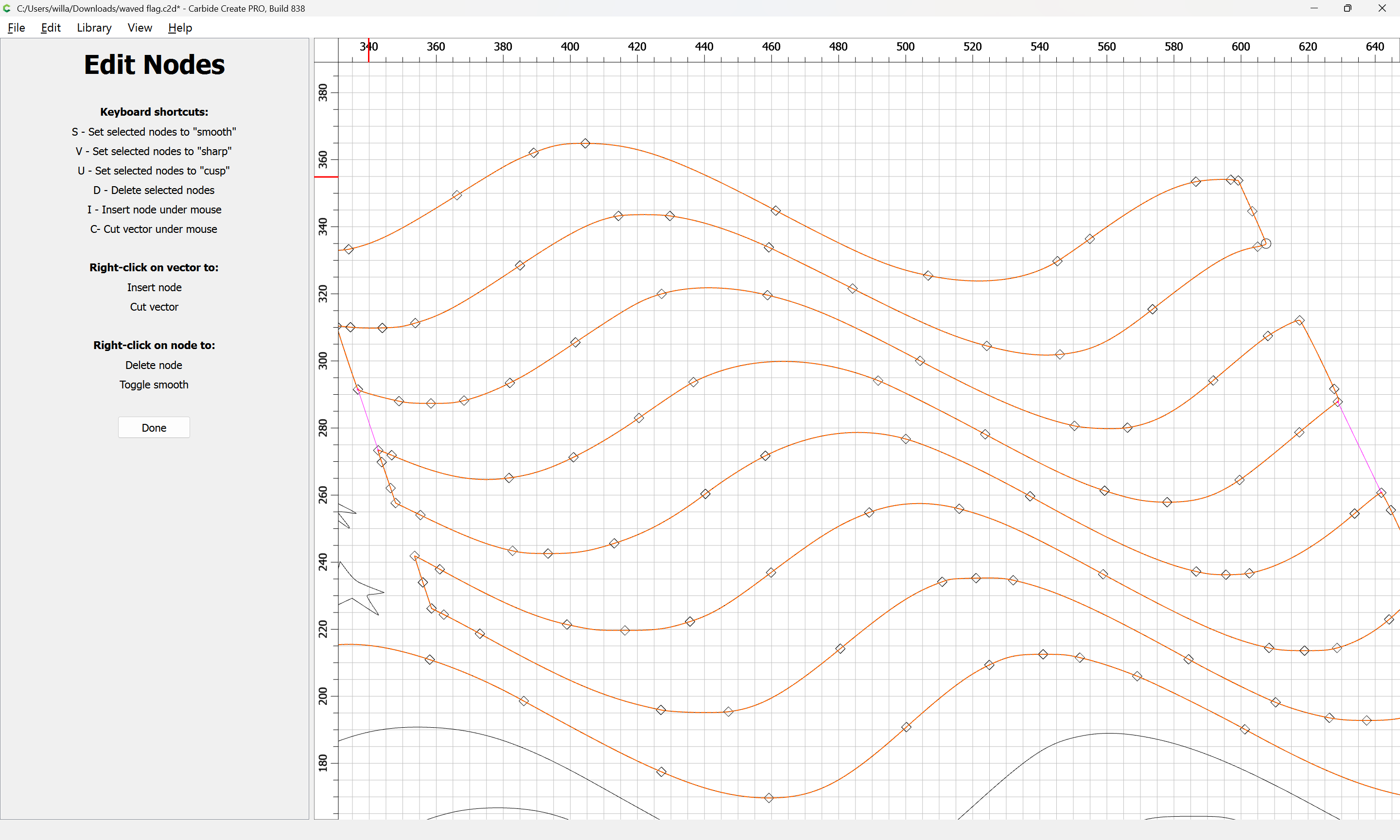
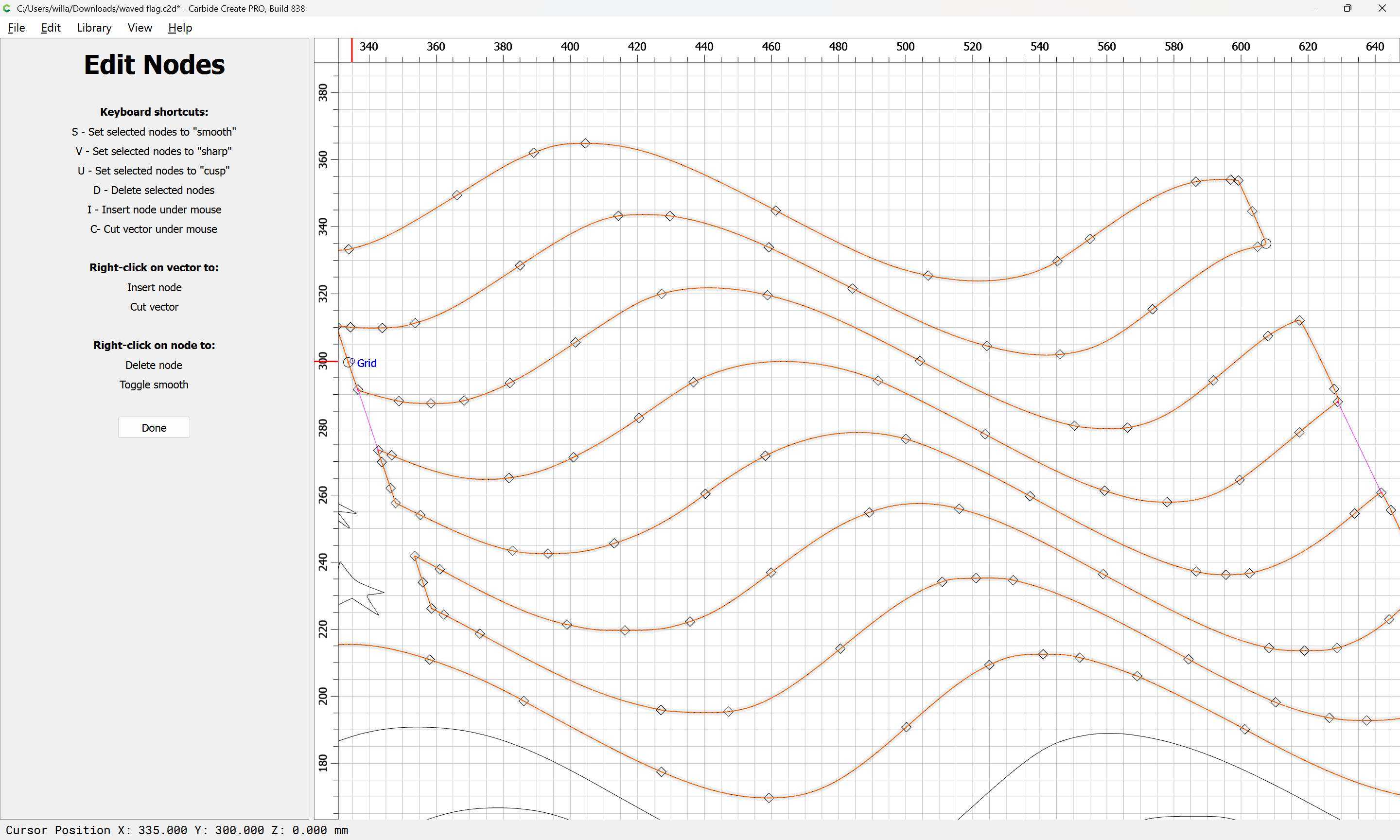
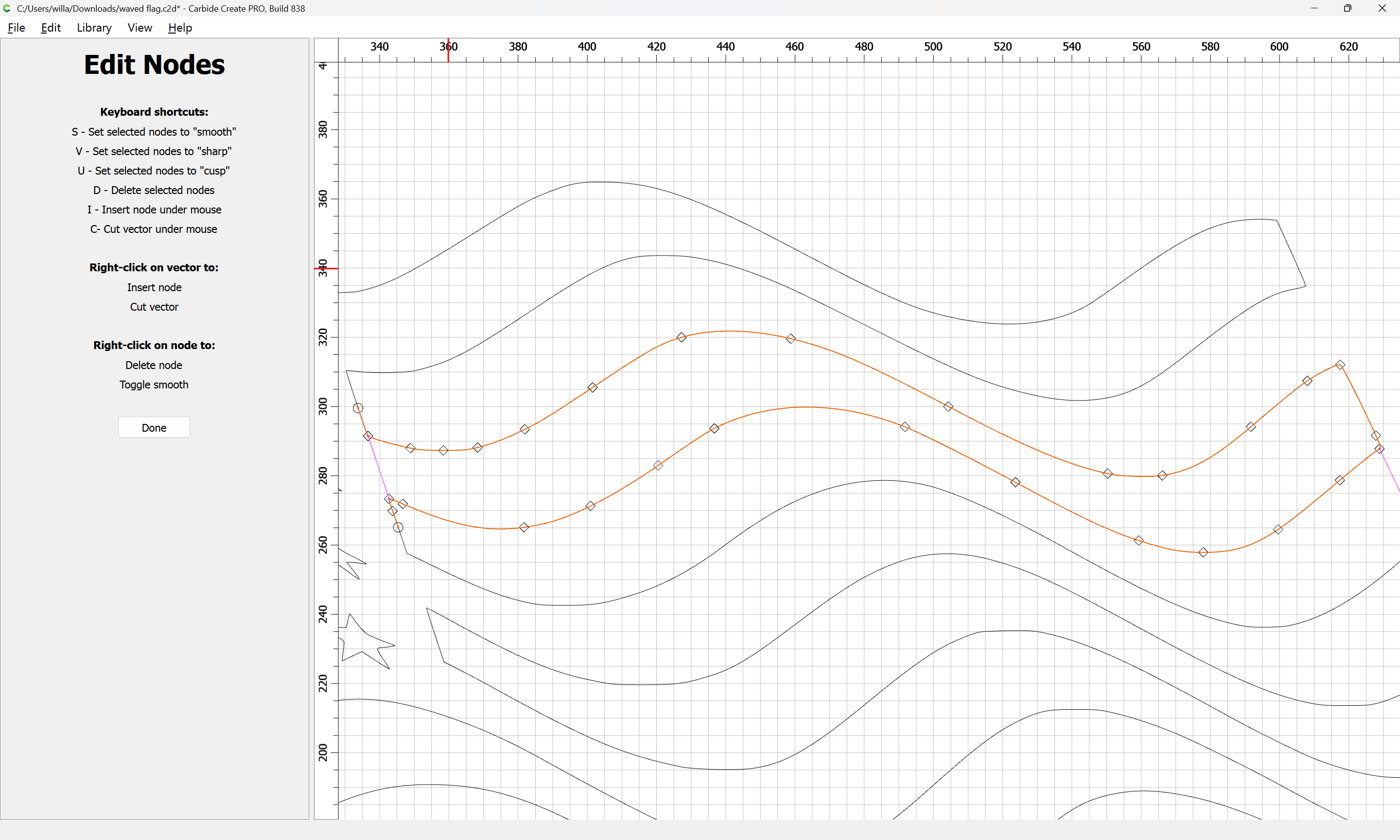
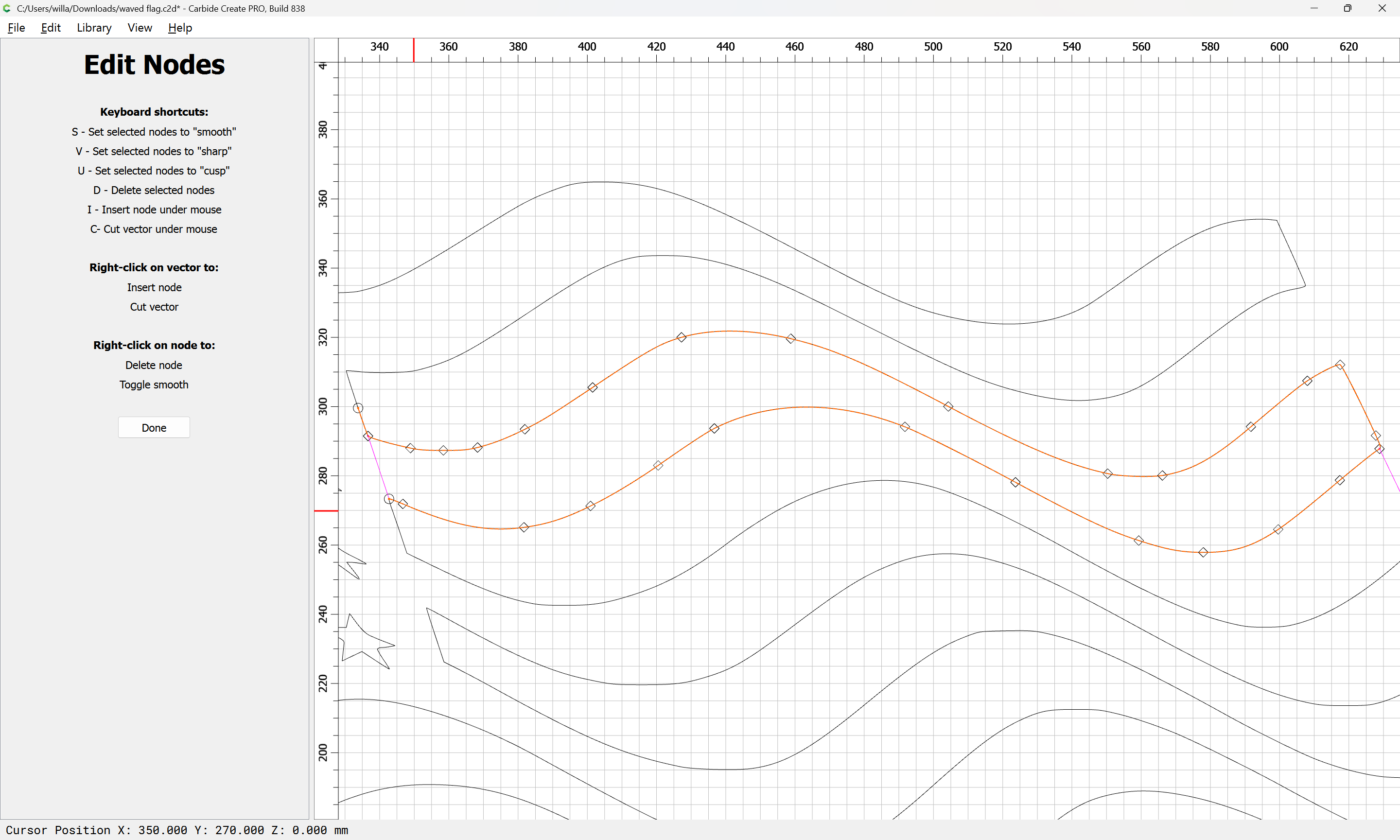
Then go into Node Edit mode:

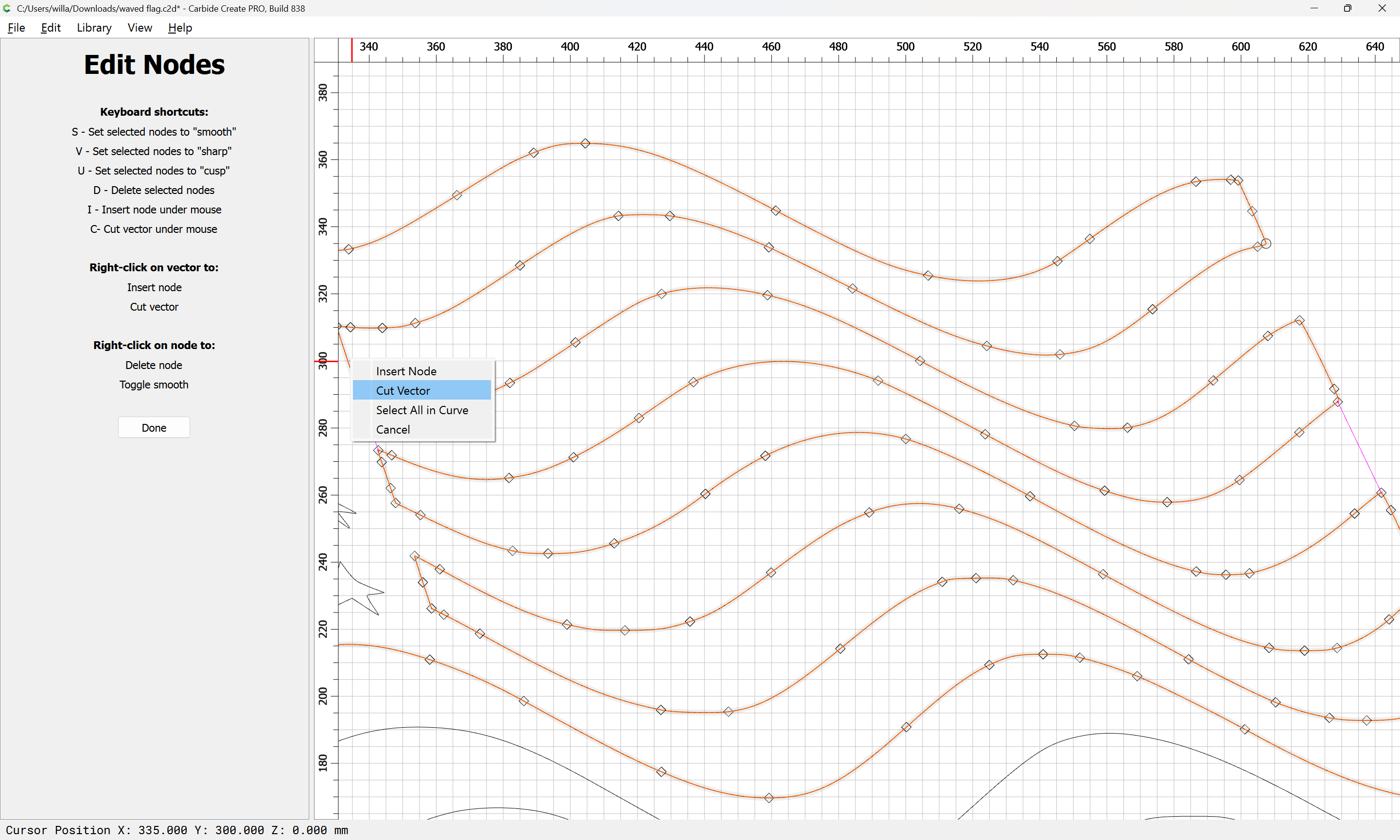
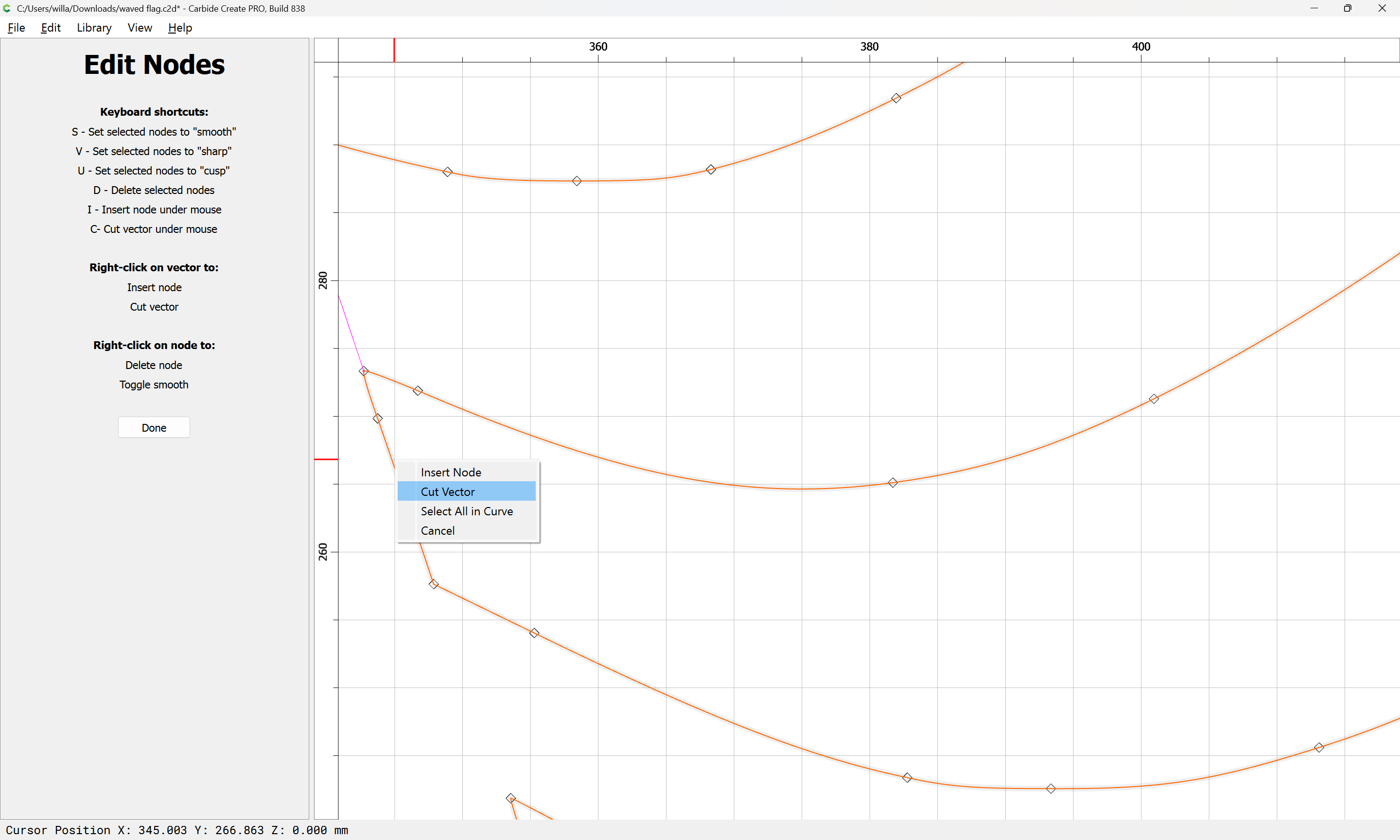
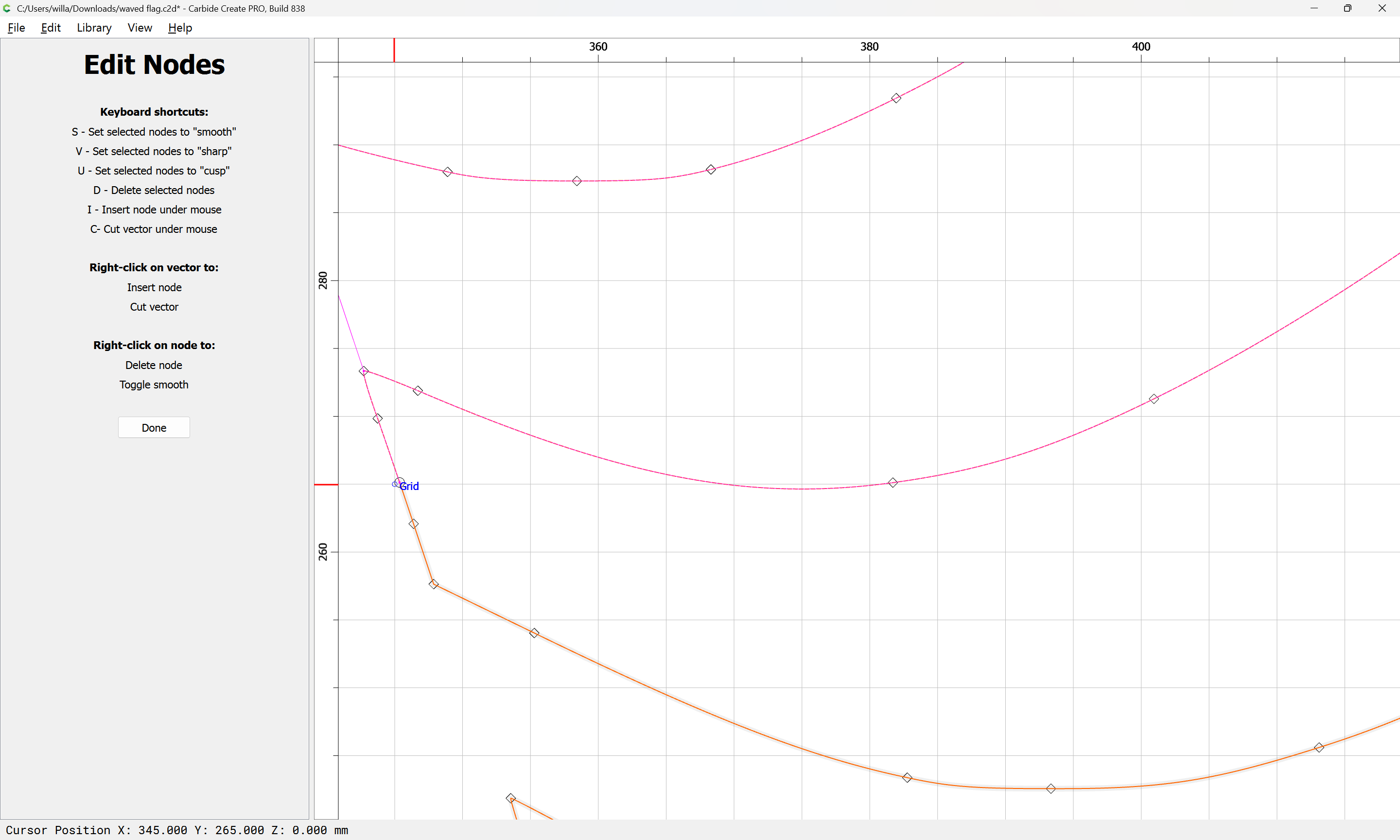
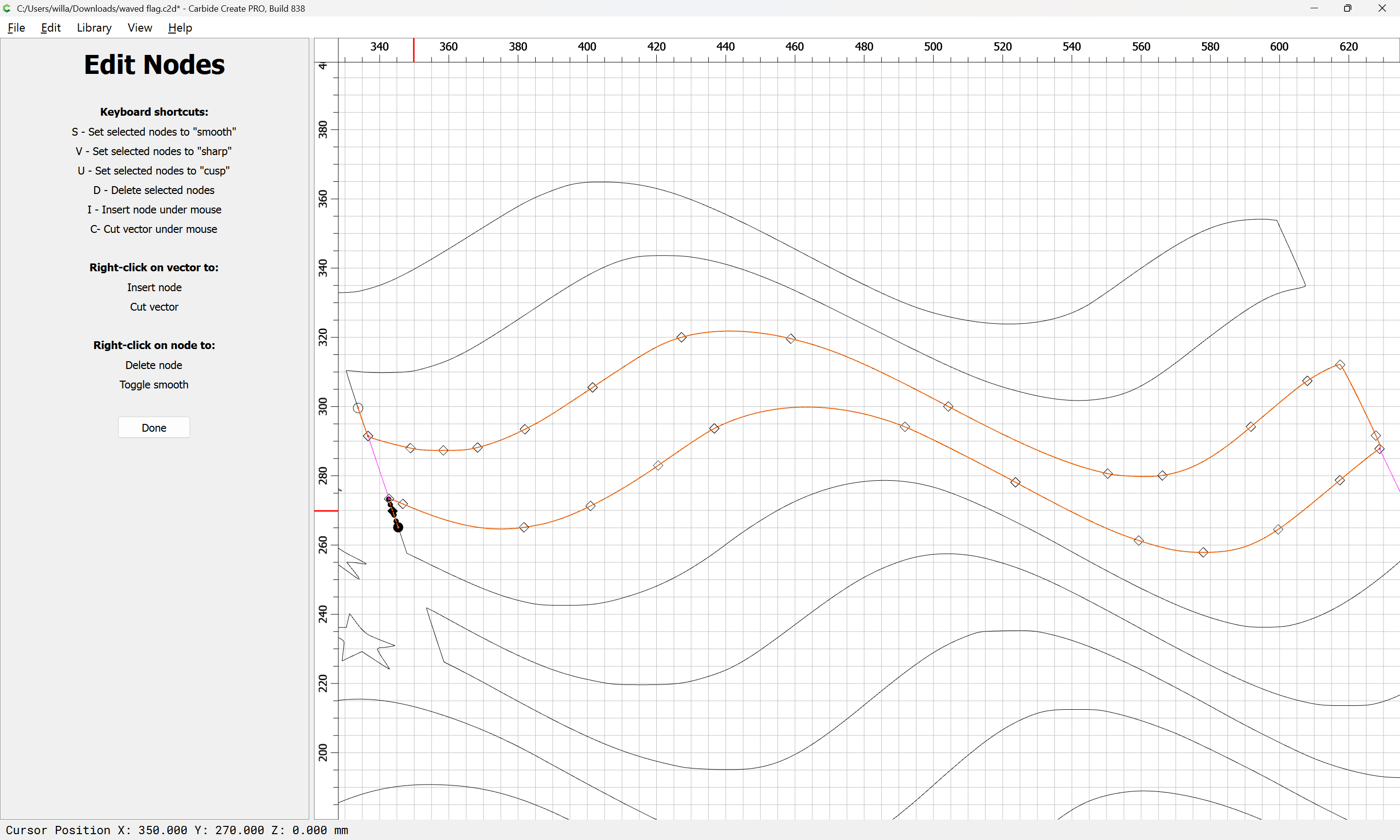
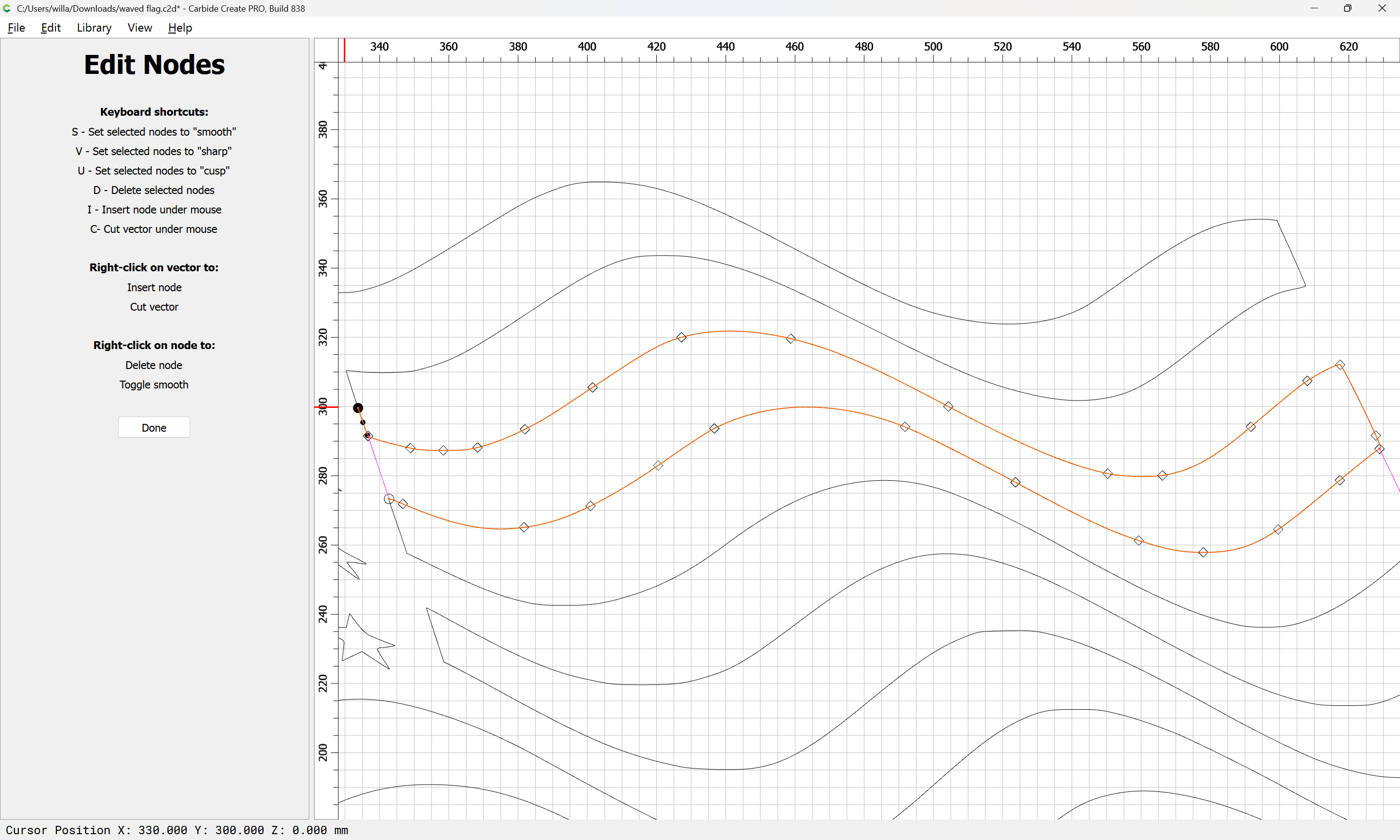
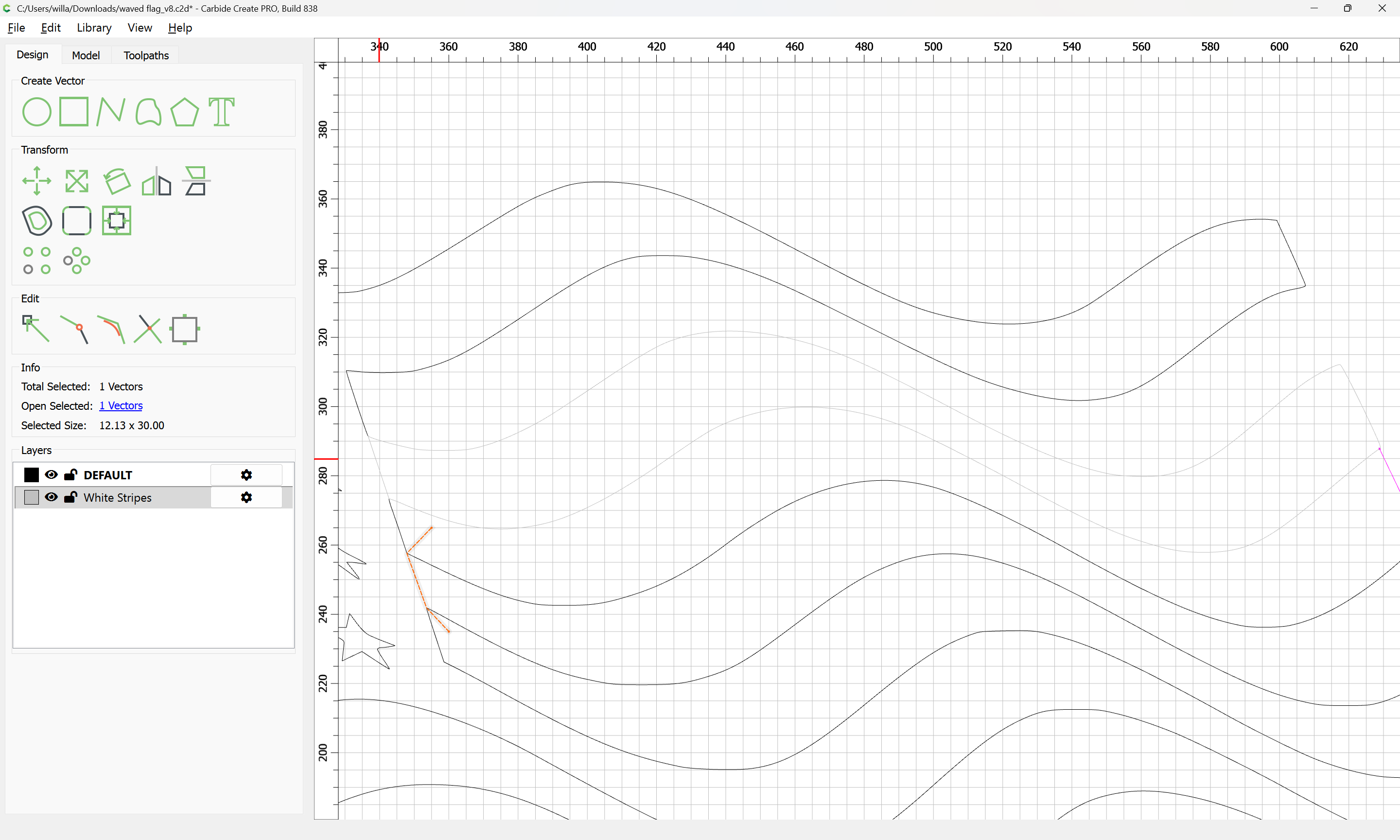
and cut the vector so as to isolate the two portions needed:

Done

The un-needed section may then be removed:

Then the newly opened region selected:

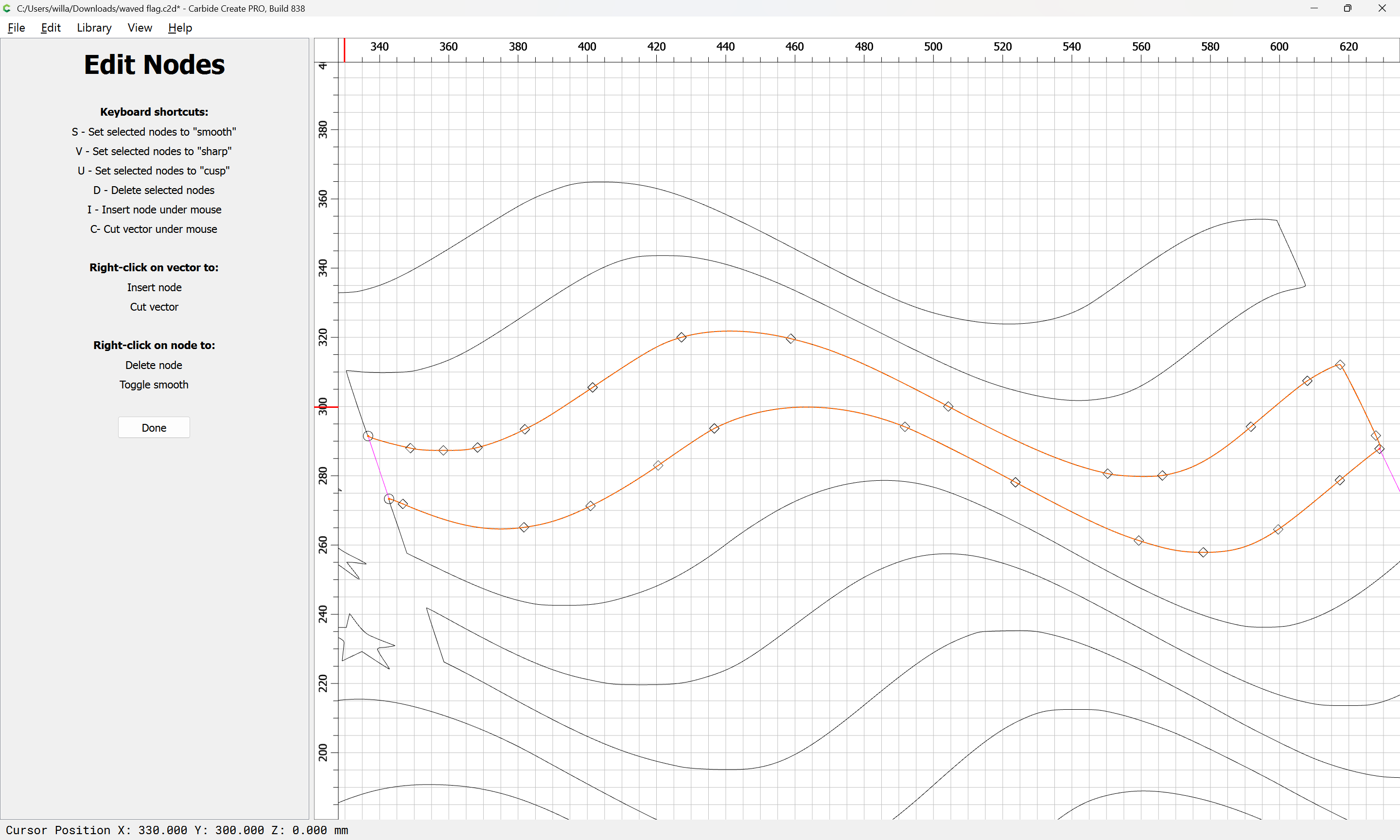
and one may go into Node Edit mode again:

and select

and delete what is not wanted:

d

d

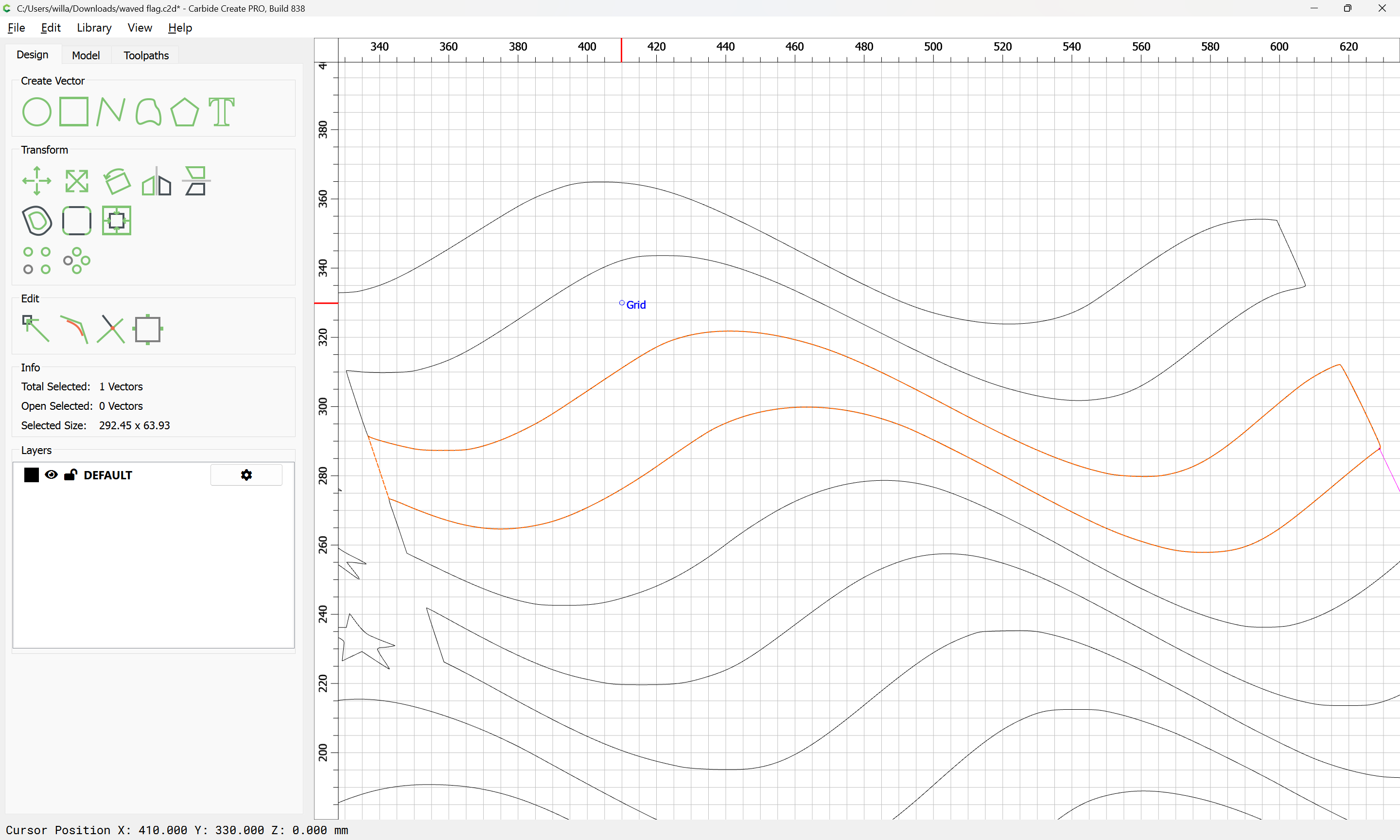
Done

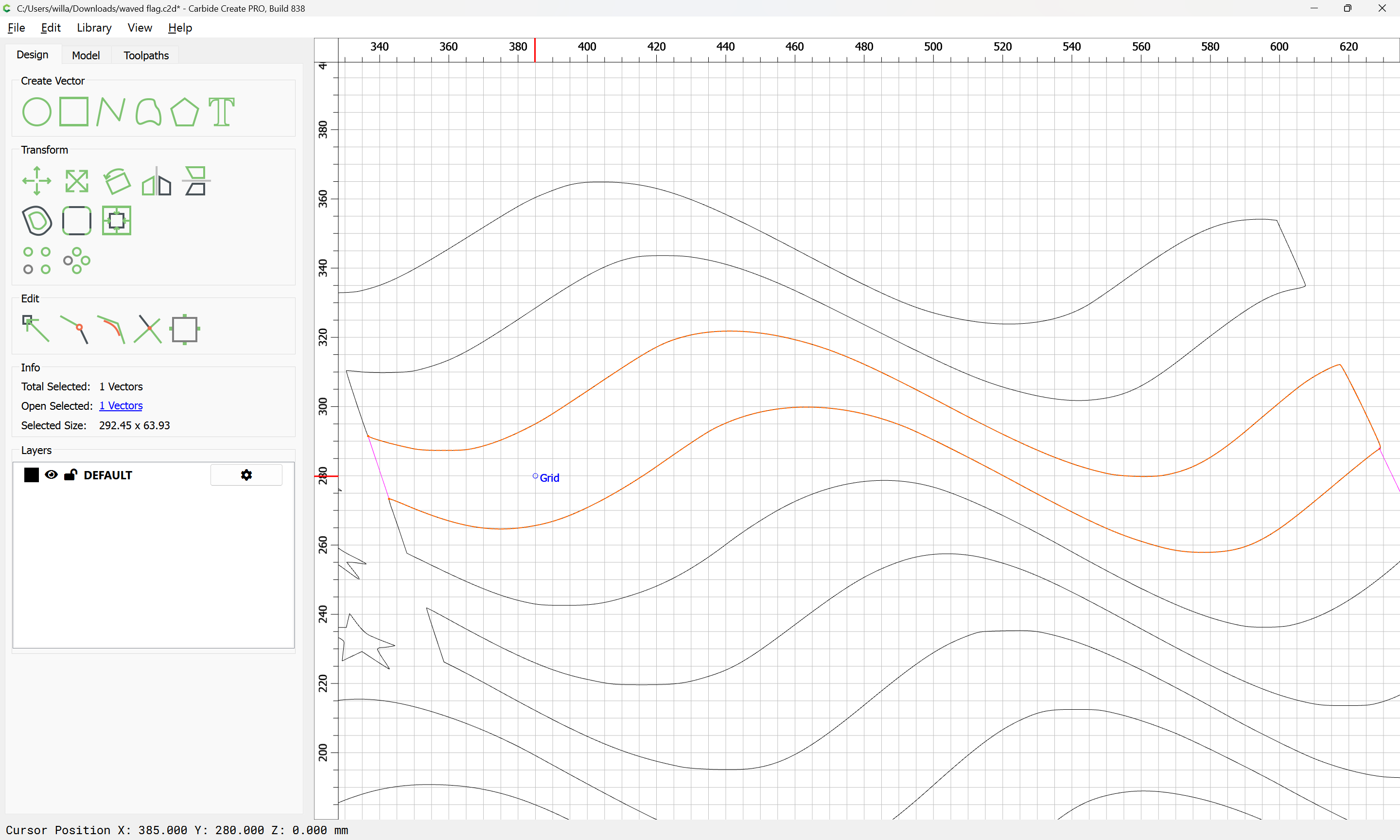
shift-click on the original line:

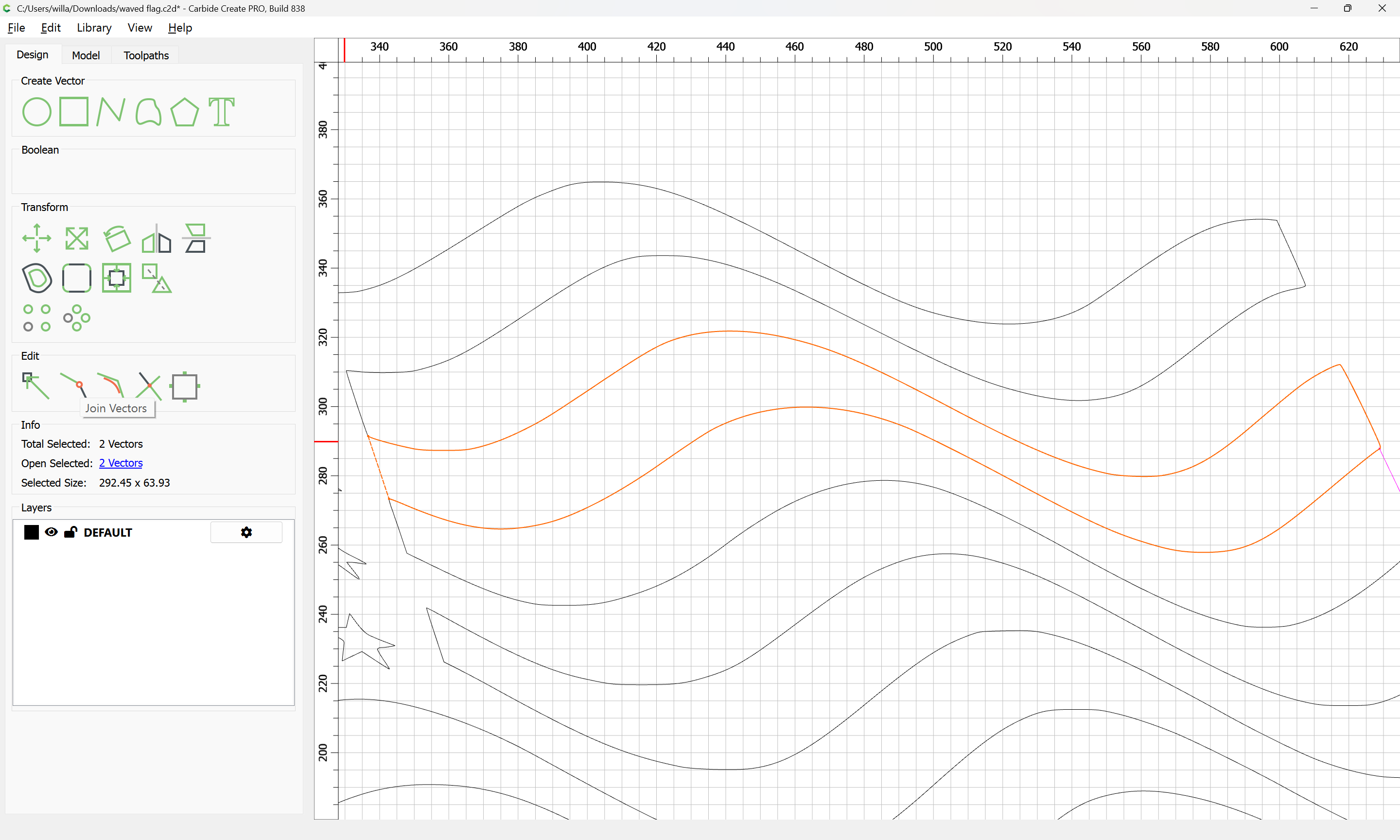
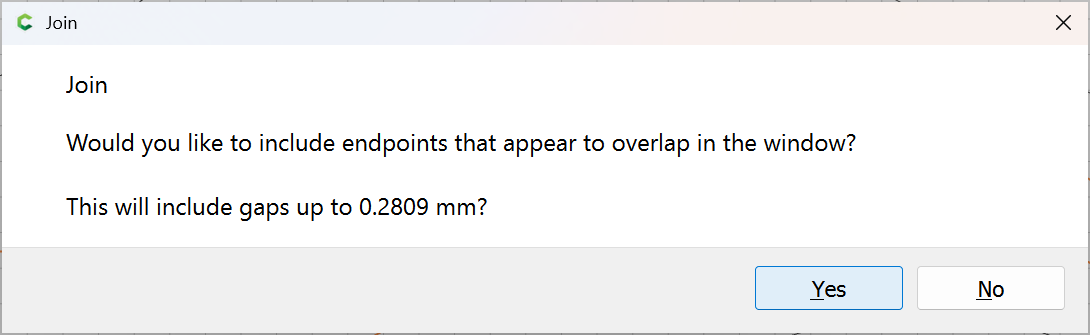
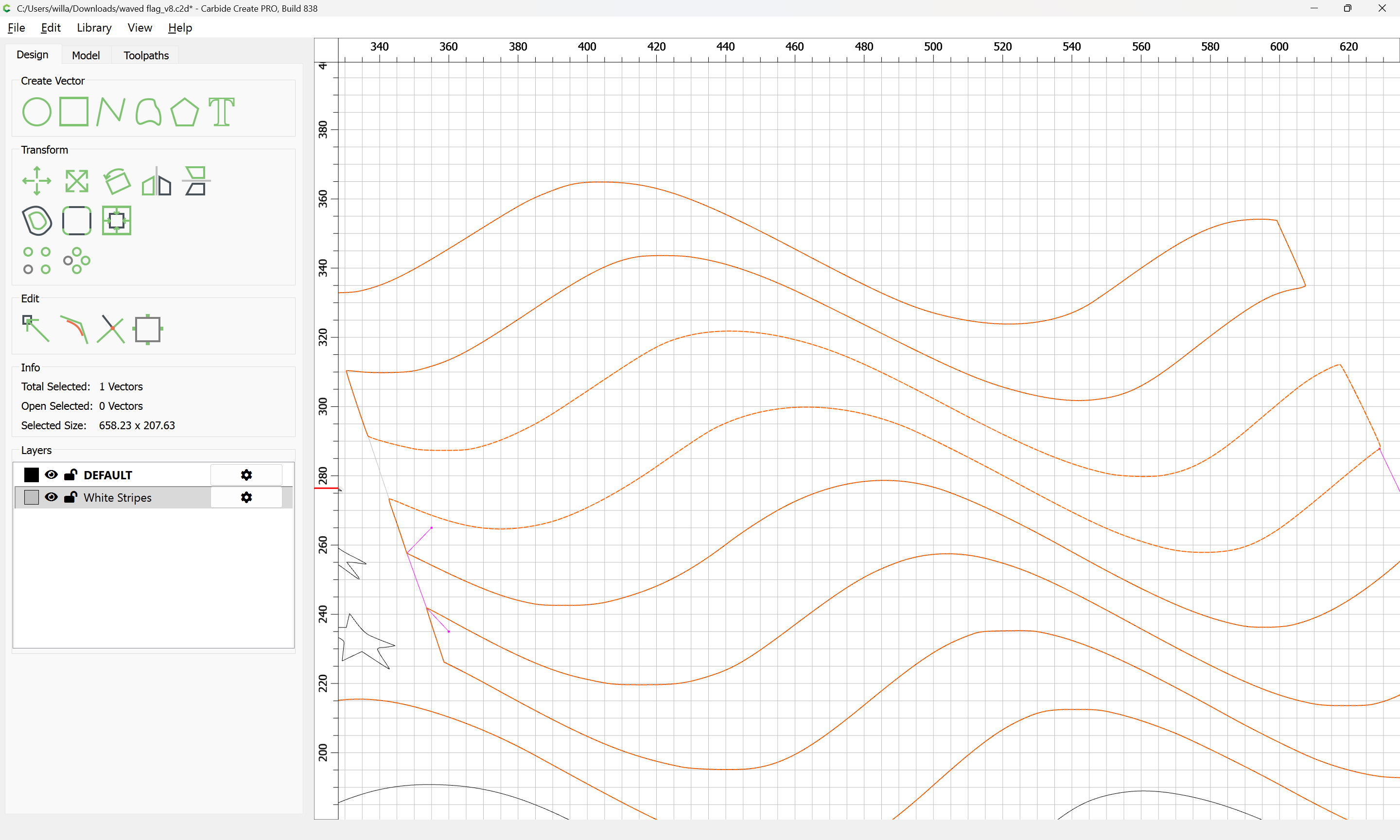
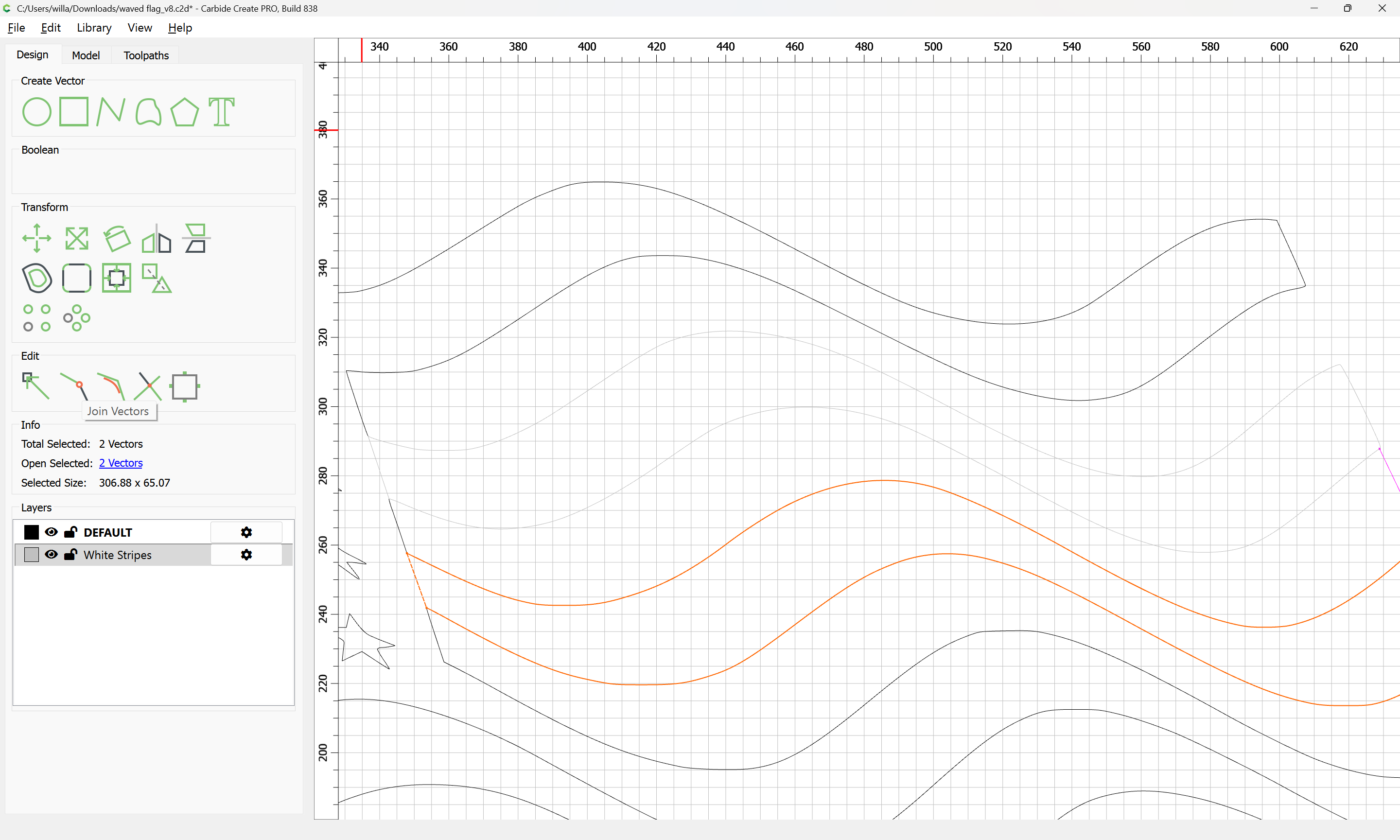
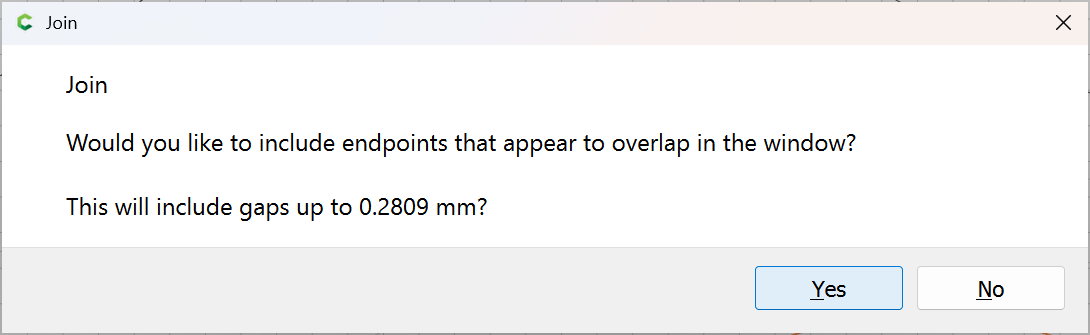
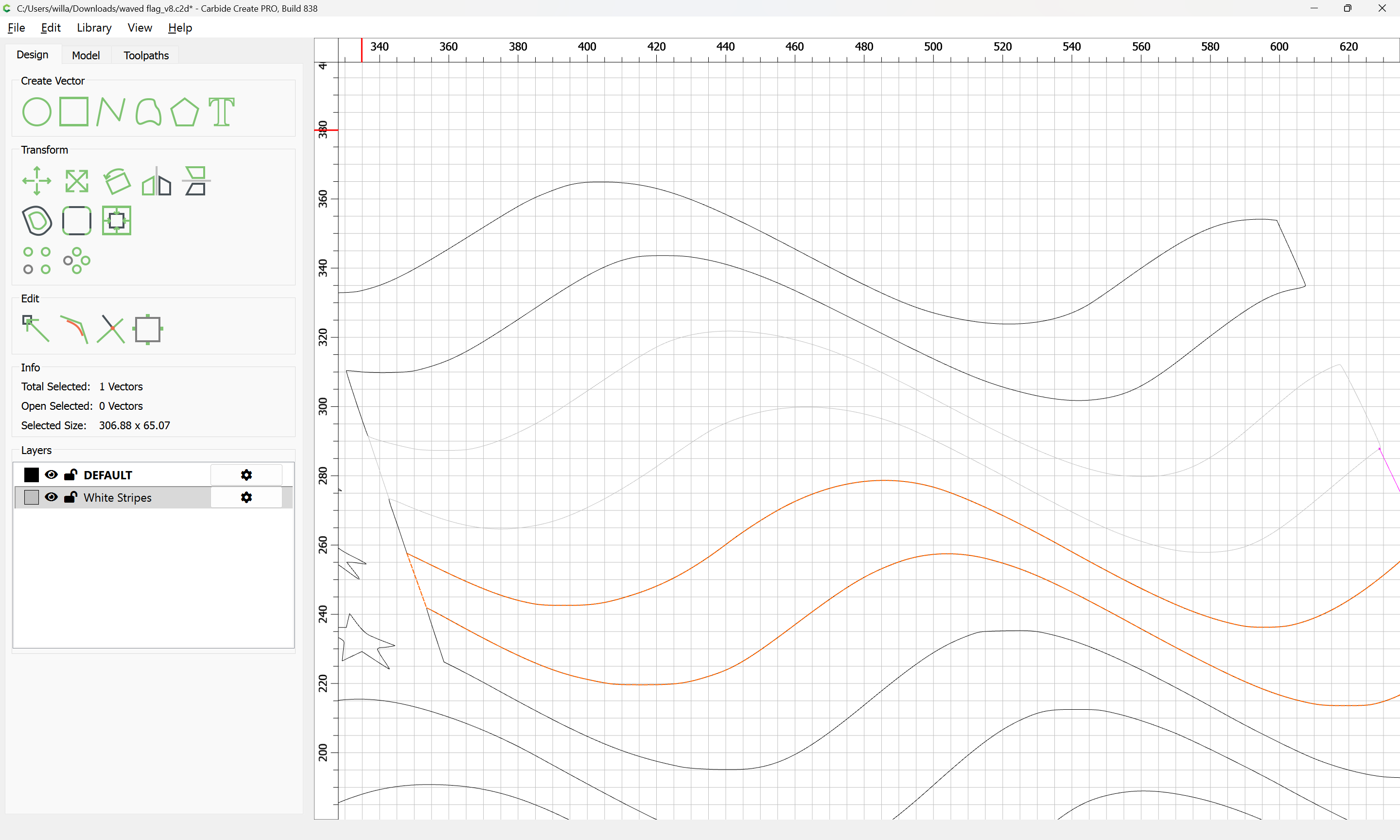
and use Join Vectors to close:

Yes

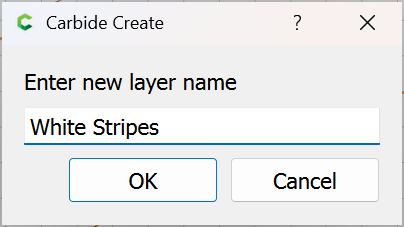
Note that the best practice will be to create separate layers for each set of colours:

Attached as a v8 file.

waved flag_v8.c2d (216 KB)

1 Like

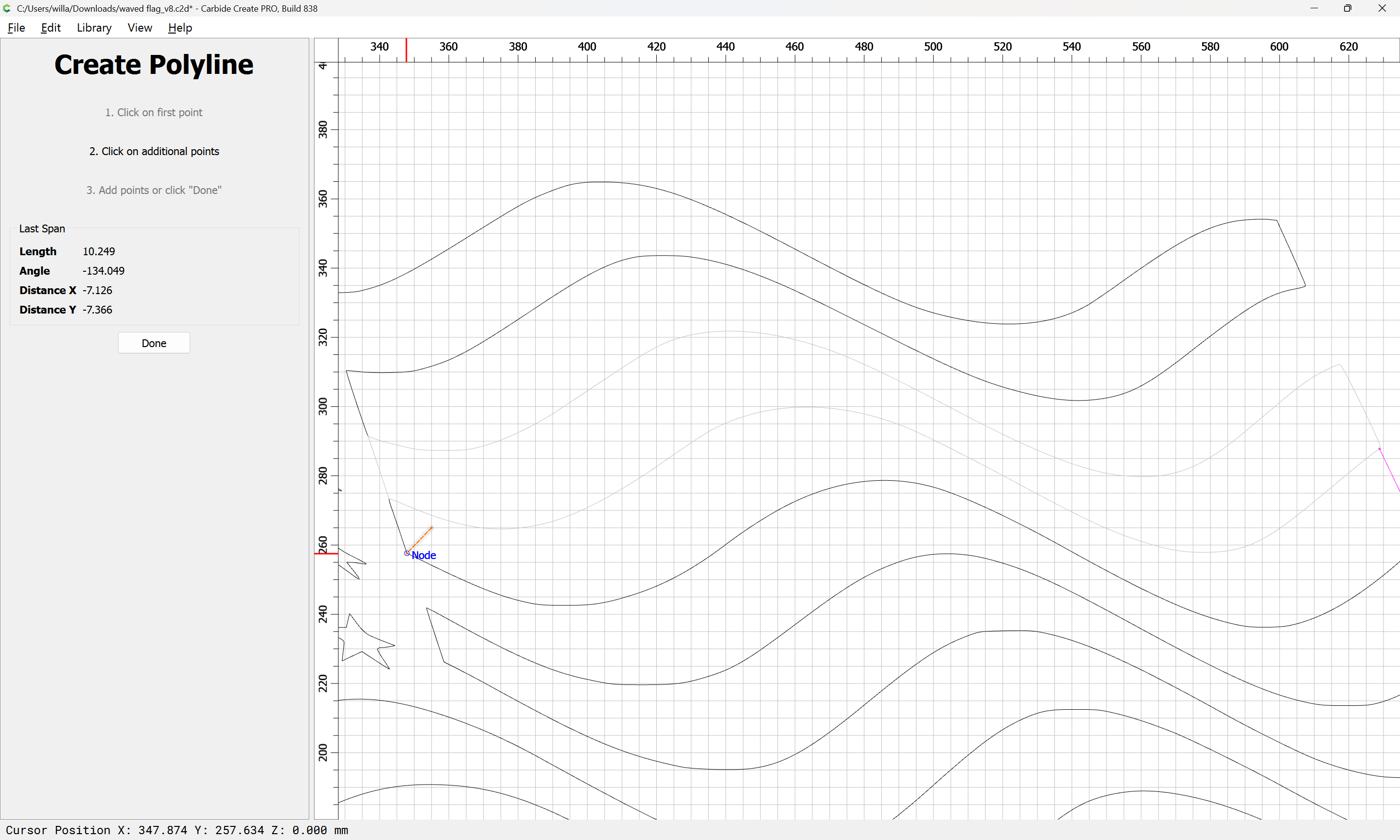
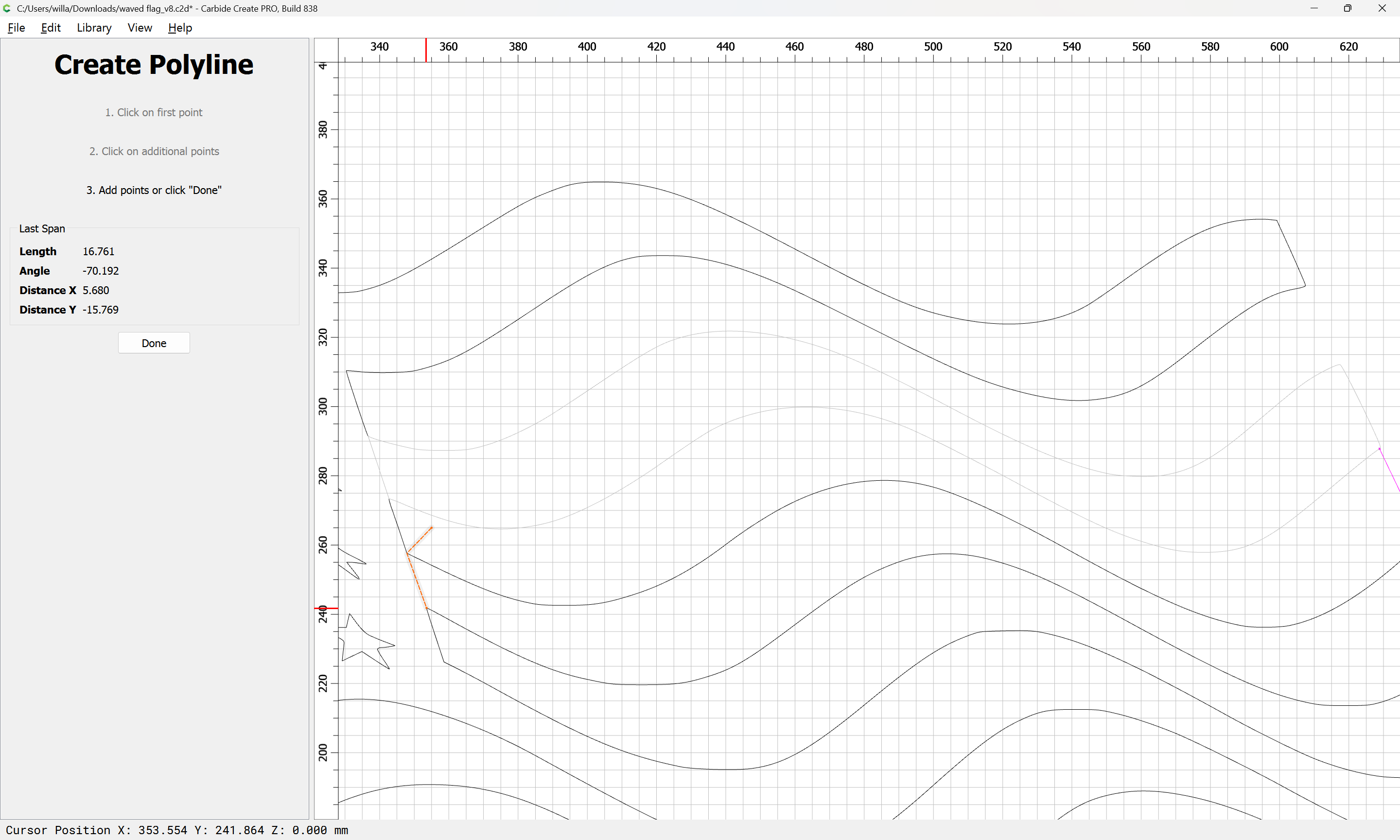
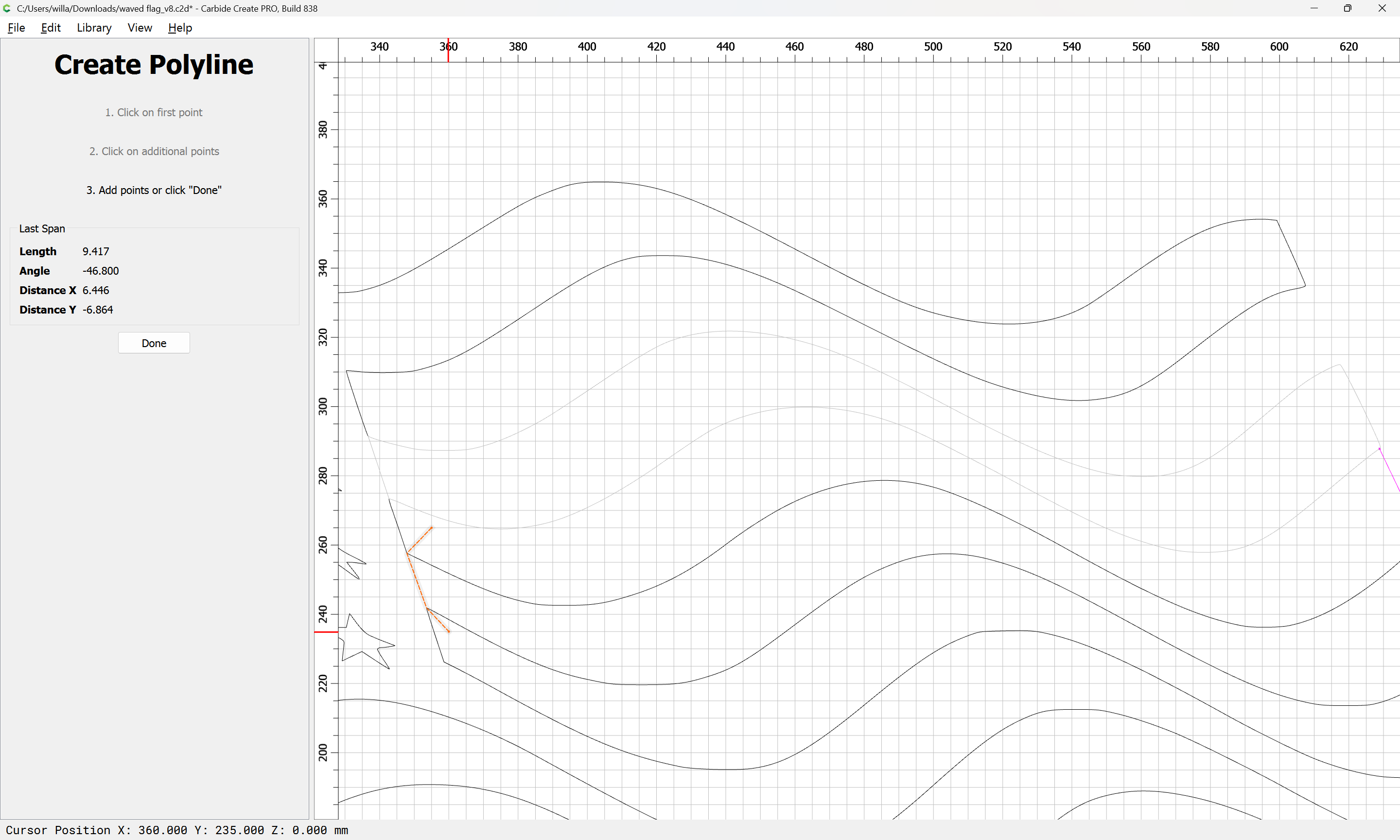
An alternate approach would be to draw a line which defines both the region to be trimmed and the end which one wishes to close:

Done

Again, select and duplicate in place by copy-pasting:

shift-click on the drawn-in geometry to add it to the selection:

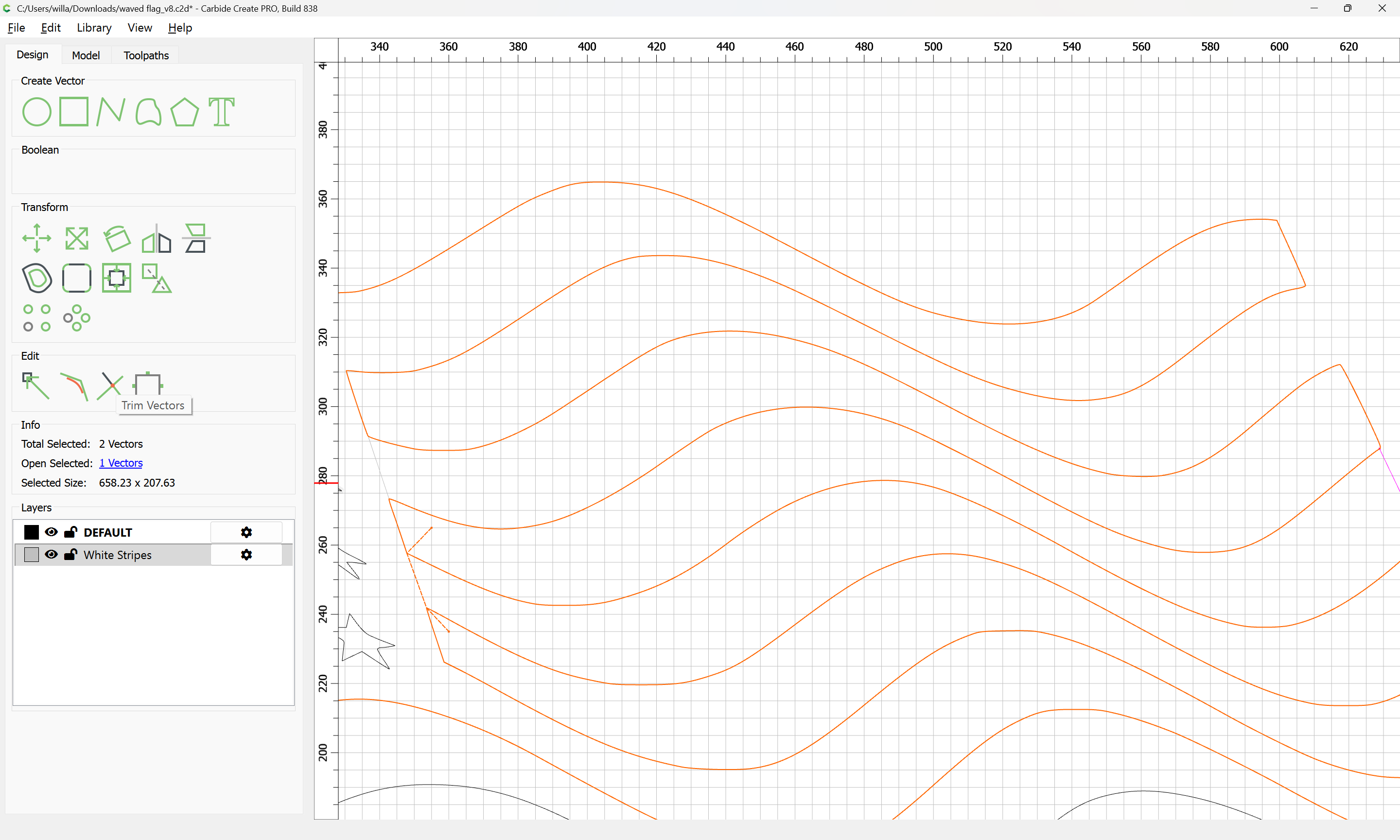
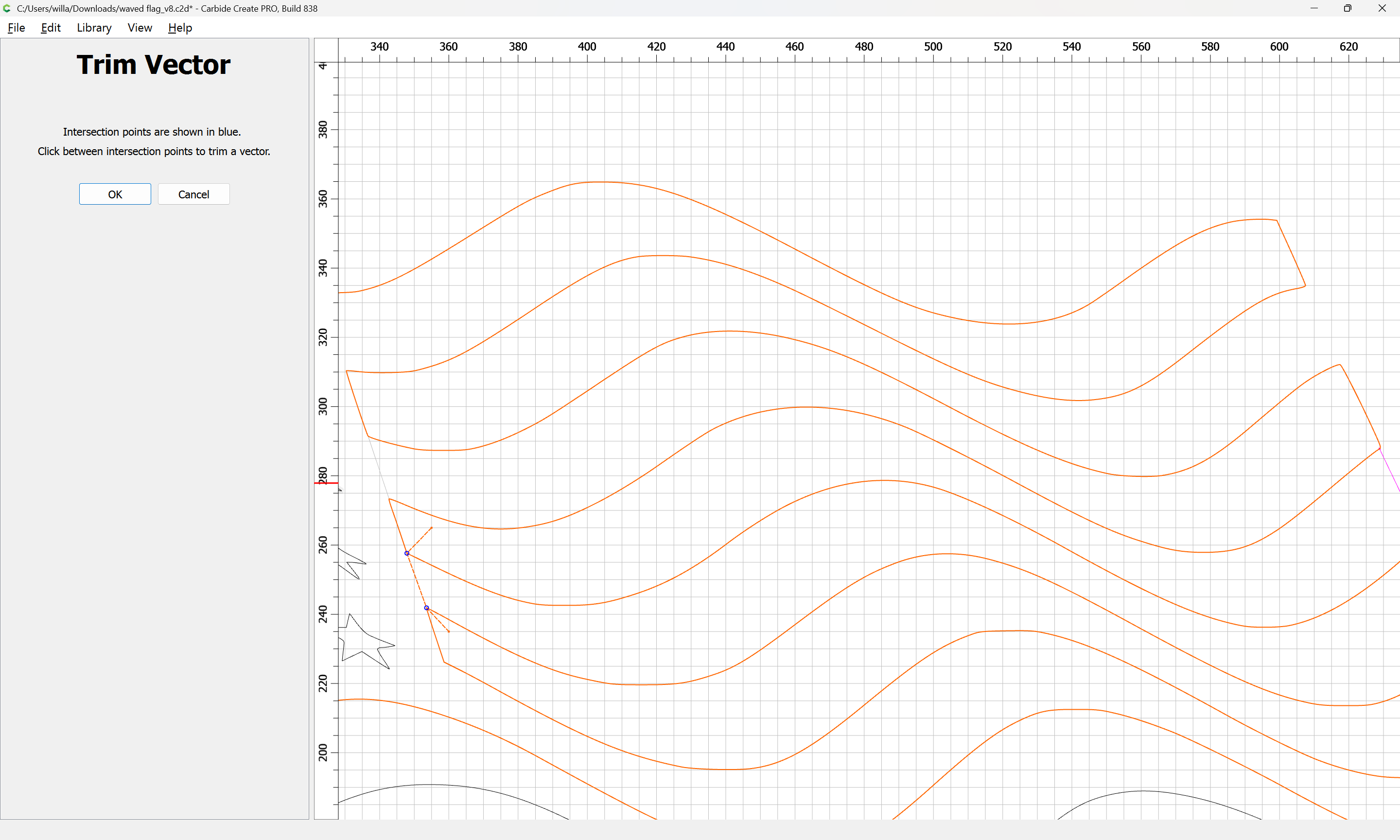
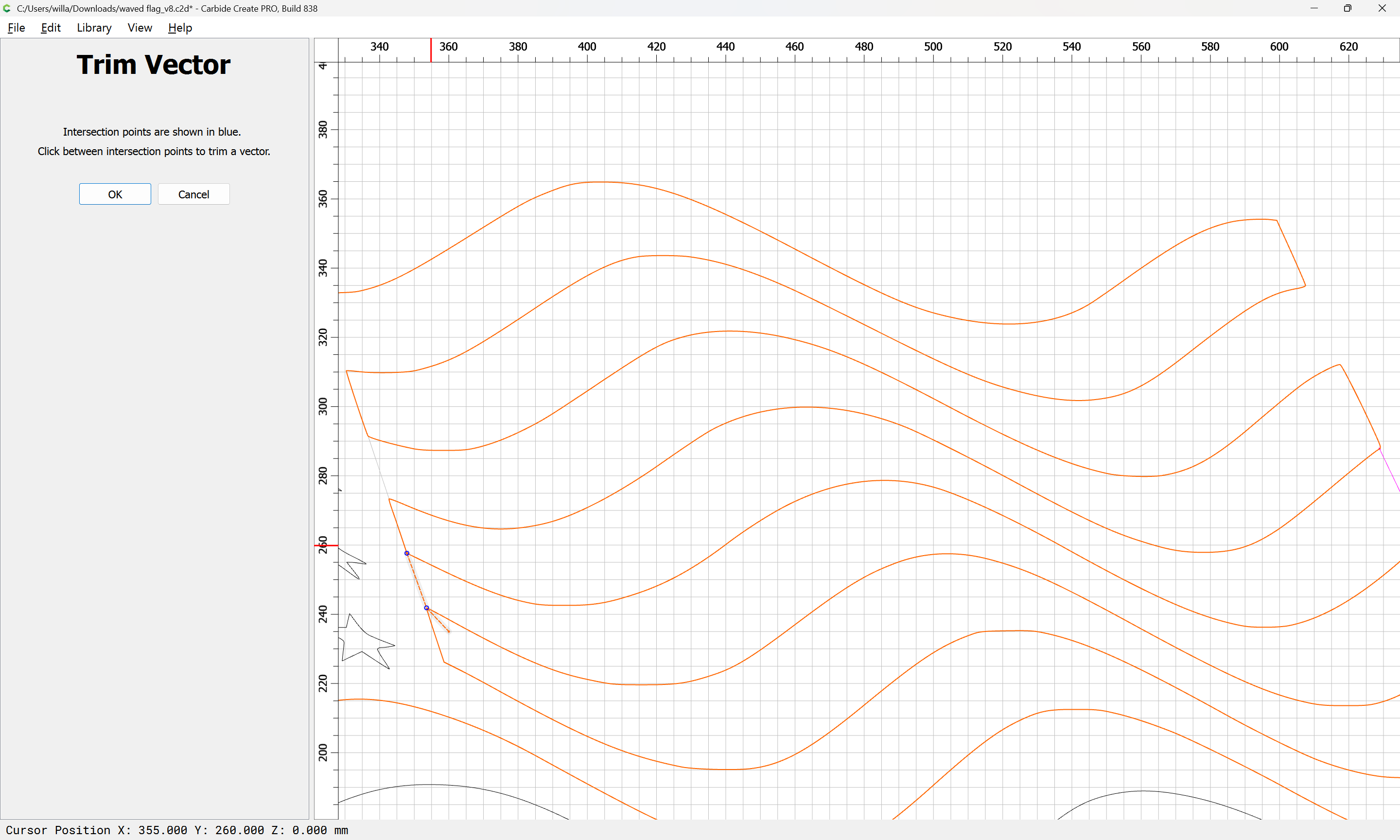
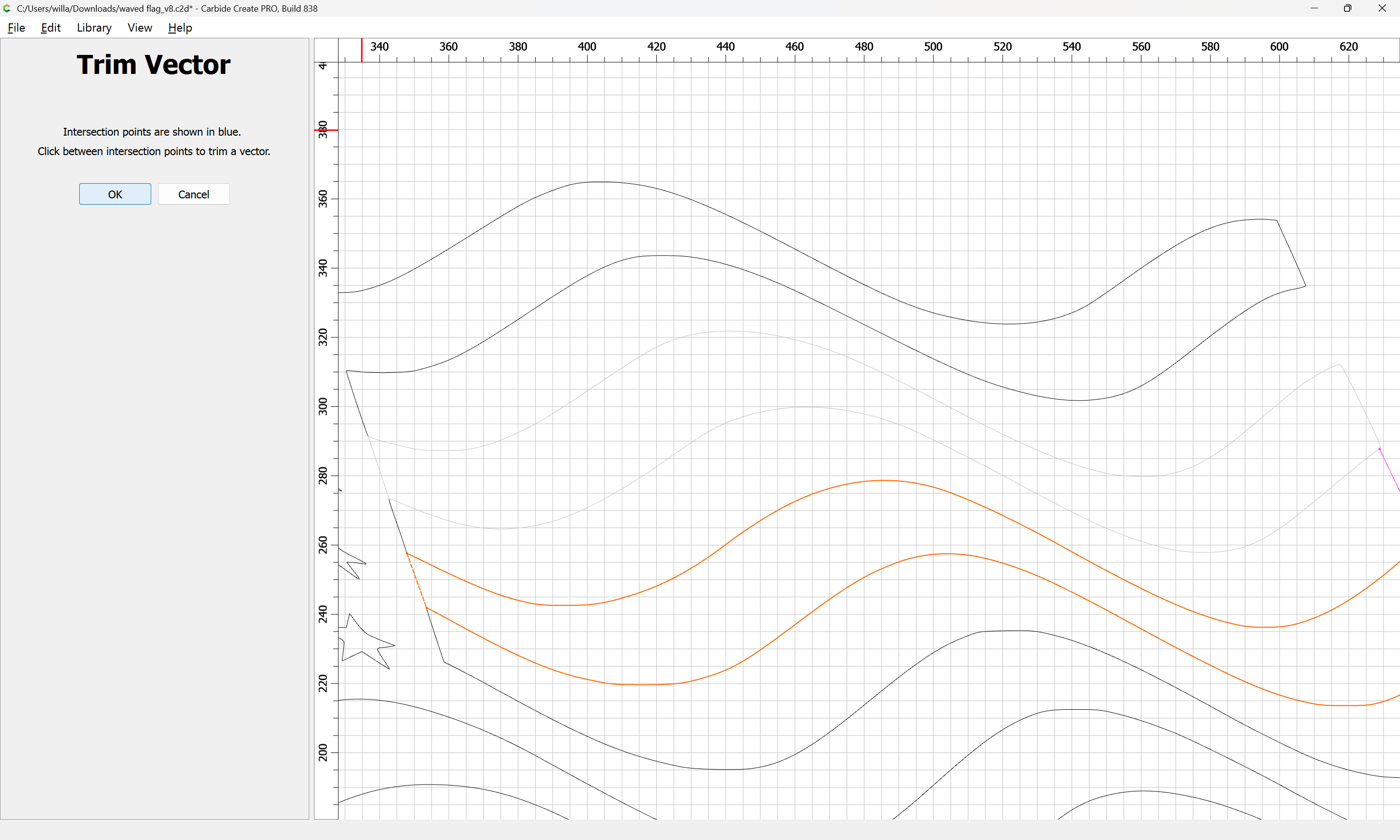
Then use Trim Vectors:

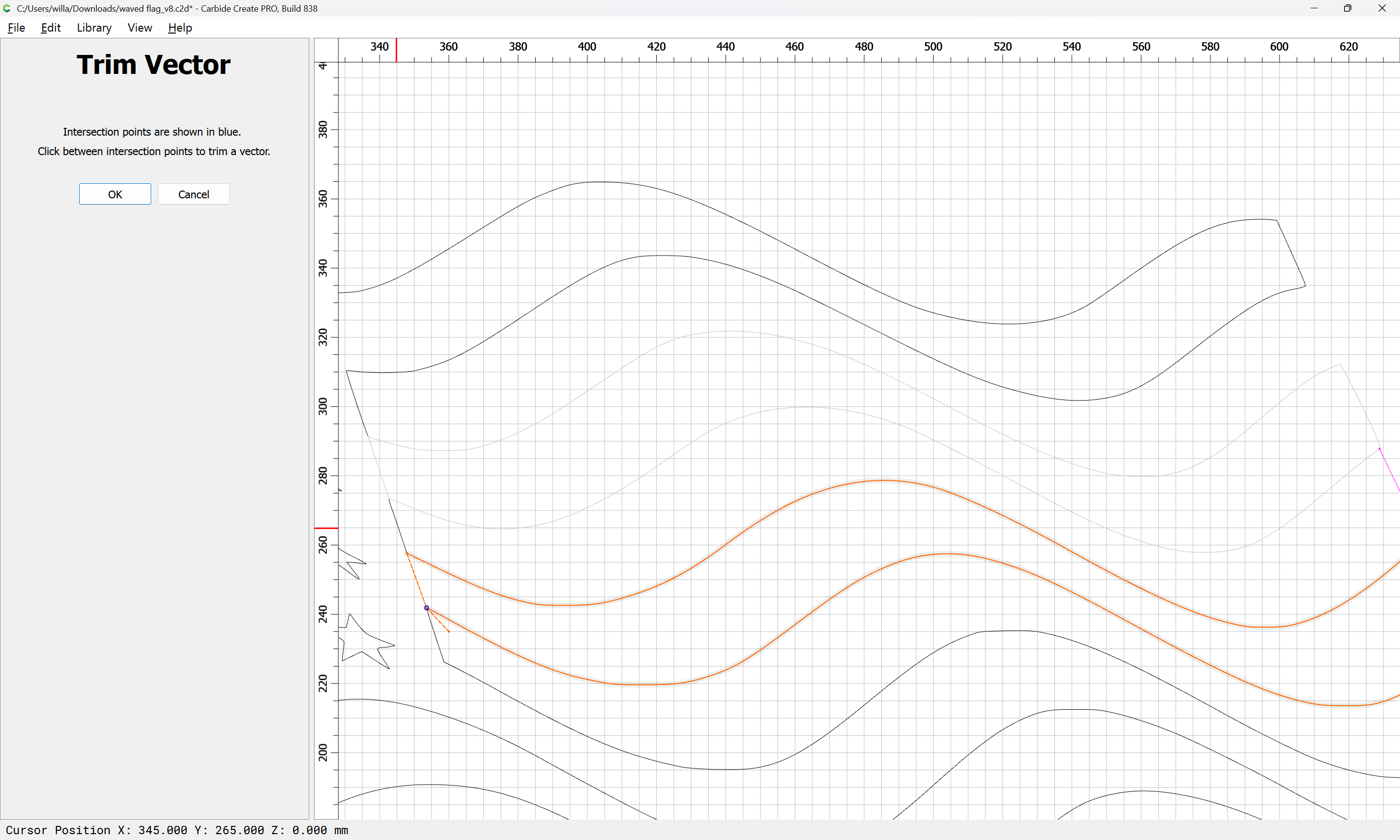
to remove what is not wanted:

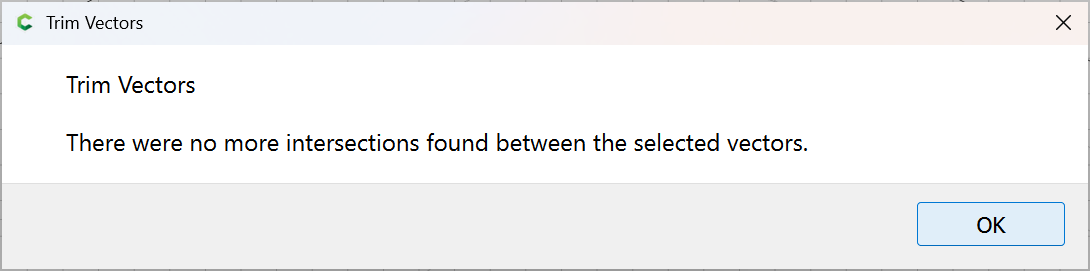
until one arrives at:

OK

OK

Join Vectors

Yes

Repeat for each remaining stripe, remembering to move it to the correct layer, or to make it the Active Layer so that new elements will be placed on it.
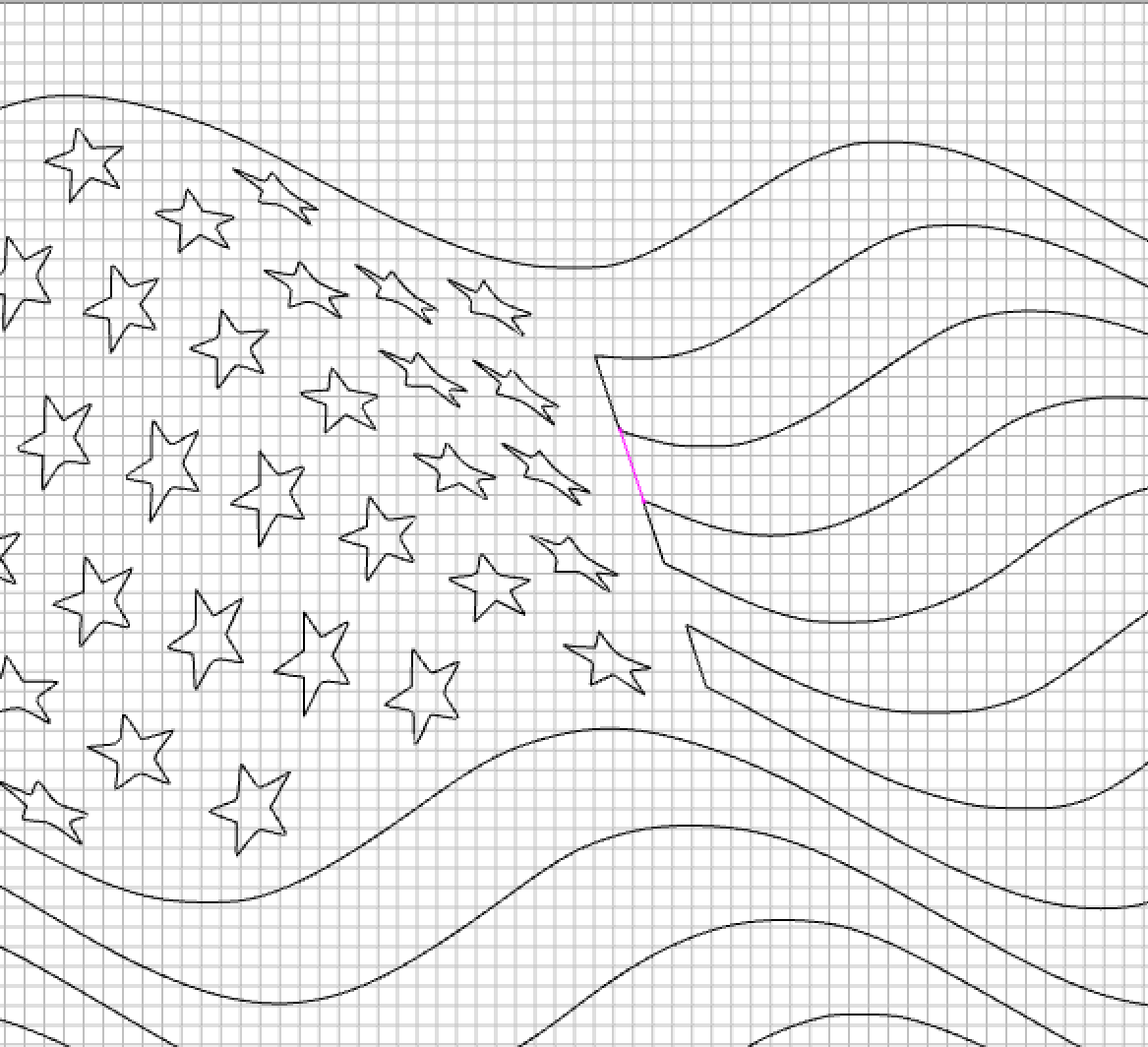
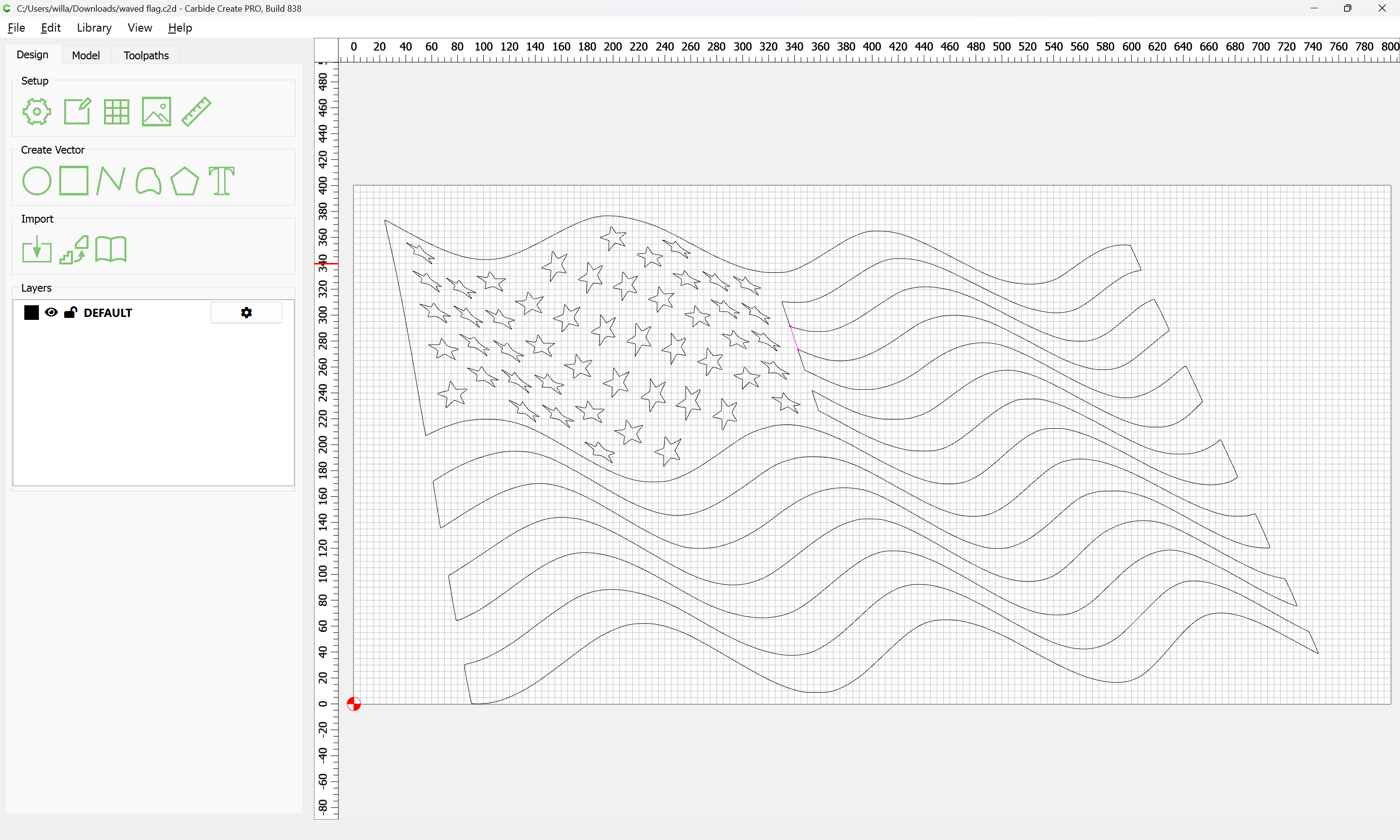
Attached as a v8 file (again)

waved flag_v8.c2d (220 KB)

(with the layer name corrected)

Finishing this is left as an exercise for the reader

1 Like

:sweat_smile:

Thanks!

The “trick” obviously is to create a closed “region”. Never saw it that way. TY!!!

This topic was automatically closed after 30 days. New replies are no longer allowed.