as requested on suppport…
I was having an issue putting two letters together and it cutting it out properly.
After setting up the file, set and arrange the two letters:

Then, duplicate them and send the originals to a spare layer and lock it:

Then, select each letter in turn:

and in Edit Text mode, Convert to Curves:
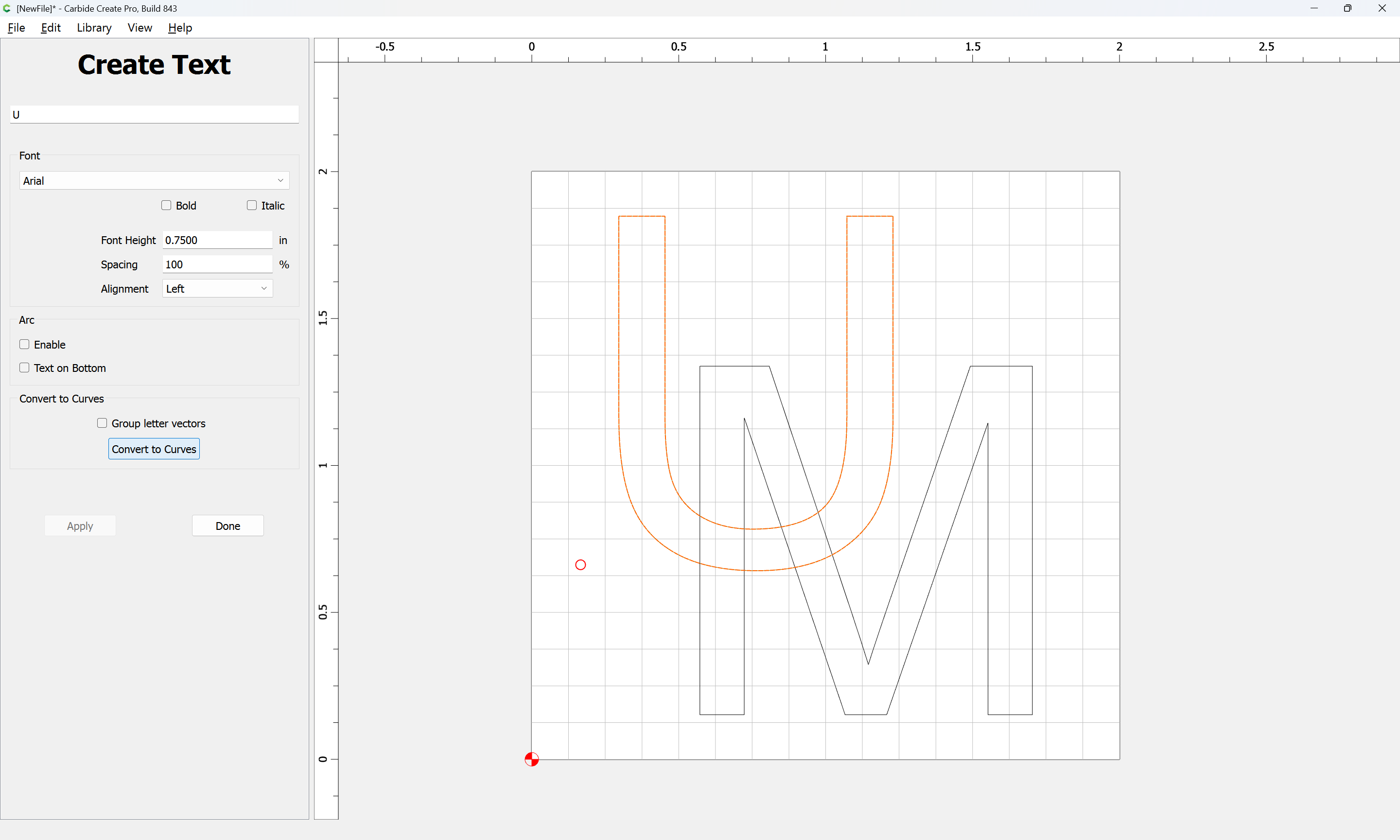


Then, select the two Curve objects:

and use Trim Vectors:

Removing the geometry at the overlapping regions:


continuing until one arrives at:

OK

OK

Then use Join Vectors to close:

Yes

One may then use the new Cutout toolpath from the current beta (843 at: Carbide Create Beta Downloads | Carbide 3D ):


to cut the joined letters out (assuming workholding does not require tabs):
