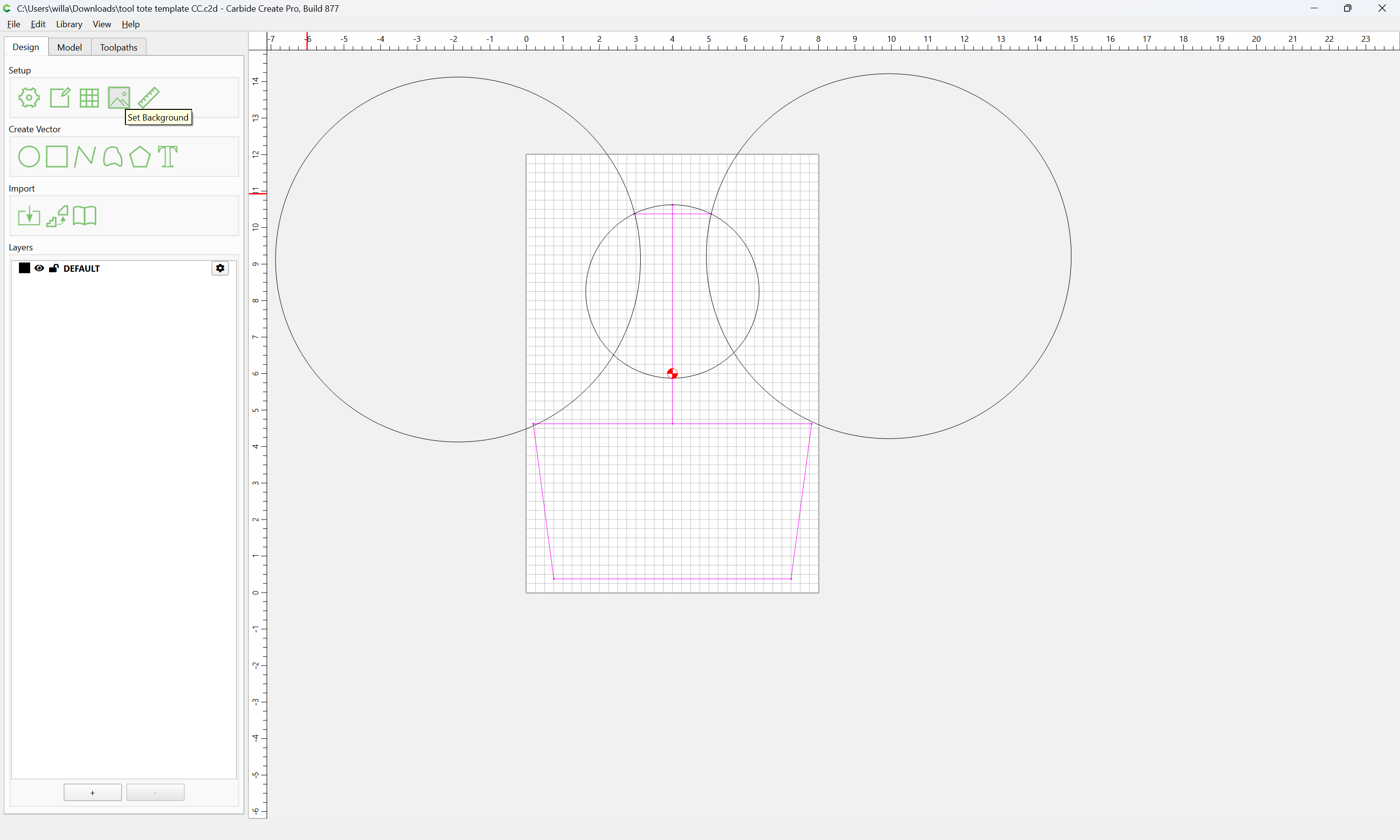
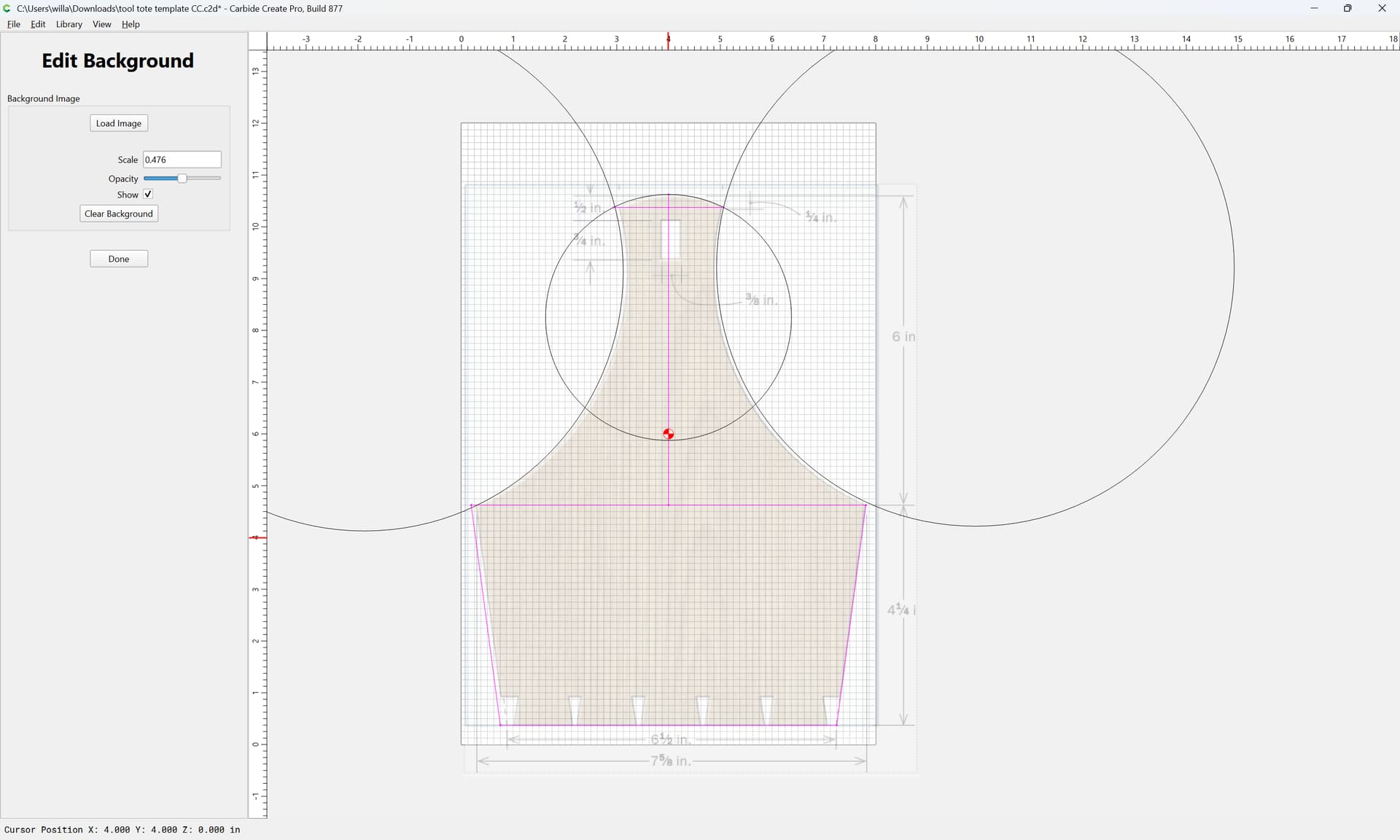
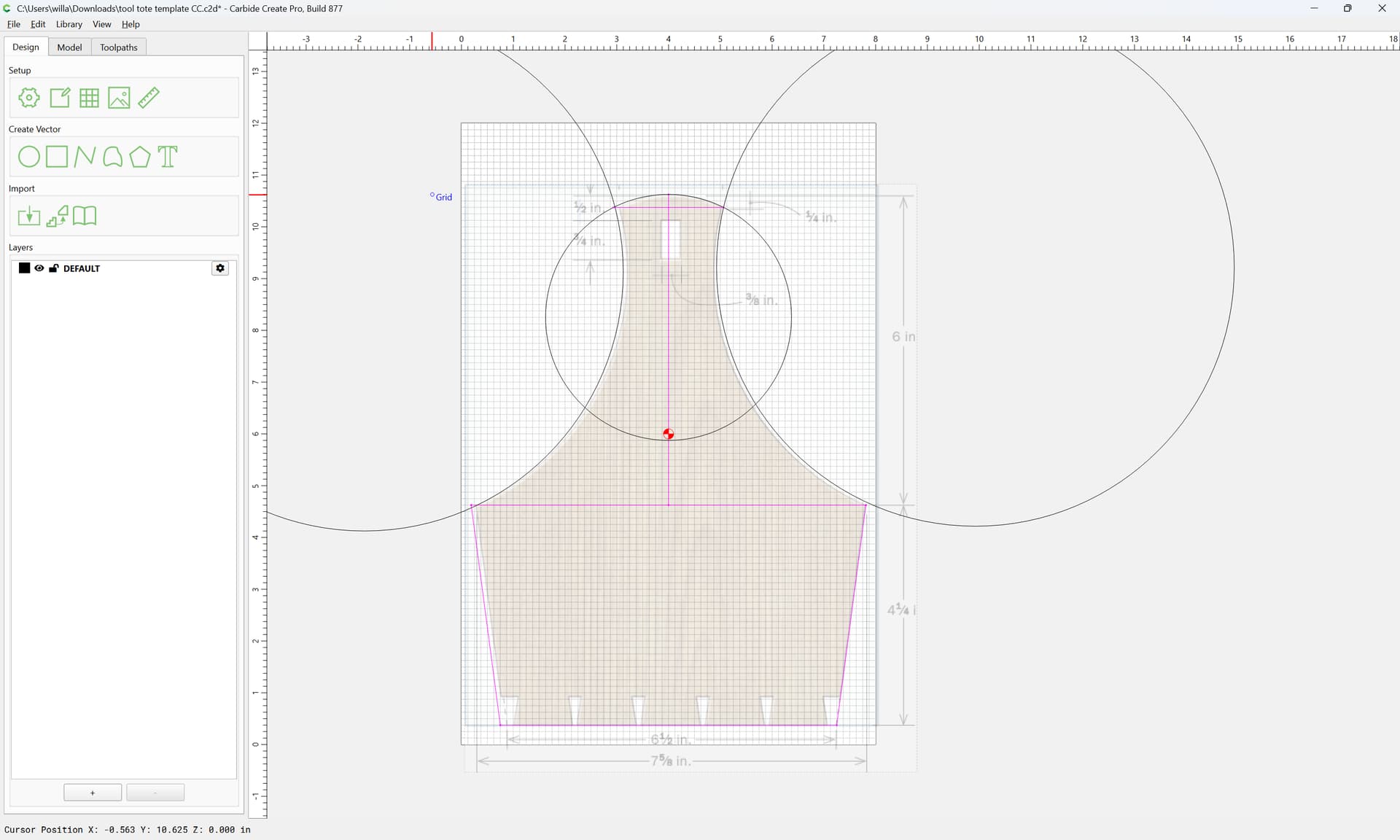
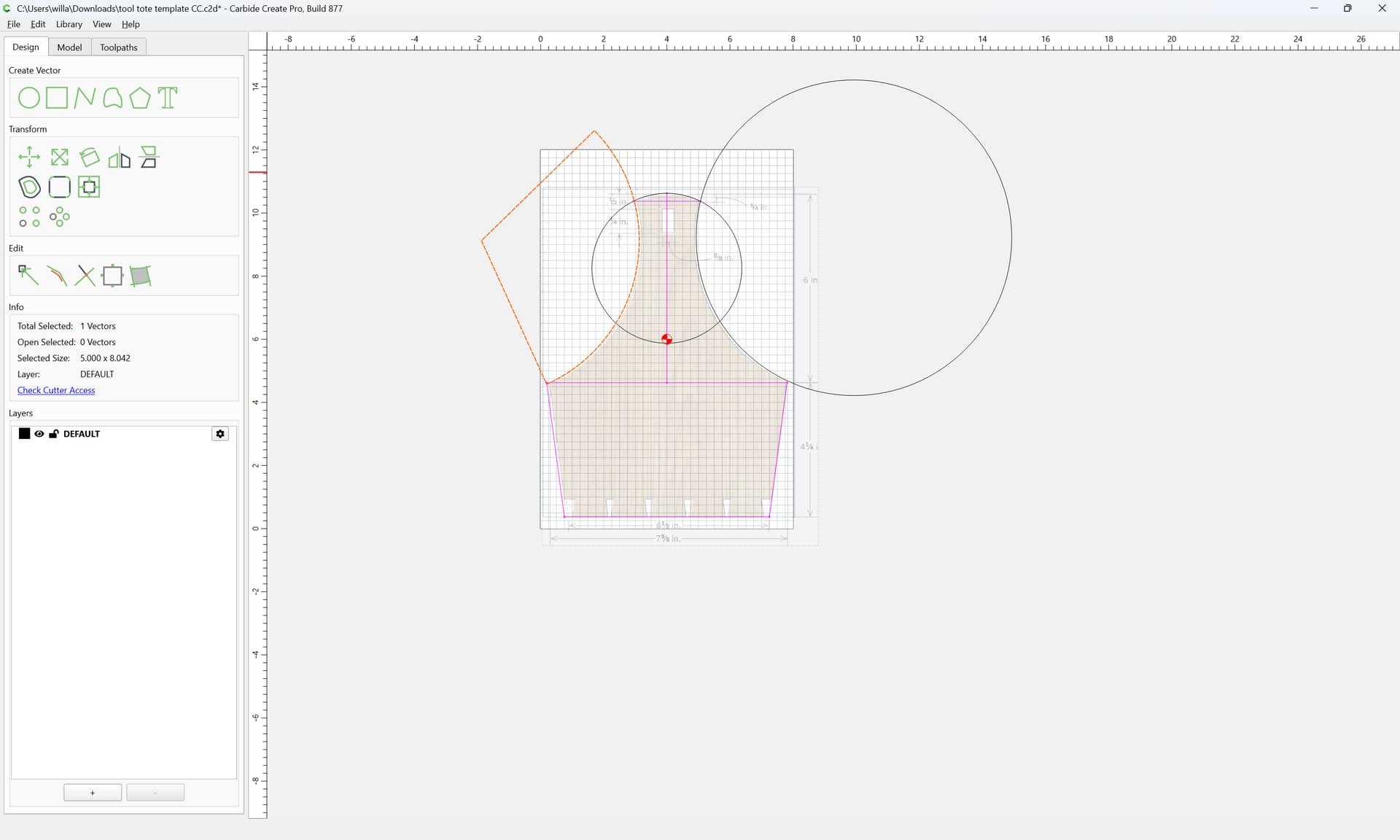
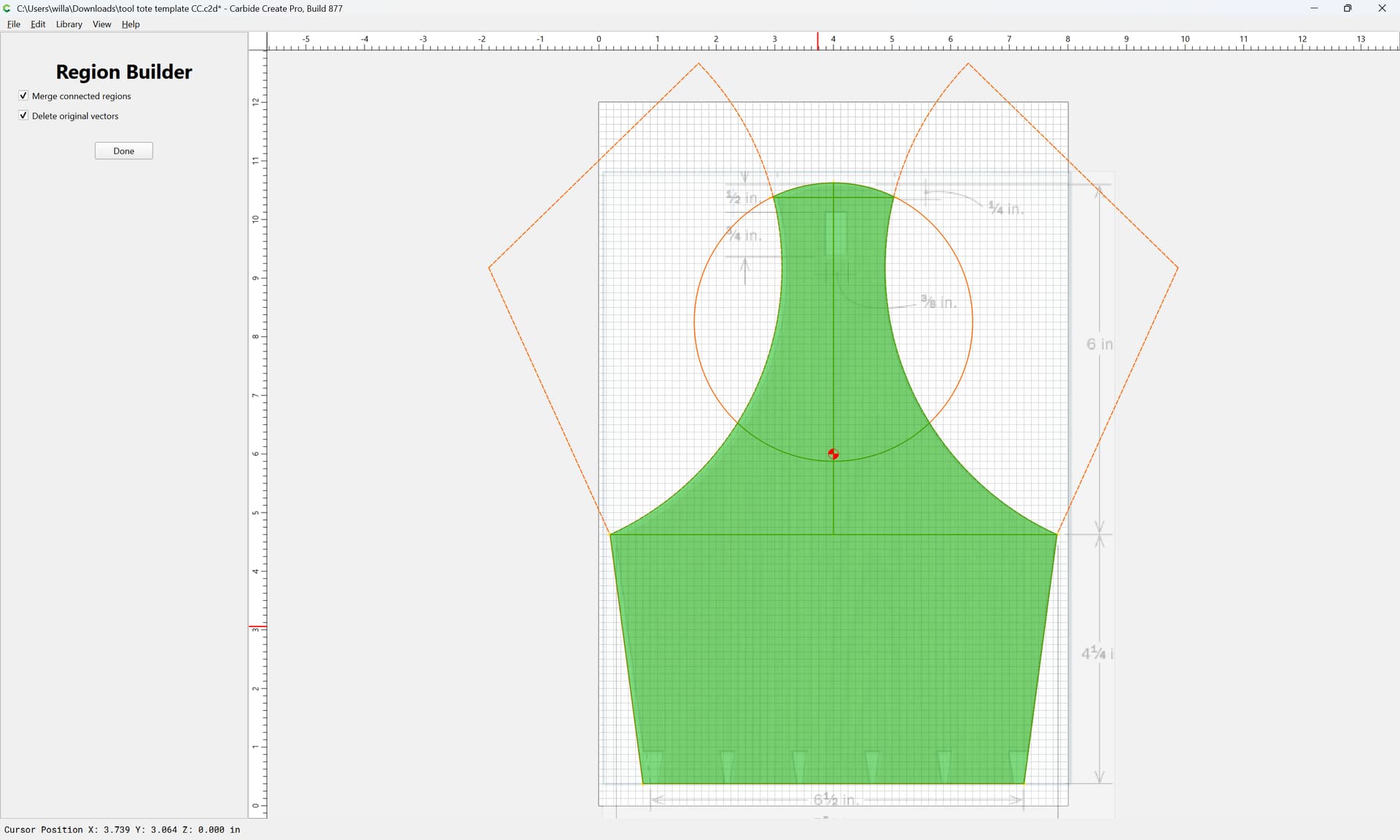
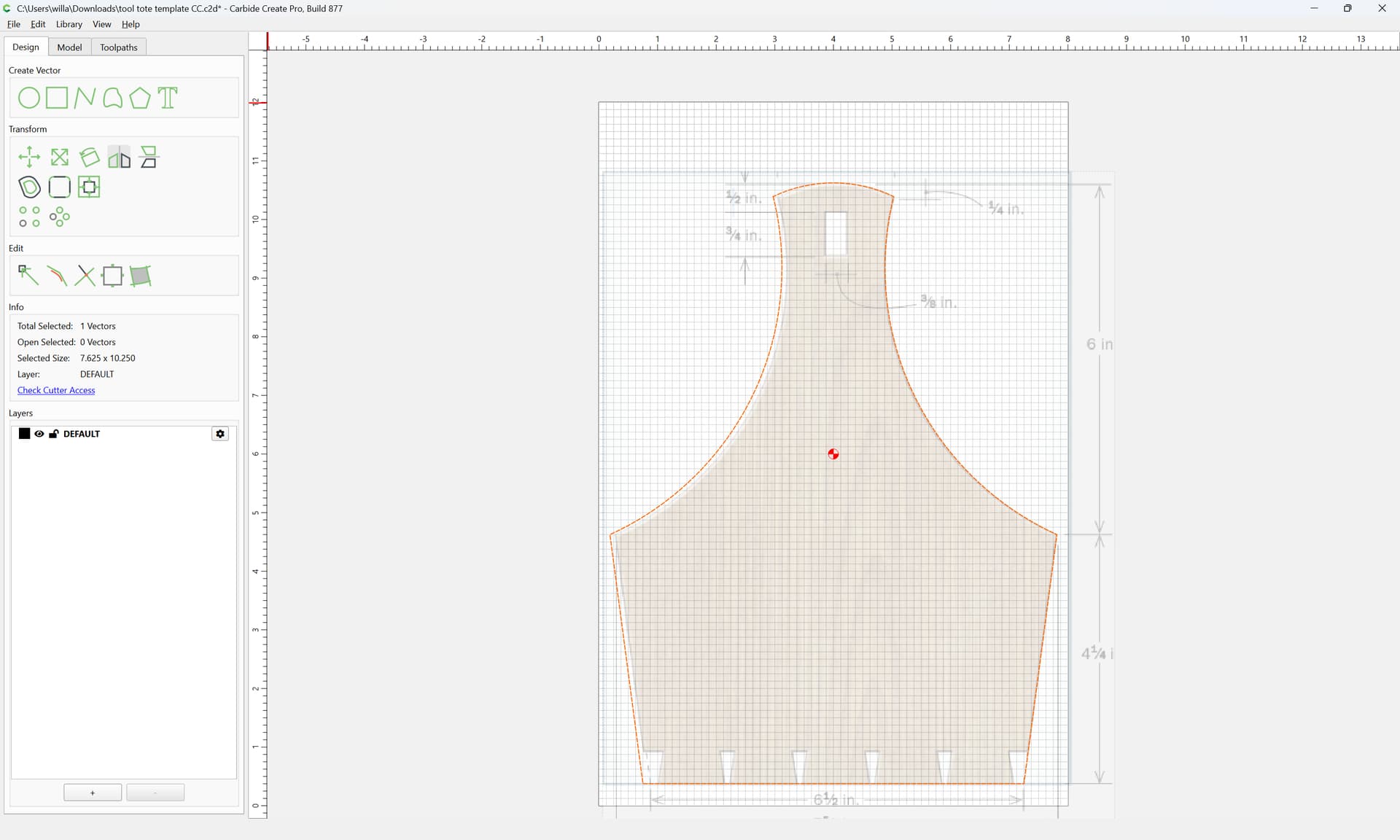
I know it’s a simple operation but I’m new here! Attempting to create a template based on this tool tote. I have the baseline and angled sides; the radius at the top and the top half are guesstimates.
2 questions:
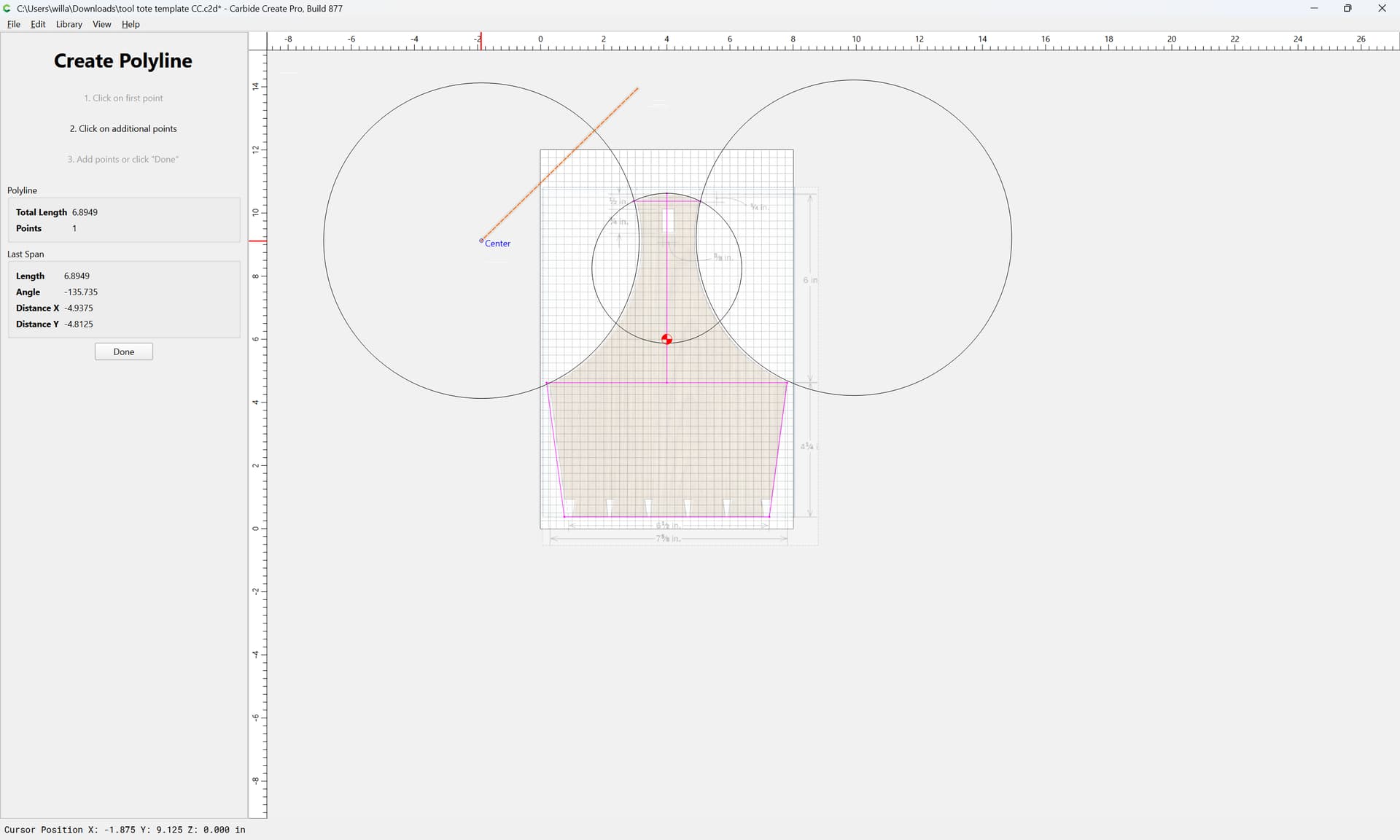
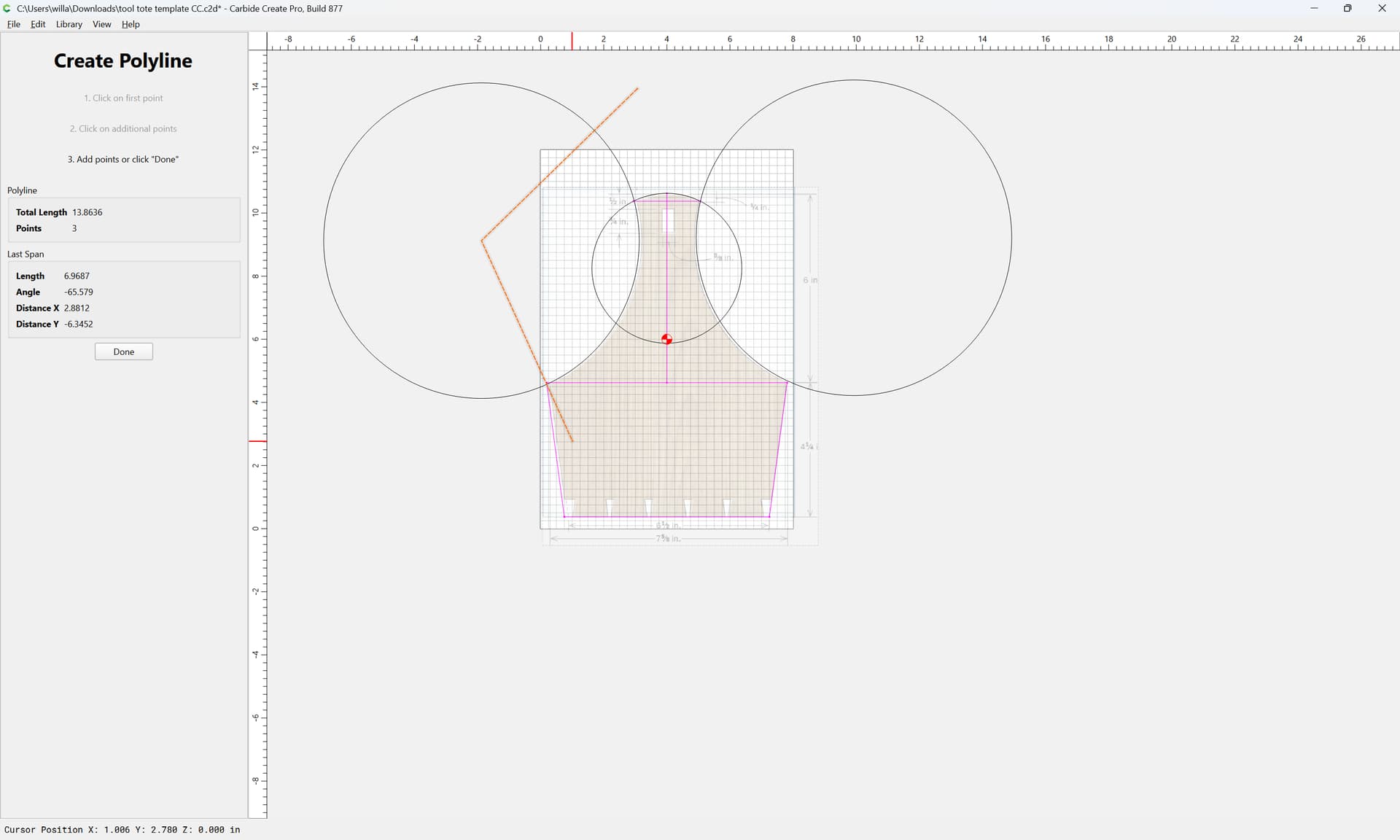
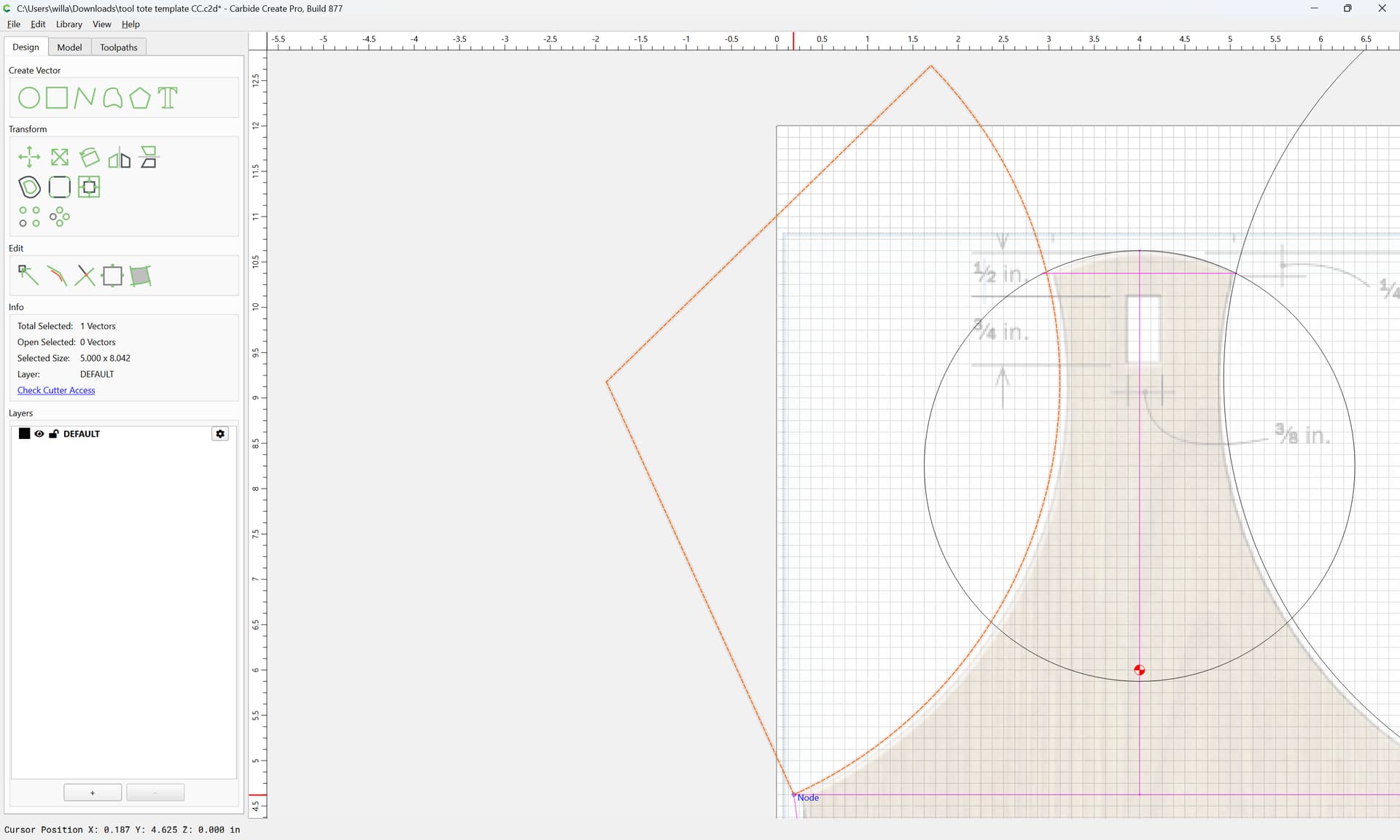
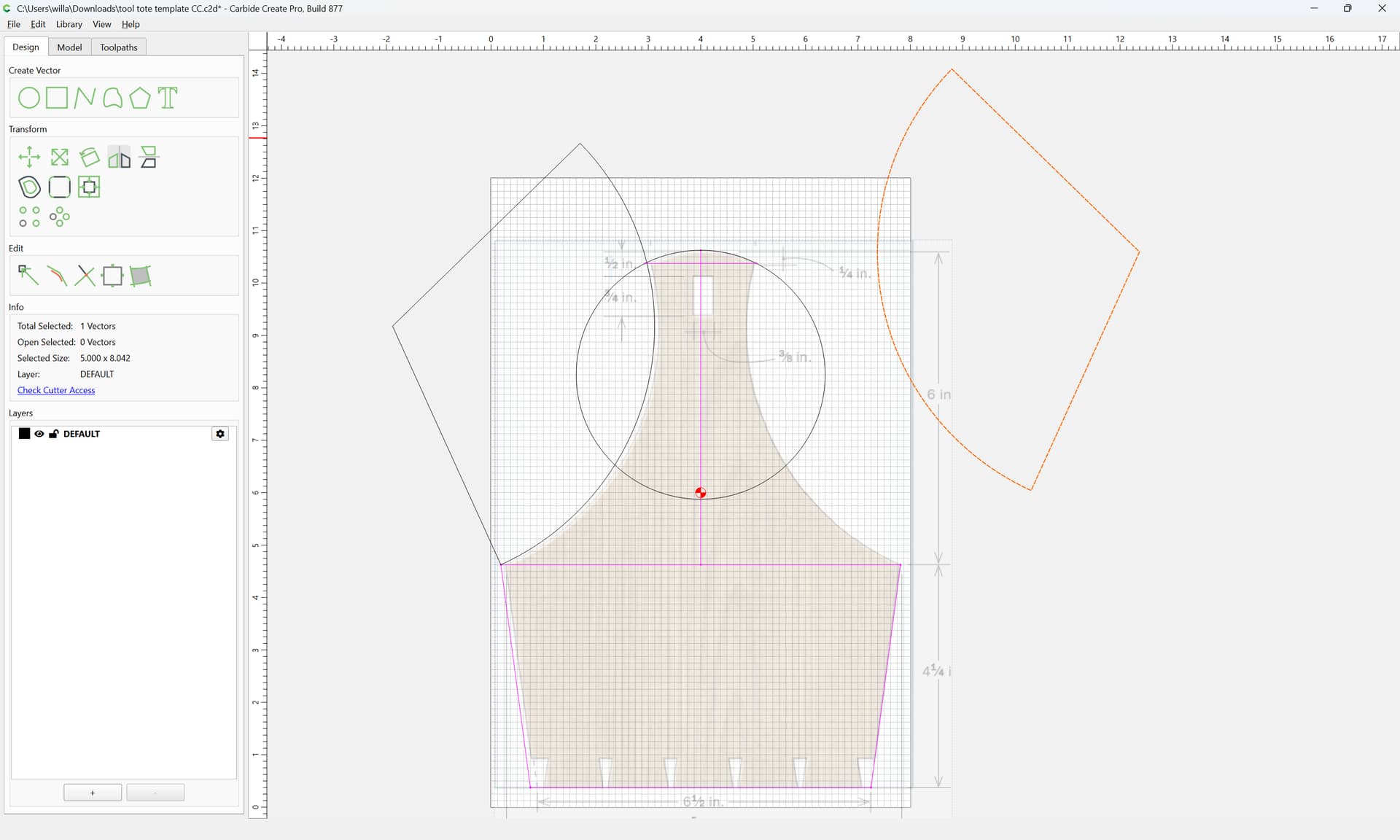
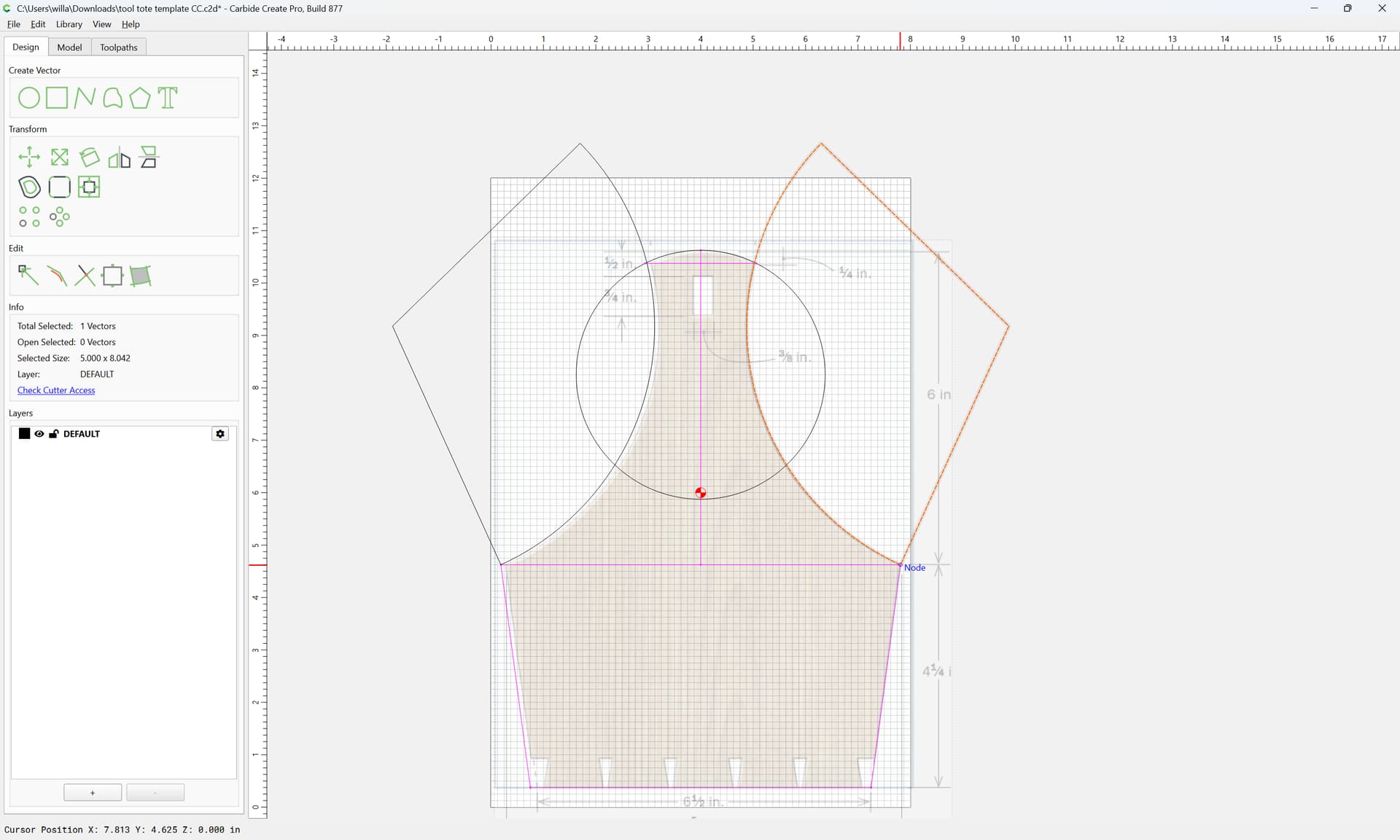
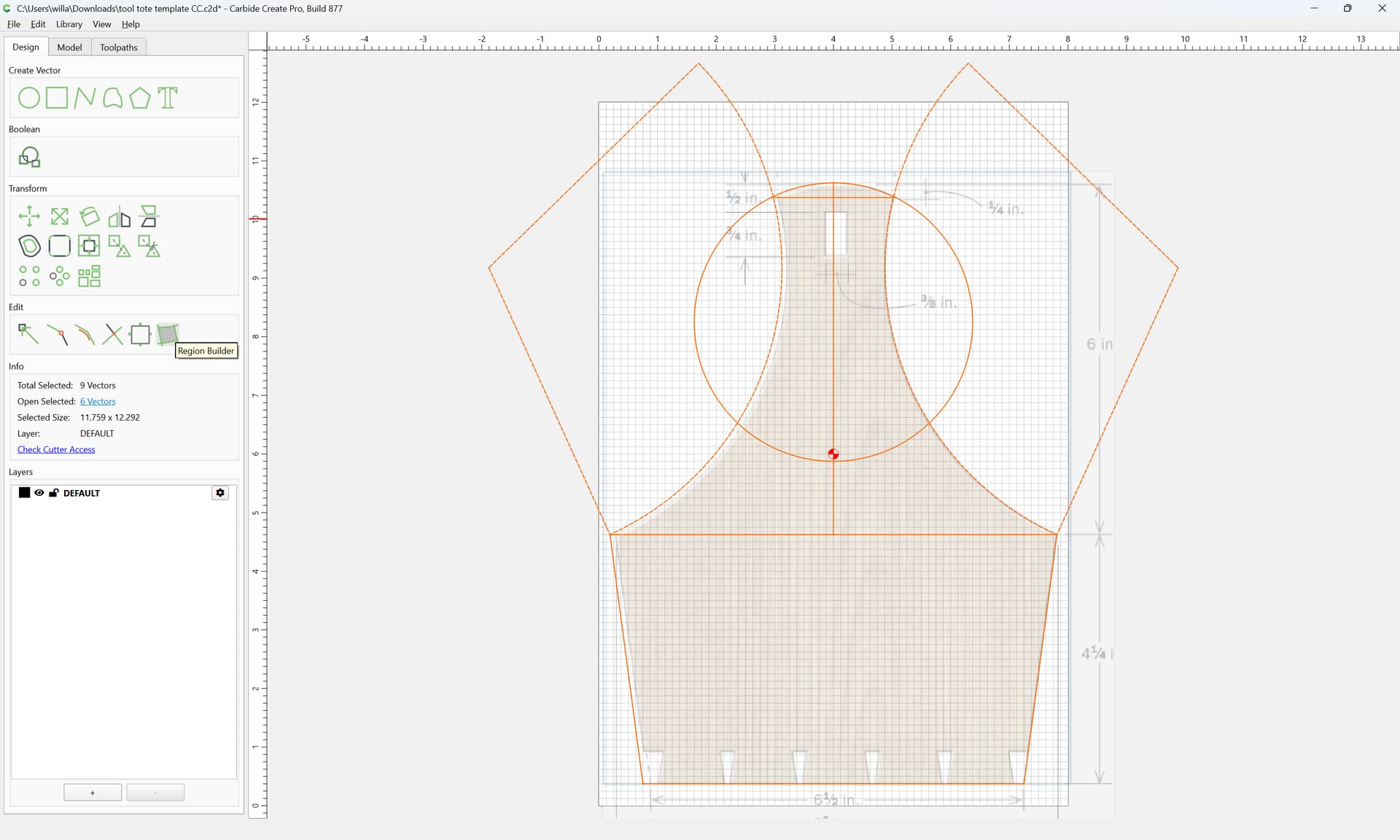
Is there simple way to mirror the arcs and the sides of the top half? I was attempting to line up the vectors at the intersections but it’s not great.
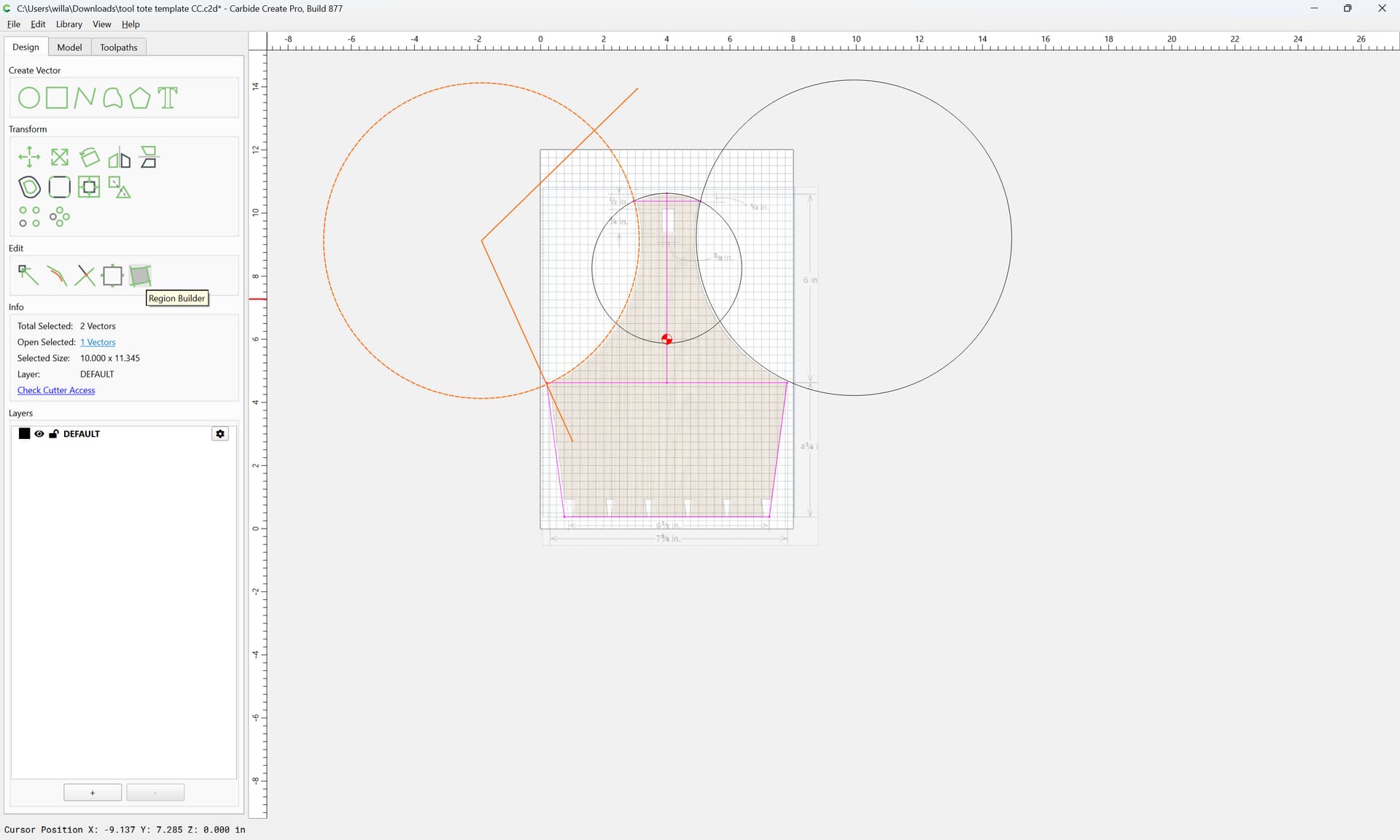
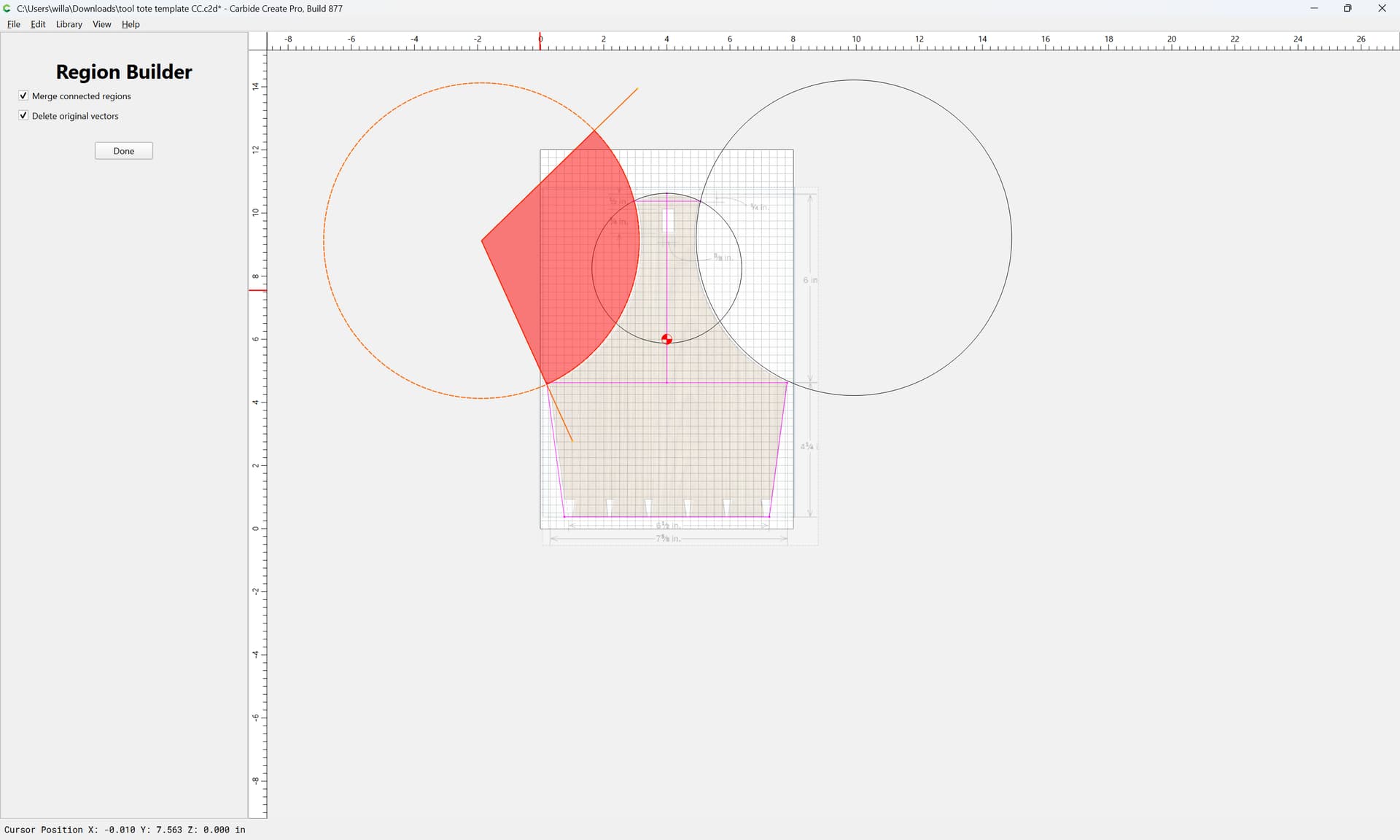
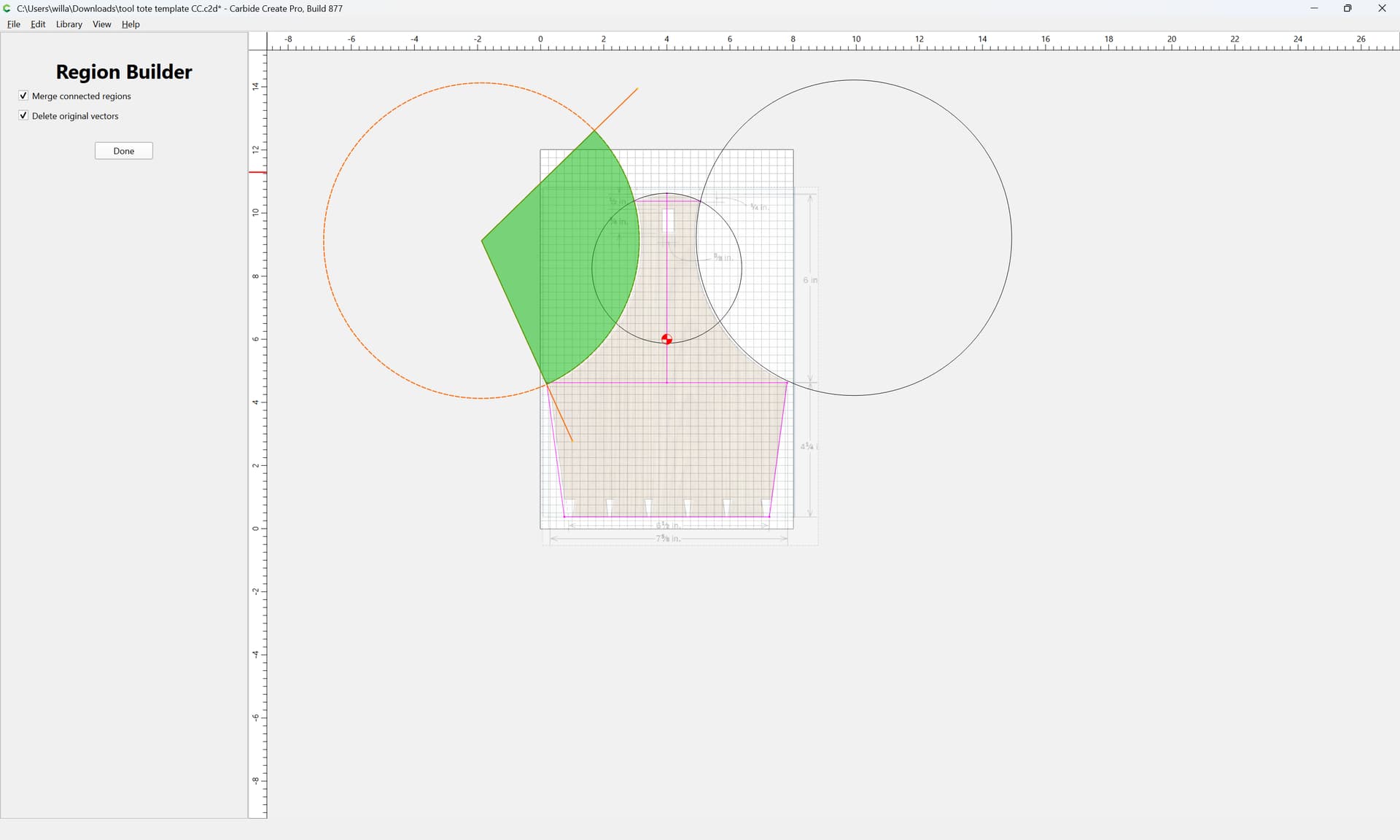
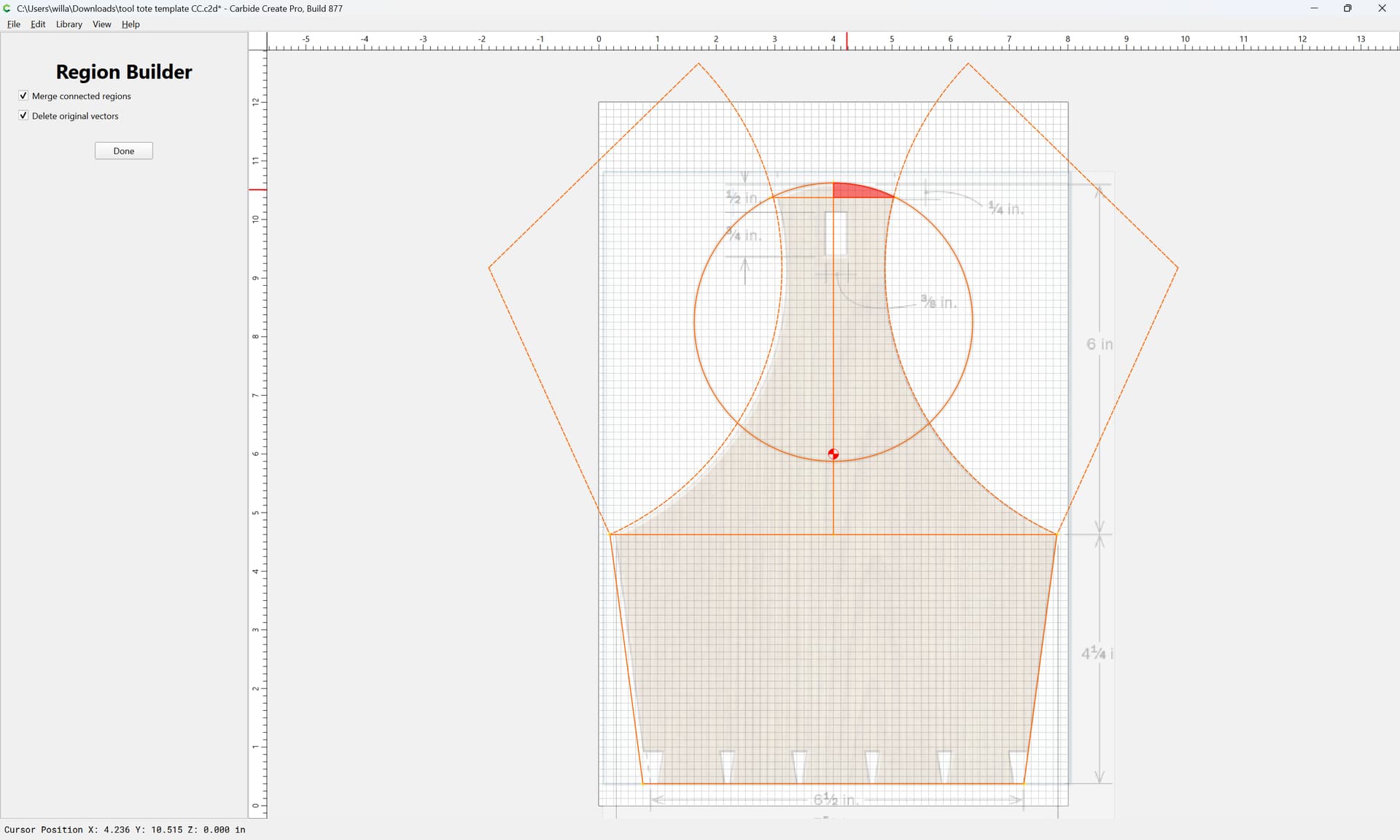
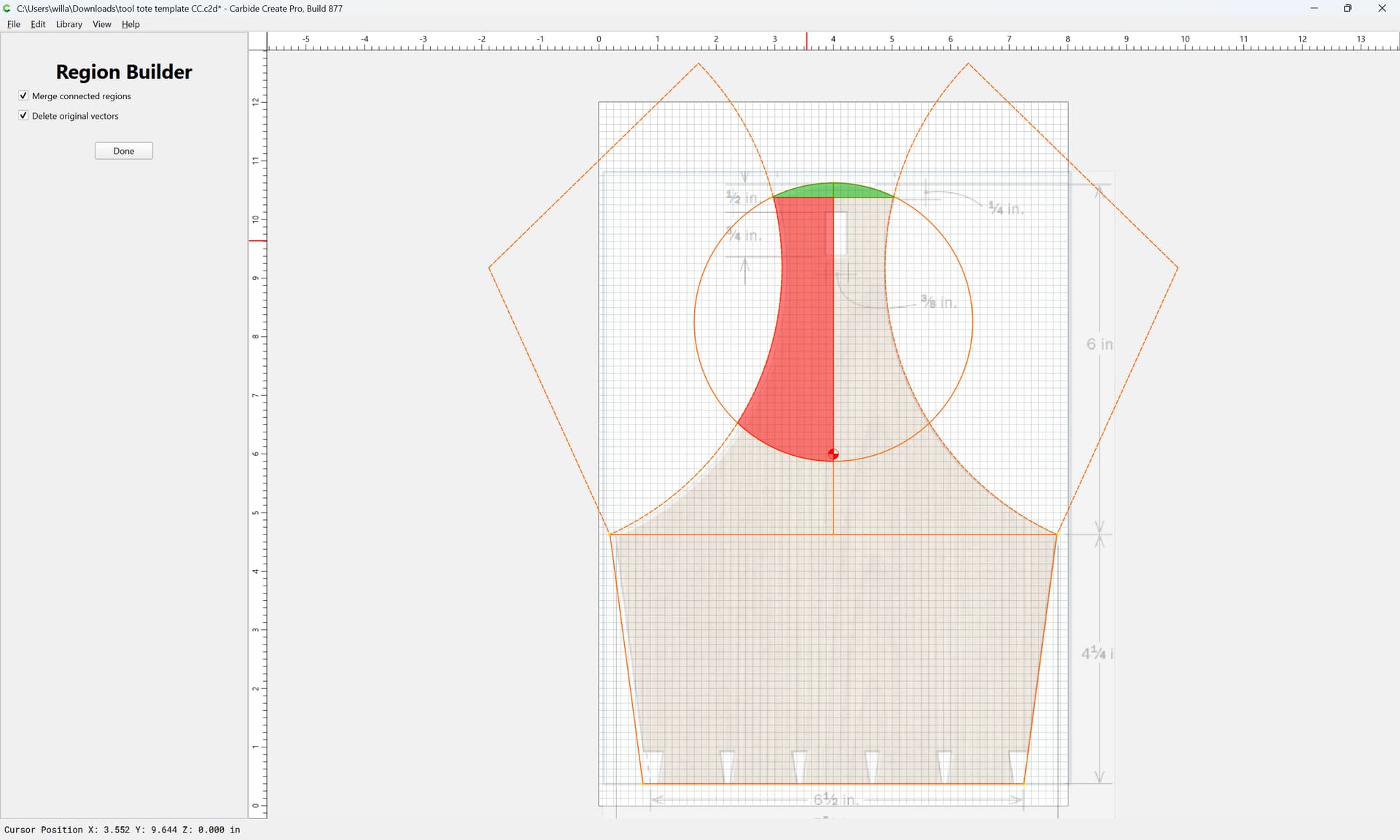
Trying to boolean my way into the outline and can’t quite figure out how to select the vectors to get what I’m looking for. Attaching c2d file and a screenshot of the image I’m basing it on.
you’ll need to round the ends of the handle to account for the round tool cutting that opening, or you’ll need to file the opening square (I’d suggest a pair of plane floats for that operation)
the dovetails as drawn in at the bottom are suited to cutting with a hand-tool — if you’re not going to cut them thus you’ll need to work out some alternative form of joinery
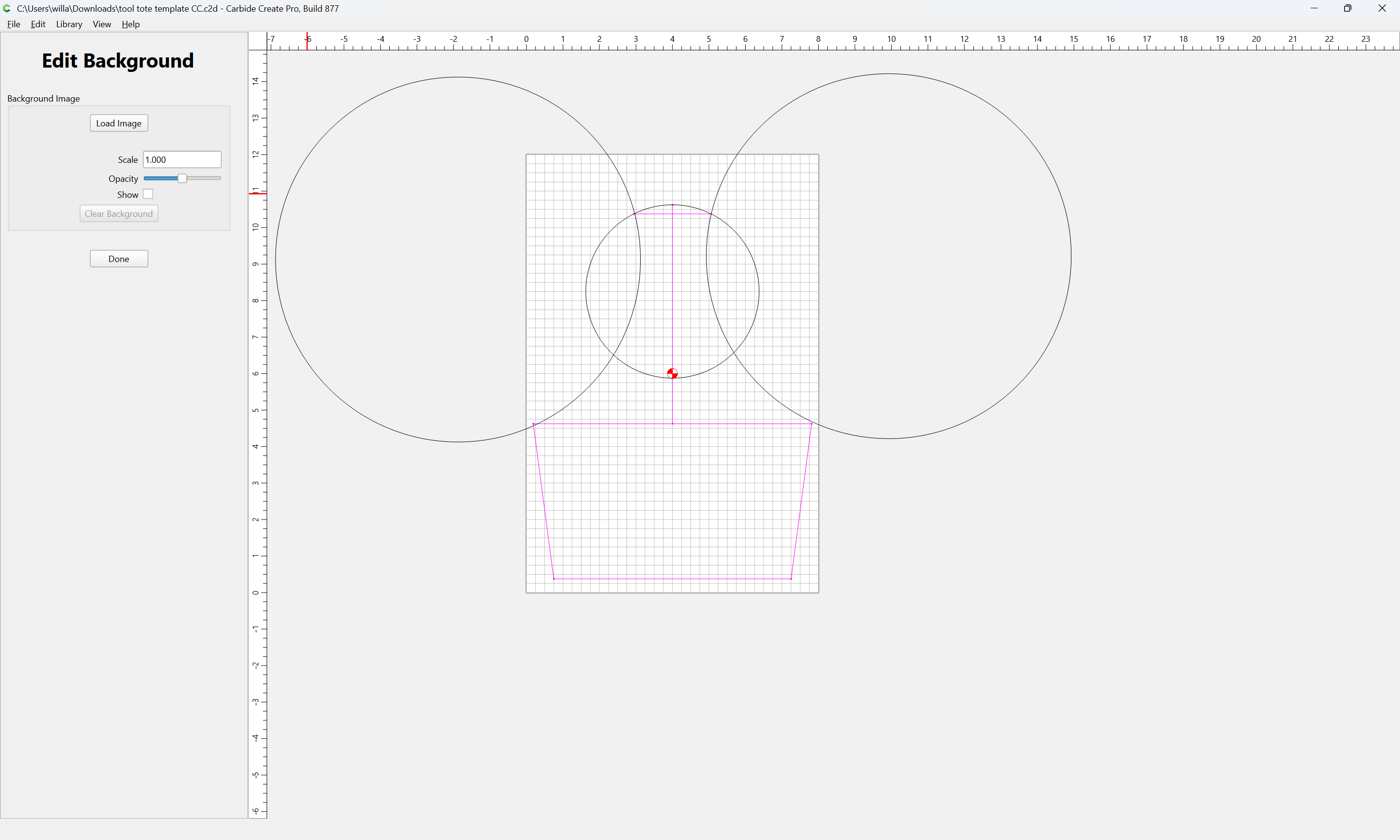
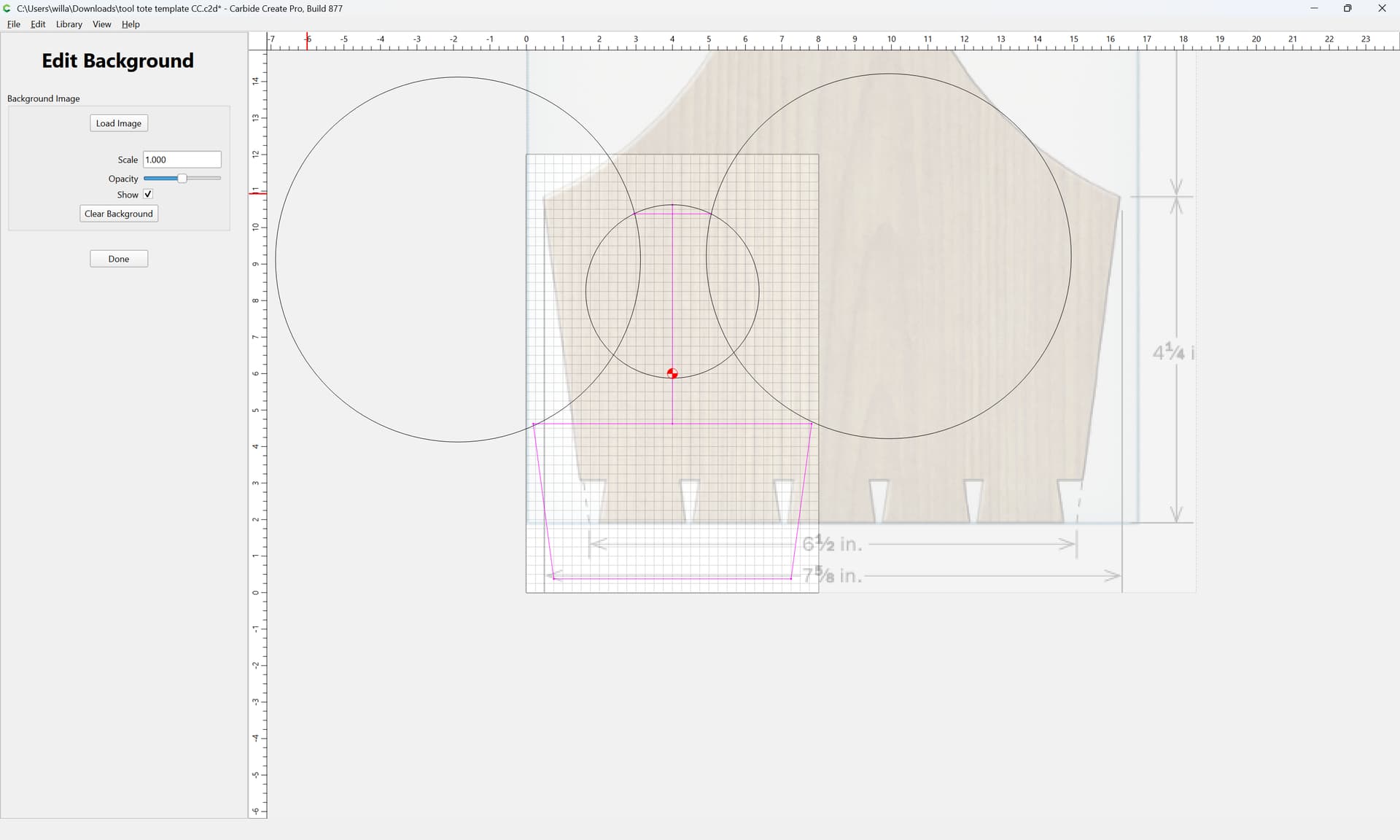
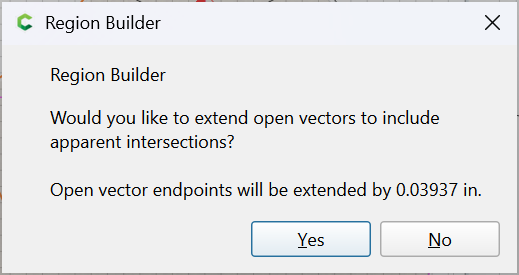
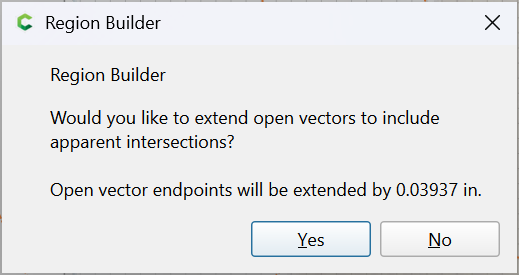
Very cool, very helpful. I tried to import at svg and use trace (didn’t work) but didn’t know about setting background. That seems like a game changer. I did try to recreate but can’t figure out the step of how to move the stock or the background to make them line up, just adjusting the scale. Also did not know about Region Builder - seems fairly intuitive. Also didn’t know about that.
This is a template that my high school students will trace onto solid wood stock and will dovetail the ends + create the through mortise (hopefully!)