Looking for an easier approach to cutting up a pattern

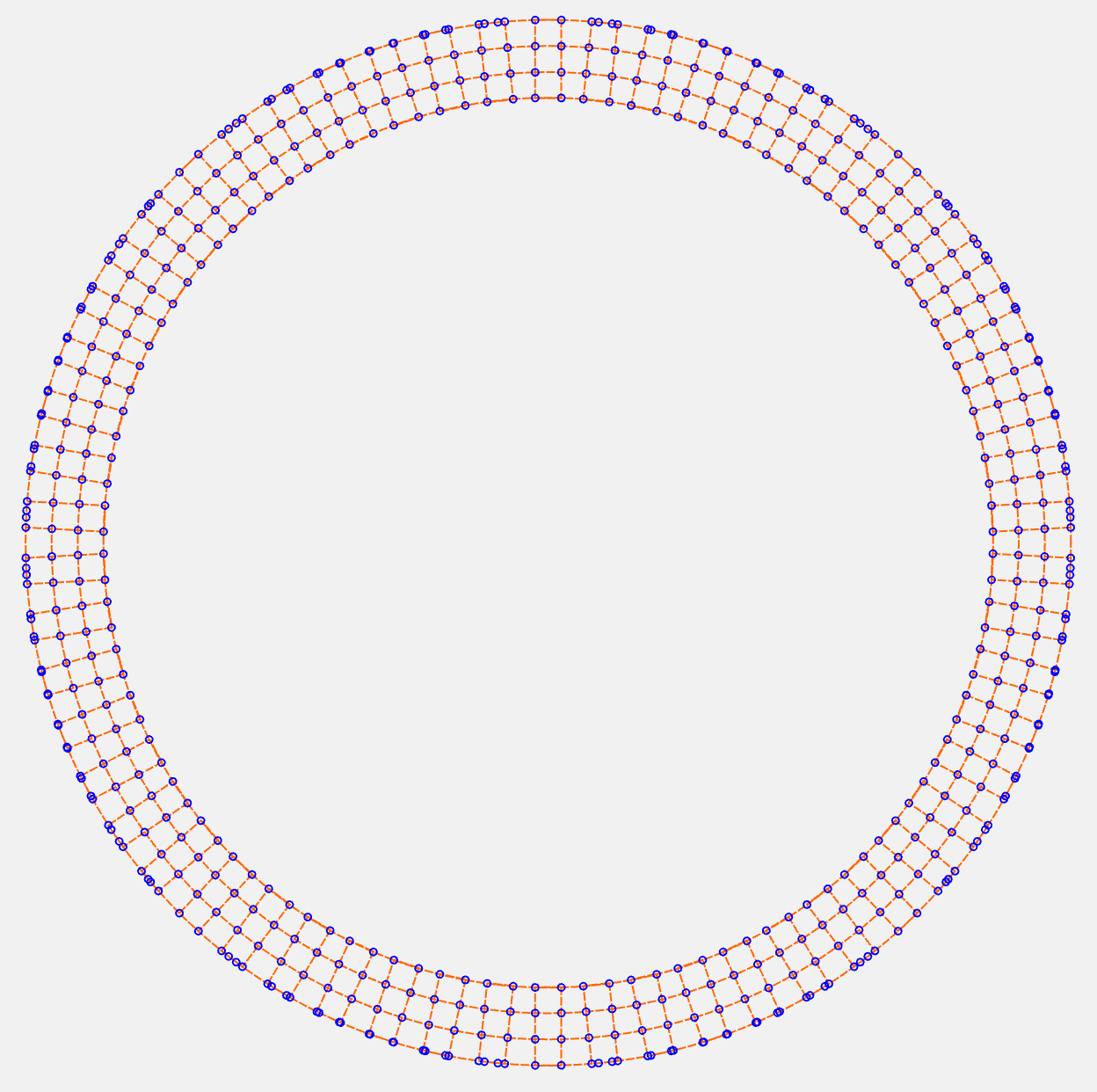
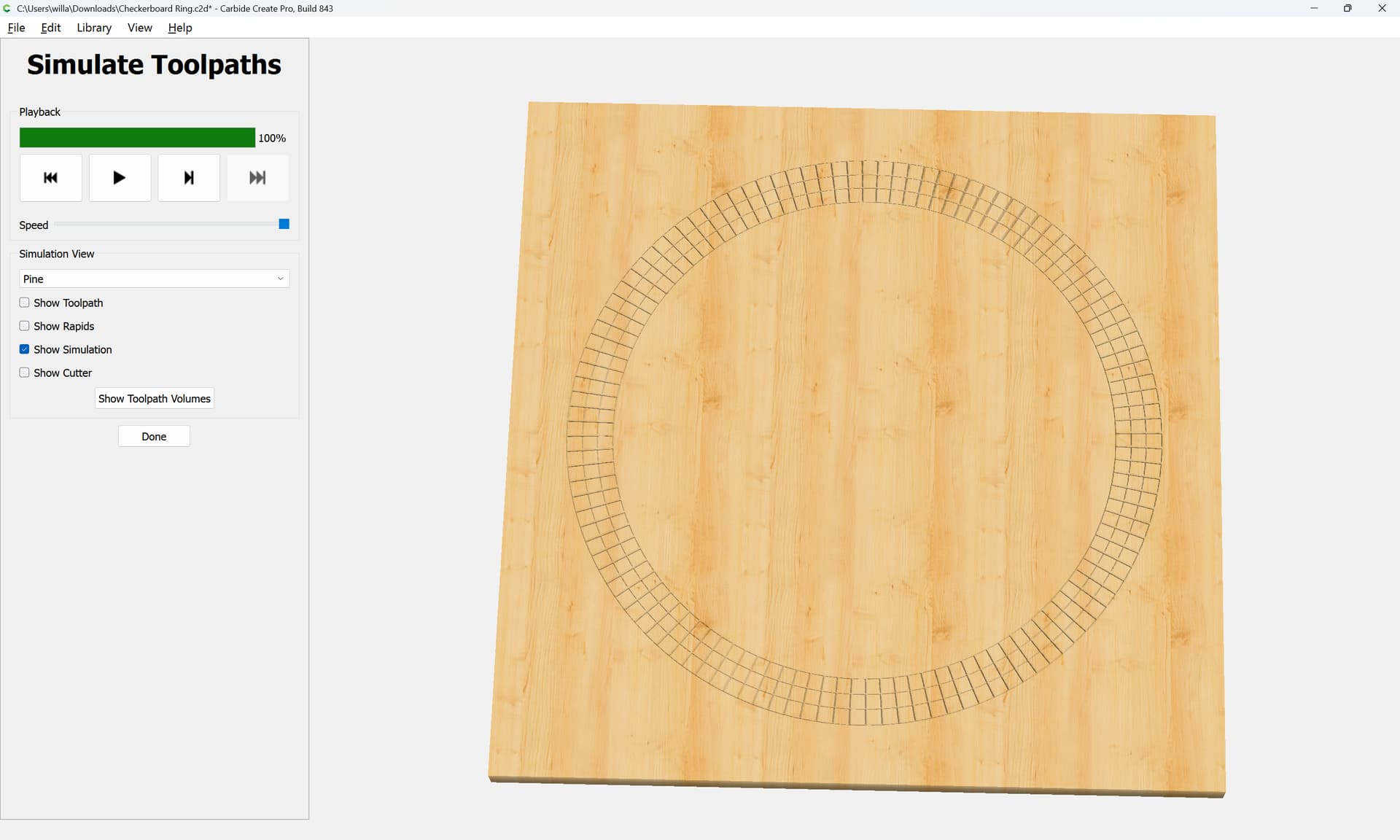
I’m attempting to create a checkerboard ring and looking for an easier solution than what I think I’m going to have to do to create the alternating sets of ‘squares’.

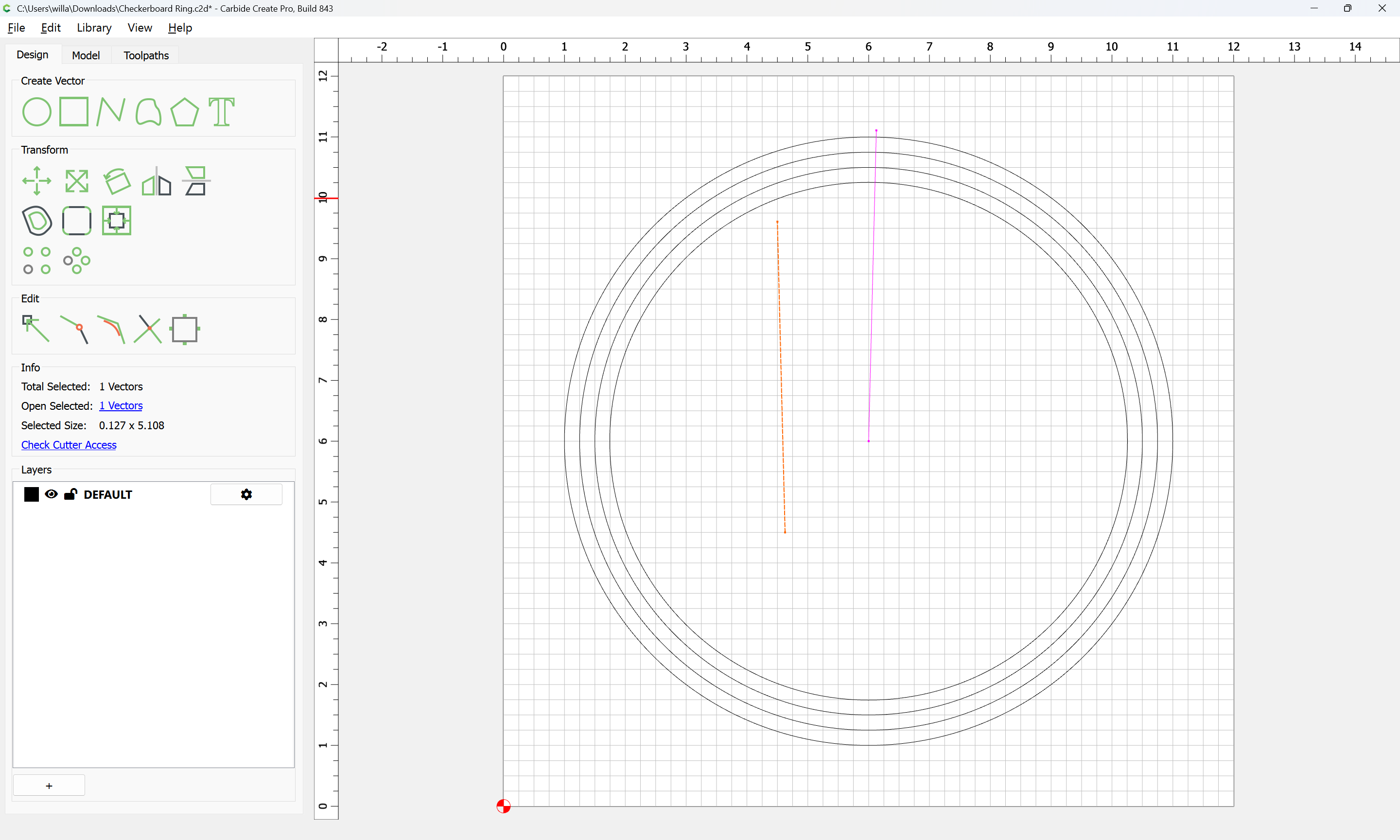
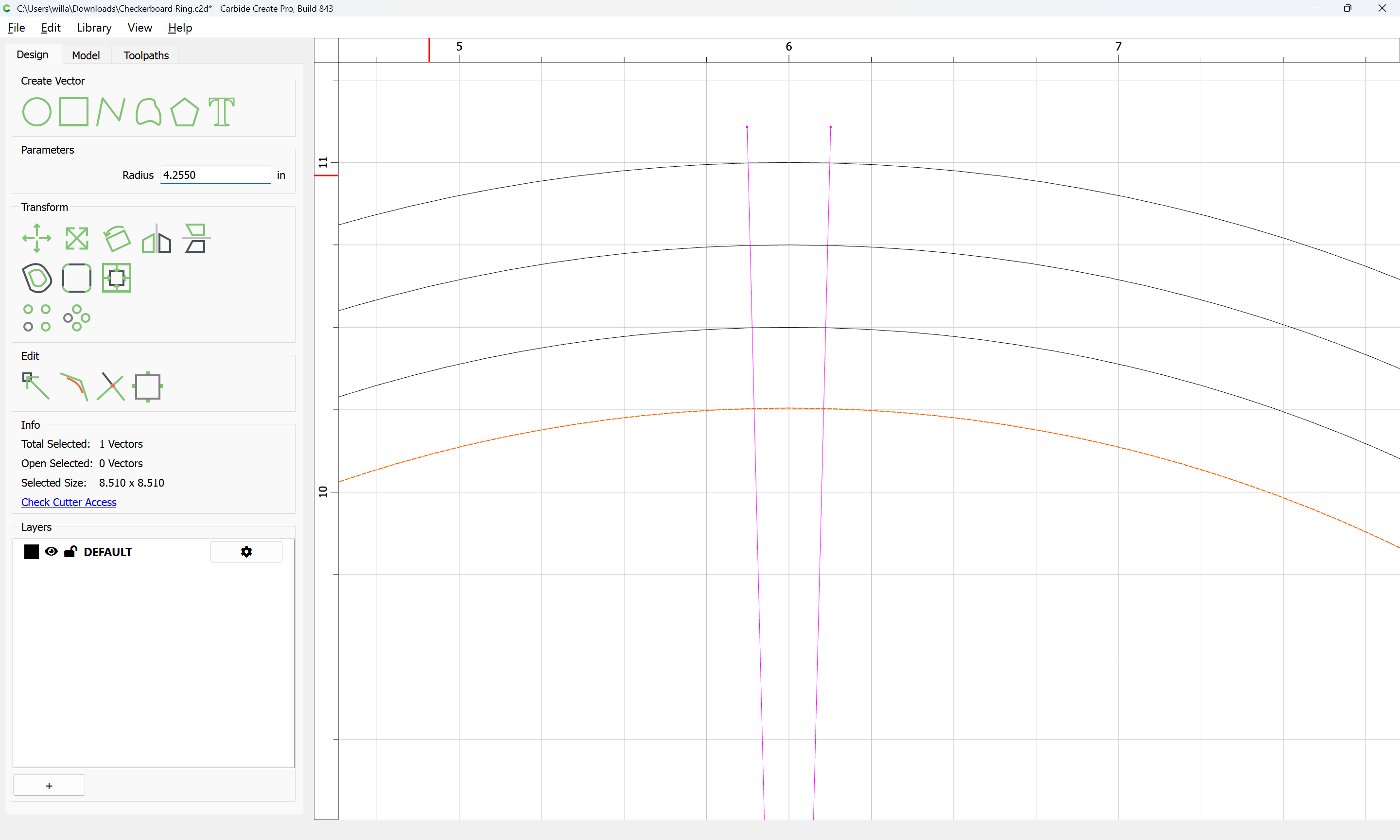
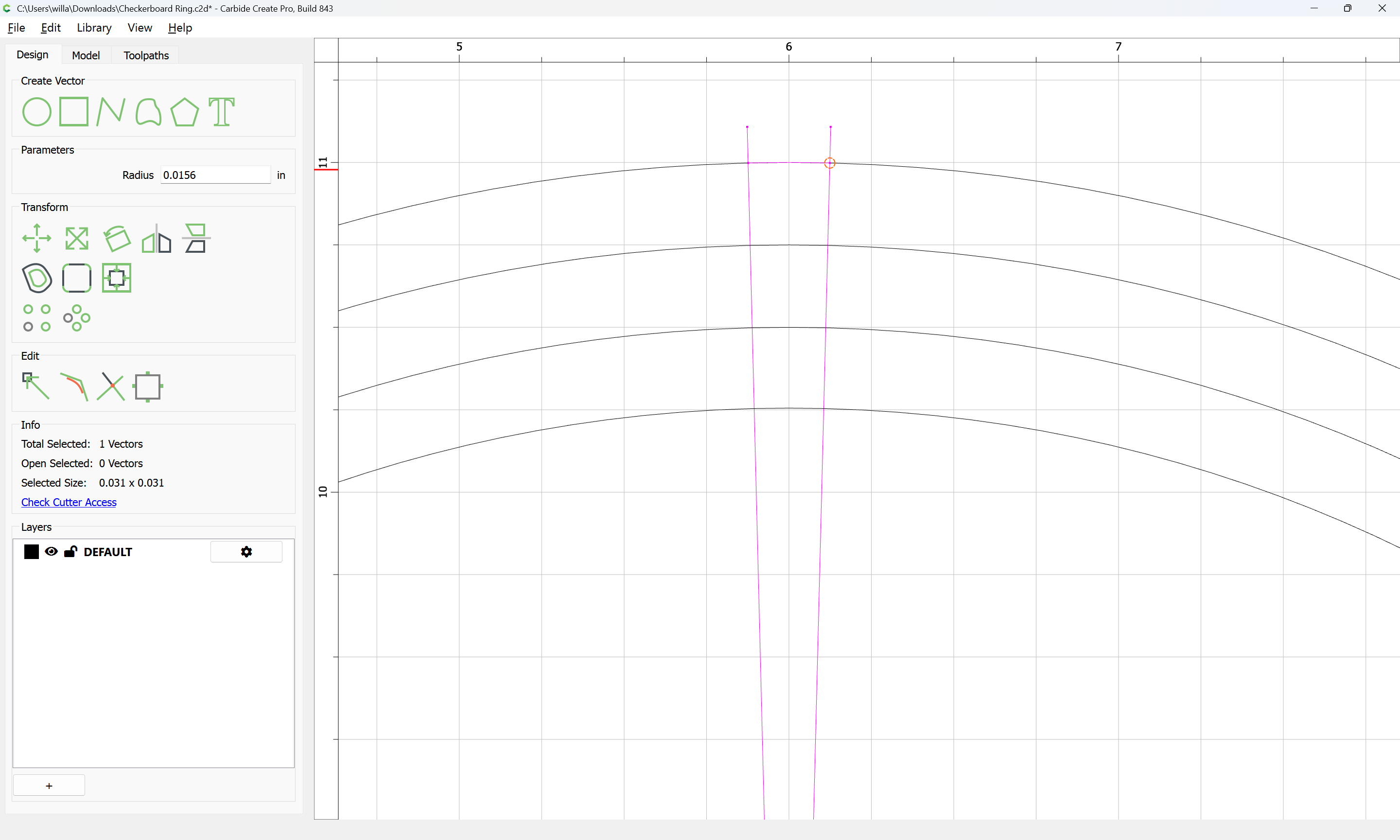
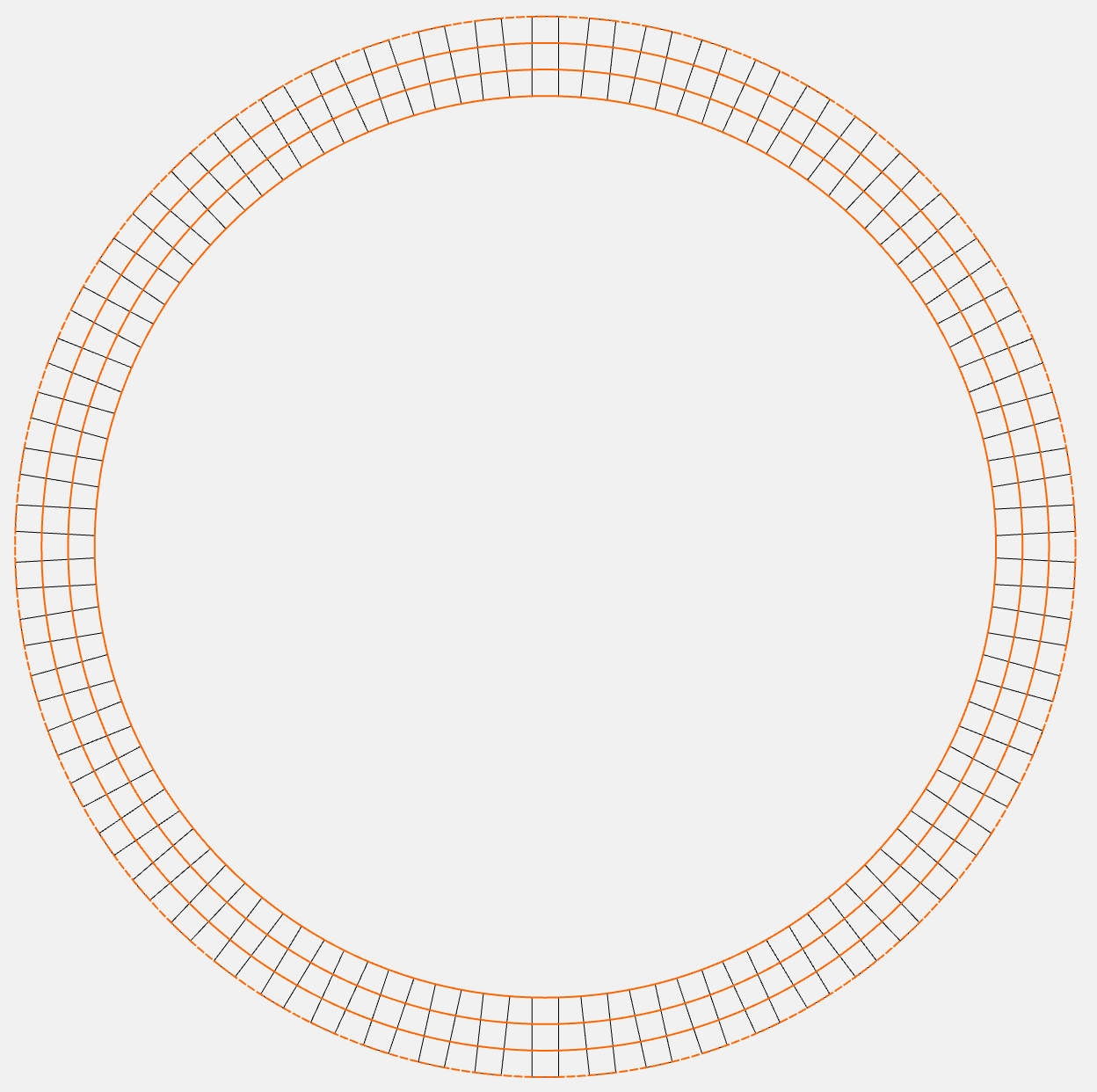
I’ve created 4 circles, each offset by 1/4" and 58 1/4" x 3/4" rectangles in a circular array which gave me the pattern I wanted. Next I want to create individual boxes, grouped into alternating sets, so I can carve the pattern. Really I need only one set, the alternate group will form naturally when the first is carved.

Does anyone have any suggestions to shortcut the process of trimming vectors on a couple hundred squares in the shape of a ring? :face_with_spiral_eyes:

I’ve attached the file if anyone is inclined to get into the weeds on this one.

Thanks!


Checkerboard Ring.c2d (192 KB)

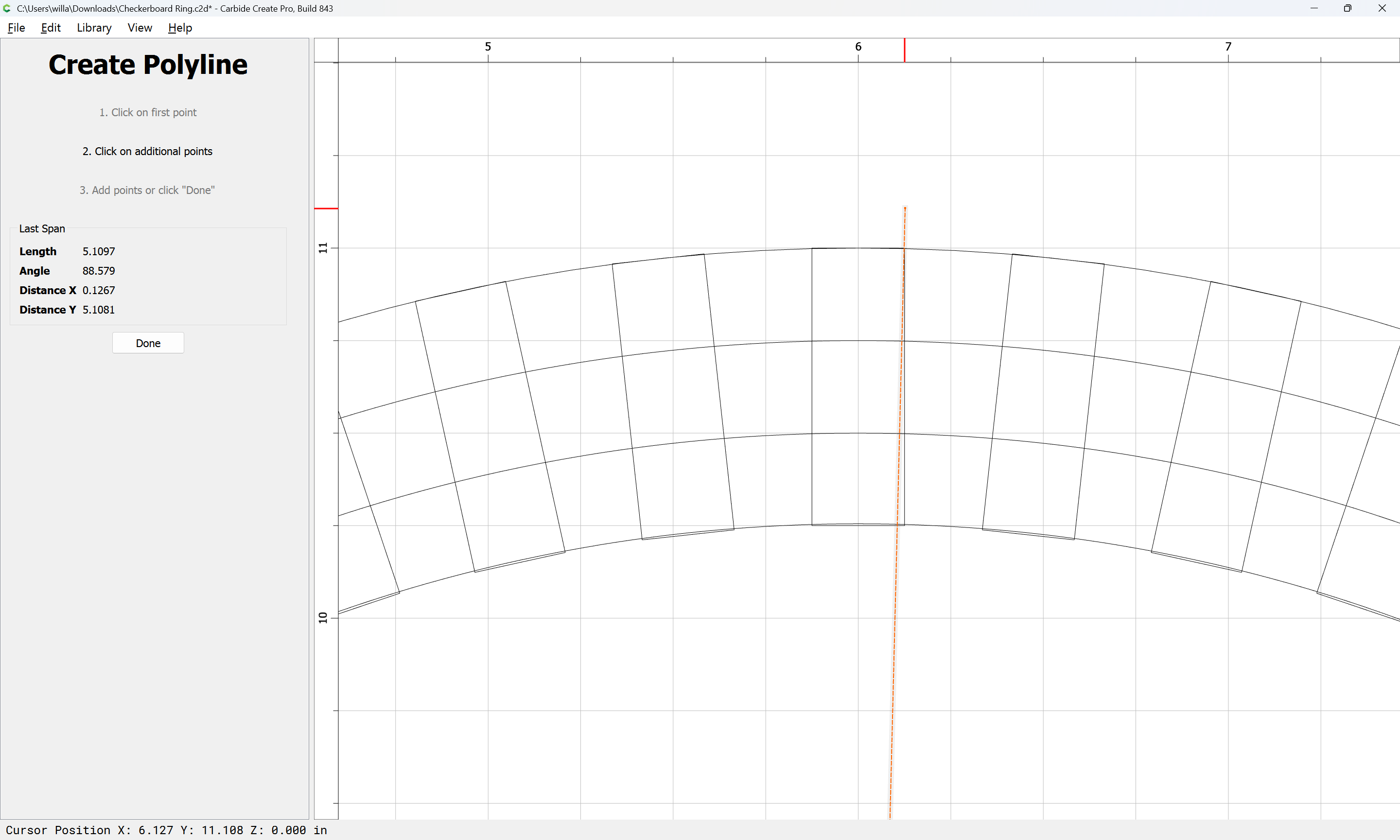
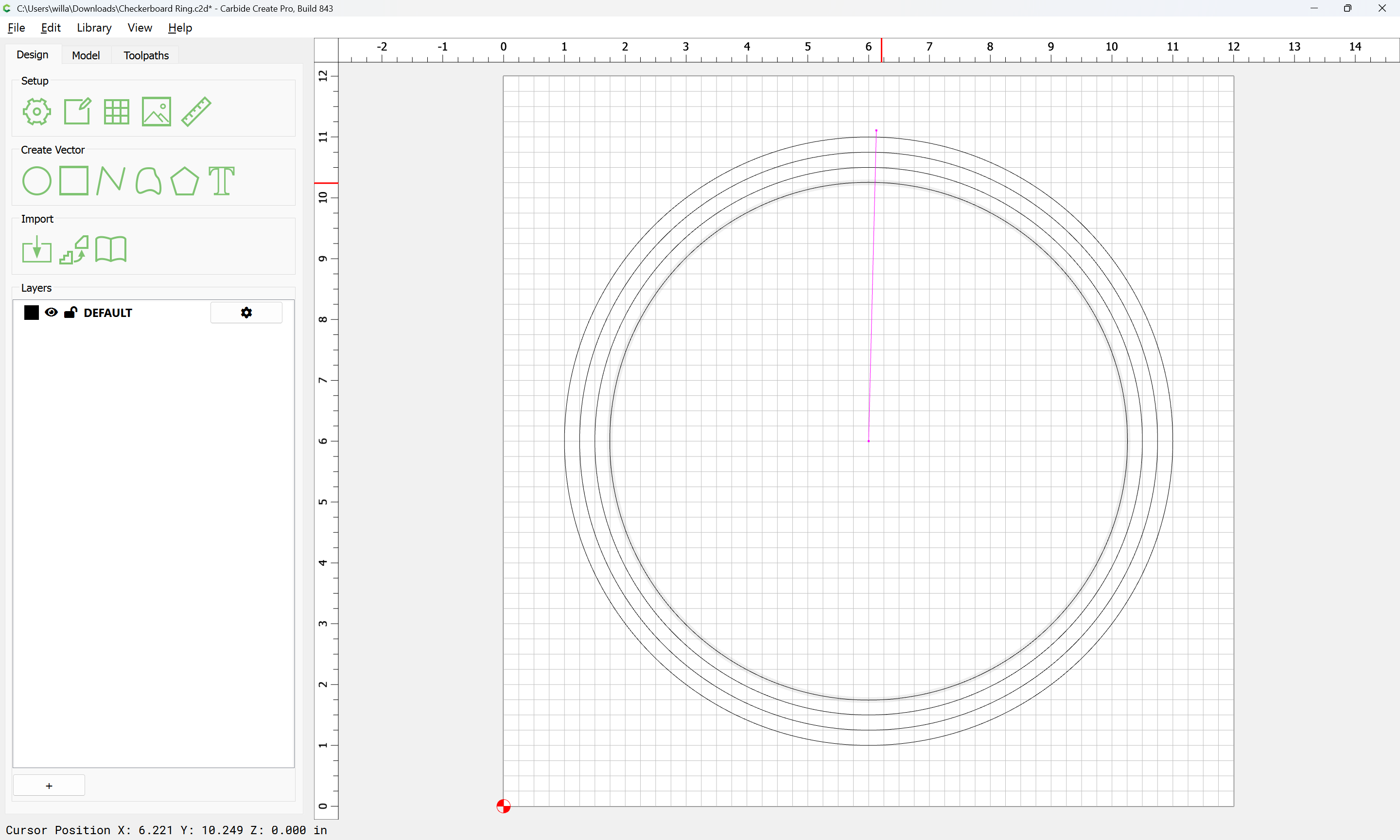
Just draw one set:

and delete what is not wanted

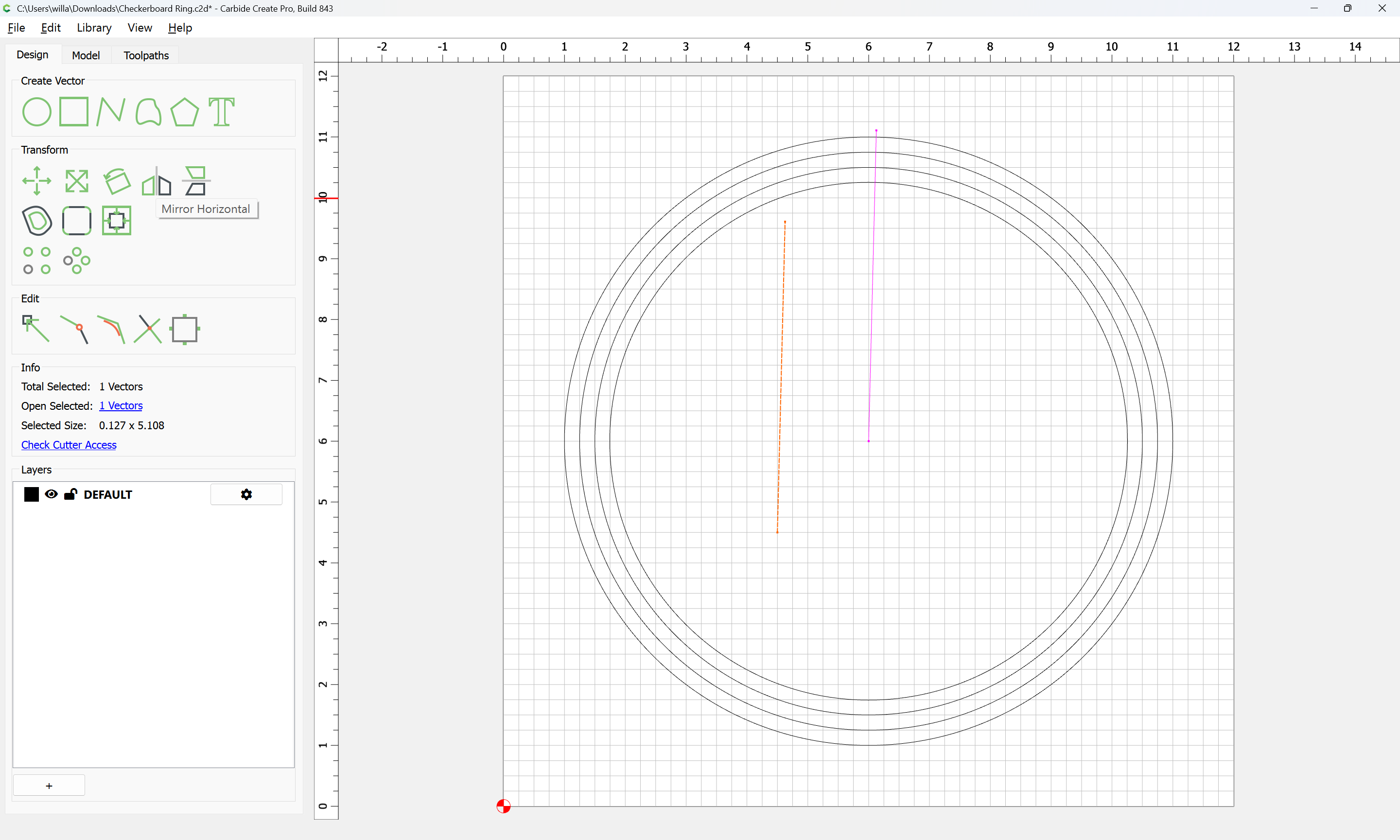
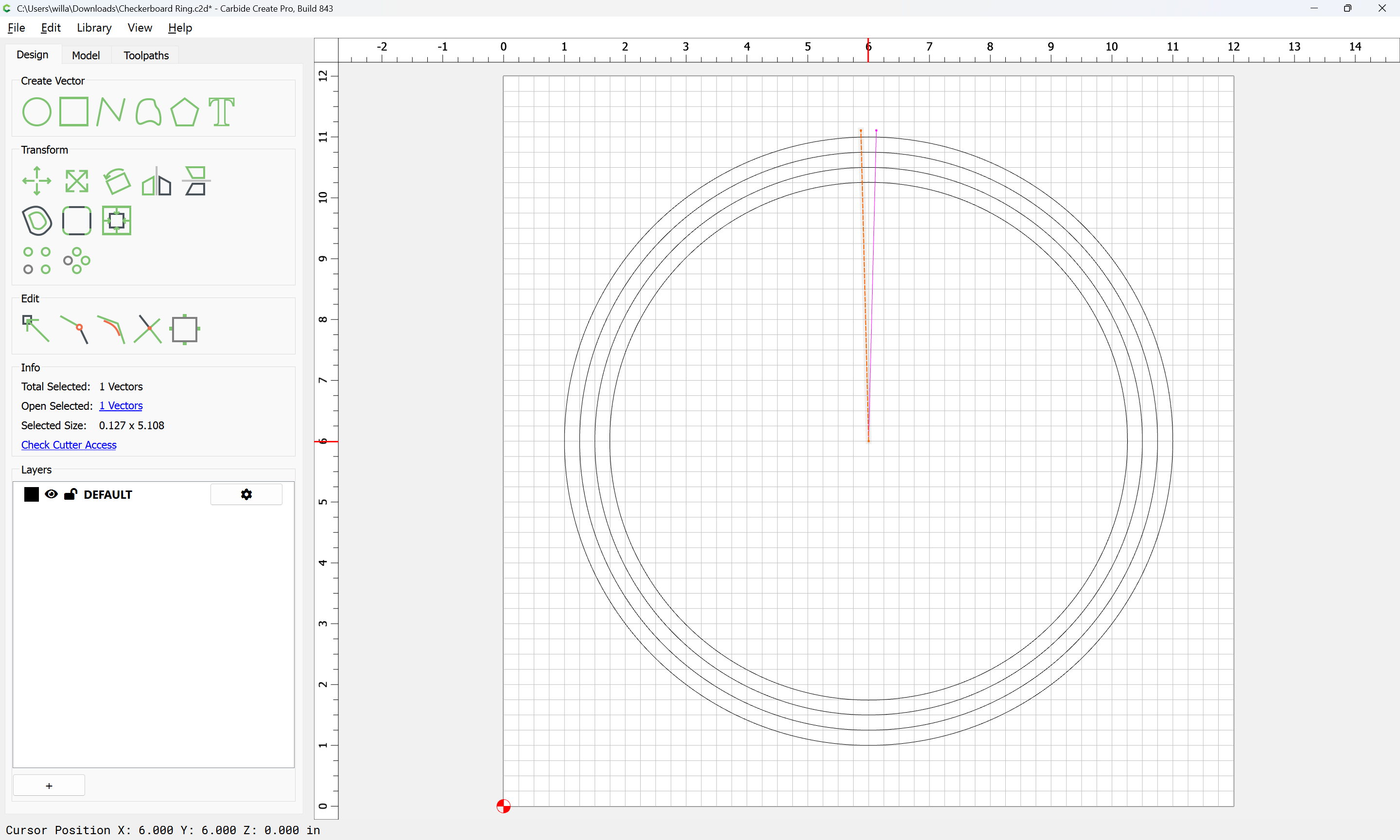
Then duplicate the line:

and flip it:

and drag into registration:

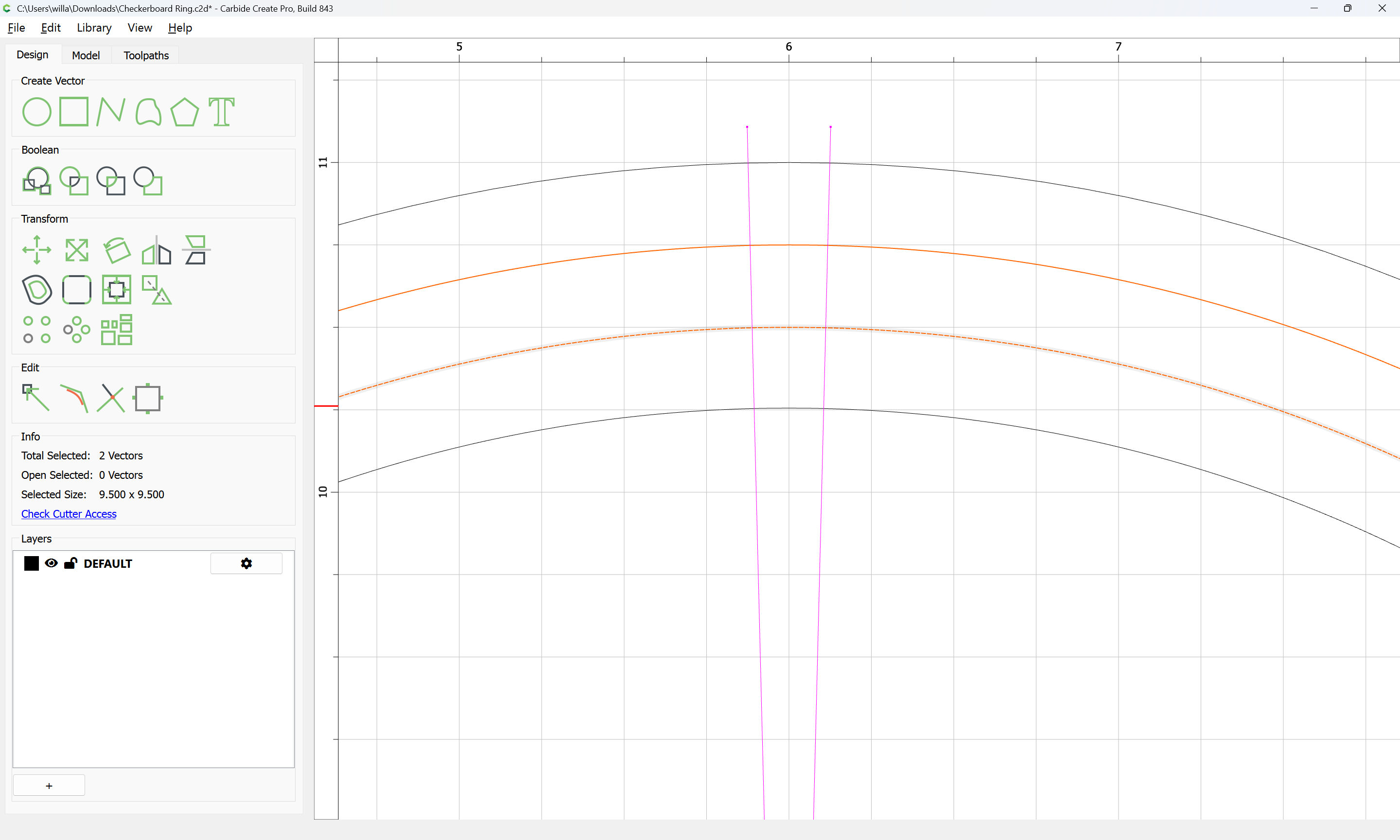
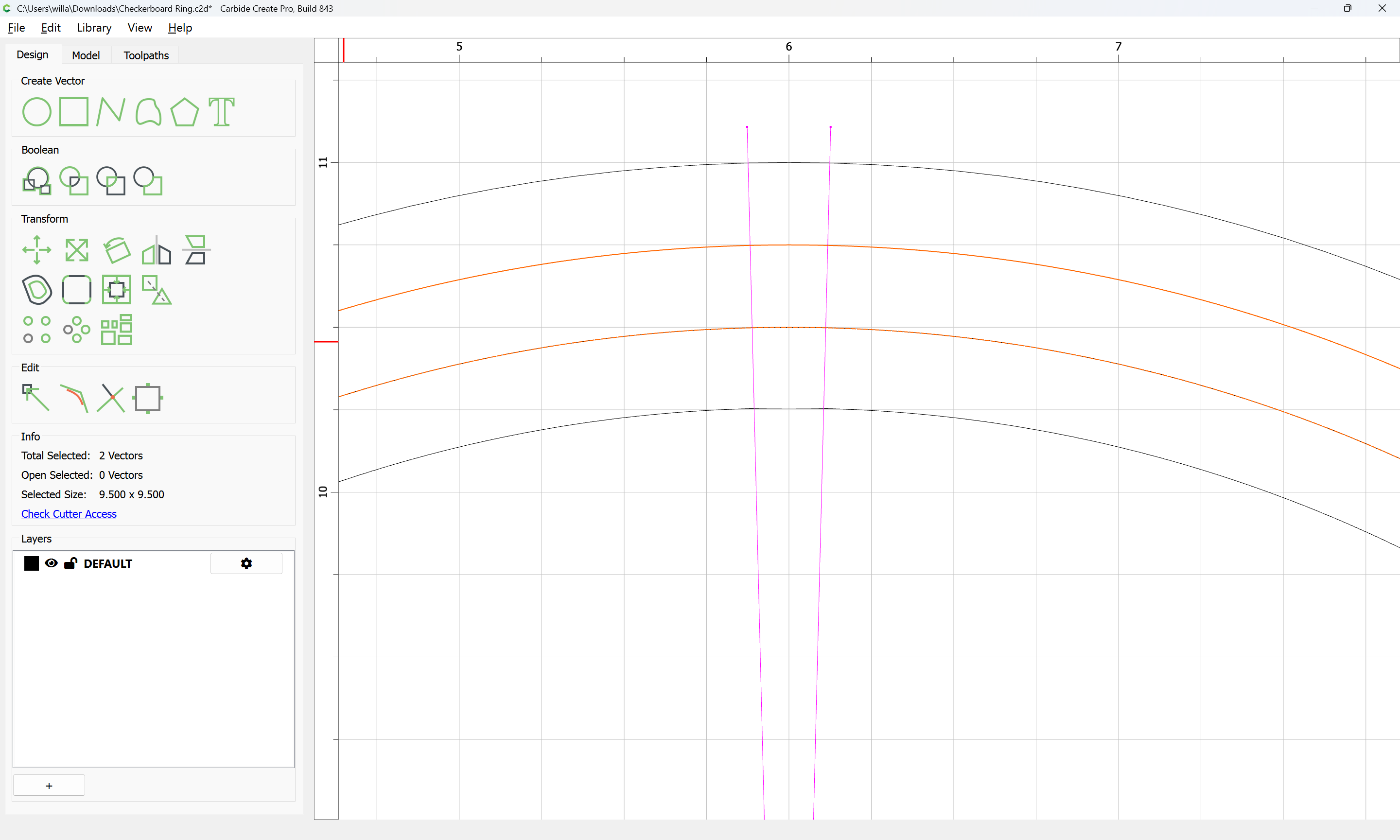
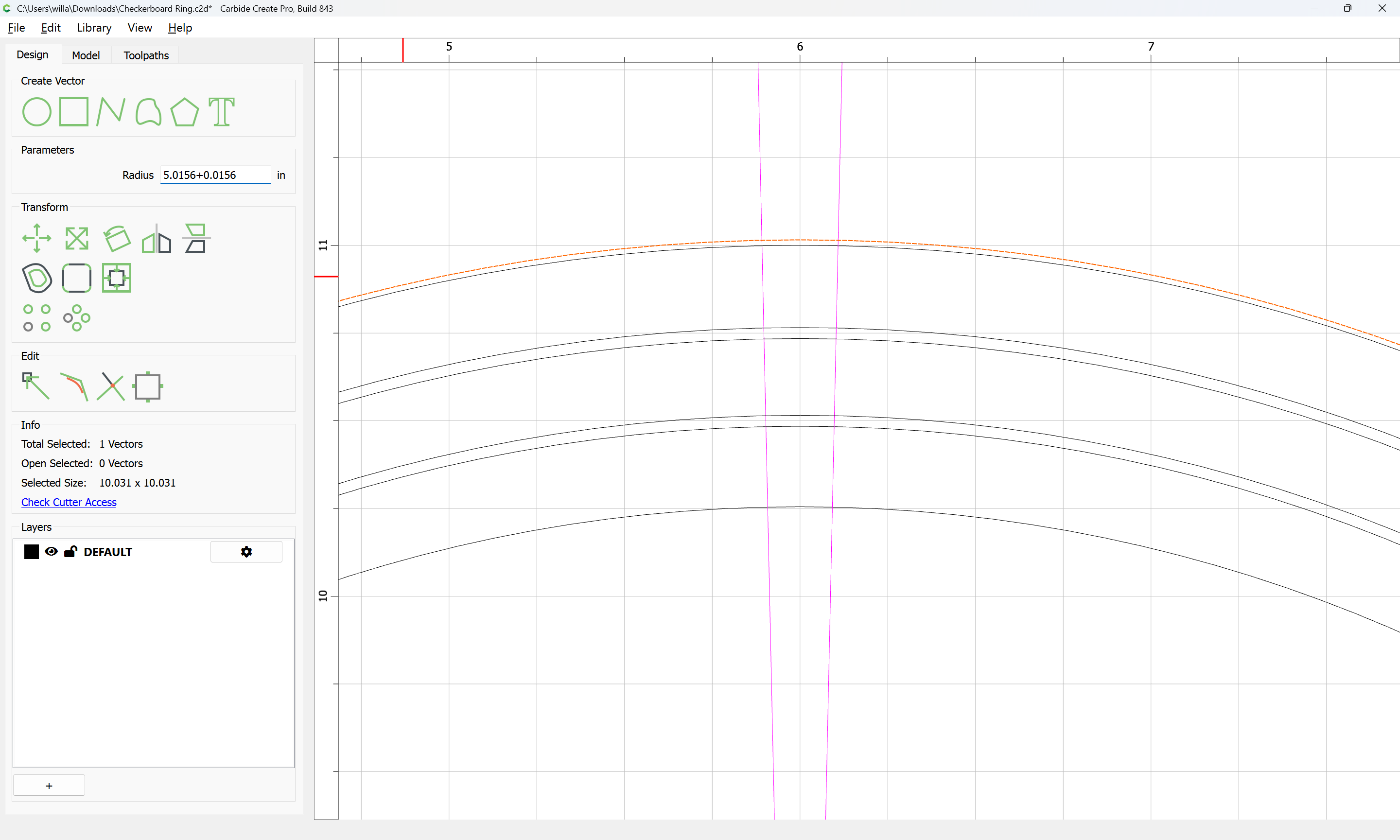
You’ll want to slightly double up the interior lines (I’m assuming you’ll want to do some sort of V carving to make the shapes, so will want closed regions):

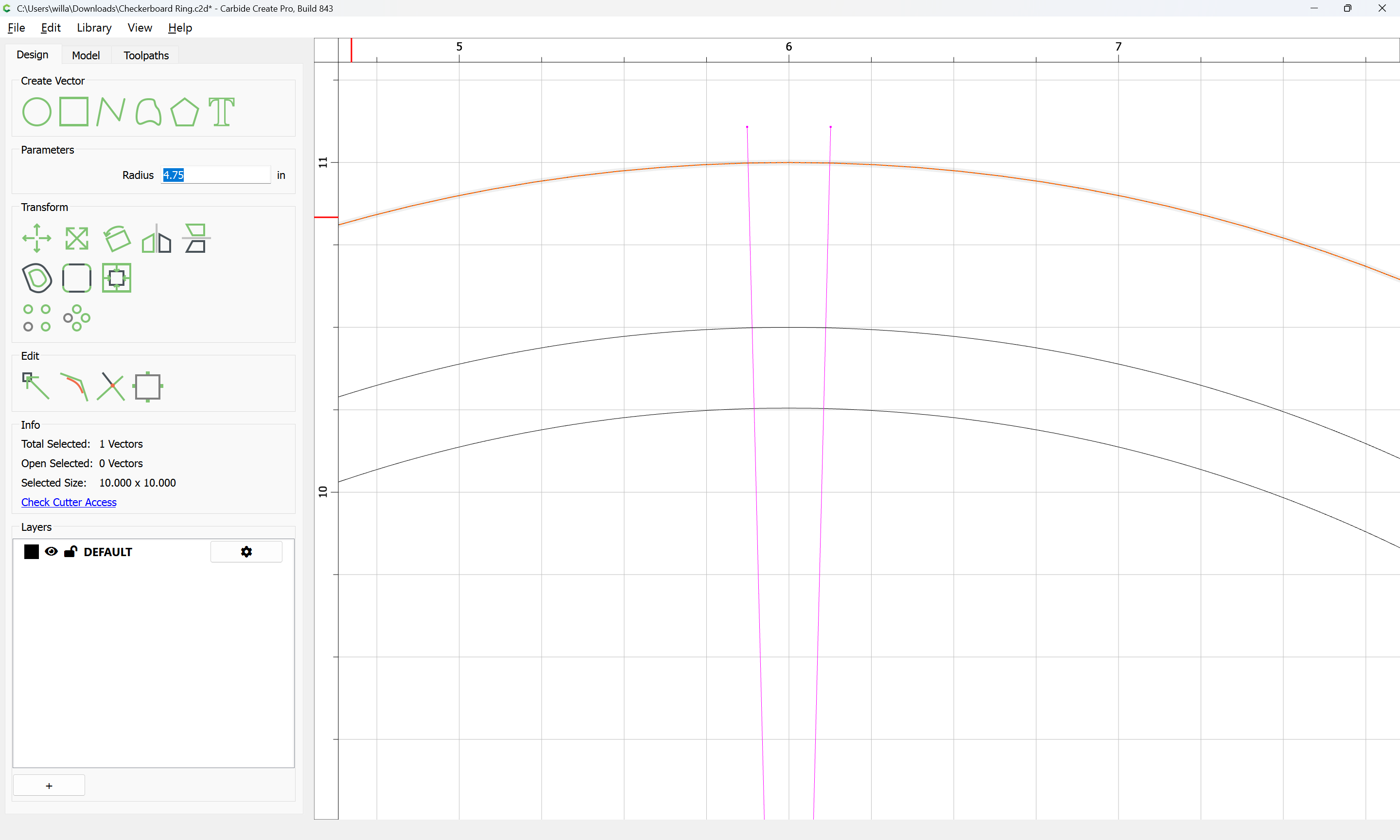
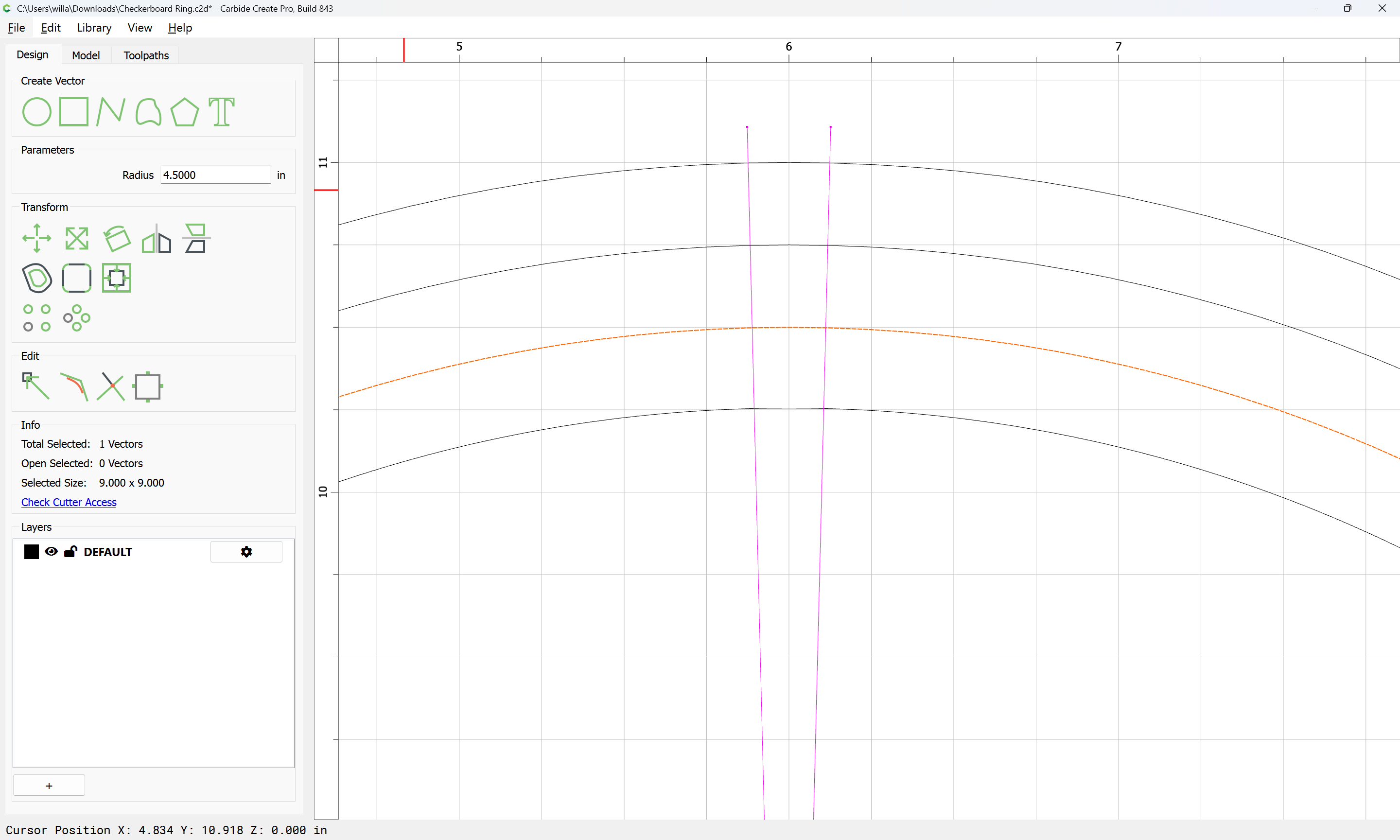
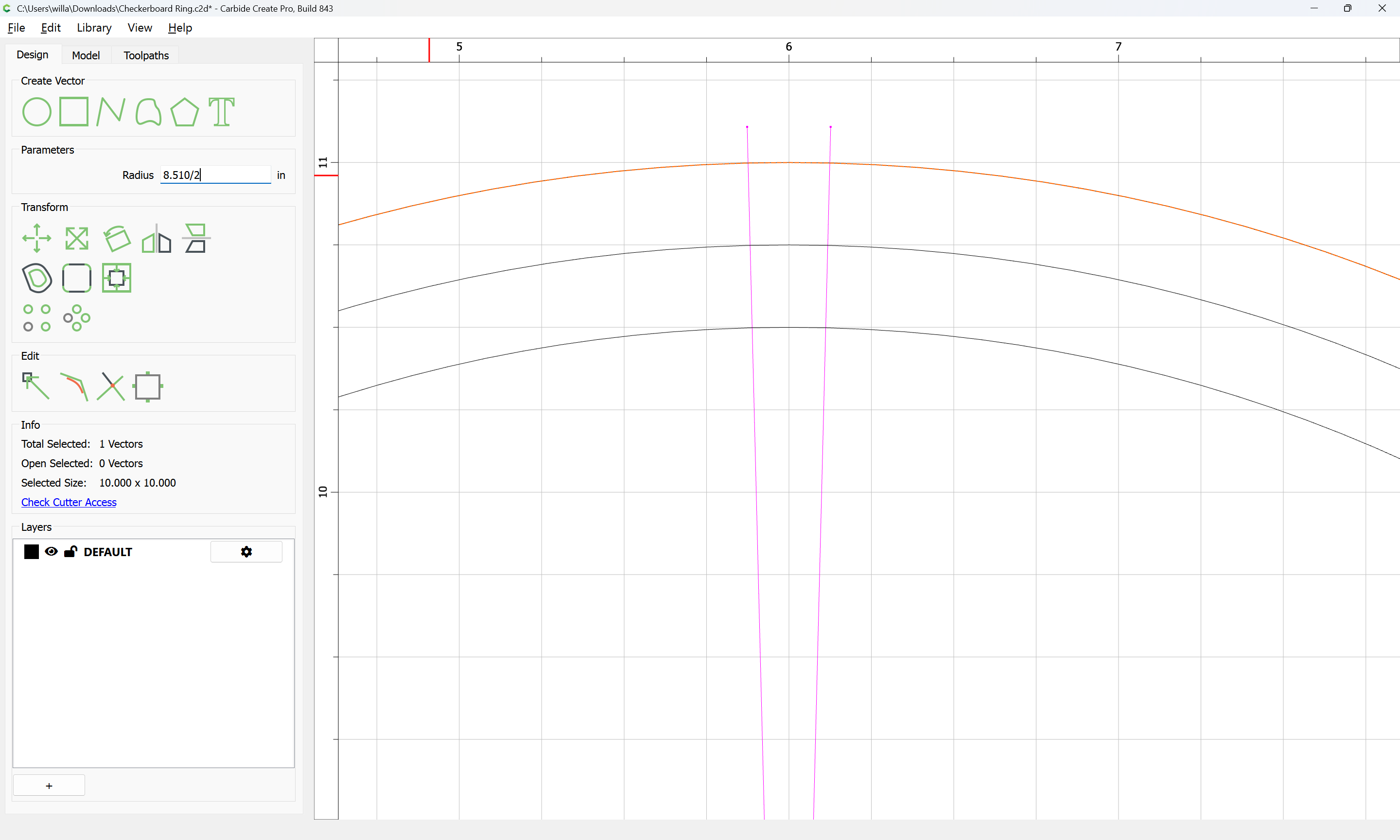
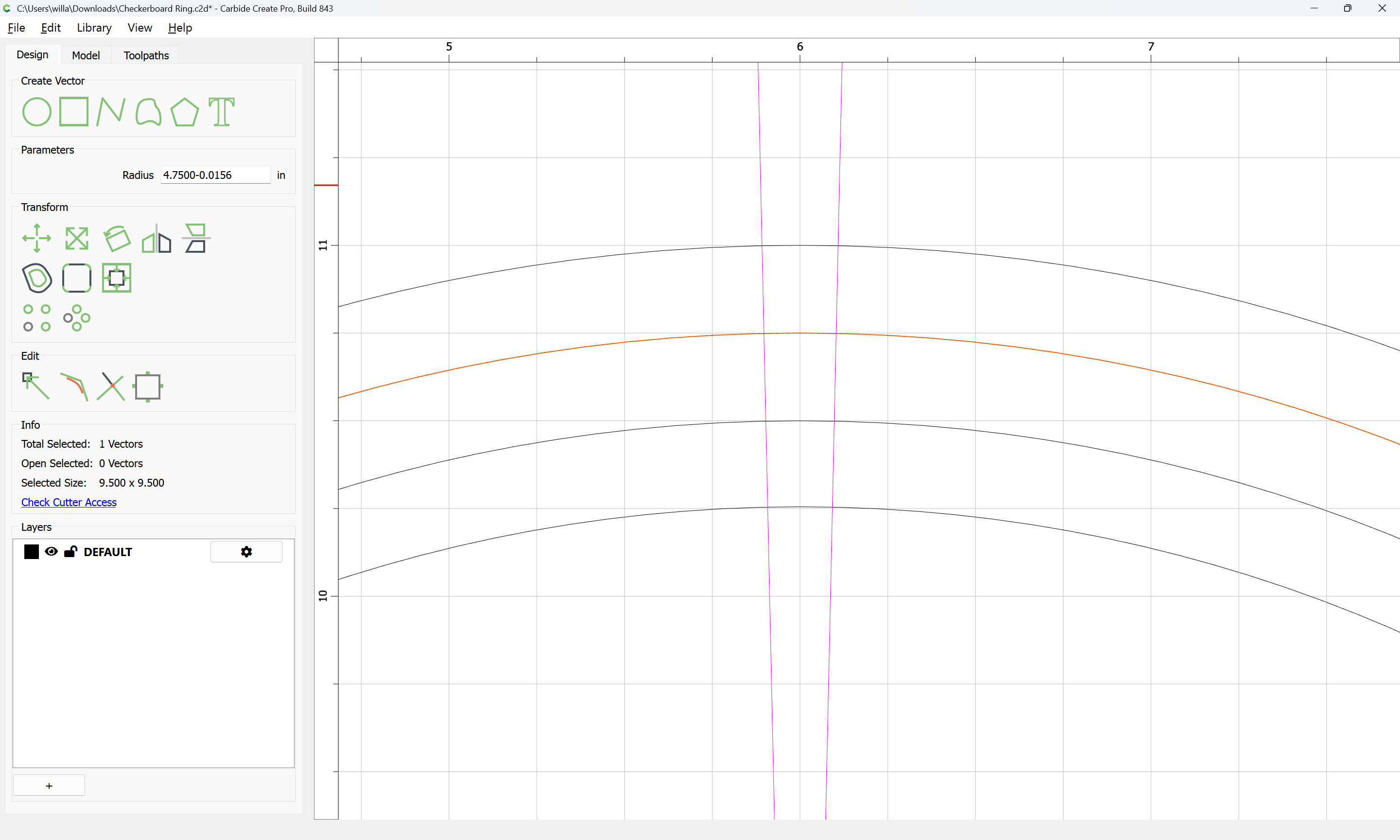
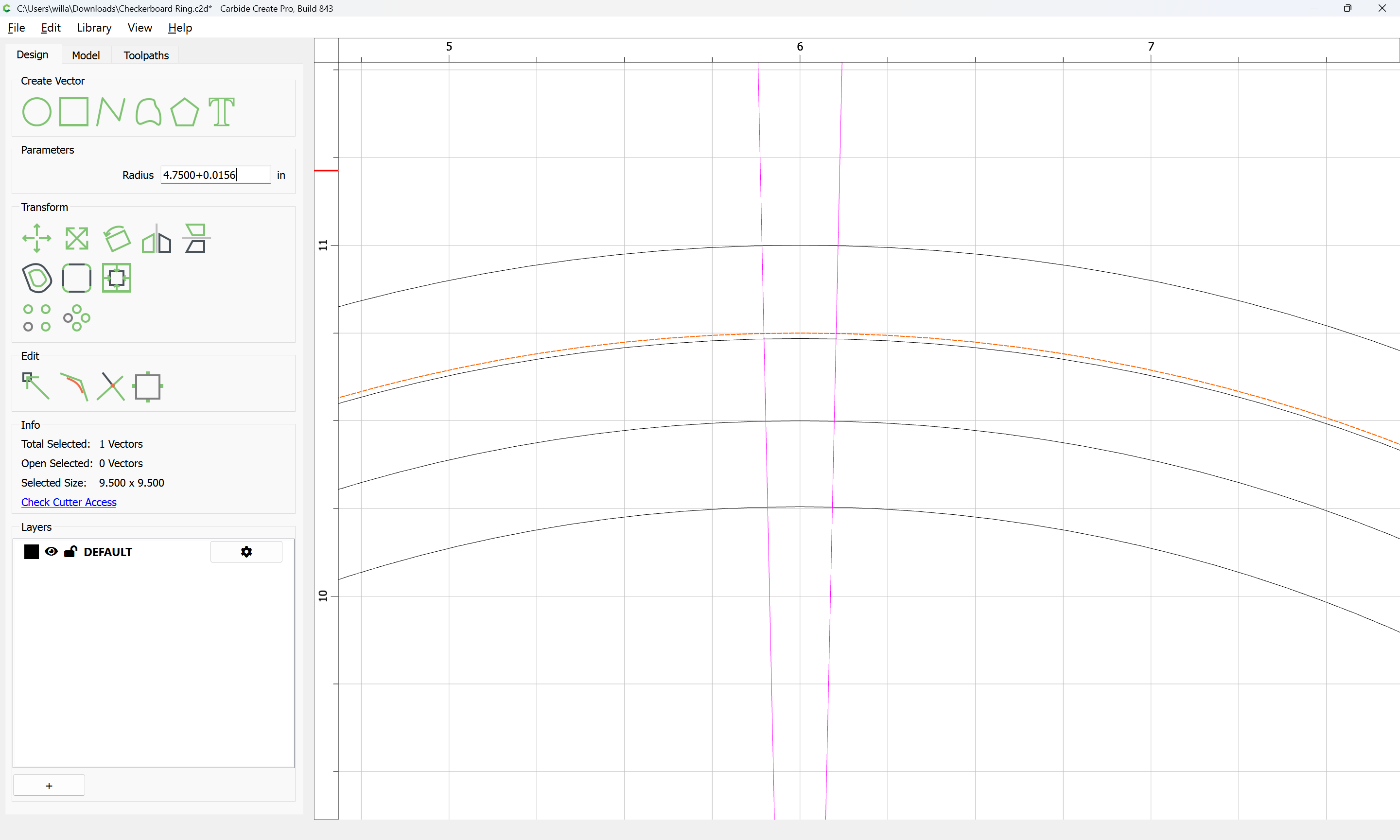
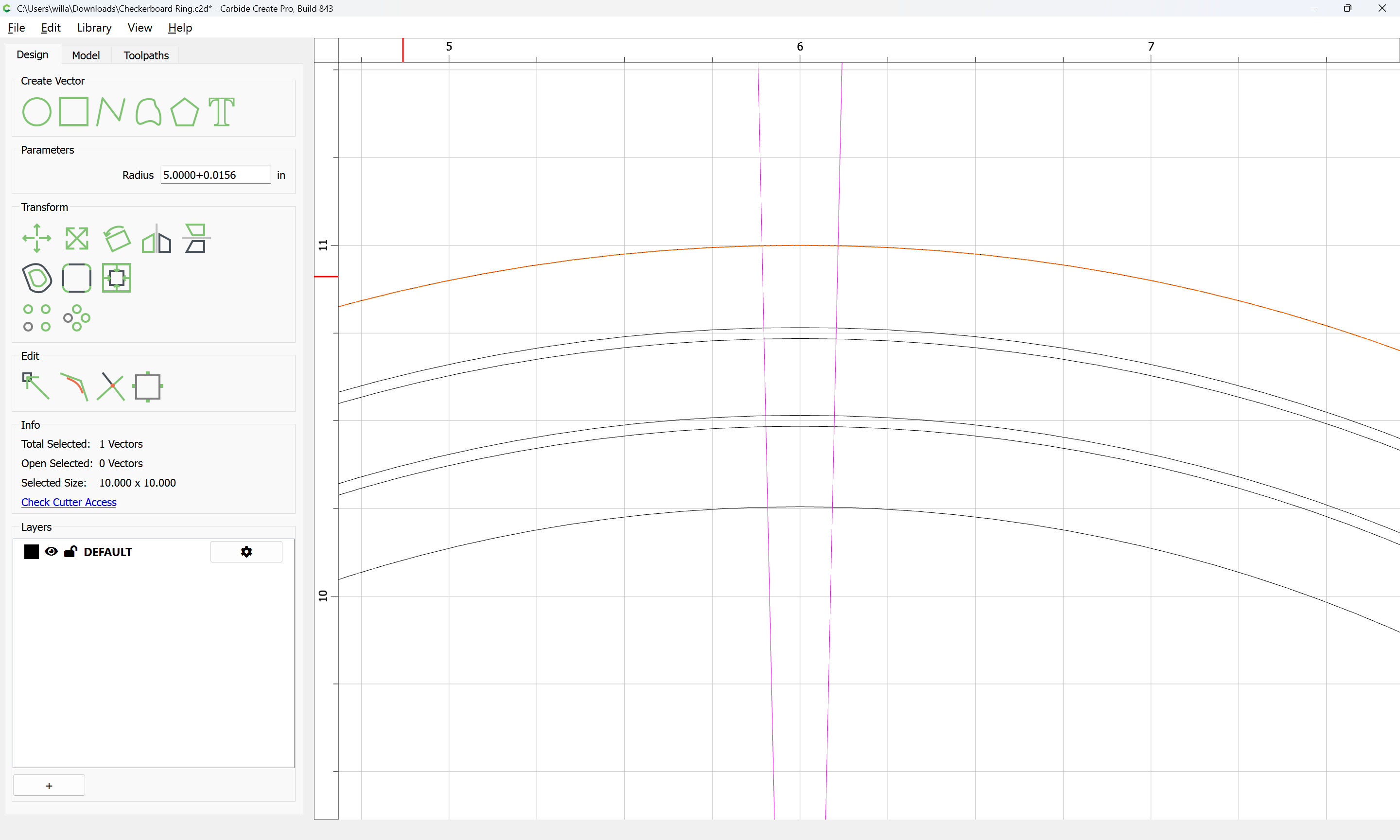
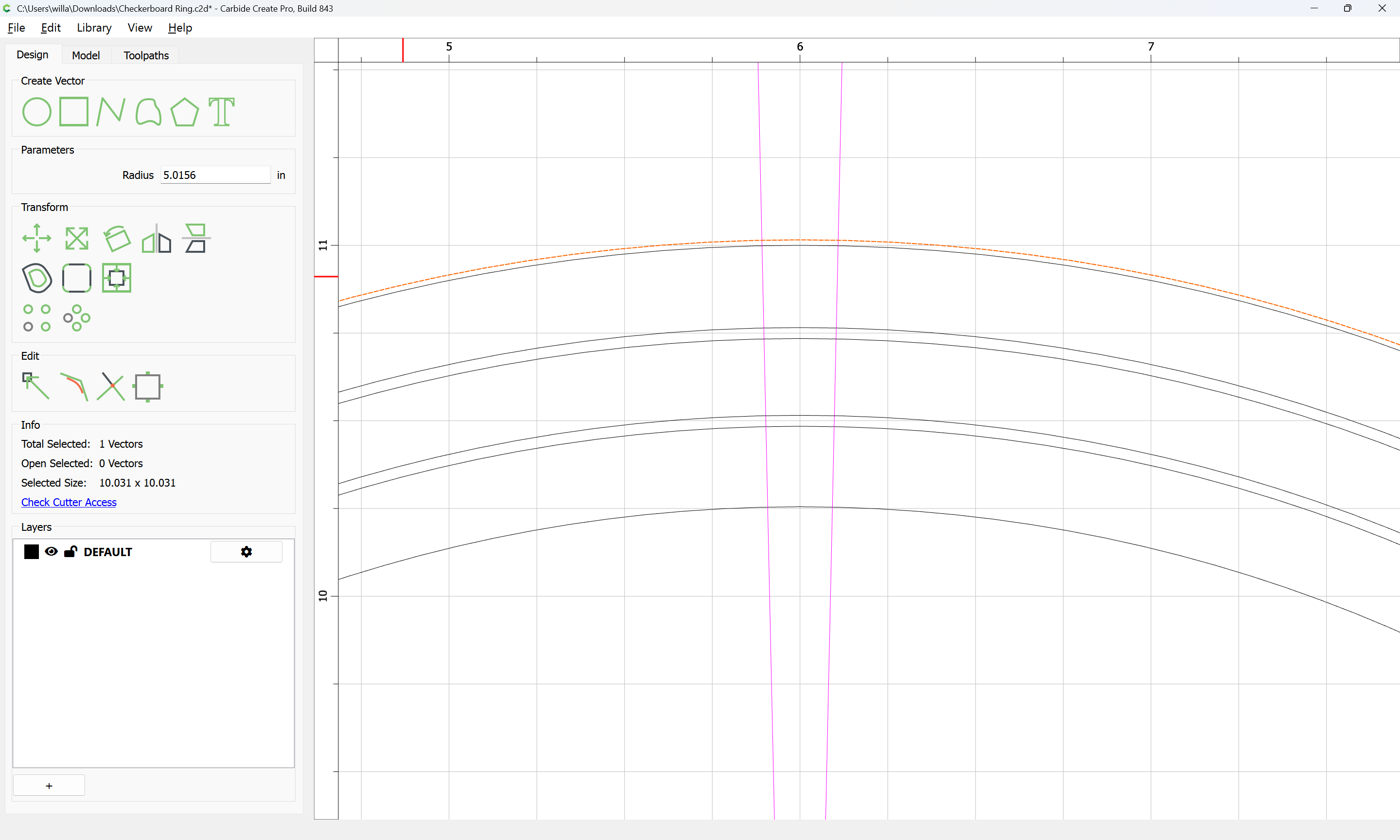
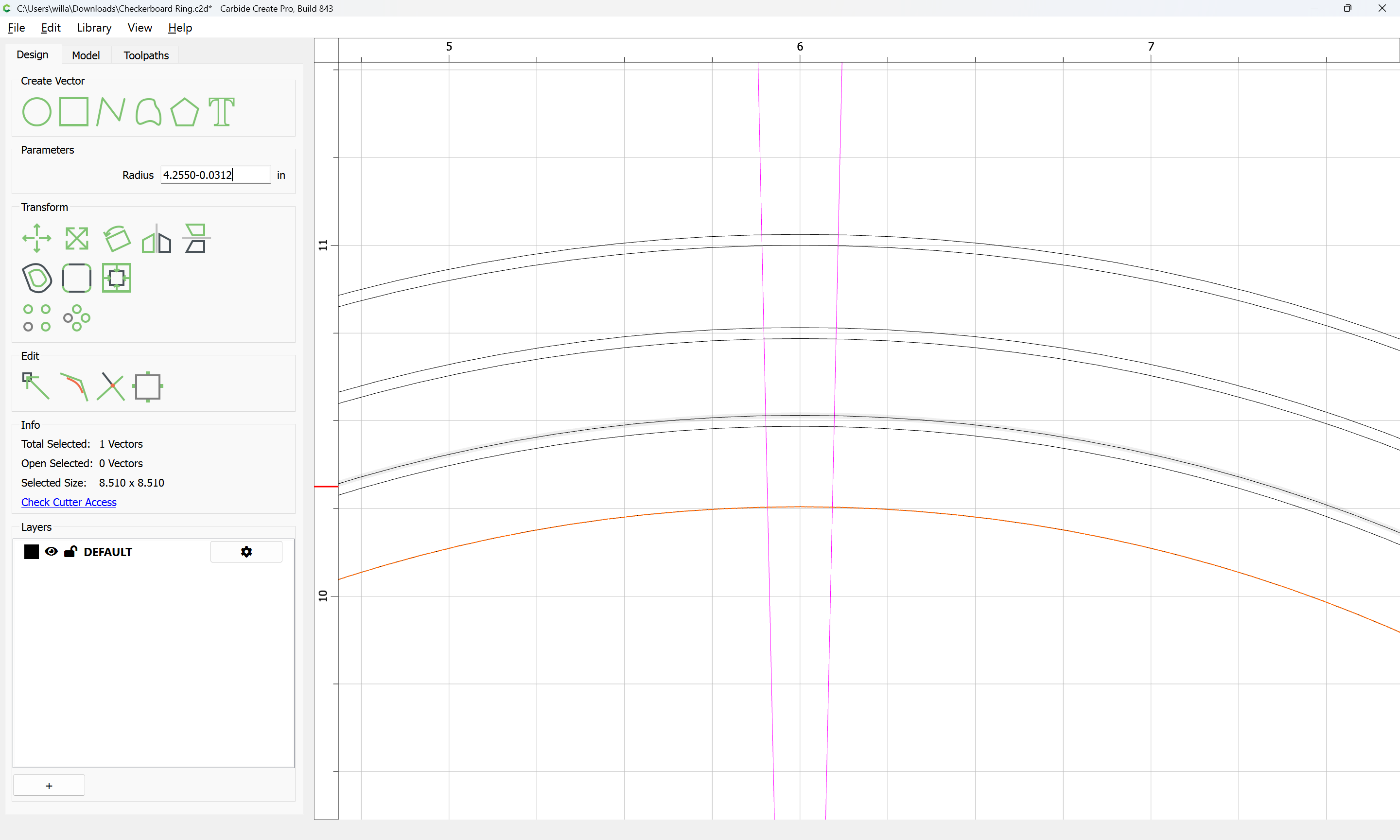
and you’ll also want to replace offset geometry w/ drawn circles…

Probably the lines need to be a bit more angled — doing that can be used to set the gap:

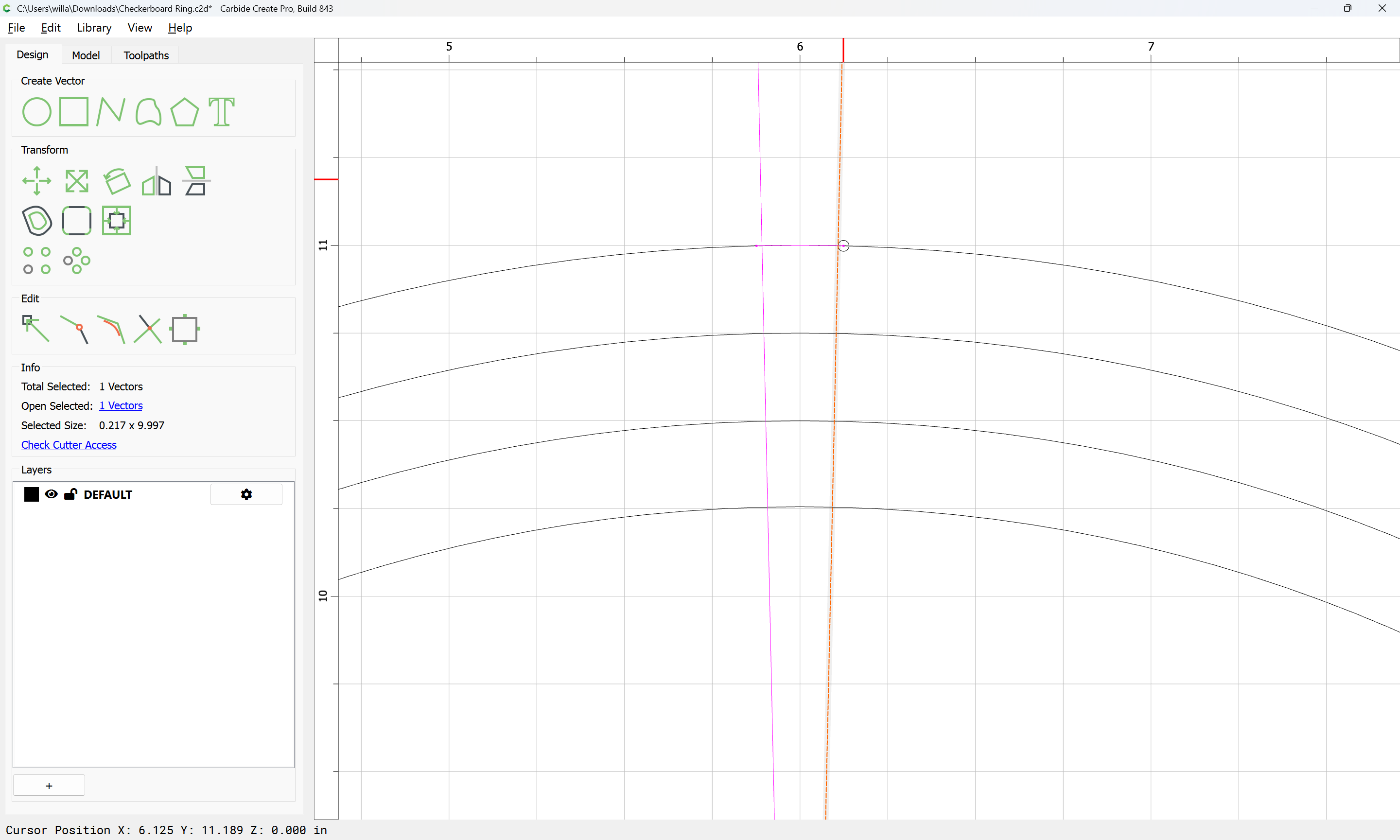
Duplicate the line and drag into registration w/ the original:

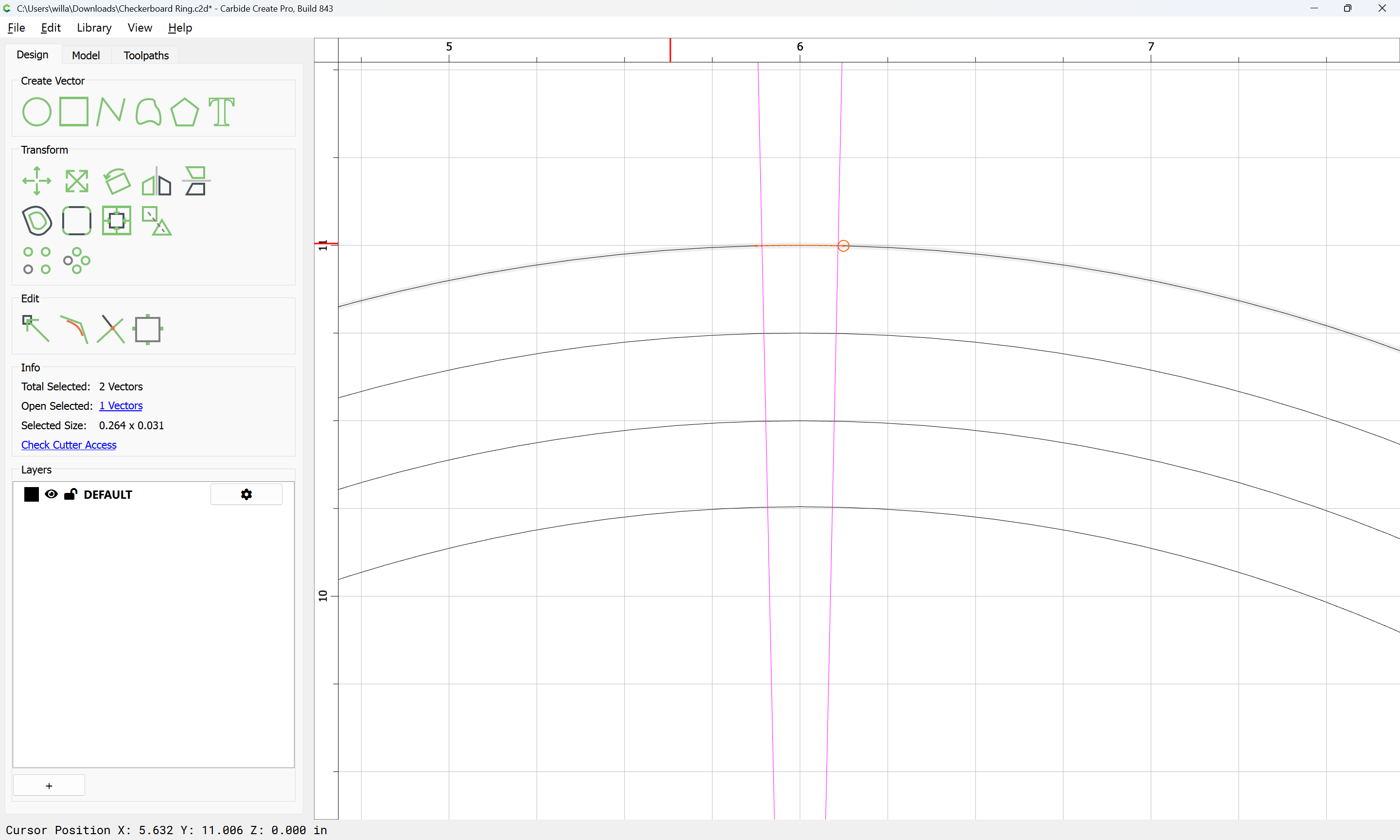
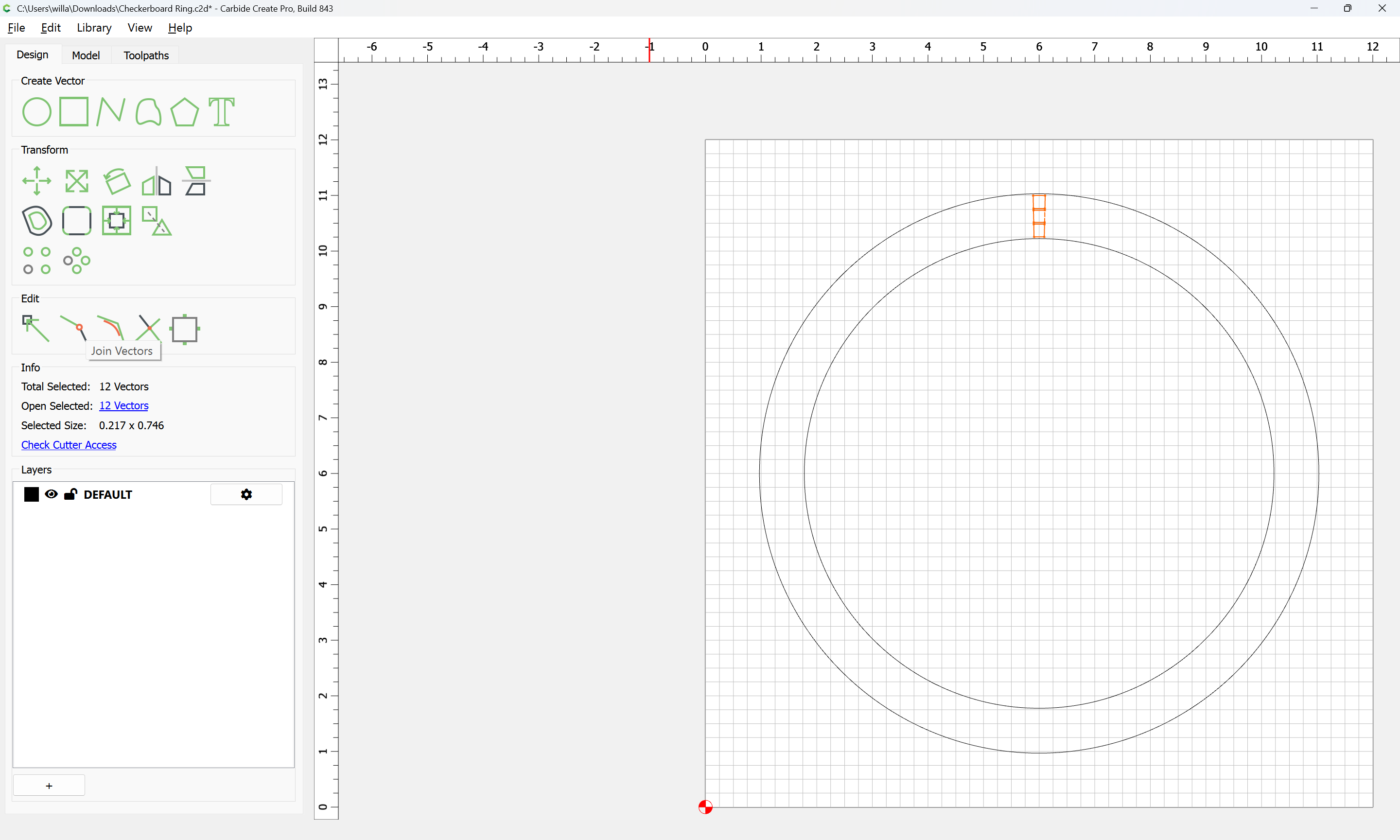
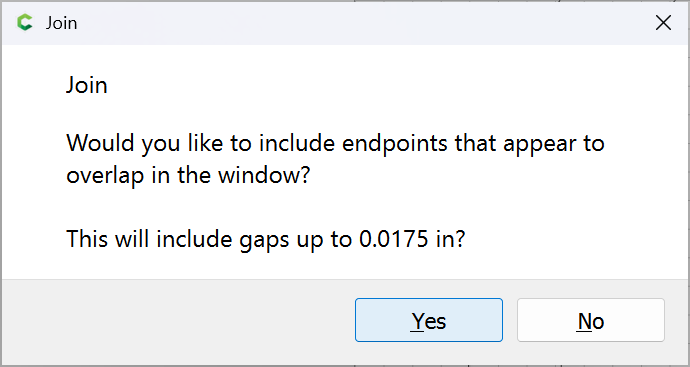
and Join Vectors:

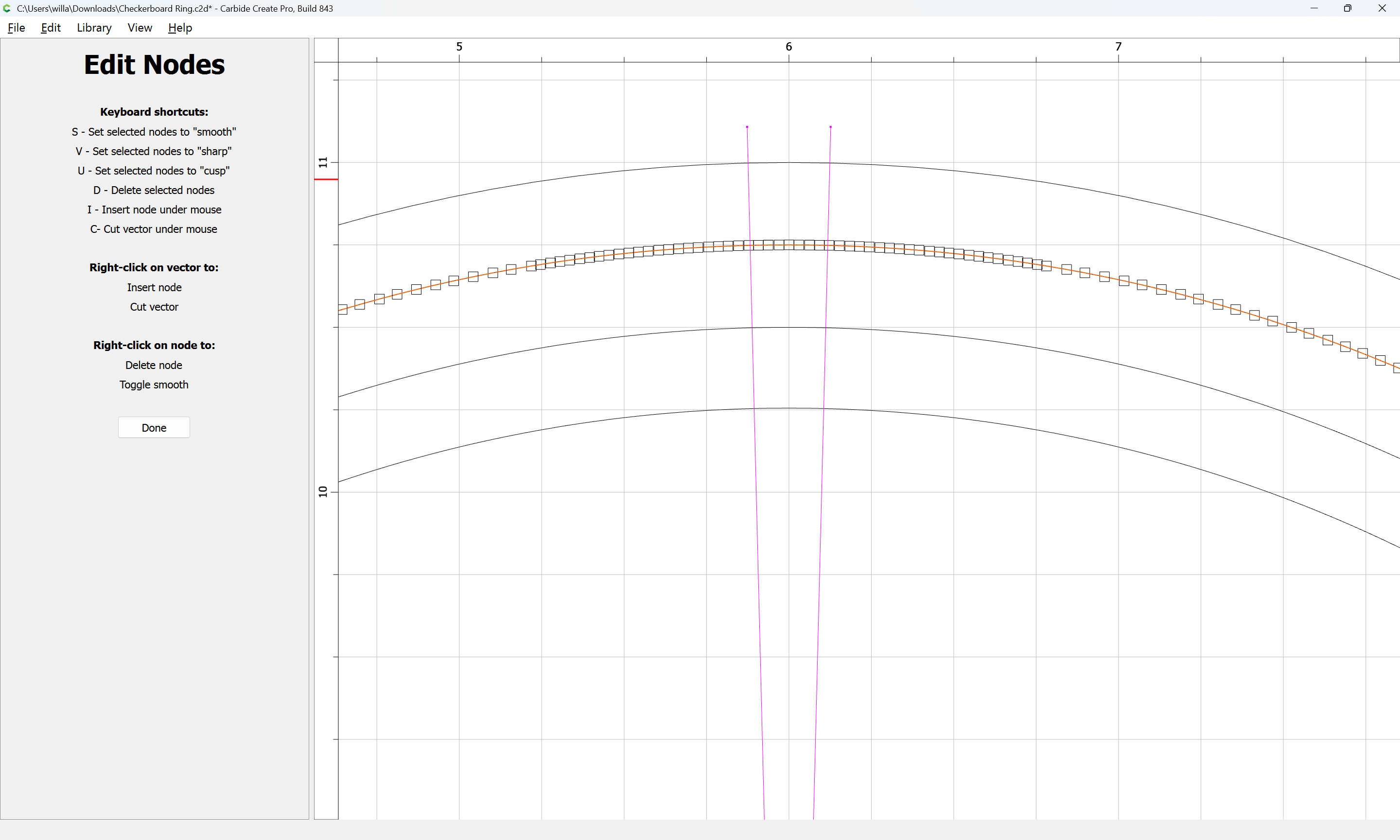
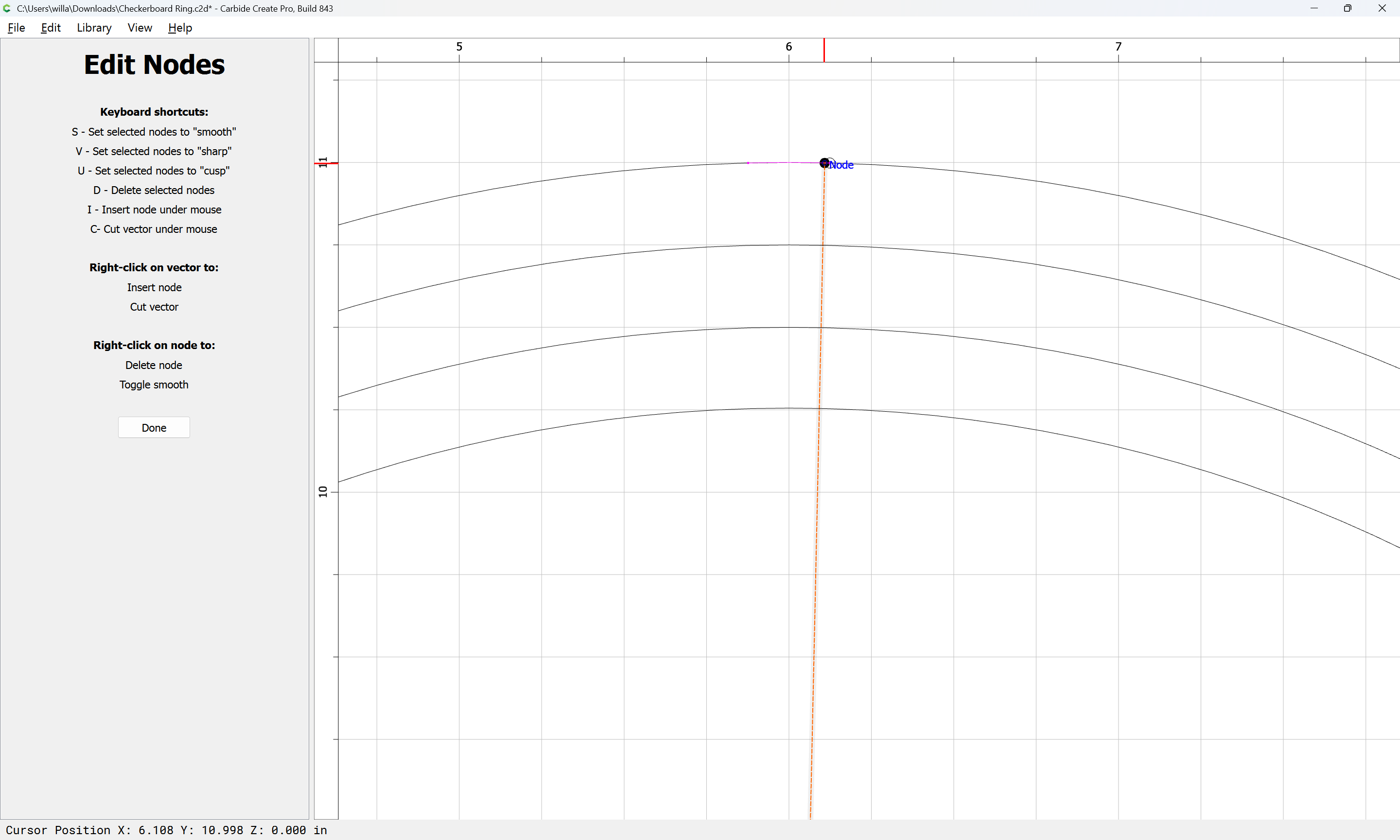
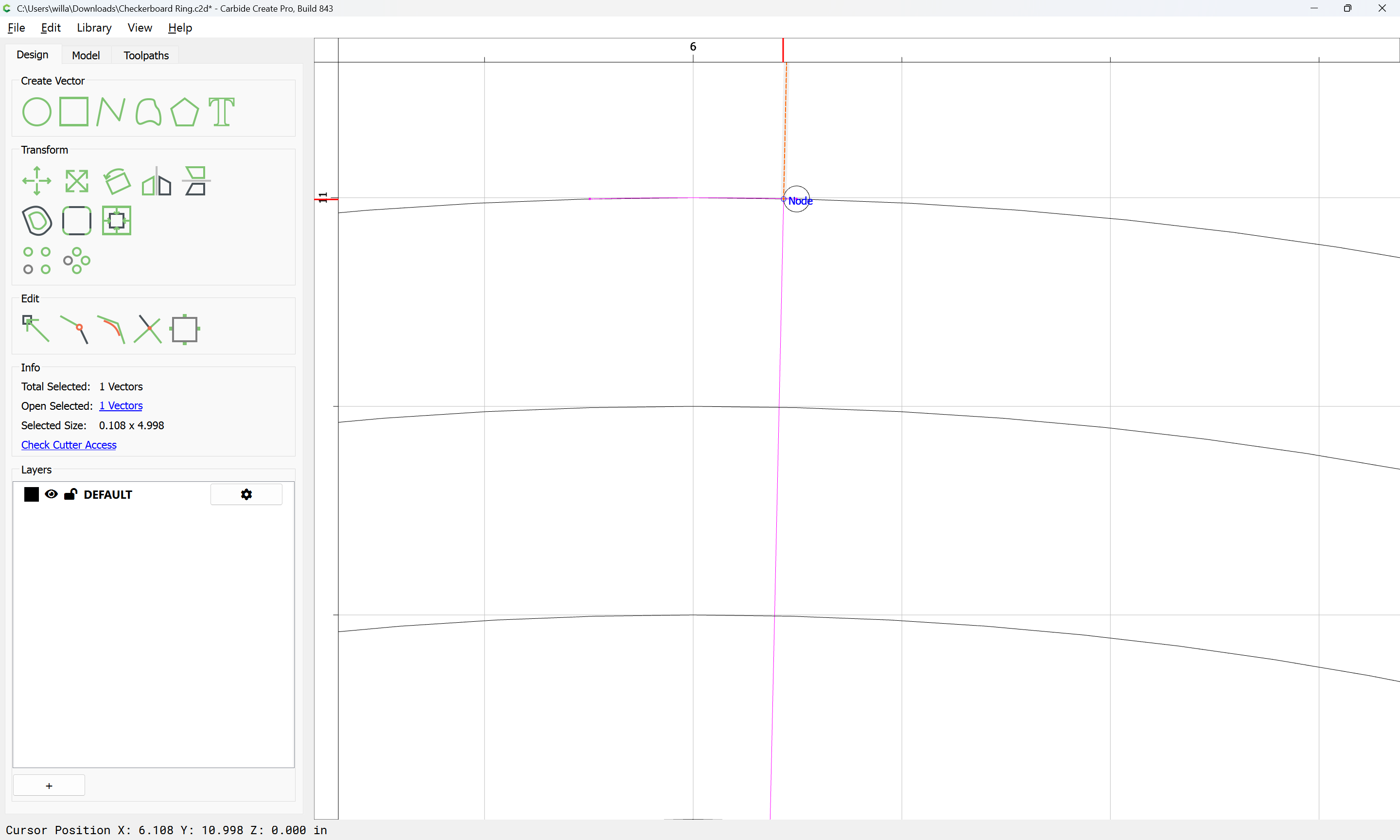
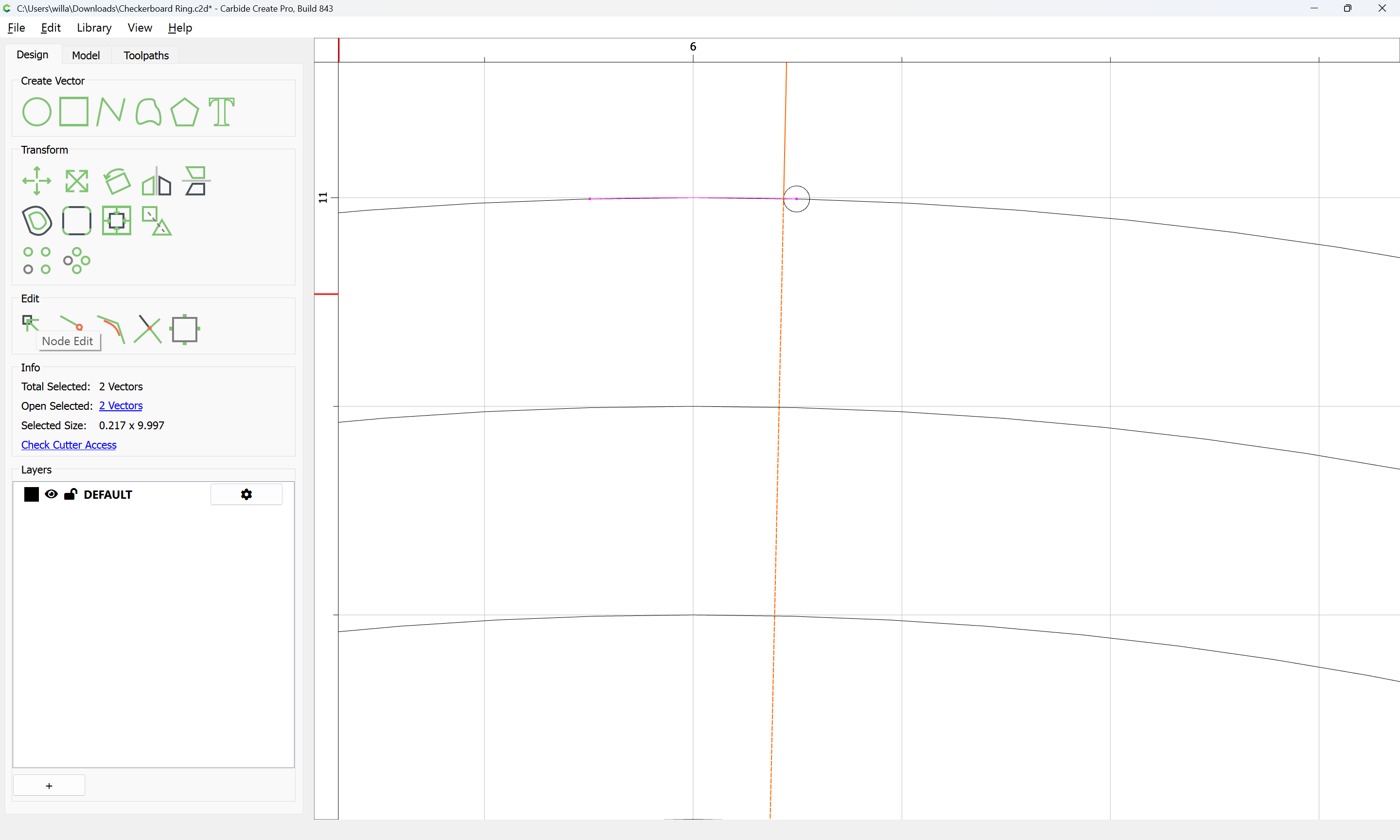
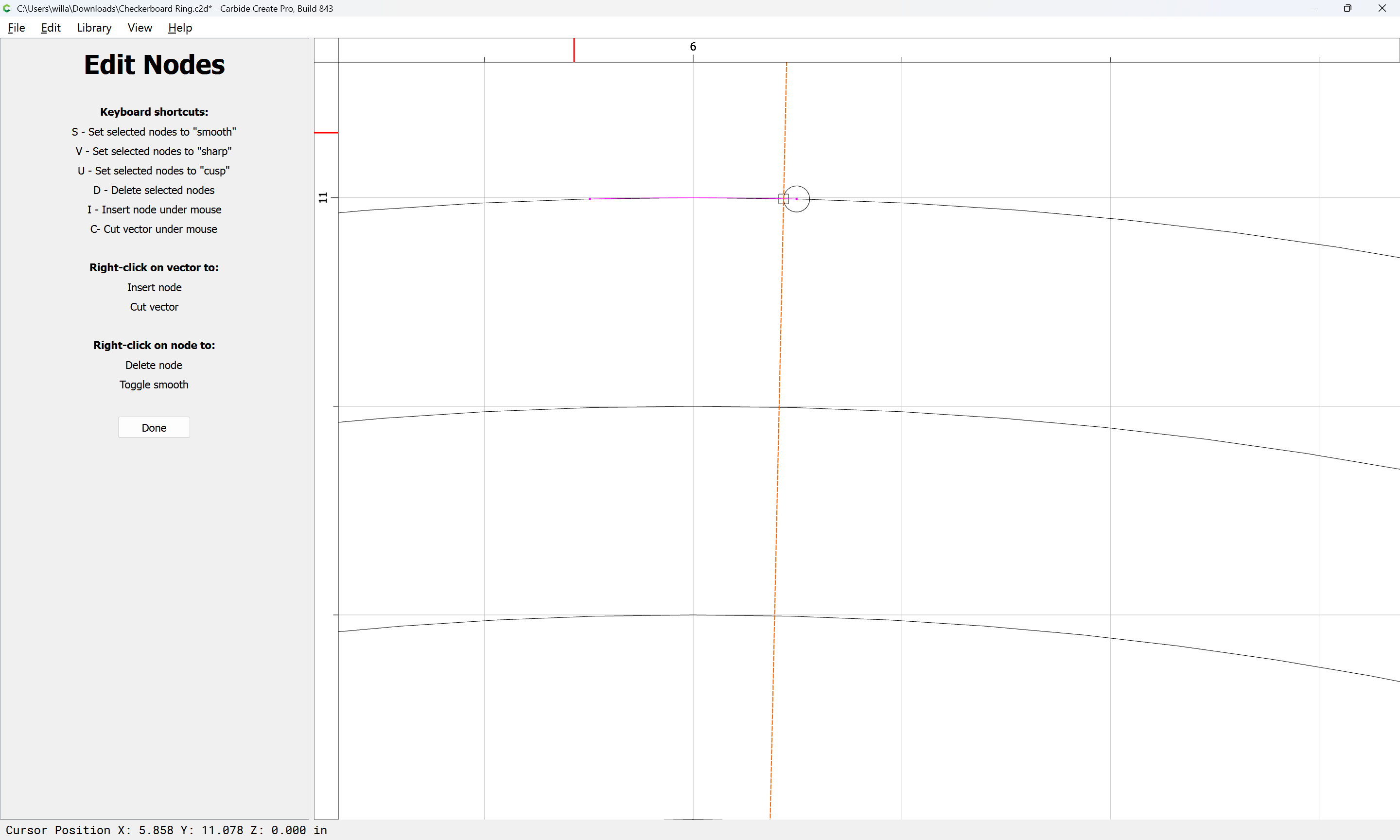
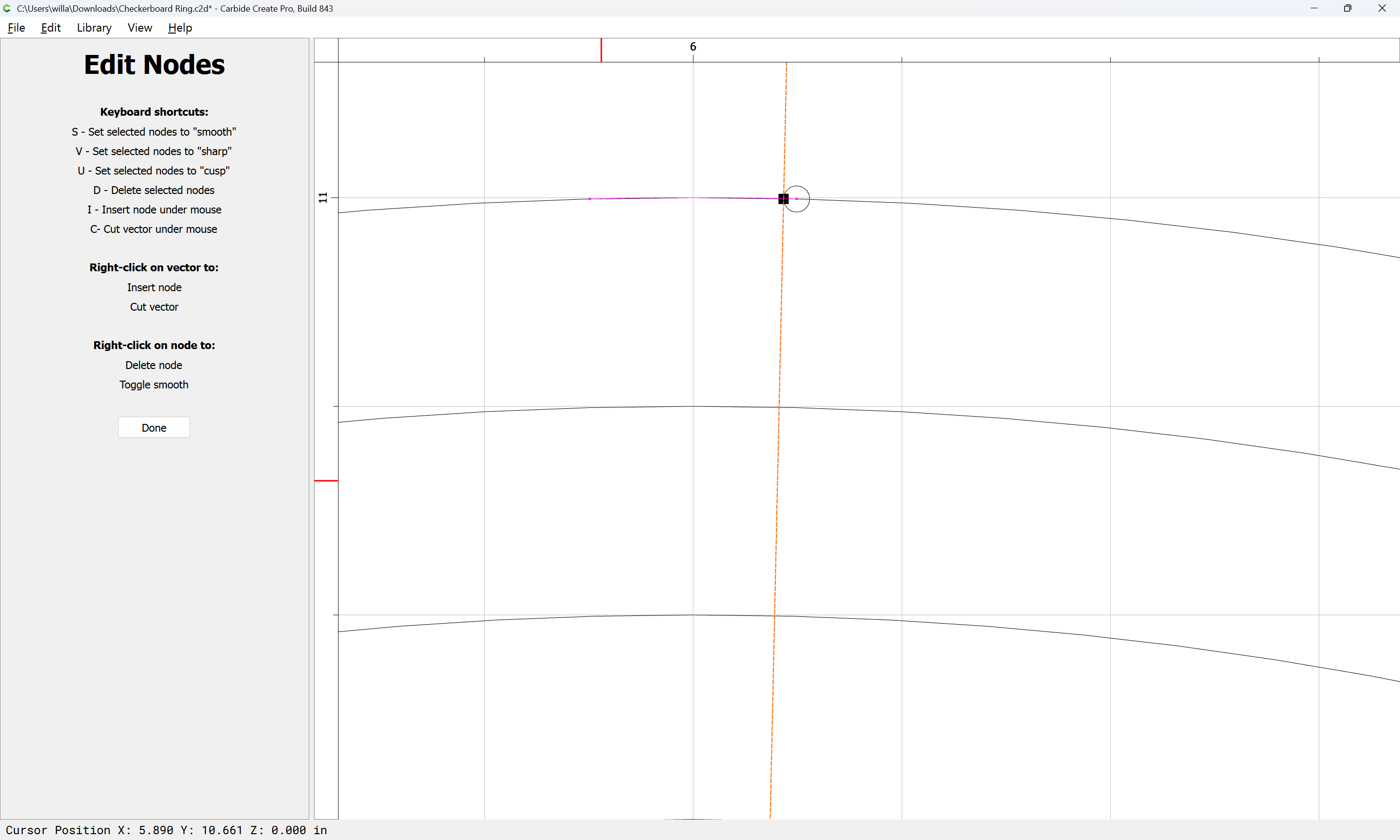
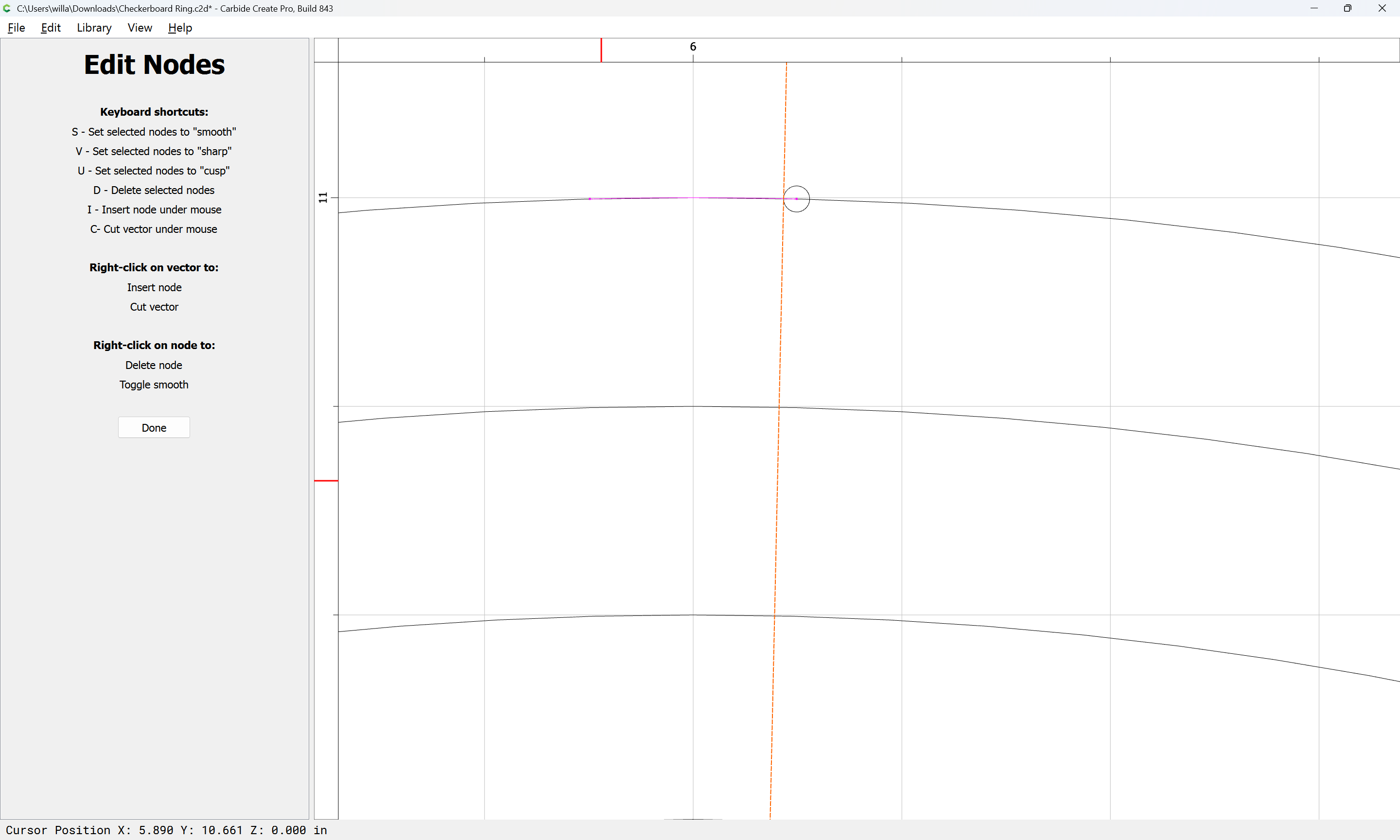
Then Node Edit to remove the extraneous node:

d

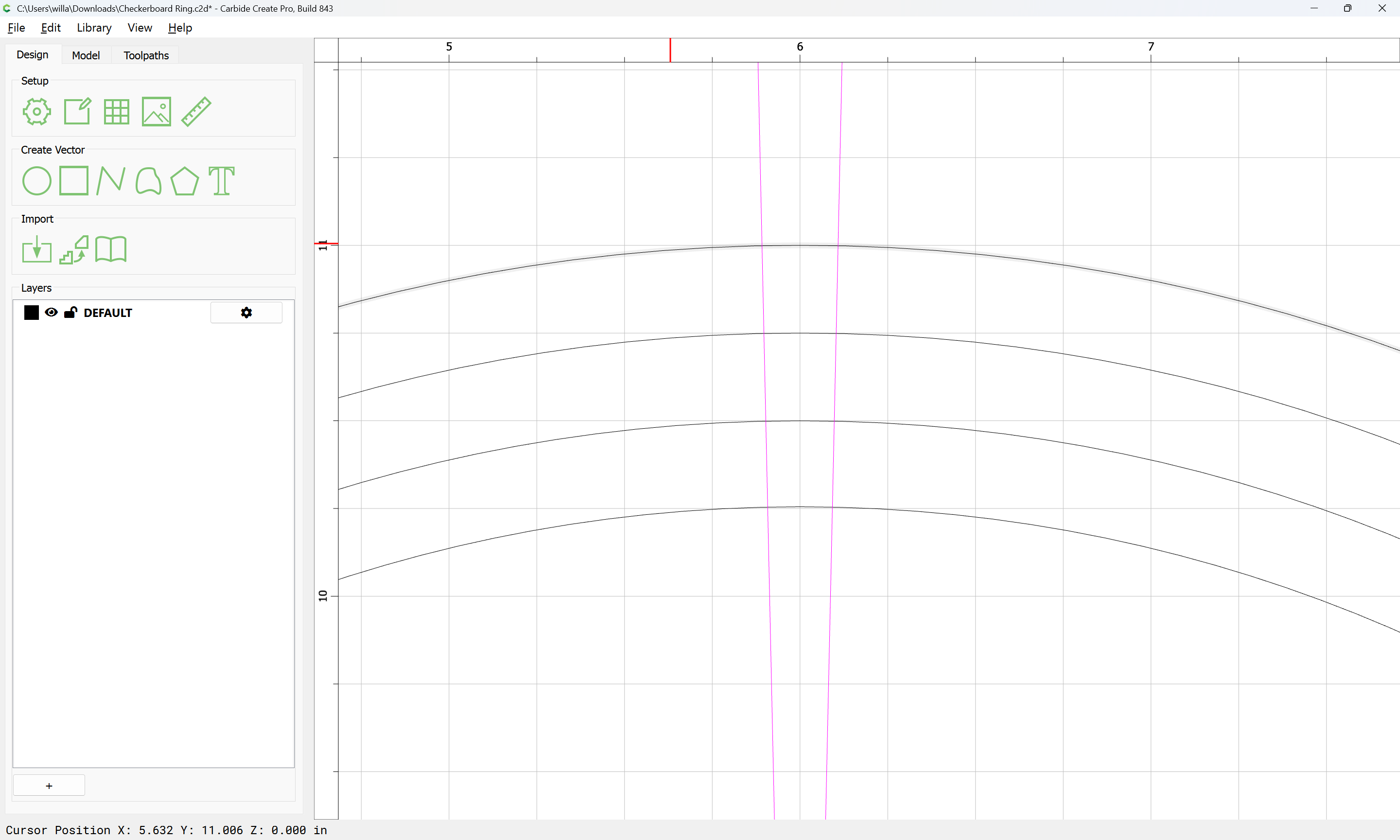
Done

Duplicate/Delete what is not wanted as necessary:

Adjust the interior lines:

and also make additional lines for the interior/exterior:

(remembering to double)

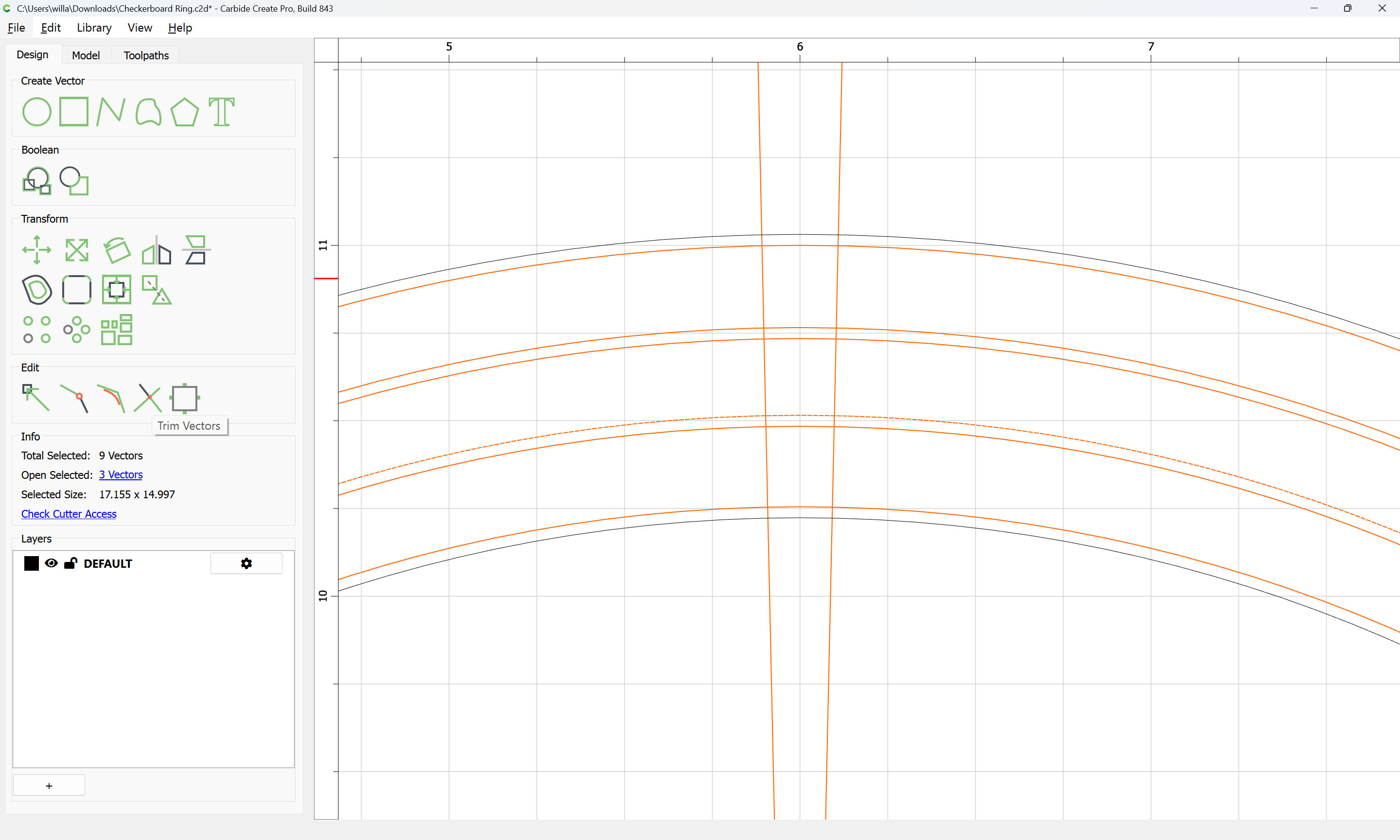
Select everything but the interior and exterior:

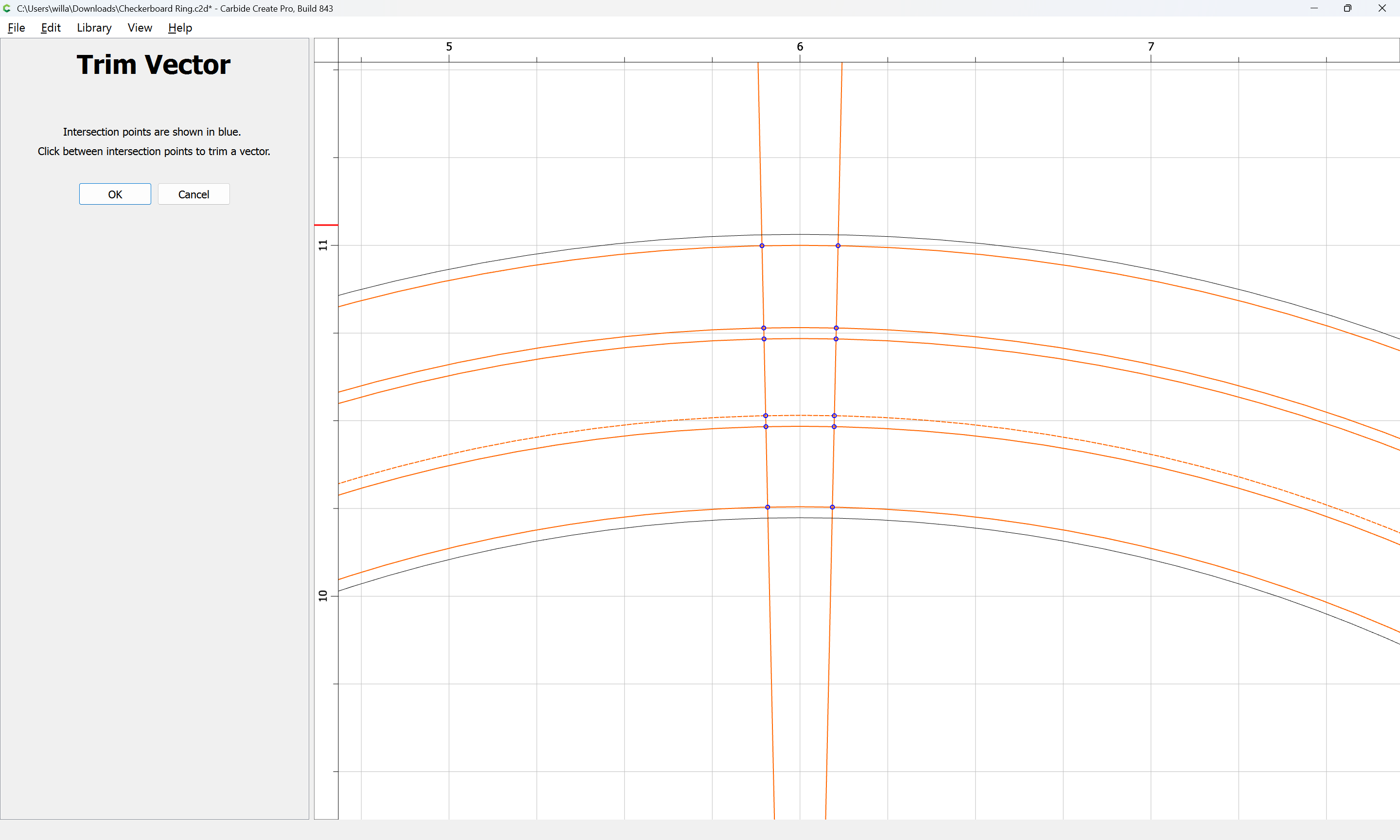
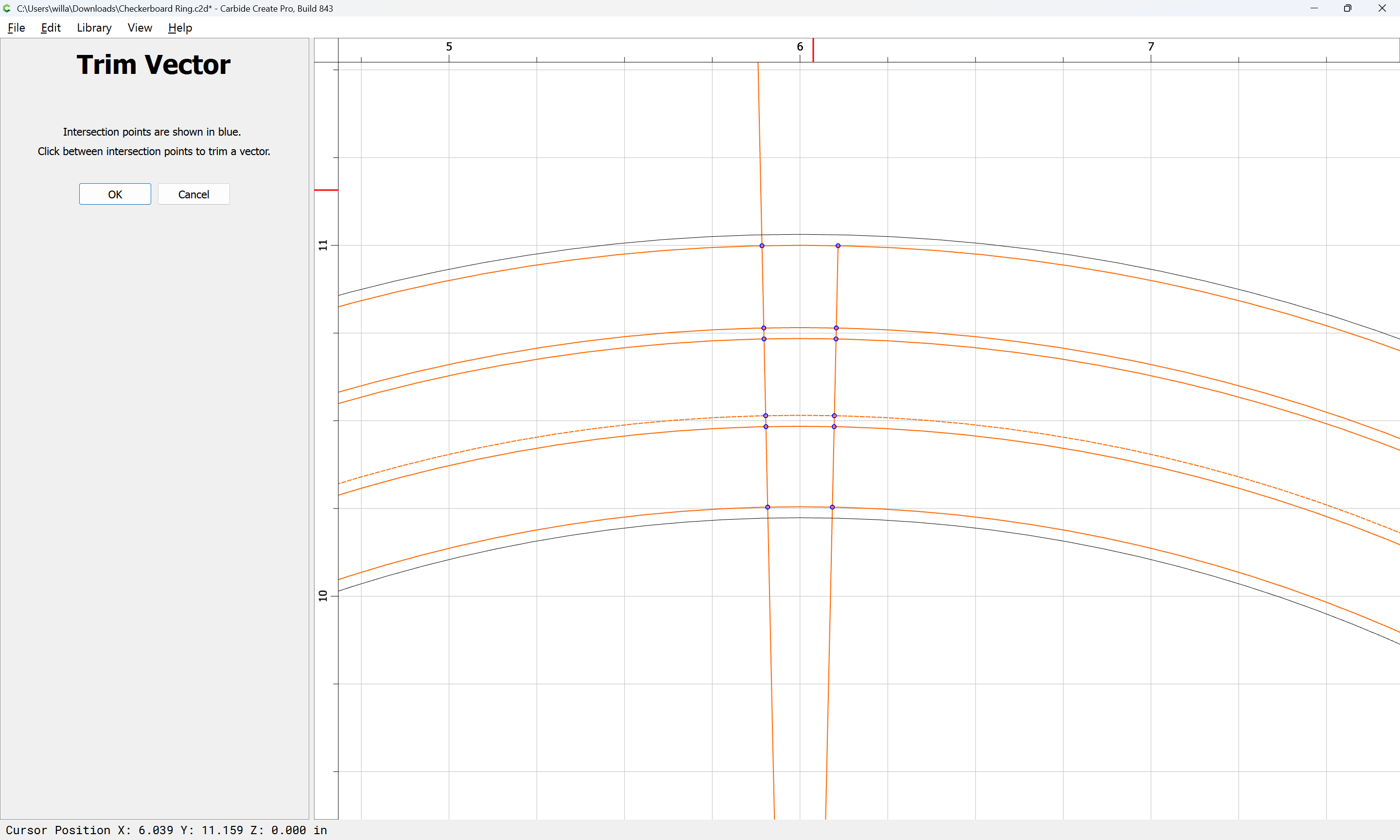
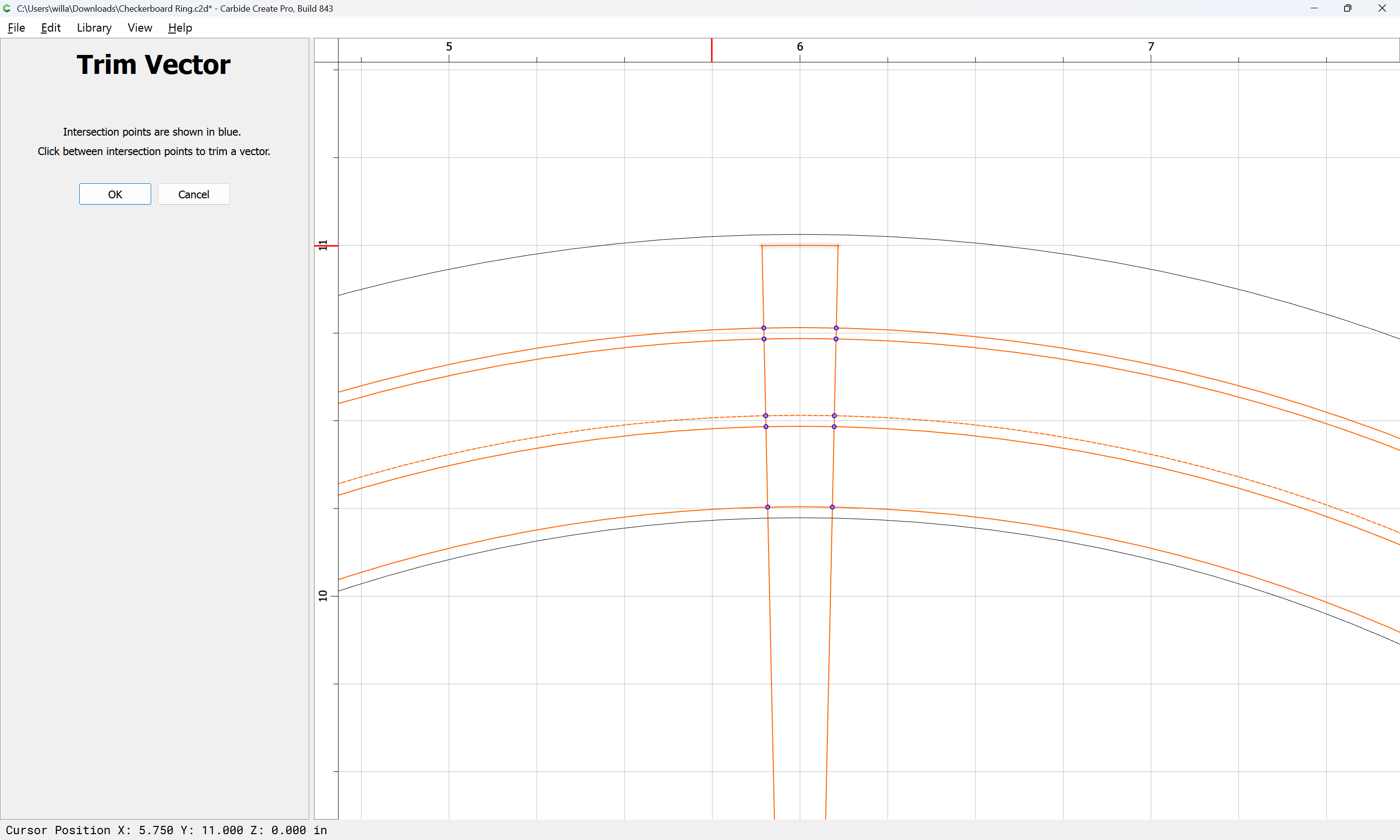
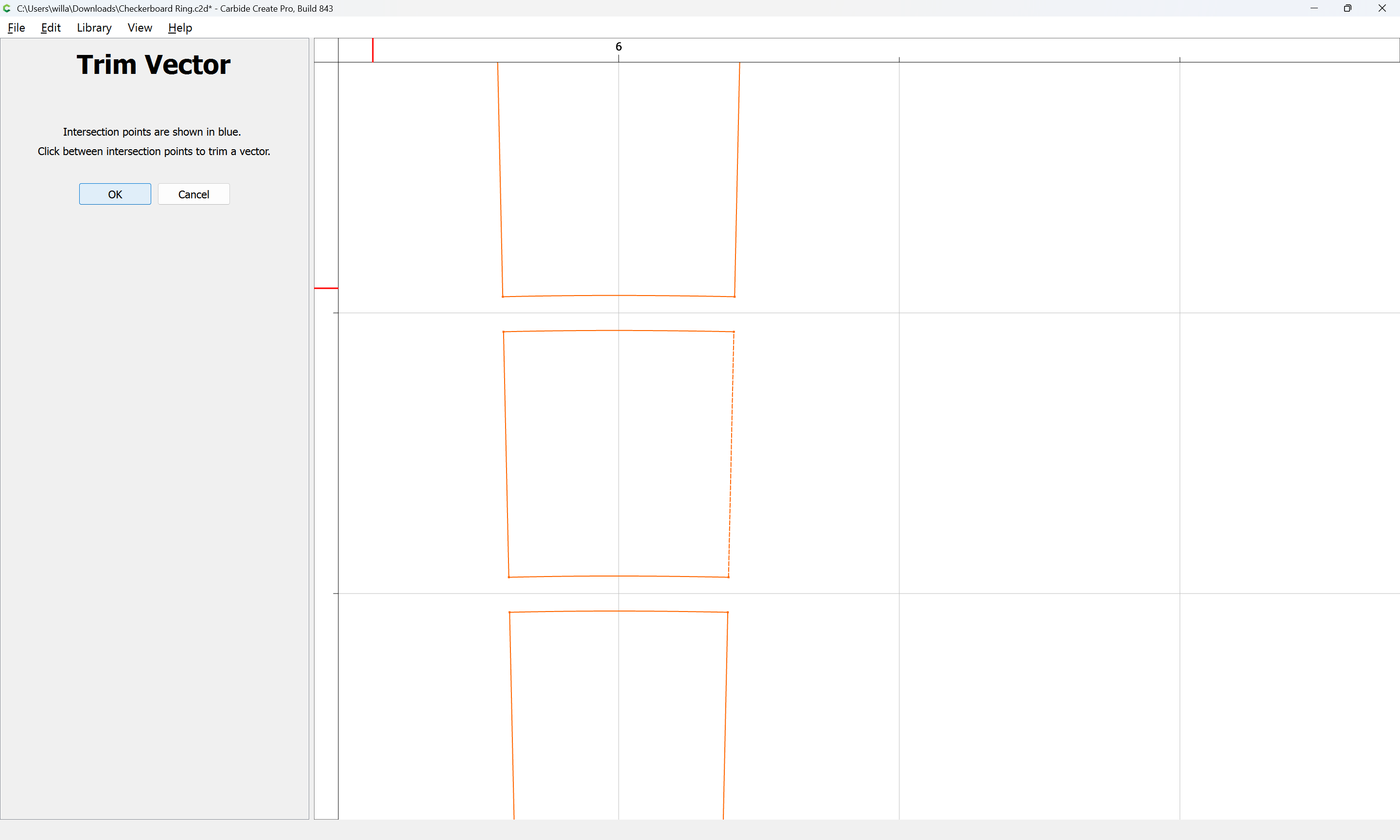
Trim Vectors:

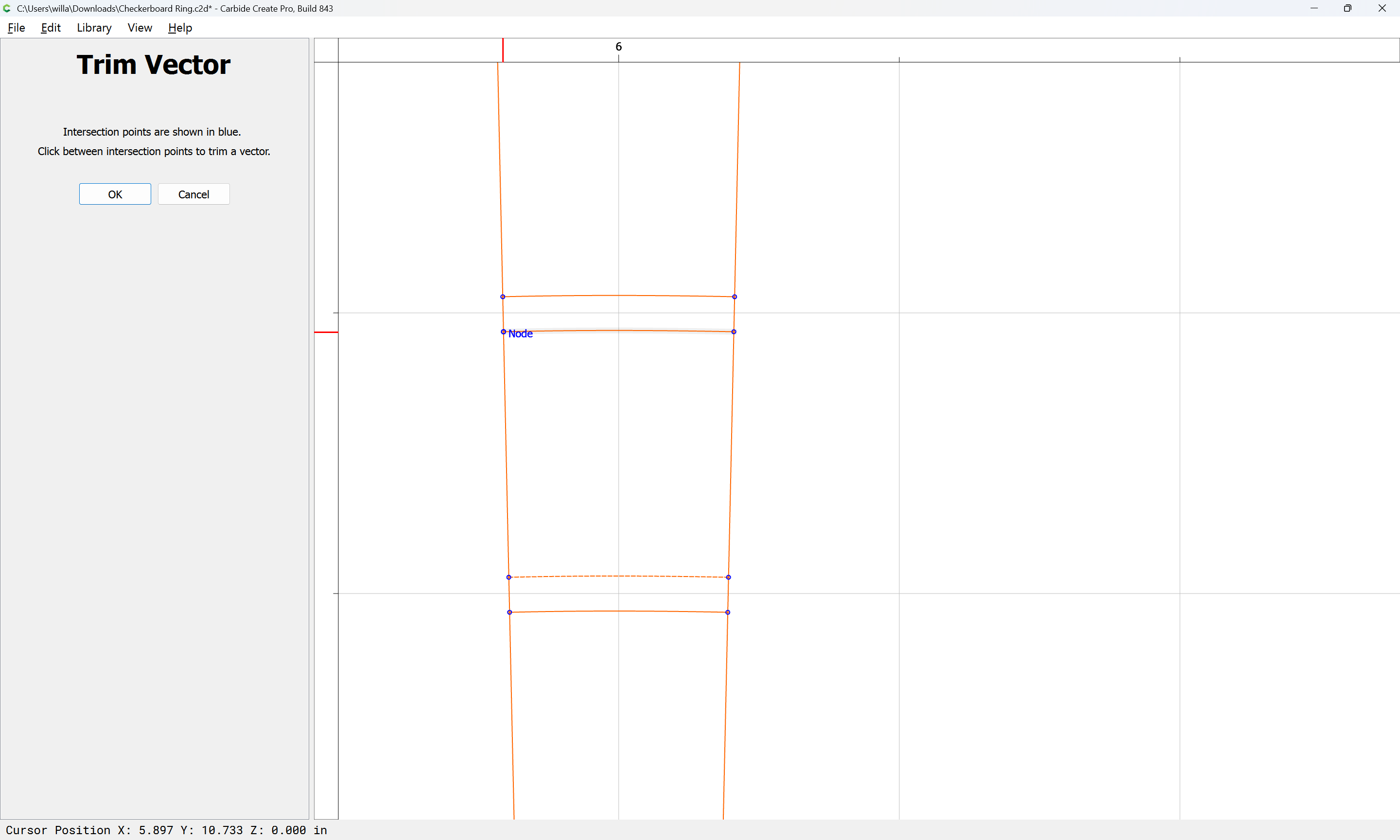
Remove what is not wanted:

Until one arrives at:

OK

OK

Join Vectors

Yes

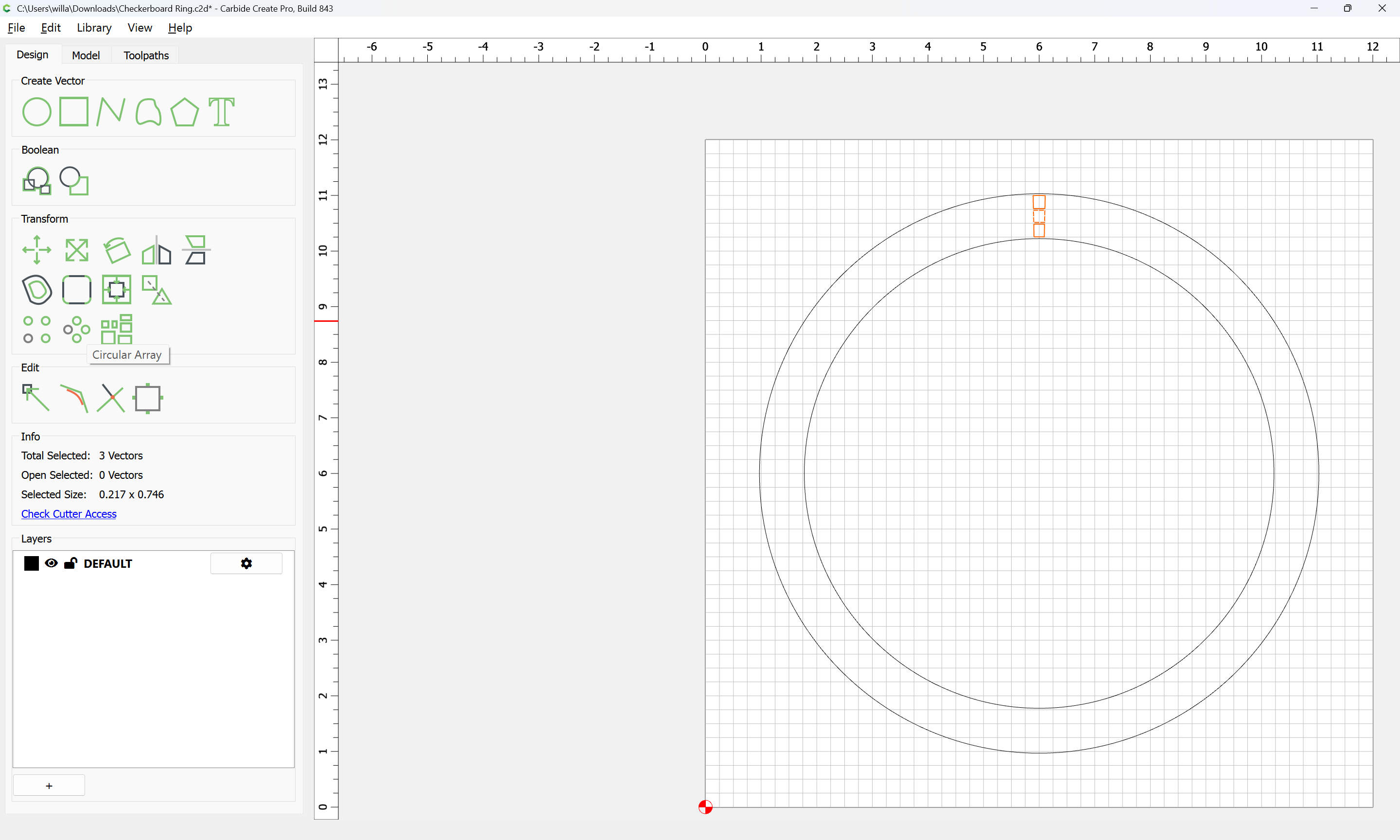
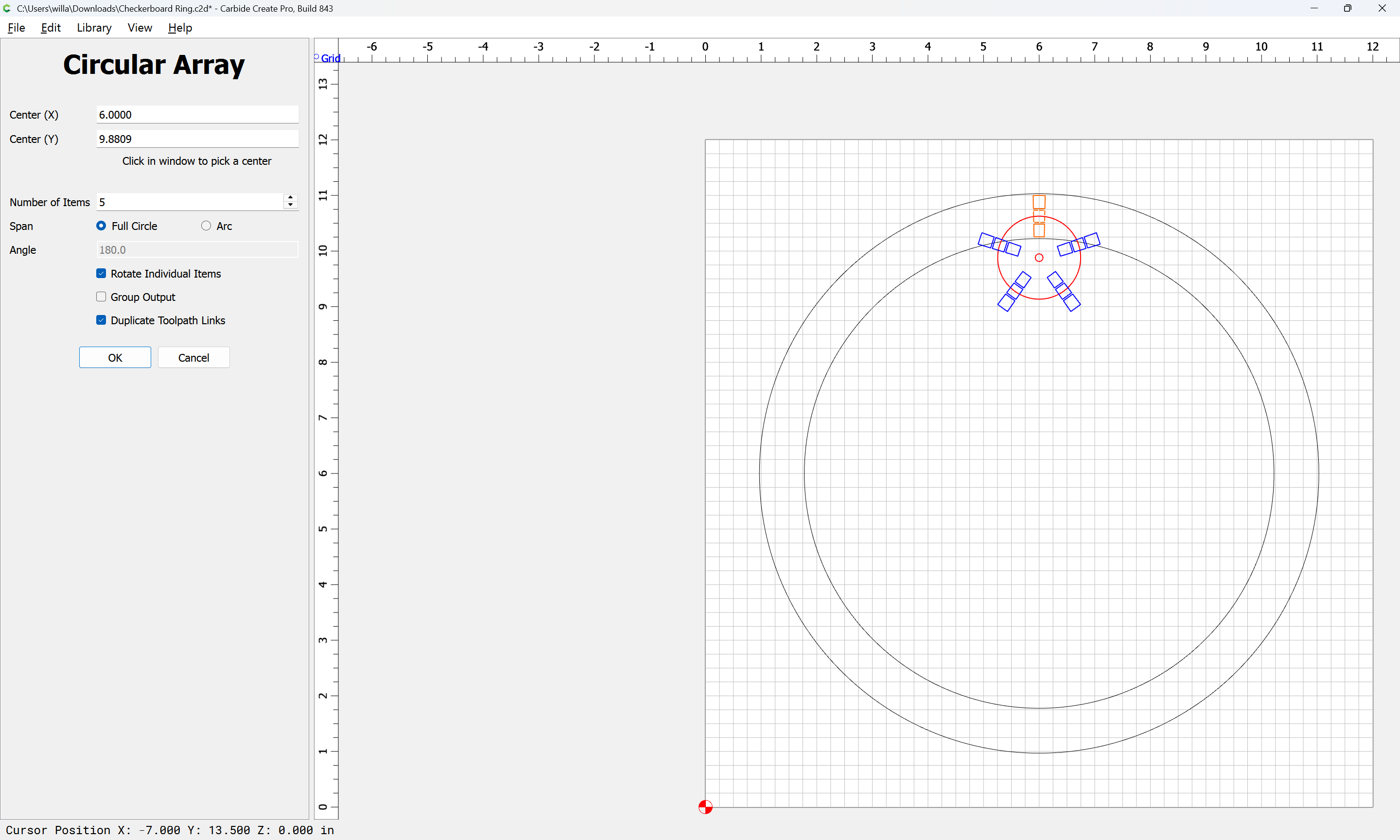
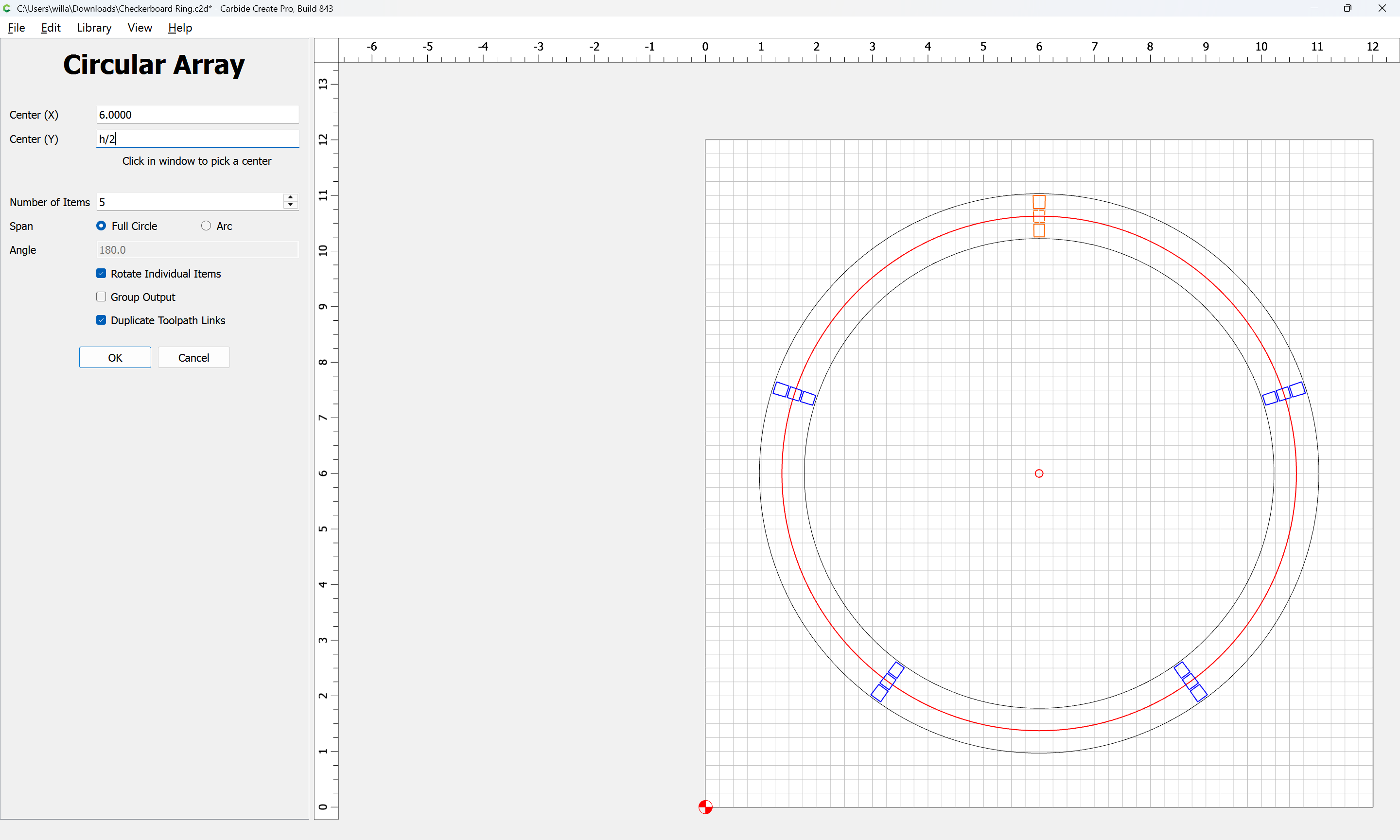
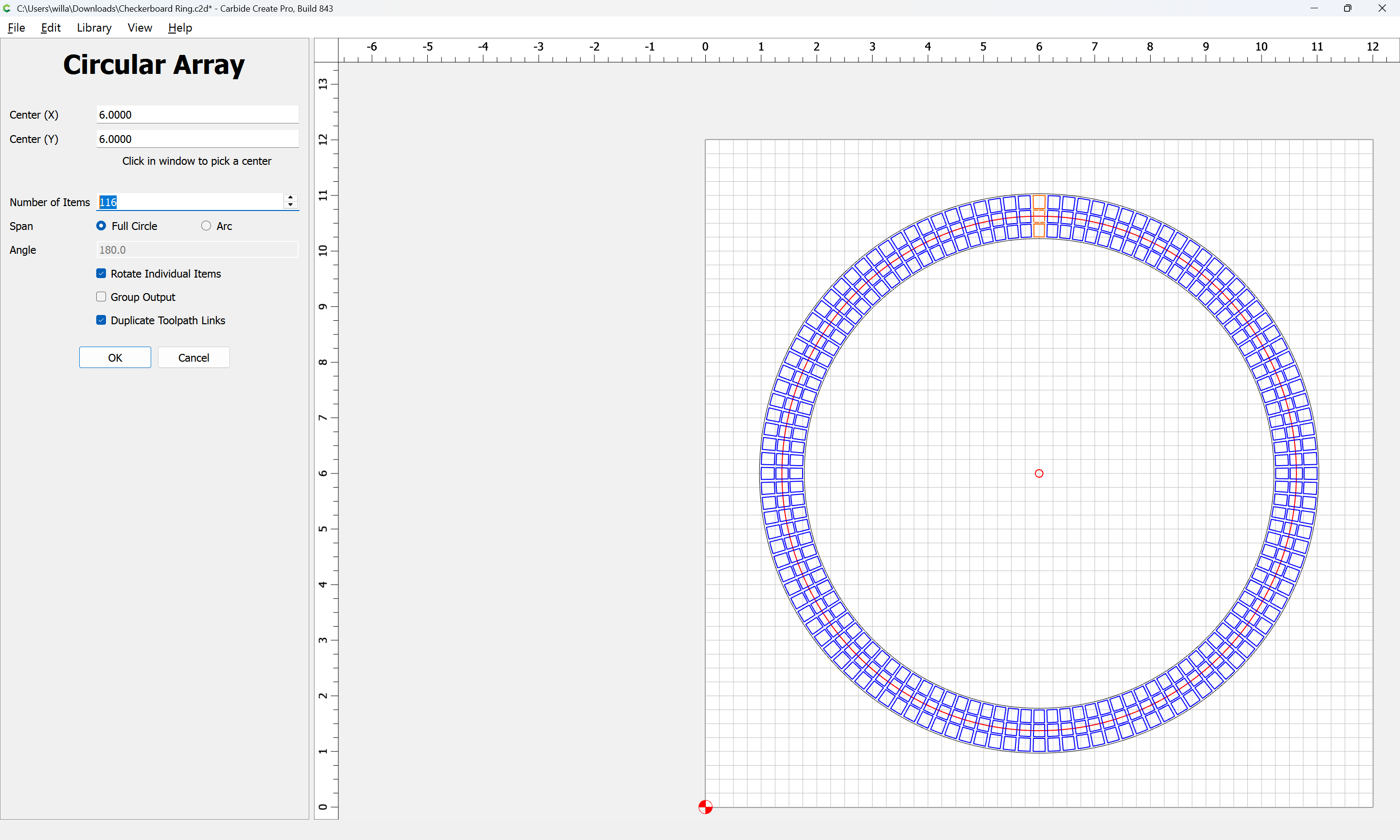
Use Circular Array:

m

to make the desired copies:

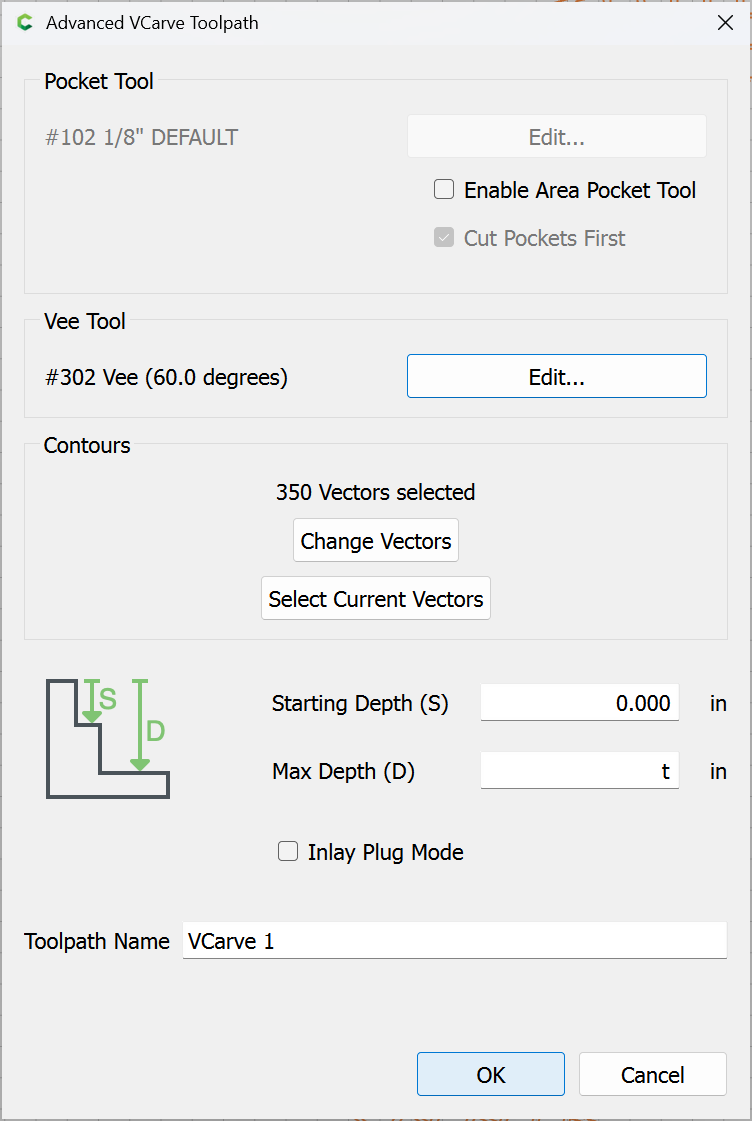
which then allows V-carving as expected:

Attached as a v8 file.

Checkerboard Ring_v8.c2d (464 KB)

7 Likes

Ummm, well crap… I wasn’t expecting that much help! Thanks!

Have you always been an overachiever?! :upside_down_face:

I’ll go back to playing with my banana and tire swing now.

Seriously though, thank you for all of that!

4 Likes

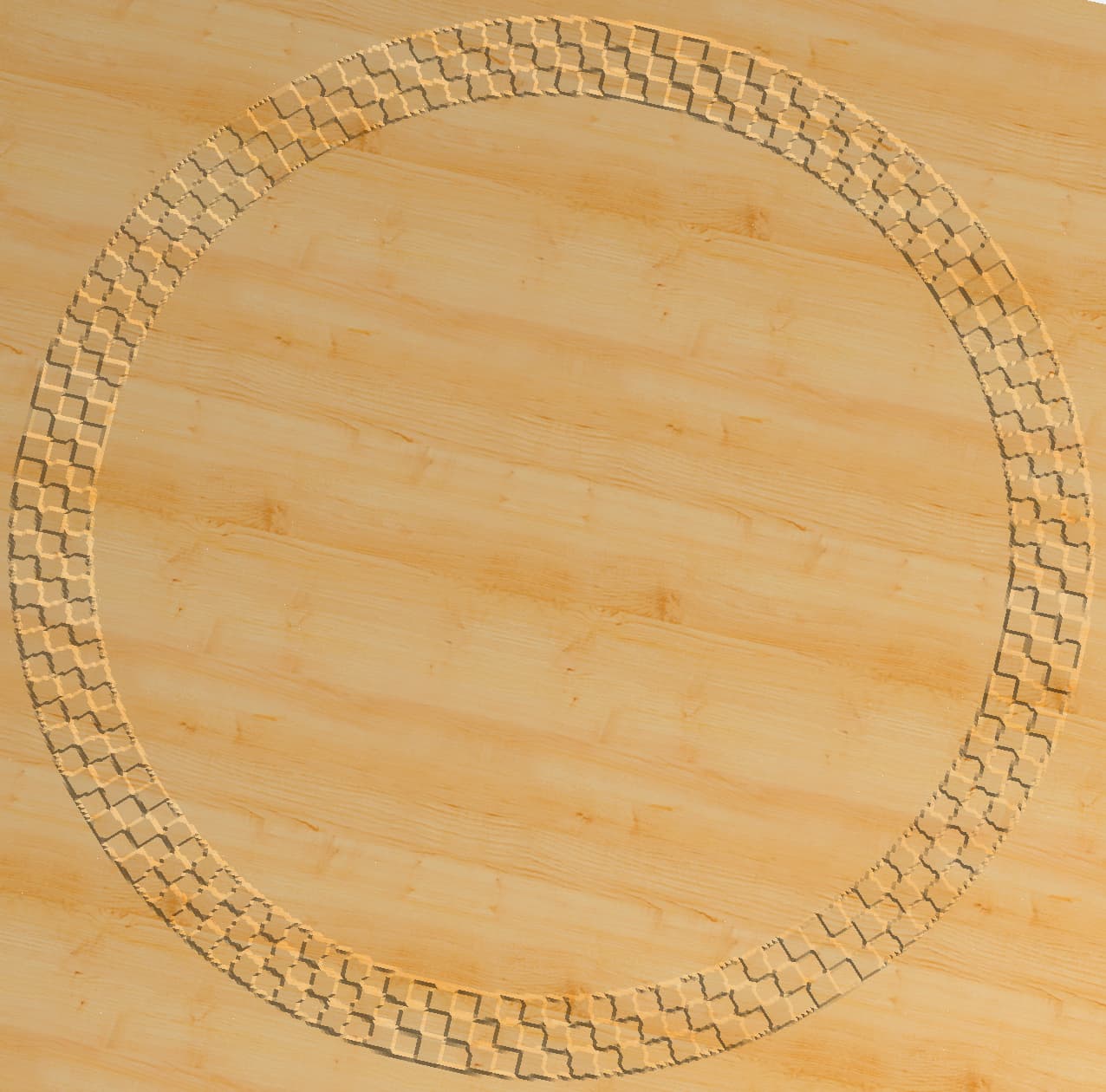
The cut I was going for was slightly different than the one you created, but I used some of your techniques to accomplish it. Ended up being much quicker and precise than my previous approach. Thank you again for all of your help with this.

5 Likes

This topic was automatically closed 30 days after the last reply. New replies are no longer allowed.