(In my mind I’m thinking “Which bear is best” but I digress)
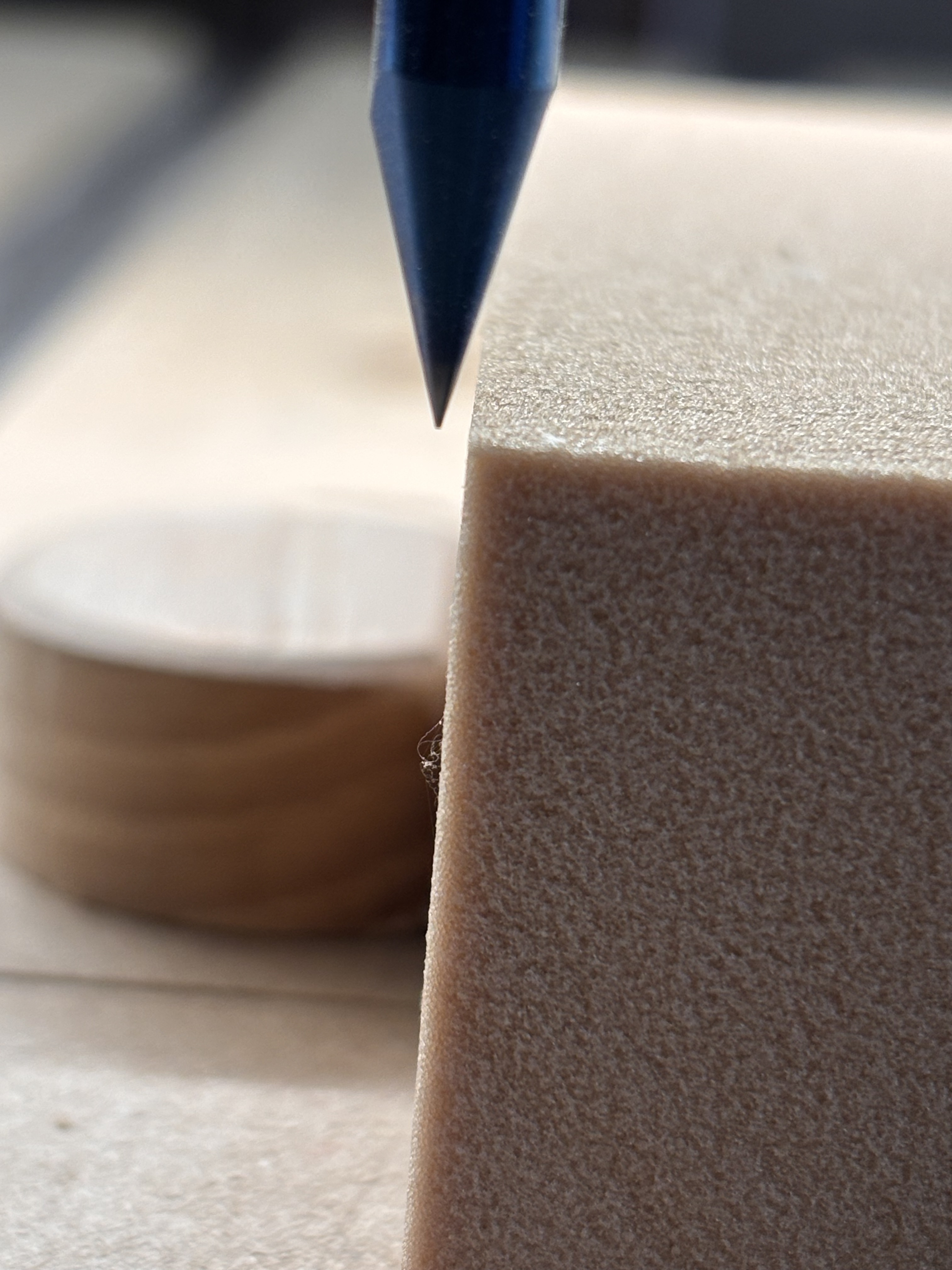
So, since I run the exact same size signs over and over, I would love for my Pro 5 to maintain the same XYZ zeros when I shut it down for the night and come back the next day. This morning I came out to run another sign and thought I would check it and the X zero is off in reality but is showing 0 on my computer. By approximately .75 mm.
Easy answer: Polar Bear. If you do manage to take one down, just eating it will kill you.
Aaaanyway. Being that far off seems odd to me. My guess was going to be climate differential between days. I learned that lesson with a multi-day carve
That seems pretty far off for simple climate changes though
Thank goodness, someone with actual experience is replying
Ooh I vaguely remember that old bug. Some specific sequence of rapids could cause things to be way off. I hope that would be fixed by now.
@SirGariff did you re-home before you checked again?
You might try setting a commonly used zero point to a quick action (which is what @Jeffish might be referring to)
This at least gets you a common and repeatable location from your home if you do drift:
My SP5 has never returned to zero on the X and Y axis.
Not off a lot, but enough that I either leave the controller on overnight or re establish after a power off.
My first question would be is the stock edge 90°? And was the previous stock that you used to set the zero also 90°? You could check real quick by flipping the stock over.
But also check the X zero to the stop block / bench dog.
I have noticed some inconsistency after initializing, but not that much. More like 0.1-0.2mm.
About the same inconsistency as the BitSetter.
Anymore, I just recheck & reset if necessary when starting up.
Yes, most definitely. This I know because I flip the stock for the signs (each is double sided with a 1/2" border around the outside, so they have to be fairly precise). I’m using bench dogs as well which are set into my waste boards, carved in place with the CNC. Those have been accurate since day 1.
The difference, as @jtclose mentions, seems to be when turned off and back on. If I leave it on, it doesn’t lose zero.
The homing switches have some limit of reproducibility. Since it happens when you power down / power up, to see if maybe the limit switches are causing the variation, you could try re-initializing without powering down.
If you initialize several times in a row and see the same variation, well there’s your problem.
If it seems solid, then it’s time to look elsewhere (though I don’t know where that would be).
I suppose one other thing could be temperature, but your difference seems too high for that. 1m of Al over 10C expands by about 0.25mm. So, a cold workshop warming up over the day could make some difference, but probably not all that you are seeing. Also, I’d think it would affect both X and Y.
EDIT: Nevermind about the temp, the 5 has ballscrews so the length of the Al extrusion doesn’t really matter.
I have the Pro 5 too. I’m also setup to use the same XY 0 day after day for batches of parts. Mine keeps the setting through power cycles.
One way to check is to record the machine coordinates after XY is set. Next time you turn the machine on go to your XY 0 and toggle to confirm the machine coordinates match. Or do the same test with the built in direction rapids. Another way is drill holes at open spots in the spoilboard with the #201 then check it lines up the next day.
Seen temperature and humidity shifting about .005". Z0 sometimes is kept through power cycles but not always.
So are you saying different than the zero coordinates? I’ll be honest, it hasn’t crossed my mind to even wonder about CNC coordinates. If these are different than the zeros please point me in the right direction.
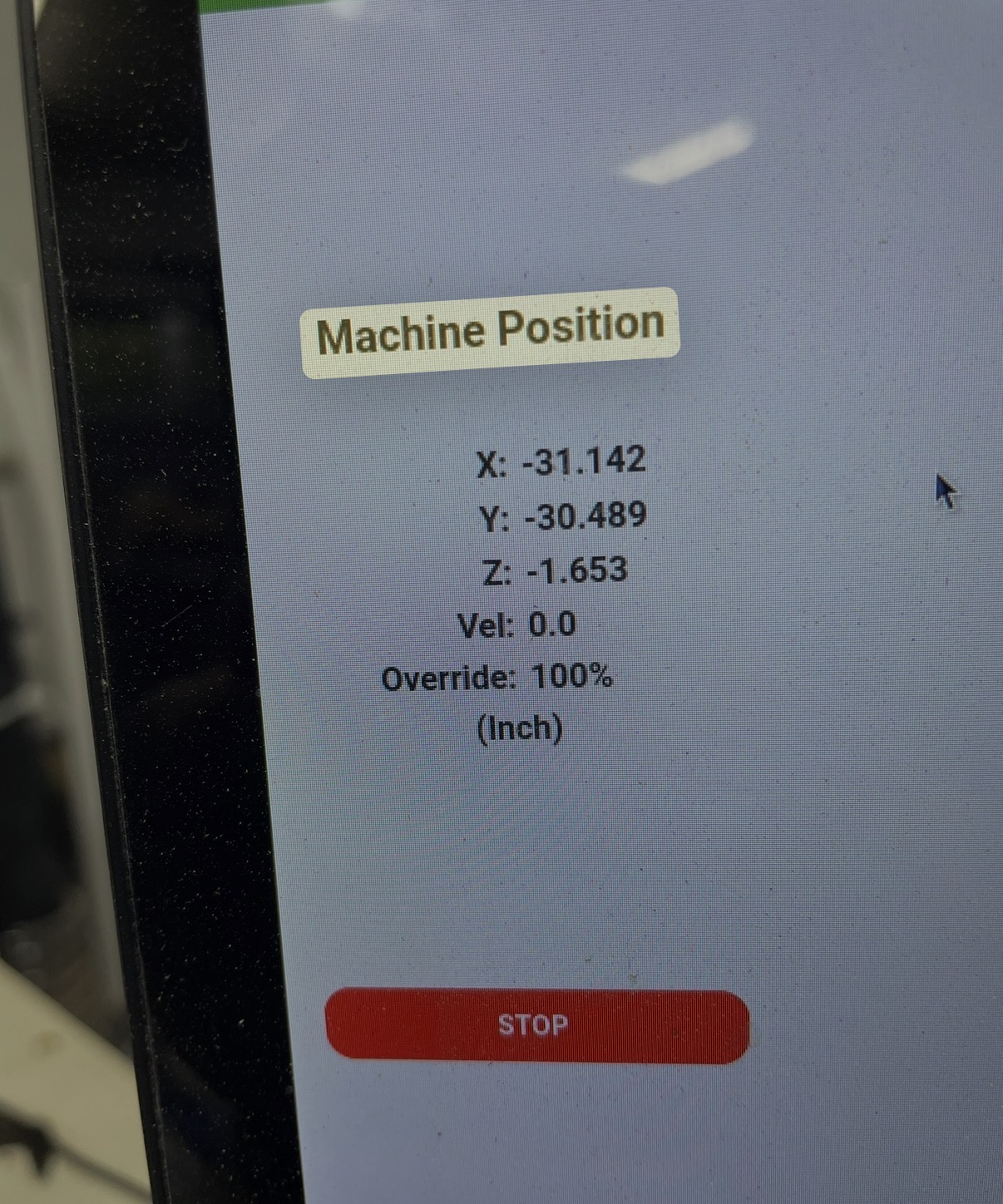
If you click on the CM screen where it says position it will toggle between job coordinates and machine coordinates. The machine coordinates for your XY zero should always be the same within the tolerances of the homing switches. So you can run the homing cycle repeatedly and see if the numbers are the same.
Yes… trying not to garble terms … toggle to Machine Position the way @CullenS showed.
Manually jog the machine to the extreme X right Y back position. It’s X0 Y0. Jogging anywhere on the table from that point, the machine coordinates turn negative.
There’s another easy to repeat way to check if XY0 has changed when you power up. After homing,the machine it always moves to the same tool change spot. Take a screenshot of those coordinates in both modes regular and machine to refer back to.
The Machine Position for the tool change position should always be the same — the machine is open loop/doesn’t have positional sensors beyond using homing switches to find the machine origin — once that position is determined, everything is relative to that, except that:
the machine doesn’t know where w/in sensor range the origin was set — there’s an interaction between probing speed and sensing and the timing, which is why there are additional probing operations so as to find this with the best possible accuracy in a reasonable timeframe
the machine doesn’t know of steps where lost — if you put an obstacle in the way of the machine as it was traveling towards the tool change position so that steps were lost, it would then continue on and be short of that position by the distance lost, but it would report as Machine Position the position it is supposed to be at
Anyone who has difficulty with the machine holding position should verify that all wiring is in good condition and all connectors secure, that all rails are clean and lubricated, and that nothing is mechanically interfering — if there’s nothing obvious causing the difficulty, then please check in at support@carbide3d.com