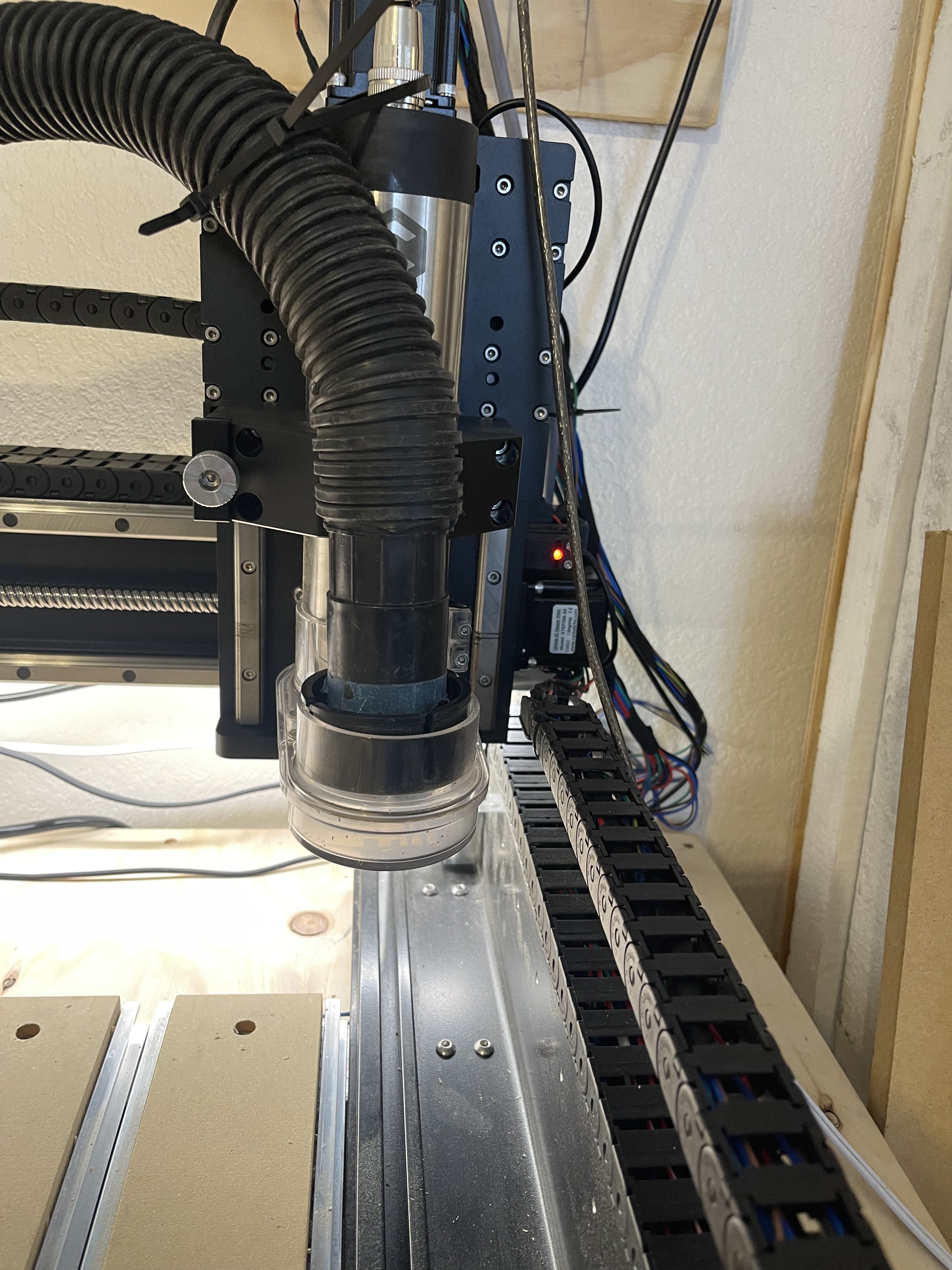
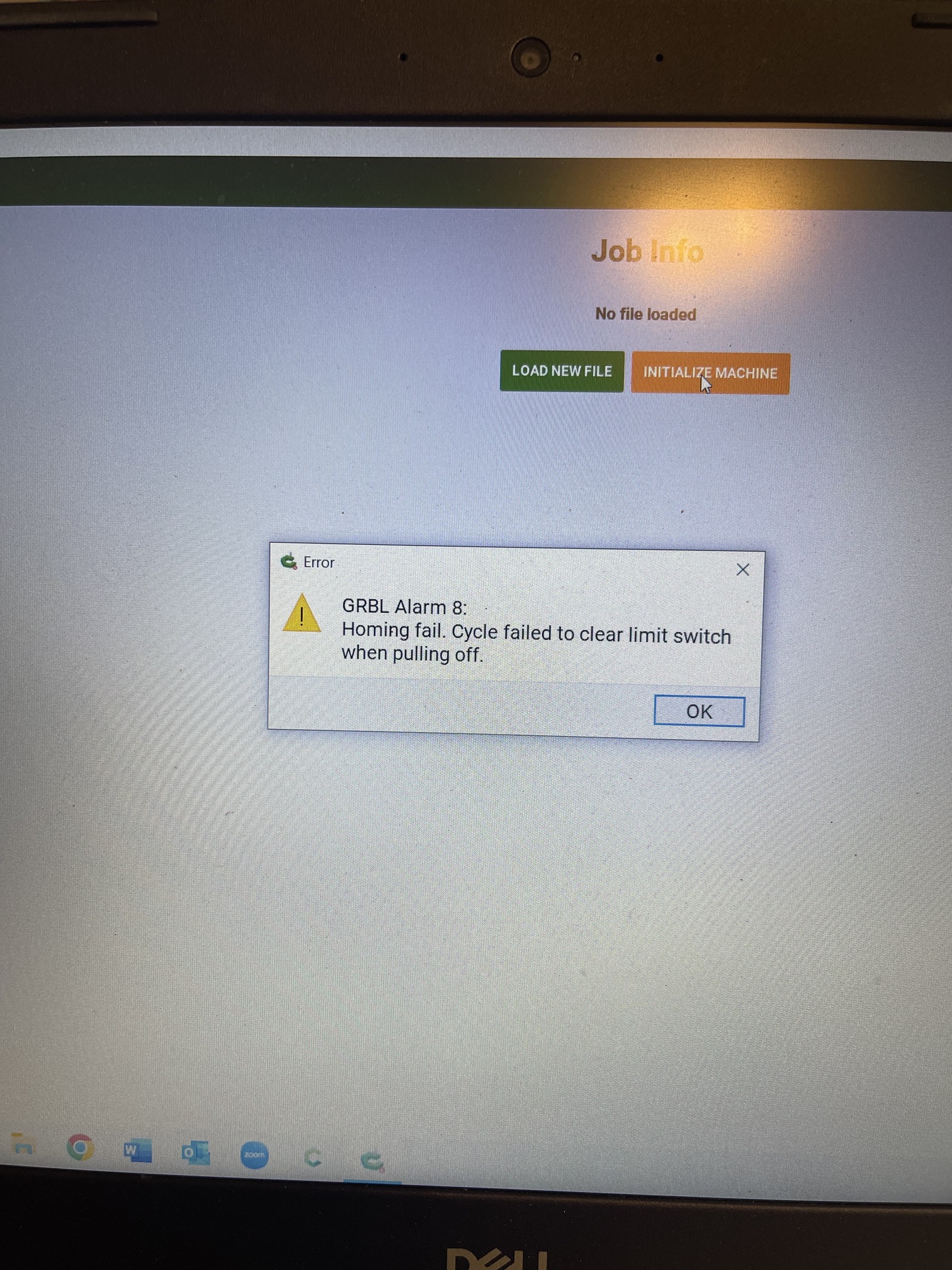
If there’s nothing obvious to address, power down and remove both Y-axis belts and put a witness mark on the pulleys/motor shafts after checking that the pulleys and set screws are secure on the shaft (so that one can see if the pulley shifts on the shaft) and a bit of tape on the pulleys (so as to more easily see their rotation), then power up, connect and try initializing.
The machine should home Z-axis and then X-axis normally, but the Y-axis motors should turn until they time out — do they turn evenly and in synch?
Let us know what you find out at support@carbide3d.com and we will do our best to work through this with you.
I should have included it in original post but I have a 5 pro so no belts. Everything is pretty clean it’s only a couple weeks old. Wiring all looks good to me. It went from running great to not overnight.