WillAdams
(William Adams (Carbide 3D))
1
as requested on support…
…make:
-
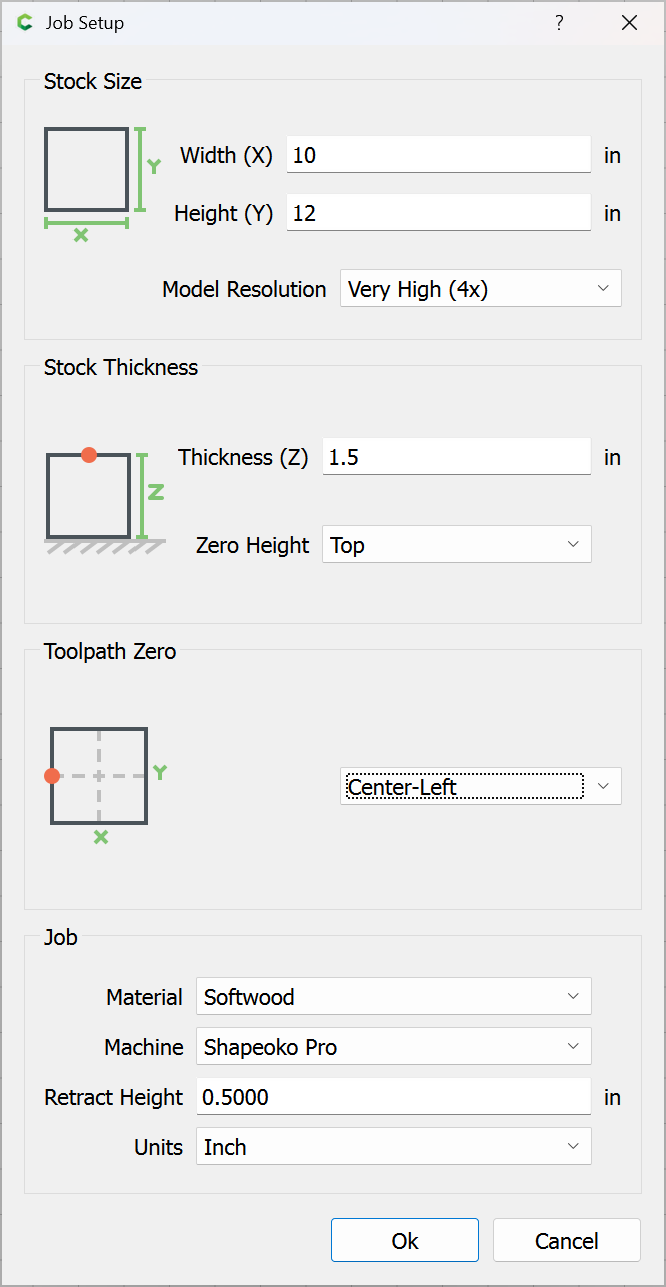
Board size = 10" x 6" x 1.5" (thick)
-
Product size = 8" x 4" x 1.5"
-
Cut bowl size = 7" x 3" (upper lip)
-
Bottom of bowl = 4" x 1.5" ; 0.25" thickness remain at bottom.
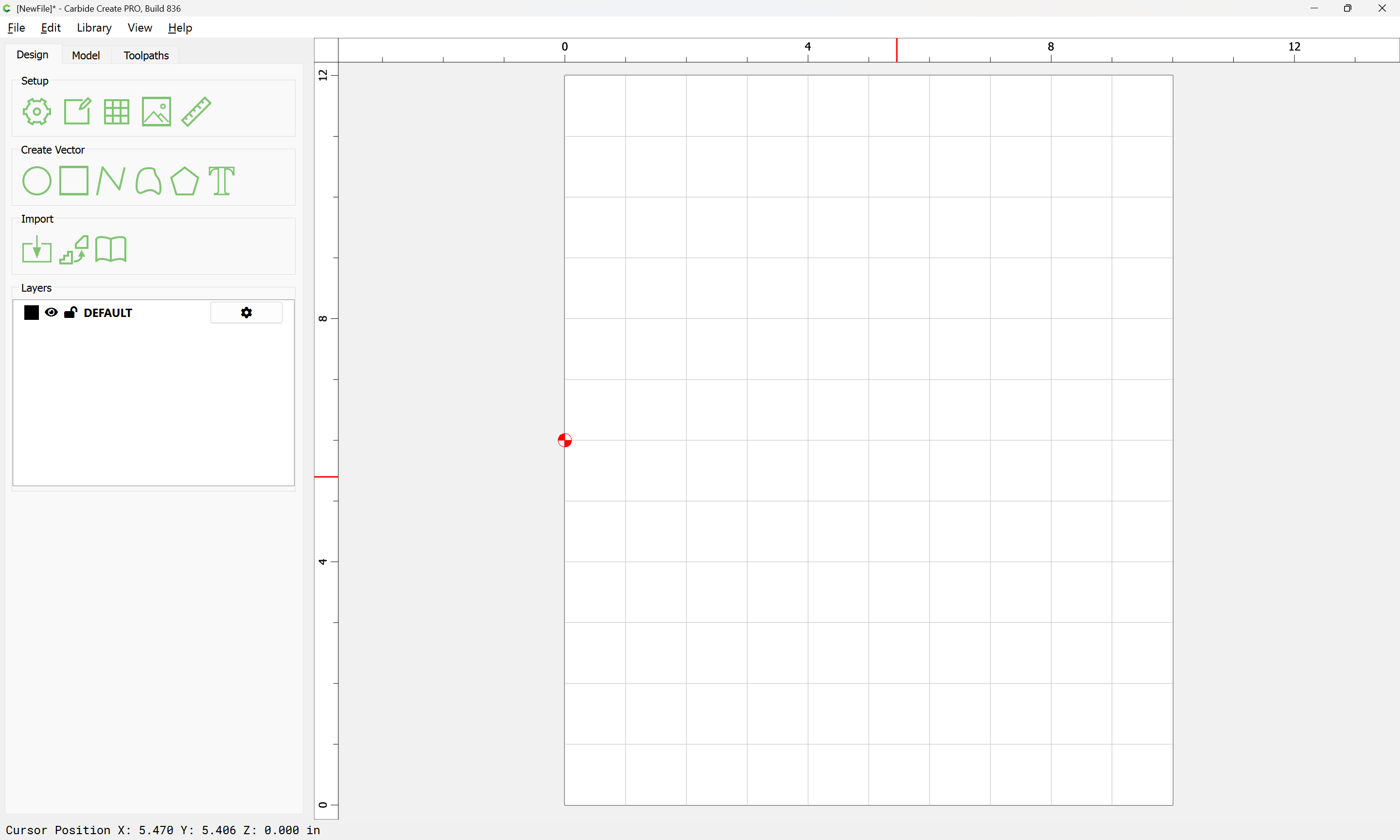
The file will be set up at twice the necessary size so that top and bottom may be cut in separate operations:
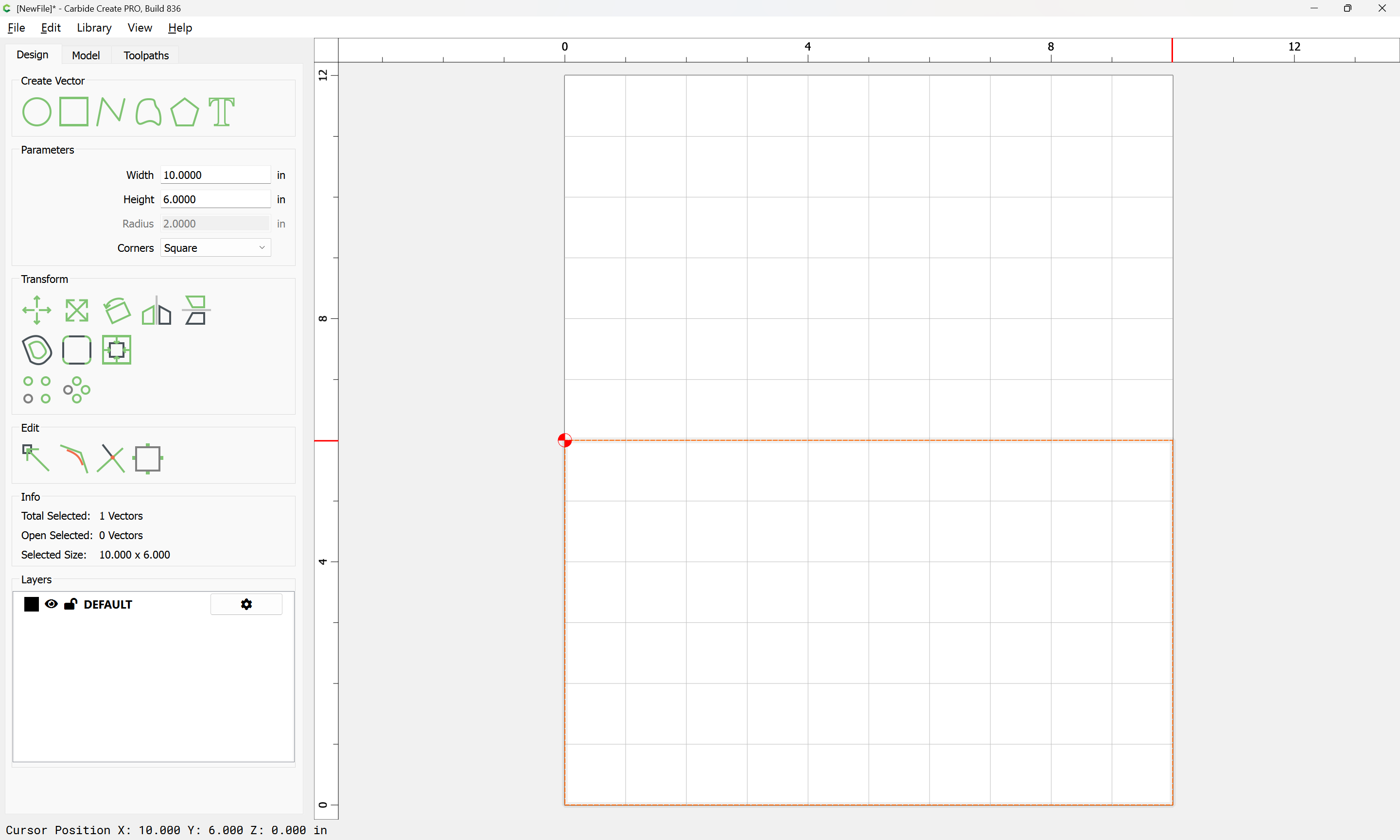
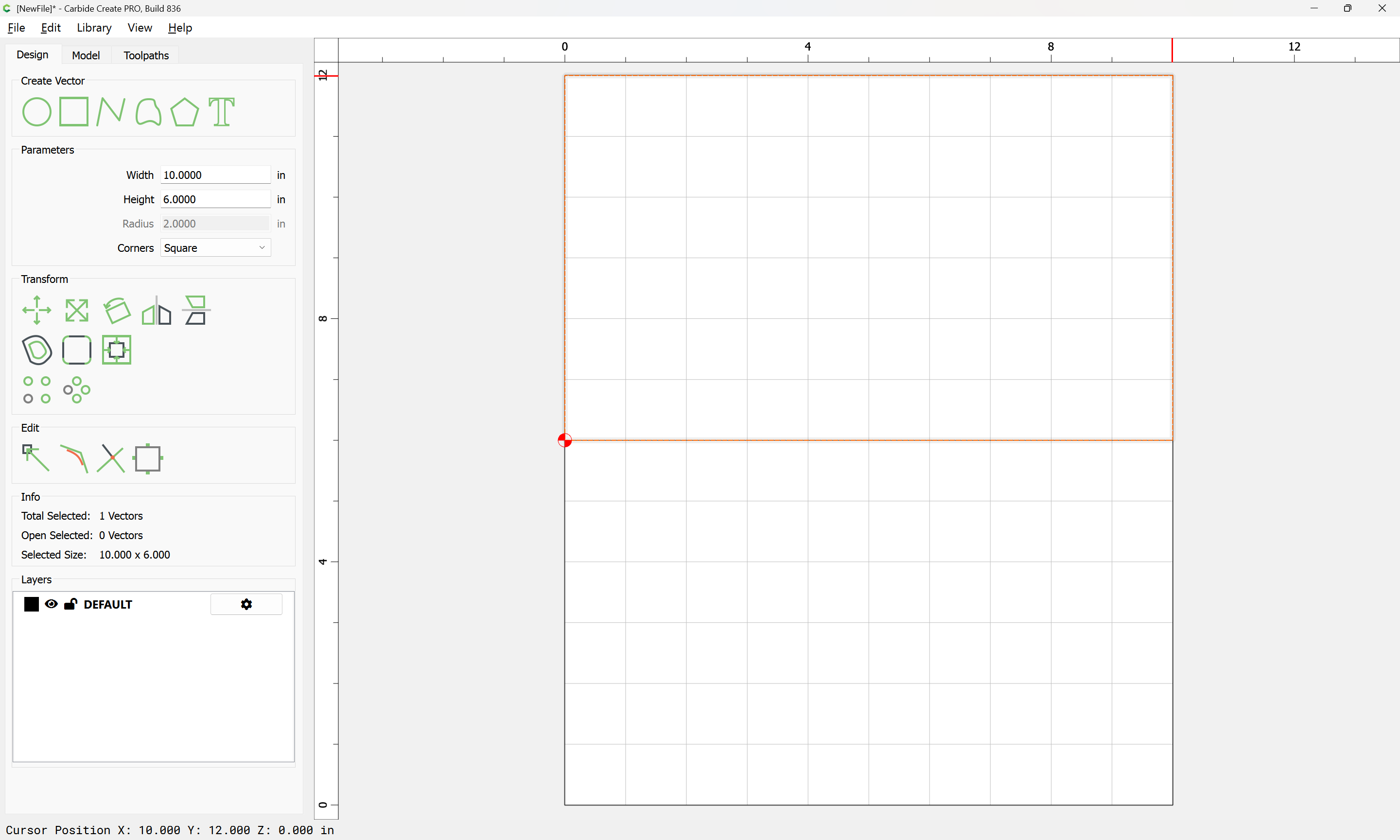
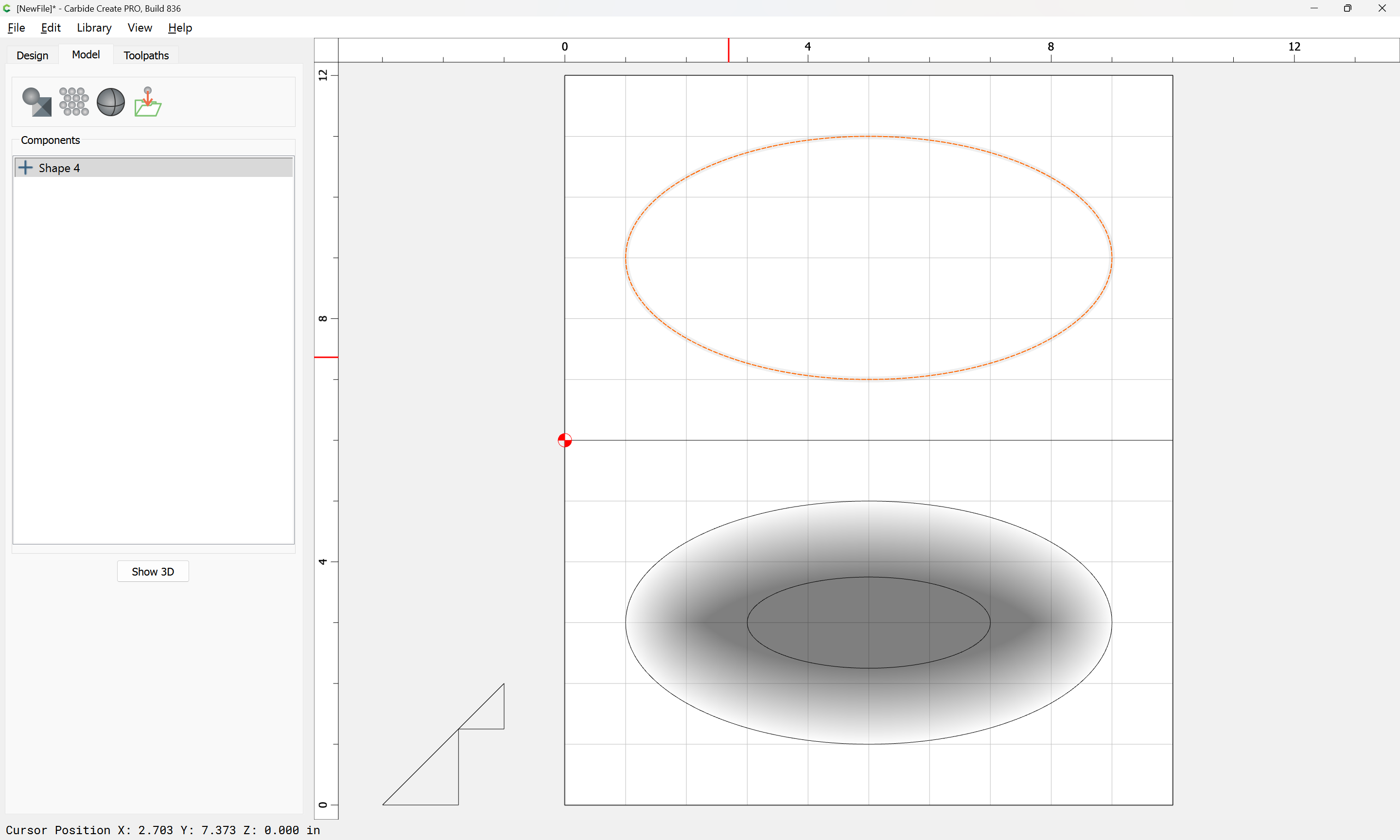
Draw in geometry for each half:
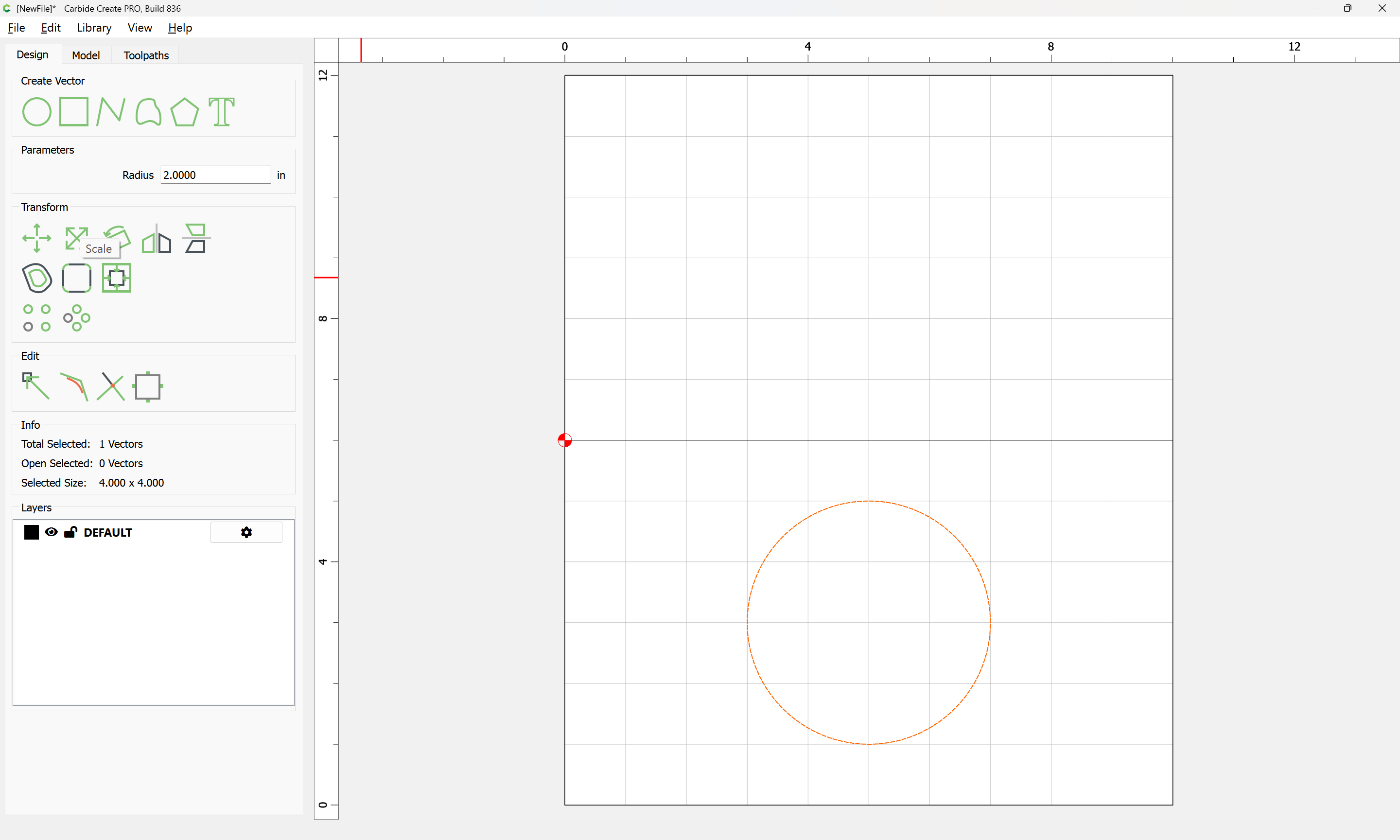
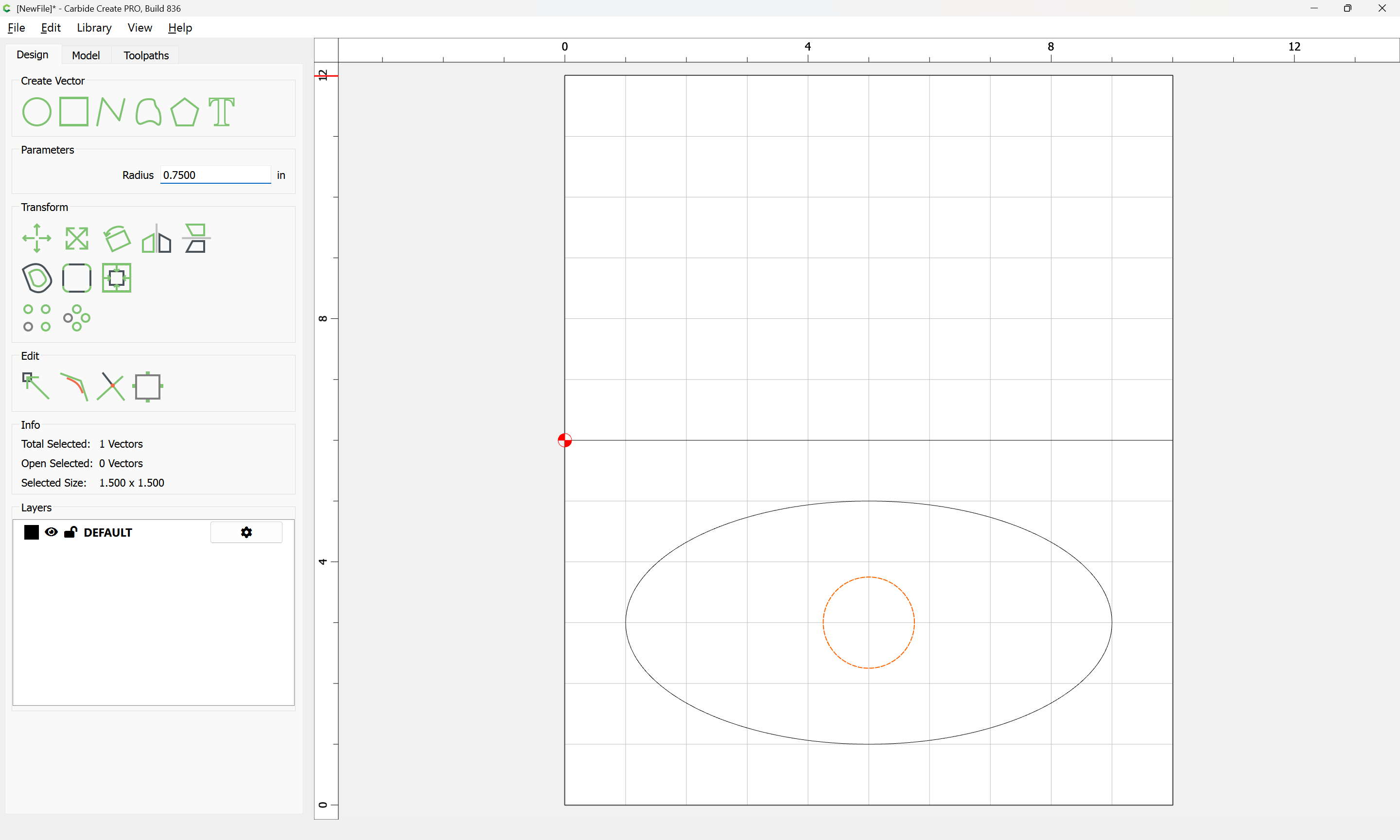
Then draw in a circle:
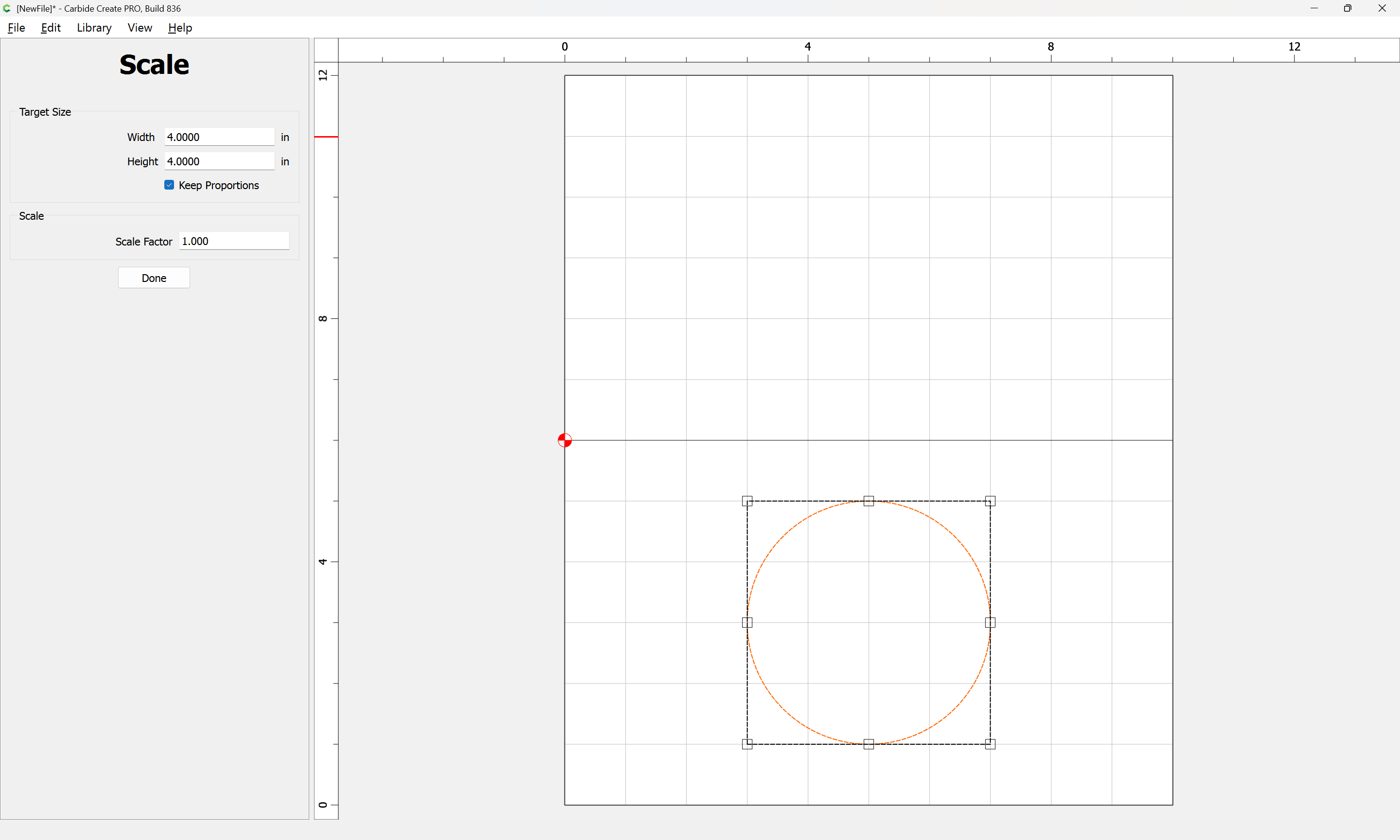
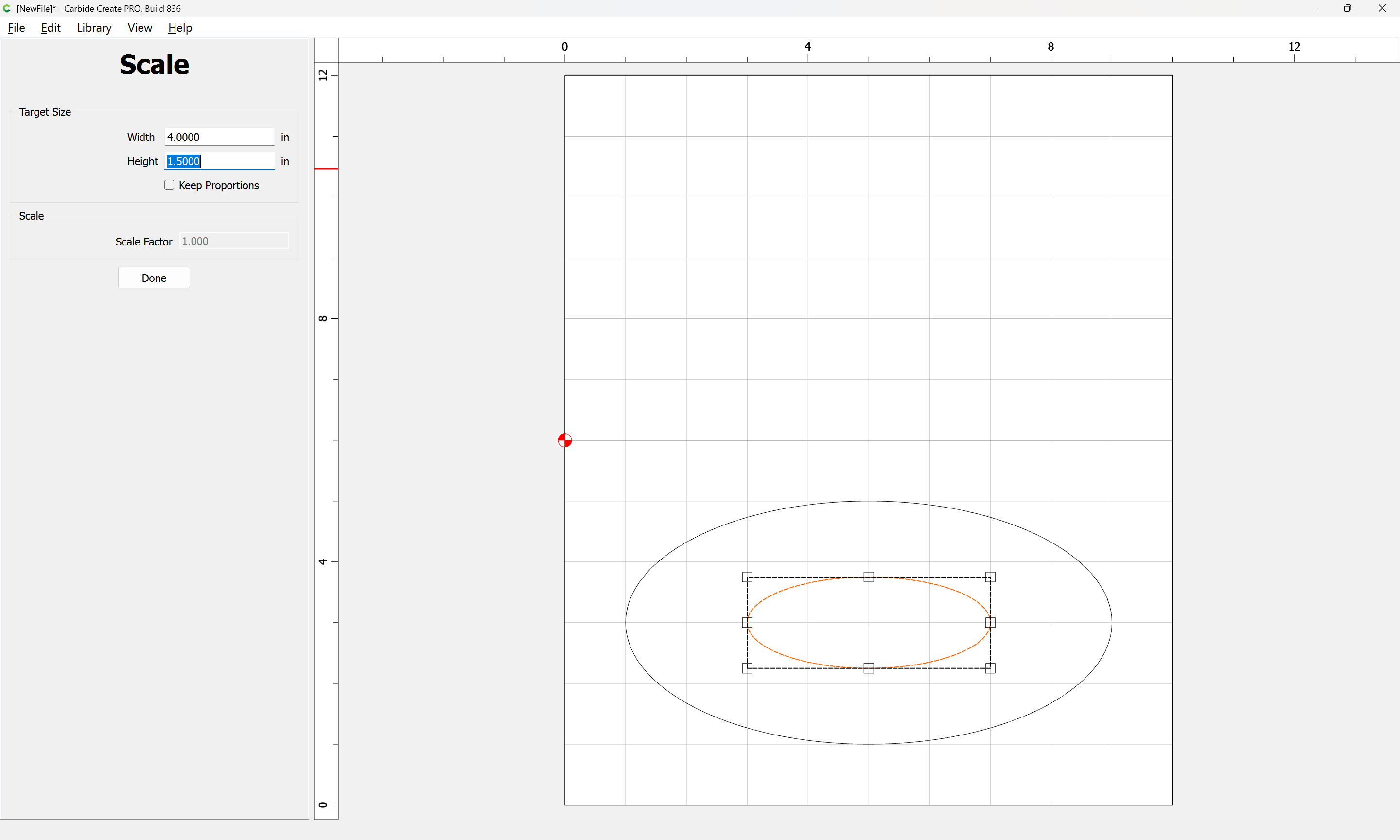
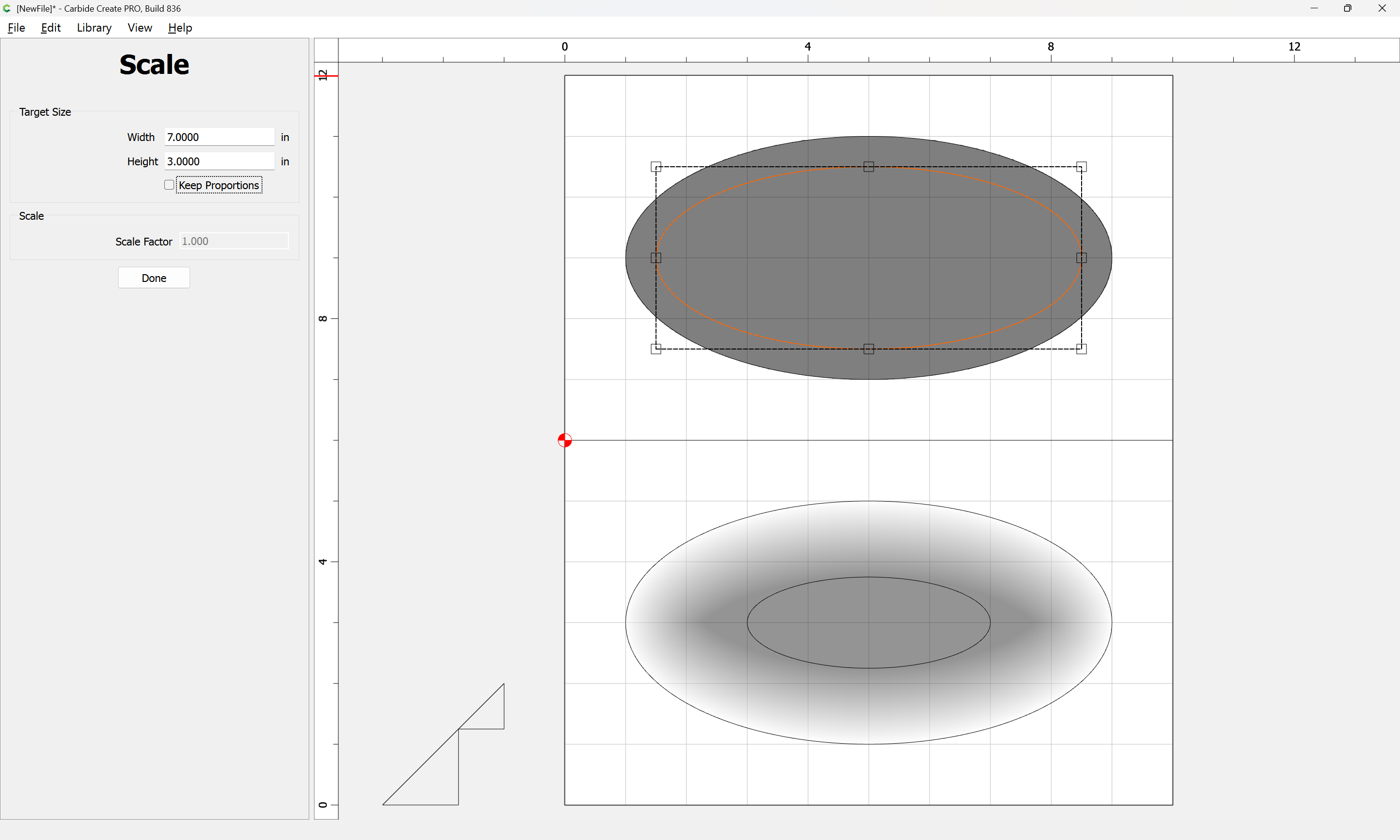
and scale:
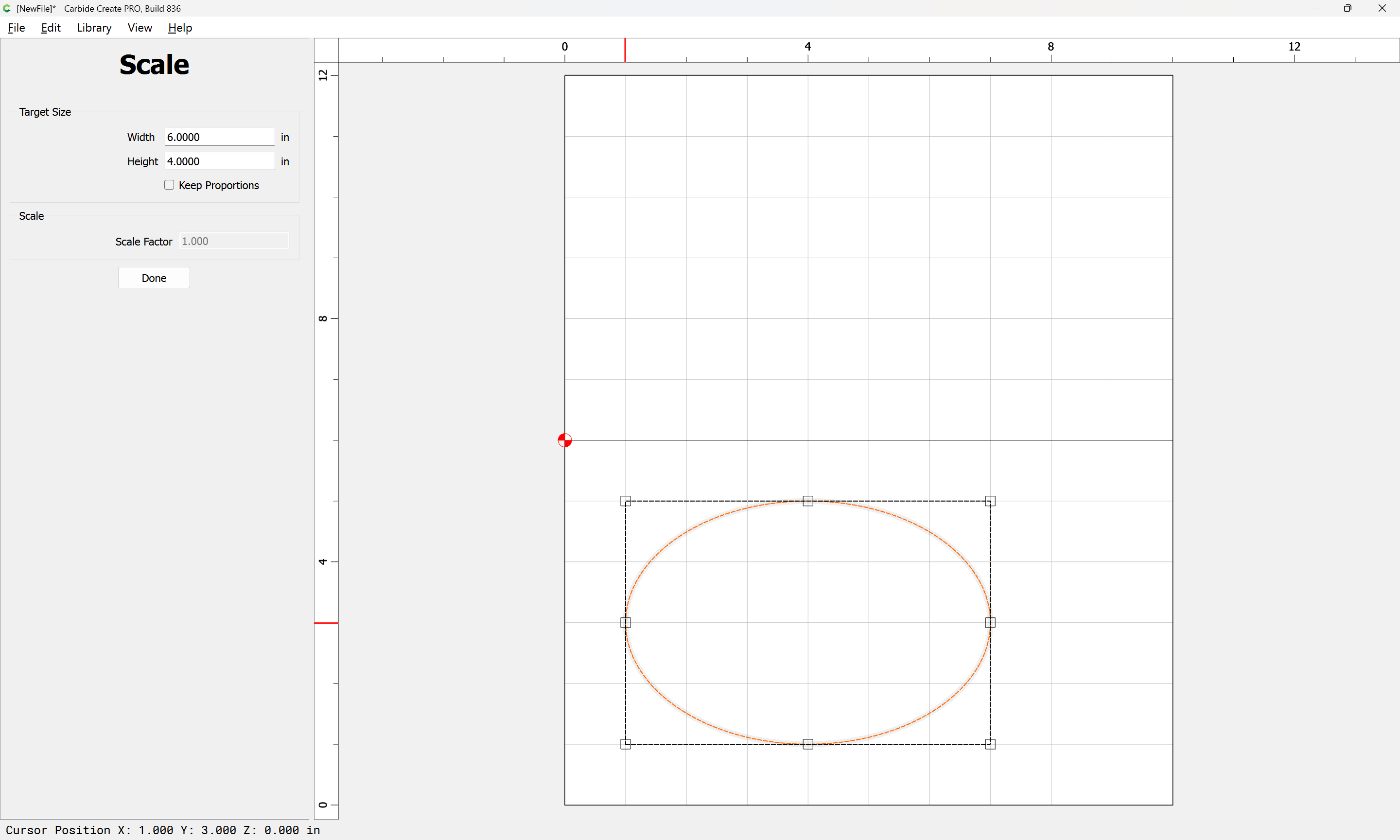
clear the checkbox for Keep Proportions:
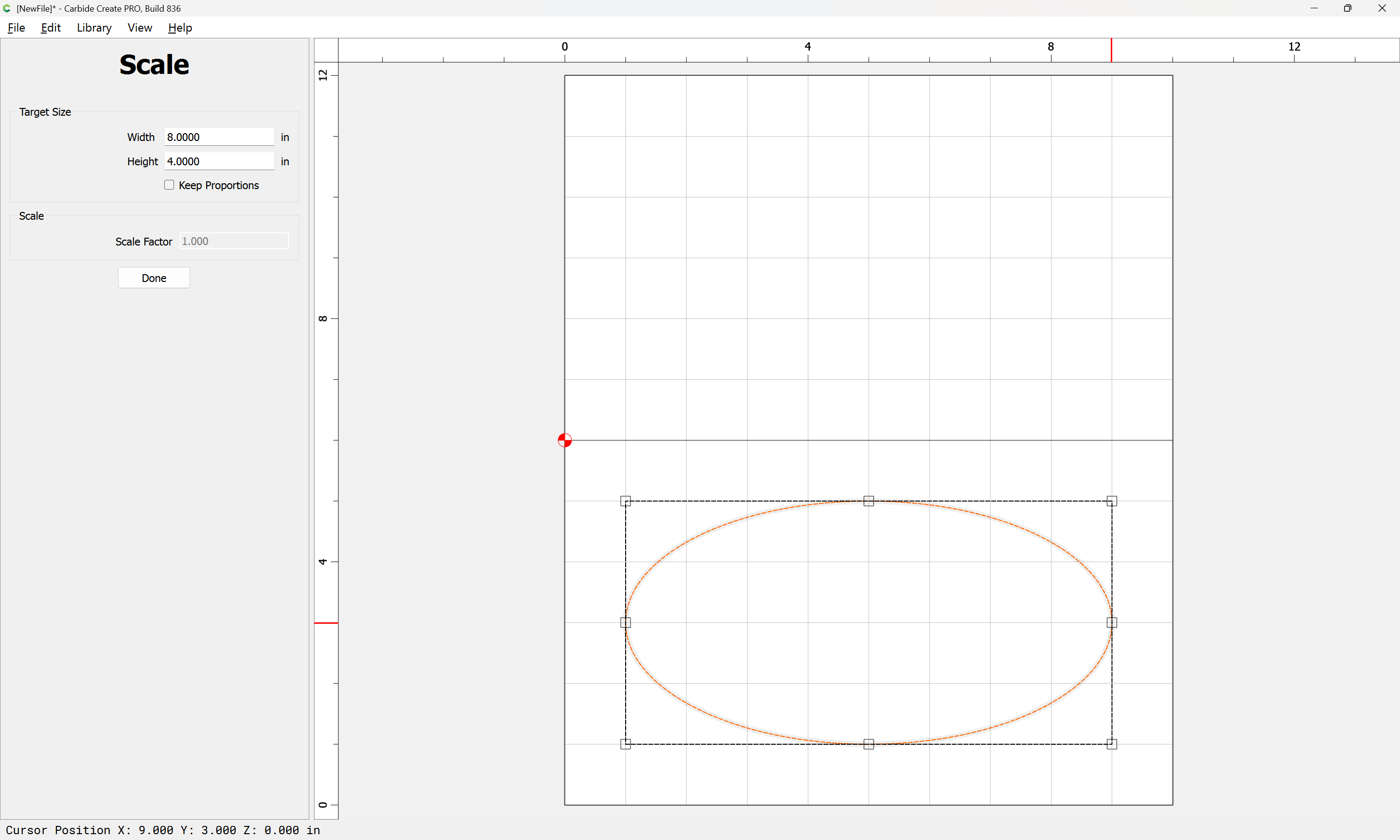
to draw the outer perimeter at the top.
WillAdams
(William Adams (Carbide 3D))
2
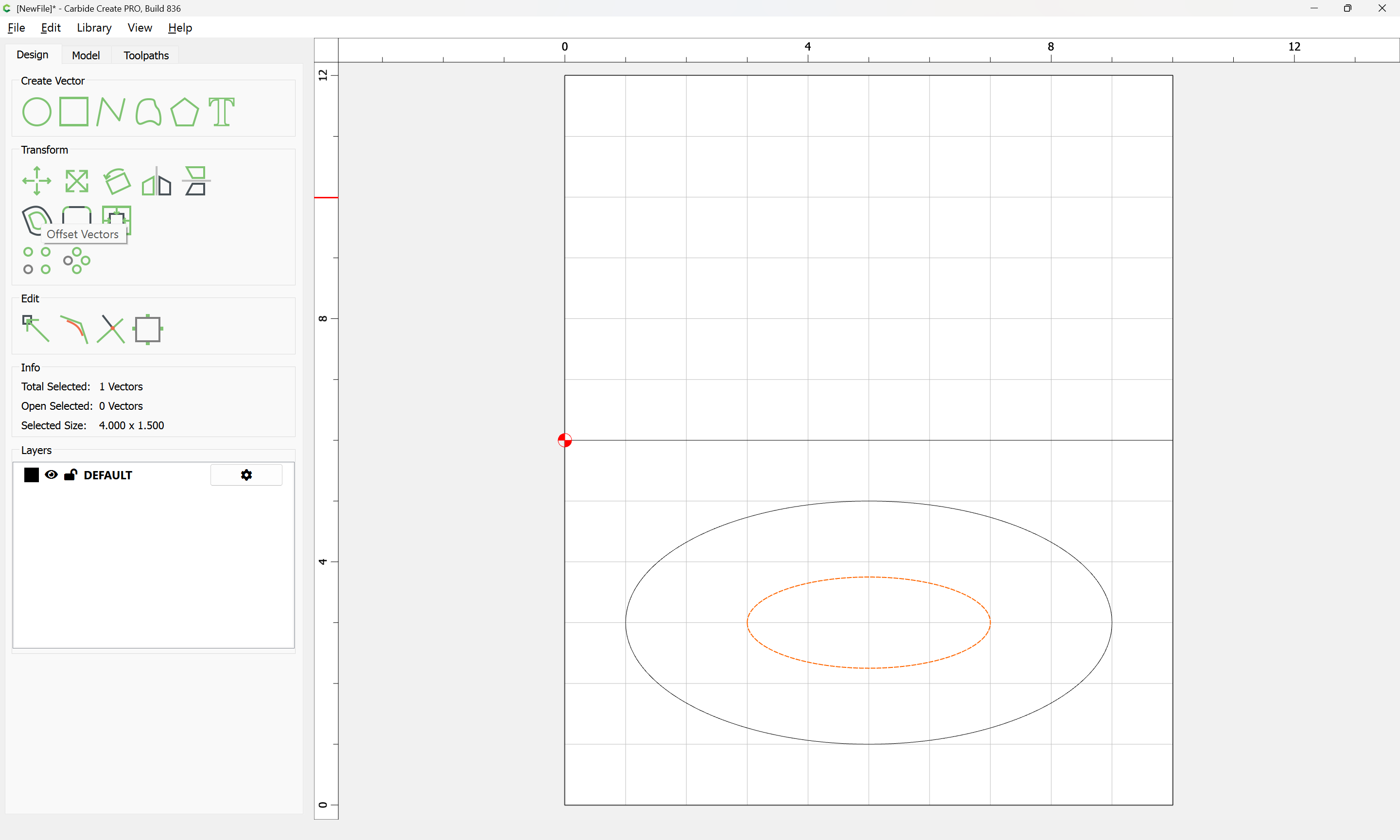
Draw in a circle for the bottom:
and scale as before:
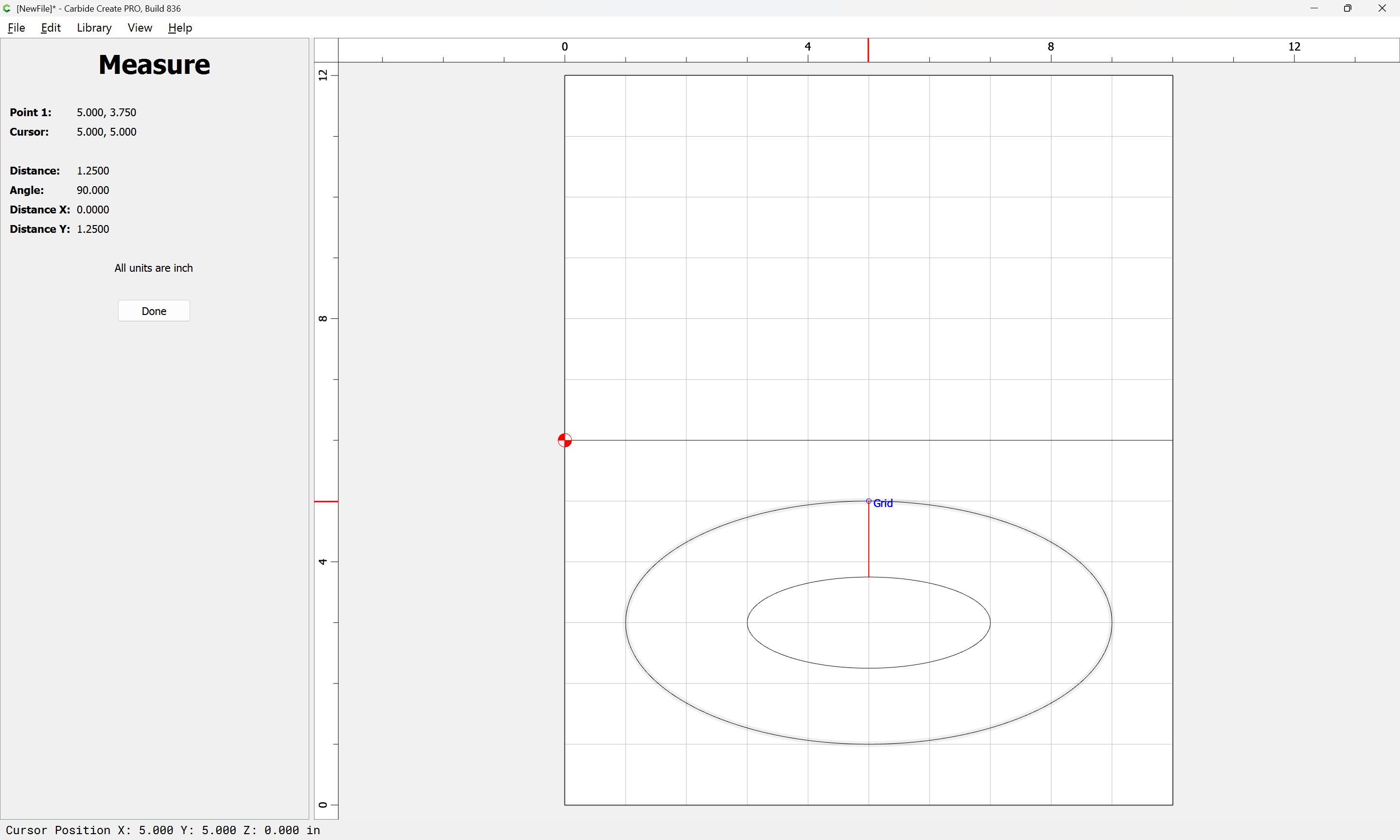
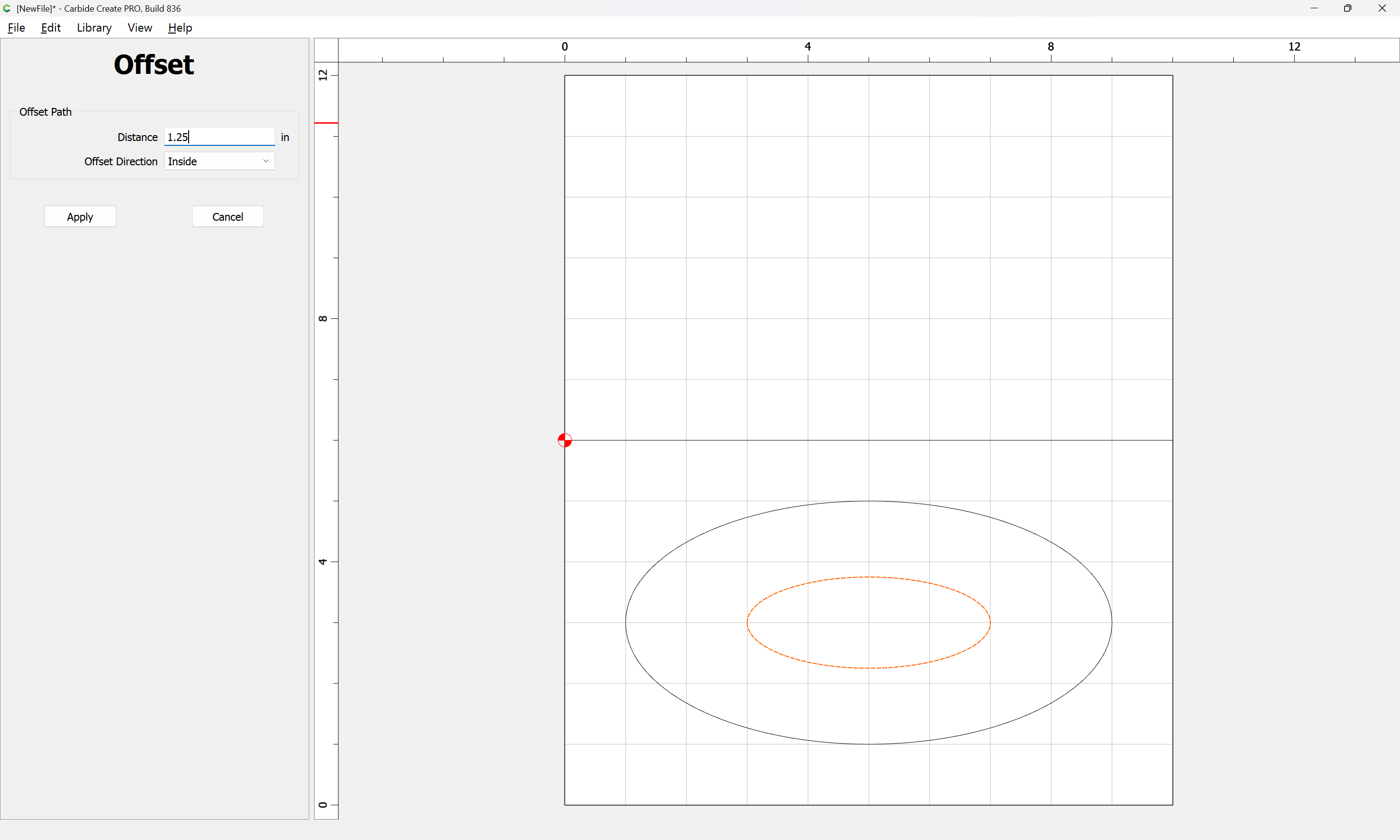
Measure the distance to the edge:
but it is not possible to inset by that dimension:
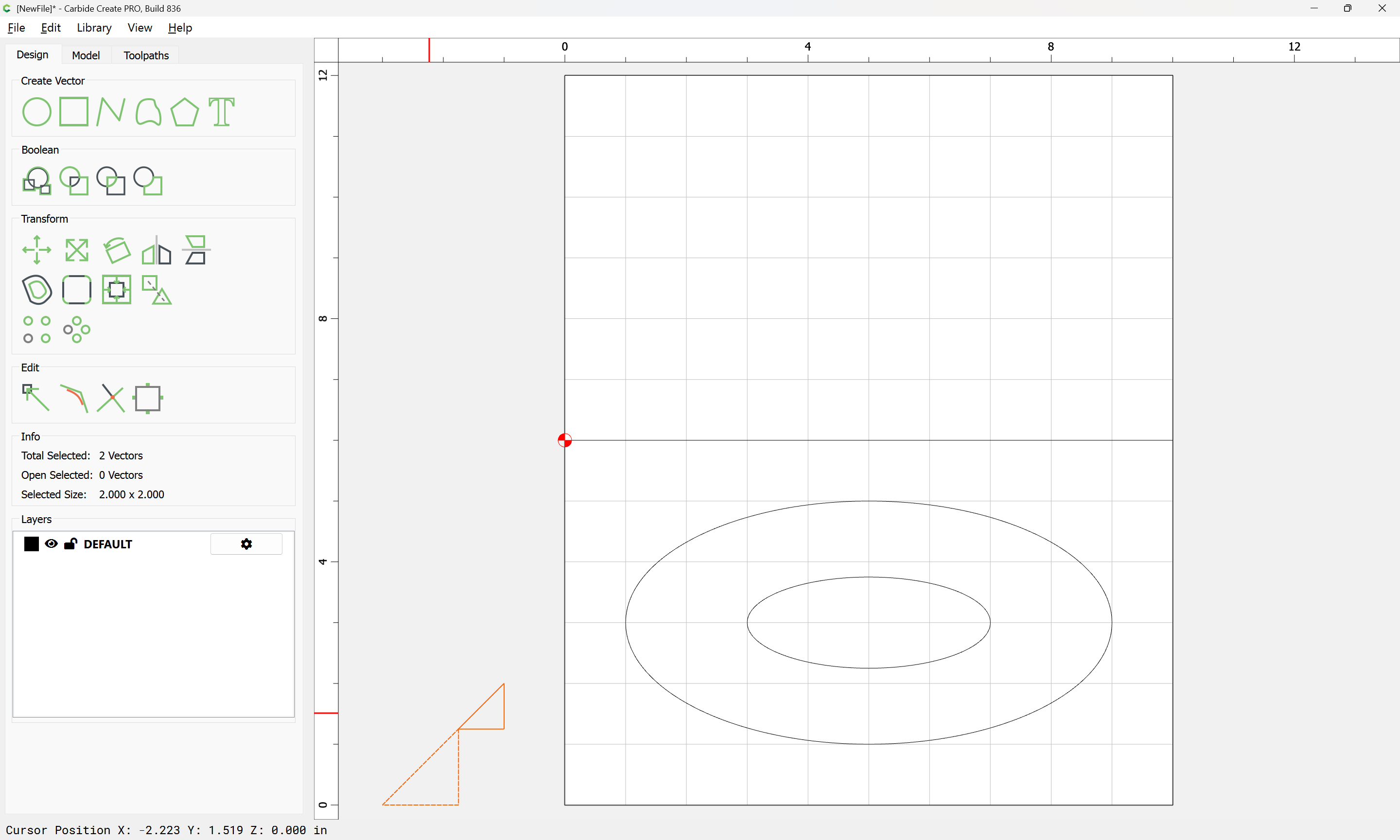
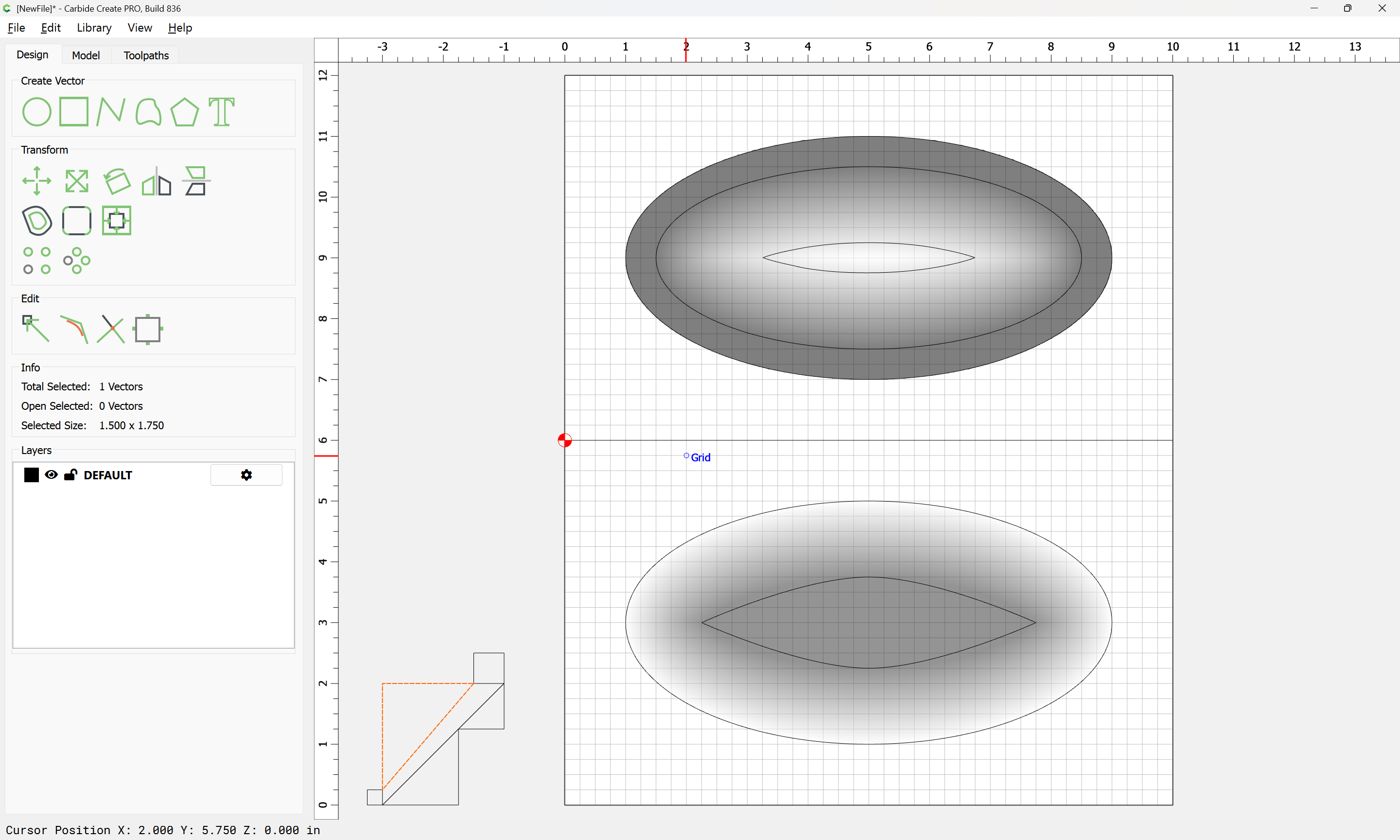
So instead, draw things up in profile:
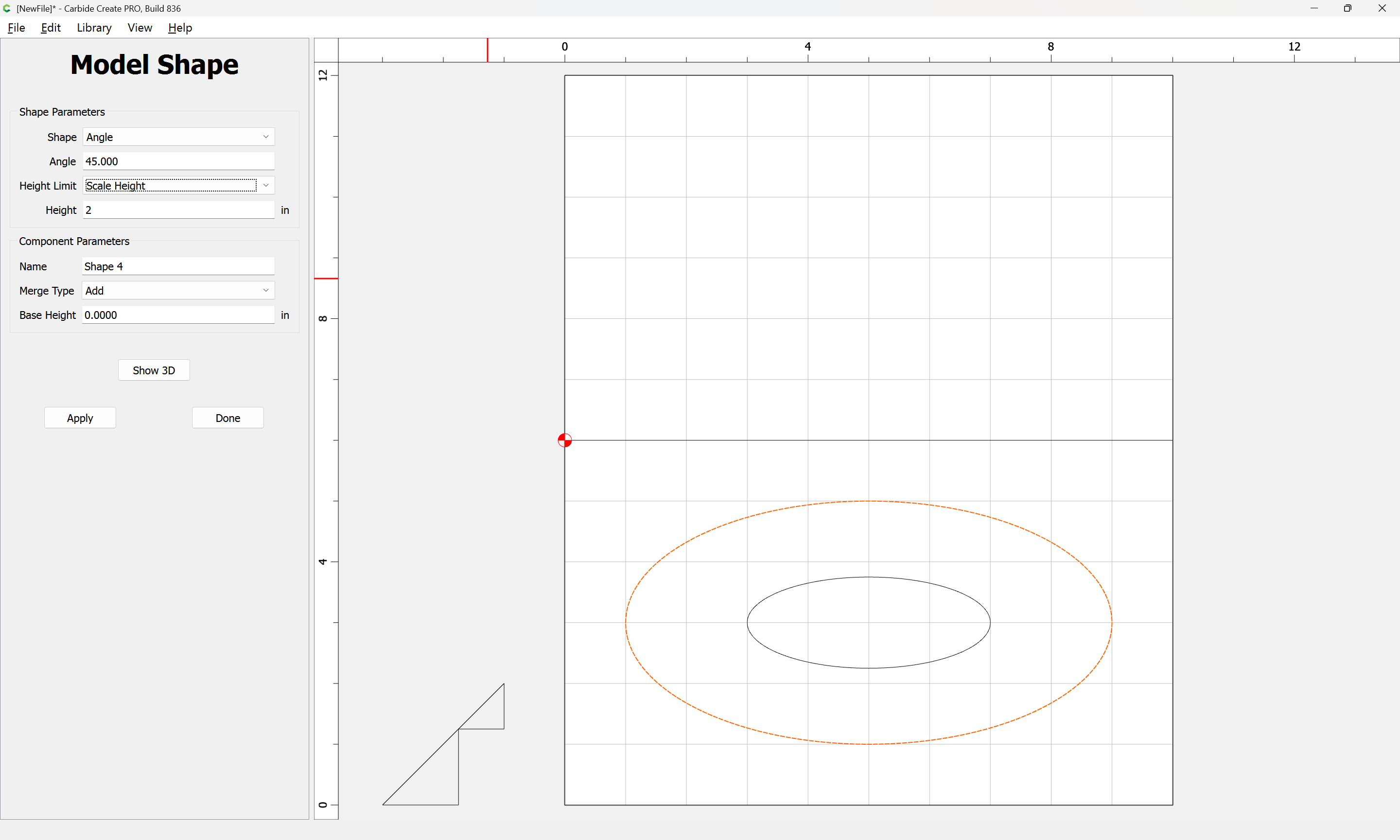
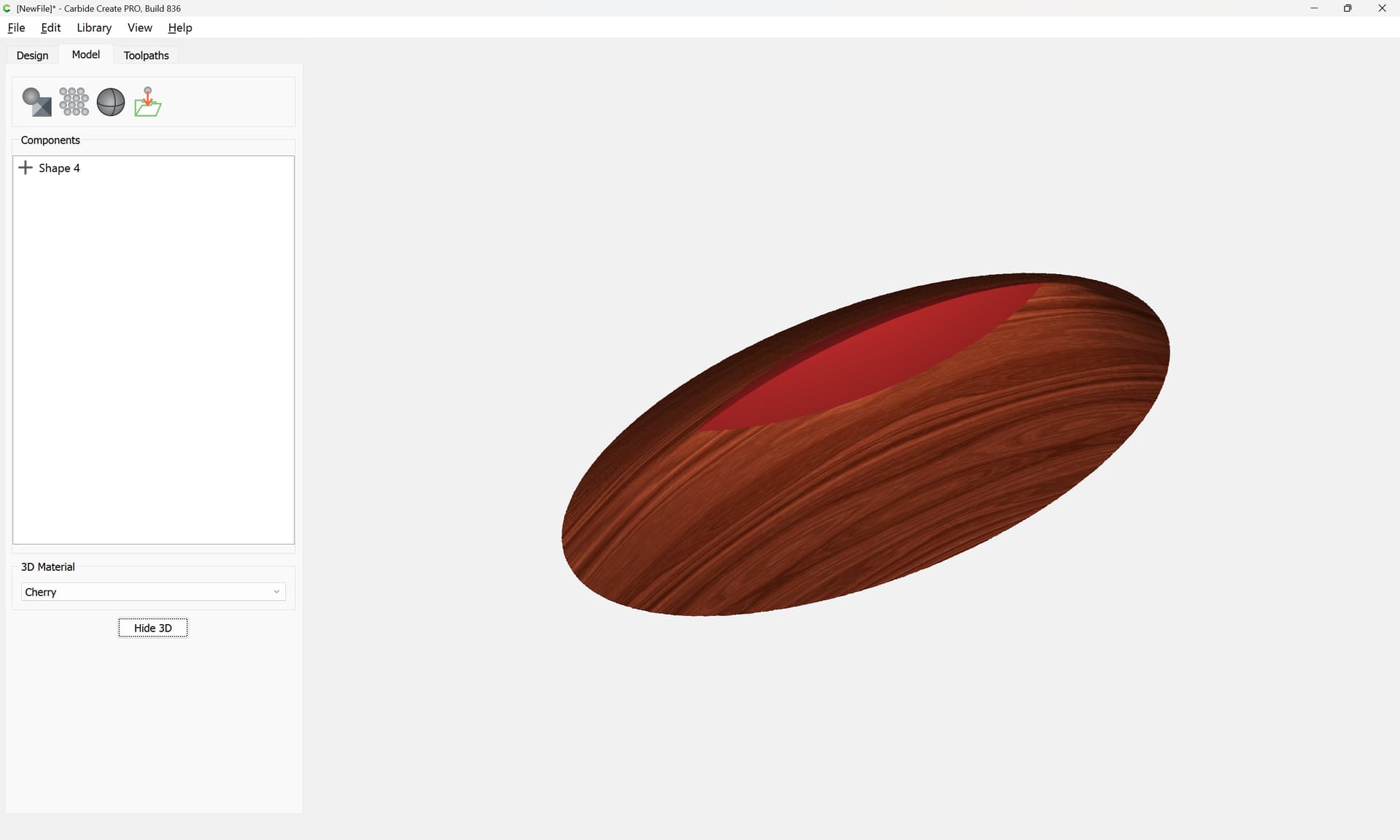
and model to that height:
Edit the model to match:
(though note that the model no longer matches the specified dimension)
WillAdams
(William Adams (Carbide 3D))
3
Copy the perimeter outline into the top half:
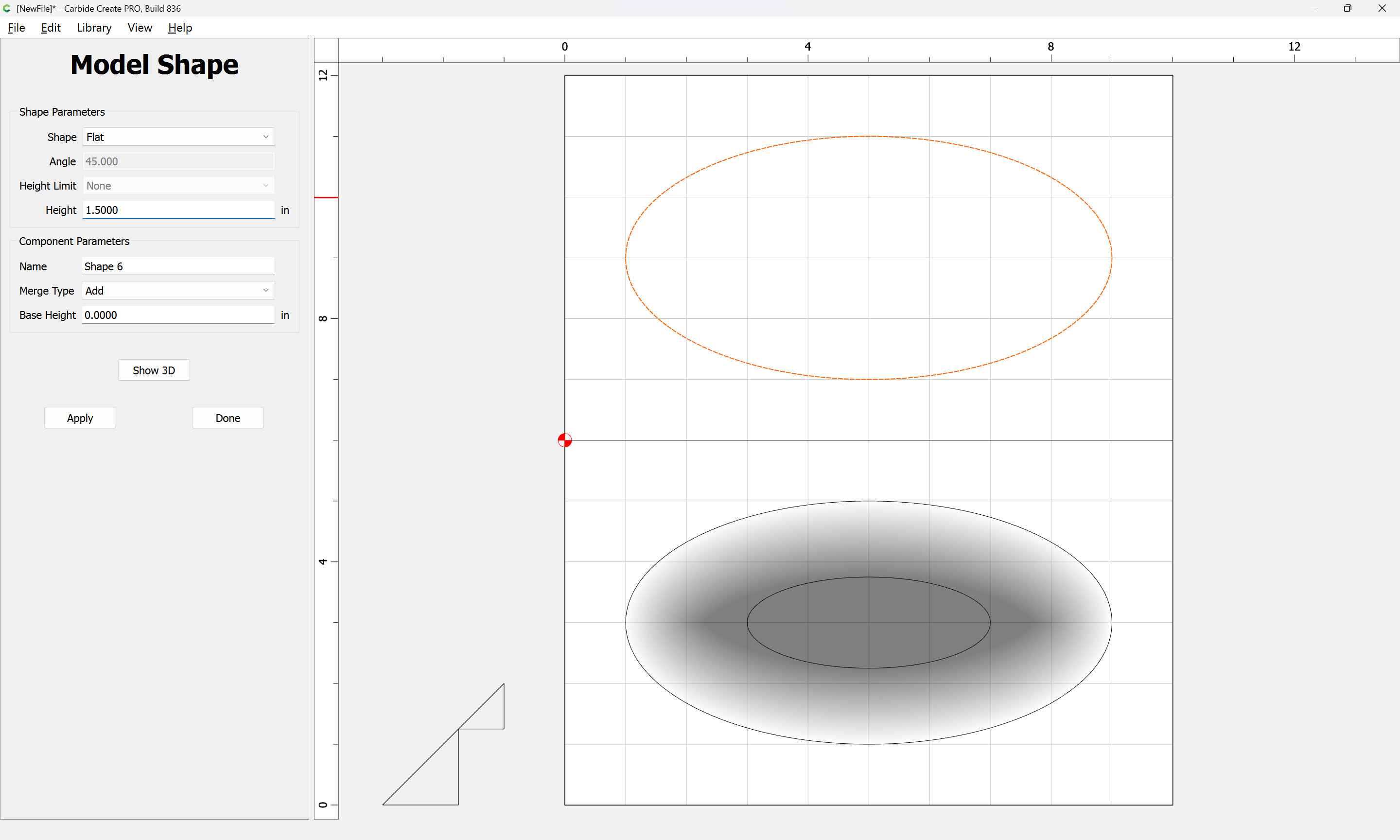
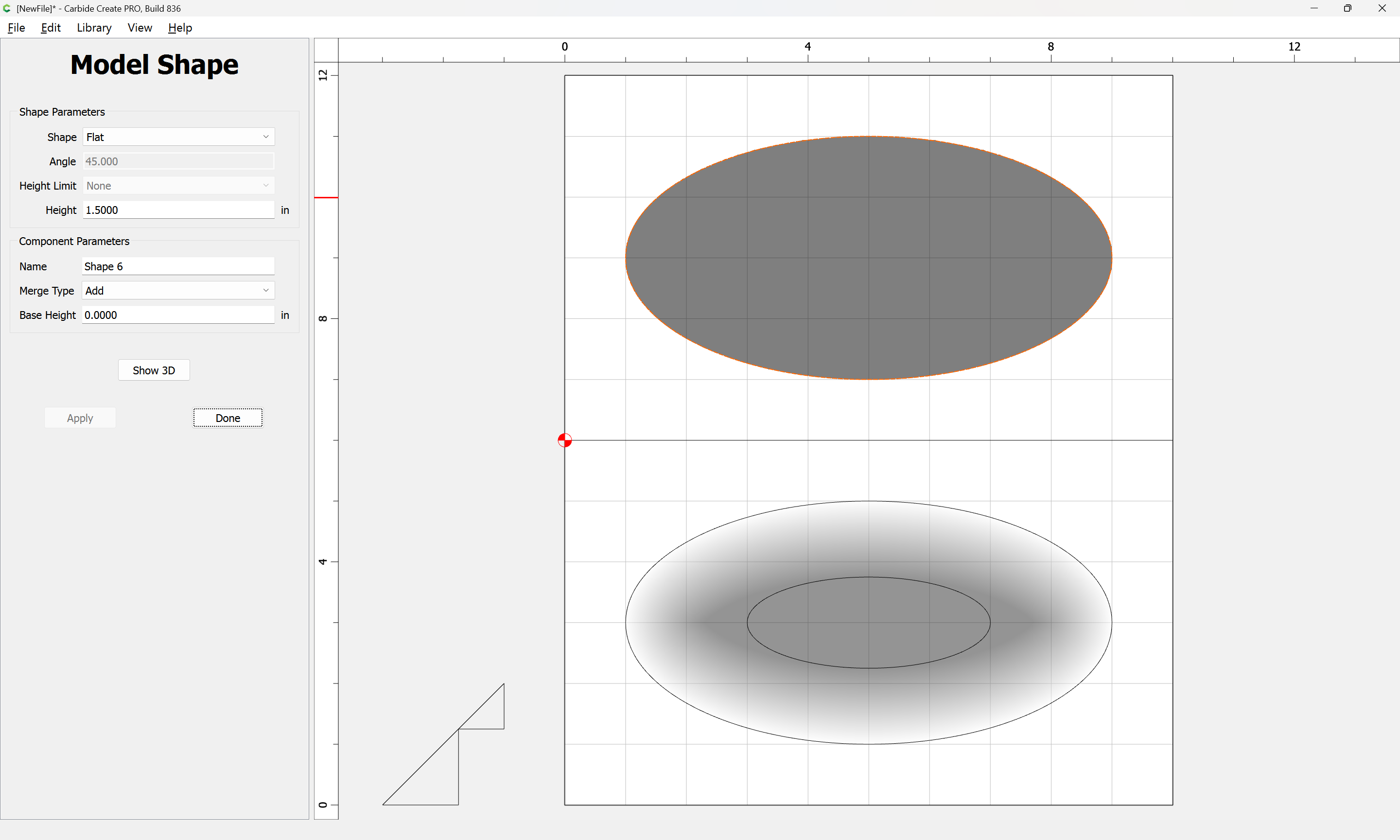
and model to the full height:
Apply
Then draw the inner perimeter:
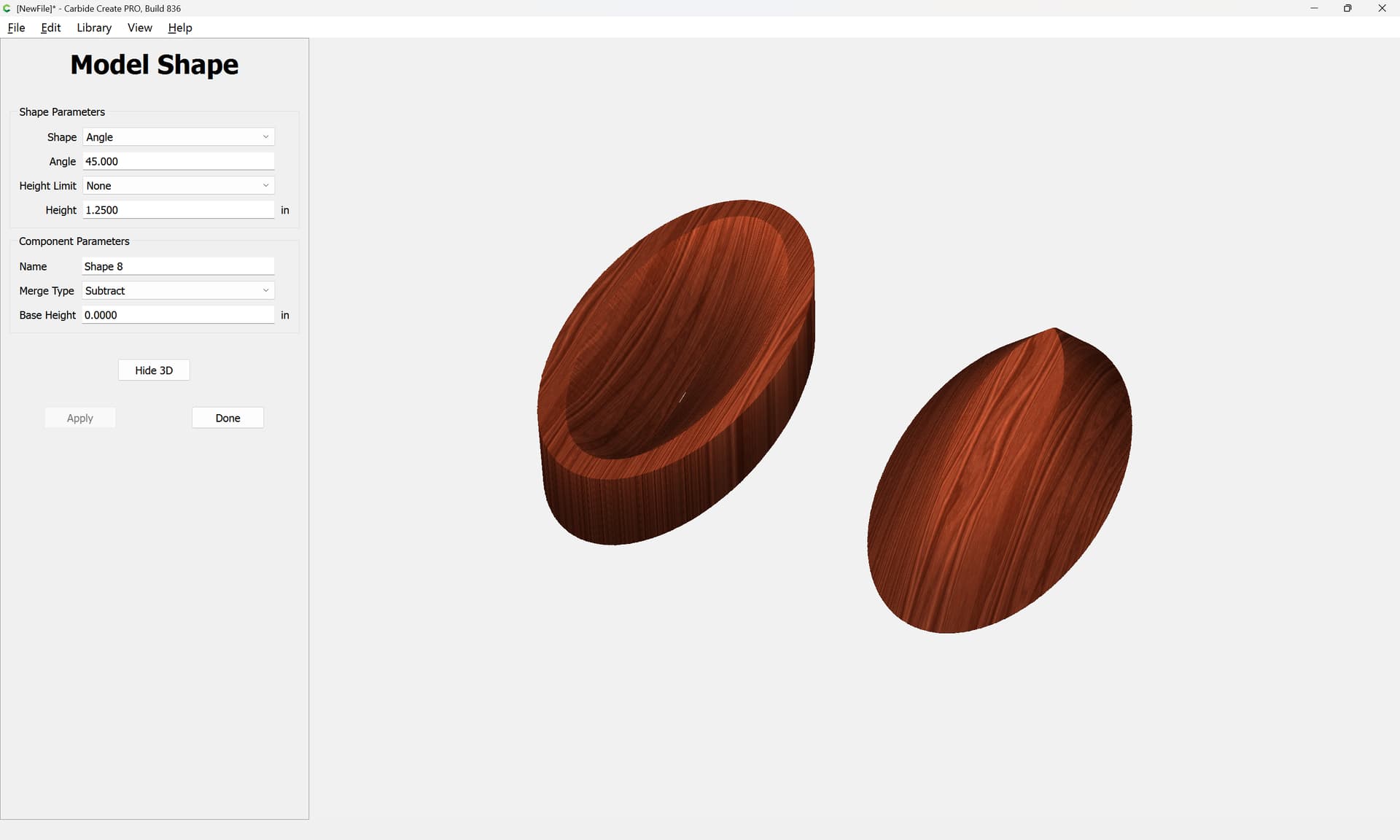
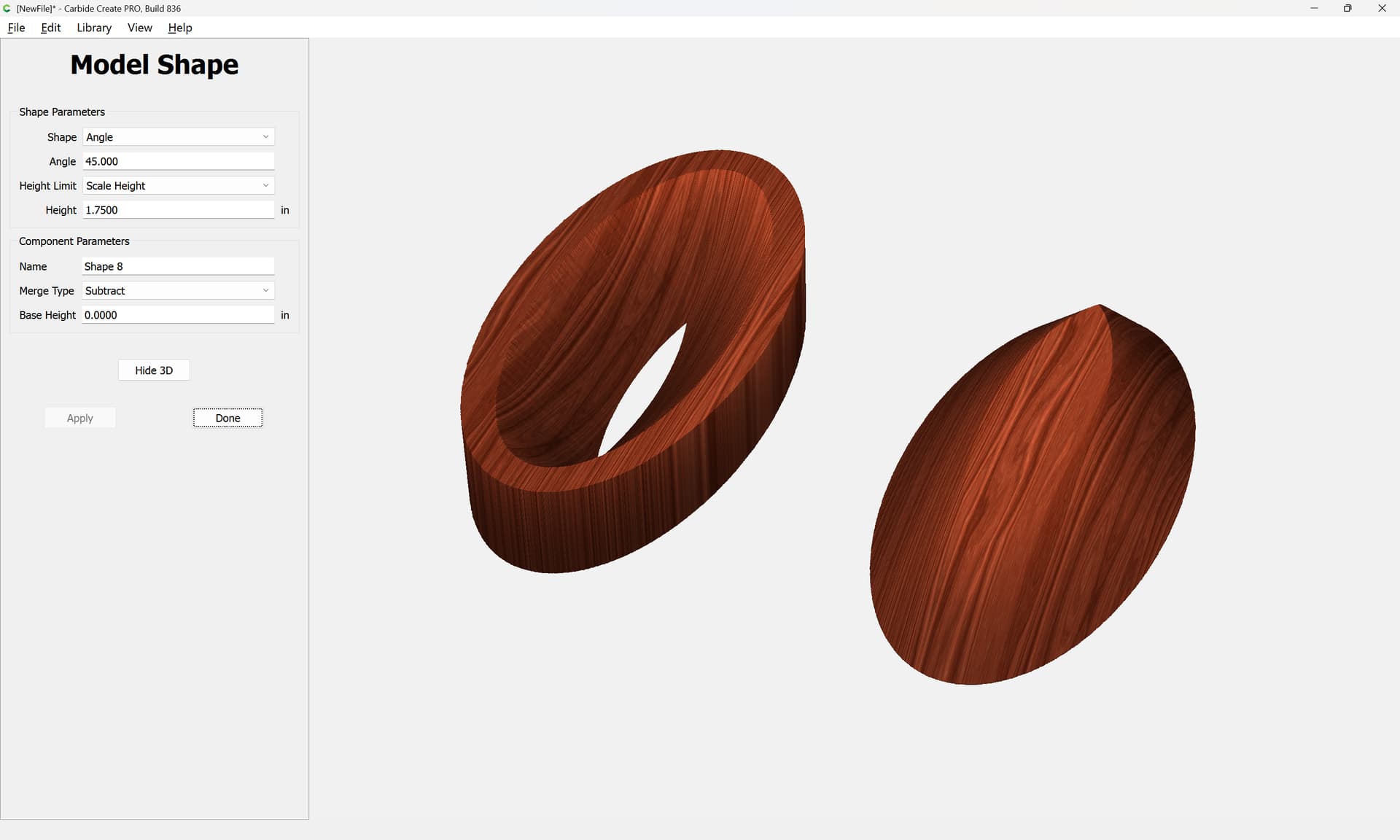
Then use this geometry to try to model the interior of the bowl:
and check where the model is:
and adjust based on that.
WillAdams
(William Adams (Carbide 3D))
4
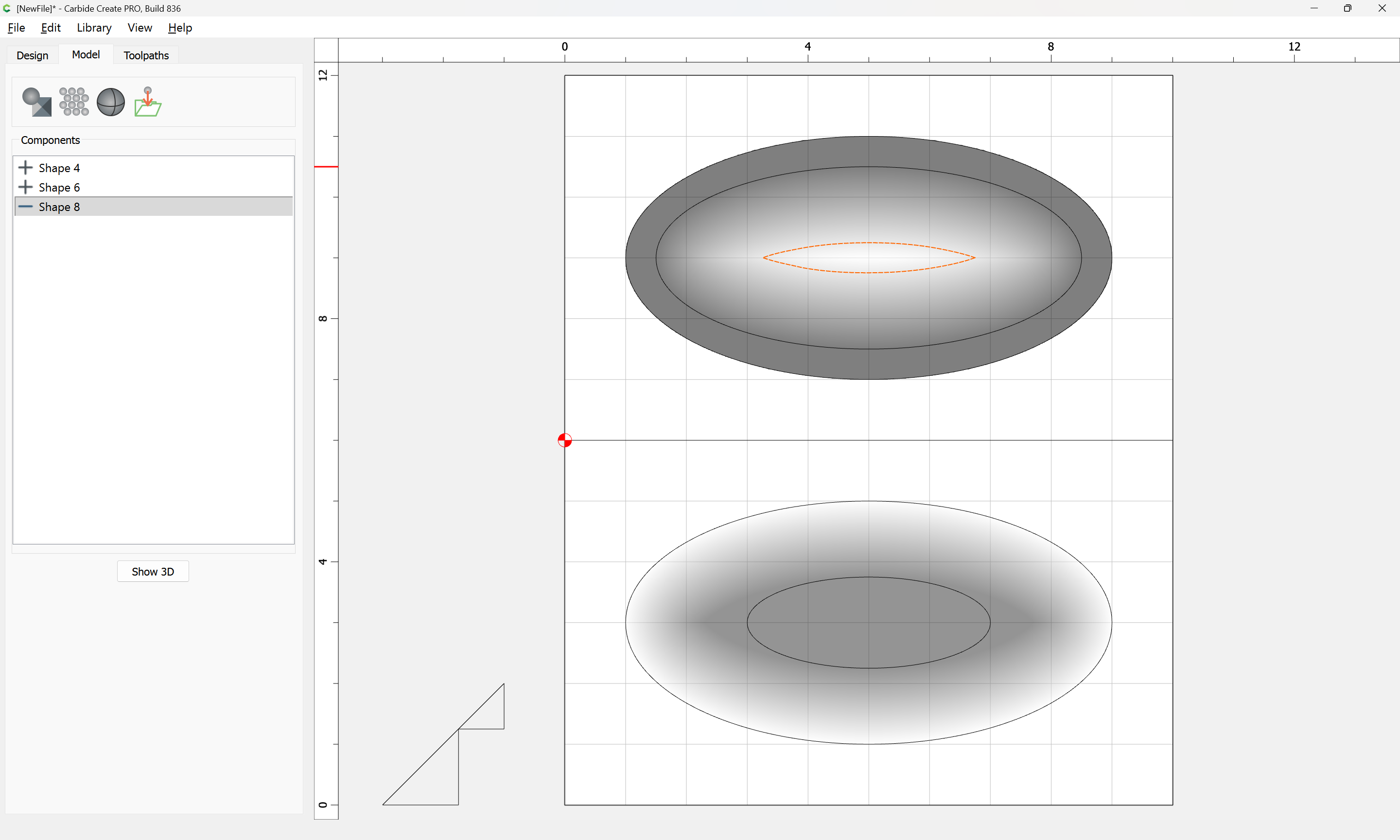
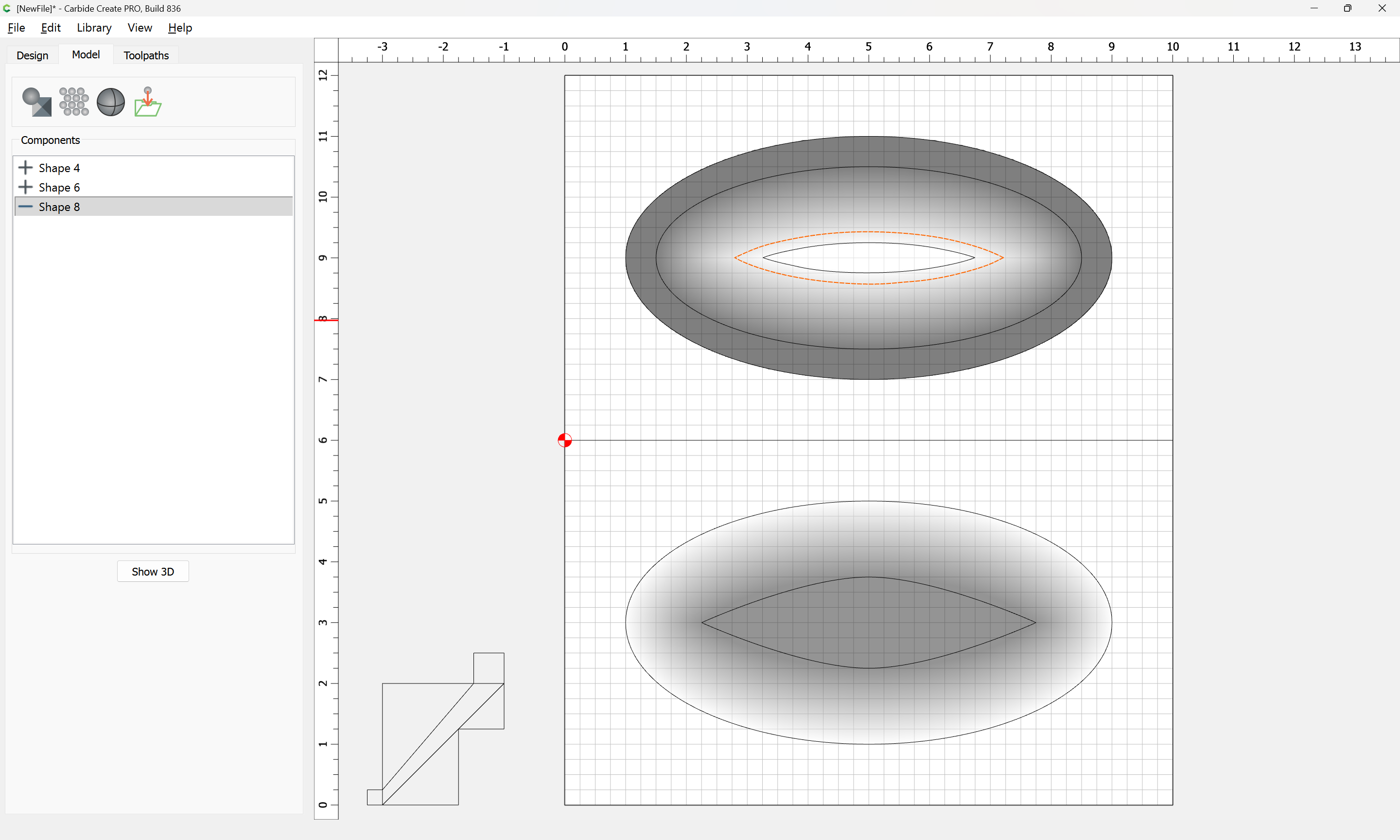
Drawing up in profile we get:
Adjusting a bit:
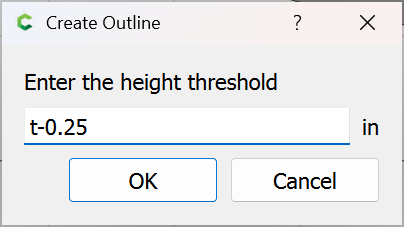
then tracing we get:
which looks to fit within the outline.
Then model this as an equal thickness:
Attached as a v8 file.
bowl_v8.c2d (1.0 MB)
system
(system)
Closed
5
This topic was automatically closed 30 days after the last reply. New replies are no longer allowed.