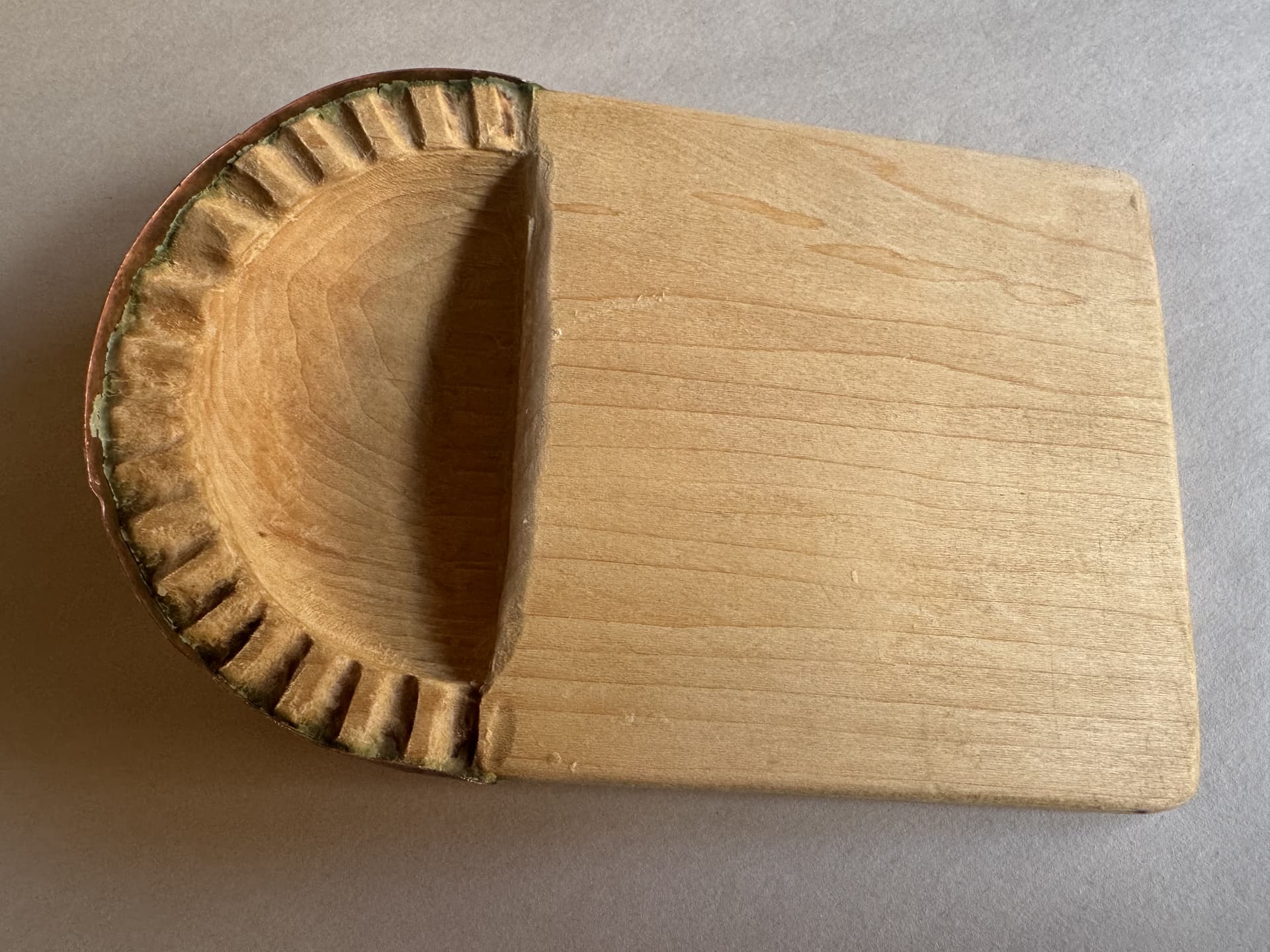
as requested on support…
Launch Carbide Create:
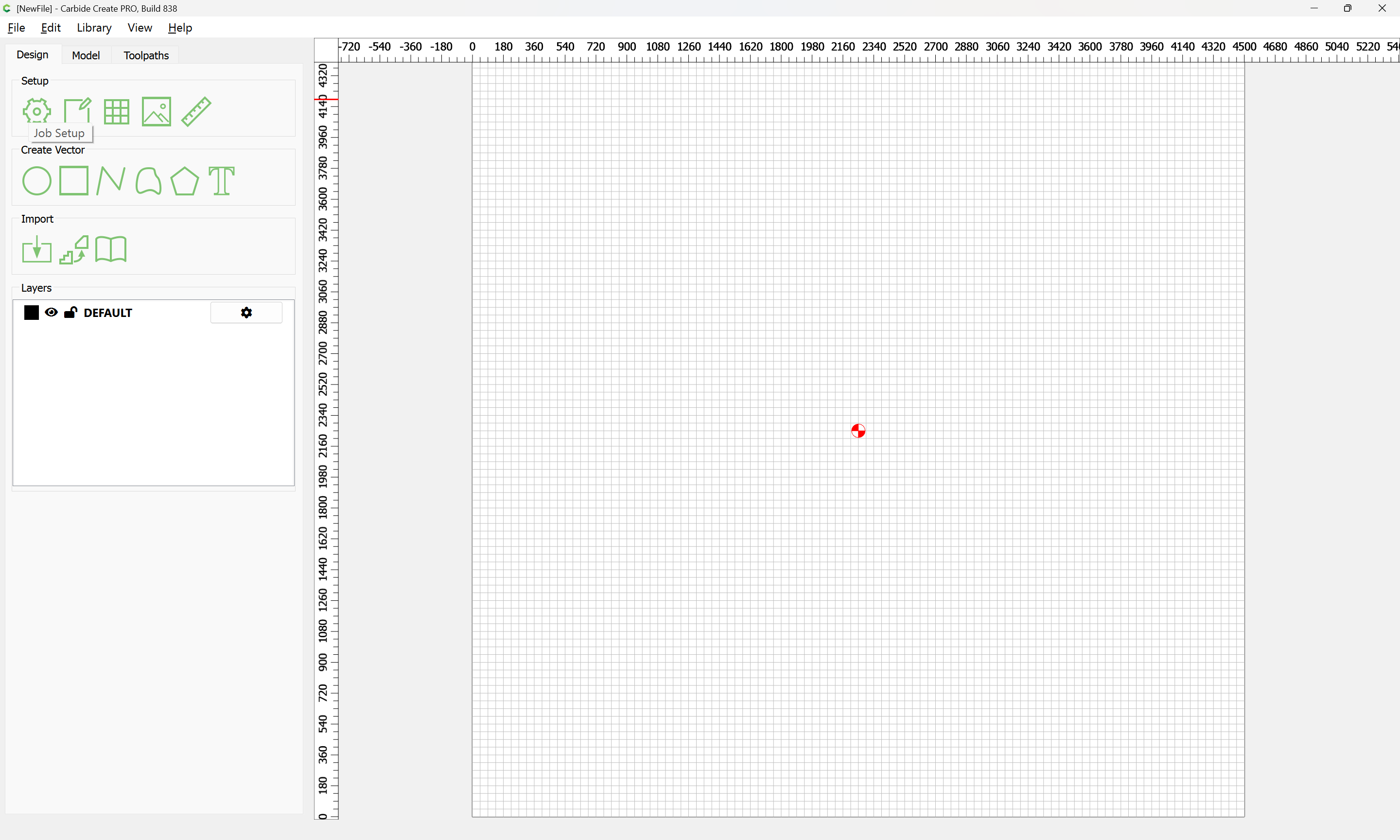
go into Job Setup:
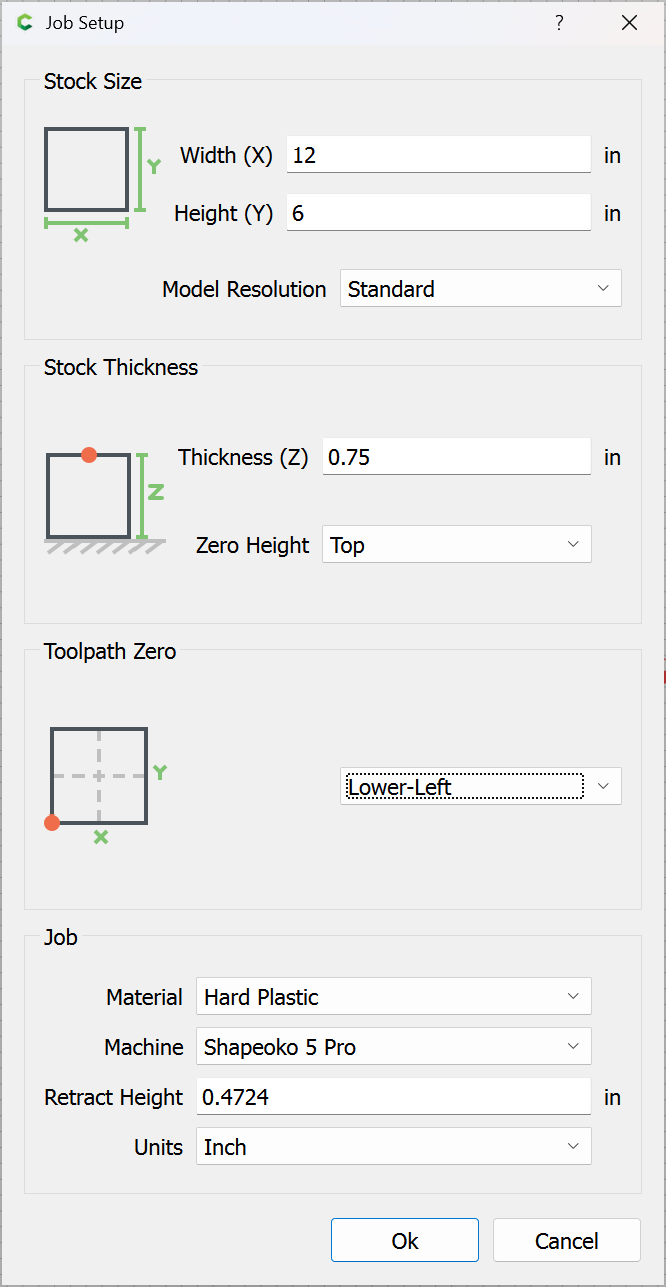
Ok
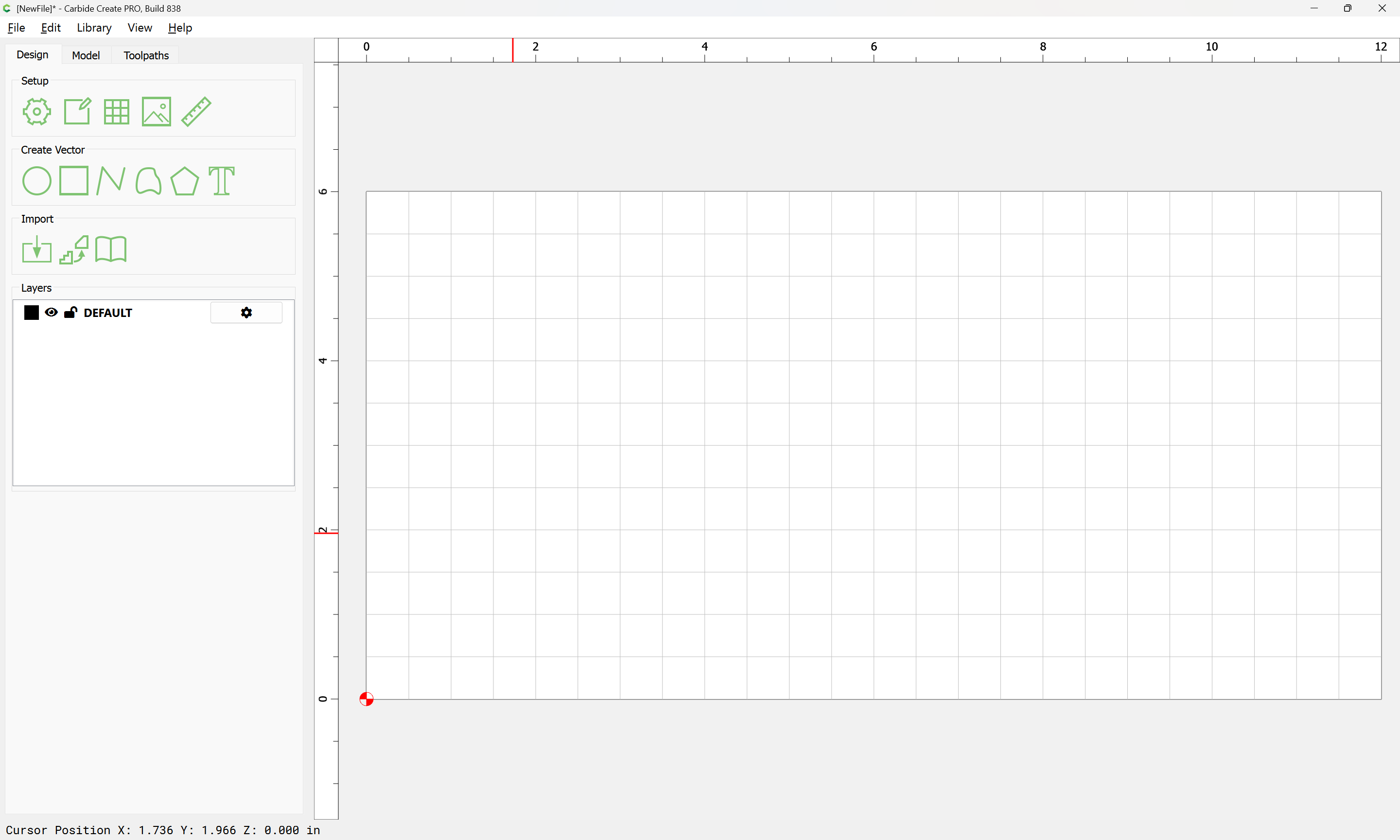
Draw a circle for the overall shape:
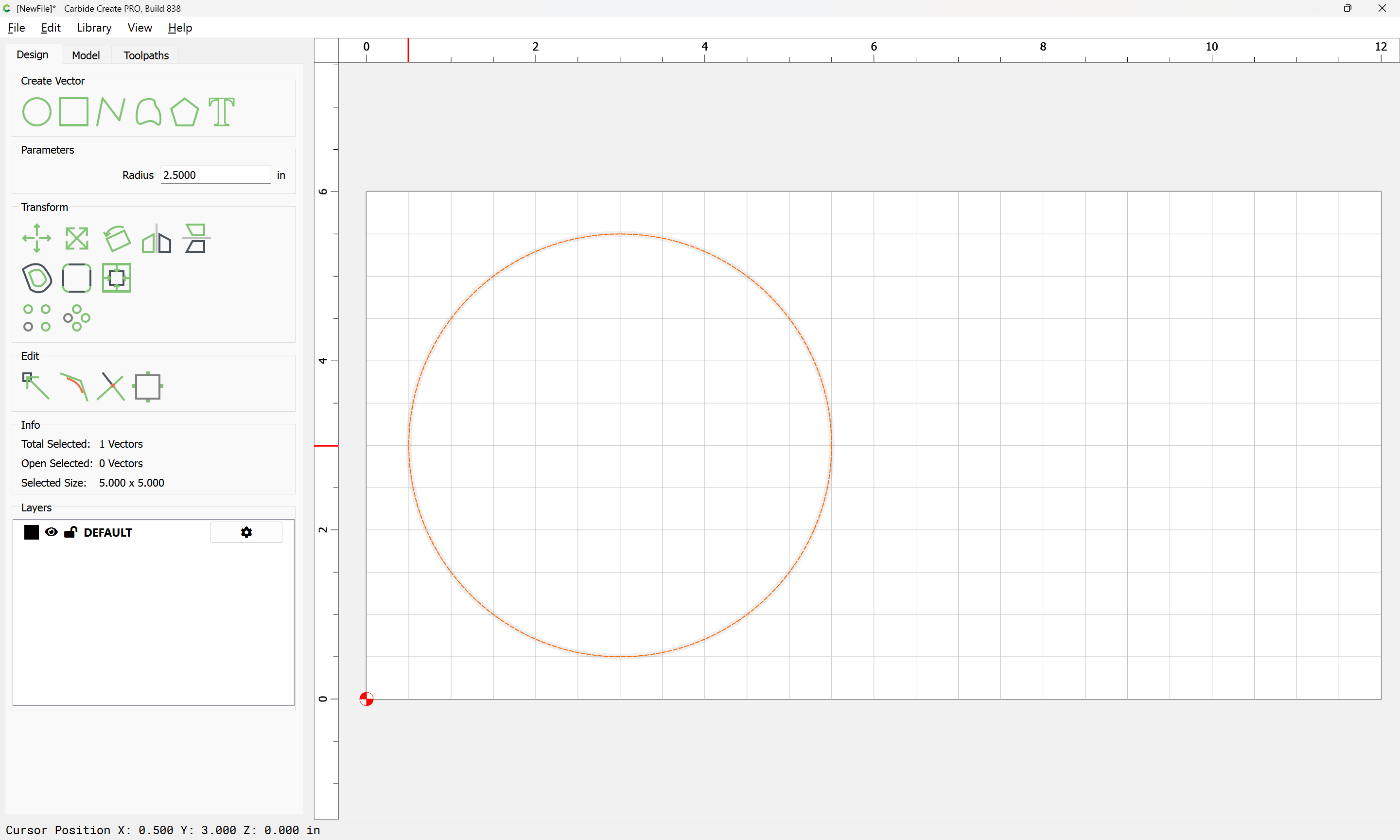
and an inner circle:
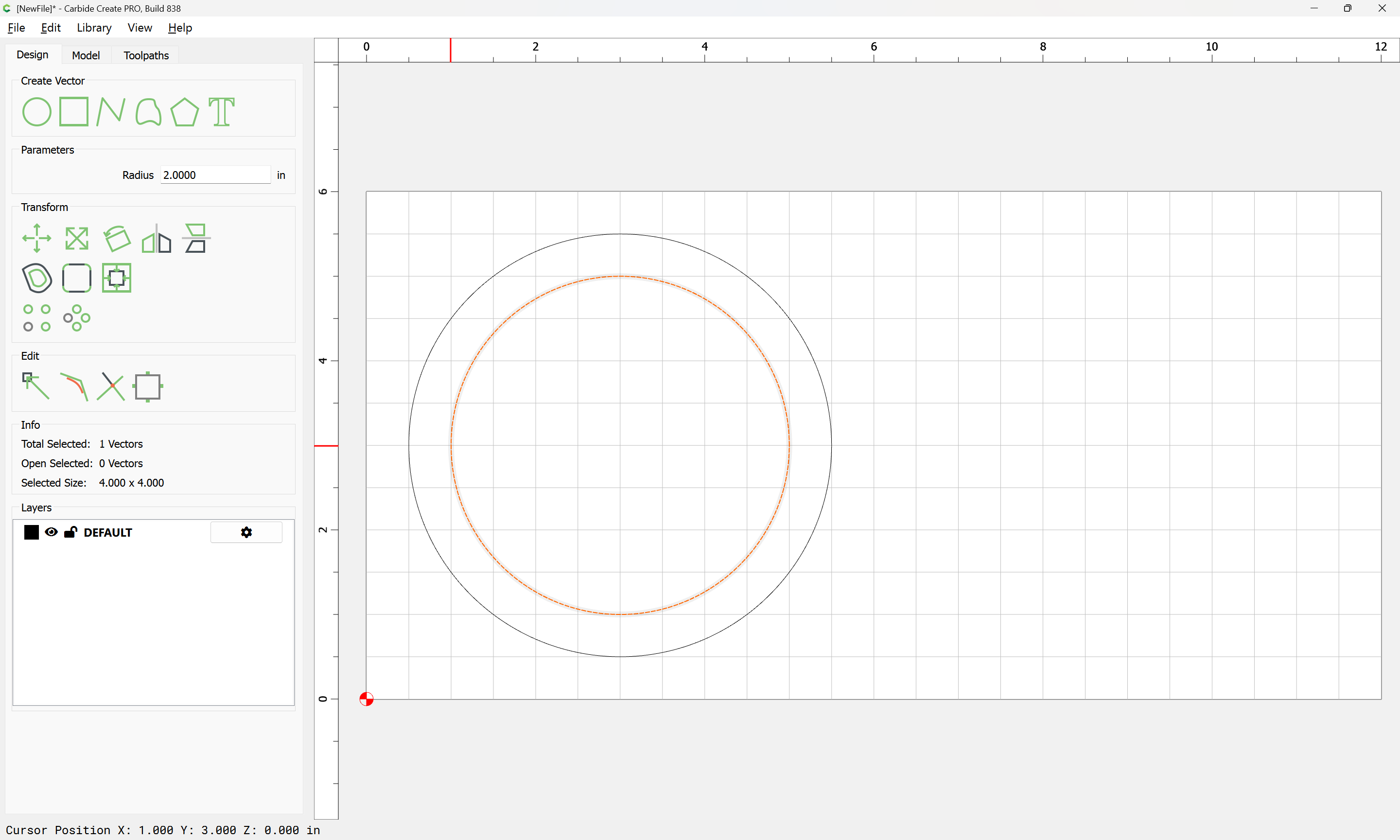
Then draw a rectangle for making an indentation:
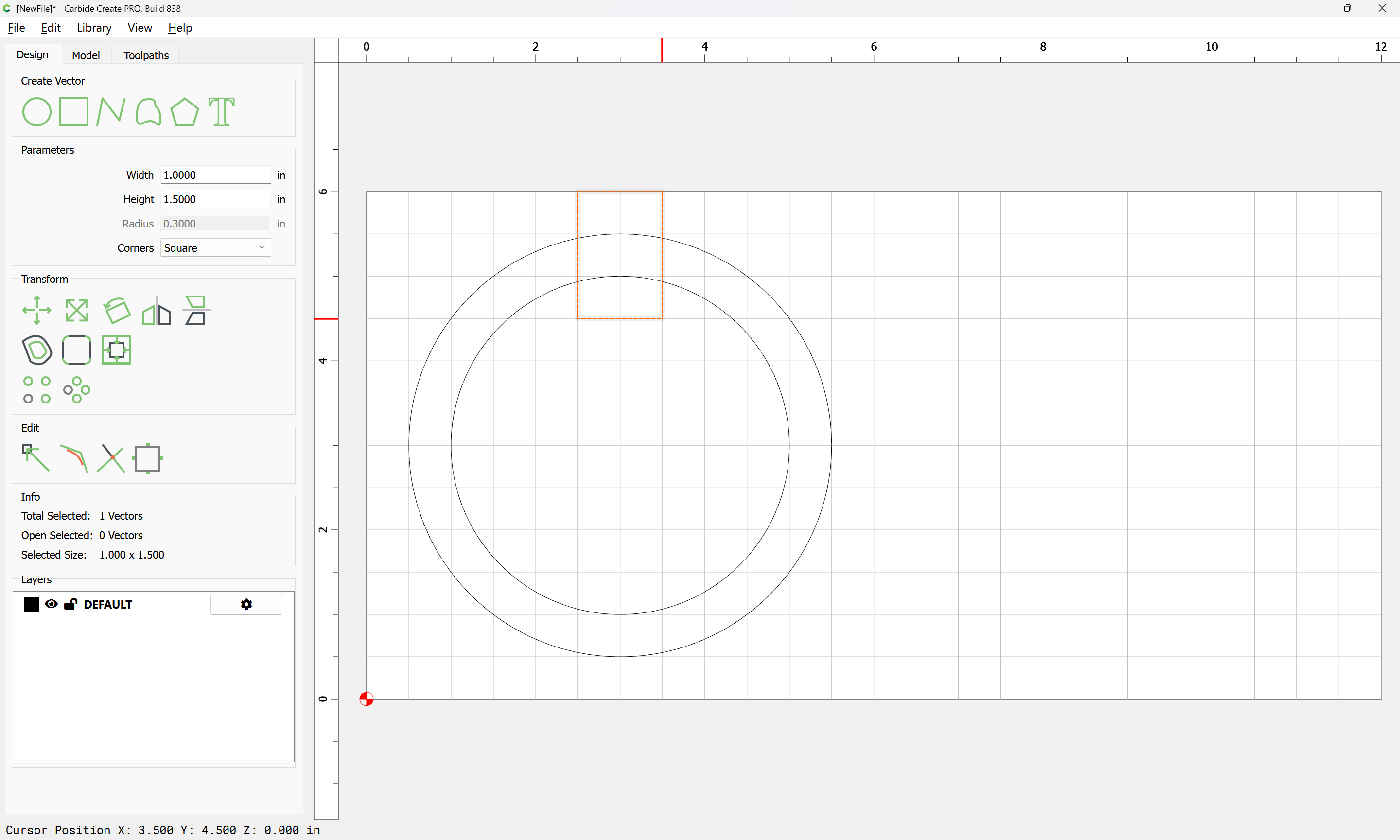
adjusting the size:
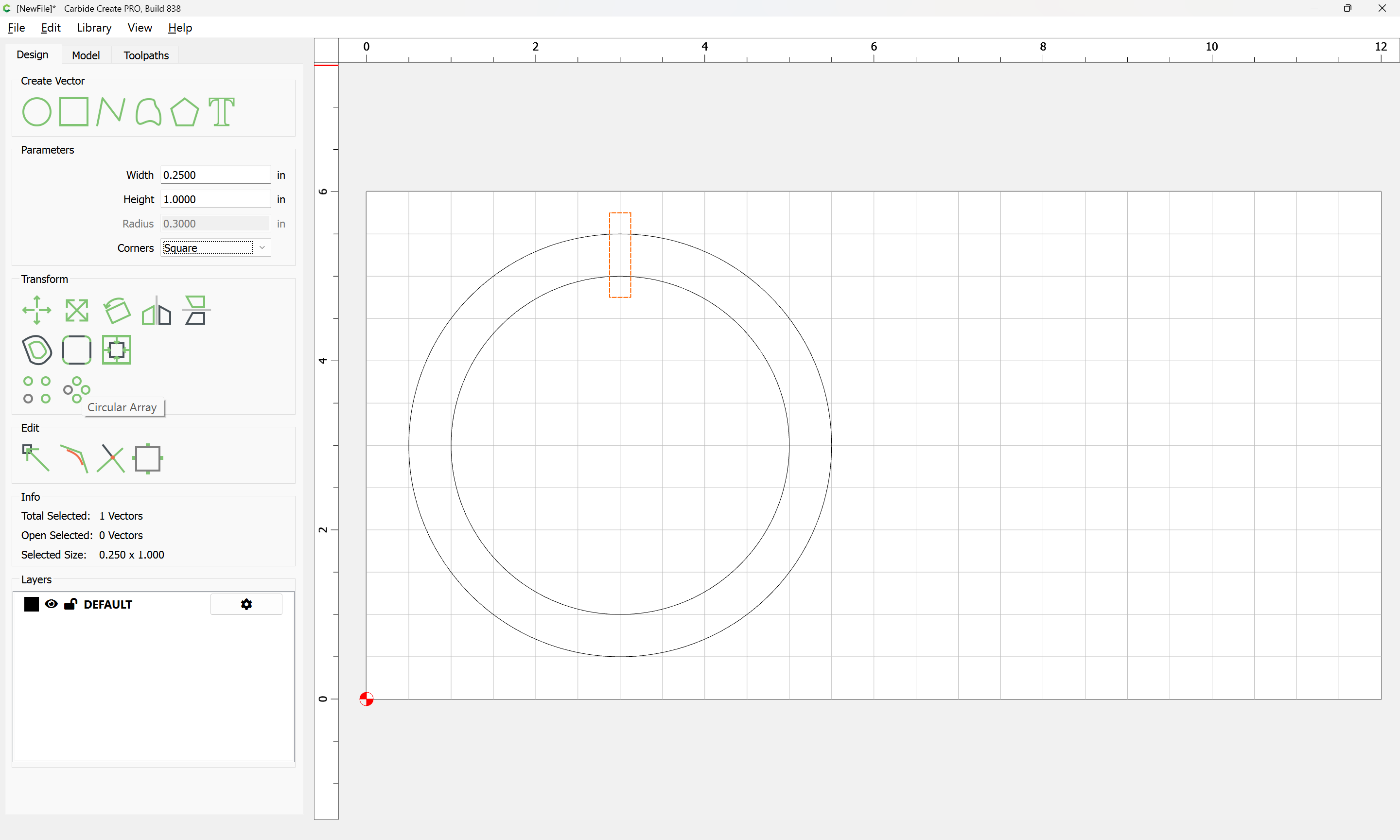
and then use Circular Array to duplicate it around the edge:
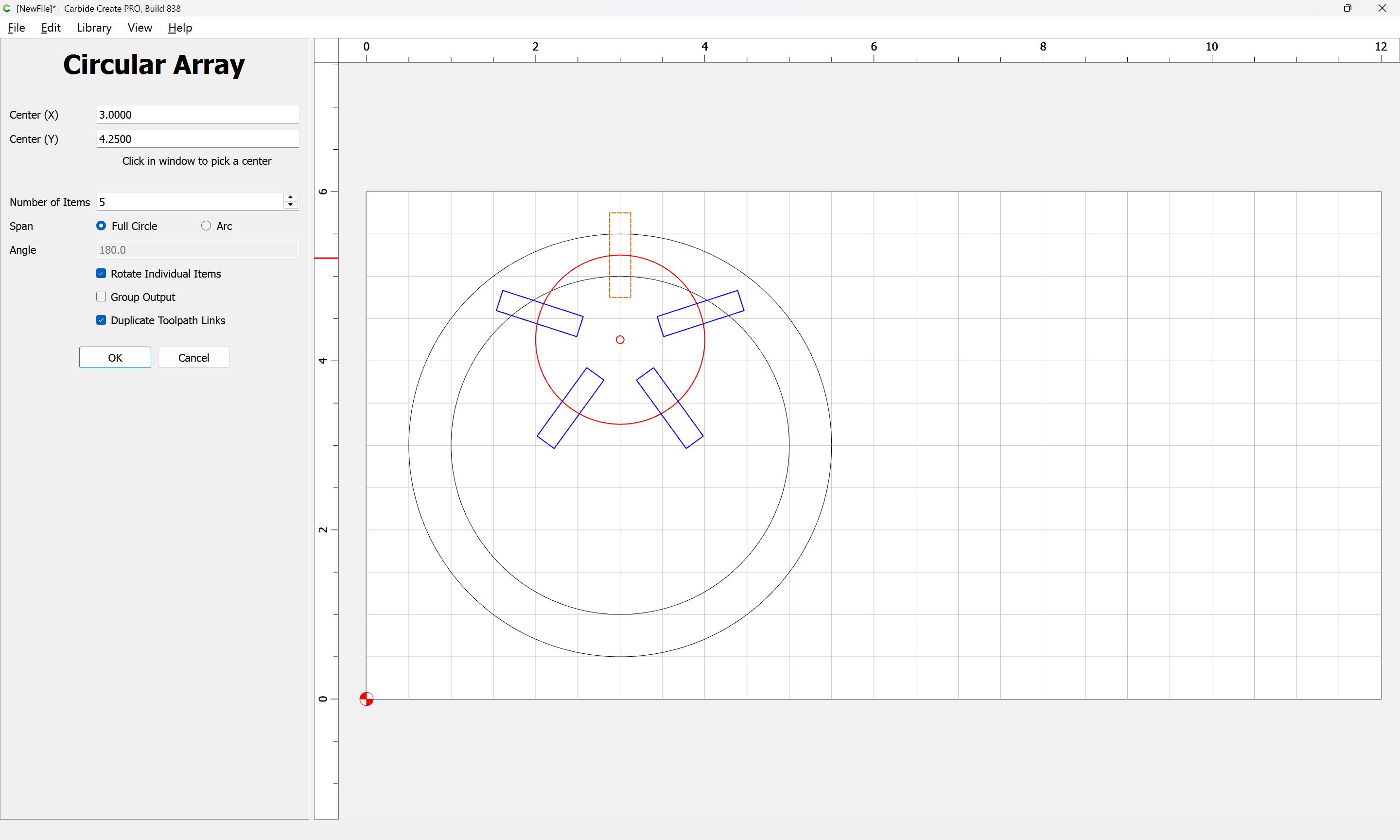
Drag the center into position:
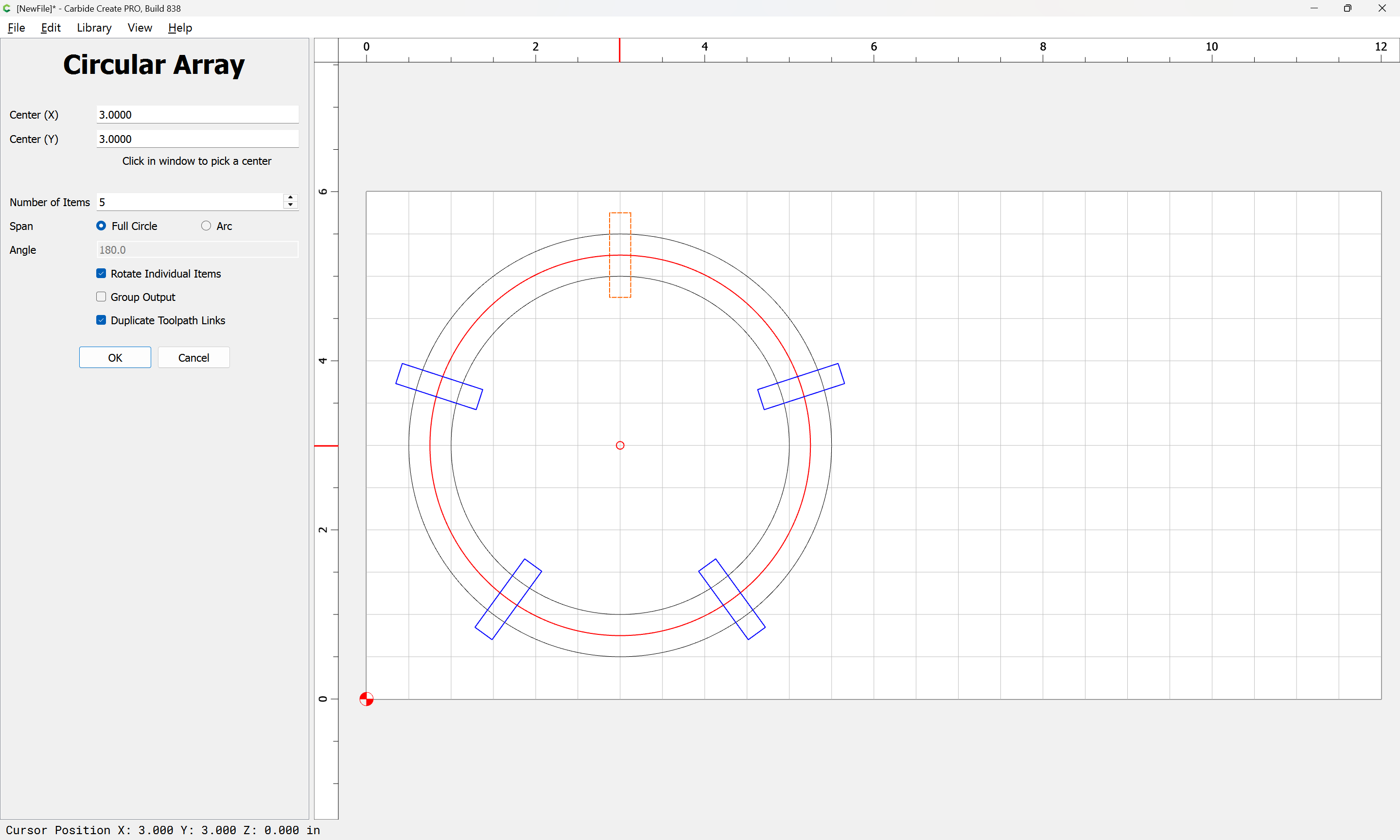
and then adjust the number:

Group Output
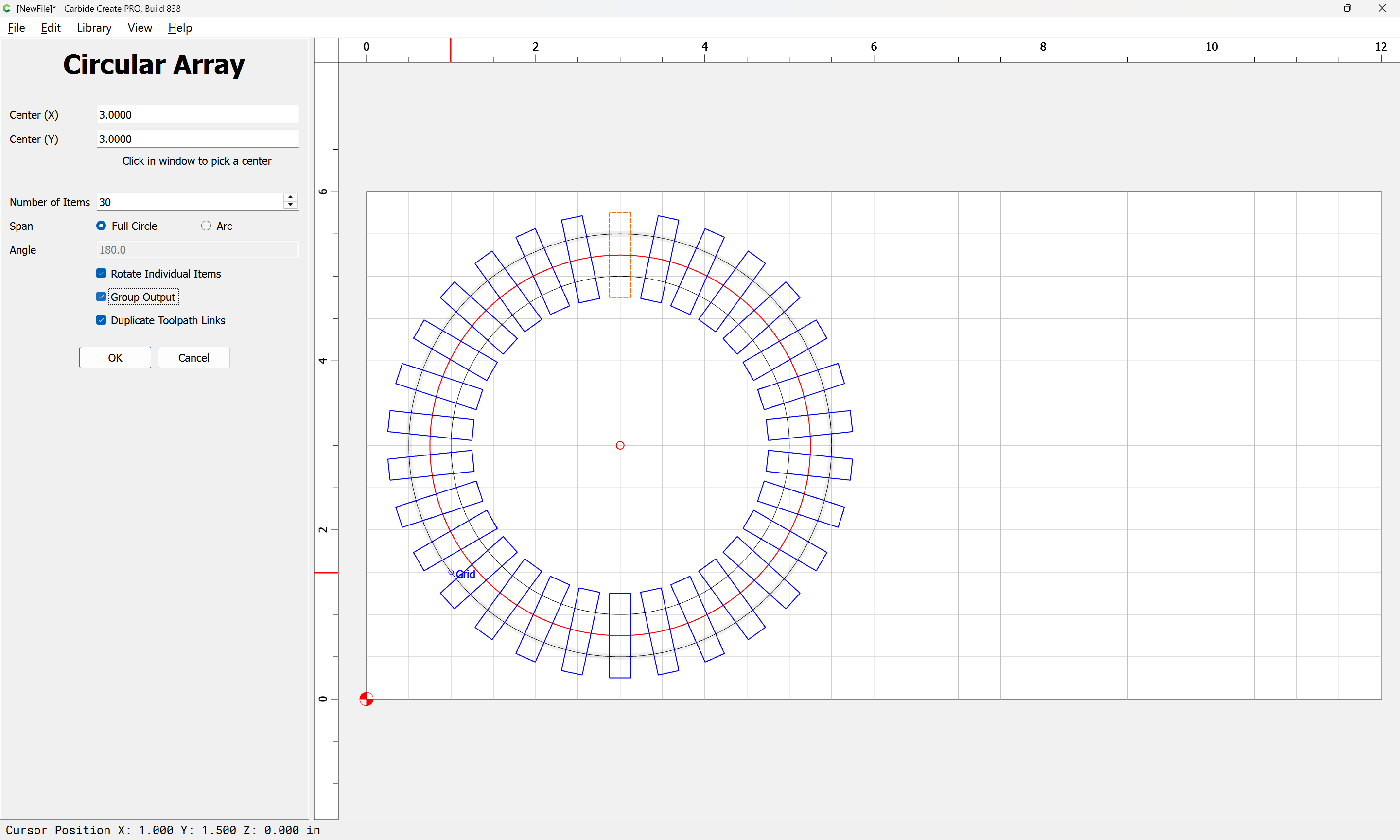
OK
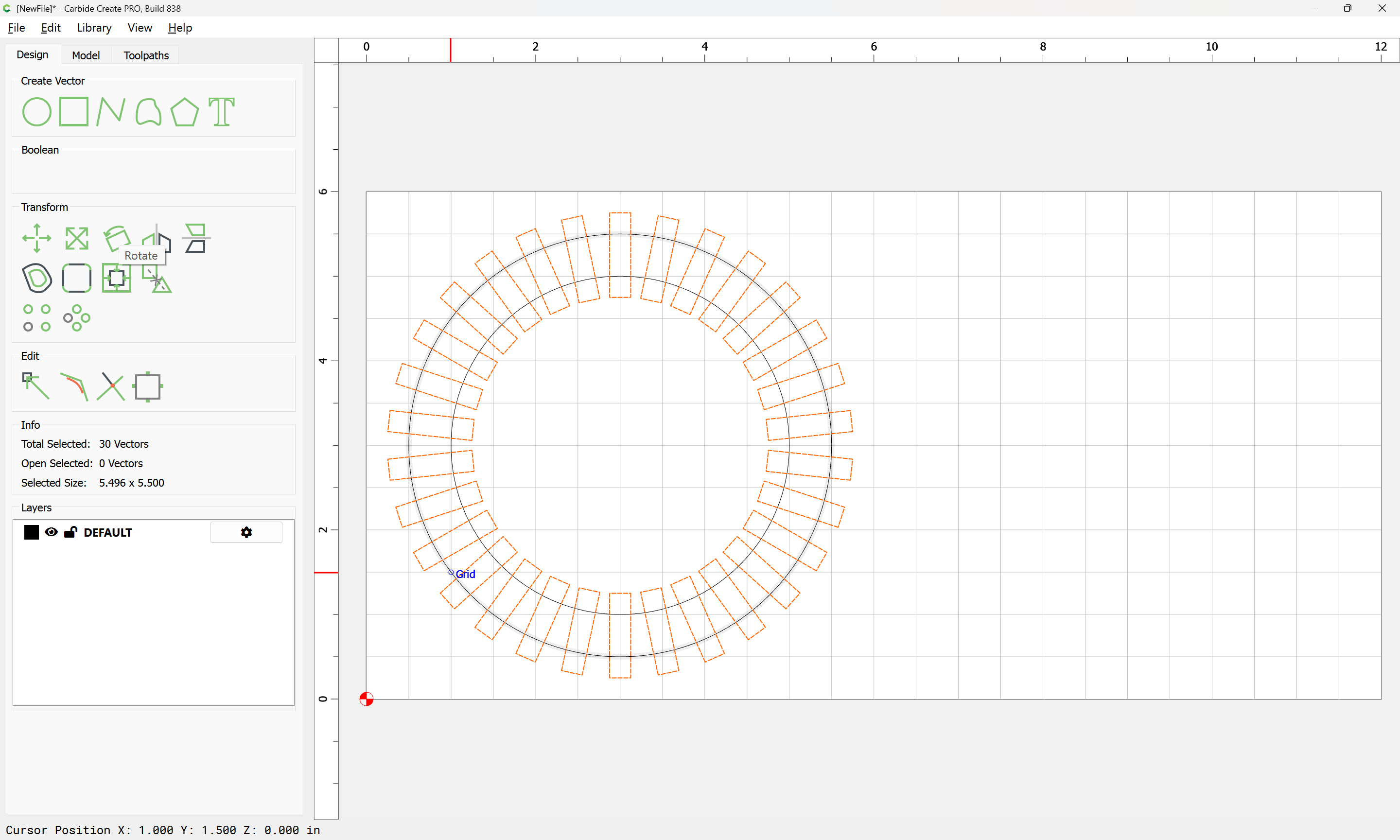
then rotate a bit:
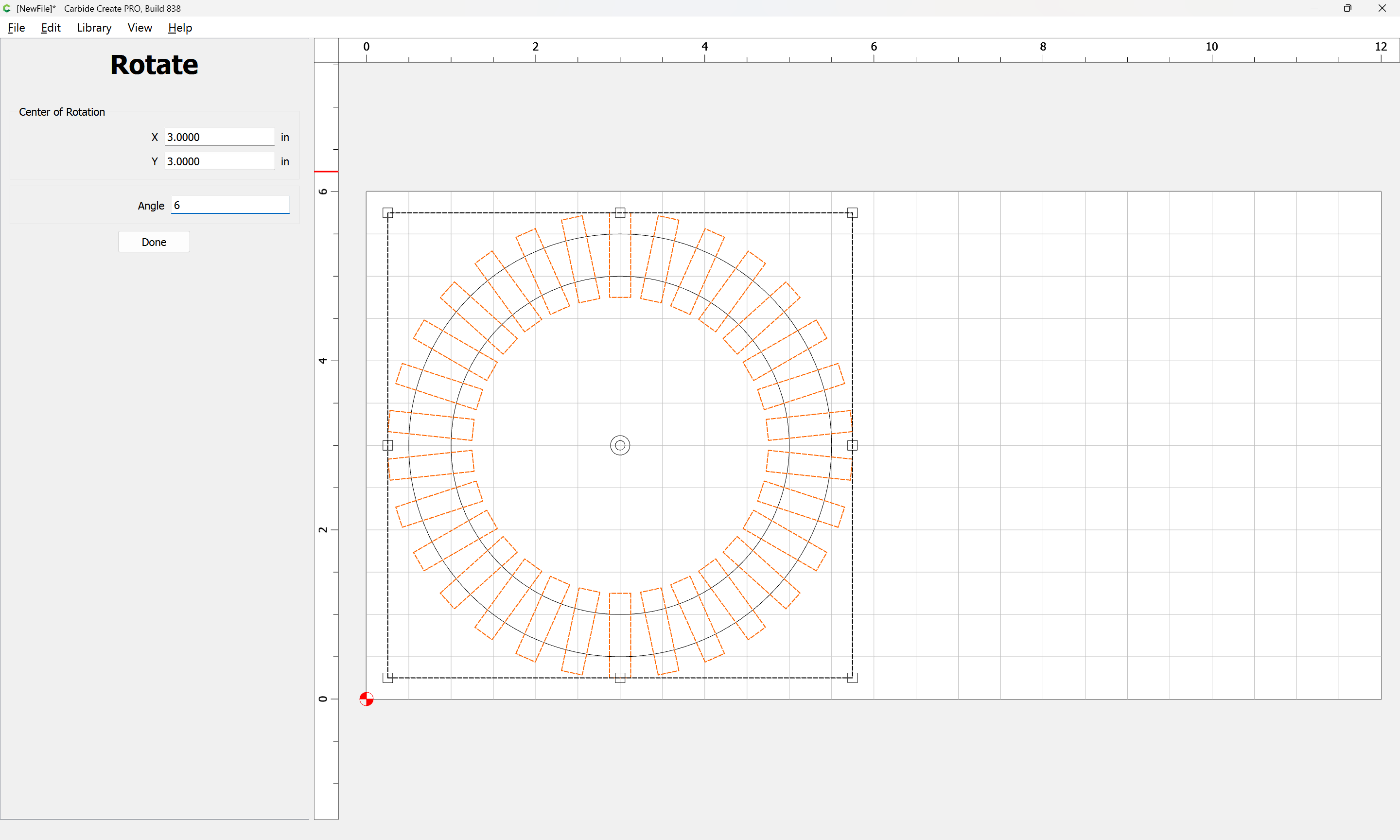
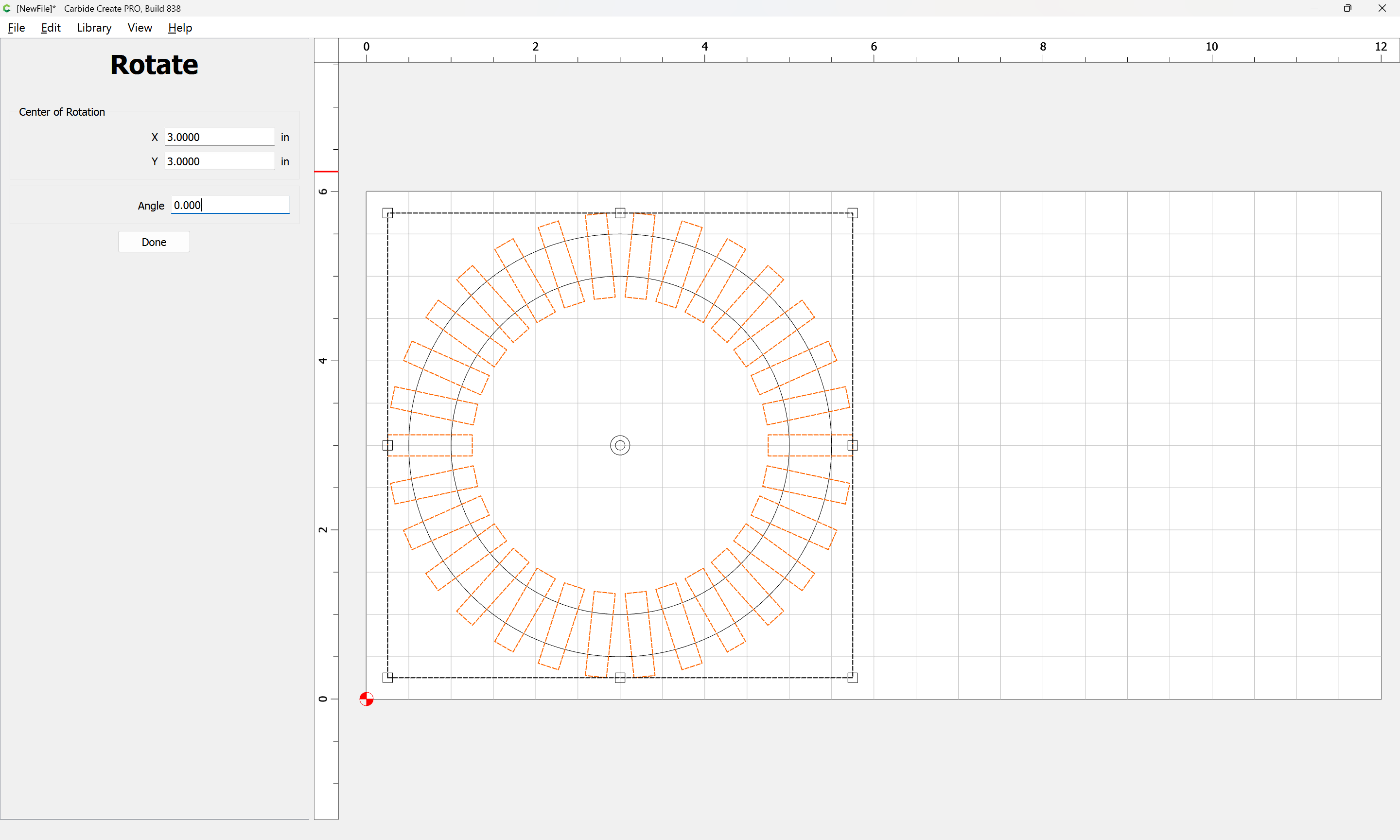
Done
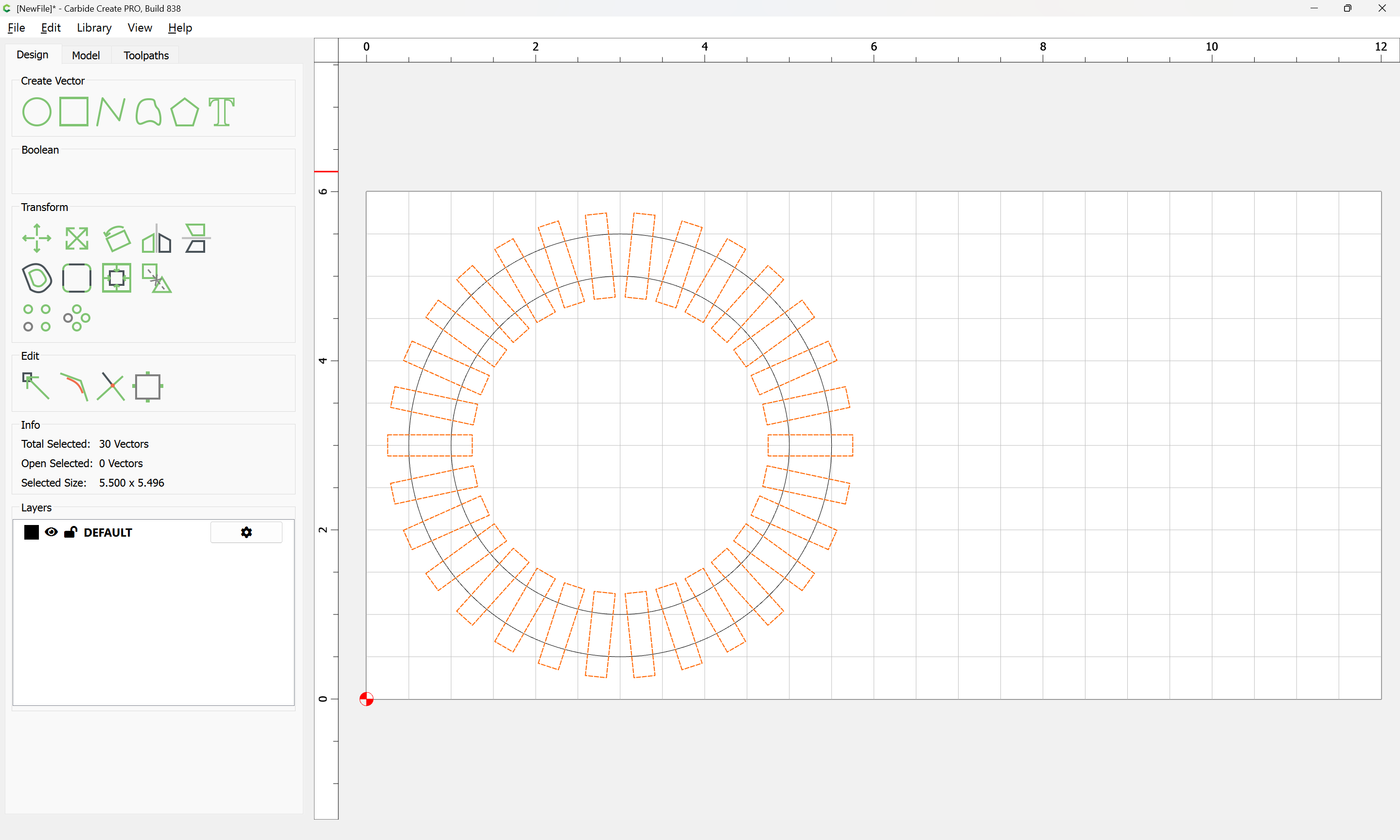
then go to 3D modeling:
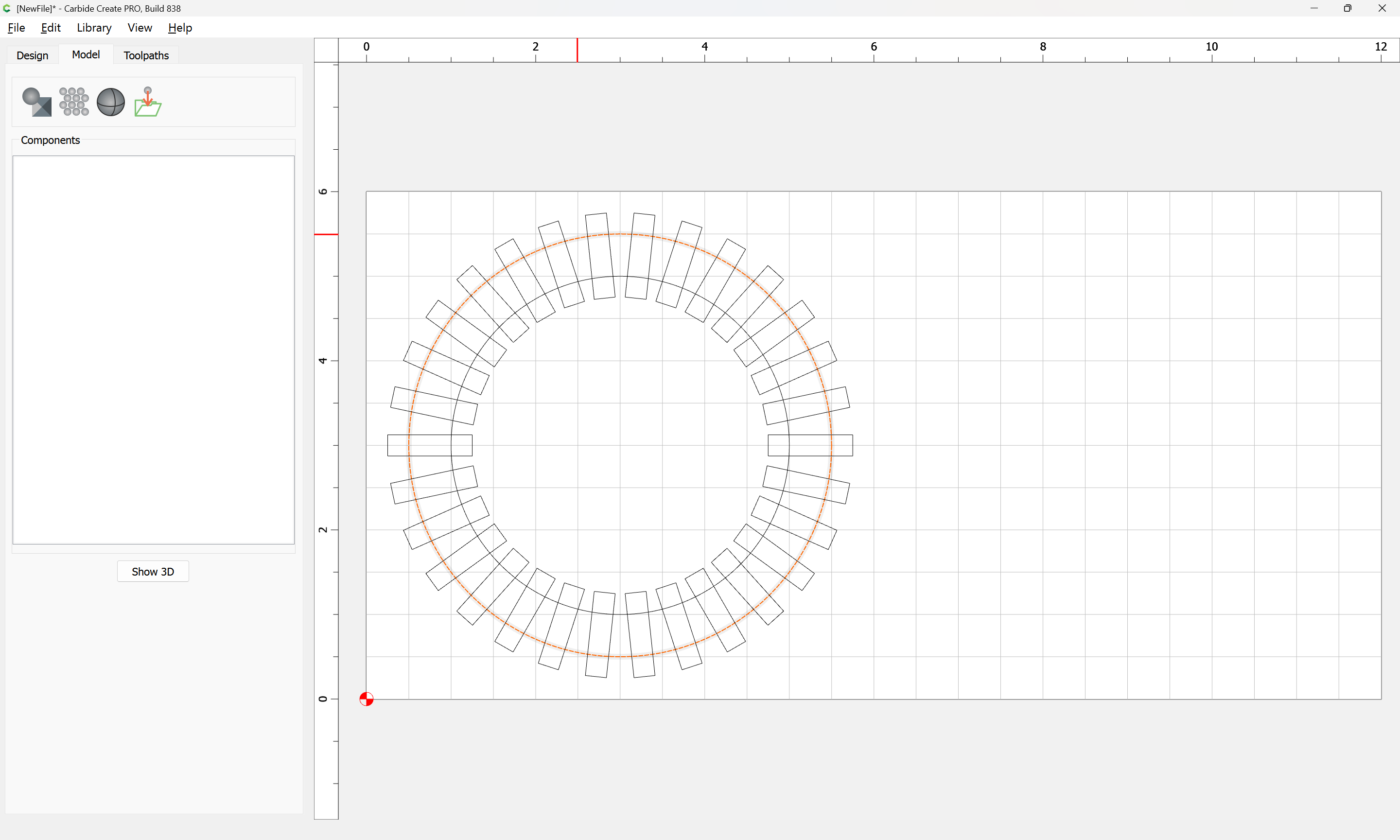
select the circle and model it:
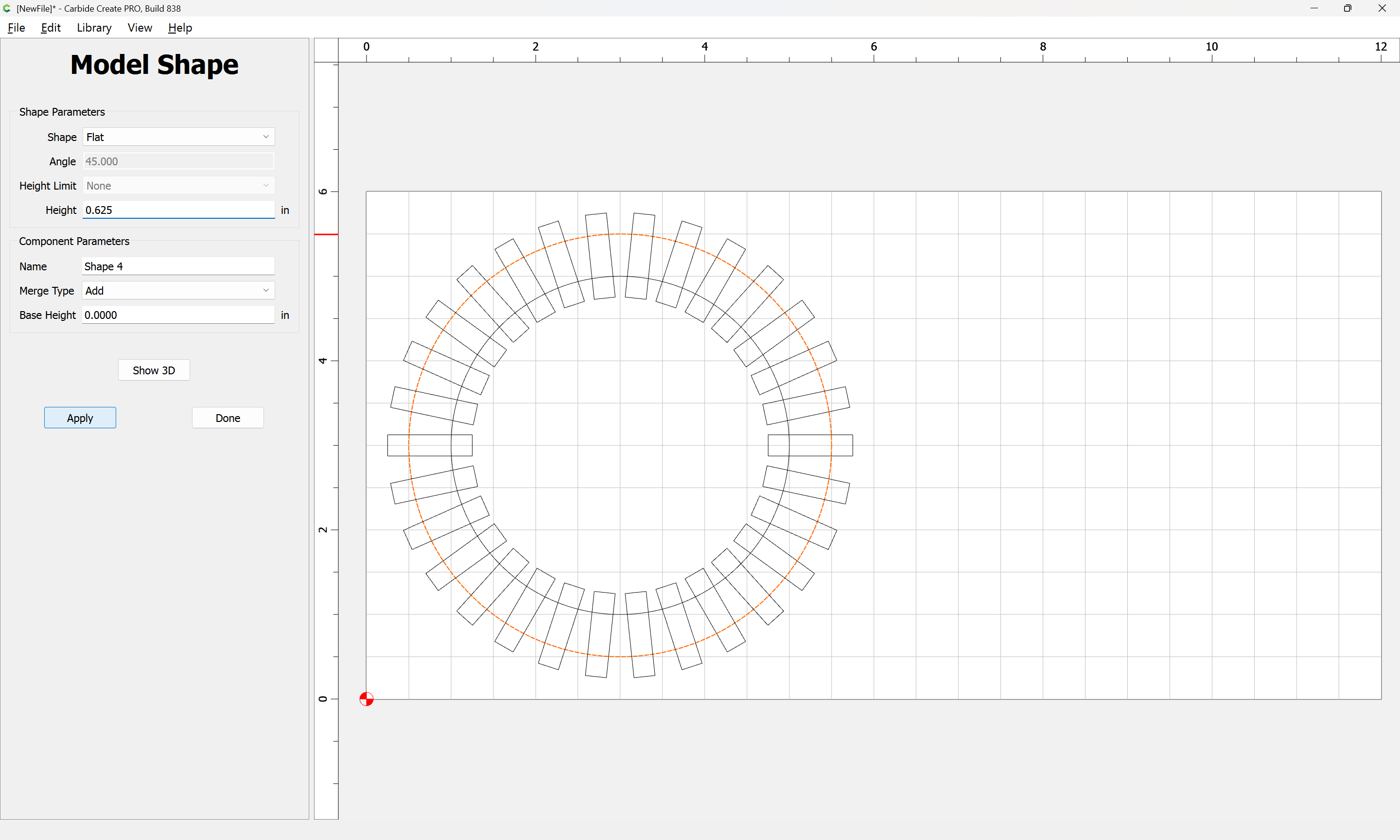
Apply
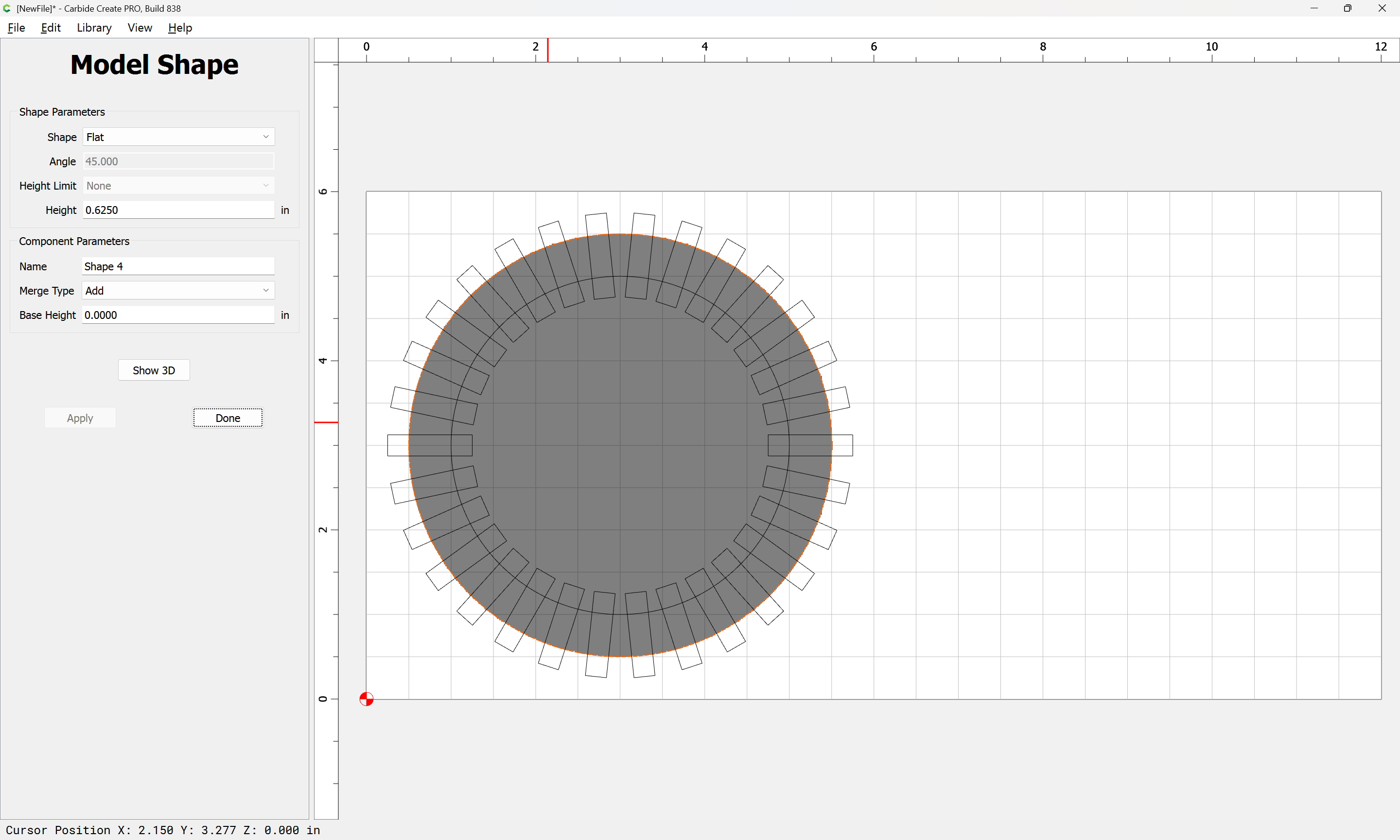
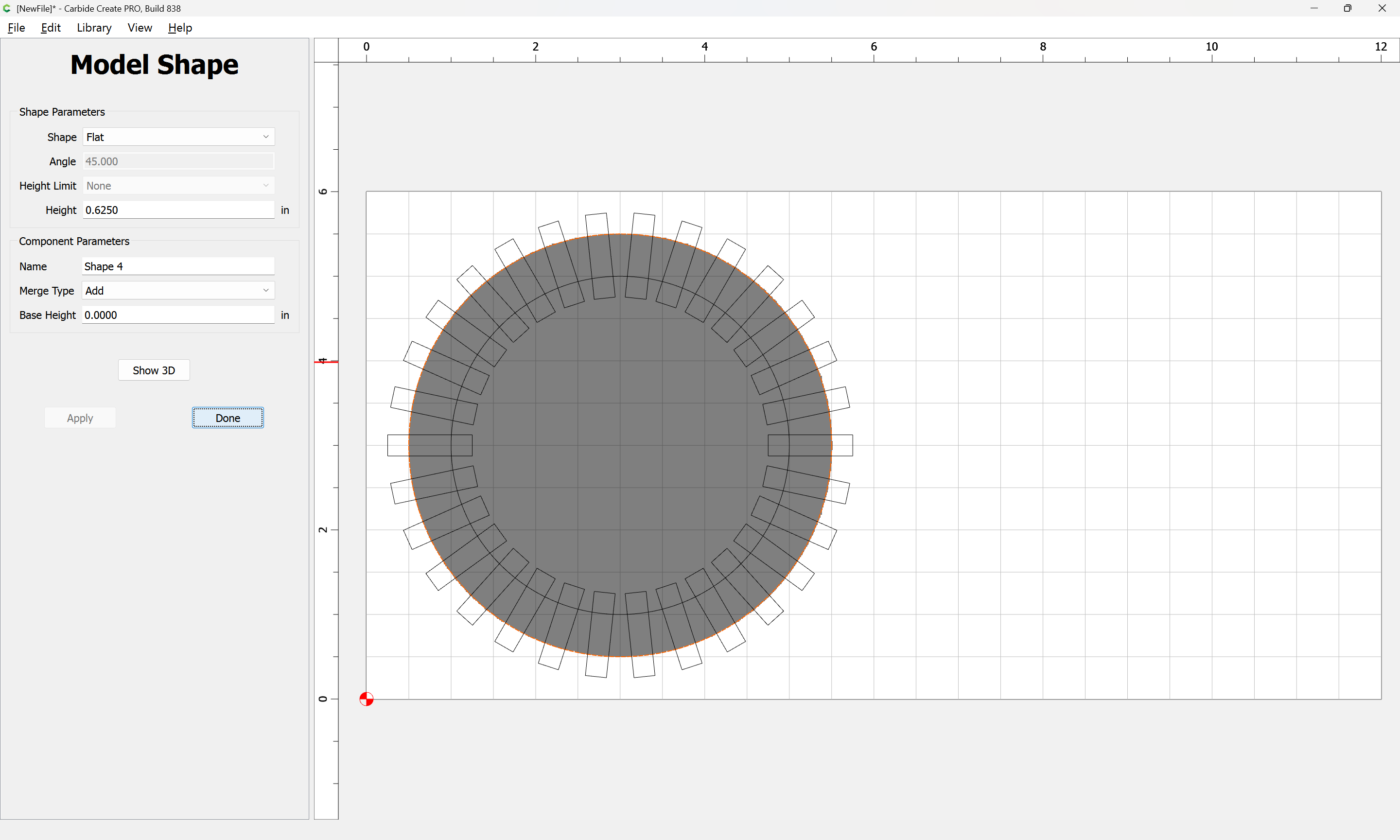
Done
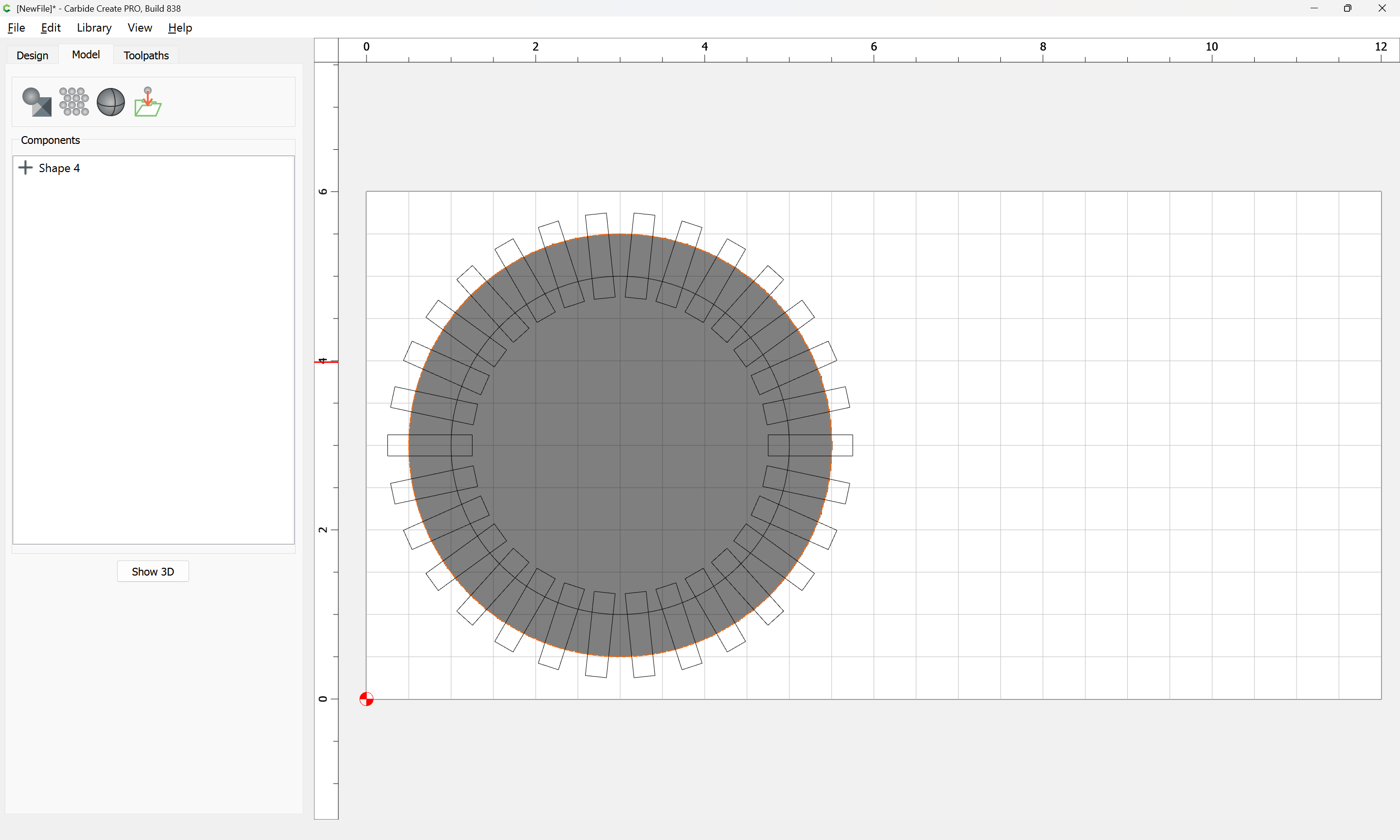
Select the inner circle:
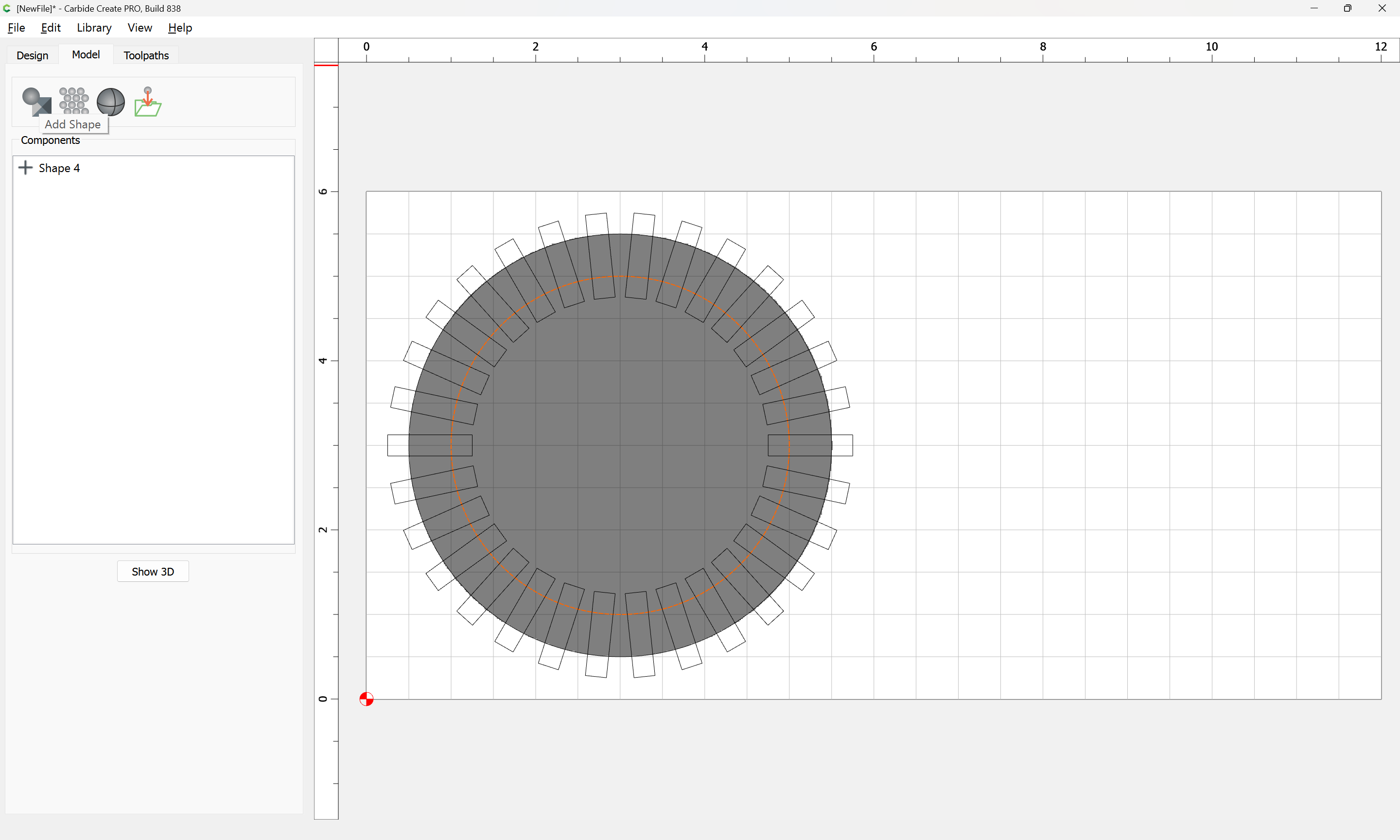
and subtract it:
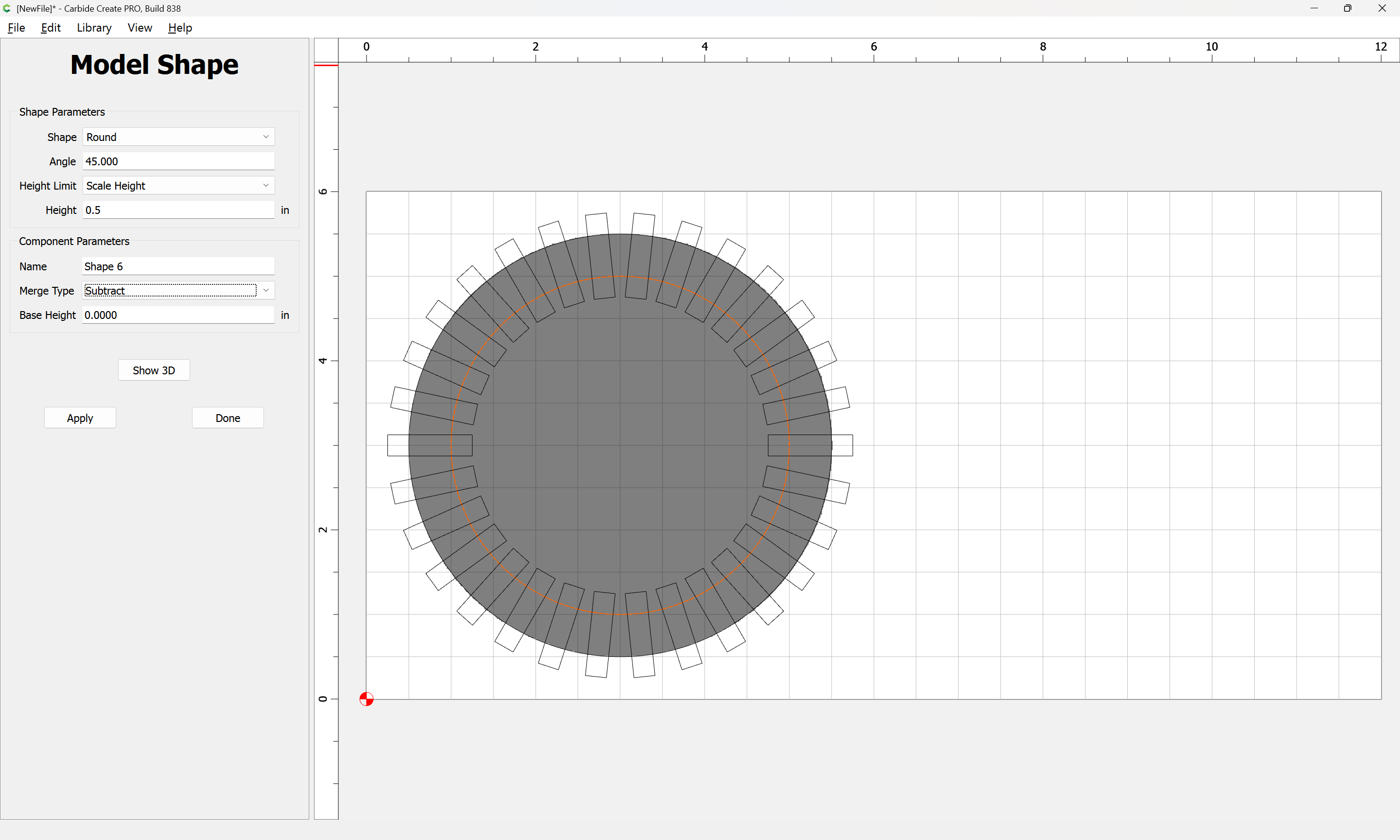
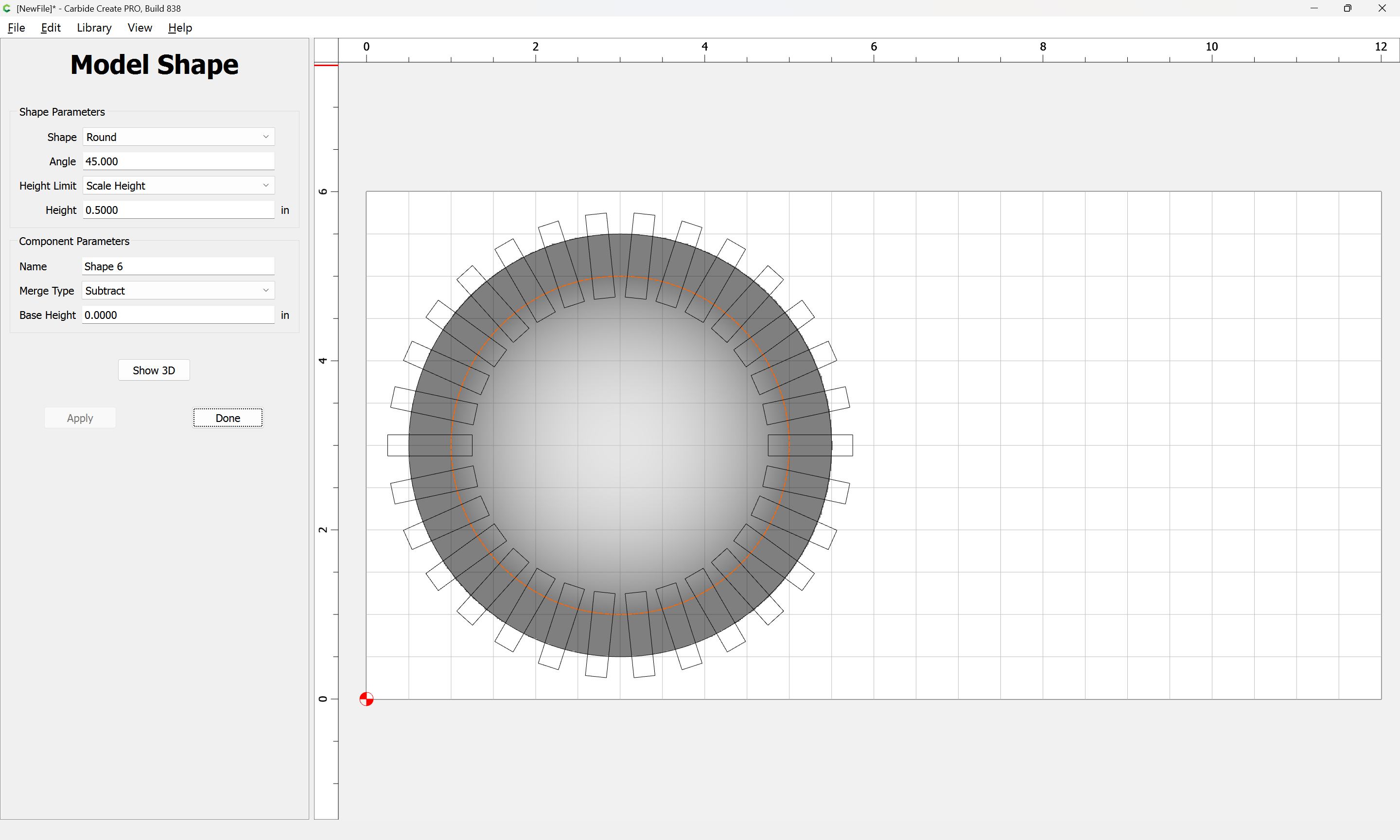
Done

Select the small rectangles:
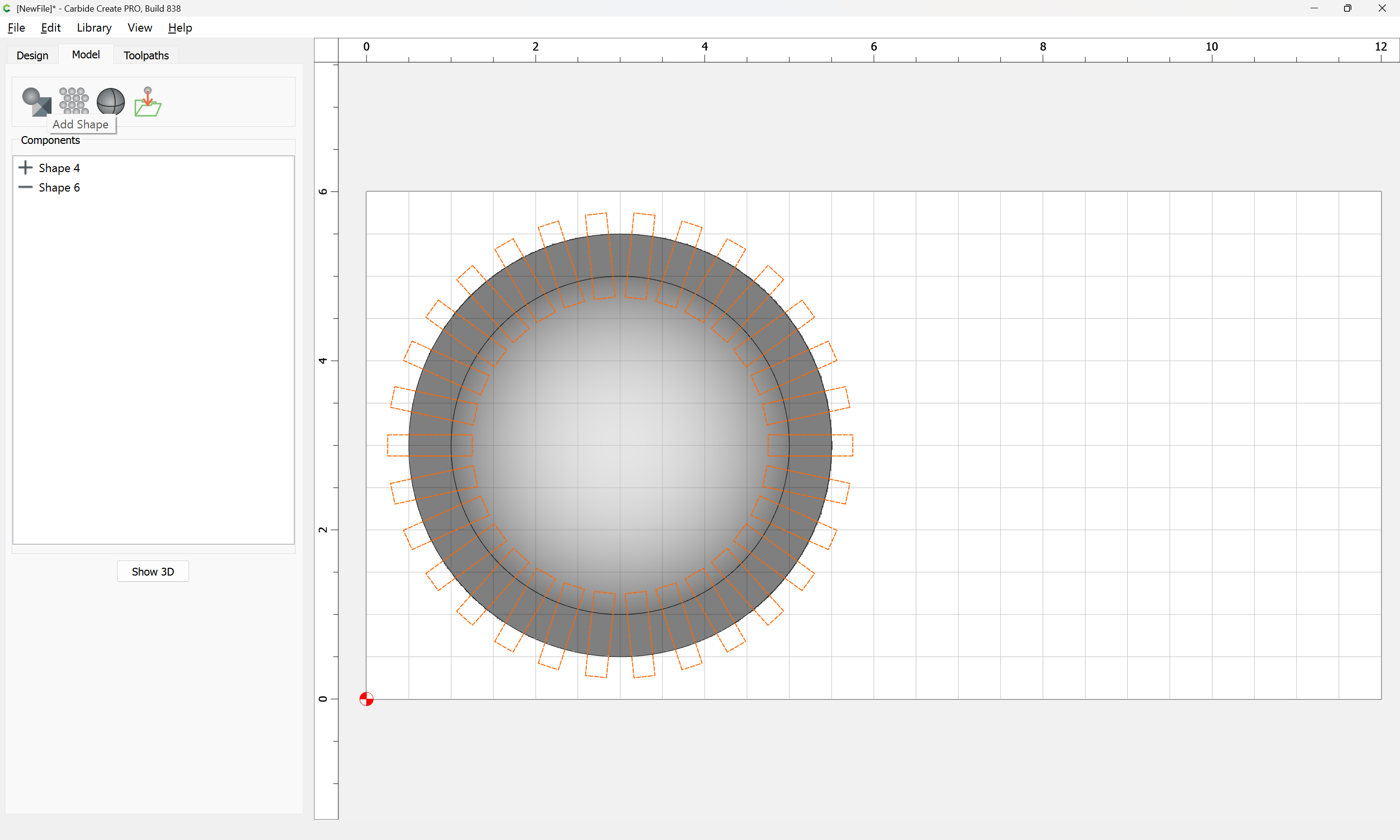
and model them to create the edge/indentations:
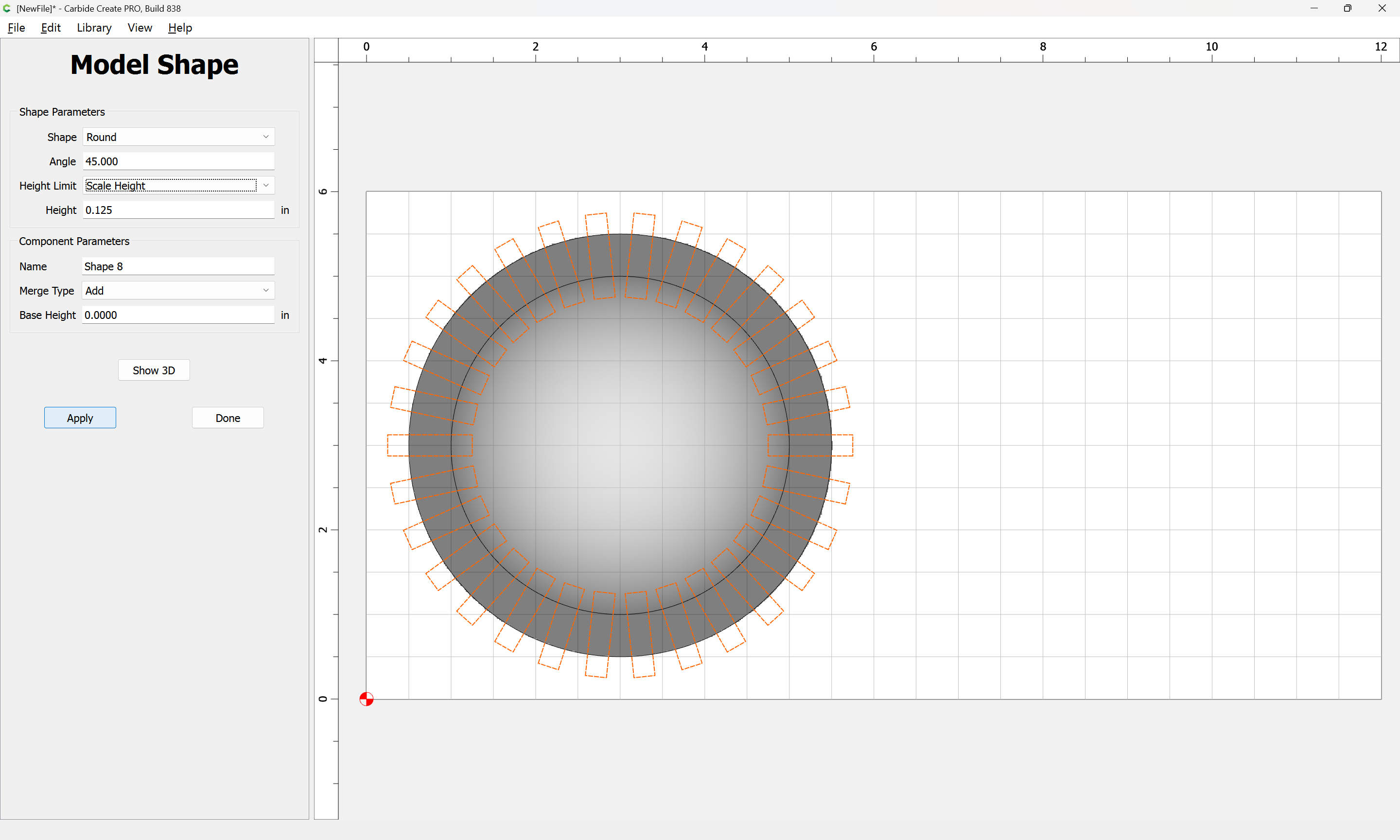
Apply
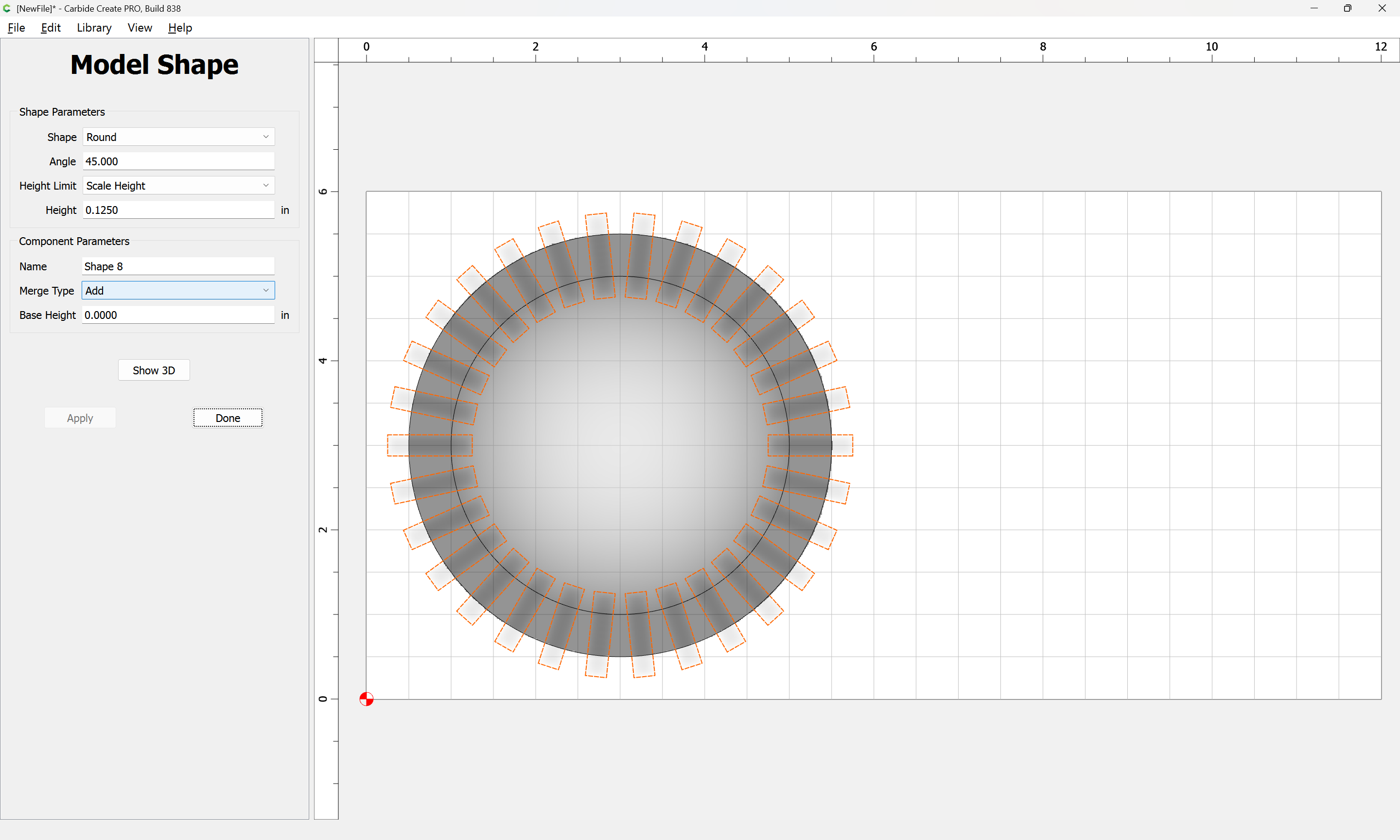
Done
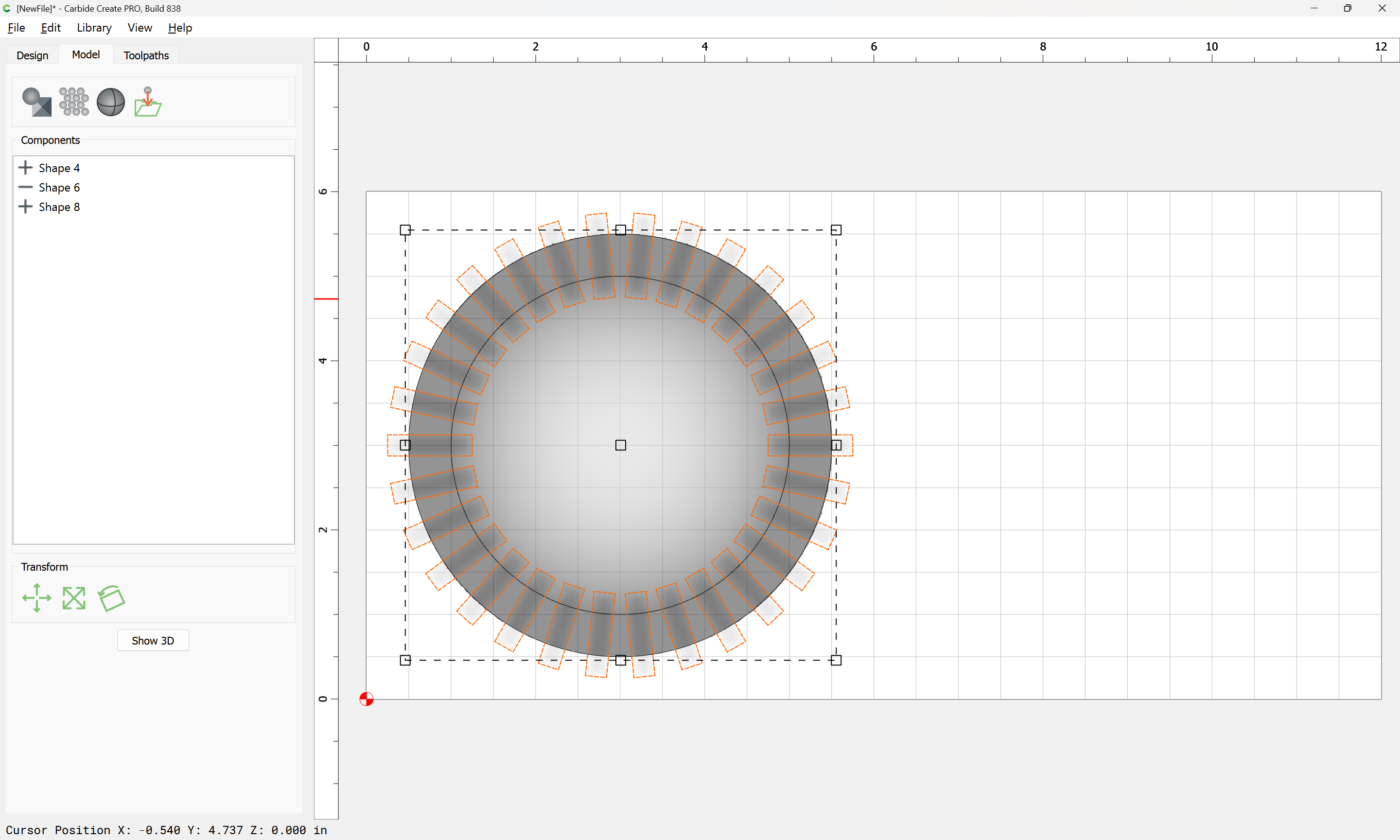
Draw in a rectangle for the flat portion:
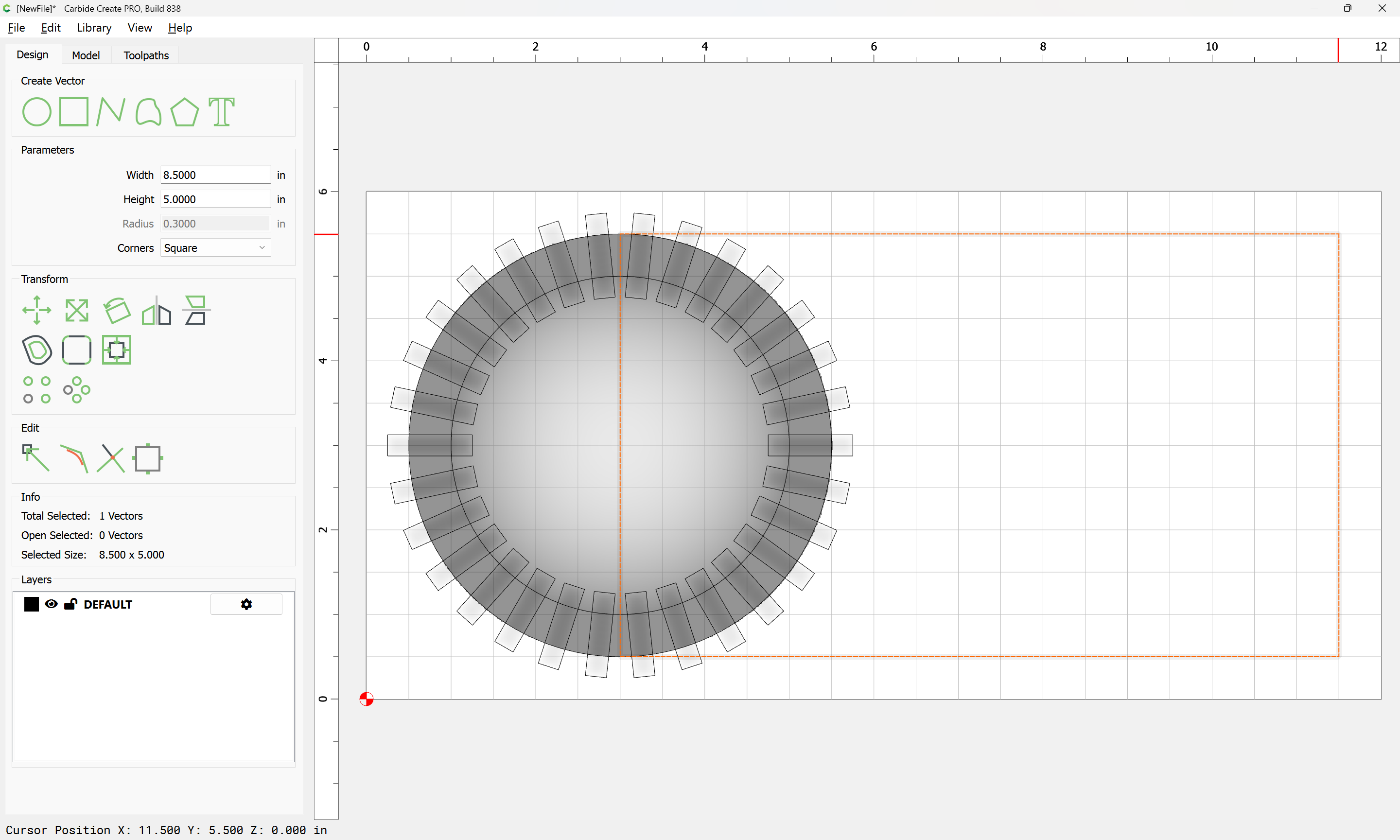
and model it:
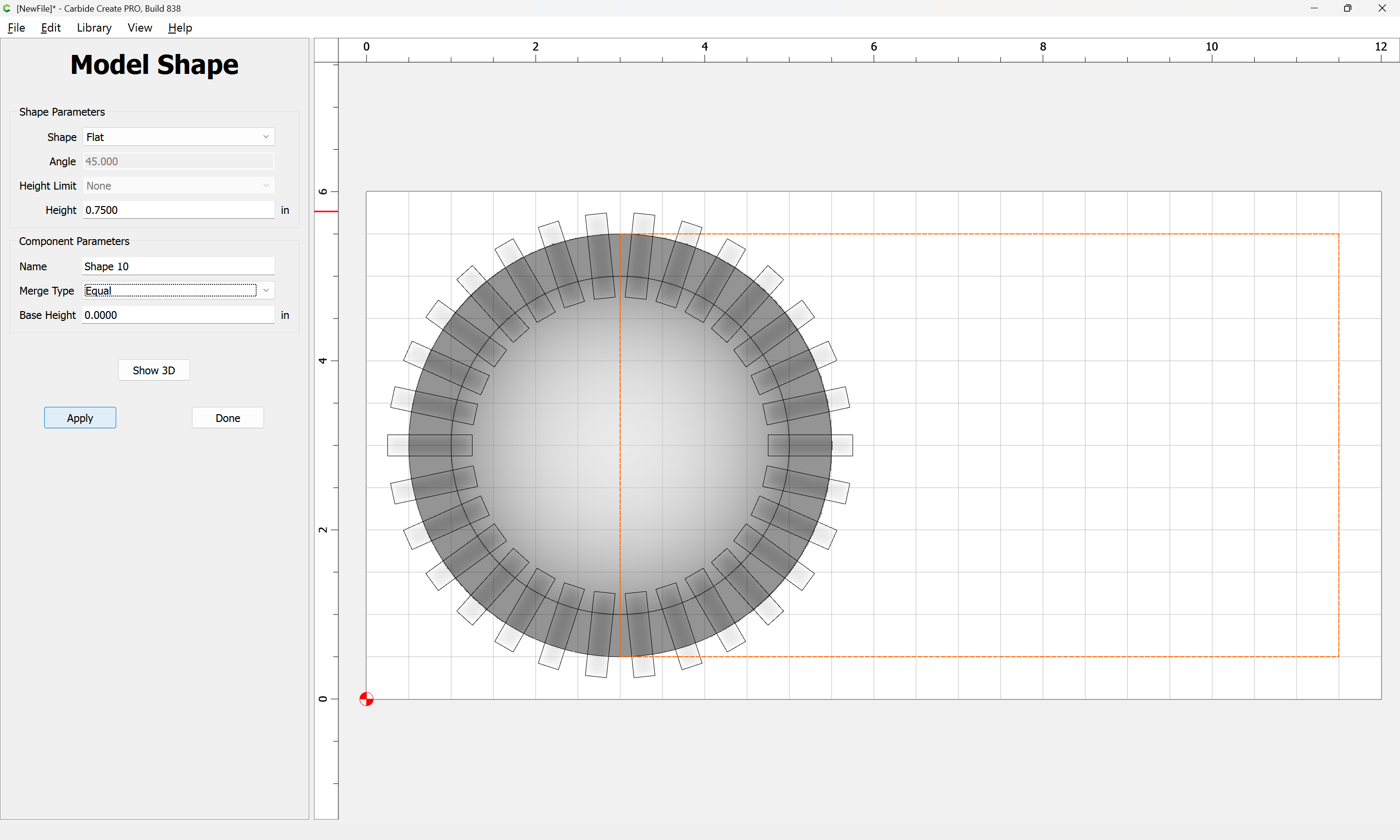
Apply
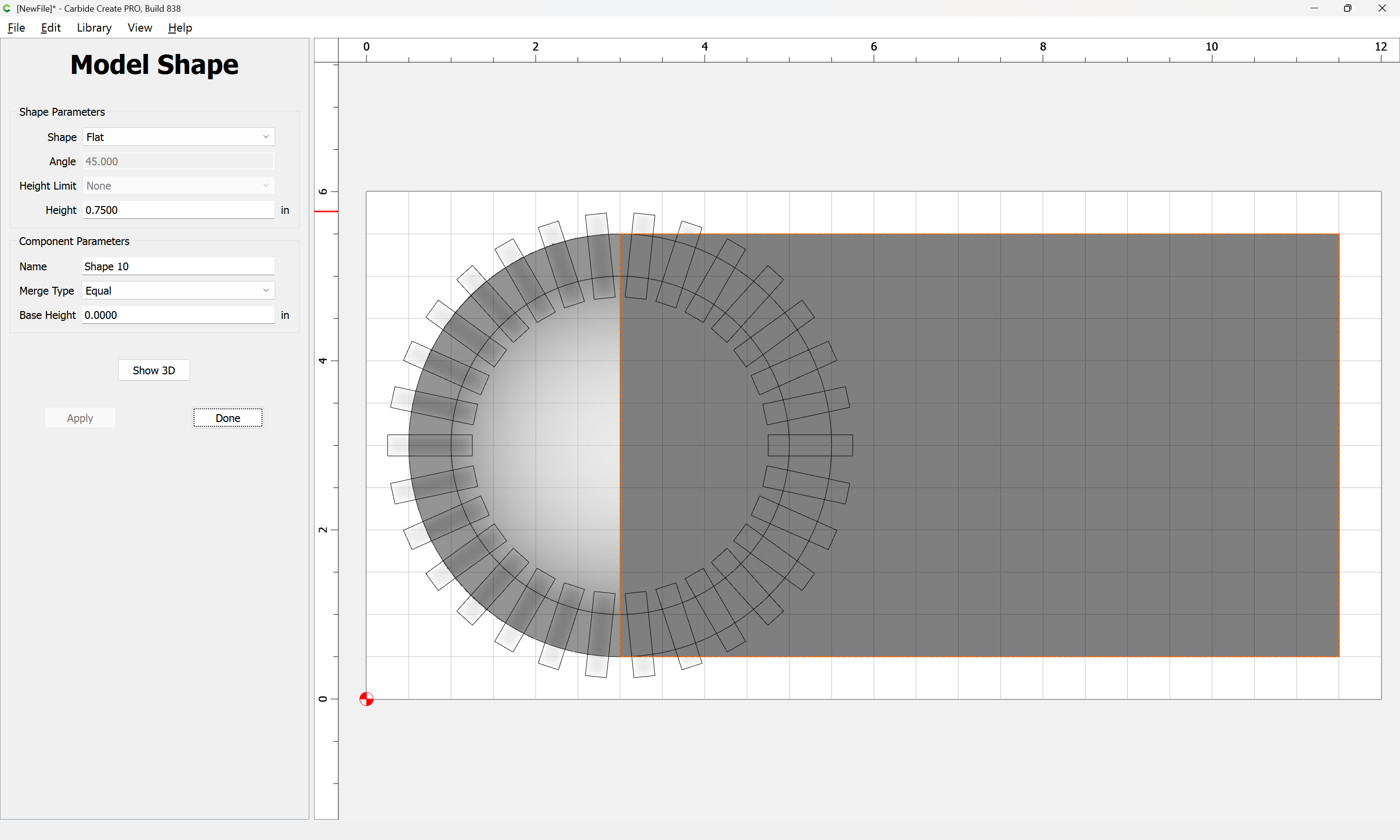
Show 3D:
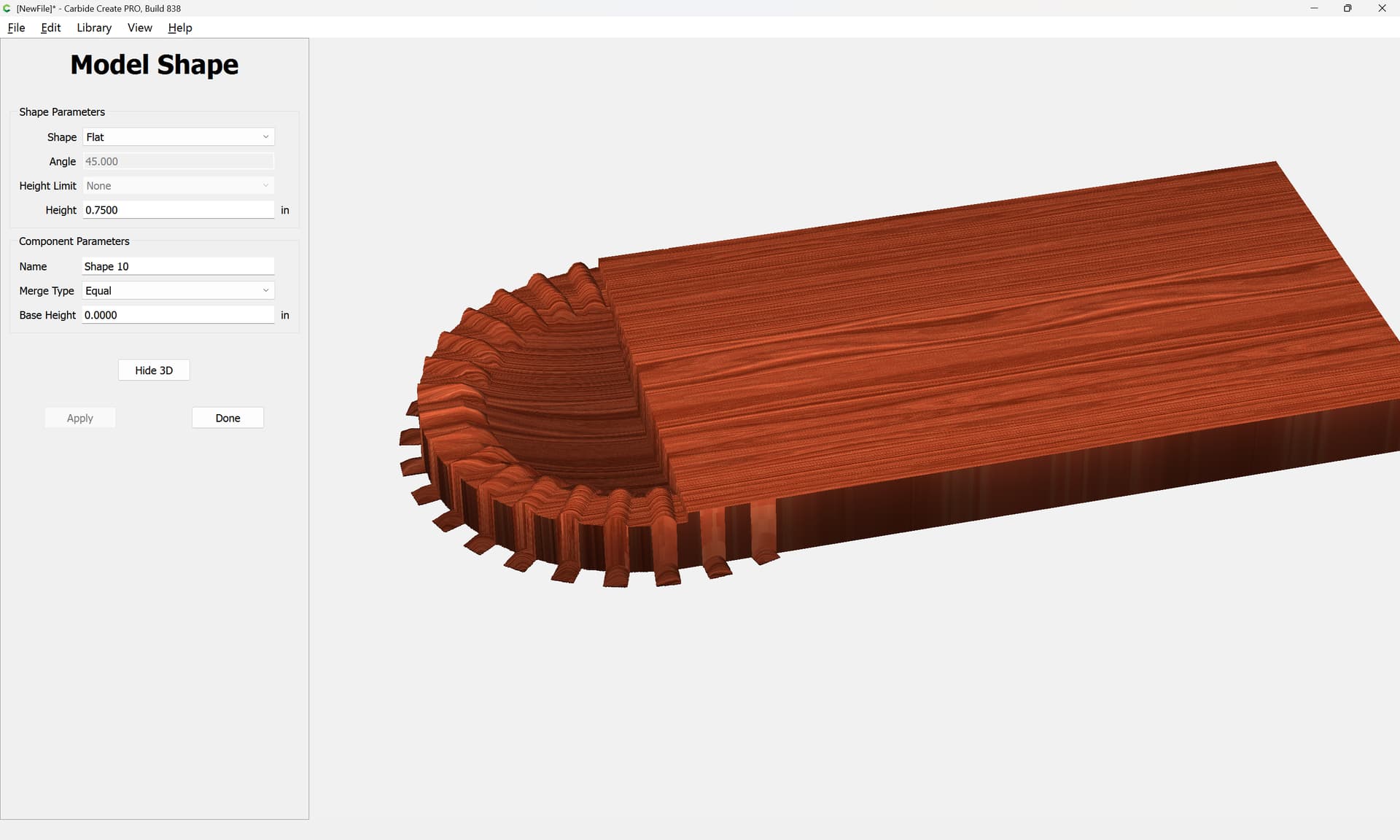
To clean up the edges:
Boolean union the two outer shapes:
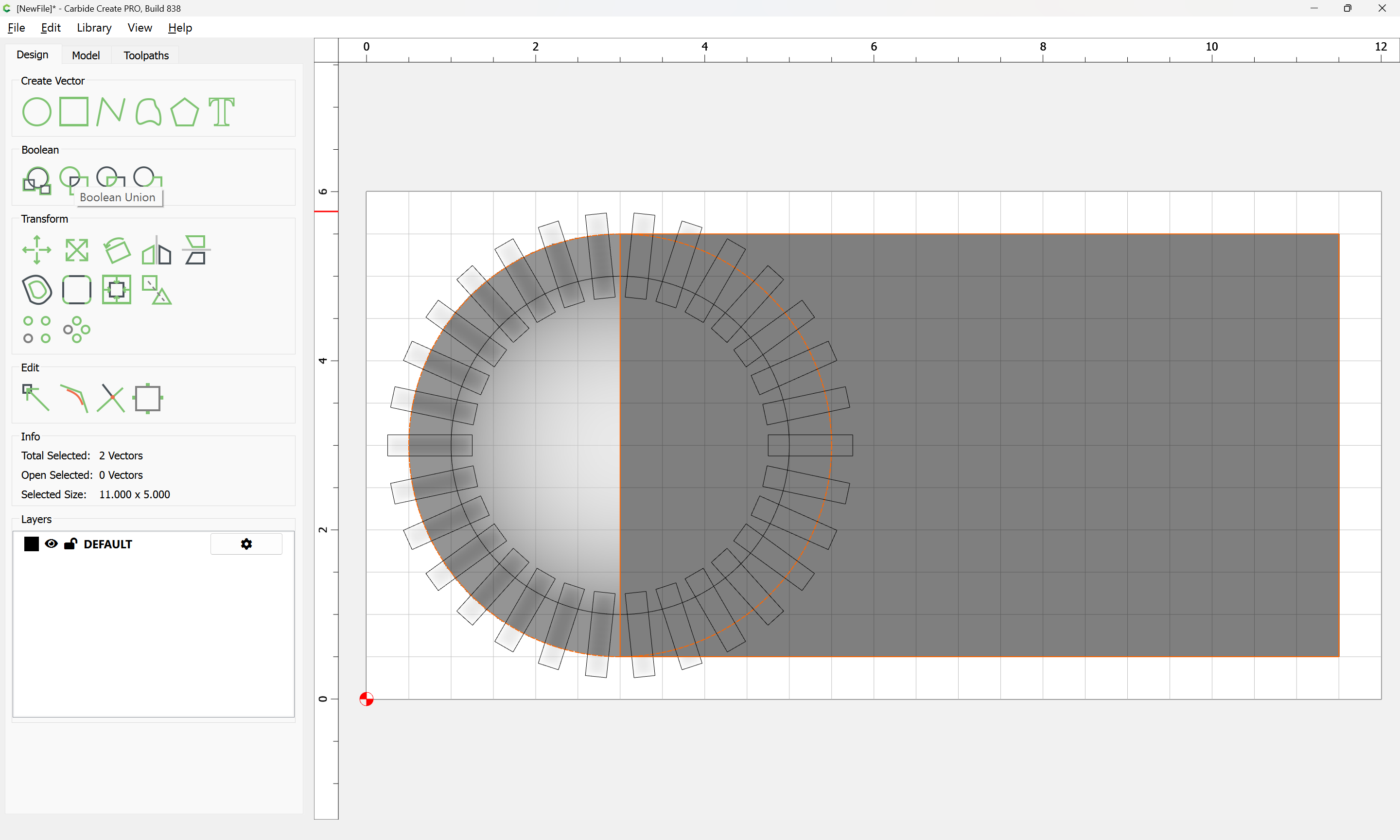
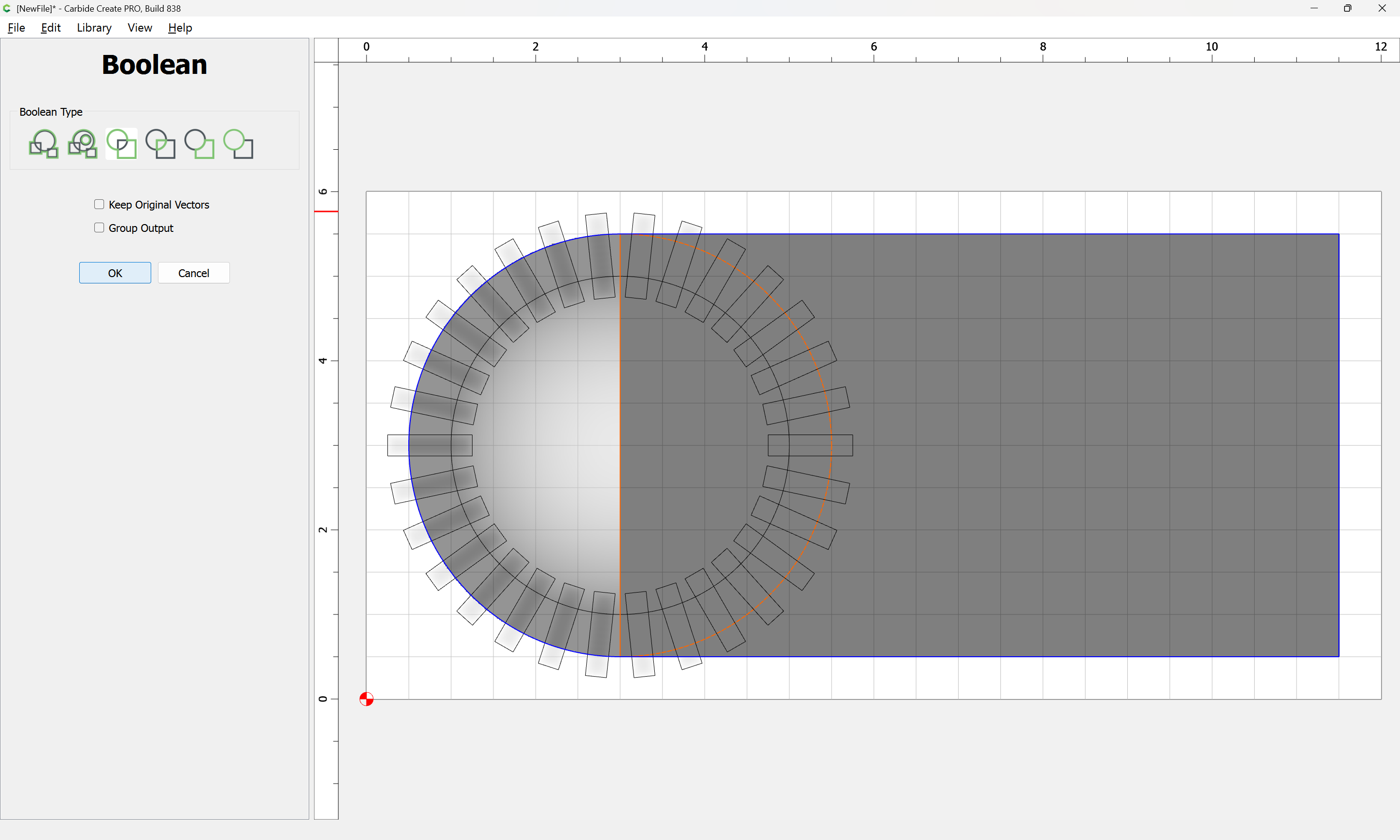
OK
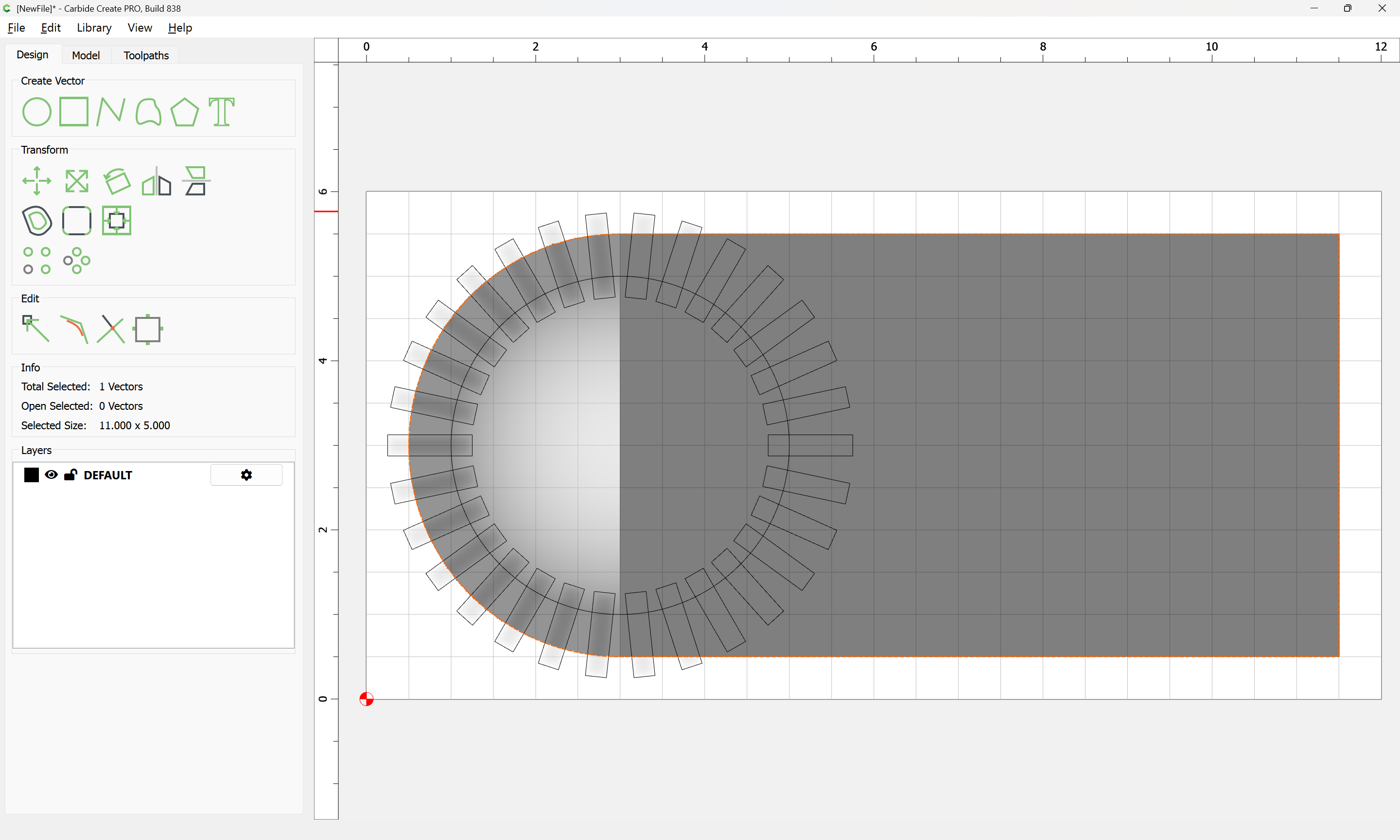
Draw in the stock:
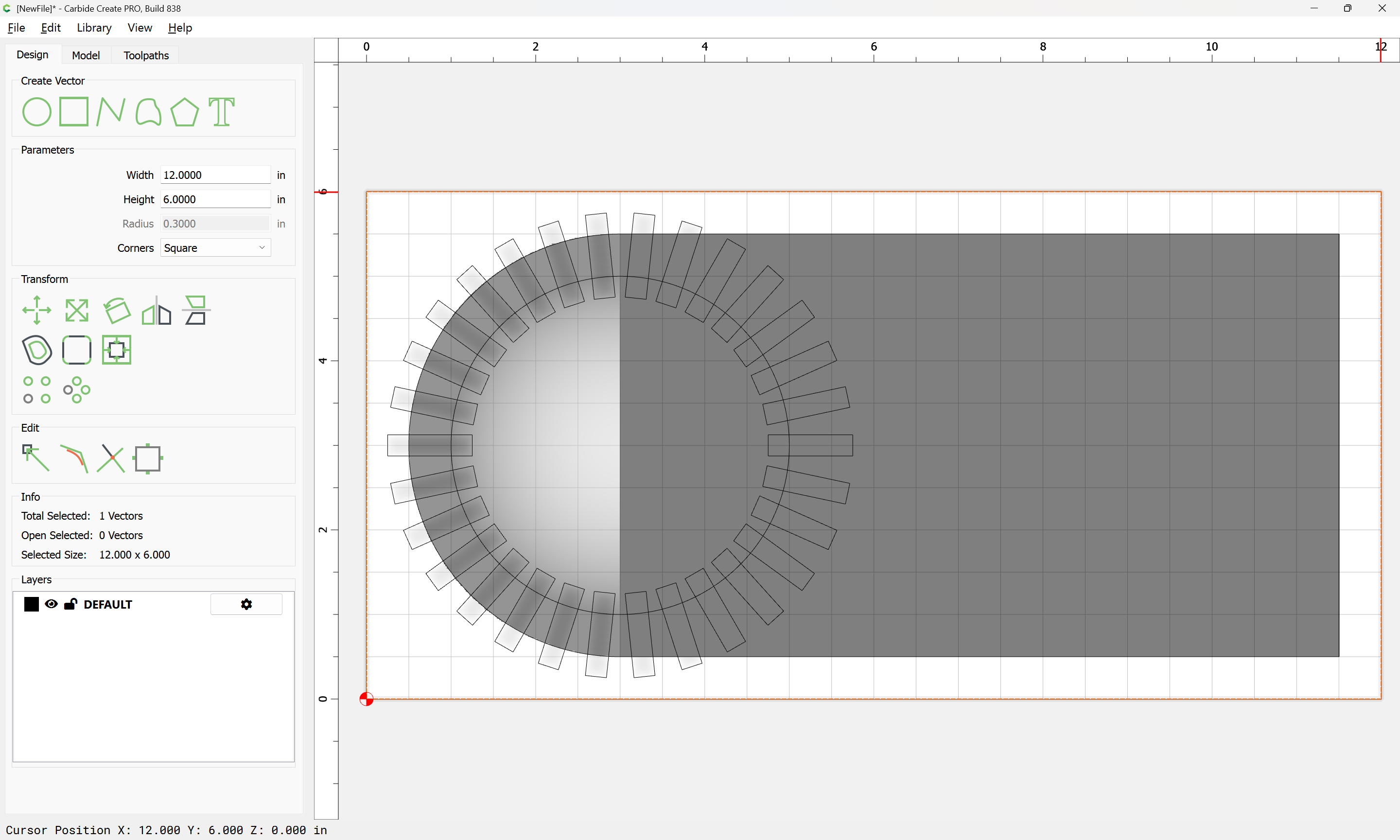
Select the geometries which define the surround:
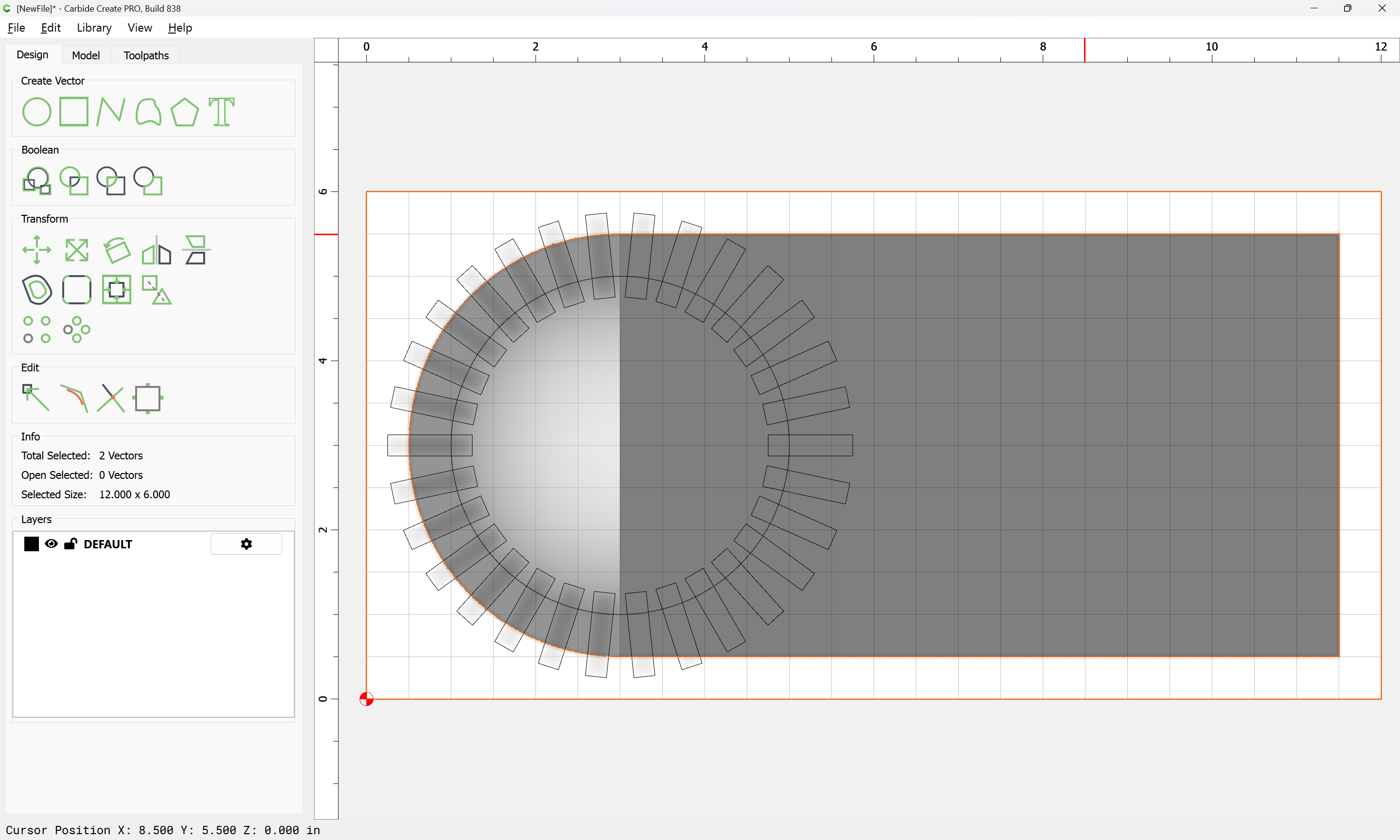
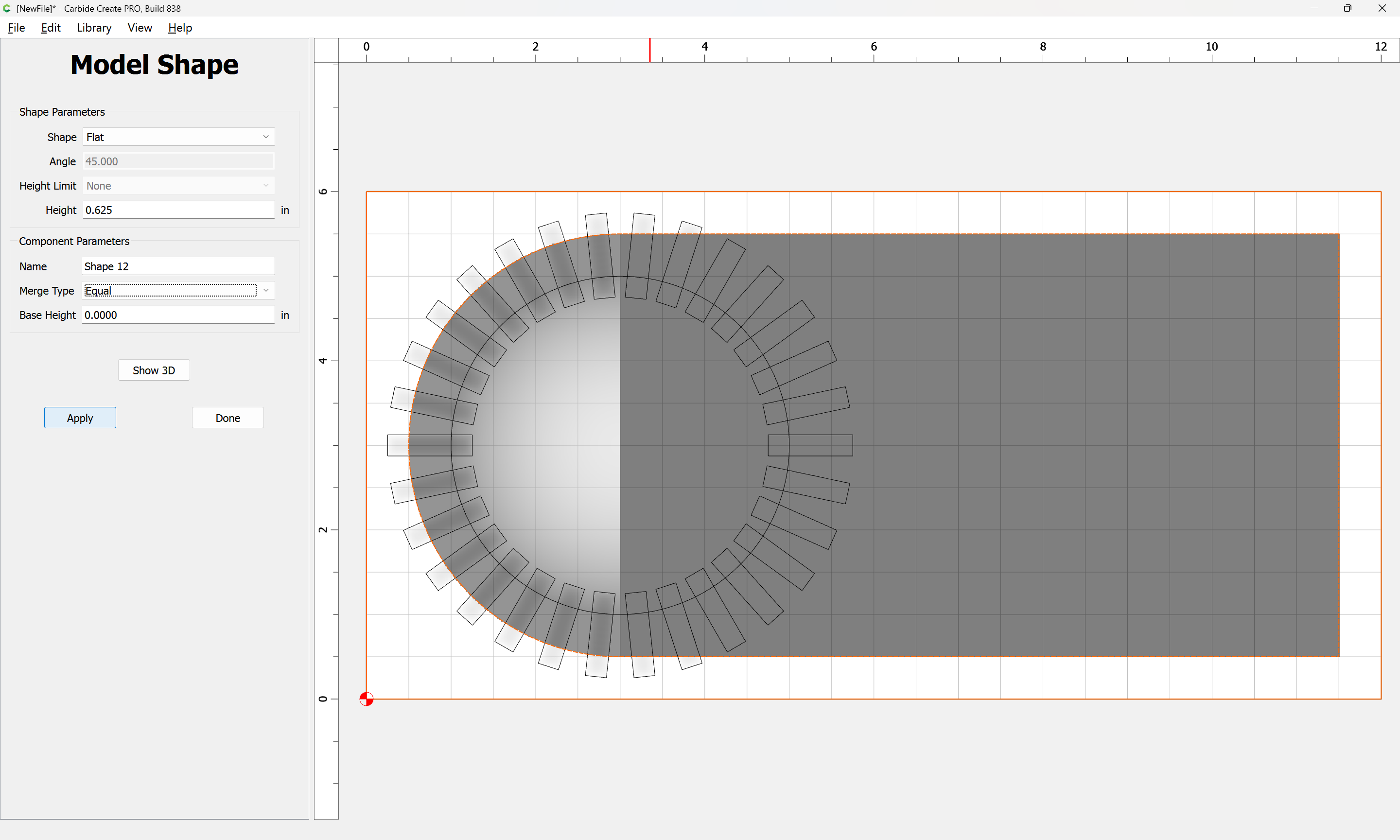
Apply
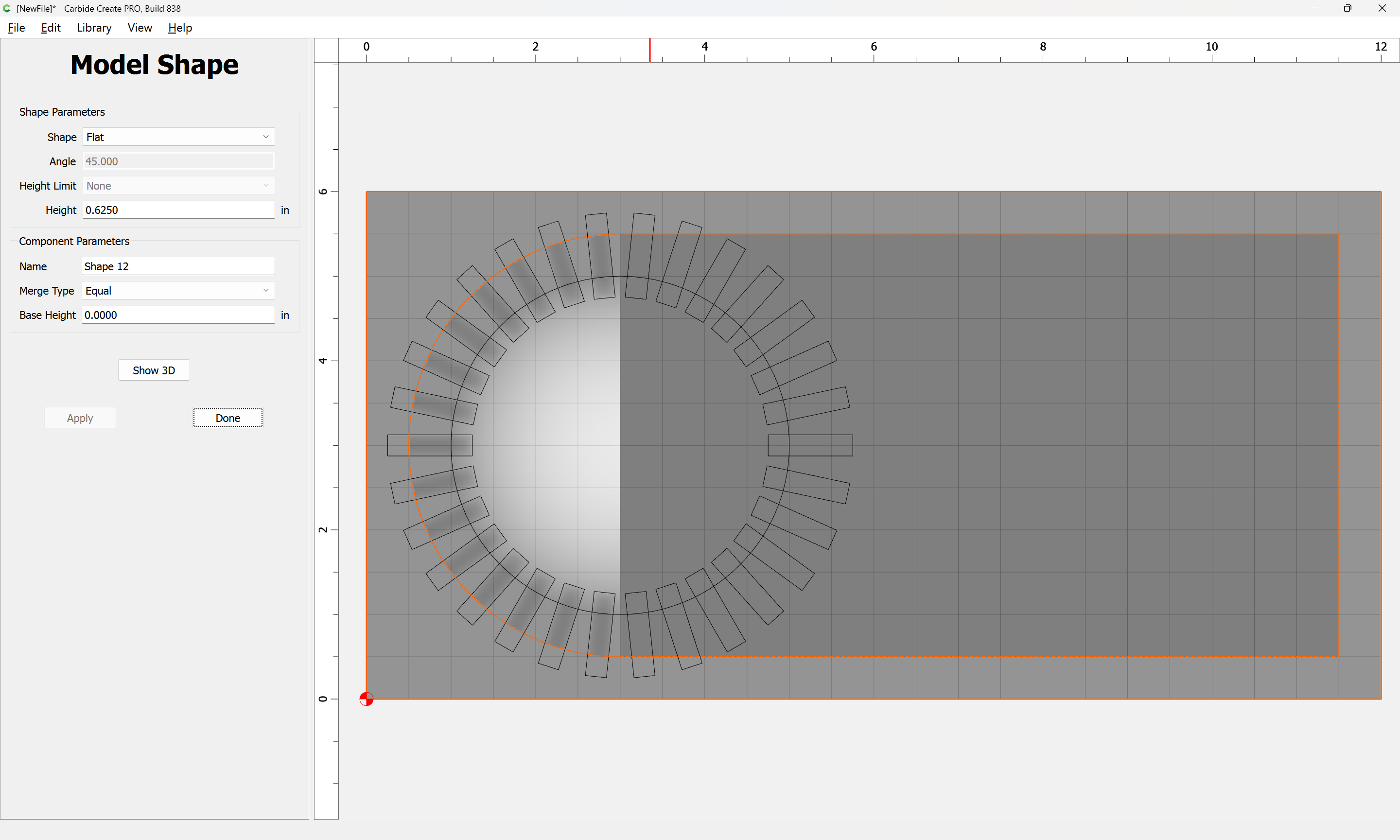
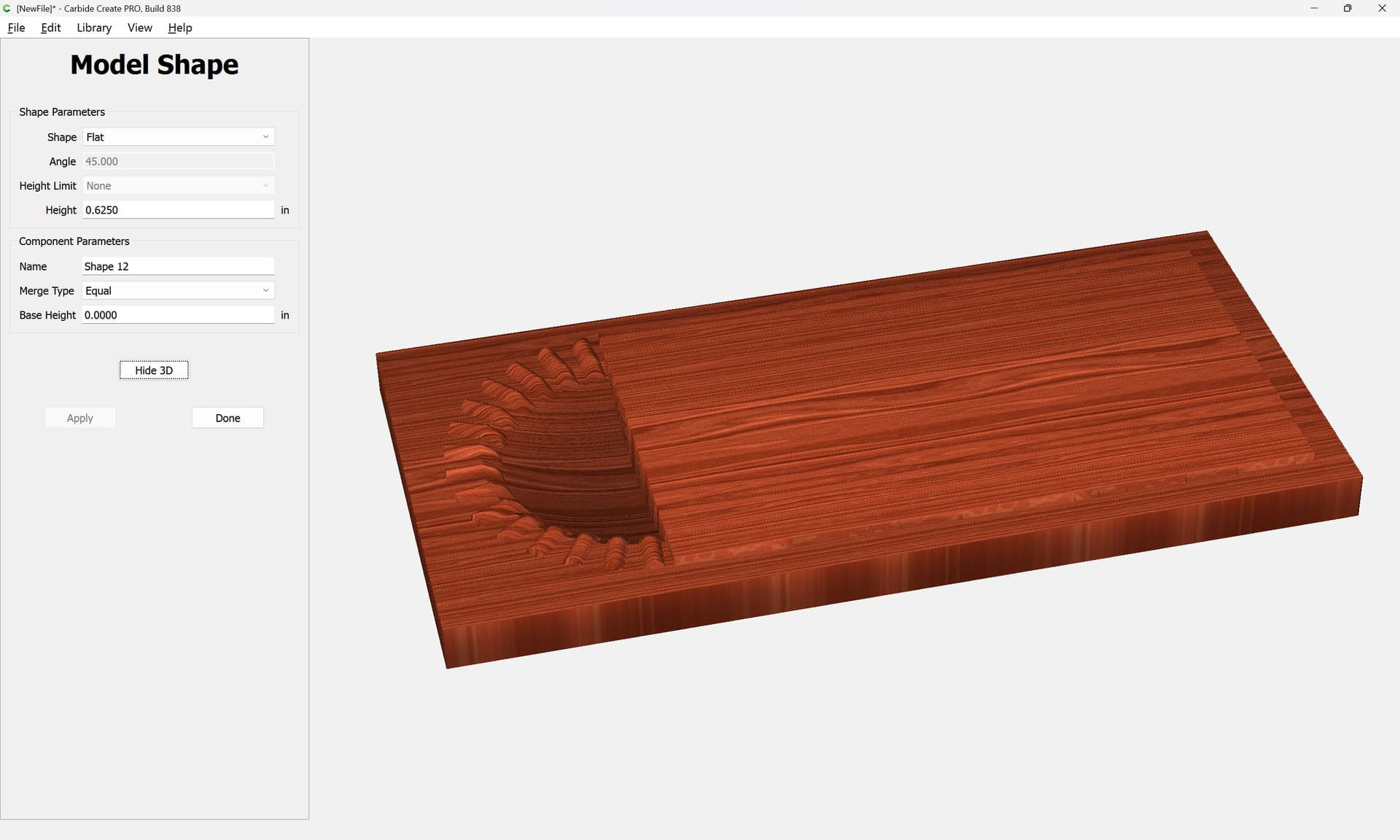
Then set up 3D toolpaths to cut the model:
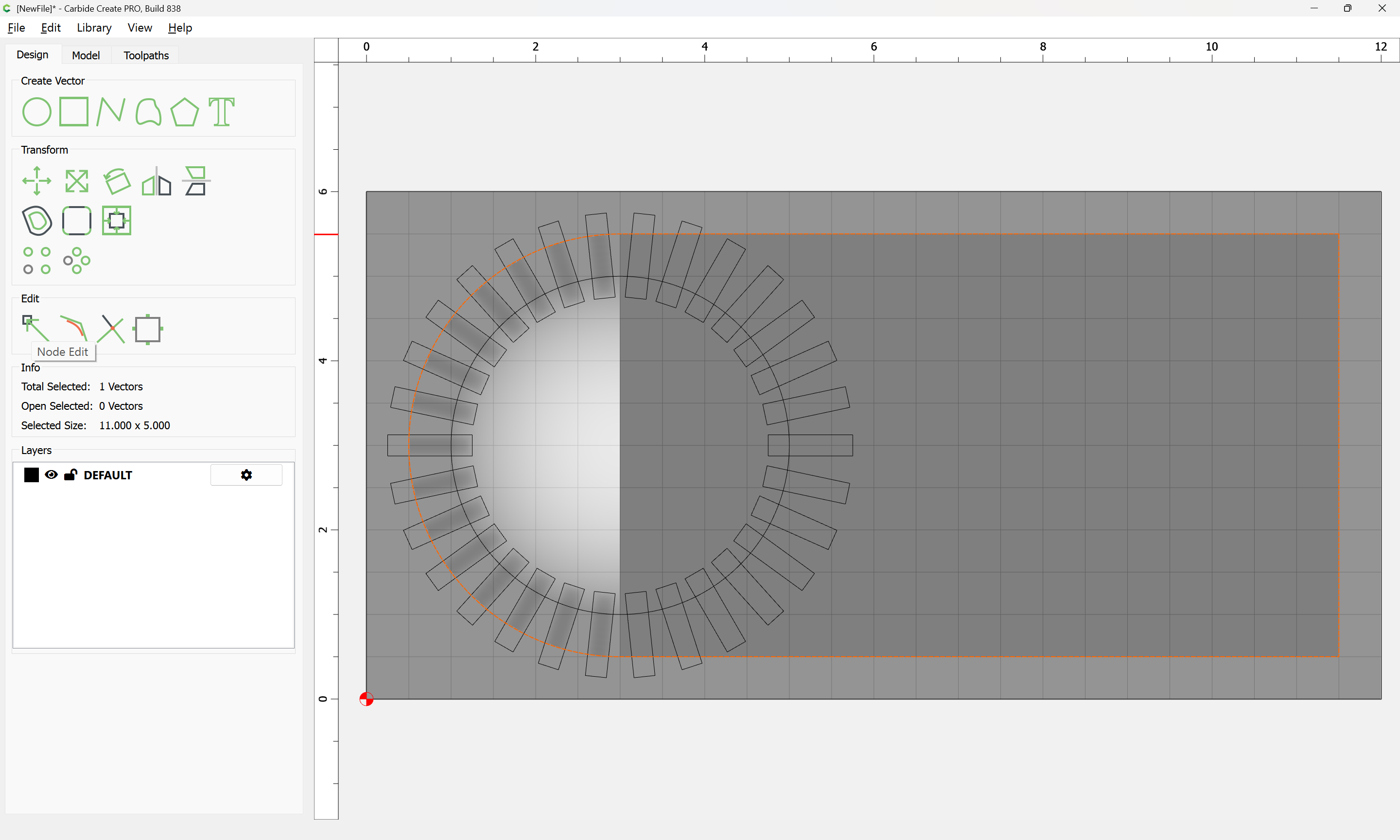
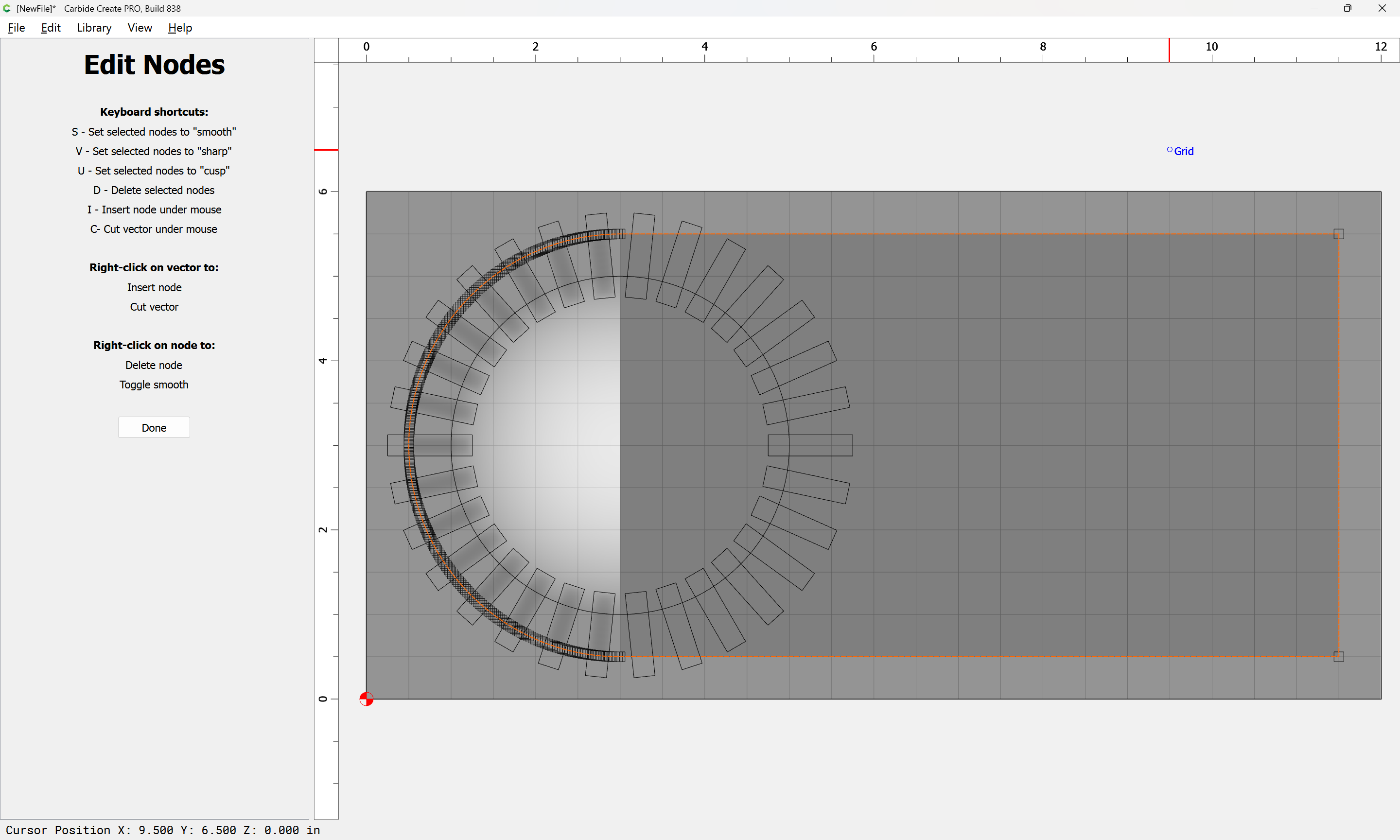
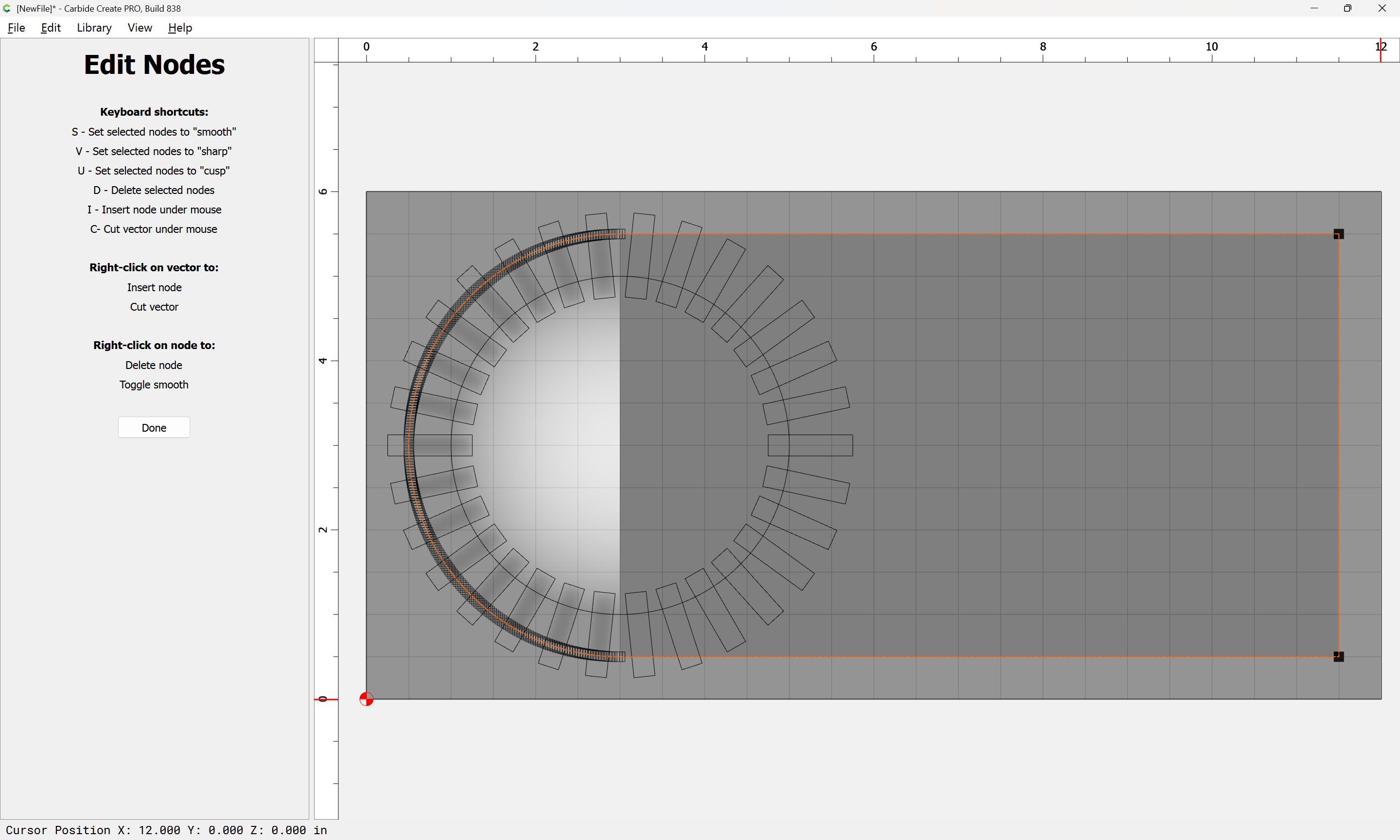
d (for delete)
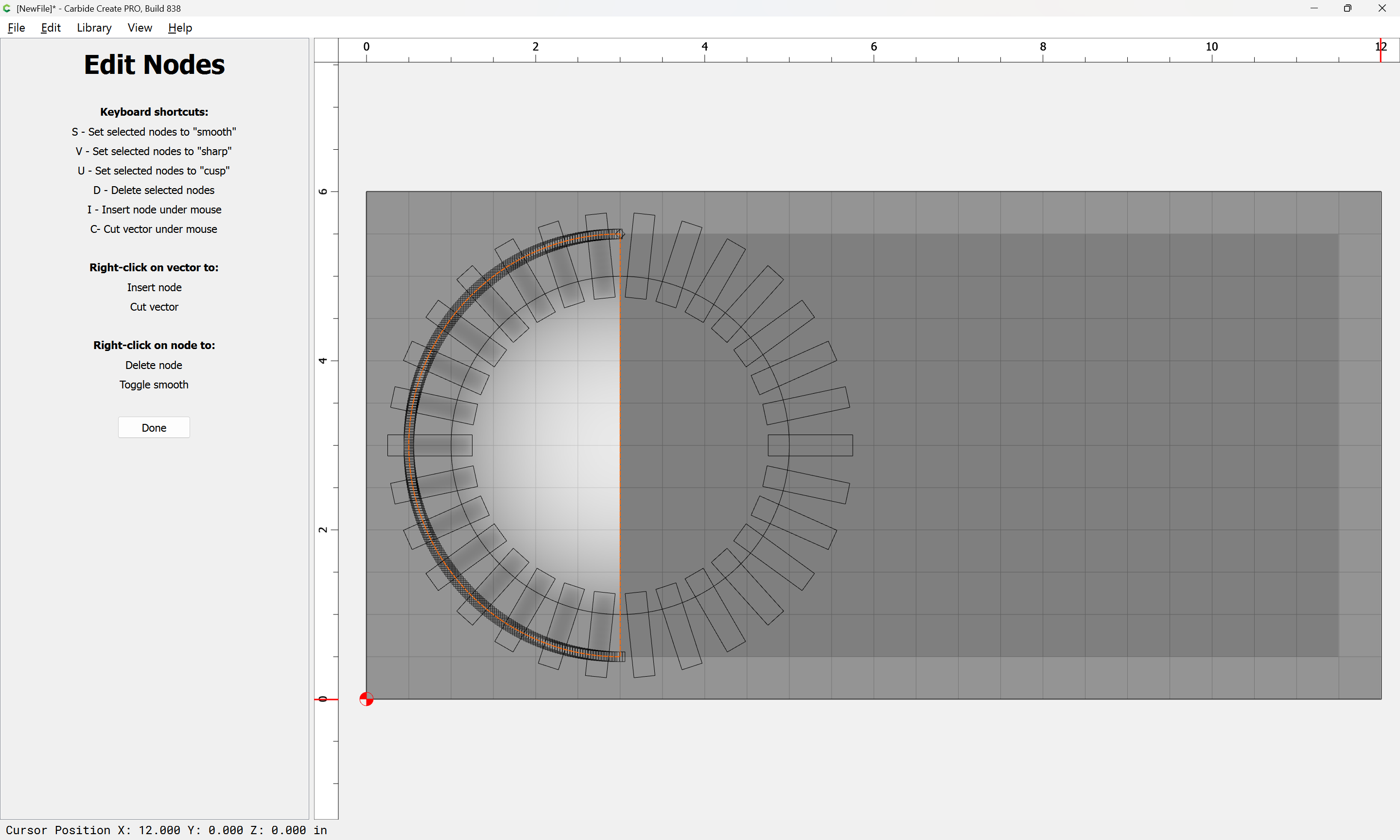
Done
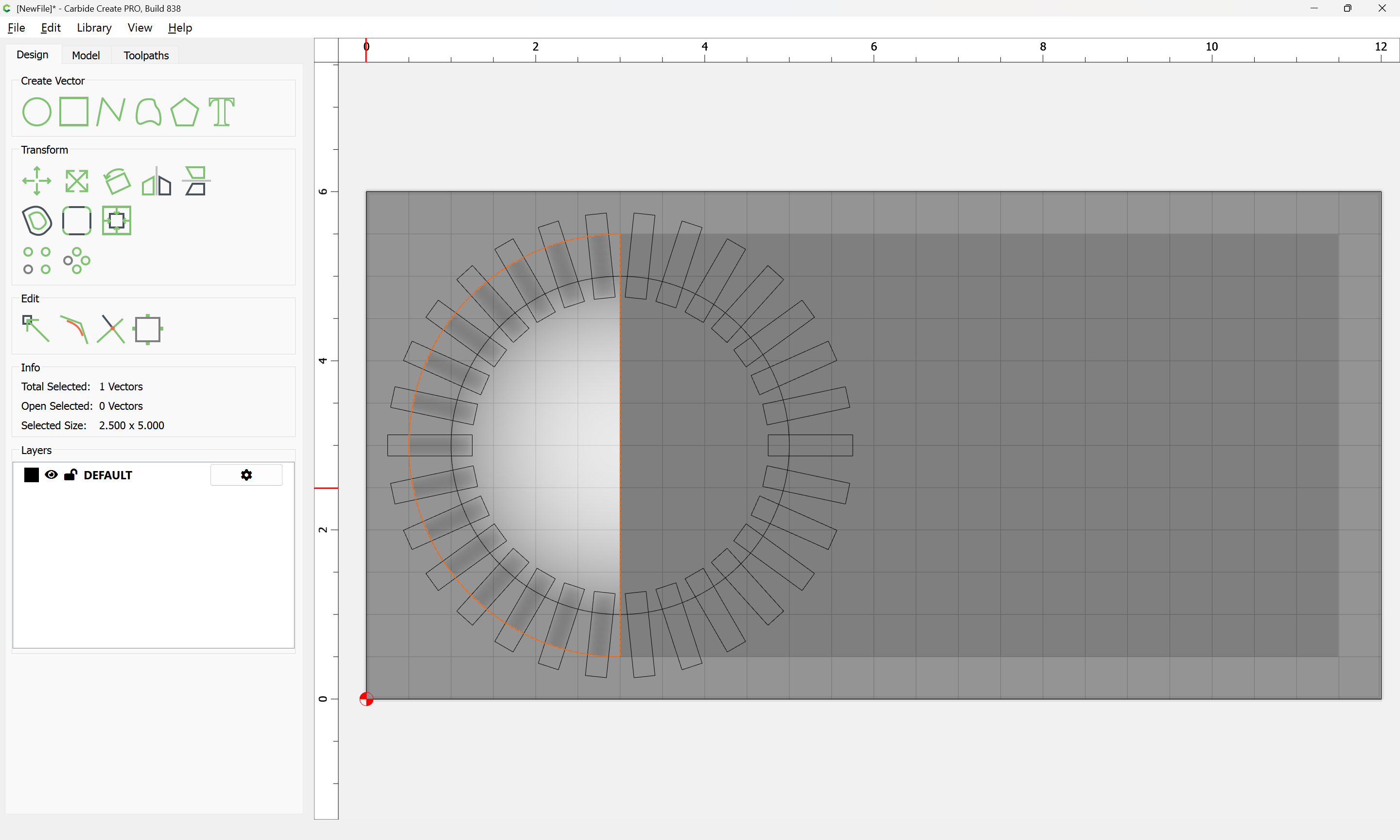
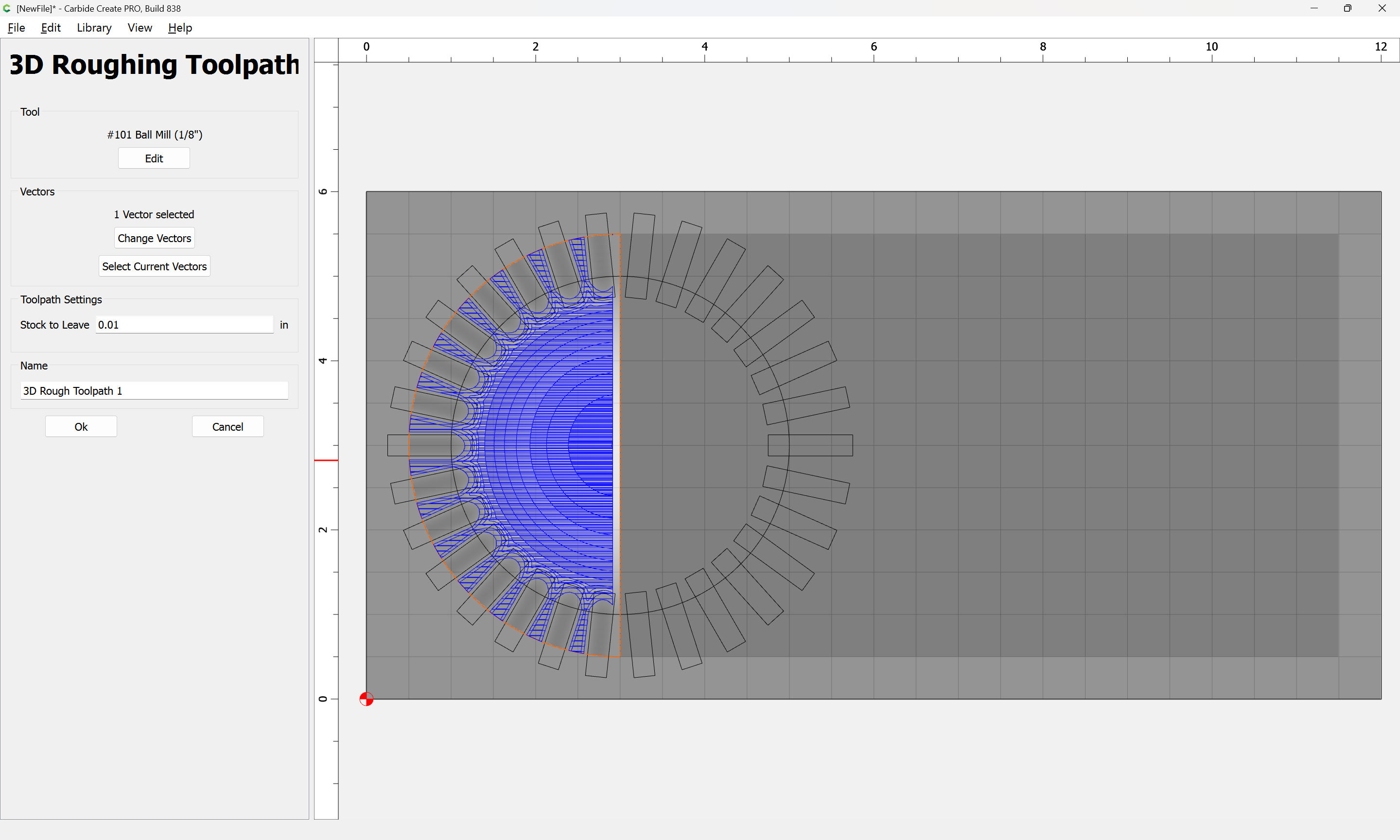
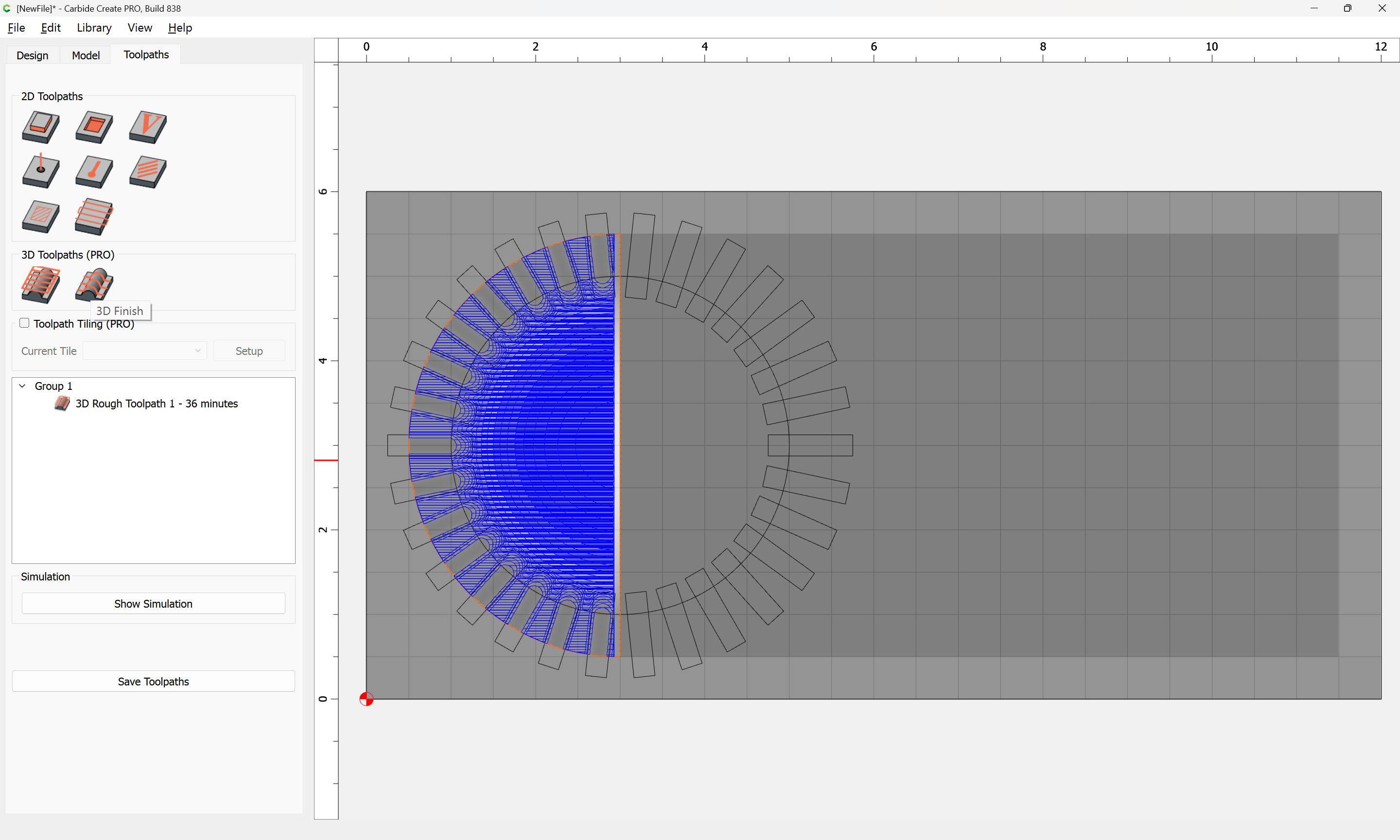
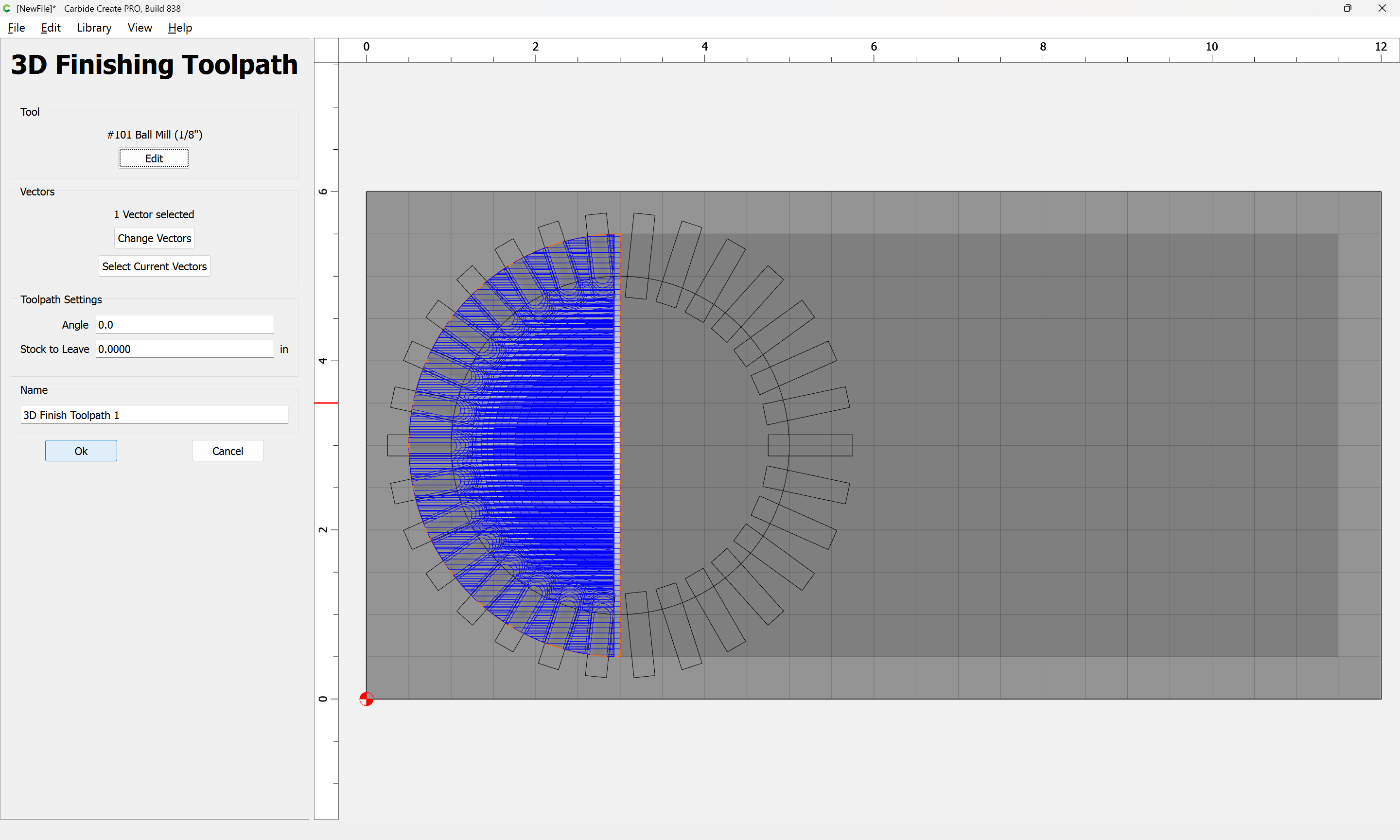
then recreate the outer geometry:
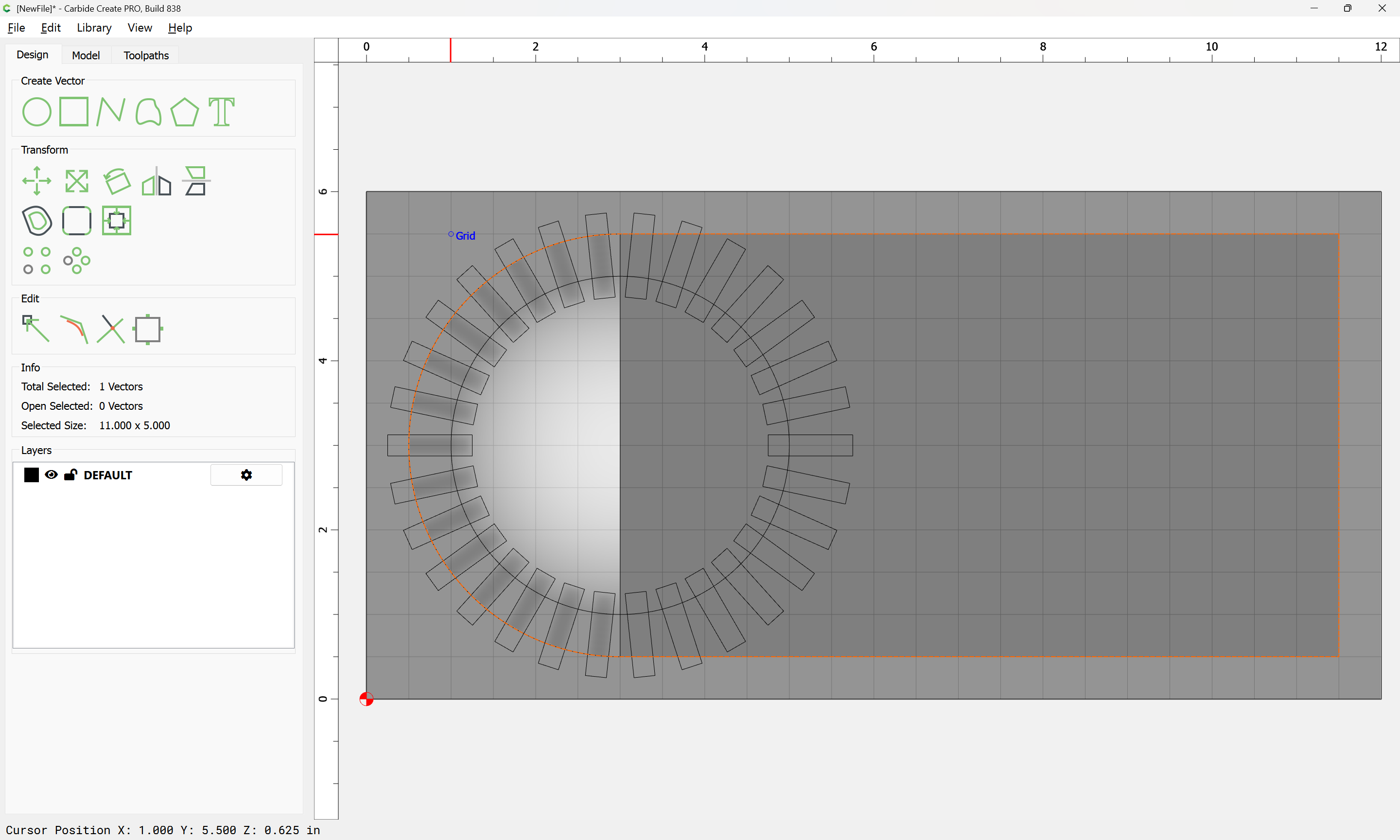
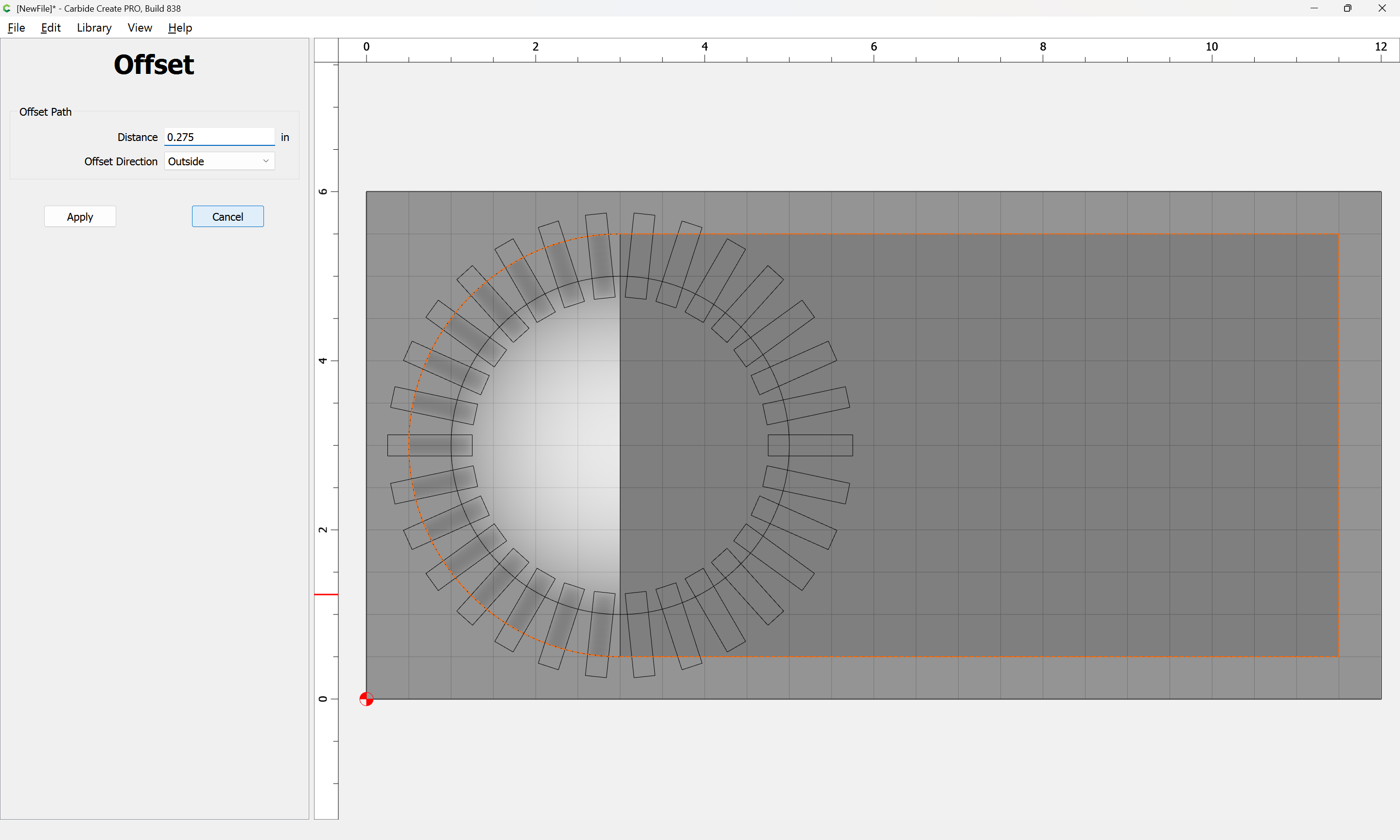
offset to the outside by endmill diameter plus 10%
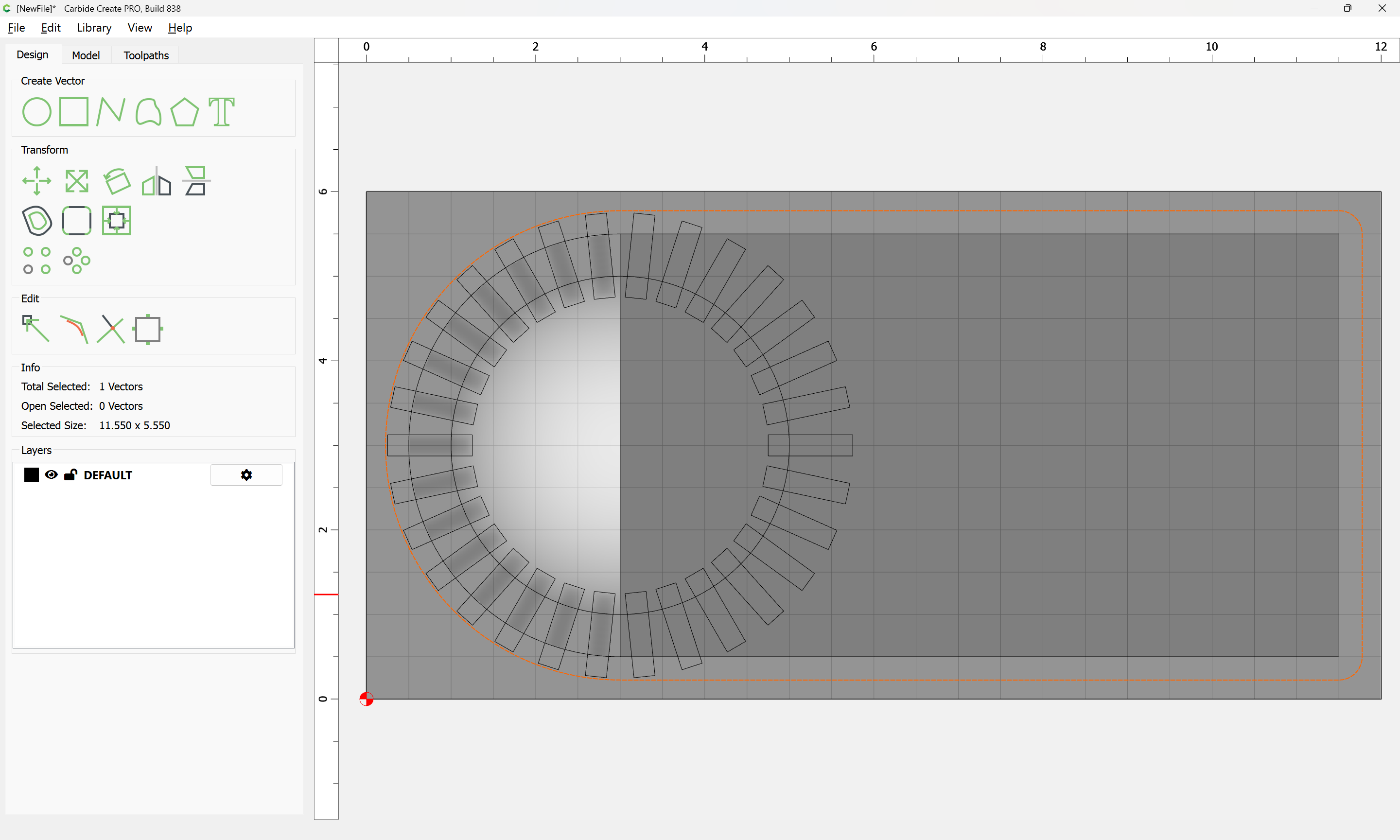
Select both:
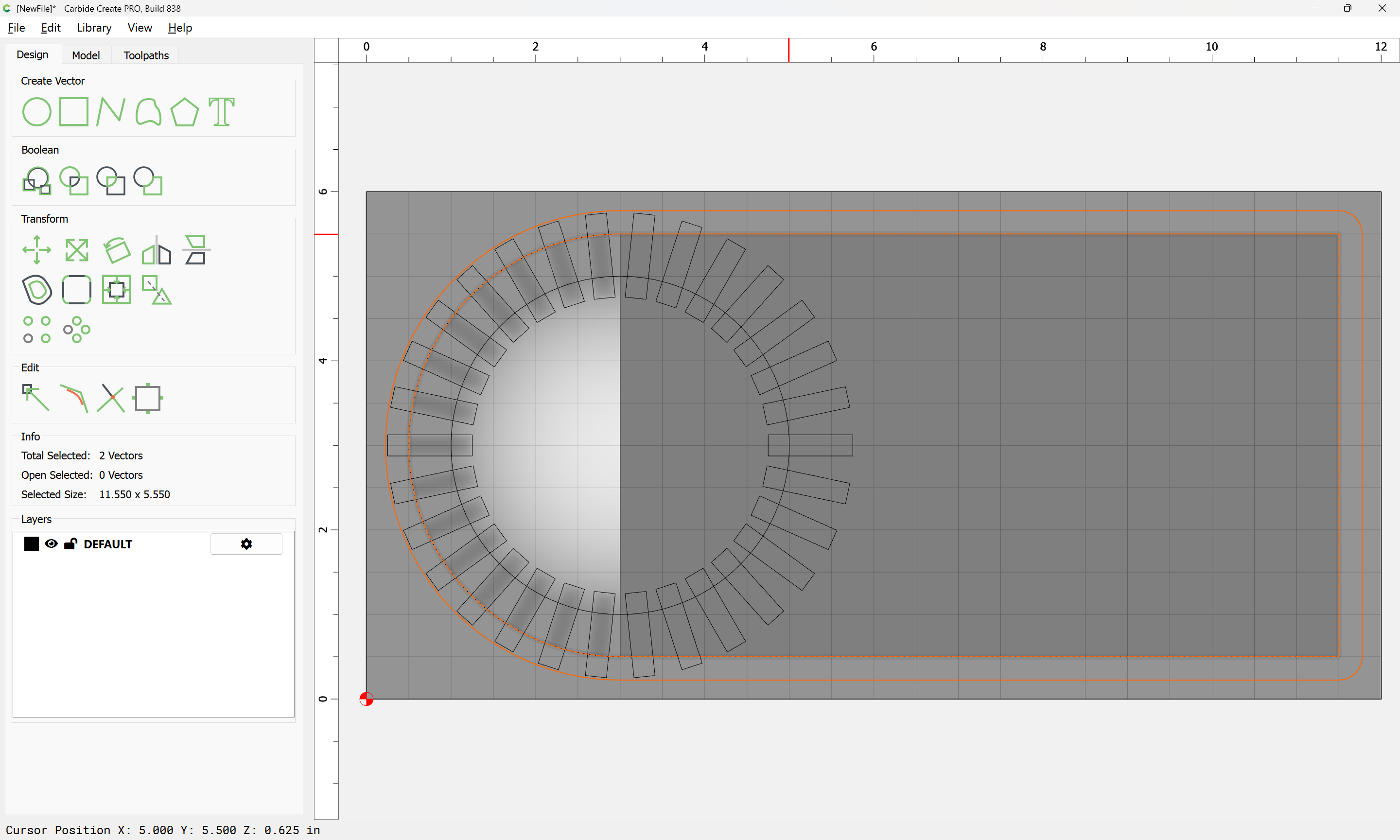
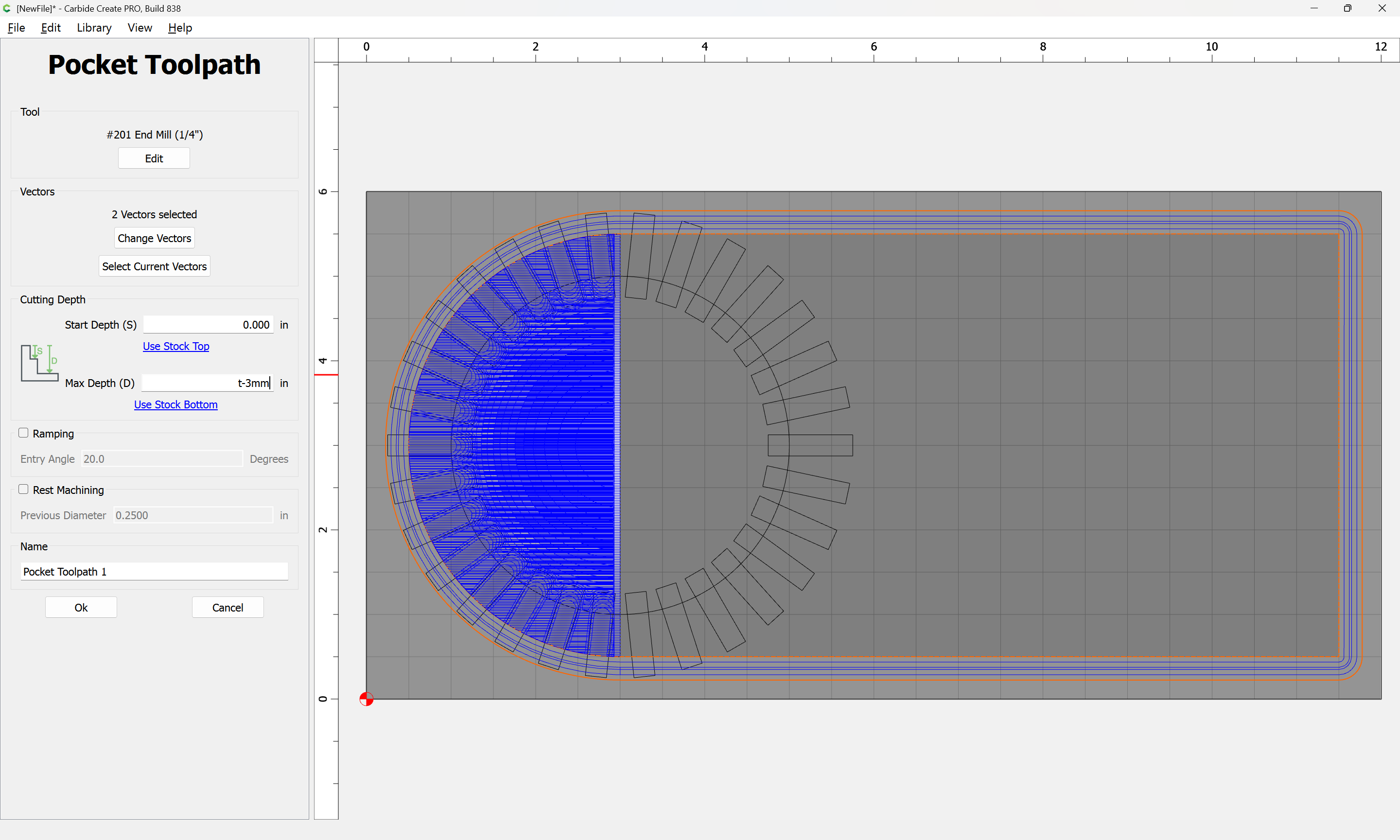
and cut as a pocket down to tab height:
Then apply a Contour around the edge:

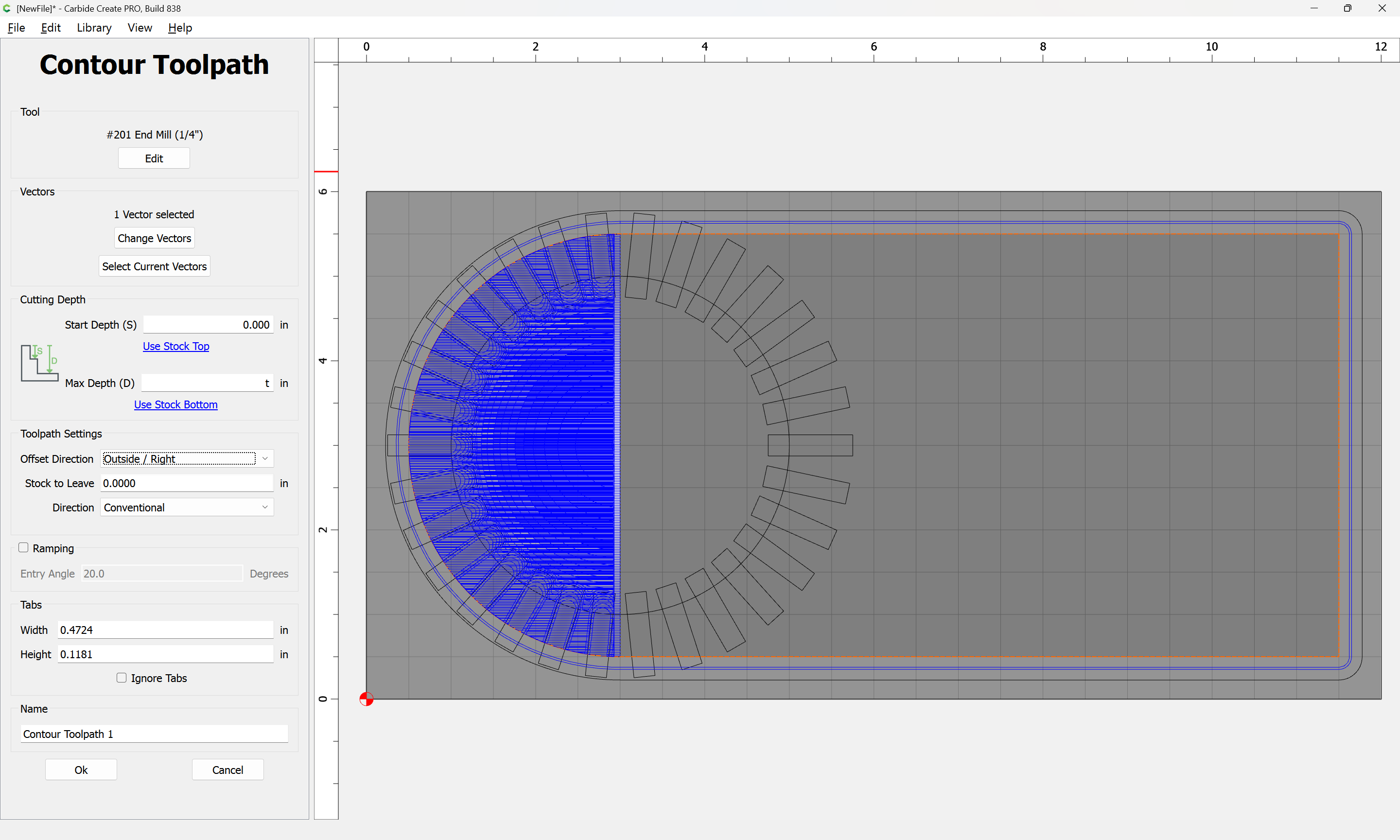
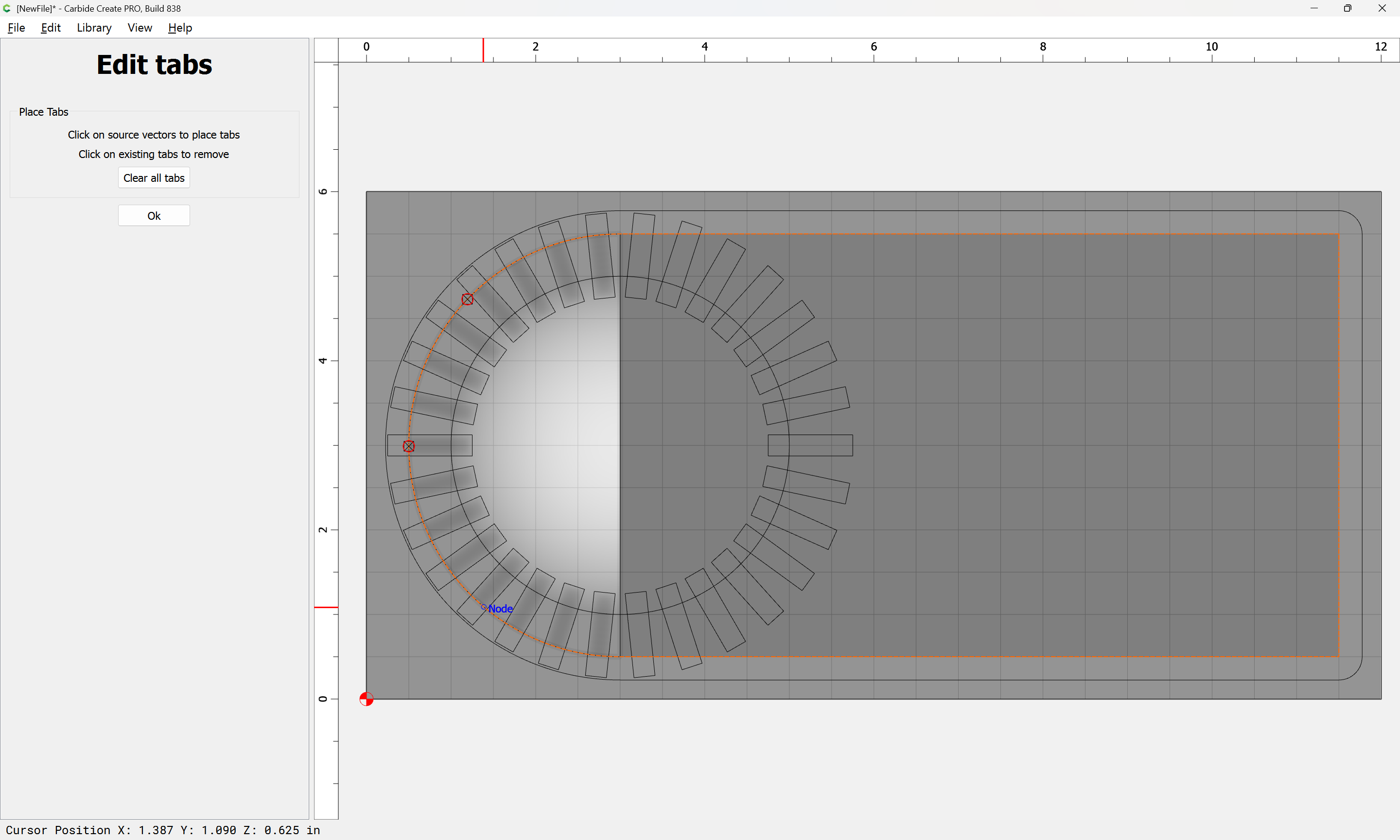
and add tabs:
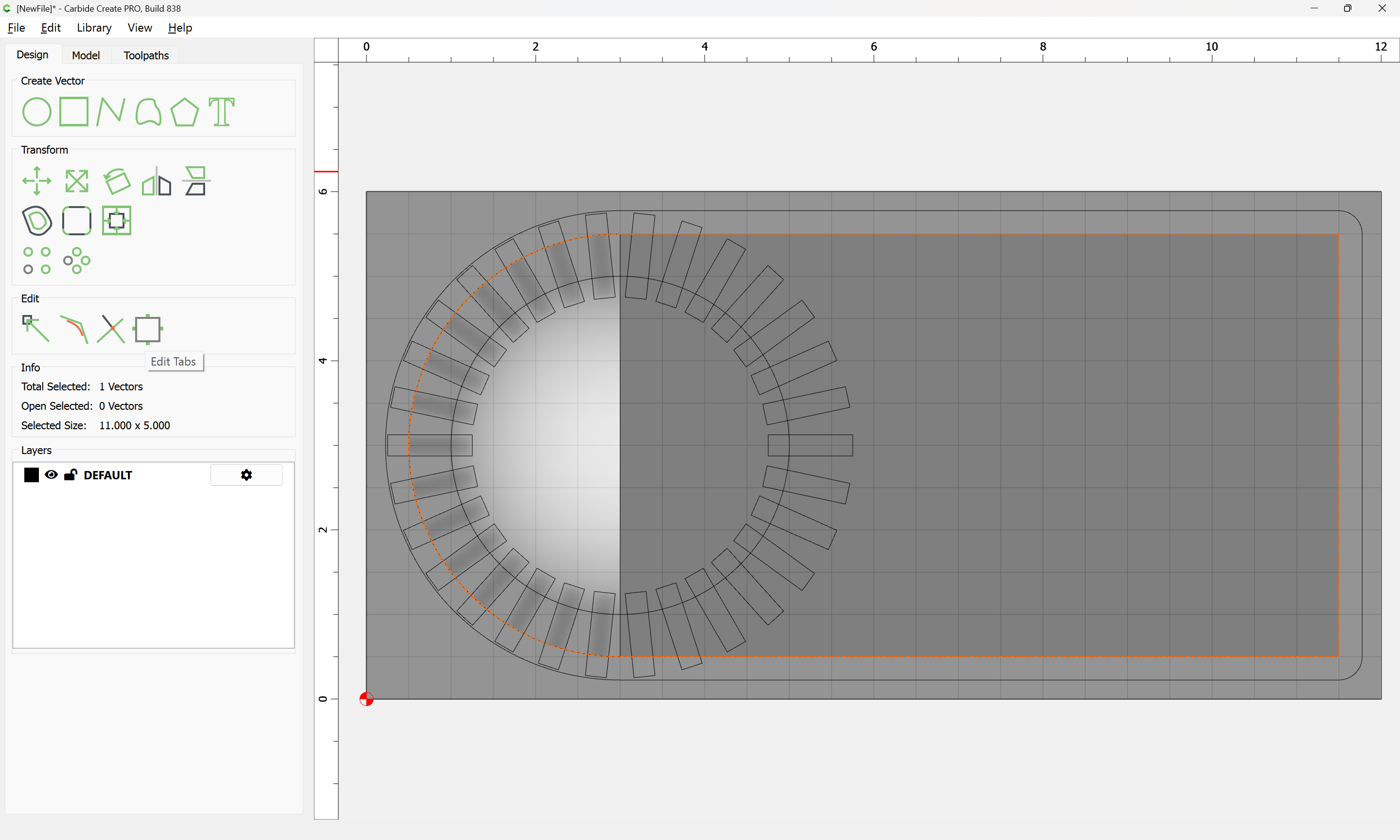
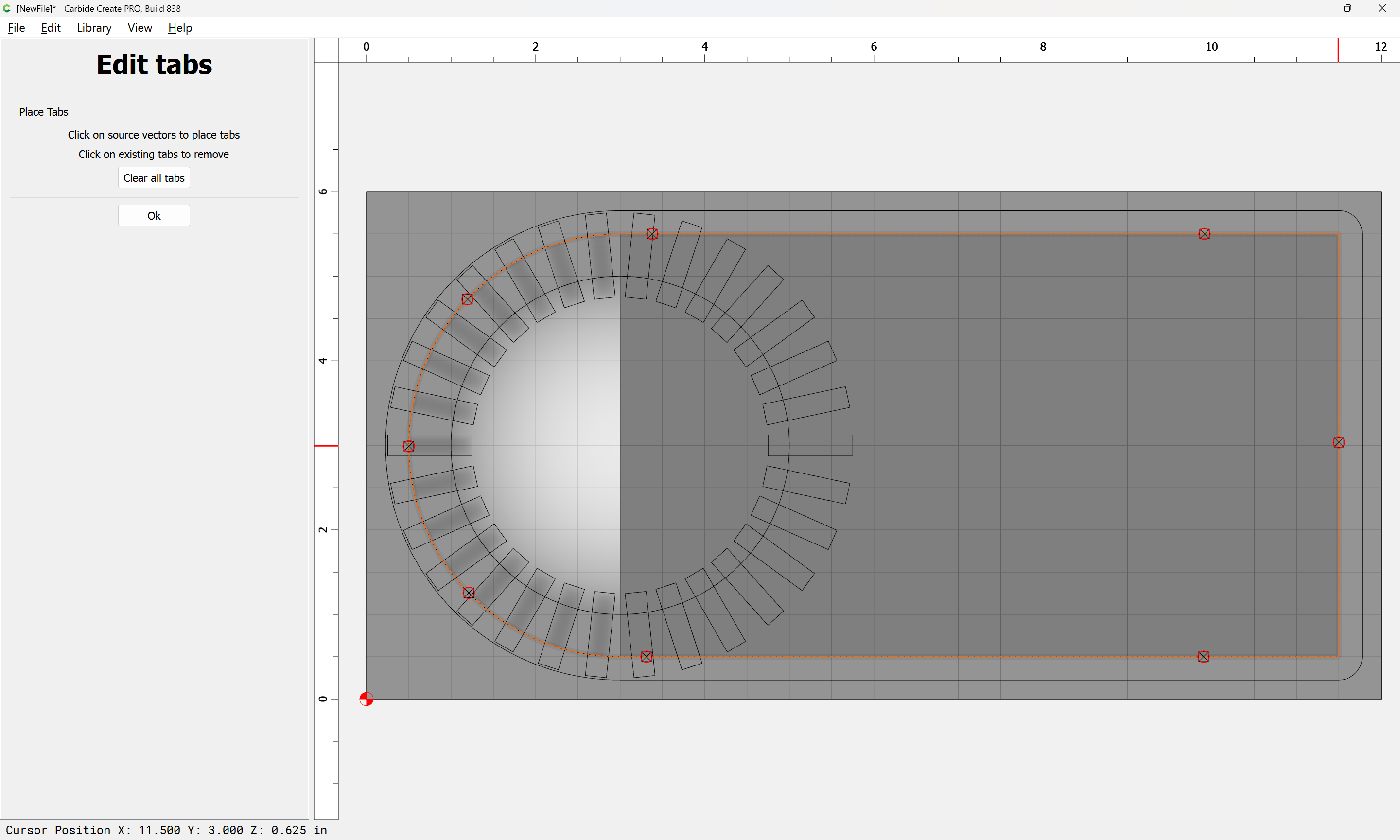
Ok
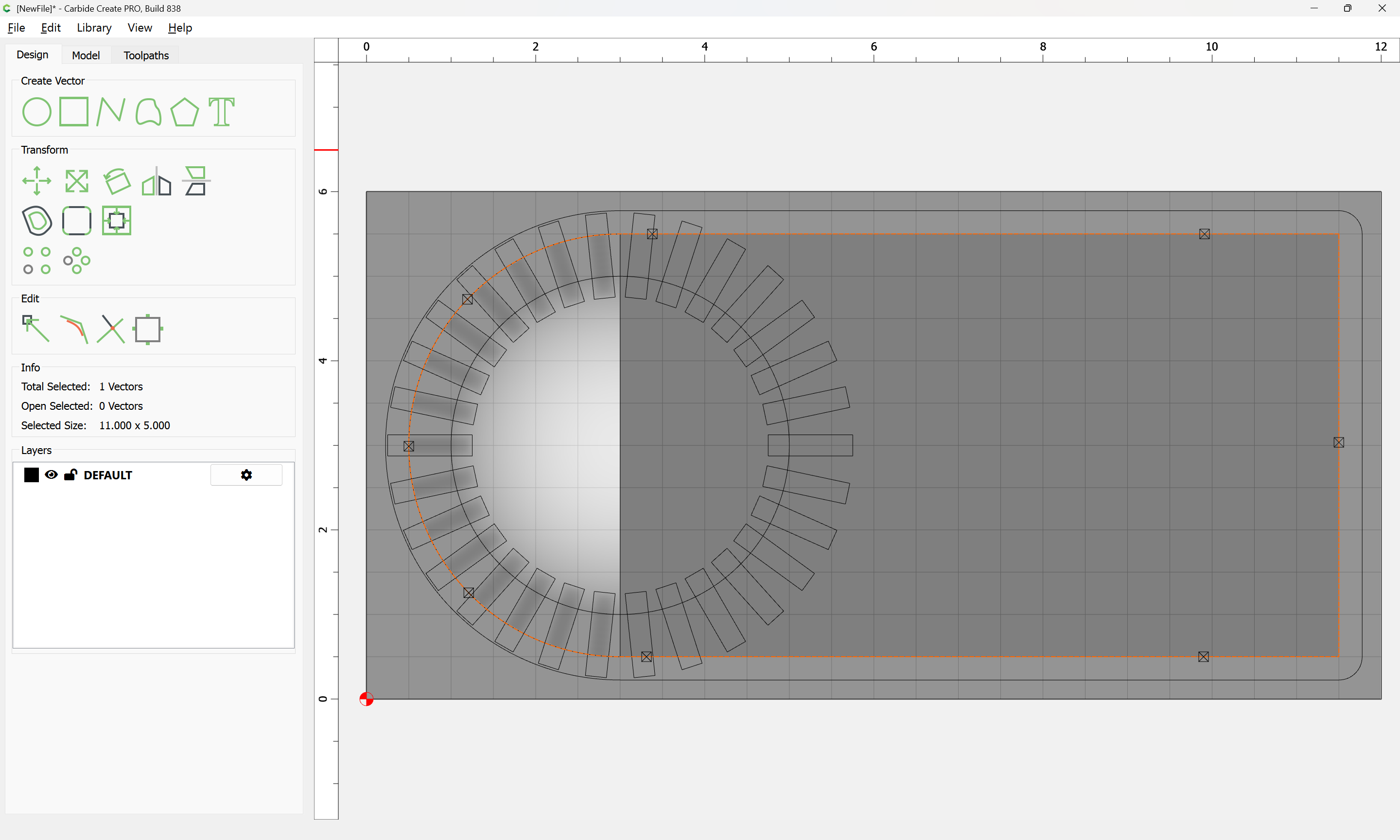
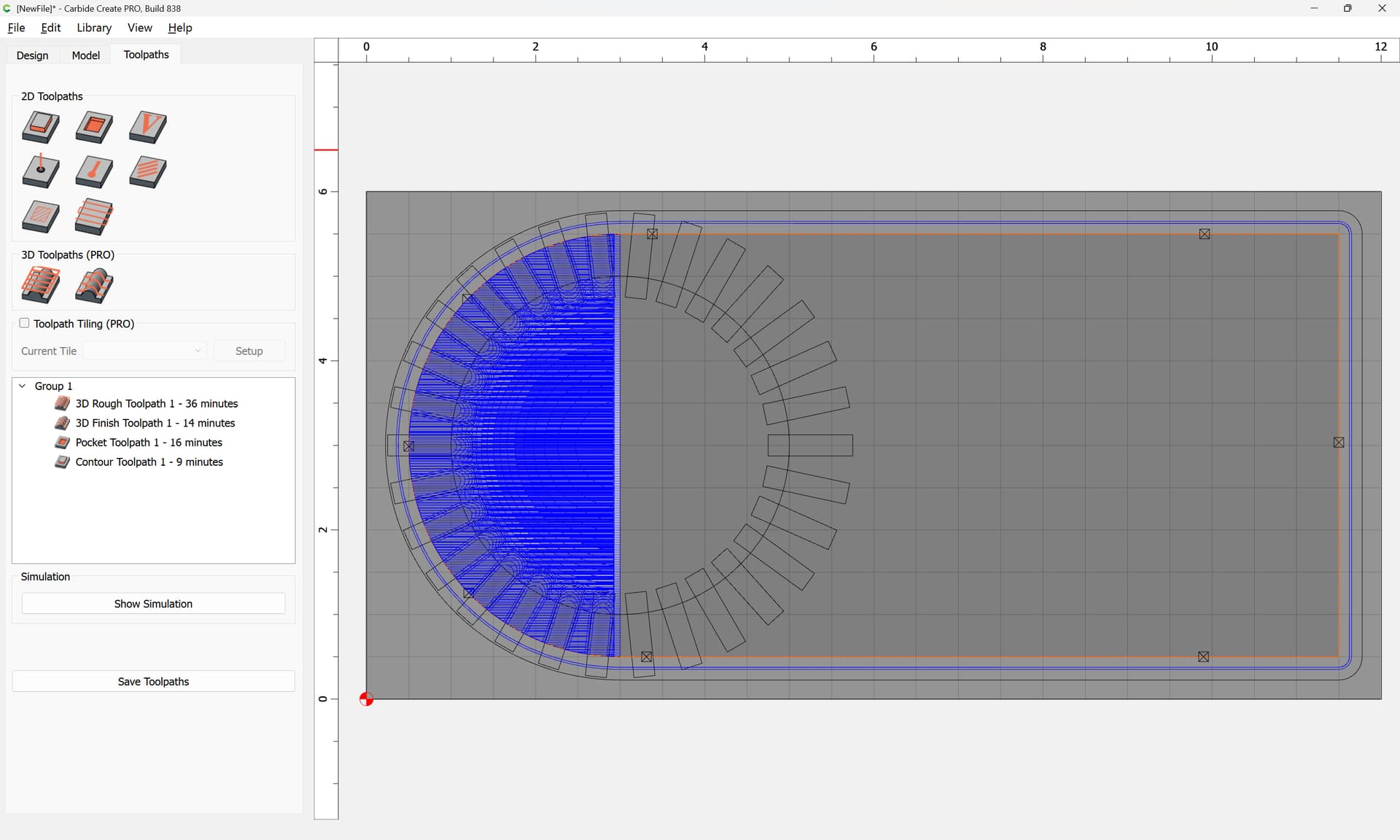
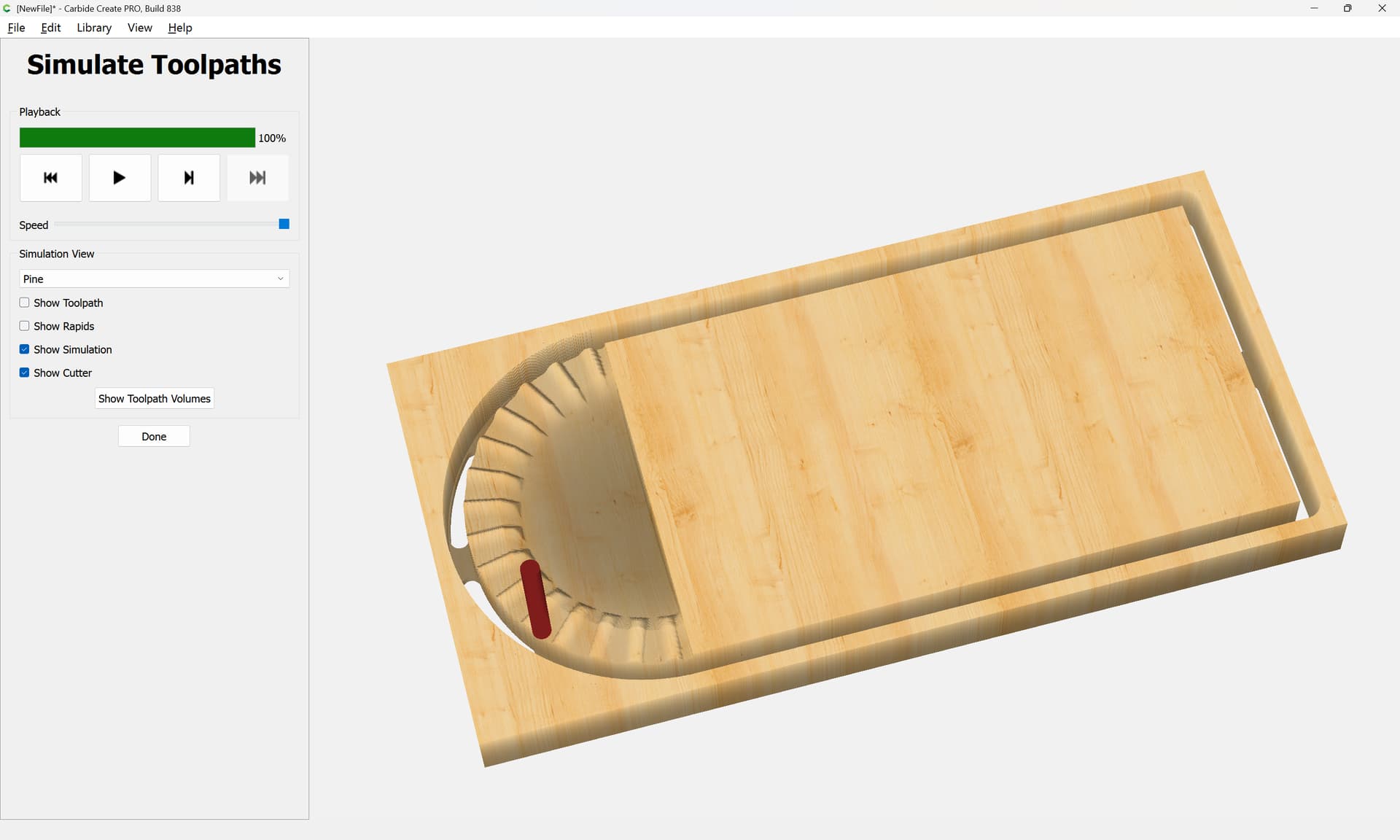
which all previews as: