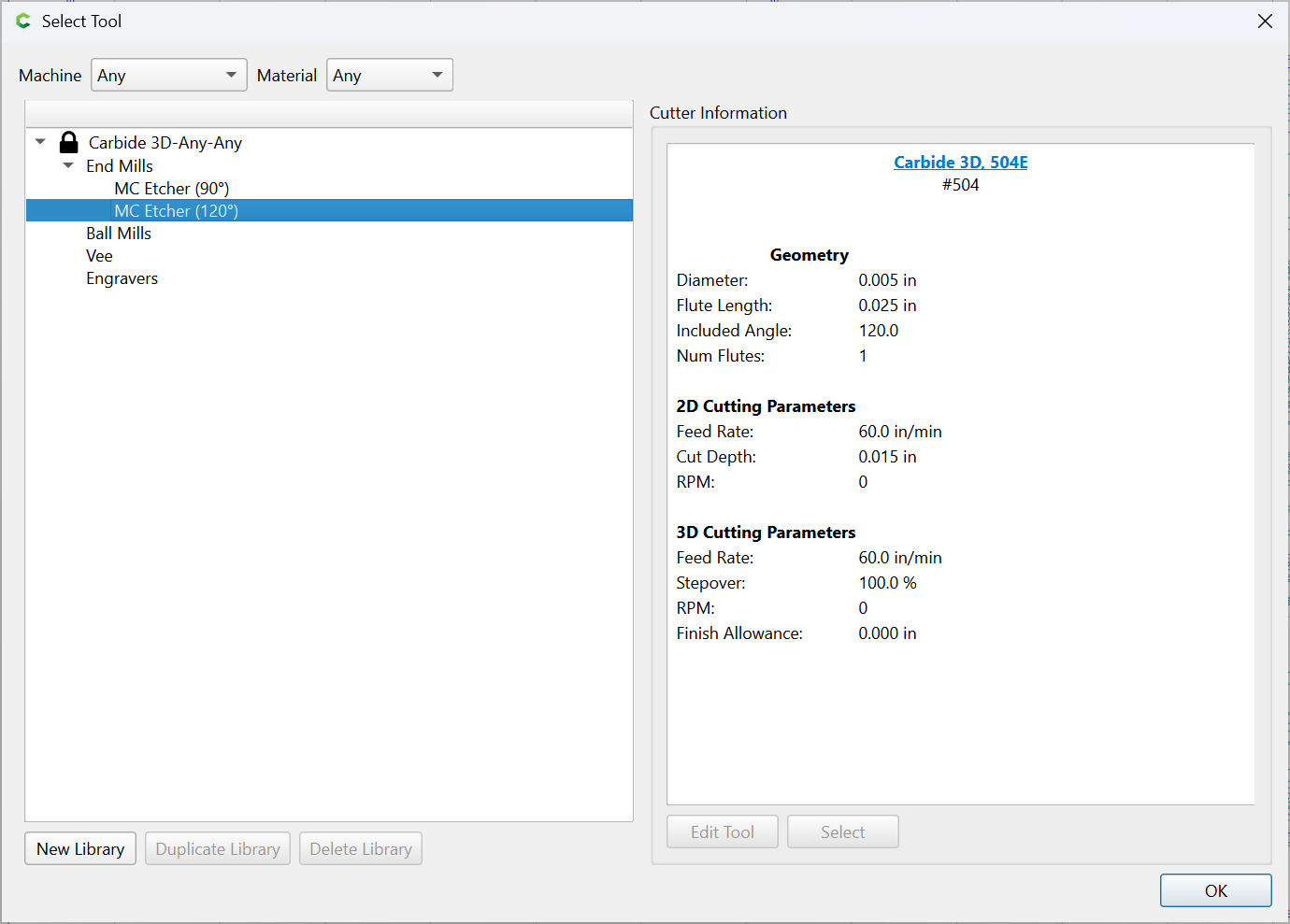
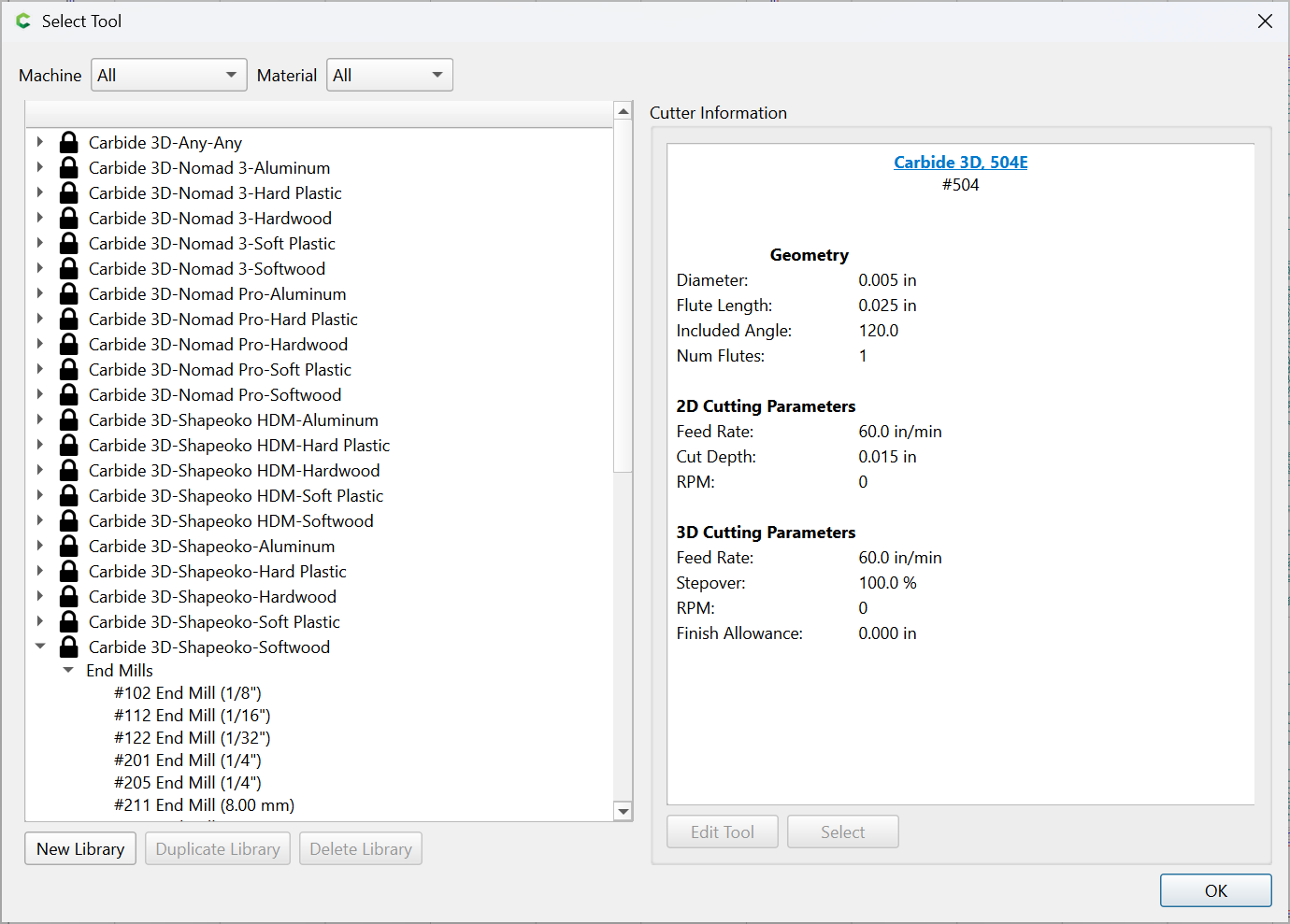
I was trying to add the IDC database but apparently messed something up. Now I cannot see any tools including the ones from Carbide 3D. All I get when I open the tool database is “Carbide 3D Any Any”. There is nothing underneath it. Since rebooting didn’t help I uninstalled and reinstalled Create which did not solve the problem. Anybody know what I did and how to fix it?
1 Like
When you reinstalled, did you delete the IDC database from the Data directory? I was moving the CC software to a new computer, and downloaded the IDC catalog and it did the same thing. I deleted the IDC file and pulled my older file from my original system, and it worked. So I was thinking there was something messed up in the IDC file I downloaded. The older one I had worked, so I didn’t look into it any further.
Thanks, Will. You were right on. It turns out my window for the tools database was so big I could not see the Material setting. Once I scrolled over ( lots of scrolling) and found it I changed it to All and things were working again.
Alex,
I can’t say I intentionally deleted the IDC database but that may have happened. It was getting a bit crazy and I was trying several different things.
Things seem to be good now. Thanks for your response.
This topic was automatically closed 30 days after the last reply. New replies are no longer allowed.