Hi All,
I am having problems when in Model. When I select a image the gray area in the background is Choppy. When I go to toolpath 3D finish the 1/32 finds its way into these gaps causing it to plunge down and break the bit. Any suggestions what I can do to fix this issue.
Thanks
John
Test.c2d (504 KB)
Not sure why you’re trying to use the 3D Modeling with a 2.5D project. When working with vector outline files, 2D toolpaths generally work better. If you were using the vectors to create non-flat shapes(so the Rounded or Angled options in the component generation), then 3D Toolpaths would be needed.
As for why the model looks ‘blocky’, I believe that has to do with how CC works with 3D models(it generates heightmaps from 3D models/STL’s or basic component shapes) & that the size of your project area is much greater than the size of the object when you started the modeling - this essentially results in larger volumetric pixels. This is just a guess on my part. There is an option in the Project Setup panel to set the Modeling Resolution level(up to 50x in the latest versions of CC, but this comes with much increased calculations/render time).
I would suggest to use Contour & Pocketing operations for your medallion object - unless you are wanting to make a more height contoured object.
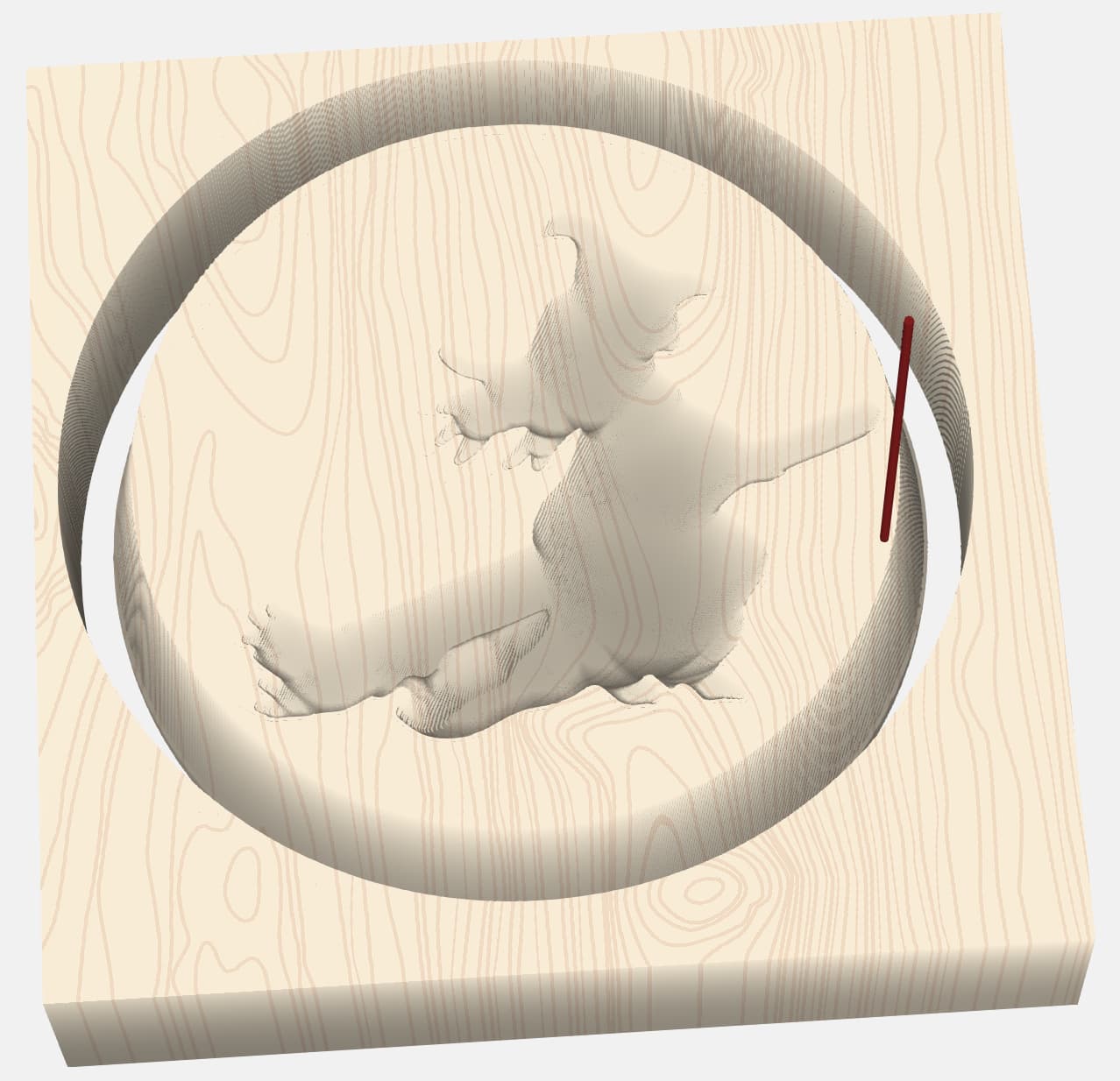
1 Like
I see you have a round component disabled. What is the actual shape you are looking for?
If you create a 3D component to an outer boundary, and then try to machine to the same boundary, it will do that. It’s best to create 3D shape bigger than the machining boundary.
It’s also usually good to model only the 3D aspects of the 3D shape, and use vectors for any 2D (2.5D) features. In this case, If you want the overall shape spherical, just model the sphere & cut it. Then use the Witch vector to cut a 2D pocket.
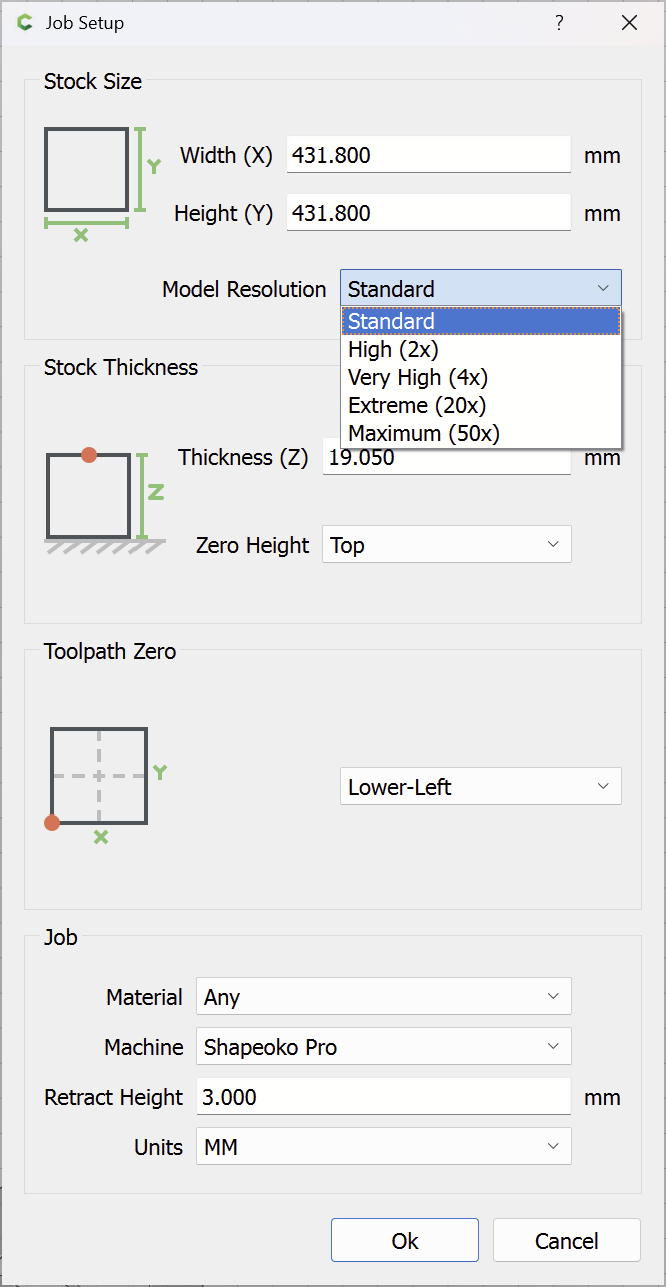
You have Model Resolution set to “Standard” and are using a Stock Area quite a bit larger than you need:
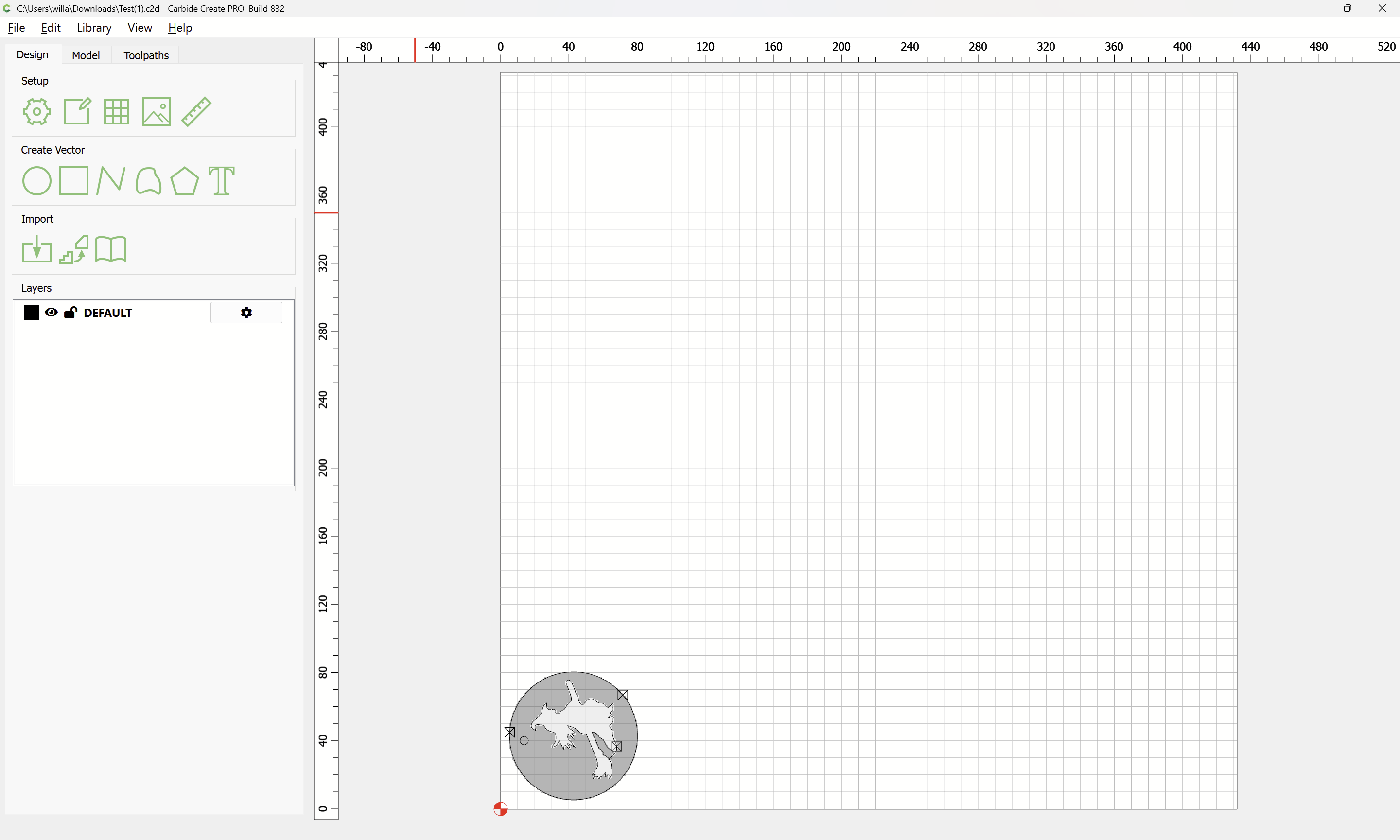
which models as:
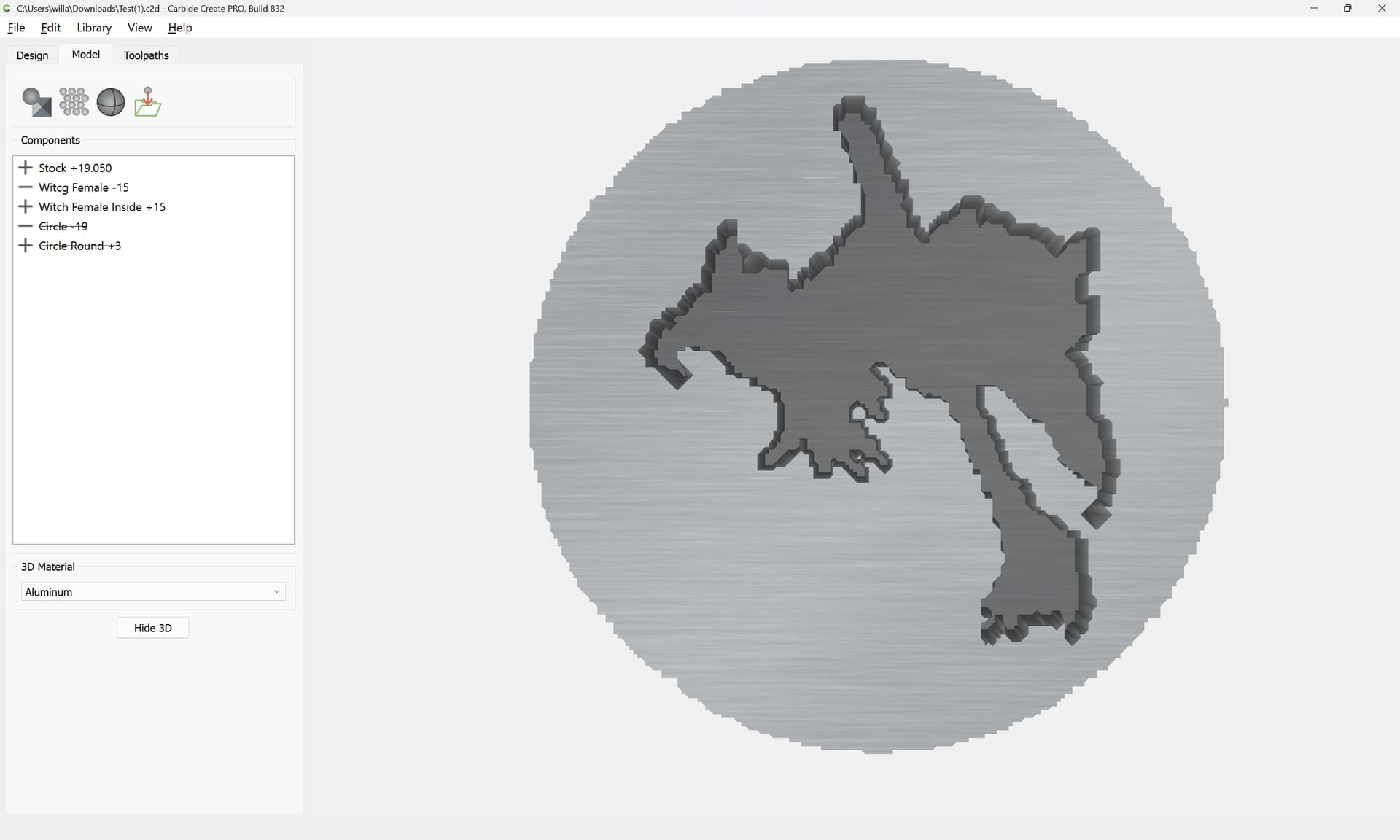
If you increase the resolution and decrease the Stock Size:
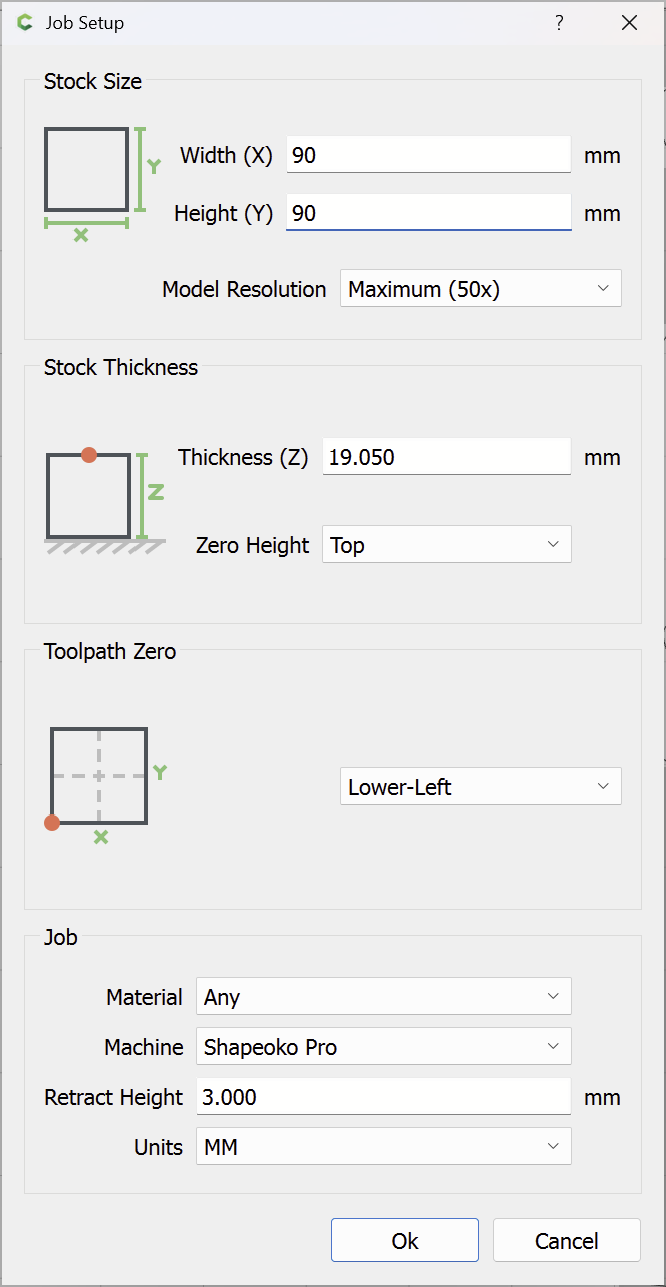
and regenerate the design, it is much smoother:
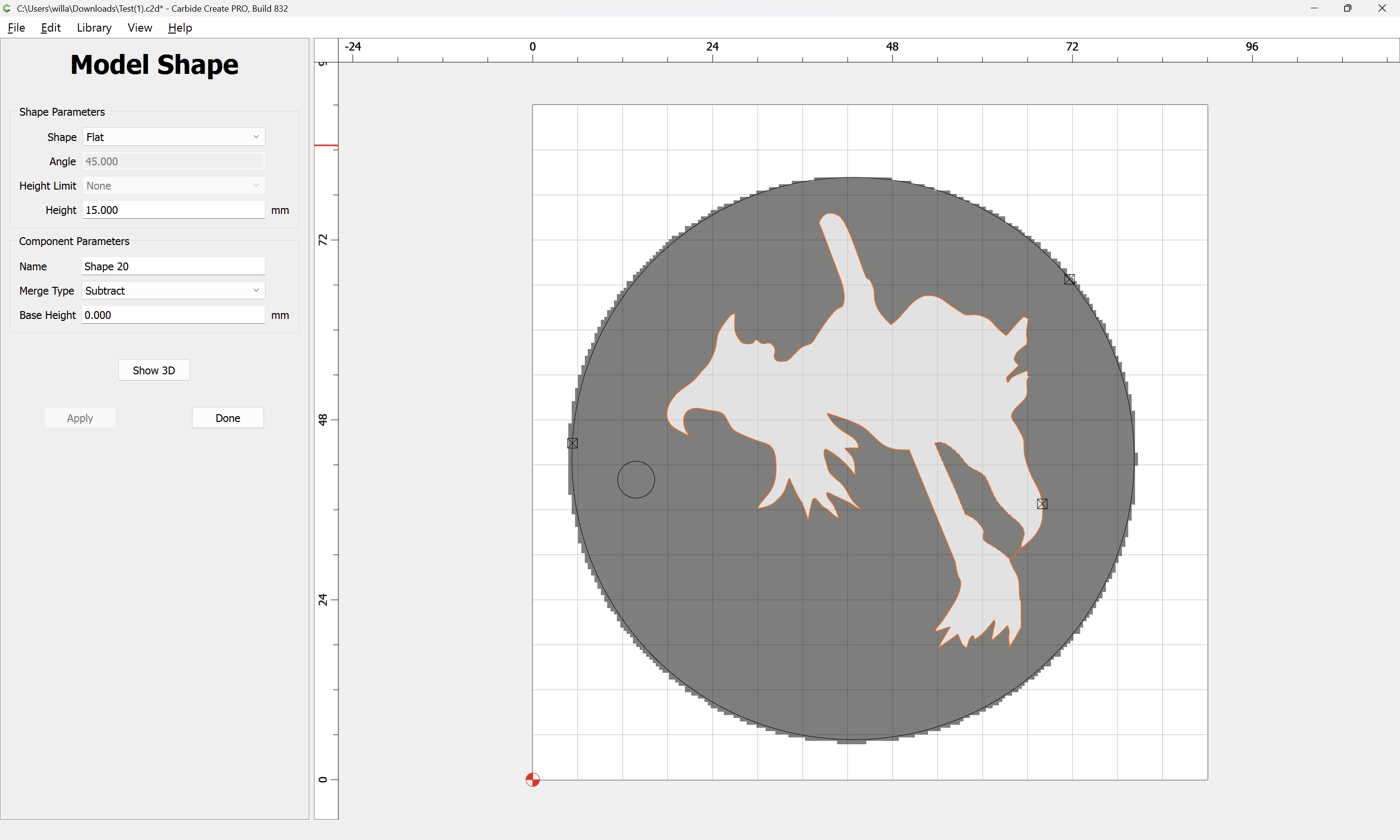
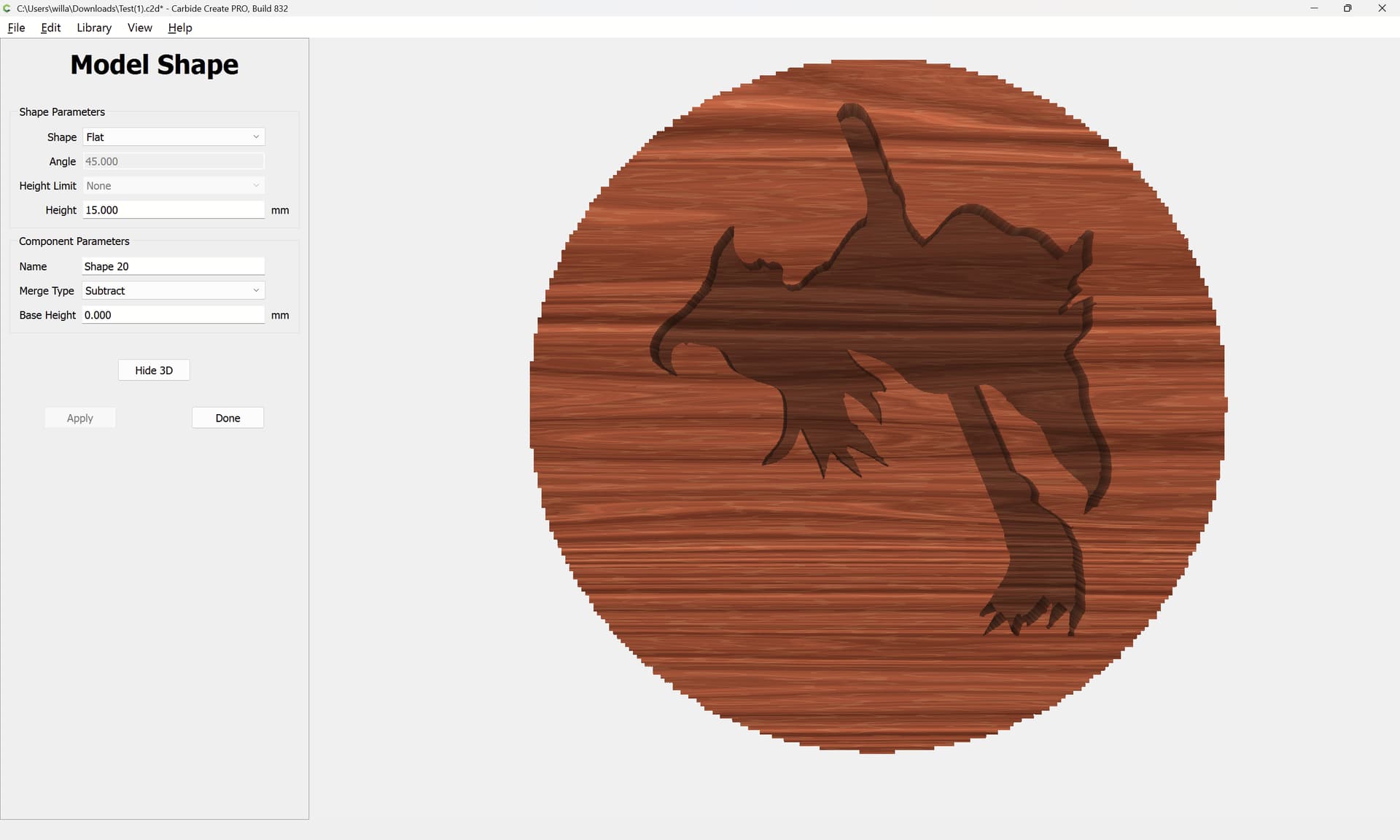
That said, this is a 2.5D job — why not just use the vectors and Pocket toolpaths?
1 Like
You are the best. I got fixated on that choppiness never noticed the correlation between 2D and 3-D thanks again for all your help. I don’t think I could do this without you guys. Not to my surprise it worked.
John
1 Like
This topic was automatically closed 30 days after the last reply. New replies are no longer allowed.