WillAdams
July 19, 2026, 12:17pm
1
as requested on support:
I made a set of 4 coaster with a logo that are 4.25" diameter by .375" wide.
So I am trying to make a stand/tray for these 4 coasters (4.25" diameter). Trying to cut out a round depth cut for them to stand up on.
The first consideration is that in order to model a recess one must create a model of the stock. The second consideration is that any subtraction must be modeled at the desired shape which requires geometry large enough to allow for that shape to be fully realized.
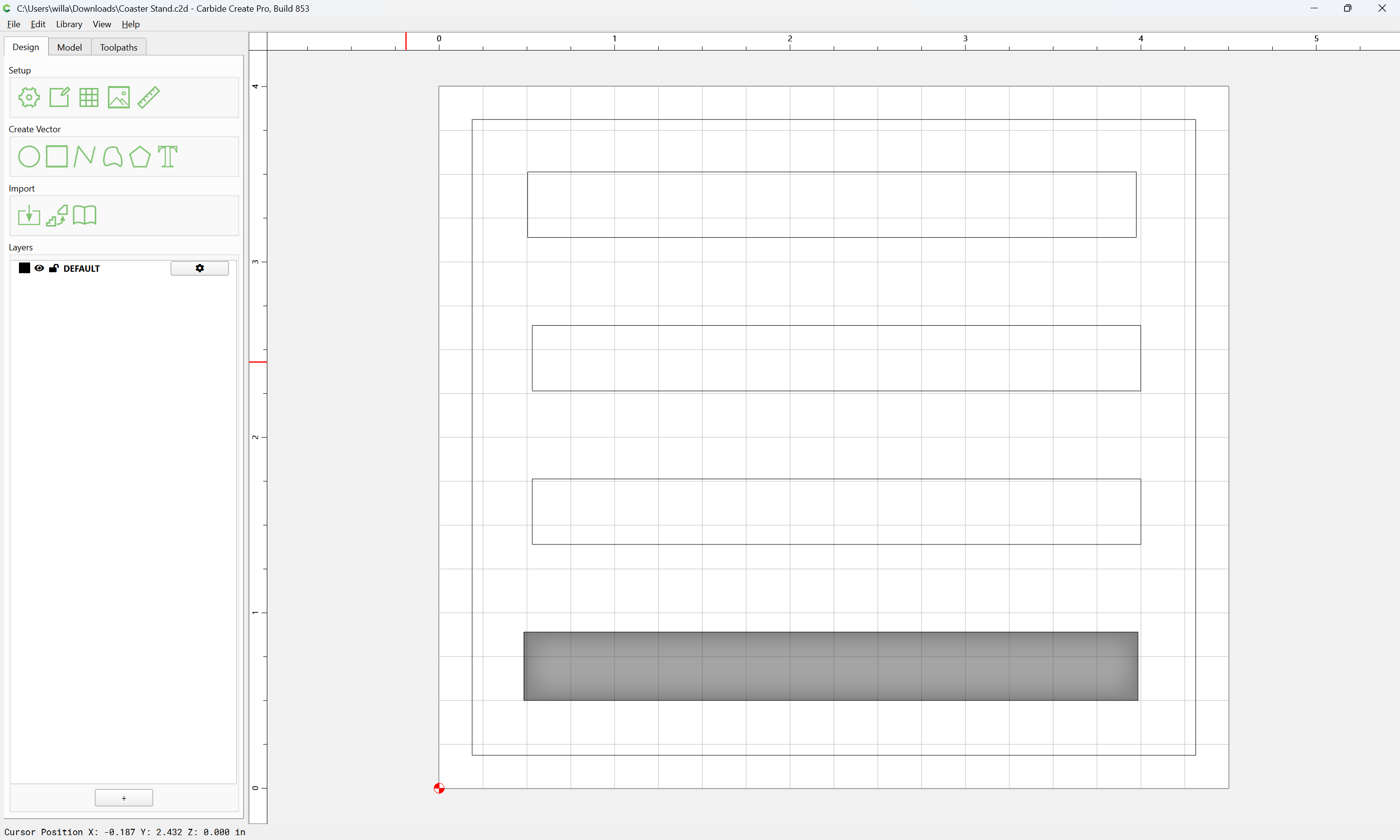
We start by drawing up the design in profile…
WillAdams
July 19, 2026, 12:30pm
2
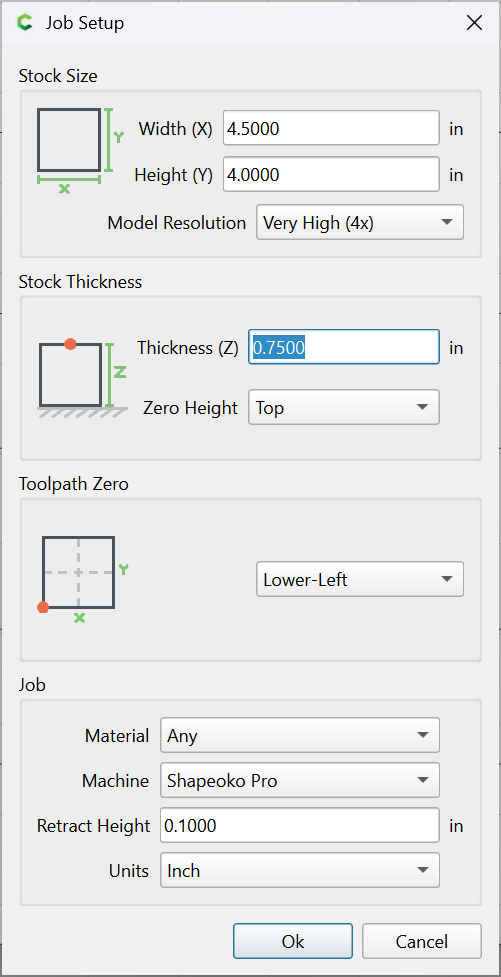
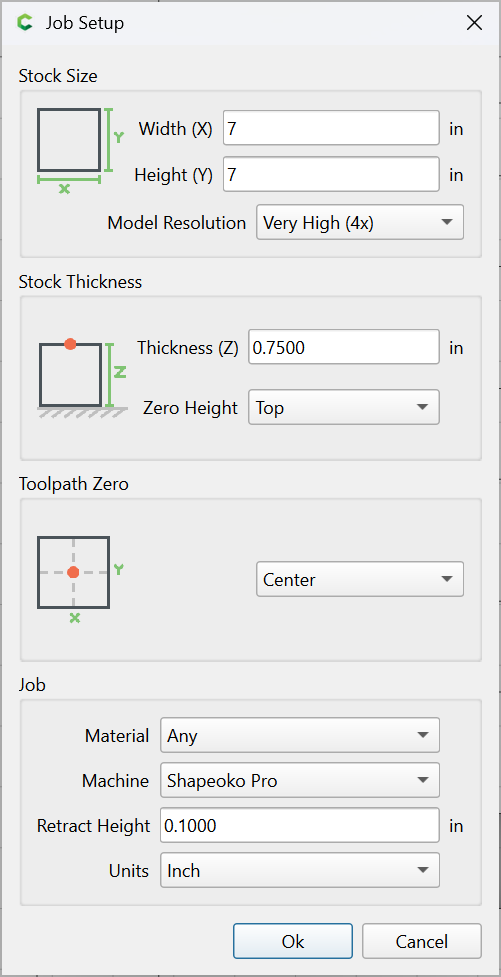
The Stock setup starts as:
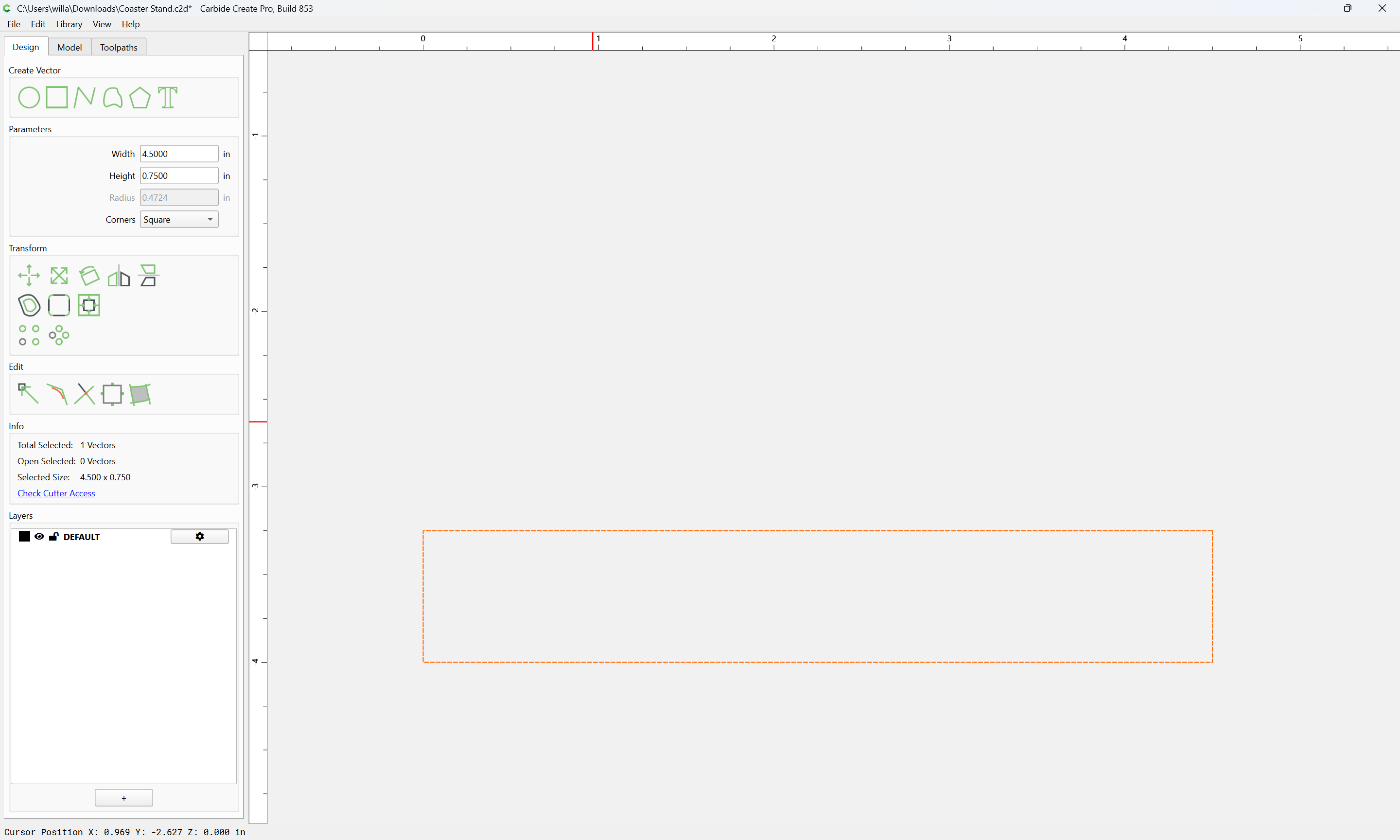
So we draw that:
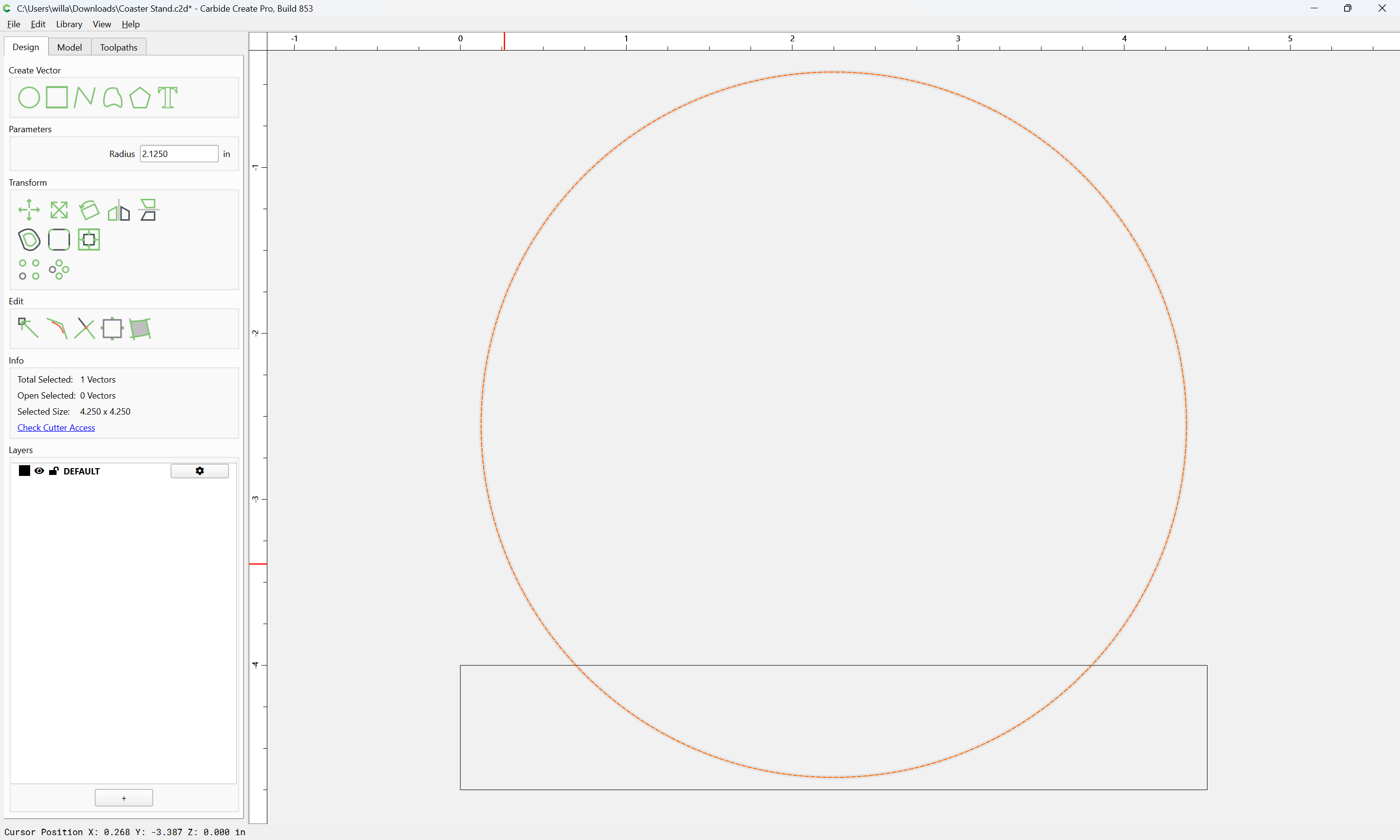
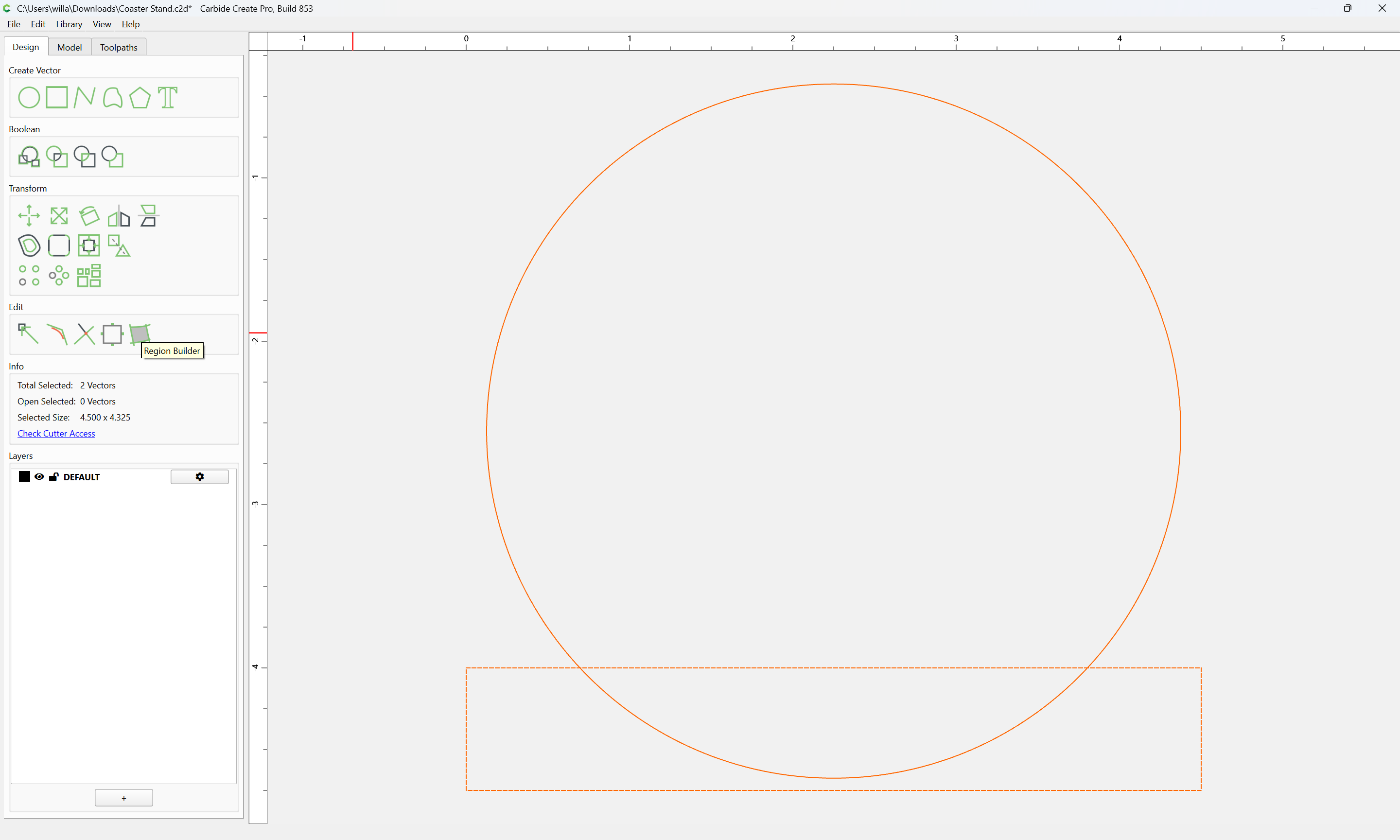
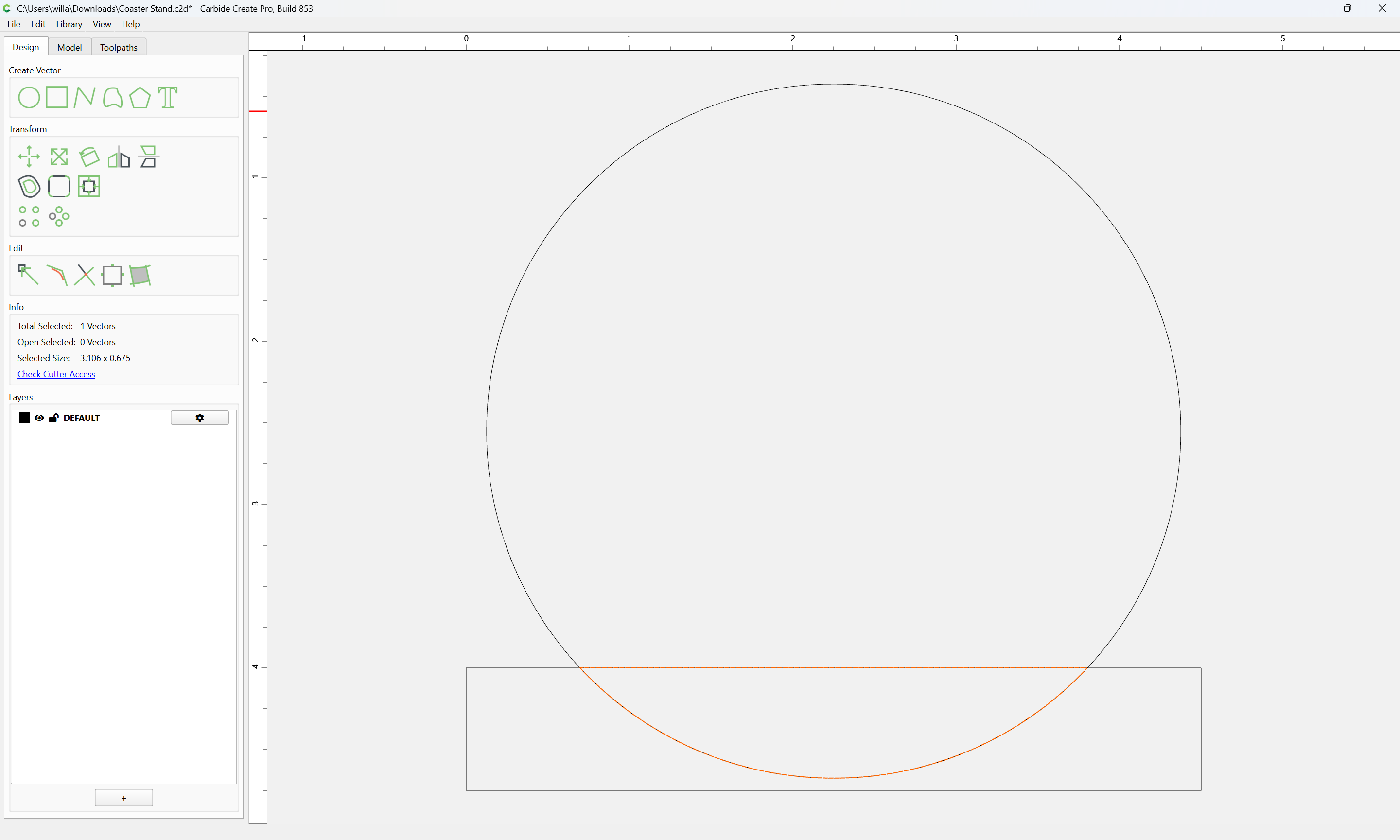
and then we draw in the profile of a coaster:
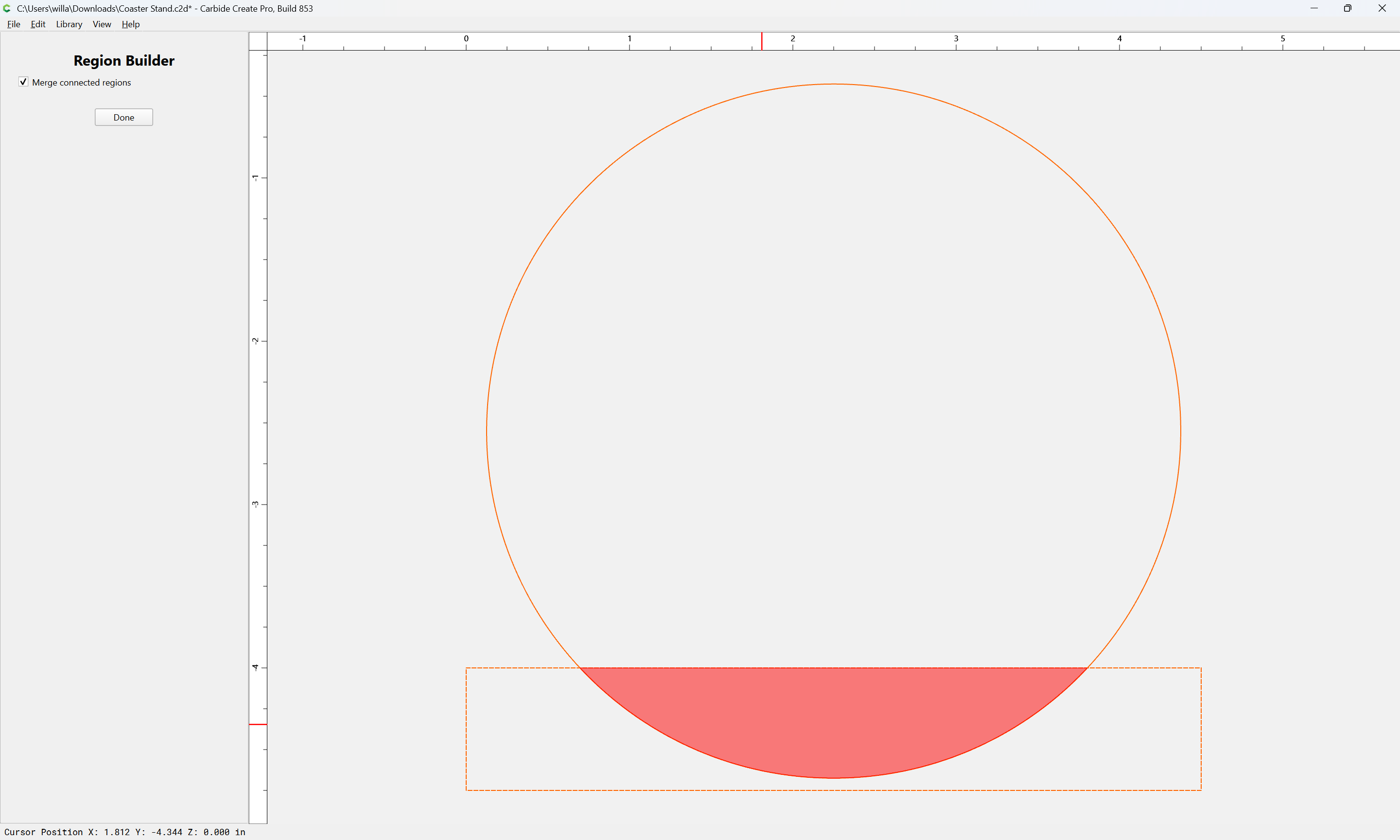
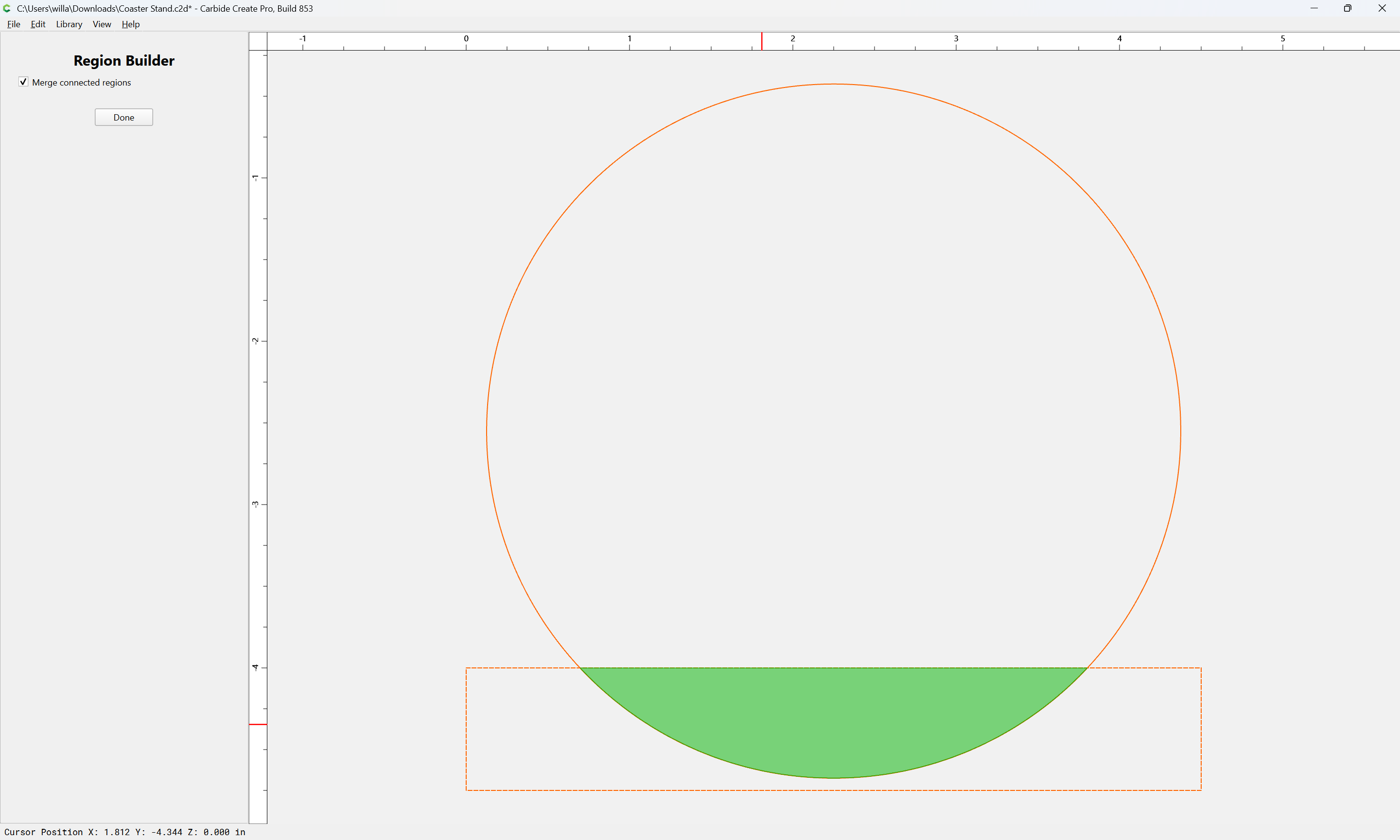
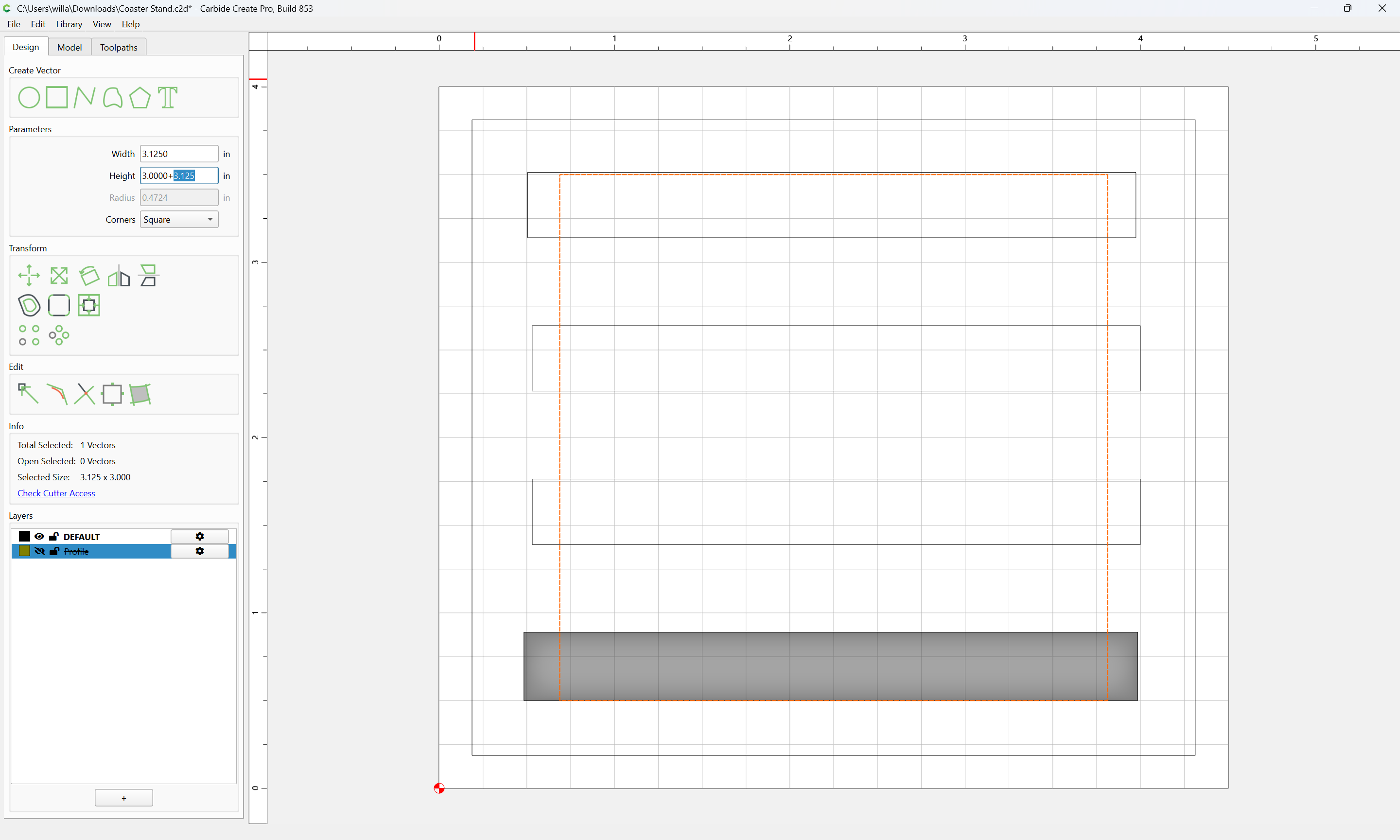
and select both and use Region Builder to get the dimensions needed:
Yes
Done
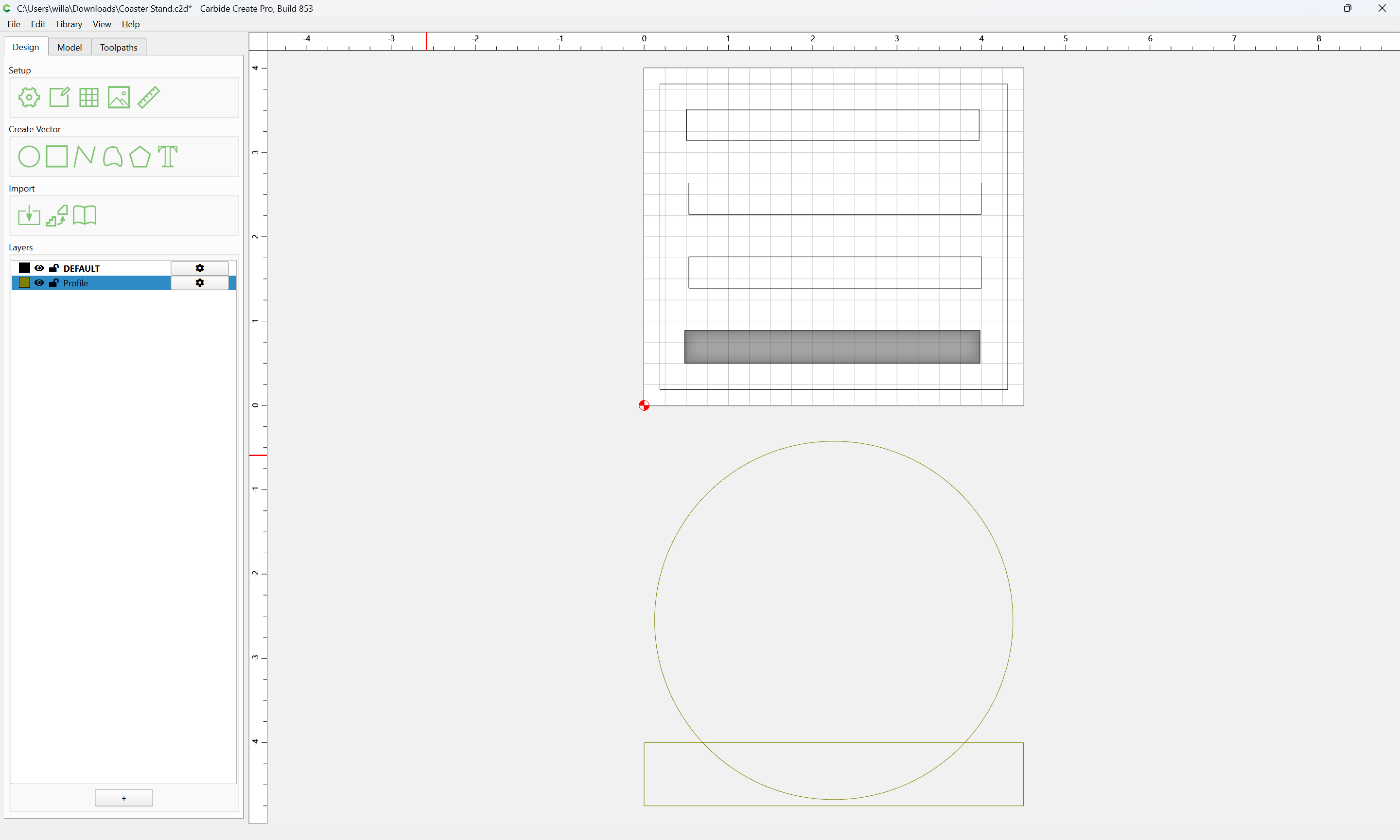
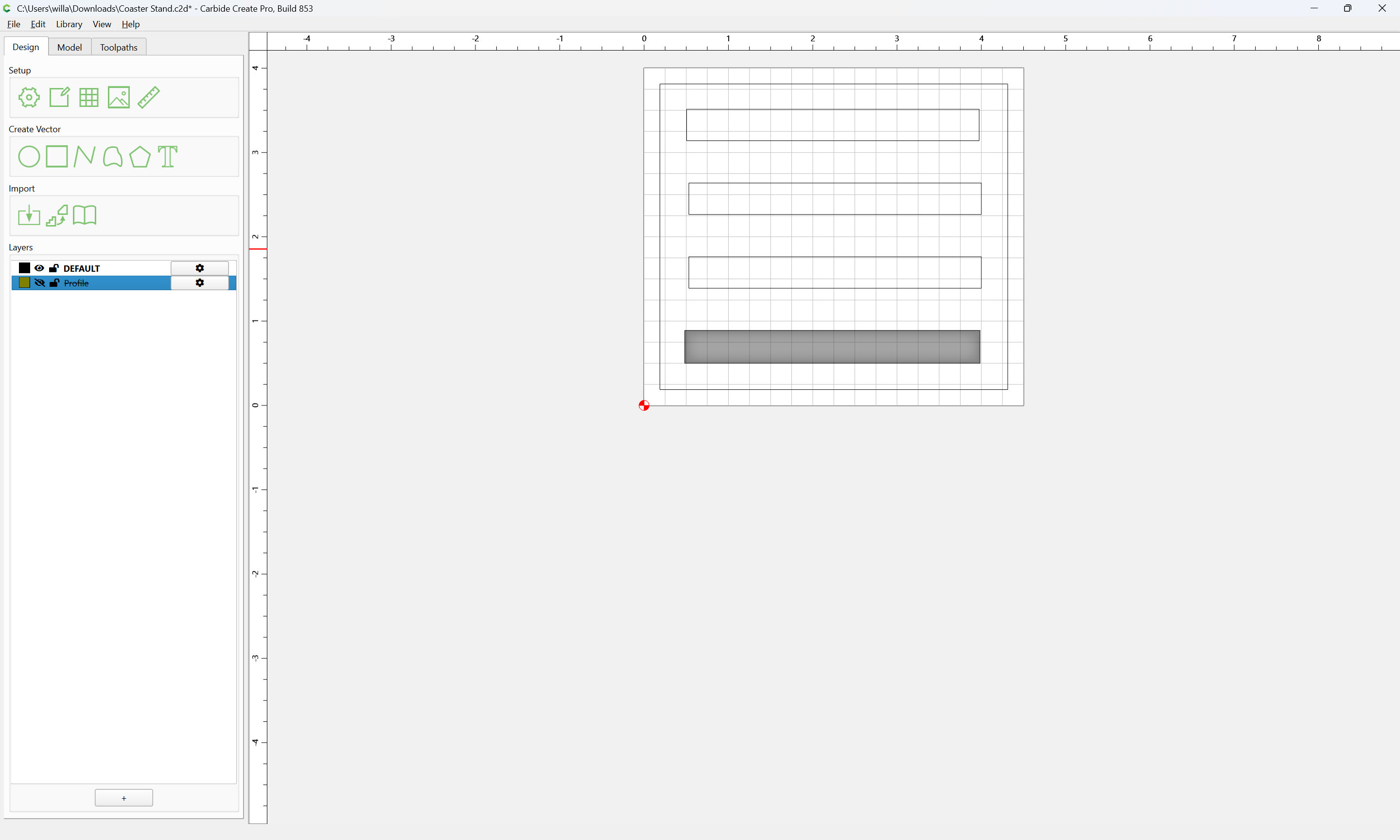
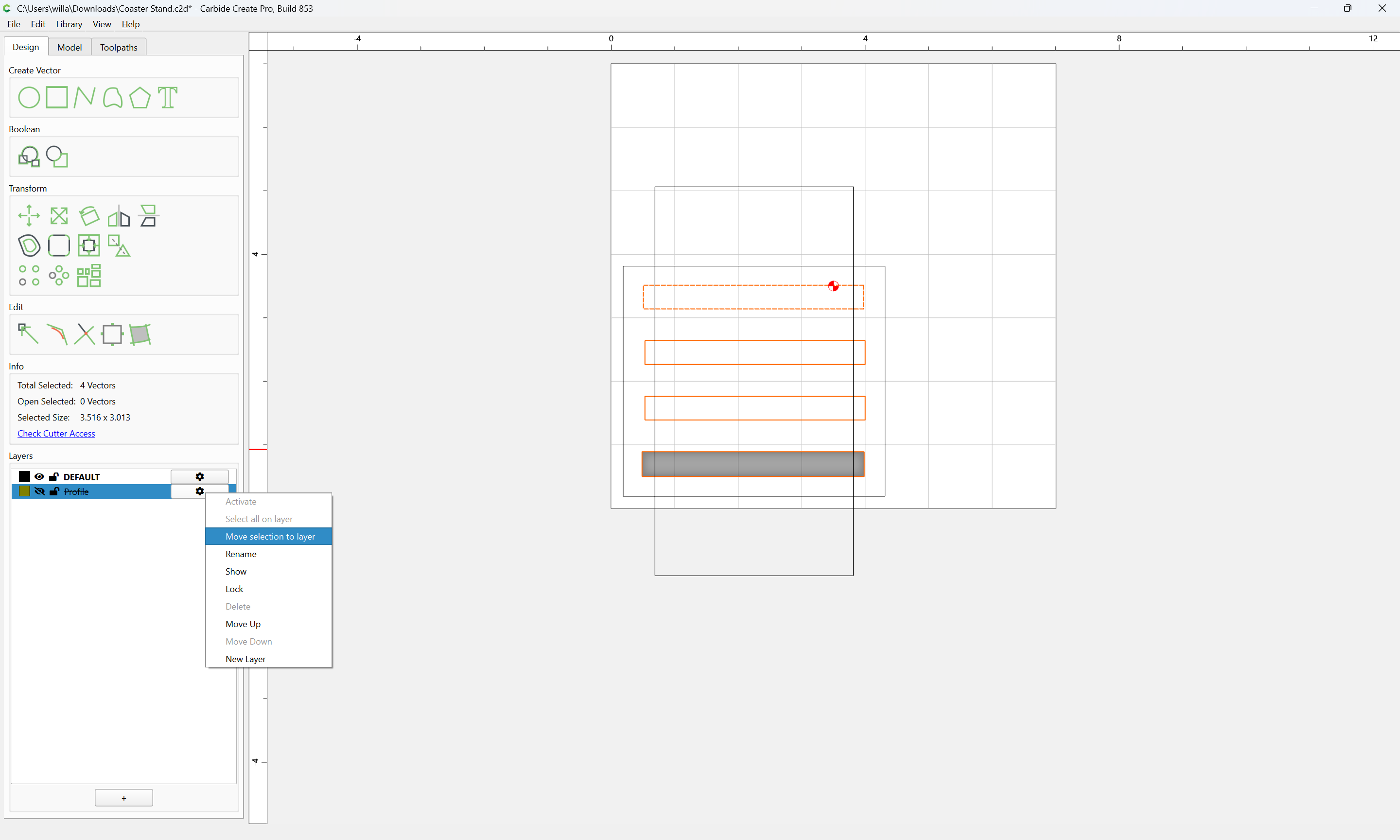
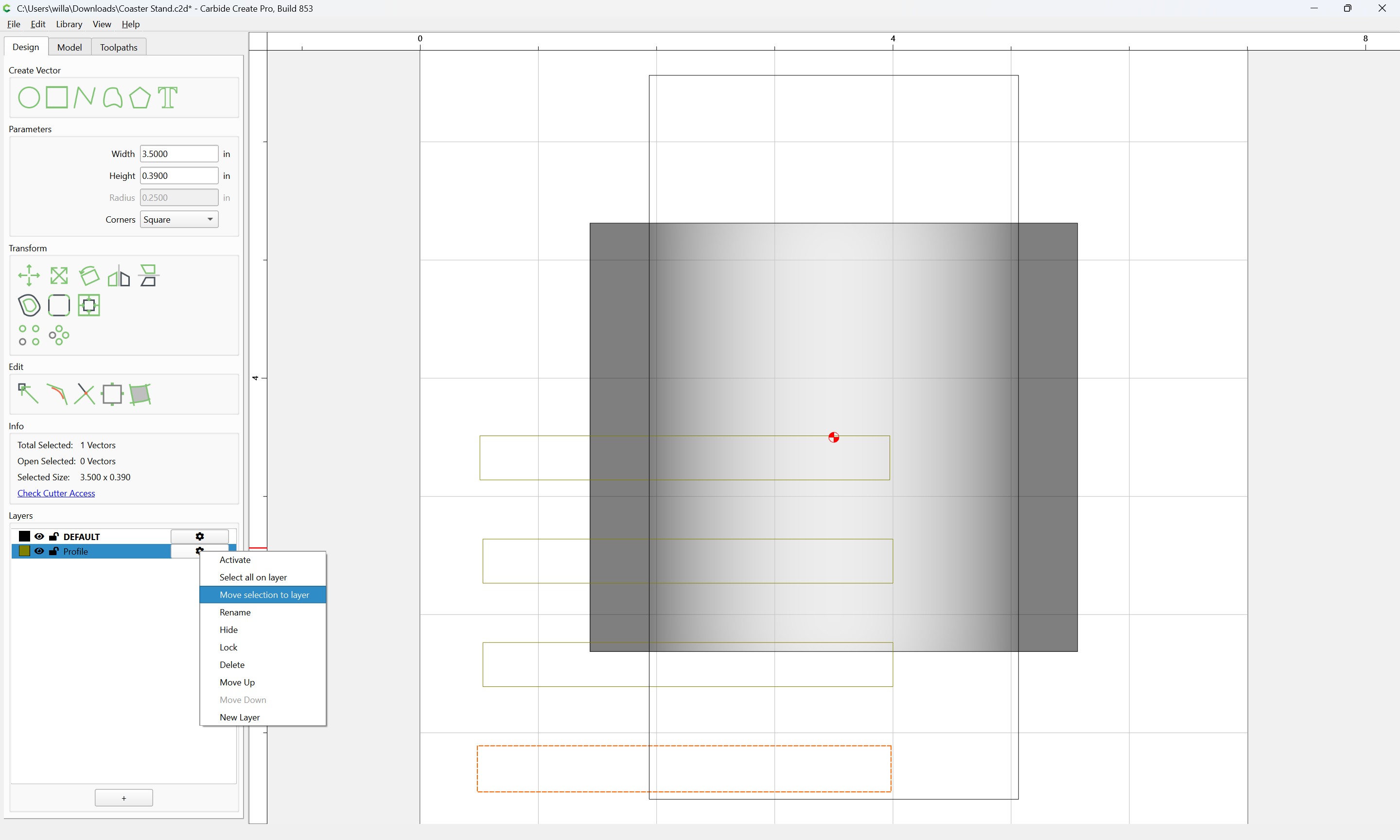
These elements may now be moved to a separate layer which may be hidden, but referred to at need:
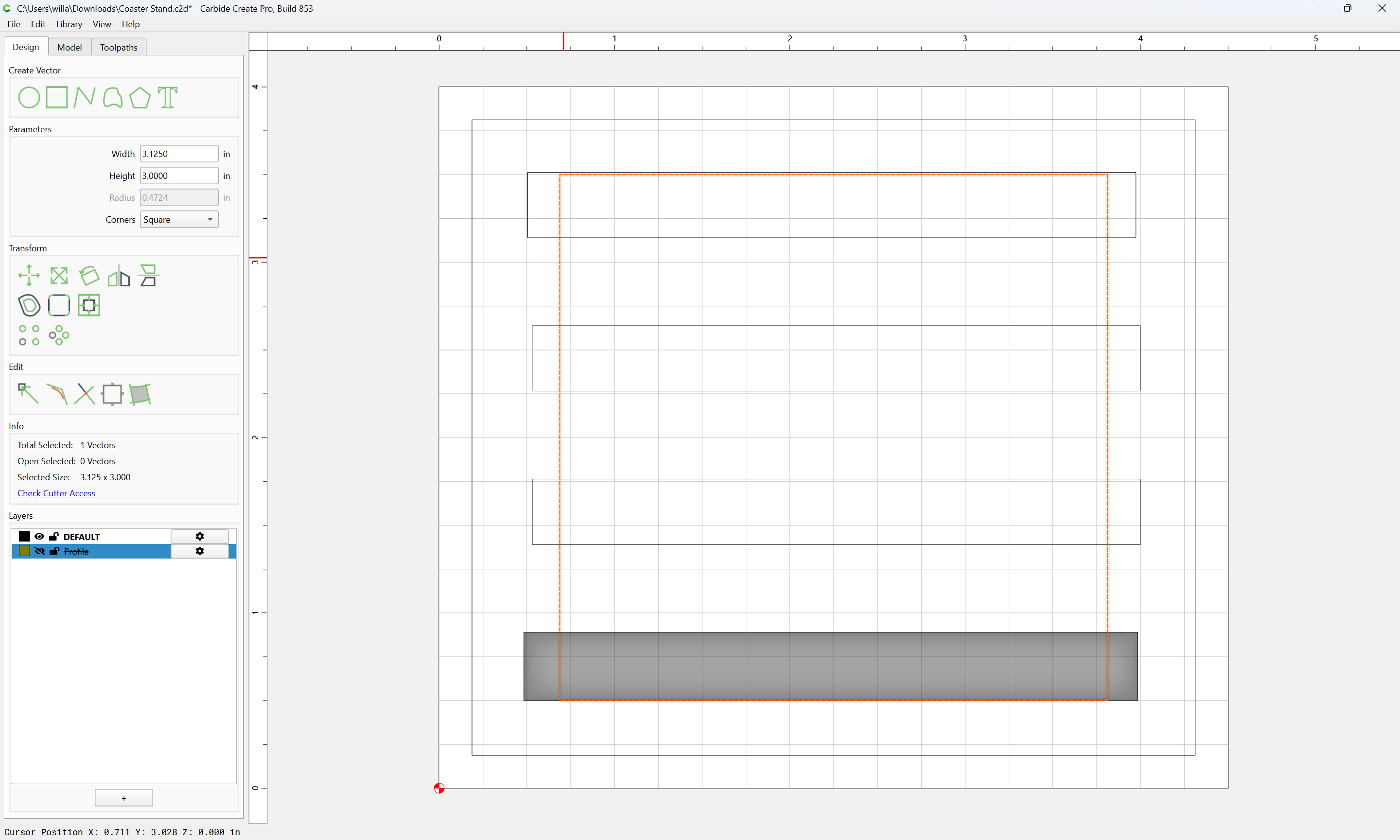
We then draw a rectangle which encompasses all of the rounded area needed:
adding the Width (which is used to set the desired rounding):
This then gives us a minimum Stock Area to work with.
Centering will probably be easier, as will a square piece of stock.
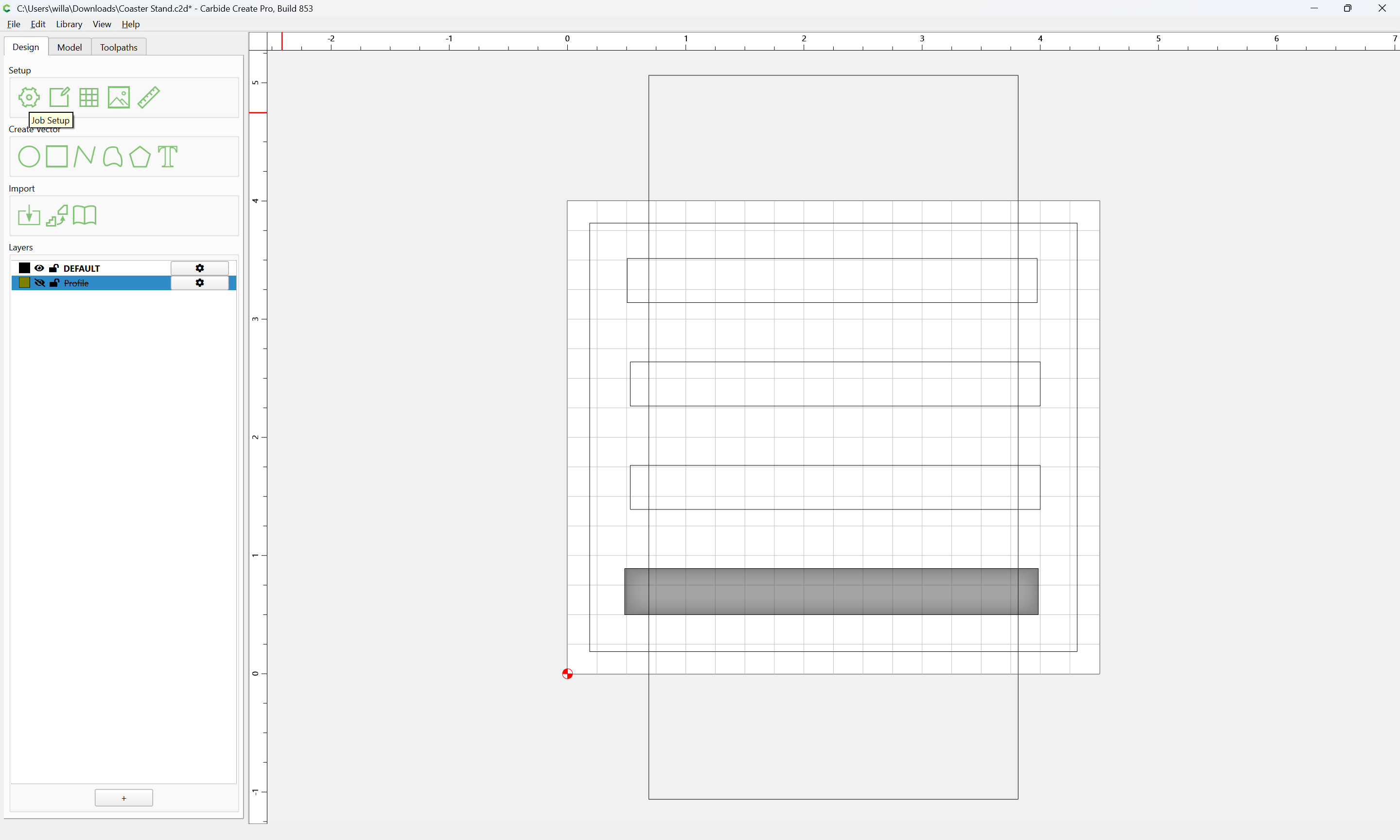
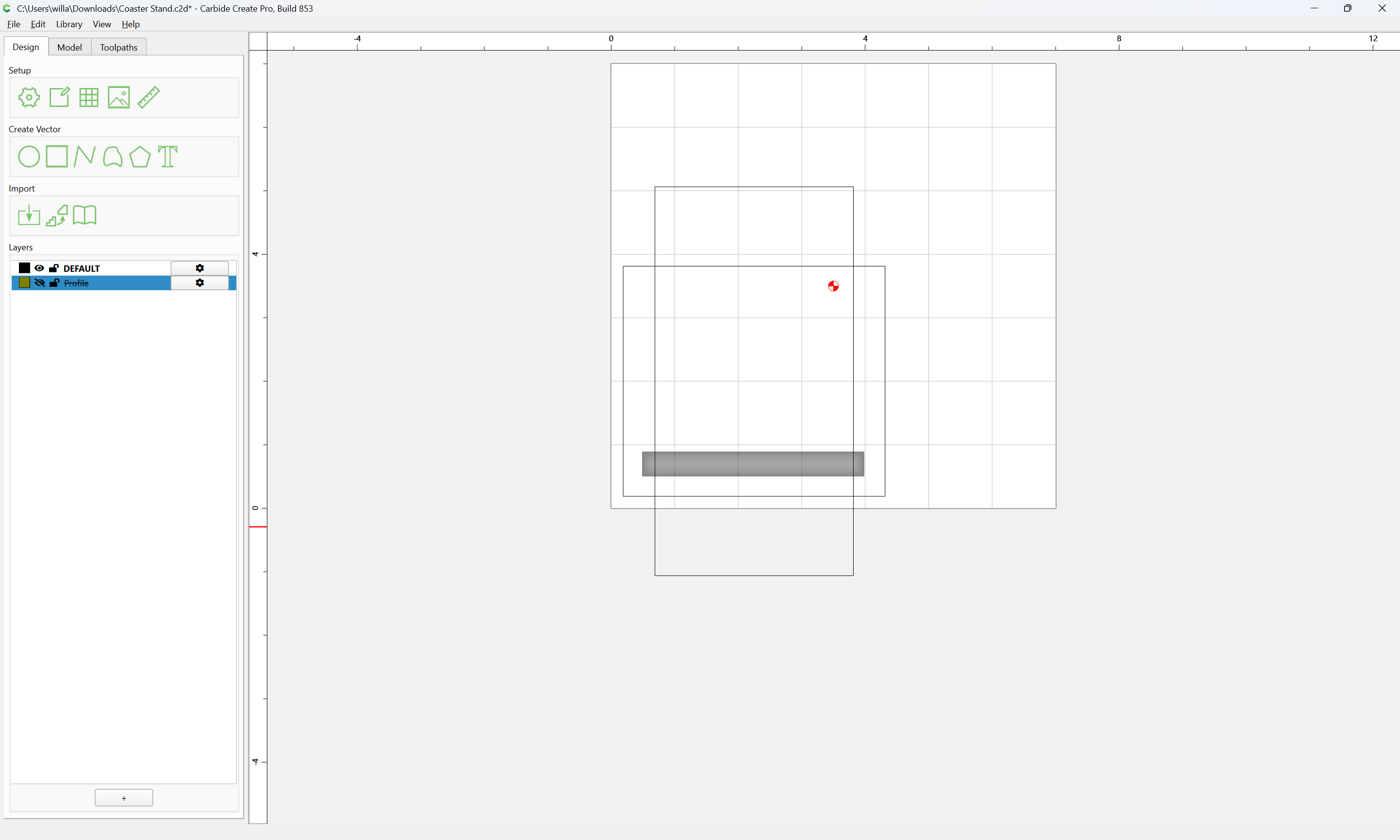
For now we will send the unneeded elements to the hidden reference layer:
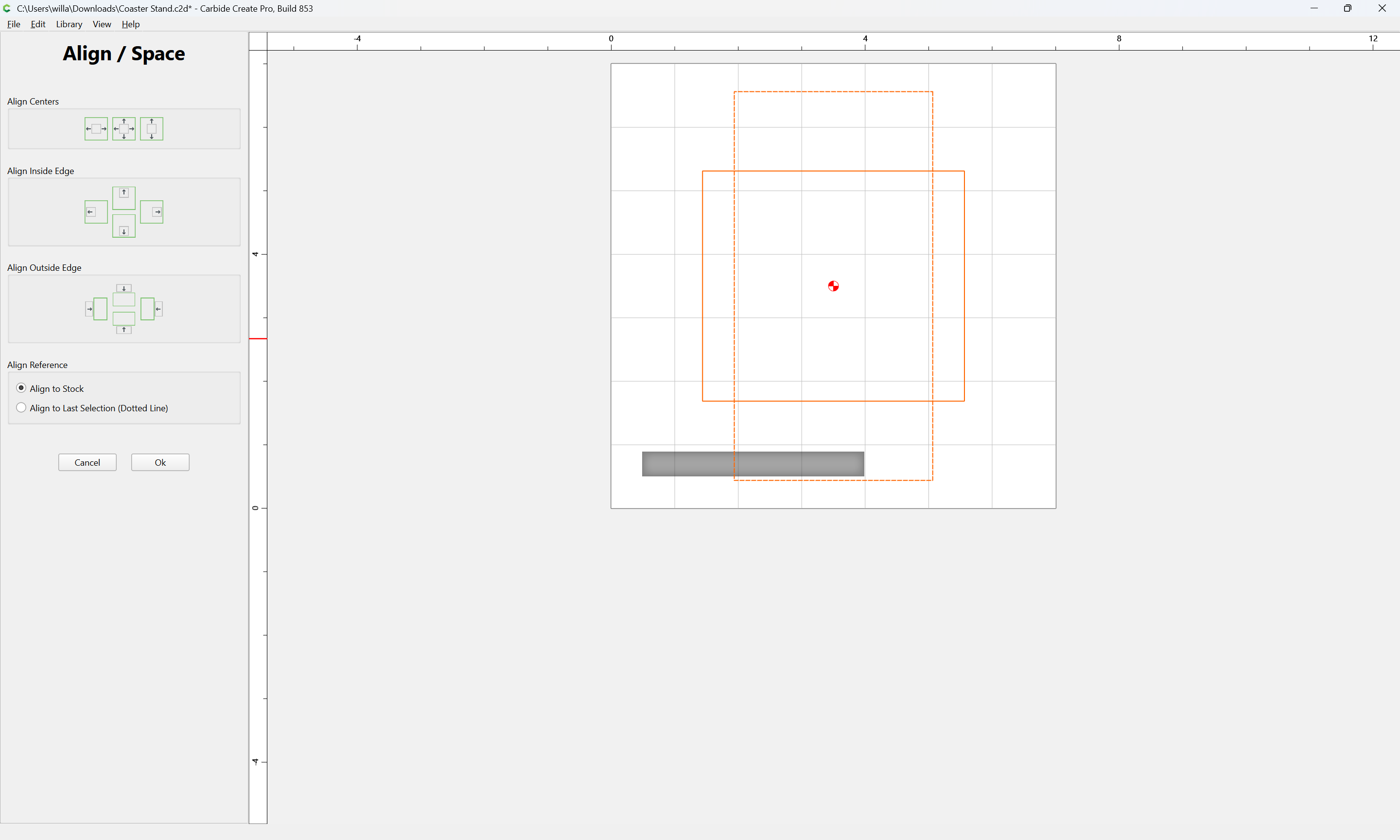
and center everything:
Ok
WillAdams
July 19, 2026, 12:43pm
3
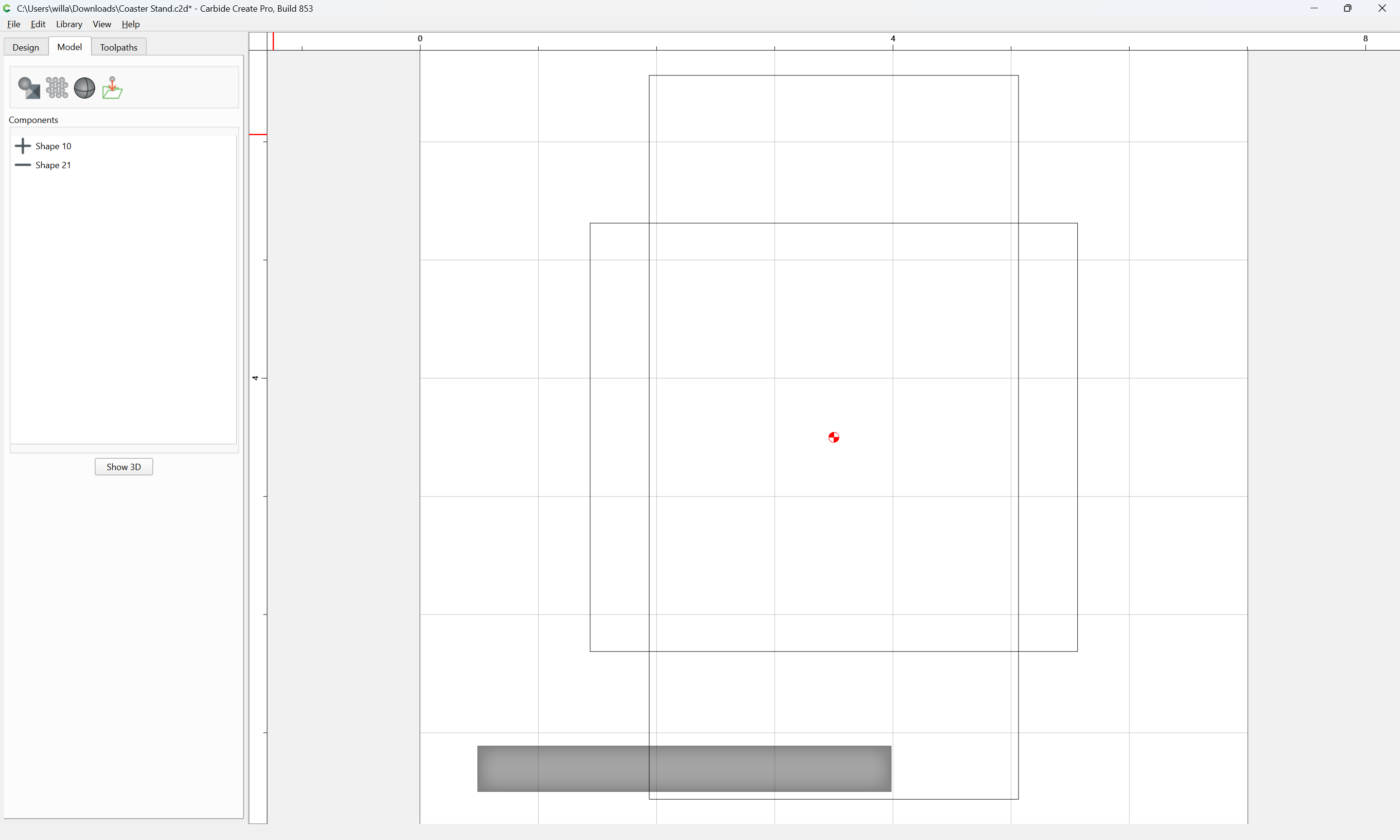
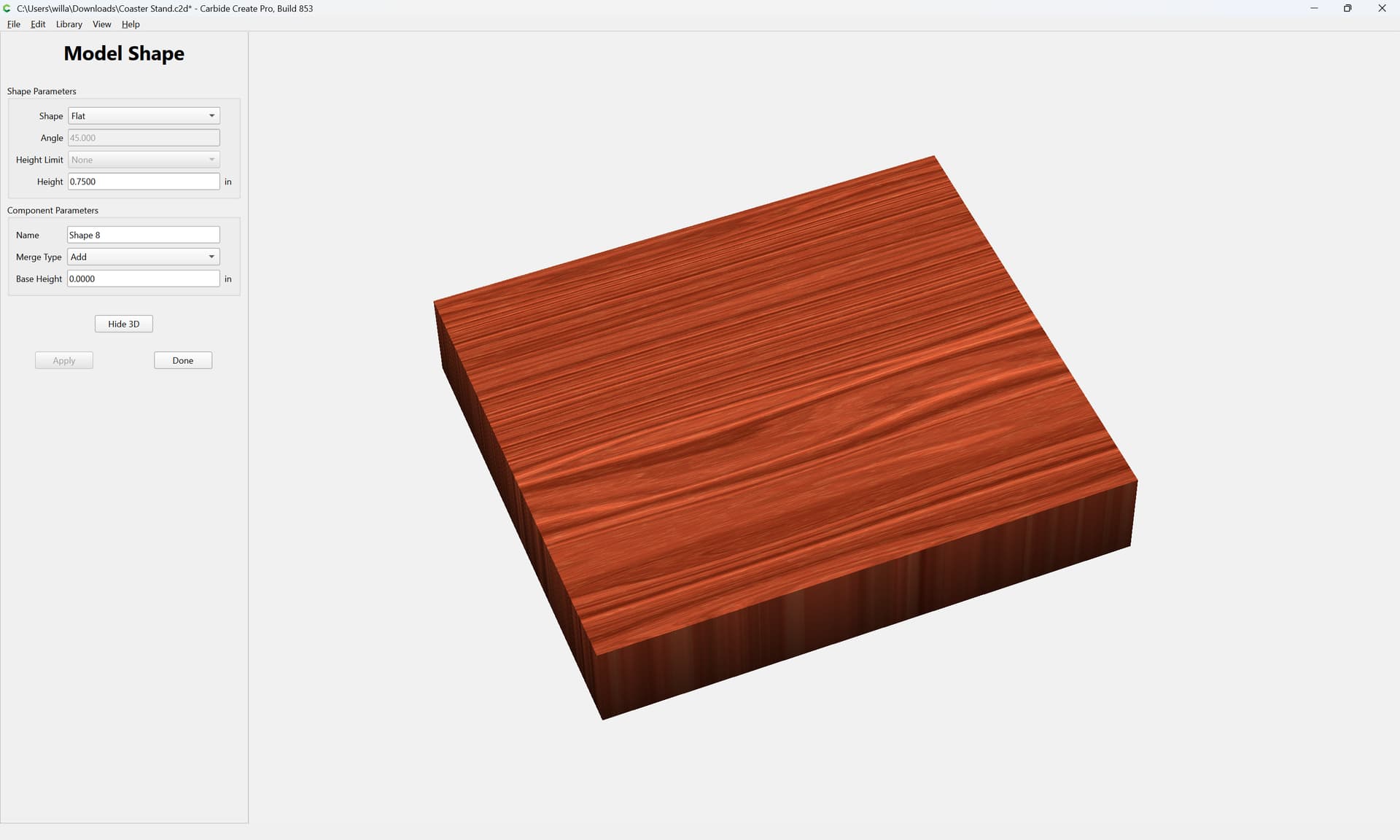
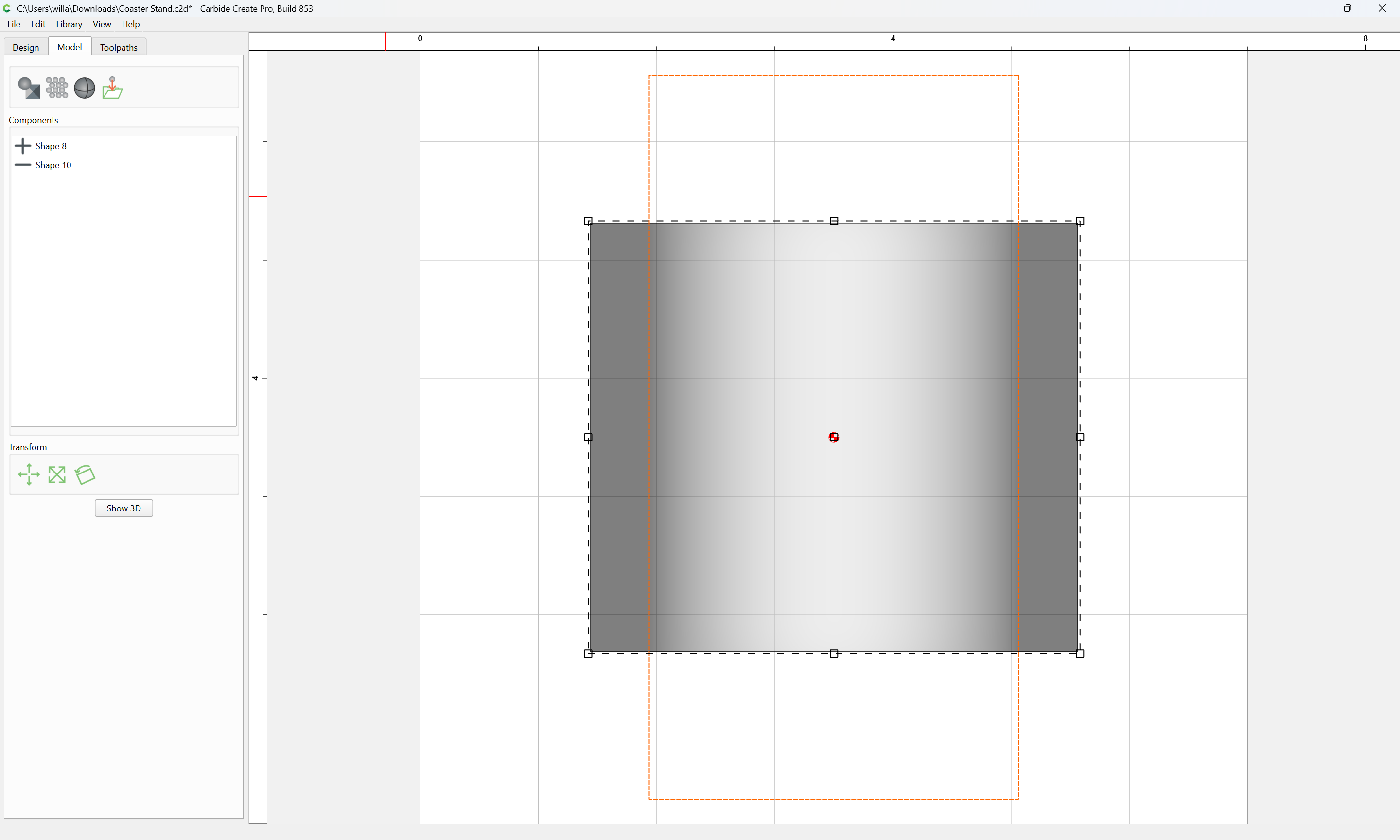
Switch to the 3D Model view:
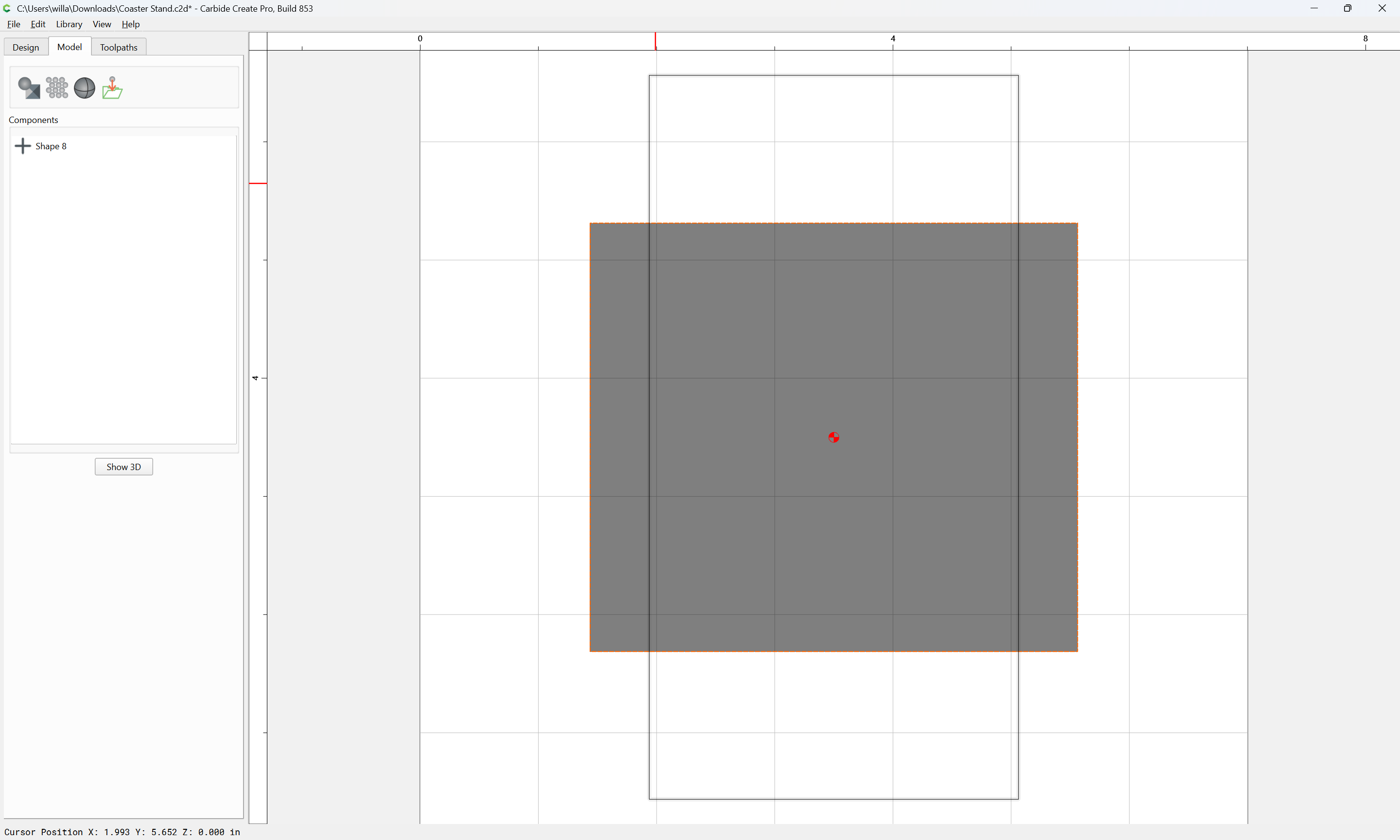
and delete the components which are there:
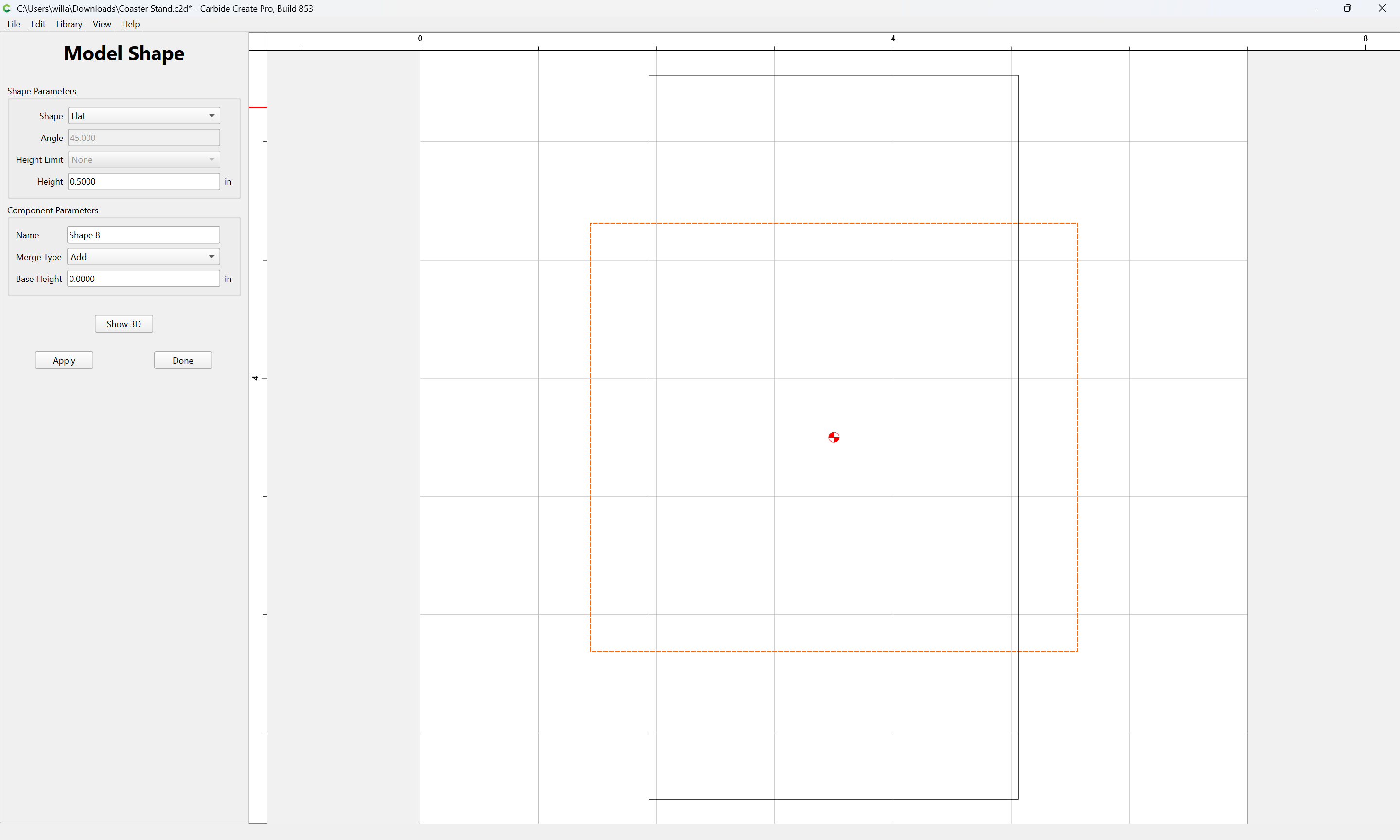
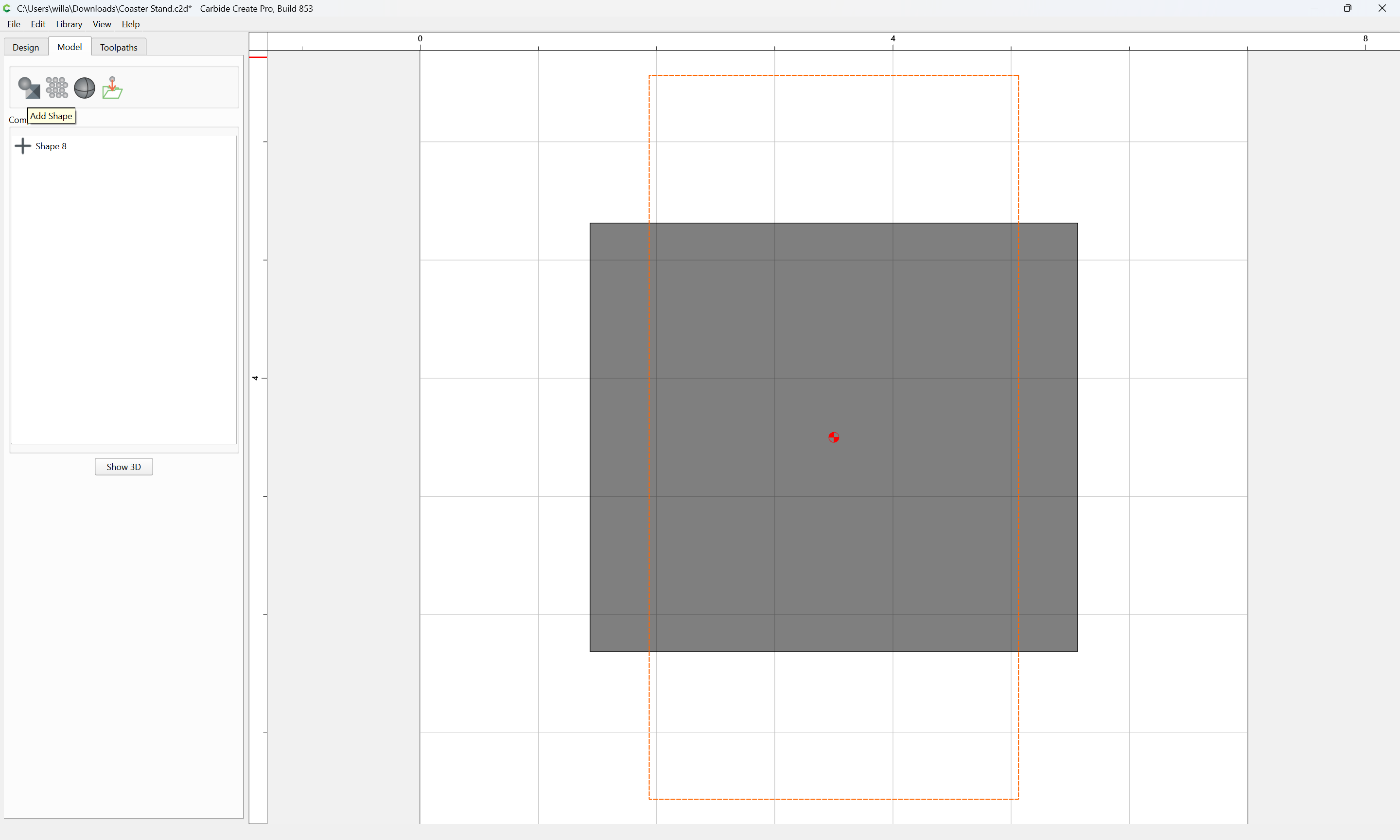
and select the area for the base:
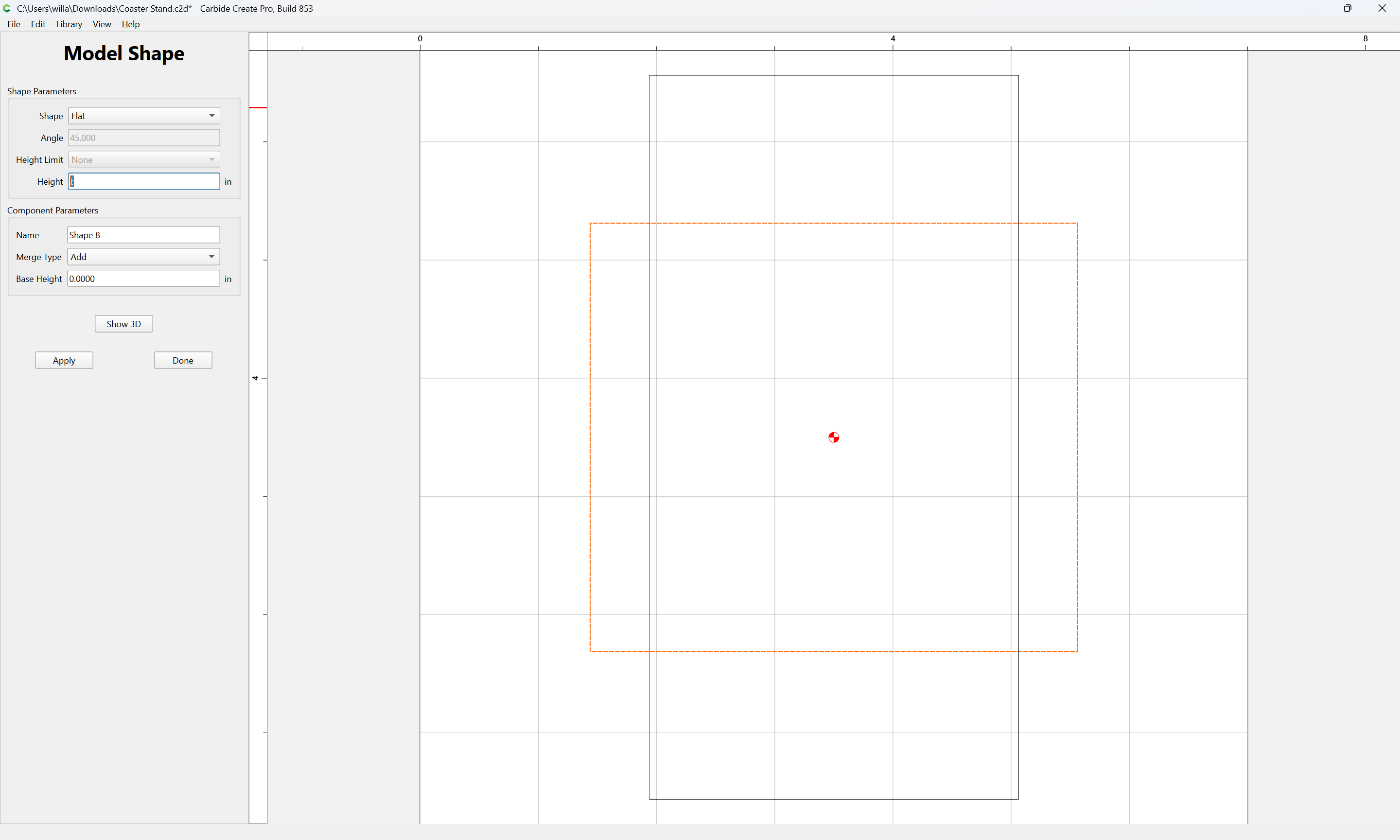
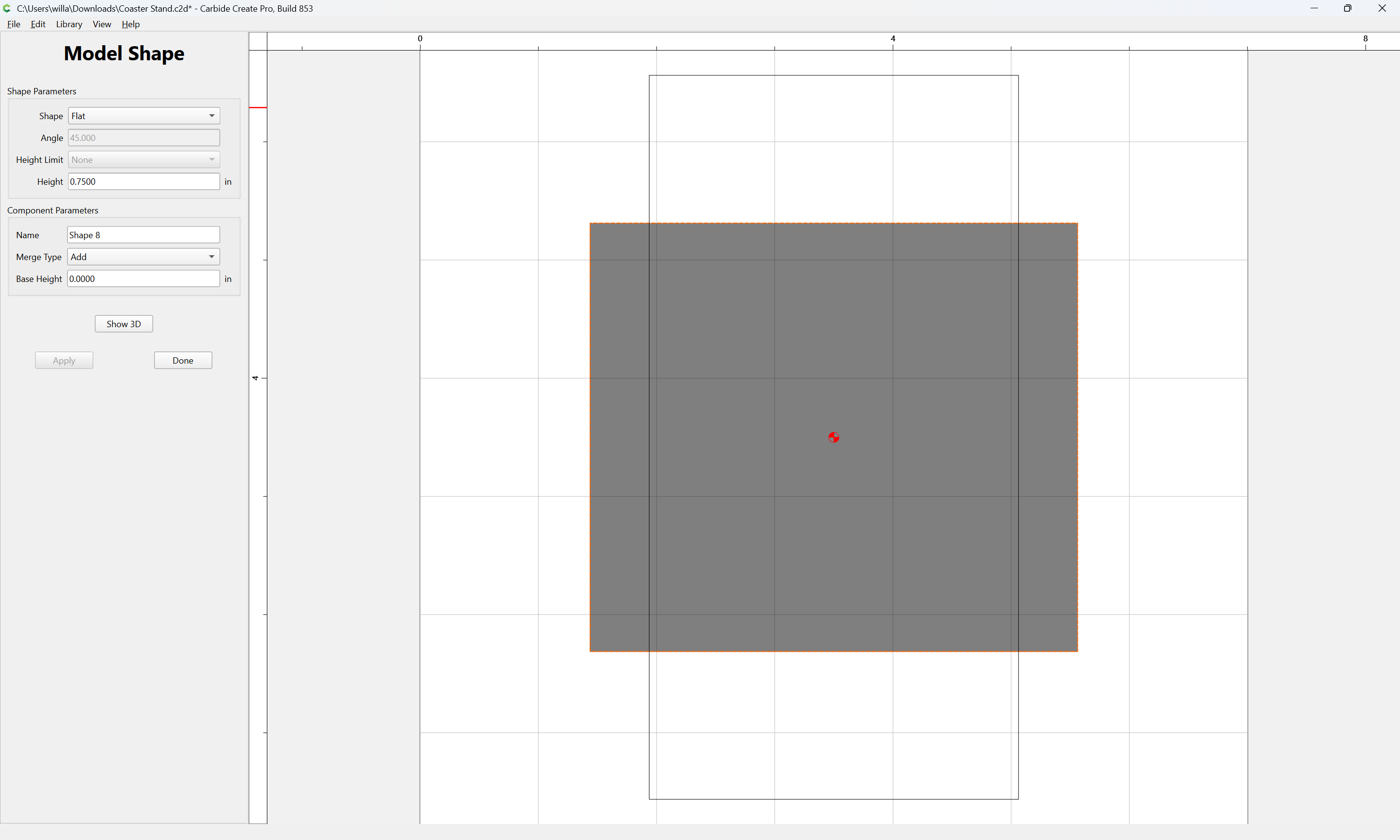
and model it to the Stock Thickness:
Apply
Show 3D
Done
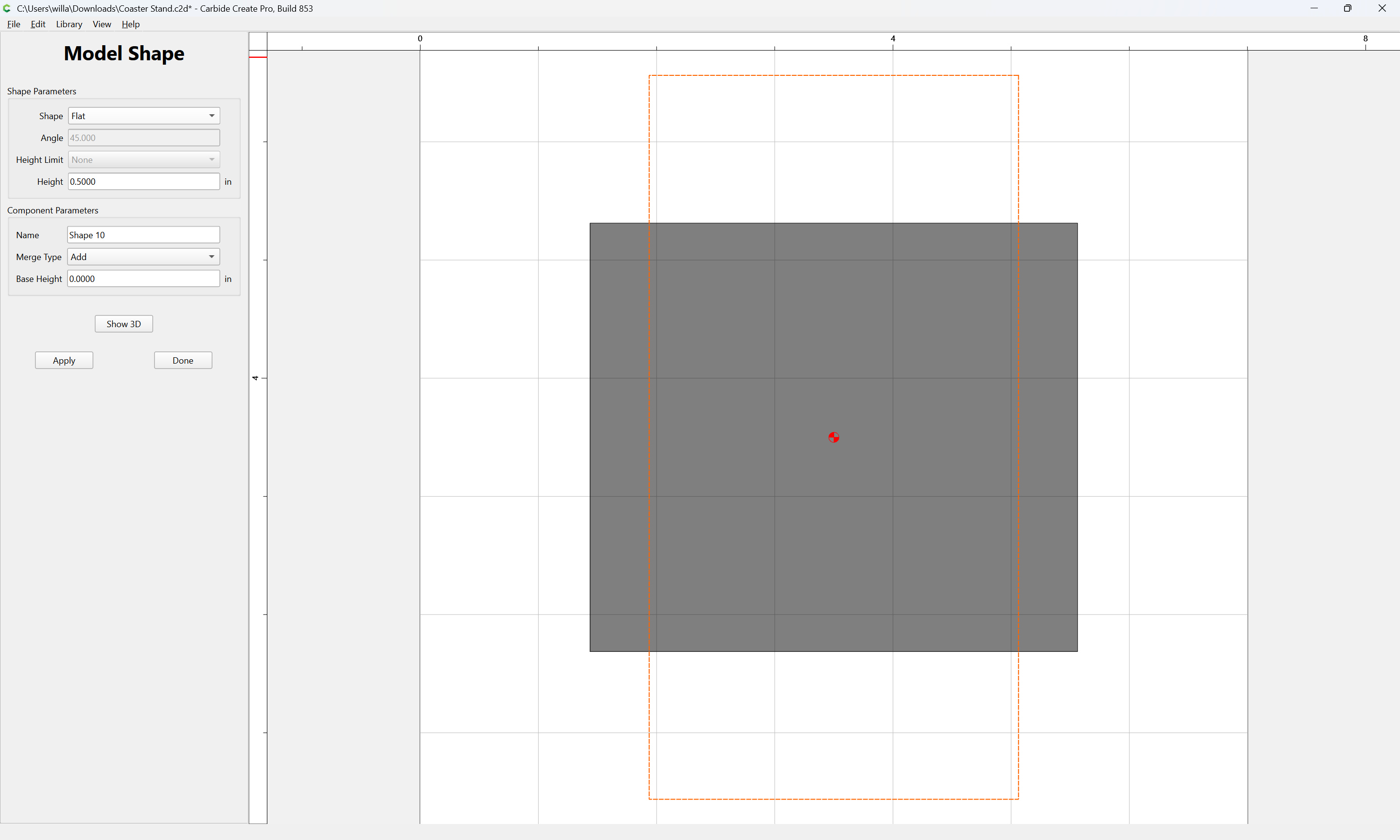
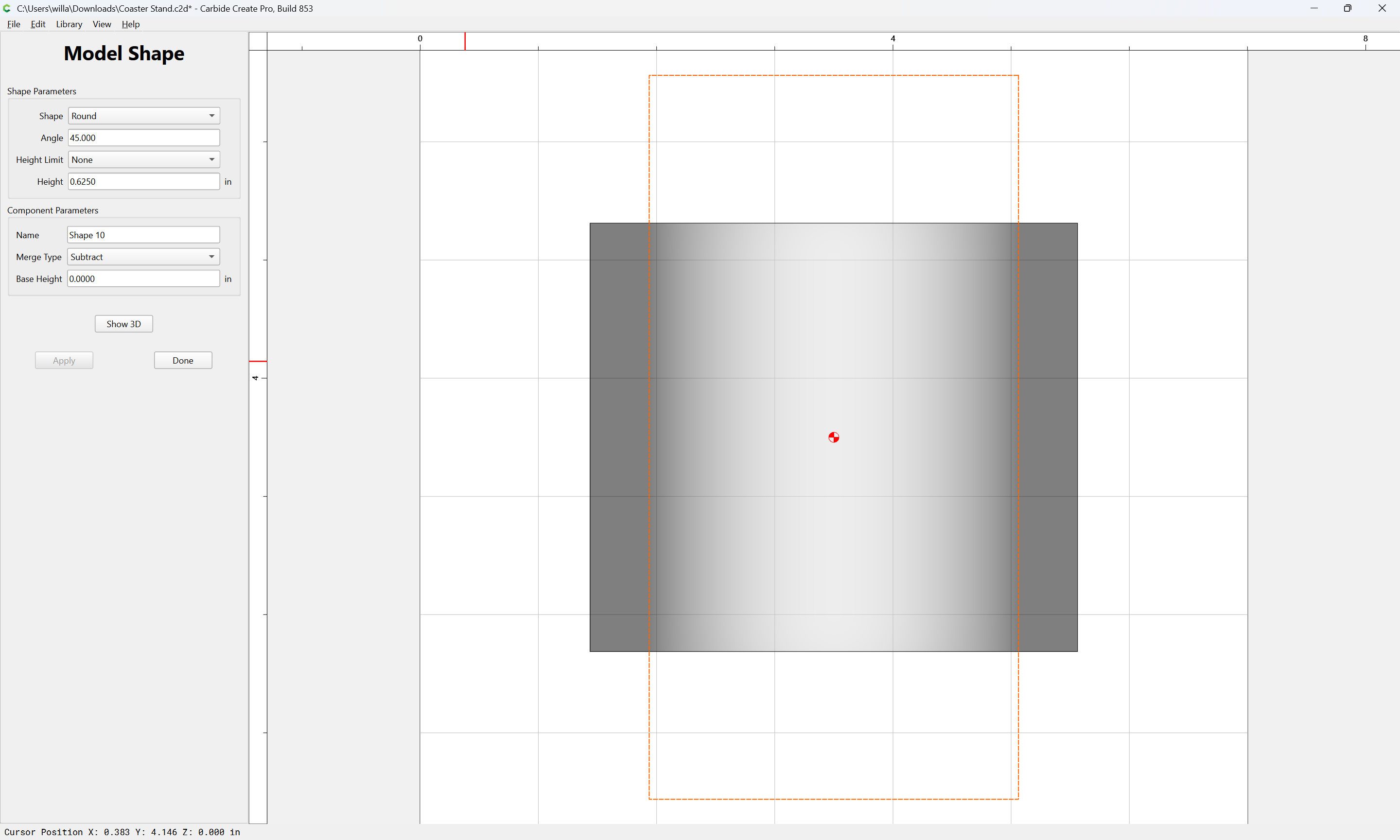
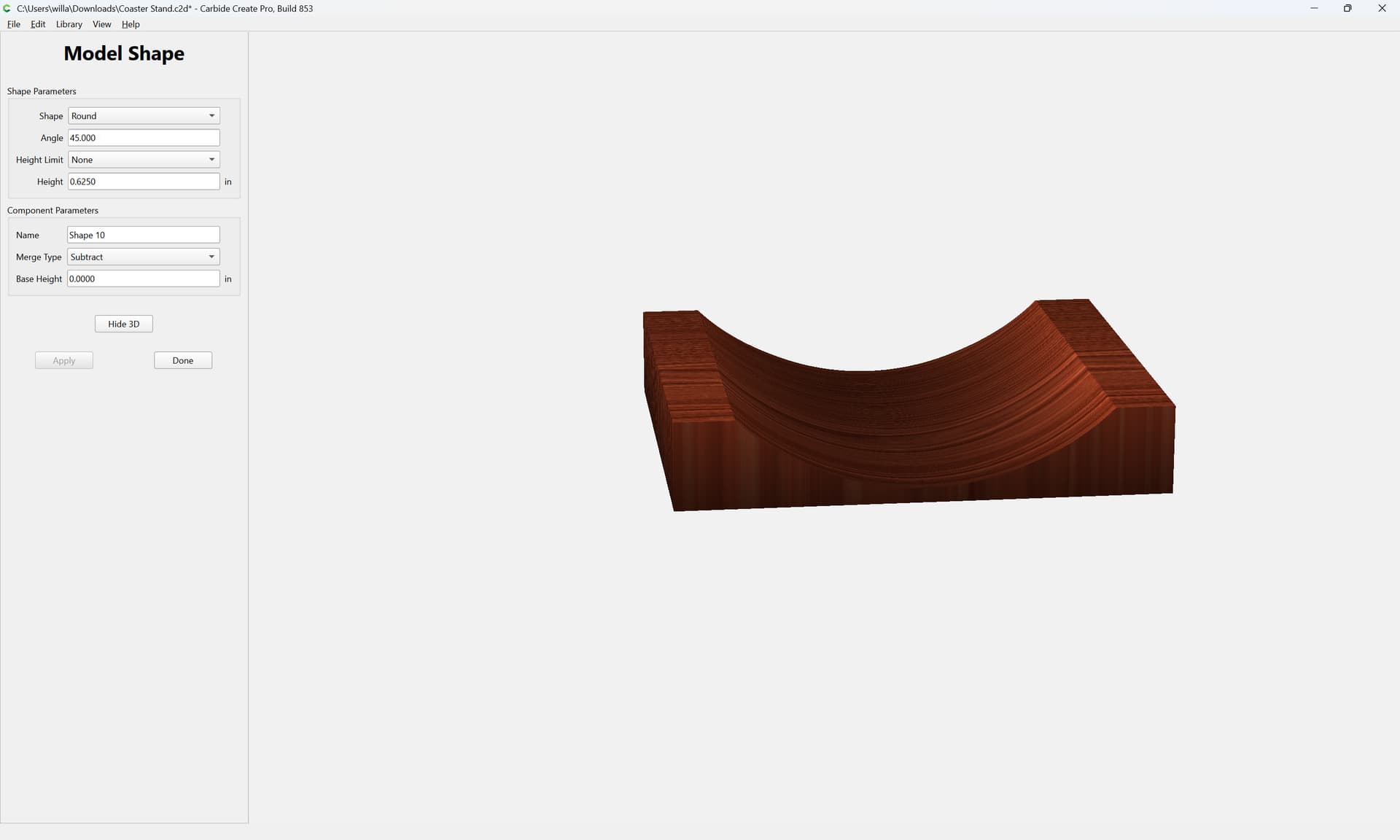
Next, we model the rounded subtraction for the coasters:
Done
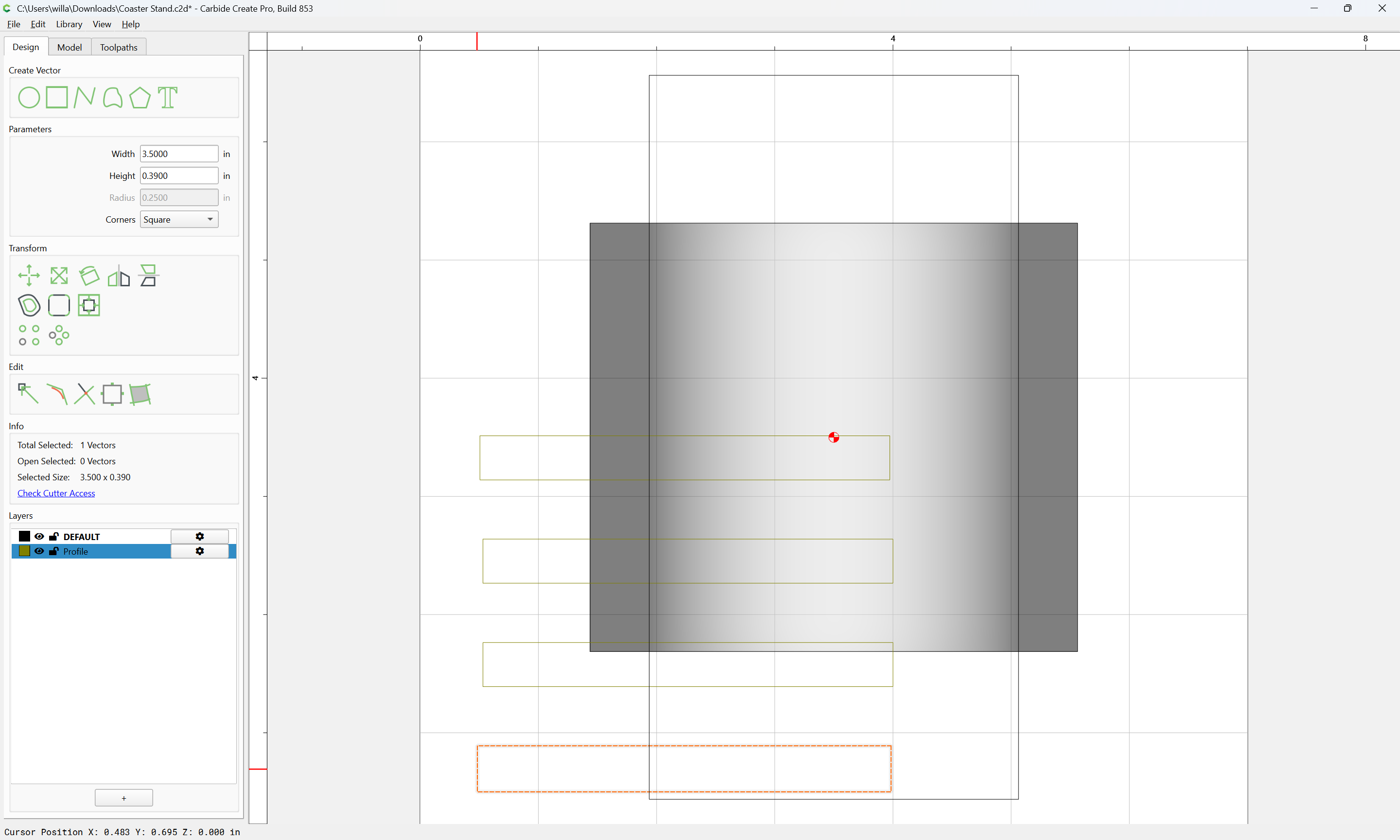
Switch back to the Design pane and show the reference layer:
Then move one example to the current layer:
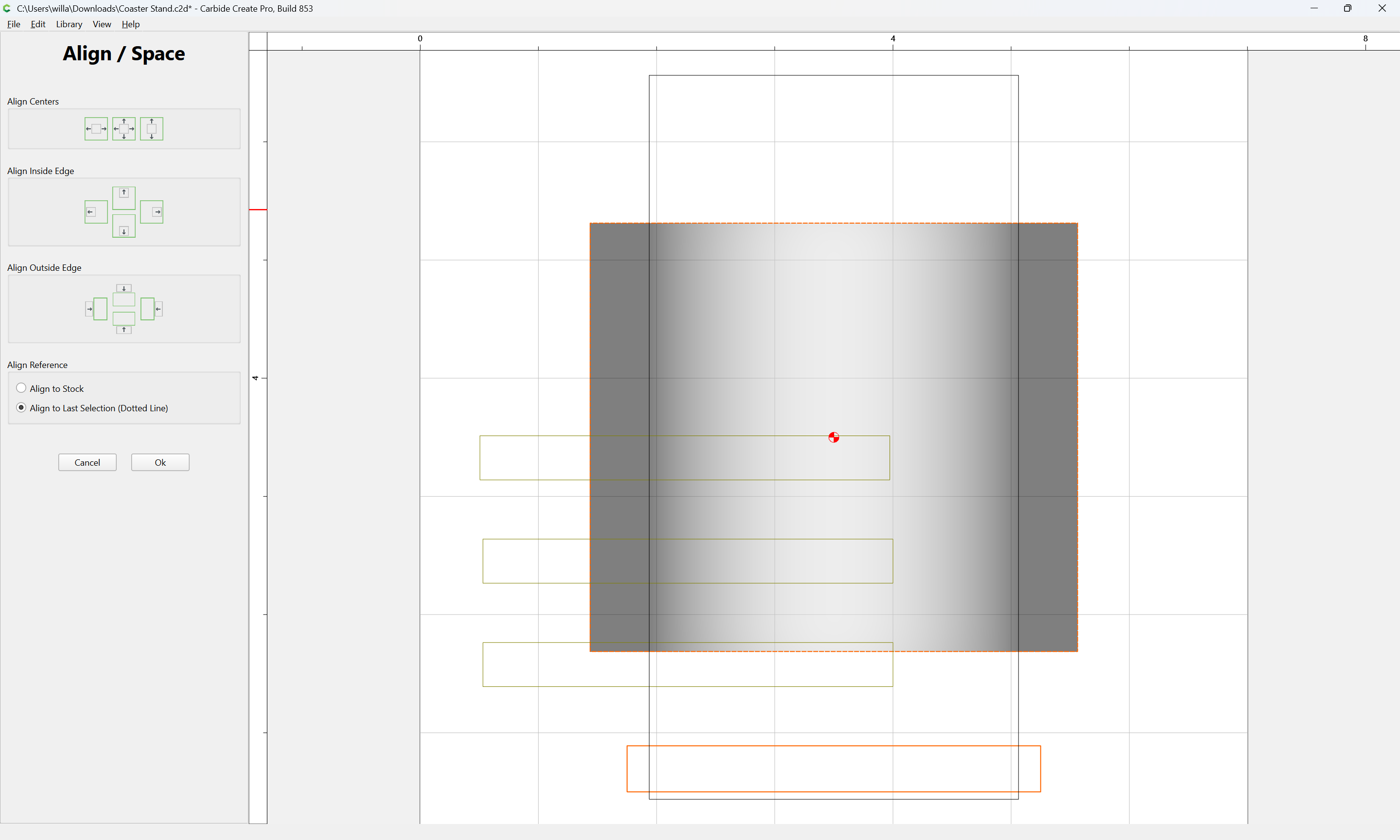
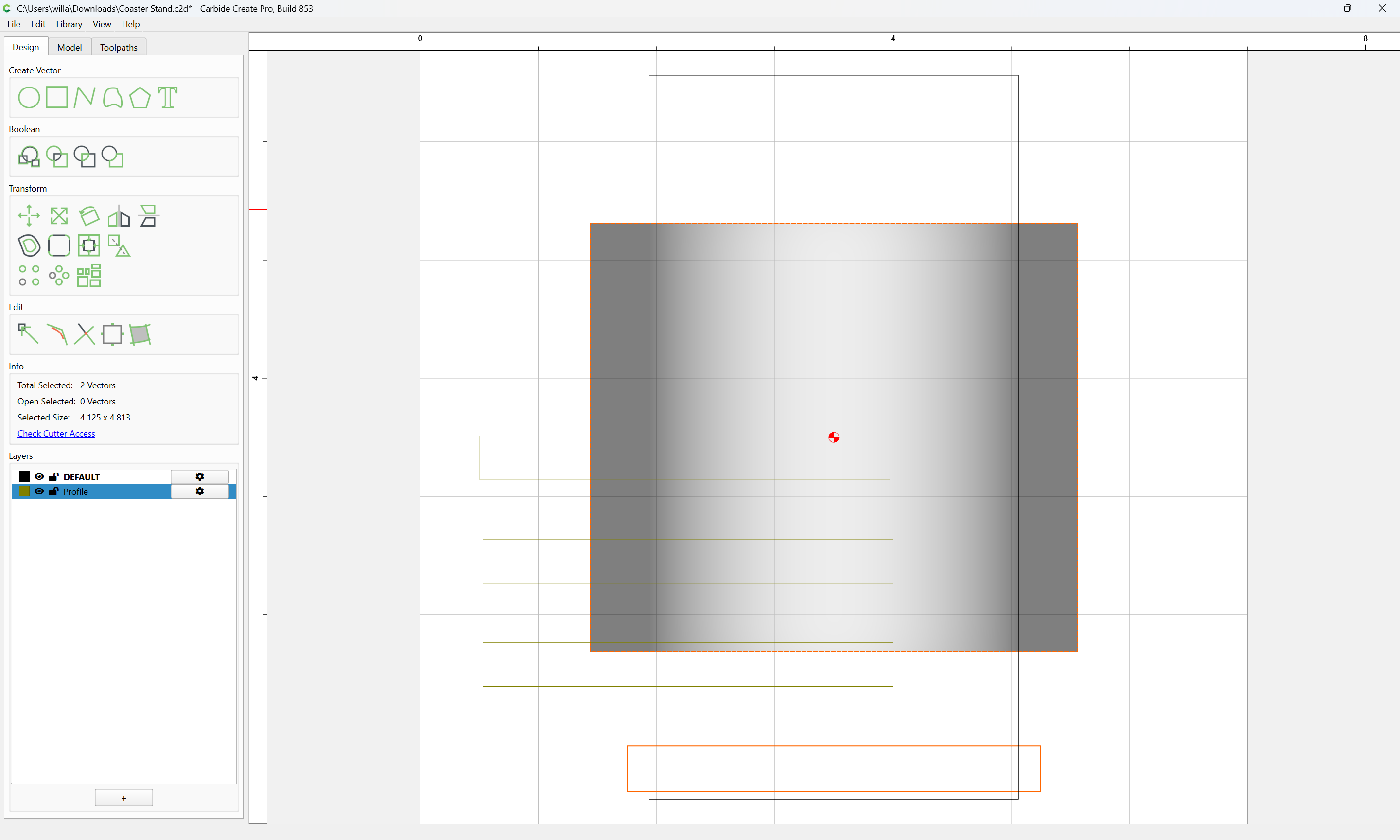
and align it to the outline of the part:
Ok
Ok
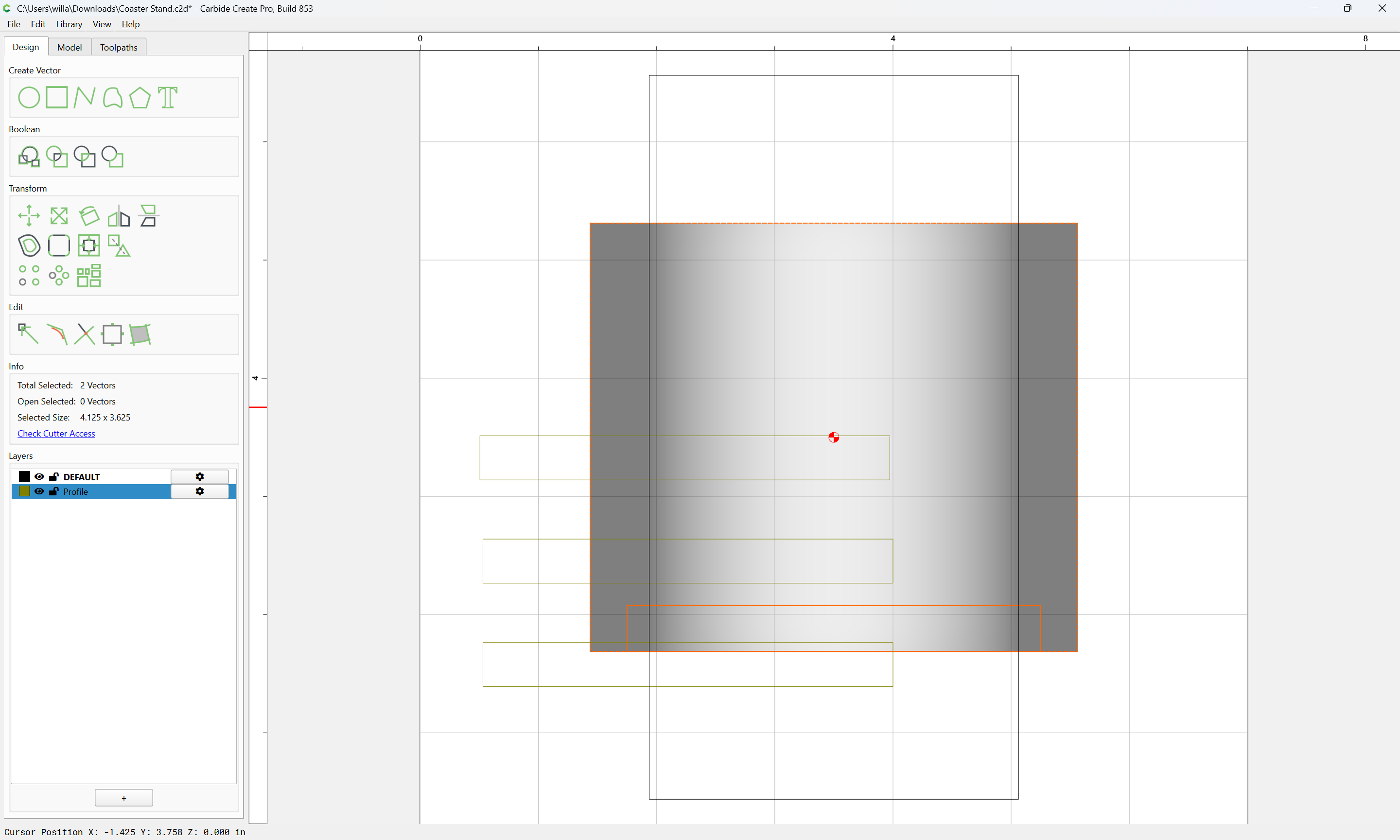
Deselect the part outline:
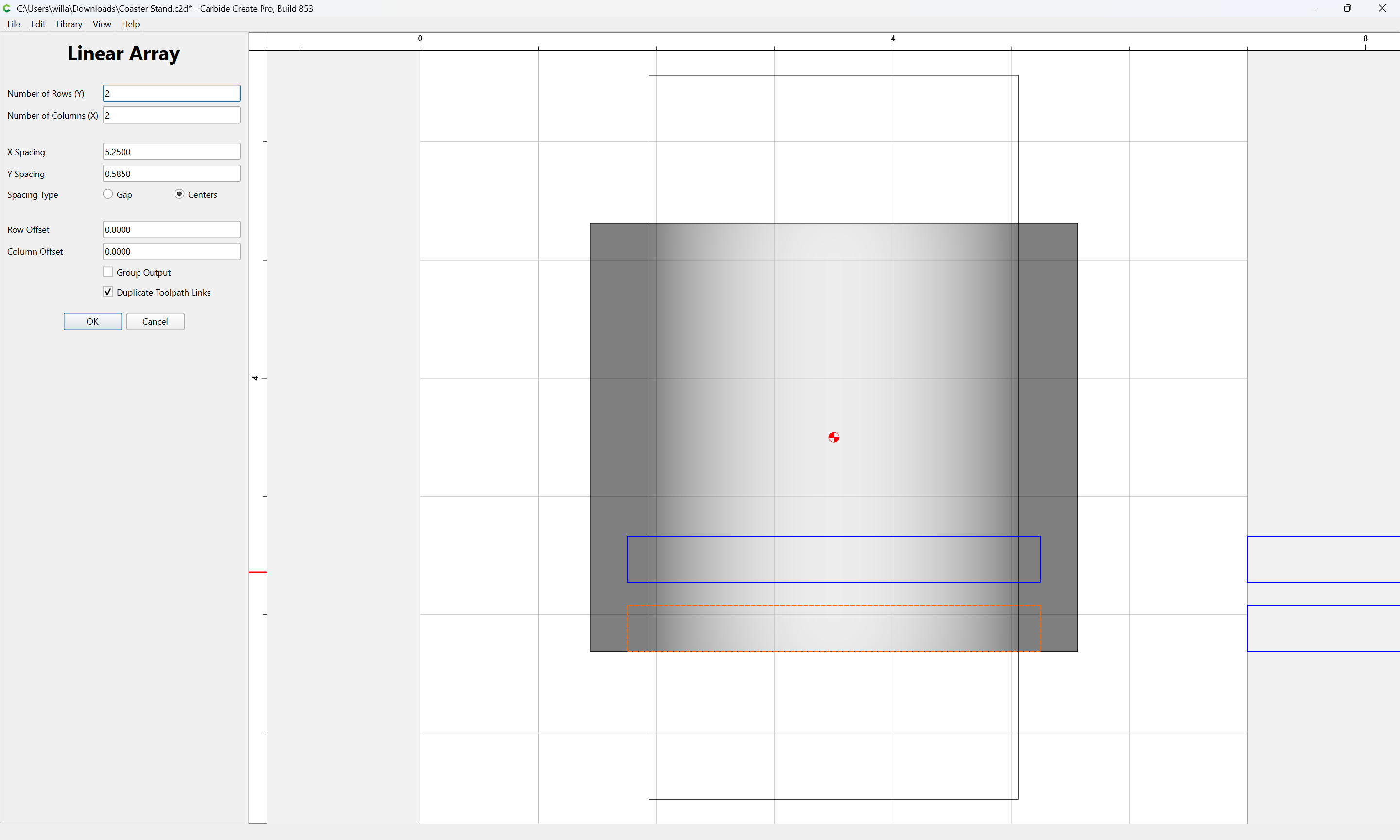
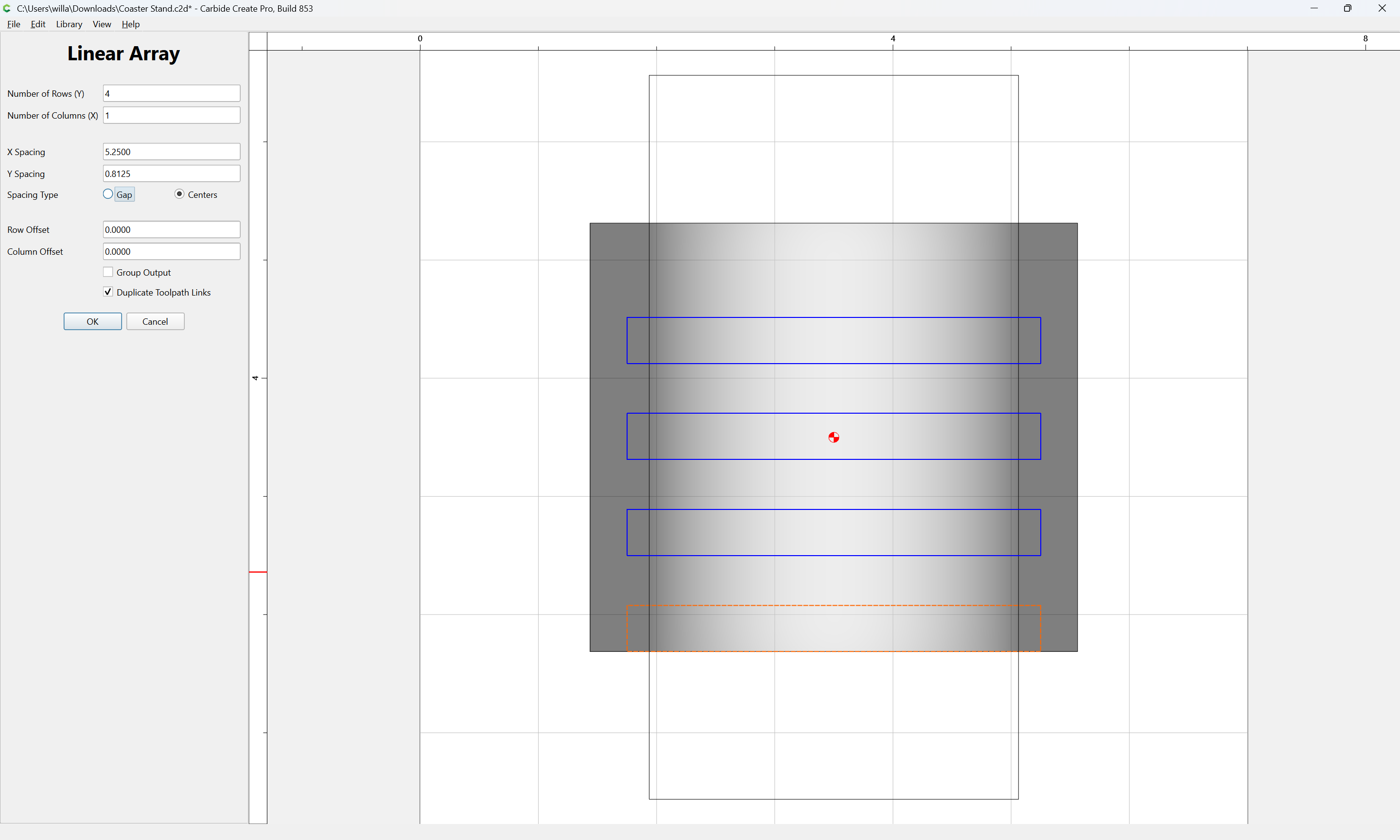
and use a Linear Array to make copies:
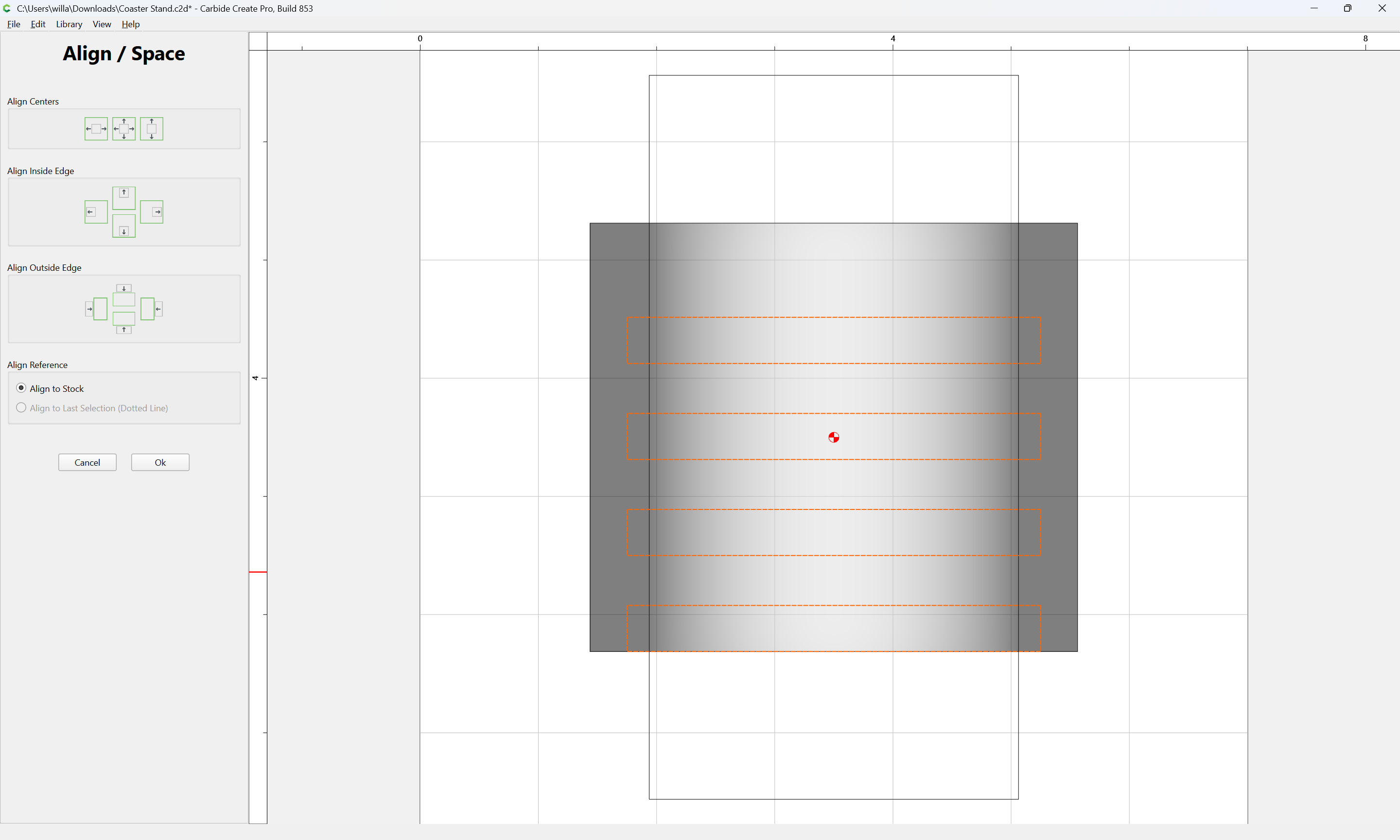
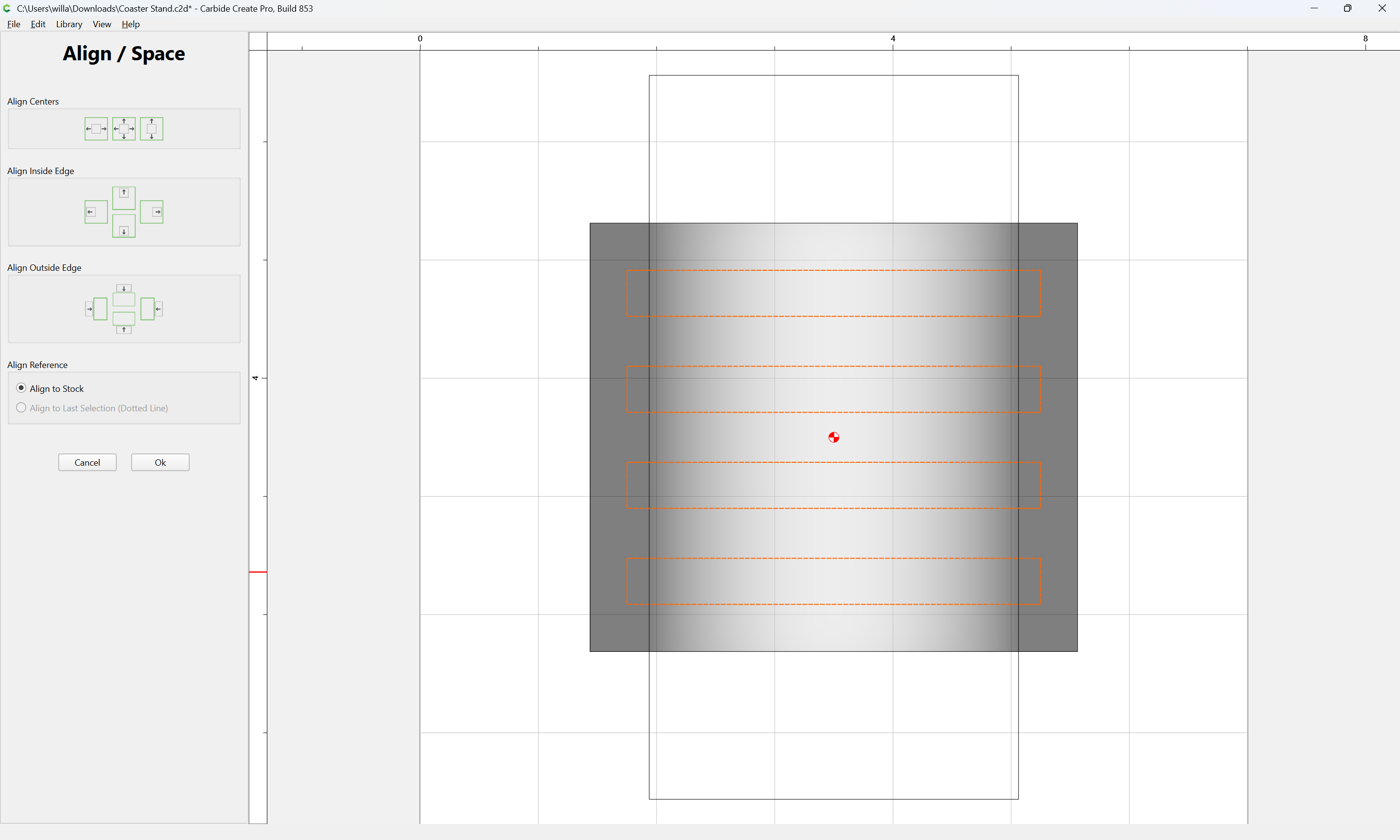
Adjusting so as to have twice the desired border at the top and the desired number and spacing otherwise:
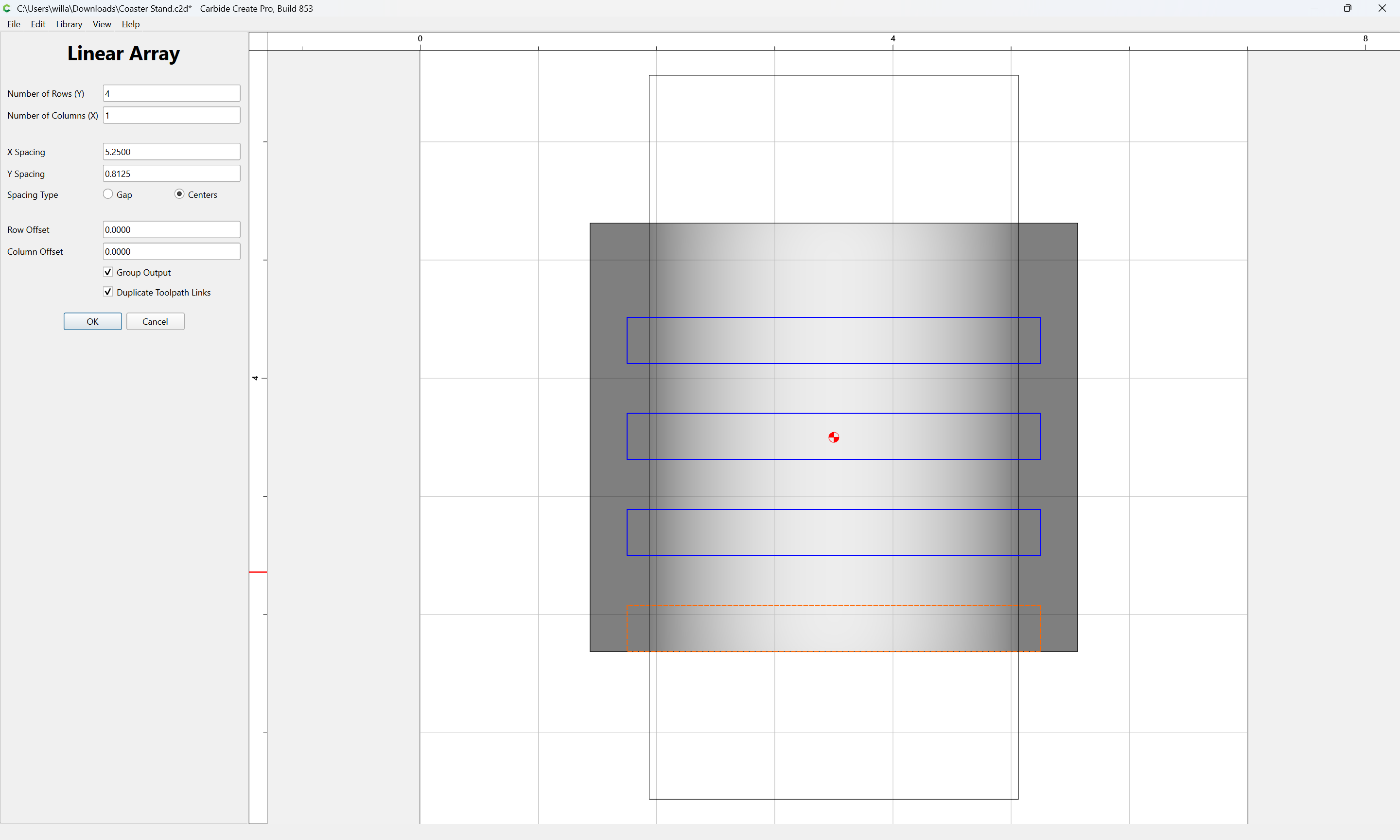
Group the output:
Ok
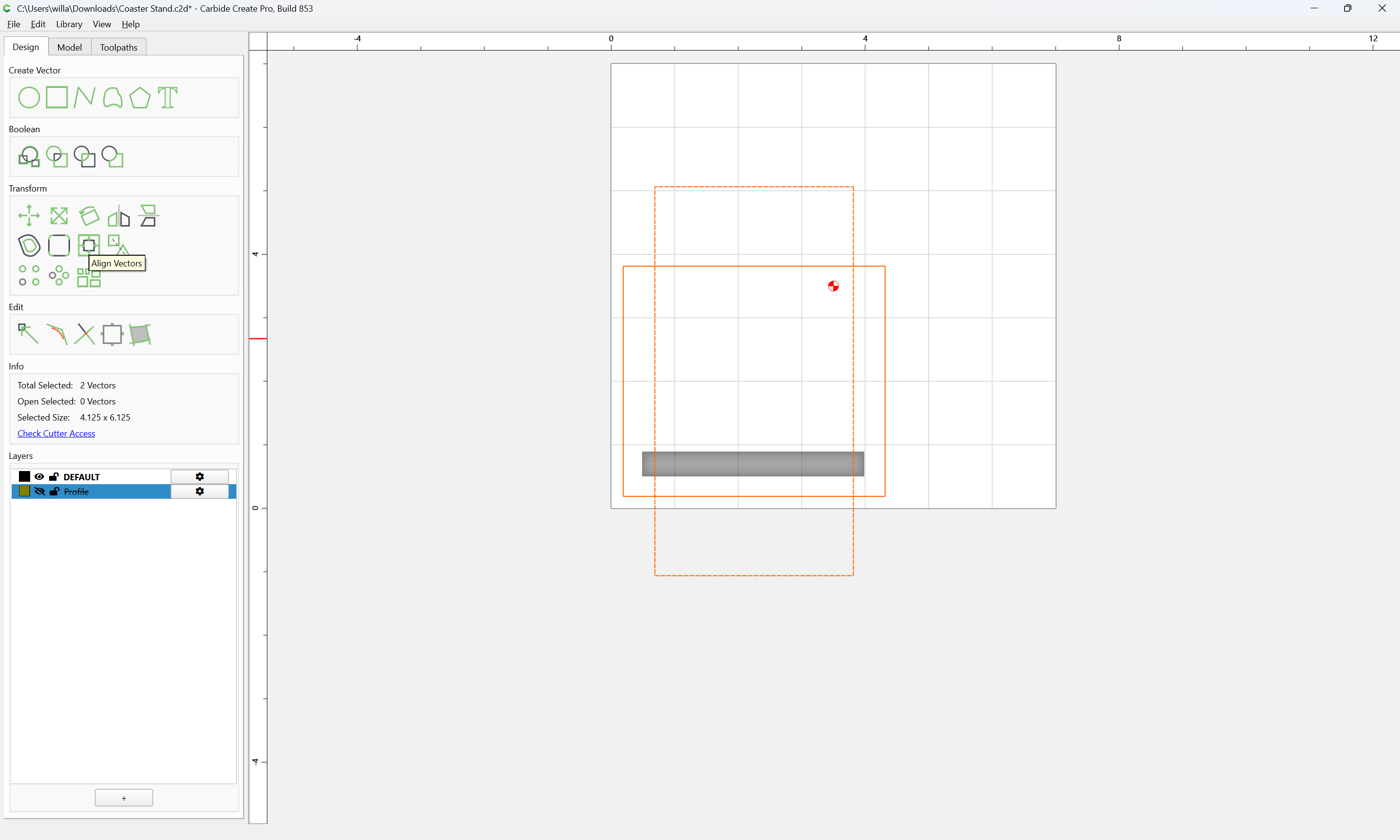
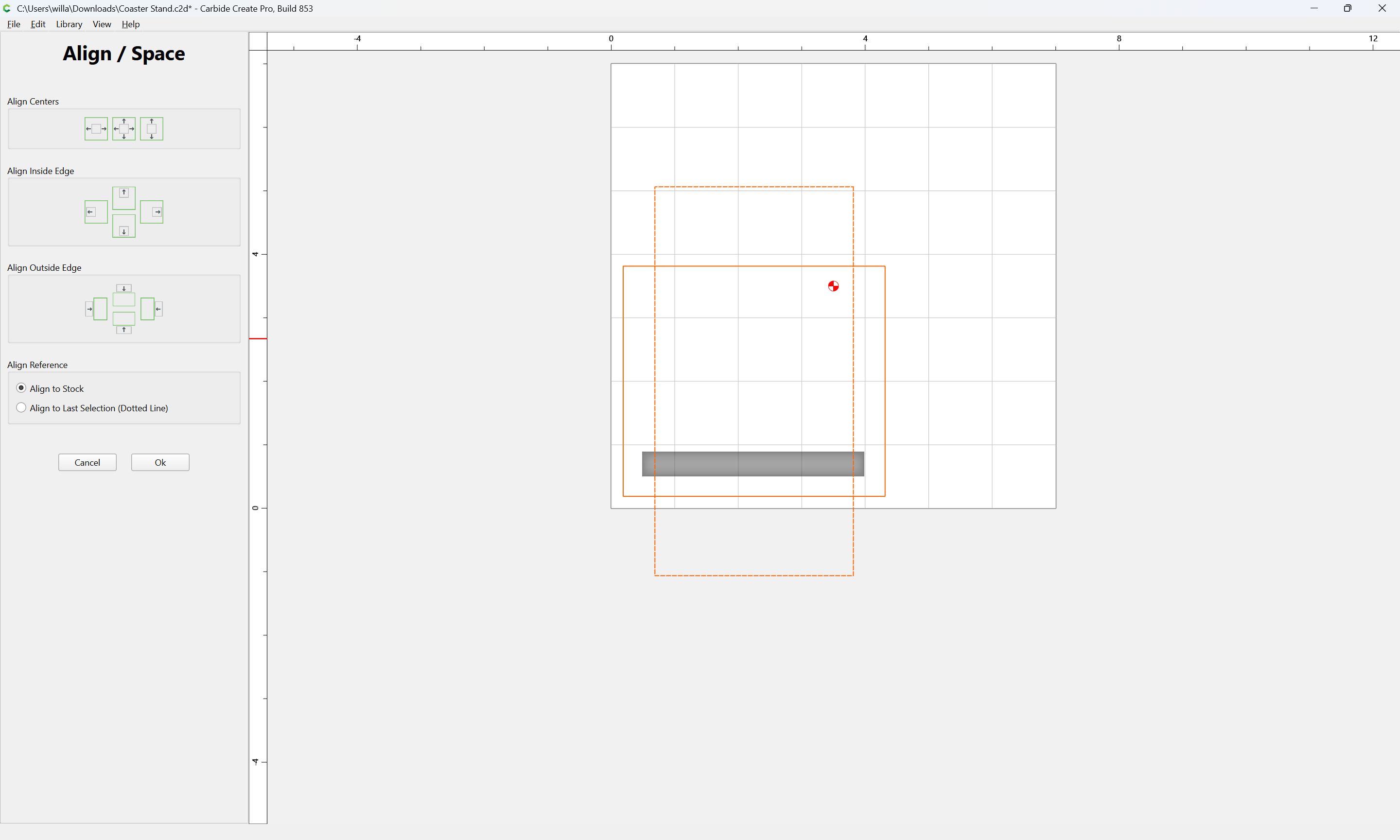
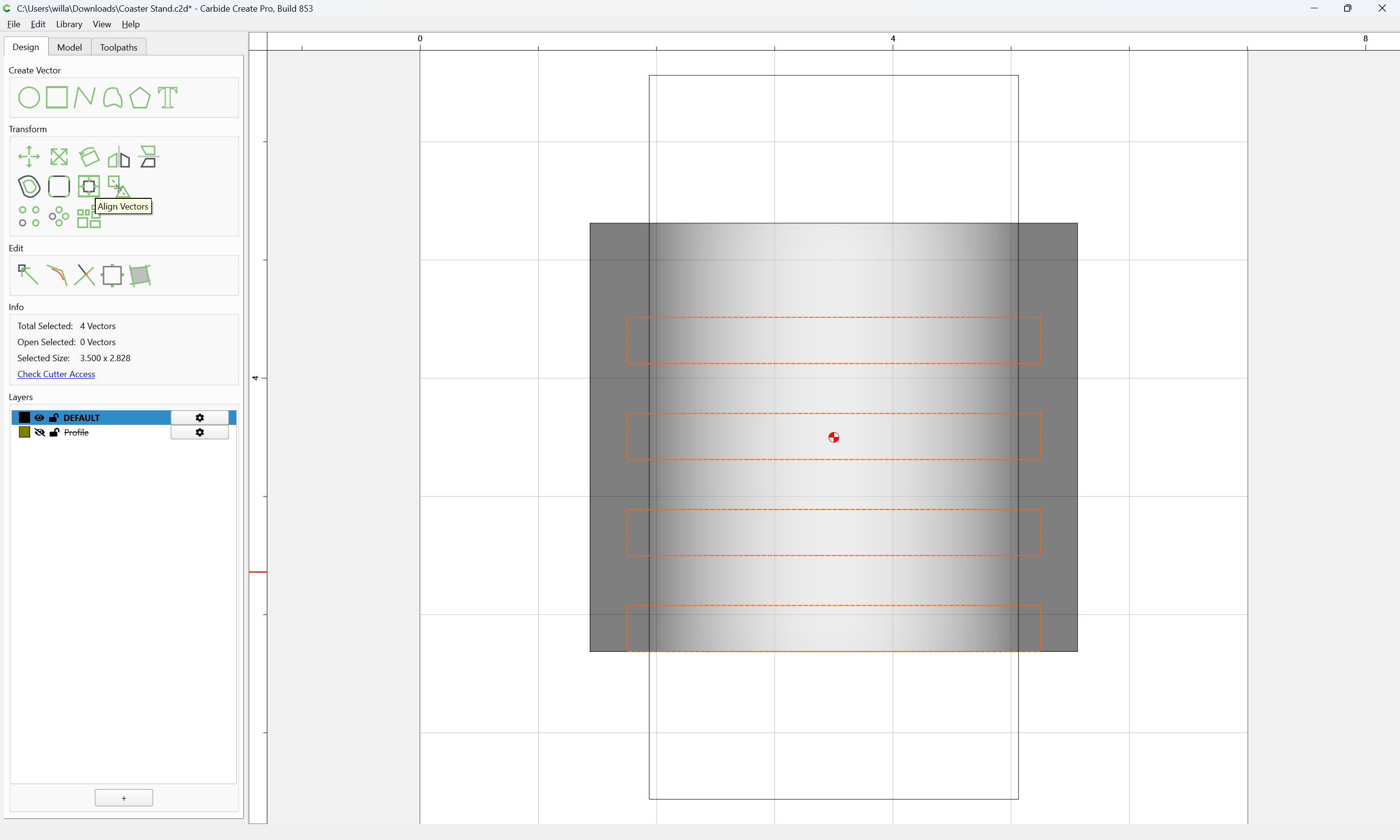
Align Vectors
to the center of the stock
Ok
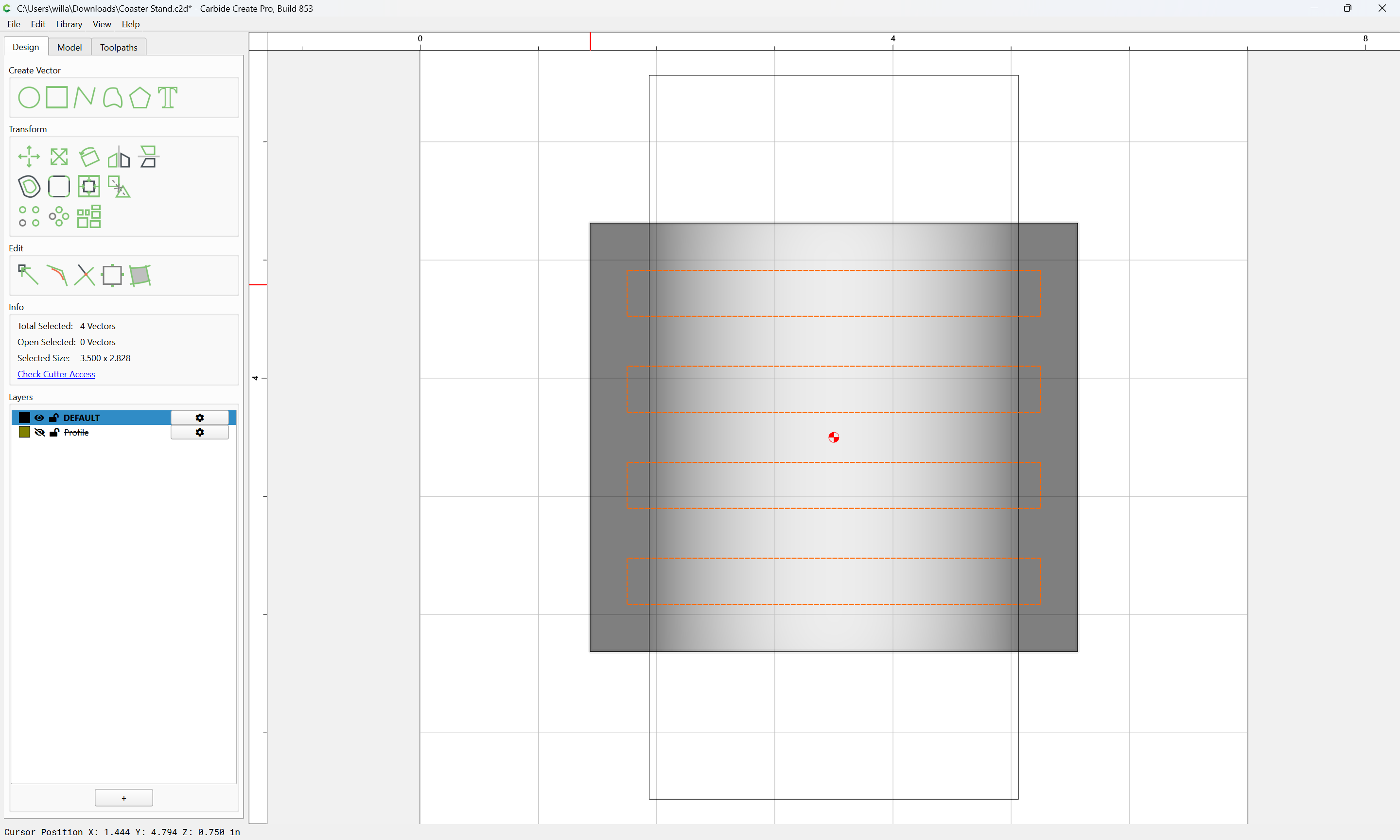
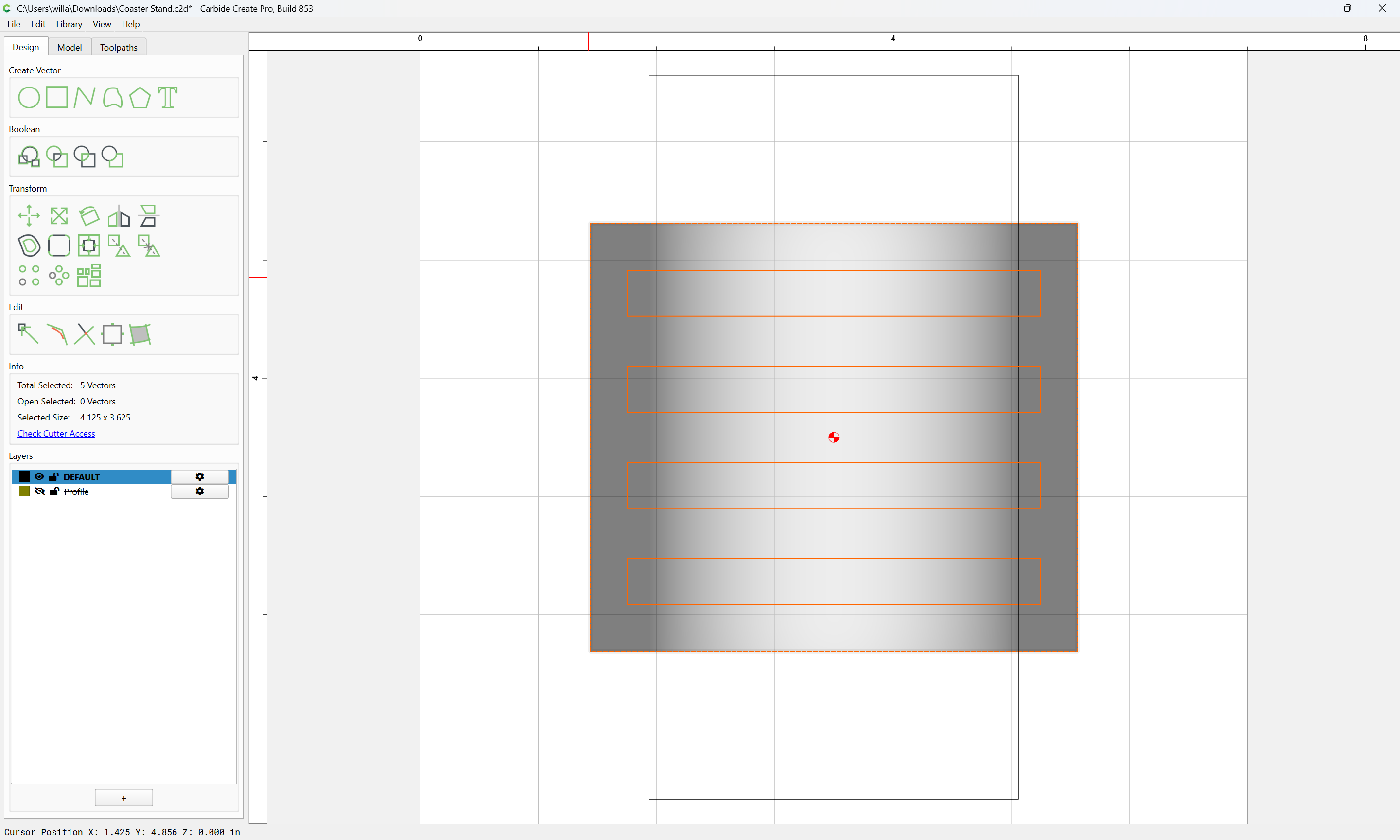
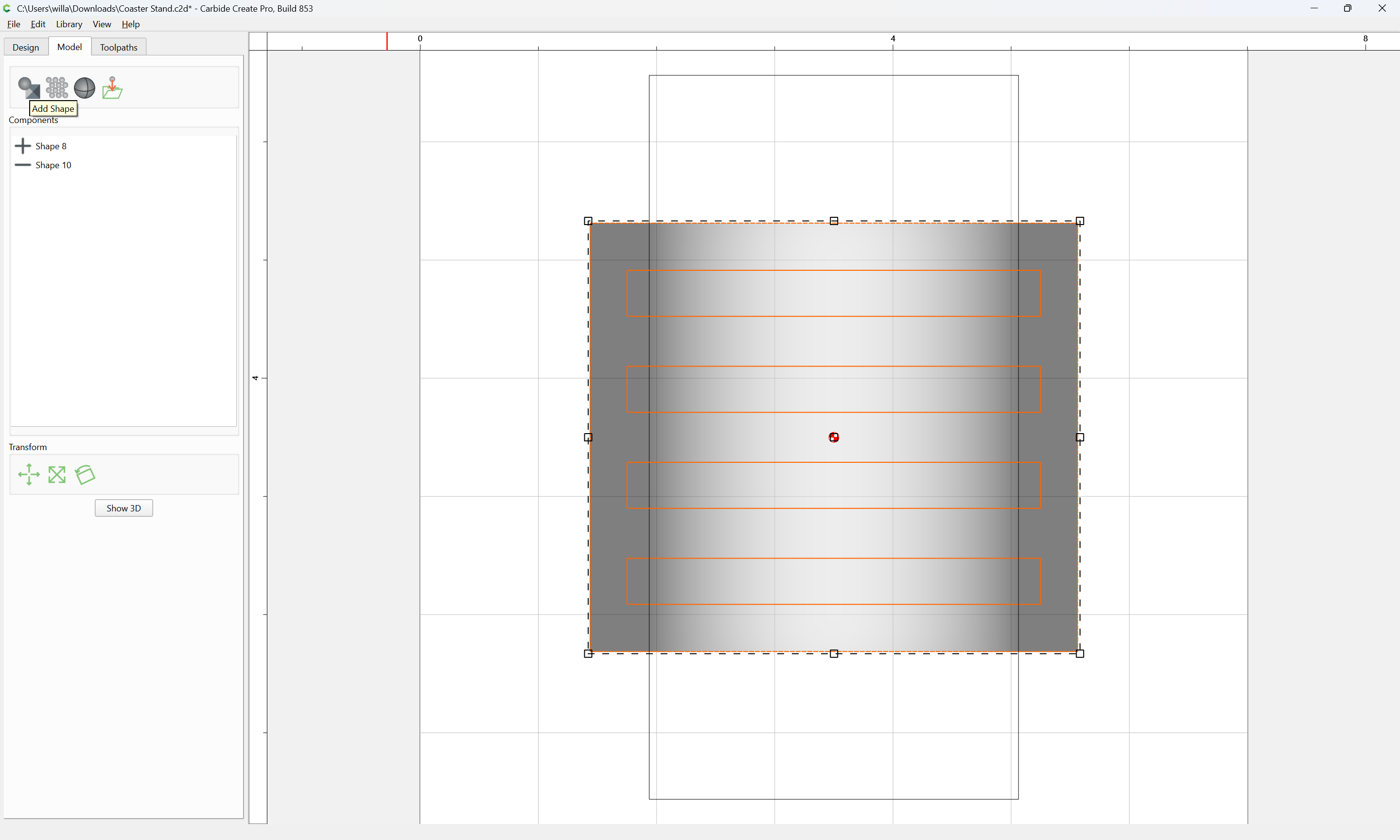
Add the Part outline to the selection:
and switch back to the 3D Model pane:
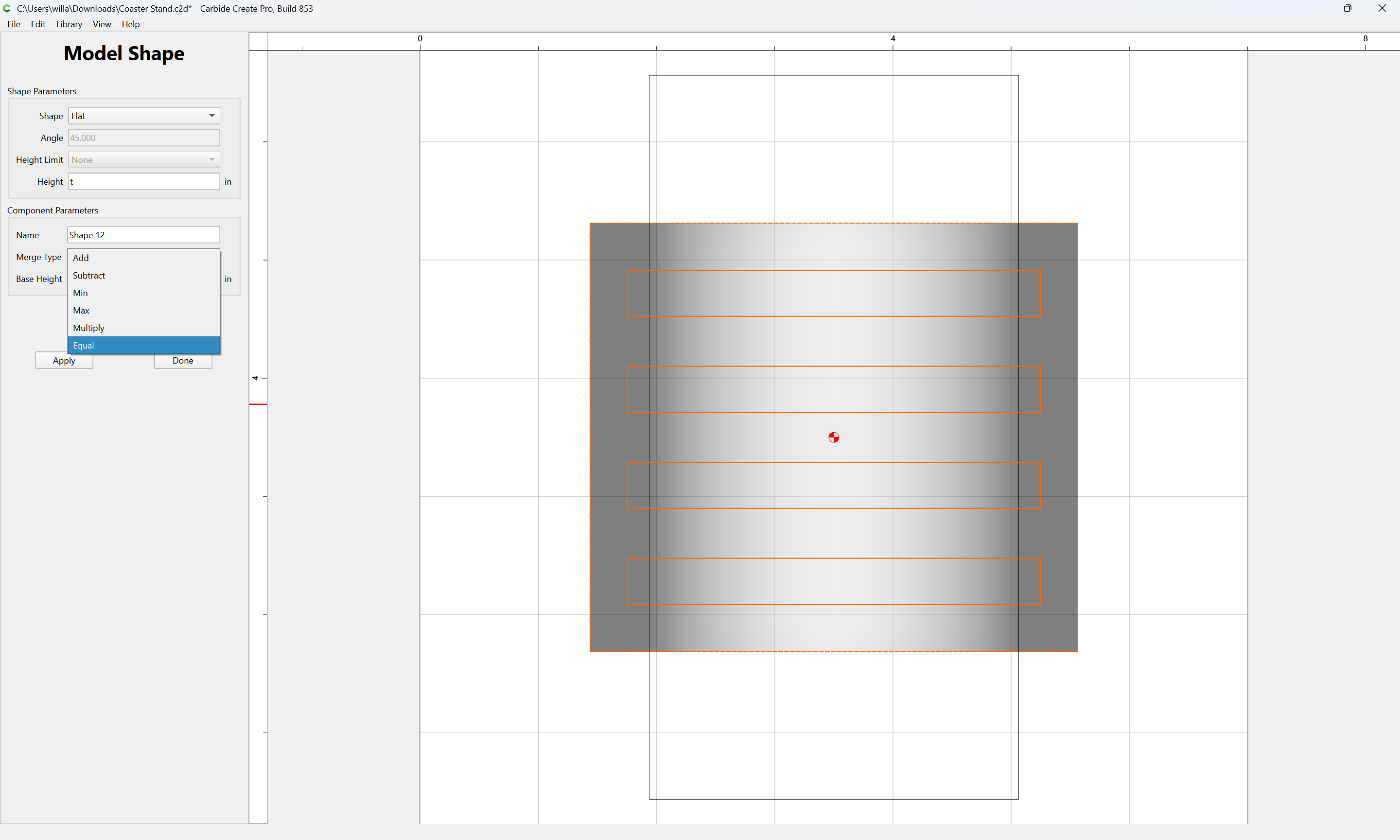
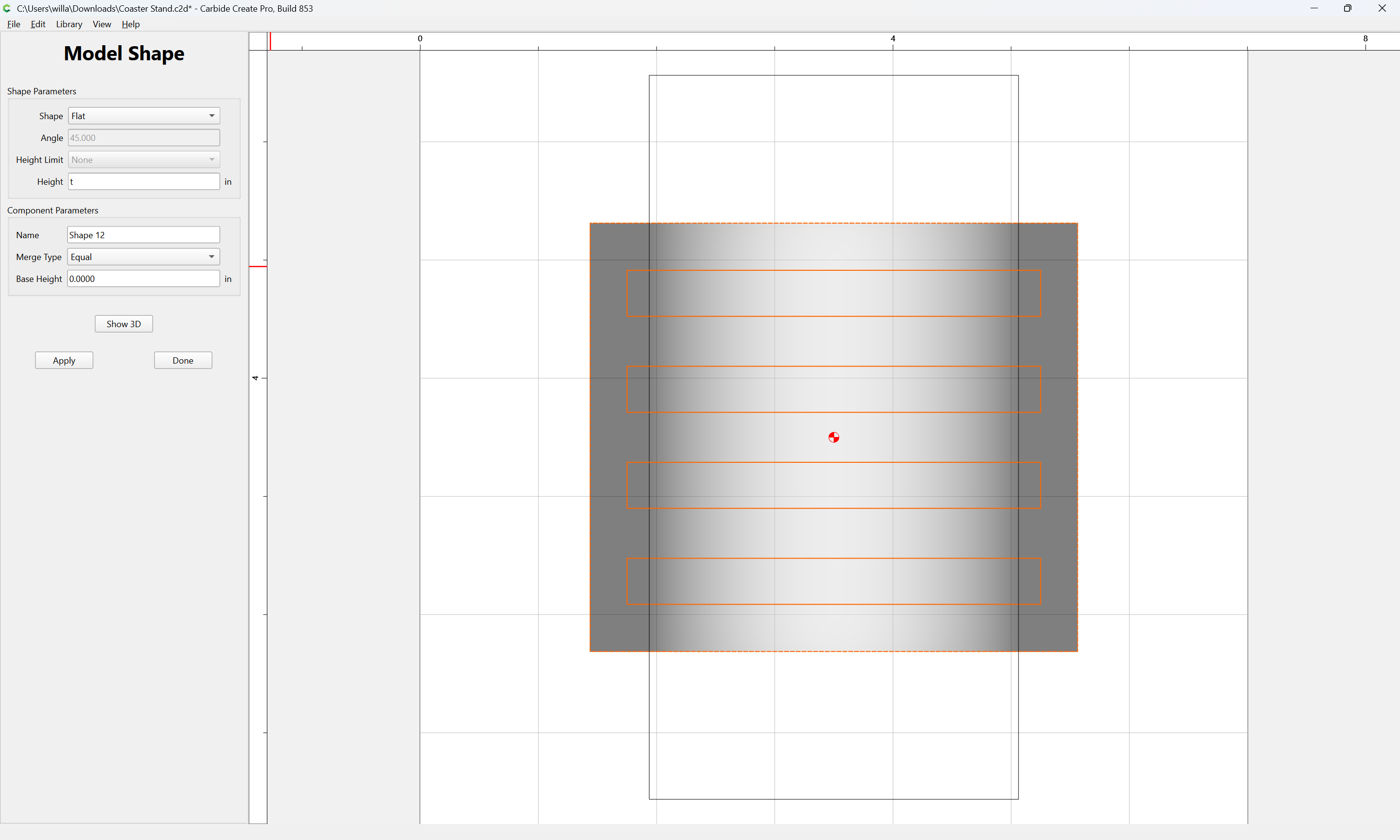
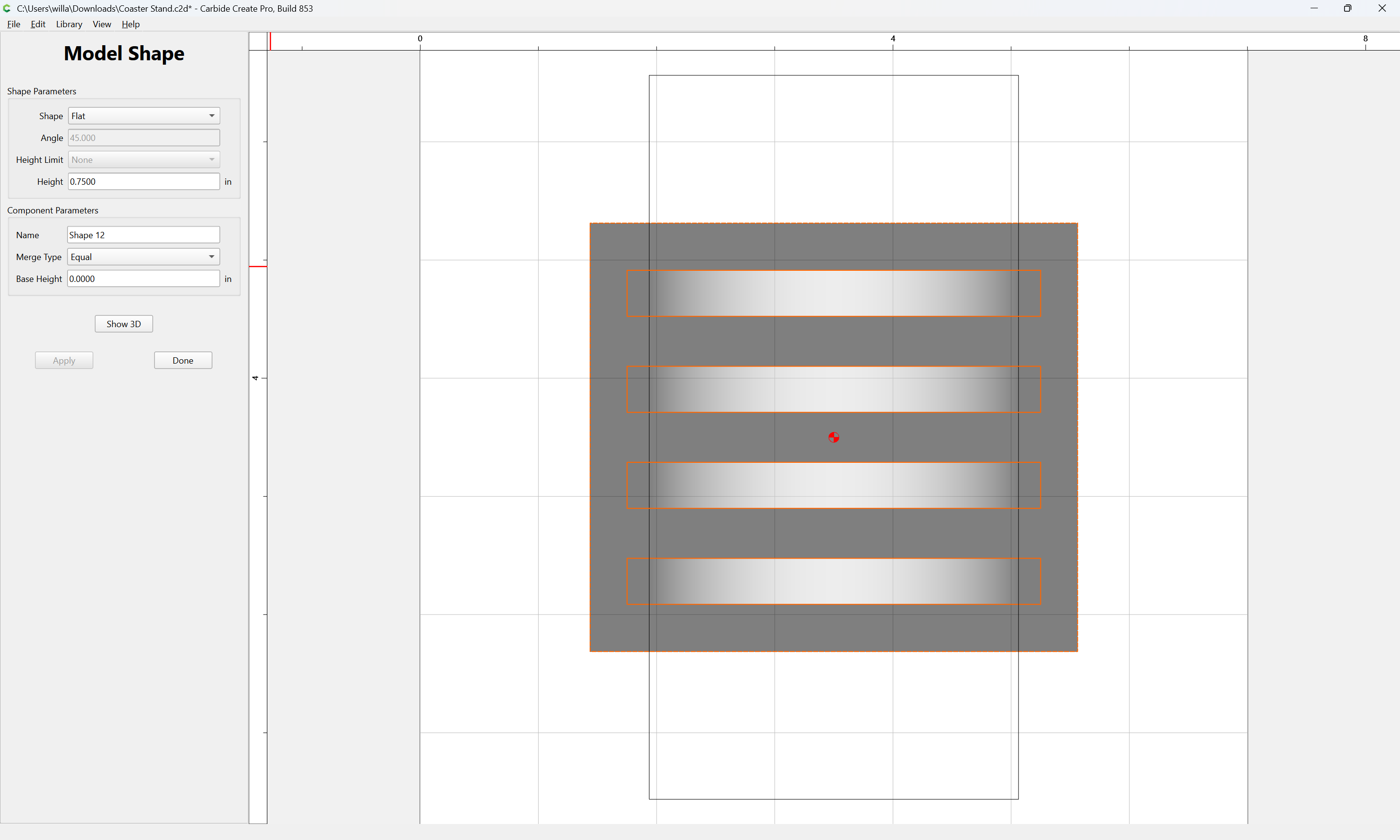
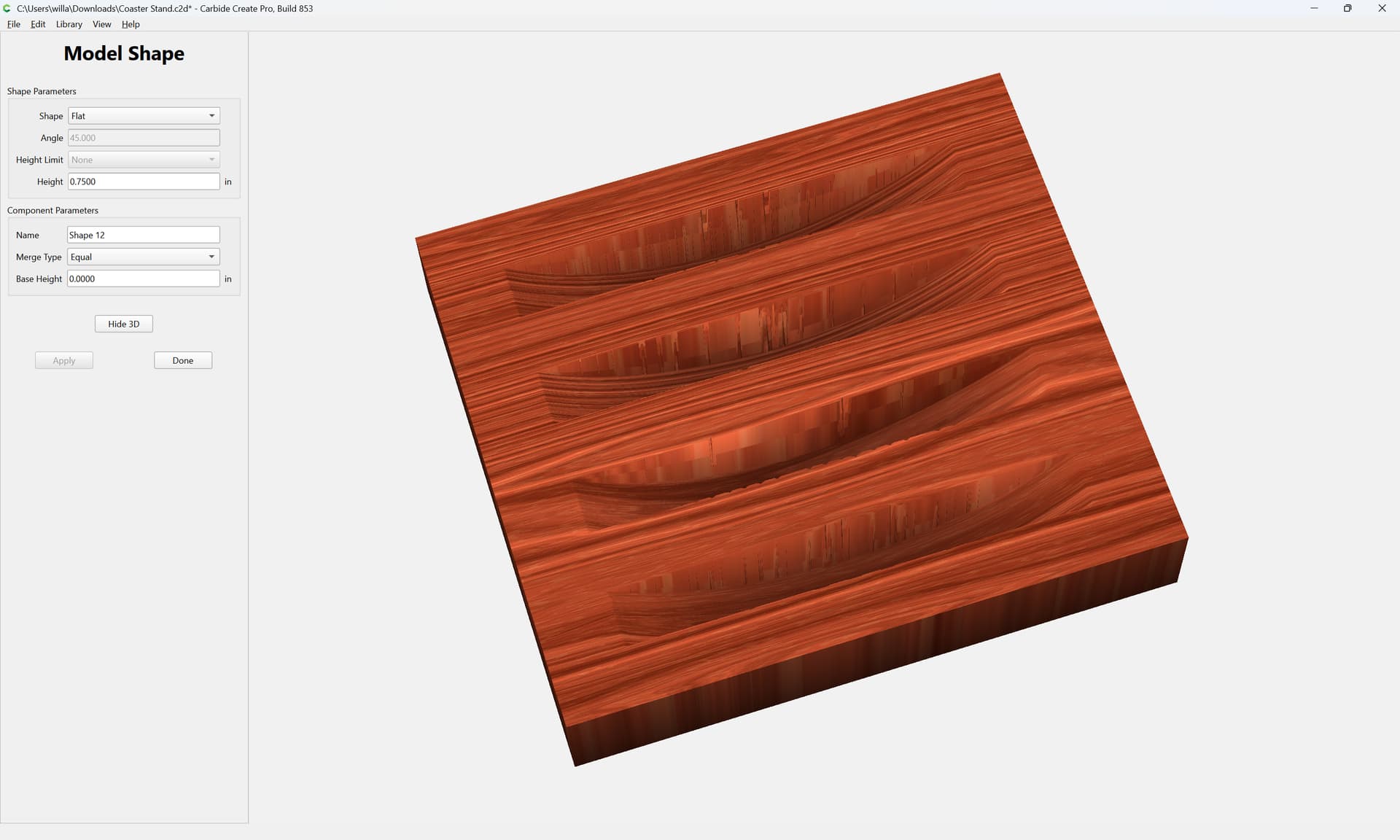
Set the height to the Stock Thickness and the Merge Type to Equal:
Apply
Show 3D
3D toolpaths may be applied, taking into consideration the requirement that cutting flute length be at least 0.625"
2 Likes
shawnoel
July 19, 2026, 5:15pm
4
Another excellent tutorial @WillAdams . Thank you for taking the time.
system
August 18, 2026, 5:16pm
5
This topic was automatically closed 30 days after the last reply. New replies are no longer allowed.