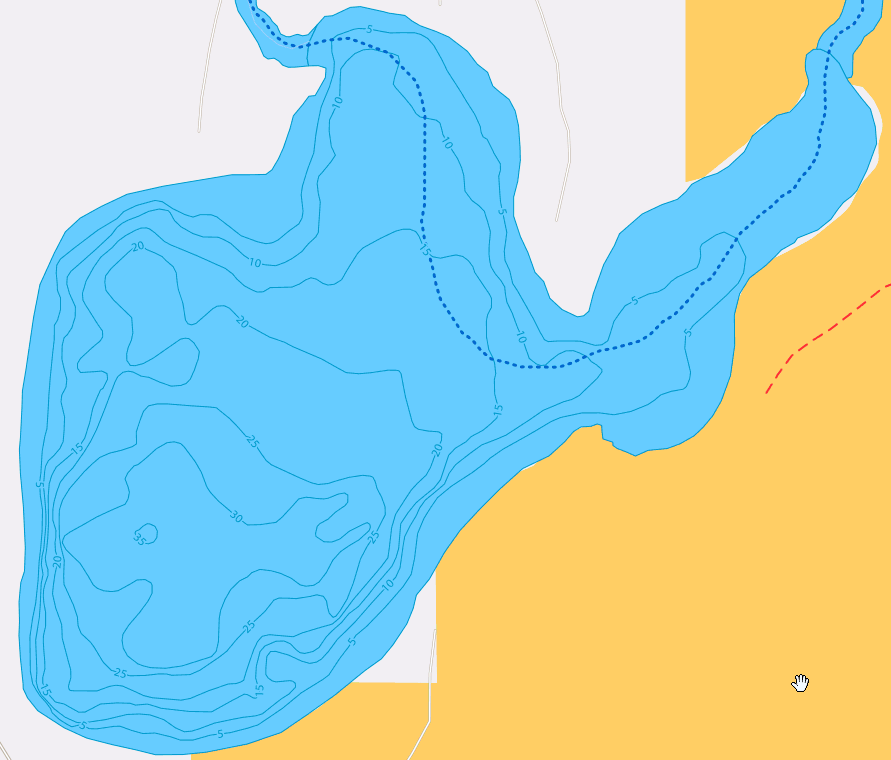
I took the file “2nd Crow Wing.png” and converted it to an SVG using Inkscape. Then imported to Carbide Create.
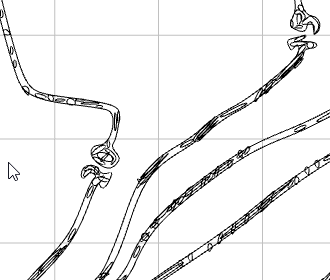
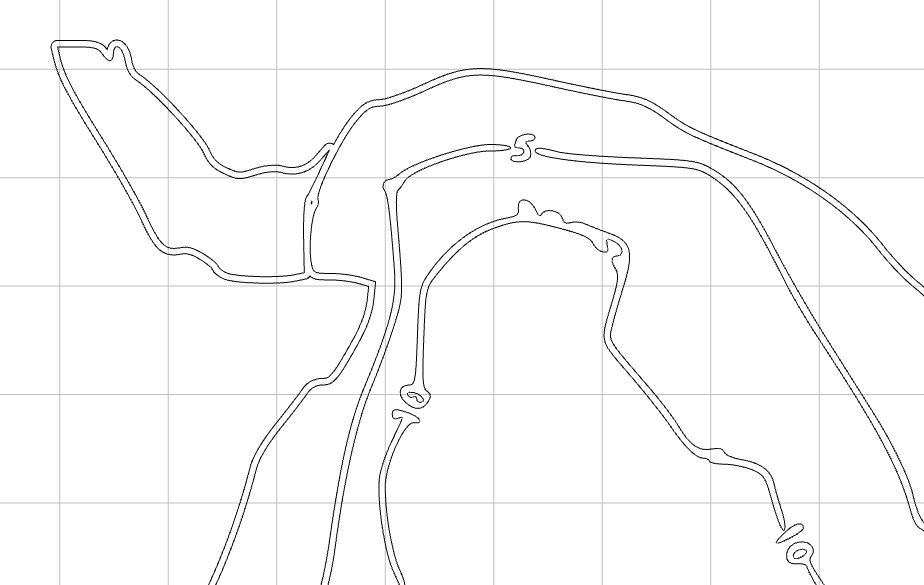
I created a vcarve toolpath with the 3000+ vectors. It looks very sloppy to me. It looks like the vectors a duplicated.
I have attached the c2d file as well as the original file. Second Crow Wing-3.c2d (3.1 MB)
How can I get this to be cleaner? Is this something that needs to be done in Inkscape or CC? How do I accomplish a nicer, cleaner result?
Here is a snippet of the SVG in CC.
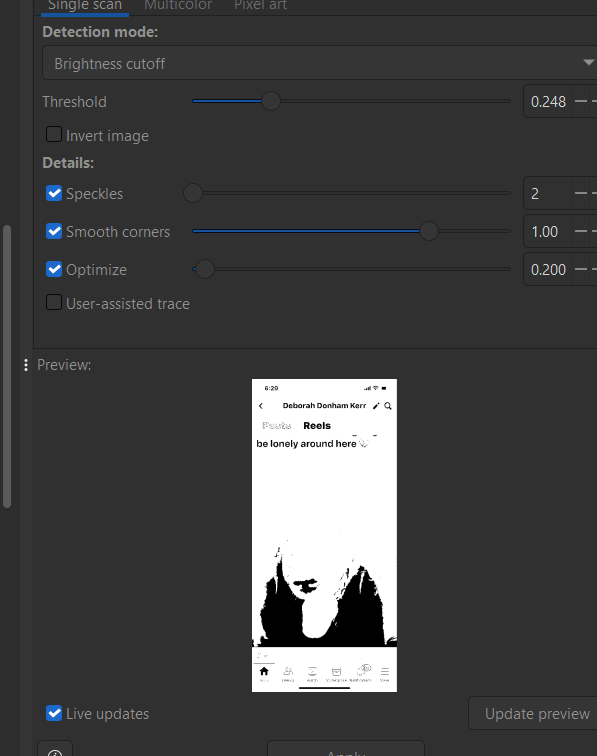
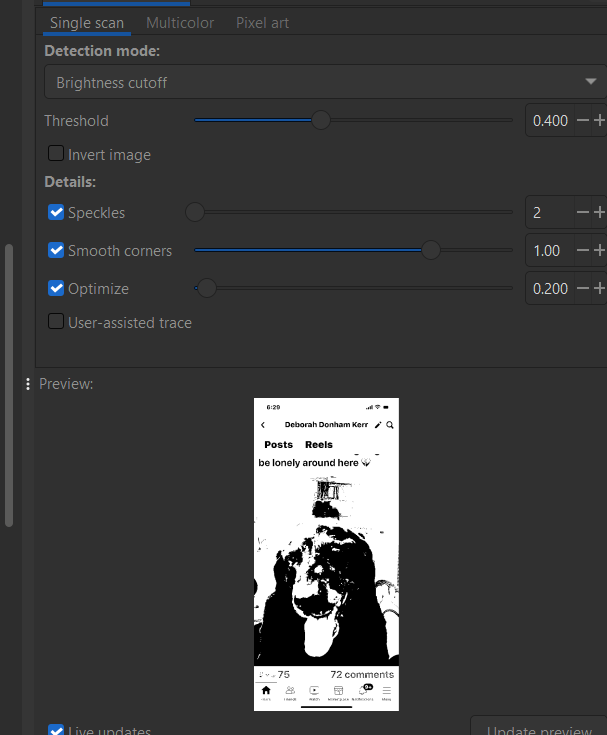
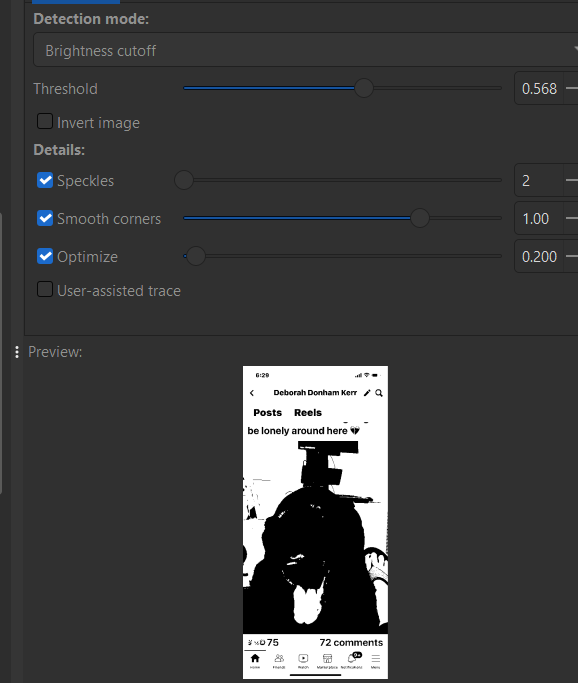
In Inkscape when you trace a bit map there are controls to increase/decrease the sensitivity. I have the current version and sometimes the preview does not work very well. So try increasing and/or decreasing the sensitivity of the trace.
The picture is not the best but I changed the threshold from low, med and high and you can see the differences.
Second Crow Wing-4.zip (3.8 MB)
If you’re going to engrave this using V-Carve, get rid of all the garbage (small circles, ovals, stuff in the middle of the depth lines). This gets it down to about 56 vectors. And it carves a lot nicer.
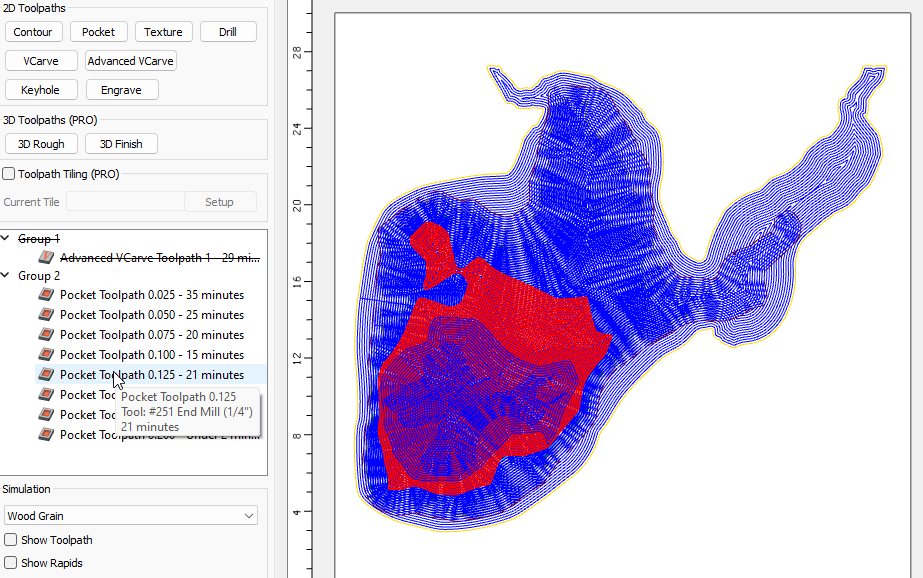
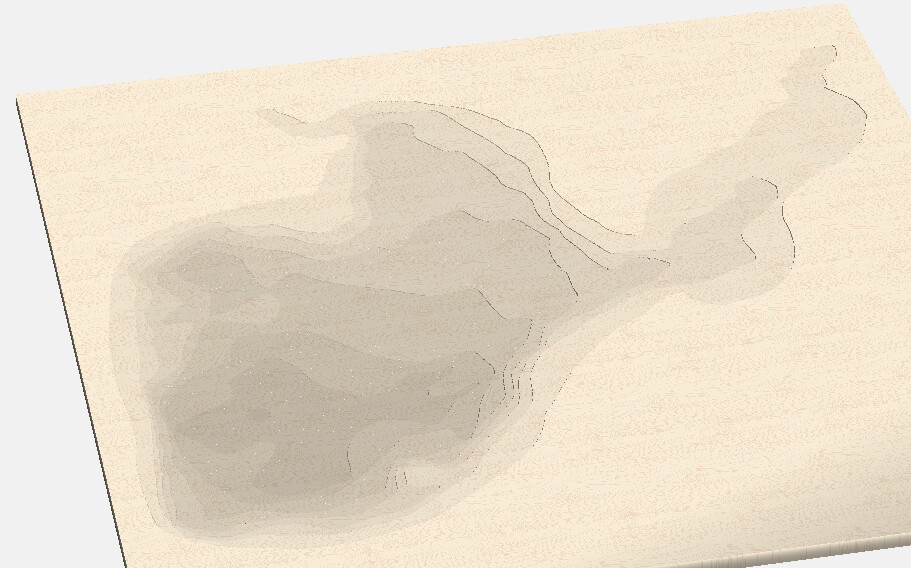
What I think I would do is replace each of the double line vectors with a single vector, each on a different layer, and pocket each layer down to the next depth line.