updated PFA file from svg file 48x24.c2d (132 KB)
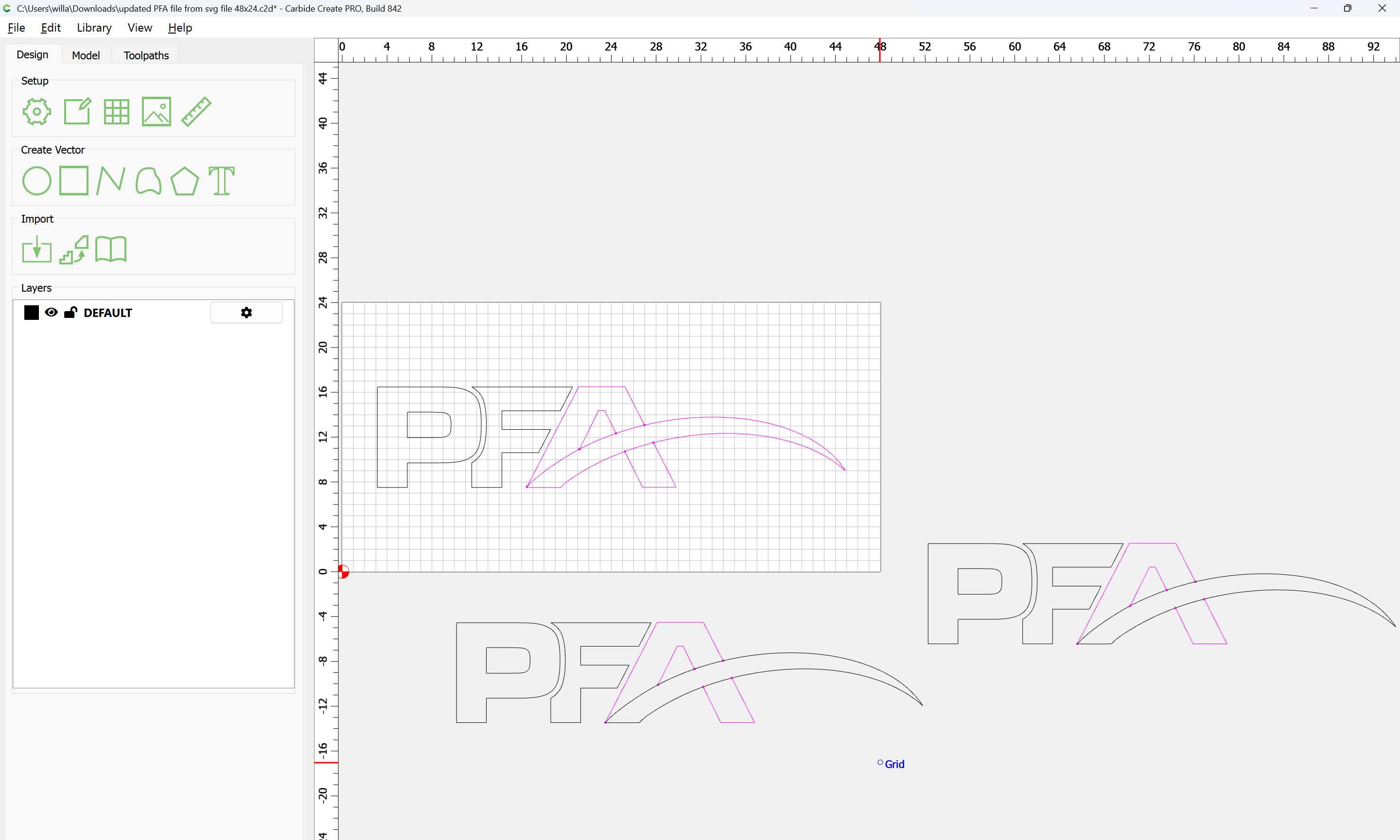
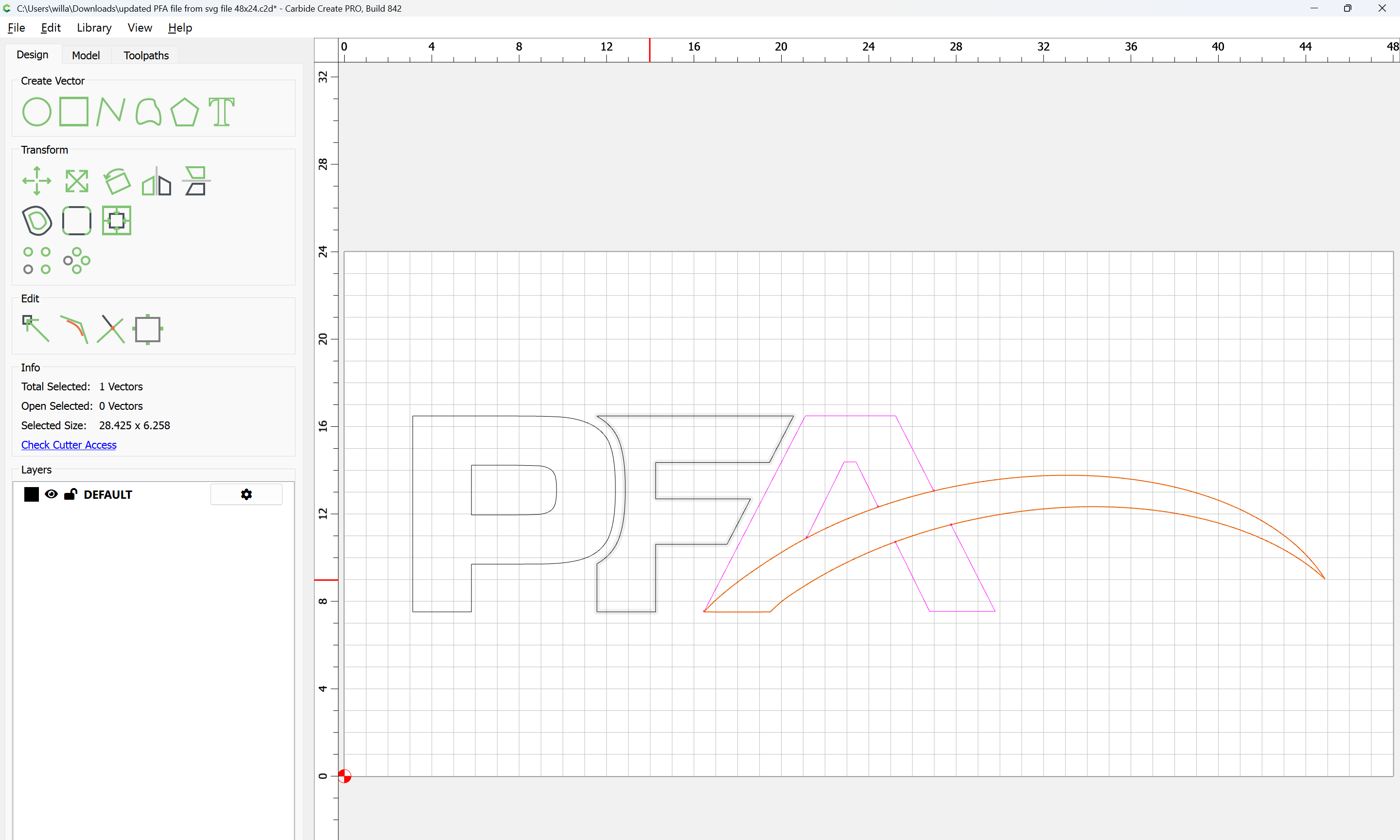
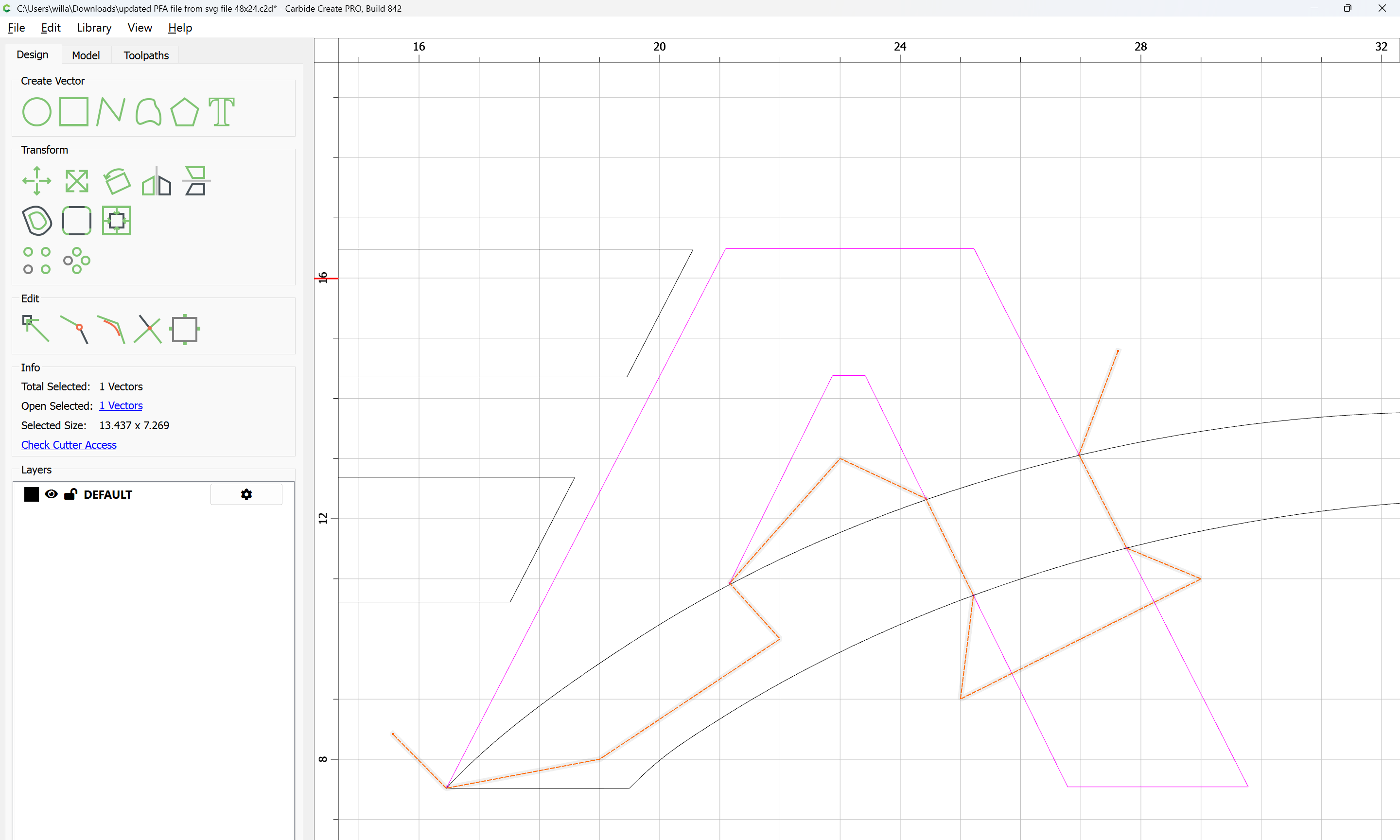
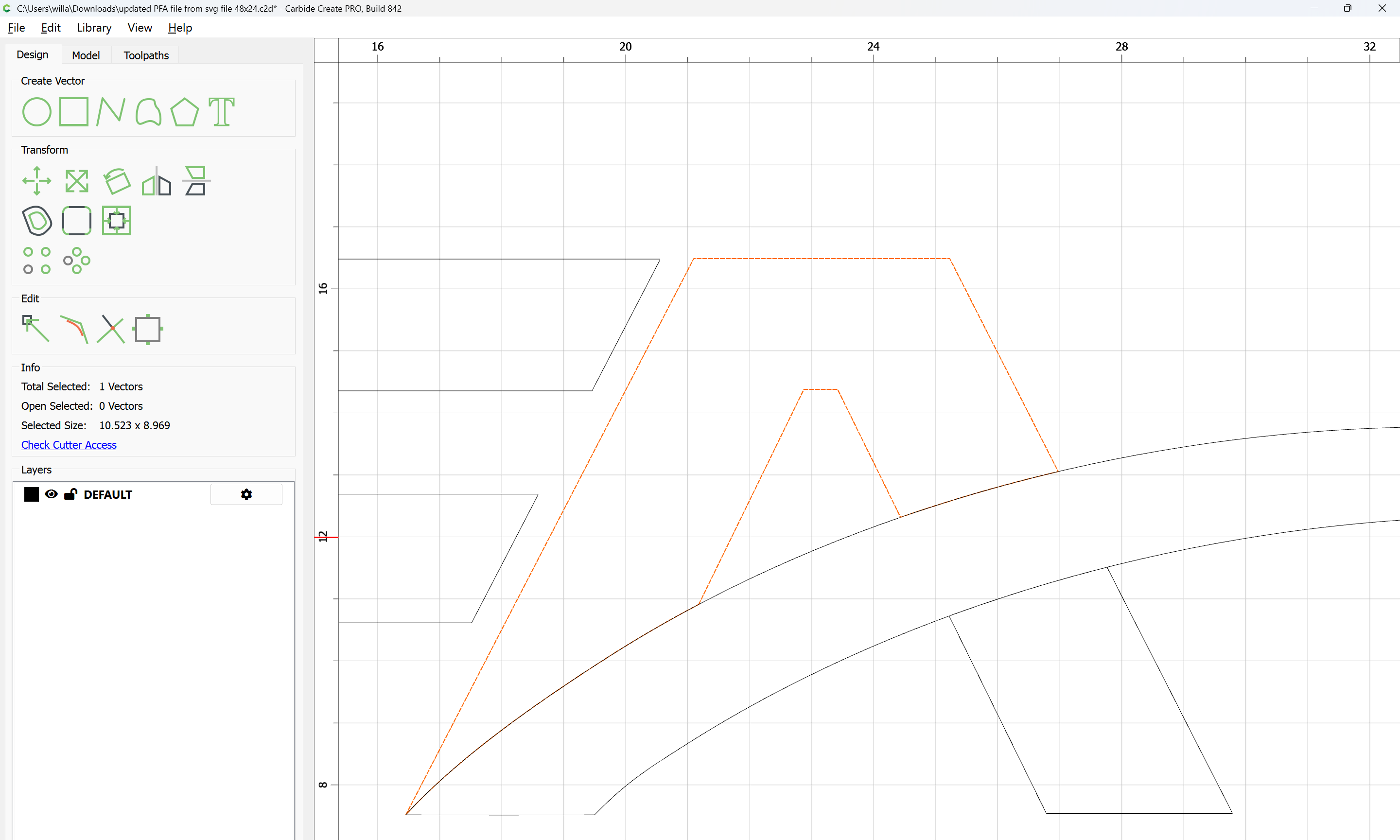
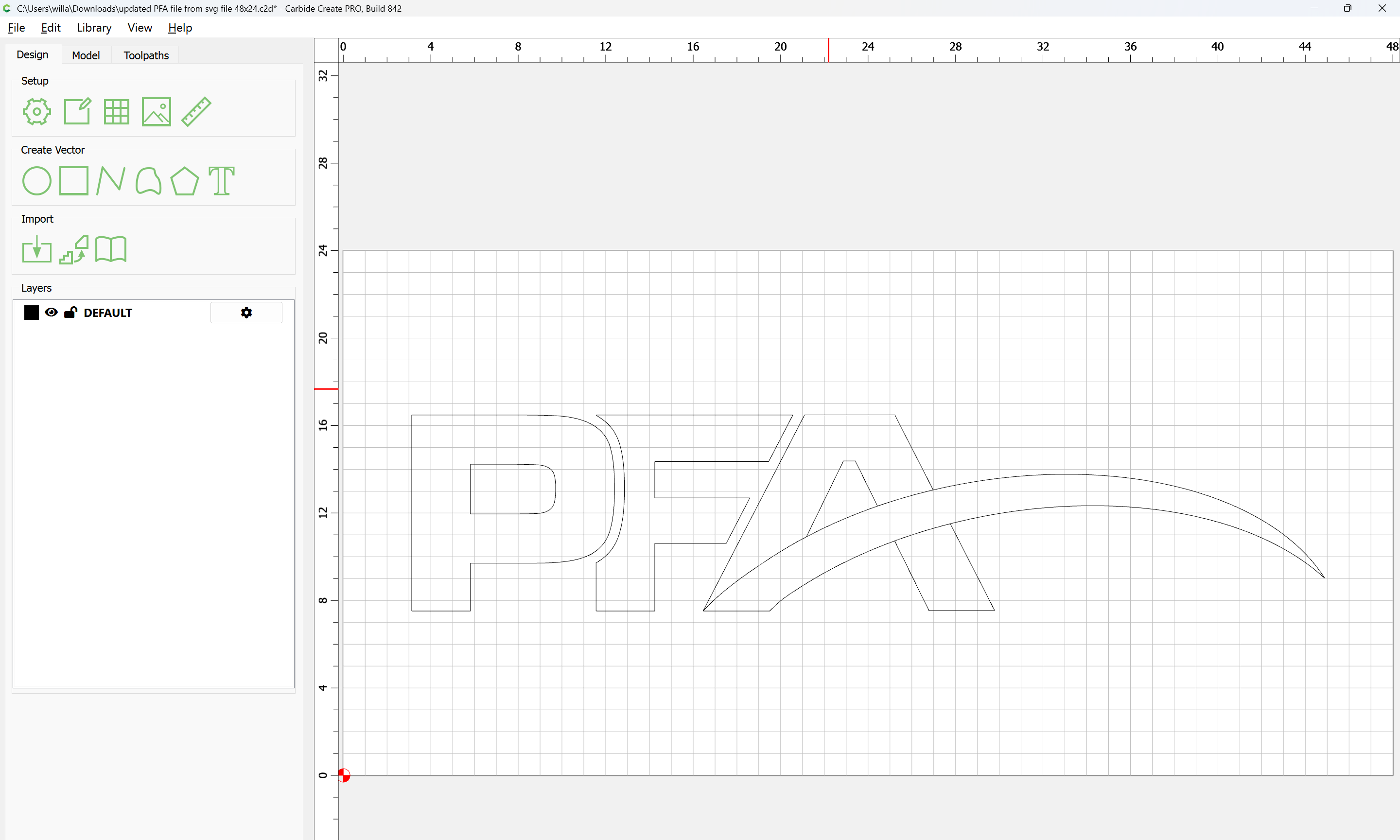
I have 3 open vectors on the A of this logo, trying to weld it together with the boolean feature but no luck. Any help would be great.
updated PFA file from svg file 48x24.c2d (132 KB)
I have 3 open vectors on the A of this logo, trying to weld it together with the boolean feature but no luck. Any help would be great.
What type of a tool path do you want too apply to this? Pocket or contour? If a pocket, will the letters be raised or lowered? The approach I will take depends on your carve.
The logo will be raised, so pocket will be on the outside of the logo
You will need to duplicate some geometry so as to define a region.
move the closed swoop in registration with the open version:
as well as the open version of the A elements:
and delete the redundant elements.
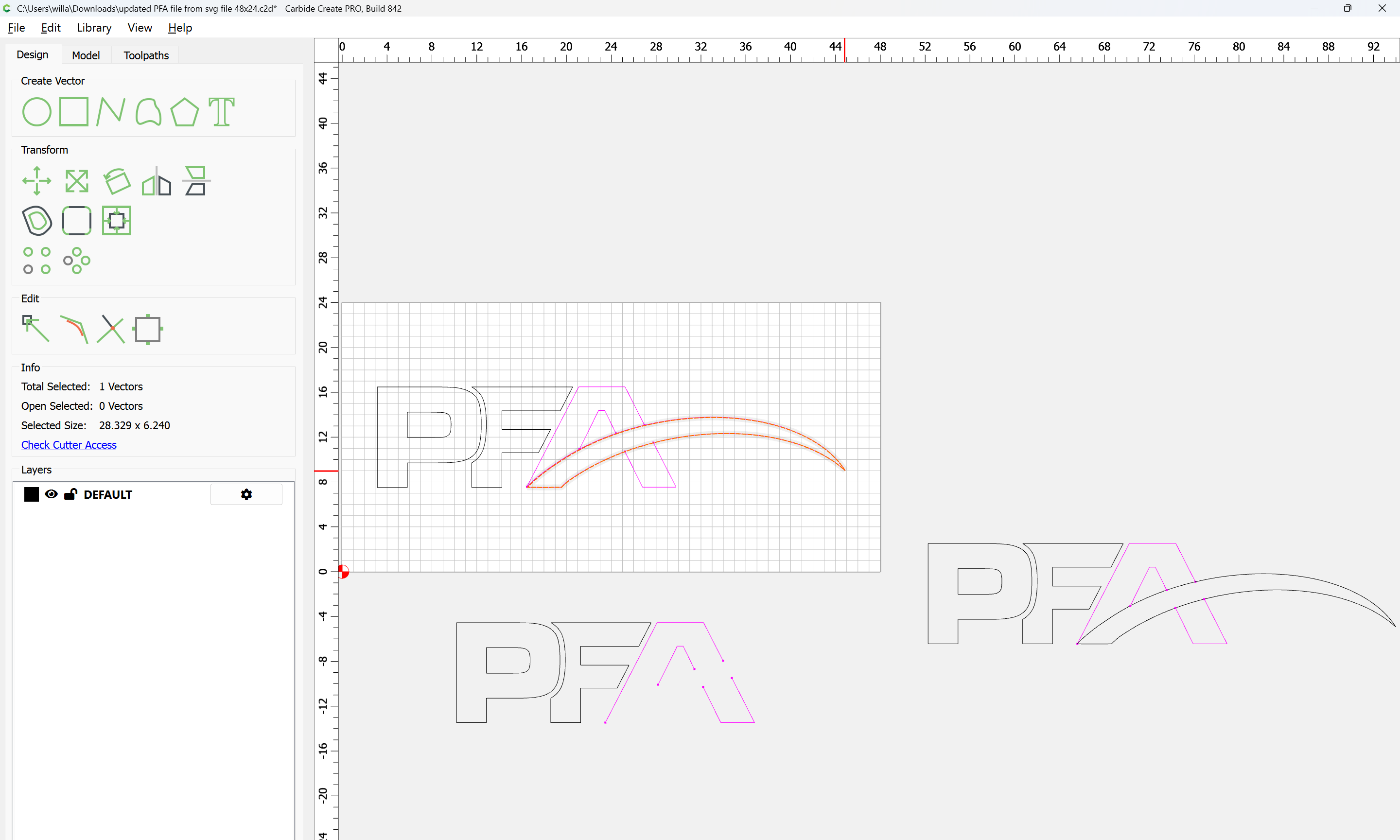
Duplicate the original closed swoop:
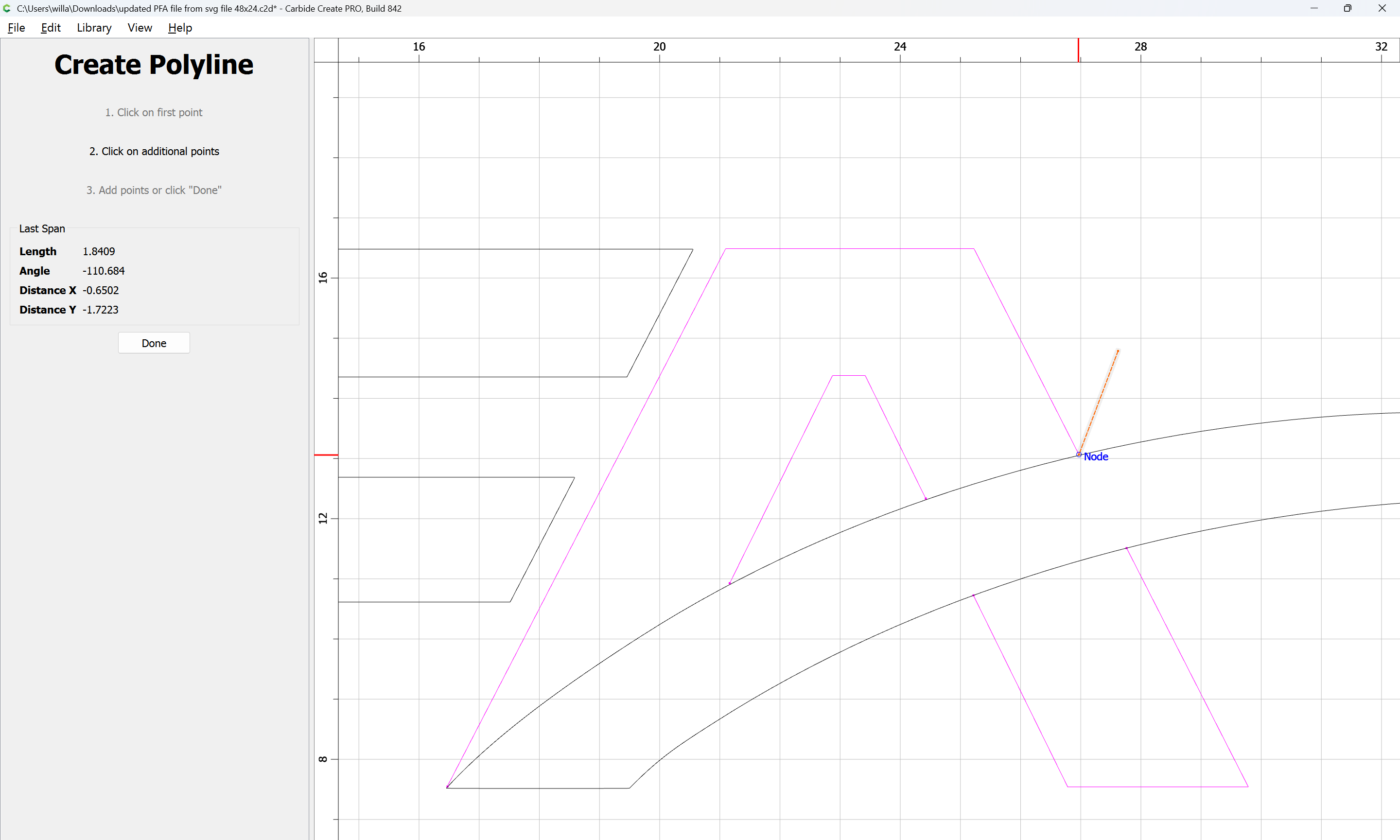
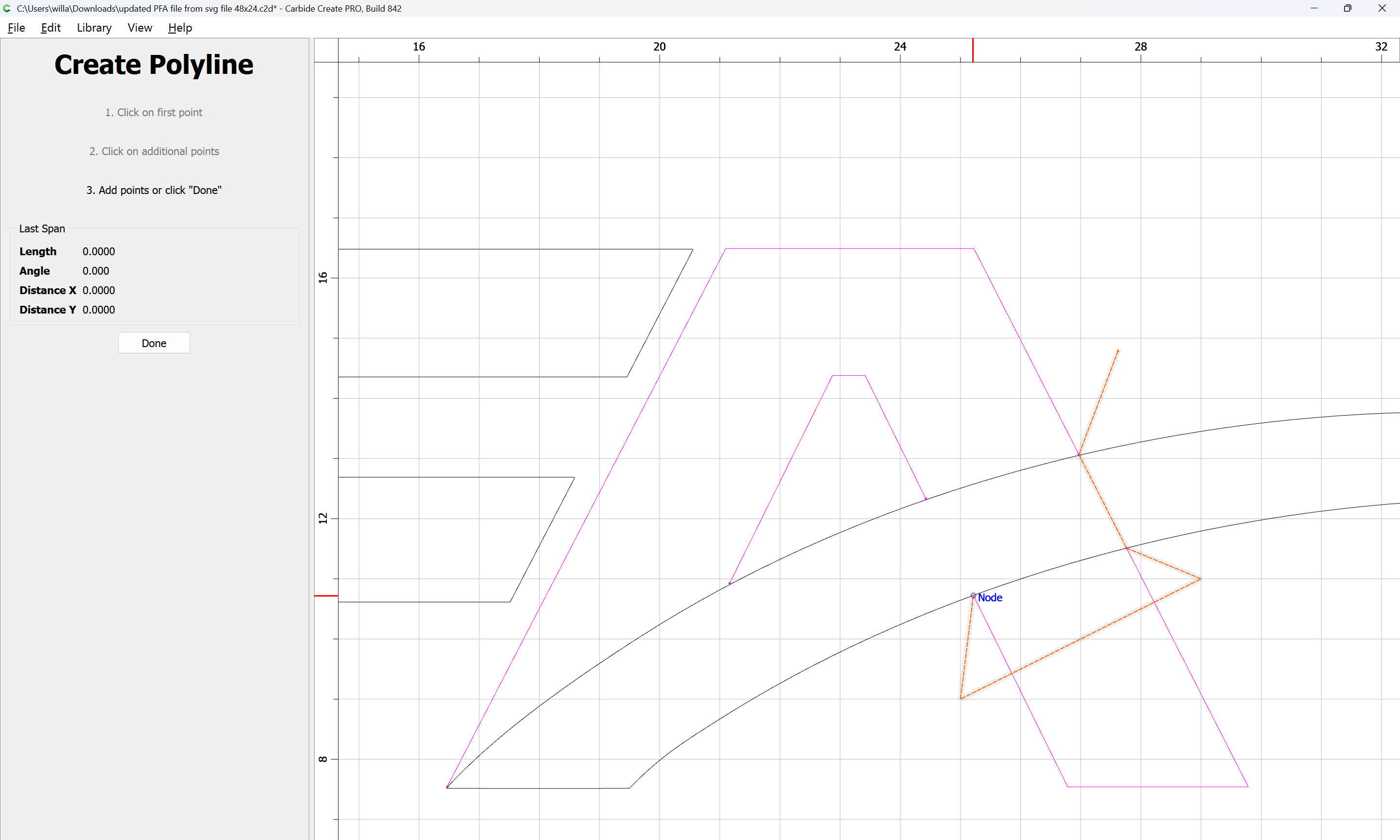
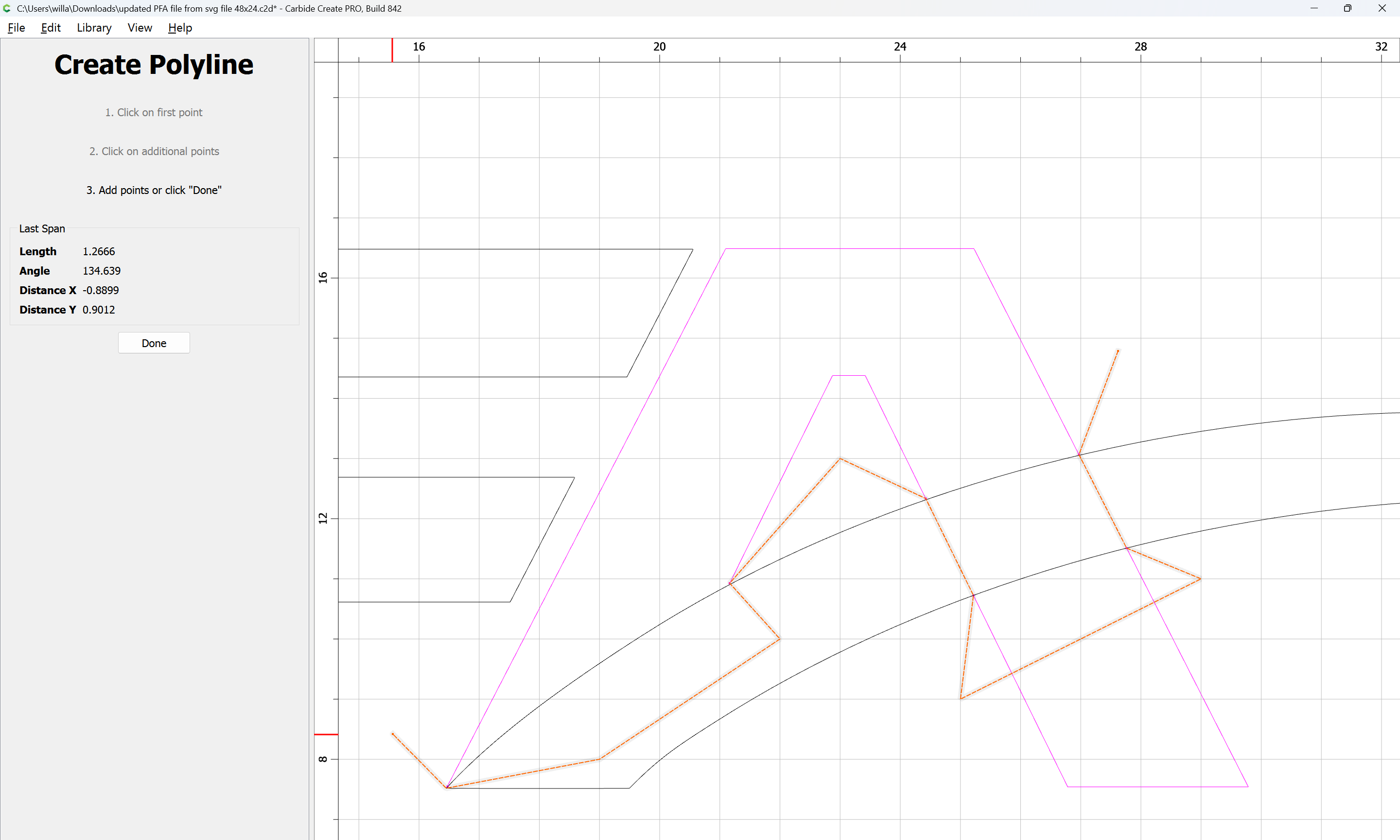
tand draw in geometry which isolates the portions of it which will be needed to close the other regions:
Done
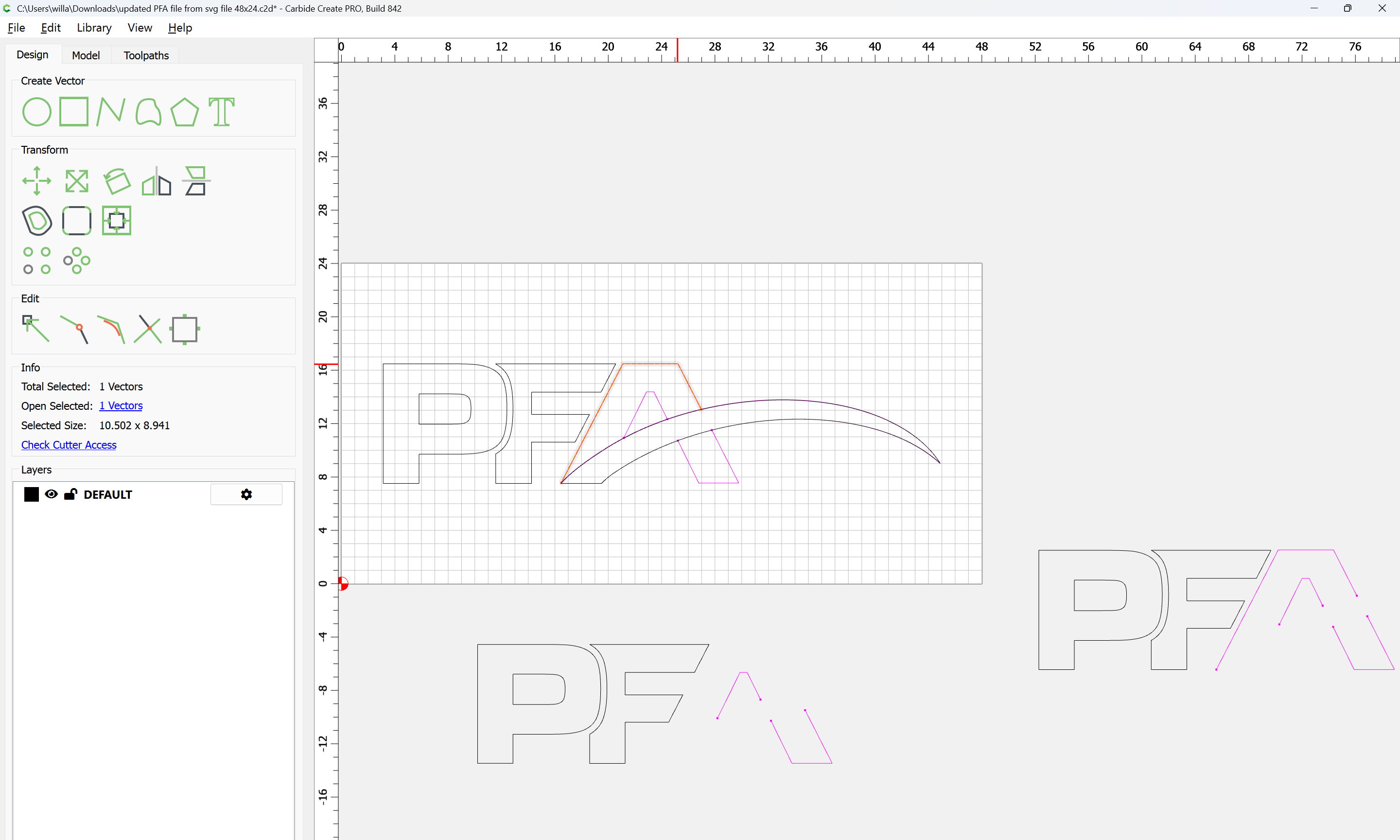
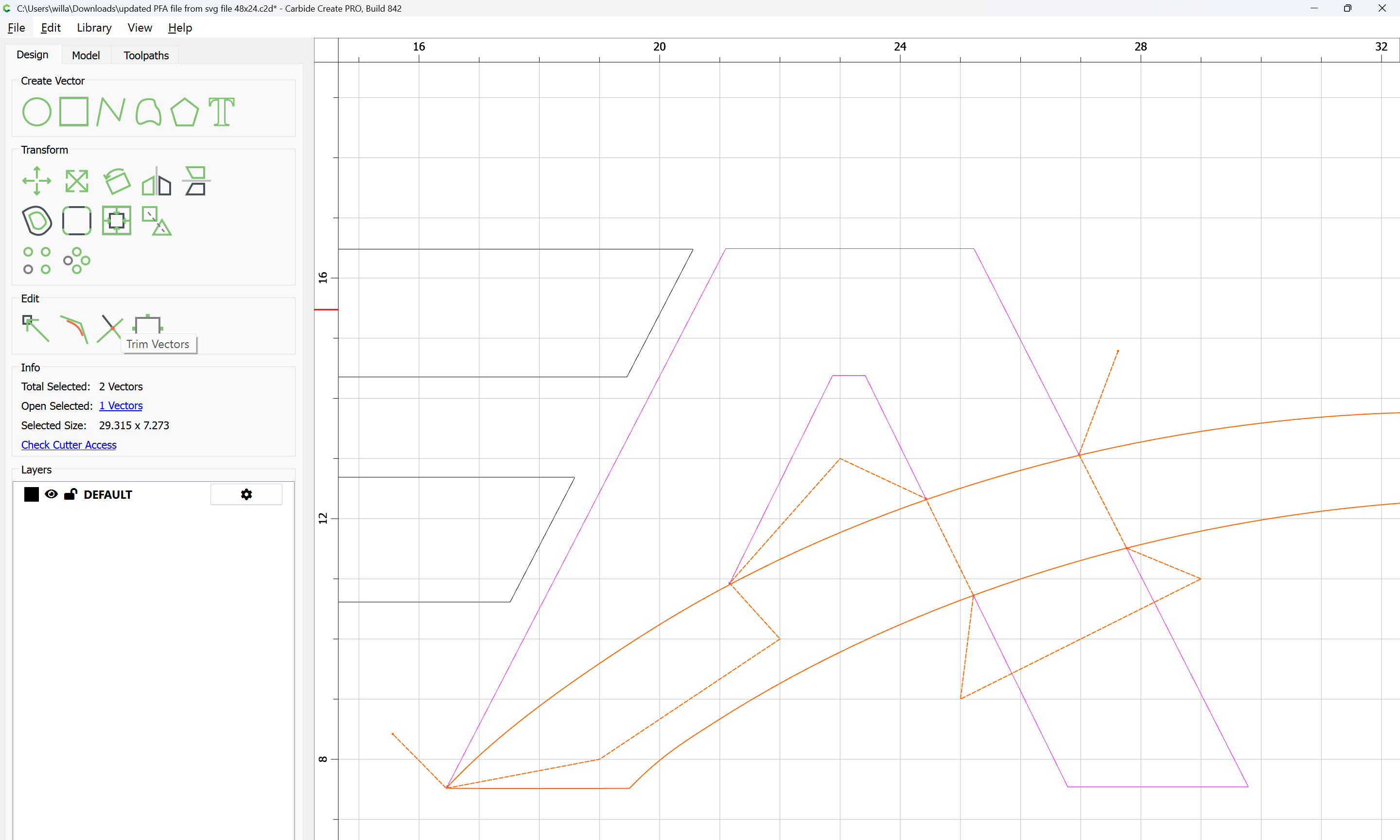
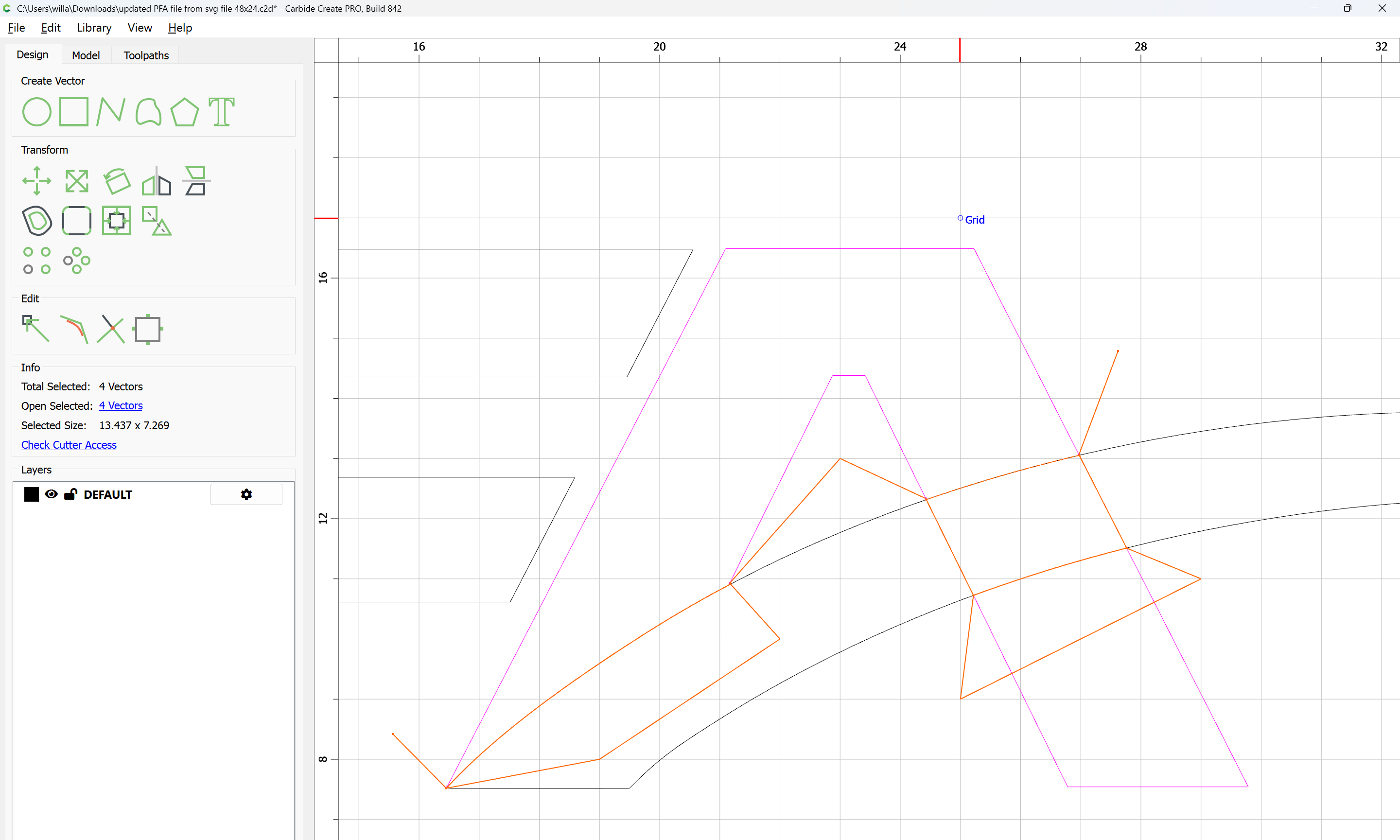
Select the duplicate of the swoop and the drawn geometry:
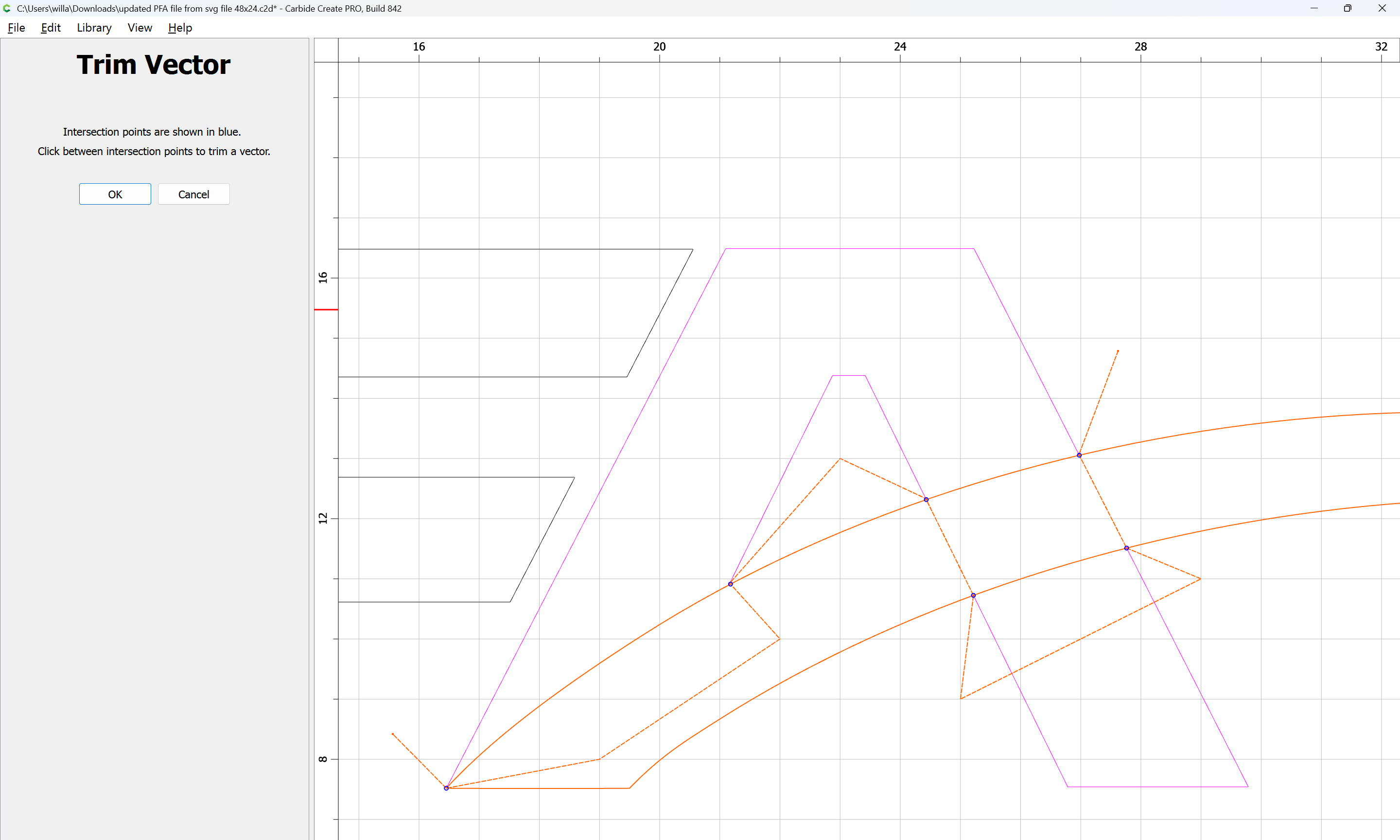
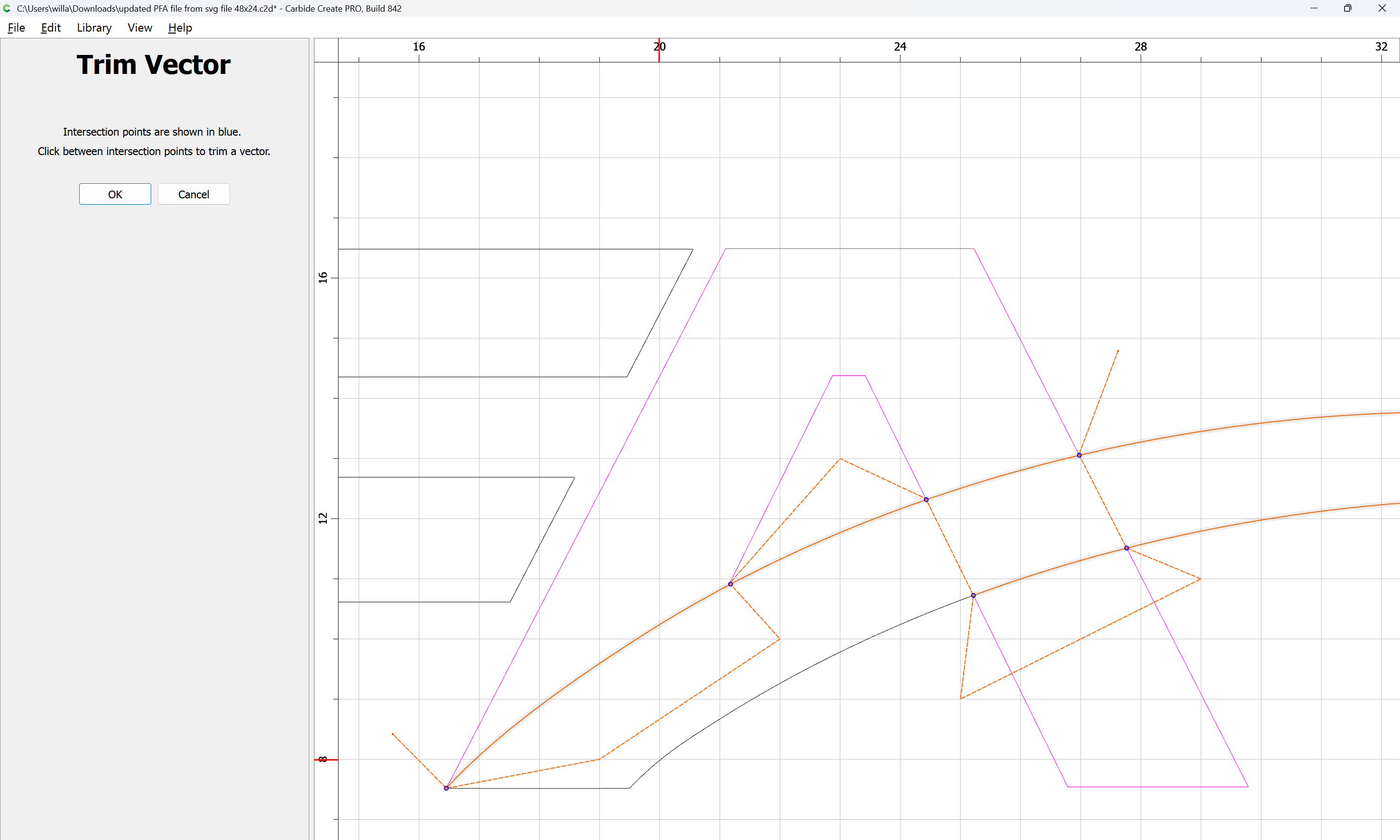
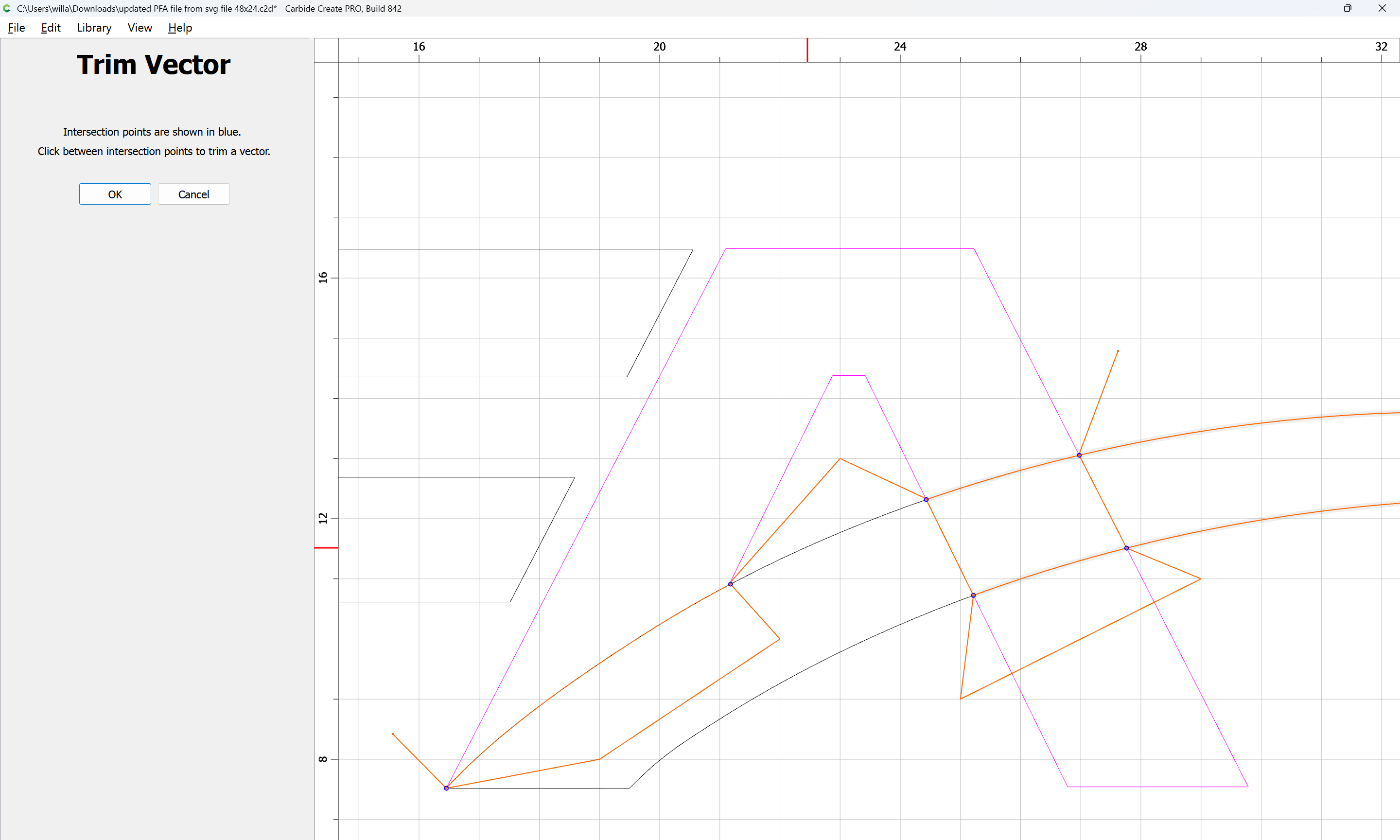
and use Trim Vectors
and remove what is not needed:
OK
Delete the drawn geometry:
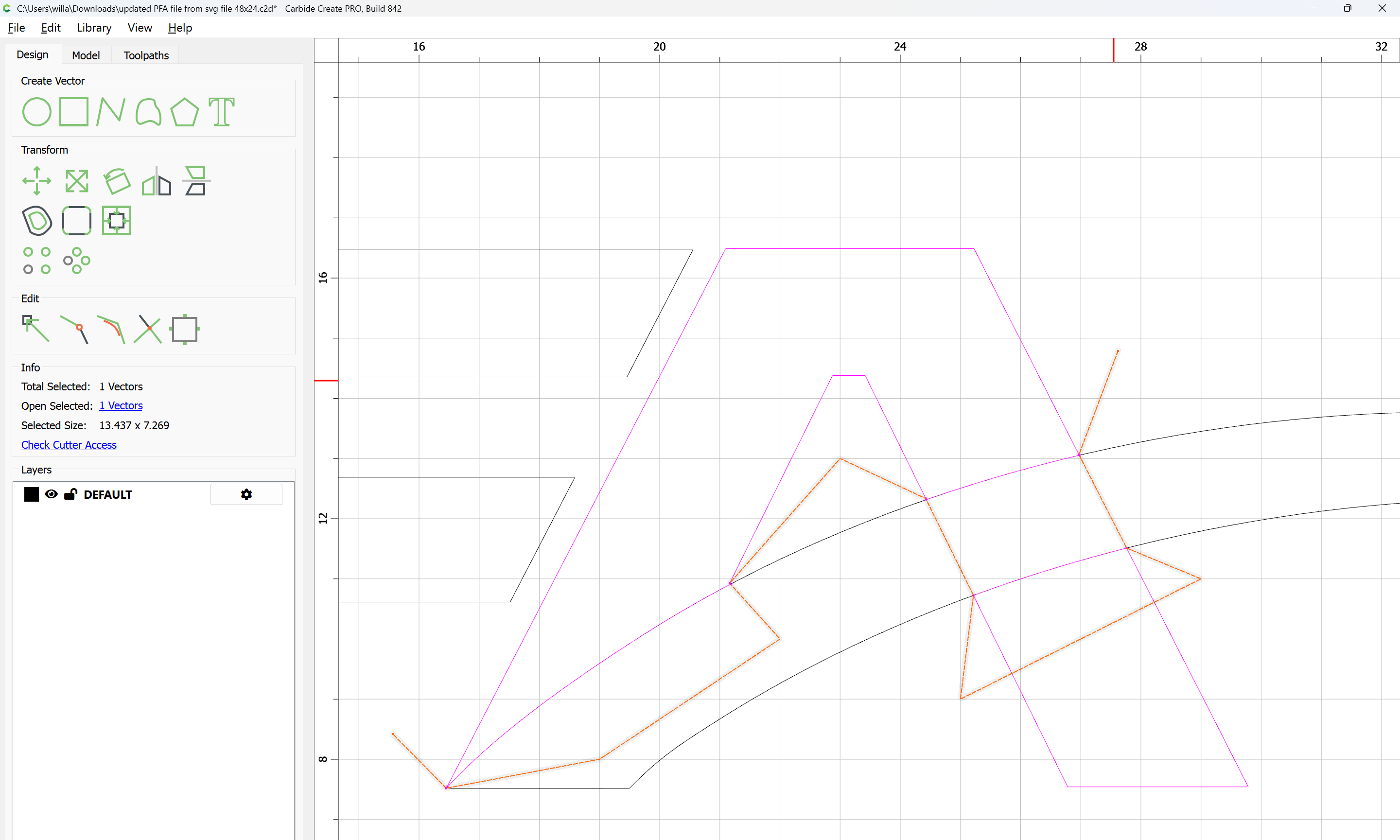
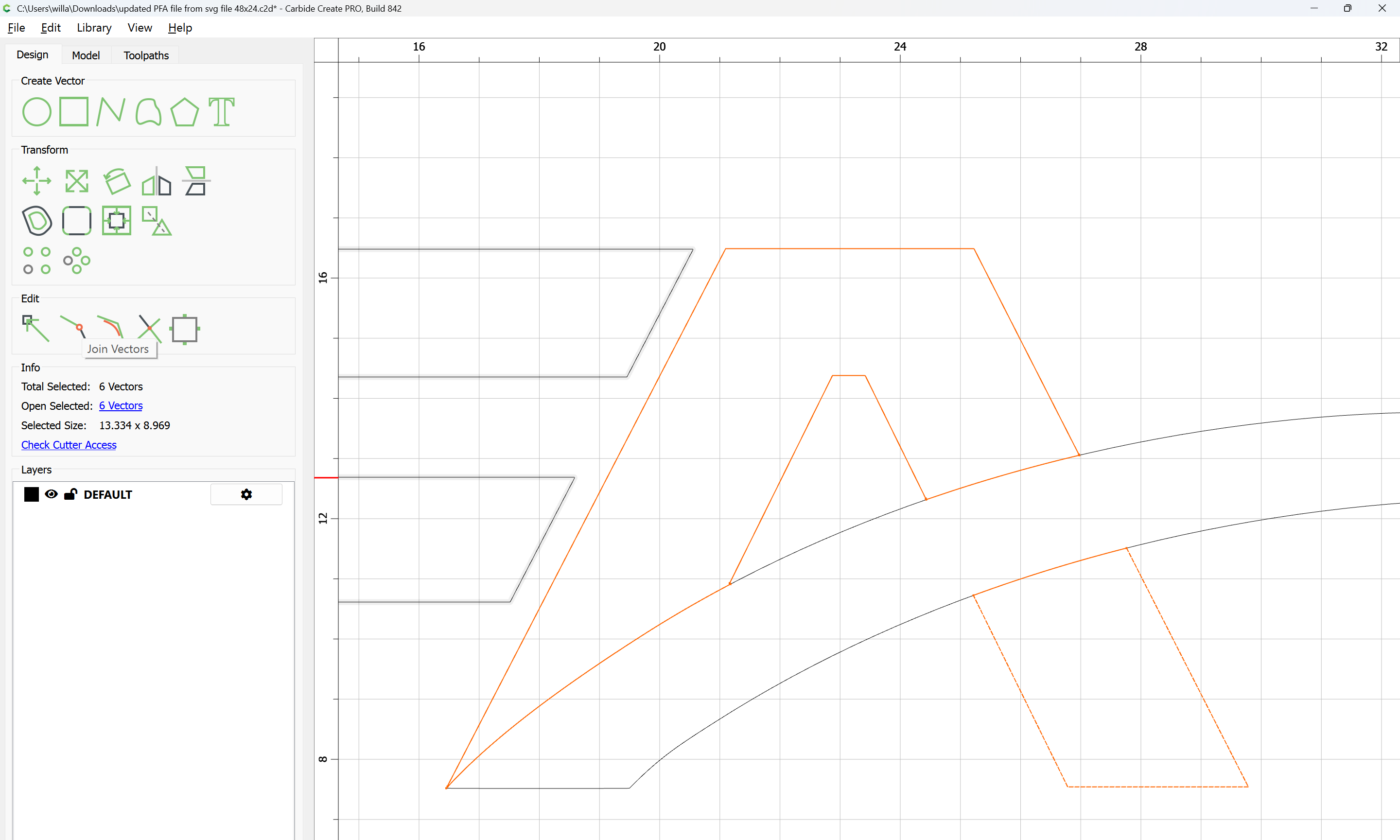
Select the open geometry:
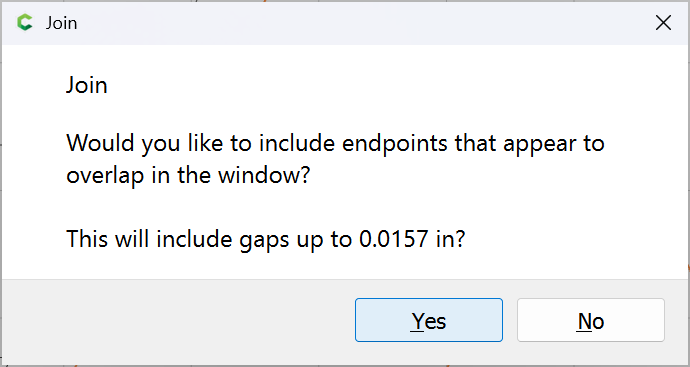
and Join Vectors
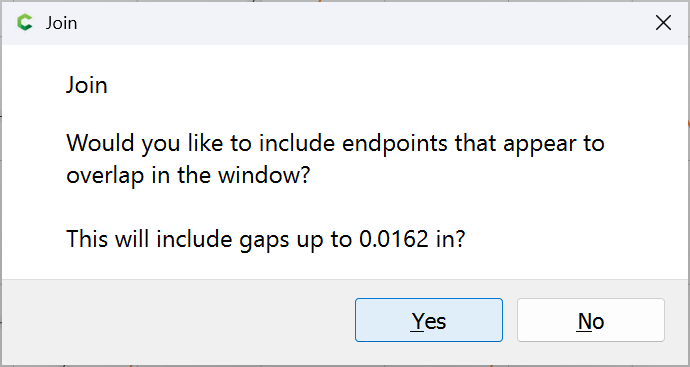
Yes
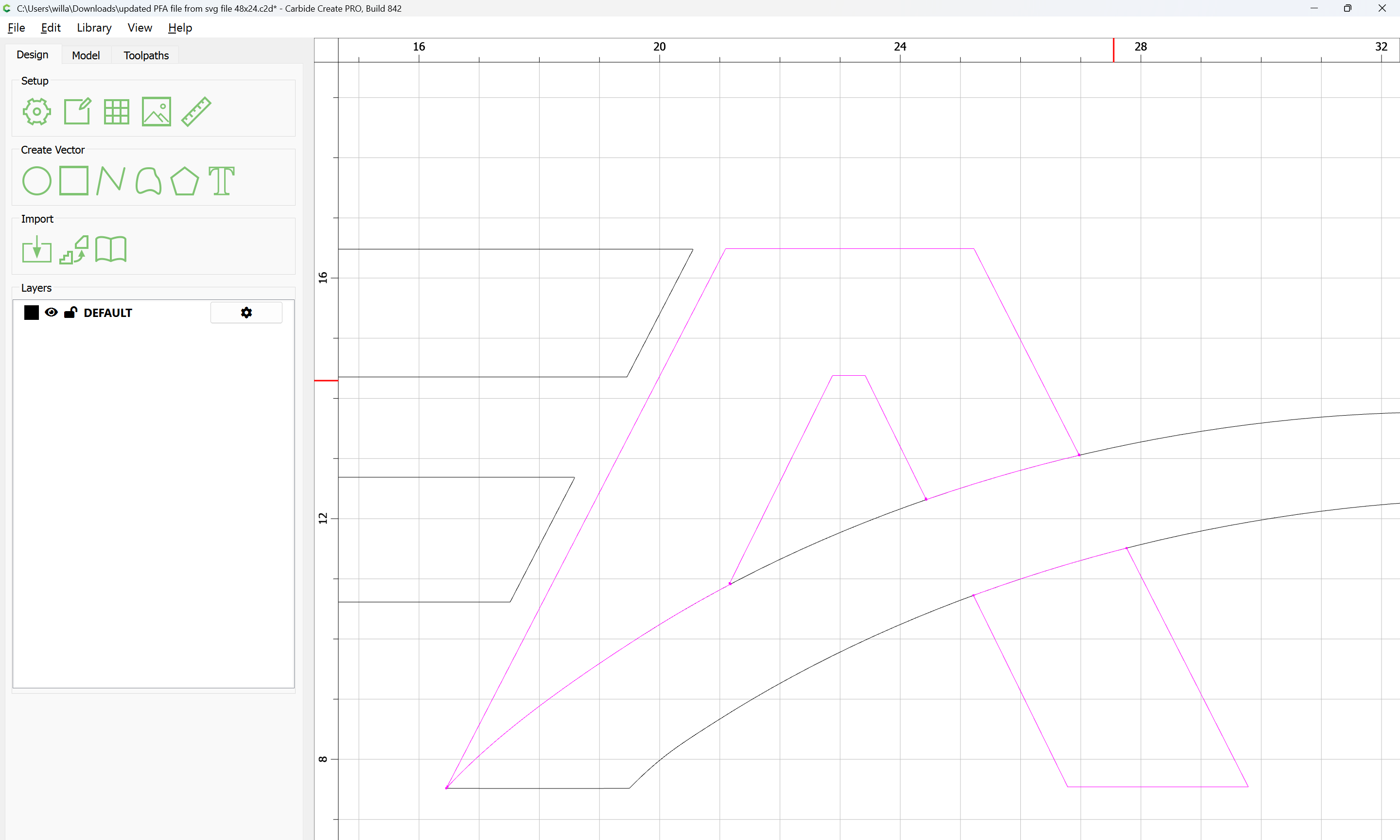
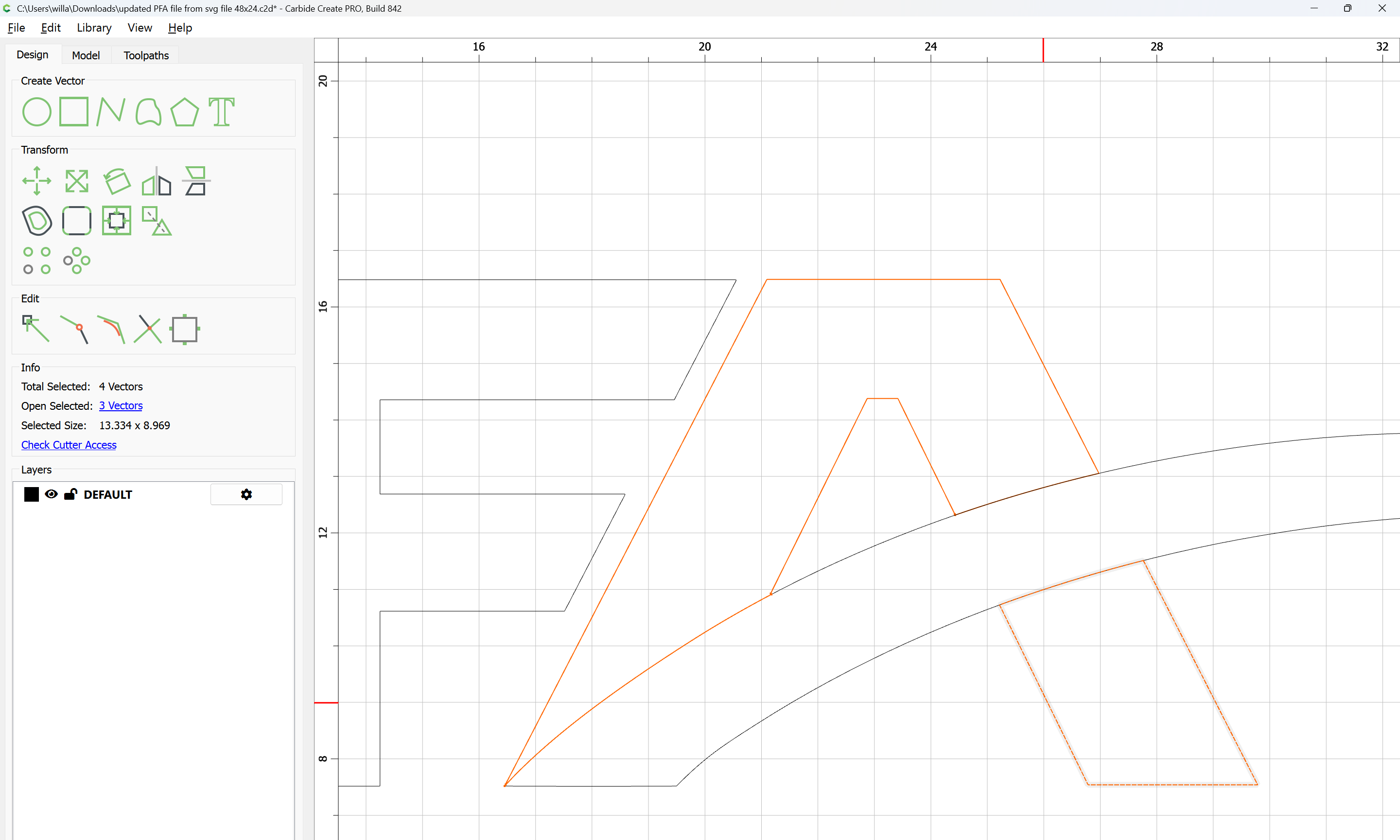
Clicking away to deselect we find that one region was not successfully closed:
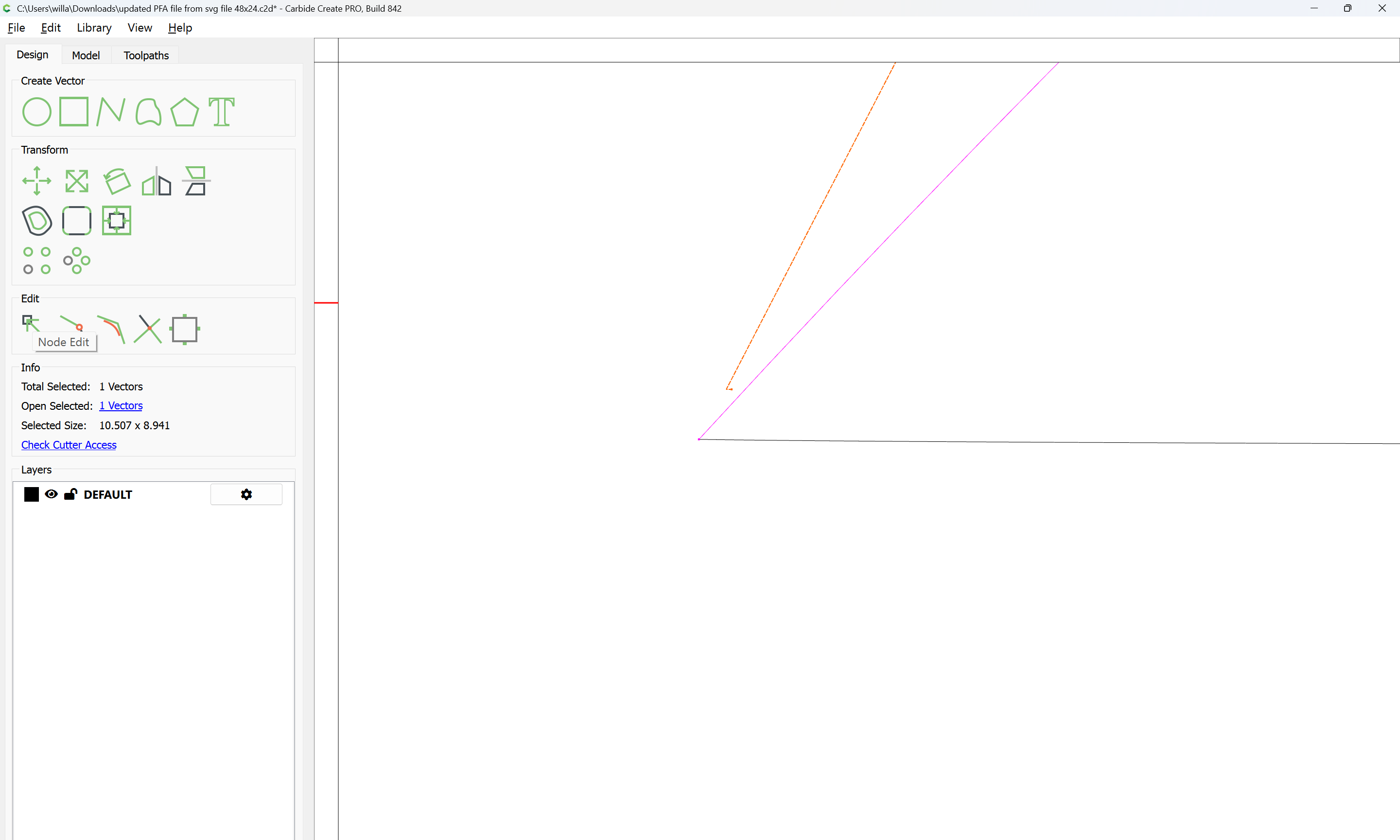
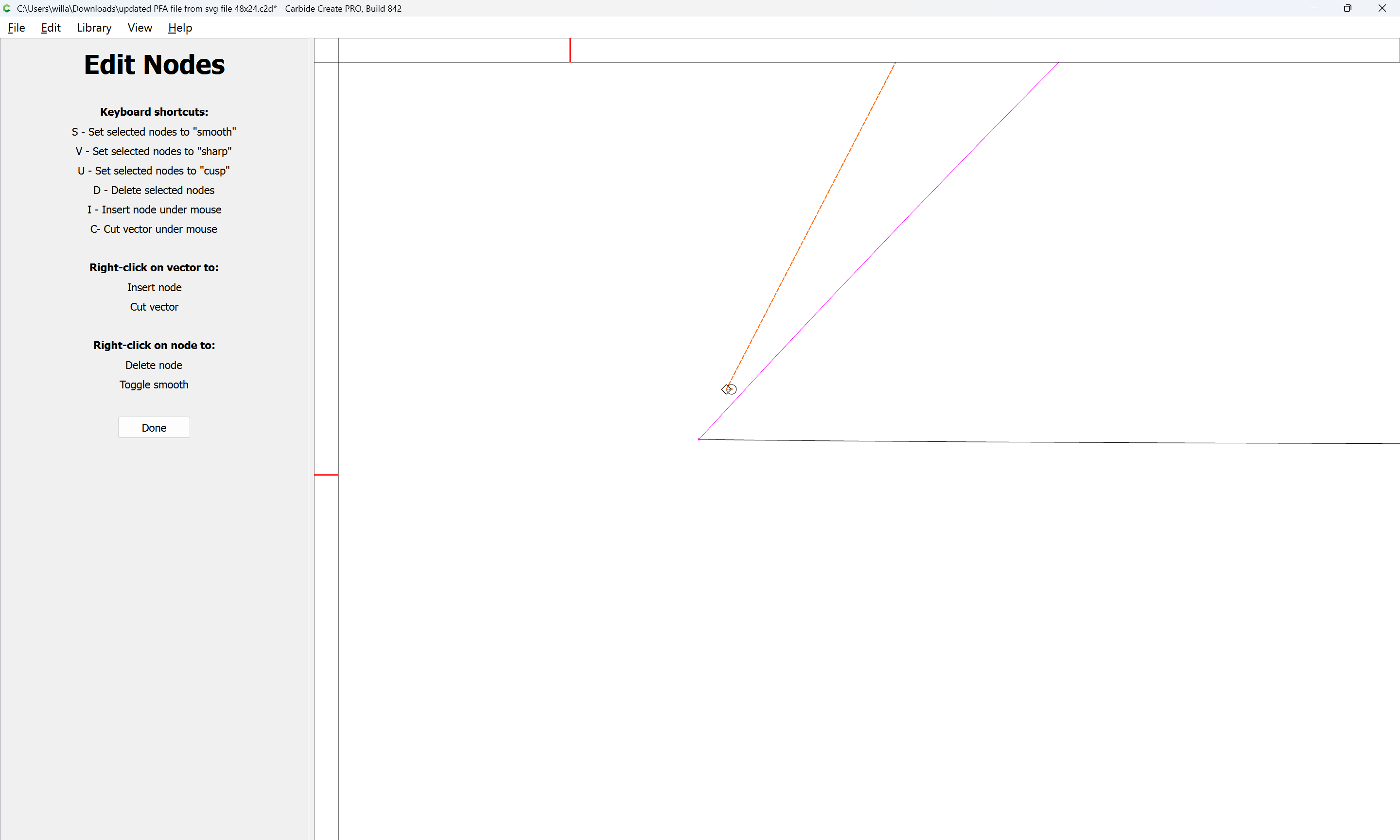
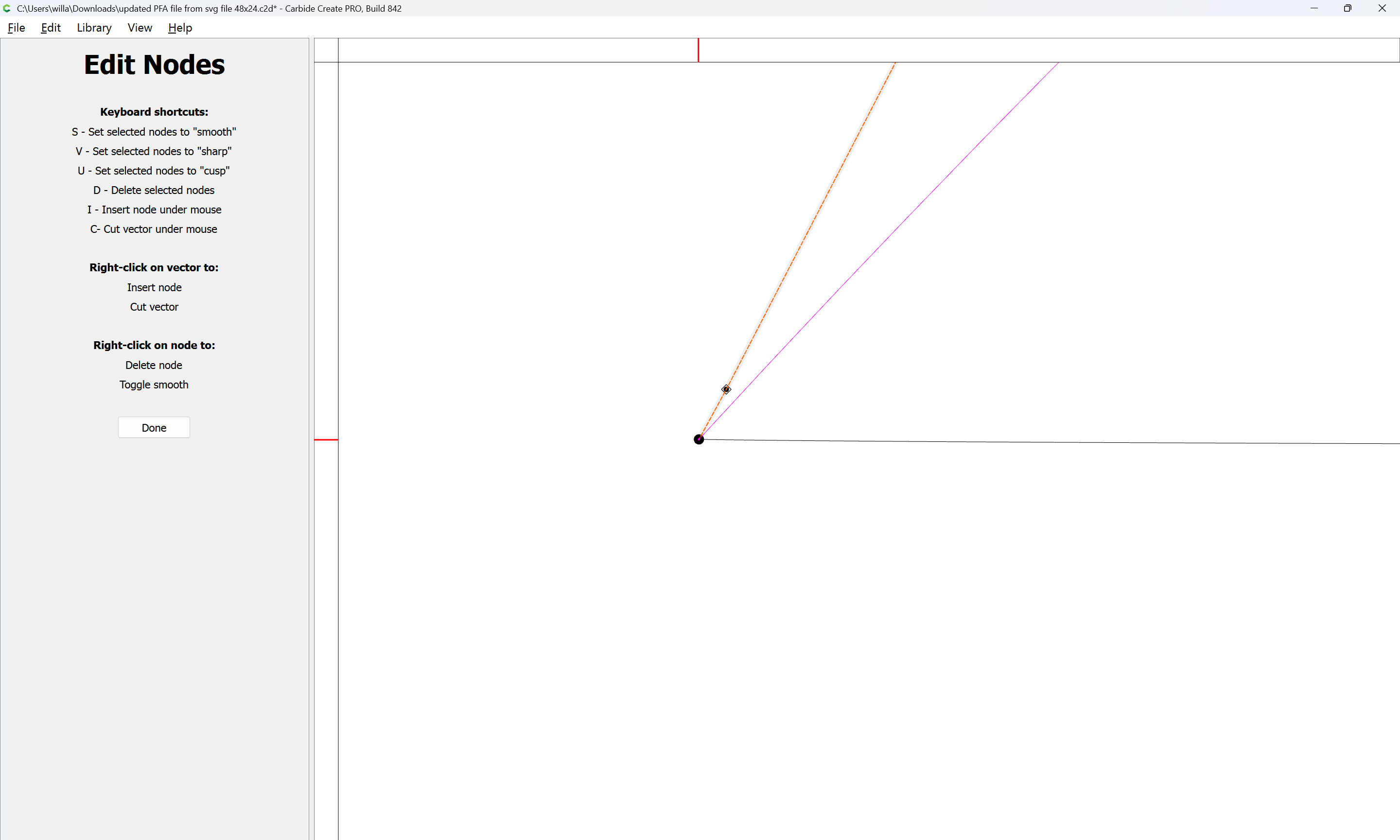
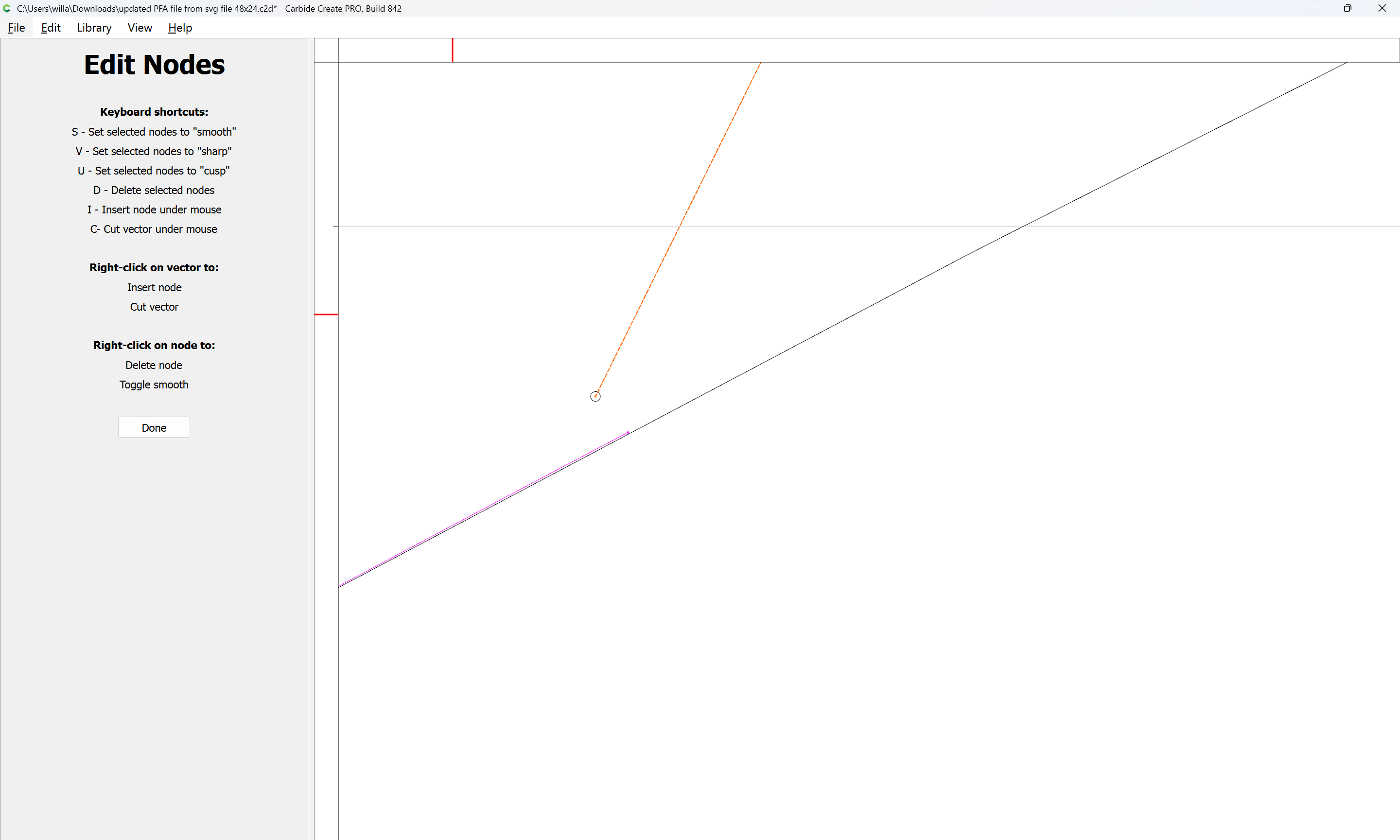
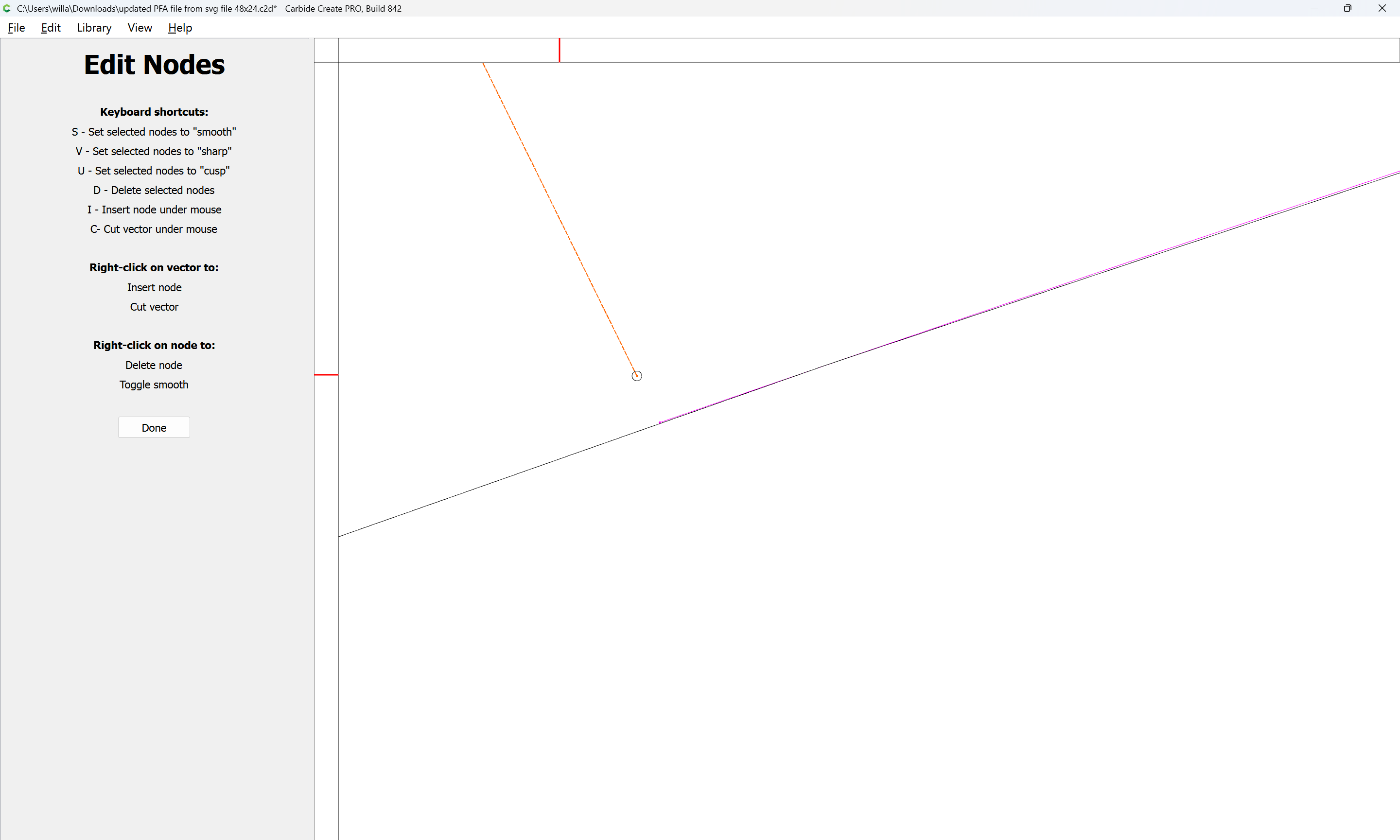
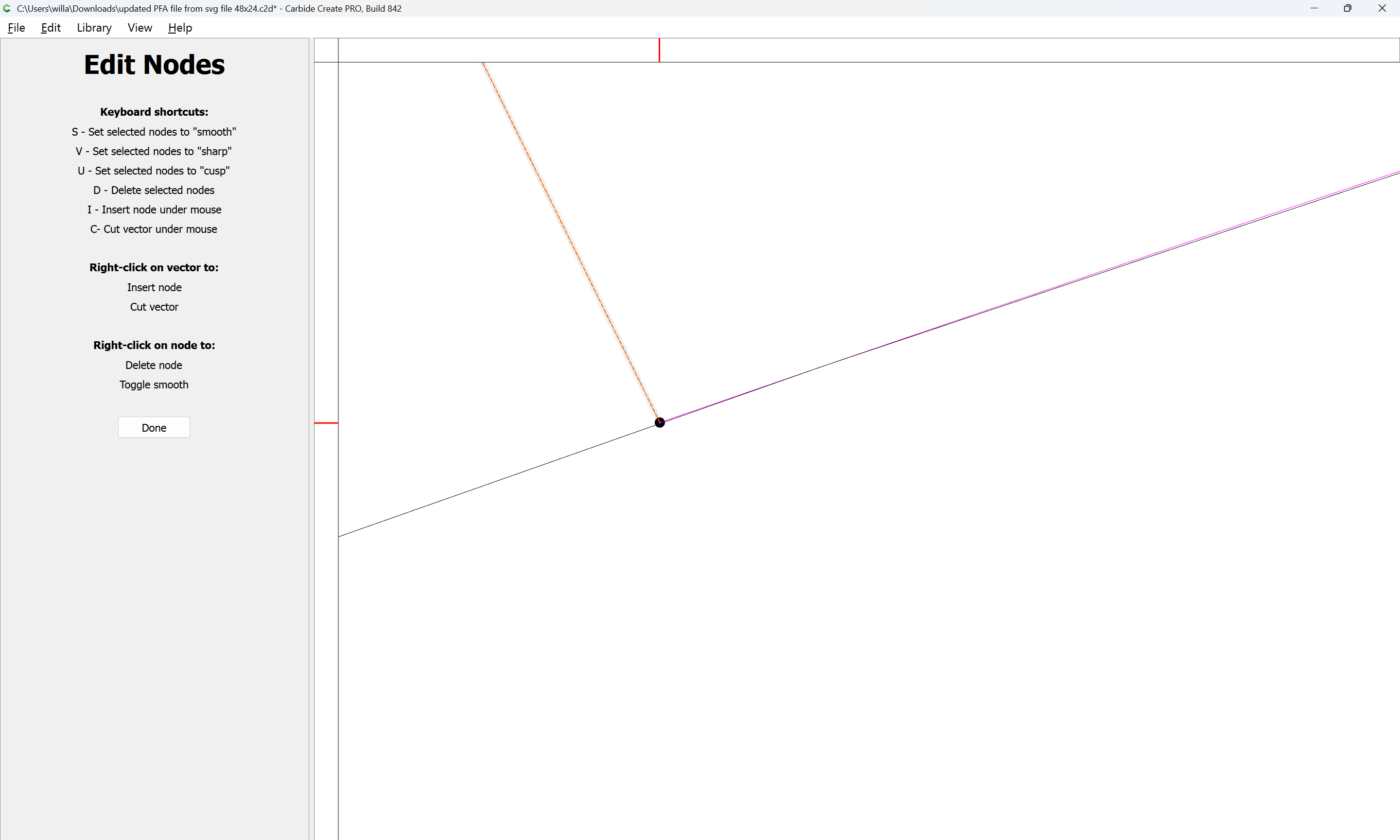
Select it and use Node editing to bring the nodes into contact:
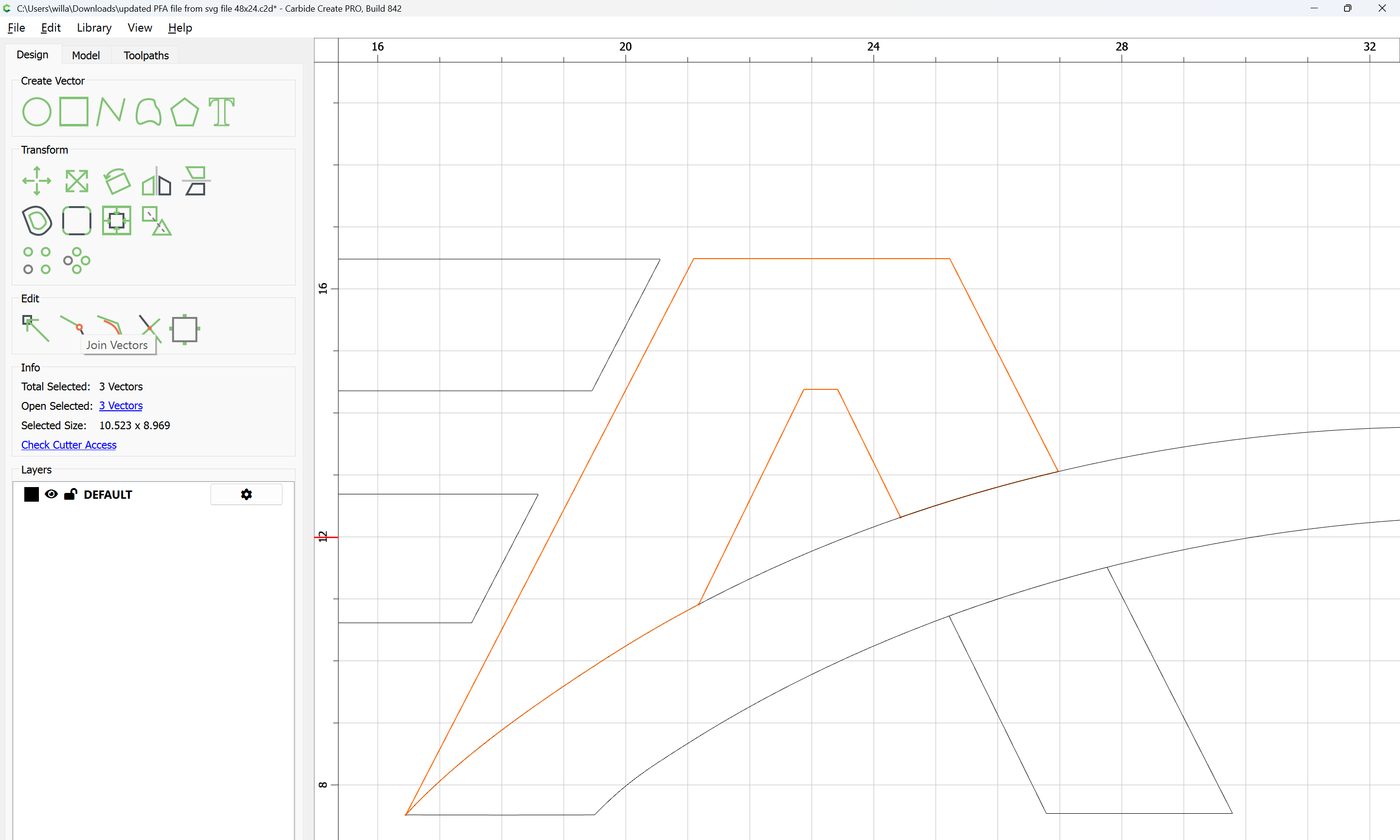
Select the Open Vectors:
and Join Vectors:
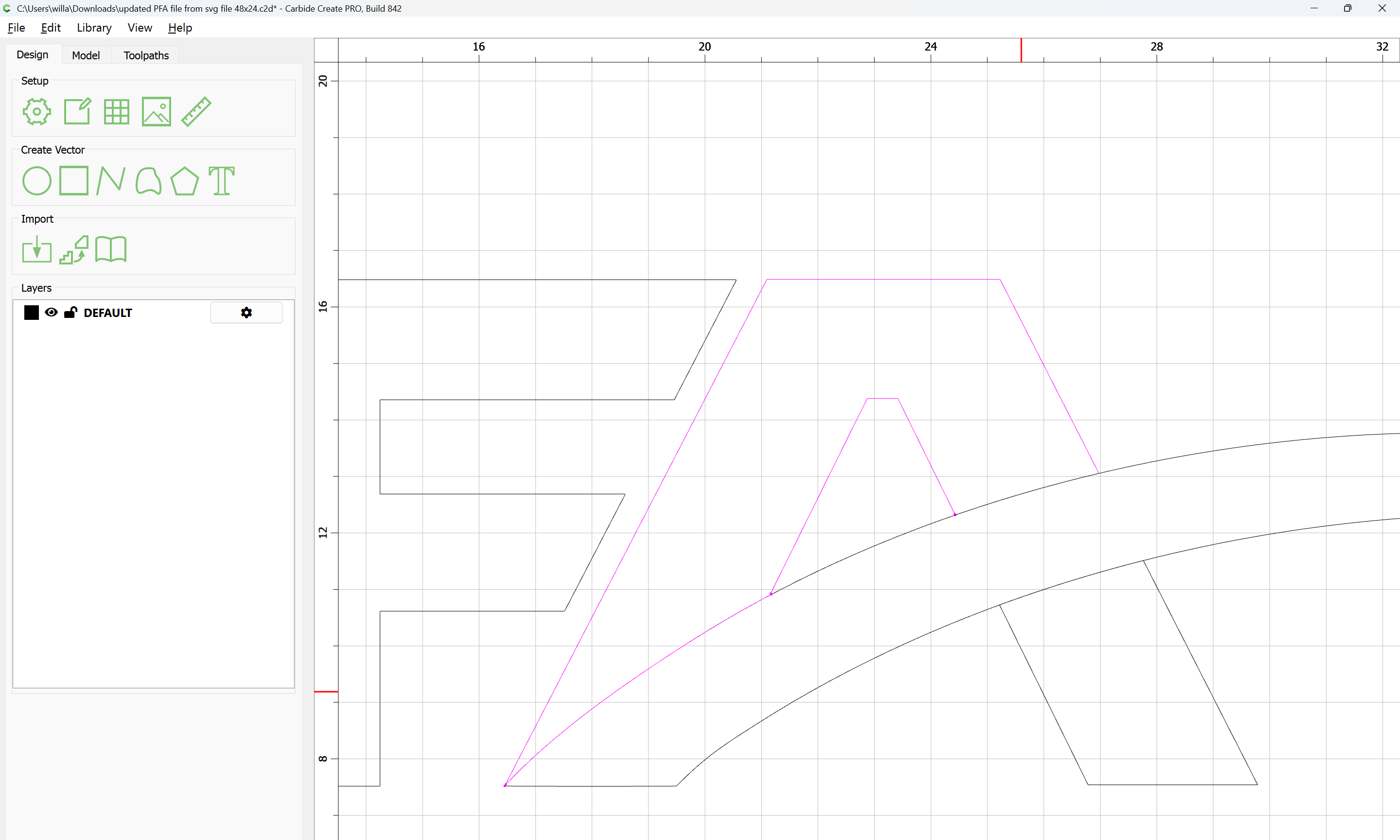
Yes
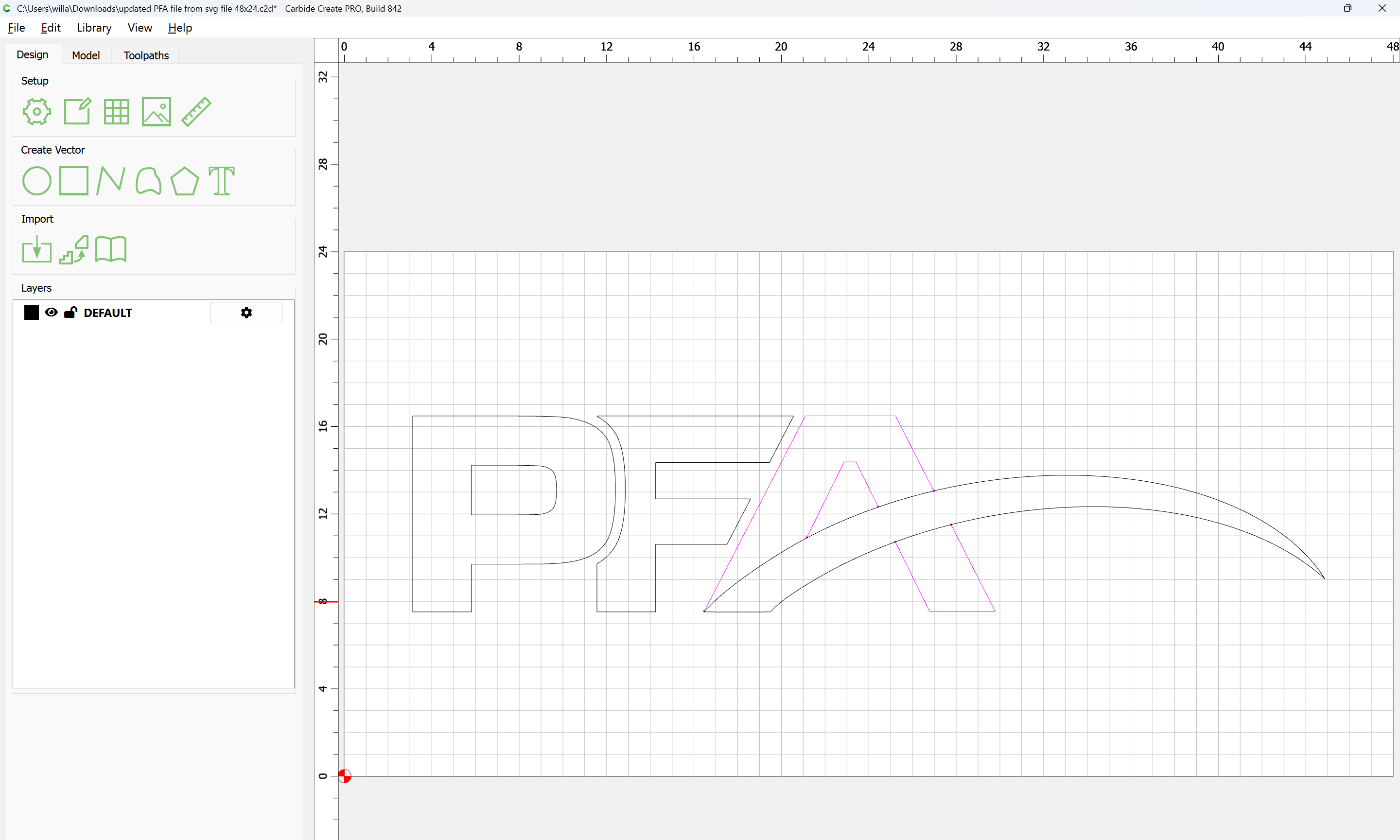
Attached as a v8 file.
Since the letters will be raised, the outside perimeter of the A will need to be one path.
Disregard the above. Wills work gives the correct pocket. You will probably want to contour the stylized portion of the A, maybe with a v bit.
Awesome! That was easy haha, Thank you
why cant the vectors be welded through the boolean feature?
Boolean operations only work on closed vectors which overlap.
This topic was automatically closed after 30 days. New replies are no longer allowed.