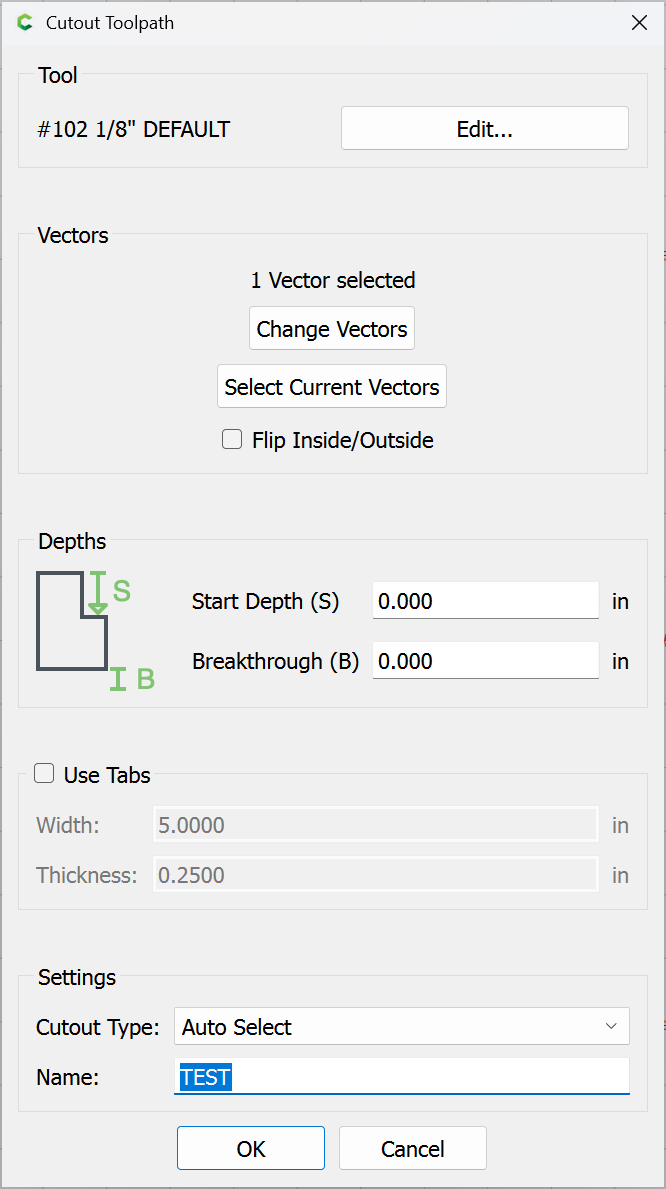
I recently added in my tool path Carbide cut out. I’m finding that I cannot add a name to that tool path.
Yeah, obviously I did not test that as thoroughly as I’d thought I had…
Replicated:
OK
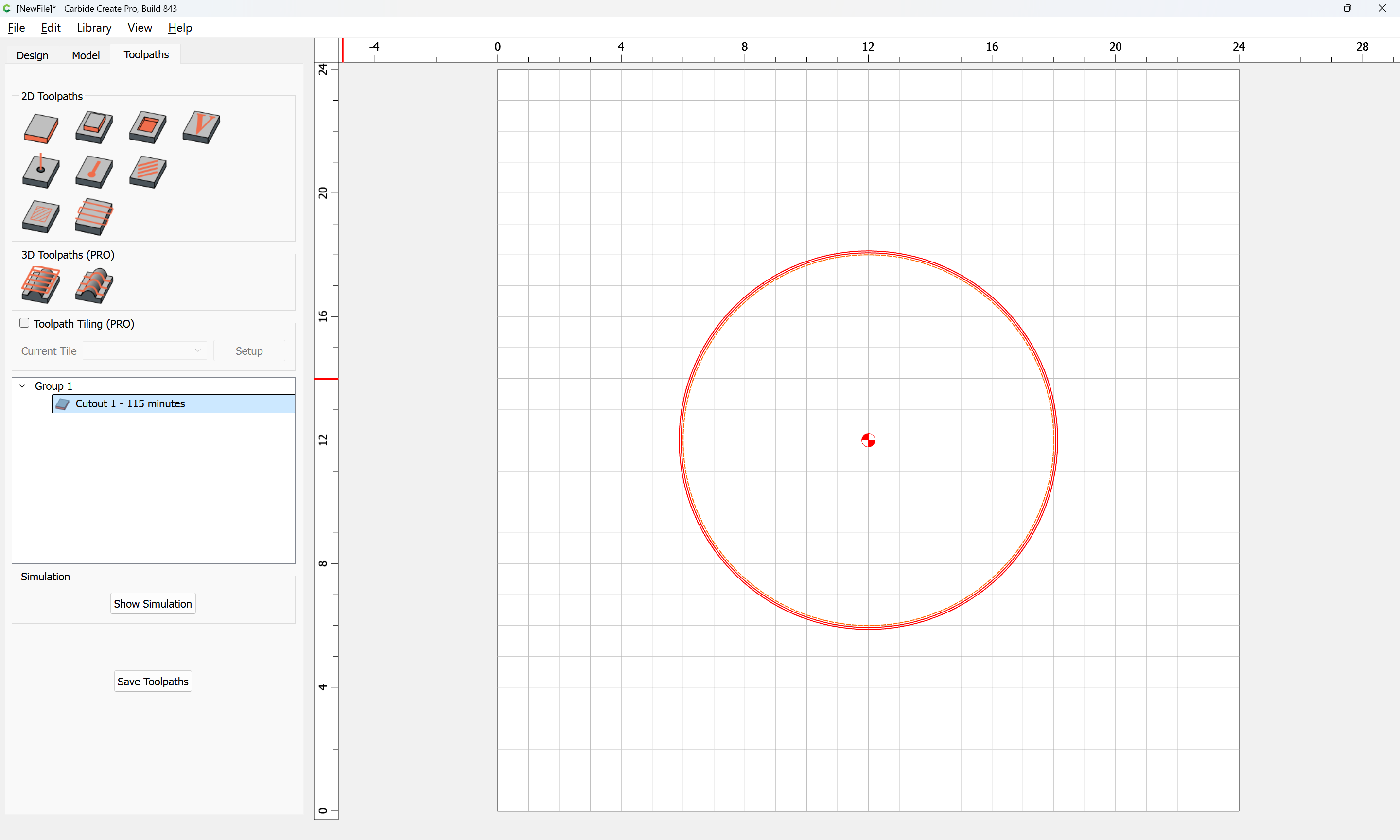
(Yes, I’m a lazy person who does not rename toolpaths as often as I should, mea culpa, guilty as charged)
2 Likes
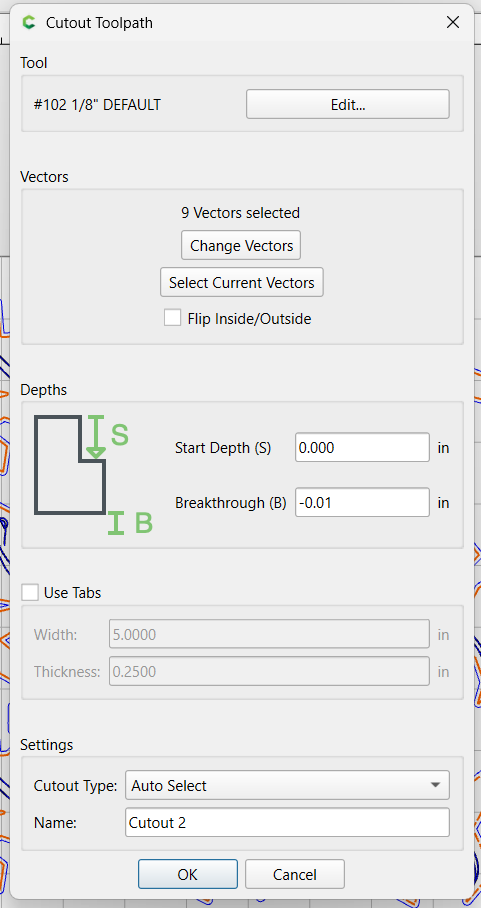
The parameters here are mostly obvious, but there is one subtlety.
Start Depth is just that — the depth at which the cut will start, so if doing a box w/ a one-piece bottom and lid, the bottom w/ an inset raised portion could have the raised portion cut around, and then the actual Cutout toolpath using the perimeter geometry begin at the bottom of that pocket
Breakthrough is where the bottom of the cut is positioned relative to the bottom of the Stock (this is intended only for cutting out a part compleatly free), so positive values will cut below the material, while negative depths will allow leaving a small onion skin.
Cutout Type allows selecting whether the tool will only make a narrow cut, or if it will make two passes around the perimeter, or if the software will choose automatically betwixt those two options.
so positive values will cut below the material, while negative depths will allow leaving a small onion skin.
That makes sense to what I was seeing. Thank you for that.
I assume the rationale for two passes is to reduce friction and make a deep cutout safer?
Yes, it precludes the requirement of, “adding offset geometry so as to cut as a pocket down to tab height or the penultimate pass.”
@WillAdams Unless I’m missing something, the new cut out tool path does not seem to cut the tabs to the size specified in the settings.
string loading tool.c2d (172 KB)
Yeah, there are still some issues to it, which is why it’s in beta and not moved to stable (as I stupidly argued for based on it working perfectly for my use w/ blue painter’s type and cyanoacrylate glue for workholding despite my misunderstanding the UI — just had to abort the job before it cut down Stock Thickness into the MDF).
The infelicities have been noted and being worked on.
1 Like
What is the intent of the Flip Inside/Outside option?
My understanding is it allows one to have two Cutout toolpaths, one used for cutting out interior features which comes above, and is guaranteed to happen before a second which cuts the parts free along their perimeter.
I found the same thing today. I repeatedly edited the tool path to change the name but gave up.
There is a new beta, 845:
which w/ a bit of massaging, allows one to have a full Cutout toolpath w/ tabs:
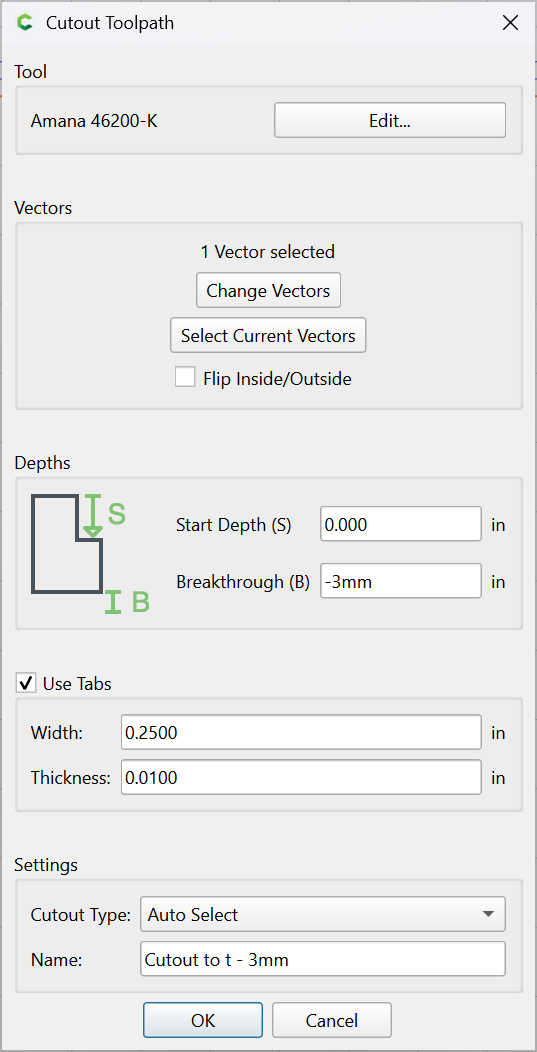
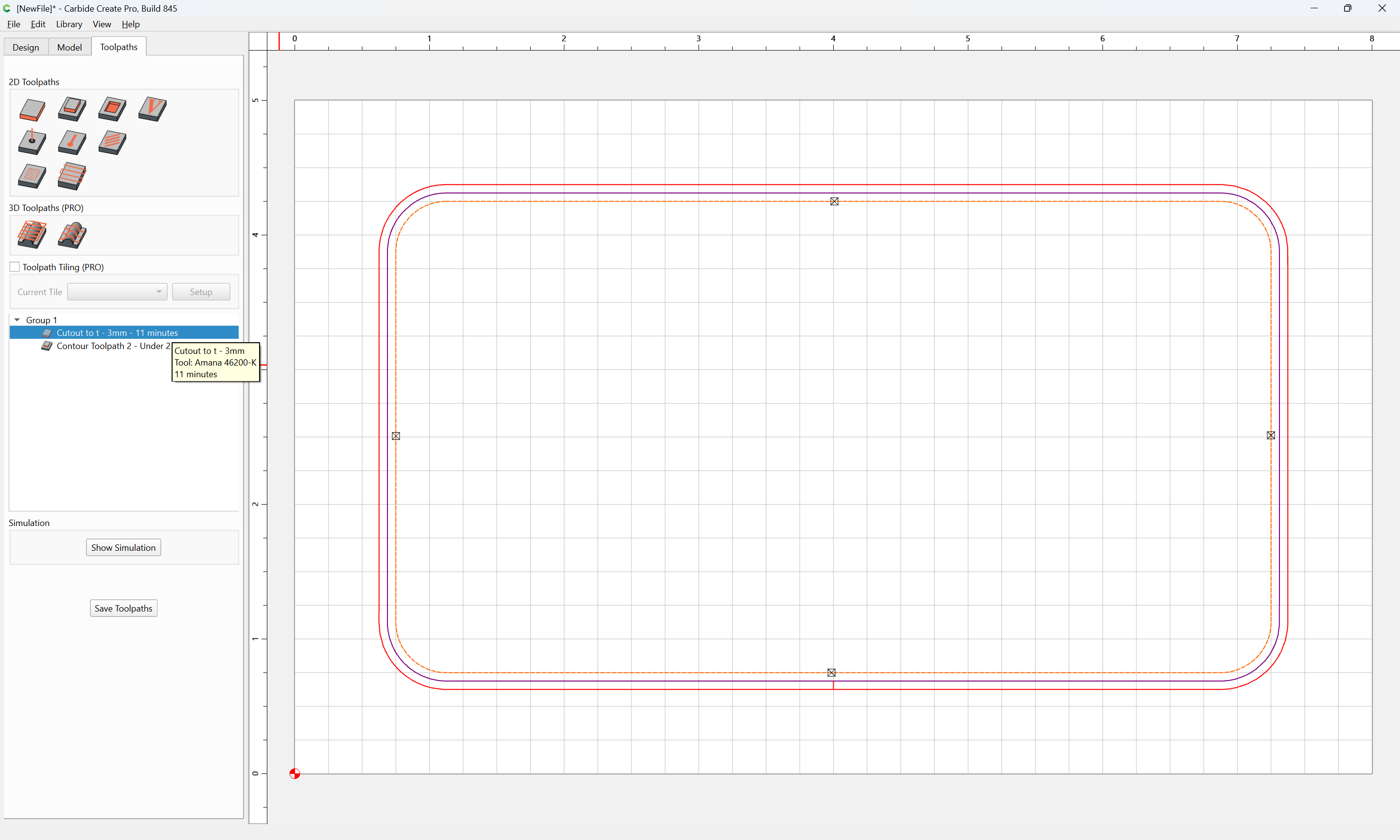
Just pair w/ a matching Contour:
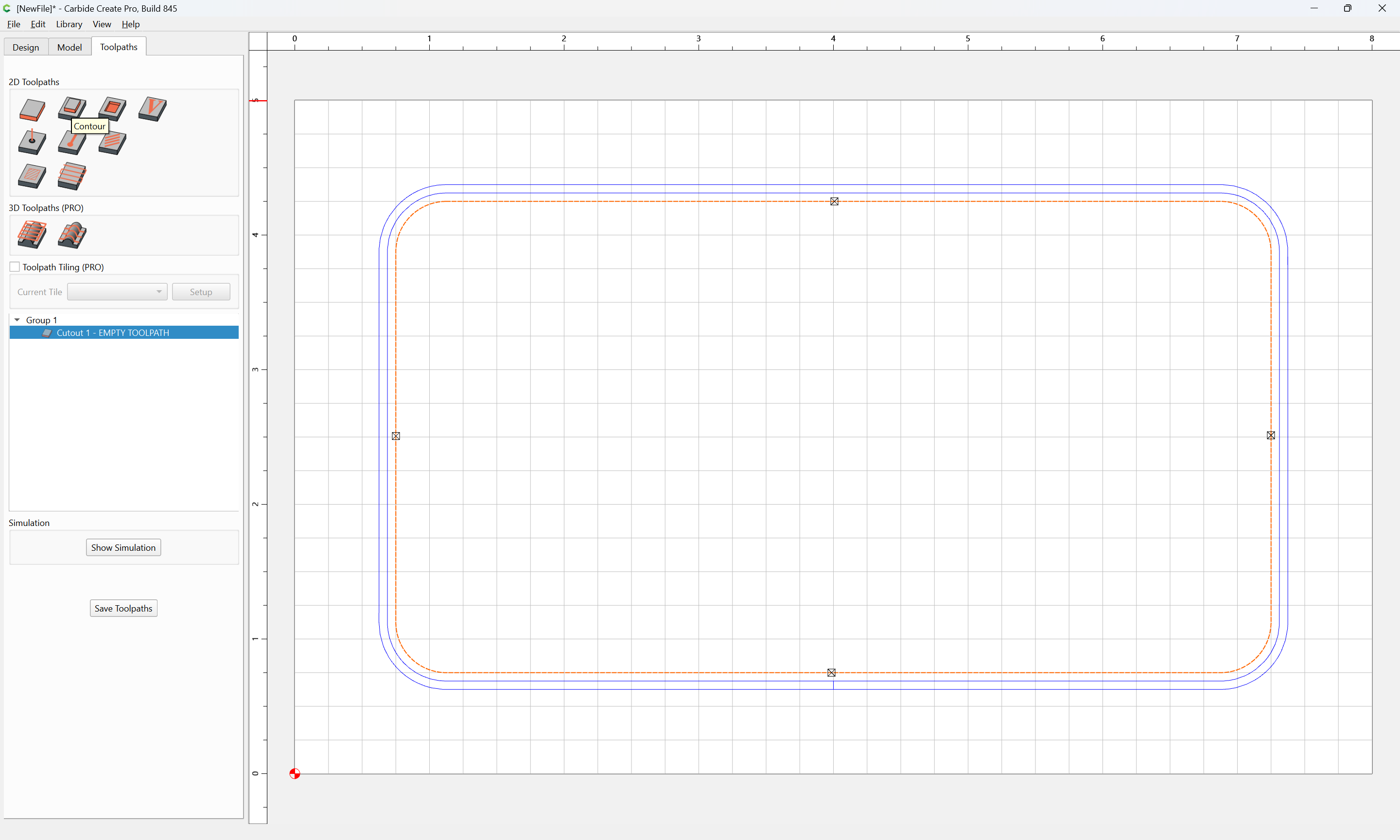
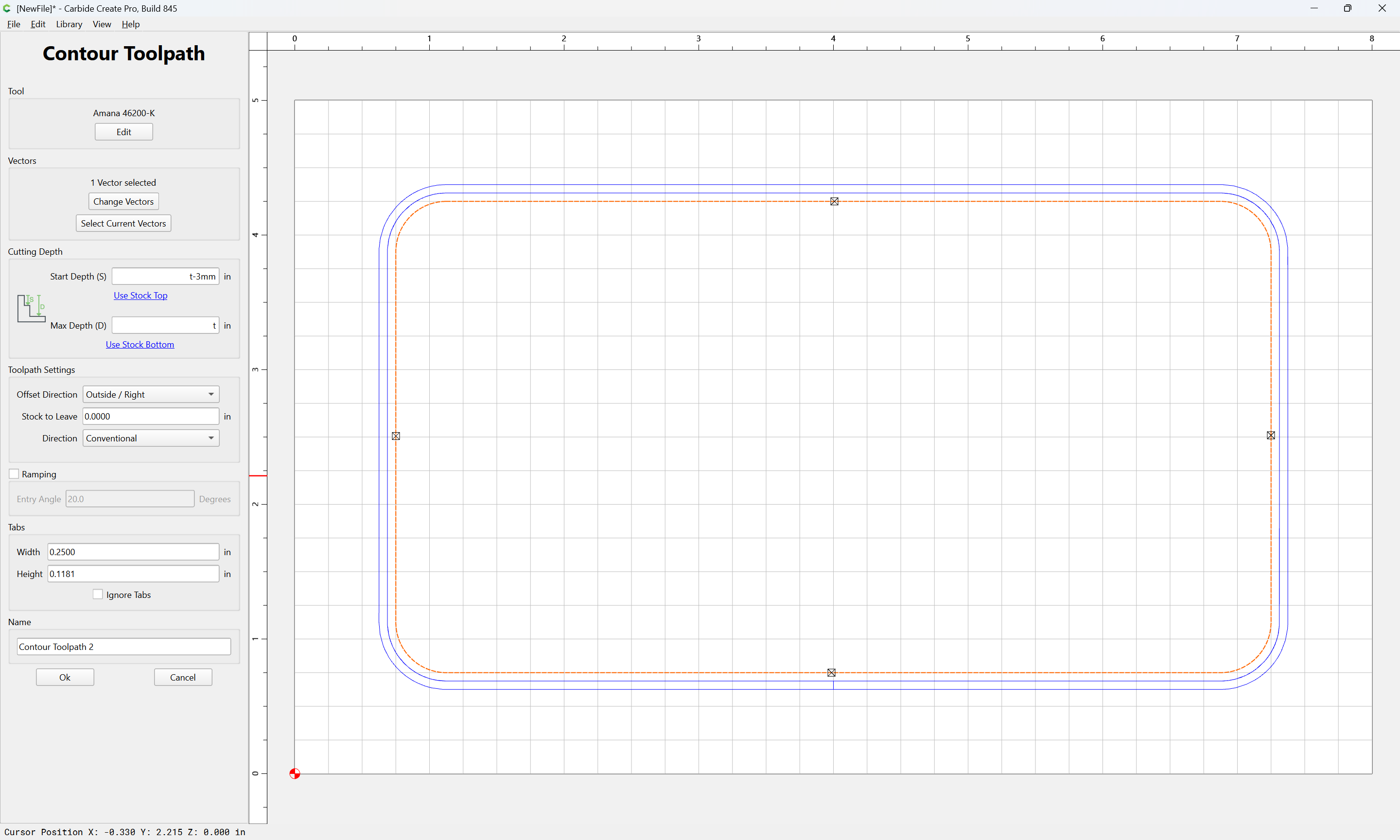

1 Like
The download page shows version 845. In CC it shows Version 844.
Nice changes with the subtle shadows in the tool menus.
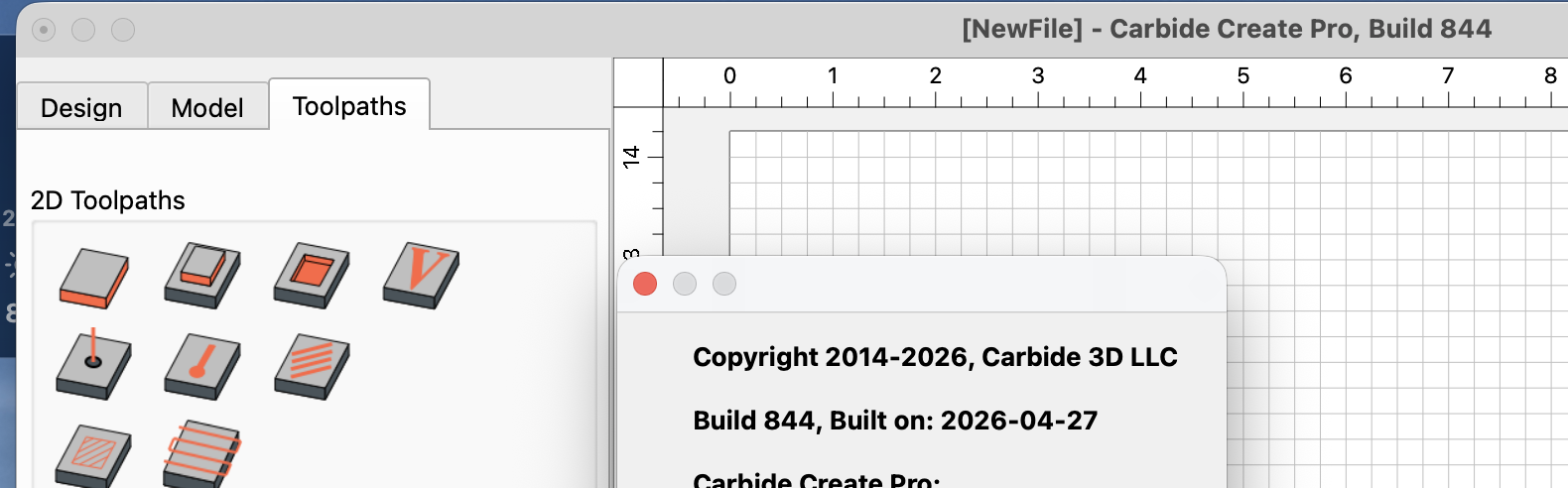
I downloaded CC845 this morning and the simulation is weird.
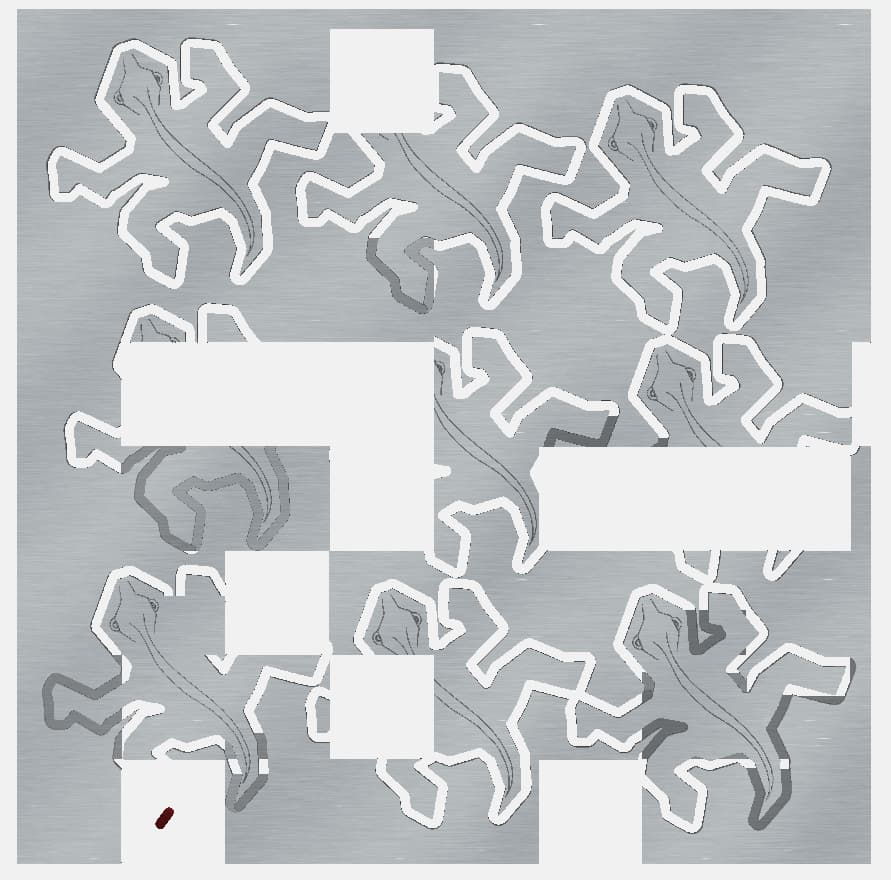
there are parts in darker gray and the white blocks. I did the simulation several times and the pattern changes with each simulation.
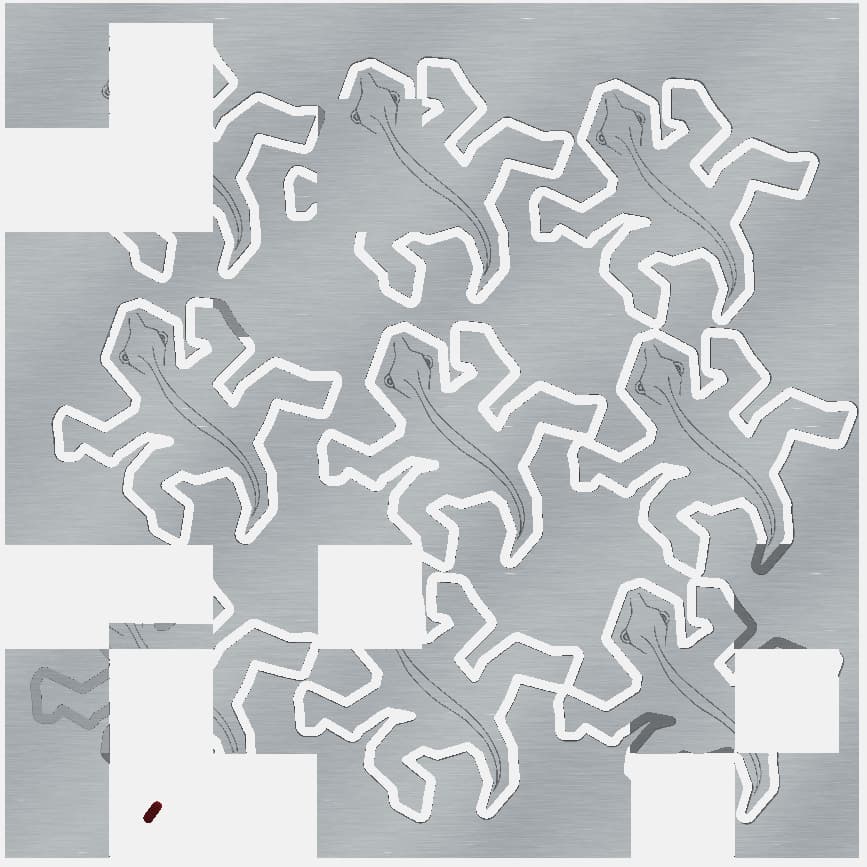
Here is the file.
esher_lizards_845.c2d (700 KB)
Here was the previous version file.
esher_lizards.c2d (668 KB)
The only change I made to the original file was the Break Through changed from 0 to -0.01 because I was having an onion skin on the previous file. I did make one more change and did an offset of 0.01 on the lizard body to get a slightly tighter fit from the previous version and made the new cutout tool path.
Yes, we’ve discussed that a bit on team chat — it’s a beta, and this should be addressed in a future version — the intent of this is to test the update to using a newer version of the QT GUI toolkit.
One other thing I noticed in the 845 beta build is that you can specify a depth per pass but when the G-Code is generated, it seems to calculate the number of Z axis passes and then changes the depth per pass that you specify with an average depth value. Not a big deal, just unexpected…
This topic was automatically closed after 30 days. New replies are no longer allowed.