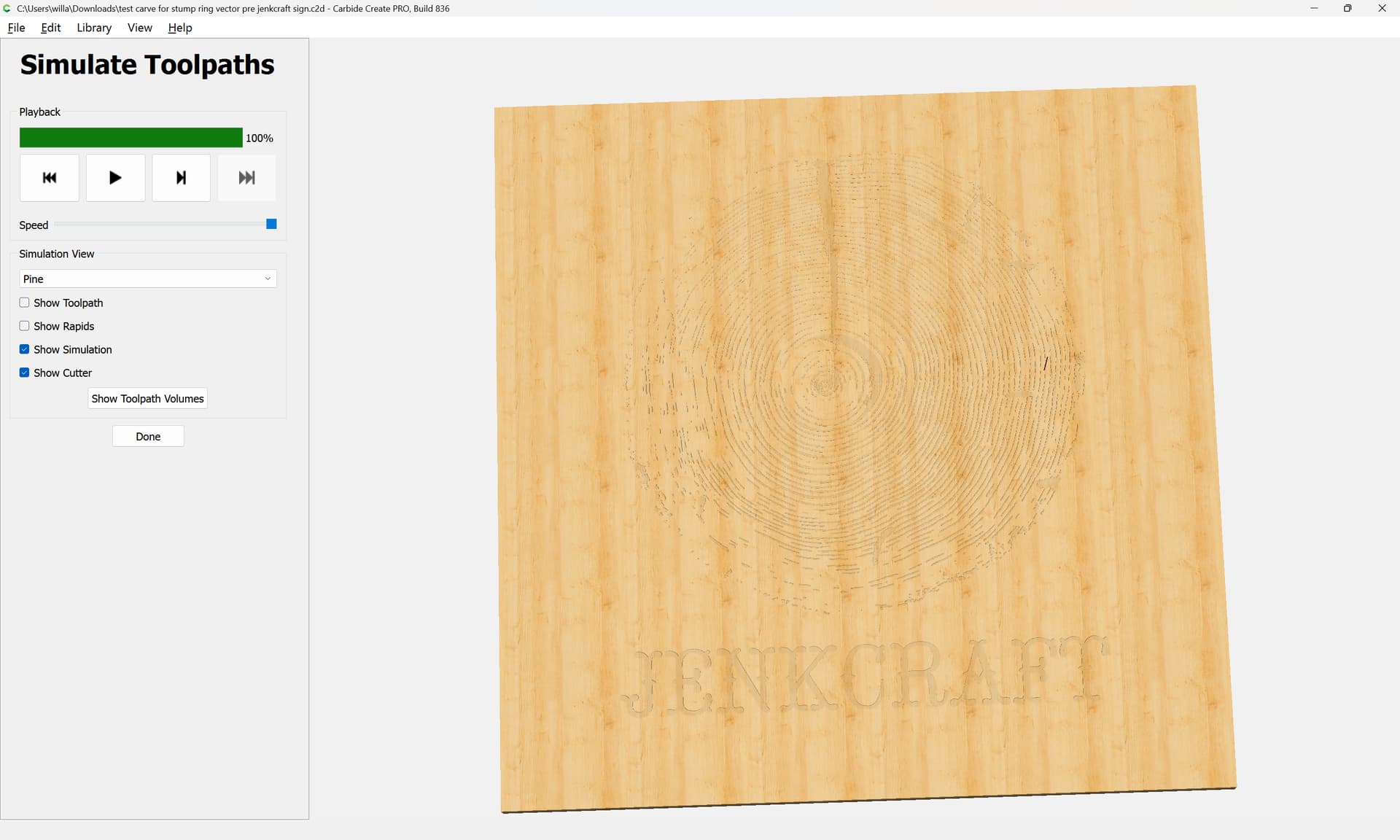
Im having a new and rough issue with my 5 pro 4x4.
When I start a new job, the spindle is lowering to the wood, it is shaking and dropping incredibly slowly. Something is wrong for sure.
It doesn’t do this when setting zero on bit setter or when jogging from place to place, only when working the project toolpath. Any ideas on how to fix this?
File is too large to attach and video is not a format that is allowed so Im struggling to add my example. Any suggestions?
The standard troubleshooting is to check the mechanics - so ensure that the Z-axis motor is properly connected to the drive-screw or ballscrew & the linear rails are lubricated properly & not binding. Once mechanics checks out, then you have to consider the motor wiring harness & the connectors to the stepper motors. If the connections are not solid, then you can get intermittent issues with motors - this usually causes stalls/stuttering/grinding. I’ve had my Z-axis work fine one second then inexplicably stutter/grind/move in the opposite direction it’s supposed to be going all because of a bad connector.
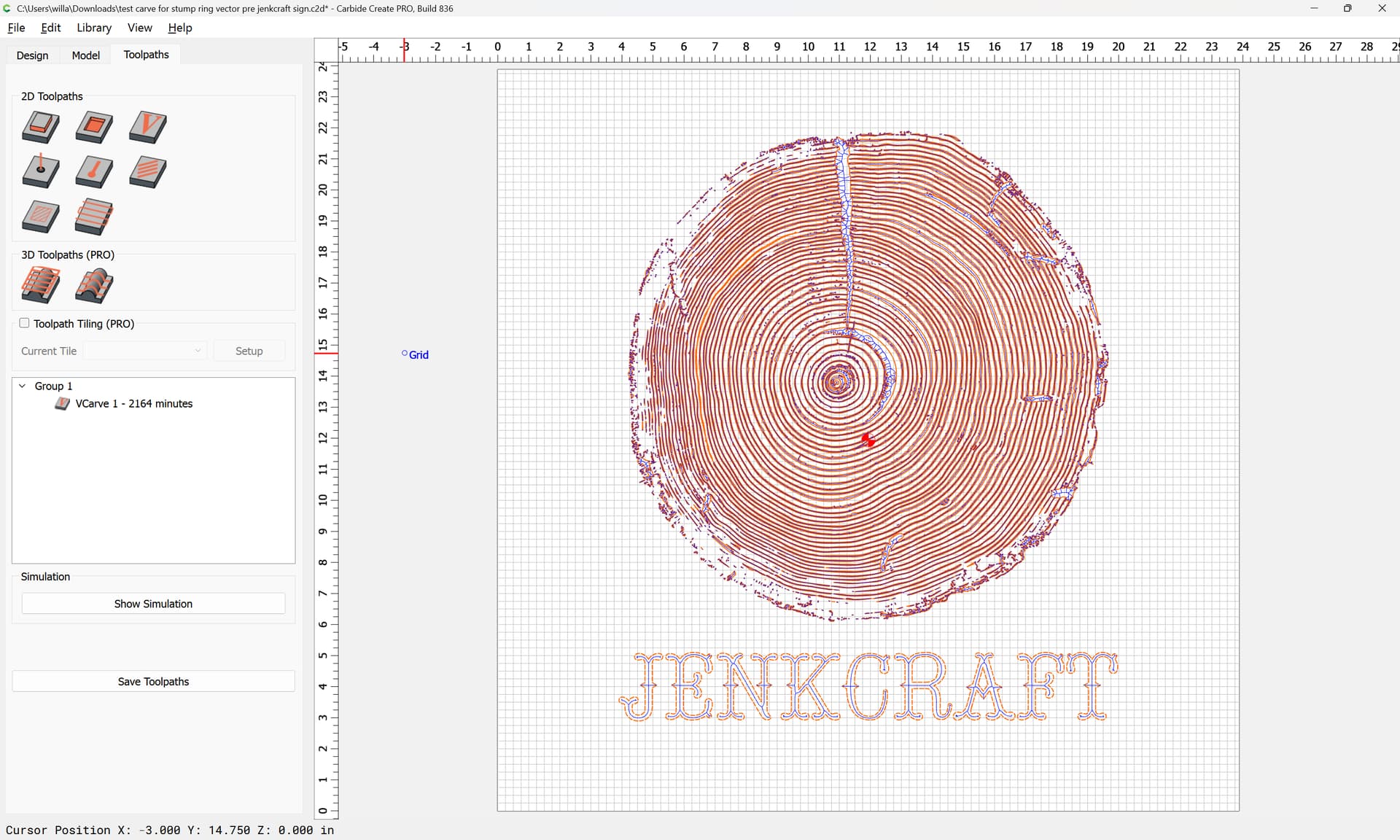
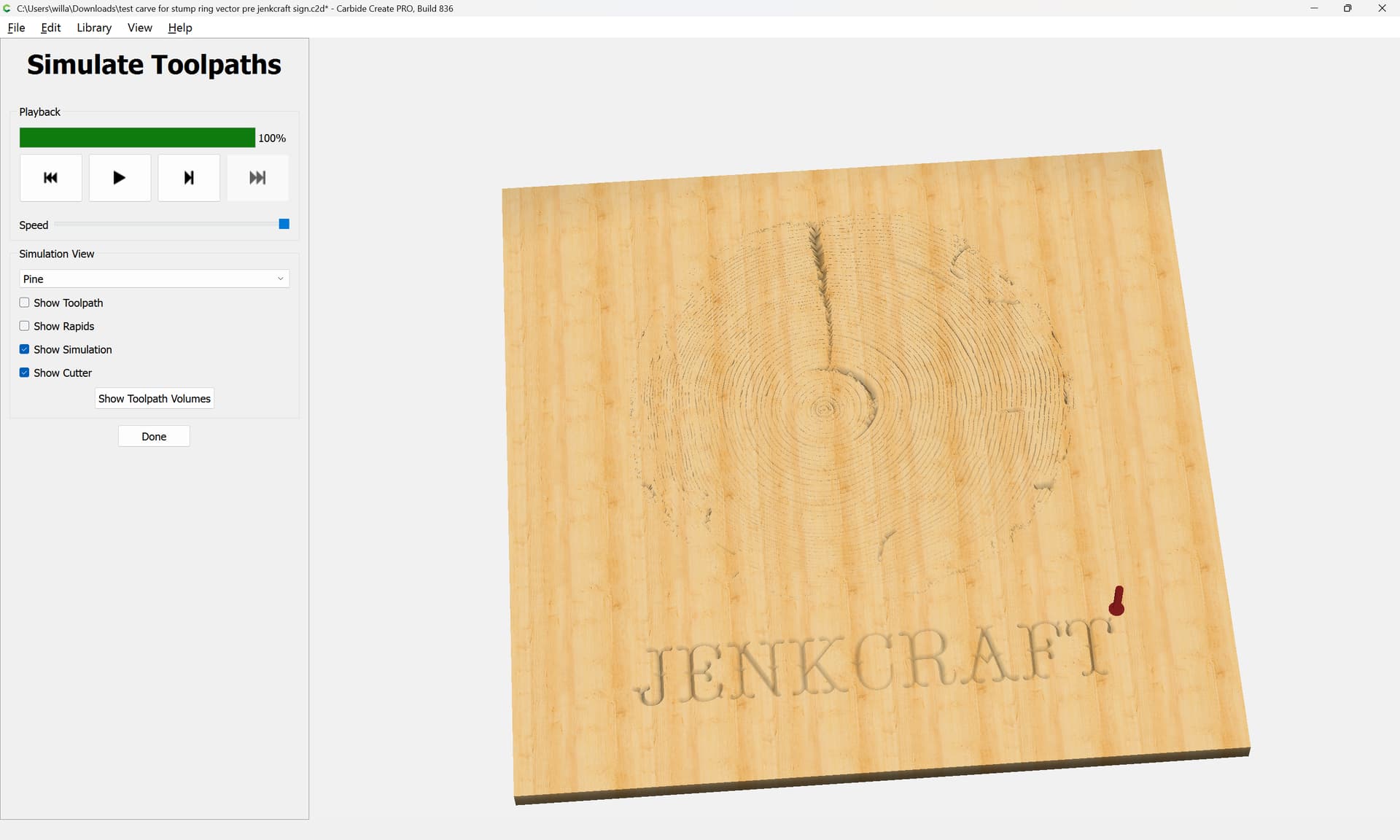
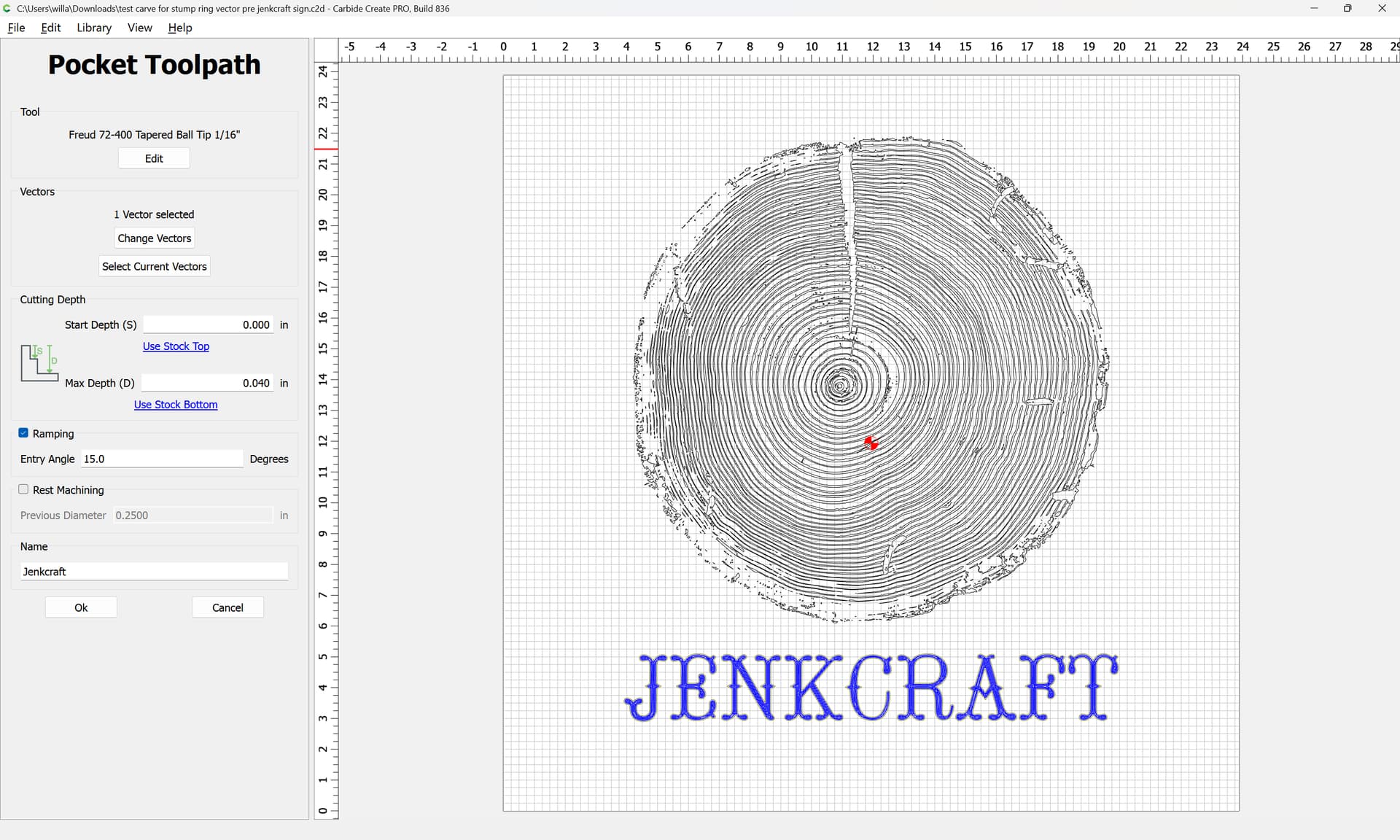
I think it’s an issue with the file size I am trying to use. I just checked the function on a different one and no issue. It is of a very detailed image trace so maybe it’s just too big or finite for the program.
I also ran a maintenance cycle but the file in question still caused the same issue, while a different file seemed to work out alright.
I also ran the machine through a new set up process and just to be safe I am going to check all connections as you suggested. That makes sense to me.
So if you were to recommend changes for my file what would you tell me to adjust?
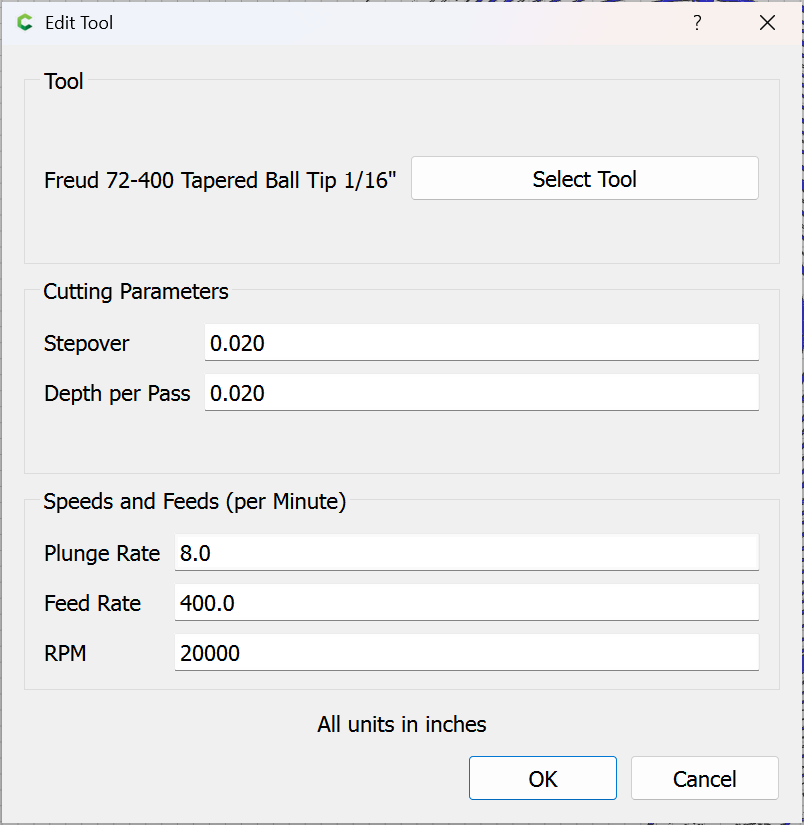
Additionally, I added a few new Freud and Bits n Bits end mills to CC recently so the slow plunge rate is obviously just my lack of knowledge when entering in parameters for them combined with Freud’s lack of available detailed data for plung rate value. I’m sure all of the ones I’ve added could use some adjusting…
Lastly, I did not expect any help from Carbide support over the weekend so thank you very much for the help. I was sent a test file to run and it went smoothly. As suspected, this appears to be user error on my part.
I think I understand now. The cut is so thin, ramping is going to have basically no effect. and when combined w slow plung rate, the spindle is gyrating.
So if I remove the ramping, and increase plung rate, that’d make more sense and likely solve the issue…