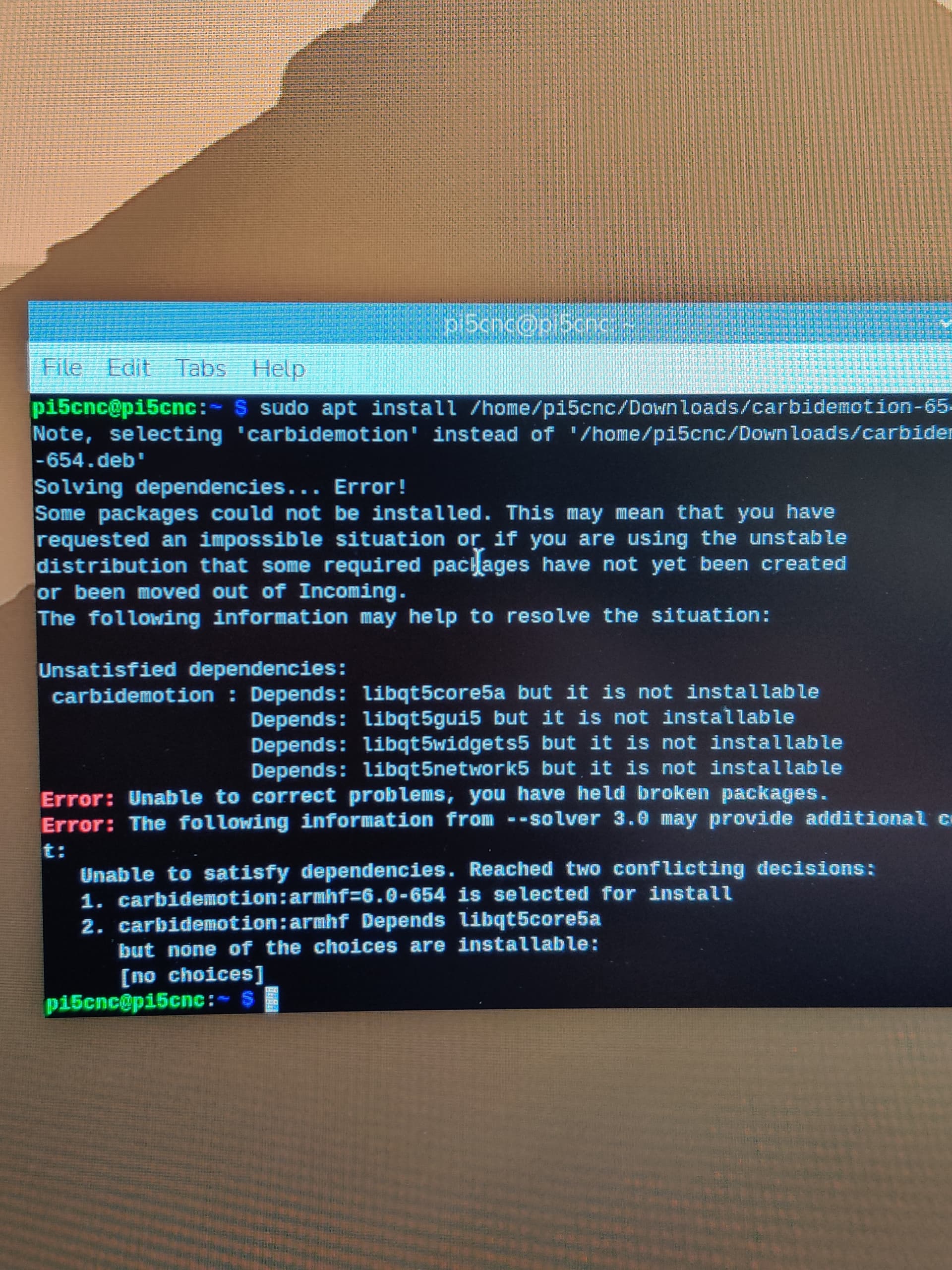
We posted a new build of Carbide Motion for the Raspberry Pi at Carbide Motion for the Raspberry Pi , but we received a report of problems running on a Pi 5:
We built this on the same Pi we’ve been using from the start, and it worked with our initial testing, but the platform has changed a lot. We think the entire point of a Pi is that it should be treated like an appliance, rather than a PC that you update regularly. But we’re pretty out of date with our build system now; we just didn’t want to change platforms abruptly.
I think this might be the last build on the original Pi OS we started with, and we’ll move to the latest OS release going forward. Not being a deep “Pi-guy”, I don’t know what the implications are for this. I don’t know if it leaves older Pi’s behind.
But, the prices on a Pi have been going up with the RAM shortage, so I’m not even sure it makes a ton of sense to use a Pi now, compared to a cheap mini-pc running Linux. (I’m not saying we drop the Pi, but logically, it seems like Linux would be a better focus?)
So, feel free to post your thoughts about any of that, and your feedback on the latest Pi release.
So odd thing I’ve found is that v654 package does not want to run on my Rpi5 & I have no idea why. I removed v635 & can re-install v635 just fine & run it. But not v654.
I’m wondering if v654 works on Wayland or does it need X11?
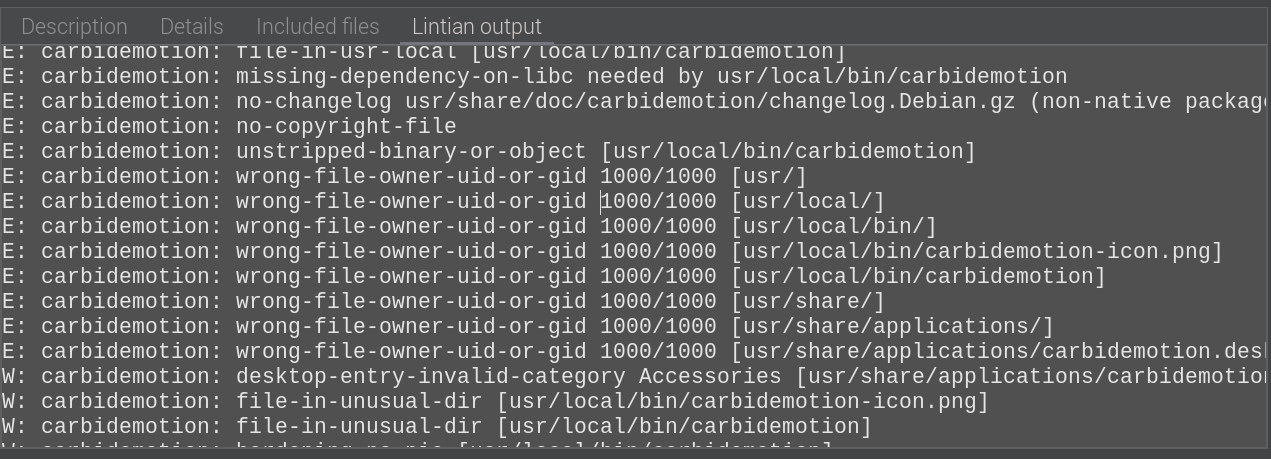
So using GDebi package viewer seemed to bring up possible issue of a missing dependency & file ownership.
I’ll be happy to try CM under Linux on my N100 PC if it could be distributed as an Appimage as @Japi42 requested here, and would help in my situation also
What I’ve really enjoyed about using the Pi is being able to set it up with a made-for-Pi touchscreen so the Pi/screen are an integrated unit that is dedicated for the CNC to just always work. Having an integrated/mountable/HMI keeps things neat/concise & focused on just running machine jobs. Helps with troubleshooting when things go wrong too. Ideally, I would love to have a Pi OS build that is customized & dedicated to just running CM - like Kodi or MotionEye OS. Probably not really necessary.
In any case, the goal from my perspective is a dedicated/always-on/low maintenance/reliable/almost industrial-grade HMI appliance to simply run prepared CNC jobs with the minimum of hassle & distraction - with or without an Internet connection. Raspberry Pi platform provided that quite nicely over the years in a compact form-factor.
I just tried 654 on my Pi 4 (or maybe 4+) and it worked flawlessly. The Jog Pendant worked right away and was very nice.
I did not try the E Stop on the pendant or the program restart in CM but every else was smooth.
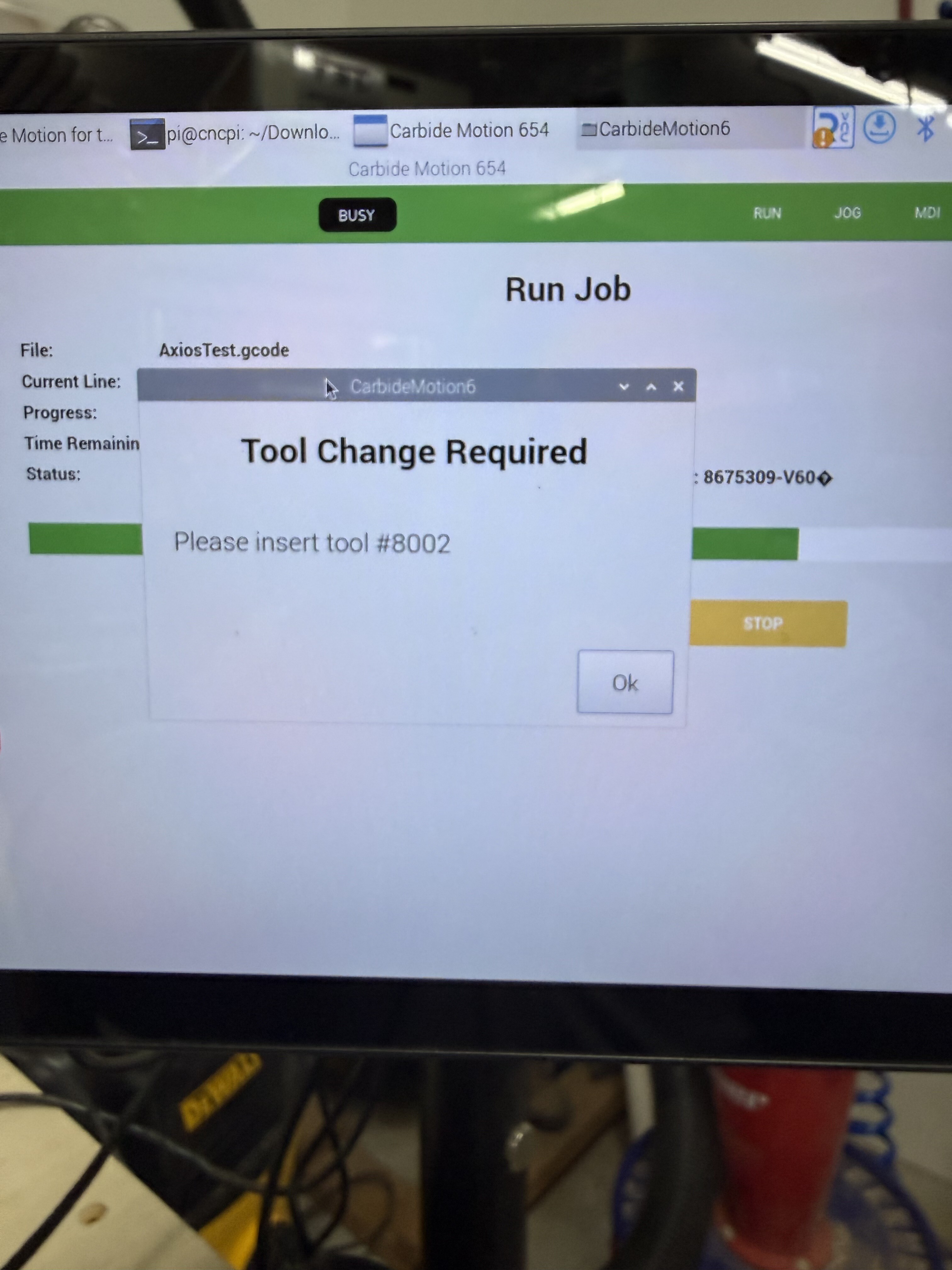
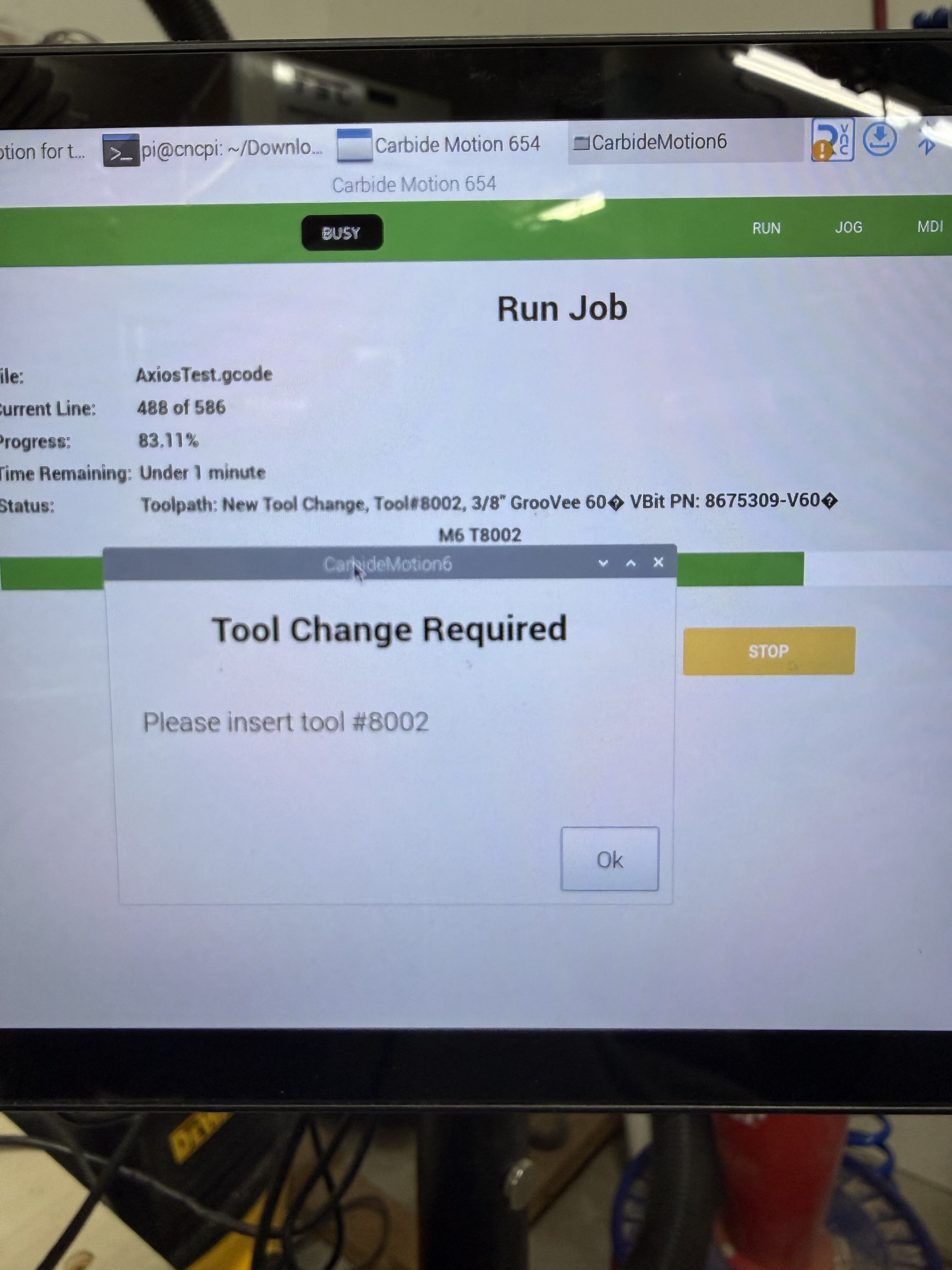
I like the larger popup for for the tool change. It’s easier to read on my 10” screen. It does obscure the more descriptive message from the Vectric post from @Allen44 but I can slide the front one out of the way.
Not yet. Our build computer got hosed with an update (we’ll go back to Ubuntu from now on). So, we need to get that back up and running to do a new build.
Yeah mine is on Bookworm…& from checking the webs Trixie just came out a few months back. Seems to be moving towards making full use of the 64-bit capabilities of the platform.
Thx for the info. Looks like I’ve got Bookworm 64-bit on my Pi 4B. I actually thought I was running a Pi5, because I do have one, but never got around to integrating it with my setup.
So best guess at this point is that it’s a 64-bit vs 32-bit issue - but CMv635 runs fine on it.
Finally got around to checking out my RPi5 again. Loaded up the latest Raspberry Pi OS(Trixie) & downloaded CMv654 to see if it would work.
It’s a no-go.
From what I can tell, the QT library dependencies are not available to be installed.
After setting up my Rpi5 with 32-bit Legacy build of Bookworm, CMv654pi seems to run & work fine with my setup.
3D Preview of loaded job does not function - don’t really need it to as long as the 2D views are there to confirm job setup basics & overall toolpaths.
The one thing I have noticed is that while running a job the tool pop-up window for turning on the spindle & setting speed always says to set max speed(24,000 rpm) even though the Gcode definitely reads differently(lower).