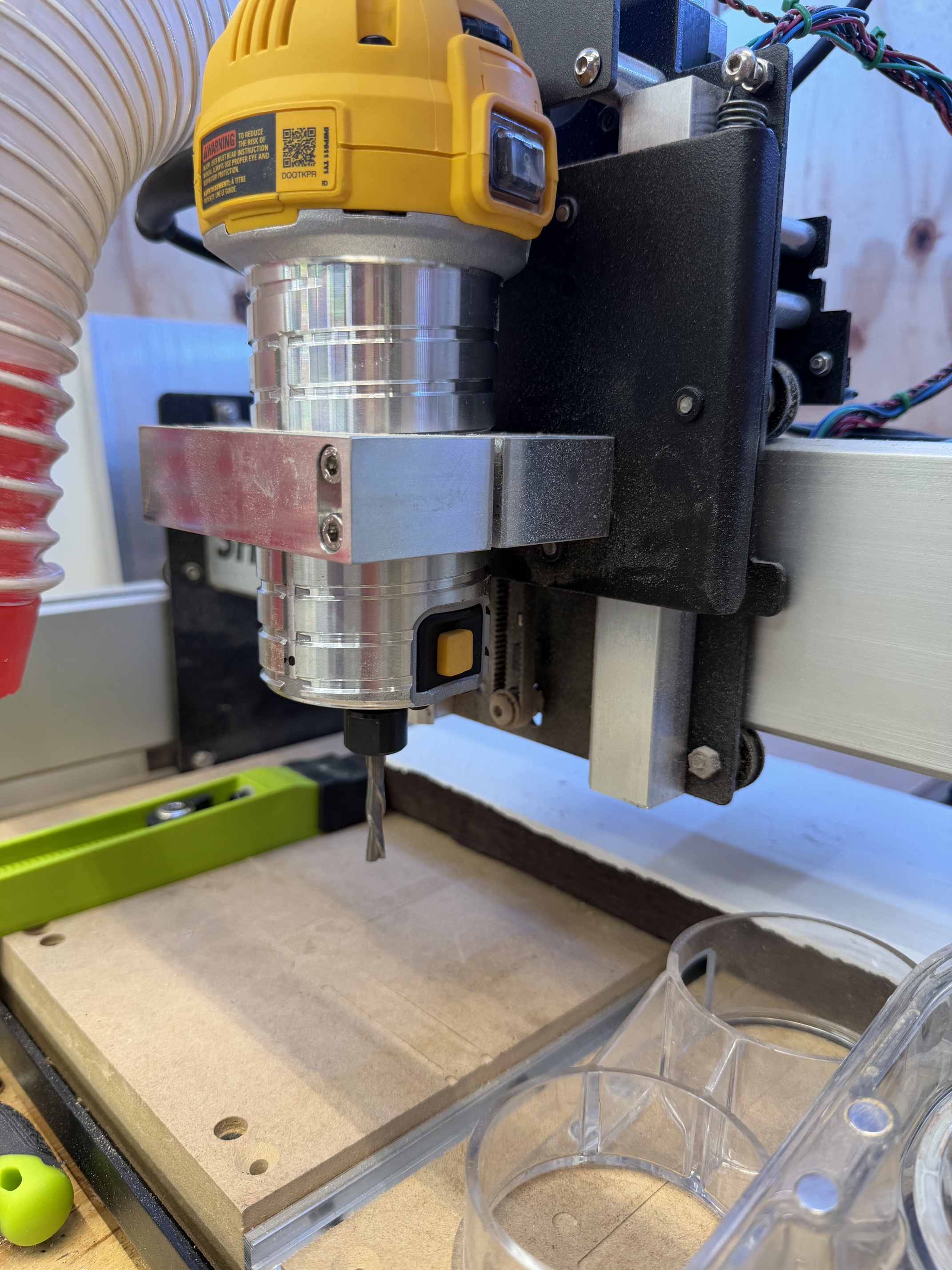
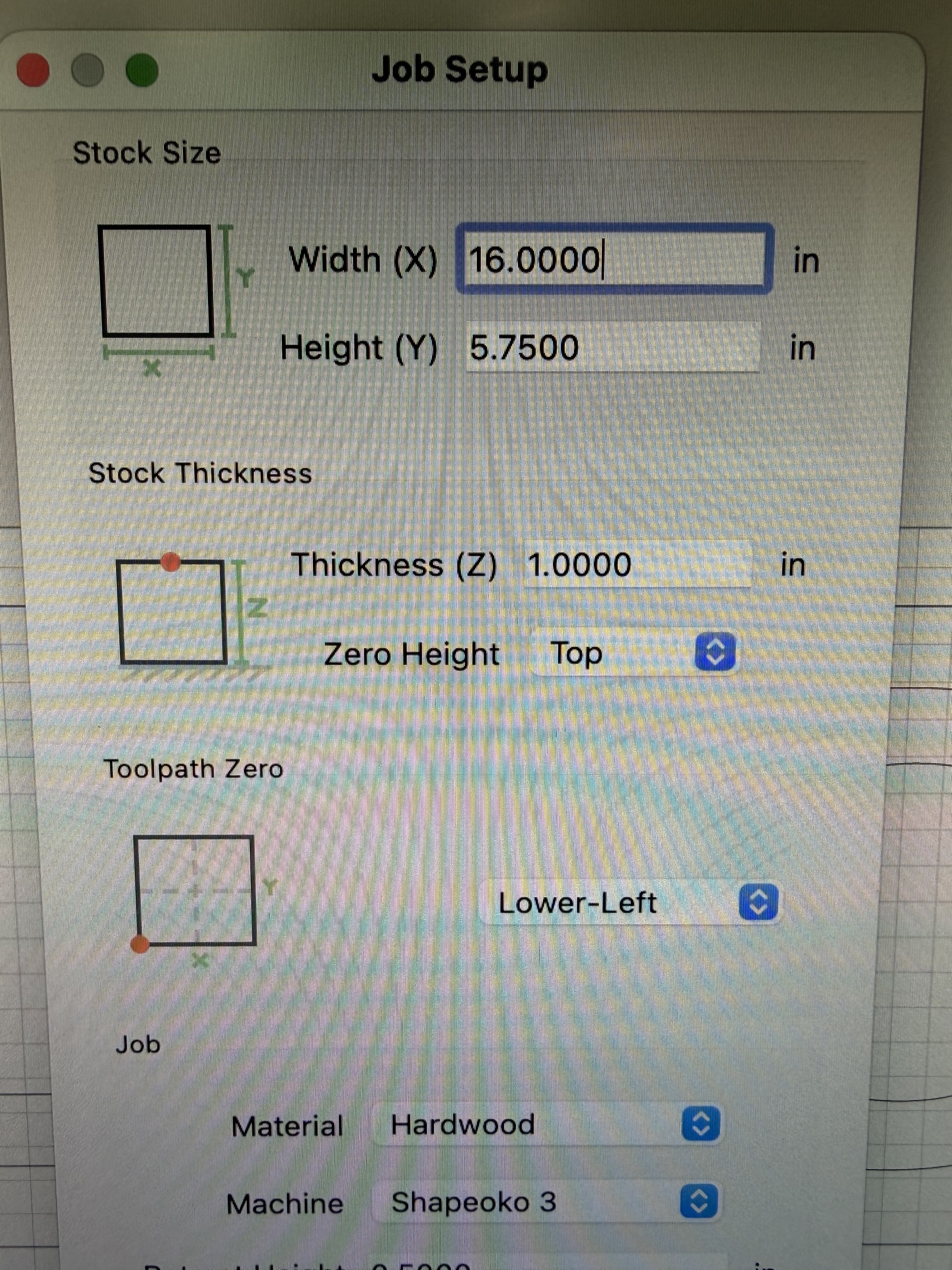
Hoping someone can give me some advice on this one.
I have an older Shapeoko 3 that I’ve had for a number of years.
it was working great last week and then the router stopped working
I bought a new dewalt - same model - installed it and am having an issue that feels totally unrelated
I manually use the jog feature to move the cutter over to where I want zero to be. I get the end mill touching the material right at the zero point. then I click on the Set Zero and then I click on the start button.
In the past - this worked fine
Today - the machine starts “cutting” about 1" above the material. it’s way above my zero set point.
What did I miss? why would this happen?
The end mill is physically sitting against the wood when I set the zero - and then it starts cutting in the air above the material.
If you still have trouble, please upload the .c2d file and let us know step-by-step how you are securing your stock and setting zero relative to it and managing all tool changes, and send a photo showing the stock in place and the machine at the zero position relative to it (or a specified offset from that position) and screengrabs showing what Carbide Motion shows for Position and Machine Position (click on either to toggle to the other).
Moving the router all the way down seems to have fixed it. I’m guessing there’s some sort of max / min on the zero Z height that I was violating as a result of having the router mounted up higher like this. thanks for the quick responses!
When your Shapeoko homes it goes to the back right corner and the Z is at its highest position. When you run the Setup you define the machine and the Z type. Each of those parameters has default values that are populated in the shapeoko.json file. So when you jog all the way to the left side of your Shapeoko it stops before you slam into the side of the machine. Same for the Z. When it is at its highest position (home) it will travel only so many steps down according to what type of Z. Also because there are multiple types of Z (older BeltZ SO3, Z-Plus and HDZ) not only does it limit the maximum number of steps but also the distance of each step. The Z-Plus and the HDZ has different steps per MM. The HDZ has more steps per MM than a Z-Plus.
The Dewalt router is usually set all the way to the bottom of the router mount. @WillAdams usually tells users to put their shortest bit in and push the router down until it touches the spoilboard. The position of the router does not matter except if you want to use short bits you need to have the router lower in the router mount. The Z will still move only so many steps and stop but you have the variable of where the router sits in the mount.
Looks like you have a BeltZ on an SO3. There is a belt on the back side of the Z that needs to be adjusted on occasion. The BeltZ will work just fine but it will not take aggressive feeds and speeds. As long as you dont overload the feeds and speeds the BeltZ works just fine.