I upgraded to carbide create 838, had 837 before with the same problem. I can’t seem to figure out. When moving an object it will only move horizontal, unless it is zoomed up then I can catch the edge at times and get to move vertical. The problem it’s on a large piece that will not fit on the screen I have to move the object part way then move on the screen and repeat. This happens no matter if snap is on or off. Is there a setting to fix this.
Screen grab showing the selection which will only move horizontally?
Upload the file in question?
Are you using a mouse or trackpad?
Try turning off Snap to Grid?
The snap to grid is weird. I often turn it off yet things still try to snap to grid. On the import of some SVG images there is a double line and it is very hard to select the line I want to delete even if I am right over the line I want to delete. As you said I have to blow things way up to finally get the selection I want. Unfortunately this has been a problem for me for a long time. So either it is me or the software and I suspect the software.
If you have trouble with a file, post a screen grab, note the difficulty, and upload it and we will look into it with you.
I will post the file. It does it with most any file. Does not matter if snap is on or off. Using a mouse.
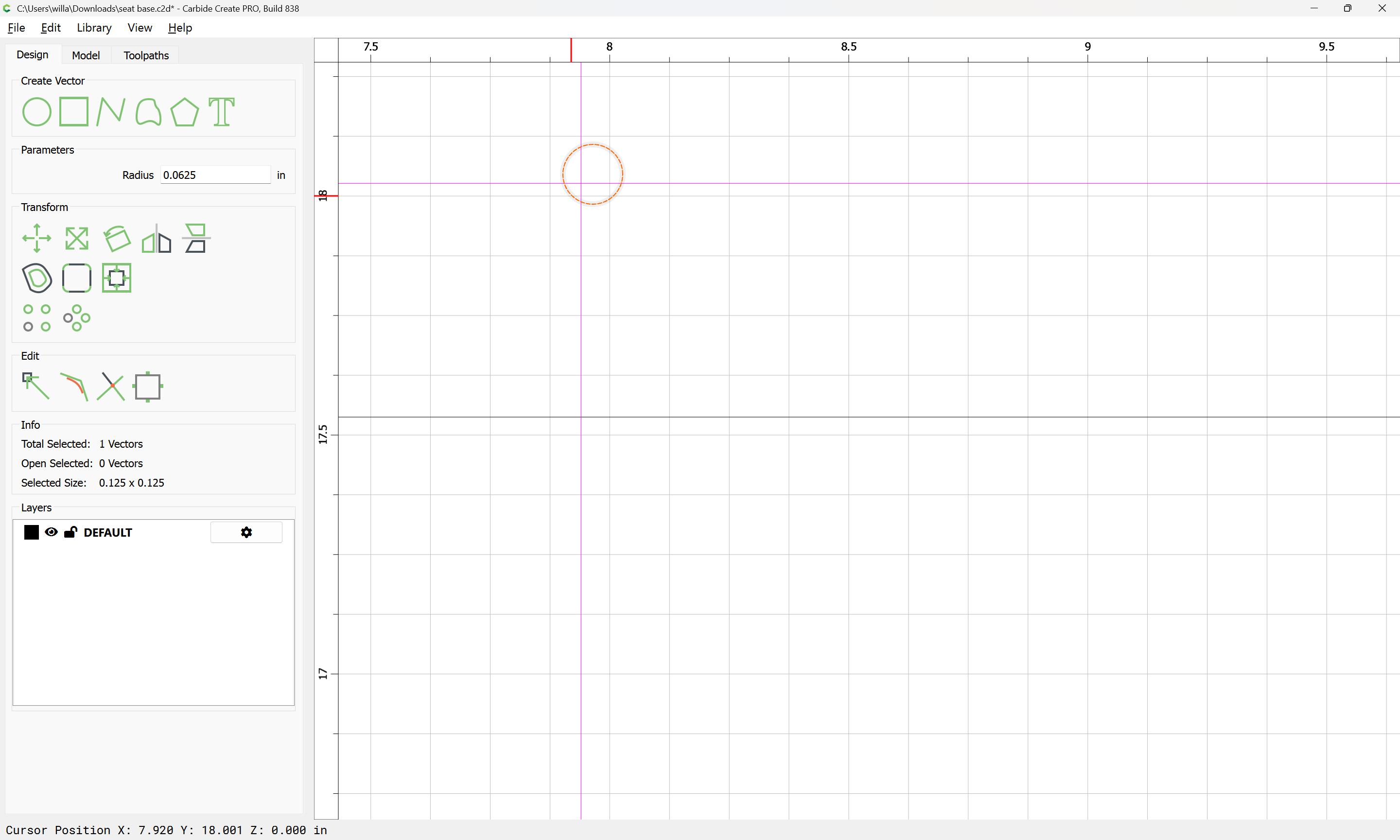
Here is the file. In particular the .125 drill holes is the problem in this file.
seat base.c2d (136 KB)
Drags diagonally:
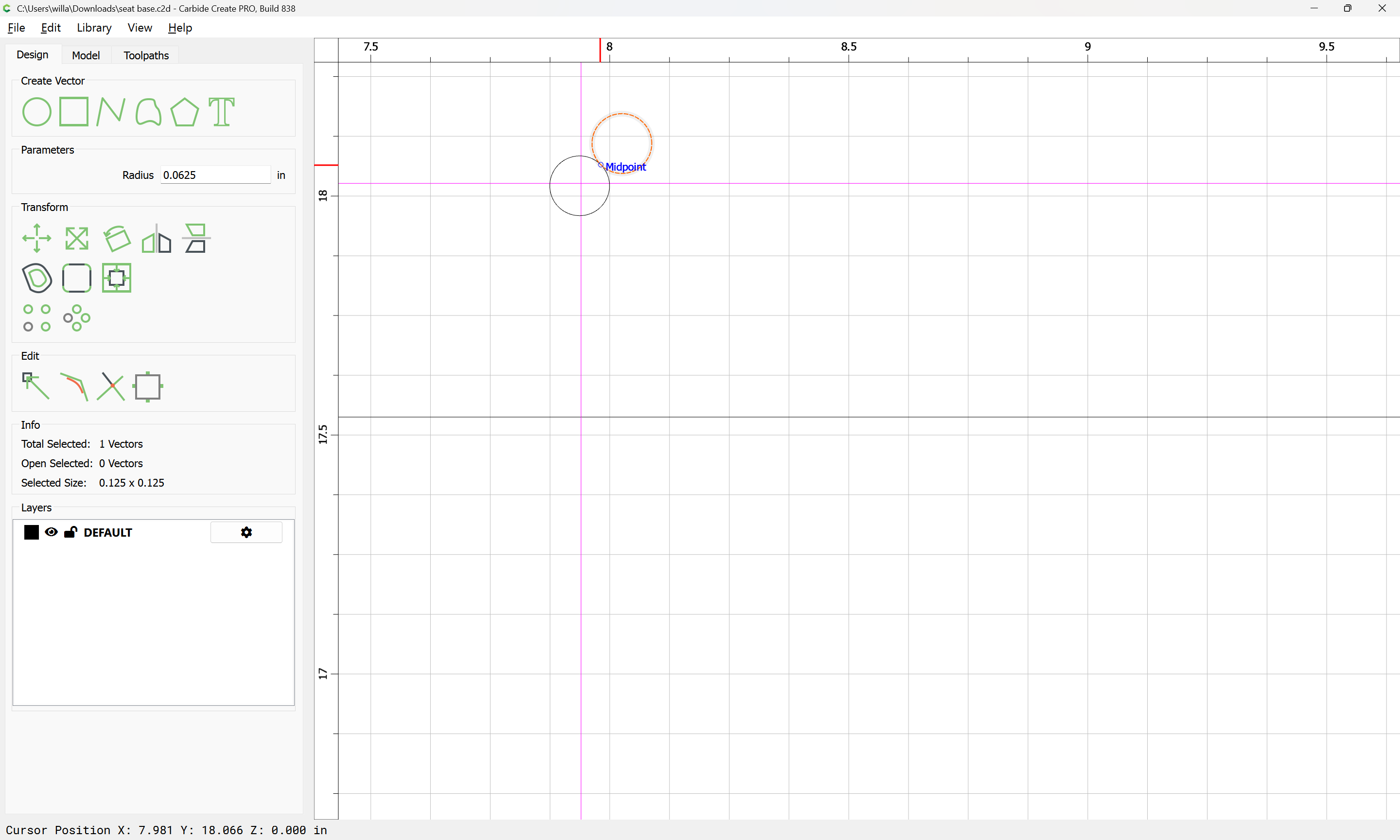
One issue is you have 29 copies stacked on top of each other:
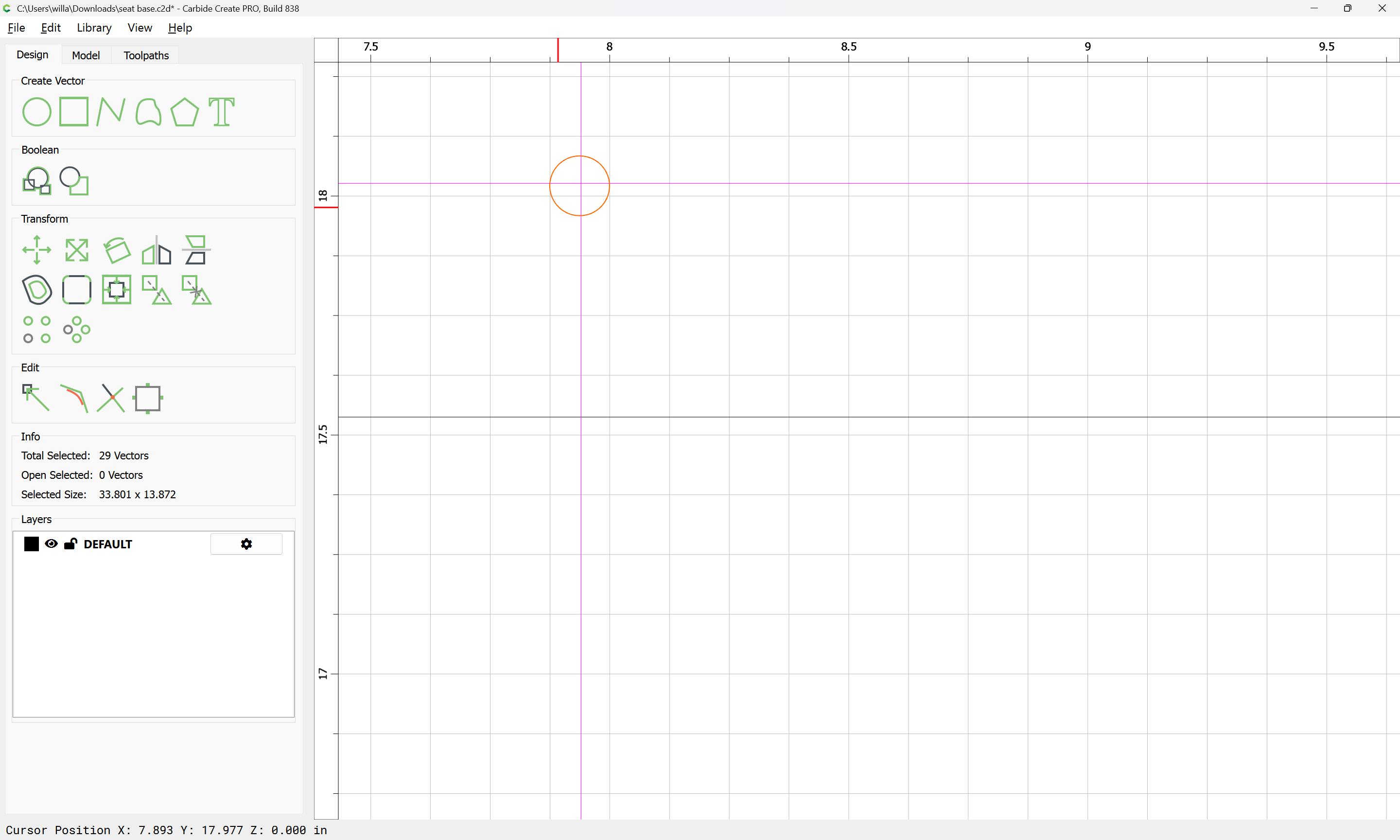
If you shift-click to remove one from the selection:
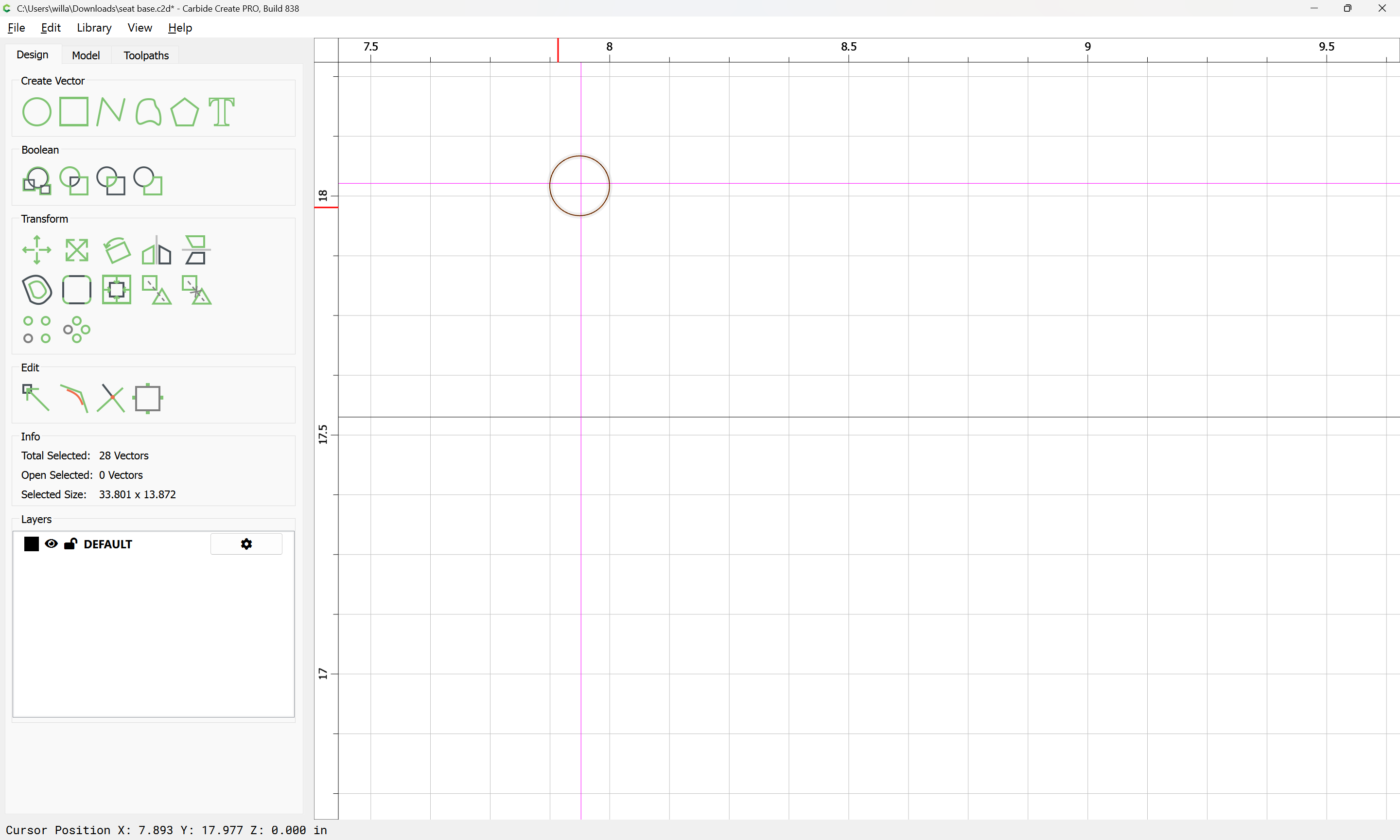
and delete:
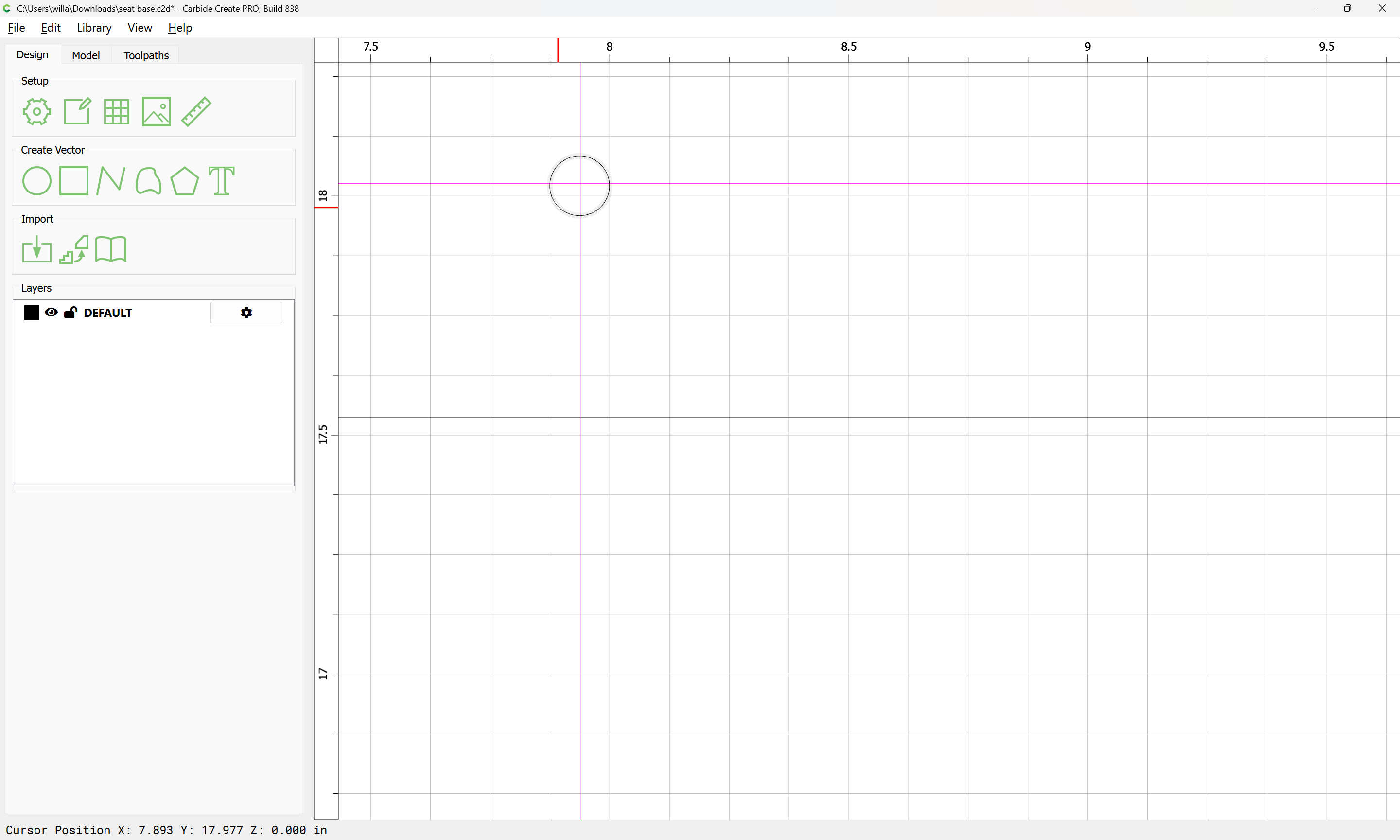
you will find shifting easier, since it doesn’t want to snap to itself:
Really? Don’t know how that happened. Will see if I can fix it.
Thanks for the help.
This topic was automatically closed 30 days after the last reply. New replies are no longer allowed.