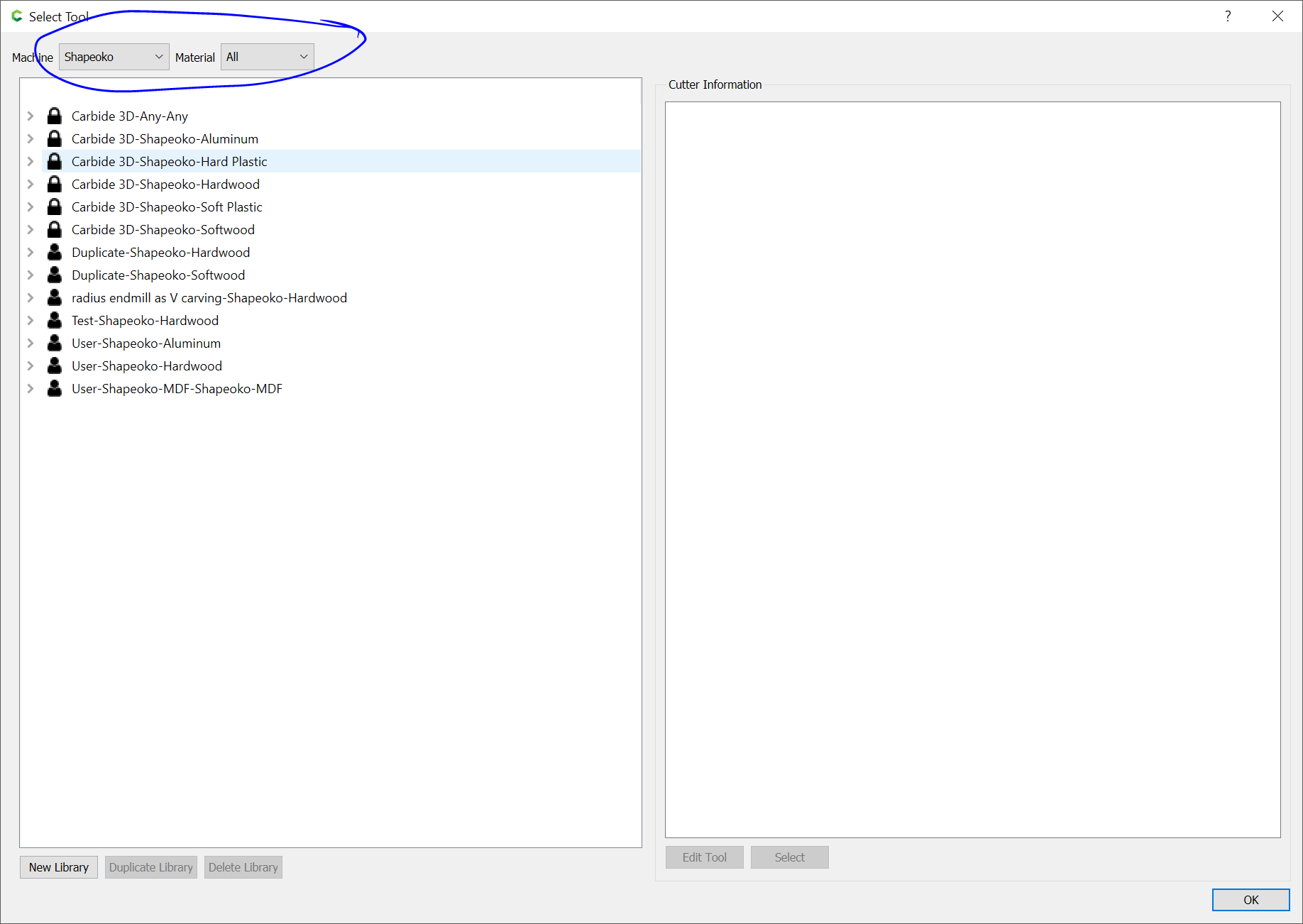
When I try to select a different tool and go to the tool library, all I get are 3 Shapeoko “user” tools. MDF etc. no tool library! Also don’t know how or where to pull images for (example) playing card symbols!
I’m really struggling to in carbide create and motion!! I’ve watched the tutorials several times!
I’m surprised Will or Juilien haven’t chimed in, but here are a few things that I can think of.
-
What version of Carbide Create are you using? I think you should update if you’re not running the latest version (623) Carbide Create
-
I had something similar happen with the tool database the first time I loaded Carbide Create. But it went away on its own after just rerunning Carbide Create. So I am not sure about that. You may need to uninstall and then reinstall Carbide Create.
-
The free built-in “Design Elements” are now under the “Library, Show Library” in Carbide Create (Ver 623) I’m not seeing playing card symbols, but they may be there somewhere. There is also the online elements. Carbide Design Elements (carbide3d.com)
2 Likes
This topic was automatically closed after 30 days. New replies are no longer allowed.