There is an SVG for this on Wikimedia Commons:
File:Vector Oreo.svg - Wikimedia Commons
which opens as expected into Carbide Create (though there is a warning about open vectors):
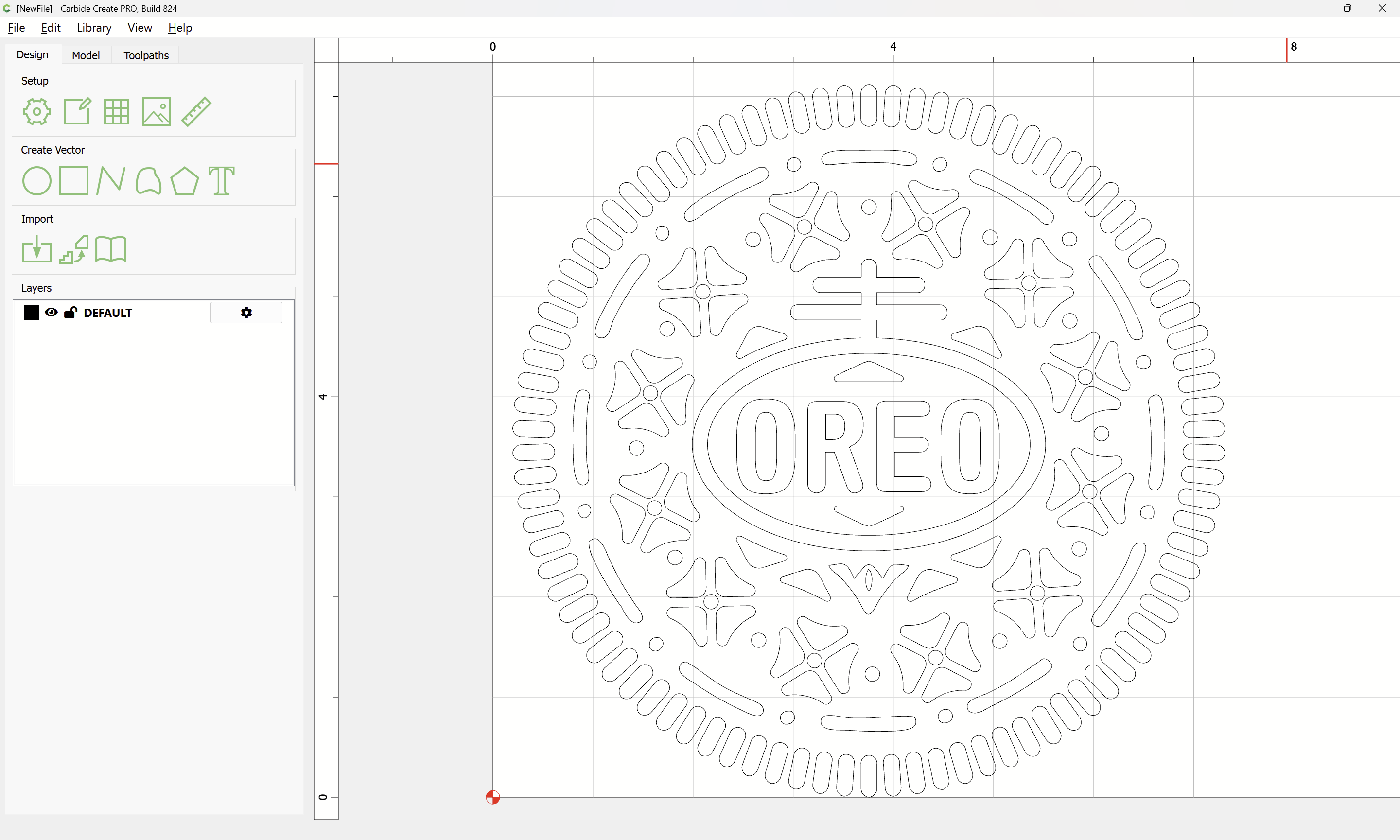
but selecting open vectors:
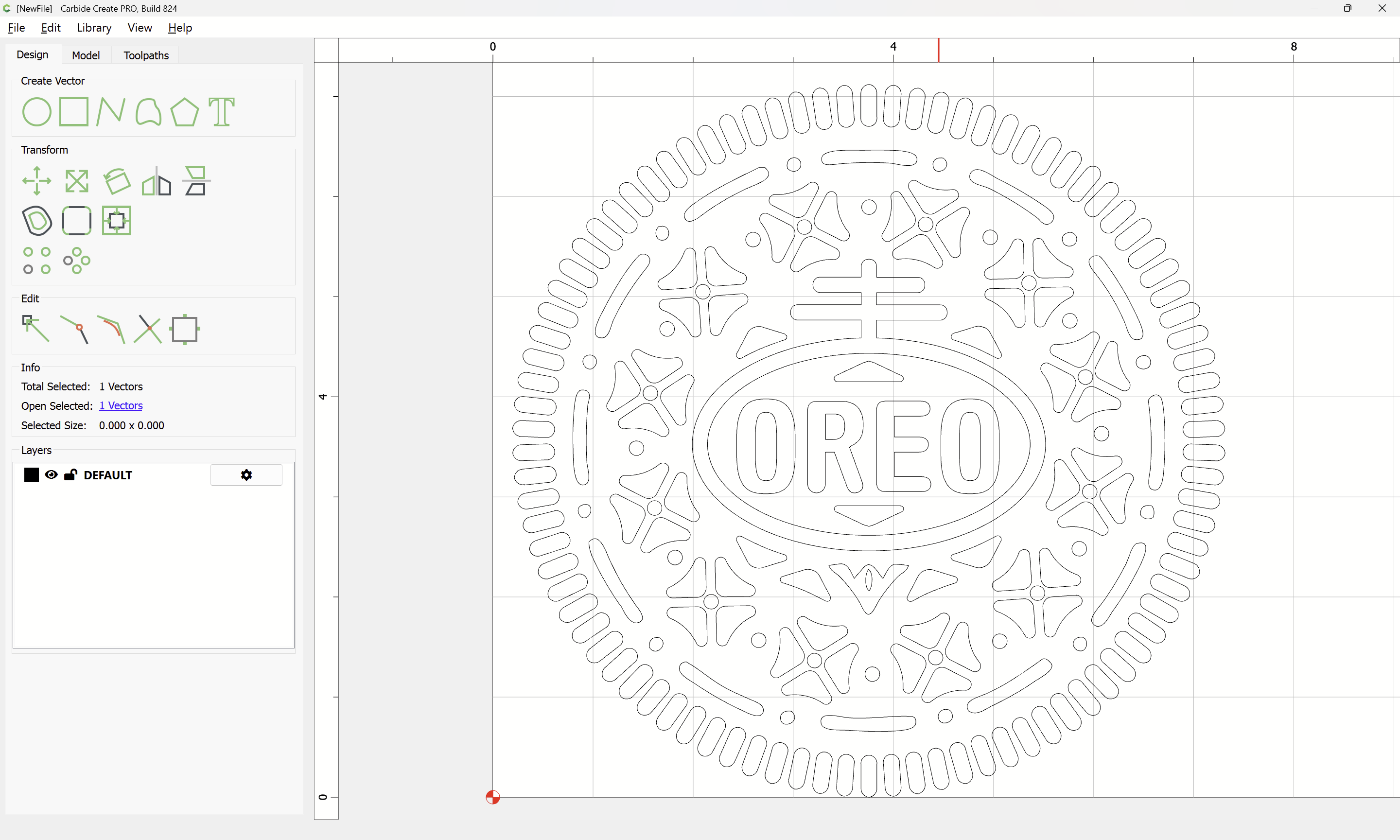
and then deleting addresses that.
The design represents the raised design of the cookie, so one will need surrounding geometry, select:
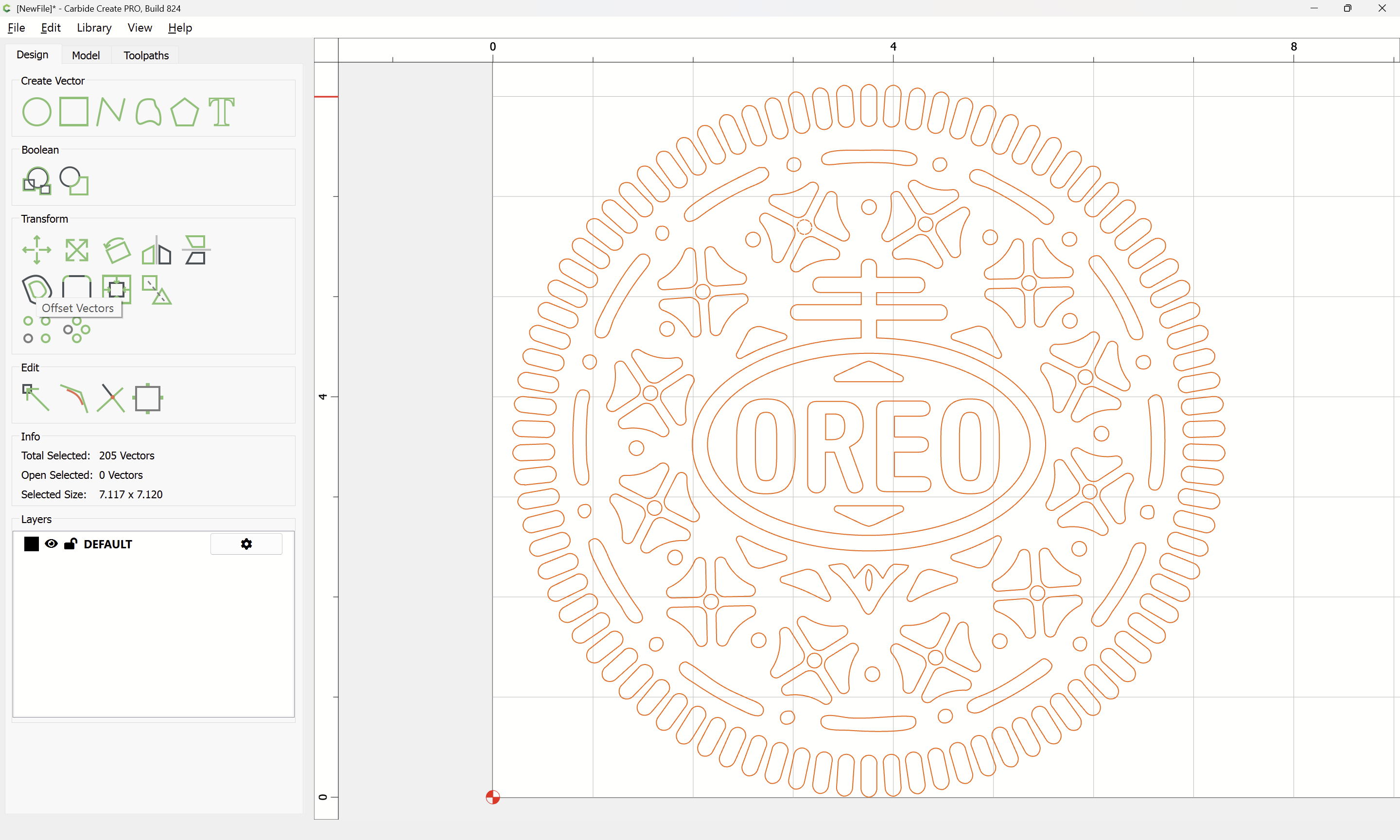
Offset Vectors:
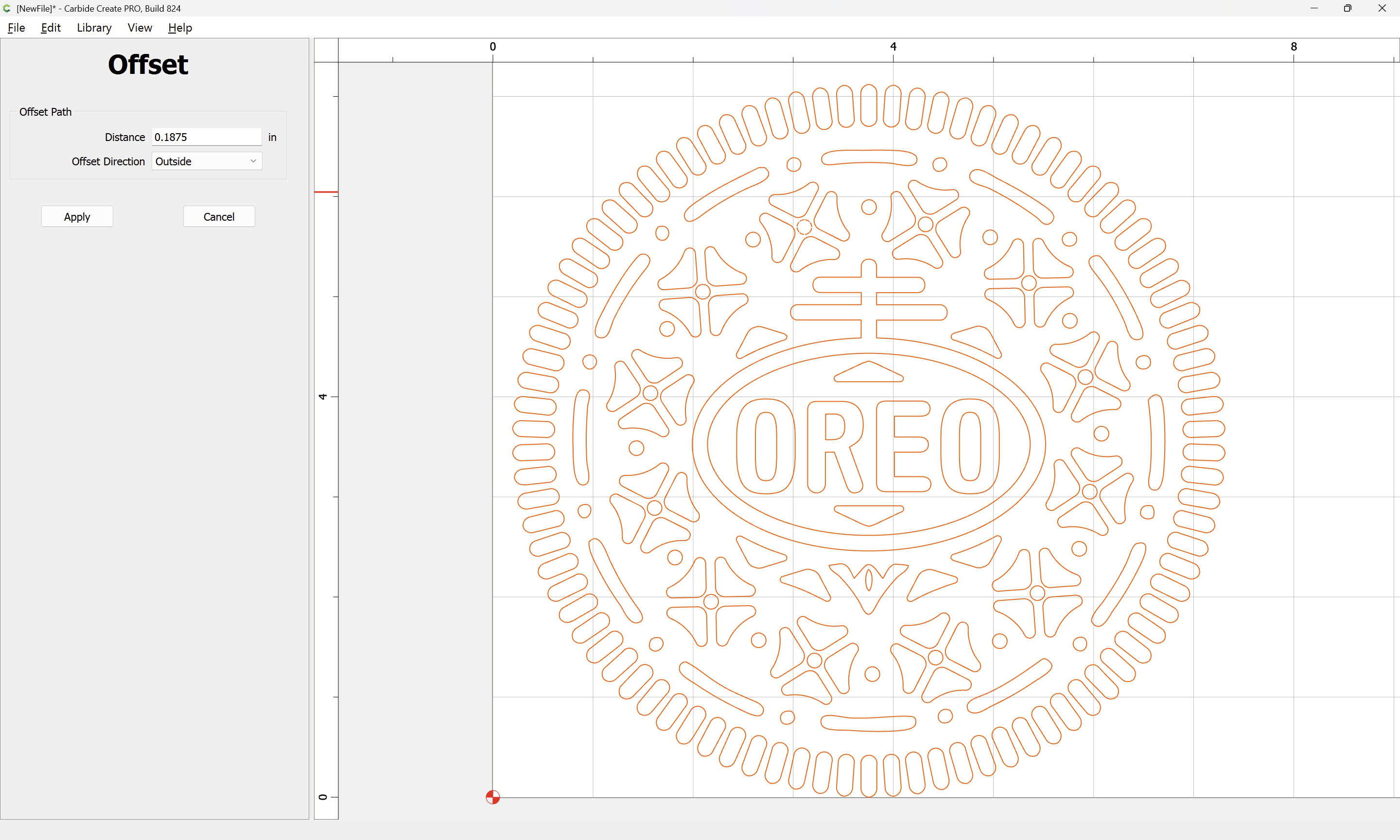
to some reasonable dimension:
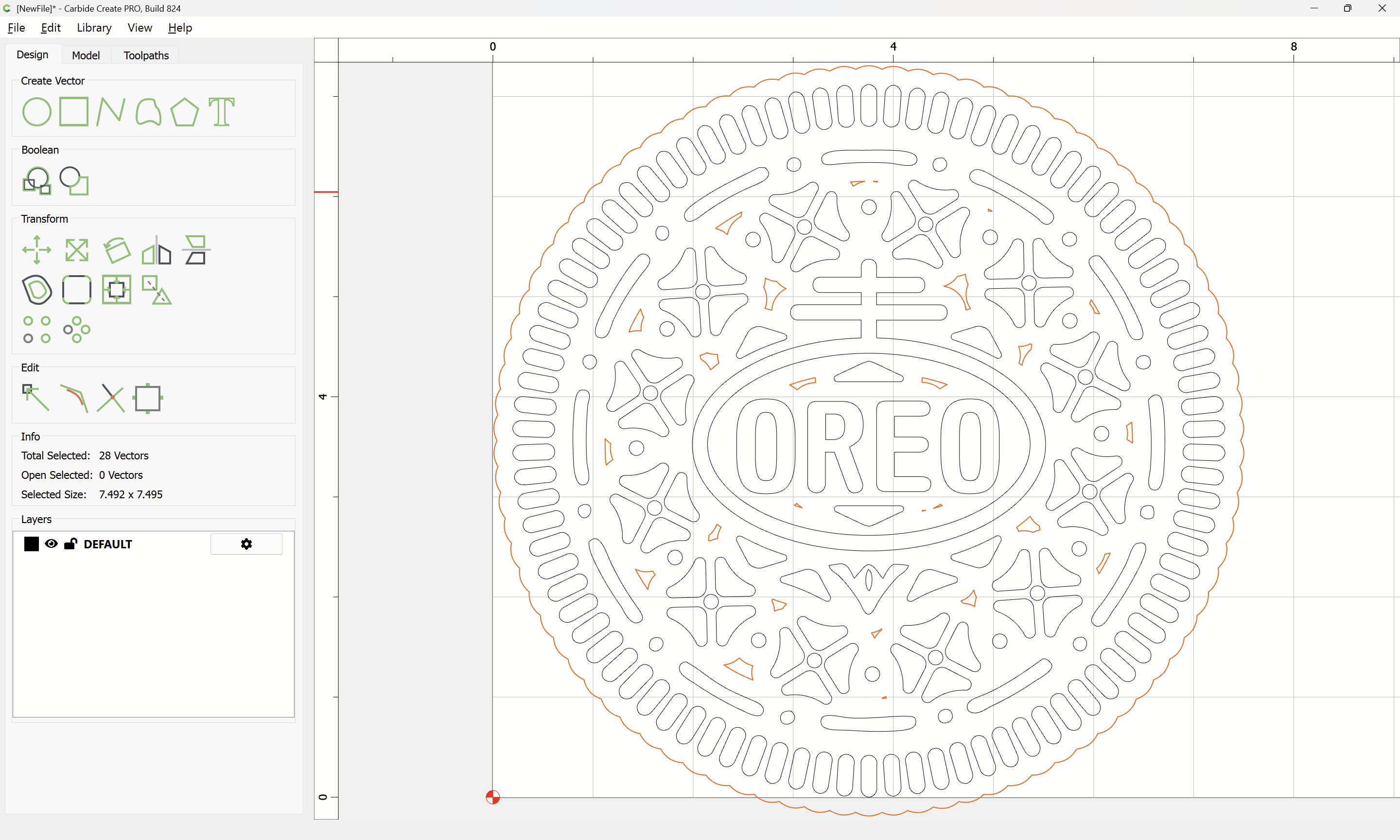
Then shift-click to deselect the border geometry:
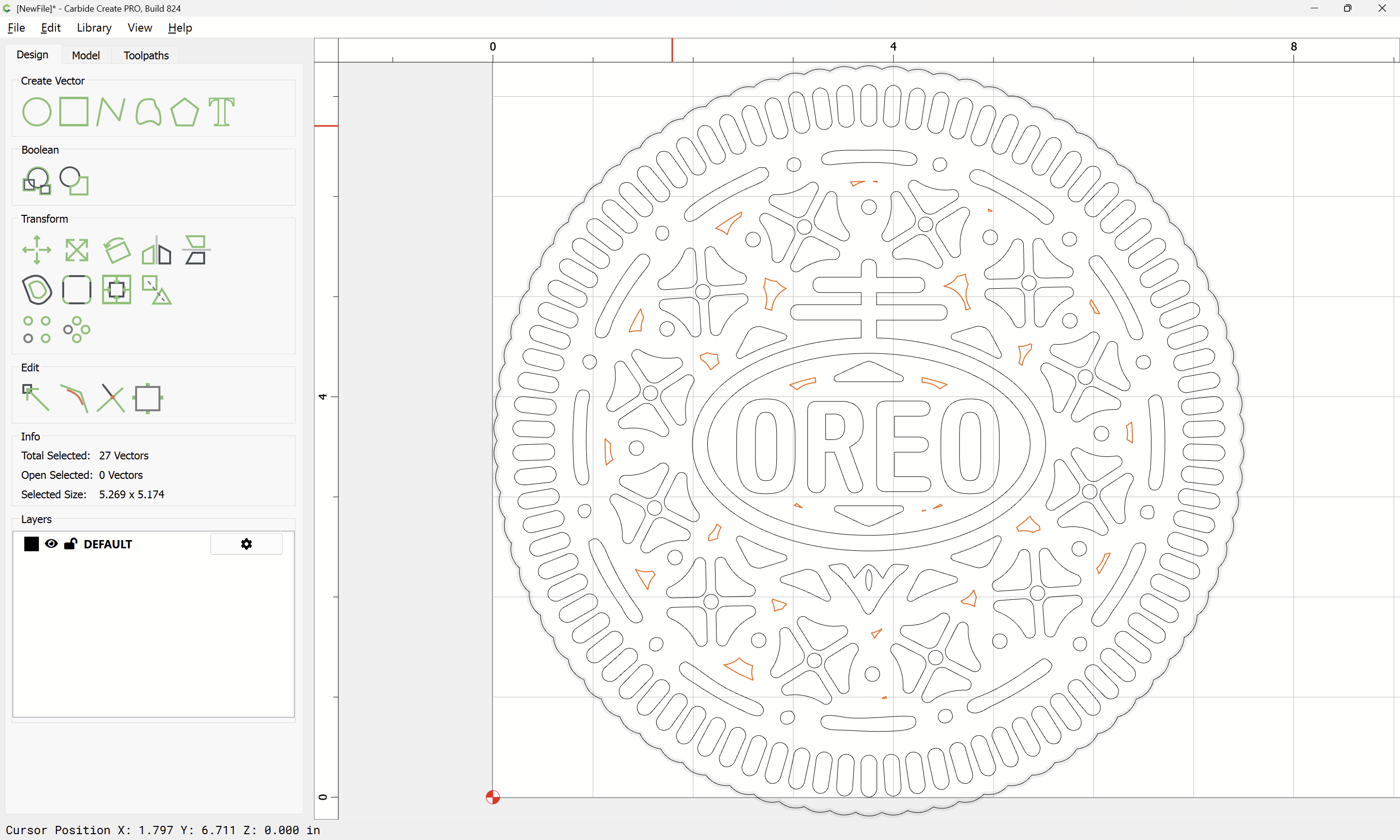
and delete to clean up:
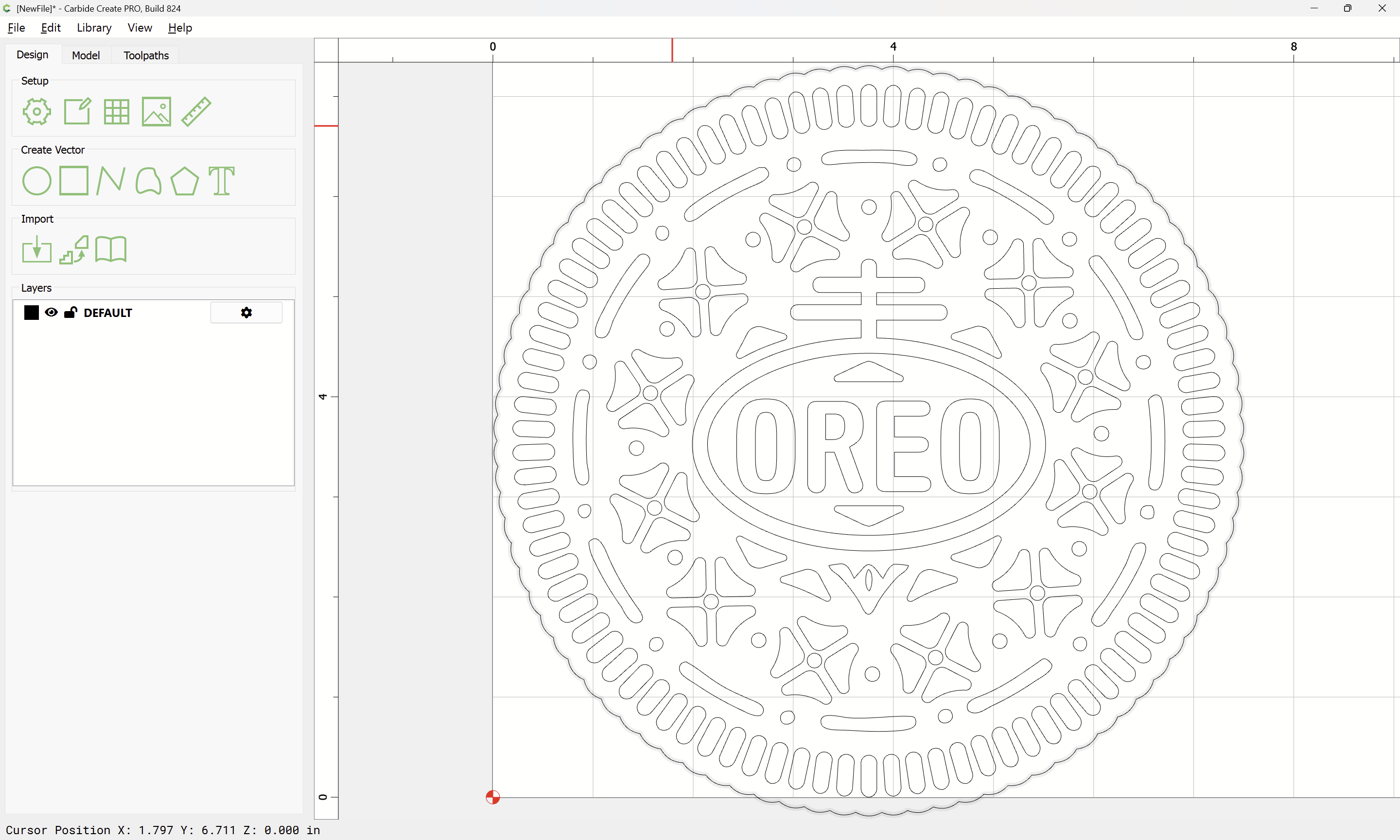
Select everything:
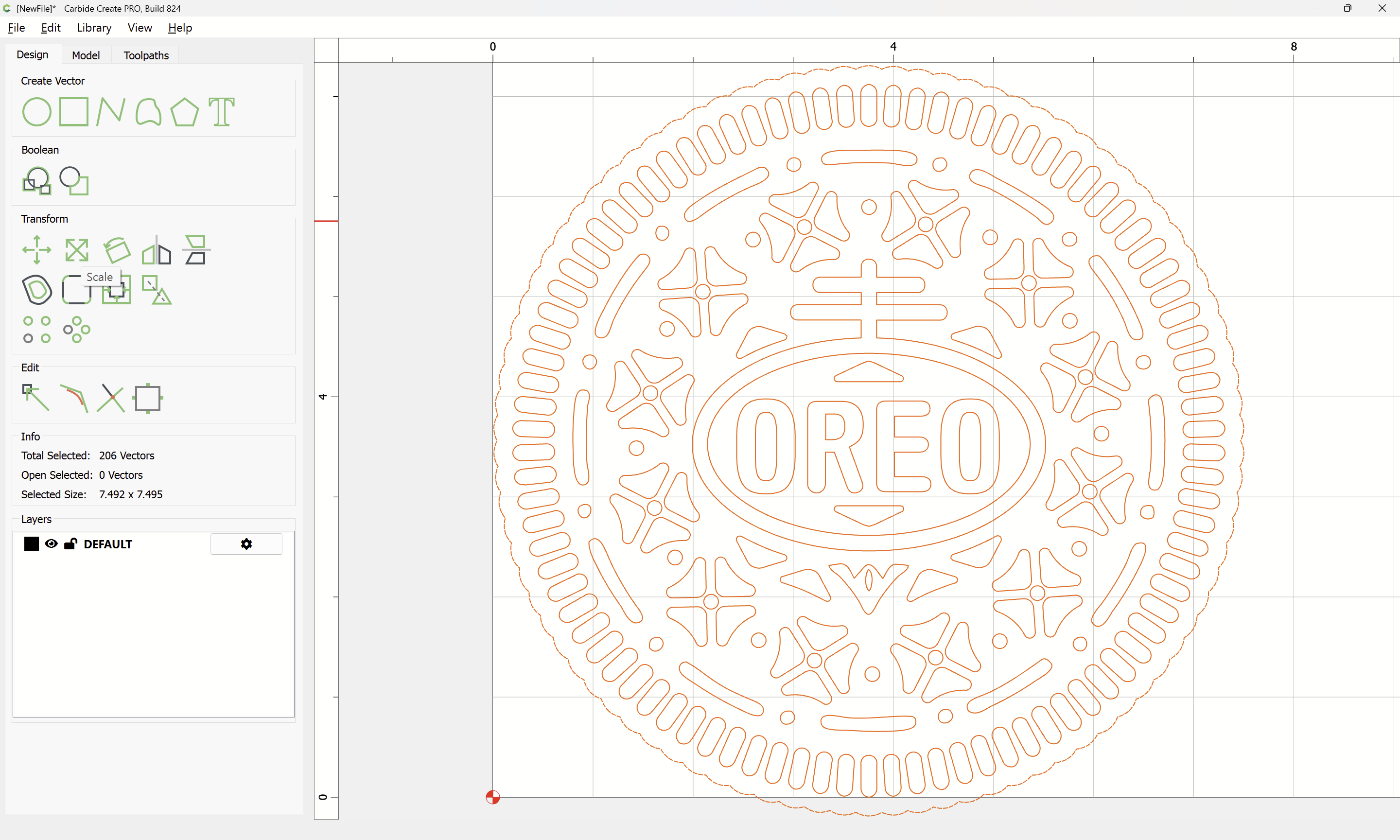
and scale to suit your stock:
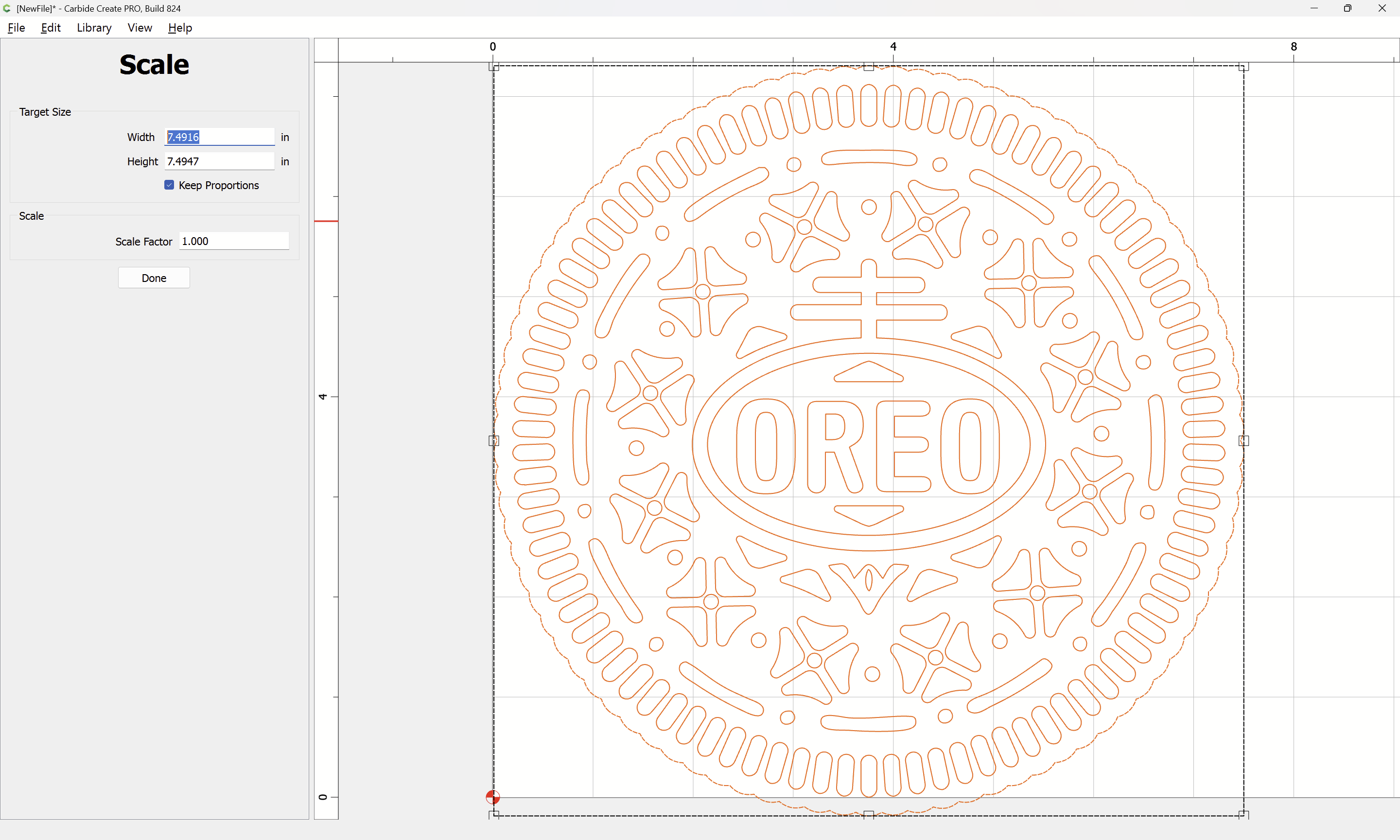
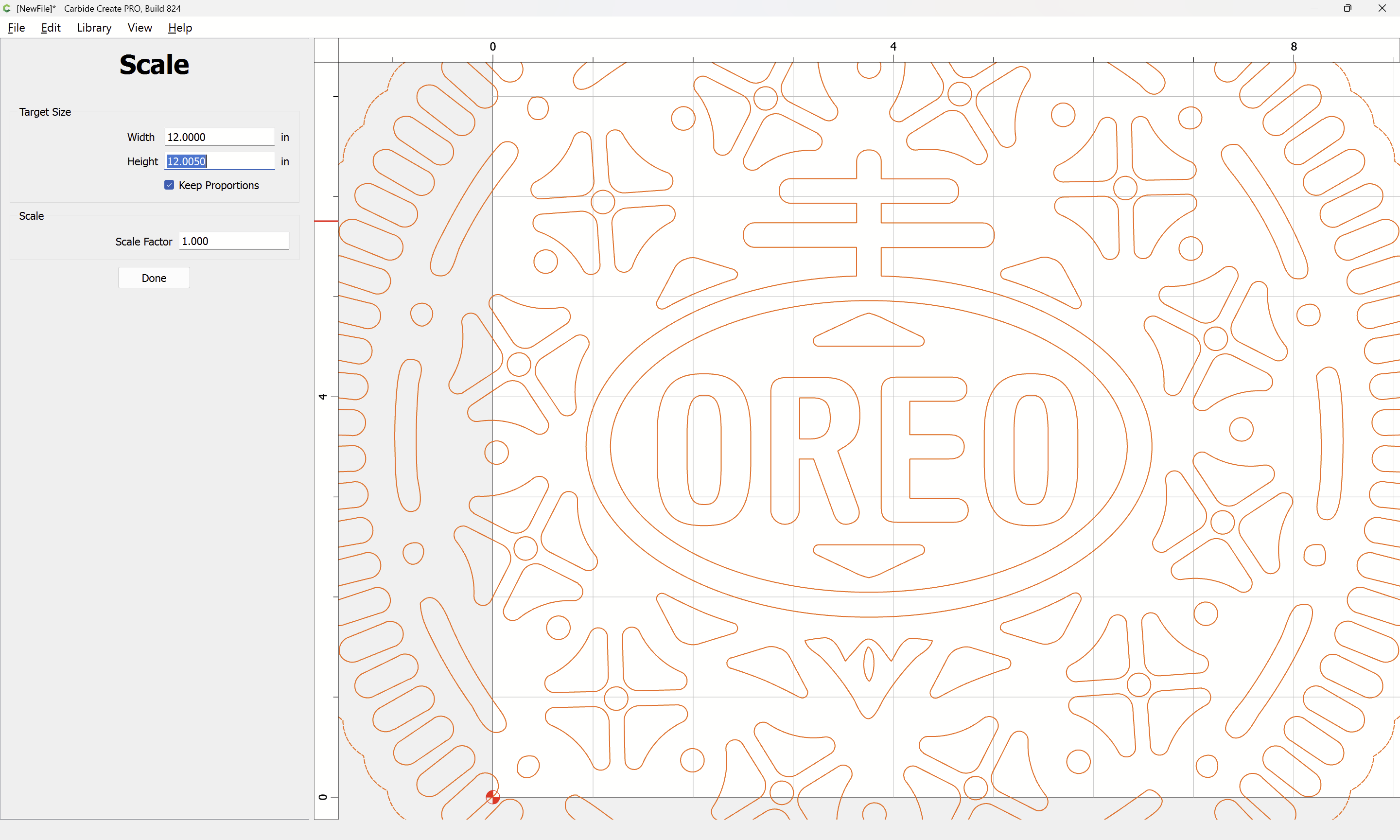
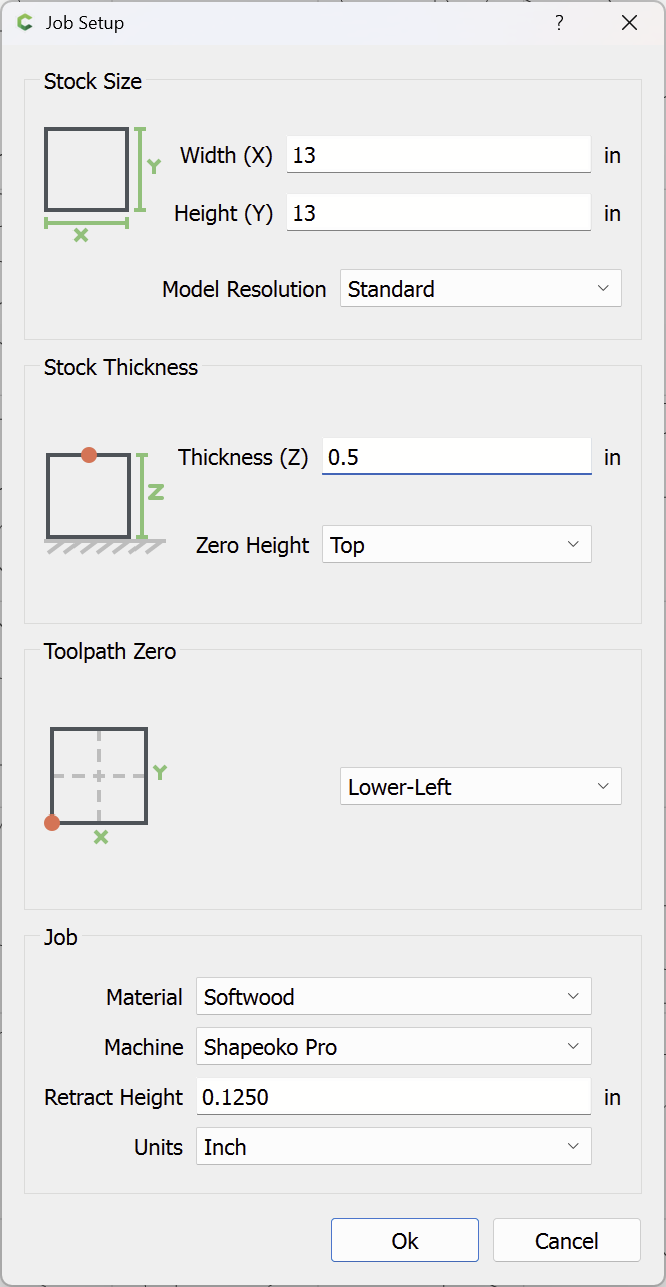
Then re-size the stock:
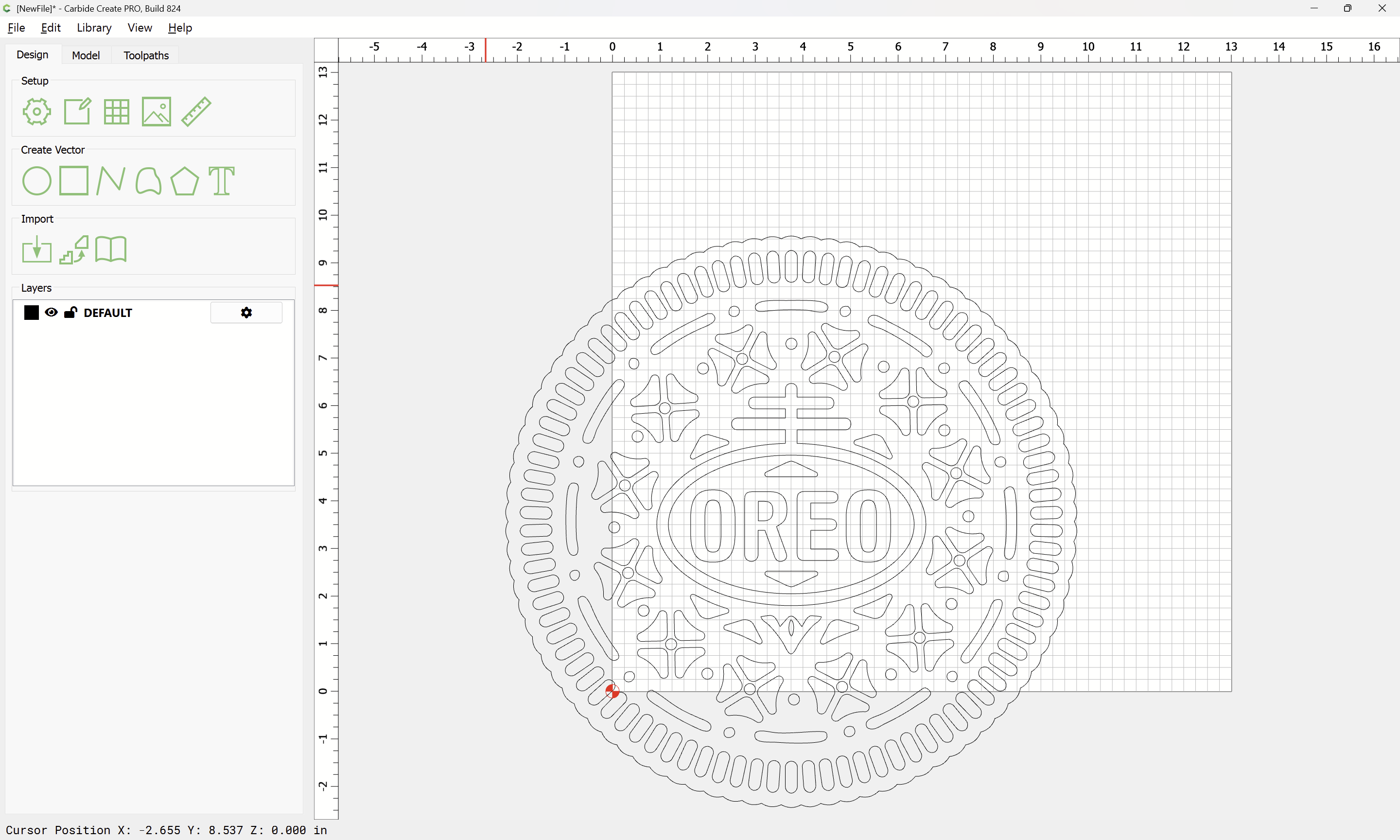
Select everything:
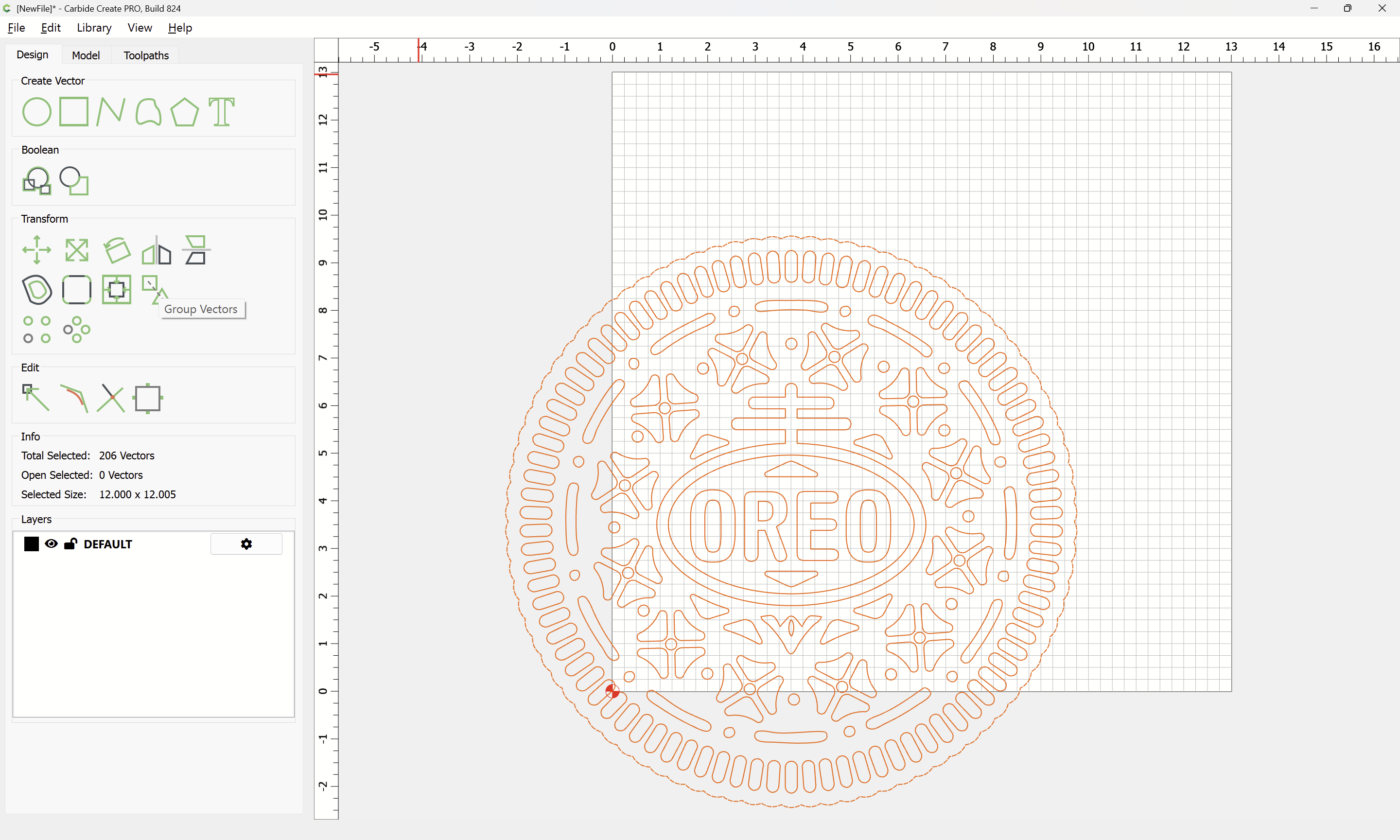
Group Vectors
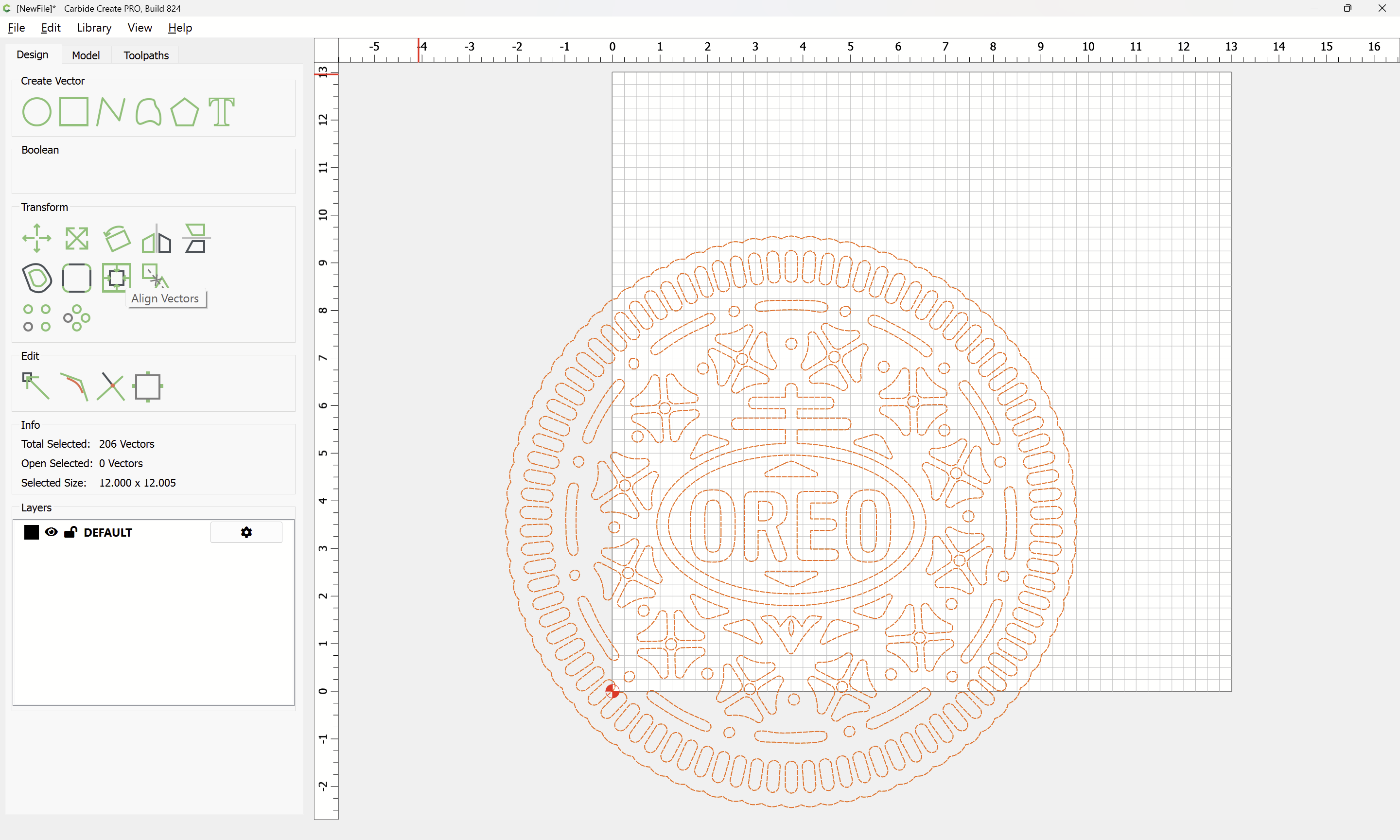
Align Vectors
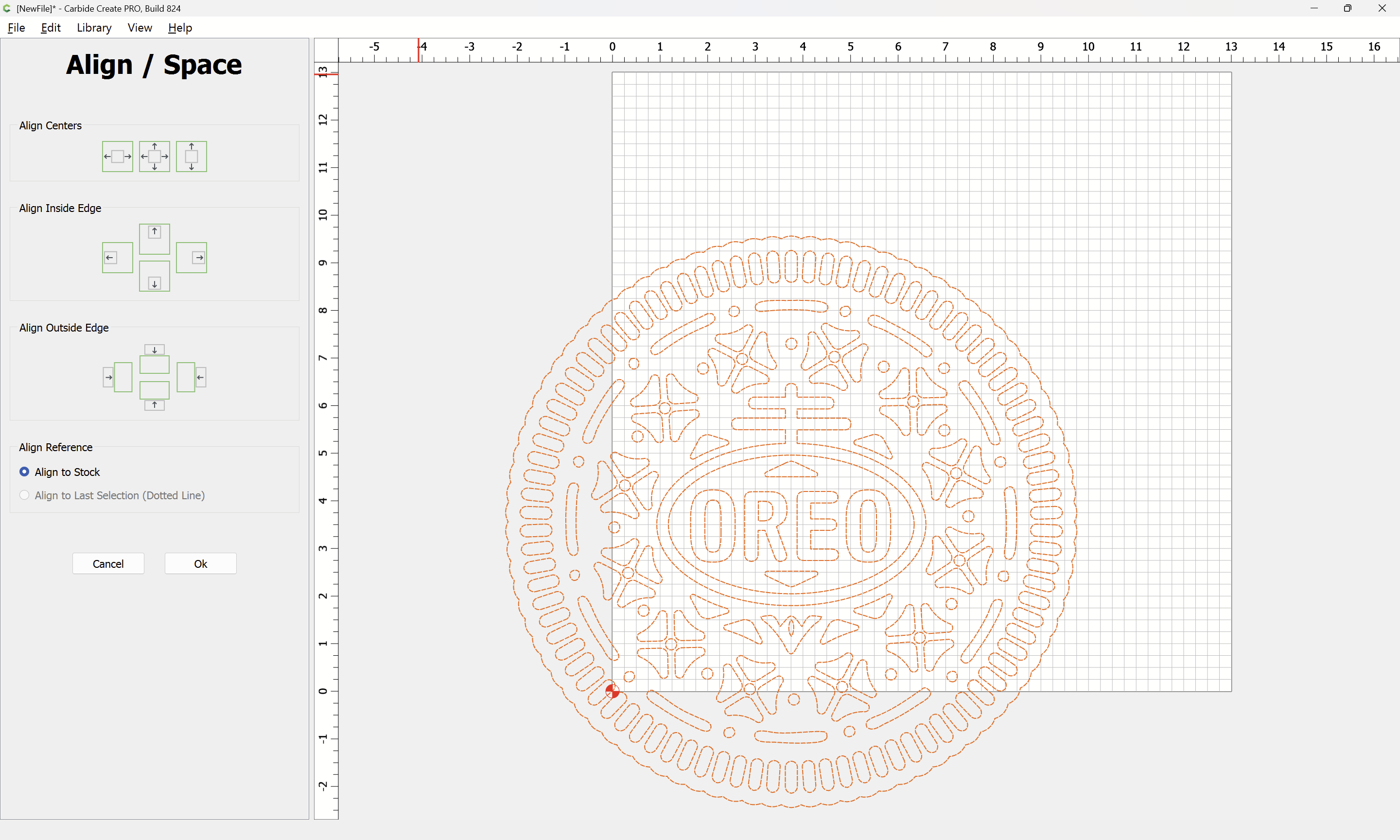
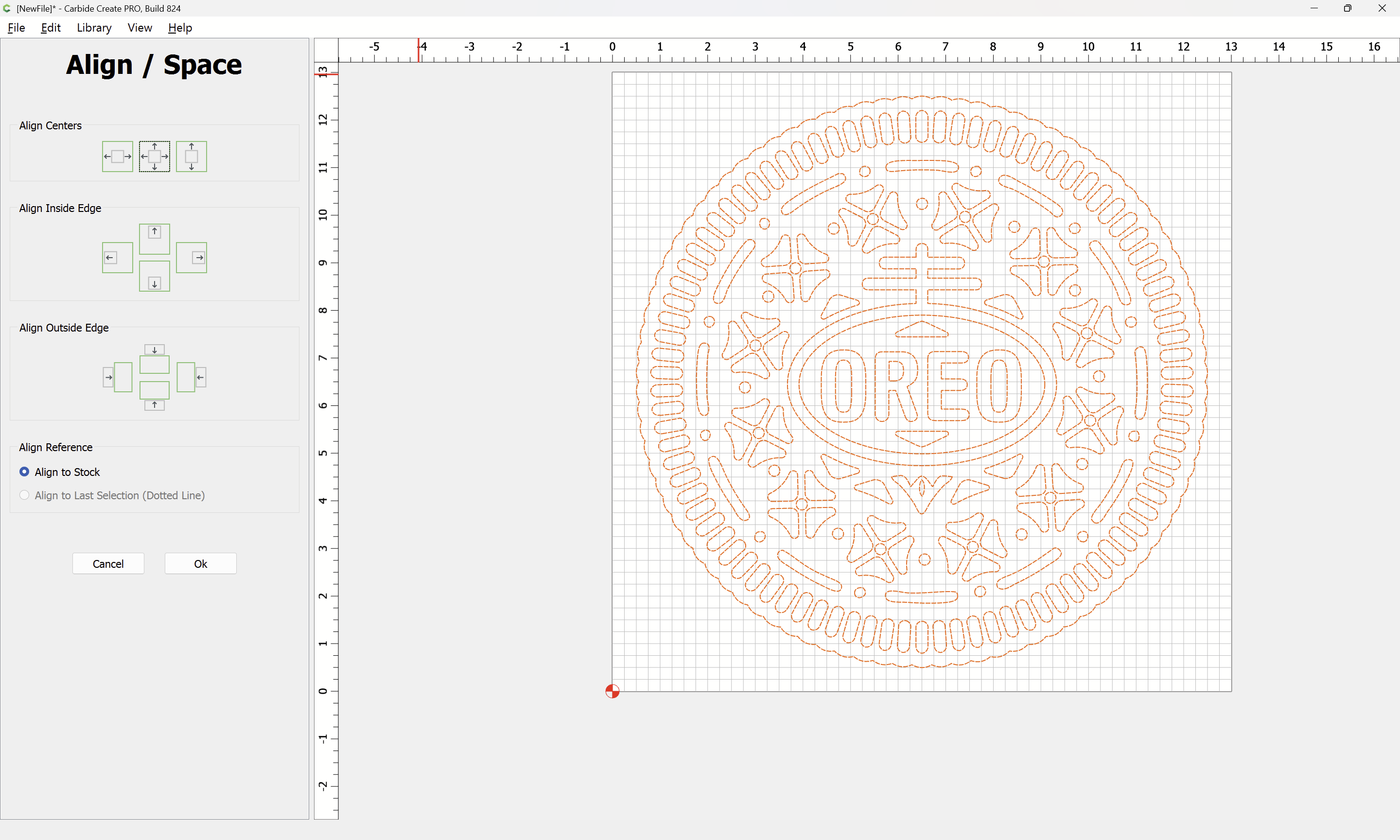
to the center of the stock:
Ungroup Vectors
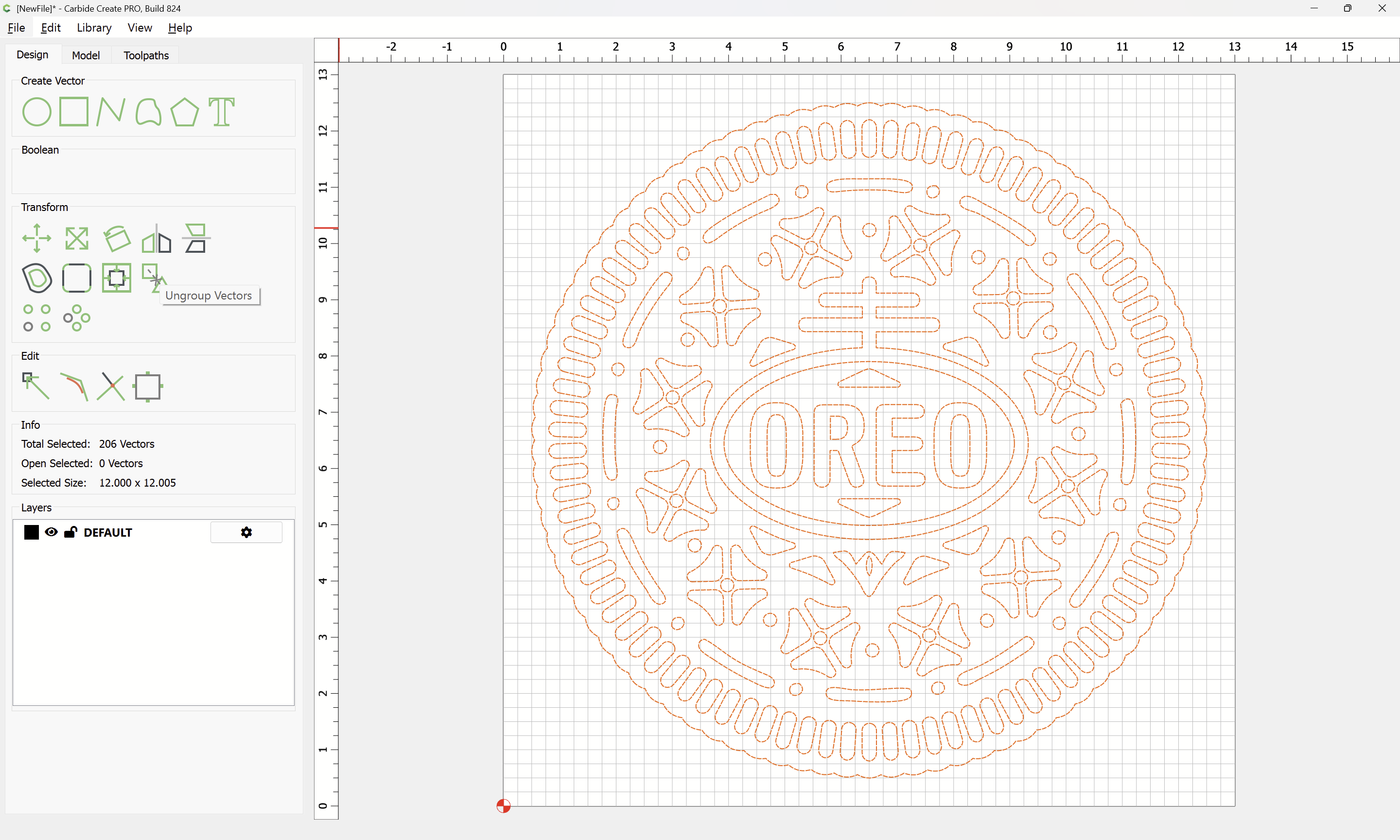

Select only the surrounding geometry:
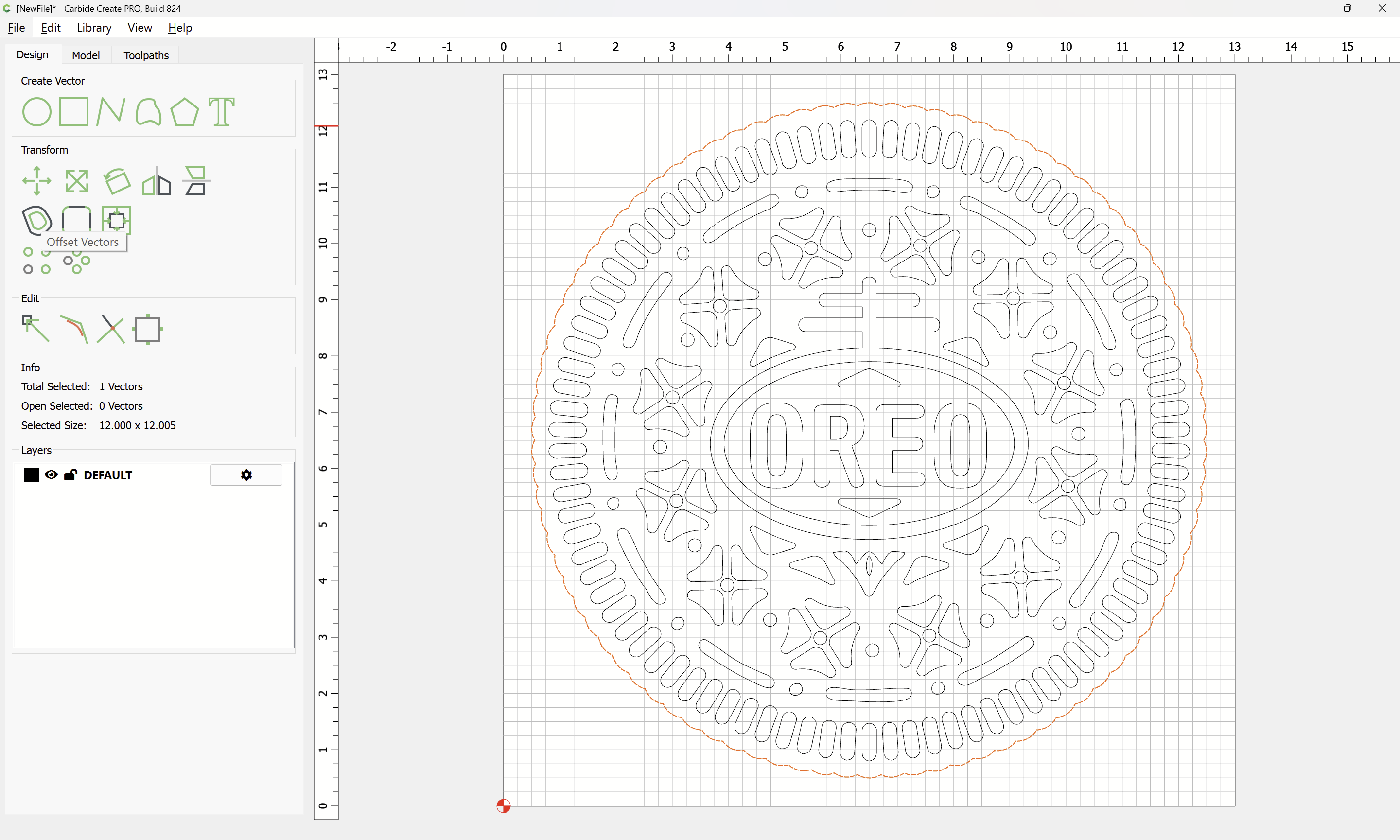
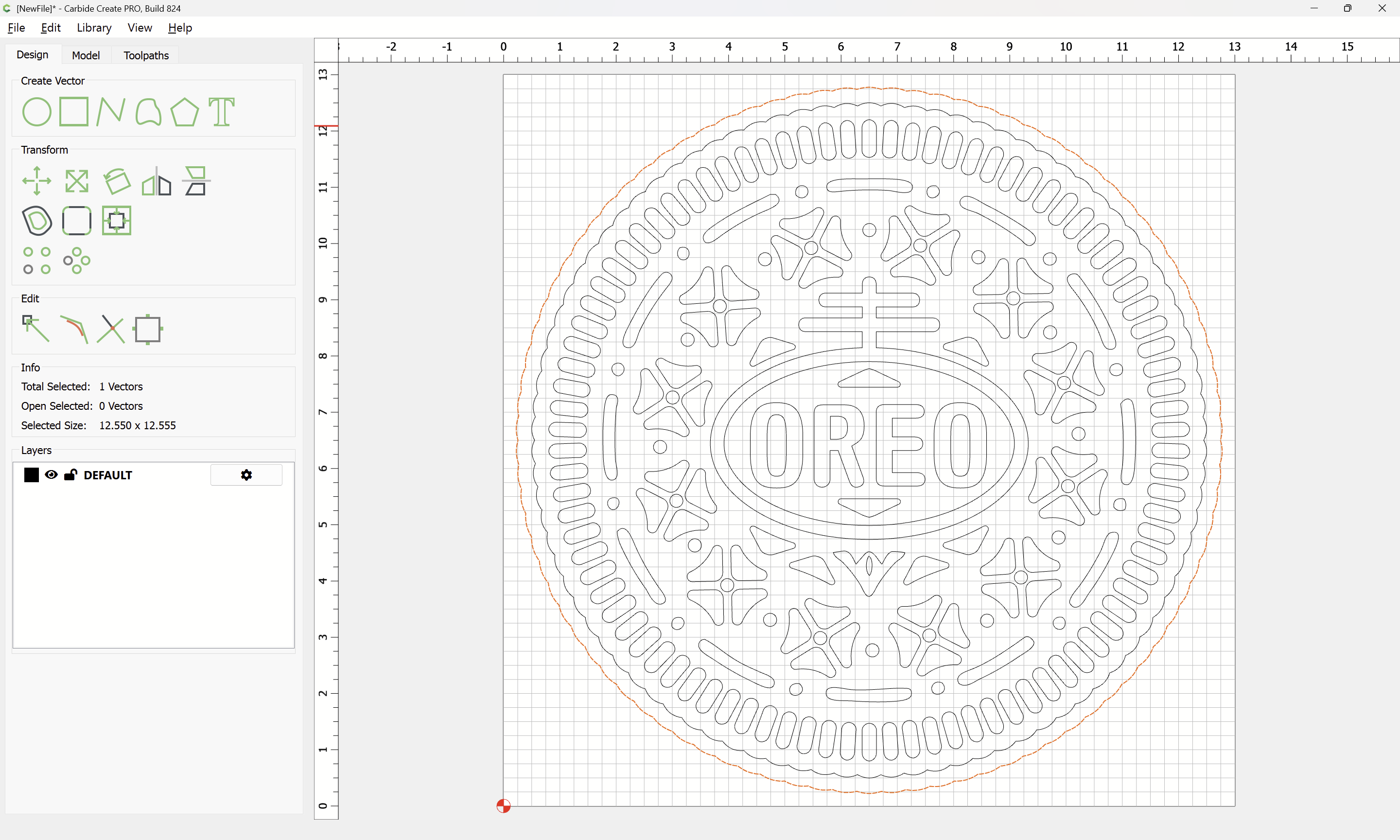
and use Offset Vectors again:

to offset by tool diameter plus 10% or so:
Apply
Select everything except for the original border geometry:
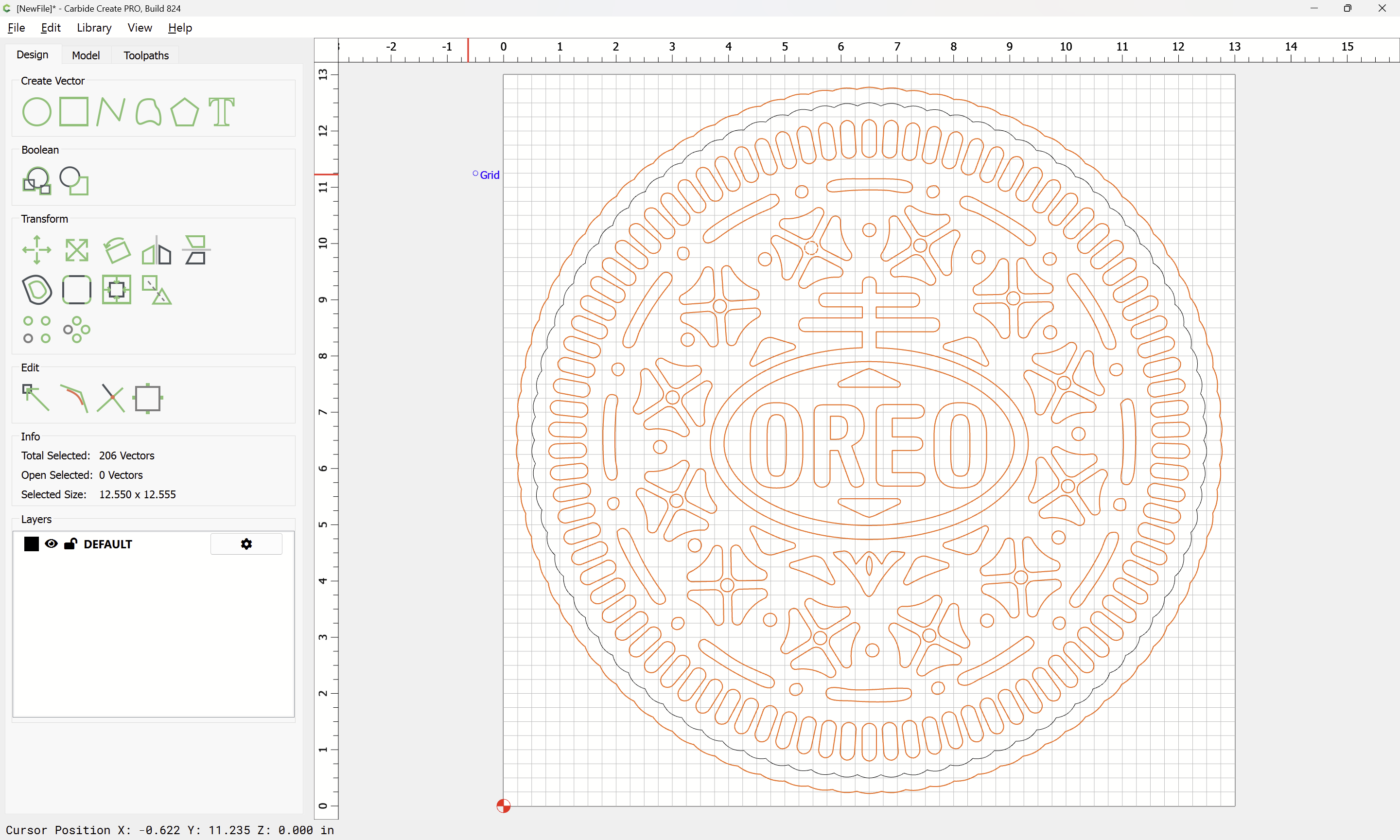
and assign a V Carving toolpath to a suitable depth:
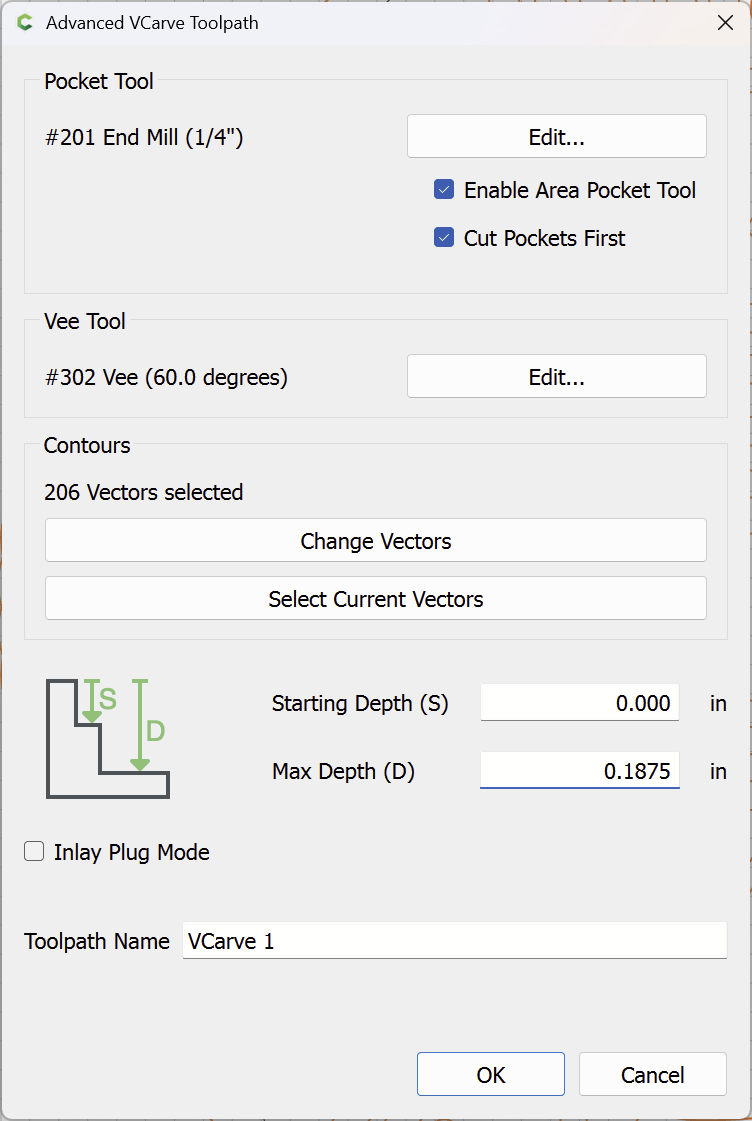
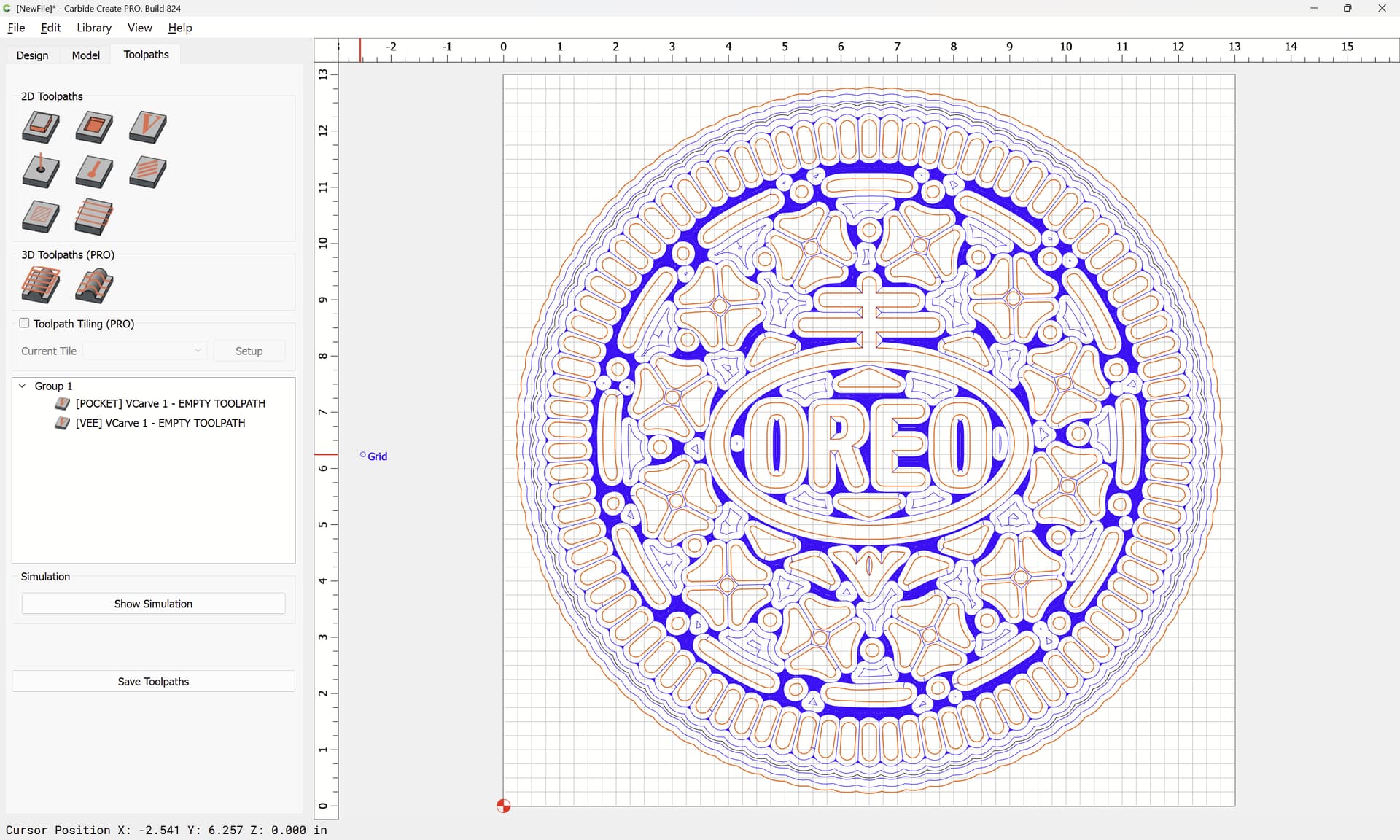
(might want to use a smaller tool)
Select the two border geometries:

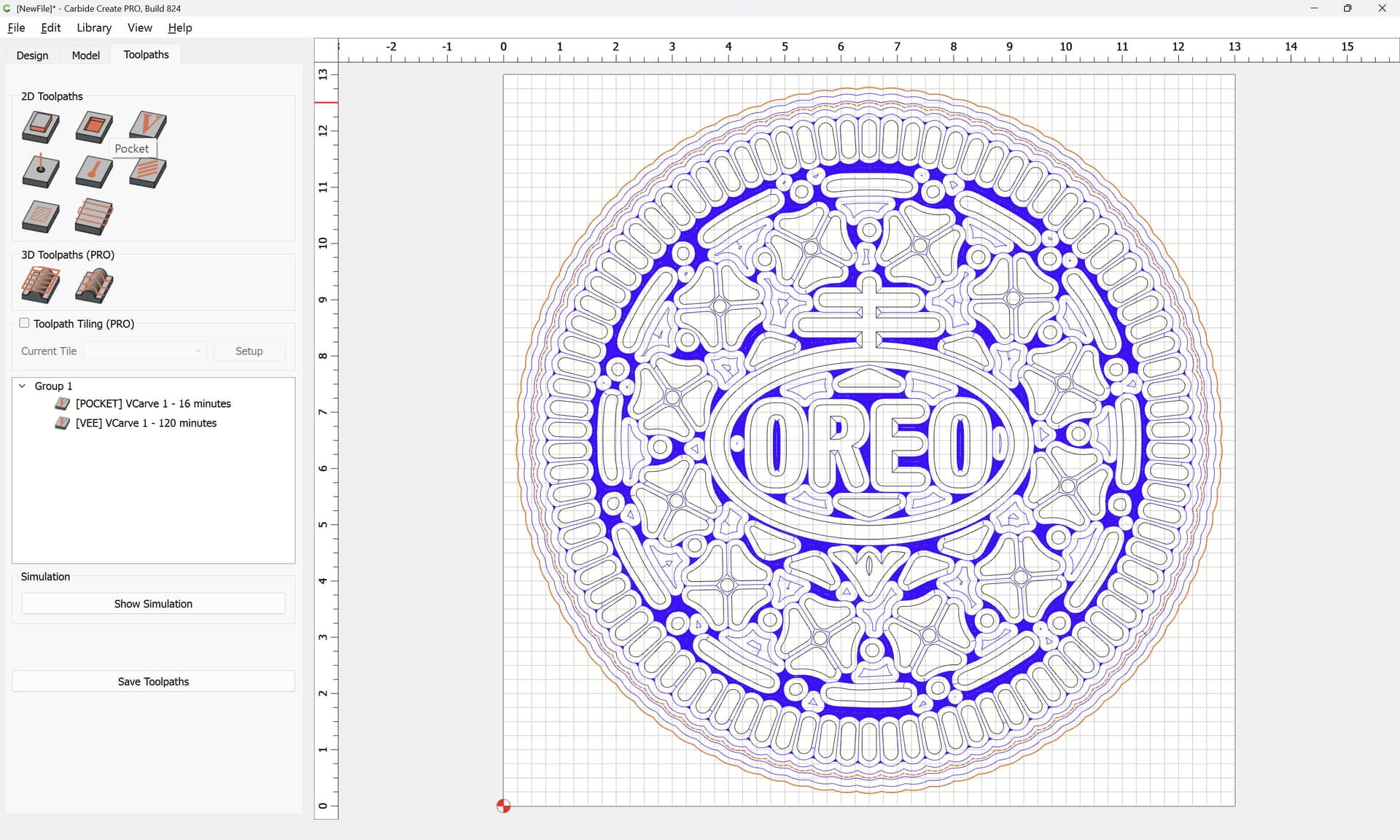
Assign a Pocket Toolpath down to tab height:
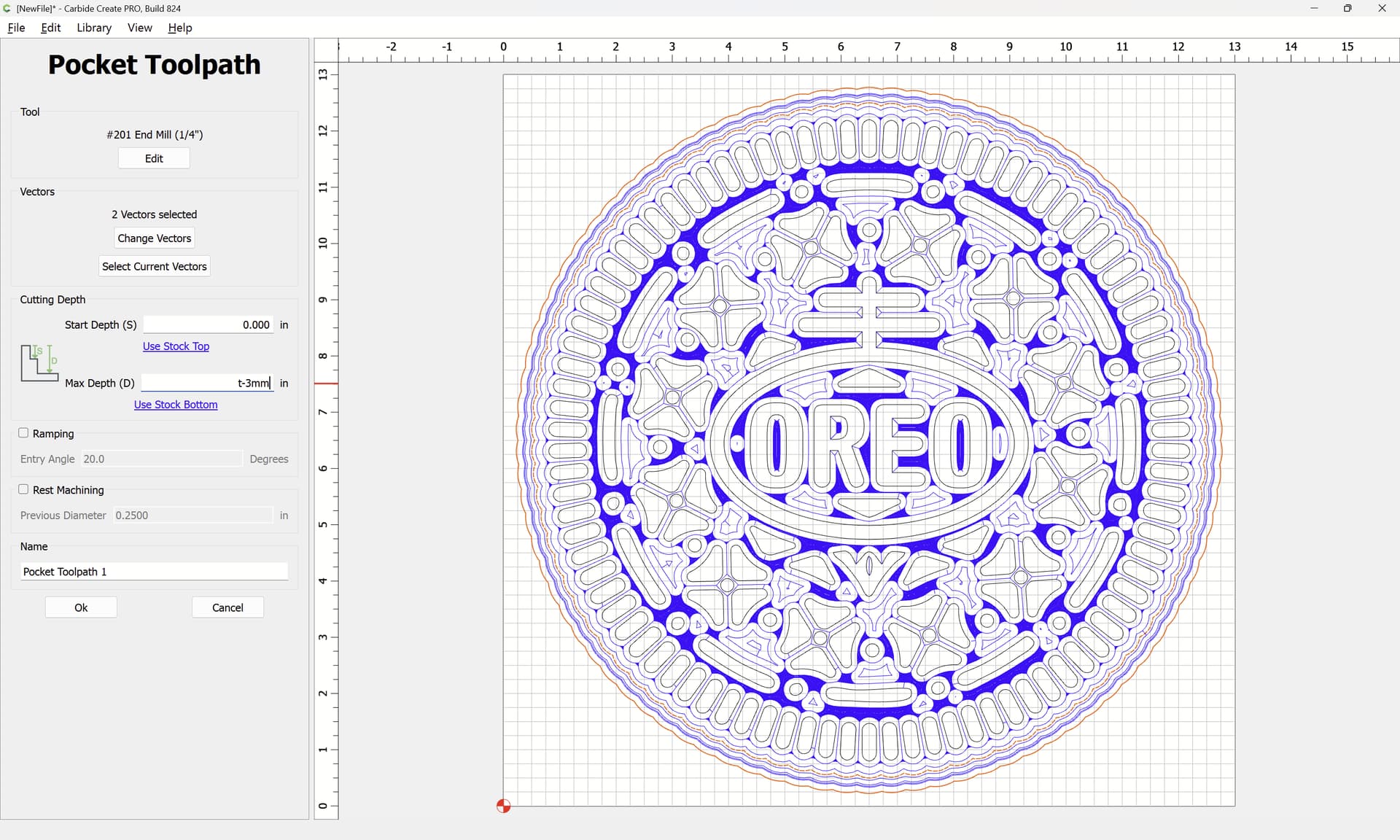
Select only the first offset border geometry:
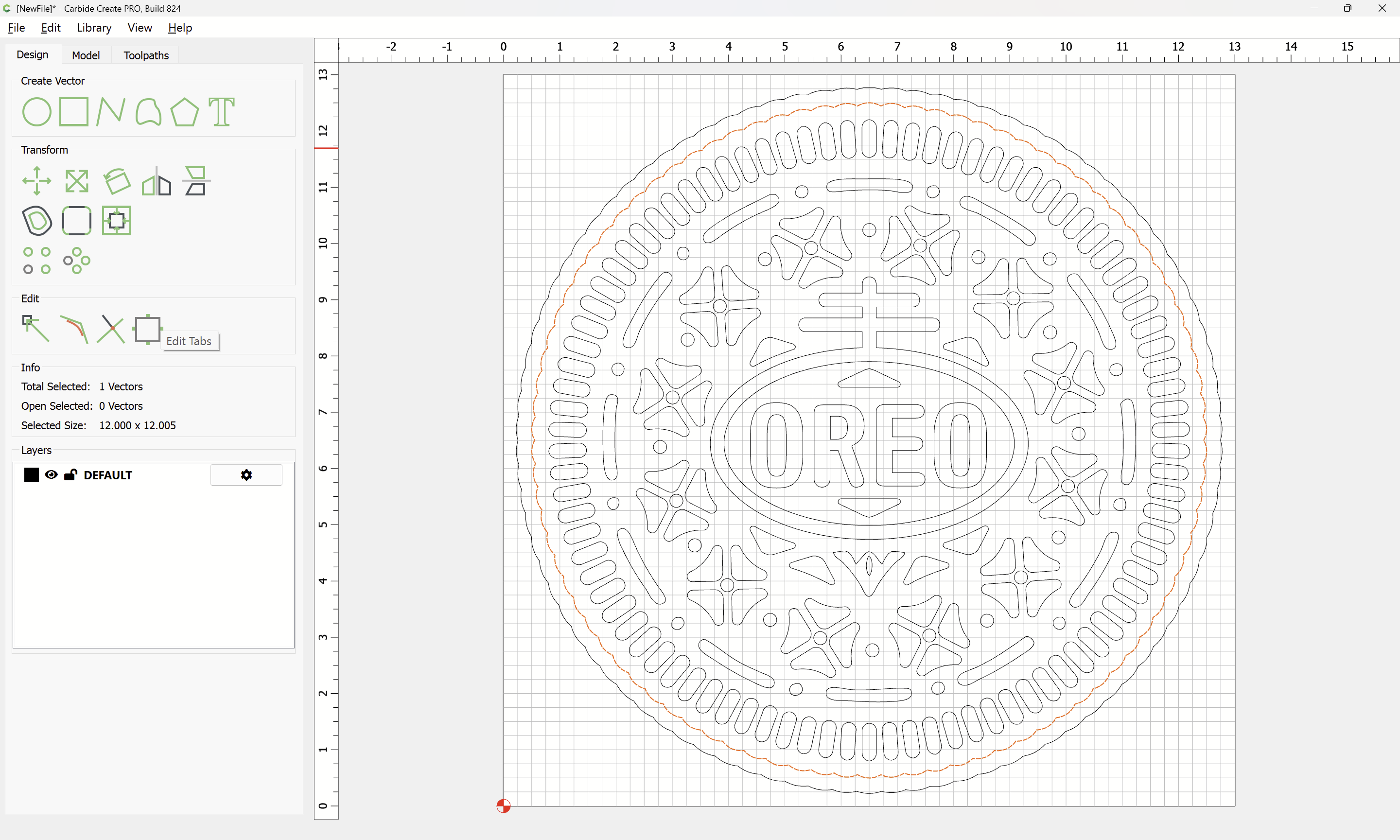
and apply Tabs (unless using workholding which will secure things w/o tabs):
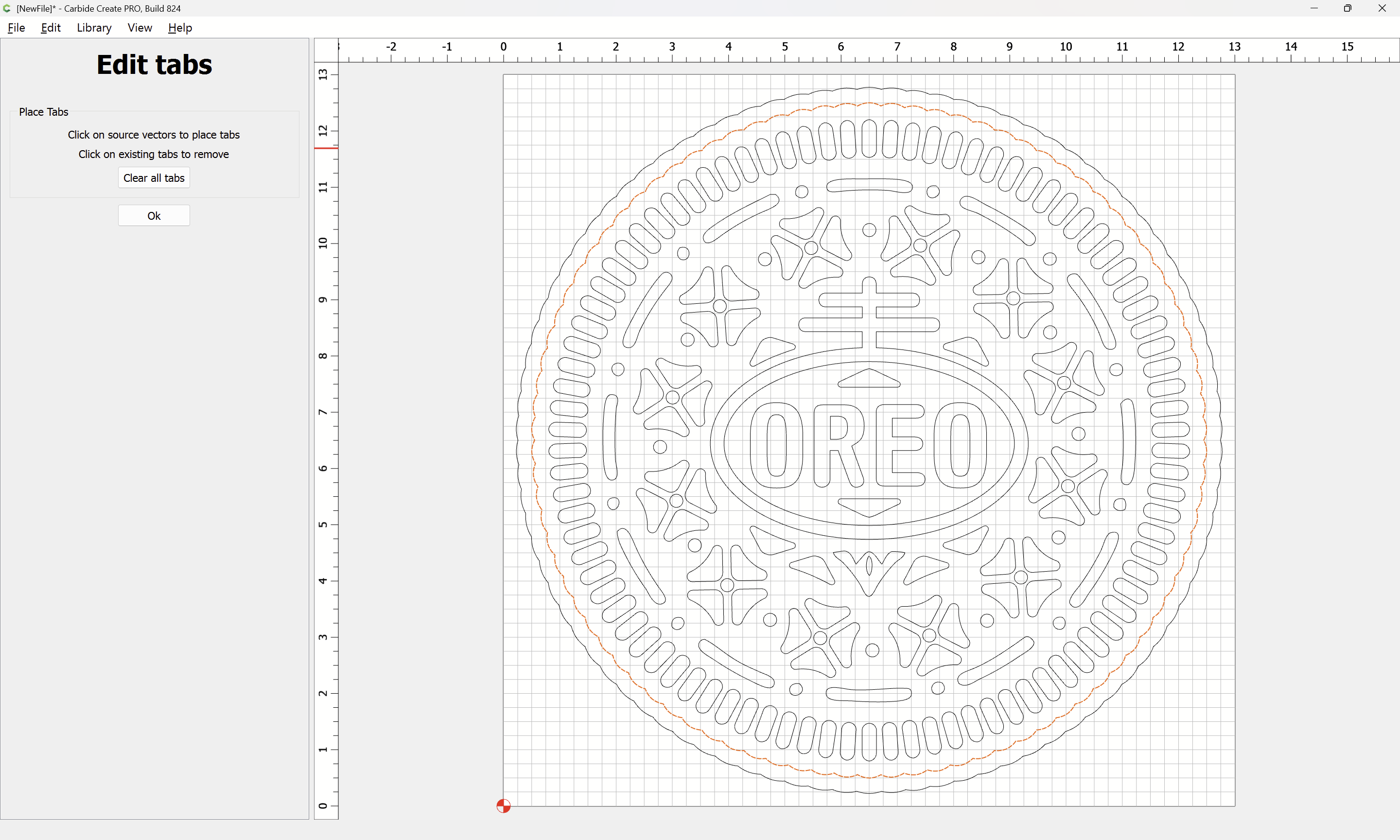
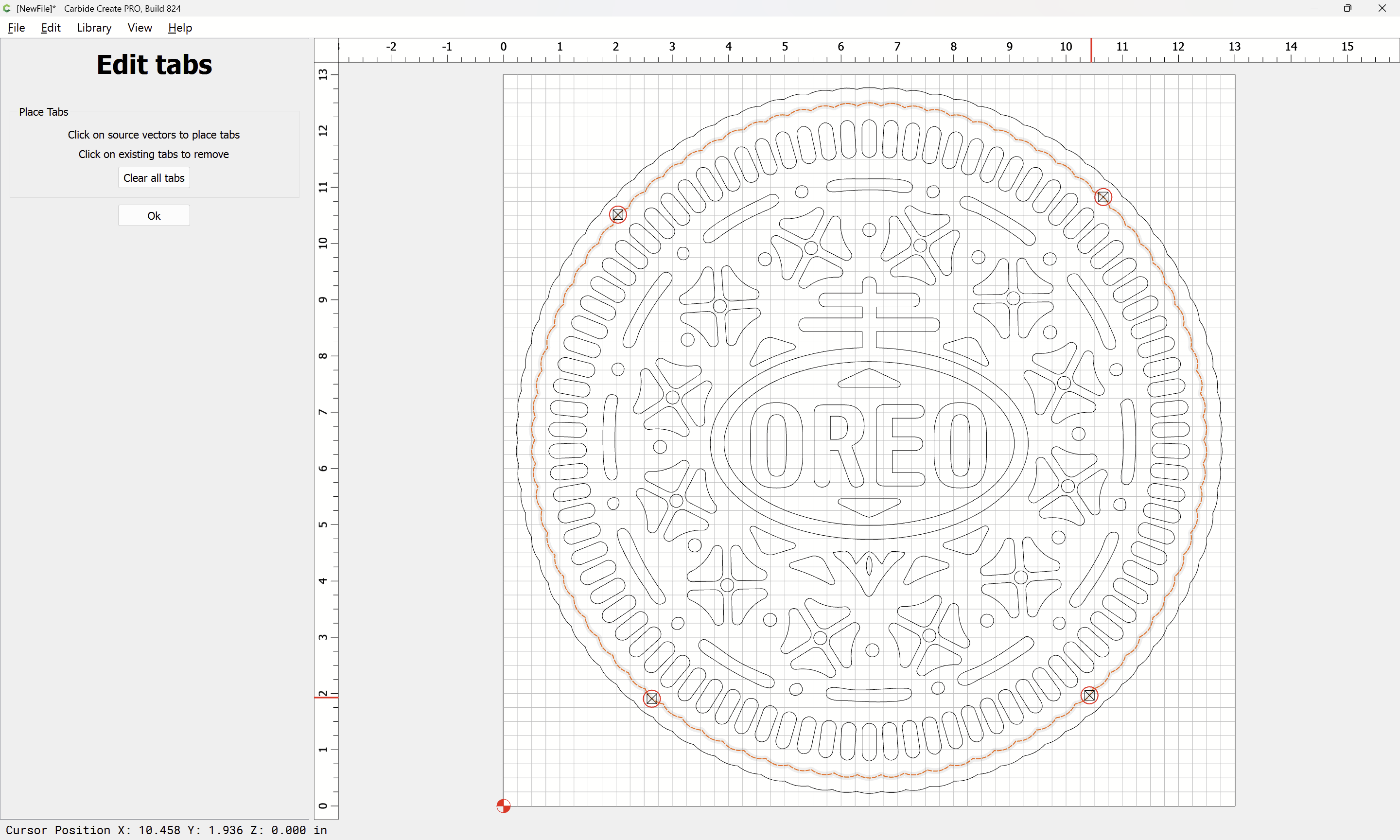
OK
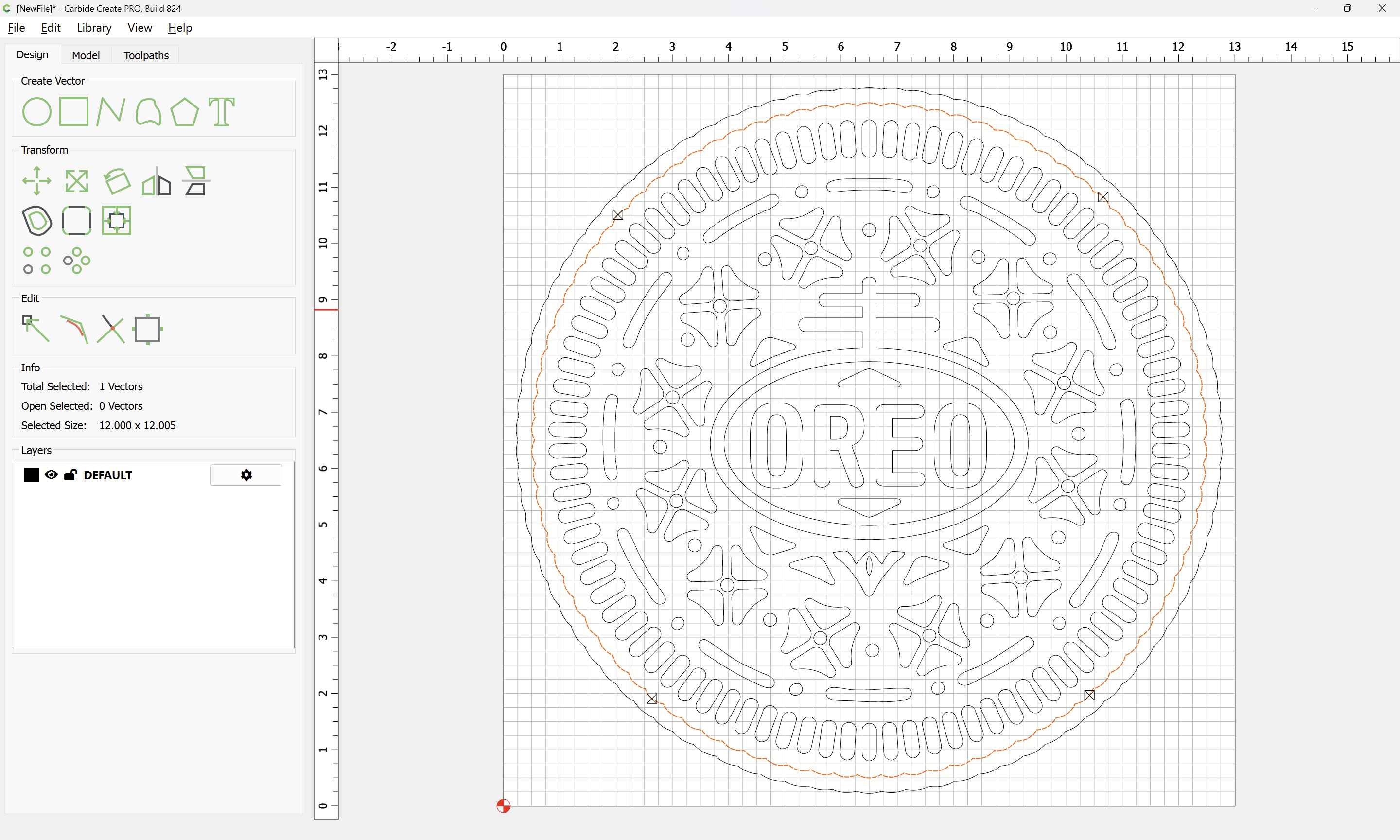
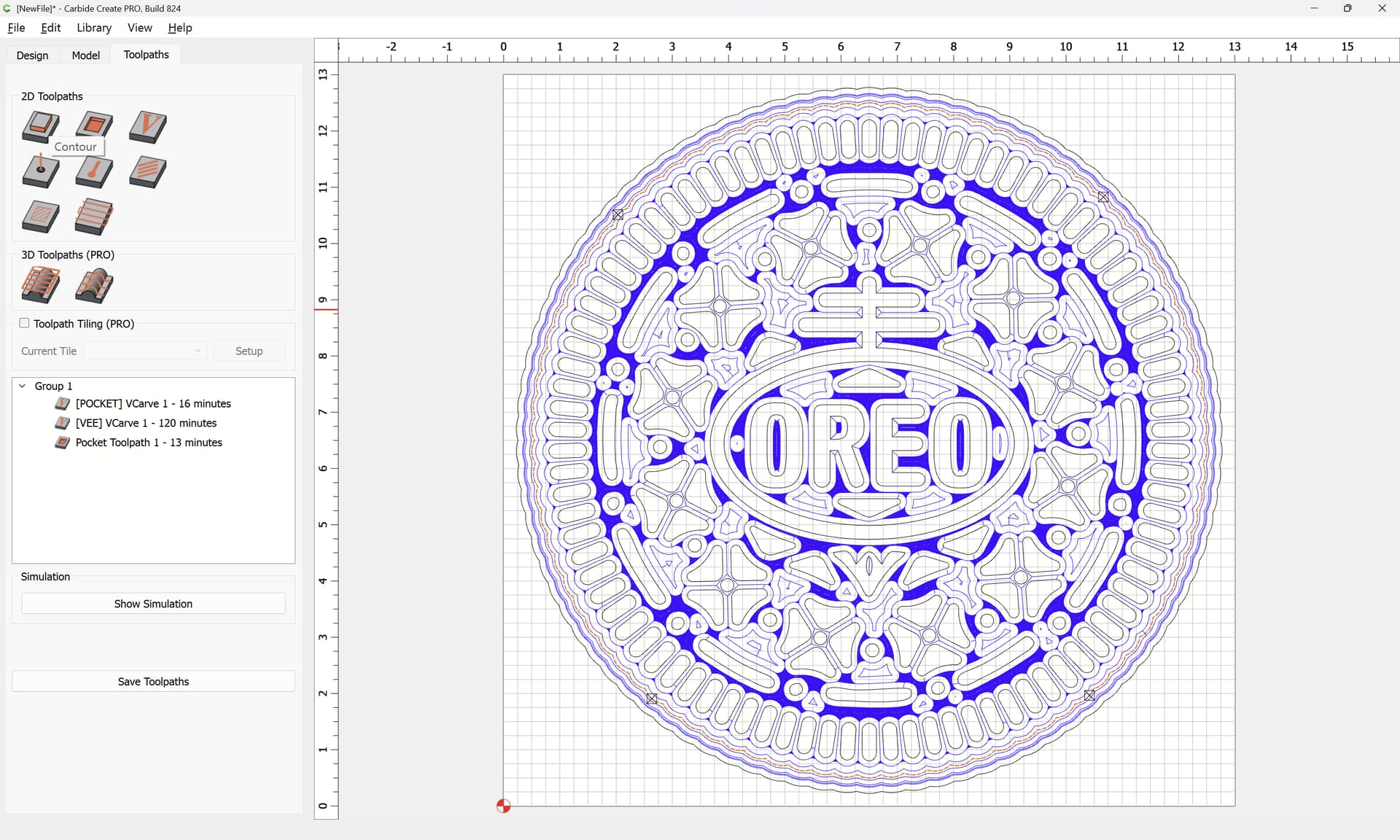
Assign a Contour toolpath which starts at the bottom of the previous toolpath:
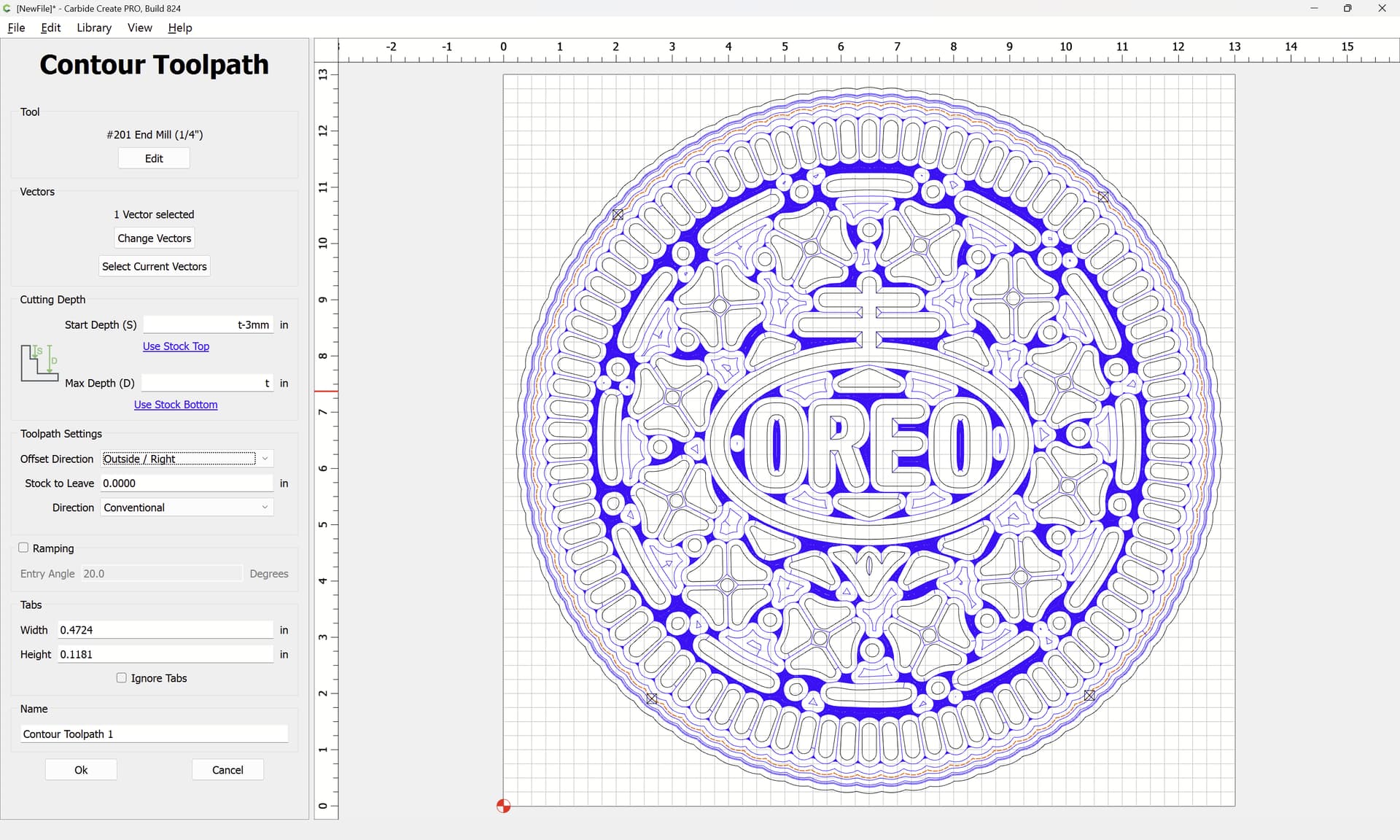
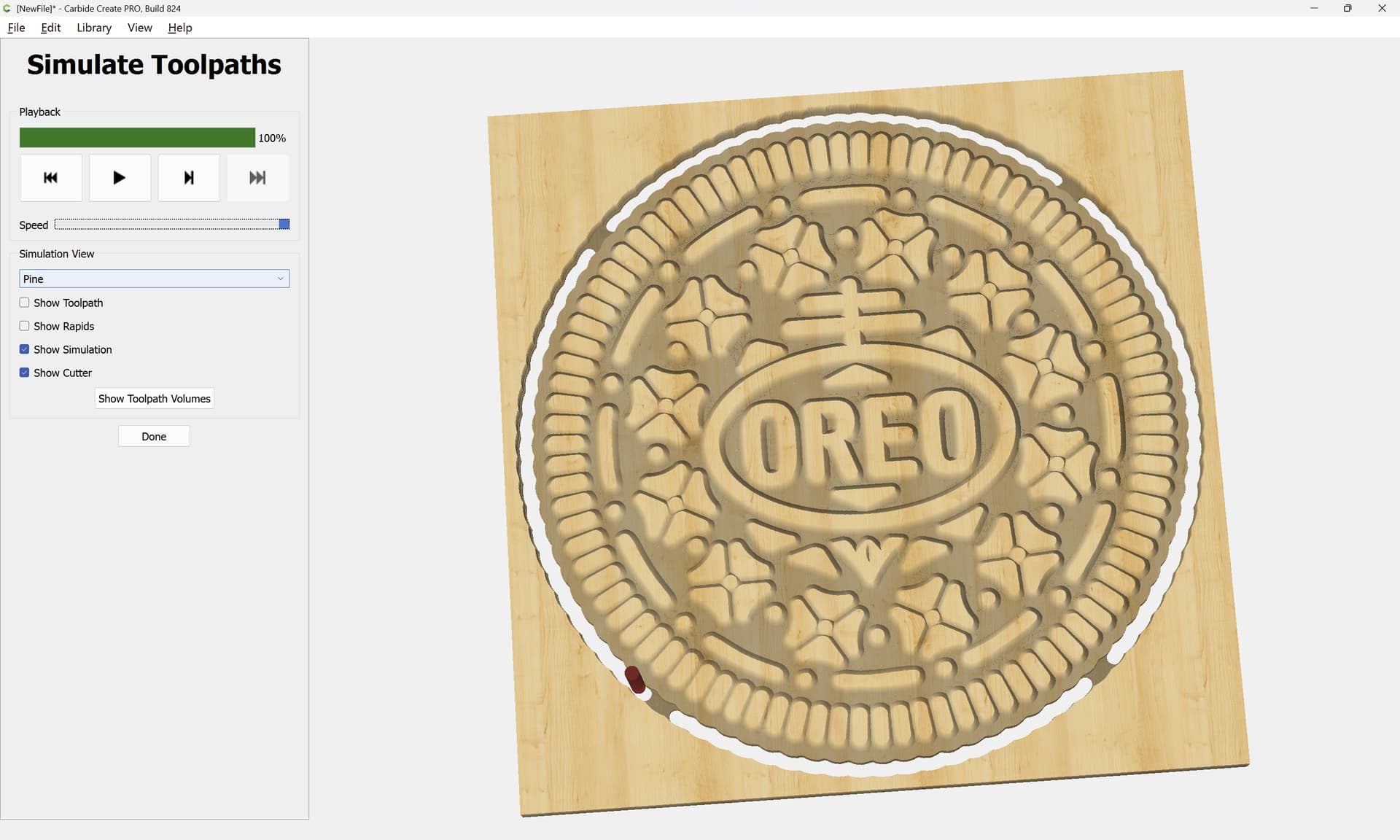
to arrive at:
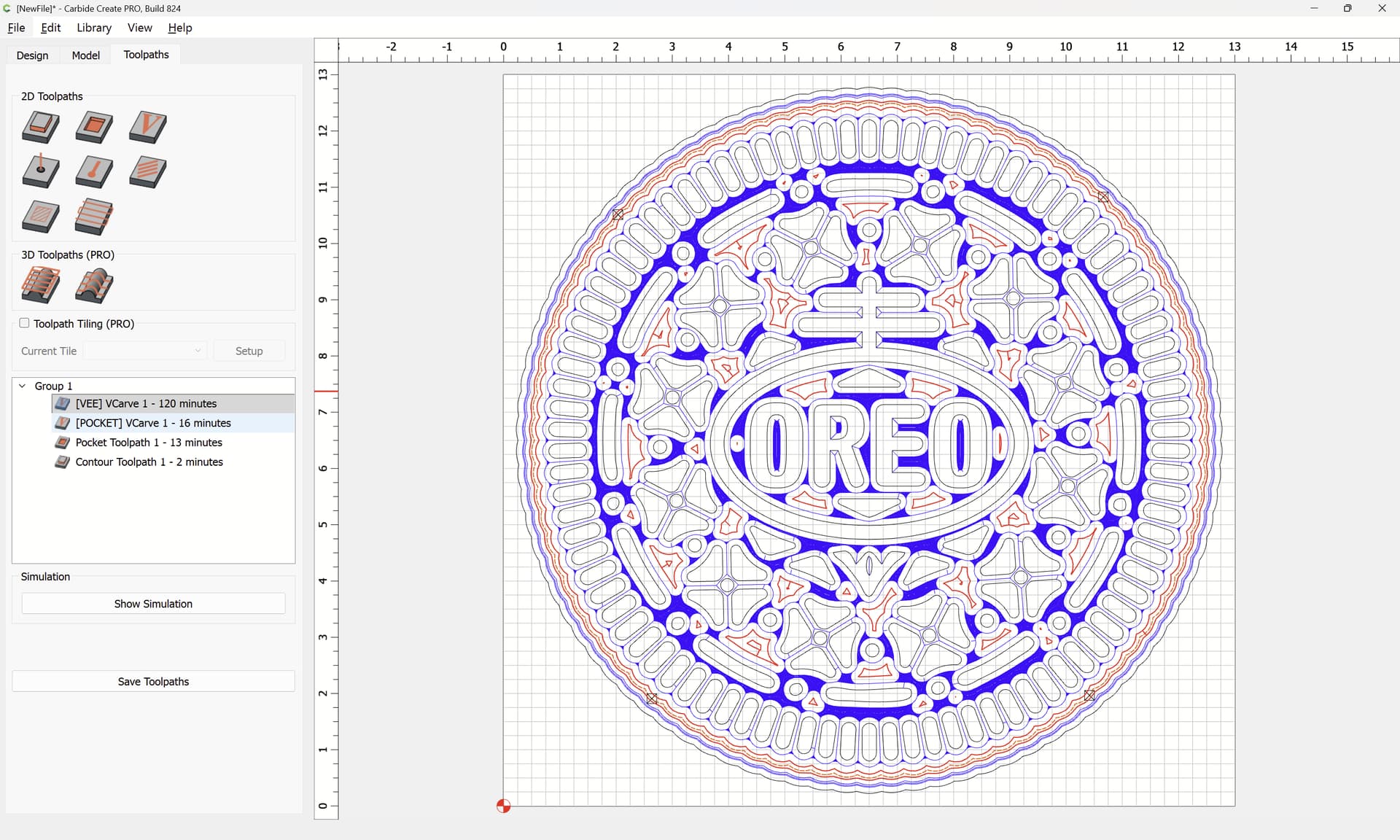
and re-arrange toolpaths for minimal tool changes by dragging:

Attached as a v8 file
cookie_design_12in.c2d (1.6 MB)