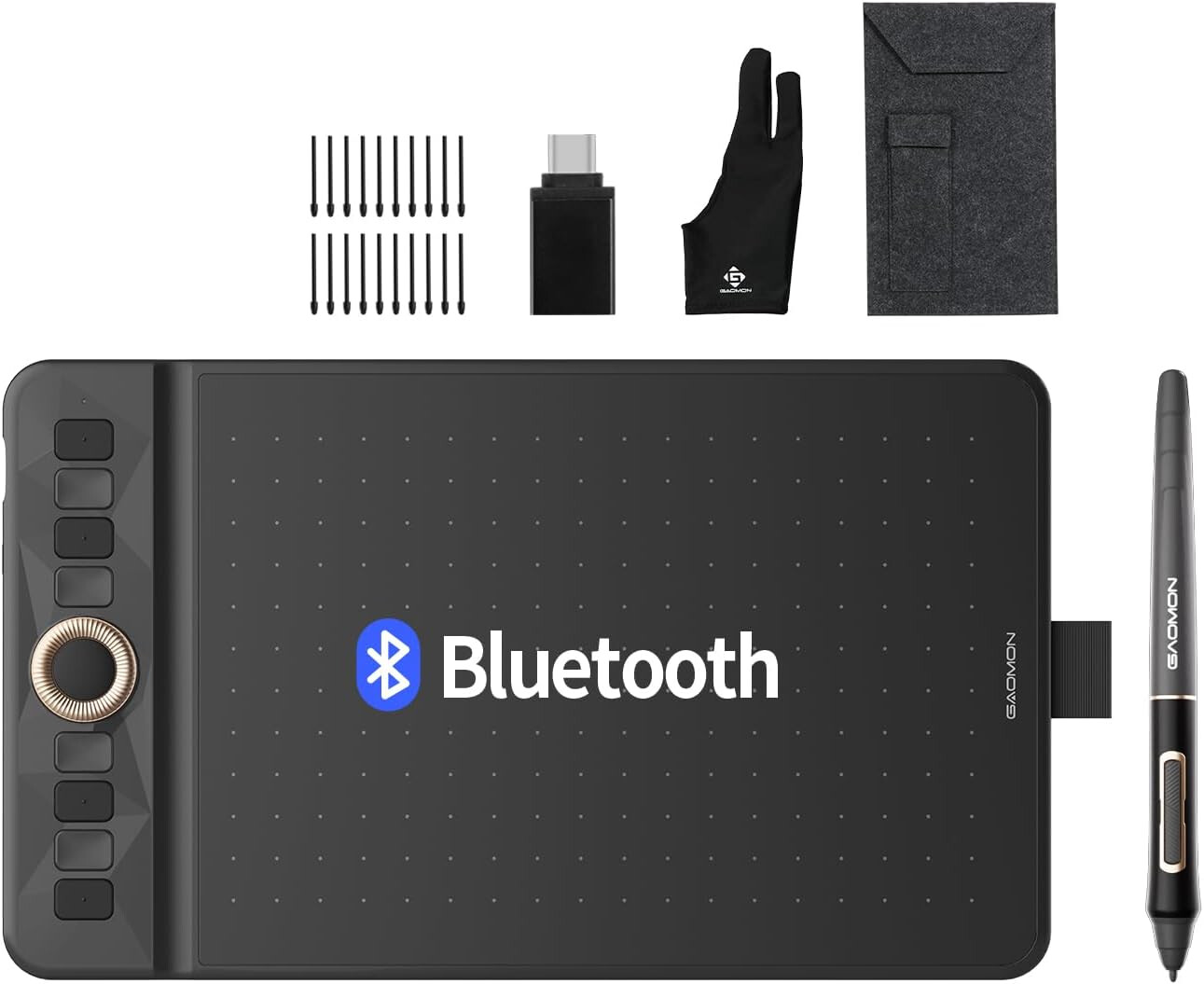
I bought a pen tablet to use for drawing in CC and other programs. I installed it and tried to use it without any real instruction. Did not work intuitively but I think I will get the hang of it. My laptop is not a touch screen and I hope the tablet will help me in drawing. Plus my laptop sets on my chest of drawers about 10 feet away and I use a 55" TV as a monitor. I have not had good success drawing with the mouse in CC with the create curve. I was recently making some kids puzzles and needed to modify the line drawings but was unsuccessful. So I hope the pen table will help in the future with drawing and editing nodes. Will report back if it works out.
Any advise on using a pen tablet would be appreciated. This one is a Bluetooth because I did not want to tether with a usb cable due to the distance from the computer.
My preference is for Wacom tablets, which have worked well except for one bug ages ago which was fixed when we switched away from the GUI toolkit then in use.
Using the Polyline or Curve tool w/ a stylus isn’t that much different from a mouse (or trackpad).
If you want to draw with a stylus, the best thing is a tool oriented toward that — a free on-line tool which is modeled on one of the drawing modes in Flash, the stylus-oriented one from its predecessor Futurewave SmartSketch:
I bought a similar one for use with my pc. Moving from apple pen to this was almost painful, but I was able to learn fairly quickly. YouTube videos and practice are the two things that work best for me! The keyboard shortcuts are also key for me with any program.
I have used a Wacom Pro 23 inch tablet monitor since before I ever even thought of buying a CNC machine. Keep on it, get used to it and love it. It will love you back.