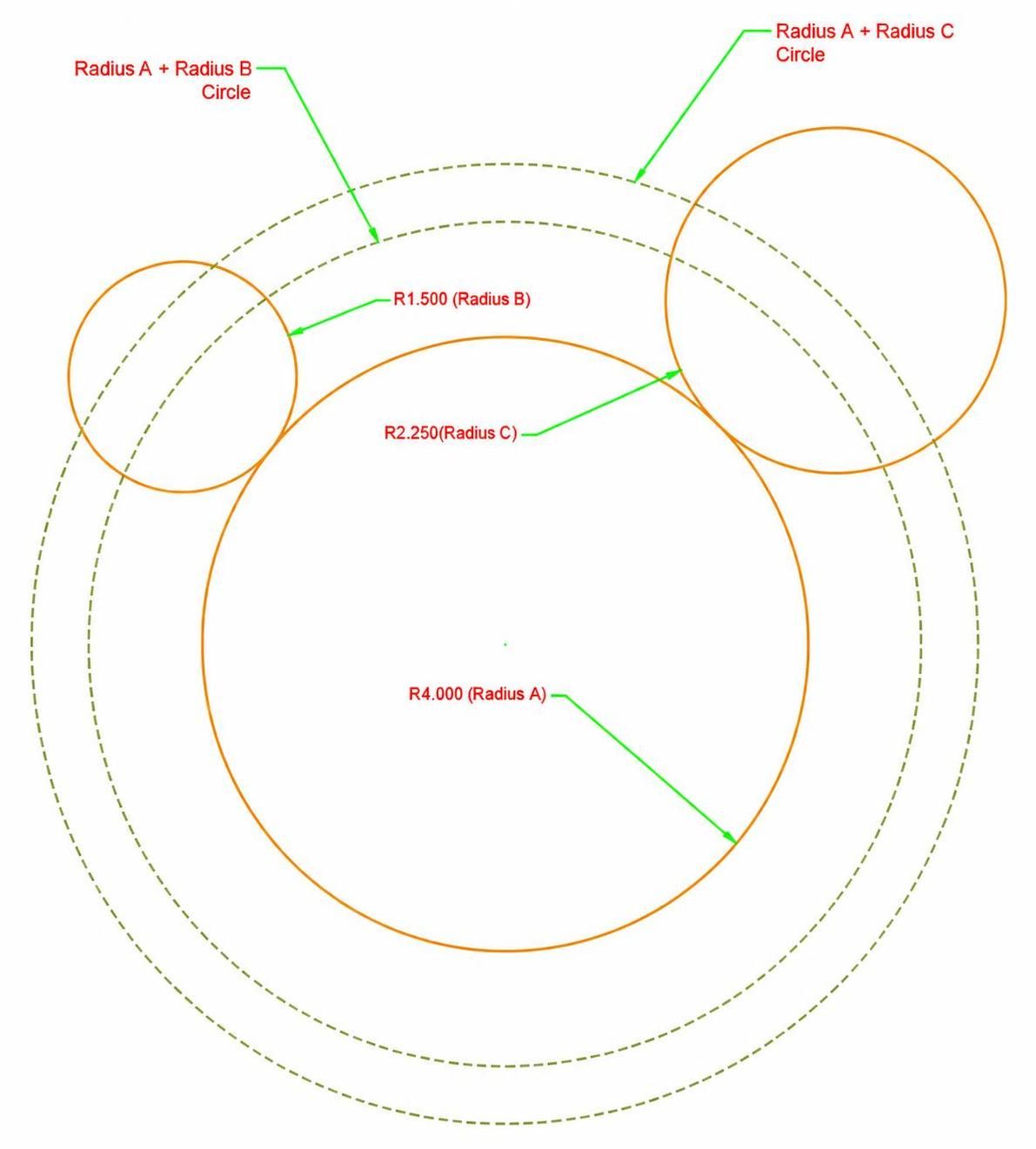
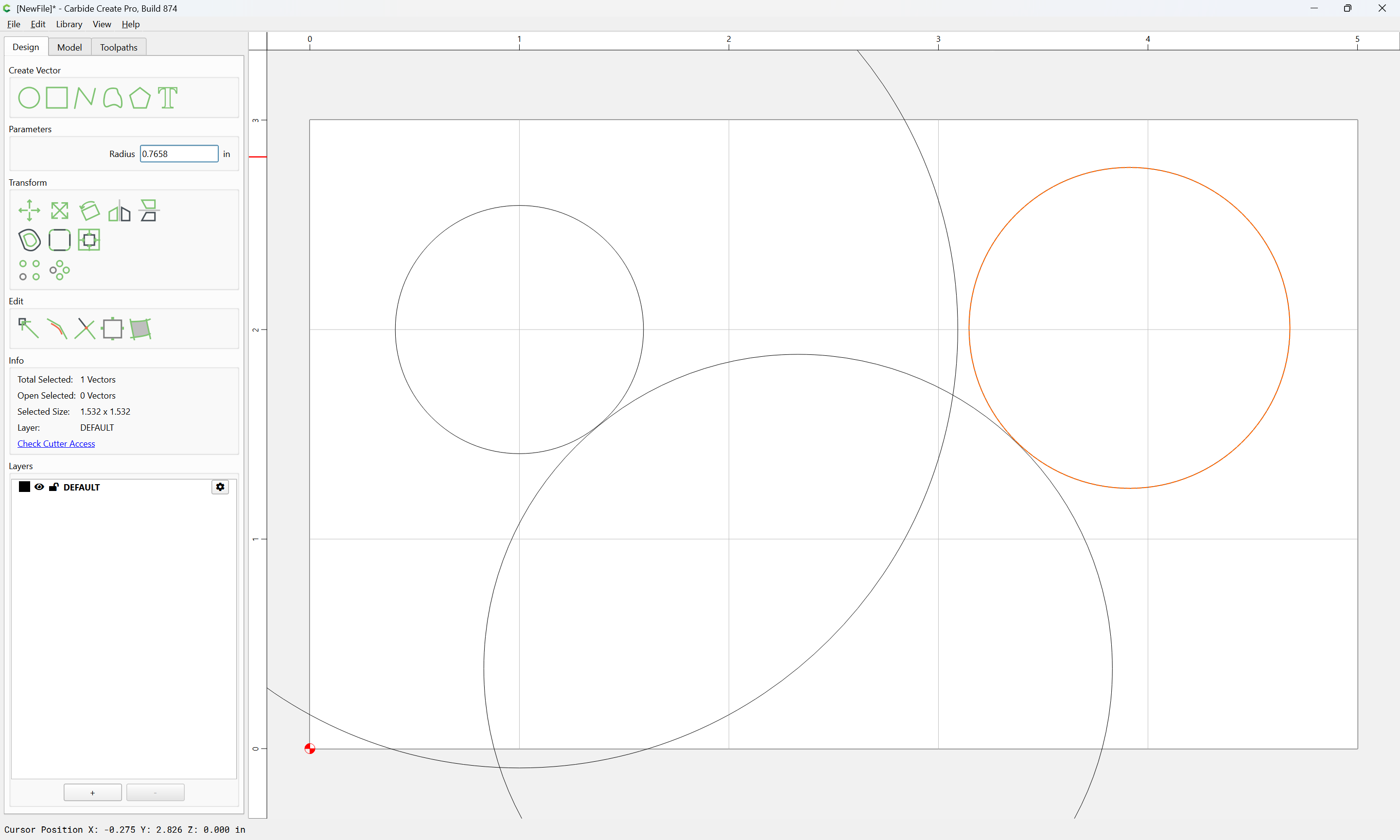
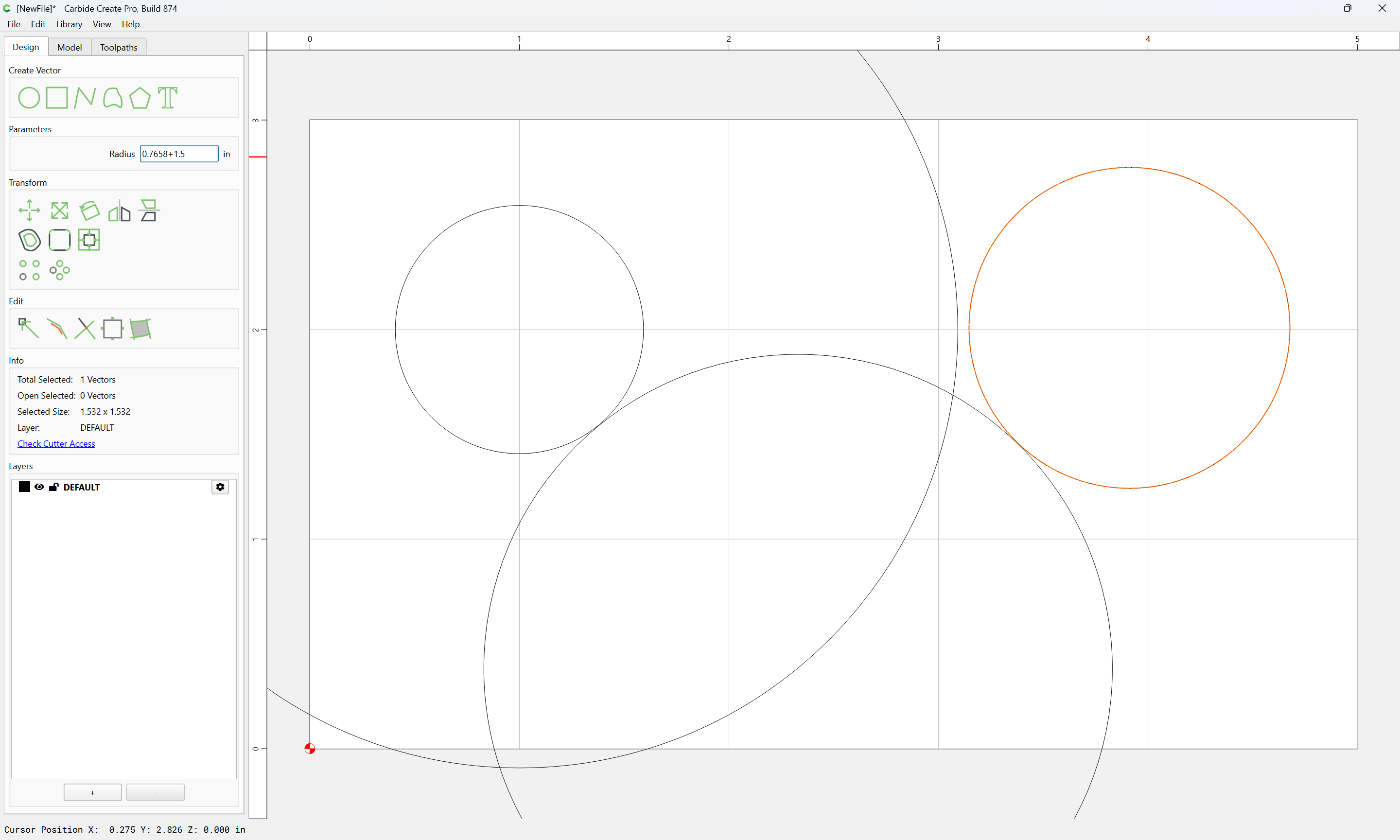
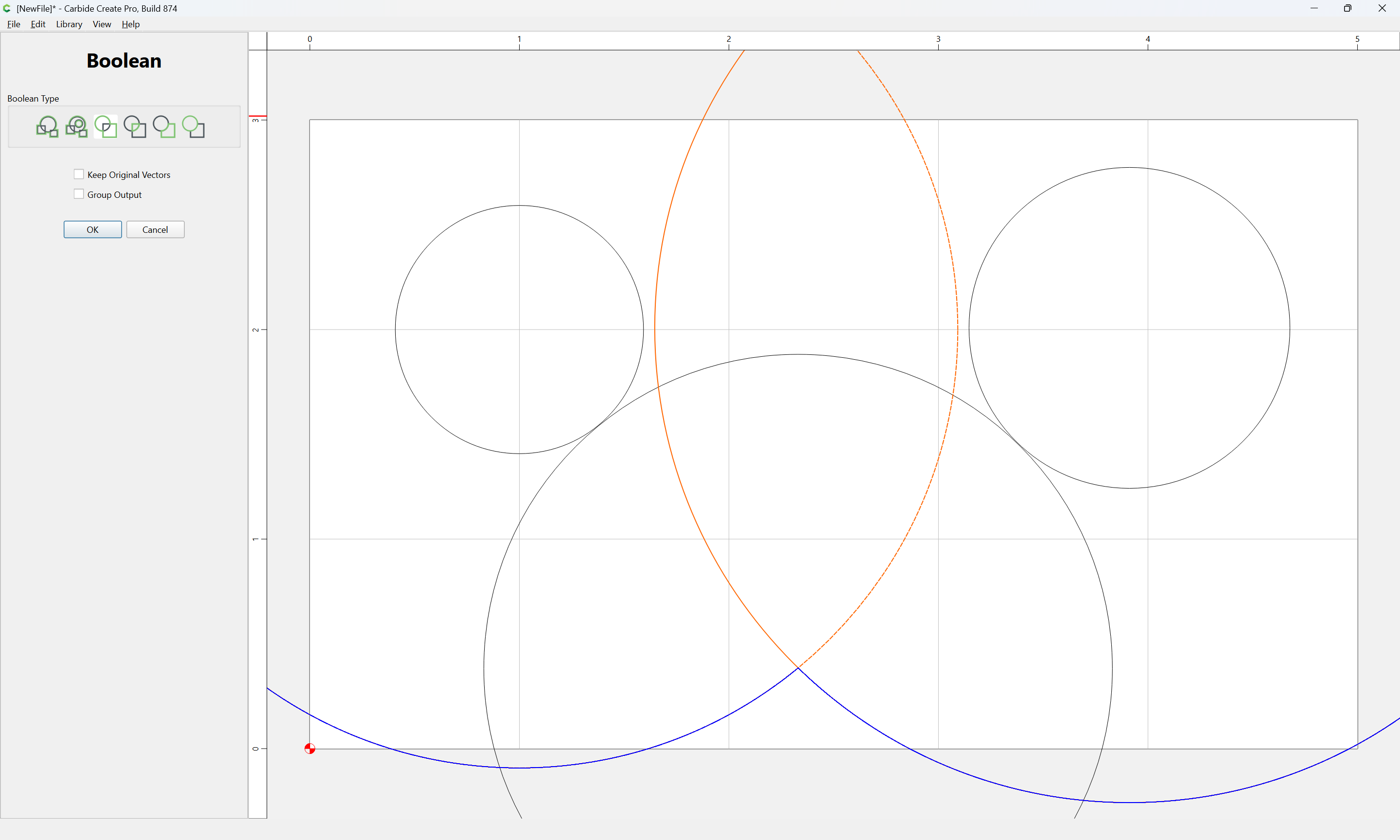
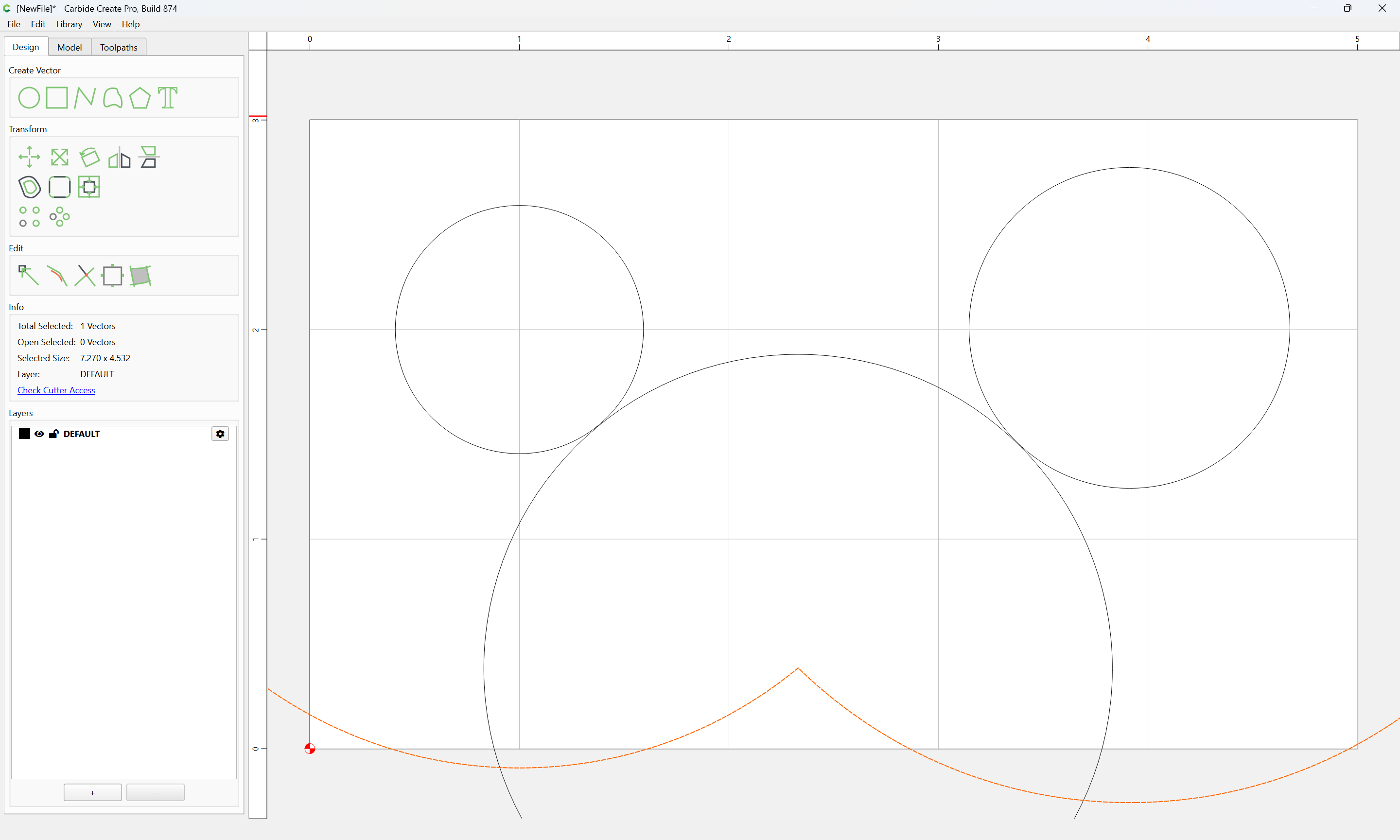
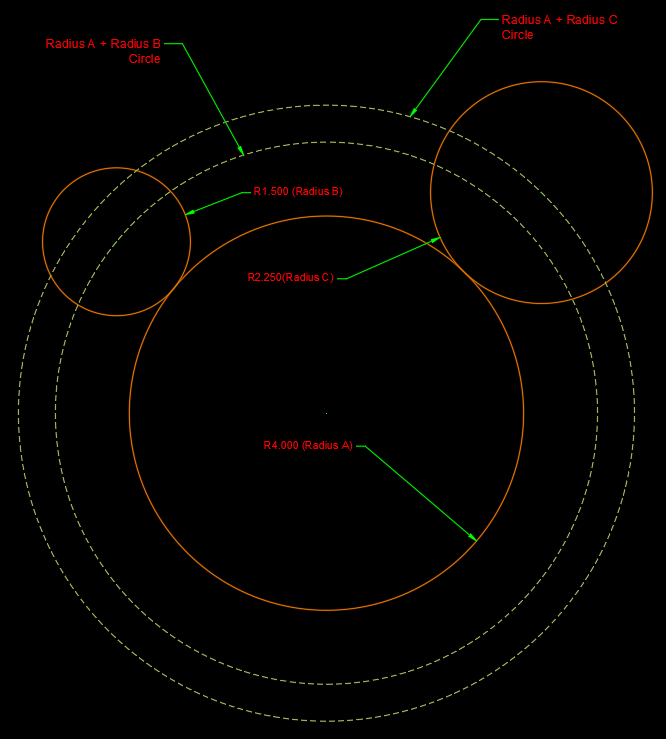
Just a question from an old engineering guy. If you know the radius of the three circles. Couldn’t you draw two more circles with the radius A+B and a second with the radius of A+C. Then in theory you could place circle B and C center points anywhere on those circles and be tangent to the large circle?
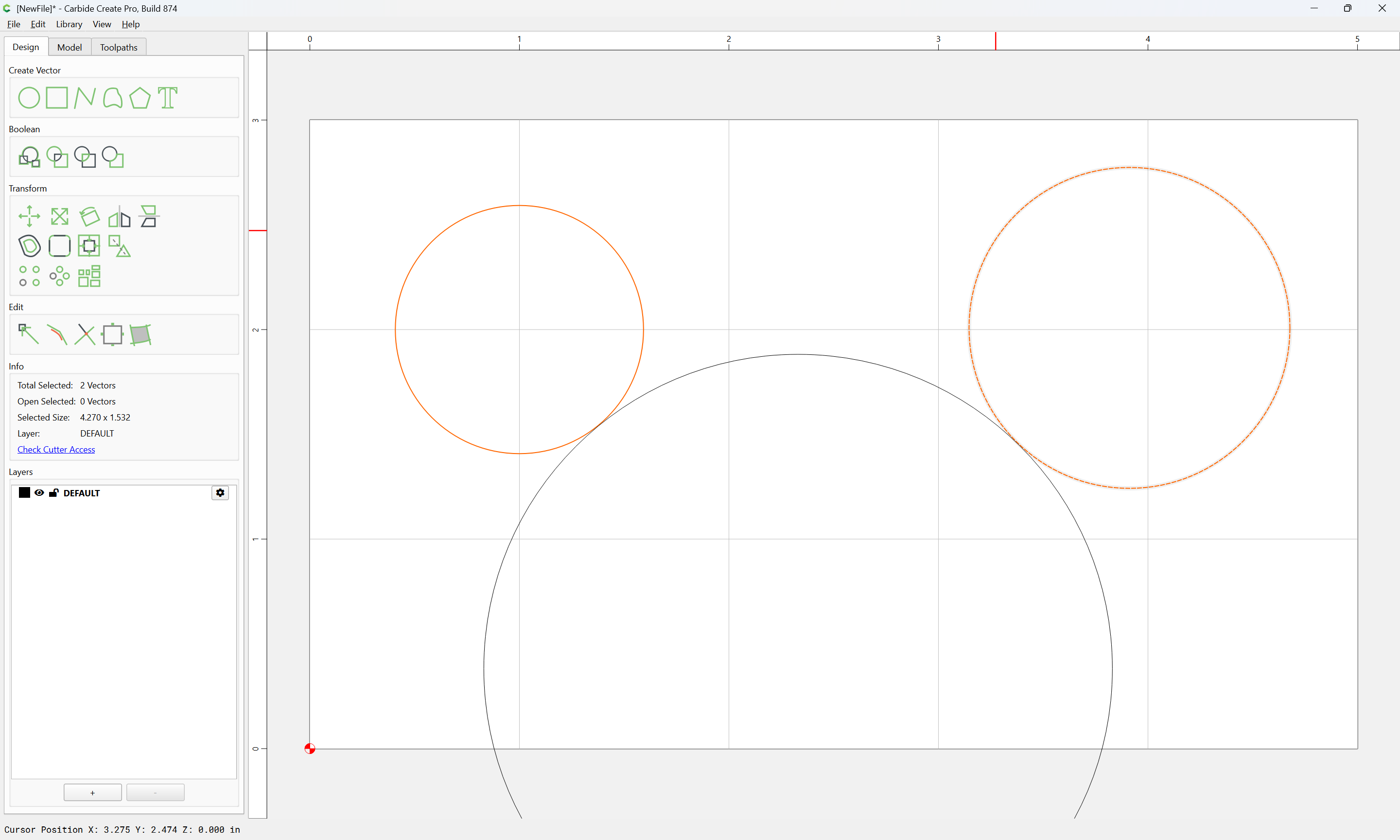
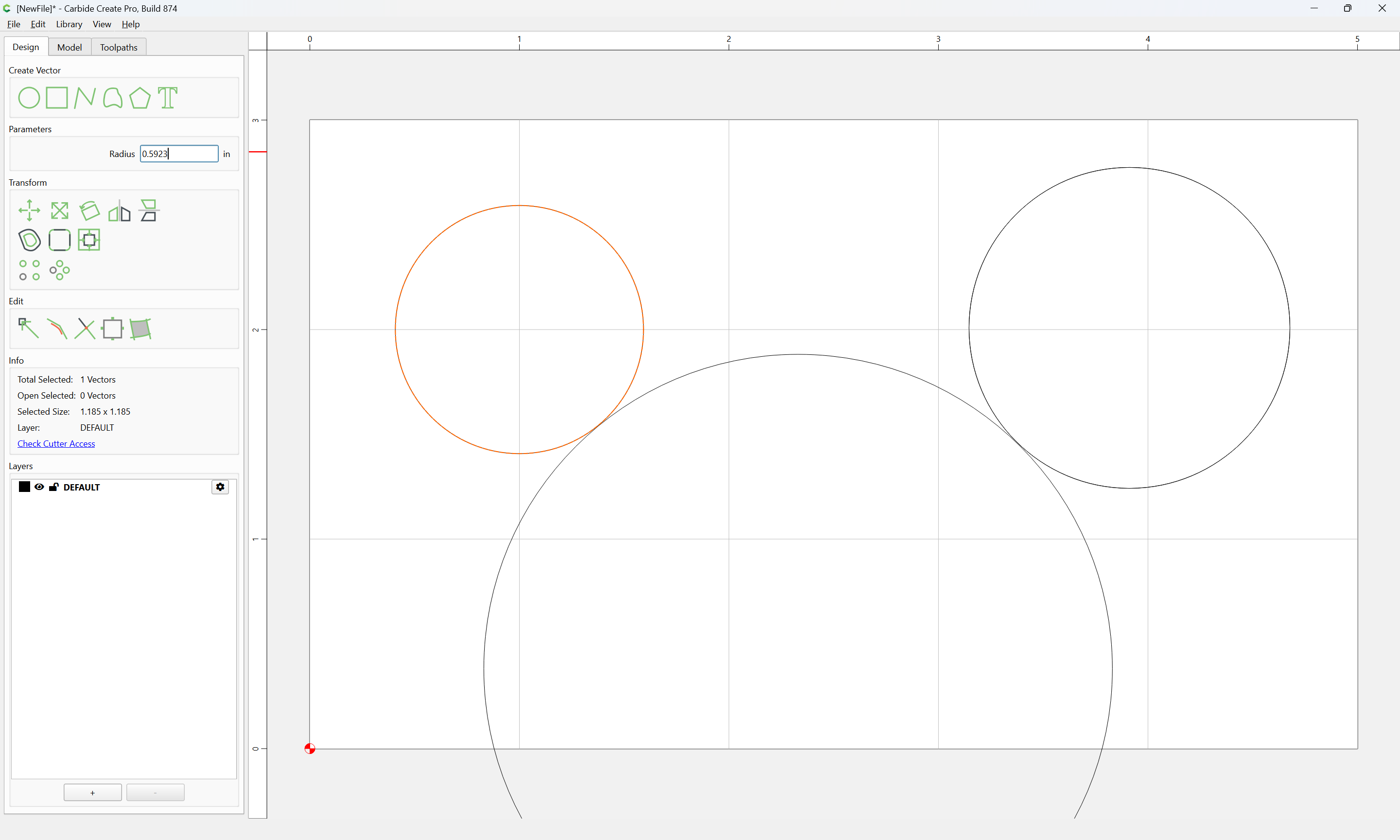
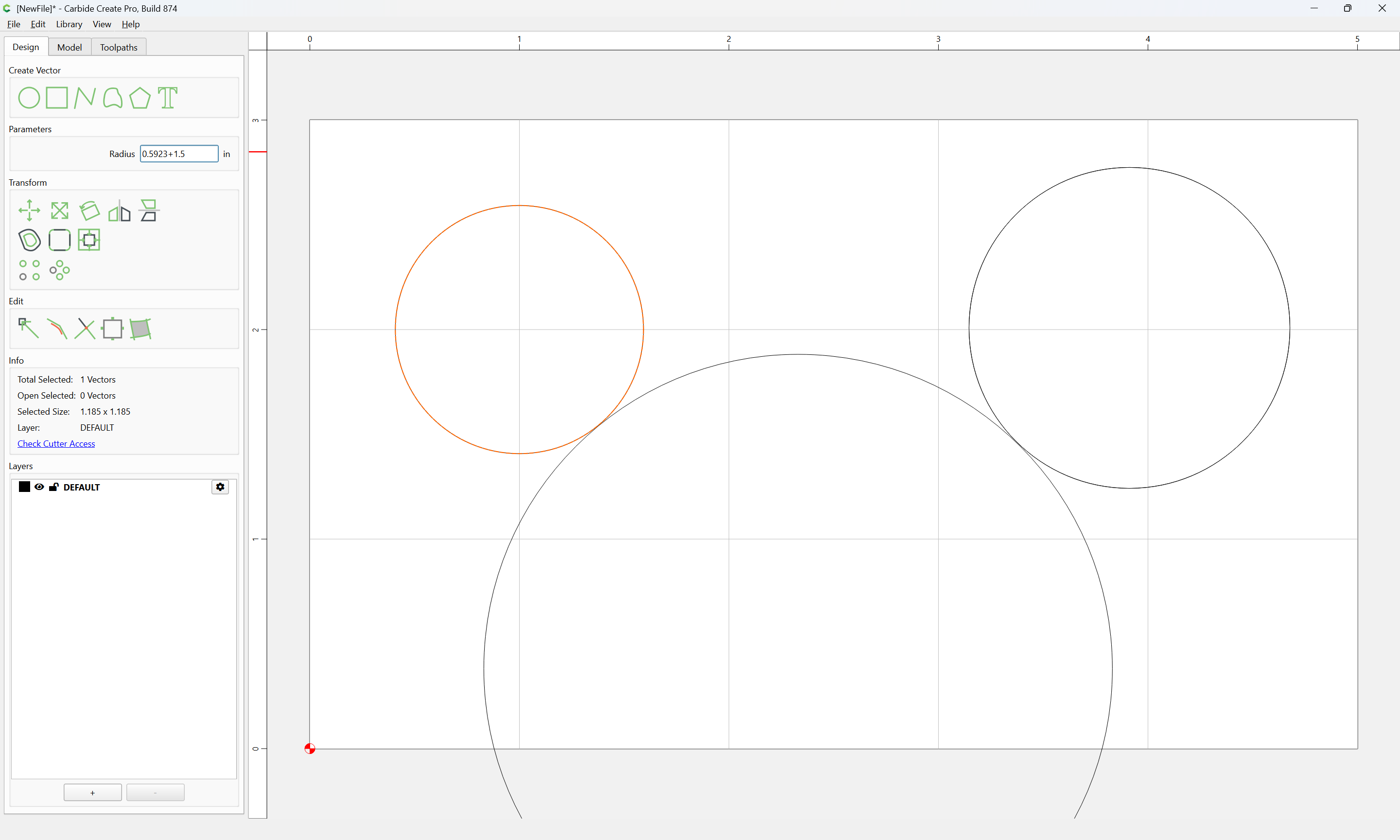
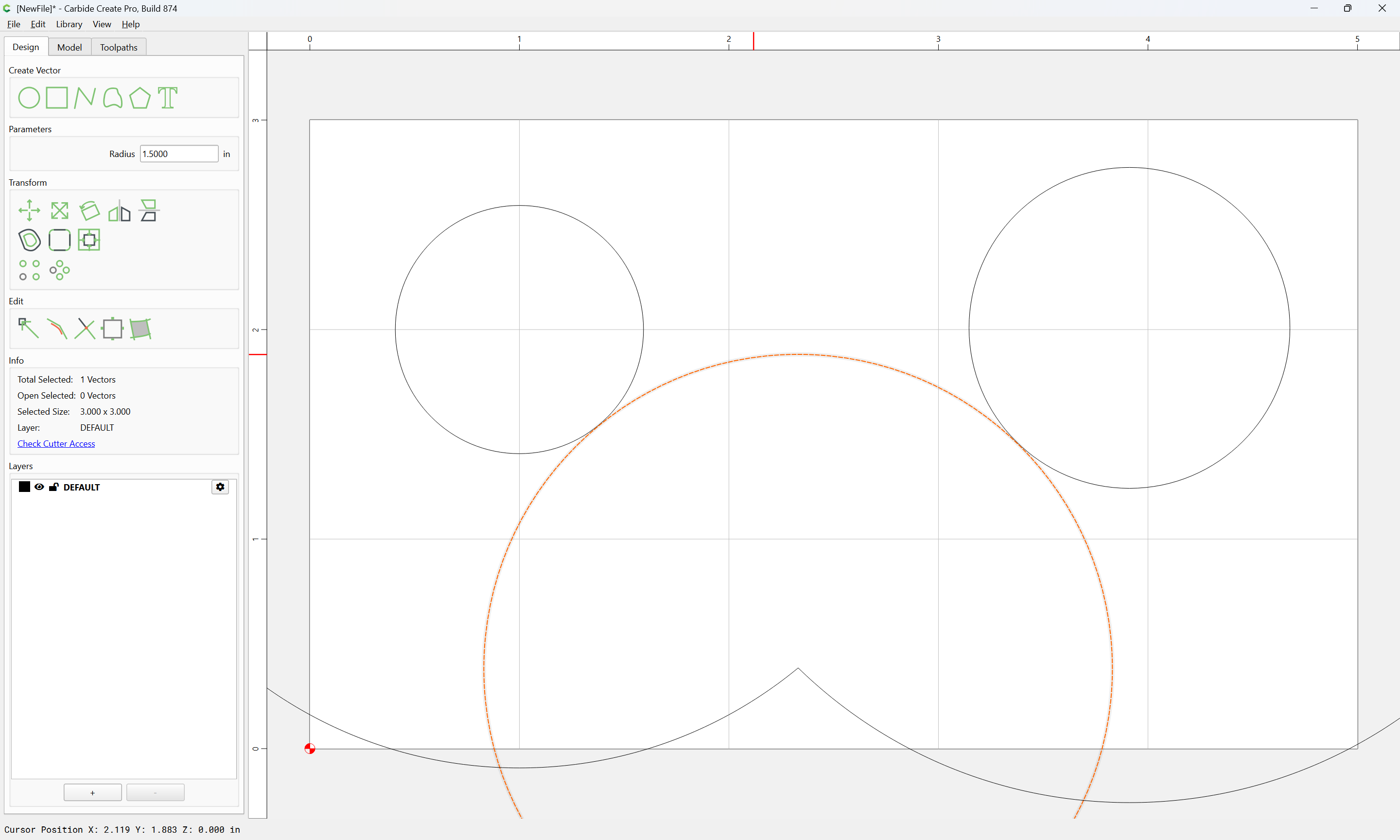
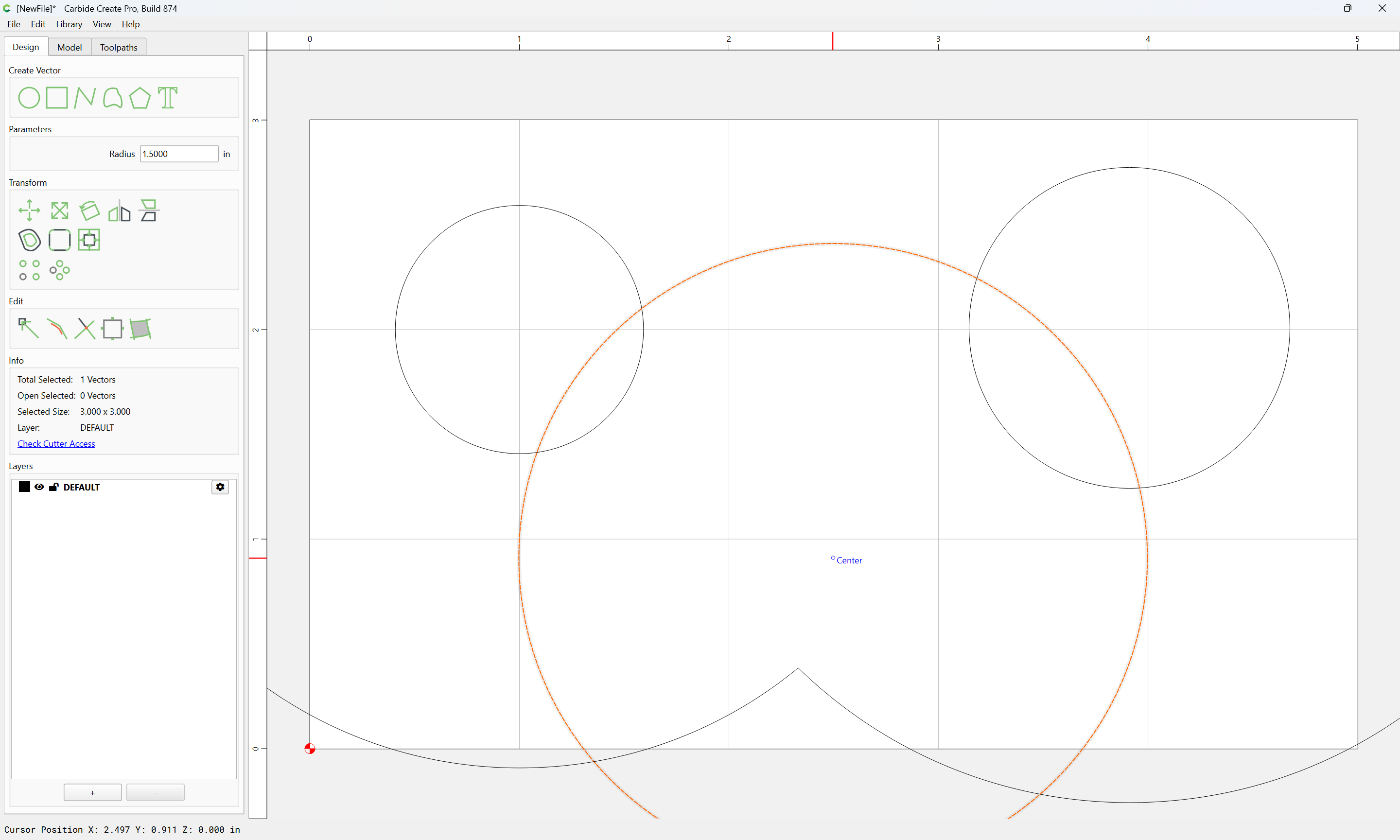
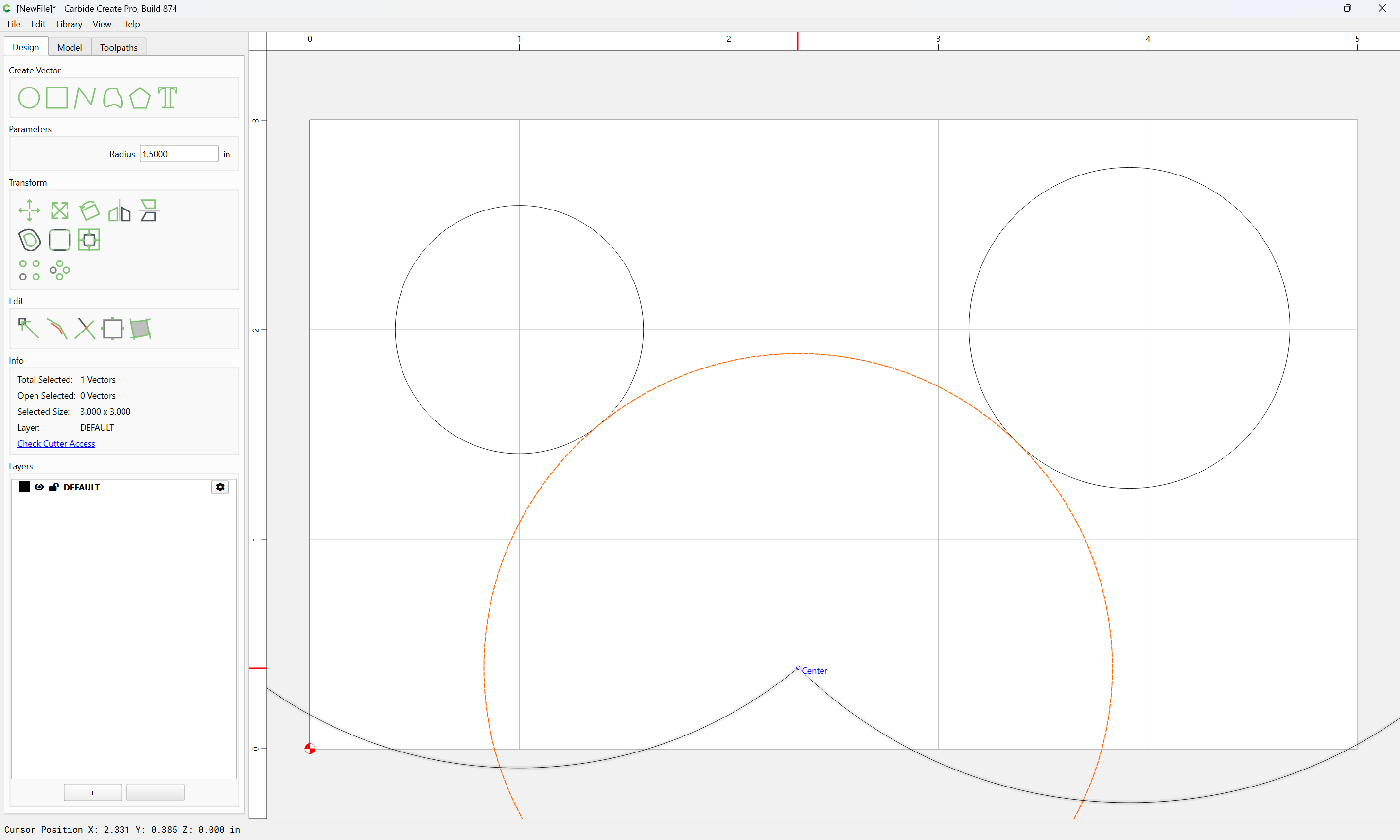
Yes, that would work — except the solicitation was to place the large circle tangent to the two smaller circles which were presumably in the desired position.
Well I should have read that closer. Too bad they are not running AutoCAD there is a feature to draw a circle called TTR standing for Tangent, Tangent, Radius which would make this process very easy. But then again if a frog had wings he wouldn’t bump his butt.




 Too bad they are not running AutoCAD there is a feature to draw a circle called TTR standing for Tangent, Tangent, Radius which would make this process very easy. But then again if a frog had wings he wouldn’t bump his butt.