Hi All
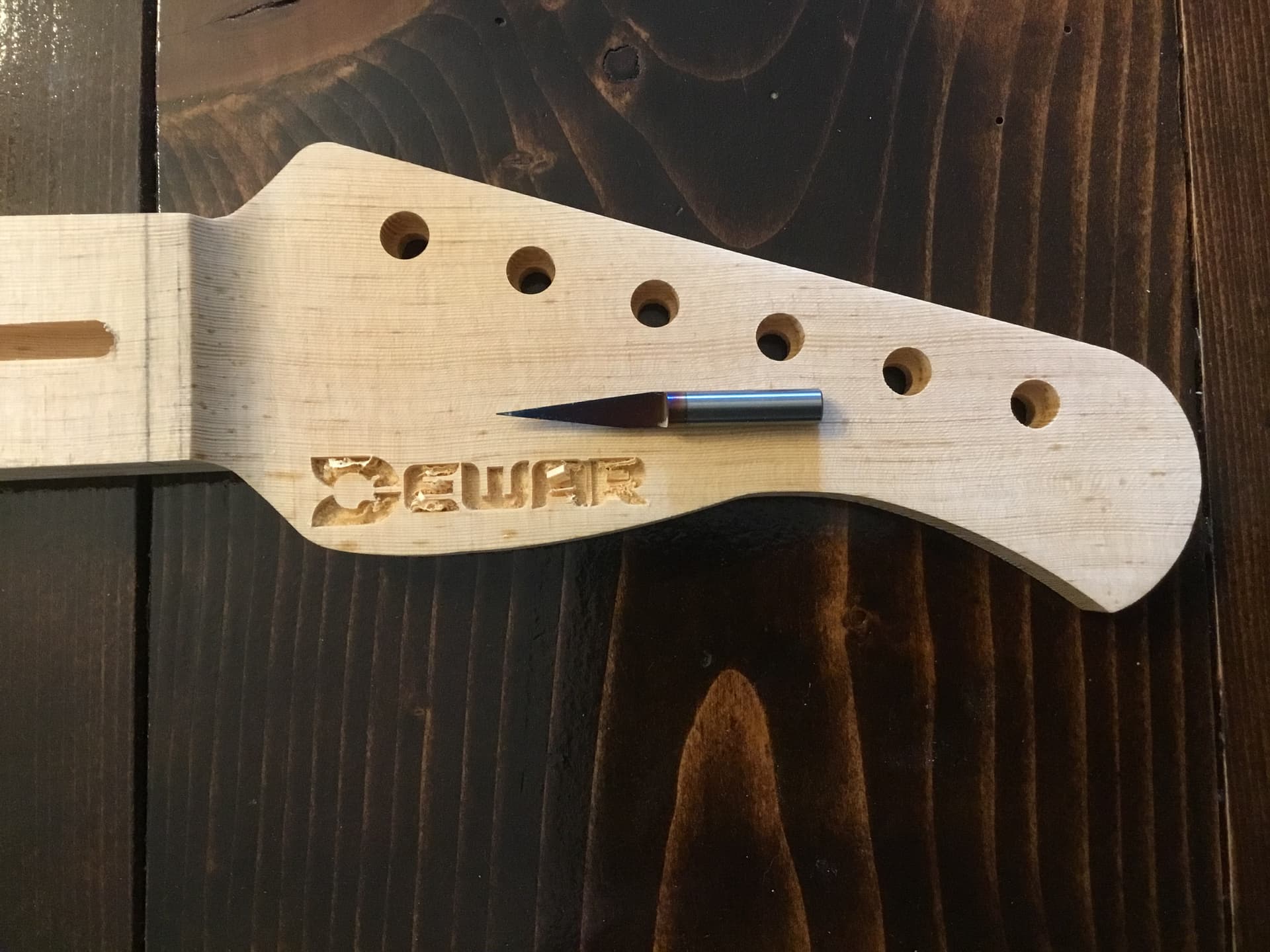
Recently I’ve been trying to do some v-carving on a logo. The lettering is small and I have been getting some tear-out. I have been tweaking the plunge and feed speeds and I continue to get the same results. Then I noticed yesterday that my changes are not taking effect after saving the new g-code. I can have feed at 25IPM or 250IPM or 1250IPM but the spindle continues to move through the workpiece at the same speed. Has anybody seen this before? How do I rectify this?
I’m using a very narrow Amana 15 degree v-bit in the Advanced Vcarve.
If your toolpath is made up of a lot of short moves, you may not be able to rectify it, as the settings for acceleration and deceleration rates are going to override the speed you set,
2 Likes
I’m sure one of the gerbil gurus will chime in on where the accel/decel settings are kept. Which software are you using? Carbide Create, or Vectric Vcarve? There maybe a better toolpath strategy.
Carbide Create. I have Meshcam as well but I don’t think it has v-carve.
GRBL does indeed have a max feedrate & max acceleration setting. To see these you will need to connect to the board through a TTY terminal. (I use PuTTY).
If you set your feedrate to anything above the max feedrate it will use the max feedrate. This may be what you are seeing. You should definitely see a difference between 25ipm & 250ipm.
The problem with chipping out wouldn’t be solved by increasing the feedrate. You want a VERY sharp cutter, and for that cutter the max spindle speed, and then a slower feedrate and/or lower depth of cut if it’s chipping out.
It could very well be just the nature of the material. Some woods are very ‘stringy’ and tend to chip.
This can sometimes be alleviated by sealing the wood with a very thin sealer that soaks in & binds the woodgrain where you want to cut it.
2 Likes
I was considering sealing it as some kind of “mask”. I’m definitely trying to slow the feed and plunge rates down but it’s just not happening. The numbers above I posted are just examples to show that I can change them in the job configuration but I do not see the changes actually taking place. The real default settings CC inputs is 203.2 mm per minute for plunge, 254 mm per minute for feed and 10,000 for RPM. Depth per pass is 1.270mm. Max depth is 2.439mm.
That’s some fragile wood islands which you are trying to leave in place.
A delicate touch, and a sharp tool, if possible w/ fluted geometry and appropriate feeds and speeds are called for — some folks will leave a roughing clearance and then take a finishing pass — but the roughing clearance needs to be larger than the defects one sees, which I’m not sure the geometry here would allow.
What “fluted geometry”, (assuming an end mill here), would work for this small lettering?
I have very small end mills but I would be afraid they would break right away.
For delicate work such as this I use Kyocera V endmills sold by Drillman1 on eBay (store name may have changed).
Still not sure about your feedrate problem. If the different feedrates are in the Gcode & not responding on the machine there is definitely a problem.
with the machining, perhaps a change in strategy…
Instead of V-Carve or Advanced V-Carve, what about relieving the tension first, then clearing the pocket.
Run a contour path (no offset) on the letters with the V-Bit. Then come back & pocket out the middle with a tool small enough to get all of the detail.
Which goes back to the accel/decel settings overiding the feedrates. If his toolpath is made up of a bunch of tiny line segments, his machine may not be getting up to full speed by the time it gets to then end of that segment.
3 Likes
I tried your last suggestion here with the contour path and no offset but the bit carved out the section between the latter letters.
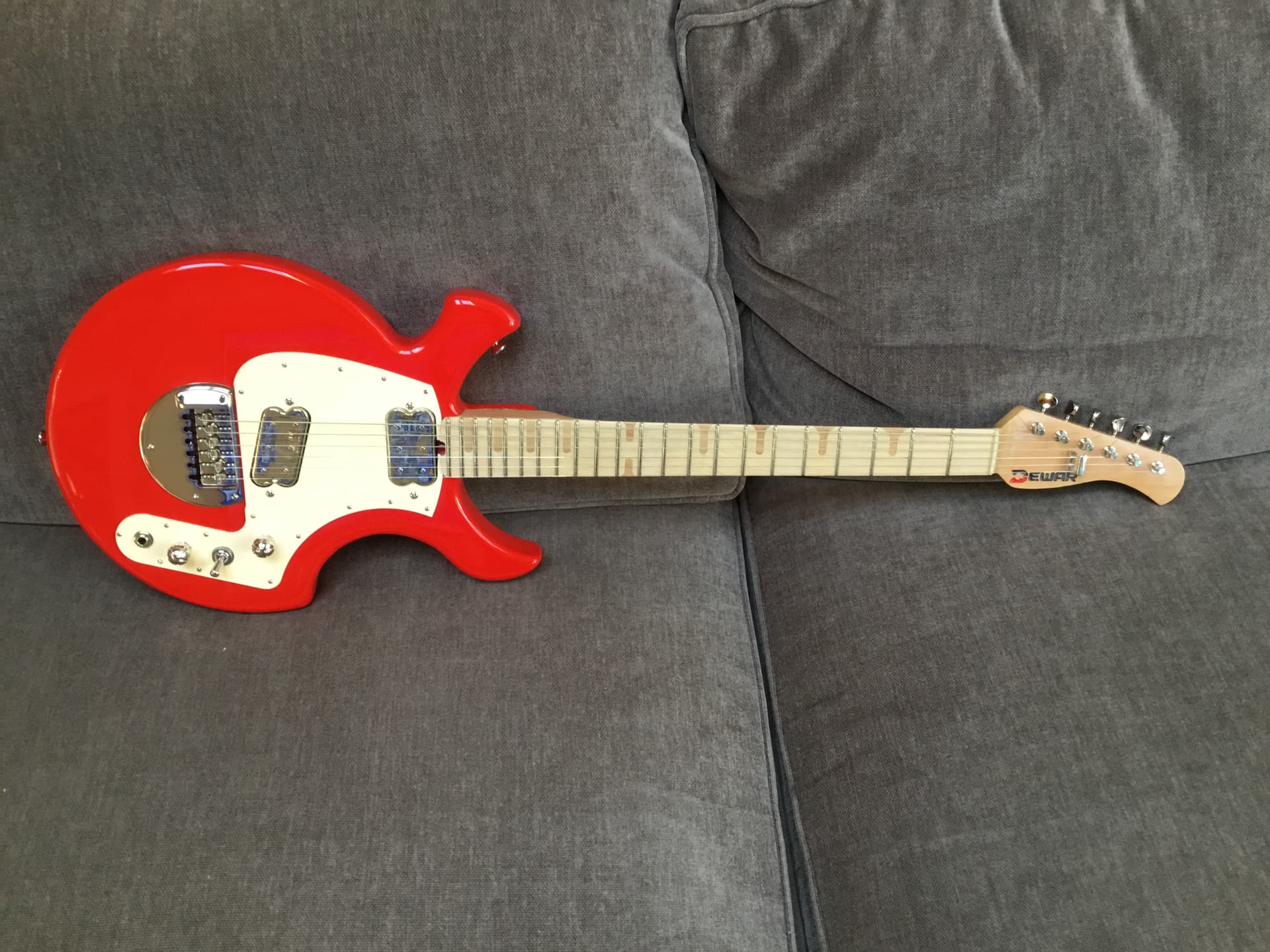
Hi Steve, you know, I can’t imagine that what I’m doing is exceptionally unique. So does that mean everybody out there trying to v carve pine/fir is having the same issue and it cannot be done? This is a real PITA for me as I make guitars on the side and my sole reason for the 1F was for routing out the logo on my headstocks. (I use it for lots of other things but for the guitars that’s what it’s used for.)
How deep are you going? You may then need to offset the curves so you are machining inside the line rather than right on it. My thought being to do the vee-carving first and the clearout 2nd.
Are you going to fill or inlay these?
The max depth is 3/32". I fill with epoxy. See pic above.
Sometimes these CAM apps can really be frustrating, or, I’m just having a bad day.
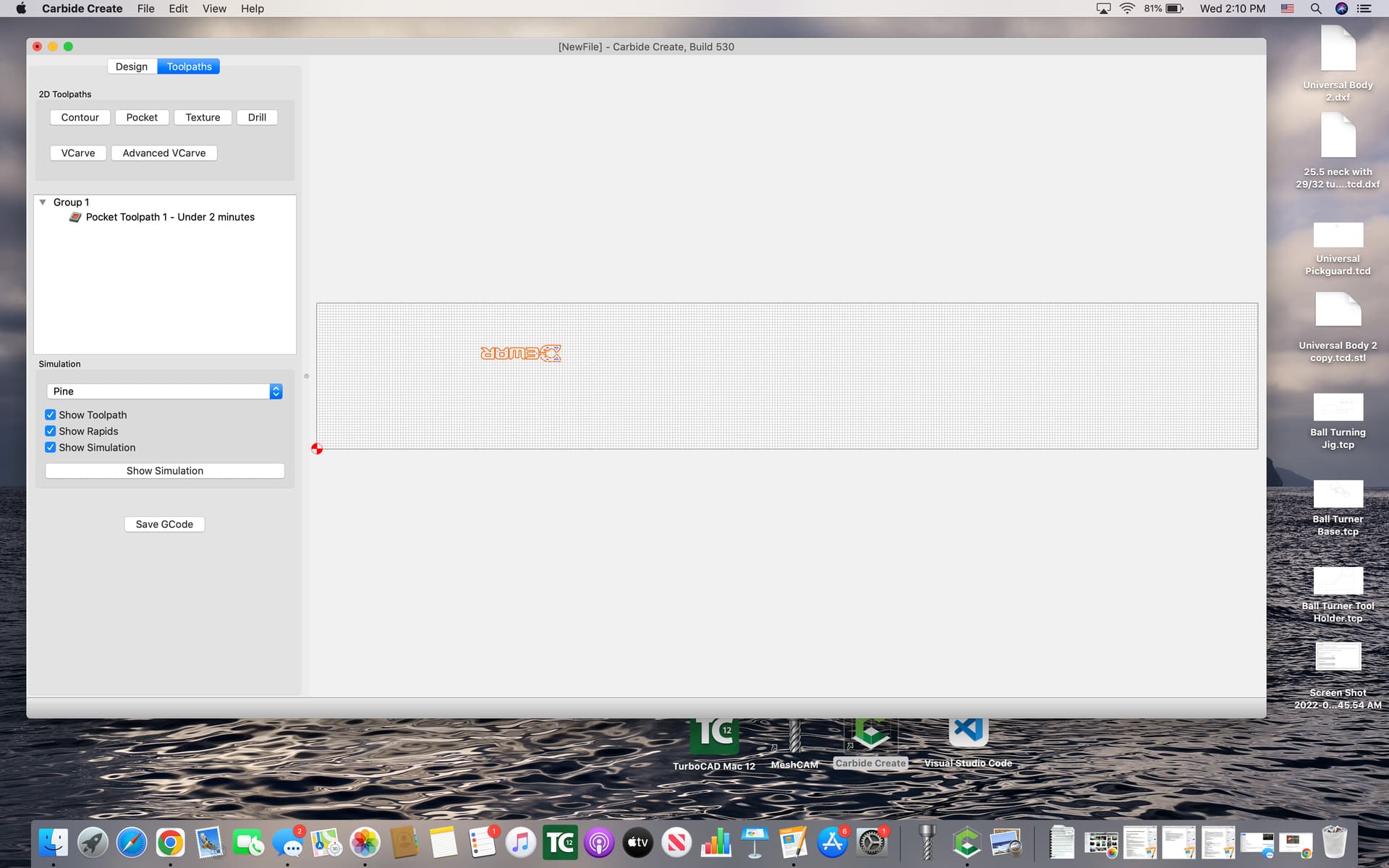
I performed a v-carve at a minimal depth to get the clean lines done and now I’m trying to create a pocket job using a .027" ball mill. The pic shows what will get routed. Why is CC not routing the entire inside?
Post the file or send it to projects@carbide3d.com ?
When I bought my Shapoko, I already owned various cam software, so I never bothered with Carbide Create. My prefered Vcarving software is Vcarve Pro, by Vectric. That being said, how long is your logo on the headstock? I guessed about 1.8"
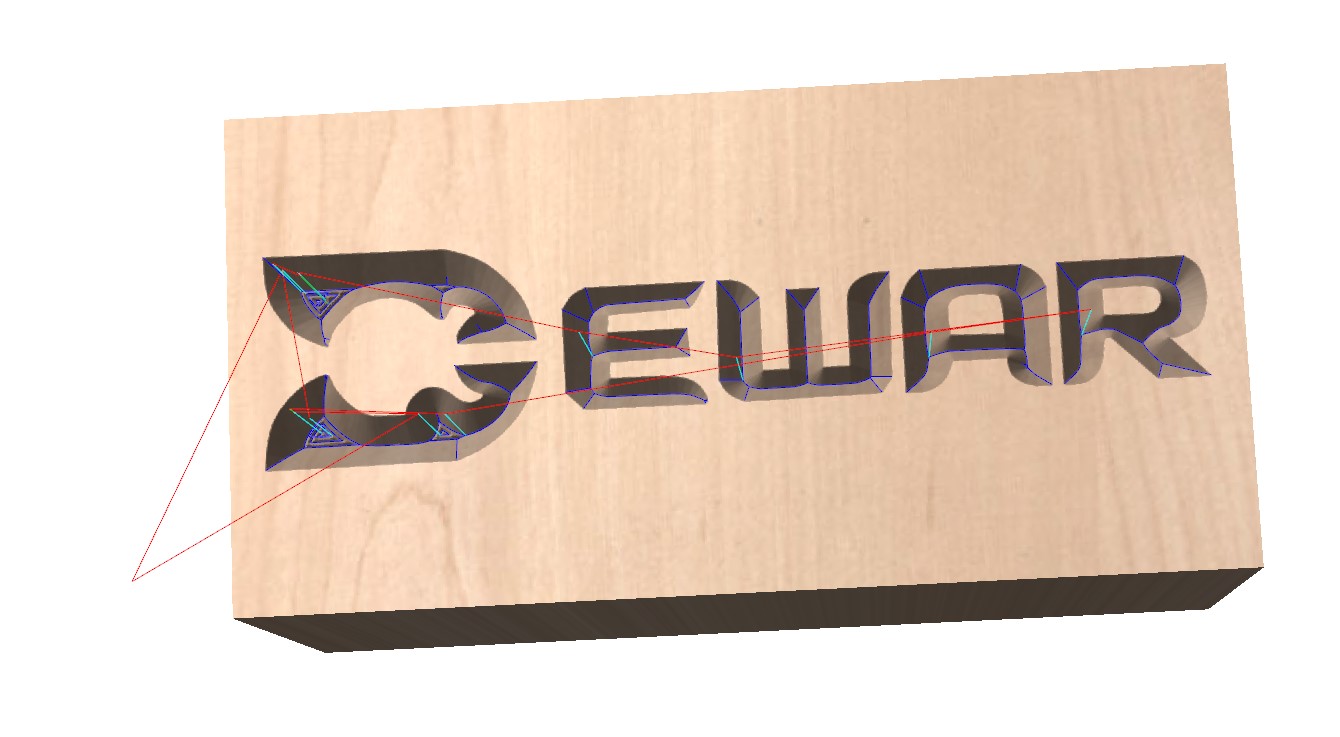
2.322"
Nice job capturing the custom text.