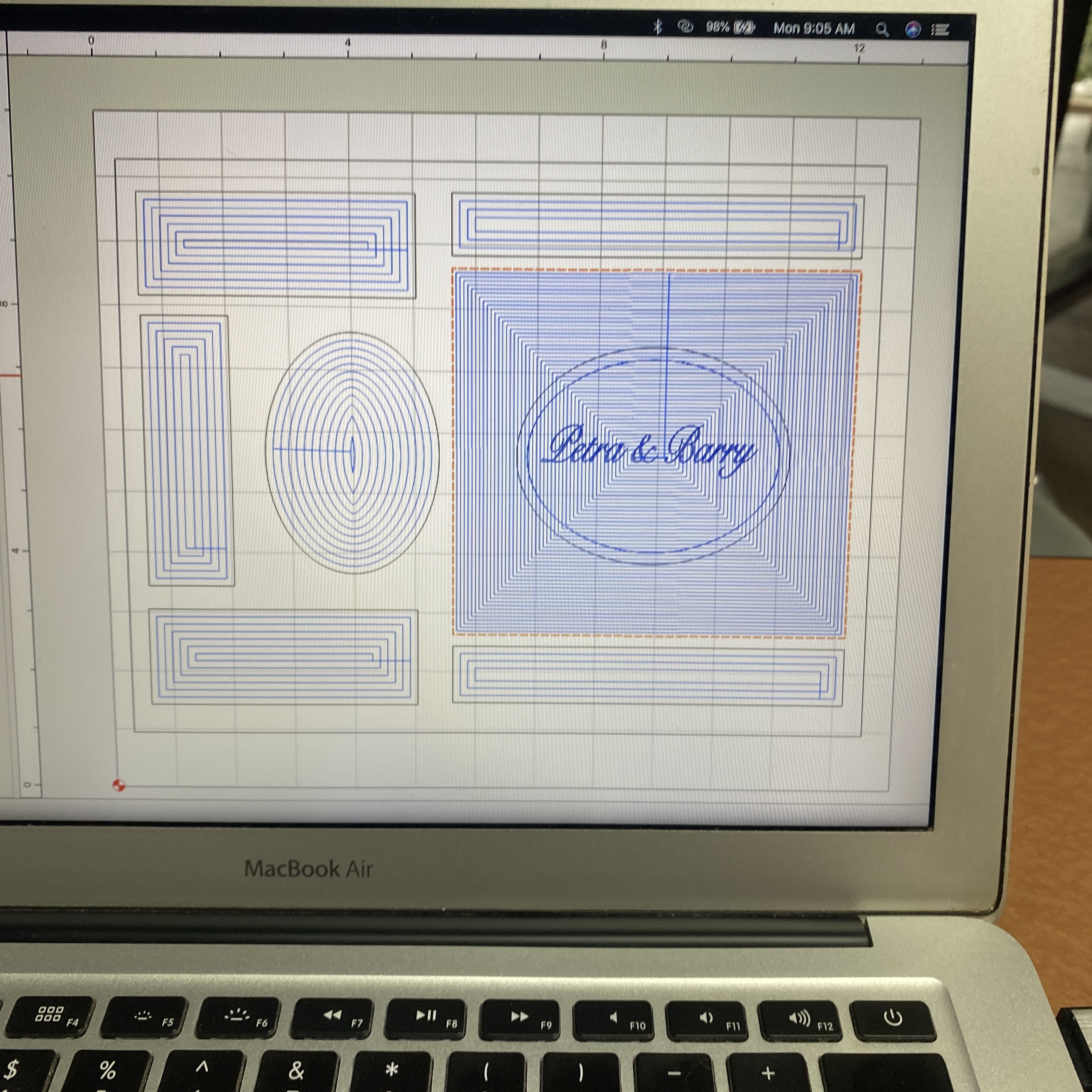
I am totally new to CNC machining. Thought it would be a good retirement hobby. Learning curve is steeper than I expected. Anyway, i am looking to pocket out the large square area around the names but for some reason I cannot find a setting that will work. Probably something very simple for the many more knowledge people here.
If so, try Advanced V carving with the pocket clearing option enabled.
If not, you’ll need to size the elements you are cutting around and their hollows to the size of the tool you are using — draw up the tool radius/diameter as a circle and drag it around and see how it fits into the interstices.
Click on the names Petra and Barry then hold the shift key and click the square. Then select advanced vcarve. That should pocket carve everything except the names. If you want the oval and the text to stand out then click the oval, shift key and click square, then advance vcarve. See if that works! I’m new too but that’s what I do.