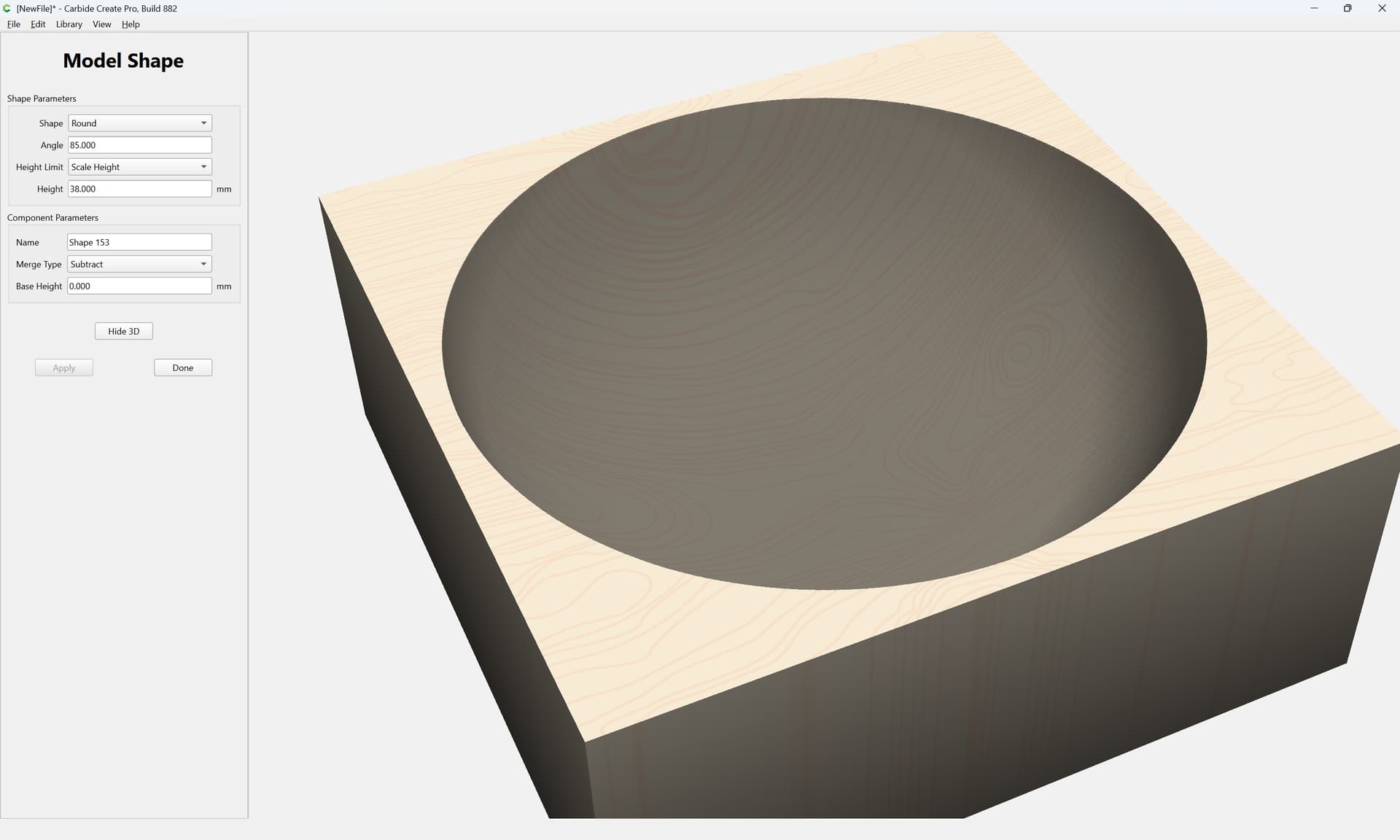
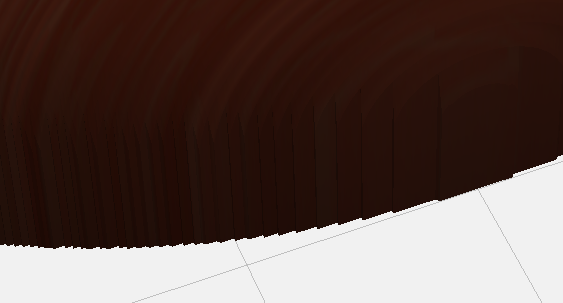
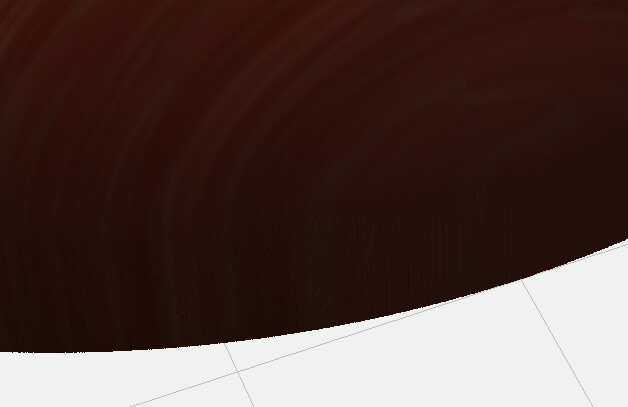
When making a file to cut a bowl outside, the edge is not clean - it gets choppy, Like this
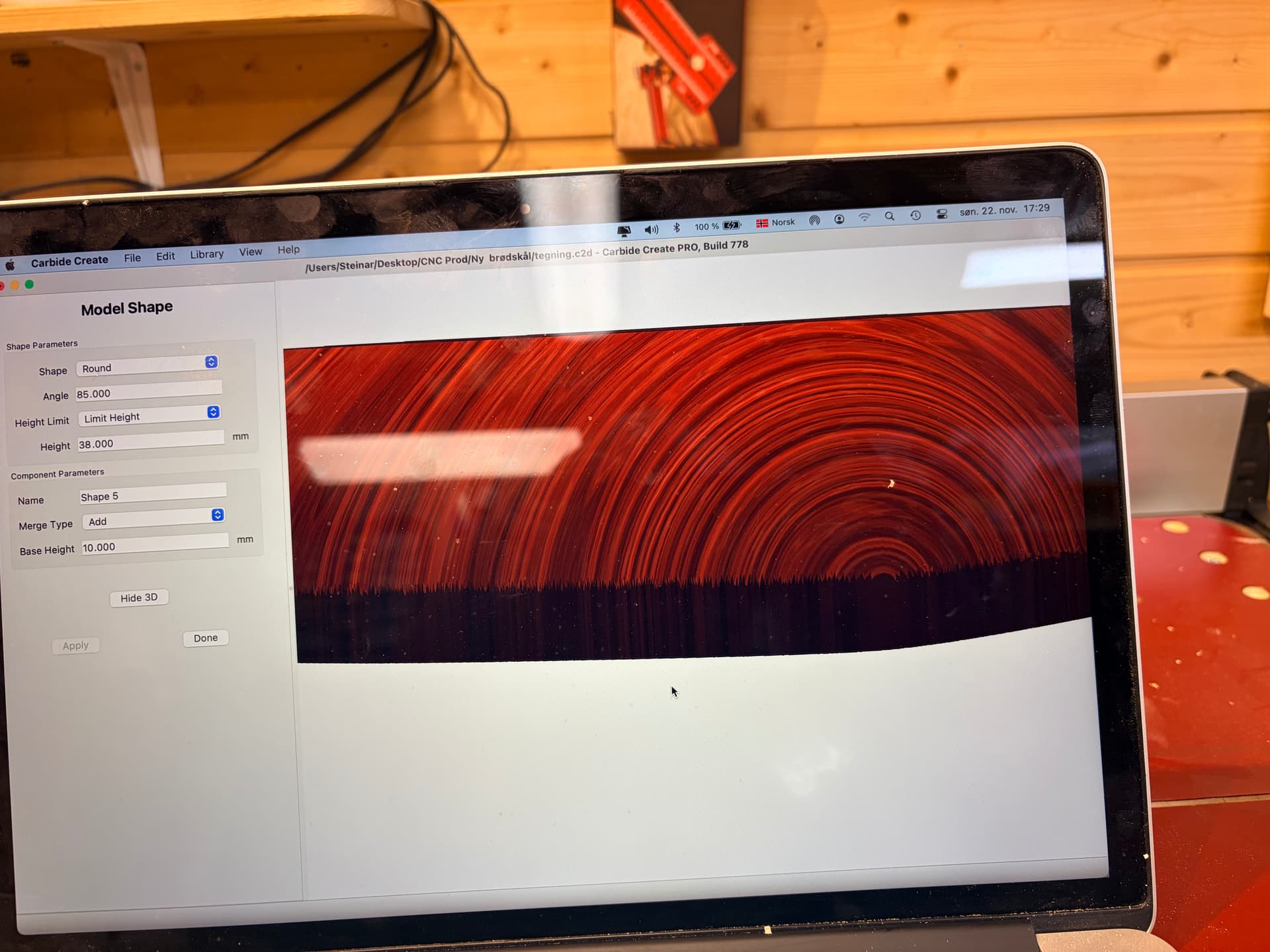
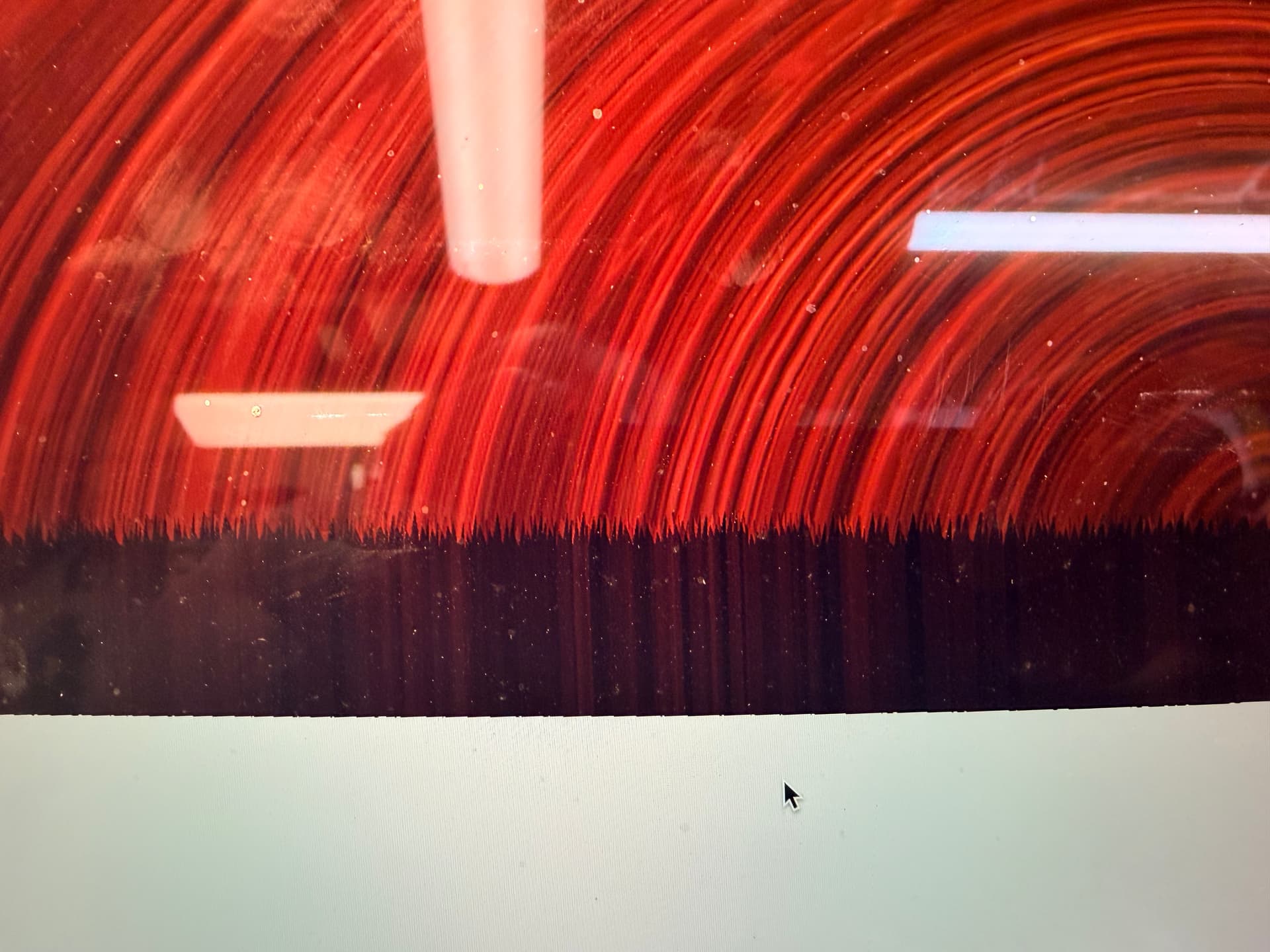
Can not solve this problem ,
When making a file to cut a bowl outside, the edge is not clean - it gets choppy, Like this
Sorry if I explain my problem the wrong way. As far as I can see you show the innside of the bowl, exactly like I do it, no problem , but I want to turn the piece upside down - and shape the outside so its rounded, - same shape at inside bowl , but konvex - the inside is concave.
Making the set up in the model goes fine, but when I look at the 3D view, it has a jagged edge, at the top( bottom at the image)of the bowl - that is where I have created a 15 mm base. Hope I explain better this time 
Are you using a ballnose endmill? I do a similar thing on my serving trays using a 1/4" ballnose endmill.
Also I think the angle of your convex shape may impact the finish as well… less angle equals smoother surface
Does this still happen in the current beta?
If it does, upload the file and we will look into it with you.
Hi thanx for answer.
I run on Mac -IOS 11 - can not upgrade higher because of sw.
And I see newest Carbide need IOS 13.
I have build 794 on Carbide…
It comes too my mind that I might have encounter. this problem before- and got a solution from Carbide - but I can not find the case or the correspondence. Can it be that I have too define a stock bigger than the bowl ? And use “align” in stead of " add" ?
Testing the mail in reply
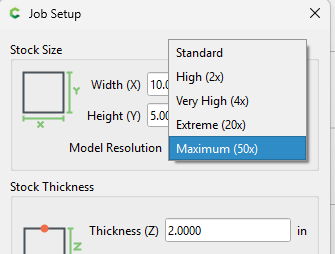
Thanx for tips, but I always highest resolution.
Yes I use ballnose end mill yes
Upload the file here, or if it can’t be shared, send it in to support@carbide3d.com and we will look into this with you.
Build 794 is old. The latest V8 builds have all-new 3D rendering code that eliminates many visual problems like this one.