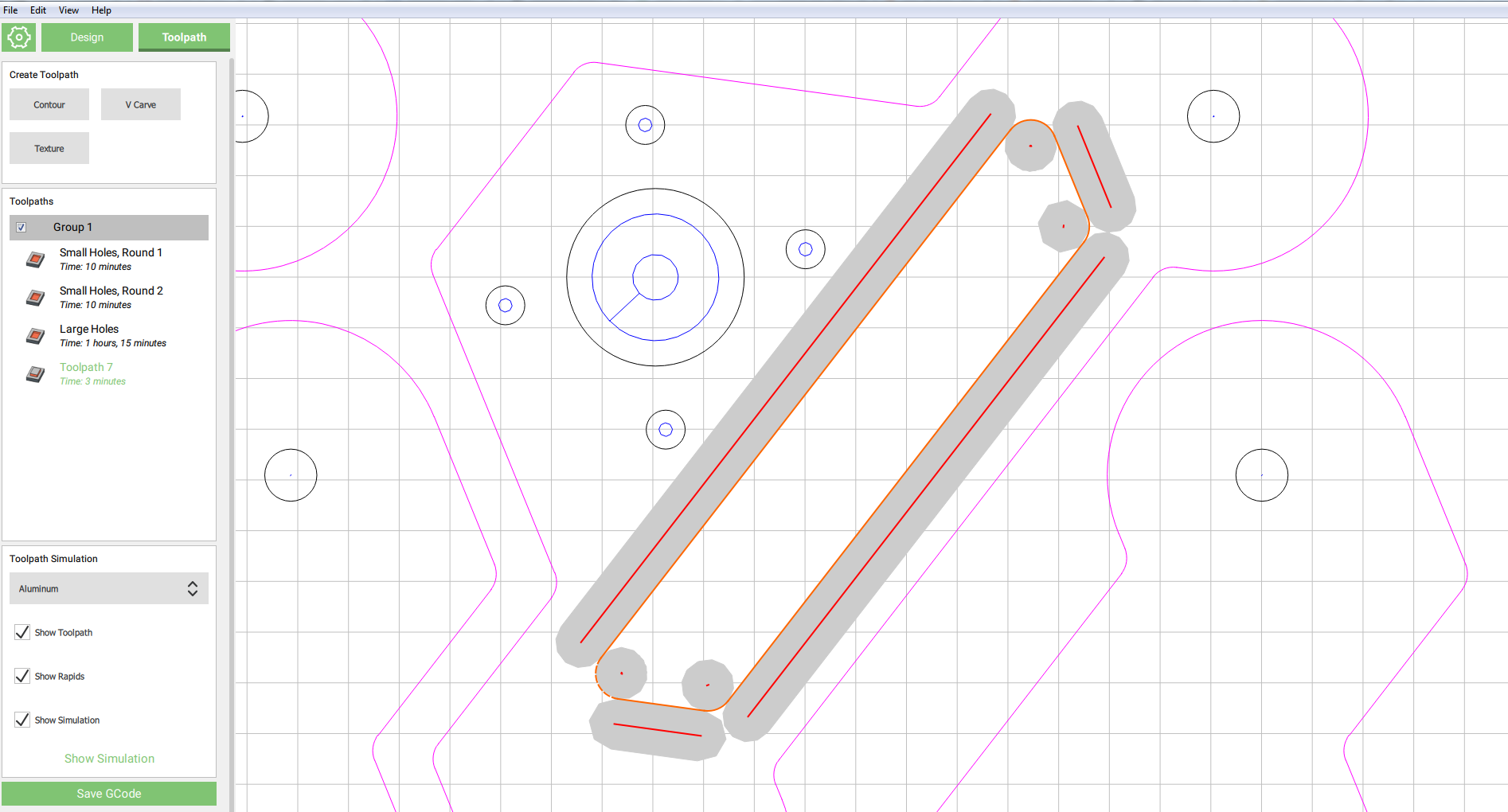
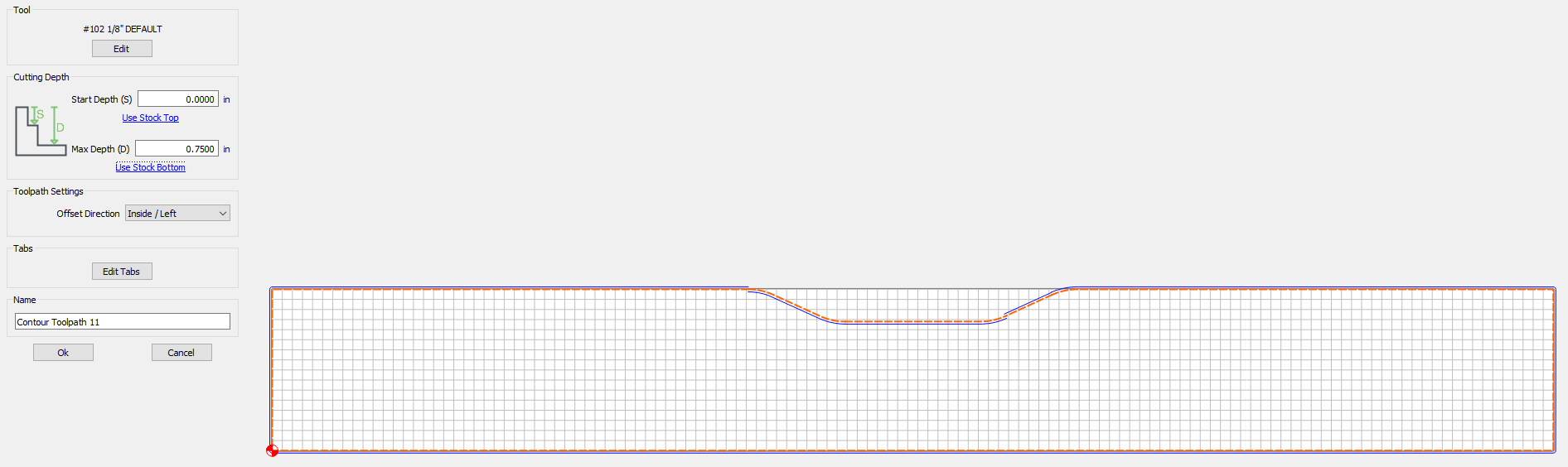
I’ve been getting a weird glitch trying to import from an SVG file. My dxf imports were looking terrible (taking a 5/8" radius curve and breaking it into straight segments over 1/8" each), so I found a solution here on the forums to convert to svg before importing. My files look great, but now I have two new problems:
I have to manually select EVERY line or curve segment manually, and join them into groups. CC won’t recognize the closed paths after the dxf/svg conversion.
After joining a closed path into a group, some work great, and others create glitchy toolpaths where the machine switches what side of the profile is inside vs outside.
I figured it out, or got it working at least. I realized grouping the individual segments was not the same as joining them. It’s still a huge pain though if anyone has a better way to import svg’s without all the manual work.
I can confirm this issue on the most recent Carbide Create. This part is modeled in SolidWorks and exported directly from the part file as a DXF. I am just trimming the handle recess so started with that alone and had the inside/outside issue, so went back to the full file which imports as line segments. Grouping inside Carbide Create does not fix it. File is attached.