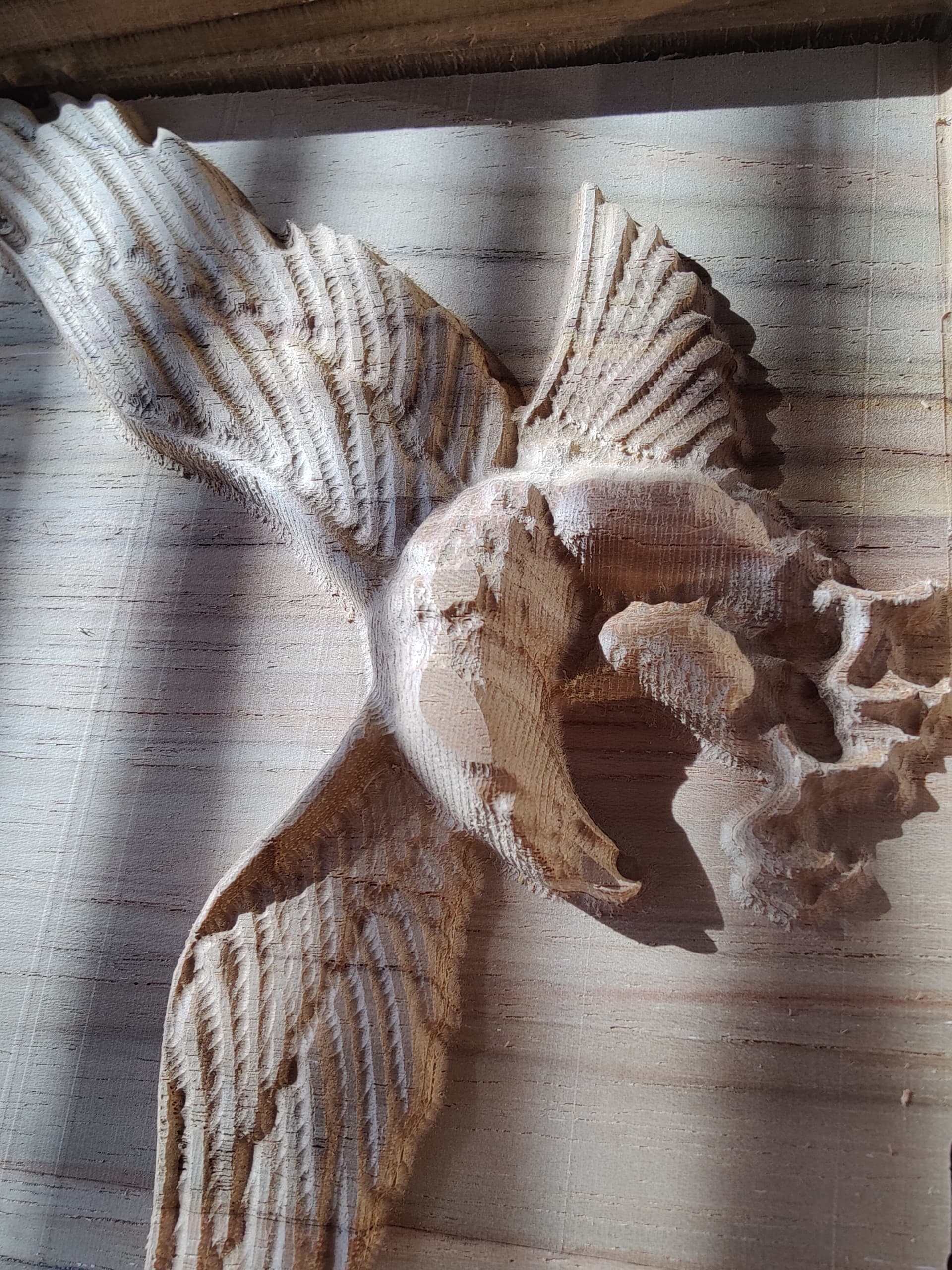
I have Pro 5 and I downloaded the Eagle from Cut-Rocket. I’m getting this message and a small flat spot on top of the eagle. any ideas would be greatly appreciated on how to fix this issue.
1 Like
Is your material the same thickness as the material in the file? ie 1.033" or 26.24mm
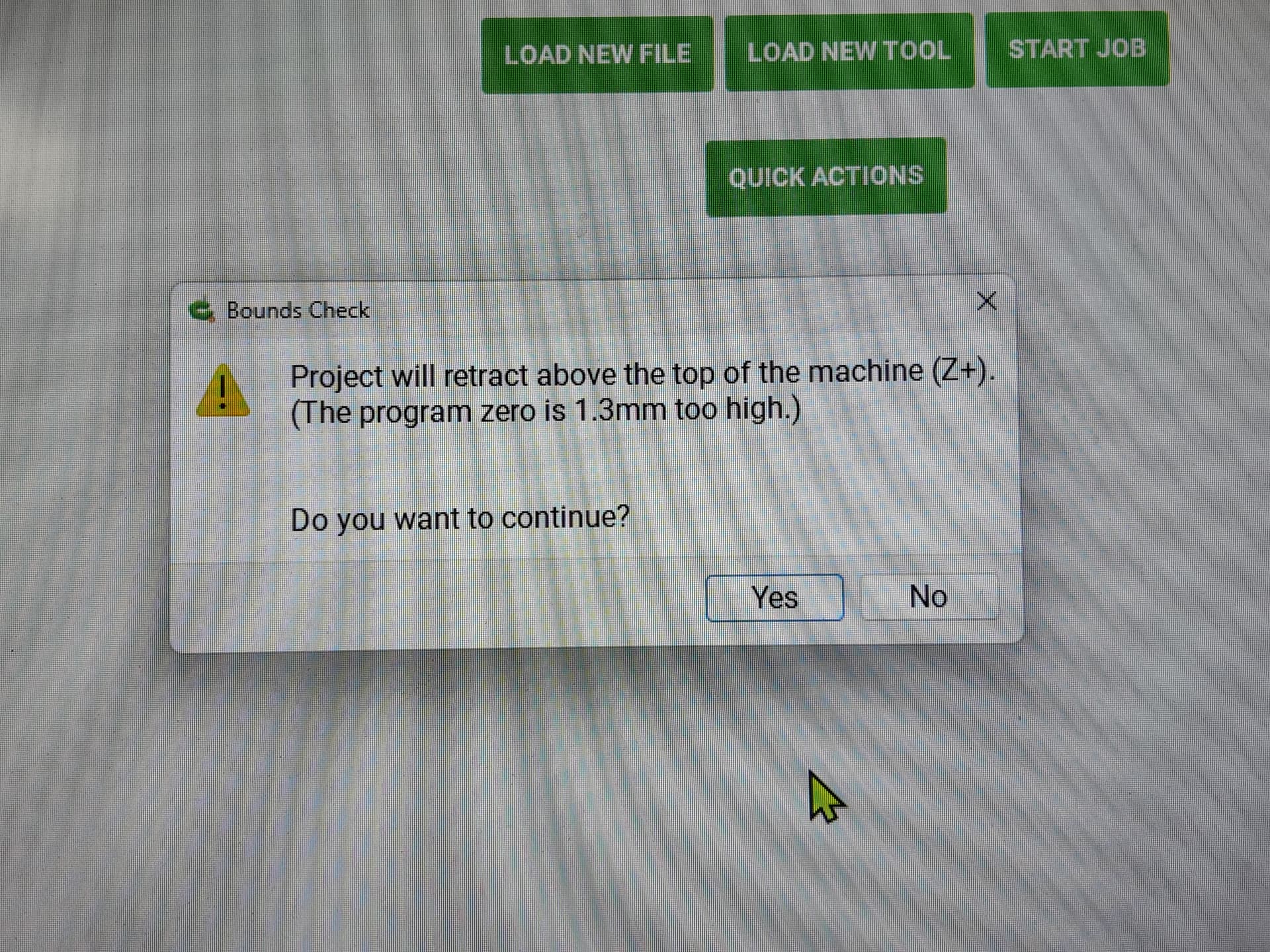
This is a warning as noted at:
https://carbide3d.com/blog/carbide-motion-bounds-checking/
Usually it is caused by a mismatch between job setup:
https://carbide3d.com/hub/courses/create/job-setup/
and how origin is set relative to the stock:
https://carbide3d.com/hub/courses/running-shapeoko/movements-zeroing/
I find that opening the .c2d file up and drawing a box which matches the specified dimensions (draw up the cut in profile if need be) or moving the machine to the origin and then using a tape measure to measure out the dimension(s) in question will make clear where things aren’t lining up.
Thank you so much I will work on it.
The flat areas are caused by the design being raised above the surface of the material and therefor not being cut. 3D preview should show those areas in red. If your material is less than the 1" material called out in the file then you will get flat spots.
Got it thank you Jeff I will try running it at the set depth and not do the outline cut here.
This topic was automatically closed after 30 days. New replies are no longer allowed.