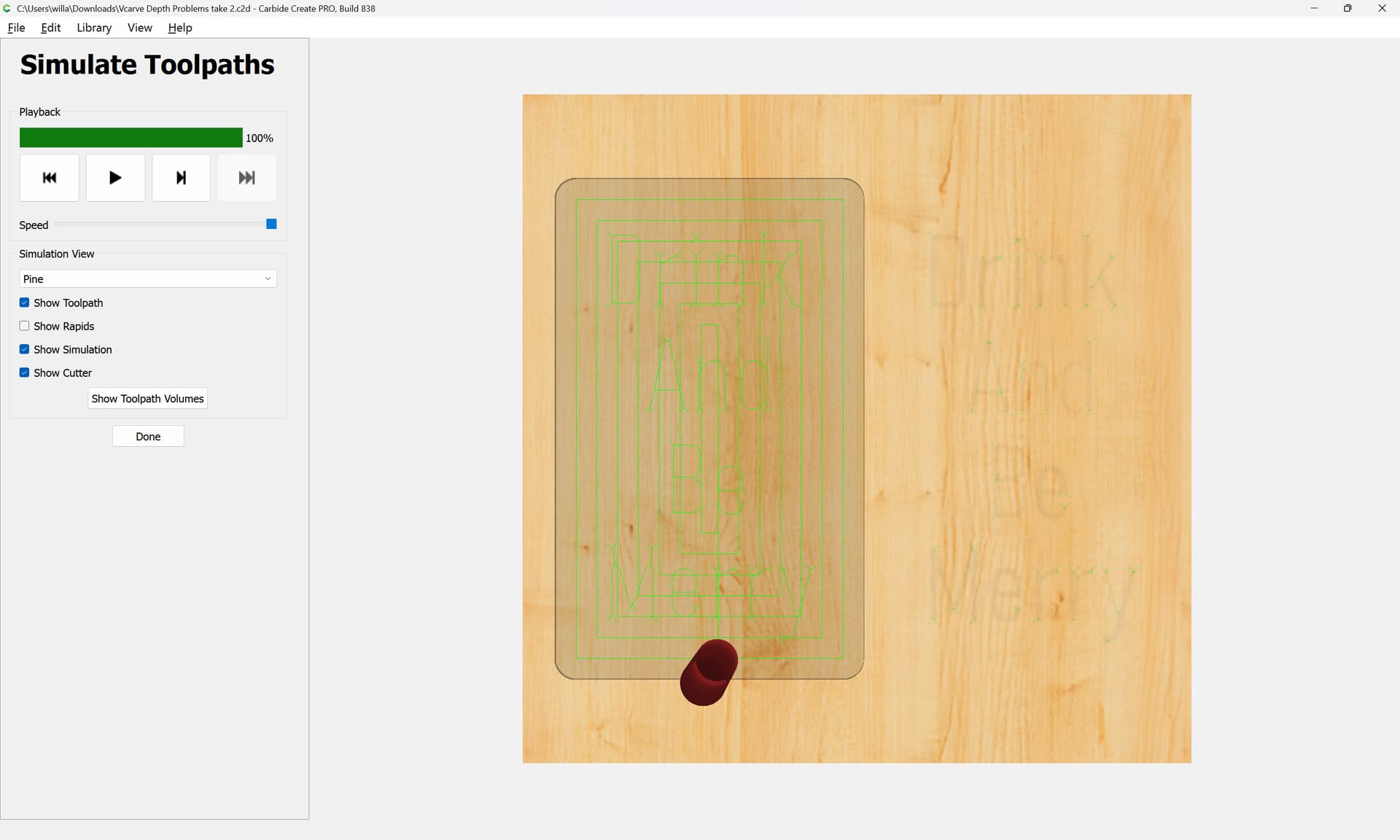
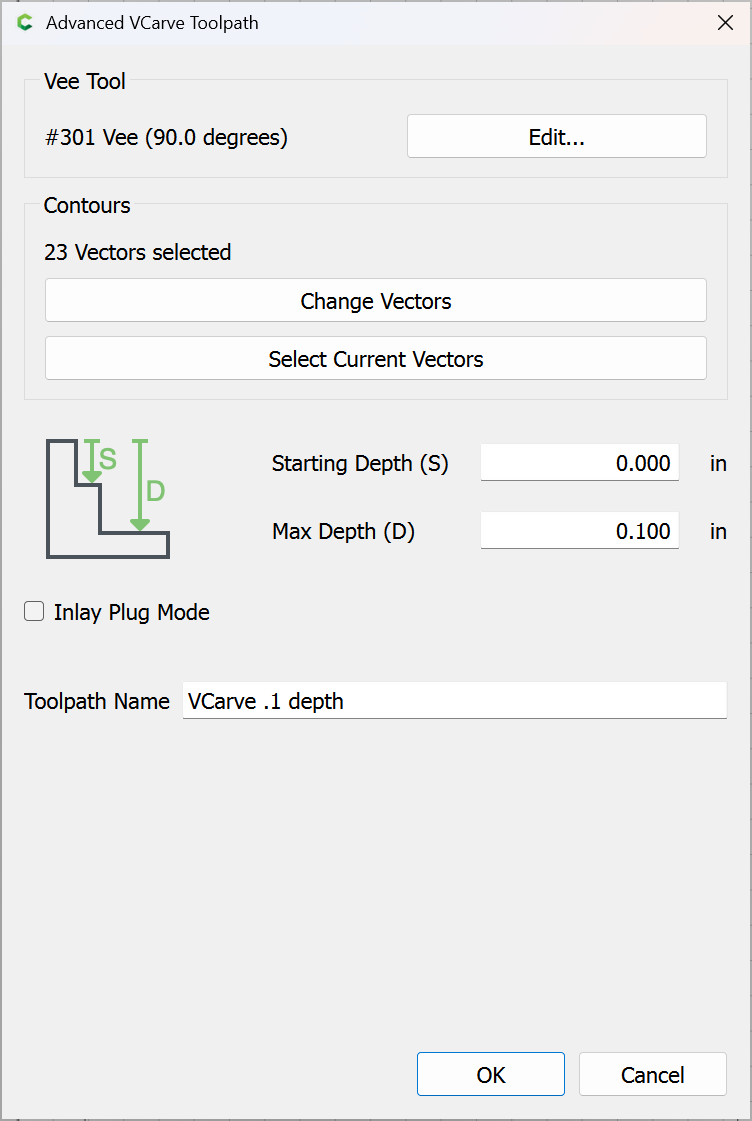
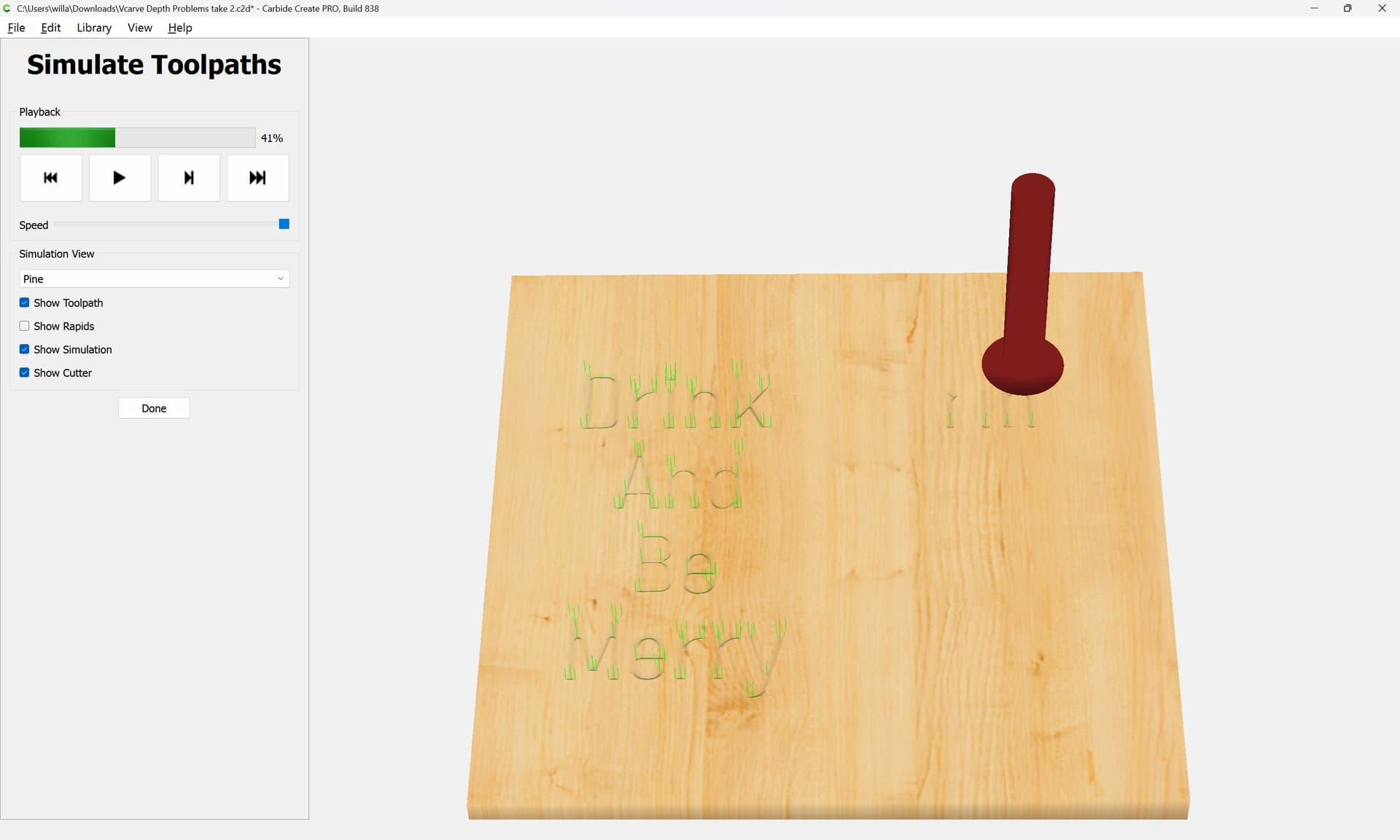
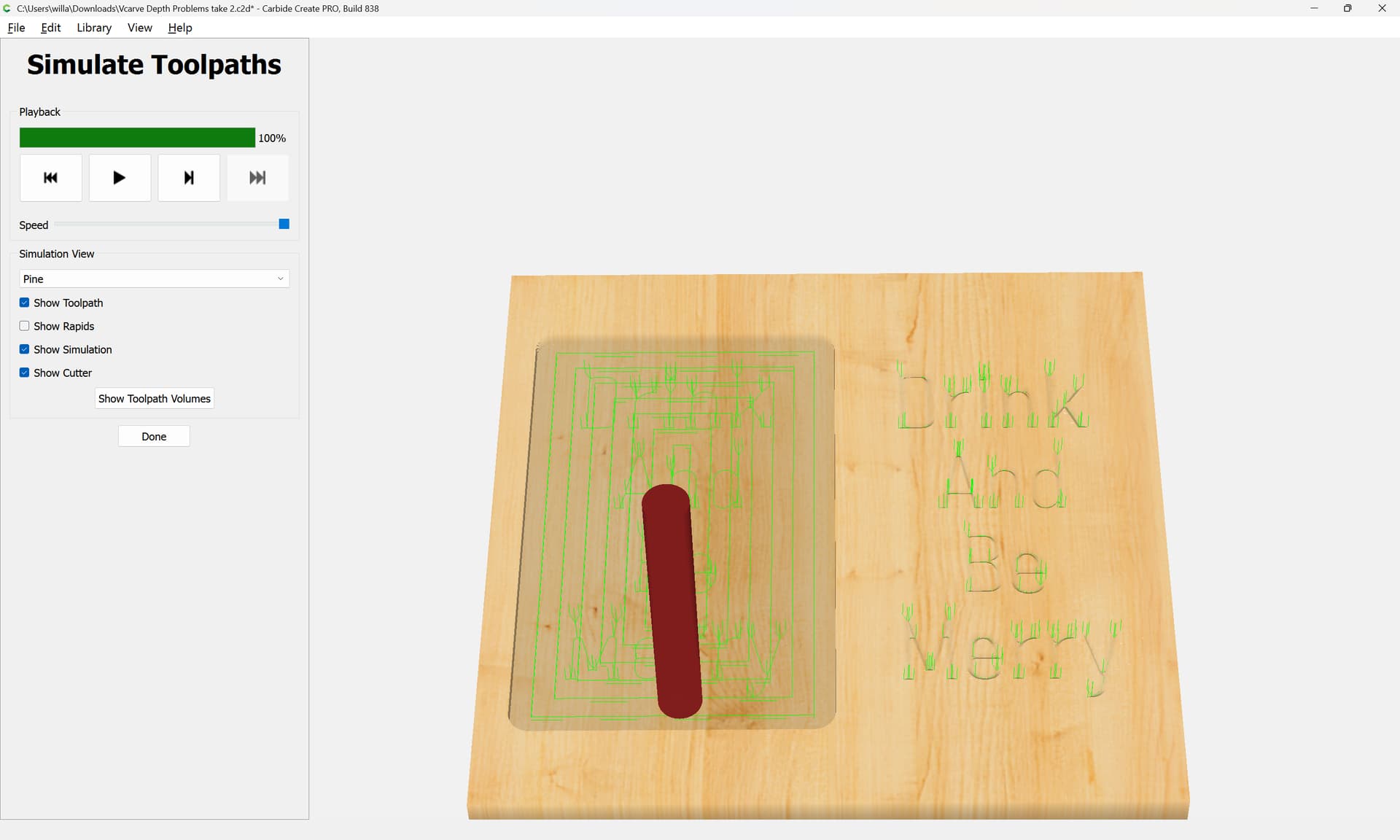
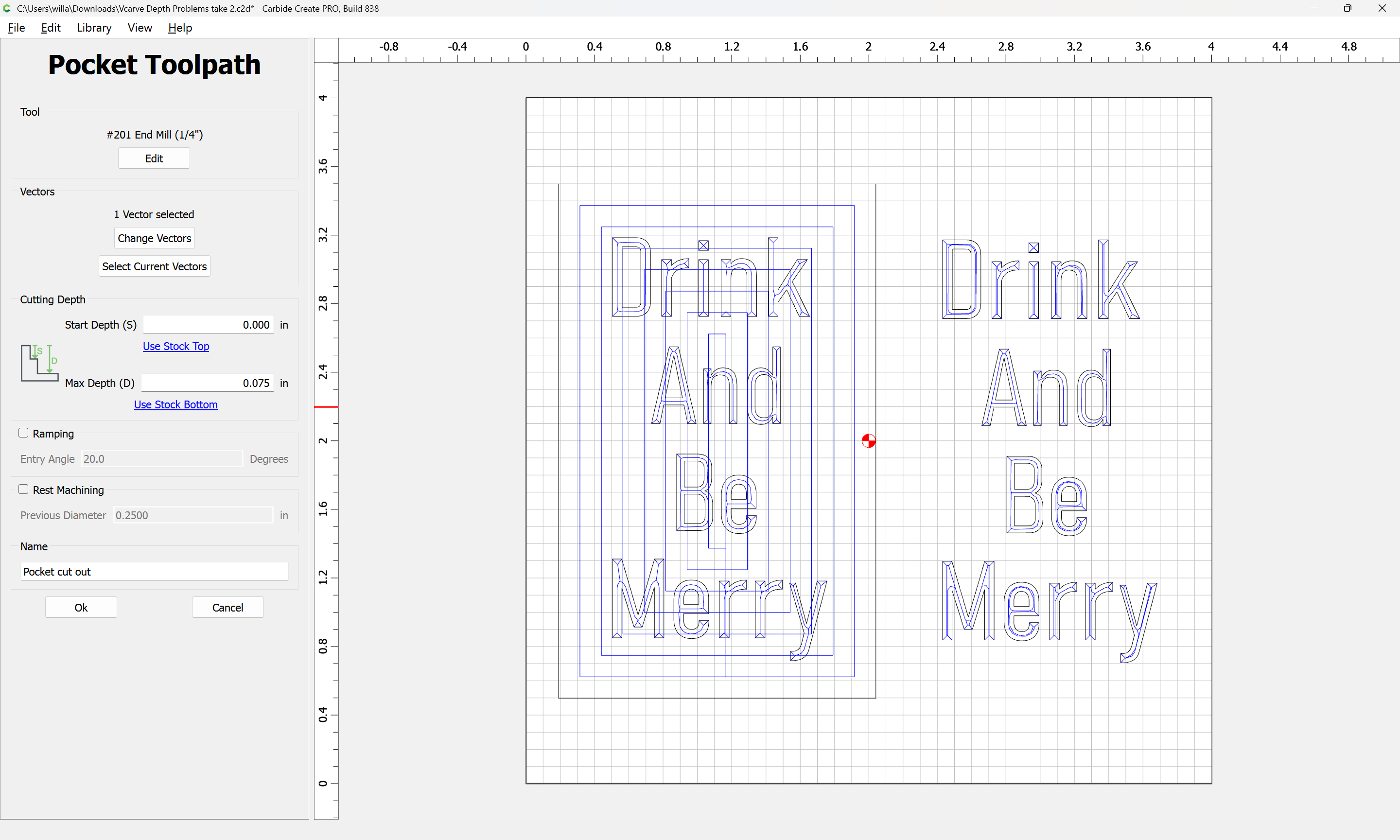
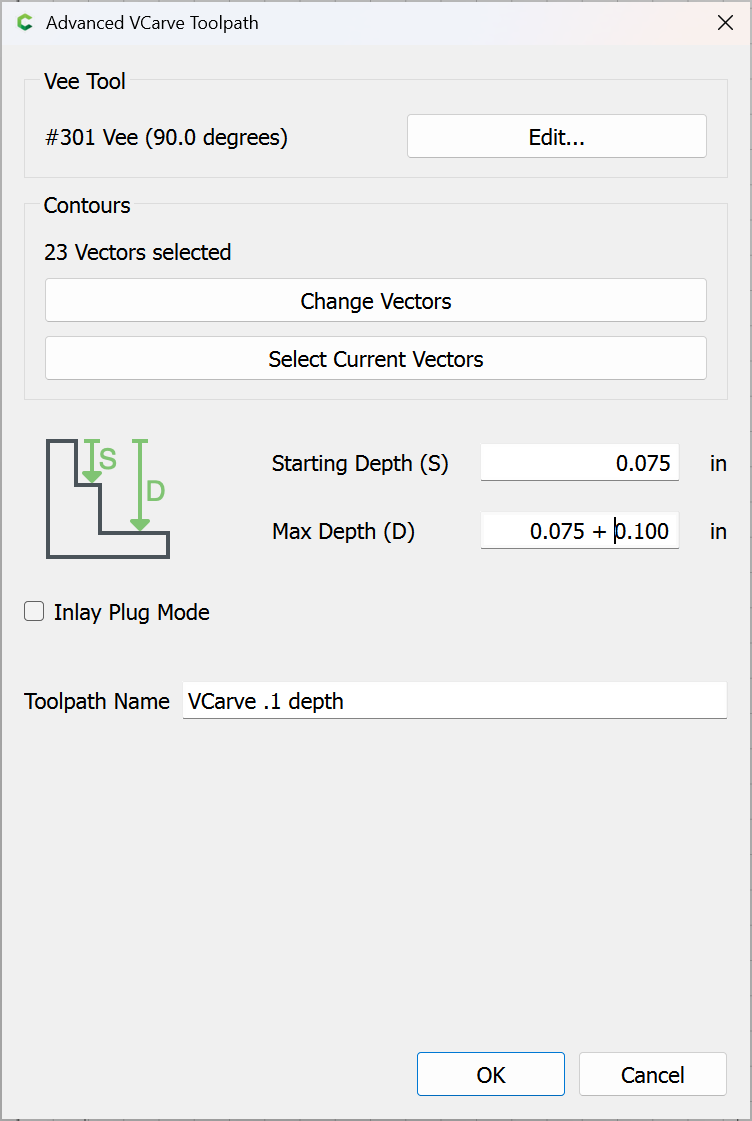
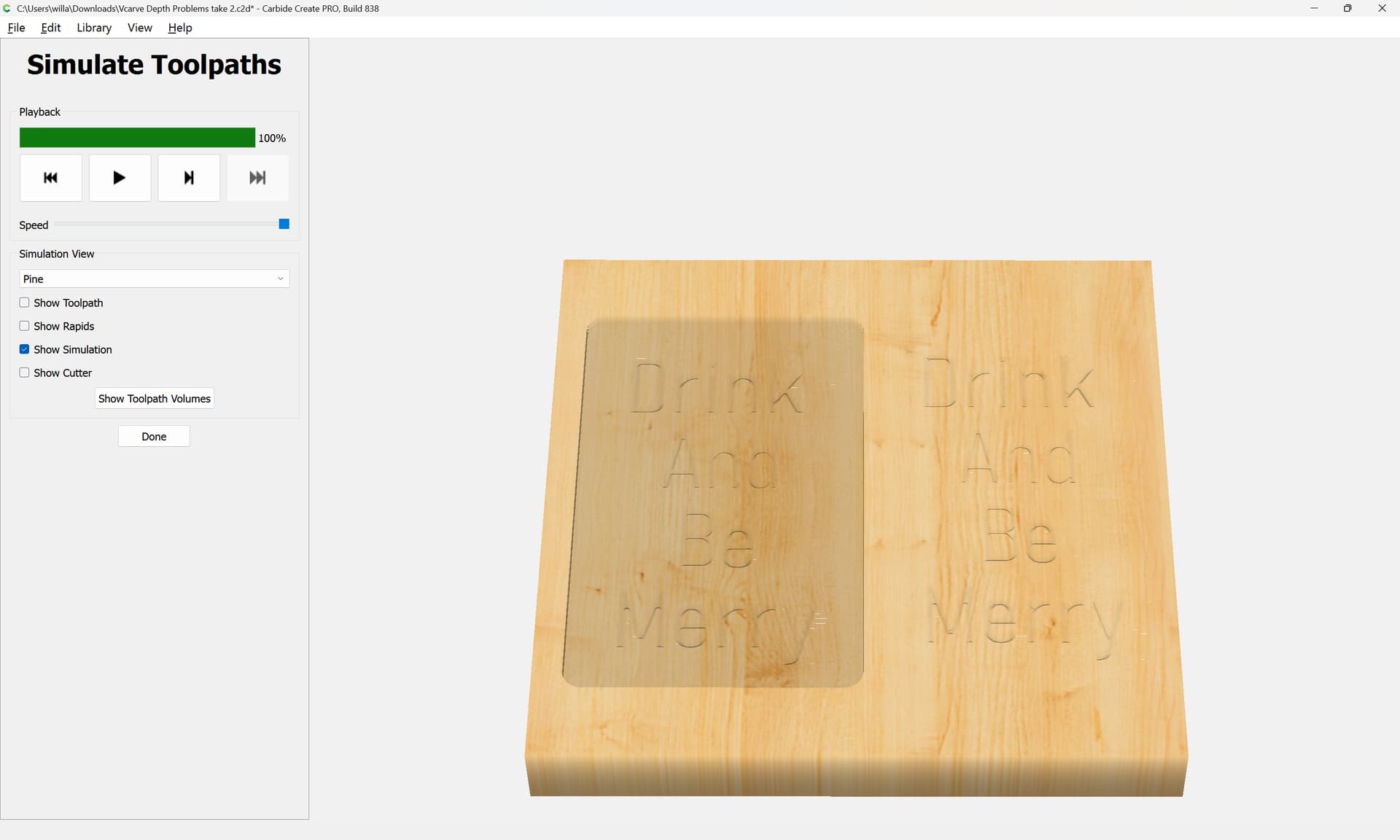
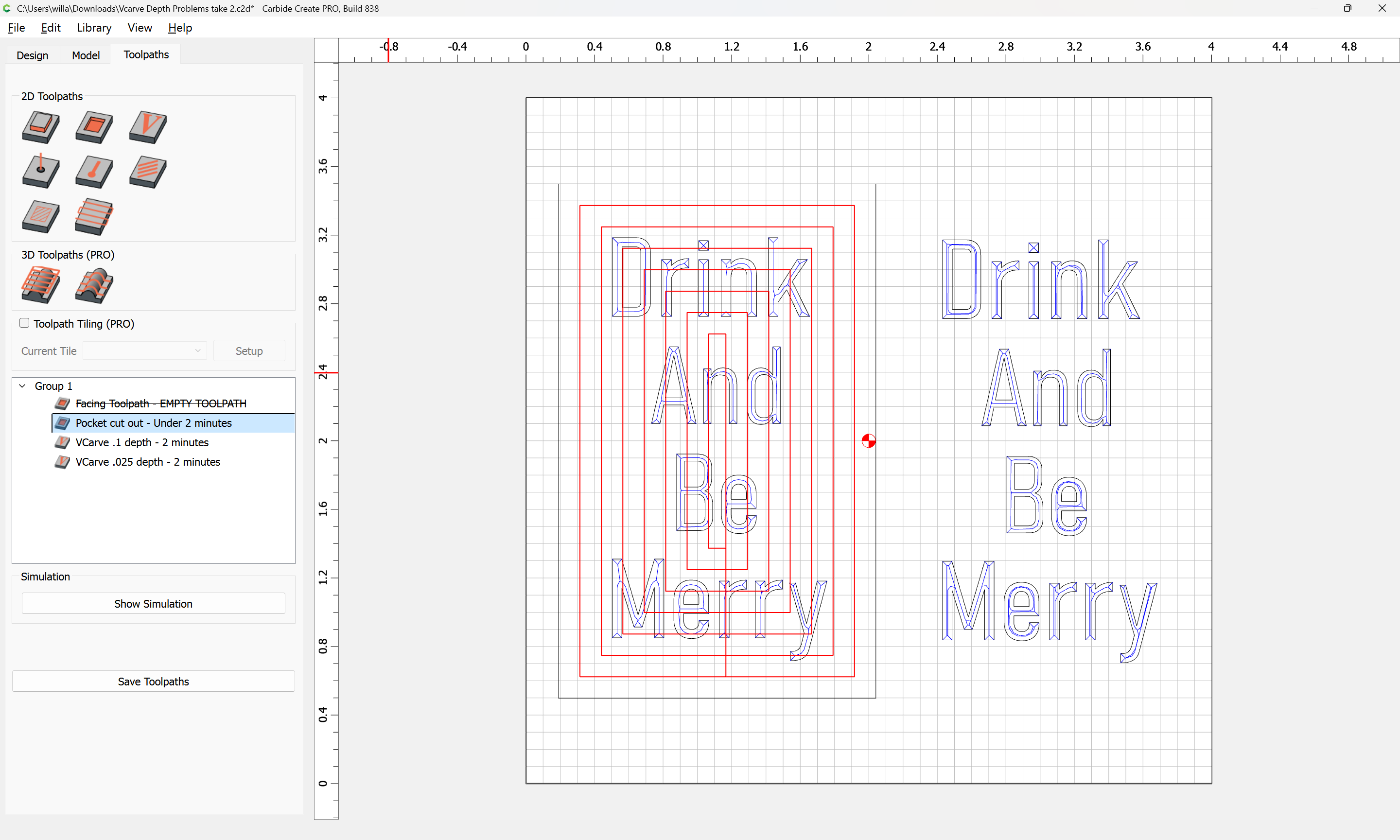
I really appreciate all the help and discussion. My takeaway from this is: If is use a vcarce tool path, the software is smart enough to know, don’t go lower than the cutting area of the tool selected. If I want it to cut lower than that, I should use a Contour tool path with No Offset perhaps? Then it would cut to the depth I specify regardless?
I’m not sure that I actually want to do that. I just expected the Vcarve to go as deep as I specified. I didn’t know it would not adhere to the depth I put in my user input.
Now that I know how it works, it all makes a lot of sense. On a side note, I’m so glad I went with a Shapeoko. This community is top notch. Thank you for answering all my questions and not making me feel like a dummy. I hope you all have a Merry Christmas!
No worries. We were all dummies with this stuff at one point.
Some unusual concepts, along with the quirky way CC implements some things. You can do a lot with CC, but you need to understand how each part works to take advantage of it.
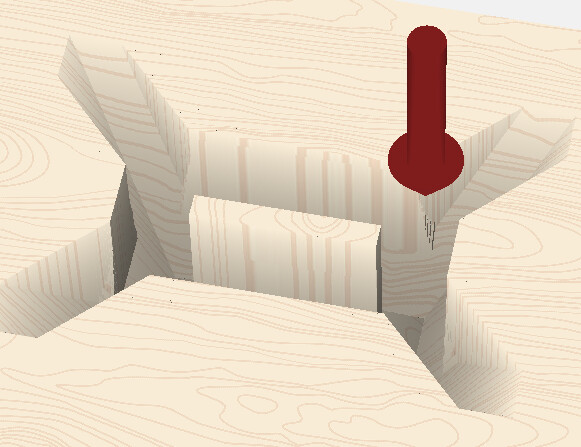
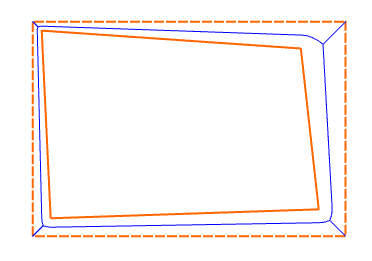
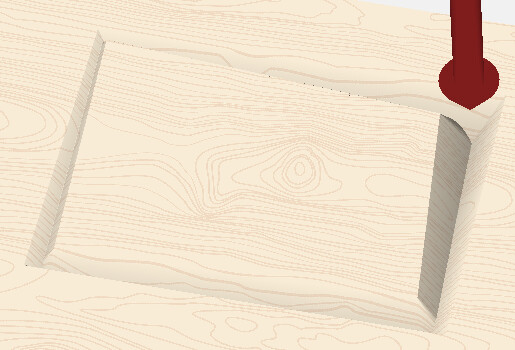
To clarify, if the tool can fit, it will cut as deep as you ask. Here’s a larger rectangle V-carved with no clearing bit to 1.5" deep. It calculates it as if you had a 2" diameter tool, but simulates it with the 1/2" dia tool.
I downloaded some free fonts, and had this same issue, 1 letter (g) just totally messed up the top half, same as what happen to the e in this example. Luckily I saw it in CC before i cut. I didn’t try making it larger to see if it worked better