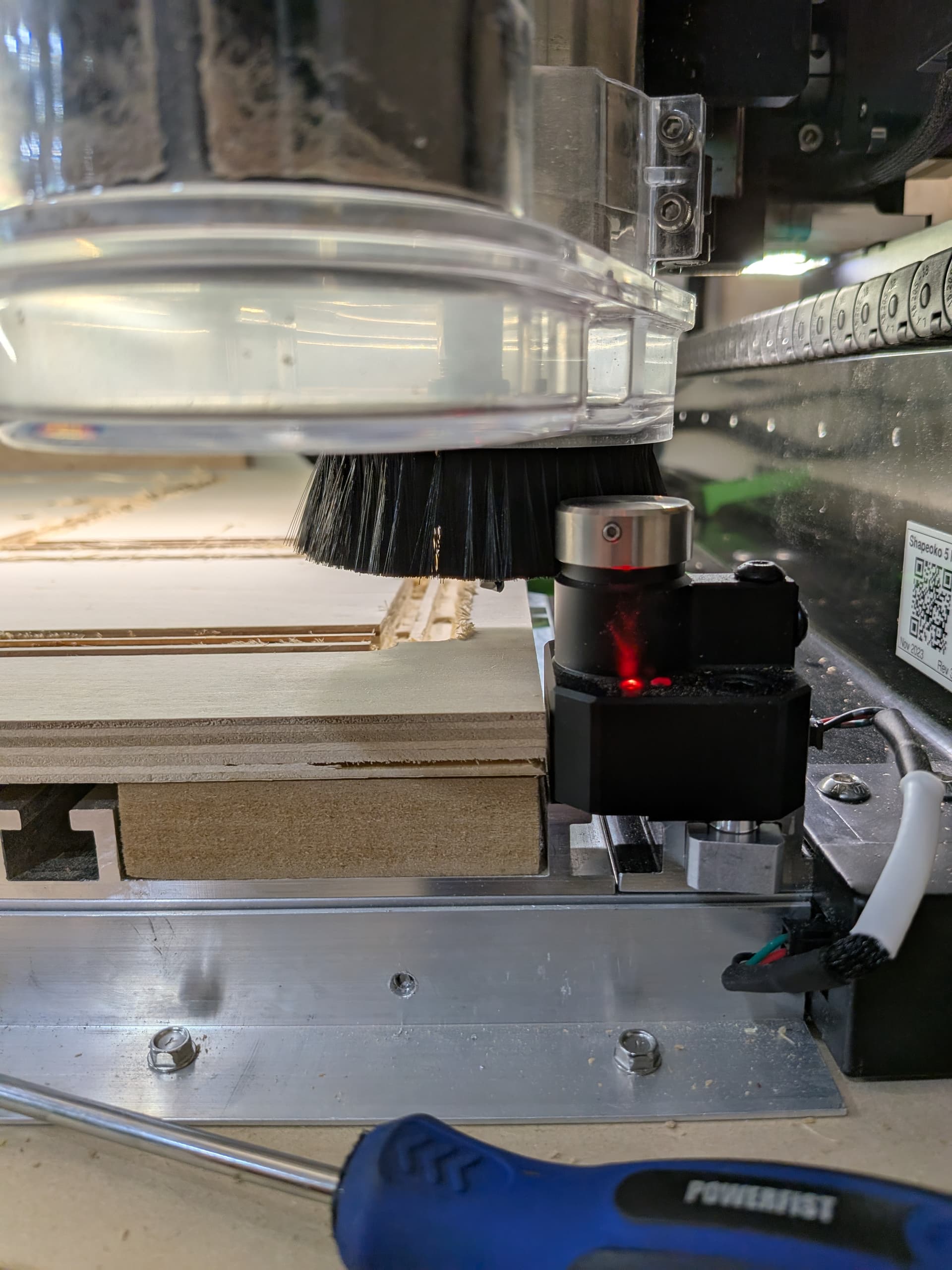
I know it’s 100% user error, but man do i make it a lot. The darn dust boot keeps smacking the bit setter and i lose steps – i suck at CnC but i’m significantly better at writing software, i feel like there’s an easy solution to display a warning:
we know where the bitsetter is, i had to configure the location.
we know the radius of the dust boot
Similar to how the software displays a warning if you’re travelling out of bounds, have a checkbox or something to enable checking for a potential collision with the bitsetter:
take the bitsetter coordinates
draw a circle with radius R where R = distance between centre of spindle to outer edge of dust boot and the centre being the bitsetter coordinates
Compute if any travel moves cross the diameter of the circle (bonus points, same can be done with wider tools like surfacing bits) and display a waning.
Your suggestion is a good one. I just take my dustboot off while changing bits and only put it back on just before it starts cutting. Also when changing bits in the middle of the job I also remove the dust boot and put it back on after the bit measuring. I understand it would be easier with it on but you usually have to remove it when replacing a bit so change your routine to just leave the dust boot off until the last minute.
The bitsetter does interfere with the cutting area –
For example, i designed the cut to avoid it, but i when i zeroed, i did not go all the way to the left.
So with the cutter plunged into the wood, the plastic casing of the dust boot hit the bitsetter.
I was within bounds during the operation, but i was off by 10mm from my original measurements and the boot collided. This is fairly simple to detect from the software and would save a few headaches i think in a number of situations.
If i made the same mistake with a wide surfacing bit it could have been way worse