WillAdams
November 1, 2026, 6:11pm
1
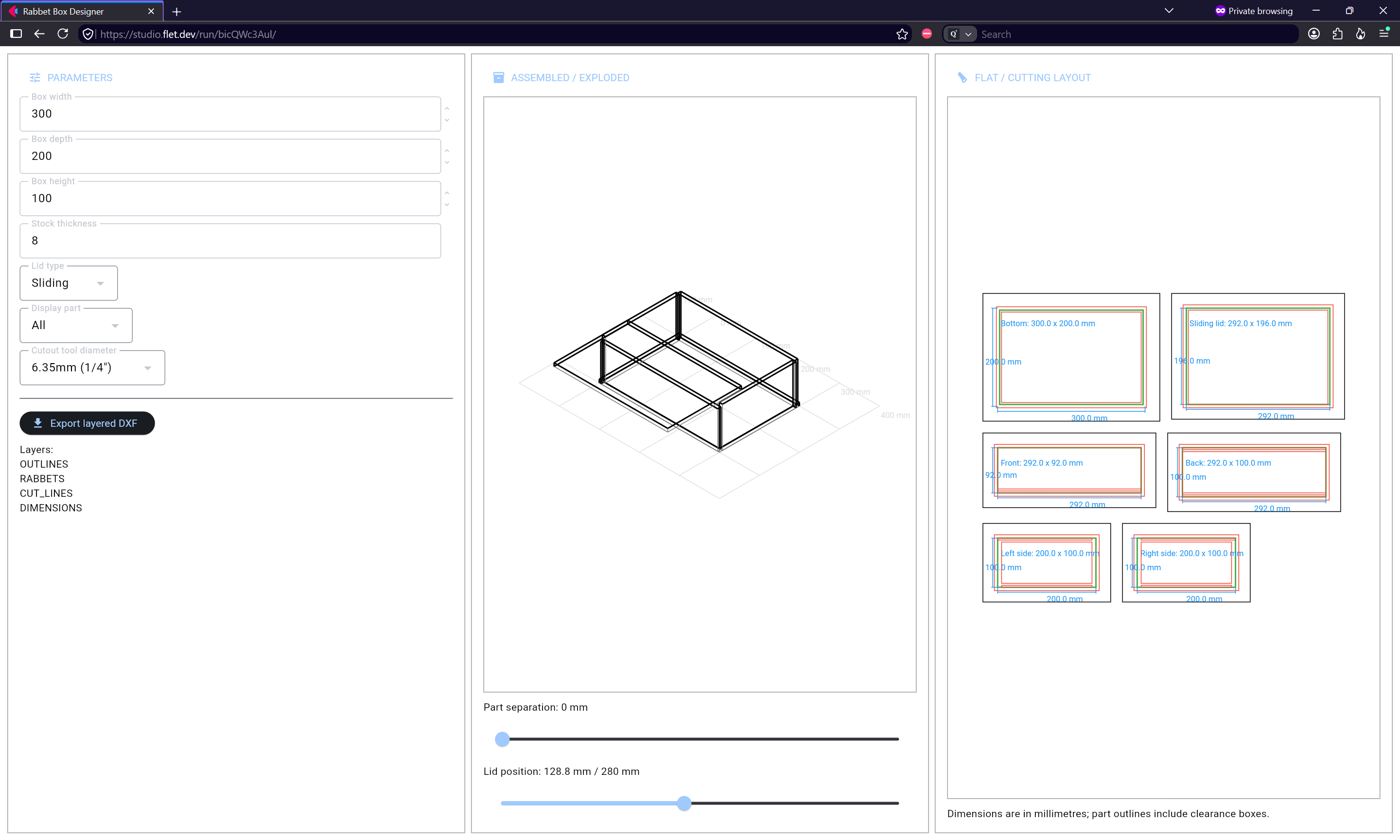
Managed to work up:
https://studio.flet.dev/run/bicQWc3Aul
(the preview is a bit rough, but gives one the general idea)
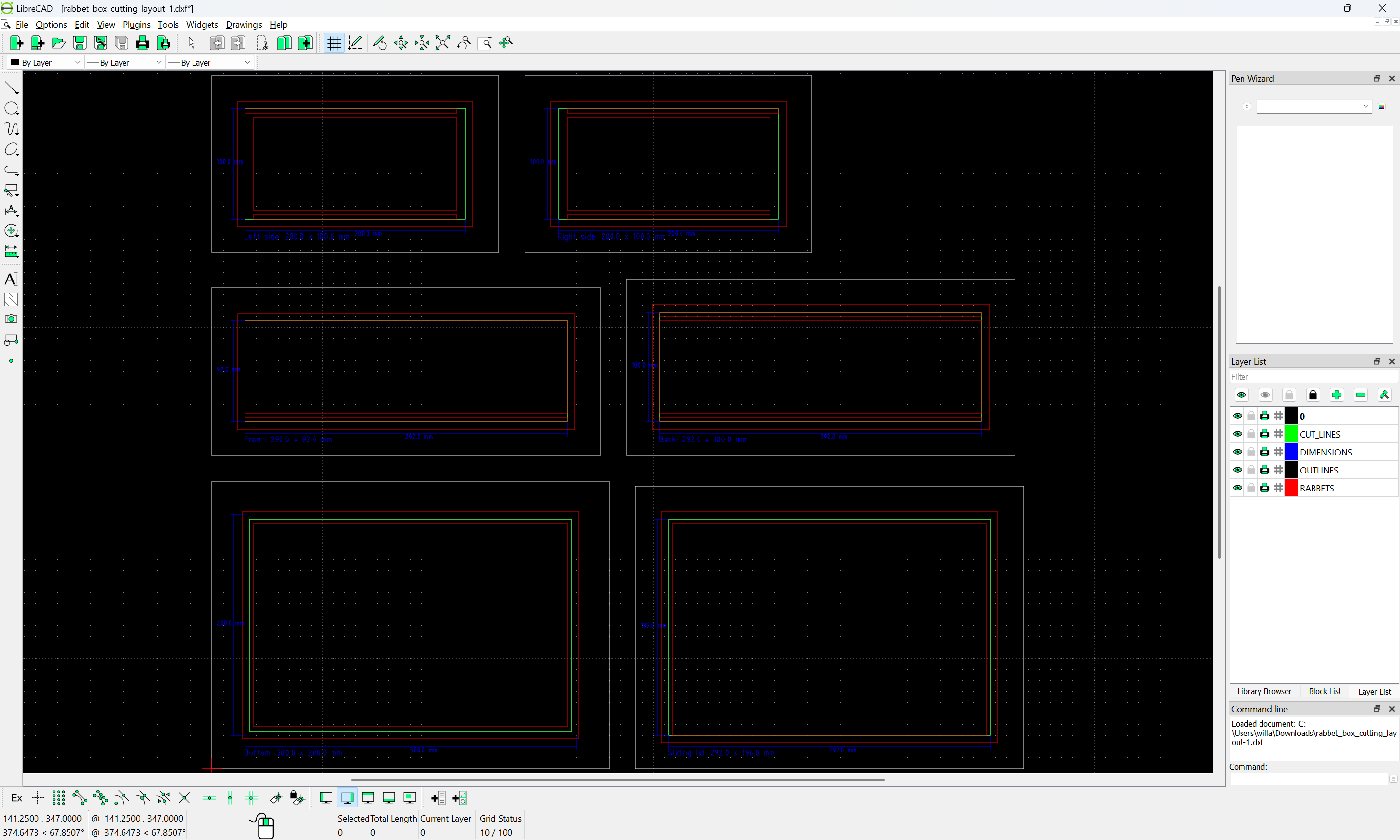
It outputs a DXF:
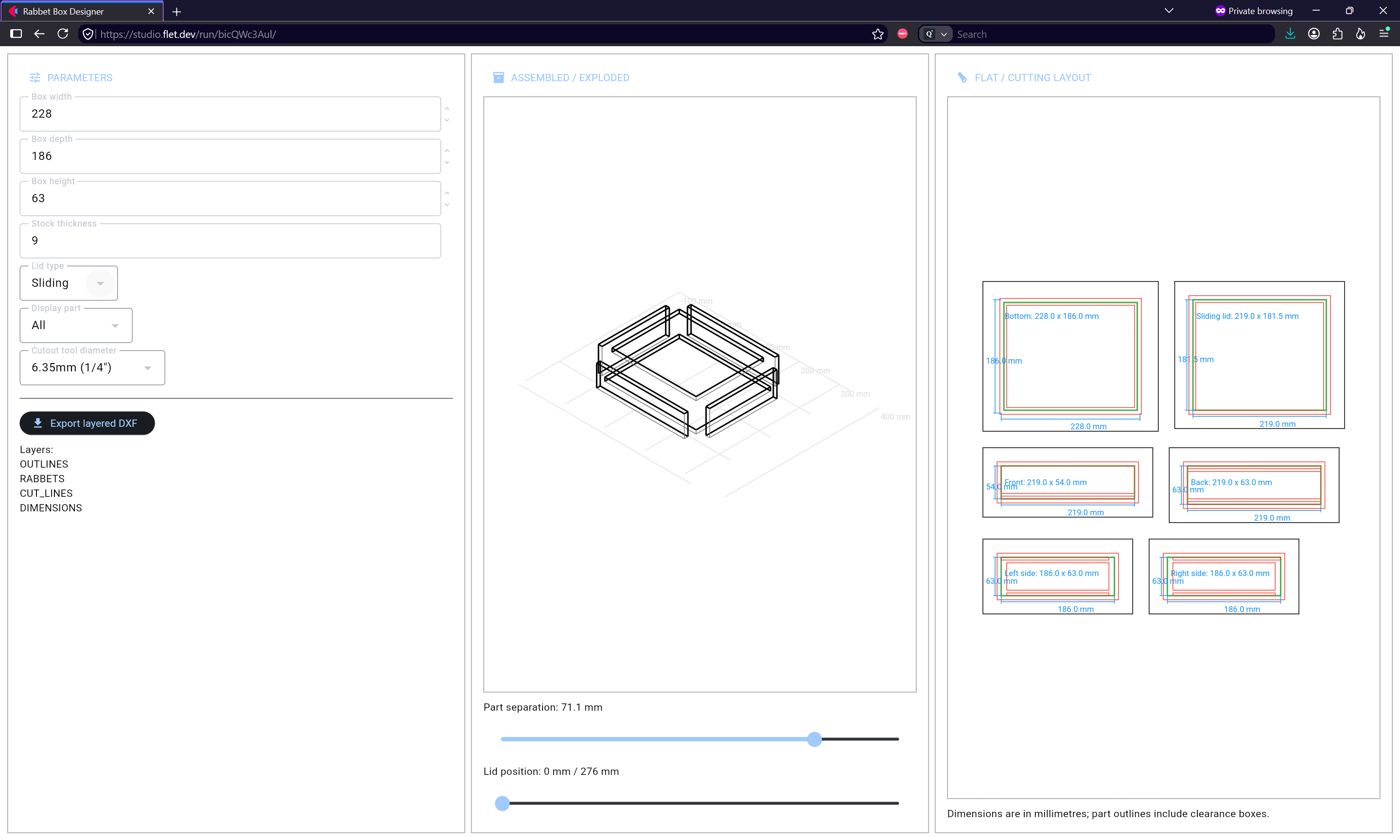
which once one sets a desired set of parameters:
may be written out as a DXF:
rabbet_box_cutting_layout(7).dxf (8.0 KB)
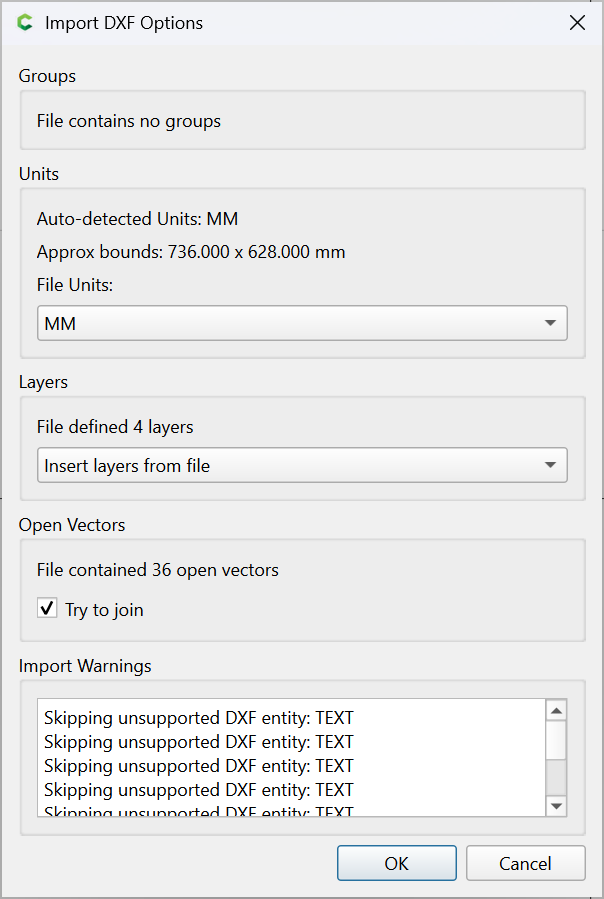
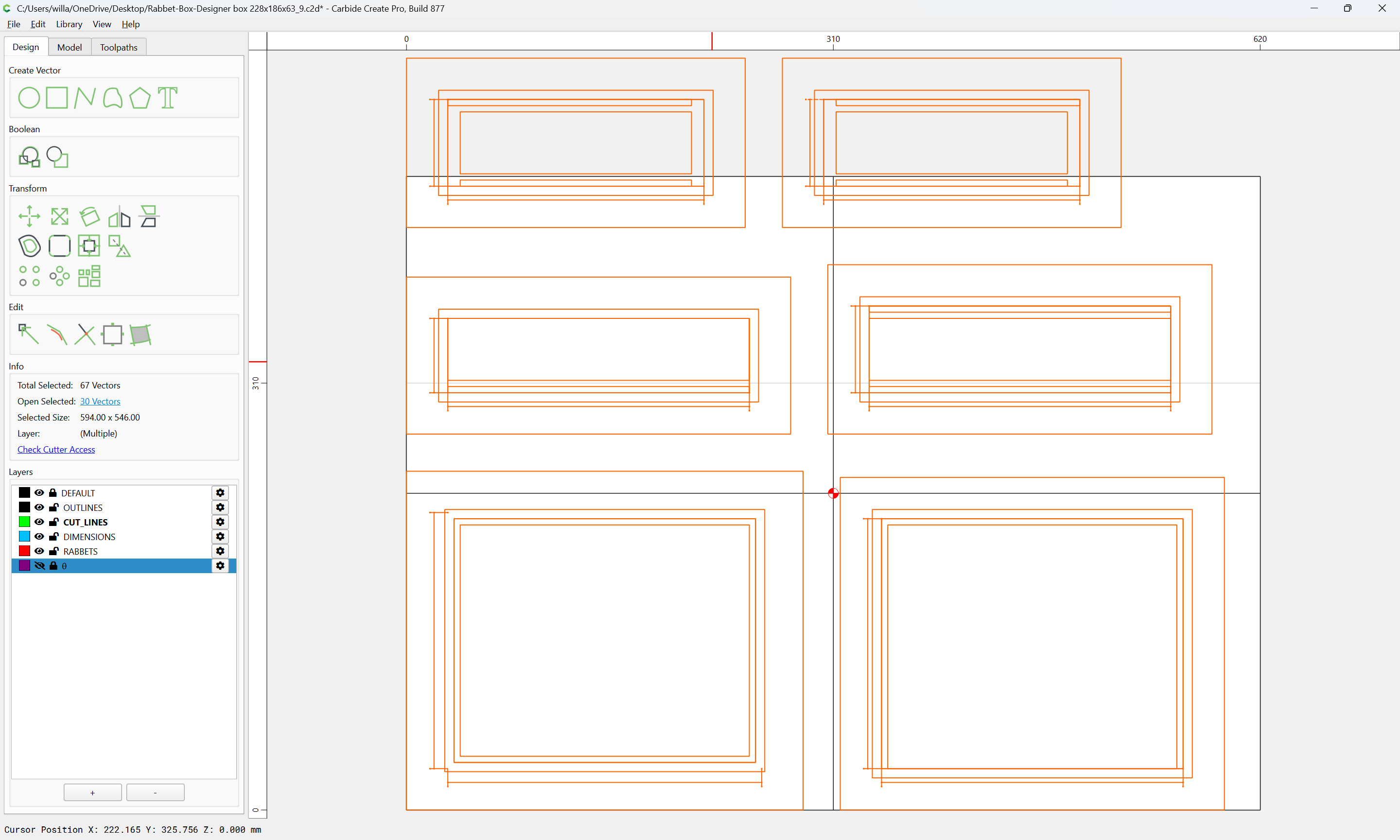
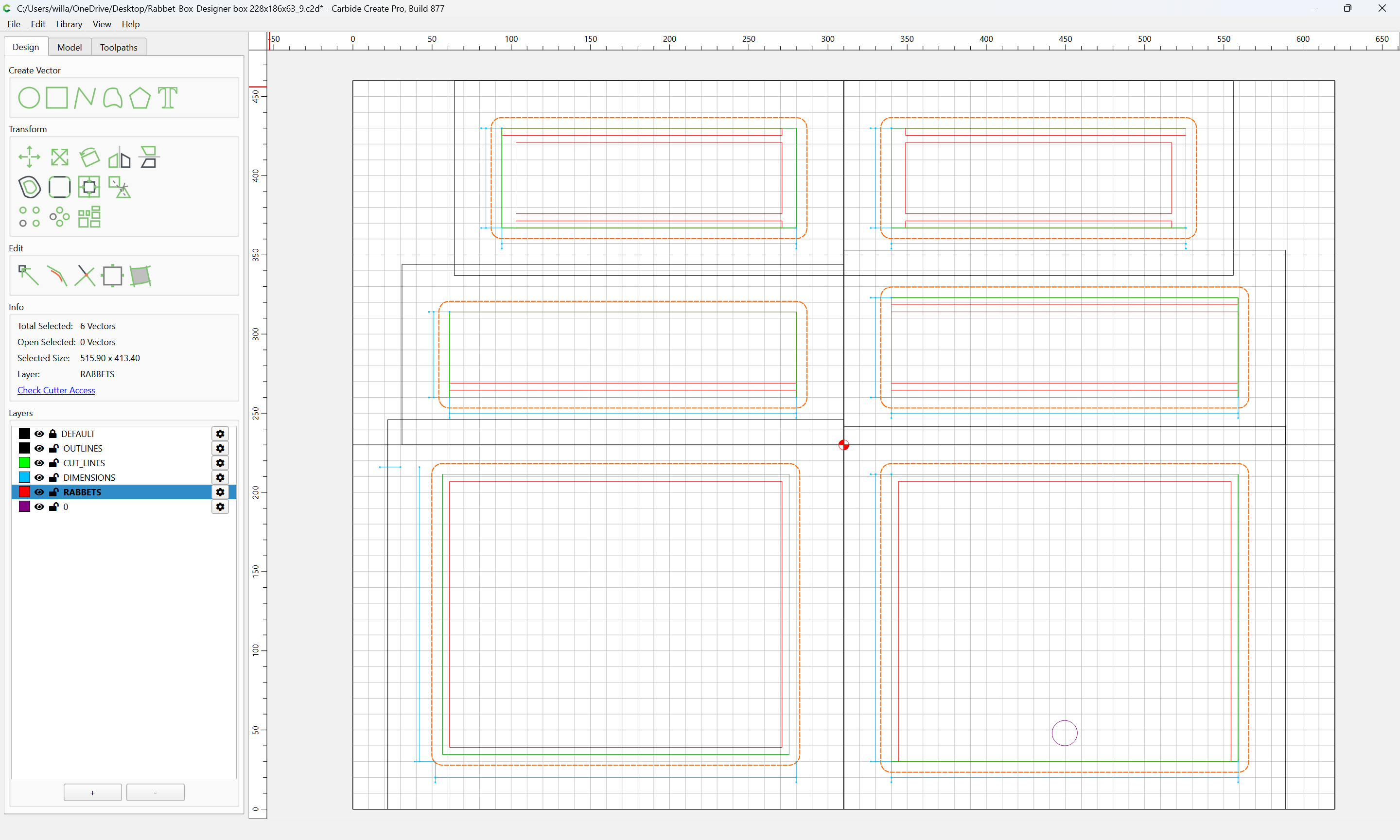
may be imported into a suitable template file:
Rabbet-Box-Designer box 228x186x63_9.c2d (56 KB)
Rabbet-Box-Designer box template.c2d (96 KB)
into Carbide Create:
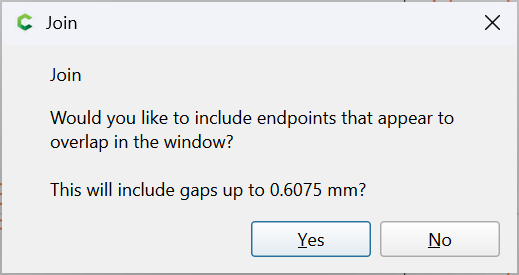
Yes
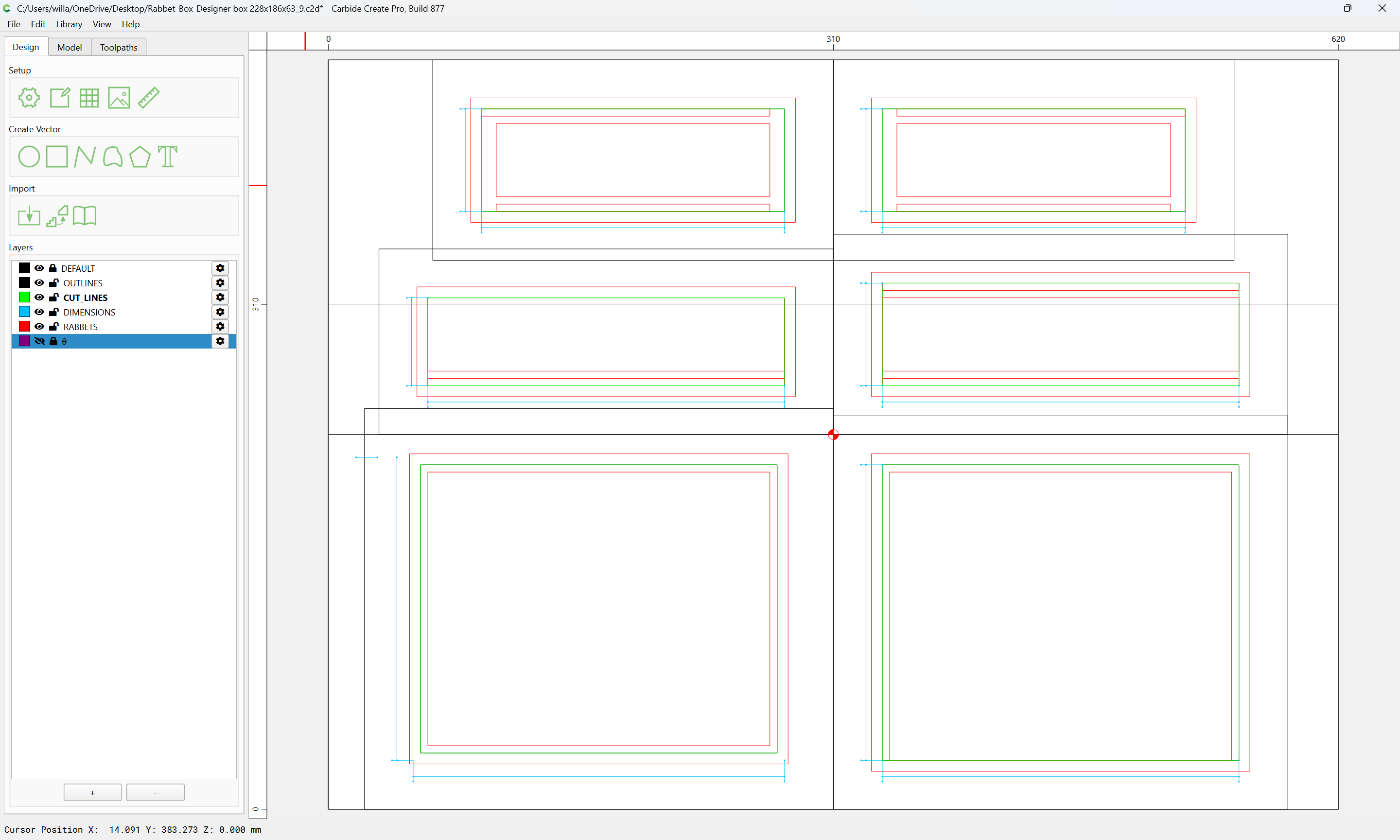
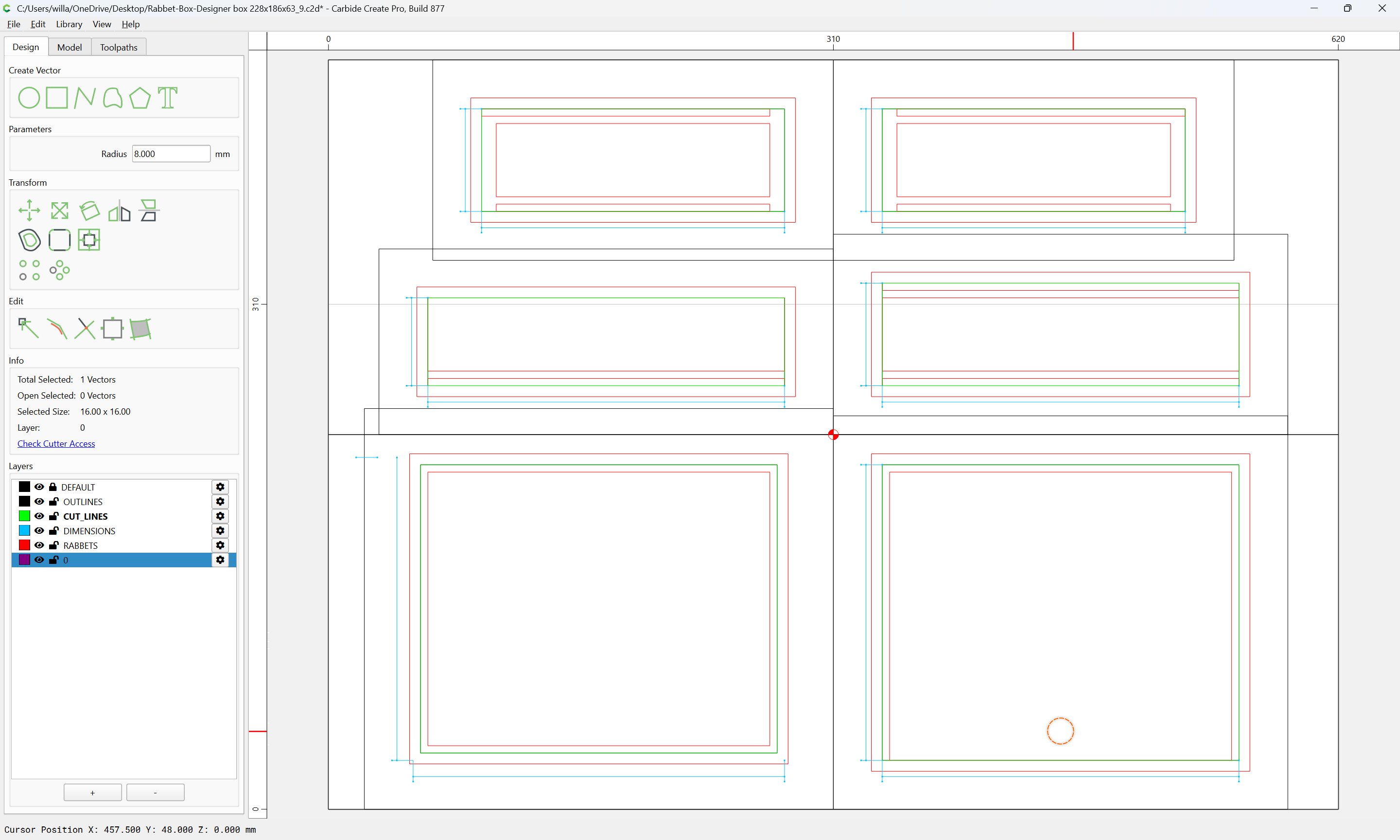
and the parts positioned as desired:
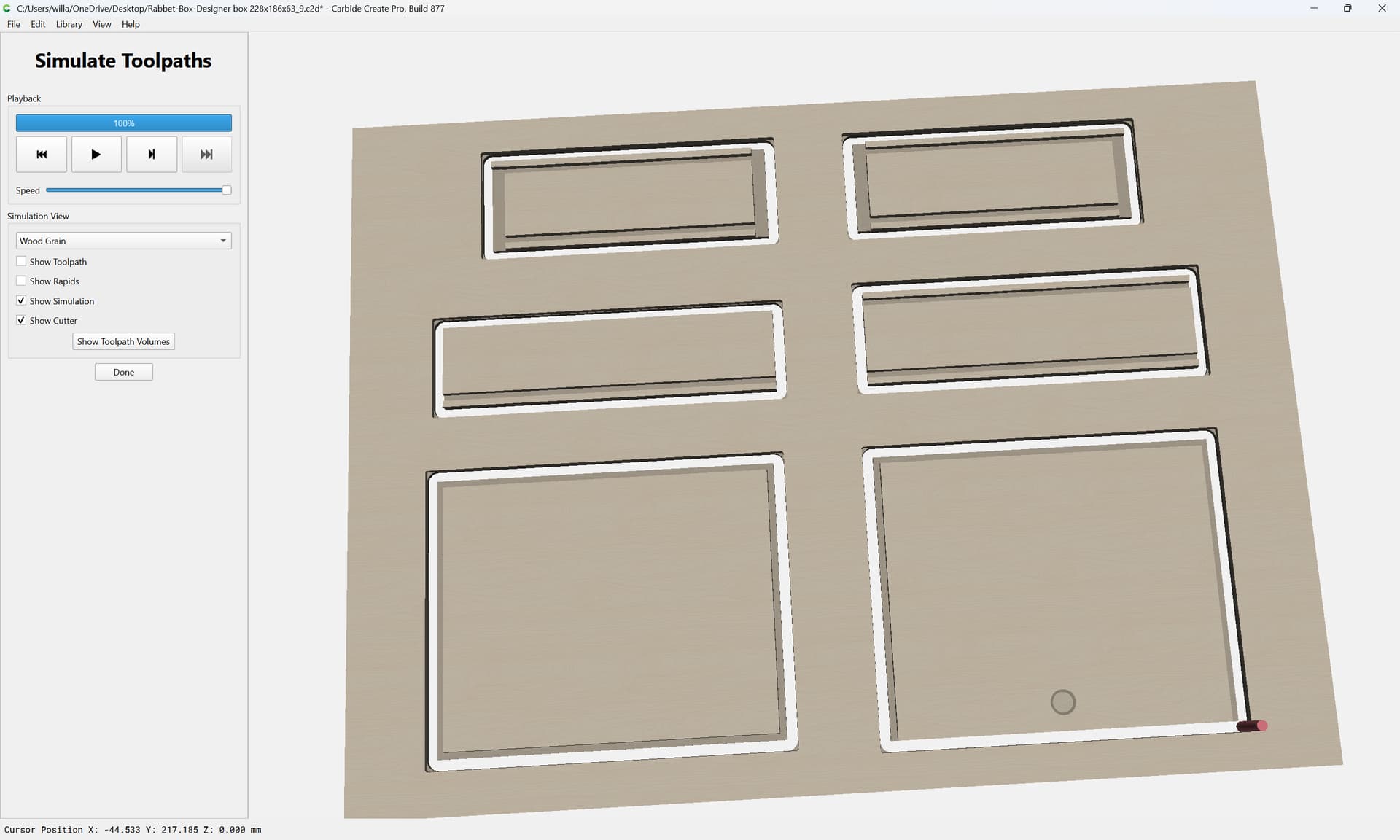
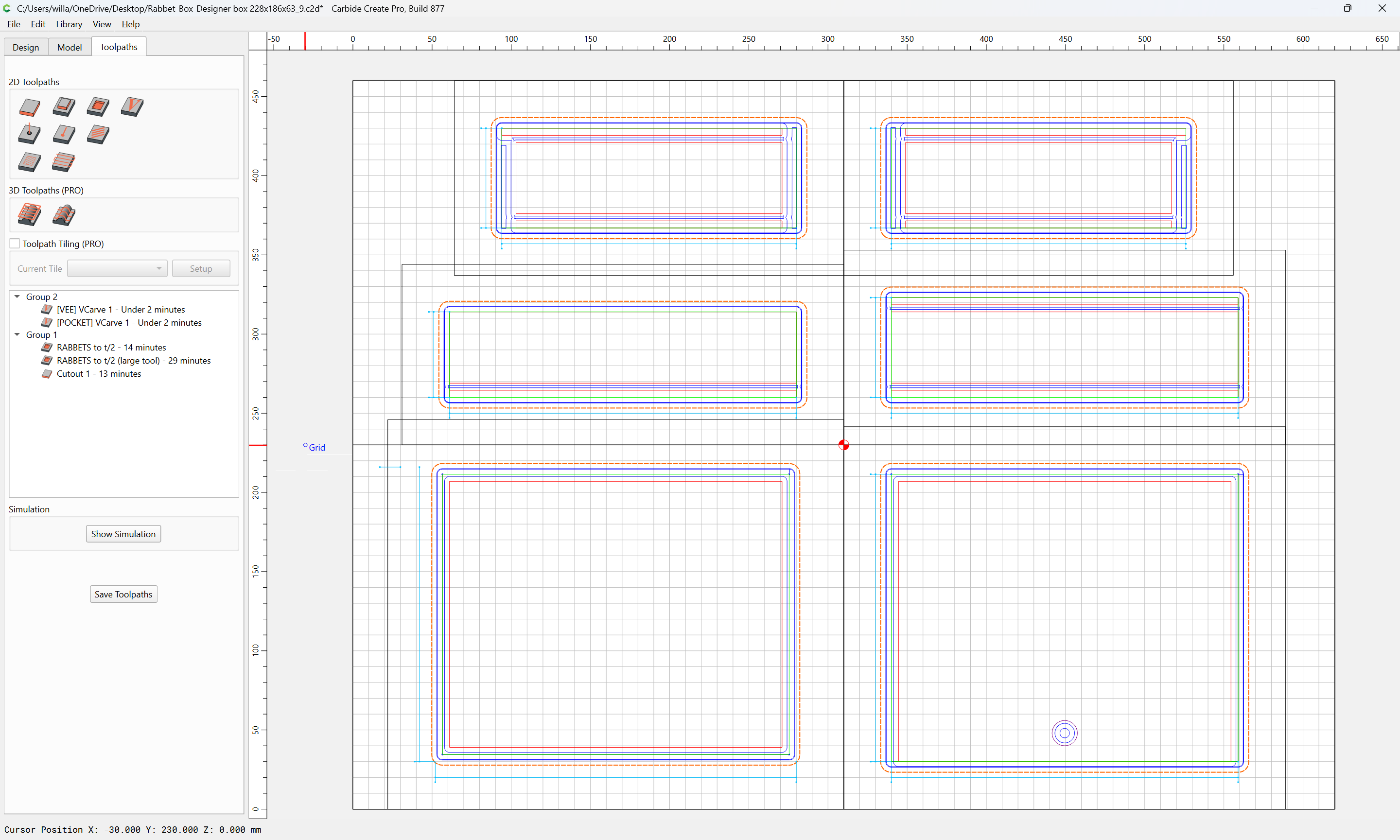
which will then preview:
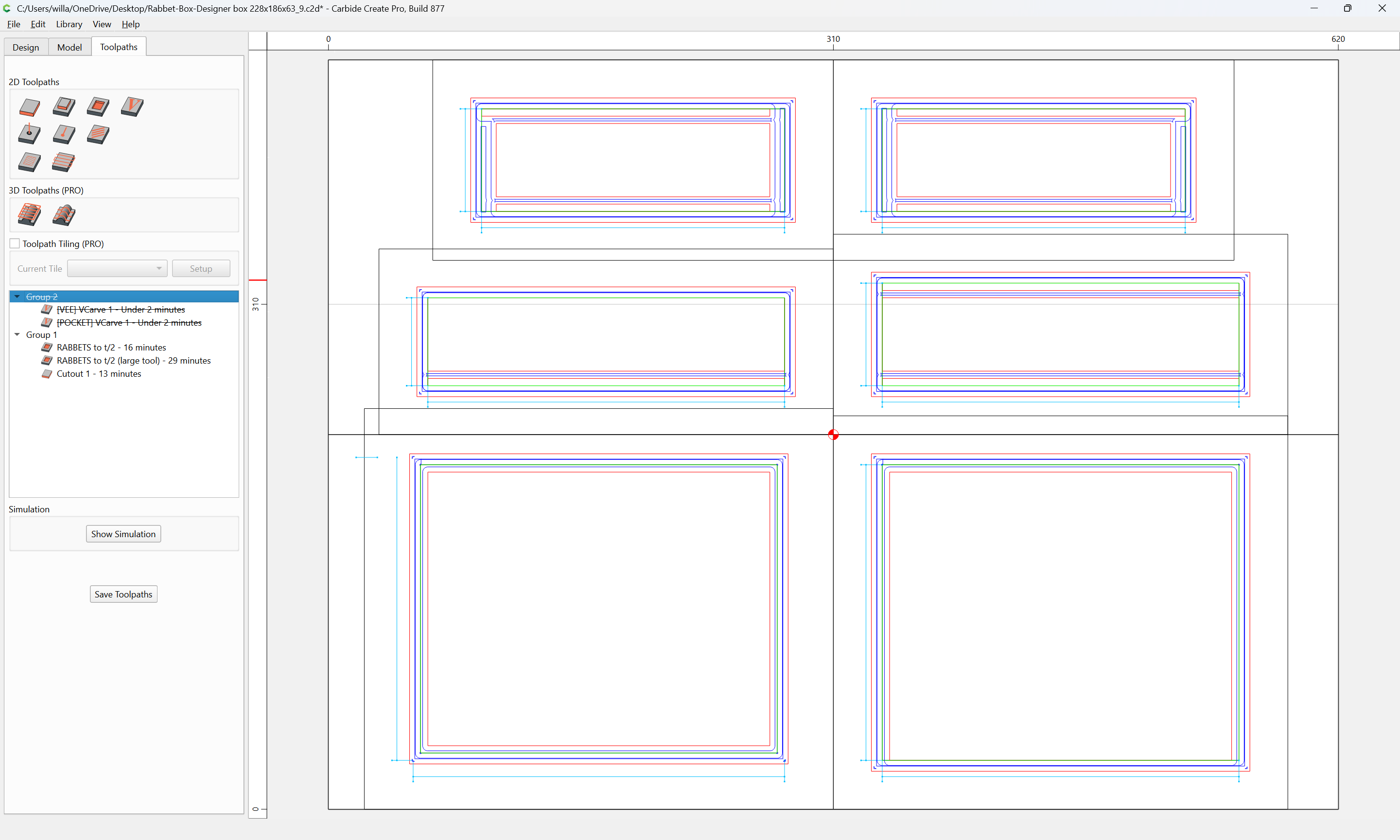
and to which additional features may be added:
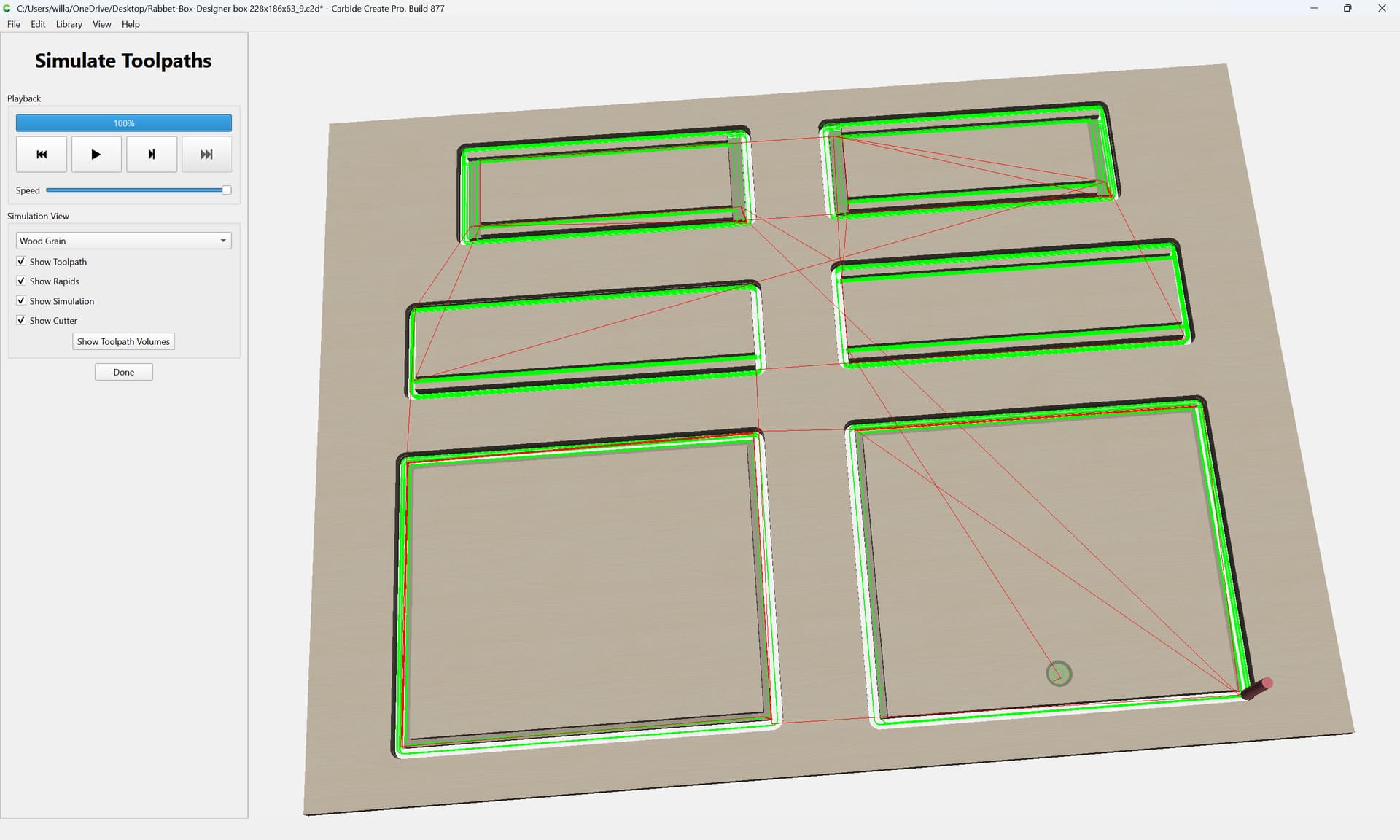
until it is ready for cutting:
WillAdams
November 1, 2026, 6:33pm
2
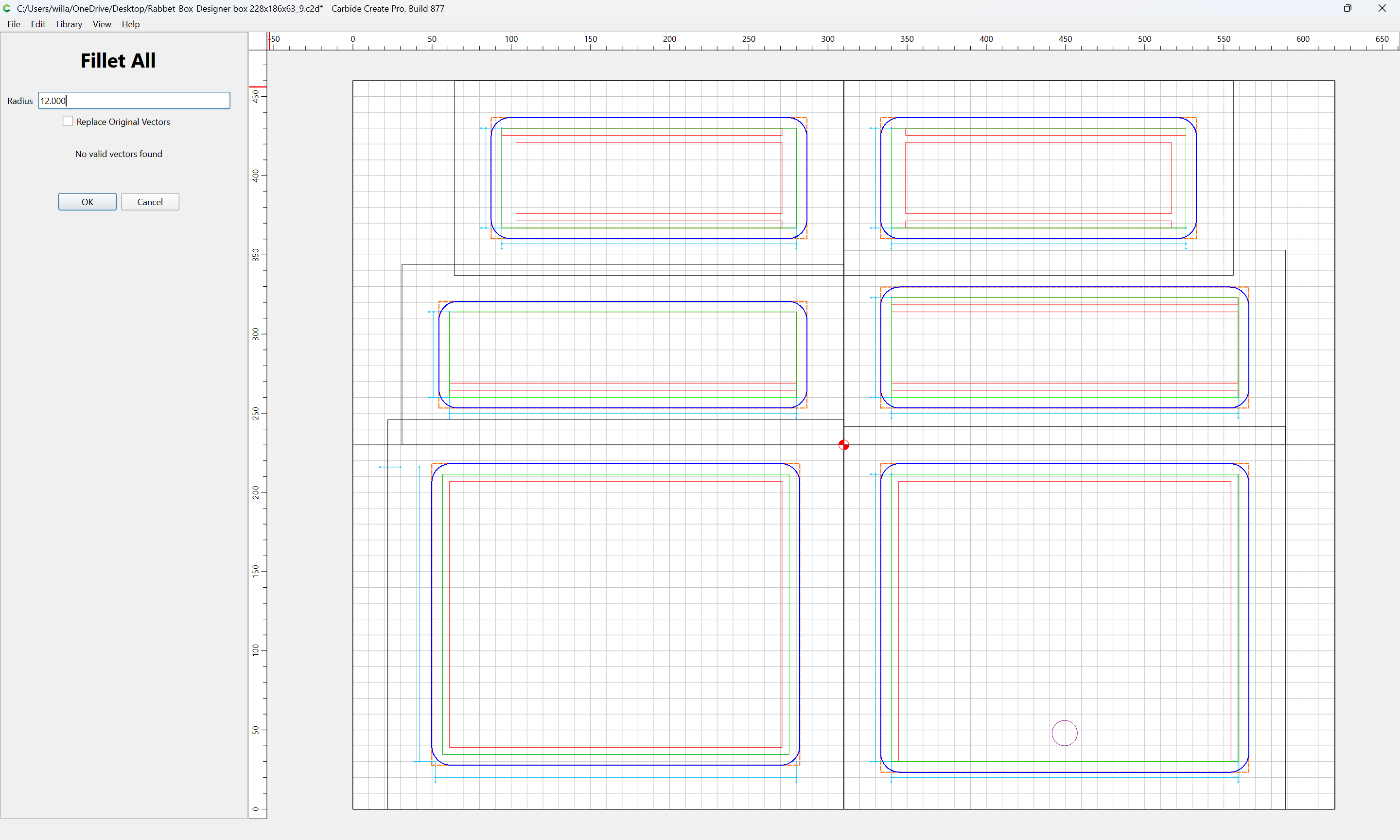
Note one further improvement if one has Pro and is using REST machining (the toolpaths in the file are set up for that) — select the surrounding geometry on the RABBETS layer:
and Fillet All
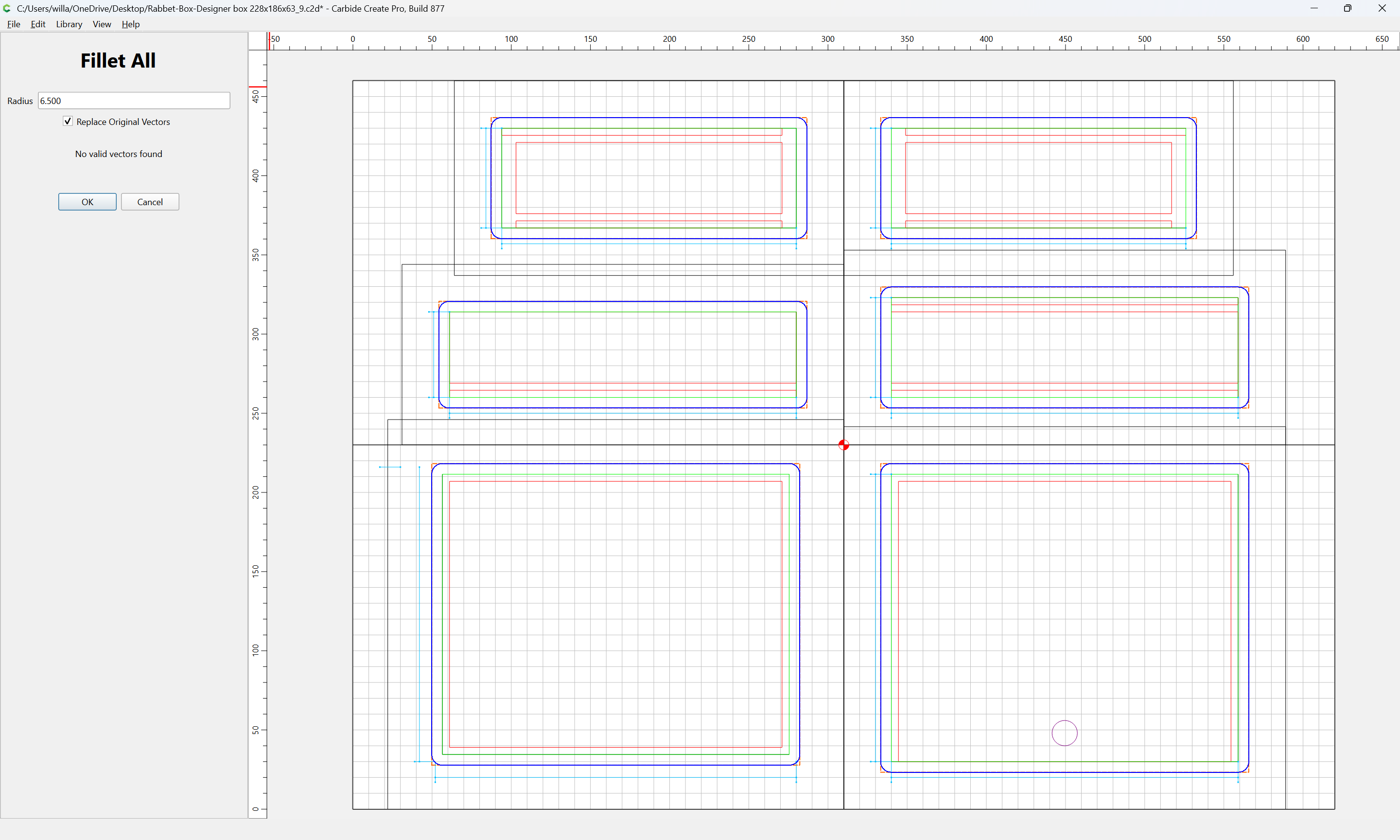
to 6.5mm or so:
replacing the original geometry
OK
This will prevent the unnecessary clearing of geometry at the corners by the REST machining toolpath, saving a bit of time:
WillAdams
November 7, 2026, 4:07am
3
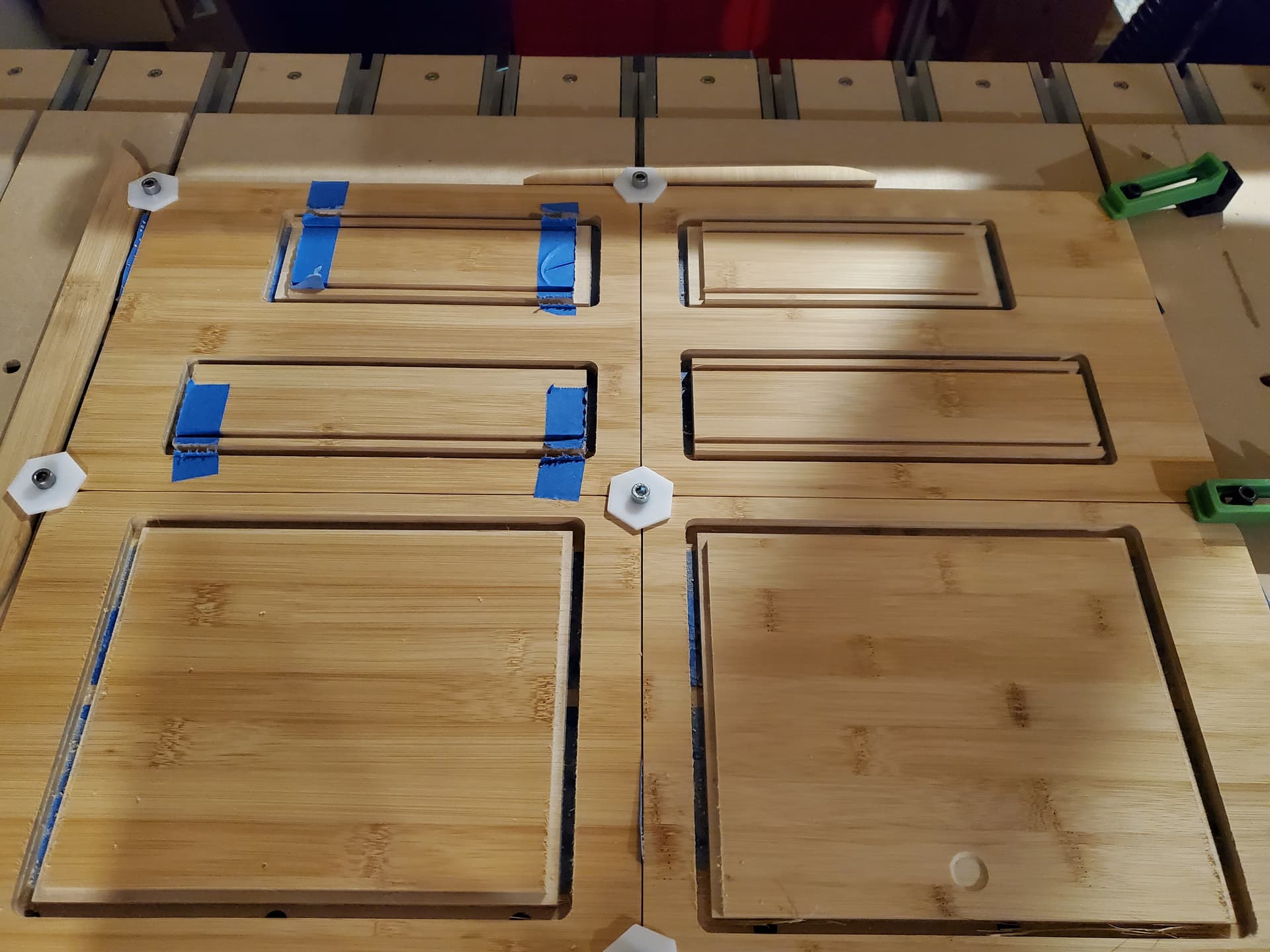
The file may then be cut out:
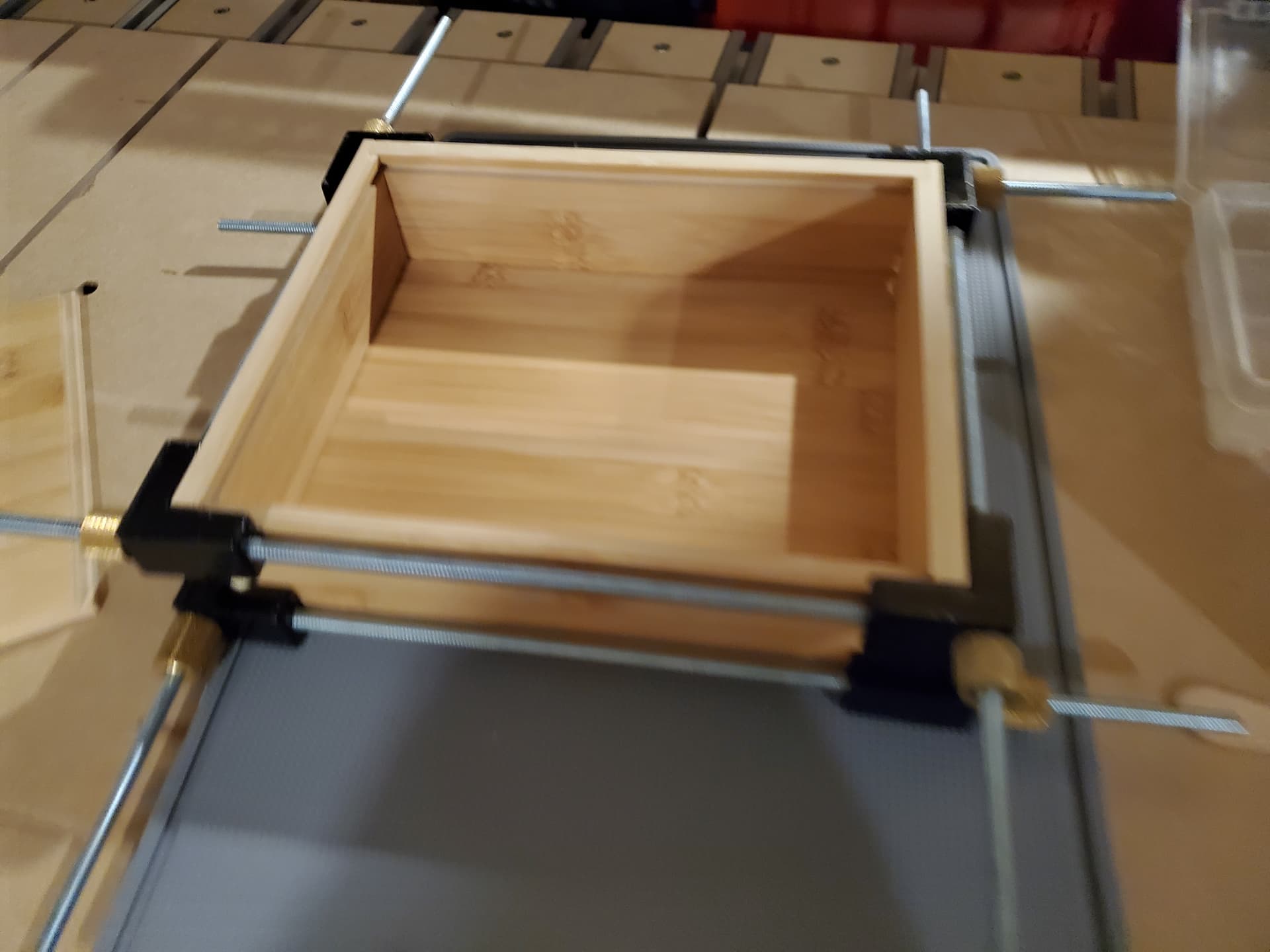
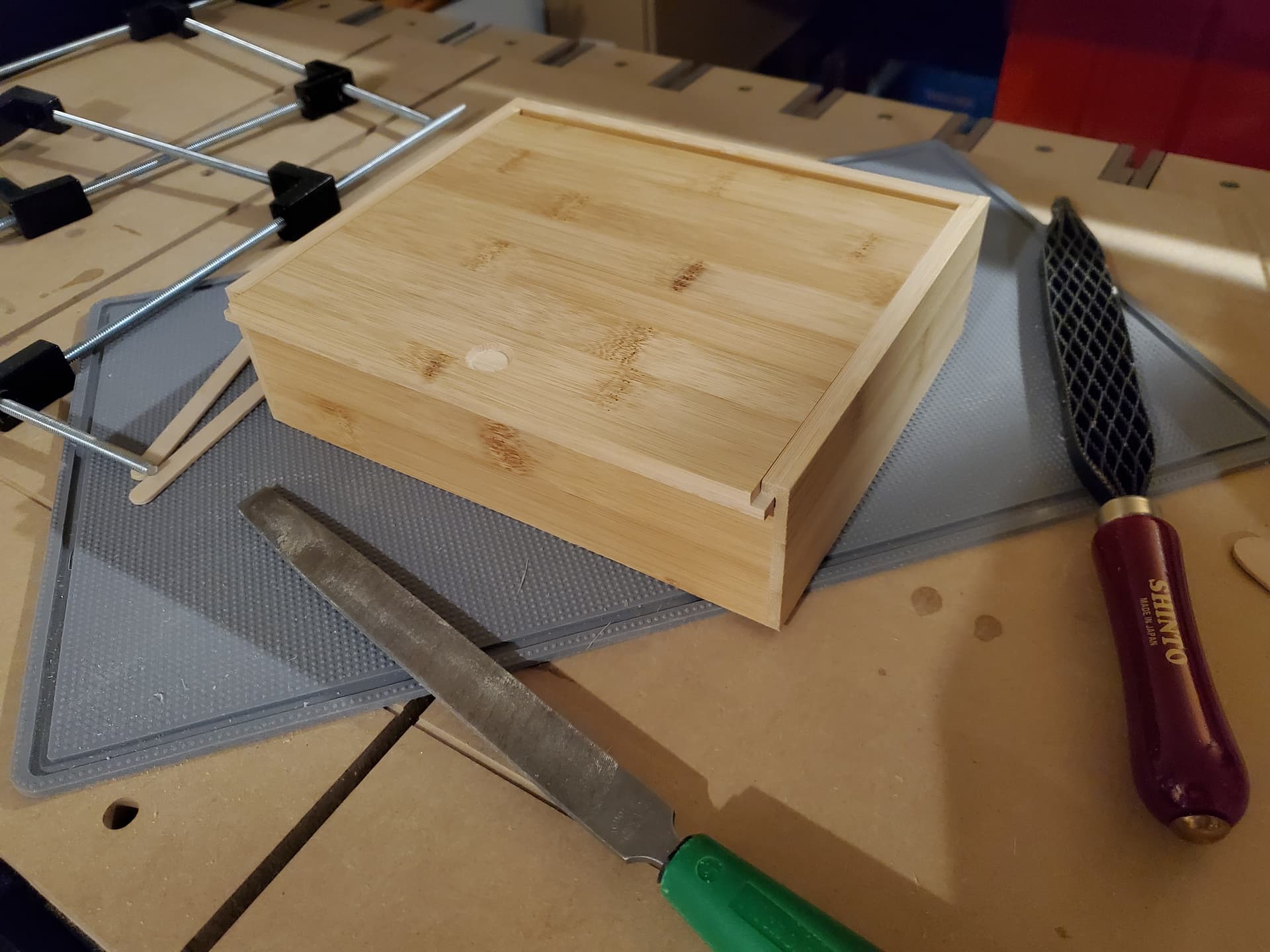
and the parts post-processed and cleaned up and assembled:
and adjusted/fettled as necessary:
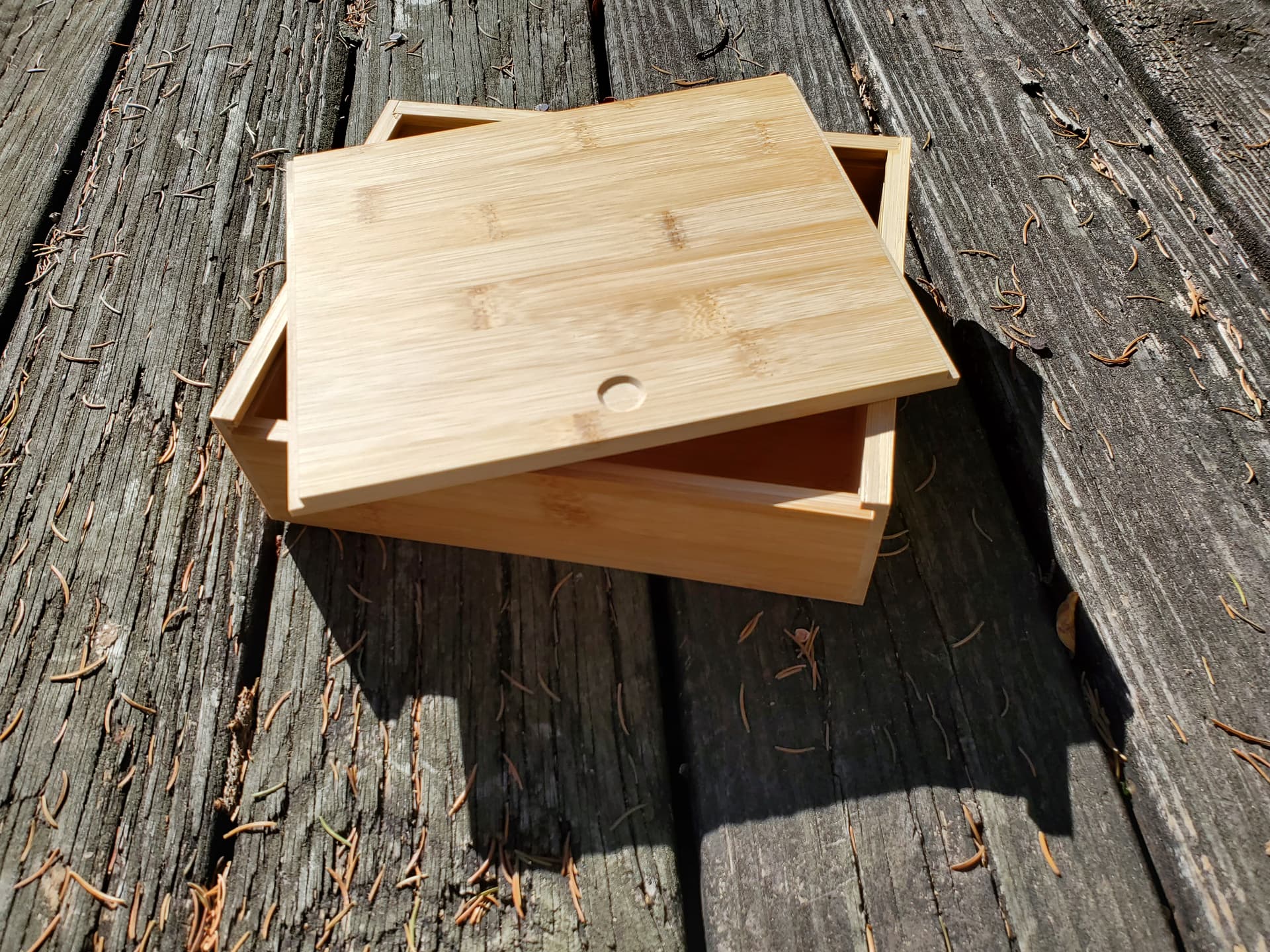
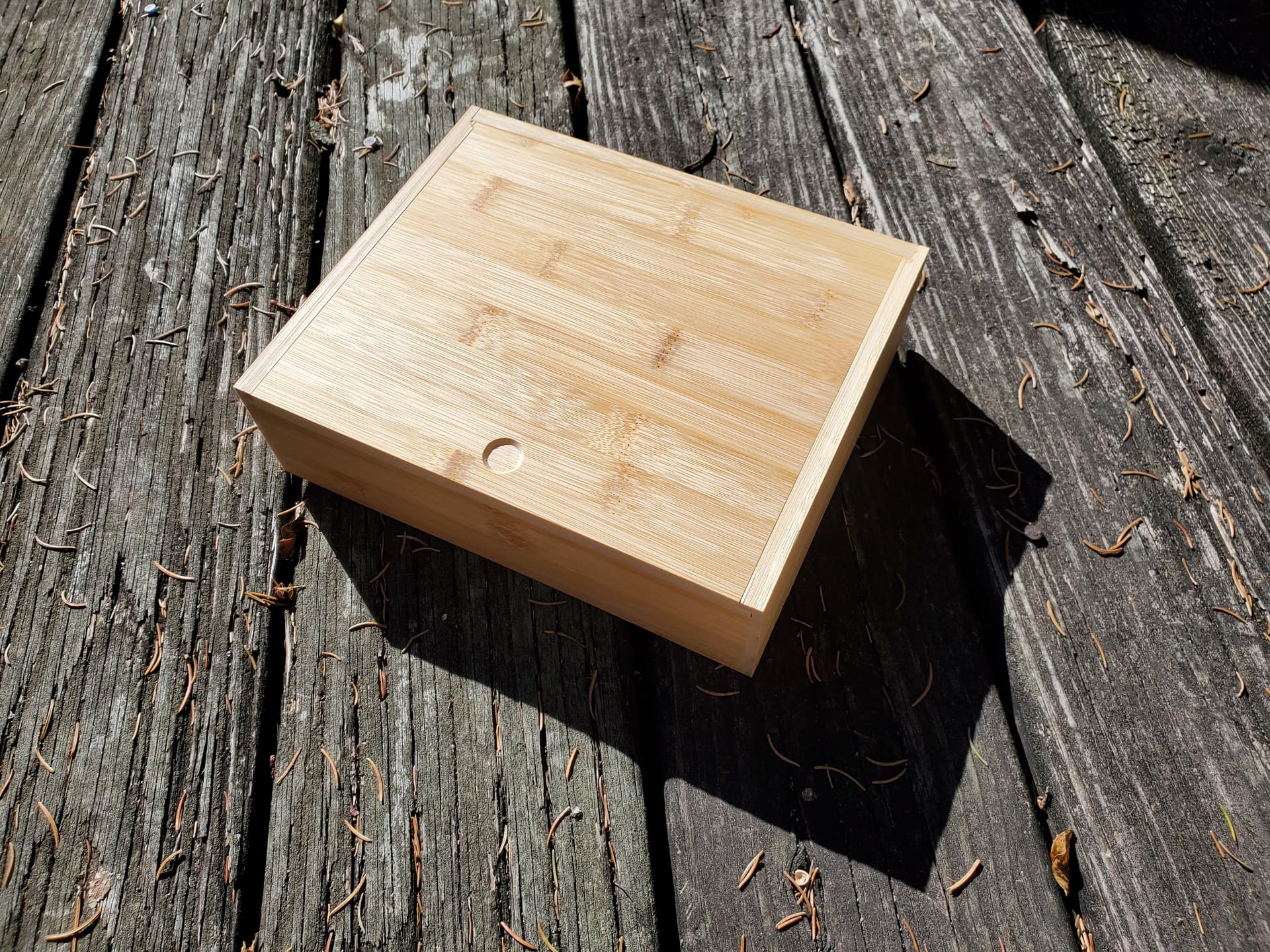
so as to make a box:
(which yes, has visible end-grain, but it’s not that bad in bamboo, and the ease-of-programming/cutting arguably justifies it).
I will note that narrower/longer proportions are easier with a sliding lid, i.e., pencil box such as:
https://cutrocket.com/p/5fb0a1afbf9d6
or proportions such as:
https://cutrocket.com/p/5e8fd99cc1578
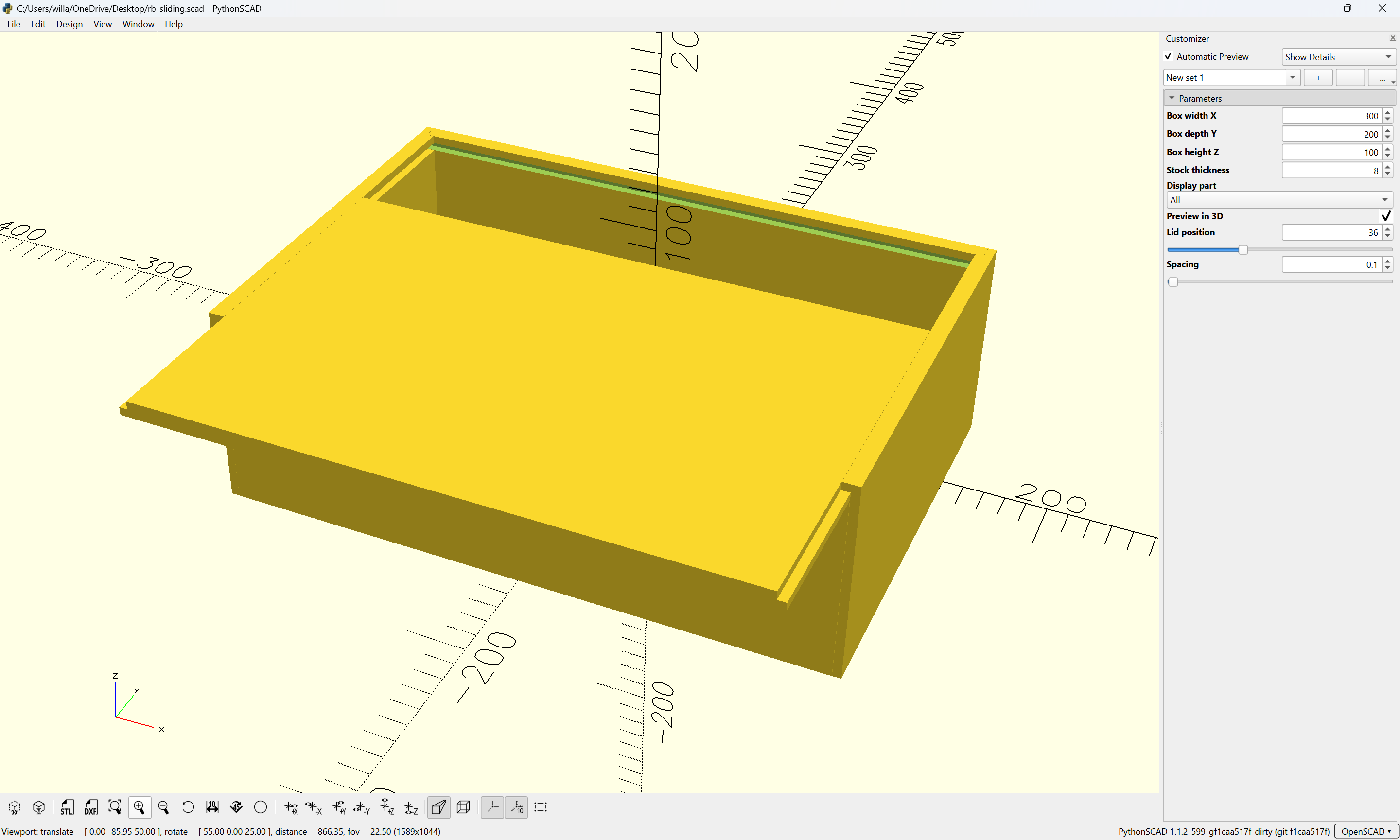
Next up is improving the wireframe preview and making it available from PythonSCAD in addition to the 3D preview:
then on to other designs which make use of this toolkit.
1 Like
WillAdams
November 7, 2026, 1:18pm
4
This is now on Cutrocket:
https://cutrocket.com/p/x3snfnc9k1mx8
(and we have a circular reference, since I dropped the link for this dicussion in the Notes)