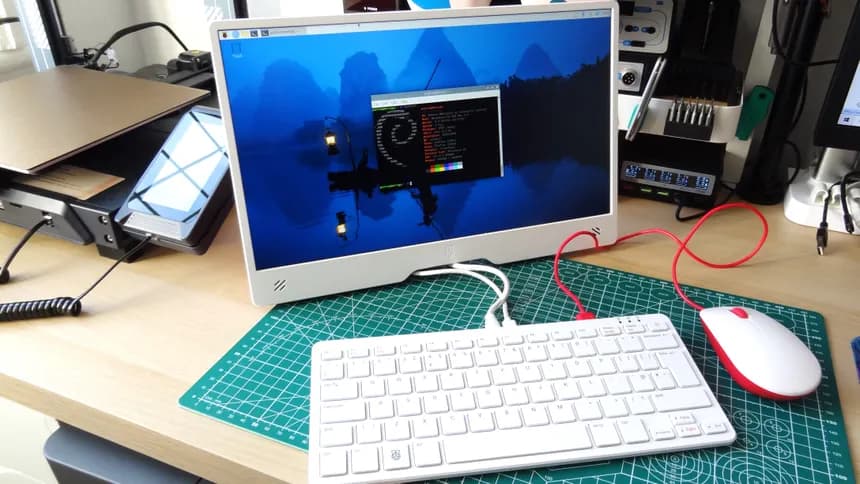
The new keyboard variant, has a more solid premium feel and 16 GB of Ram. If your in the market for a Raspberry Pi it’s a nice out of the box experience. You can read other reviews of it else whare on the internets for the basics of the product.
At the time of writing mine shopped with PI OS Bookworm 64 installed. With in hours of booting they release PI OS Trixie. Currently I would advise against loading Trixie it broke Carbide Motion for me.
Remote controlled with Pi Connect built into Pi OS Bookworm

My older post on EZ Raspberry Pi setup still applies, same steps work with Bookworm 32 bit. Mainly I set up a “pi” user with the Password of “raspberry”, the OS will tell you it’s a security risk, and it is. The instant you turn off Wifi it’s no longer an issue unless someone else is standing at the computer, and after you see it all works feel free to change the password.
With a few quick steps I had Carbide Motion running and connected to a Shapeoko, sent settings to the controller and “Bobs you uncle” as they say. Again the weight and feel of the mechanical keyboard make it feel less clanky, I’m sure there will be some sort of keyboard covers for it come out down the road.
For folks who don’t have a Raspberry Pi and want to get in to it, this is a very plug and play option.
Thank you
 ).
).