as requested on support…
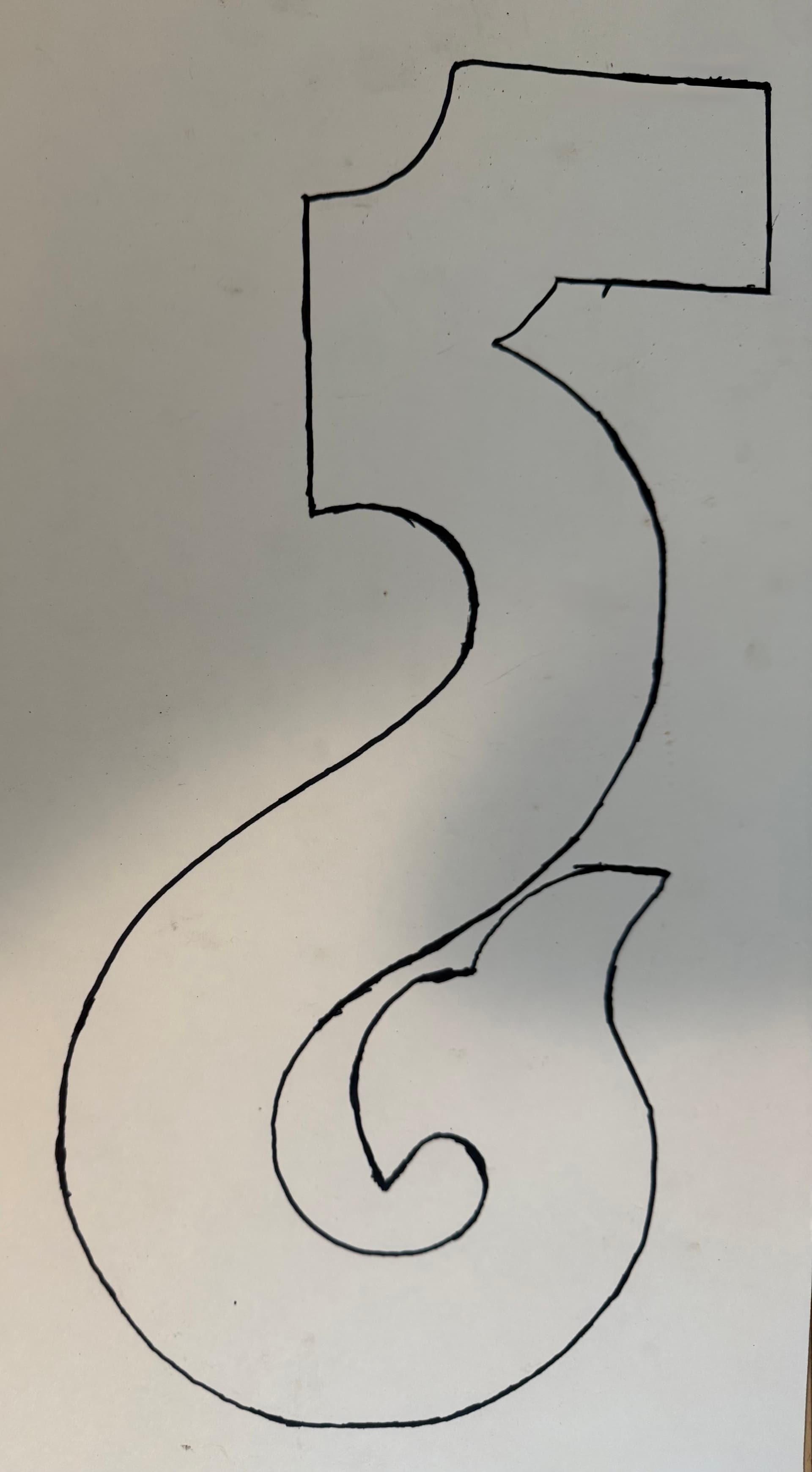
I have an old piece from the house ornamental to make. I took a picture but it created so many false nodes on tracing import as to make it almost impossible to cleanup. I traced around it with a felt marker and then took a picture on white poster board. imports that, but got two sets of tracing close together, which created teri side by side tool paths.
where the file is:

and the re-drawing is:
A simply approach is of course to simply delete one or the other:
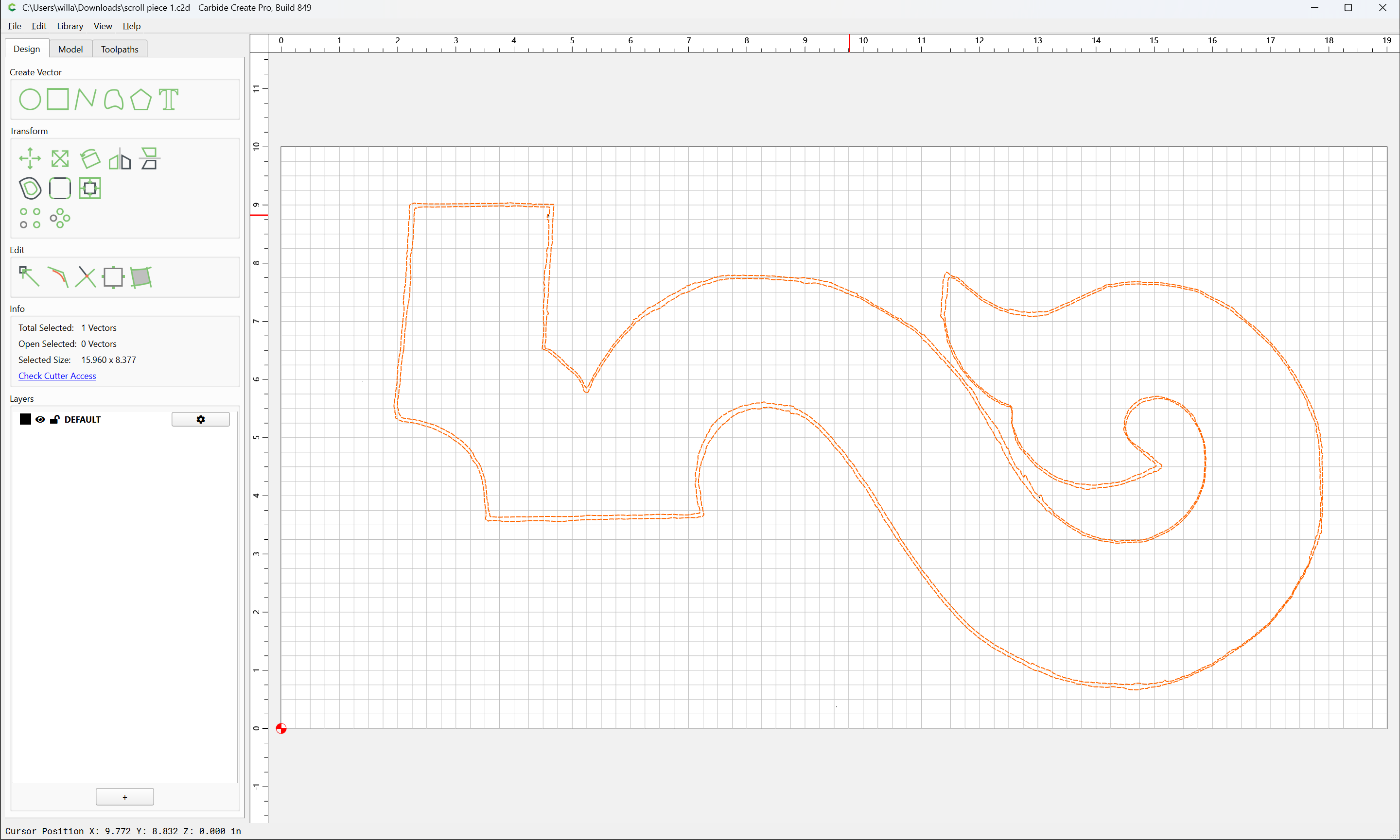
except that the design apparently self-intersects…
Instead, re-draw:
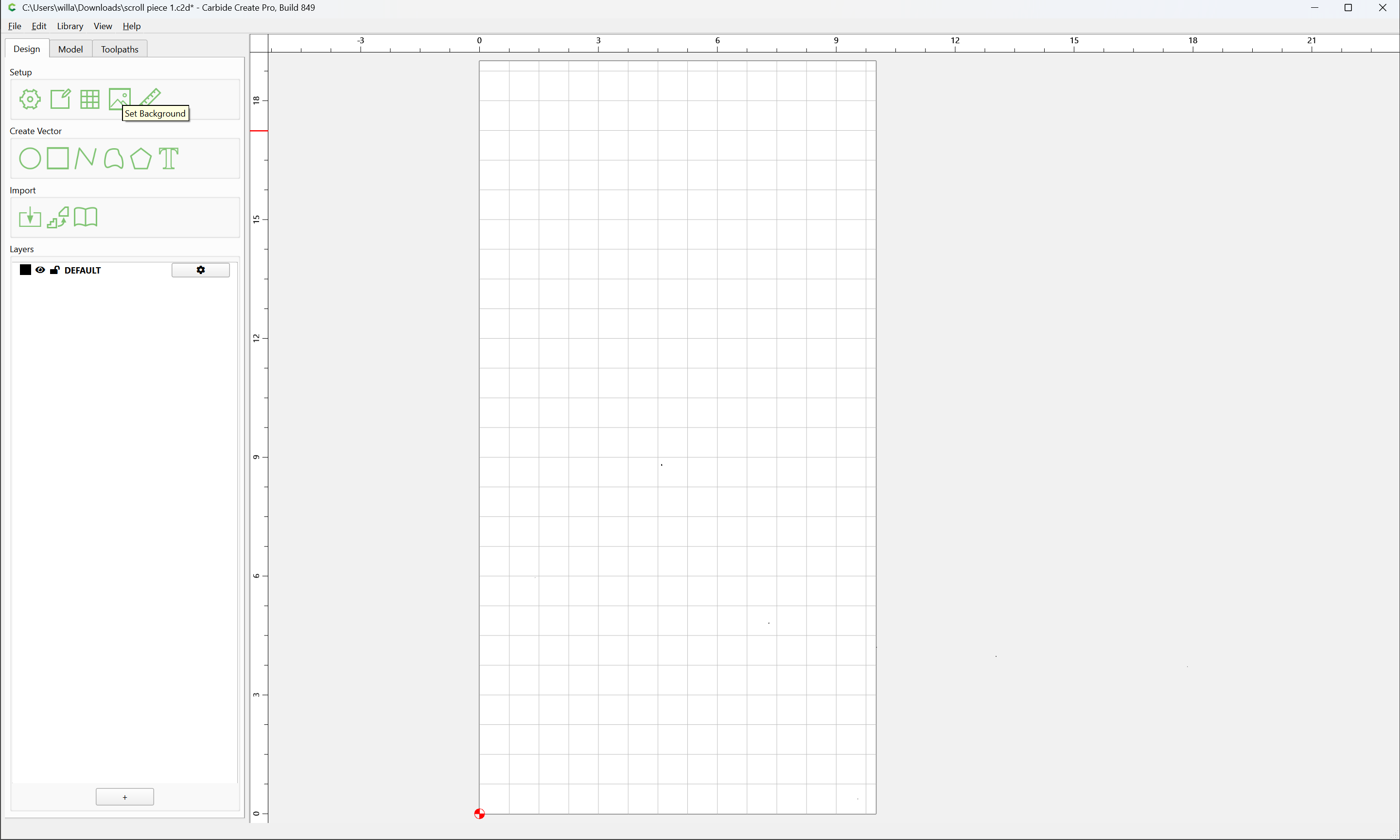
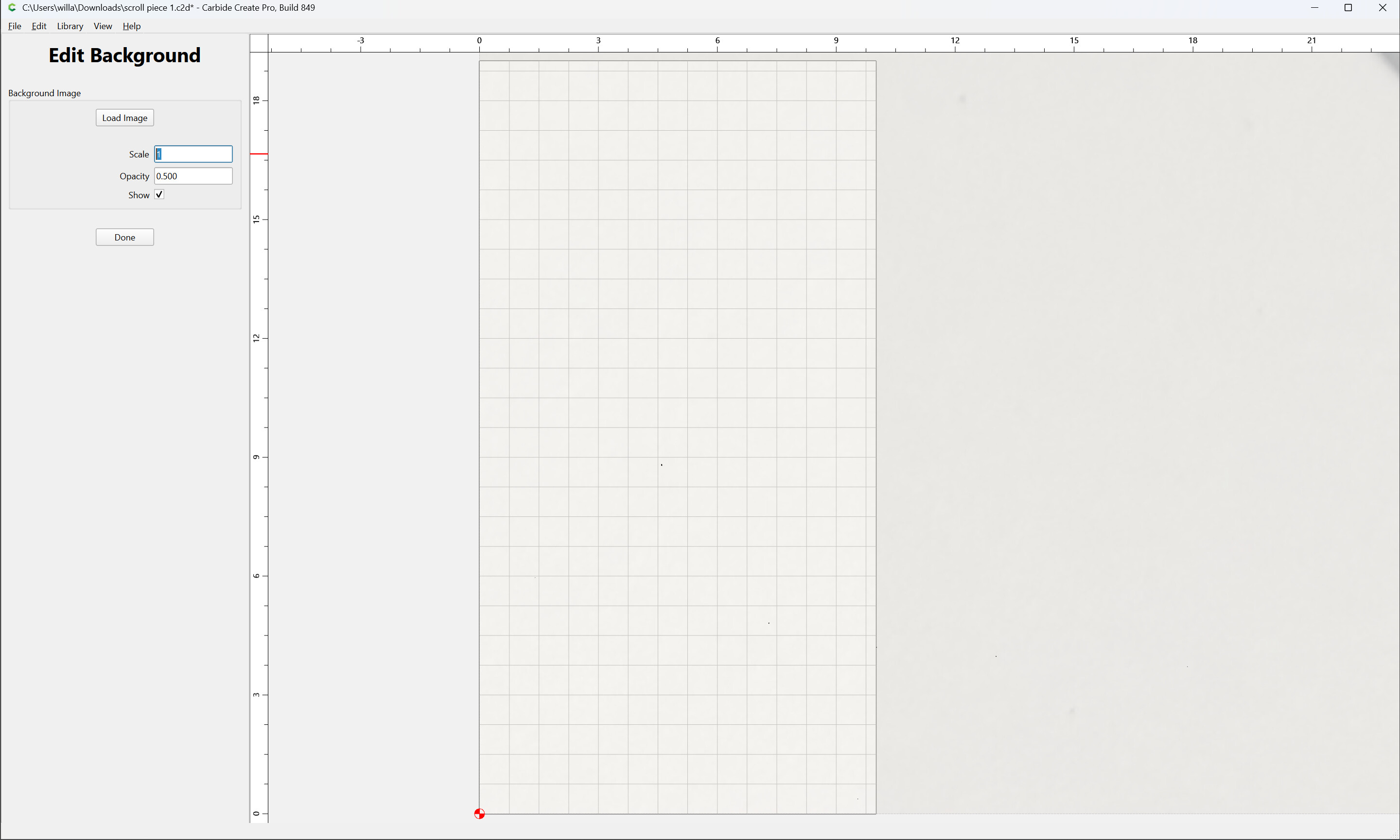
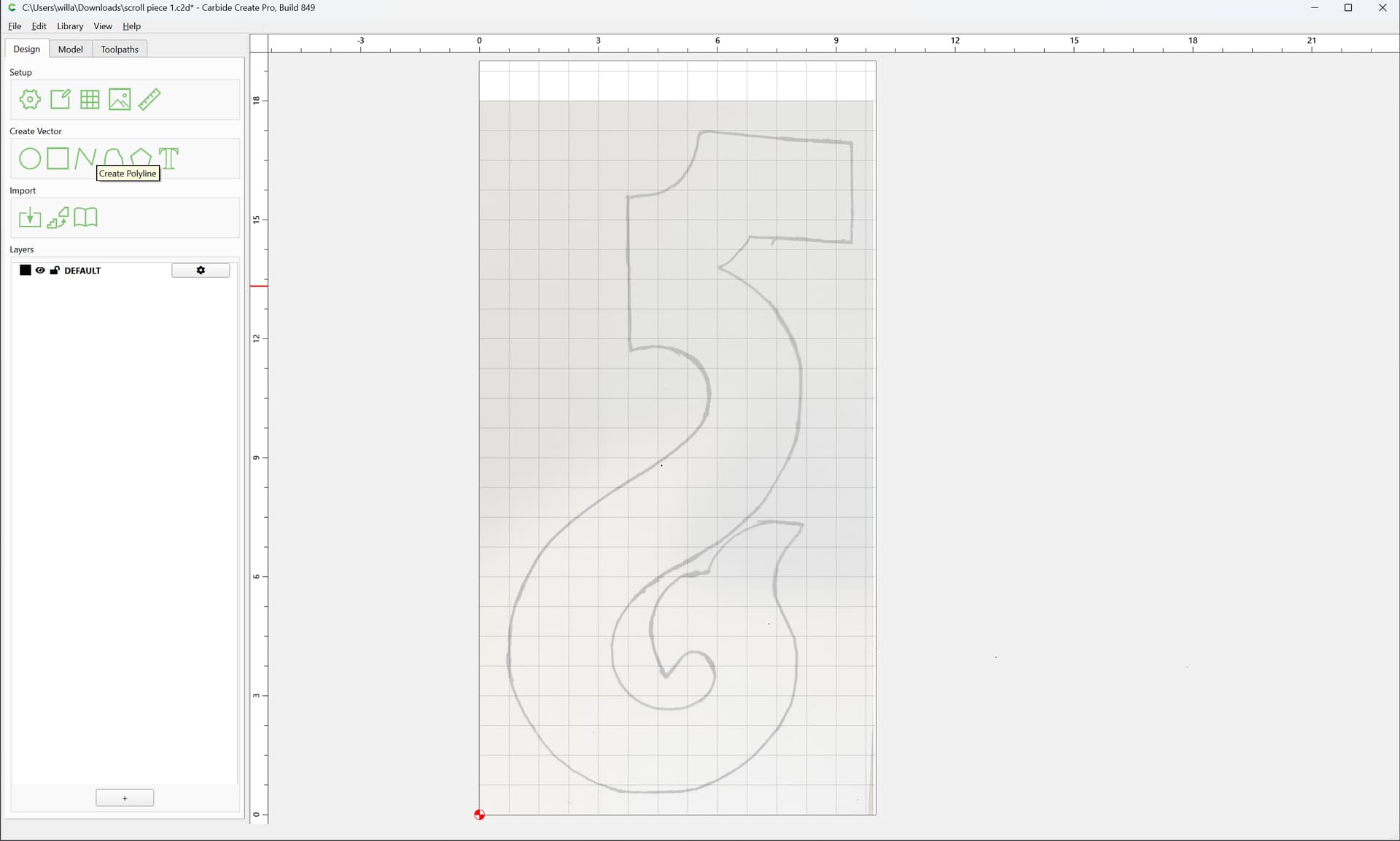
using the Polyline tool to first place on-curve points:
(note that it will be helpful to turn off snap to Grid, at least temporarily)
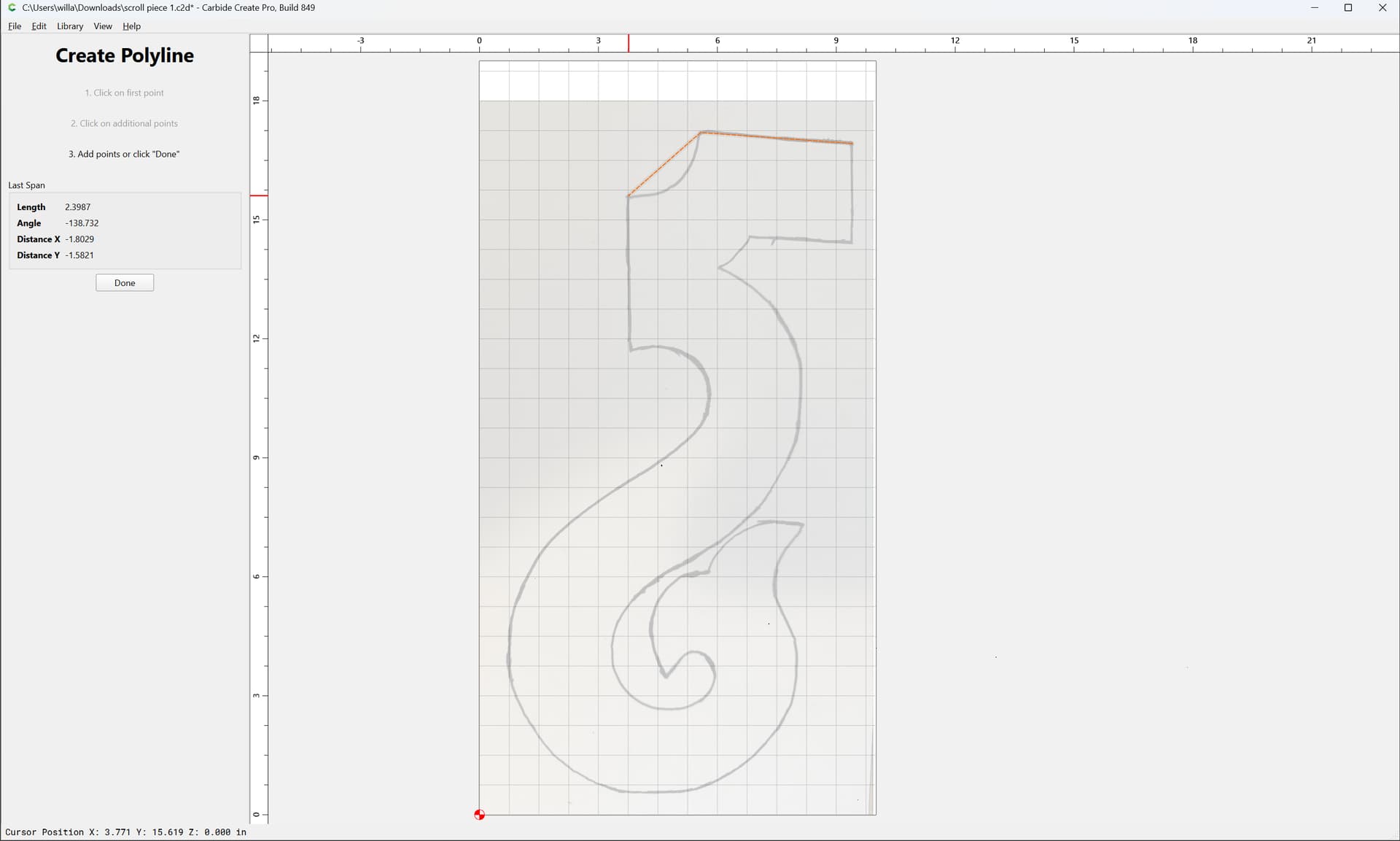
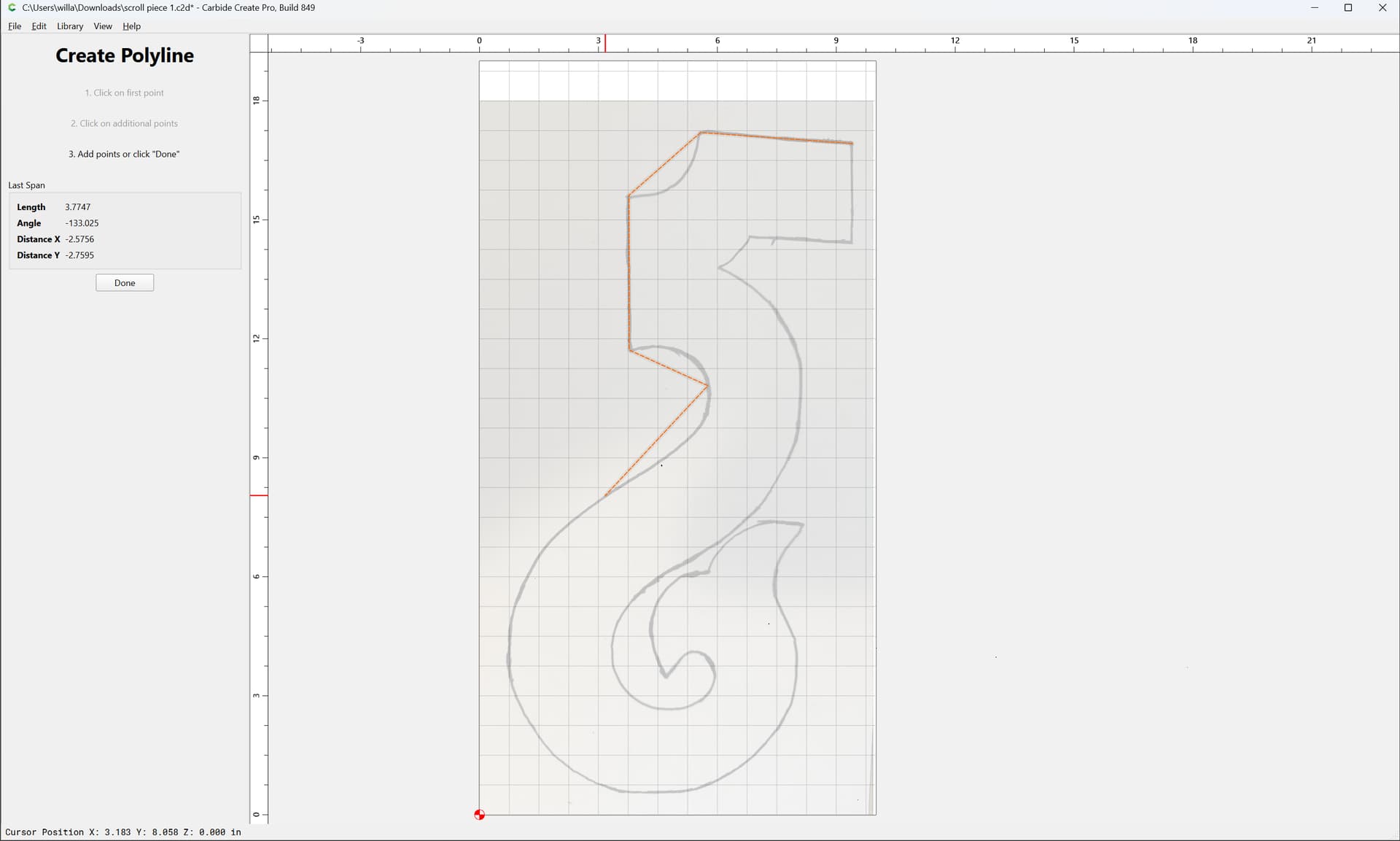
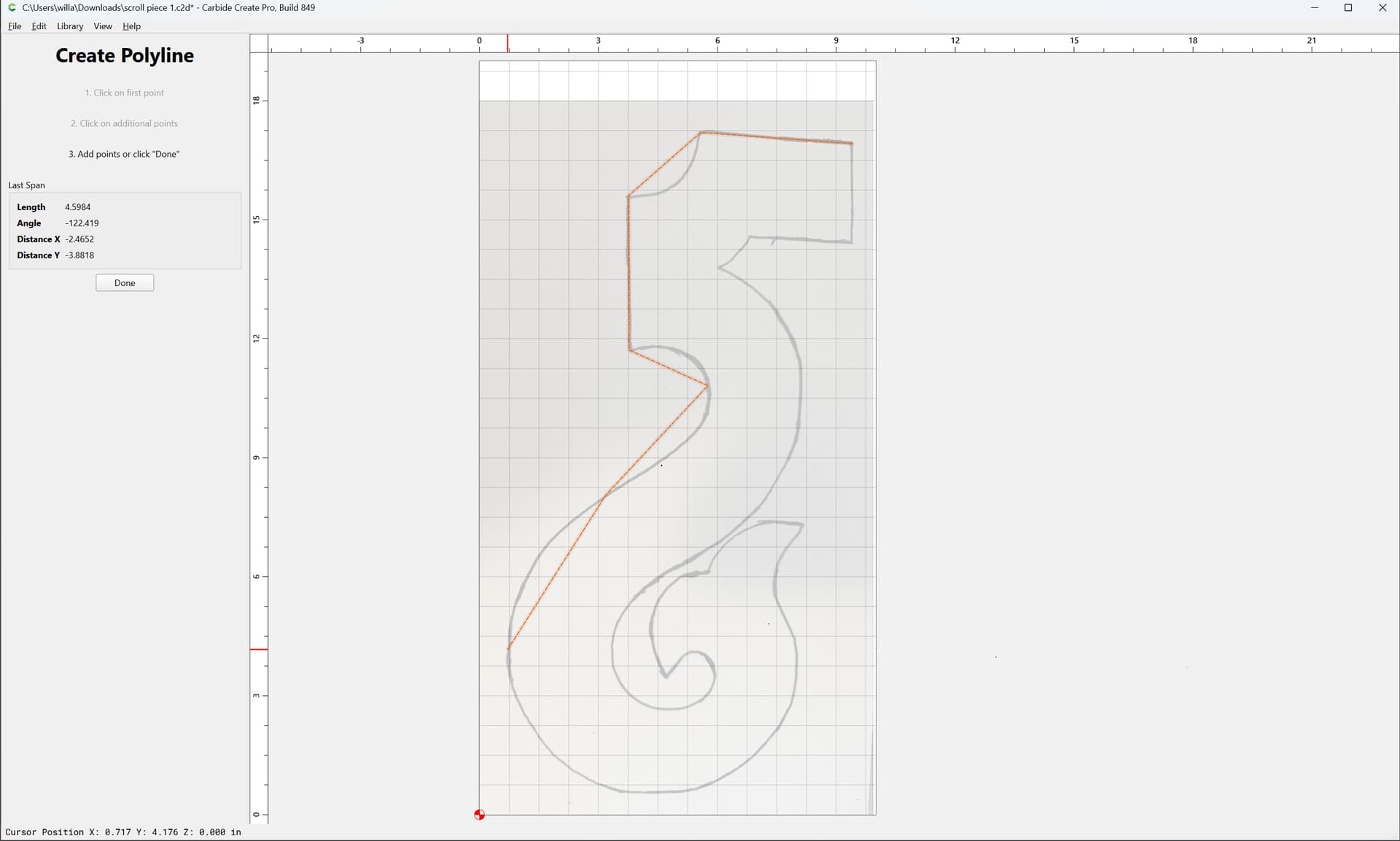
placing nodes at corners/points of inflection/extrema
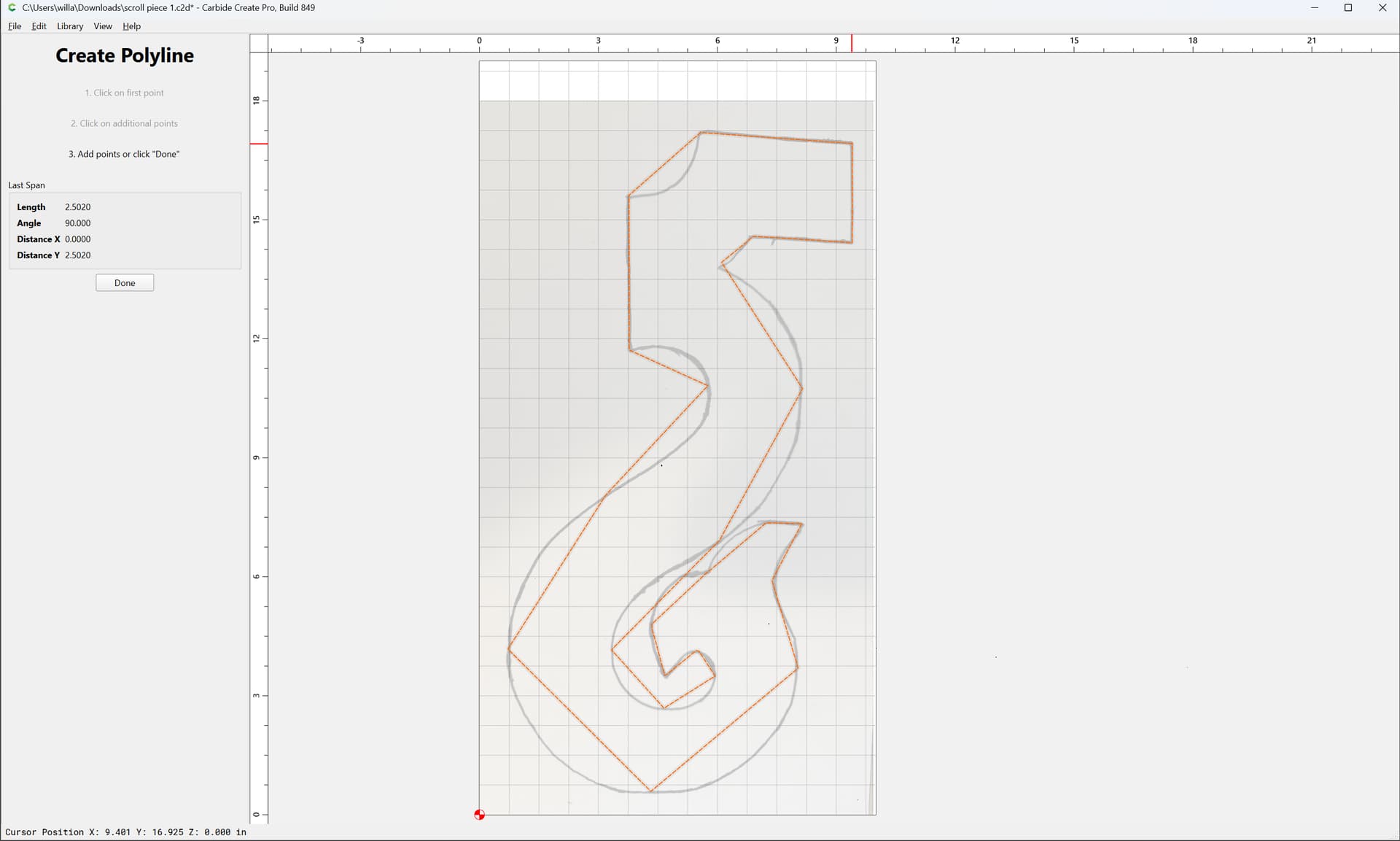
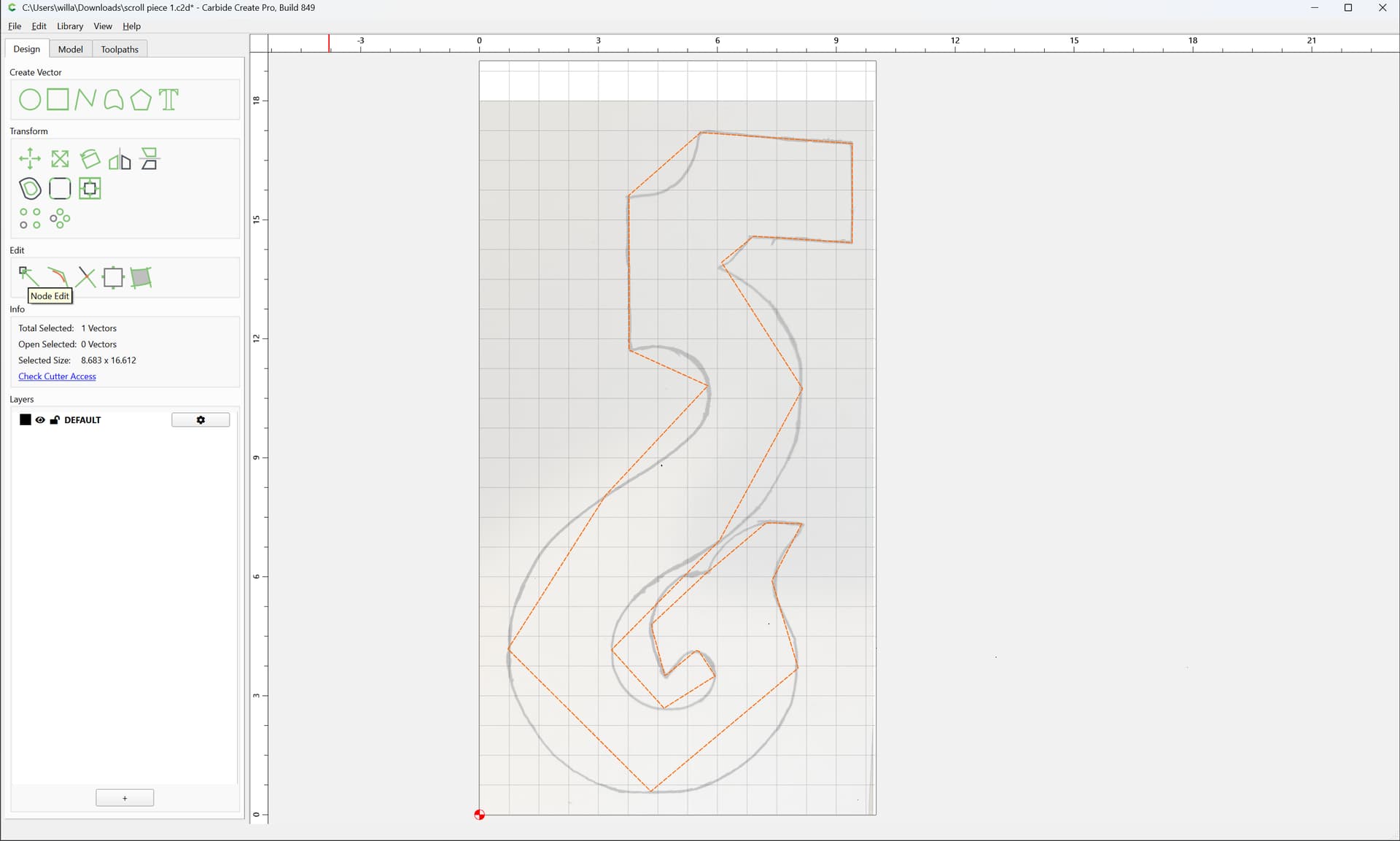
Go into Node Edit mode:
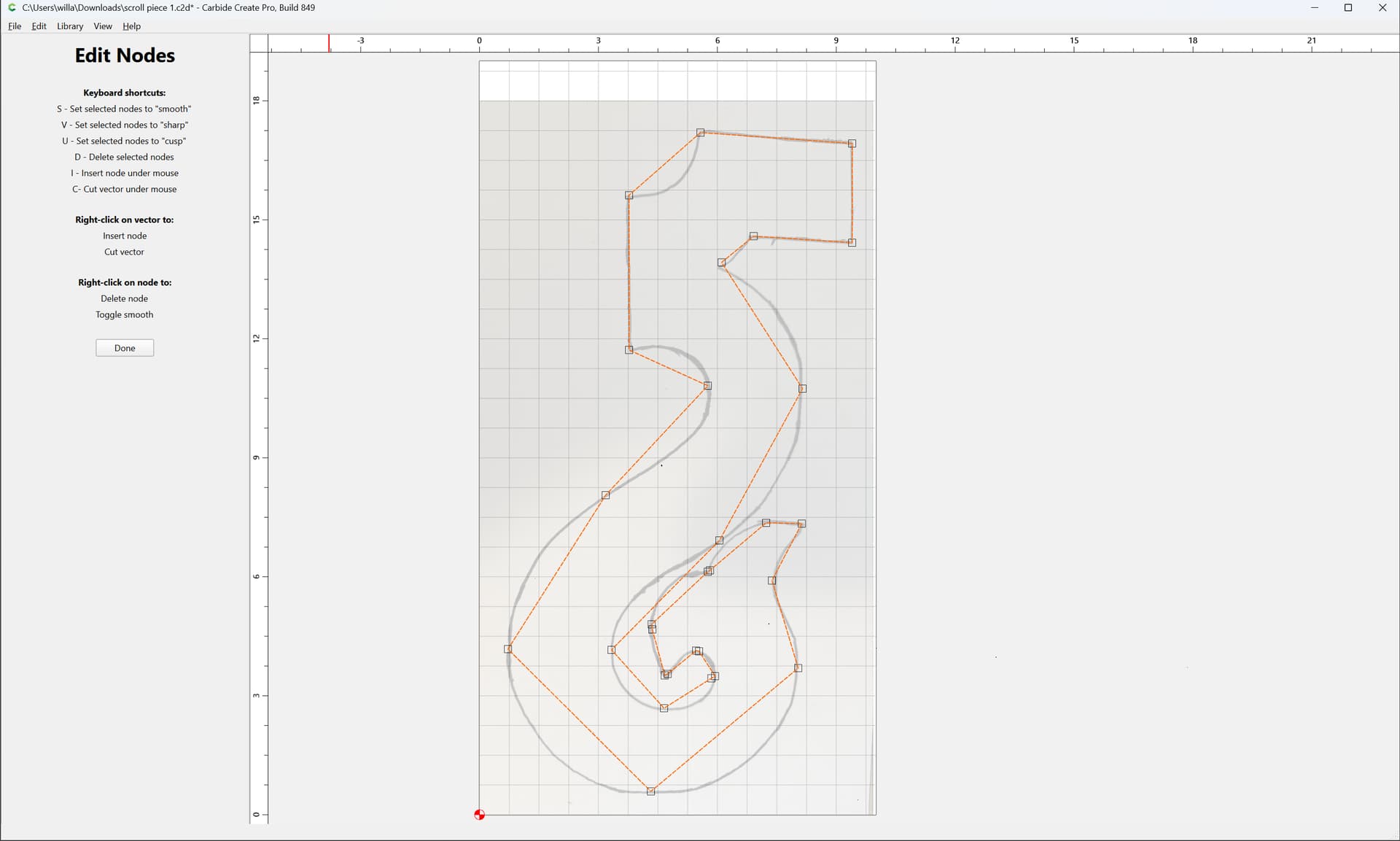
and select nodes:
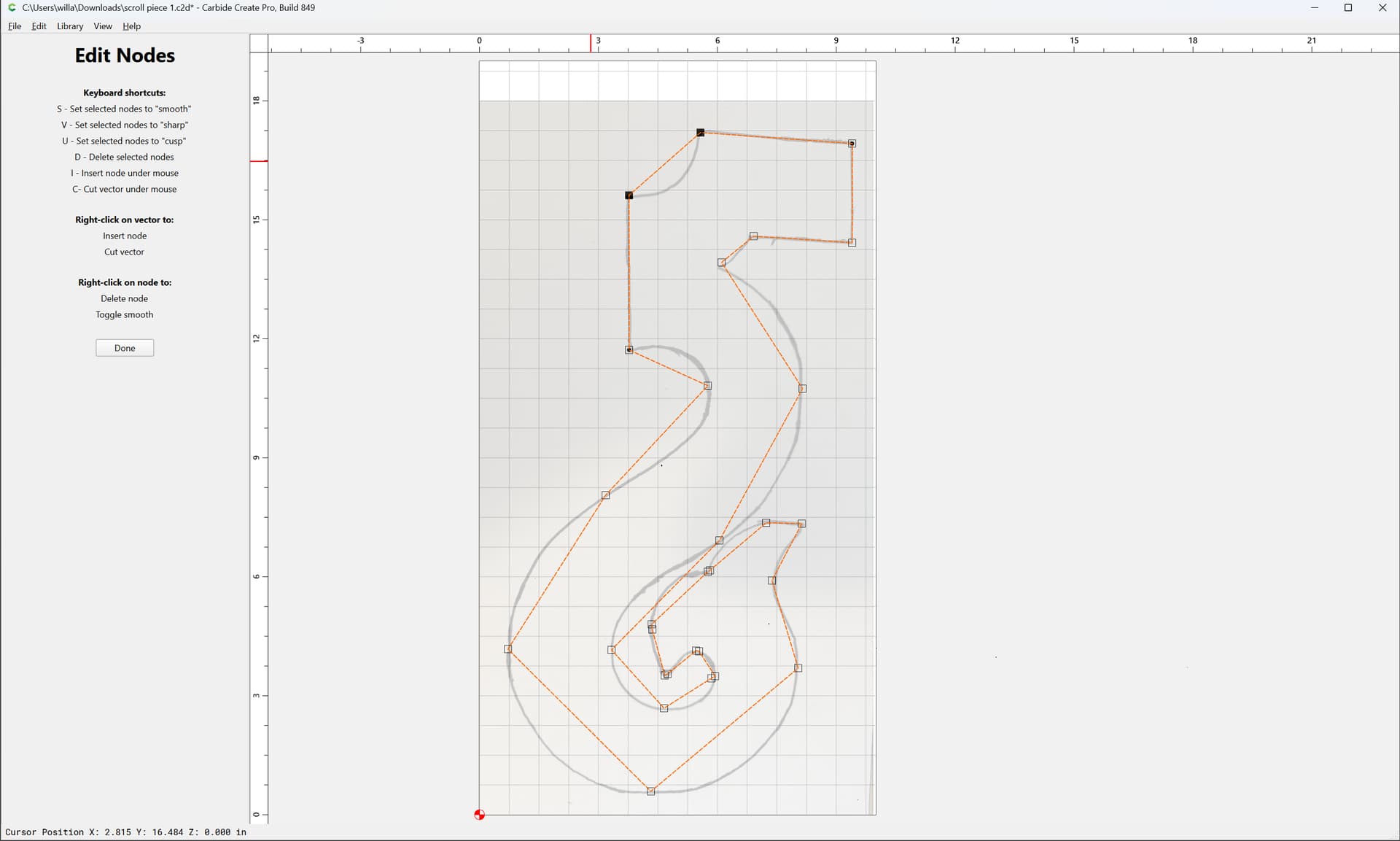
and convert into Cusp (u)
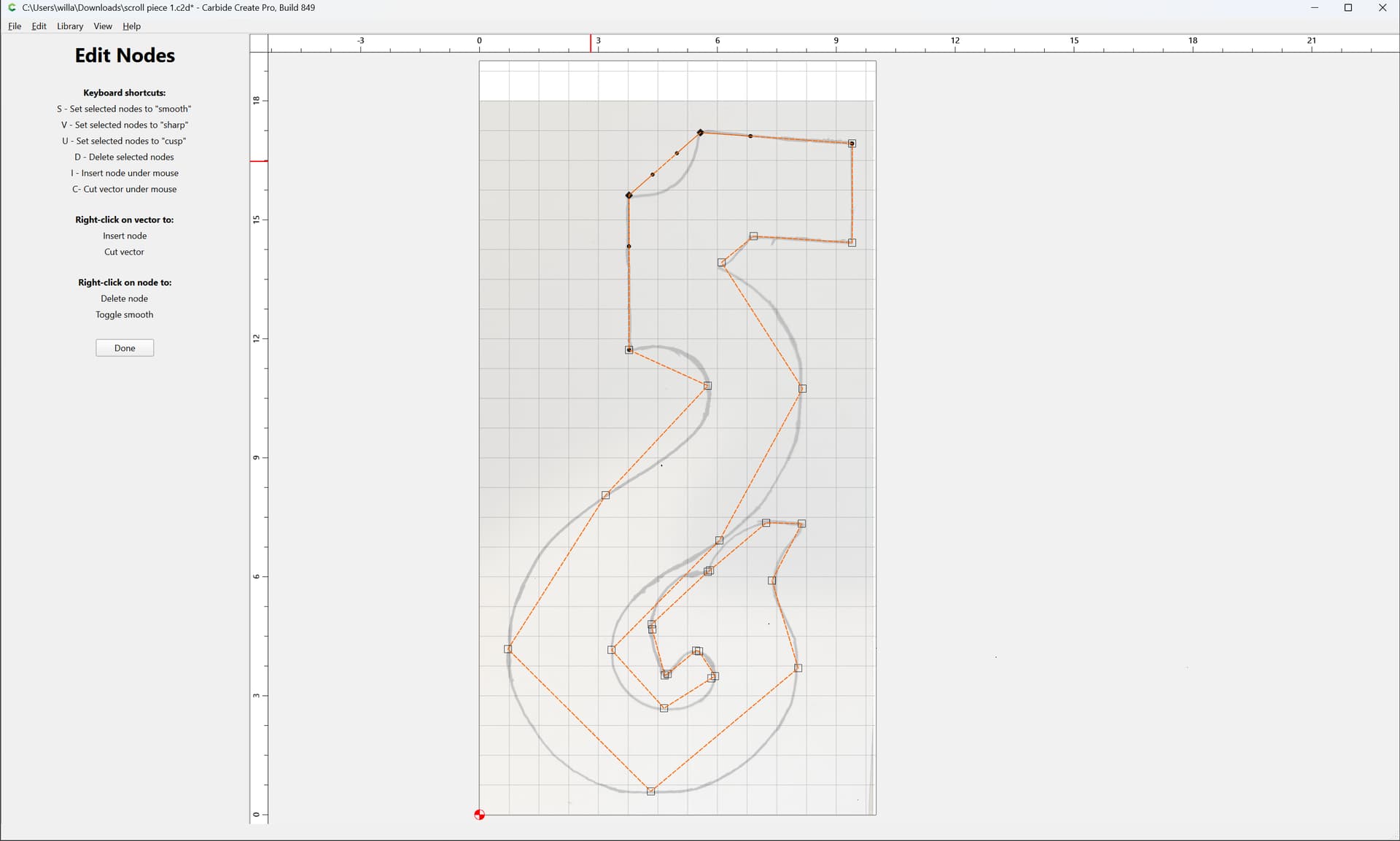
or Smooth:
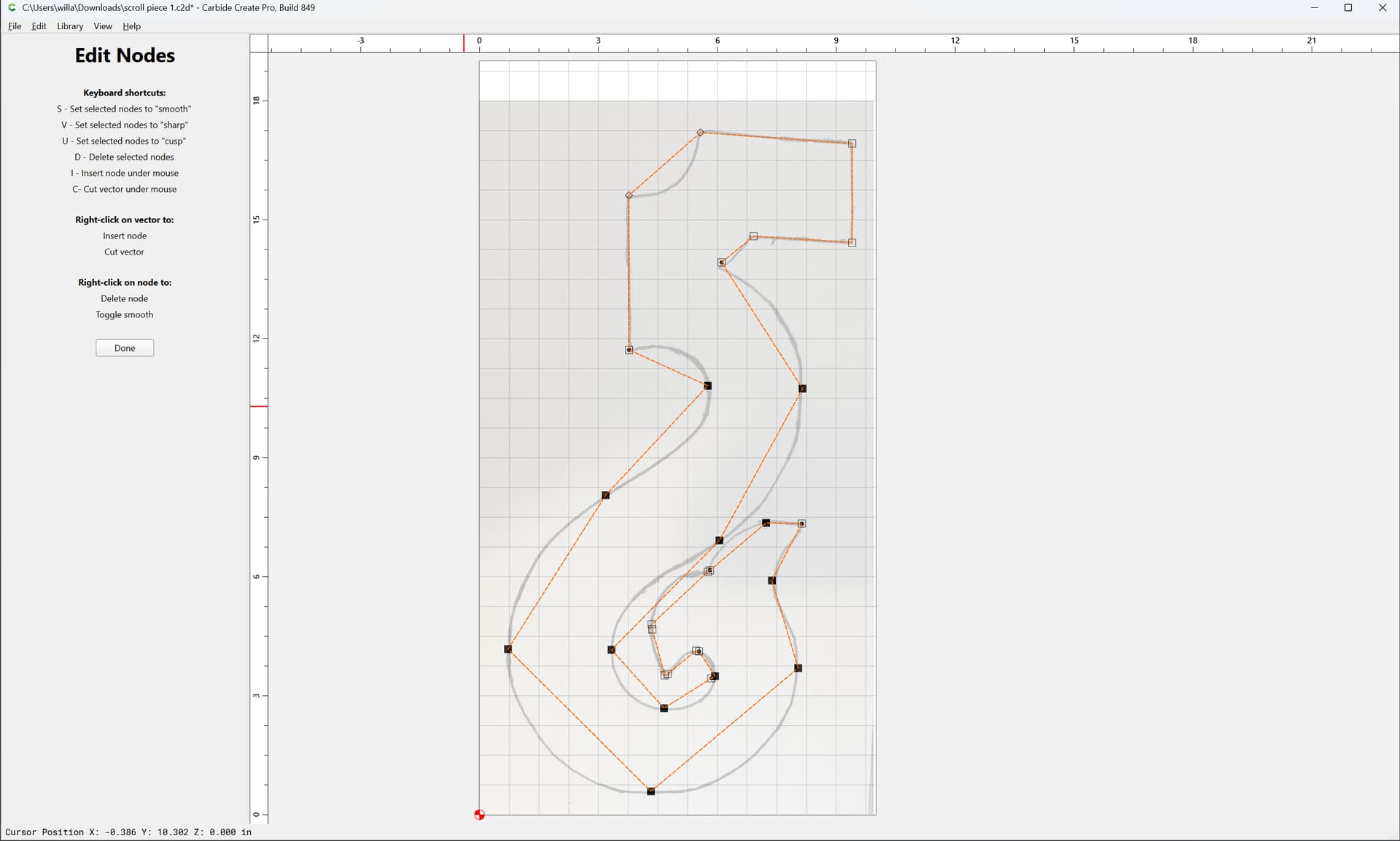
s
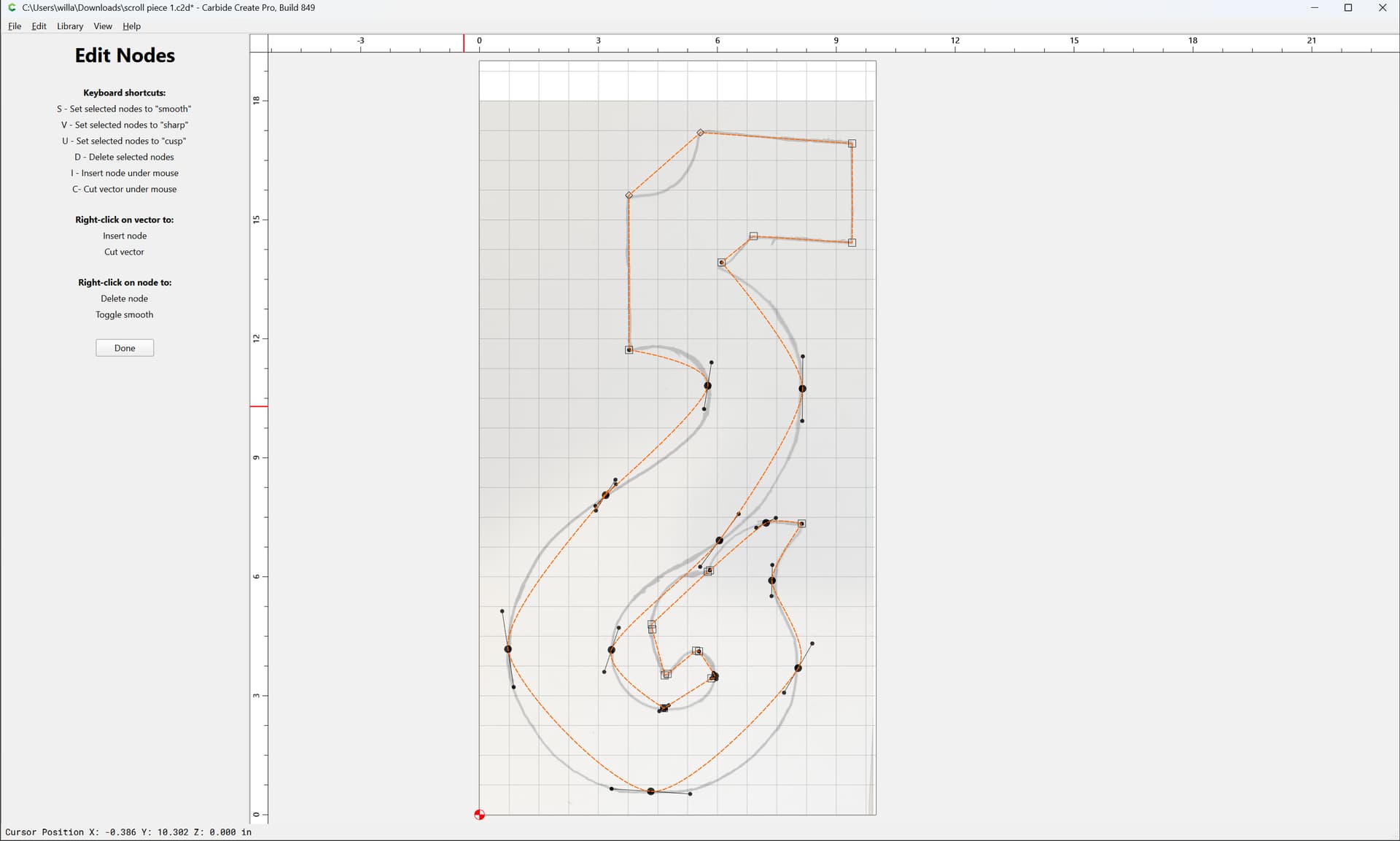
and adjust/re-draw as necessary until one arrives at something like to:
