As requested on support…
You helped me with my 3D plaque of the USA 250th, sizing it to 14 X 14.
I would like one a little smaller, like 11/25 X 11.25.
Where the file is:
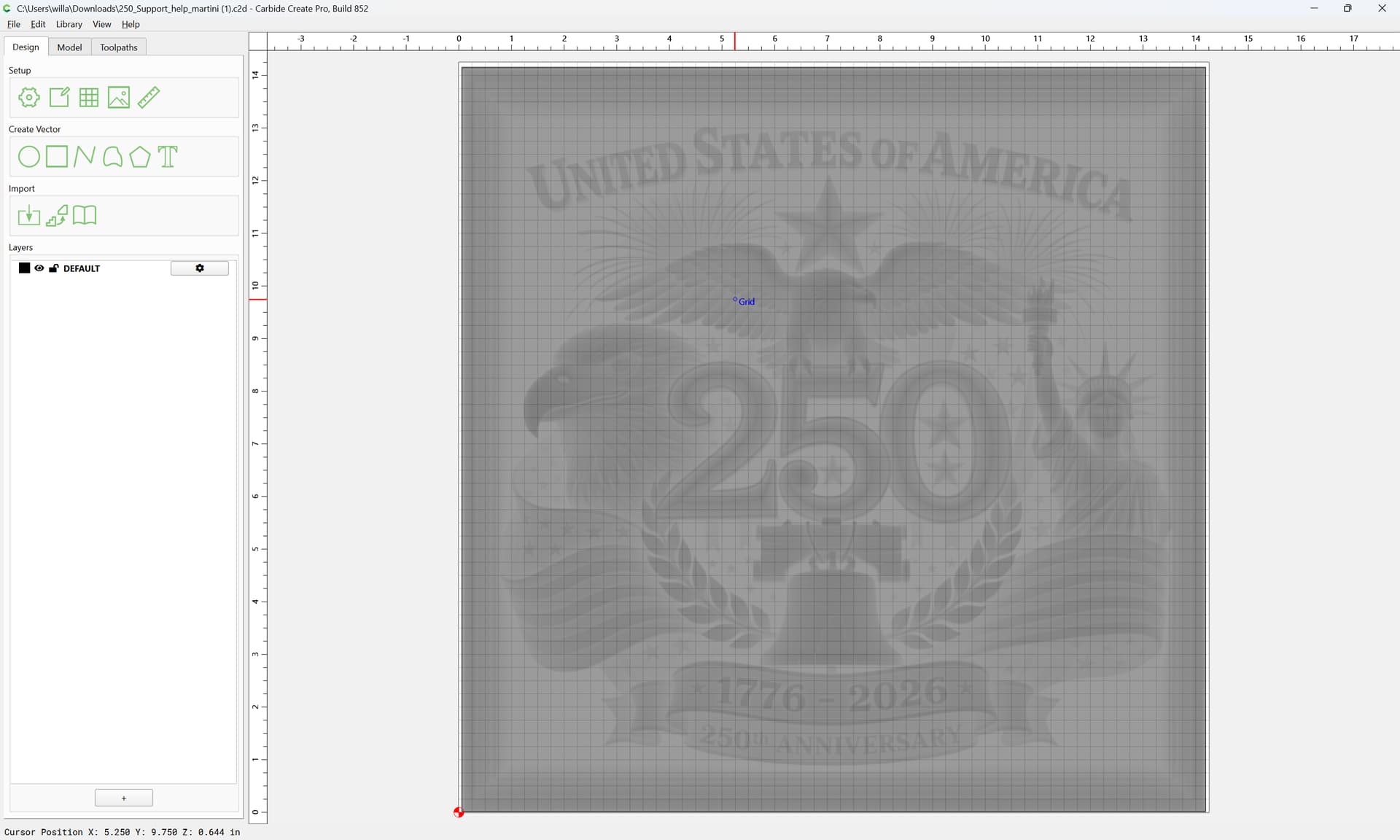
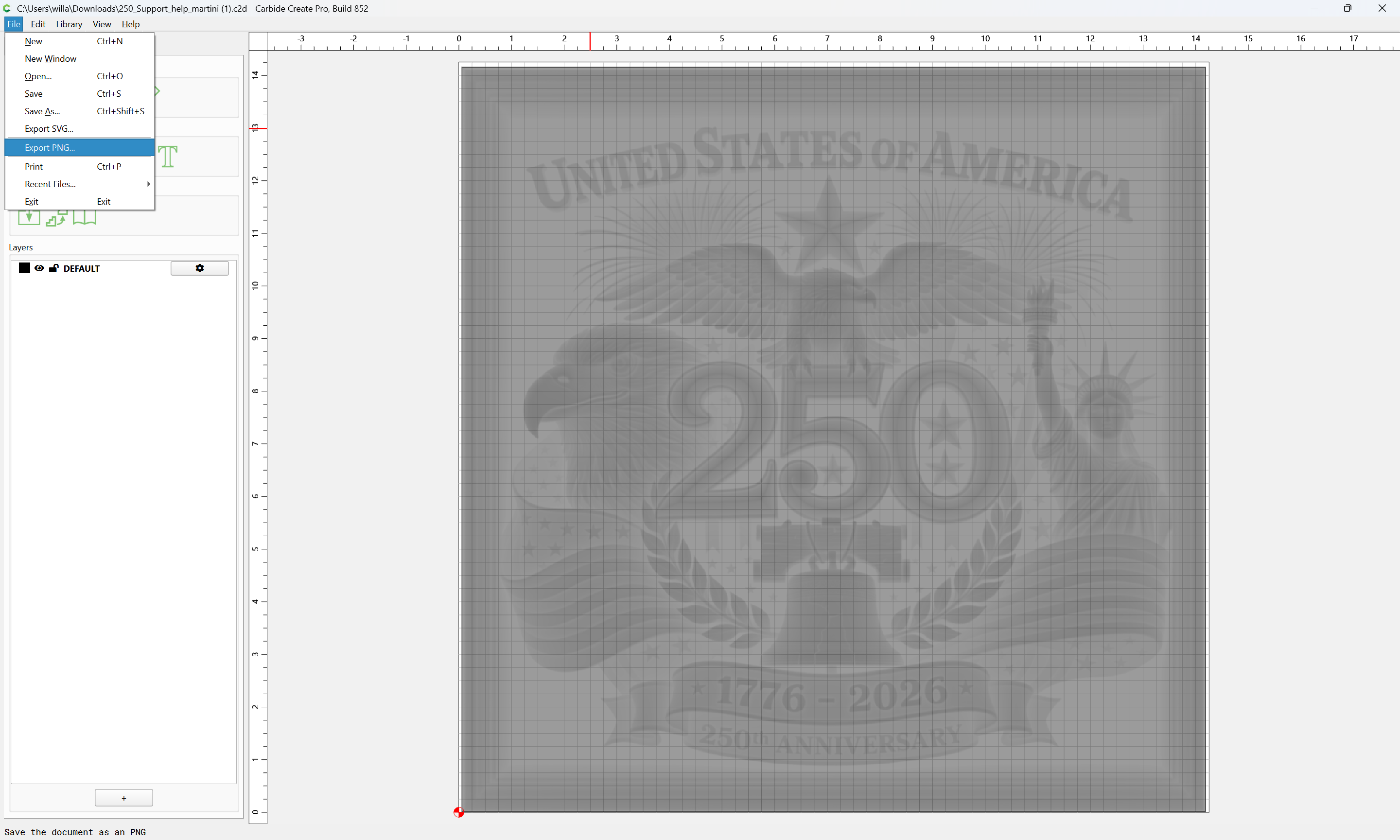
First, File | Export the 3D model as a PNG:
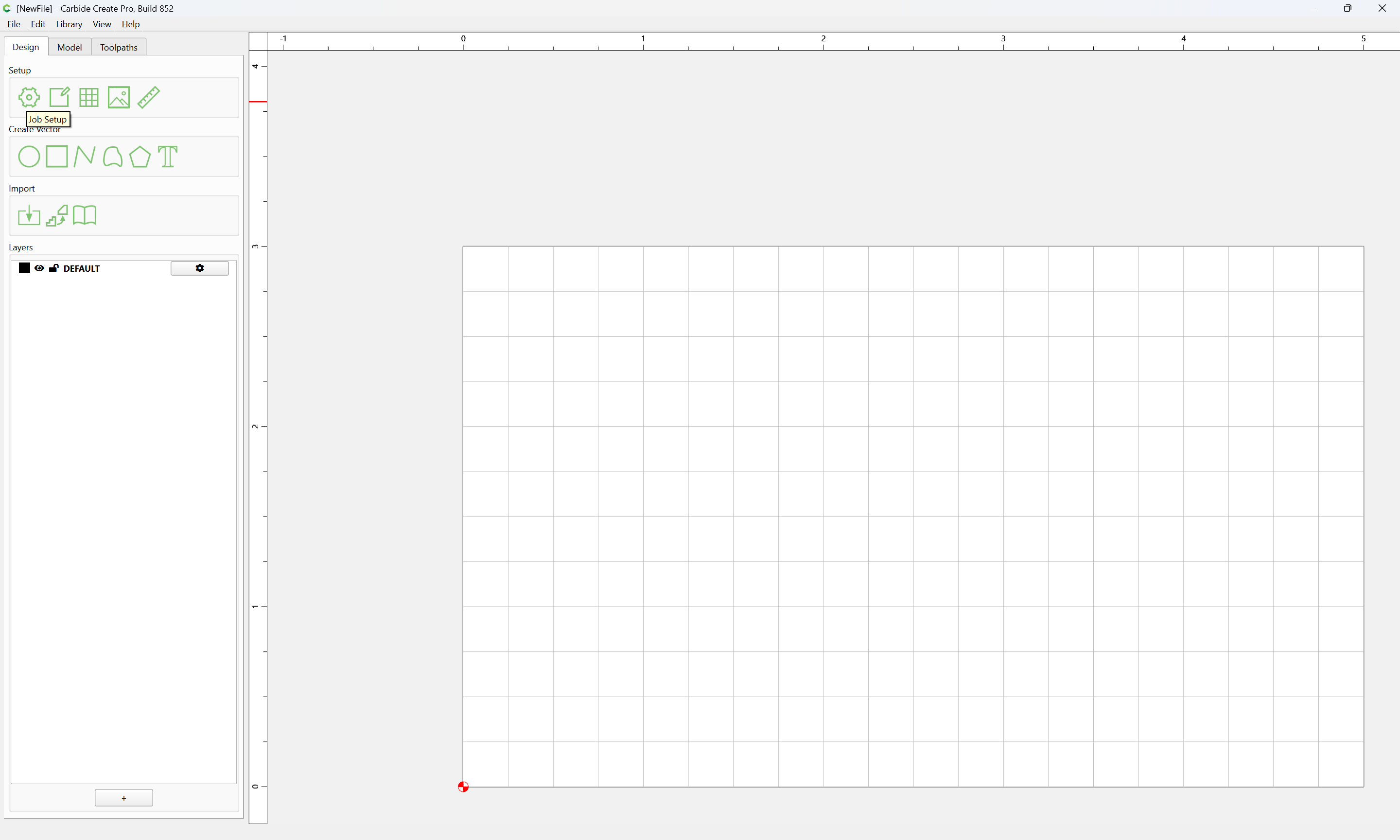
Make a new/blank file:
and adjust the Job Setup per:
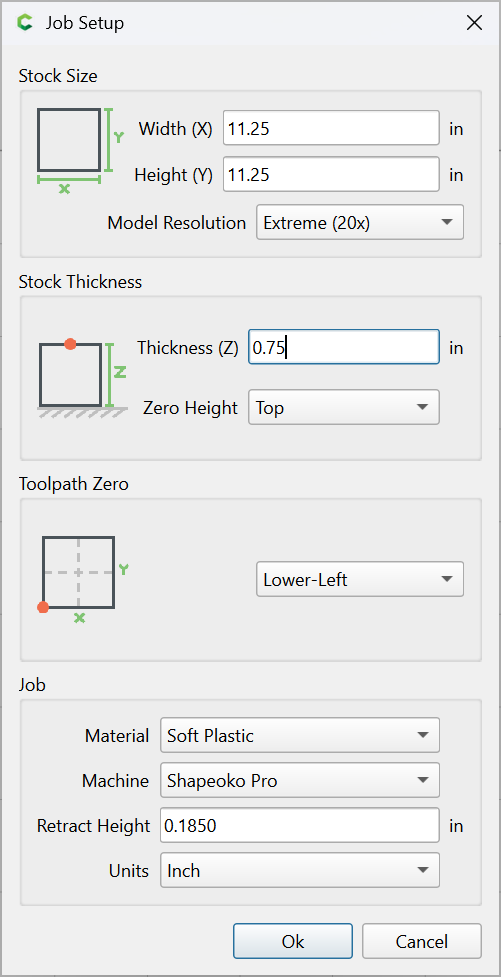
Ok
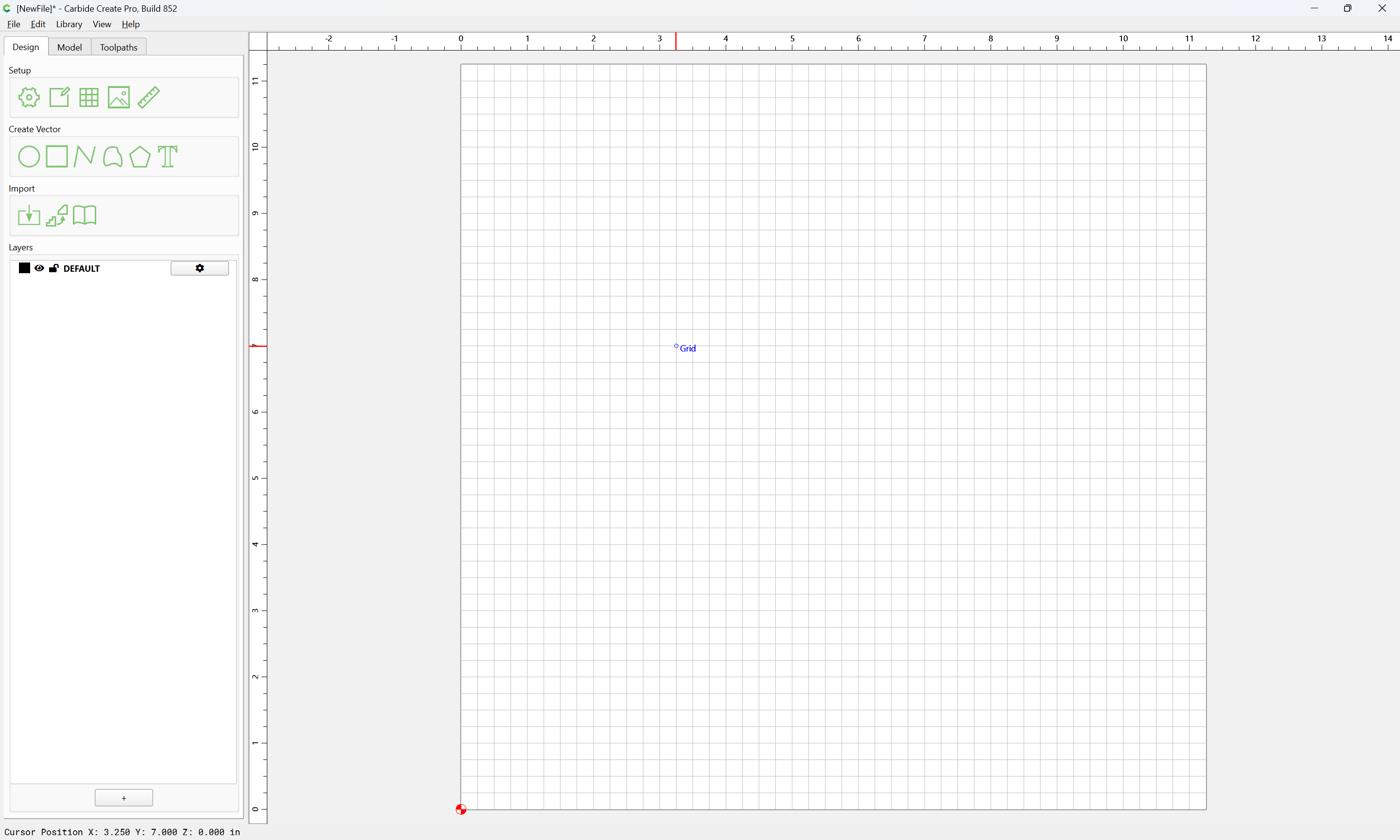
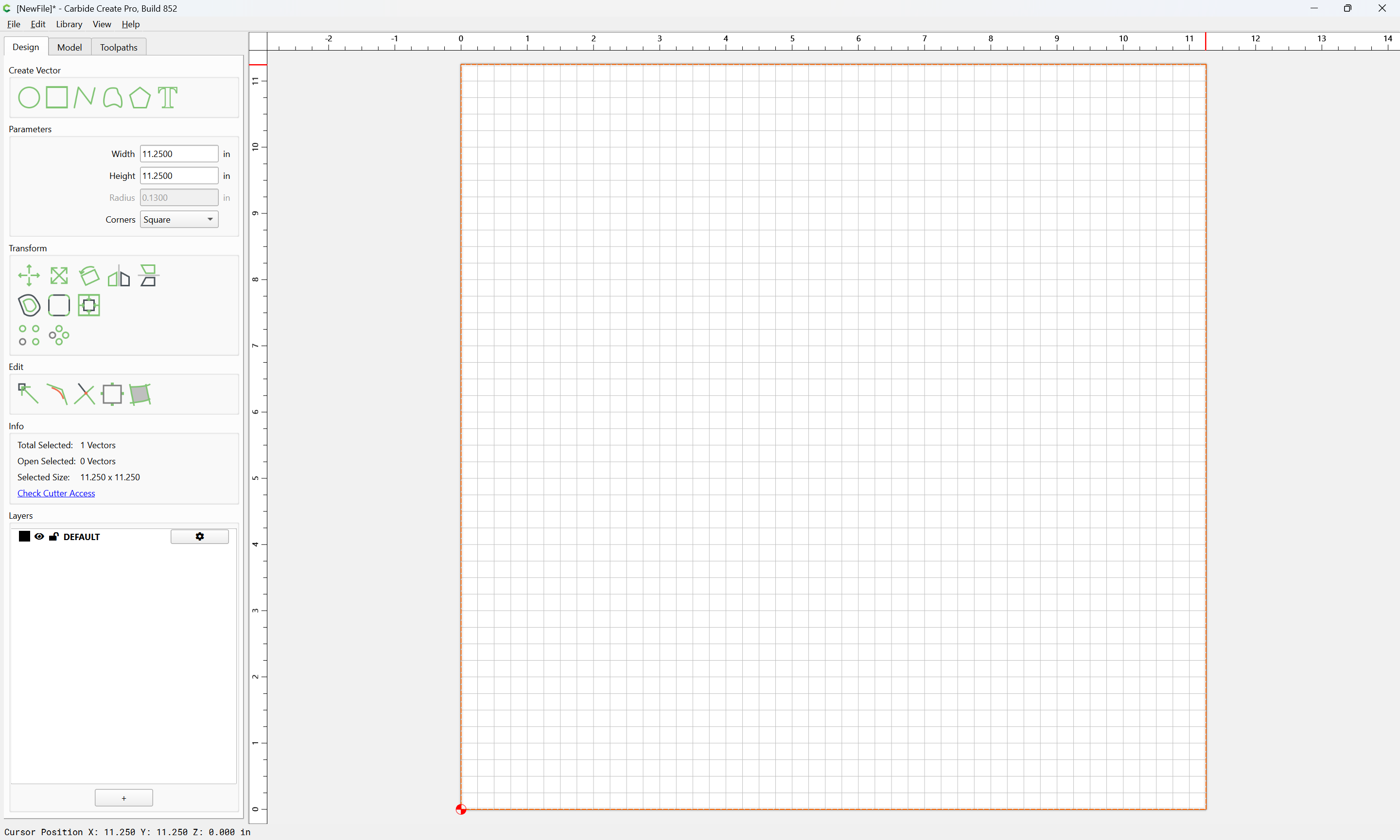
Draw a rectangle to match the XY stock dimensions:
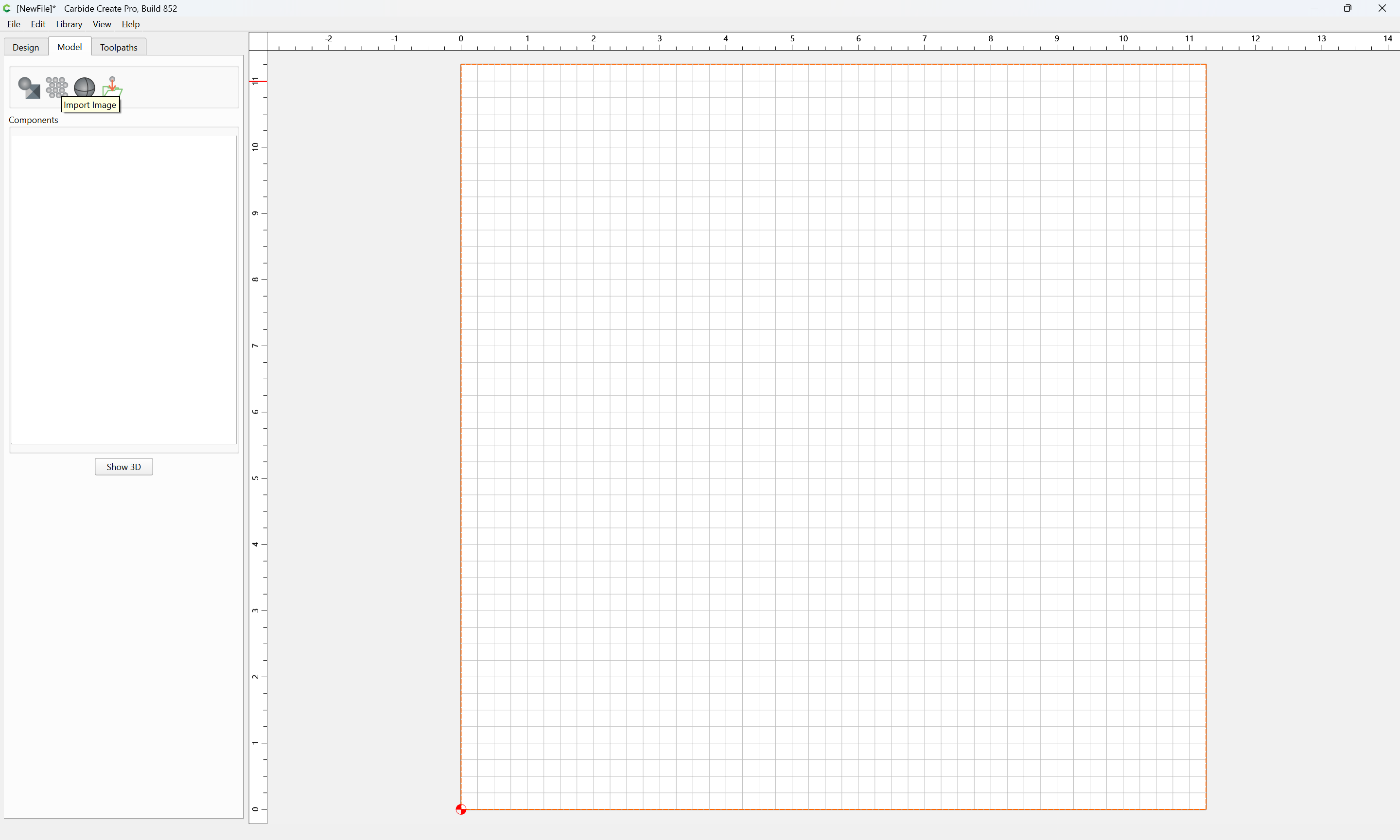
and import the pixel image as a Texture:
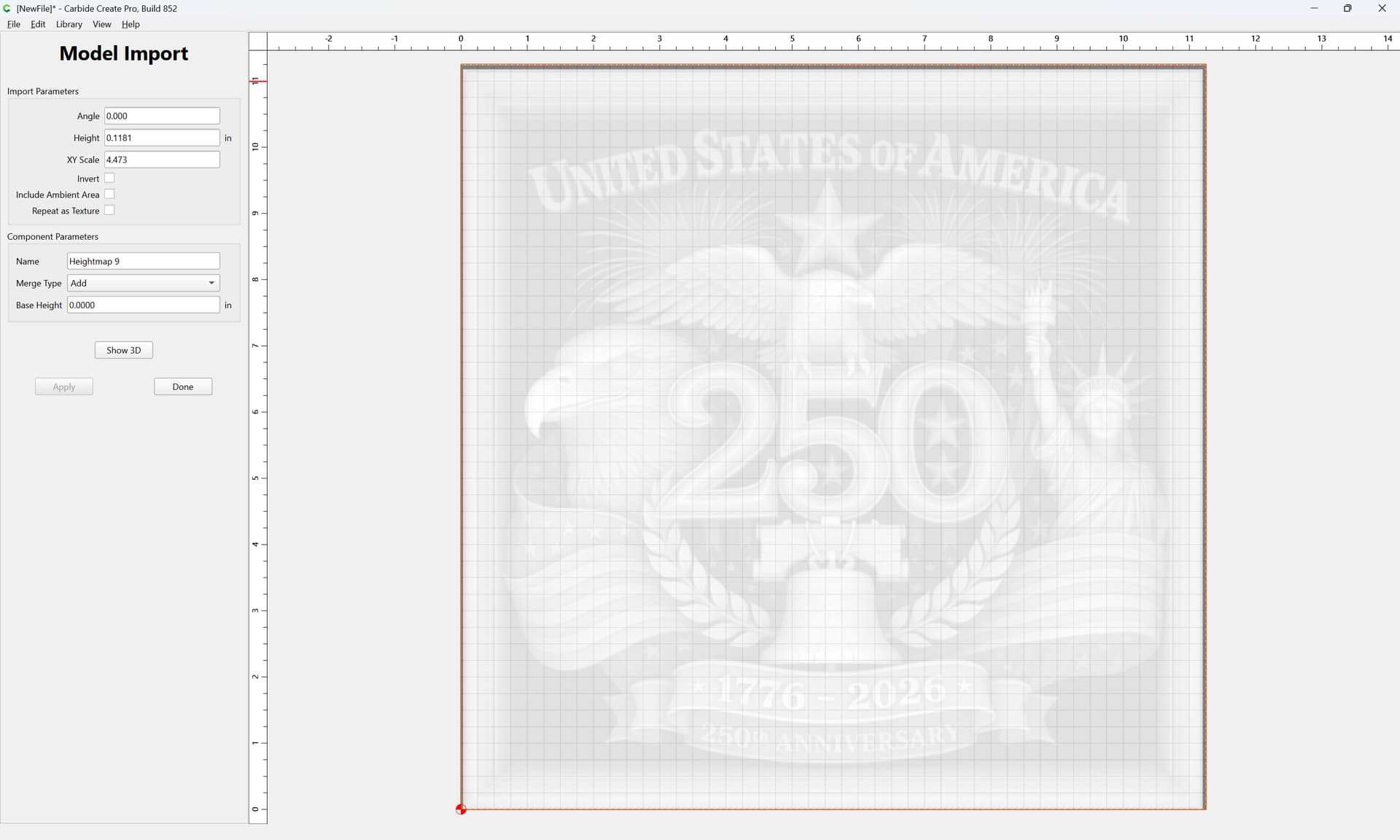
adjusting the settings and the 3D model until one arrives at what is wanted:
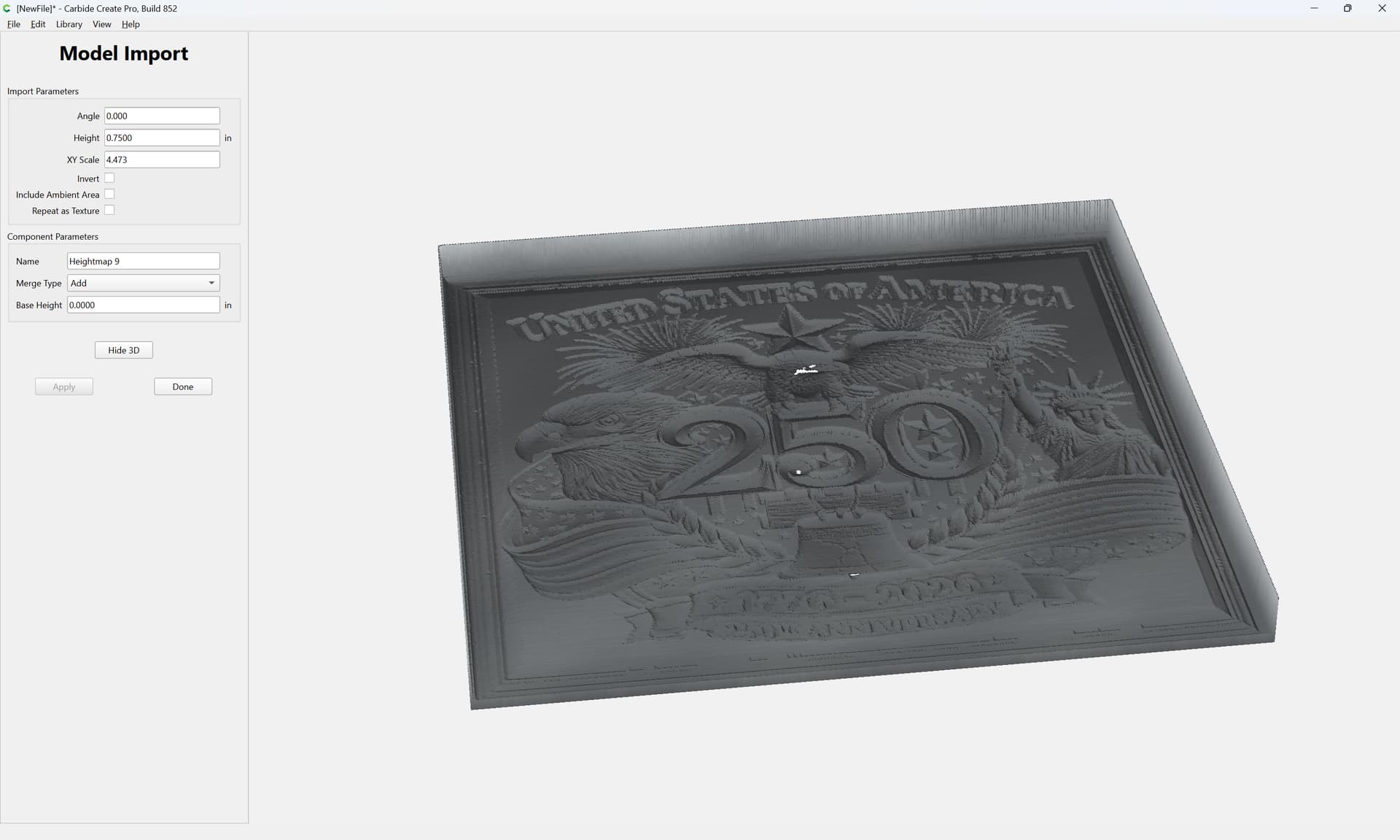
right-click on the 3D model to get the outline:
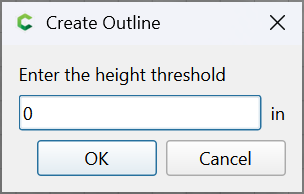
OK
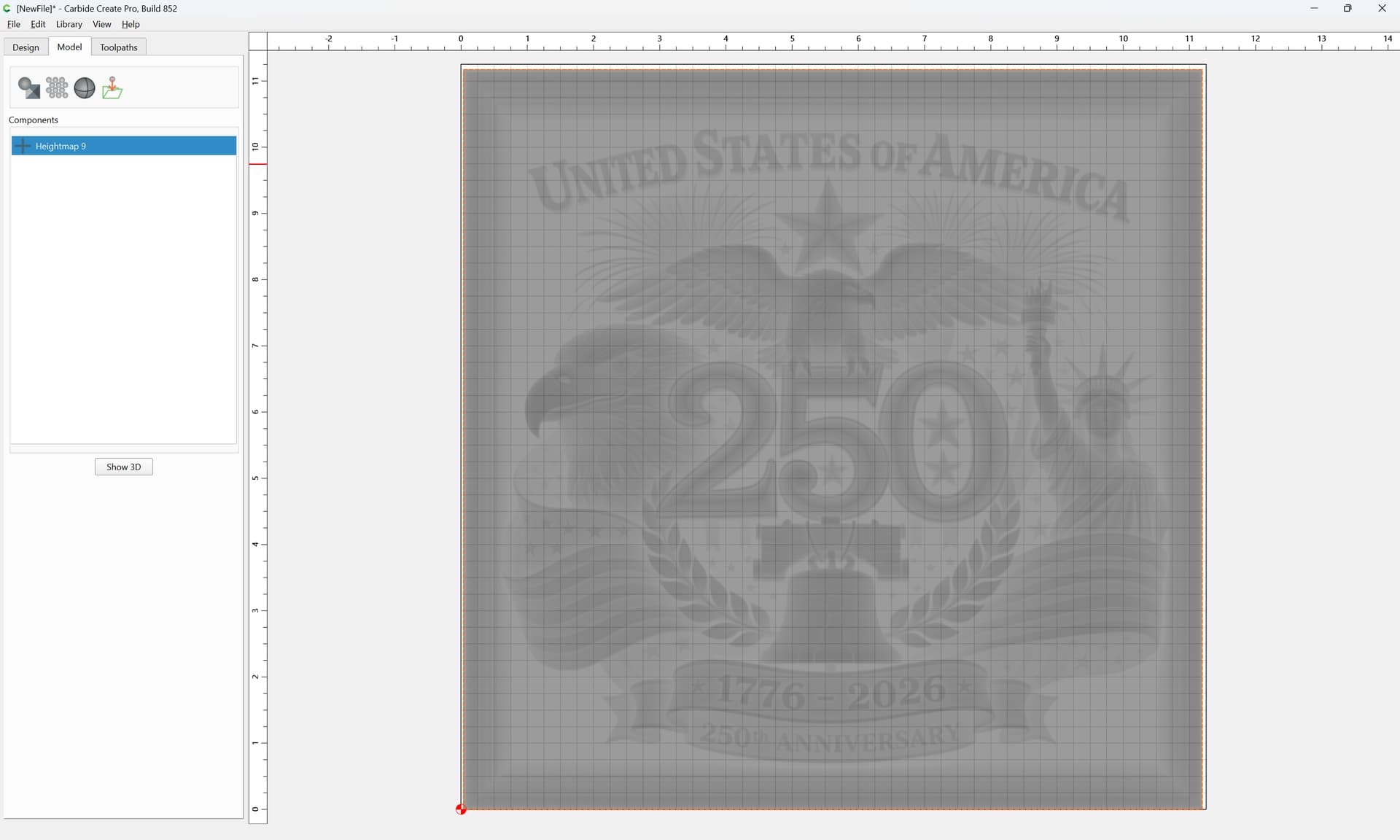
and use that vector for the 3D toolpaths.