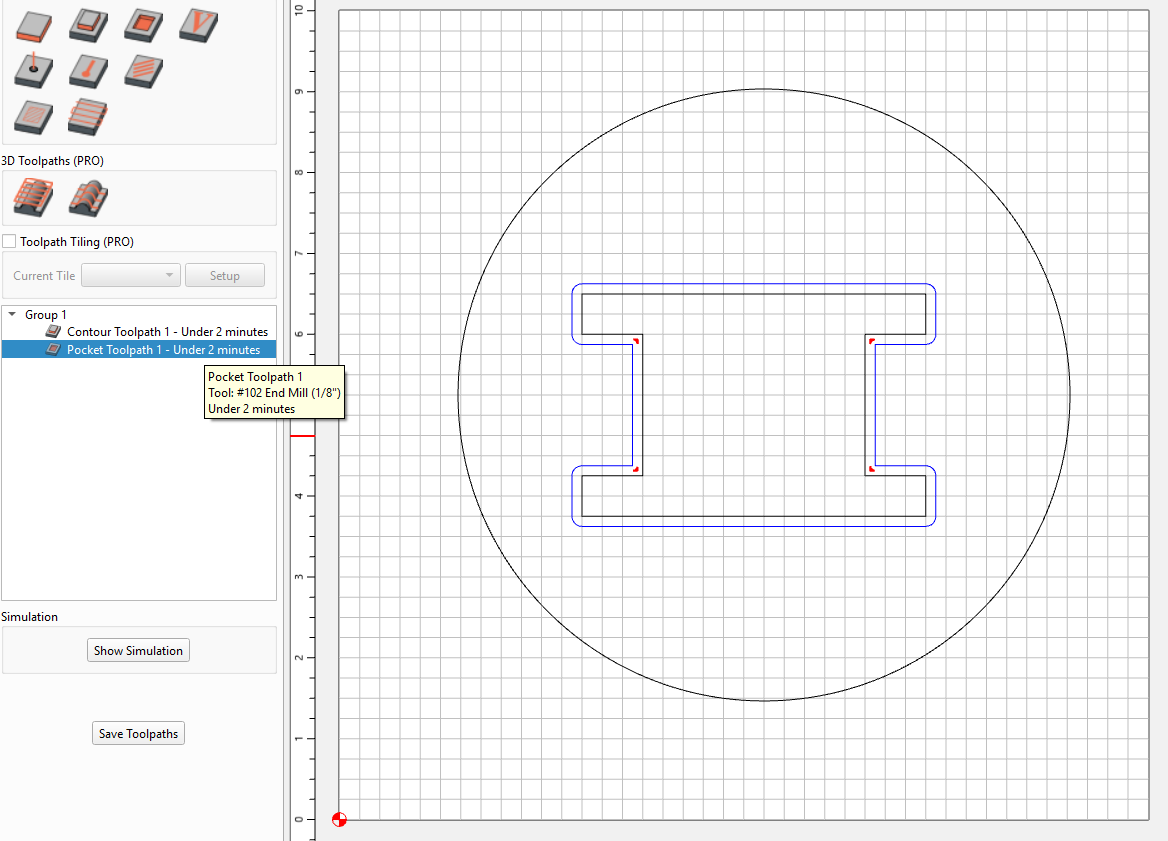
I’m flabbergasted to see rest machining is for pockets only, at least in v. 836 (my last Pro useable).
I see Rich inquired one year ago, no response. Has this been incorporated into CC versions since then? If not, what an oversight.
Also curious if rest machining has yet been corrected as to the Previous Diameter issue. (Where you need to set Previous Diameter to the current diameter to prevent cutting a bunch of air. At least I think that was the kludge, it’s been a while since I’ve used this.)
Rest machining still is only for pockets as far as I can tell but i’m not sure what the diameter issue is you’re referring to so I think it’s fixed because i’ve used this feature without any issues.
If you pocket a square and want to sharpen the corners, Rest Machining (RM) appears to work as advertised. But with more complex shapes that’s not true. In those cases you set the Previous Diameter to the diameter of the bit you are currently using.
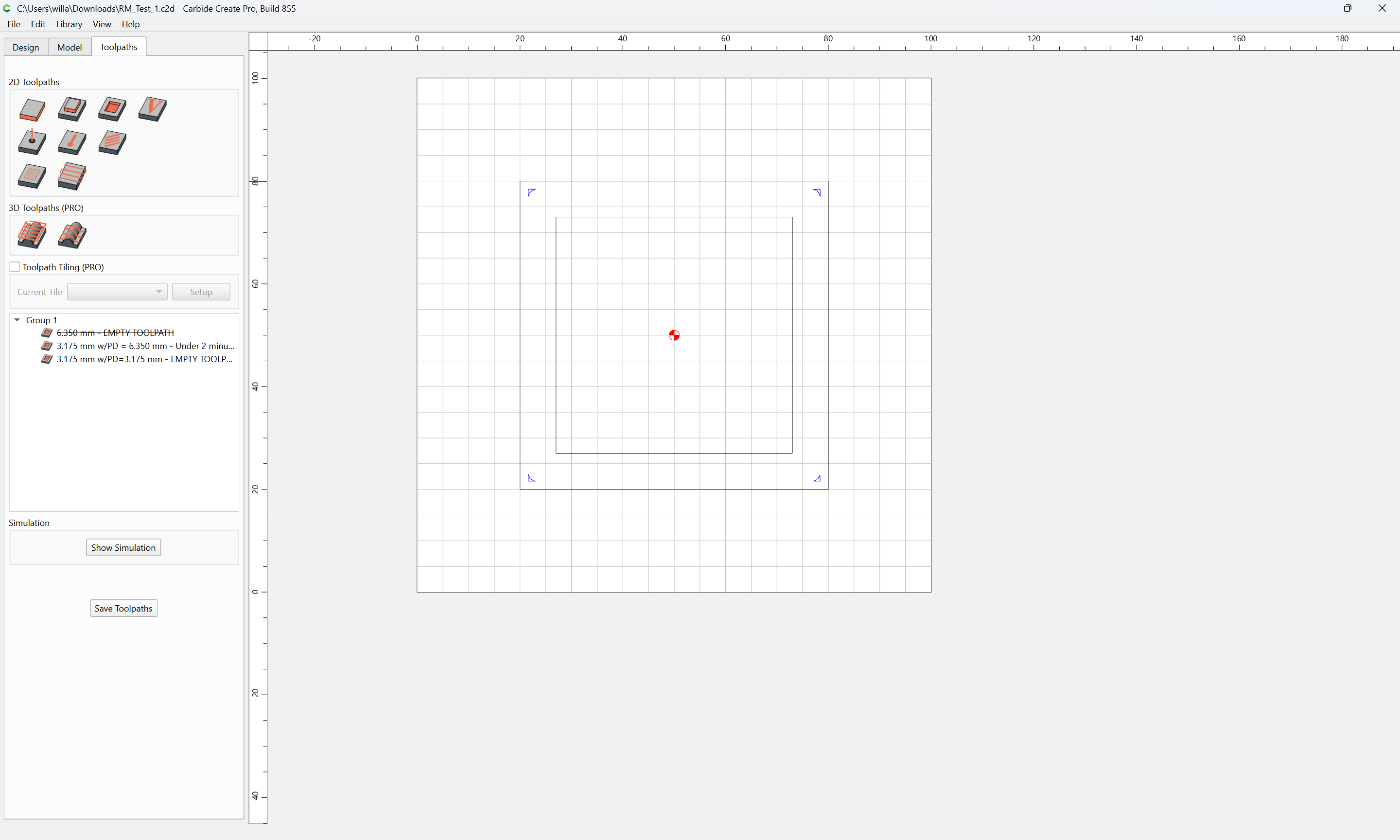
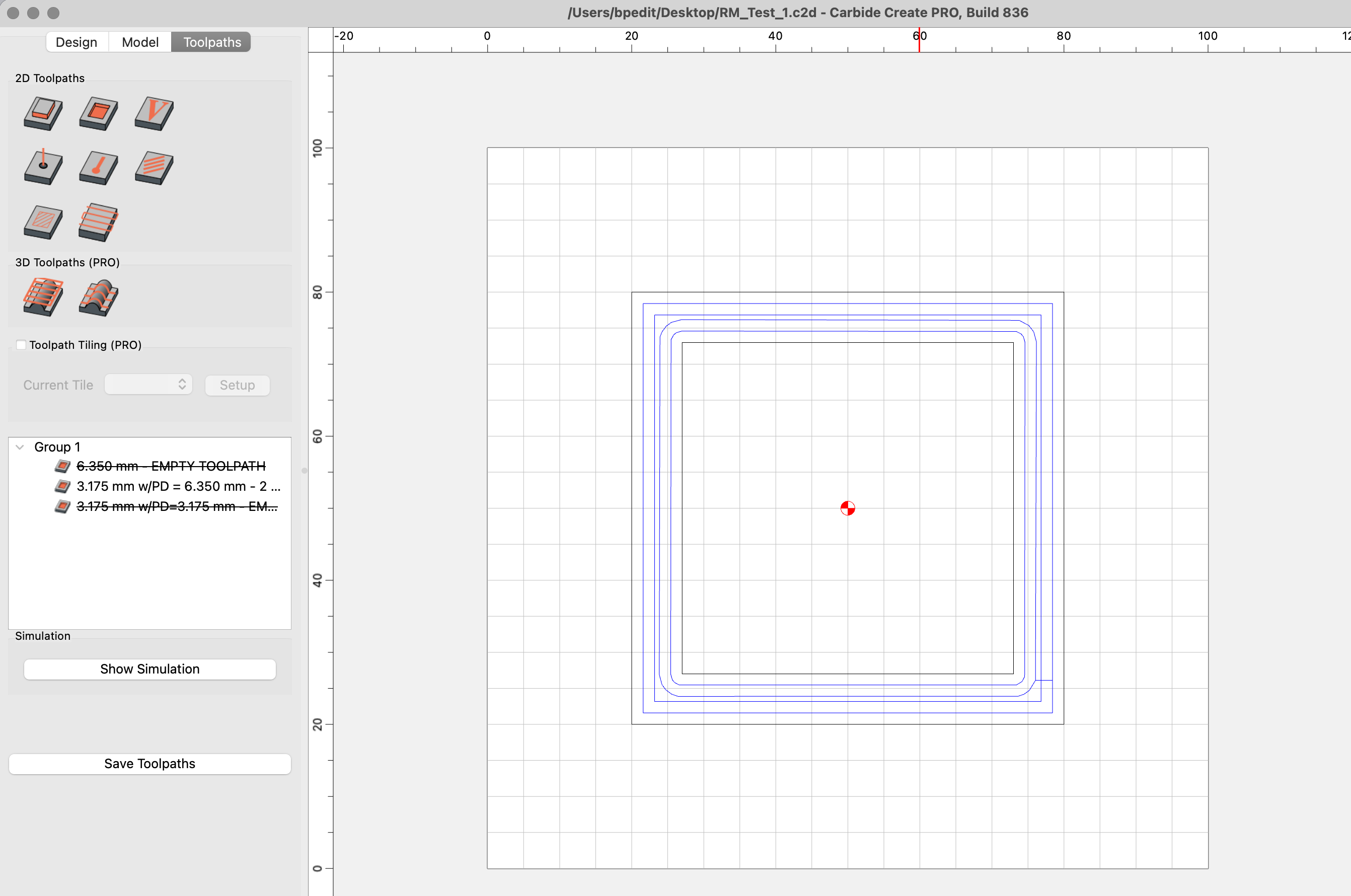
Check it out:
If your version of CC acts like mine you will see the active toolpath, using the actual Previous Diameter, cut the entire pocket versus just the corners.
Disable that and Enable the bottom toolpath which uses the smaller bit as the previous diameter. This one cuts only the corners as it should.
I saw no mention of this being remedied in the version logs. Perhaps I missed it, let me know how this file looks in your version of CC.
You can use a pocket with rest machining after a contour. If it’s a outside contour, just add a vector around the geometry that won’t get rest machined…