when I change the size of a project the toolpaths do not follow. Do I have to define them always from scratch with a new size of the project, or is there any way to keep the toolpaths connected to the project as designed?
You mean, when you change the project size in the job setup?
Yep, I use some different stock sizes for some flags, and just need to adjust the project size to the next stock size. Therefore I use the transform tool to scale the project
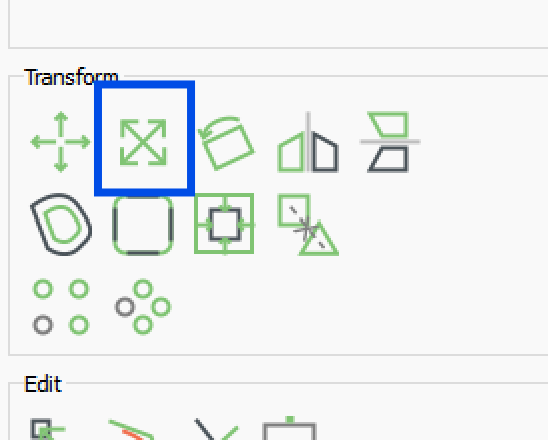
but the toolpaths do not follow:
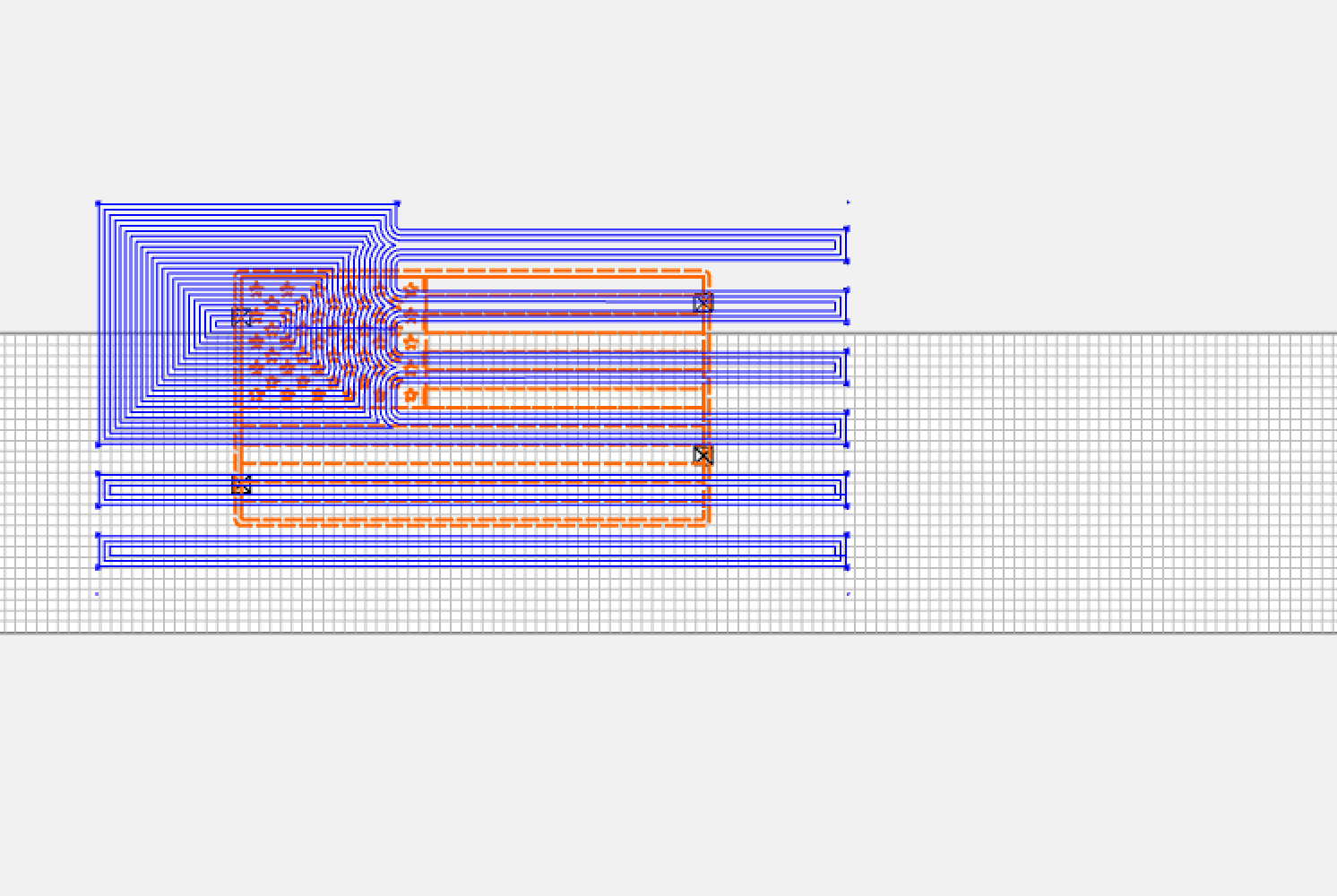
I’m convinced I forget something.
Wait for the file to recalculate toolpaths, or save, close, and re-open.
Maybe we forgot something. After scaling, hit the cursor right, then left to move the vectors and trigger a recalculation.
Thanks again! I know what I forgot: I disabled some toolpaths, because they have to be cut all separately for each color. And then scaled. If -even after scaling- the toolpaths are reactivated, all was adjusted nicely.
1 Like
Rob, I’ve had a few instances where active toolpaths don’t recalculate when they should. I’ll go in an change something by 0.001" to force them to recalculate.
But to be honest, there are also many times they do recalculate when they don’t need to. Like a feedrate change, for example. With very large paths that take a while to calculate, this can get tedious.
When my toolpaths don’t recalculate I normally just open the toolpath, click change vectors, use current selection (as long as the correct vectors are selected) and hit ok. It’s a bit of a pain but it works
2 Likes
If you know when they do not recalculate, we can take a look. Most cases should be good, but it’s possible we missed one or two.
This topic was automatically closed 30 days after the last reply. New replies are no longer allowed.