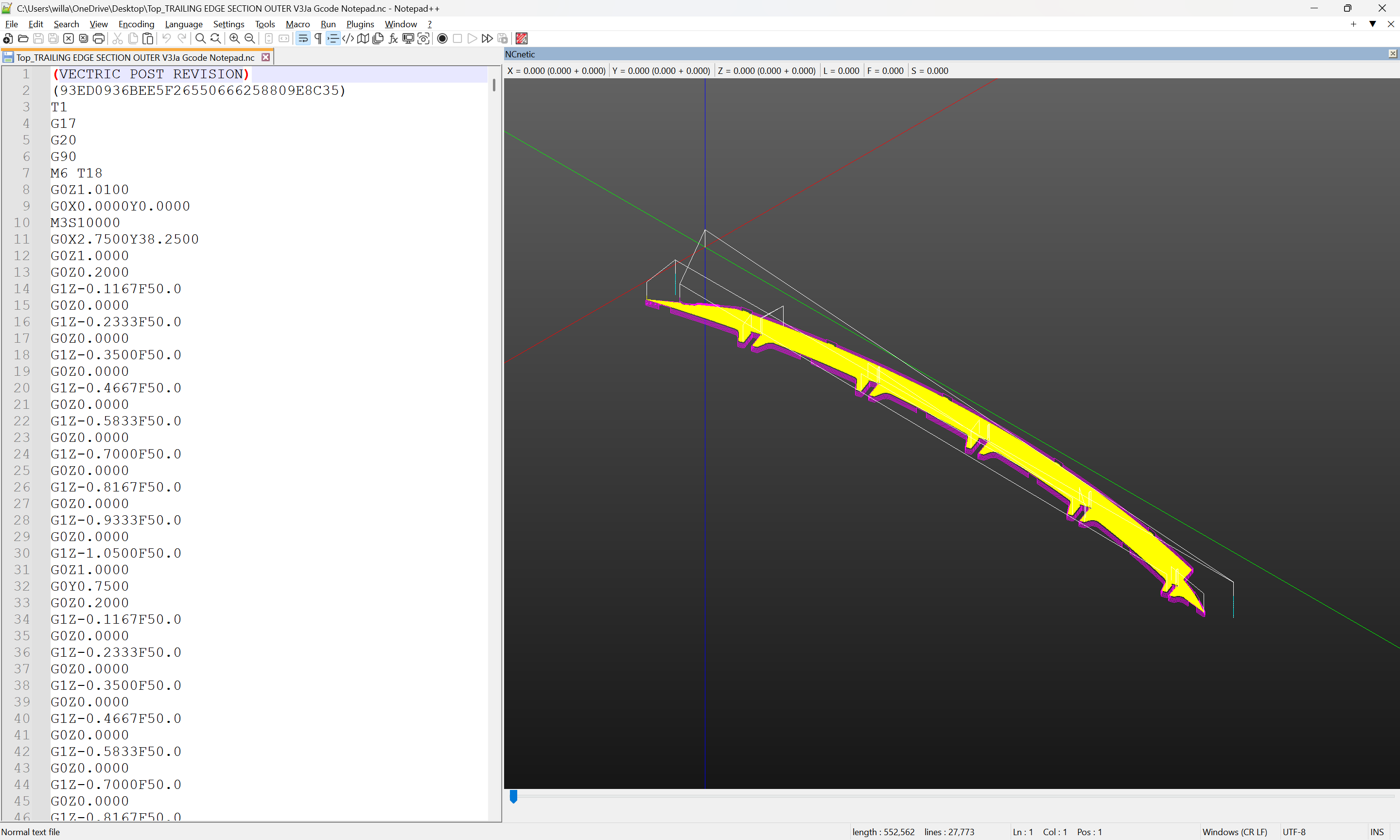
Wow, I just learned that Notepad++ has a gcode preview plugin!
Is there anything similar for VSCode?
Wow, I just learned that Notepad++ has a gcode preview plugin!
Is there anything similar for VSCode?
I would suggest copying the file to the local hard drive on the computer running Carbide motion, then verify that it was transferred completely — open it up in a text editor and scroll to the end and verify that the transfer was complete.
Or, access this post on that computer, copy this code:
(Design File: C:.Users.willa.Downloads.test.drill.0.01.bottom.25mm.c2d)
(stockMin:-12.50mm, -12.50mm, 0.00mm)
(stockMax:12.50mm, 12.50mm, 25.00mm)
(STOCK/BLOCK,25.00, 25.00, 25.00,12.50, 12.50, 0.00)
G90
G21
(Move to safe Z to avoid workholding)
G53G0Z-5.000
(TOOL 201: .201 End Mill .1.4..)
(Toolpath: Drilling Toolpath 1)
(Drilling Toolpath 1)
M05
(TOOL/MILL,6.35, 0.00, 19.05, 0.00)
M6T201
M03S18000
(PREPOSITION FOR RAPID PLUNGE)
G0X-0.000Y0.000
Z62.700
Z25.250
G1Z24.990F304.8
G0Z62.700
G1Z37.700
M05
M02
and paste it into a text editor, save it as “drill_test.nc”, then try loading that.
If you could upload one of the files which crashes, we can check that, but my inclination would be to try a different computer running Carbide Motion.
William,
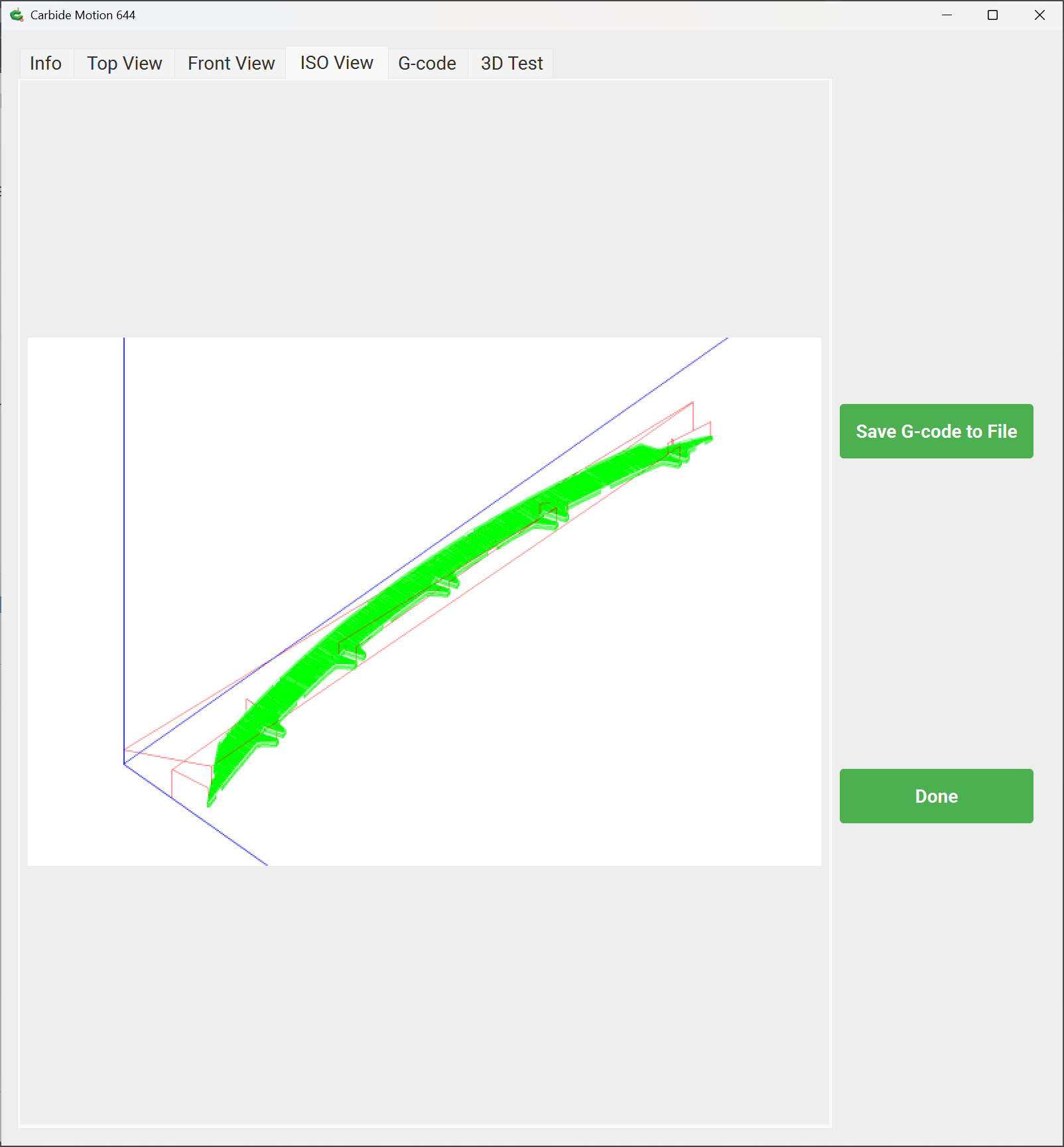
I just tried to run CM and a file off a usb to eliminate the wi-fi or sending the files to another computer in the shop. It still CM crashed when opening the file.
I also noticed some posts with the same issue.
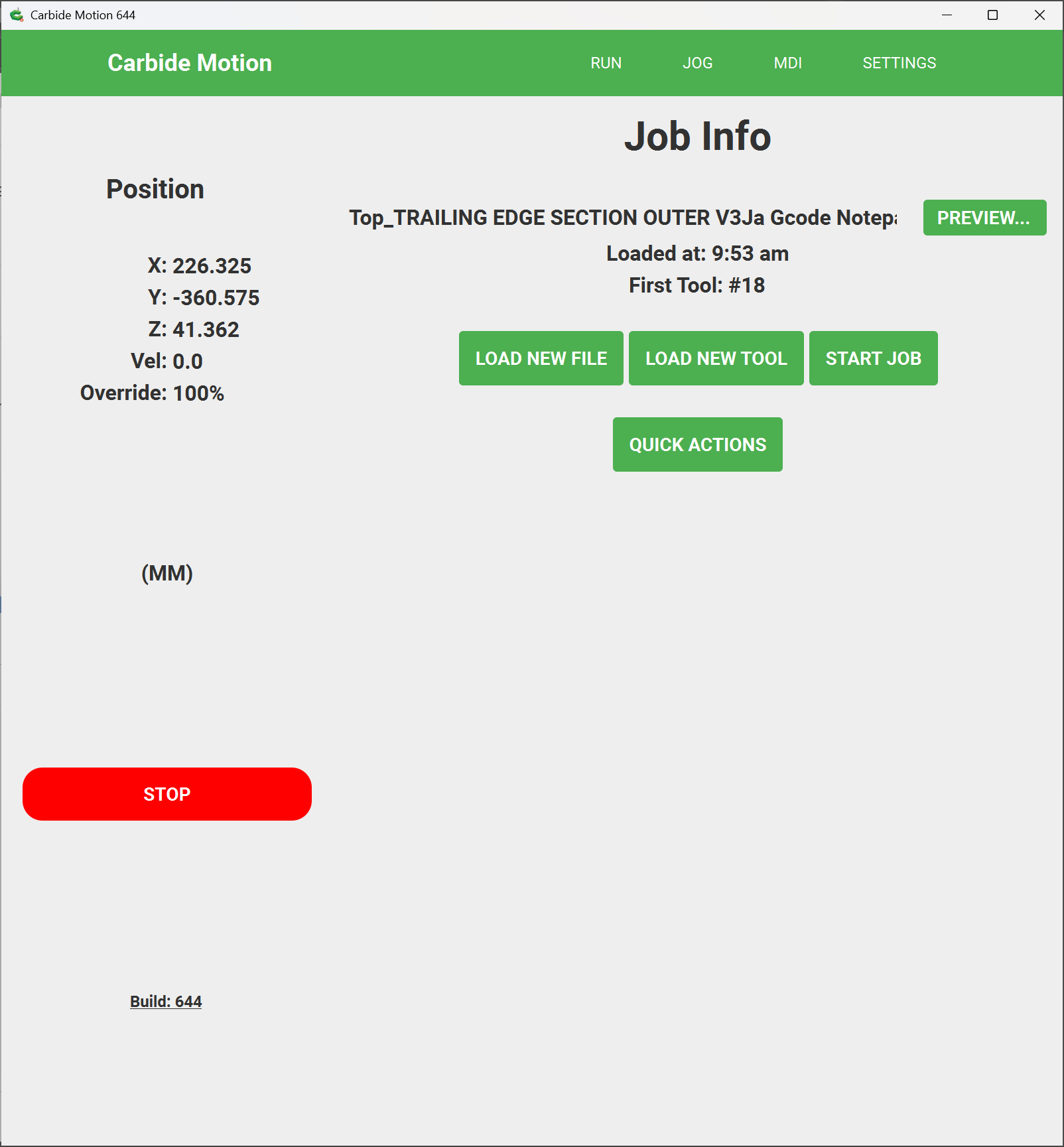
I attached the notepad gcode for the part I am having the crash on. As I said it worked before.
I have sent in every BugSplat report for every crash, have they been looked at???
Office computer Attached:
Top_TRAILING EDGE SECTION OUTER V3Ja Office Computer.zip (96.2 KB)
and Shop computer:
Top_TRAILING EDGE SECTION OUTER V3Ja Gcode Notepad Shop Computer.zip (96.2 KB)
Machine has been down for 3 days now. Really need help with this.
Thanks,
KAP
I downloaded the .zip files, unzipped them, and changed the file extensions from .txt to .nc leaving them in the “Downloads” folder (to which the account I am using has read and write access).
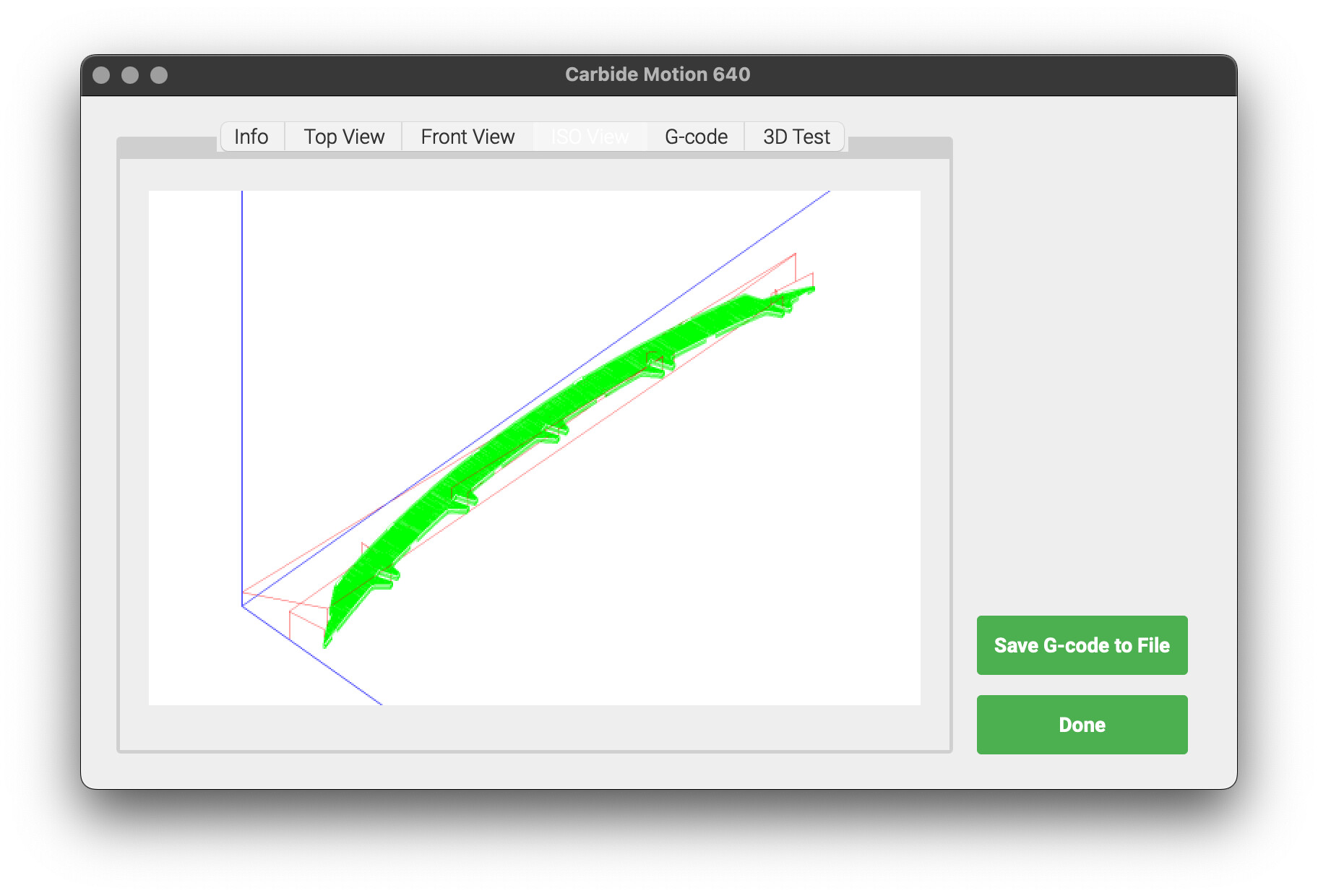
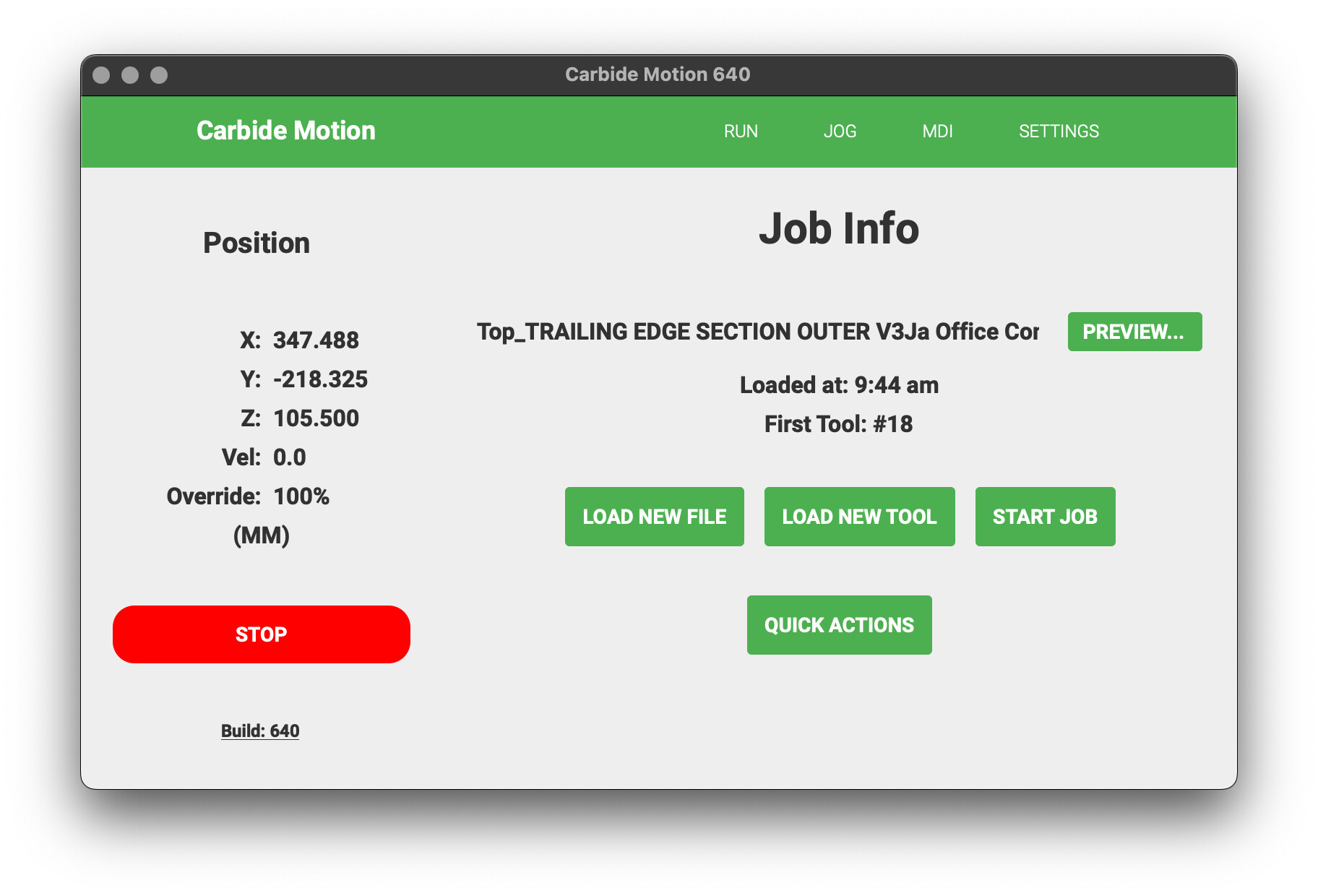
I then powered up my machine and connected to it and initialized, then I loaded each file:
so the files seem to be fine, and the problem would seem to be with your computer or account or where the files are stored.l
Vectric affords a “VTransfer” utility — perhaps try that?
I am going to re-try the above with my Windows machine, but I’m sure the results will be the same.
Another thing to try — create a new user account and install only Carbide Motion to that account, and try copying the files to the Desktop and running them from there.
Again, with the files downloaded and the file extension changed, they preview as expected:
and load:
and if I put Carbide Motion into Check mode by sending $C using MDI, run as expected (except the tool change happened too quickly for me to capture that).
Do you have a different computer you could try to use to connect to the machine?
Hi All and William,
Well after a week of trouble-shooting and posting here and running all the possible issues that could cause this, we finally narrowed down to the final issue on why CM crashed when loading a Gcode file or any usable file …
We tested/scan of the lap-top computer we were using only to find that the on board USB hub host n the Motherboard was bad so it was not sending the signal needed to CM hence crashing it.
We installed a new lap-top and it is all working now.
Thank you all for your time and effort on helping me with this issue. I really appropriate it.
“trouble-shoot and eliminate everything until the only thing left is the cause”.
Back to being very happy again,
KAP
Where did you find this one and how did you load it?
Hi Bob,
What I found was a bad UBS port hub was bad. We tested it with a plug in USB external port which did not give us the same error code, that is how we knew it was the USB hub on the computers motherboard. Fix was out of the question so the two options left were a external UBS hub or buy a new laptop. … I went with a new Lenovo laptop being mine was 10 years old.
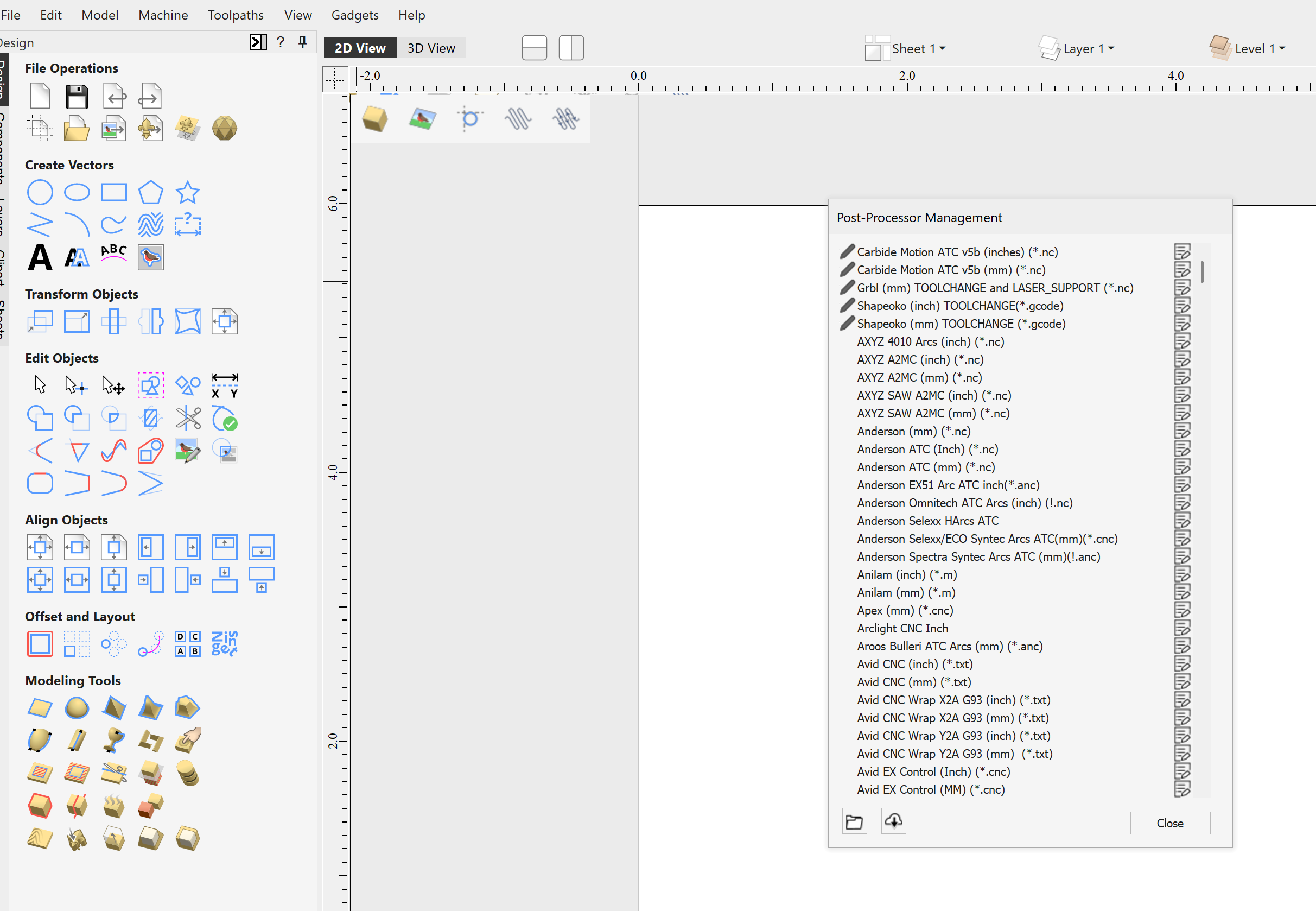
I originally used the post processor that was written by Neil Ferreri. Works perfect, you could find it on GitHub. But when I updated to Aspire 12.5xx there were some that Vectric had added to their stable. I just chose them in the usual way. On the Menu choose MACHINE >POST PROCESSER MANAGEMENT
You should check out the one from @Allen44 i have been using it for over a year on Vectric Vcarve Pro.