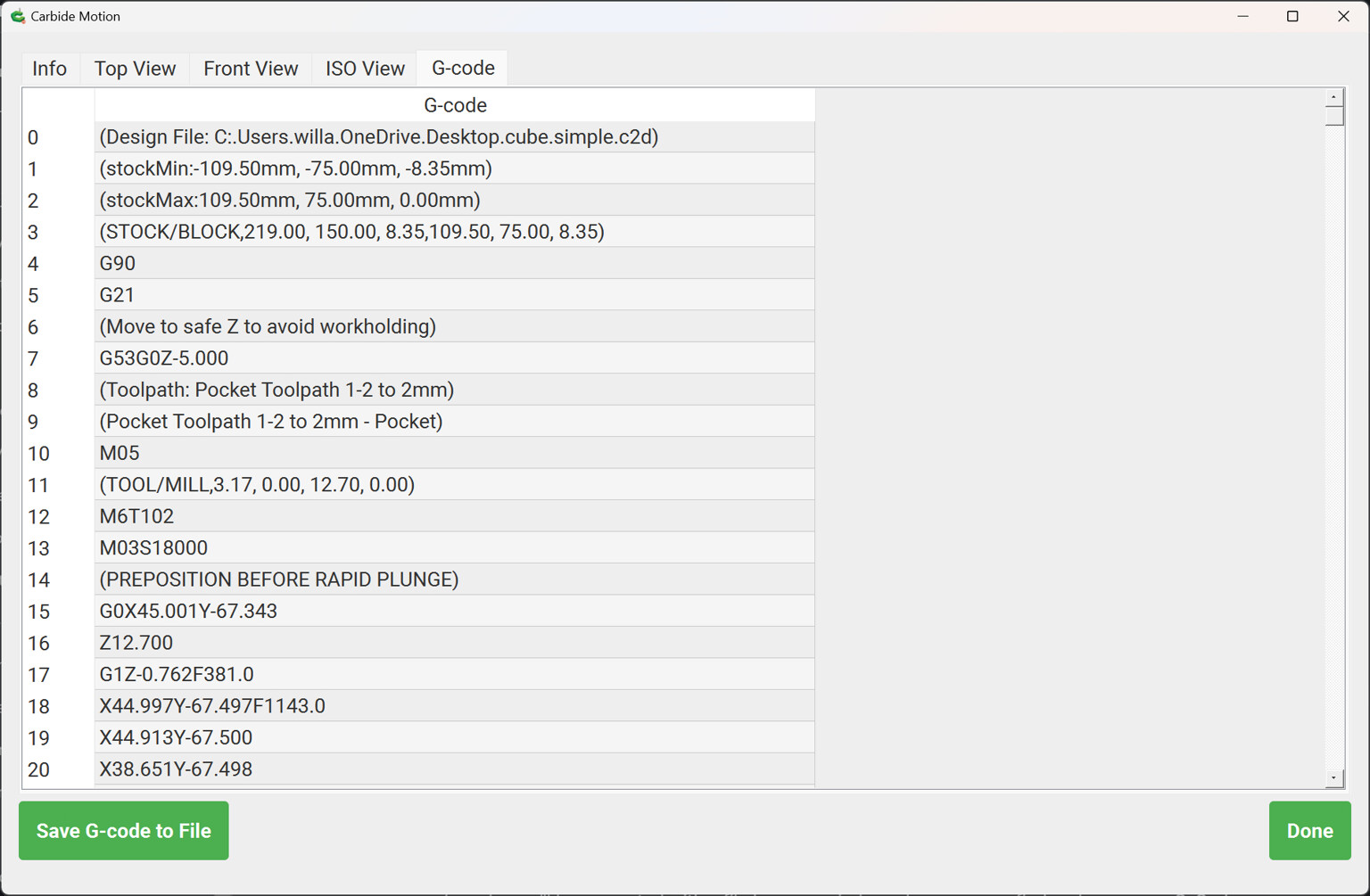
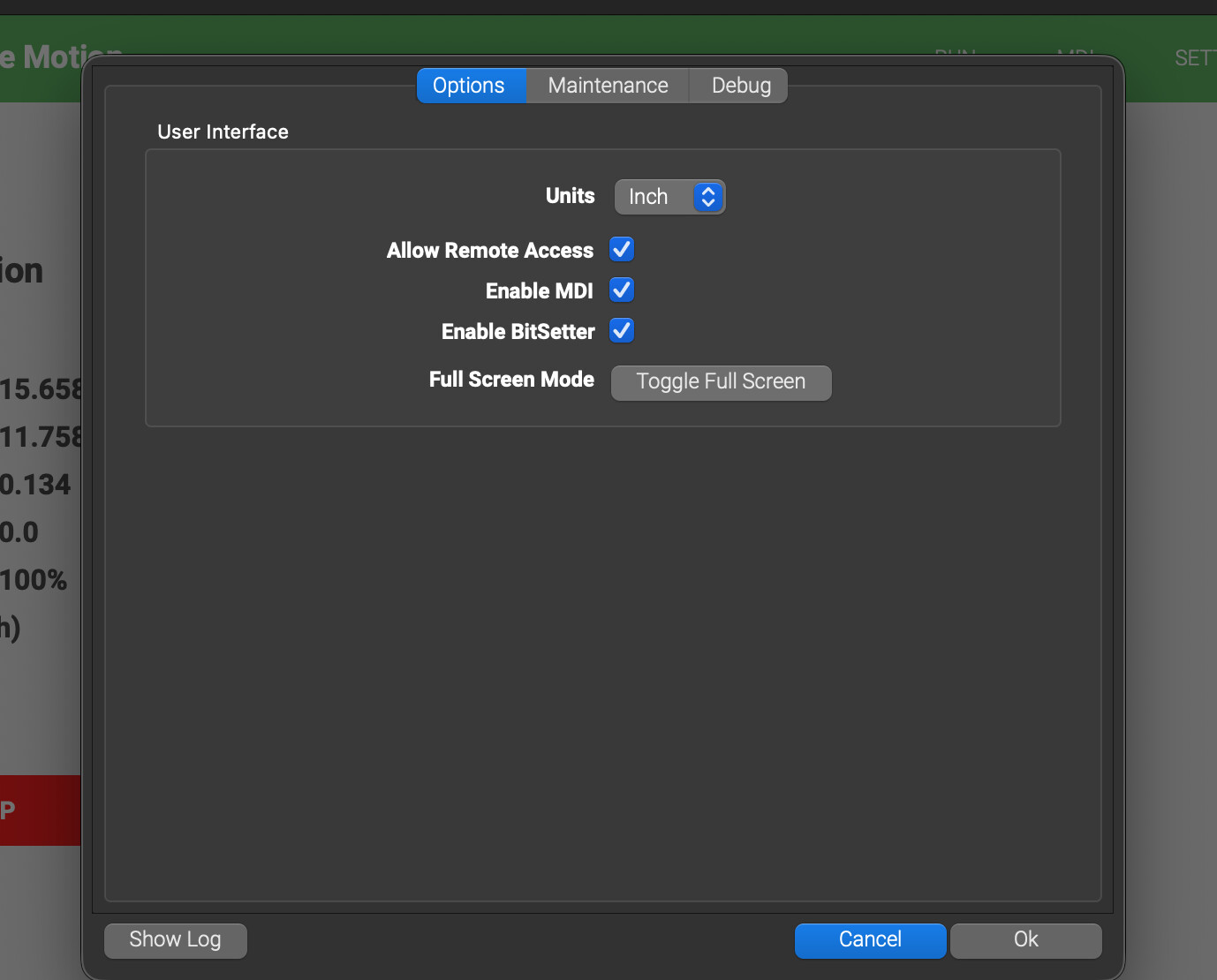
I’d like to send gcode files to Carbide Motion from a program other than Carbide Create.
I have Carbide Motion running on a headless mini PC that I remote into with my laptop. It works very well and allows me to walk around and still be able to control it.
Whenever I complete my project in Carbide Create, I can send it over the network to the mini PC. I can then switch to RDP and immediately start running the program. However, I also generate gcode programs from scripts. I’d like to be able to send those to Carbide Motion without having to load everything into Carbide Create.
I can alternatively transfer the programs over the network (either copy and paste or a sync program), and open them with carbide motion. However, this can create a very messy file system–especially for these script generated programs. I don’t want to have 1000 variations of a flattening operation programs that differ by dimension and depth that I then have to search through to find the right one.
Hi Will. I think there’s been a misunderstanding. I do have a pro license, but I’m not trying to extract gcode. My goal is two things:
Use Carbide Motion as the gcode sender
Send a program (gcode) remotely from software other than Carbide Create to Carbide Motion
It is purely ̶o̶u̶t̶ ̶o̶f̶ ̶l̶a̶z̶i̶n̶e̶s̶s̶ ̶for efficiency. I’m trying to avoid transferring files to the gcode sender computer, and searching for the files. I’d like to just hit “go” from whatever software generated the gcode program.
Addressing the quick actions question. I honestly haven’t played around with it too much. I’m sure it could handle basic things.
That being said, I’m a programmer by heart. I created my own library where I can essentially automate the entire CAD/CAM process from basic operations like boolean operations, offsets, and shape culling to more complex operations like contour and pocket operations.This allows me to do complex scripts. For example, I have a program that can generate gcode directly for cabinet parts. I simply enter in critical dimensions, and out pops the gcode. For me it was fun to learn the math and geometry behnd all the CAD/CAM. Now that I have it, I can use it to automate some design work.
My vision is to have a GUI (or probably a Jupyter notebook), where you enter in the parameters, hit “Send”, and it pops up in Carbide Motion.
I suppose the answer is roughly “carbide motion does not have support for external API calls”
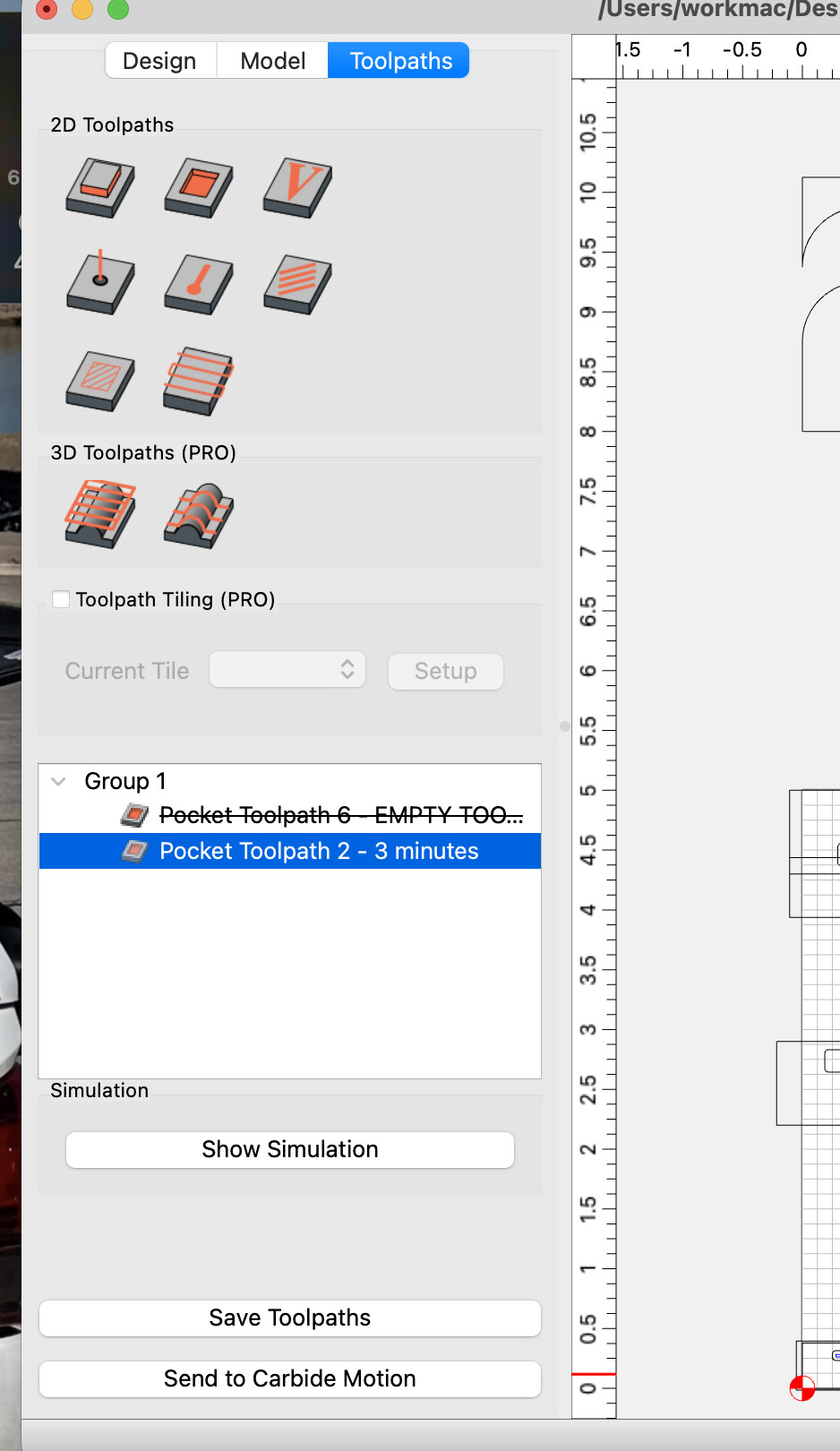
I assume it has some notion of an internal API because of the “send to carbide motion” button in carbide create.
Maybe it’s possible (and very unsupported) to leverage those same hooks to send your own code.
Maybe something about sockets or com objects or some other magic that programmers with
Yes they clearly have a protocol that works over TCP/IP; the computer’s IP pops up for “Send to Carbide Motion” indicating there’s at least multicast discovery going on. I could theoretically do some packet sniffing and reverse engineer the protocol, but I’d rather get official support than get labeled a trouble maker
I think it’d be really cool for carbide3d to support other applications interfacing with Carbide Motion, but I also understand the reasoning behind the closed ecosystem.
Not the answer you are looking for, but I have a laptop where I create my designs – using Carbide Create, Fusion, Vcarve – and a second laptop permanently connected to my Shapeoko 5 Pro.
Project files are stored in a Google Drive folder. Google Drive is installed on both laptops in “mirror files” mode, so there is no problem with multiple copies of files, different versions, etc.
When I finish a design I want to cut, I go out to my machine, open the file in Carbide Motion, and go.
I guess I would never start cutting unless I was at my machine, so “sending” a file to Carbide Motion would really only save me a single step of manually opening a file? Unless you’re tying to do something else that I can’t understand.
I suppose the answer is roughly “carbide motion does not have support for external API calls
Since the original poster is a programmer, I would point out something that may be obvious, but whenever I’ve run into the problem of trying to automate something on a computer that wasn’t designed that way, I reach for AutoHotkey.
I’ve also wondered how this worked from a network support curiosity too, and thought well it would be cool to send these over direct from Vectric. But it’s very much in the nice to have category for me. The time I’d be saving loading files is trivial compared to other manual tasks like loading material, setting Z, slow jogging (sorry!), and manual tool changes. I imagine it’s less about a closed ecosystem and more about it not being a high priority in the grand scheme of maintaining Motion for 10 years worth of models.
I have other endeavors. I put my work on Github, but it’s not mature enough to advertise. I just wanted a way to interface Carbide Motion today since that’s what I have working.
I’ve never been a fan of OneDrive. Perhaps it’s authority issues and annoyance that Microsoft is always trying to shove it down my throat.
Syncthing looks interesting and I’ll give it a try. I like that it works over LAN.
As for my original request, I’ll just end this by saying I’d like official support for sending gcode programs over LAN using TCP/IP, but I’ll just use file sharing for now.
I recently got SyncThing setup between my main desktop PC & dedicated rPi5 for running Carbide Motion. It really streamlines keeping project files & G-code files organized/updated on the Pi. And not having to worry about needing Internet access for it keeps it simple.
Just to give context of my question. Here’s a Jupyter notebook I use to quickly do flattening operations. I can just automatically transfer files over to the controller PC. I know it’s a little strange, but I like doing things this way
I don’t want to revive a topic that has slowed down, but I think it’s a cool request and I’m surprised no one has mentioned the 3d printing version of this.
For my 3d printers, I use klipper as the firmware. Moonraker sits on the same hardware as klipper and allows other software to work with klipper via API calls.
Other tools use Moonraker to do just about everything on the printer, but for the scope of this topic, it allows you to upload gcode from remote computers.
It seems like a process exists to remotely upload files to carbide motion. Even a simple web server with a jobs or file manager that uses that would be a nice bump to QOL and reduce the need for USB’s.