I believe that there are a couple of misunderstandings here:
Carbide Create runs in two different licensing modes:
as explained at:
https://carbide3d.com/blog/carbide-create-v7/
Basically, Carbide Create as bundled stores G-code in .c2d files which requires Carbide Motion to extract the G-code.
If you have Pro, then you may write out G-code as shown at:
https://carbide3d.com/hub/courses/create-pro/g-code-output/
which may then be used with your choice of unsupported 3rd party Communication/Control program for Grbl.
While it is possible to use Carbide Motion to extract G-code:
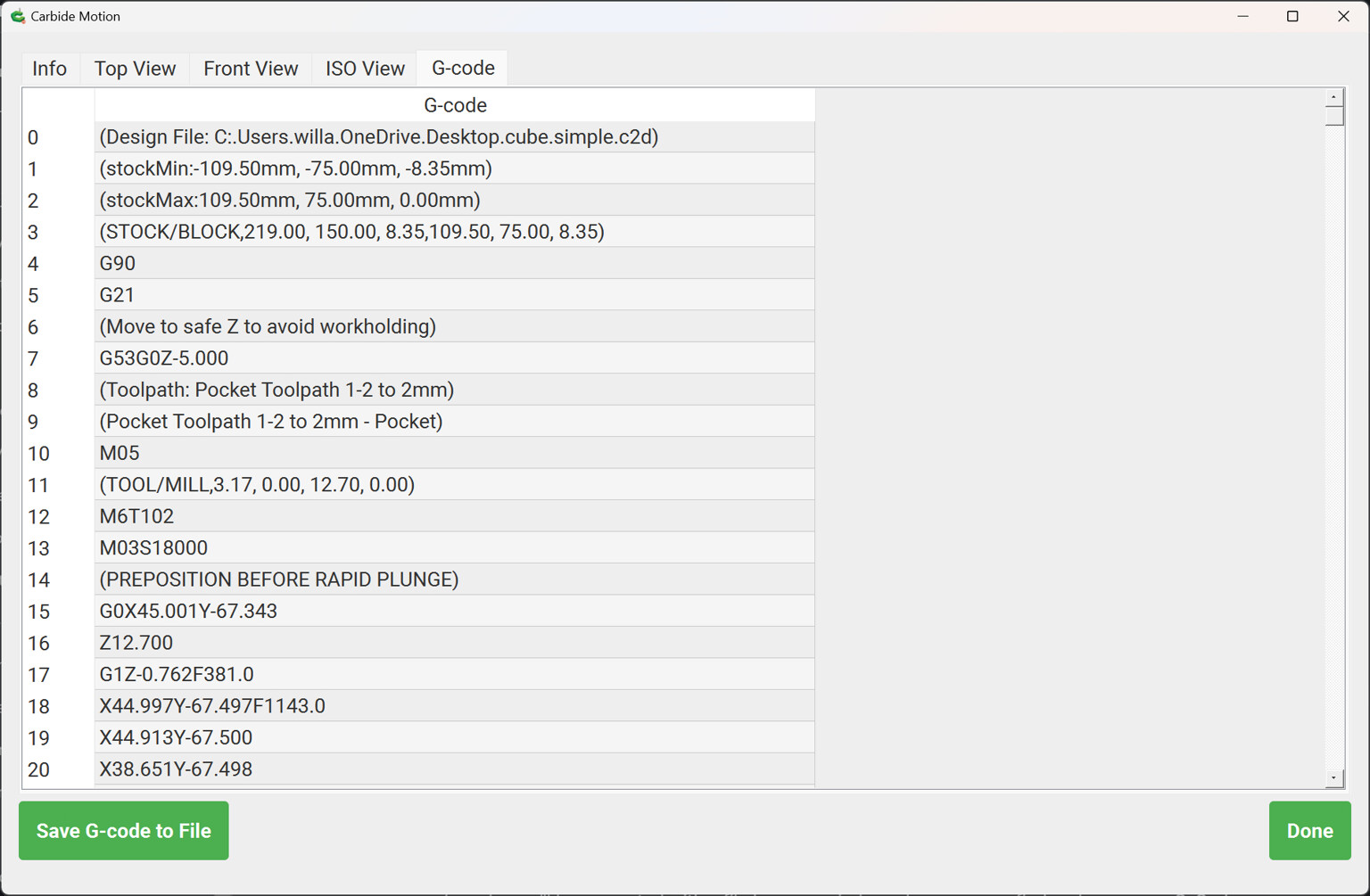
this is sufficiently awkward that few folks use it for more than just the occasional review of G-code.
What platform do you wish to use? We have Mac OS, Windows, Raspberry Pi, and Linux is in the works:
What feature do you need that is not accommodated by User Quick Actions:
