This topic was automatically closed after 30 days. New replies are no longer allowed.
Finally got my 5.1 update and leg kit and Joinery Stop and Monitor Mount, and managed to disassemble/re-assemble things up to the point of working out how to manage the wiring and mounting accessories…
Trying to figure out what I can salvage from my previous setup, and what should be improved/replaced — big thing is the Venn diagram of folks who splurge on a leg kit, but cheap out on a BitRunner rather than VFD is pretty small, and of course, my situation is further complicated by:
For reasons, I want the machine to not have a shelf (at least not yet), so need to get things mounted on/hung from the legs/Baseframe members…
I didn’t want the full width shelf as I wanted to slide my toolbox in. That’s what I went with the smaller cantilevered shelves on each side. One for controller and VFD. One for vacuum setup and cooling.
2 Likes
I just added a little remote 110v switch that controls the controller block and put it on the VFD side of my table. At least this way, I only need to go to one place to turn everything on or off. The cooler is on that side of the table as well.
2 Likes
It was a bit tight, but I got everything mounted:
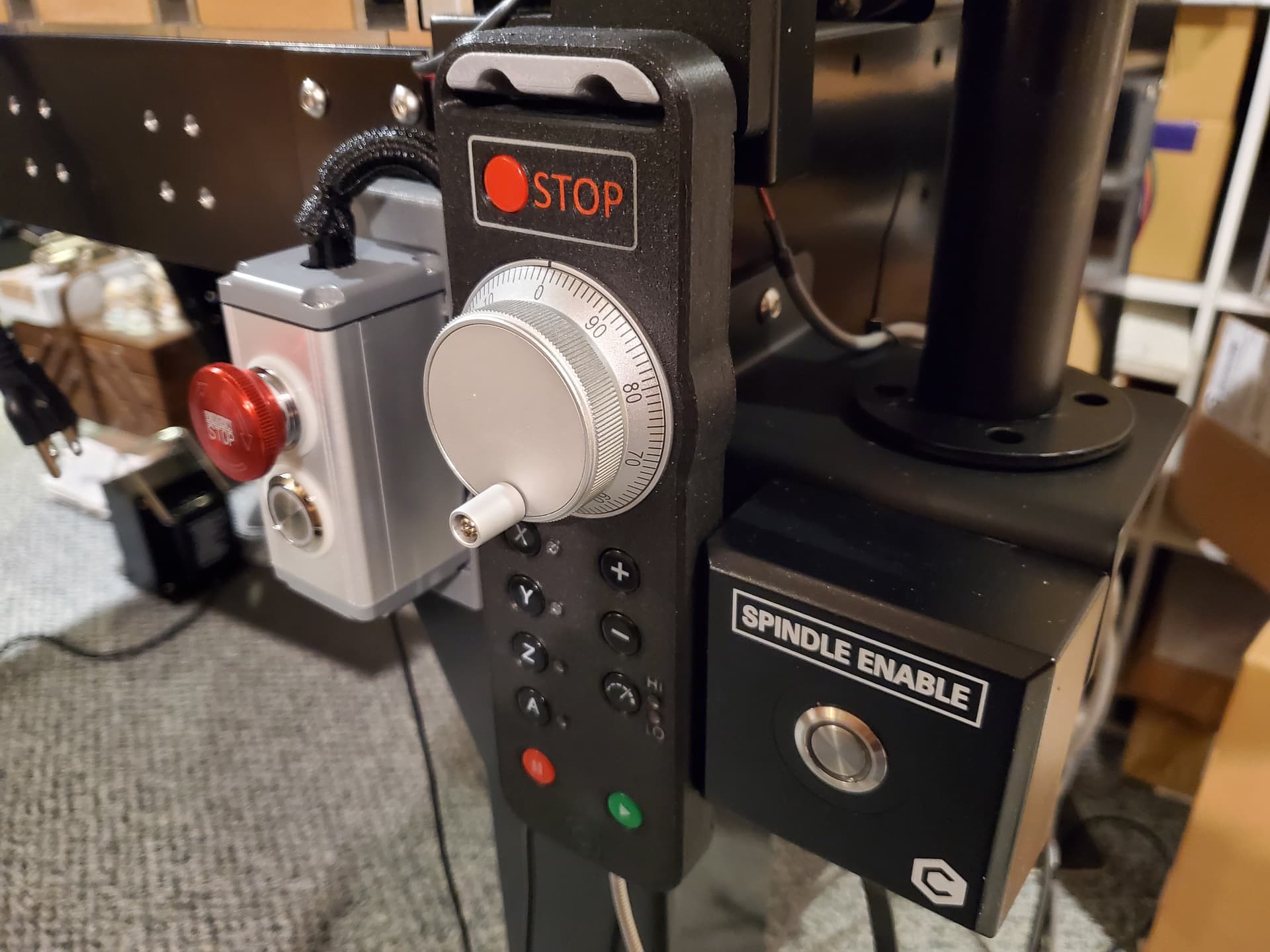
Next up is sorting out the wiring and mounting the BitRunner itself and maybe attaching the transformer.
4 Likes
Professional!!!
Question: When do you enable or disable the spindle? I have never needed to change it to off.
Thanks!
I disable the spindle when using a drag knife, or changing a tool.
2 Likes
That spindle enable/disable button - is that same button as what is on my VFD for my 80mm spindle? Is that an add-on? Is there such a thing for the 80mm spindle too?
1 Like
That button comes with the BitRunner which you don’t need if you have the VFD. But having a remote button would be nice.
1 Like
That is the Spindle Pendant for the BitRunner — I bought:
back before we offered VFD spindles, so use it w/ a BitRunner.
This topic was automatically closed after 9 days. New replies are no longer allowed.
In my on-going quest for accessorizing my machine until there is no empty space left on it I found:
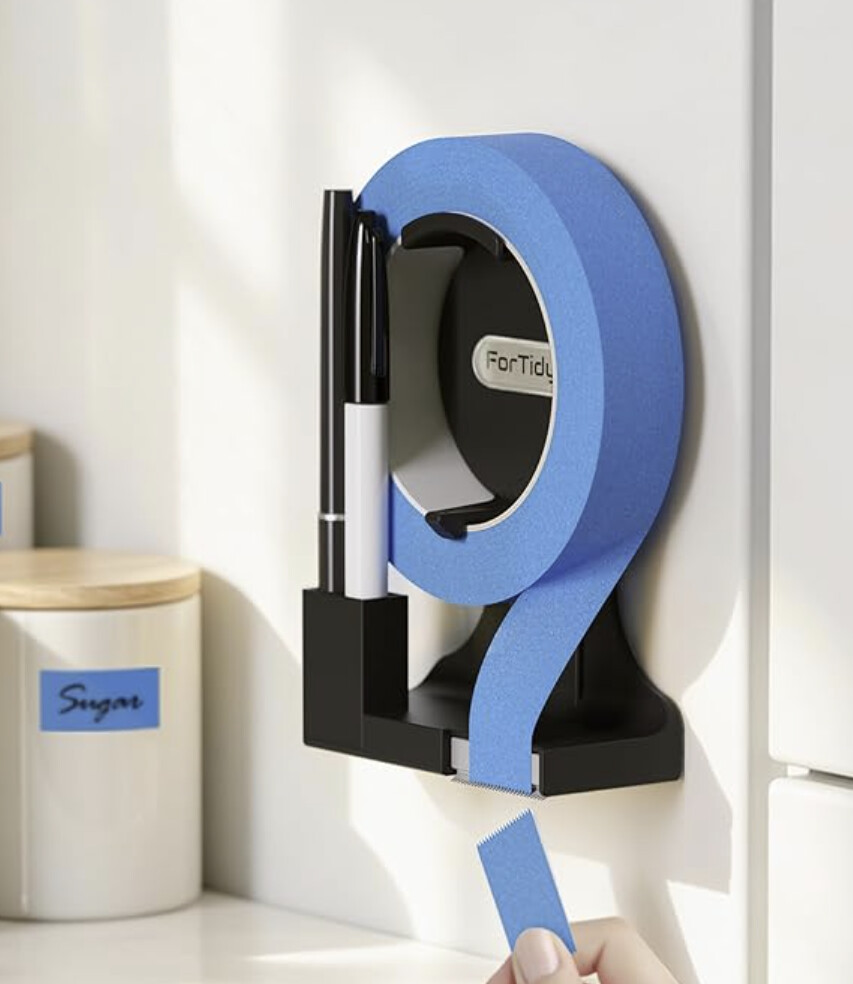
which looks to be simple enough to make… EDIT: or maybe I’ll just 3D print something.
Lee Valley has also added:
which I probably won’t be able to resist and should be good for hex keys if nothing else.
3 Likes
Only $9 for that magnetic holder. You can make a prettier one for sure but for the convenience, awfully compelling.
I’m making one of those tape holders for meal prep. We switched to stainless containers for in-week storage and marking them is terribly annoying.
I’ll throw it in what did you cut today thread when it’s done (over/under on finishing this weekend?  )
)
1 Like
Recent review of the SO 5.1 Pro at:
The video (I’m still waiting on the print magazine to show up locally to buy a copy) shows a rather clever front-mounted workholding mechanism, including a technique for aligning it (speed square) and for ensuring a consistent placement of stock when cutting (1-2-3 block), though I’m still a bit baffled by not using the fixture for a second cut…
4 Likes
More workholding, worked up an adapter plate for the front holes:
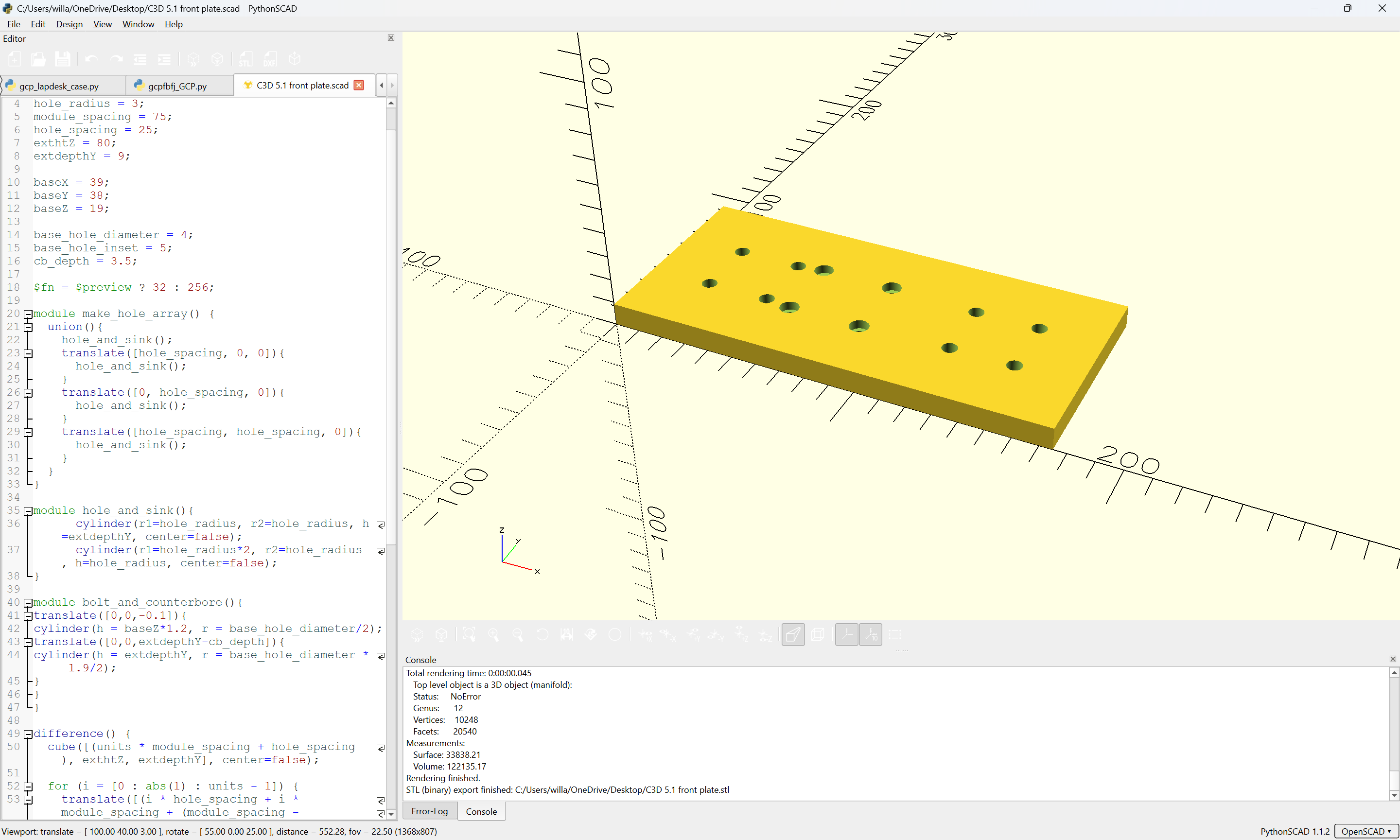
C3D 5.1 front plate.stl (1003.0 KB)
which fits a Metmo Fractal Vise:
and with the vertical jaws:
allows one to clamp things at the front in ways not otherwise possible:
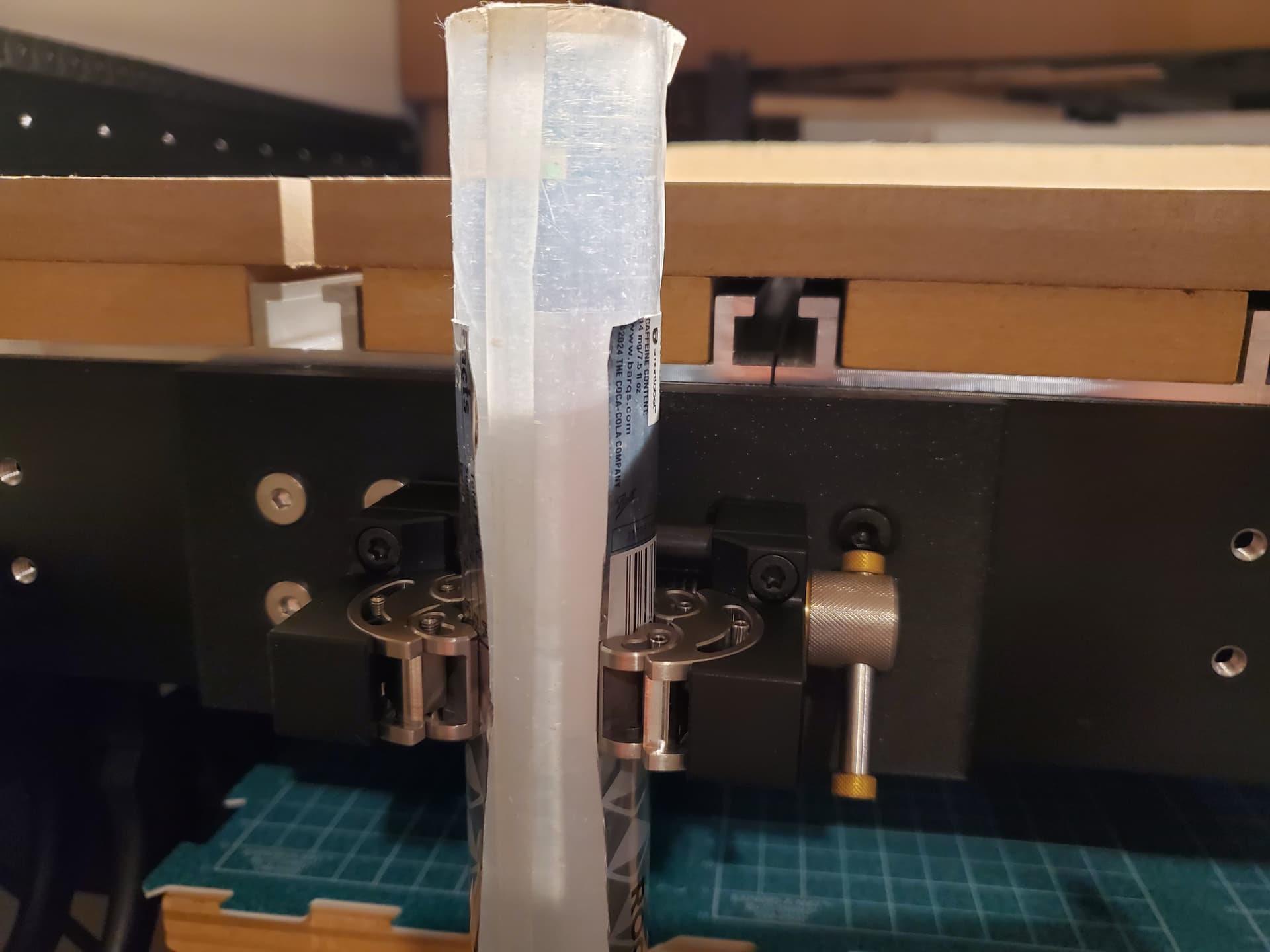
5 Likes
Thought this:
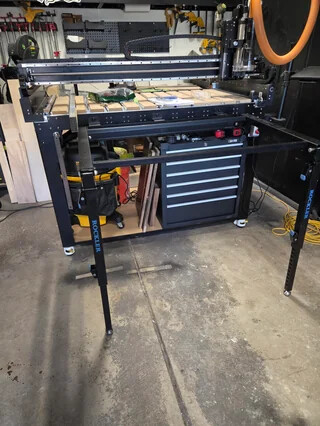
from Reddit:
https://www.reddit.com/r/shapeoko/comments/1w1nr6m/my_51_pro_4x2_set_up_so_far/
was kind of interesting.
Basically, one uses:
to support material when tiling. Having them front and back would make that a lot more manageable.
4 Likes
When folded in those look like they would obscure the toolchest.
Yeah, I’m pretty sure that they have to be unbolted when not in use — wonder if there’s some suitable quick attach/release hardware.
Maybe it wouldn’t be too annoying to always deploy it to access the drawers?