I keep getting this small ledge around my 3D cut in my simulation. I’ve tried offsets, adjusting heights but can’t seem to get rid of it. Any help would be appreciated.
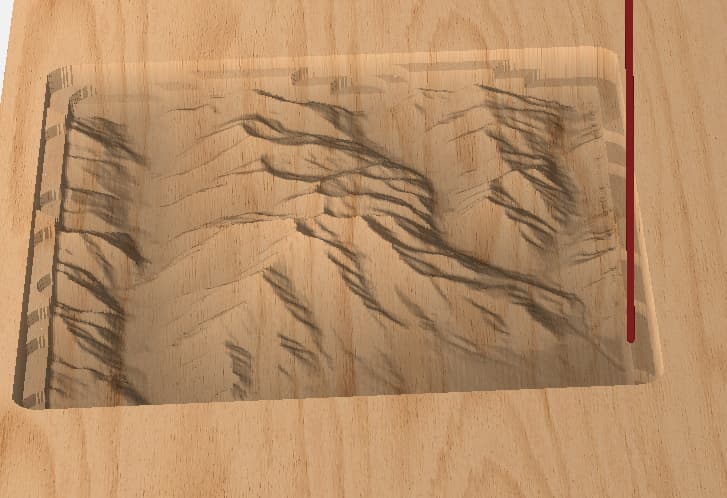
Post your project file.
Use a smaller stepover
thanks for the reply. I adjusted the step overs way down and am still getting the ridge. Here are the all the relevant settings I am using. Am I wrong on my 3d heights?
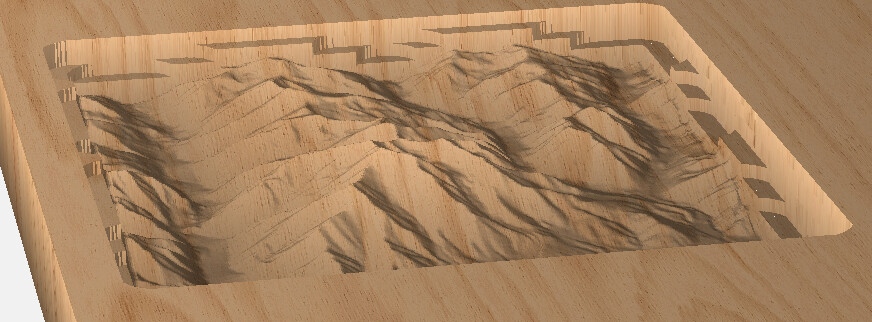
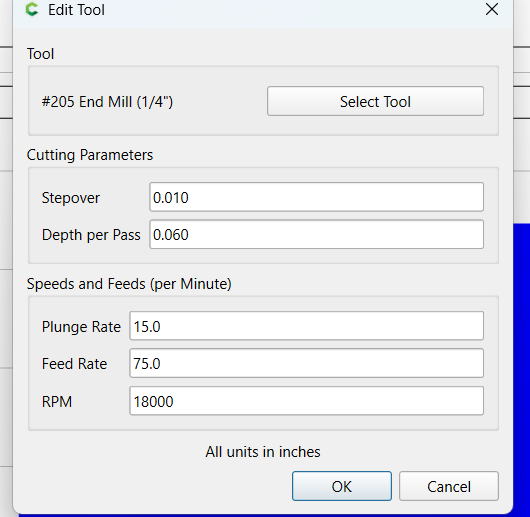
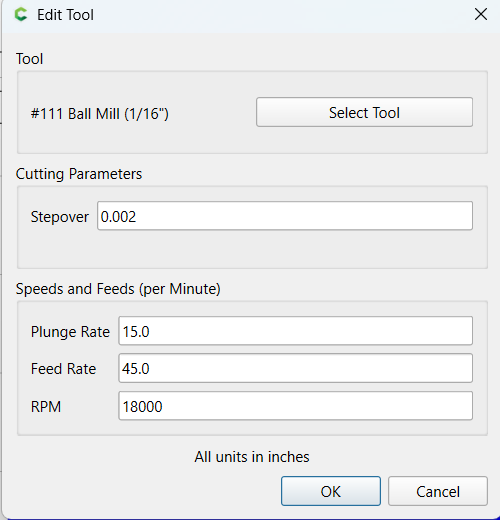
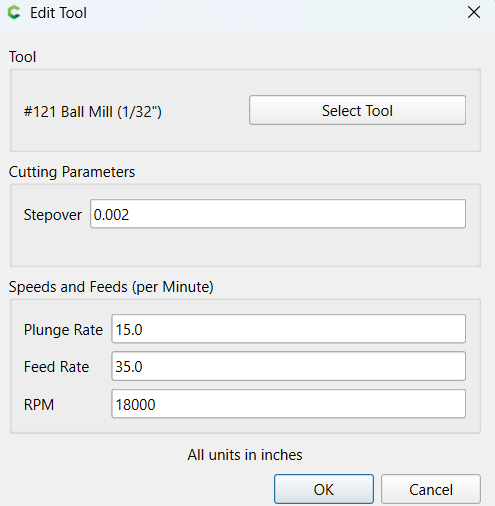
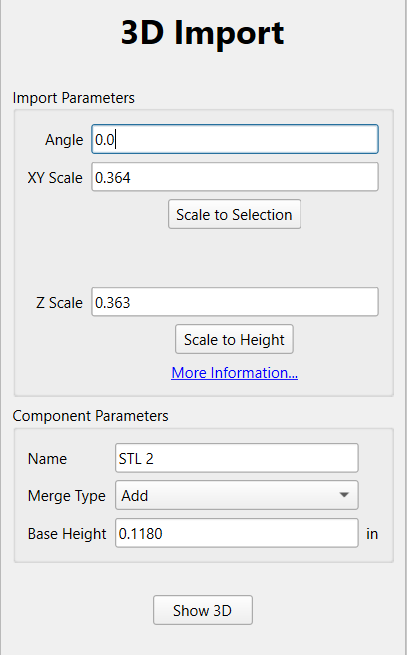
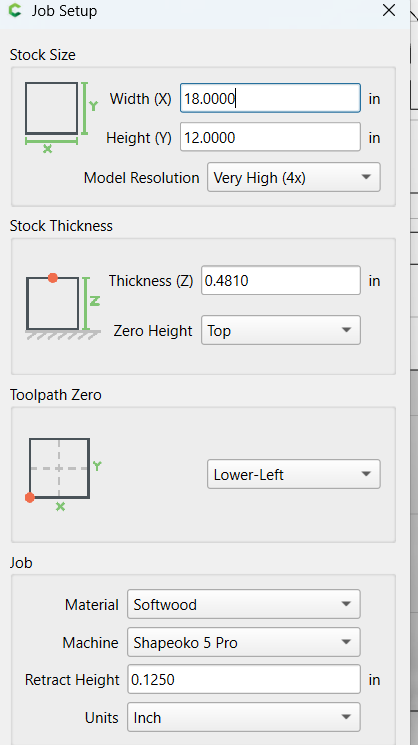
says it too large to upload
I’m not at my computer. I’ve gotten this type of result when I used the same geometry tool path for all three passes. You can troubleshoot by running the sim with different tool paths disabled to find the offending path. Then create a new tool path either larger or smaller. I’d say your finishing paths need to be larger.
2 Likes
thanks, it was my roughing pass with the 1/4". Not sure why, but I’ll get it play around with it.
this fixed the issue. .125 inside offset on the roughing pass.
3D roughing limits - Software / Carbide Create - Carbide 3D Community Site
1 Like
I was going to comment that it probably was the roughing pass, i had the same issue recently and solved it the same way you did with the inside offset for the roughing pass.
I suspect the reason this happens is because the roughing pass takes the center of the cutter to the edge of the area. so it goes slightly beyond the area in the process but also ensures that it’s cutting the full extend of the model. This isn’t an issue if you’re cutting out along the perimeter of the 3d carve afterwards, but if you’re not, it can leave that undesired extra carving.
1 Like
3D toolpaths use an “ON” condition with the boundary. i.e. the center of the tool is on the boundary, rather than the tool being tangent to the boundary like pocket or offset contour.
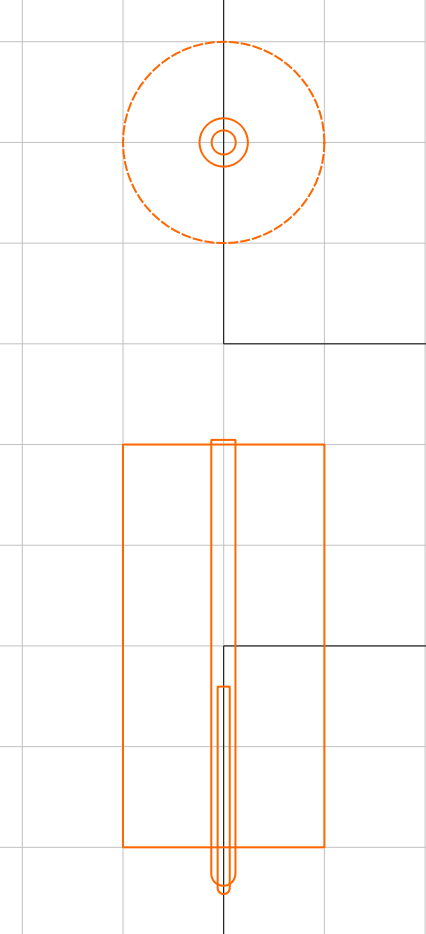
If you want them all tangent to the design, to result in a pocket, you need to offset the boundary for each tool.
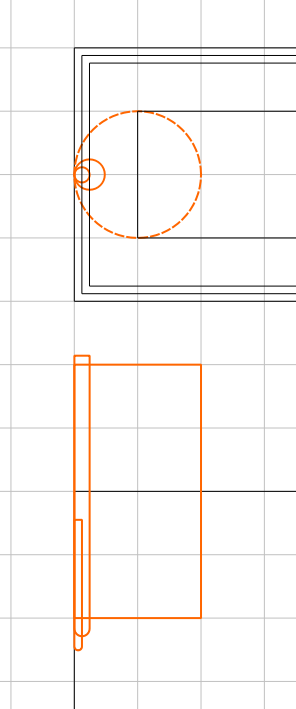
4 Likes
Thanks for the detailed explanation