When I import images, the lines are always jagged. Am I doing something wrong? Is there a process to clean the image prior to import?
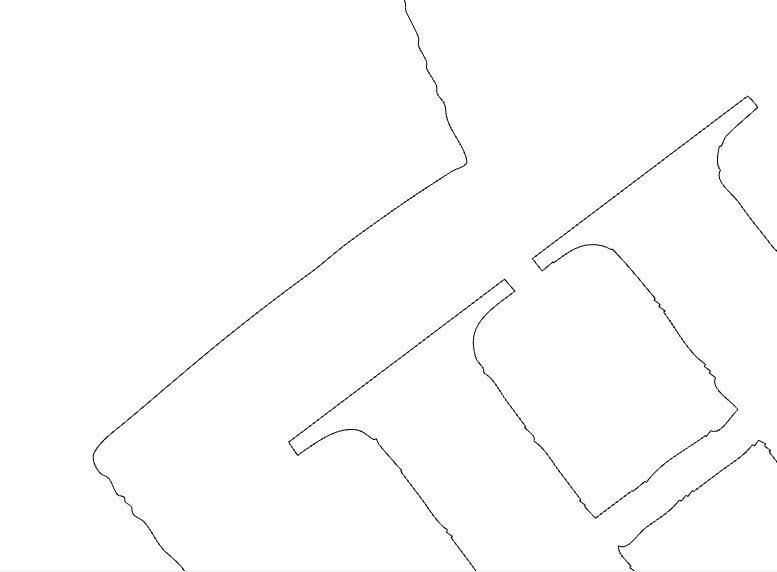
Do you mean import, or trace?
If you’re importing a .svg or .dxf, you get what you get & you’d have to clean it up.
Inkscape has tools for cleaning a .svg
If you’re tracing a bitmap image (.jpg, .png, .bmp), you can adjust the contrast threshold slider at the top, or the smoothness threshold value at the bottom. I usually bump it up to 130 - 150 to get smoother, but less accurate lines.
1 Like
For text, it’s usually best to re-set.
Upload the source files and detail your process thus far?
c.f.,
2 Likes
This topic was automatically closed 30 days after the last reply. New replies are no longer allowed.