Newbie here. I may have some of the terminology incorrect, but have done my best to describe.
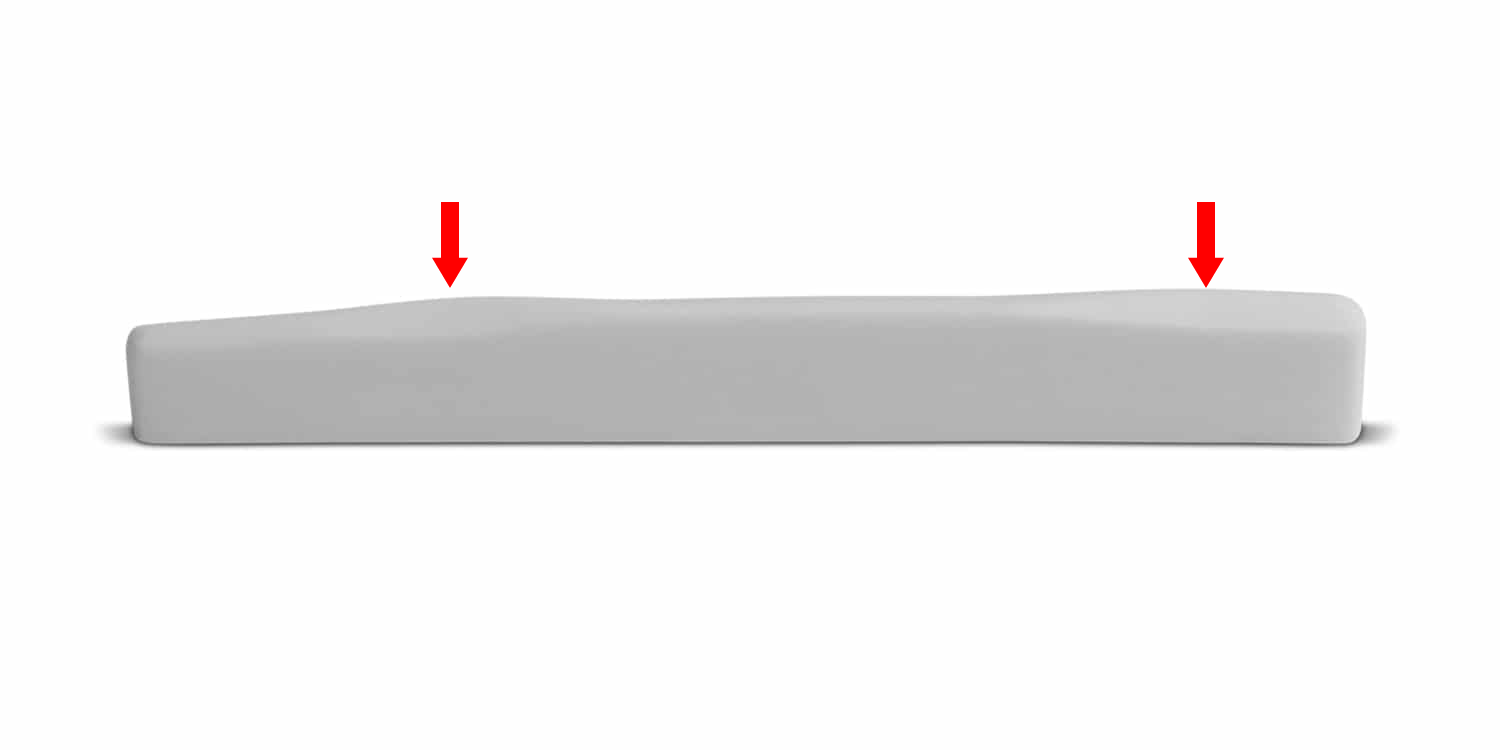
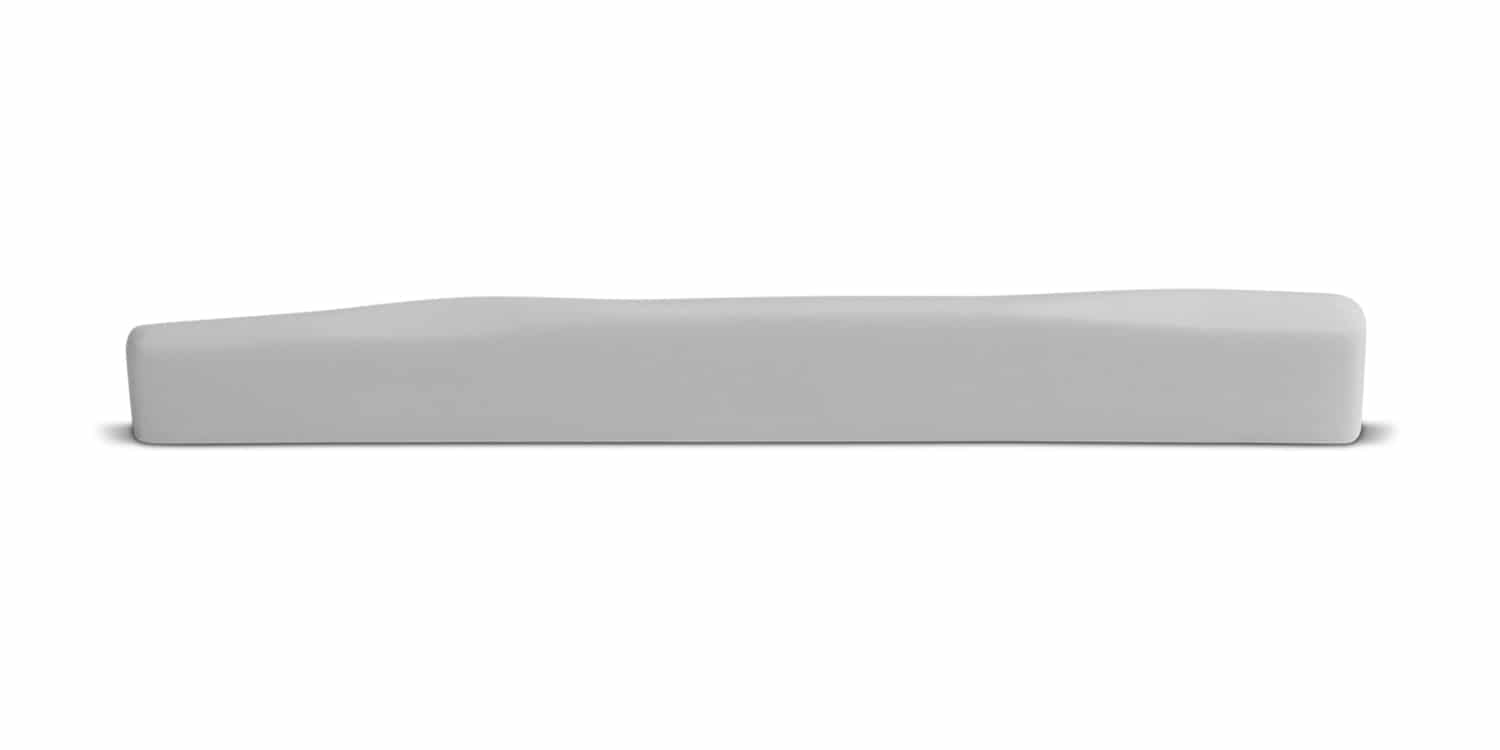
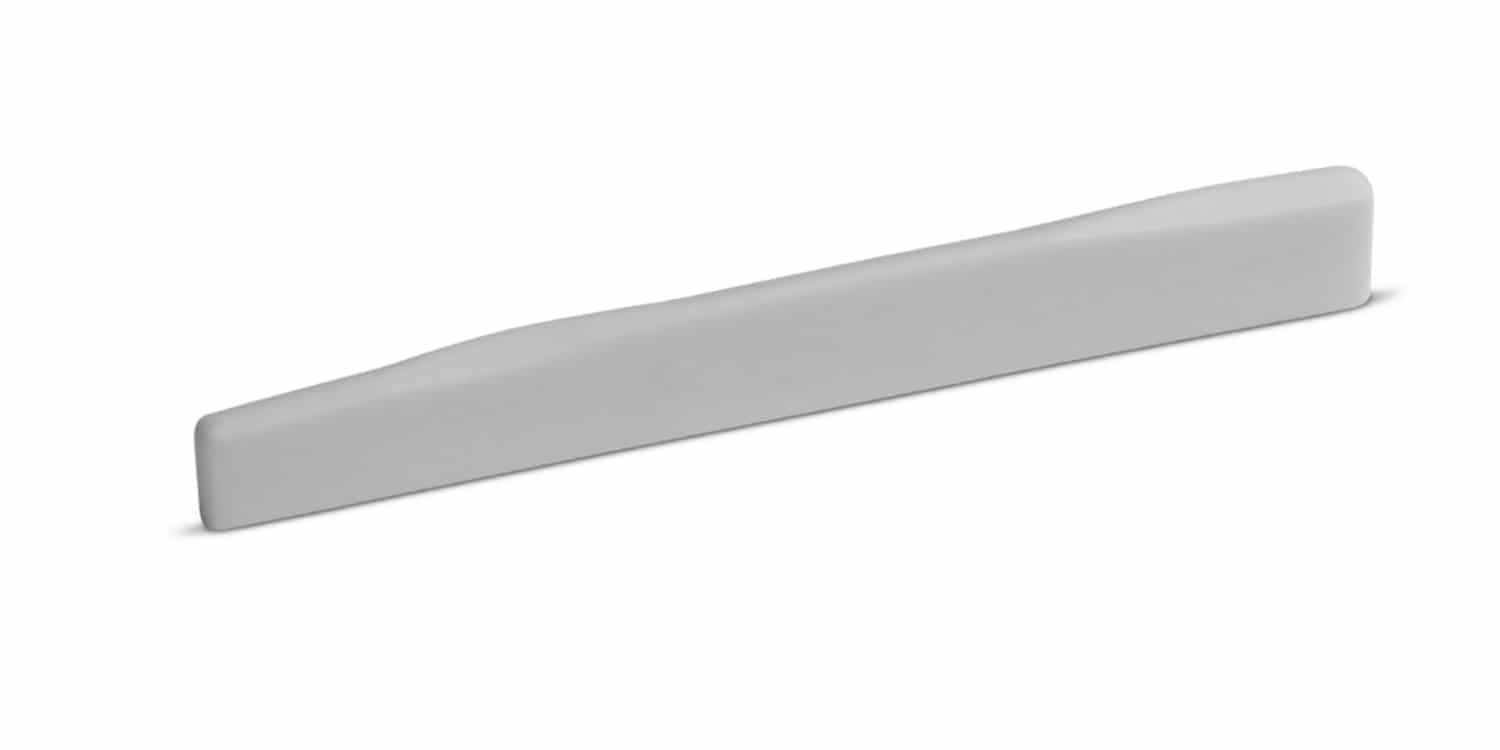
I am looking to make a small stock item, which is a guitar part. Please see the below the attached files 1 and 2, as well as the 1 Waves file, which includes red arrows showing the waves I refer to later.
I’ve had no problem creating the outline in Carbide Create and then using Model > Add to move it out to 3D. However, I don’t see a way to fillet the top radiused section, or to add two waves to the top. Please see the attached Carbide Create 1 file.
I’ve been able to all the above, plus fillet the top radiused section in Alibre Atom 3D, but don’t see a way to add the waves to the top section. Please see the below link for the Alibre Atom file.
-Is what I’m seeking to do possible in either Carbide Create or Alibre Atom 3D?
-If yes, could you please point me in the right direction on how to do these aspects?
-If no, any suggestions for which software I should try?
I think you’ll do better modeling this vertically, rather than in profile.
Maybe cut out the profile, then cut the 3D shape out of the top?
It should be possible to model it in Alibre Atom3D — might be doable in Carbide Create Pro, but it’s intended for decorative work, not precise 3D models.
What is the name of this part?
Is there a 3D model of it on GrabCAD or some luther-specific site?
First, let me say THANK YOU! for your prompt and excellent advice.
The part is an acoustic guitar saddle.
Yes, there are some existing models online at GrabCAD - please see the below link. This model has slightly different “waves”, which look more like notches in this example, but this should work well to get me started as I plan to make parts similar to this in the future.