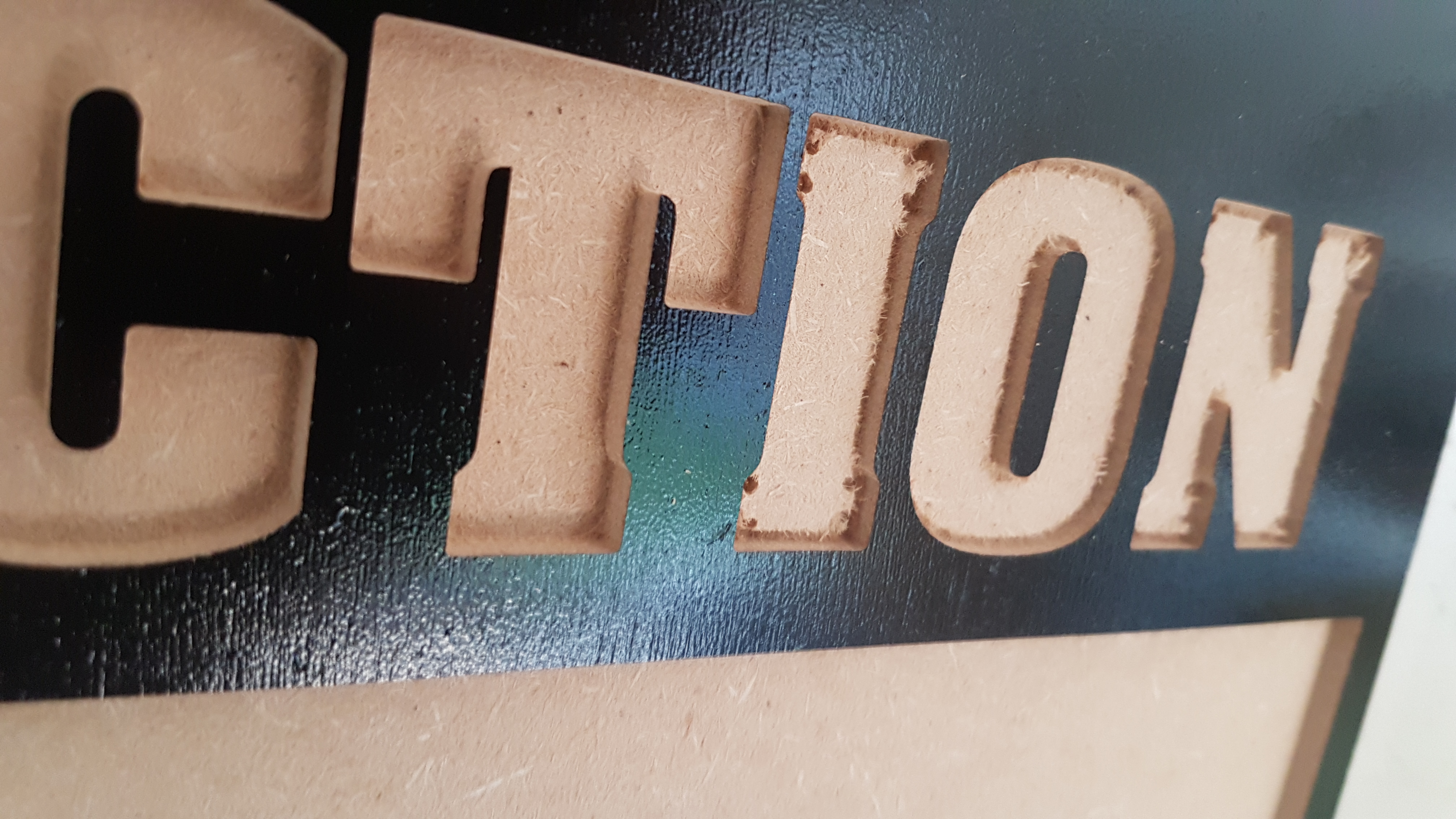
I hate not being able to work things out for myself but im absolutely stumped by this issue.
I did some pocketing last night, i used a 1/4 for the clearing and 1/16 for the detail. I did the design and toolpaths in Vectric VCarve. The problem i’m having is that half the pockets during the clearing phase didn’t seem to go deep enough. The 1/16 were fine though. Whats even weirder is that some of the letters are great and some are terrible. Is there any reason why it would only pocket all the way on some of the pockets?
If the pockets were getting progressively shallower during the cut the one of two things could have happened:
The end mill slipped into the collet - not tight enough.
Or the z-axis belt slipped a tooth or two. Check the belt tension. I had to re-tension mine the other day for this reason.
Also your plunge rate could have been too aggressive- but if using carbides defaults then this is unlikely.
Sadly, The pockets didn’t get progressively worse, it was like chalk and cheese. The first 4 letters were great then the next were not cut deep enough. It then did another 4 letters good then the rest bad.
It then did the whole 1/16 detail bit fine?
i checked belts and eccentric nuts which were fine…the collet seemed tight too?
yeah the preview looked great, i also checked the vectors which were fine. I did think it may have been the toolpath settings but the words were all done under one pocket operation.
Belt tension — the Z-axis should be guitar string tight (but careful not to bend the motor shaft): http://docs.carbide3d.com/assembly/shapeoko/xxl/step-5-belting/ on deep cuts it may help to remove one spring from the Z-axis temporarily, esp. if one hasn’t added a spoilboard on top of the wasteboard — it also helps to install the router as low as possible (installing the Makita adapter upside down will help). Some folks have found it helps to remove bolts which won’t stay tensioned (M4 Z-axis tension bolt, various V wheels with eccentric nuts), apply a thin bead of threadlock along the length of the threads, then reinstalling. See the video at: https://www.youtube.com/watch?v=_lIIb_PdziA Note that the X-axis motor is held in place on standoffs and if those bolts are loose this can cause belt tension issues.
It is also important to be sure that the collet is correctly tightened, the endmill fits correctly and doesn’t slip, and the router is mounted securely in the mount, and that the mount doesn’t shift. Note than endmill pullout can happen gradually, especially when profiling against tall walls.[4]