While we all wait for a C3D laser attachment, does anyone have a simple wood burning tip attachment for SP5 ?
If you need to repeat one design, why not a branding iron?
I have genuinely never considered a wood burning attachment for CNC. I thought this post was an April fools joke 
But after thinking about it a bit more, it would be really cool. I’m doing all of my wood burning by hand when there’s a perfectly good machine that could do it for me.
I’ll look into something like a wood burning pen plotter attachment and see if that sparks any ideas. My only real concern is transferring the heat up the tool and into the spindle which wouldn’t be great…and of course the potential for fire. Definitely not running one unattended if it exists at all 
Ages ago, there was a person who had an engraver attachment which held the engraver at an angle as one would a drag knife and allowed it to swivel/pivot — maybe something like that in aluminum (or a high temperature plastic?) w/ a fan?
1 Like
I’m not sure if a fan would do it at the temps that we’d need to burn the wood 
The best I can come up with for well defined heat break that doesn’t cool the entire tool would be some kind if collar with chilled fluid running through it.
Electricity, heat, fluid, moving parts…what’s the worst that could happen.
(It’s also a lot less scary thinking about this on a machine the size of a nomad vs the larger formats where everything would need to be much longer)
See what happens late at night when I post something ! 
I woke up this morning wondering how this would play out and see if there were any responses.
I was thinking of removing the 65mm spindle and using that space for the device.
It would need to shield the transom from heat, so some double/triple concentric collar with air space and insulation may work, that clamps to the burning device.
The power would be a separate cord, I have plenty of space above the SP5.
Loose hang the power cord like I do the vacuum hose. I could probably mount a fan somehow.
Spring load the burner like a McEtcher.
I have no clue on duration the burner needs to contact the wood, I am sure it is wood type dependent.
Pipe dream ? Probably …
1 Like
I’m a big fan of my JTech laser. Since I’m upgrading from my s3XXL to the 5.1 pro, I thought about upgrading my laser, but decided to stay with the 7W. So I contacted JTech to get a new mount. Jay at JTech pointed me to a mount for my 7w laser that he says fits the S05.1 with the Pro Sweepy. It’s pretty simple at $15. I’ve ordered mine. When it comes in, I’ll let you all know.
- Gary
Thank you !
Please point me to the mount you are talking about.
I just did a quick scan of the Jtech site, not sure which one you are referring to.
I am envisioning this to be able to handle no-planar topology.
Can you do that ?
Edit: I know I changed subjects so I need to clarify.
I expect to use a Pencil path ( project 2D geometry onto a 3D surface ) to get a path that should work for a touch onto the part.
I have not seen ( or recognized ) a Laser app that does that. They all want a fixed Z axis value I assume for focus length.
This is the link he sent (Mount Only): Shapeoko5 Mounting Kit - J Tech Photonics, Inc.
From their instruction videos, they say to attach it to the 5.1’s “Accessory Mount” ??? They show it in this video at 1:40.
Hmmm could the laser be mounted to the Z carriage and still essentially do a pencil tool path? The “tool length” would be set to the focal length of the laser
I wonder if fusion has the capability built in to turn on and off the laser. If not, I suppose gcode in the post processor could do it.
A couple of thoughts/issues.
- The axis for the center of the spindle won’t be the center of the laser. It will be offset by the laser body. At one point JTech (and maybe some other vendors) had a laser that mounted into the collet…the only issue was having the height to clear the laser body under the spindle (Obviously, the spindle was never activated). If you don’t have that mount (or if it’s not precise enough), you have to move your zero
- You can pretty easily build a GCode macro that moves the spindle the offset that’s required to center the laser on the previous axis for the spindle…but then you need to run it at the right time (and back again)
- I use Lightburn to design burns and drive the laser. When I want to have both laser work and CNC work, I generally put a hole somewhere on my piece in a waste area using my CNC design, which I then use to zero the laser for the rest of its design. This eliminates registration issues (assuming you don’t move the piece).
- Gary
Does Lightburn handle dynamic z? I think that’s the big thing we’re after here.
My guess is that this is meant to mark roads and such on topographic maps and such so the dynamic z is relatively important.
I believe so as long as the CNC uses a GRBL controller.
1 Like
That’s promising, I’ll look into it. I’ve only used lightburn for galvo fiber so this should be interesting to play with a new type of laser.
I appreciate the brain space and reality checks .
1 Like
I used this search on Google
“ligthburn tool paths with varying z axis topology”
As I read the results, I realized I am asking the wrong questions …
I now realize that what I am asking for is not a Lightburn ( CAM ) question.
Lightburn is a 2D CAM package that exports Gcode.
Since I plan on generating the gcode somewhere else, the questions becomes what M code and controller.
I need to learn the machine “switches” to use to a Laser versus a toolbit.
Everything lines up except the “S” command. Spindle speed versus Laser power ( hence the controller ). Dwell is in there somewhere.
1 Like
I am going to sketch up a holder for a simple wood burner anyway.
1 Like
Serendipity, I found the dirt cheap wood burner I bought awhile ago. I don’t mind taking this one apart 
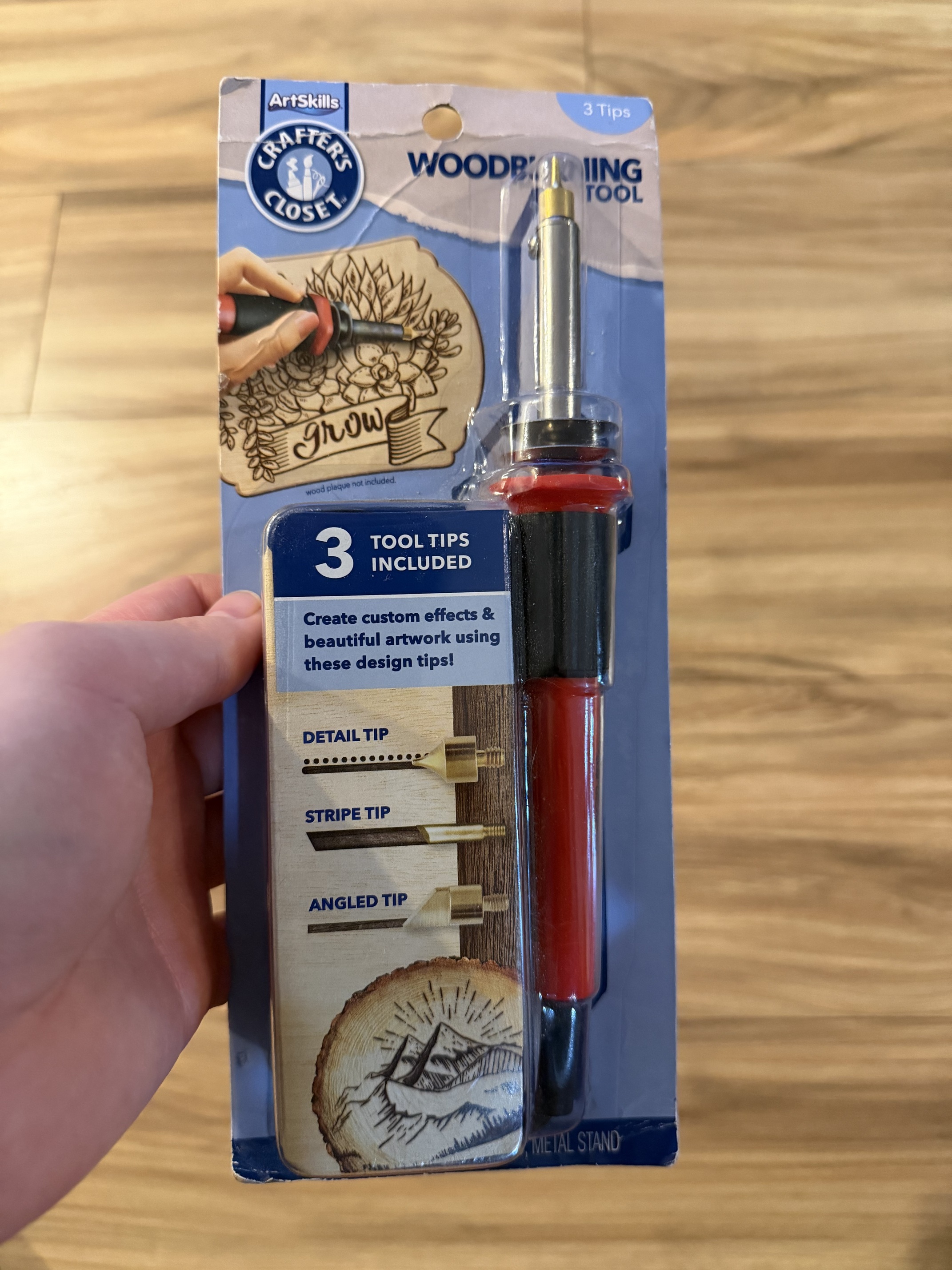
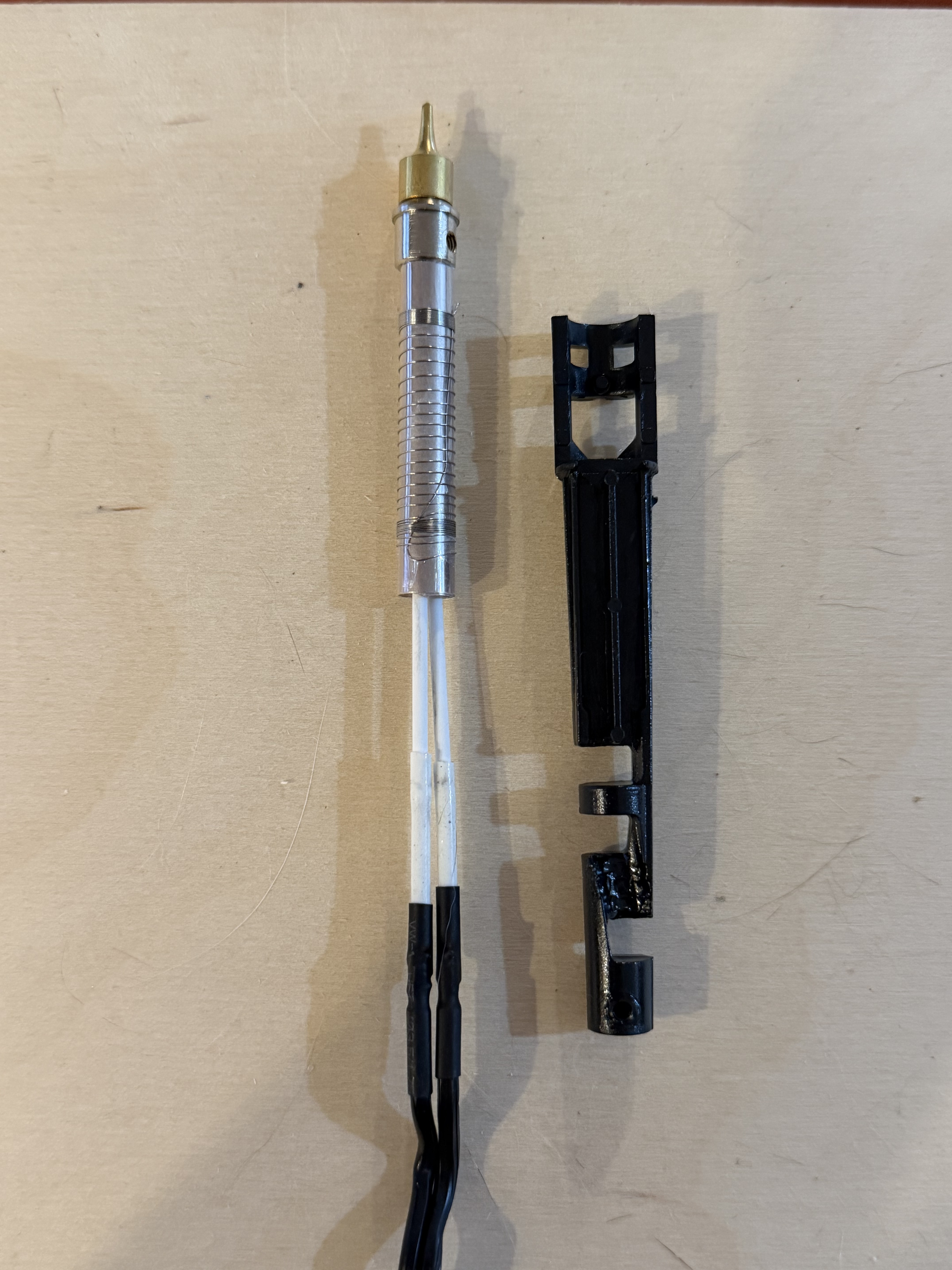
And now the question is, what’s the thermal limit of kapton tape
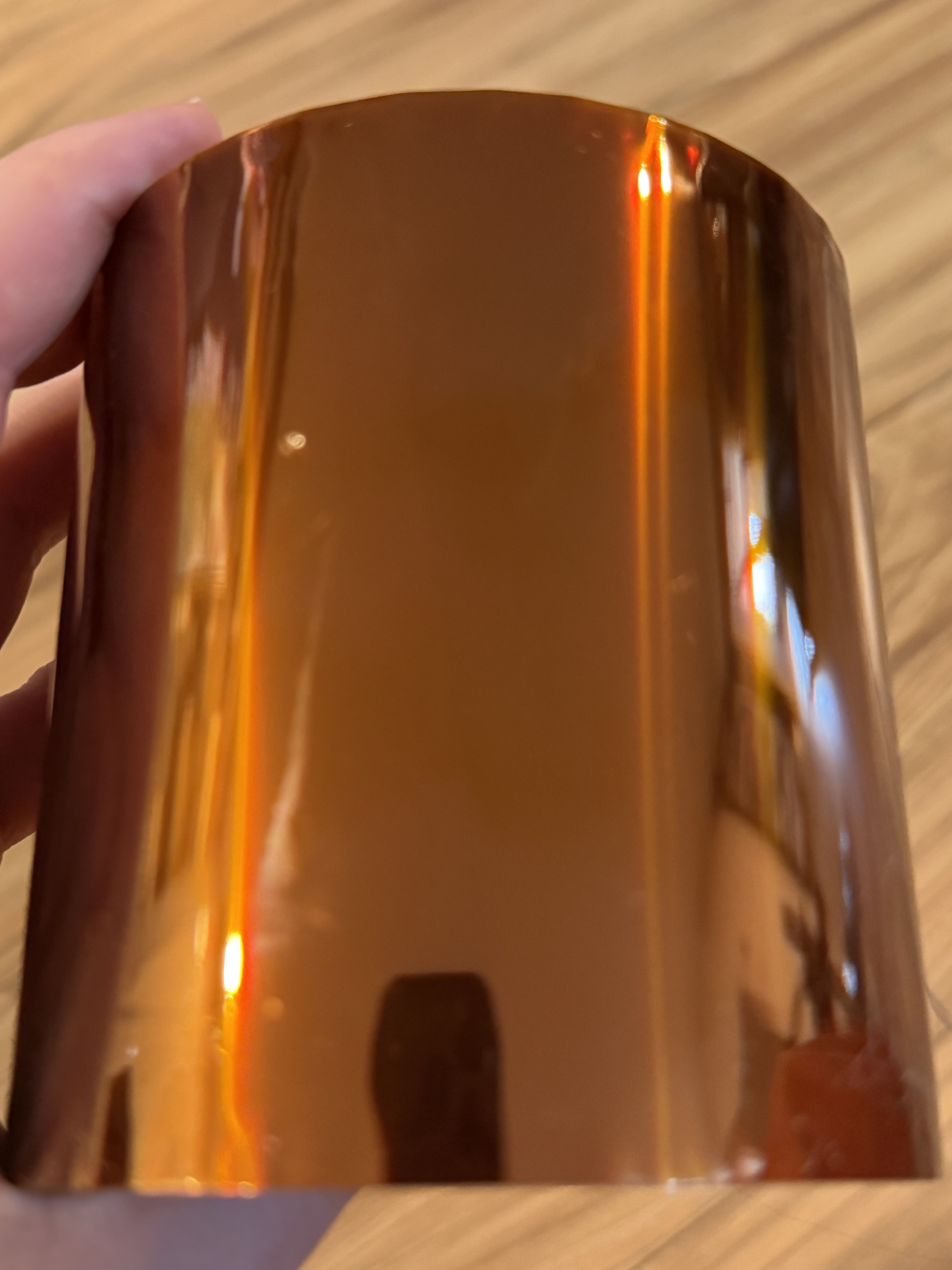
1 Like
Honestly I was thinking to clamp the burner as is.
Use the existing thermal shield.
But, some have to chase a squirrel. 
1 Like
Attach this to your Machine.