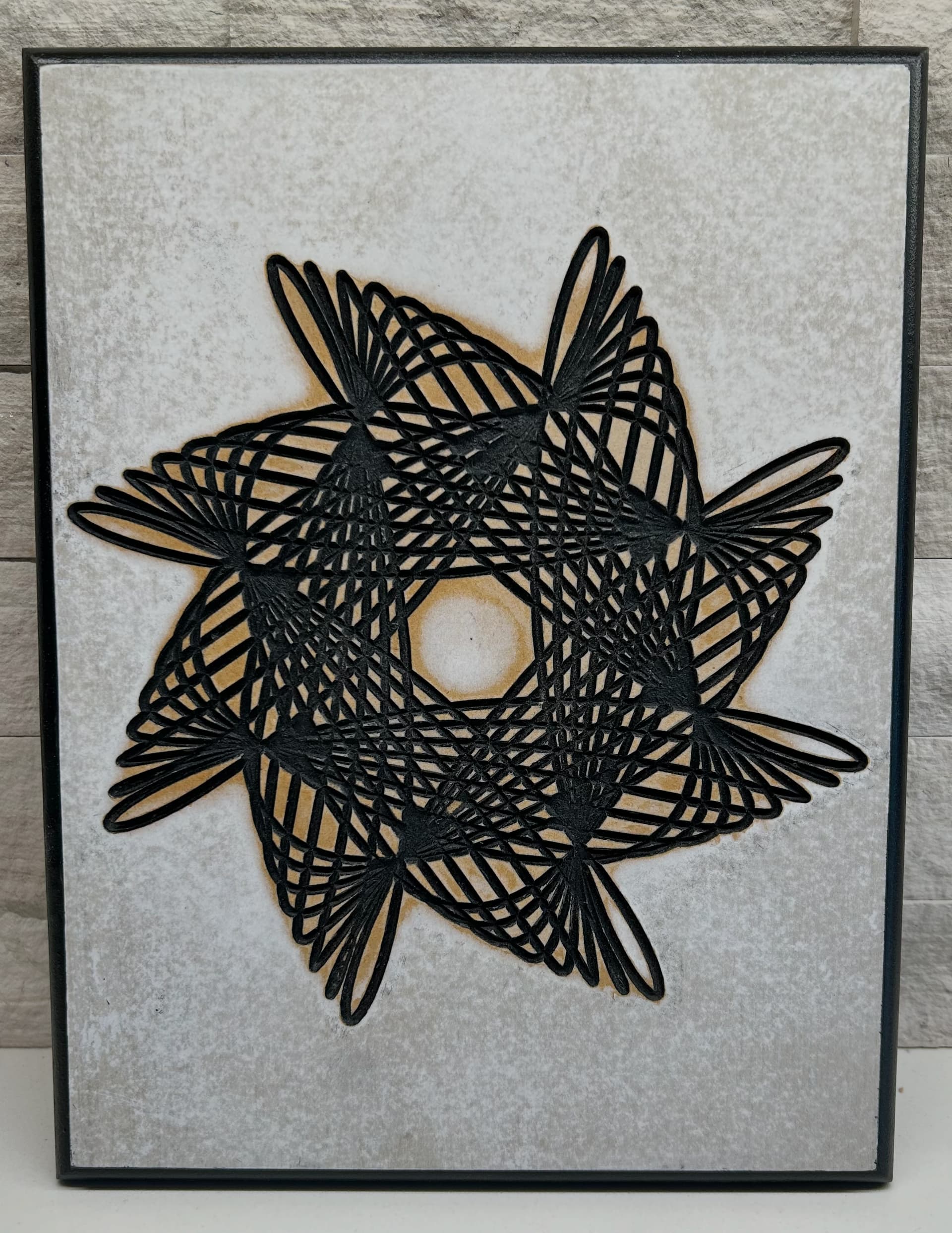
Getting my feet wet again after not carving on the Shapeoko HDM for a while. I’ve done a couple inlays before; very successful using the Carbide 3D youtube tutorial. This one was carved with a 60 degree Vee bit, sprayed black on gray panel and then sanded to reveal the image after it dried. I do need help with my masking technique. I tried carving through blue painters tape but it just tore it to shreds. I can probably change some settings on the trace tool I used; reduces the line count before exporting the SVG, etc.
3 Likes
Neat!
The two usual masking products which are recommended are either Oramask or Wal-Mart brand shelf-liner.
Very nice design. I saw a youtube video about a woodworker that made a giant spirograph and cut into a table top. Very interesting.
2 Likes
Yes, thanks. I saw that too. I’m working on a Fusion 360 script (Add-In) that will allow you to print the gears or use that trace that it writes to Sketches directly. You can basically make an unlimited array of spirals; even one that traverses around a free form sketch profile.
Thank you Will. I think I’ve seen Oramask used on Tools Today. I’ll check it out.
My key learnings:
make sure the mask is pressed on well. Some people use a small roller, I used the handle of tool I had knocking around.
As ever, a nice sharp vbit.
Clean surface
Tweezers, small smooth rubbing bit and a sharp knife for removing mask and leave the tiny bits of mask you may need , like the centre of letters, ends of acute angles.
2 Likes
This topic was automatically closed 30 days after the last reply. New replies are no longer allowed.