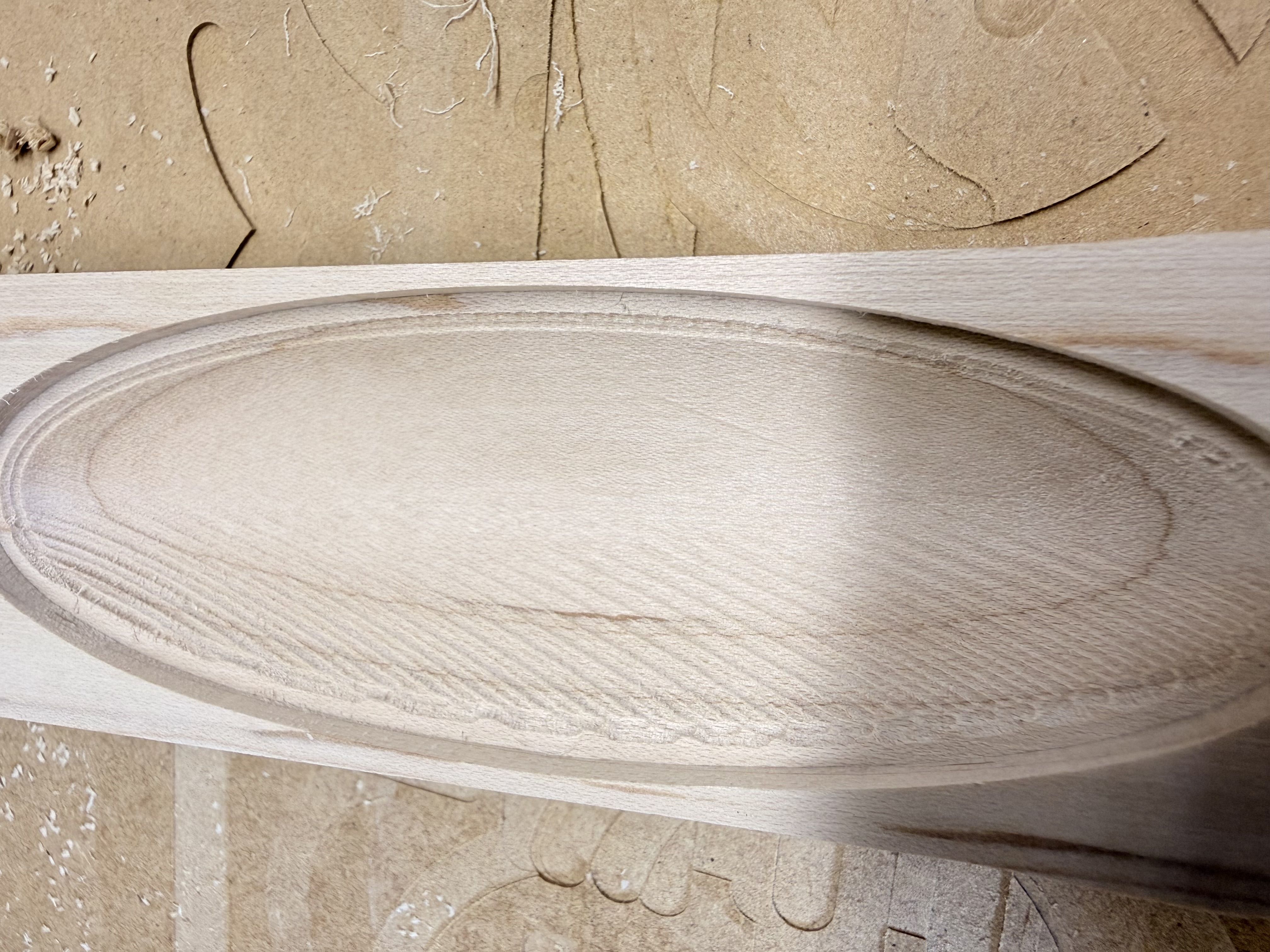
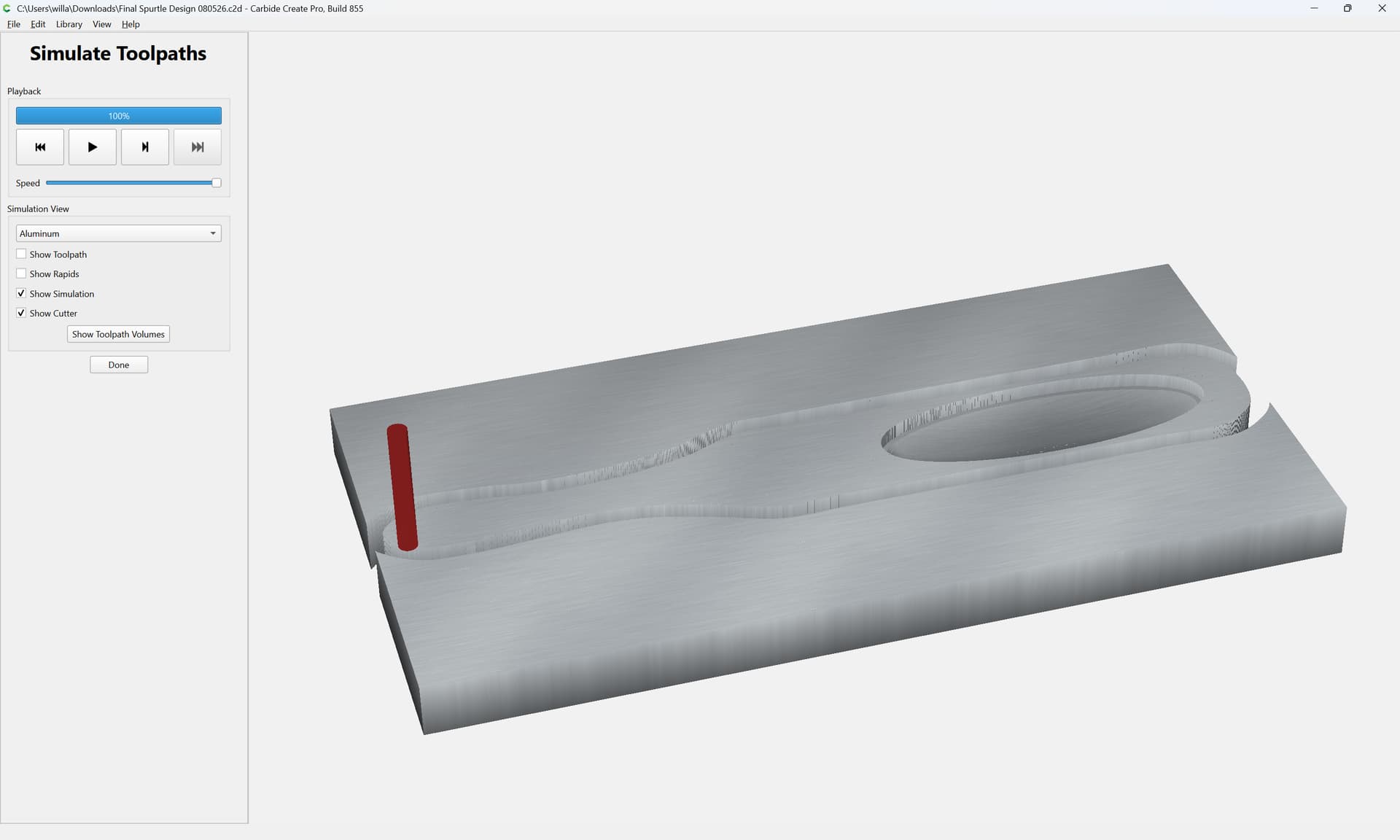
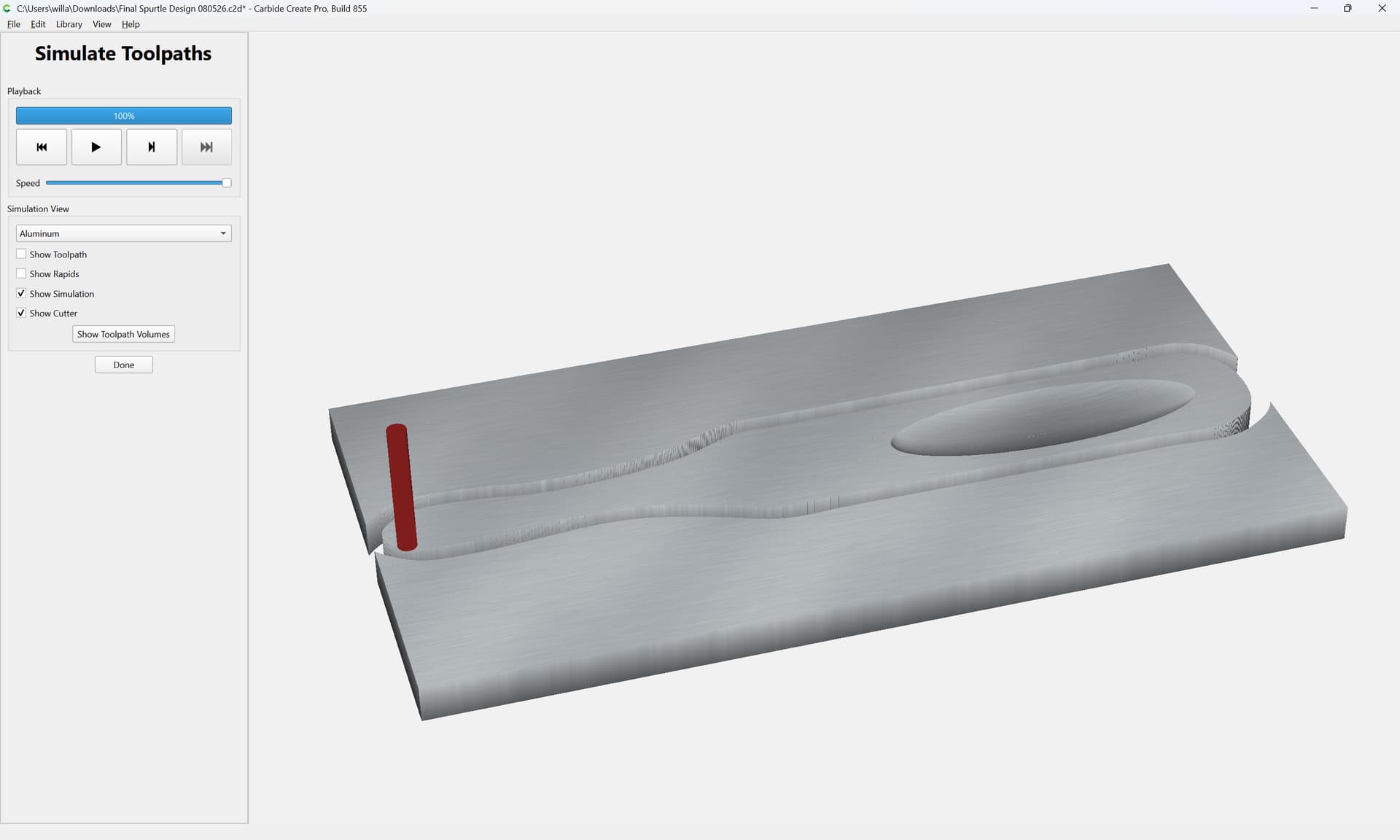
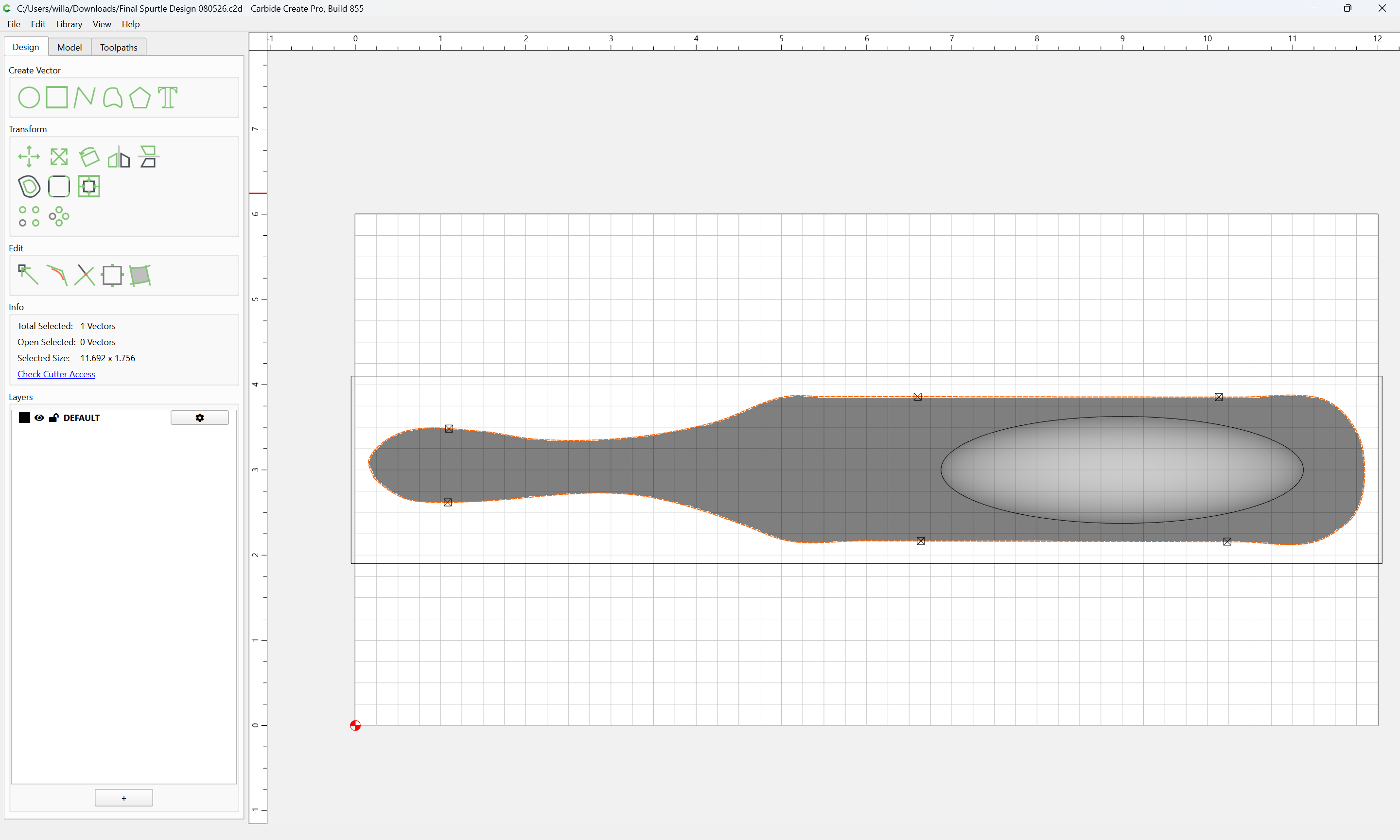
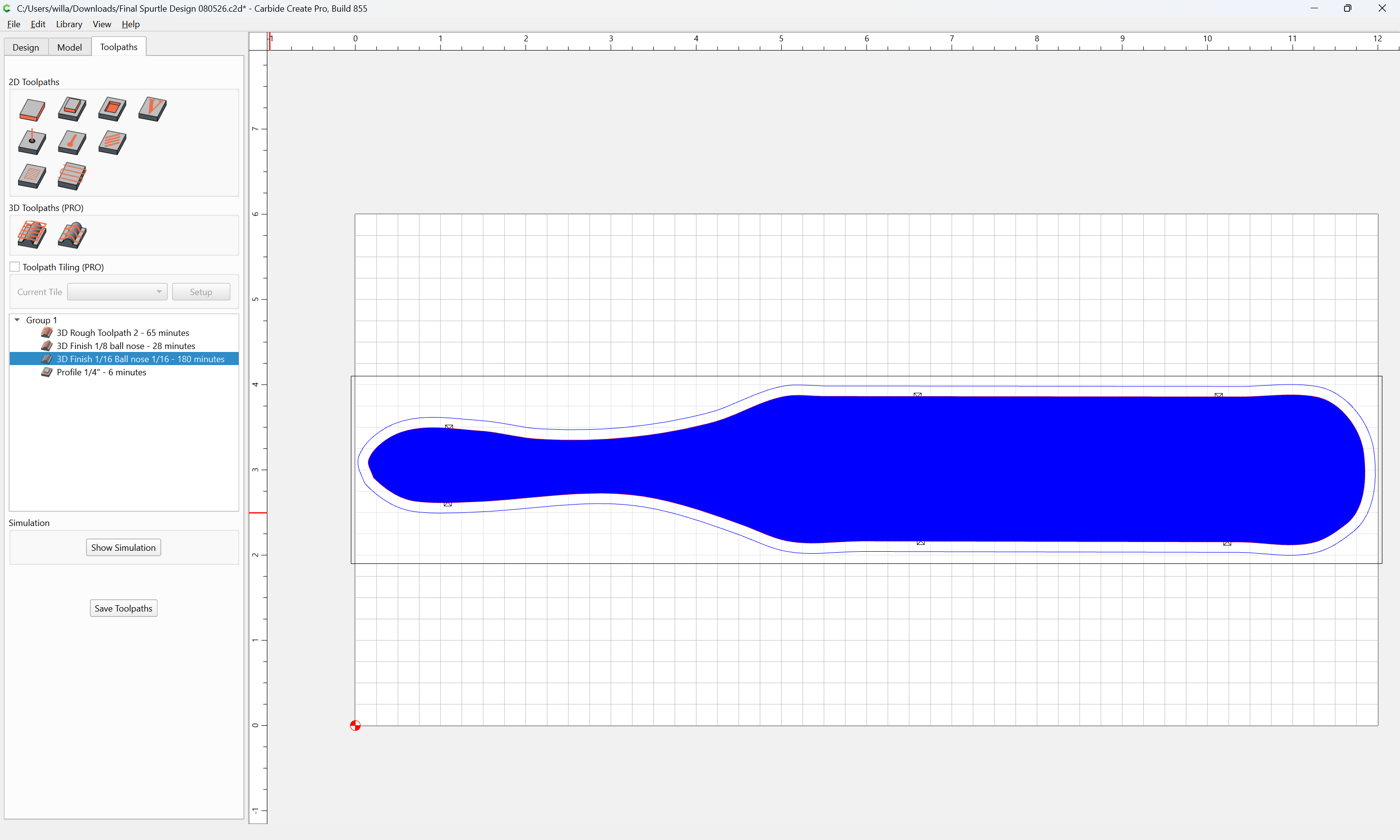
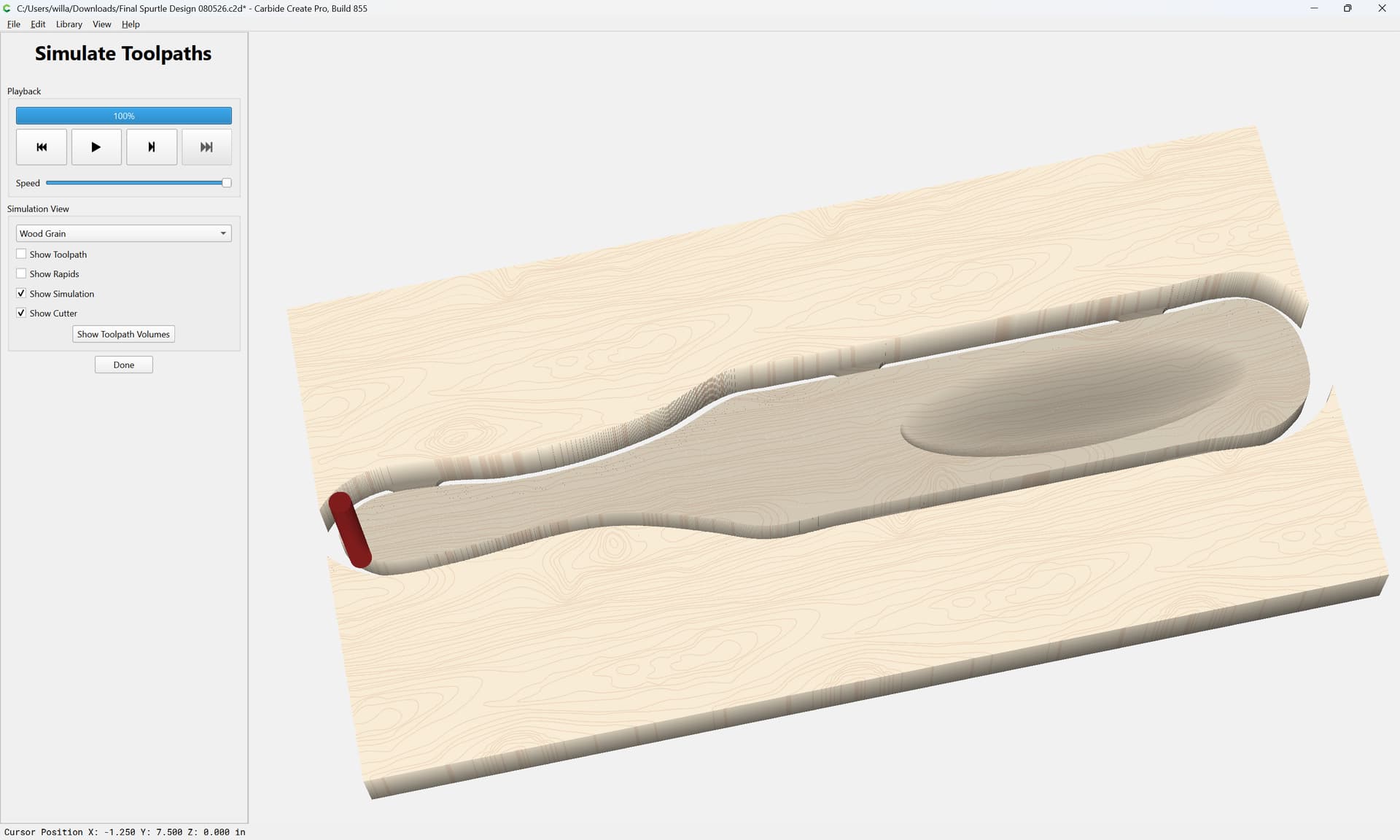
Still working on learning the nuances of CC Pro and 3D carving. This community has been extremely helpful. @WillAdams and many others have answered many questions and solved my issues so far. Here is the latest. The spoon is being carved from top left to bottom right in a diagonal pattern. No idea why but that’s not the issue. The issue is the “entrance” side of the bowl, the top, is very smooth but the “exit” side is not. You can see it in the picture. I have no idea what’s going on. Any help appreciated.
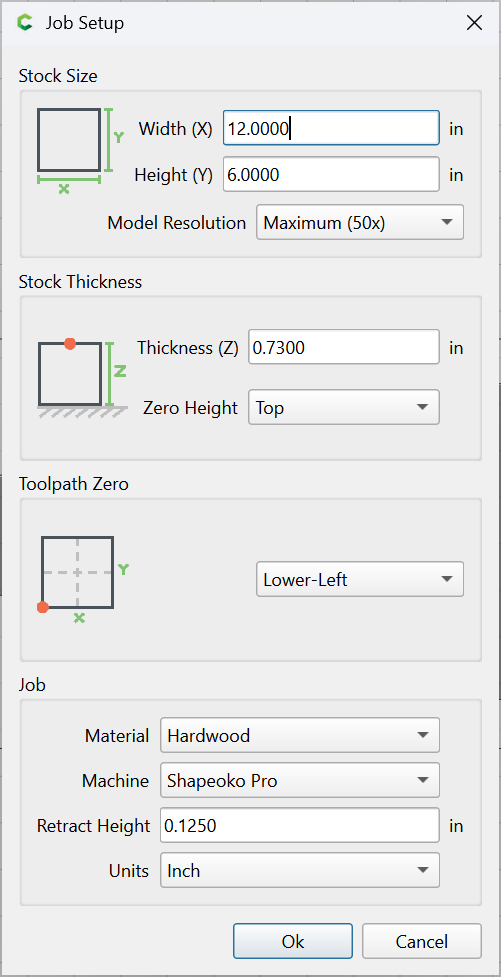
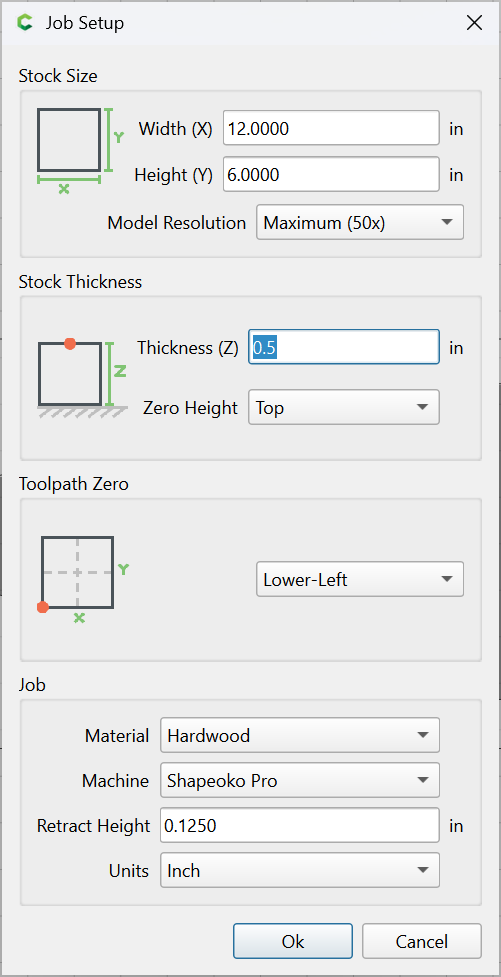
I used 1/4” end mill for rough tool path, 1/8” ball nose and 1/16” ball nose for finish passes. Step over for all is 10%.
The 3D Finish path uses a lace / zig-zag / raster pattern, so every other pass has a stepover, then the next stepover is at the other end. So there are serrations left on the edge.
You can quite likely clean these up with a rough path that uses Z-level pattern, basically a series of pockets at different Z levels. Or a 2D contour path.
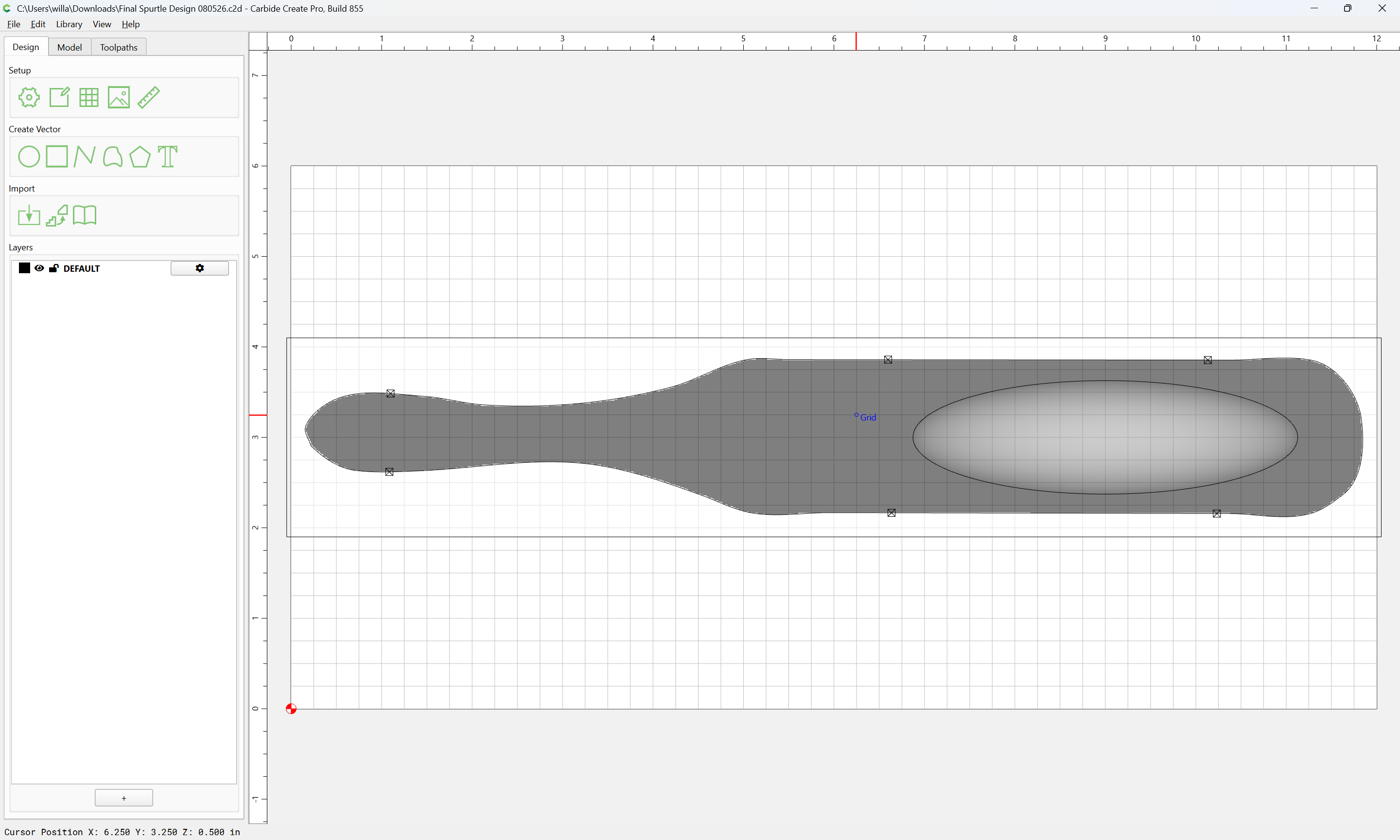
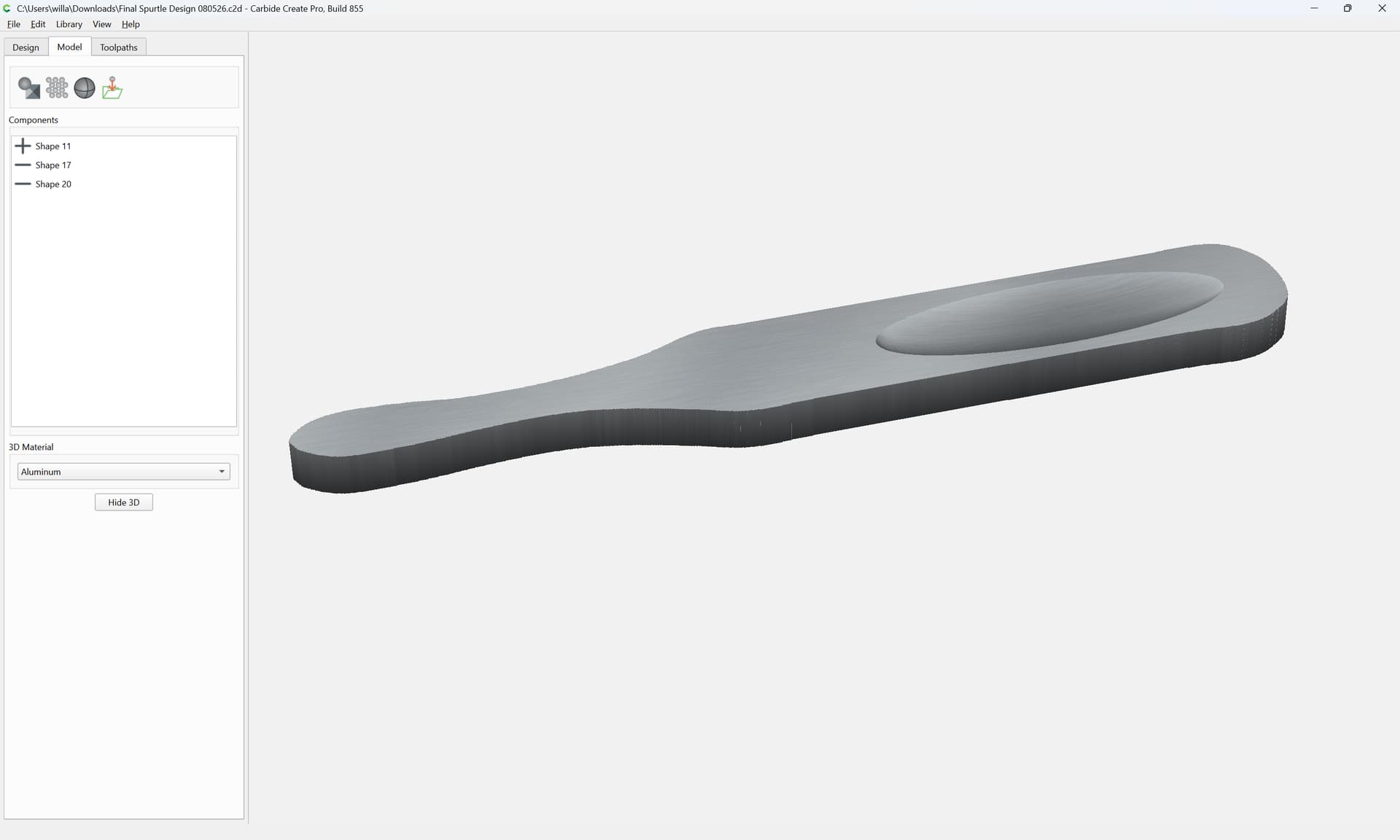
If you share the file, we can give you some recommendations.
Depending on how long it took to do the run, i’ve had some success with doing 2 passes at opposite angles. So if this is a 3d finish pass and you have it set to 45 degrees for the angle, set it for -45 degrees, or even just 0 degrees, so that the bit is going back over and getting some of the little bits that are remaining.
Also, I’ve found that the smallest stepover you can tolerate helps. I’m doing stuff right now with a 1/8" ballnose bit and the stepover is set to 0.006". It takes forever but looks amazing!
Will I know I can be dense, however how does this explain or resolve the issue I’m having with the finish carve not being smooth on both sides of the bowl? Sorry
@Jmcwoodworking You could probably get away with one finishing pass as well. I’ve used 1/4 and 1/8 ballnose endmills with a 10% stepover on much smaller 3D projects and left no marks and no sanding required.